




DxO PhotoLab 10 takes on Lightroom and Capture One with AI masking, no subscription required
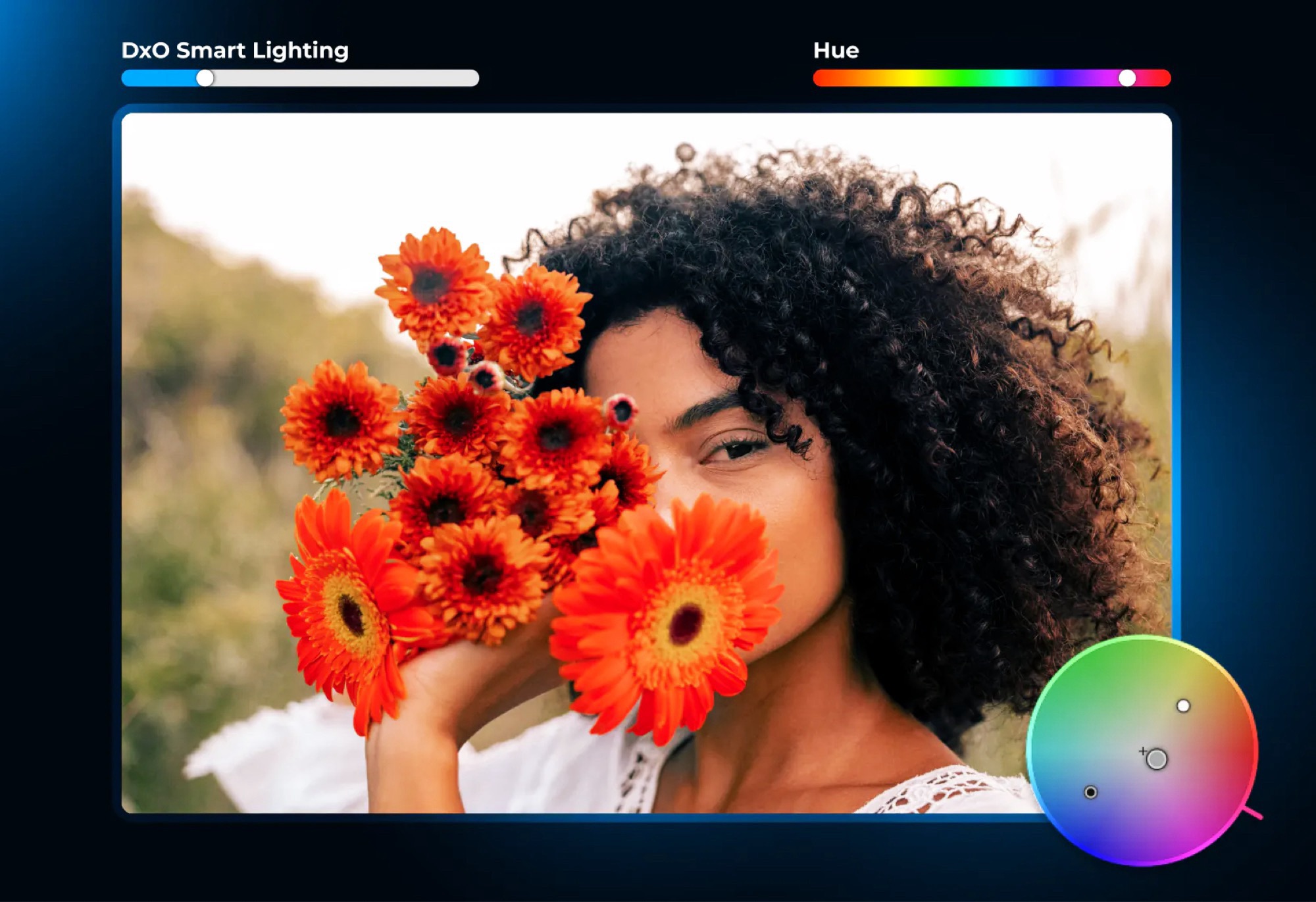
PhotoLab has always been positioned as an alternative to Adobe Lightroom and Capture One. The software allows users to manage photos and edit RAW and JPEG files. The latest version primarily adds improved AI masking. AI creates a depth map of a photo, allowing you, for example, to mask the foreground or background of a photo with a single click.
The AI can not only create a separate mask for each person in a photo but can even mask individual areas of a face, such as the eyes or lips, to speed up portrait editing. AI masks are now created at the touch of a button, so users who don’t use this feature no longer have to wait for the AI to analyze a photo. A new color wheel allows you to adjust colors for shadows, midtones, and highlights more quickly.
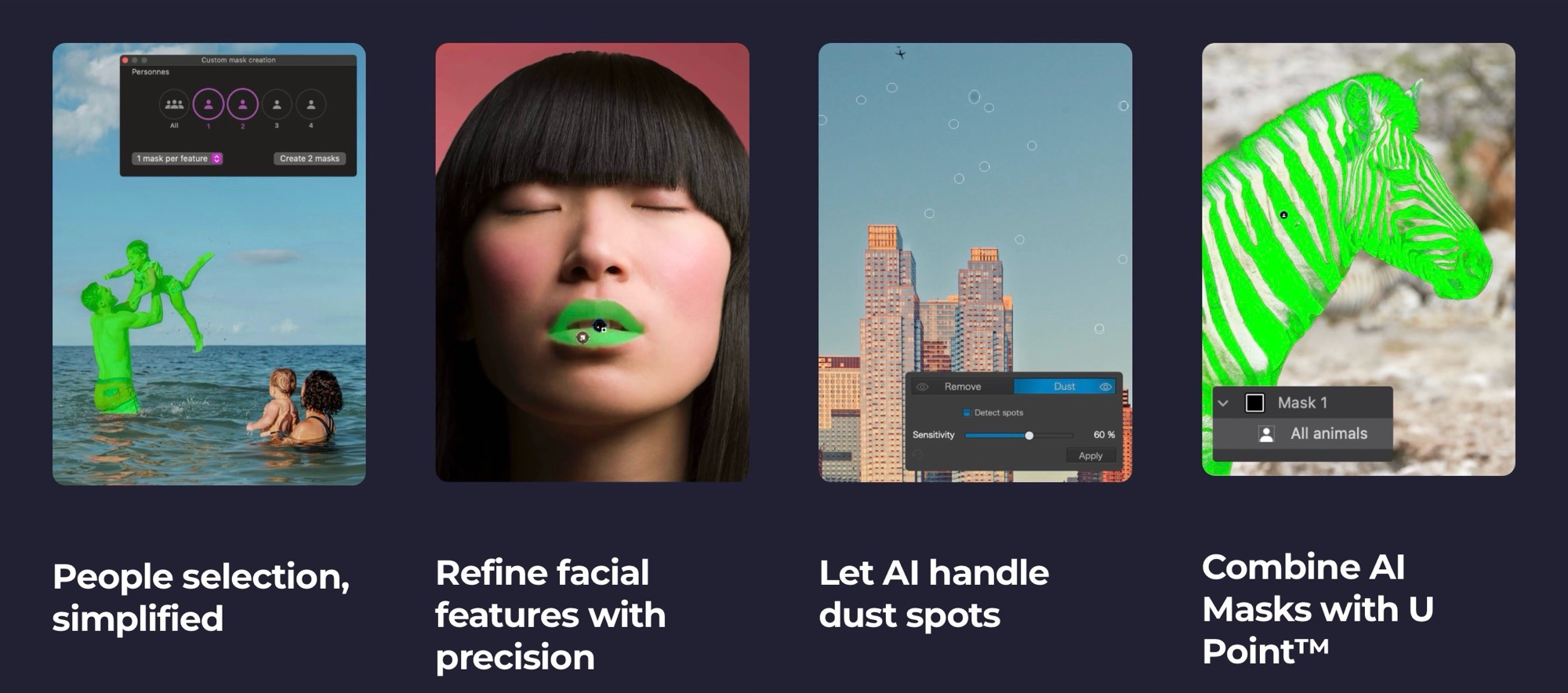
A new AI dust detection feature can automatically detect and remove spots caused by dust on the camera sensor. Also new is the ability to open photos via a button in Affinity and then automatically save them in DxO PhotoLab 10, eliminating the need to first export an image and then import it again. A list of all compatible cameras and lenses can be found on the DxO website.
Pricing and availability
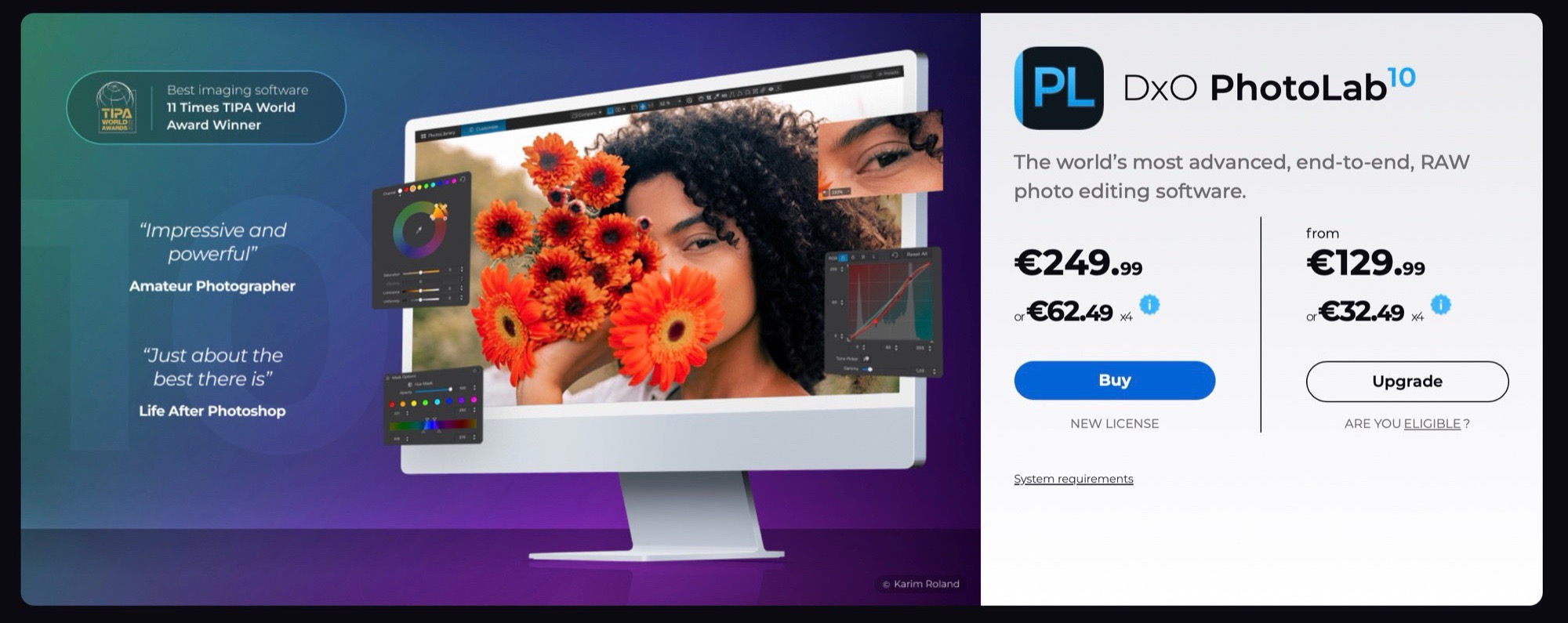
DxO PhotoLab 10 is now available for $249.99 directly from DxO. Owners of a PhotoLab 8 or 9 license can purchase an upgrade to the new version for $129.99. DxO offers a 30-day free trial.
 Add as a preferred source on Google


