




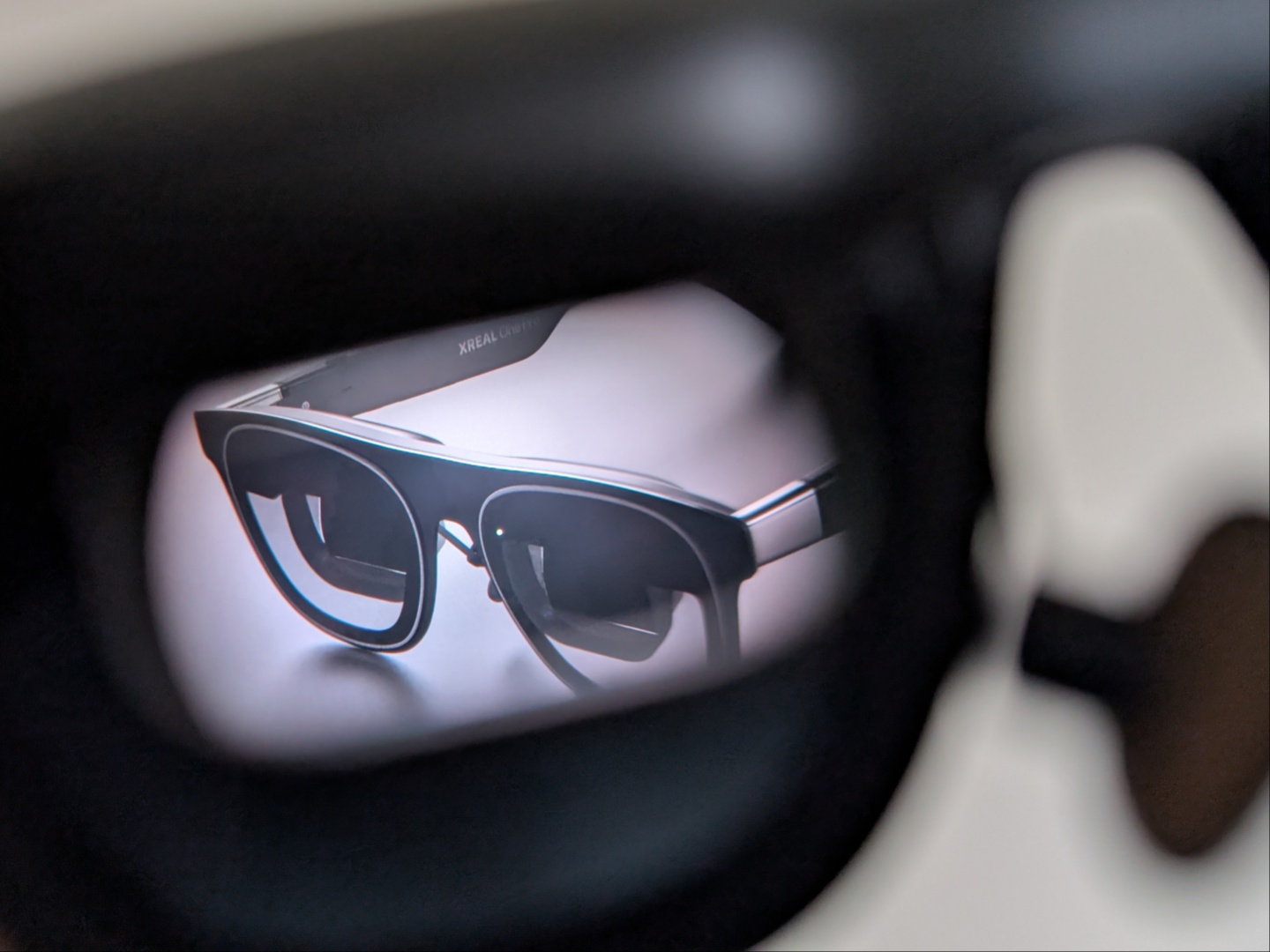
Xreal One Pro AR glasses review: A giant external display wherever you go
So much better than wearing a VR headset in public.
The Xreal One Pro AR glasses may not offer the level of immersion and gaming functionality of VR glasses, but they come very close without the bulkiness and need for external power.Vineet Washington Published 🇫🇷 🇪🇸 ...
Verdict - A worthy investment for 95% of people
There’s a fine line between functionality and gimmick, and the Xreal One Pro AR glasses stand firmly in the former category. They are essentially an external display for everyday devices, be it portable ones or tethered. While the most immersive use case is watching content and playing games, the One Pro's are great for productivity as well. Having a massive screen in front of you wherever you look, or anchored in space, makes for a more convenient, and thereby more productive work day.
Unfortunately, for those who have an IPD of less than 57 mm (like me), the experience is not as exciting. Watching videos and gaming is still fun and manageable, but working with text gets uncomfortable quickly.
Pros
Cons
Price and availability
The Xreal One Pro AR glasses are priced at $649 and are available via Amazon, as well as the Xreal website. Notably, there are only a few other companies that make AR glasses like this one and the One Pro’s are the most expensive. That being said, they do offer some features that the Rokid Max 2, the Viture Luma Ultra, or the cheapest RayNeo Air 3s Pro don’t

Specifications
| Resolution (per-eye) | 1,920 x 1,080 (standard), 3,840 x 1,080 (ultra-wide) |
| Virtual screen size | 171 inches (can be larger based on distance) |
| Display | 0.55-inch Sony micro-OLED |
| Brightness | Perceived – 700 nits, Max – 5,000 nits |
| Refresh rate | 120 Hz |
| SoC | X1 (developed by Xreal) |
| FoV (Field-of-view) | 57 degrees |
| Audio | Two speakers, tuned by Bose |
| IPD adjustment | Yes, (two variants with 57 mm - 66 mm and 66 mm - 75 mm) |
| Prescription lenses | Available, with easy attachment |
| Weight | 87 g |
| Connectivity | USB Type-C |
Unboxing and accessories
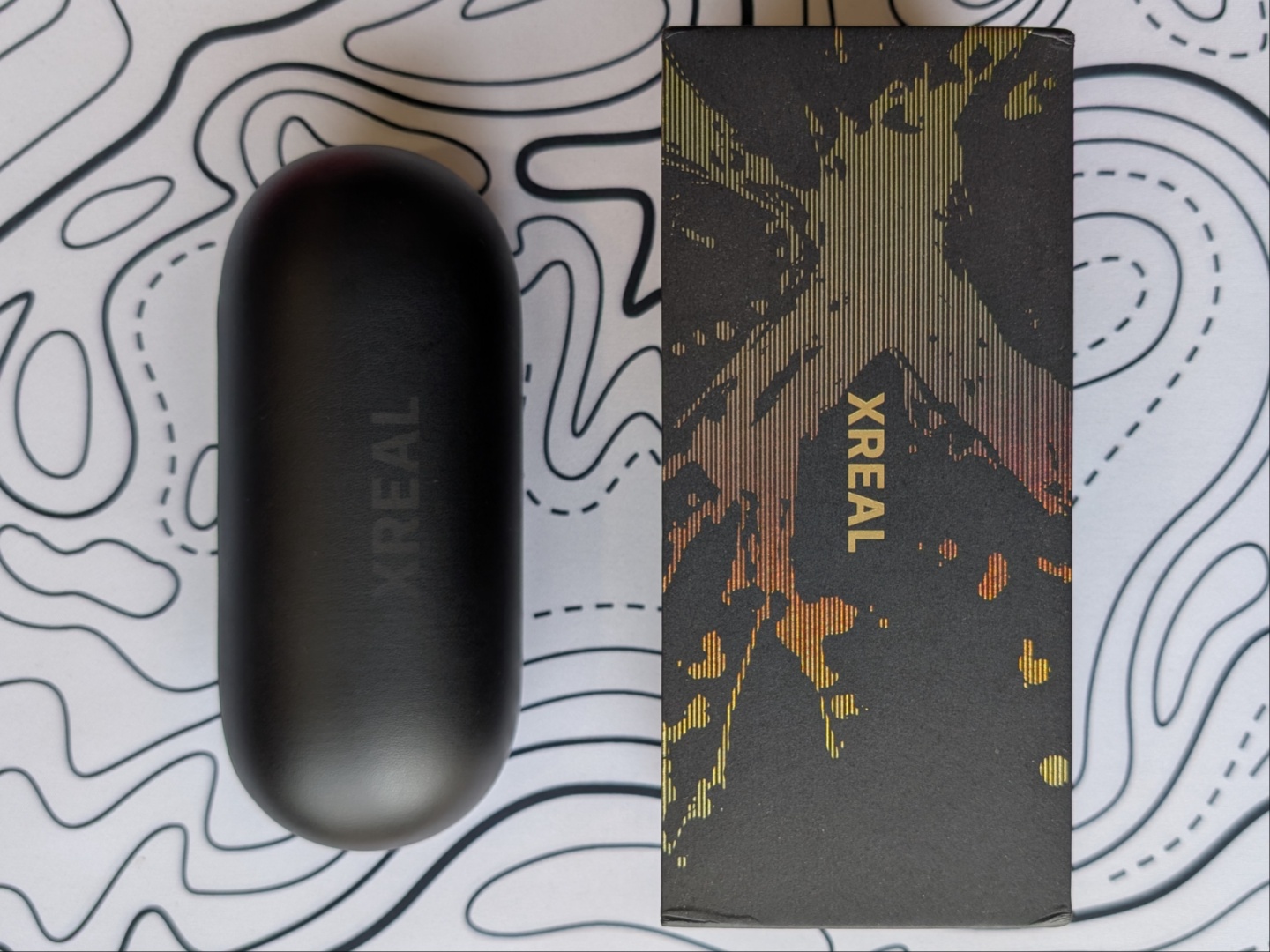

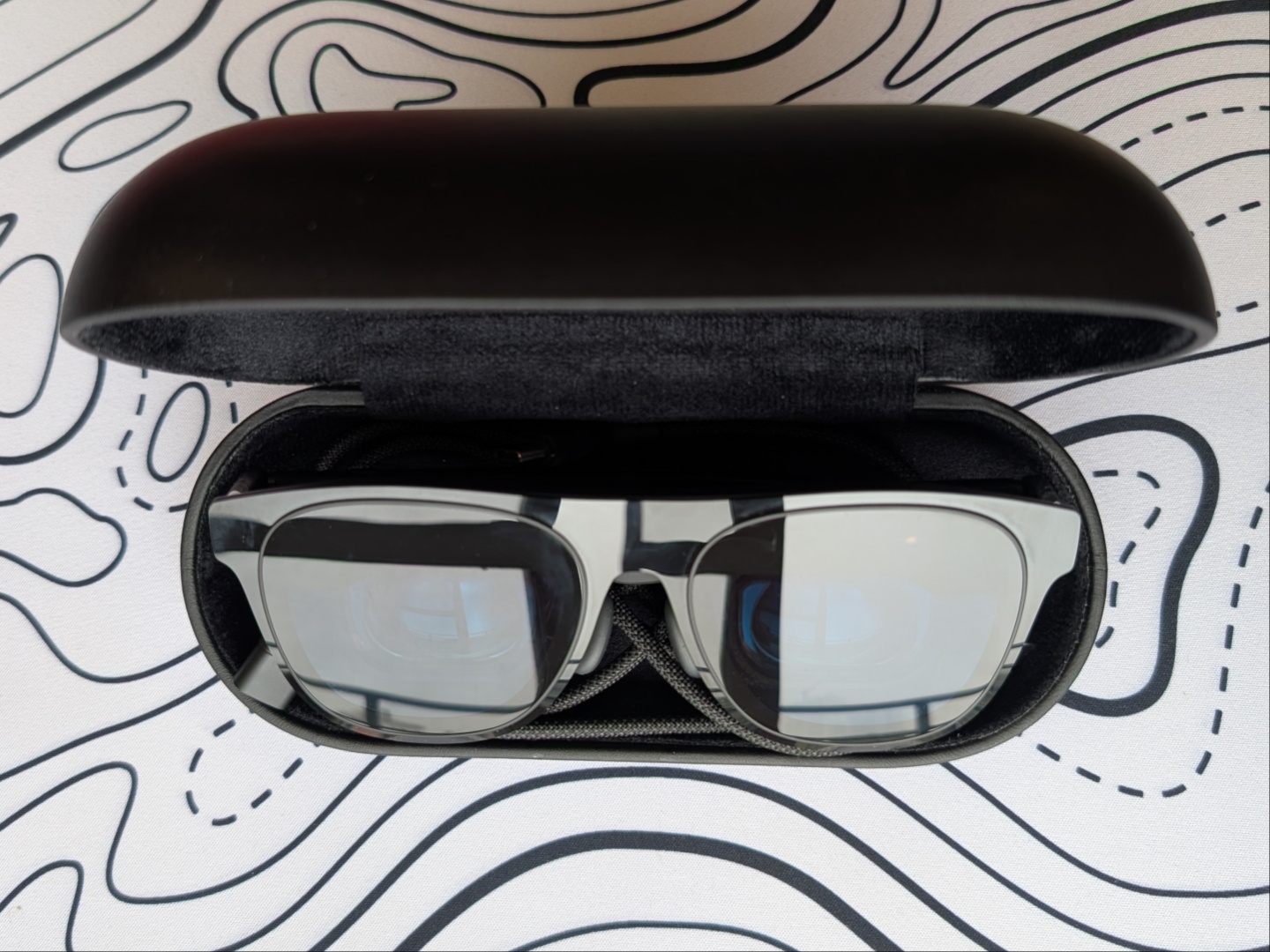
The Xreal One Pro glasses come neatly packed within a black box with golden accents for that premium feel. Inside, they are placed in a relatively large case that has space for the USB Type-C cable and the glasses. Xreal also provides a micro-fiber cloth, a lens frame, and different sized nose pads for the ideal viewing experience. Those who require prescription lenses (like me) get a set delivered separately by HonsVR.
Build quality and design
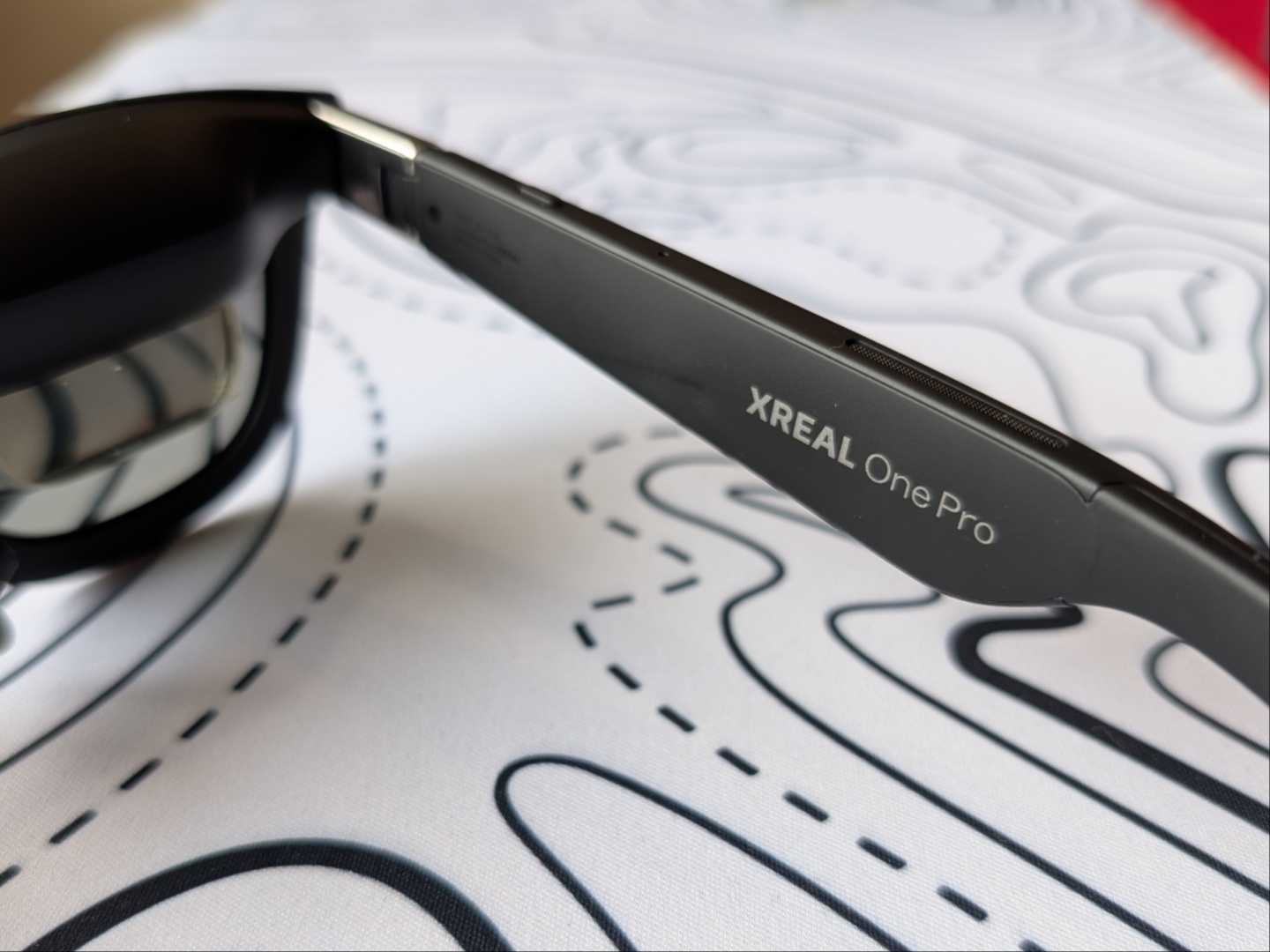
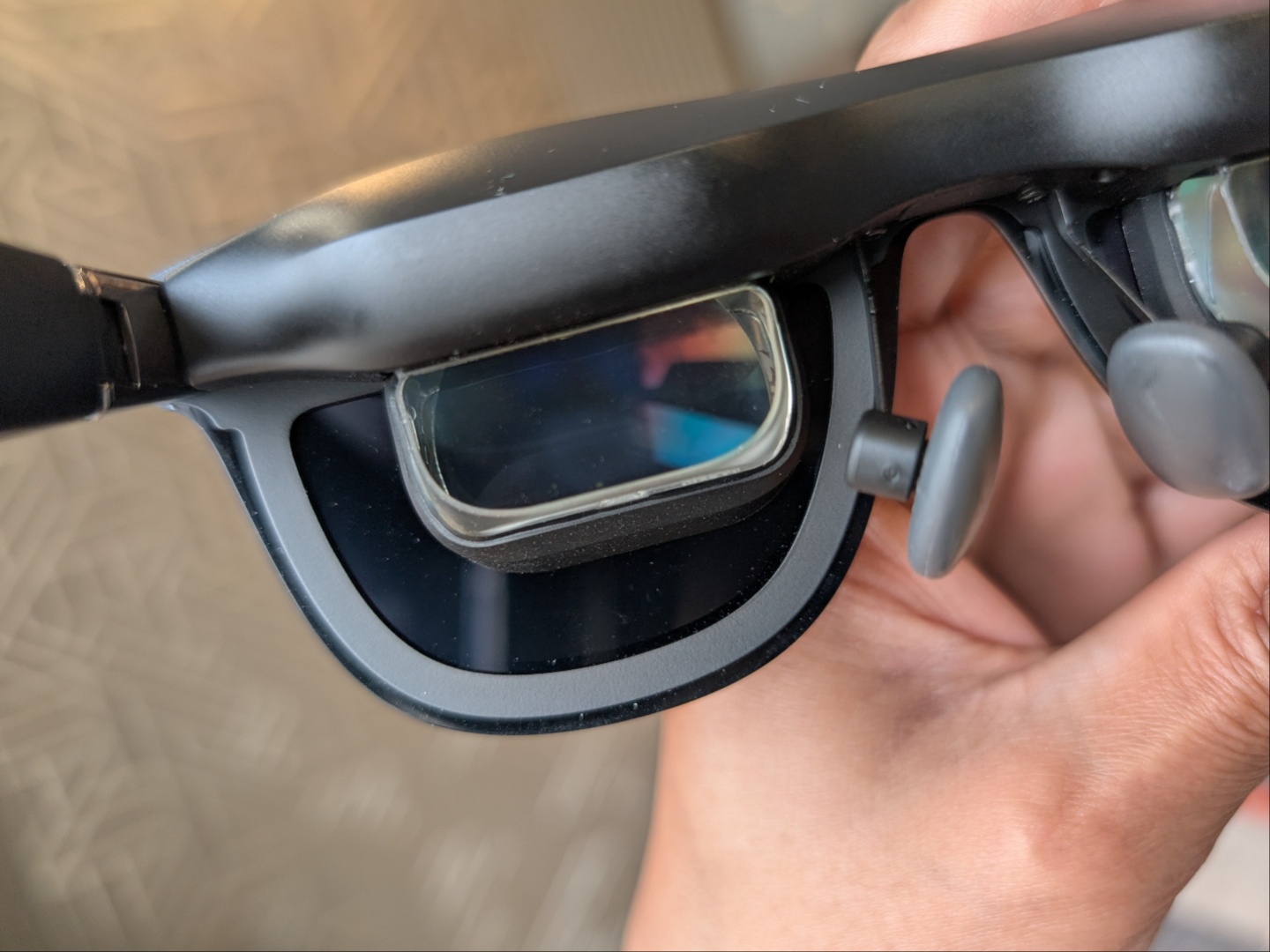
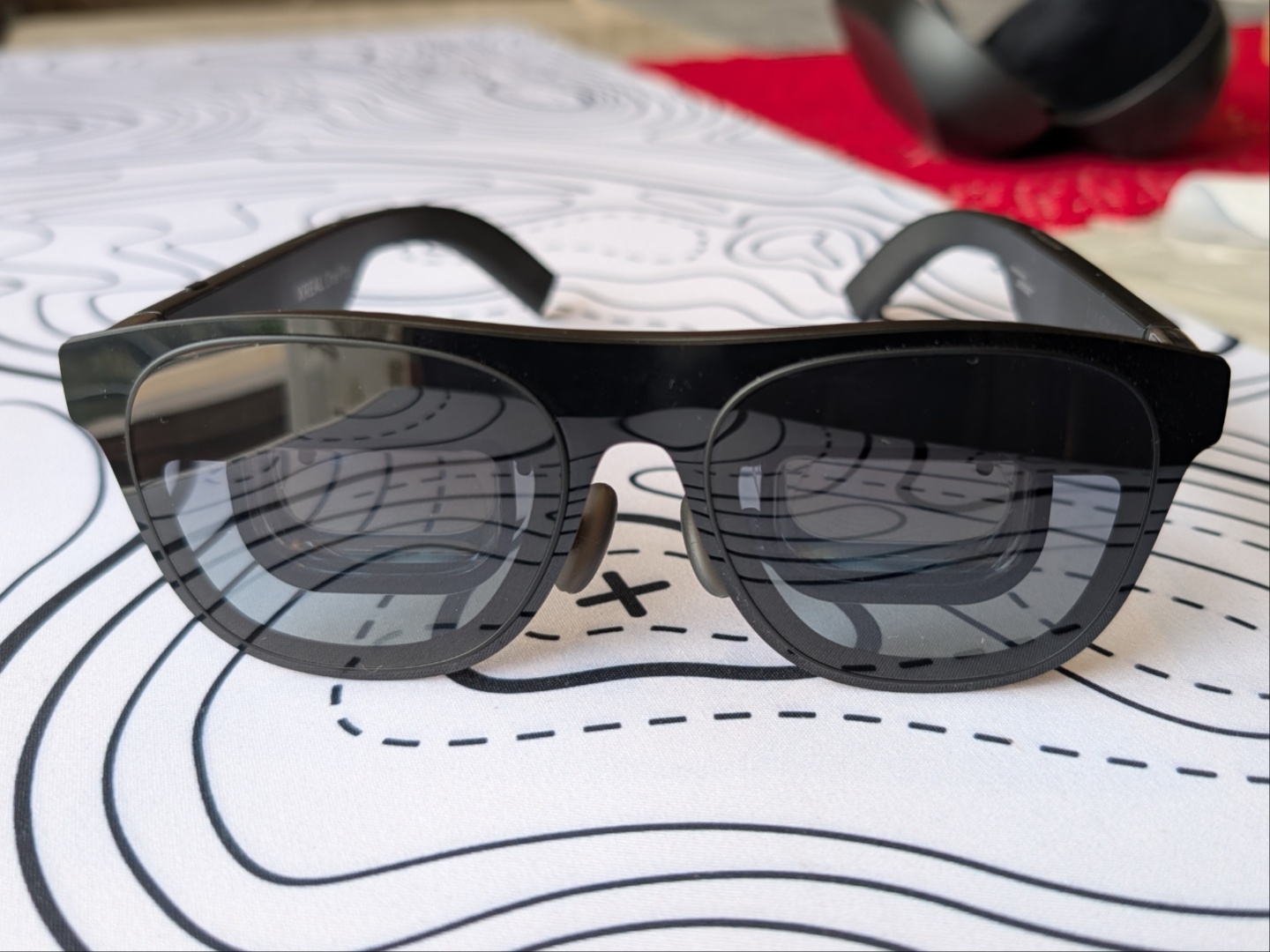
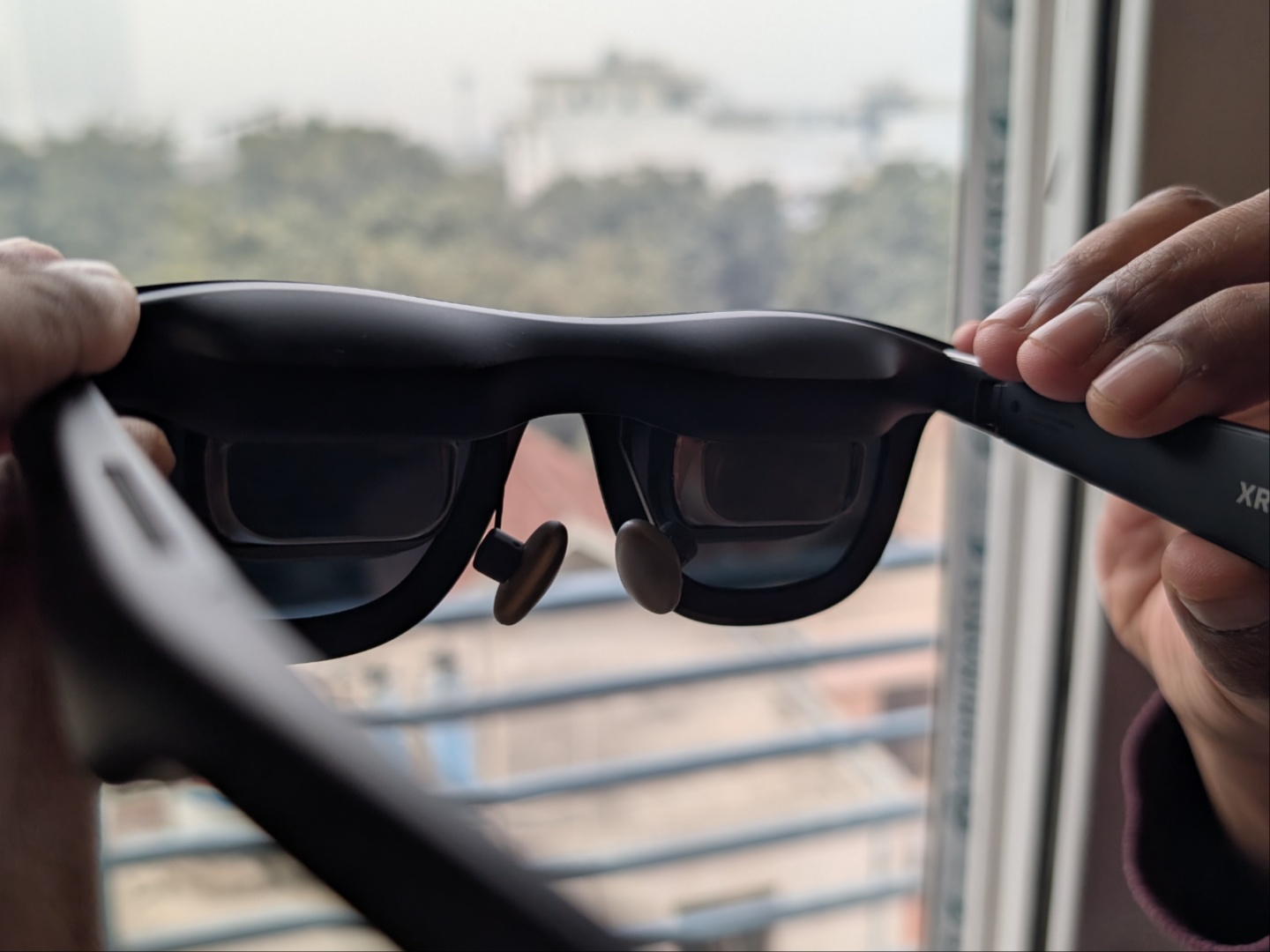
There are no complaints about the build quality for the One Pro. The glasses feel solid with the right amount of flex to keep them sitting on the face. Of course, they are bulkier and heavier than your typical prescription glasses or shades at 87 grams but you get used to the weight very quickly. Speaking of prescriptions, the third-party lenses can be easily attached and detached, and the glasses fold without any issue with the lenses attached. Also, the One Pro's start to feel a bit warm after a few minutes of use but nowhere close to being uncomfortable even after an hour. There are four buttons on the right temple with a USB Type-C (receiving) port at the end of the left temple. Both temples have down firing speakers, tuned by Bose, positioned right above the ears.
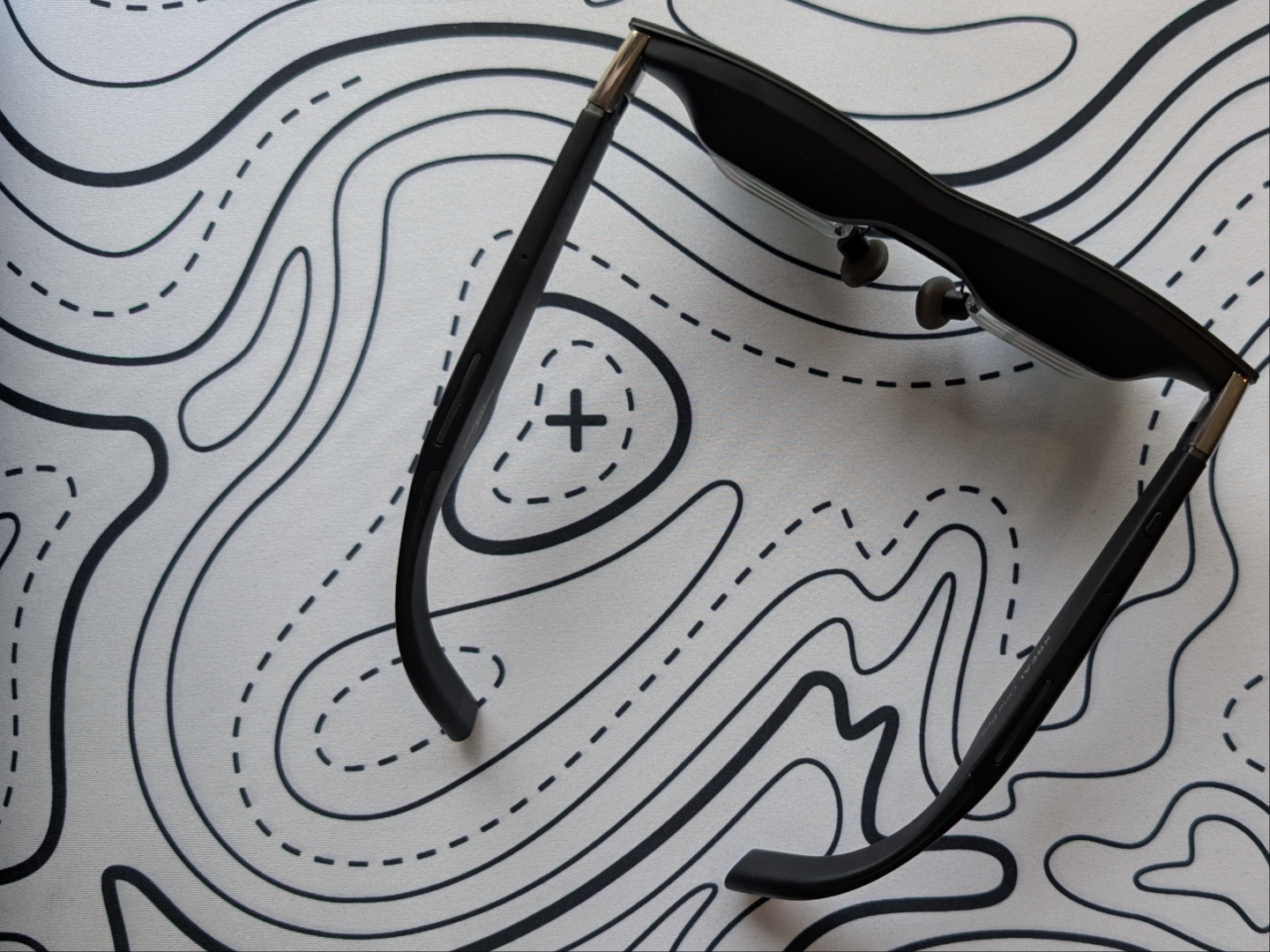

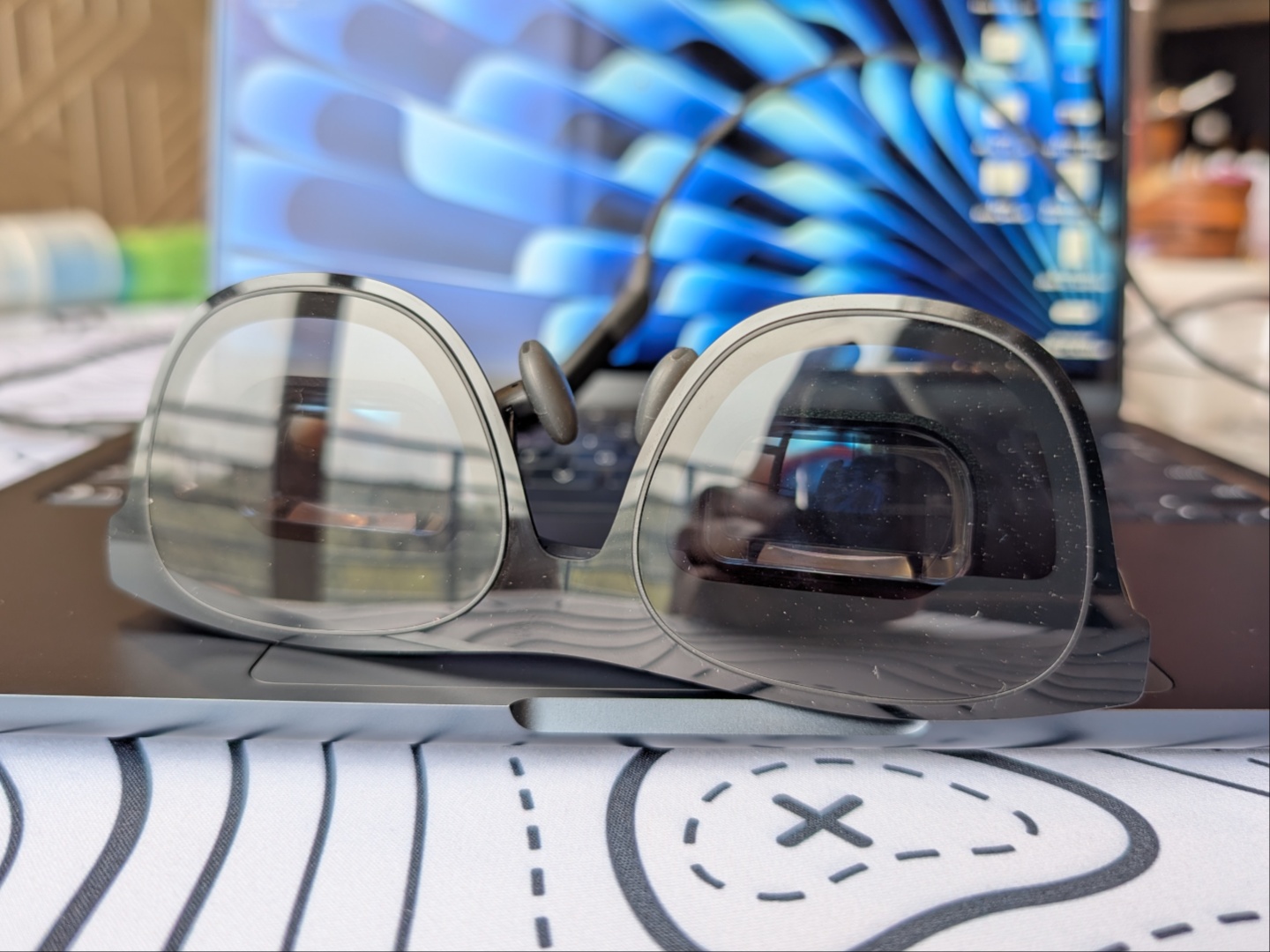
The end pieces have two angles of adjustment for those who would like to fine tune the placement of the displays. These adjustments are quite tight and loud, so they require both hands. The first time I adjusted them it sounded like I broke them, but that’s just how they sound.
The USB cable comes from behind the ear and is long enough to route to a laptop on a desk in front of you, or your phone placed in your pocket. It neither adds to the weight of the glasses nor gets in the way, so that’s a plus.
Features and capabilities
Starting with the buttons on the right temple, there is a red X-button and a navigation rocker on the bottom, as well as a customizable Quick button on the top. All three are multi-functional and the Quick button can be assigned three functions based on press, hold, and double press.
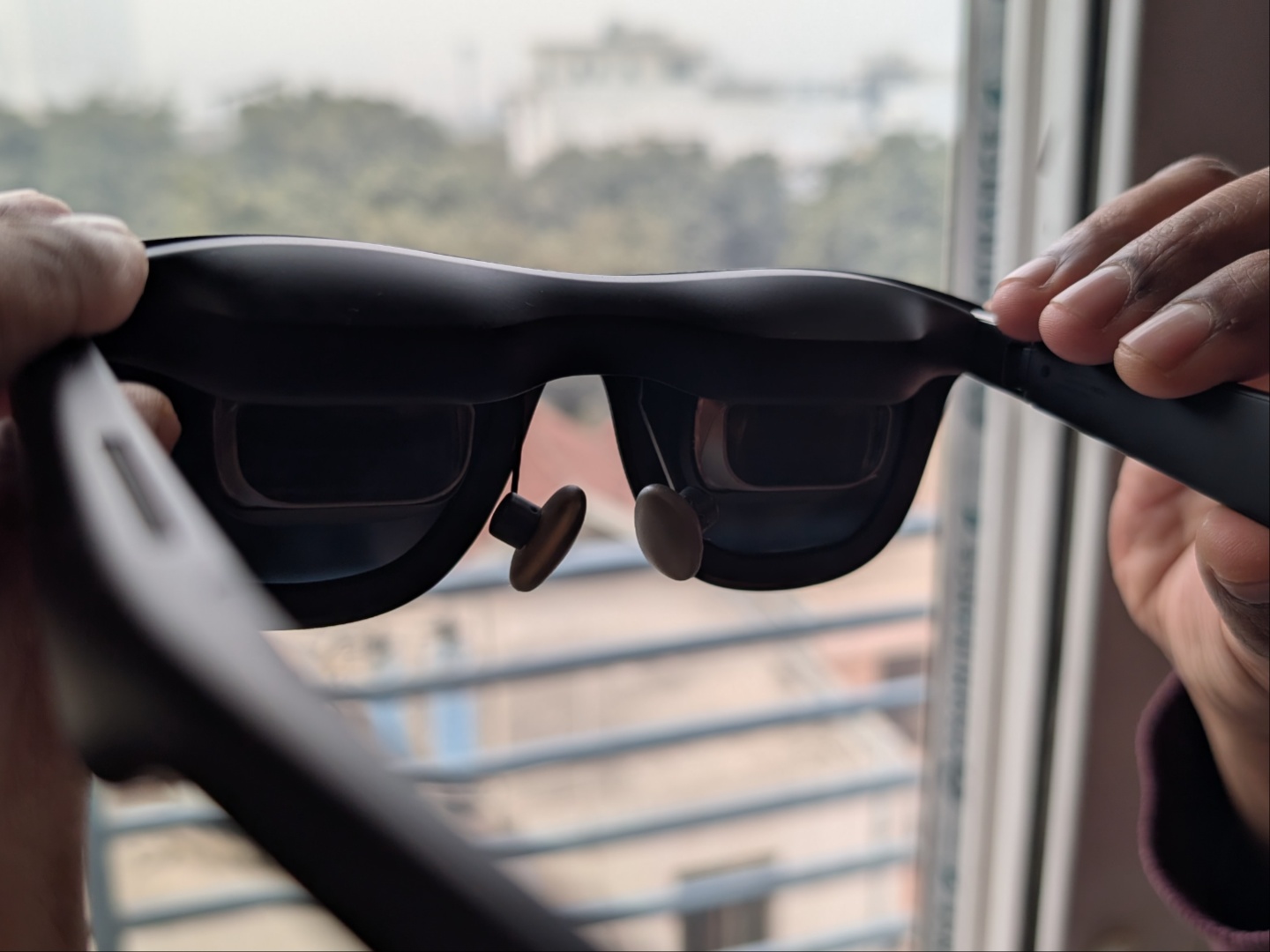
The Xreal One Pro offer three levels of darkness thanks to Electrochromic dimming. Xreal calls them ‘Clear’, ‘Shade’, and ‘Theatre’ modes. On top of that, there is also a setting that allows automatically switching to Clear mode when looking away from the projected screen. Even at the darkest setting - 'Theatre' mode - some external light does bleed through.
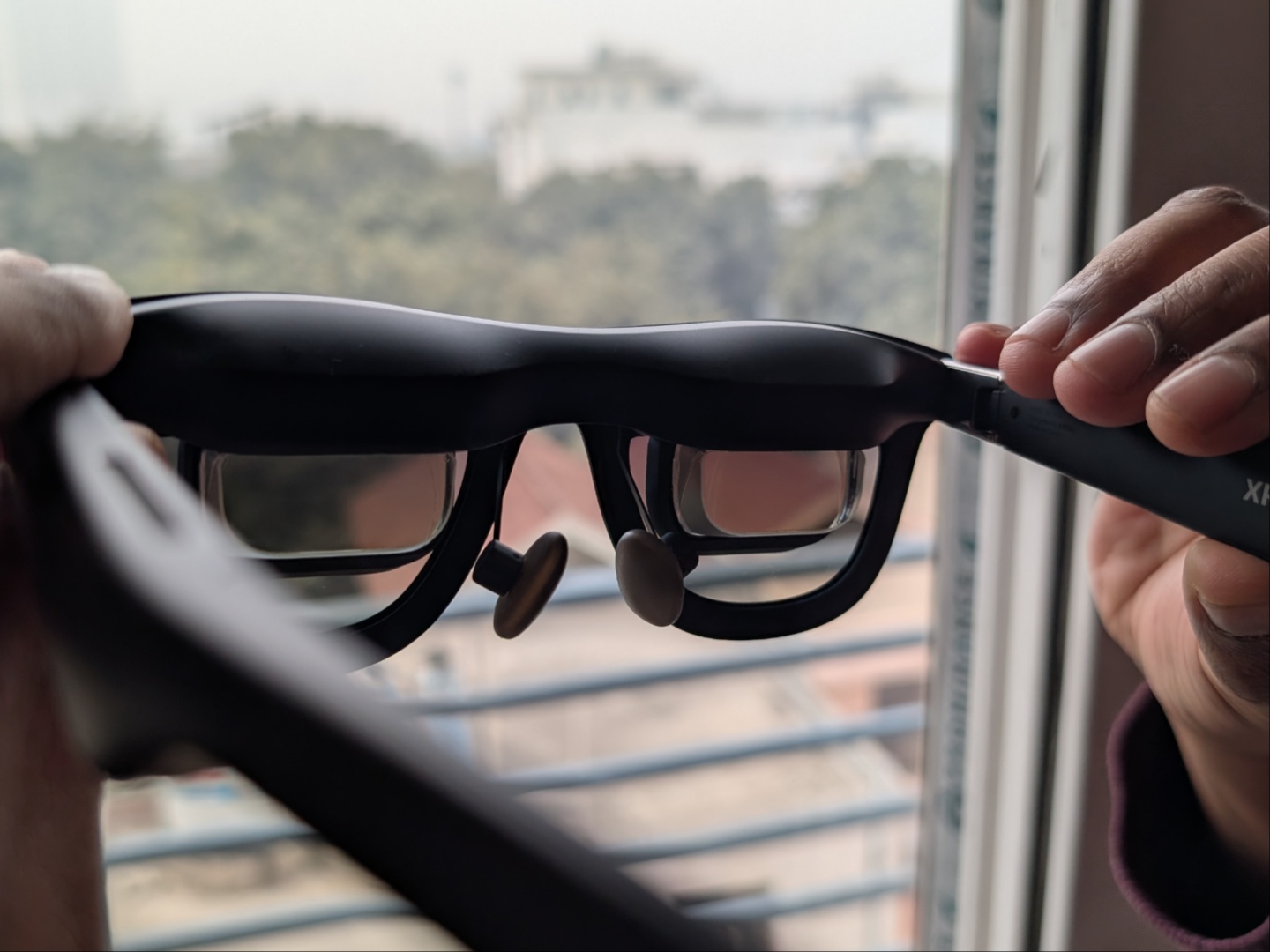
Since these AR glasses are essentially a portable external display, they offer plug and play functionality with laptops and smartphones (those that have USB C display capabilities), as well as handheld gaming devices such as the Steam Deck. No external power is needed. For devices that do need external power, Xreal sells the Xreal Hub for $40 and that gives an additional USB Type-C port, one used for power and the other for display. Since the original Nintendo Switch requires to be docked with external power to output display via USB C, the Hub is needed.
Performance and usability
First and foremost, the focus, and therefore the immersion, is not the same for every user. Majority of the populous (adults) has an average IPD (Interpupillary distance) of 62 mm – 63 mm. While the range covered by the glasses starts at 57 mm, those with lower or closer to the lower end like me will struggle with focusing when wearing the Xreal One Pro glasses, despite the built in IPD adjustment. An issue that becomes more evident when looking at text. Watching videos or playing games is still fun and fairly immersive, but eye strain takes hold quicker.
That being said, for most other people, it is an excellent experience. Plugging the USB Type-C cable into any modern smartphone that supports display out via USB C mirrors the phone’s display, but Samsung phones with Dex support bring up the full Dex experience. With laptops, it works like any other external display, and offers a seamless connection with the Steam Deck as well.
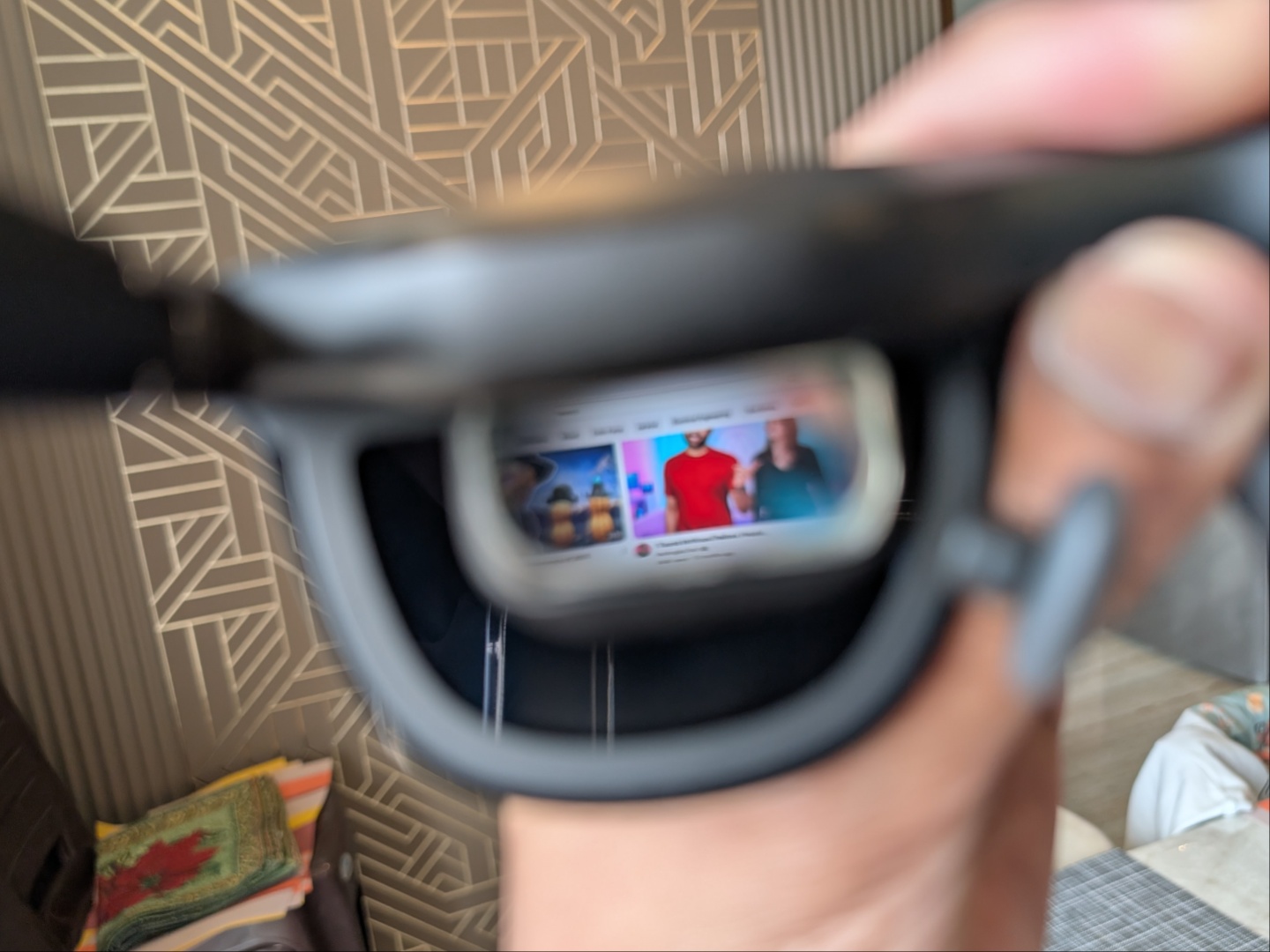
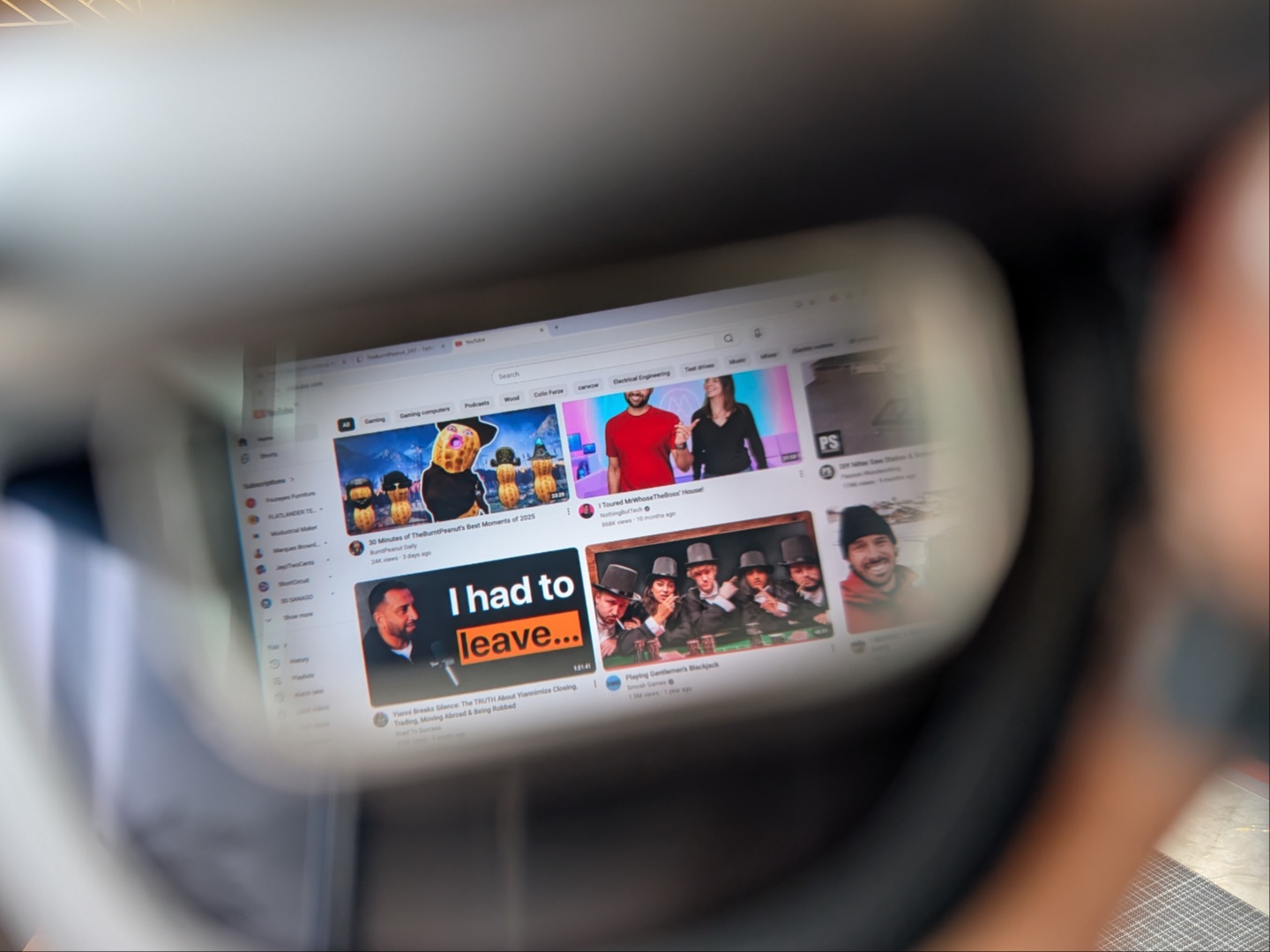
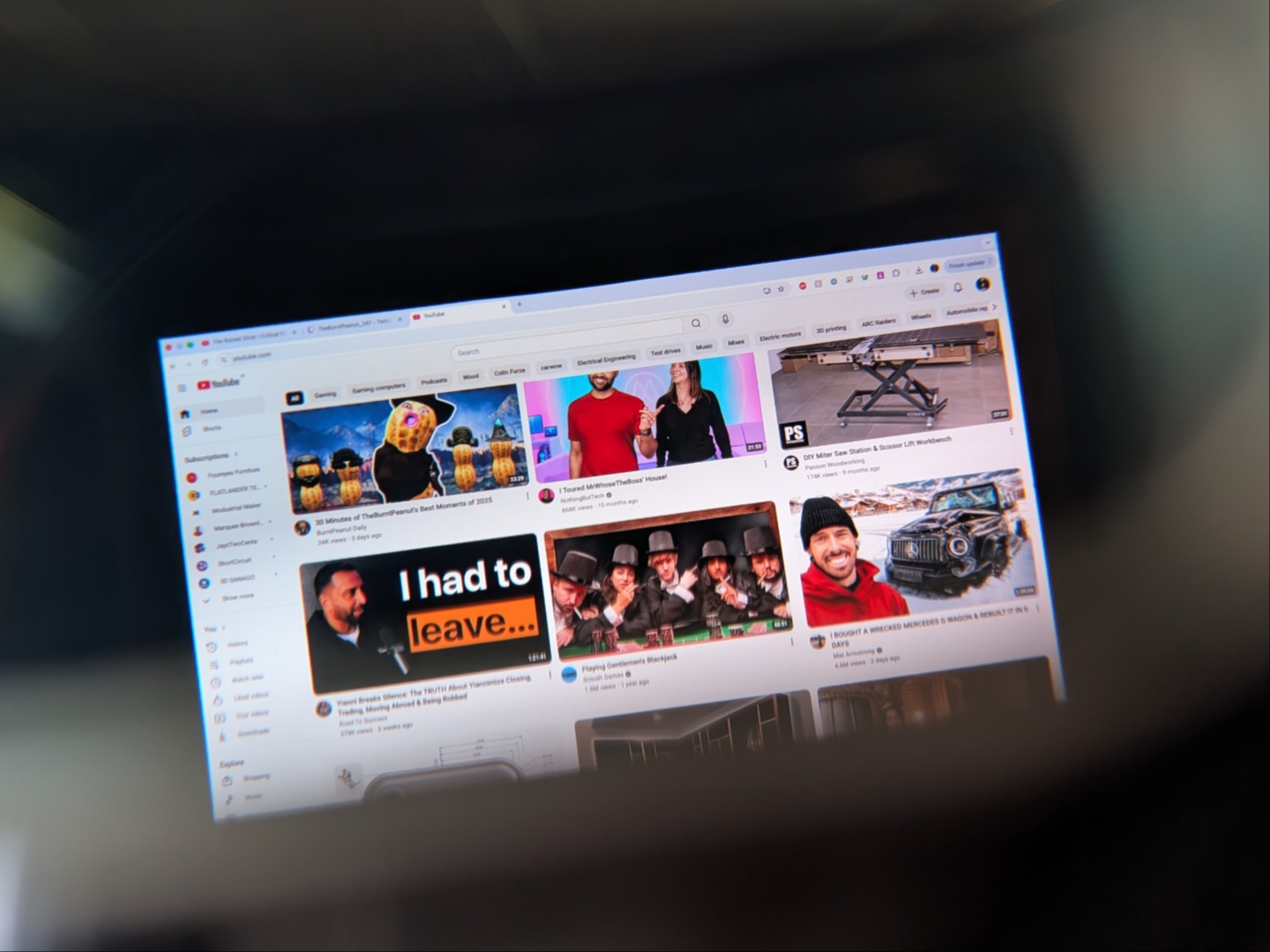
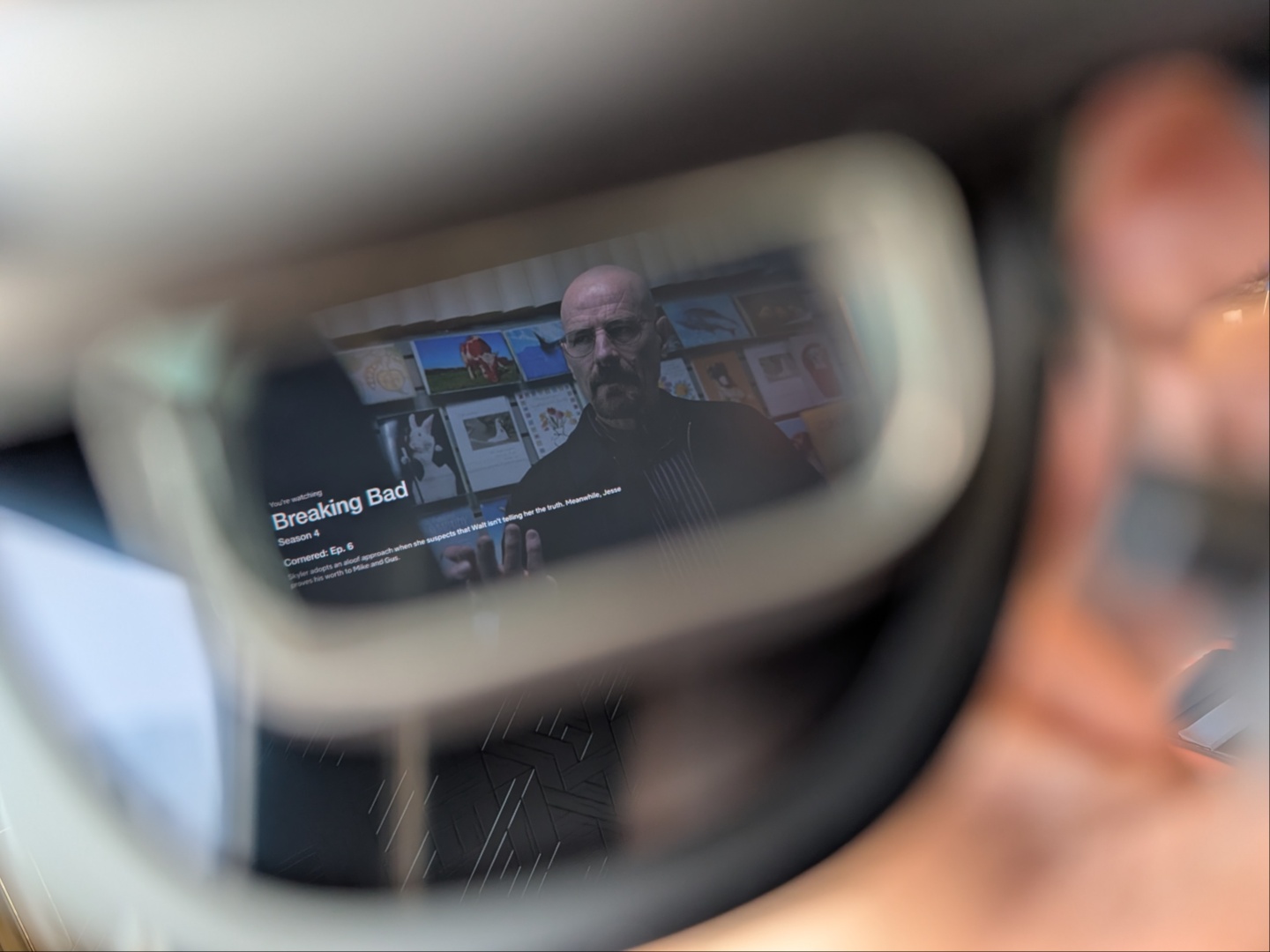
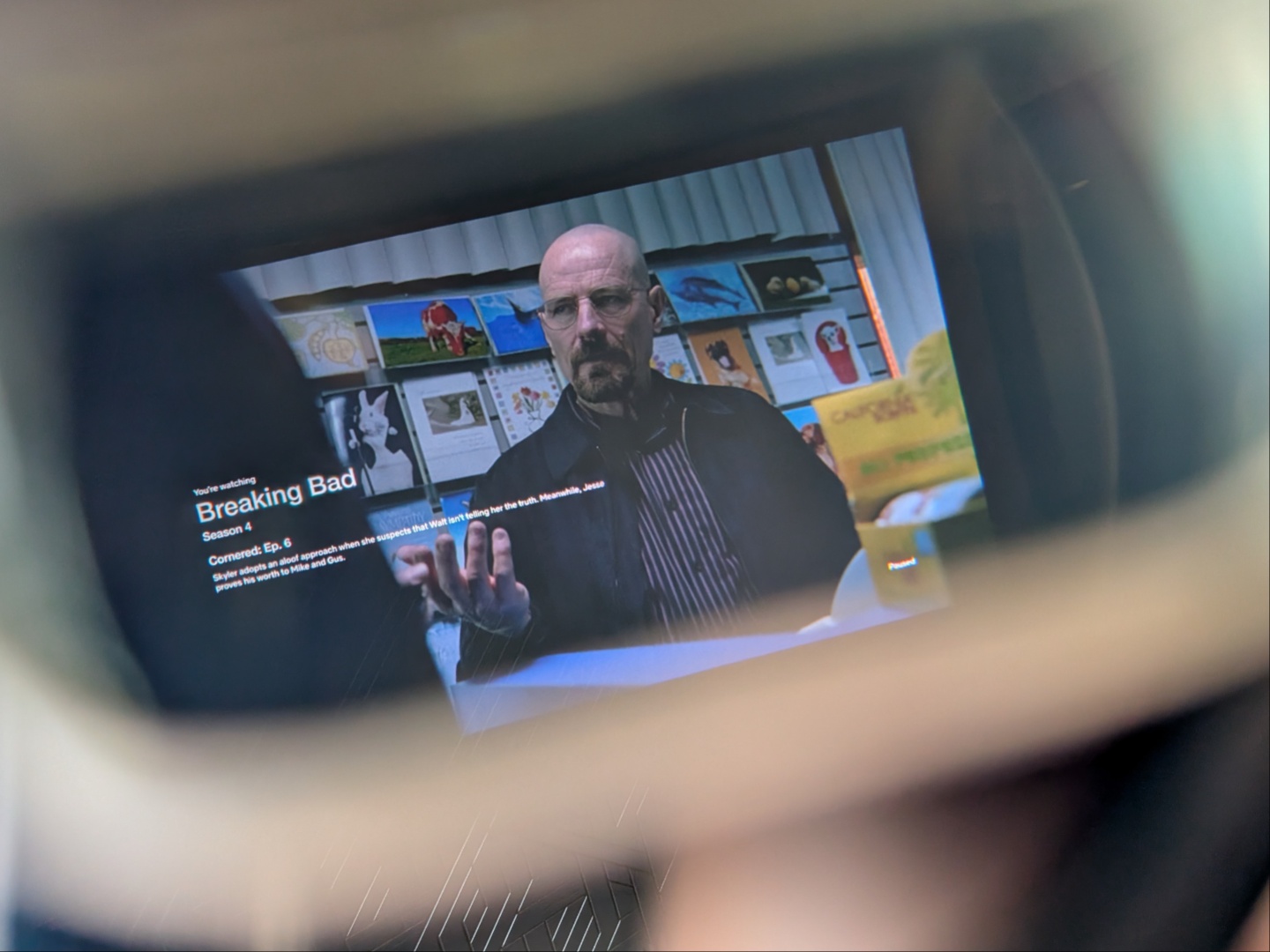
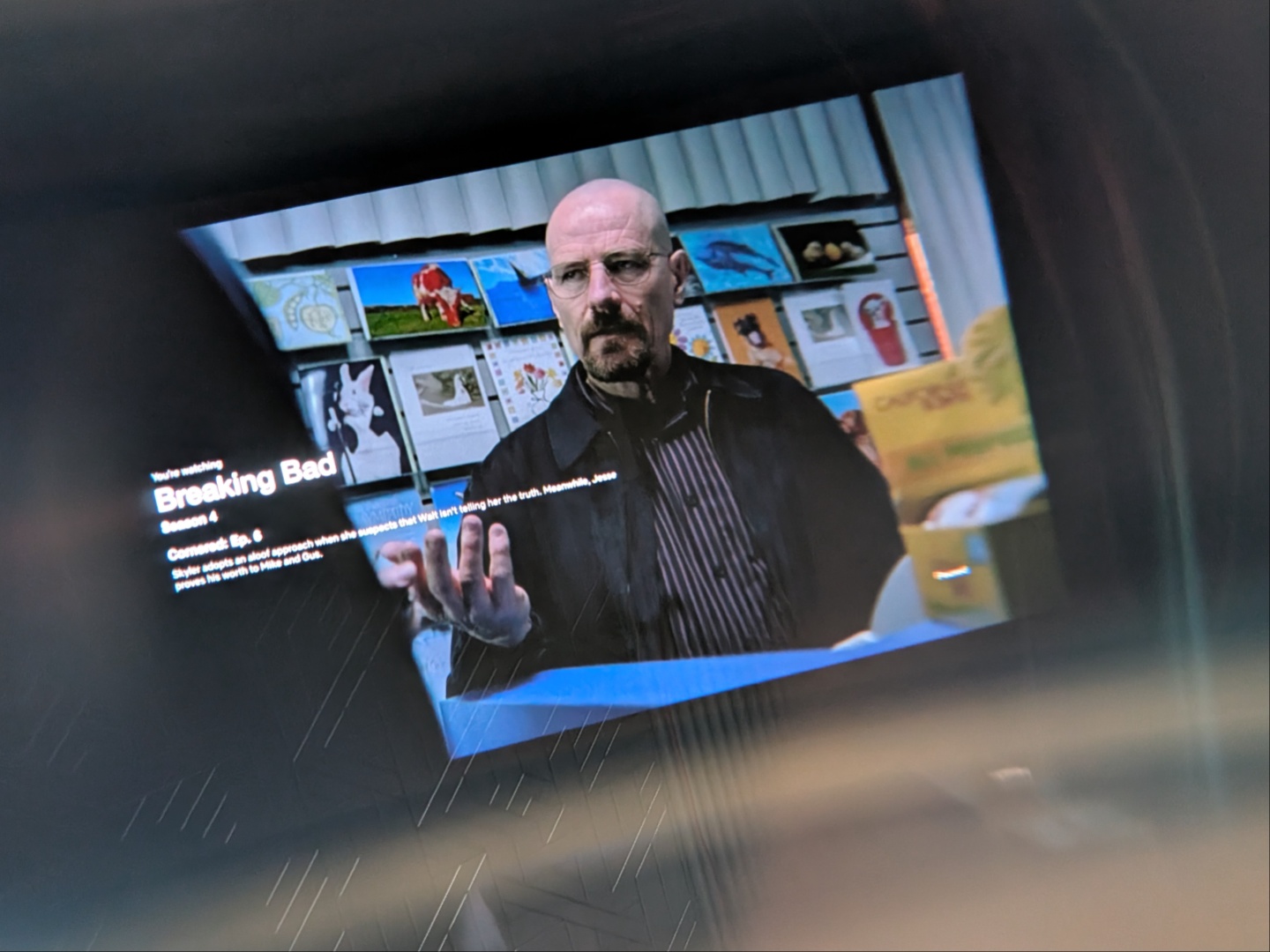
The true benefit of AR glasses becomes apparent when travelling long distances. I got to use the Xreal One Pro's on a long flight plus a layover, and they made the whole experience actually enjoyable. That’s also when I realized that in a moving vehicle, ‘follow’ mode is what works as the screen starts drifting in ‘anchor’ mode. Watching movies on a plane with the One Pro's at max dimming and noise canceling earphones put me inside my own personal theatre. After about a couple hours of watching, I had to give my eyes some rest, which I then followed with plugging the glasses into the Steam Deck. Hyper Light Drifter on a massive 1,080p screen while in a flight is truly an amazing experience. What a time to be alive!
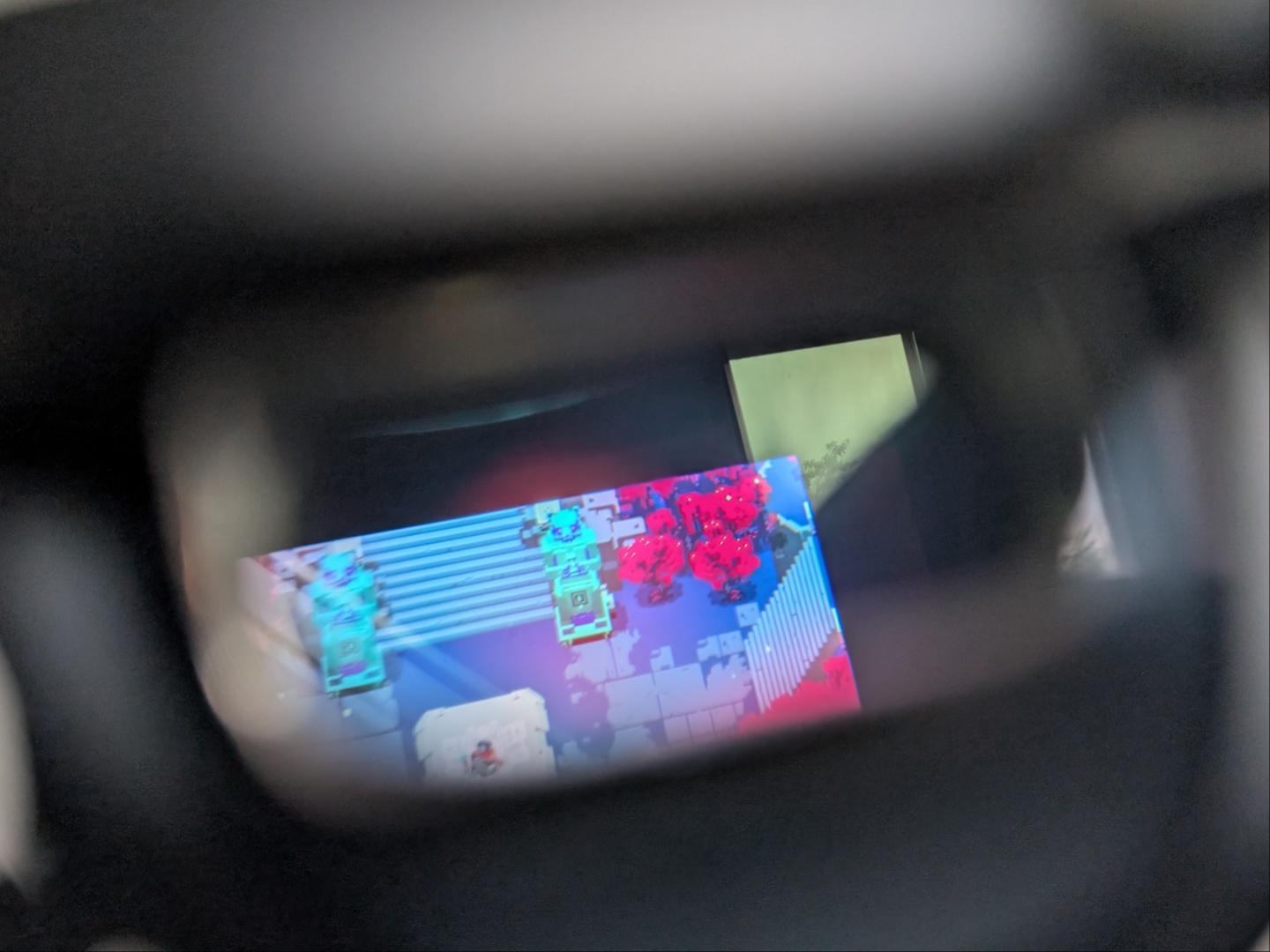
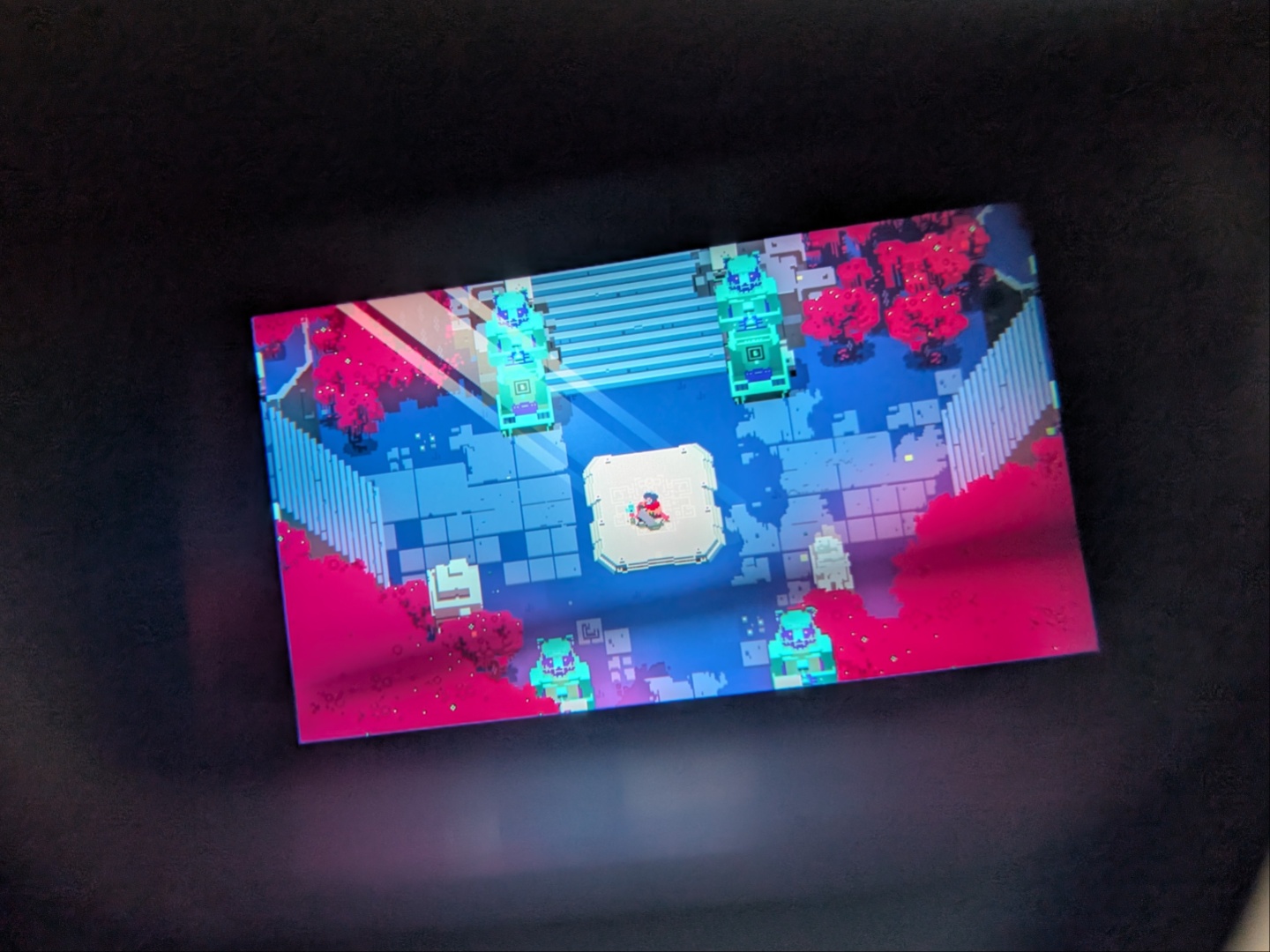
You can choose from several different combinations of distance and screen size to find what works best for you, but expanding the display beyond a certain point will push the edges out of view, forcing you to move your head around. Speaking of which, there is also an ultra-wide mode that ups the aspect ratio to 32:9 giving you a much larger work area for productivity. Furthermore, pulling the screen closer and maximizing the screen size is when you actually notice the 57-degree FoV, which seems tiny on paper but feels fairly expansive in reality. Also, adjusting the IPD limits the maximum size of the screen and the default, which seems to be what Xreal recommends, is a distance of four meters and a 171-inch display. This lets you see the entire screen without having to move your head.
Transparency
The selection of devices to be reviewed is made by our editorial team. The test sample was given to the author by the manufacturer free of charge for the purposes of review. There was no third-party influence on this review, nor did the manufacturer receive a copy of this review before publication. There was no obligation to publish this review. As an independent media company, Notebookcheck is not subjected to the authority of manufacturers, retailers or publishers.
 Add as a preferred source on Google


