





Rayneo X3 Pro review: Promising AR smart glasses with one big limitation
Big features, small battery.
The RayNeo X3 Pro rival competing AR smart glasses like Meta Ray-Ban Display and Inmo Air 3. They come packed with features, have a built-in multi-modal AI assistant, sport a capable camera setup, but fall behind in terms of battery life.Abid Ahsan Shanto Published 🇫🇷 🇪🇸 ...
Verdict – Feature-packed AR smart glasses with battery constraint
For relatively lightweight AR smart glasses, the RayNeo X3 Pro pull a lot of weight, even edging over the Meta Ray-Ban Display Glasses in some aspects. The camera performance is decent, and the Android-based OS is smooth when there's not too much going on.
However, the camera can't keep up in challenging lighting conditions, with visible graininess in videos when shot indoors. There's also limited control over the captures, and the battery life is around 30 minutes if the camera is in continuous use. The carrying case doesn't have a recharging feature either.
Pros
Cons
Price and availability
The RayNeo X3 Pro are currently available to pre-order on the official website. During this pre-sale phase, the AR smart glasses will enjoy an early-bird pricing, discounted from $1,299 to $1,099.
Table of Contents
- Verdict – Feature-packed AR smart glasses with battery constraint
- Specifications
- First impressions, setup process, and navigating through RayNeo AIOS
- Built-in apps and third-party app support
- MicroLED display and cameras of the glasses
- Design and comfort
- Battery life and other features of RayNeo X3 Pro
- Conclusion
Smart glasses are evolving quite fast, and while popular options from Meta, such as the Ray-Ban Display, may seem like a safe bet, the competitors are making things exciting. The RayNeo X3 Pro happens to be among them, and while the glasses aren't exactly a perfect companion, the pair brings a lot to the table.
Specifications
| Built-in display tech | Nanolithography Etched Waveguide and MicroLED with adaptive refresh rate |
| Display brightness rating | 6,000 nits peak and 3,500 nits average |
| SoC | Qualcomm Snapdragon AR1 Gen 1 |
| RAM | 4 GB |
| Storage | 32 GB |
| Battery | 245 mAh |
| Camera | 12 MP Sony IMX681 and OV spatial camera |
| Size | 153.16x45.65x168.6 mm |
| Weight | 76 grams (0.167 lbs) |
| Operating system | Android-based RayNeo AIOS |
First impressions, setup process, and navigating through RayNeo AIOS
While being slicker than their predecessors, the RayNeo X3 Pro can't still seamlessly blend in like regular glasses. Of course, this is something that's true for options like Meta Ray-Ban as well. While the upcoming Android AR glasses may make proper advancement in this regard, it's worth considering that the X3 Pro doesn't rely on a battery puck to stay powered on.

After the initial setup with the companion app, the RayNeo X3 Pro can also offer some functionalities without needing to rely on the phone. Speaking of which, the setup process is as easy as pairing a third-party accessory with a smartphone. The companion app and the instructions on the glasses walk through the process.
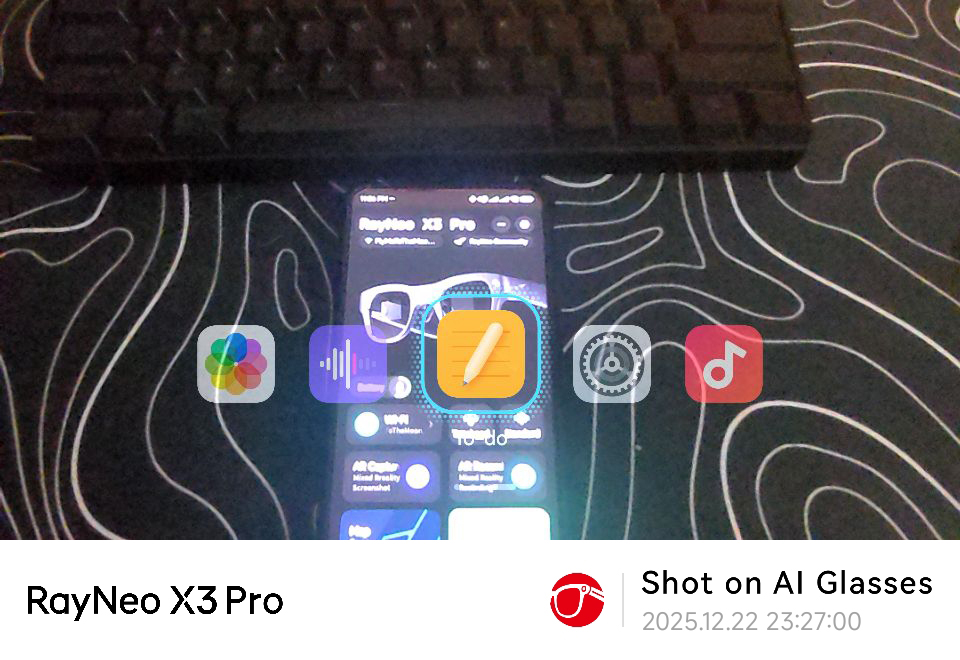
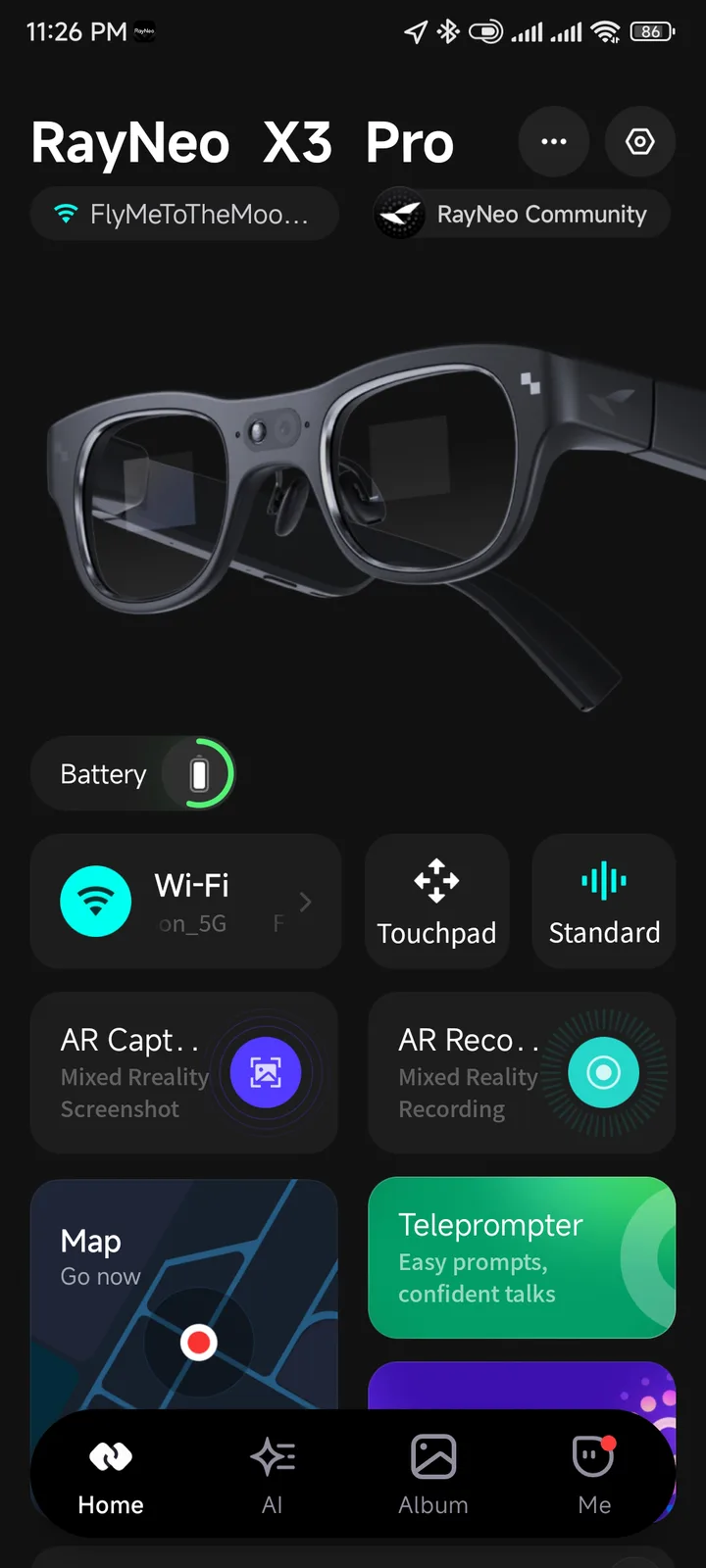
Navigating through the RayNeo AIOS, which is based on Android, is easy too. The temples have touch-sensitive areas for navigating throughout the operating system, and there's a shortcut button as well, which can be customized for short and long presses, but the customization freedom is a bit limited. It can't be set up to quickly open apps, for example.

Built-in apps and third-party app support
The RayNeo X3 Pro come with the basic apps installed, including a media controller and a gallery app. Installing a third-party app is also possible, and with a launcher installed, the AR glasses can be converted into a standalone device, having limited dependency on the paired phone. In such a setup, the pair becomes something very similar to the Inmo Air 3.
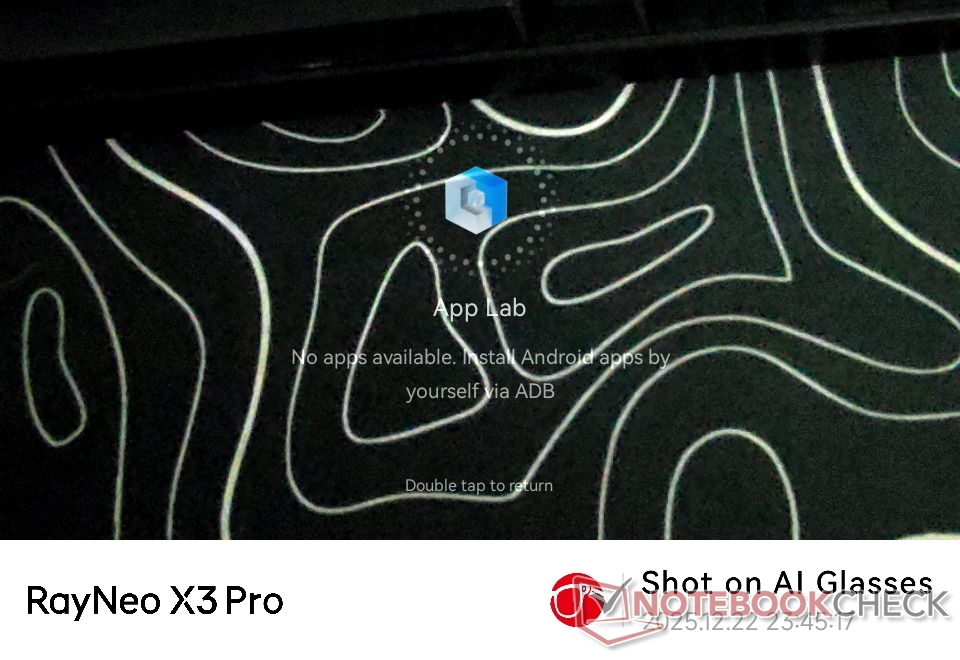
However, sideloading apps into the X3 Pro isn't an easy task. For example, the process first requires replacing the driver for the ADB mode to work. Even with the process being less novice-friendly, it's still good to see third-party app support on the AR glasses.
MicroLED display and cameras of the glasses
Unlike the Meta Ray-Ban Display, the RayNeo X3 Pro have displays on both lenses. These MicroLED panels have a typical rated brightness of 3,500 nits, and they can get quite bright in outdoor environments. Of course, things can be a little different under harsh sunlight, as, unlike the Imno Air 3, the X3 Pro don't come with a sunglass cover.
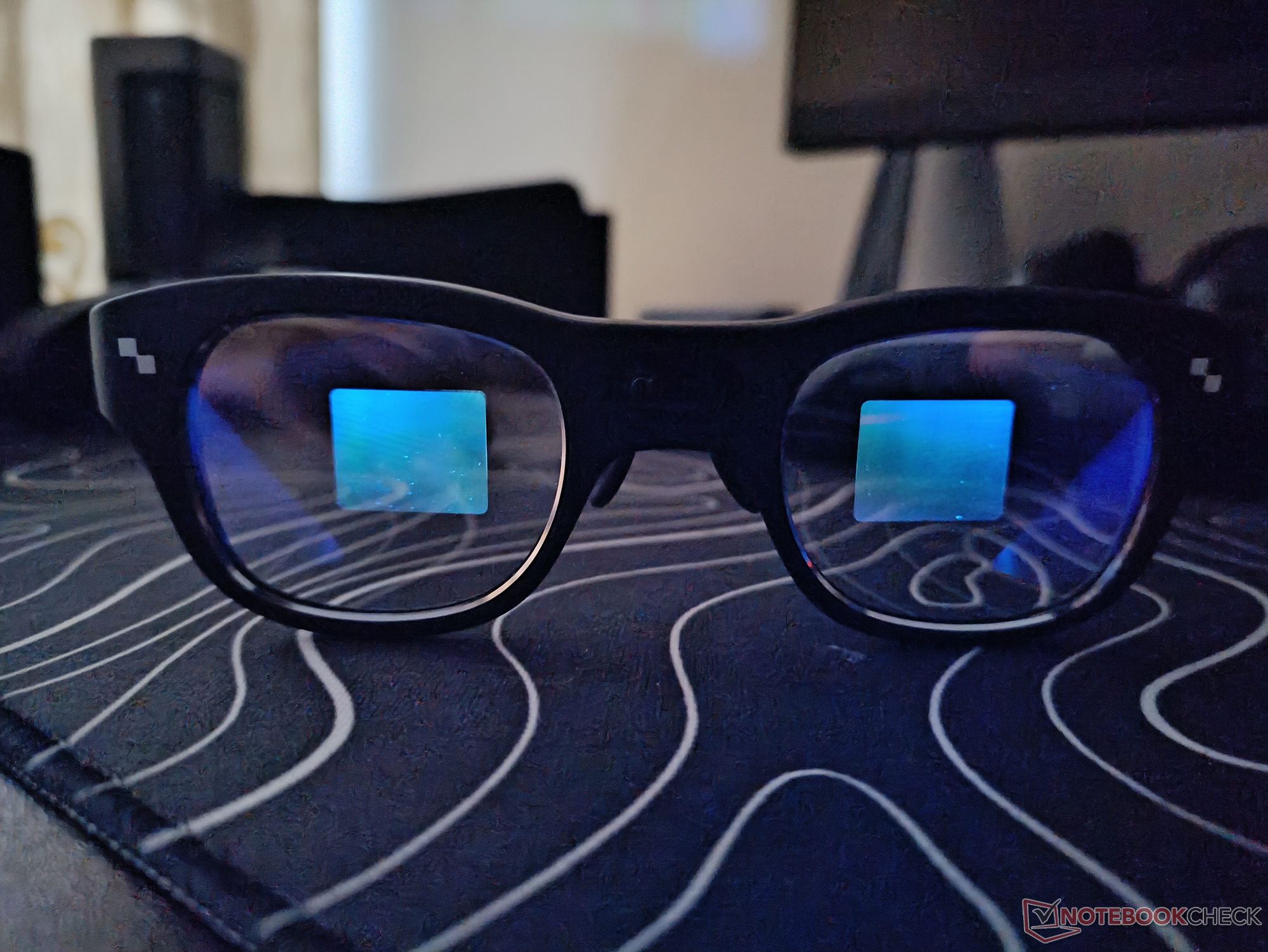
That said, thanks to these MicroLED displays, the glasses can offer many smart features, including turn-by-turn directions through Here Maps, live translation, and a teleprompter feature.
Moving the camera setup of the glasses, it's quite capable, especially for well-lit environments. The 12 MP Sony IMX681 isn't a flagship sensor, but it captures decent details; however, the dynamic range can suffer a little in some scenarios. Attached below is a video that shows how the camera setup handles different environments, including indoors and outdoors.
Now, while the camera quality is decent, it's worth noting that there's no digital zoom available. The camera app also doesn't allow the change of FOV, but the wide-angle view that it offers is great for POV shots.
Design and comfort
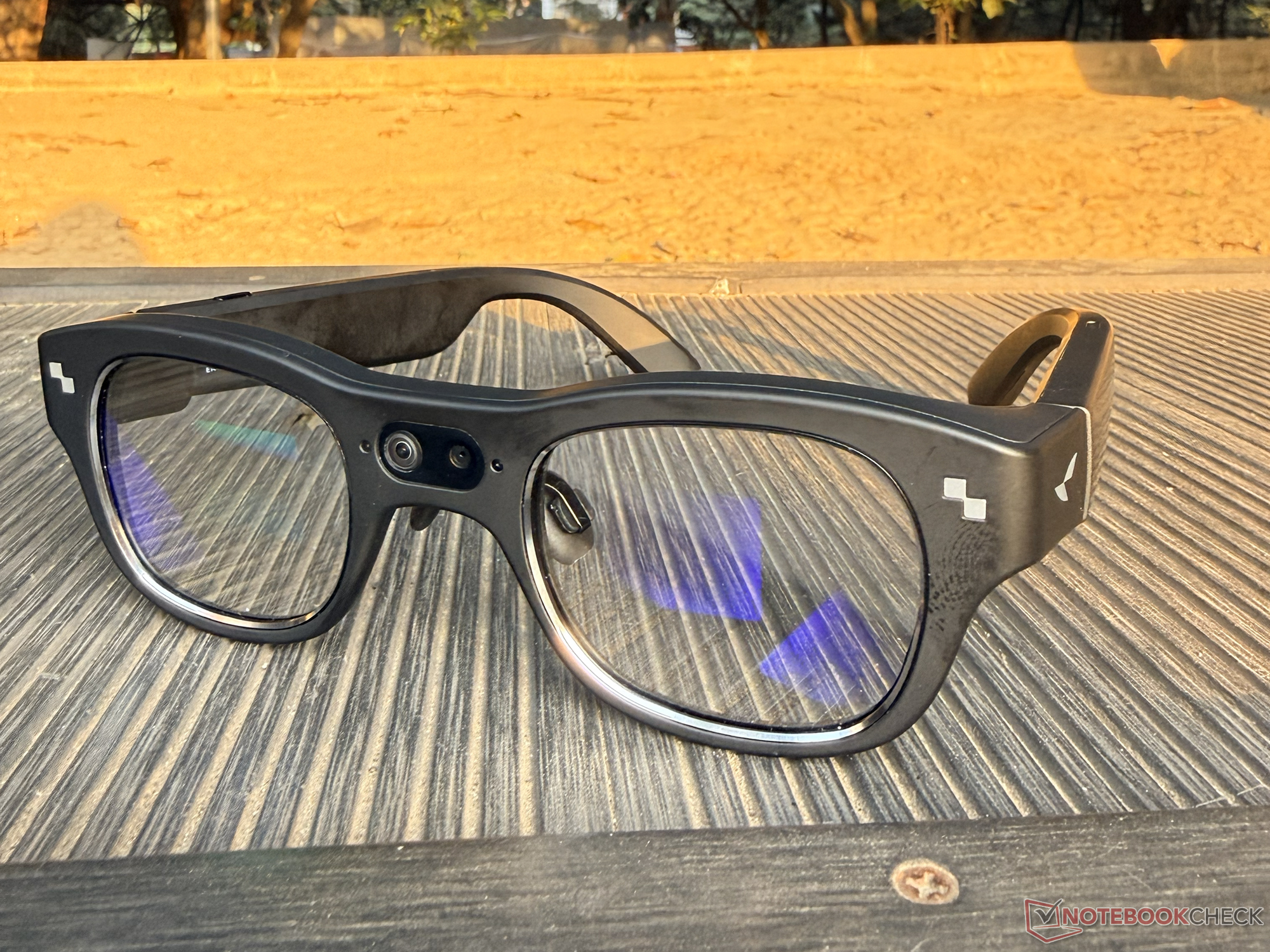
Due to the design of the AR glasses, they can grab some attention when worn in public. The indicator on the front is another aspect that gives the glasses away, but this light is important as it serves as a visual cue when the camera is active.
Even though the RayNeo X3 Pro don't look like a regular pair of glasses or sunglasses, they are comfortable to wear. The AR glasses also have support for prescription lens, making it more accessible to everyone.

Battery life and other features of RayNeo X3 Pro
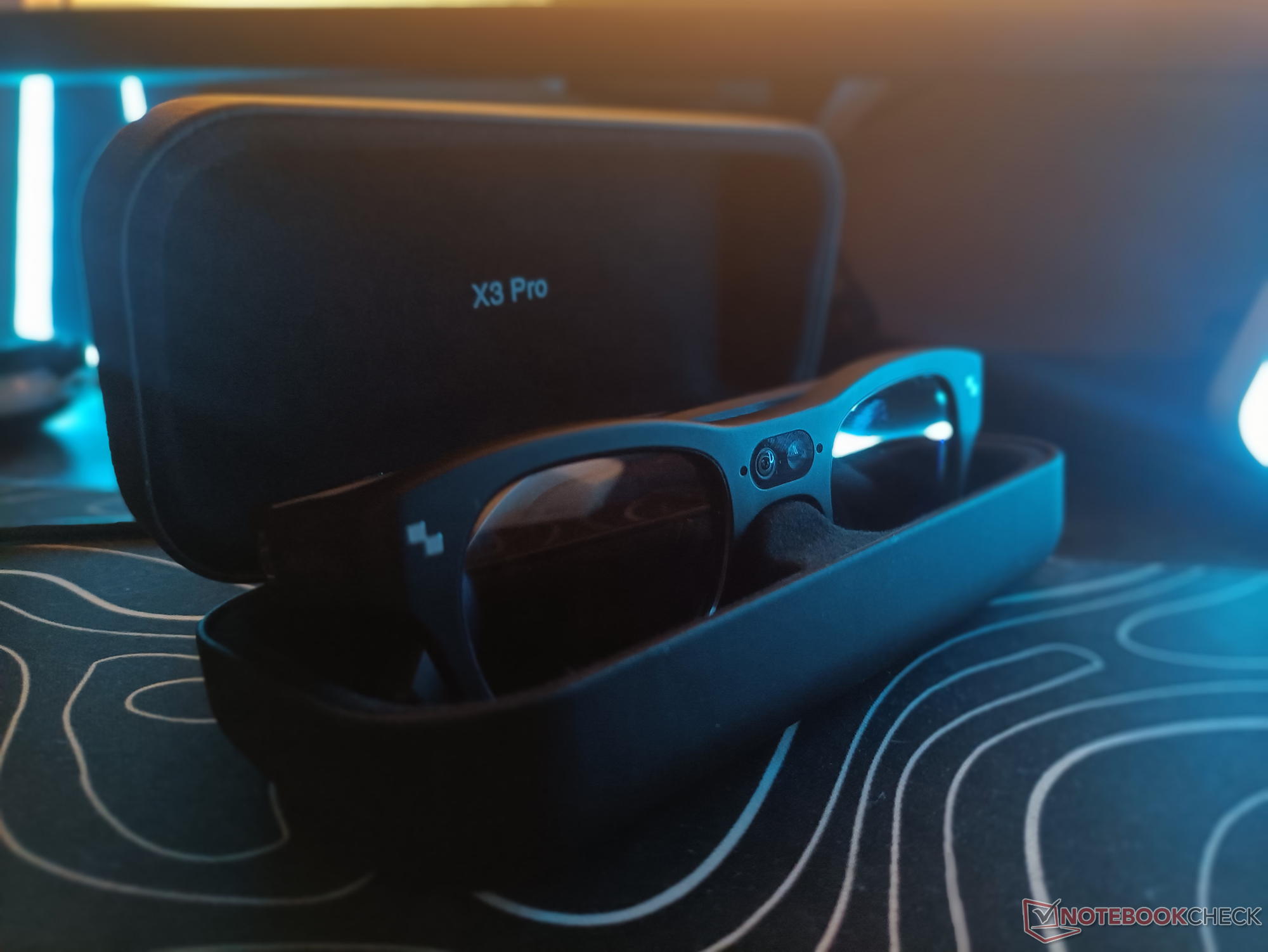
The battery life of the RayNeo X3 Pro is the aspect where the glasses don't shine much. More specifically, the 245 mAh battery can offer around 30 minutes of video recording. In the outdoor trip video that was attached above, the glasses needed to be recharged three times just to record all the activities showcased. Charging it while being outdoors is also a hassle, as the carry case doesn't have a recharging feature.
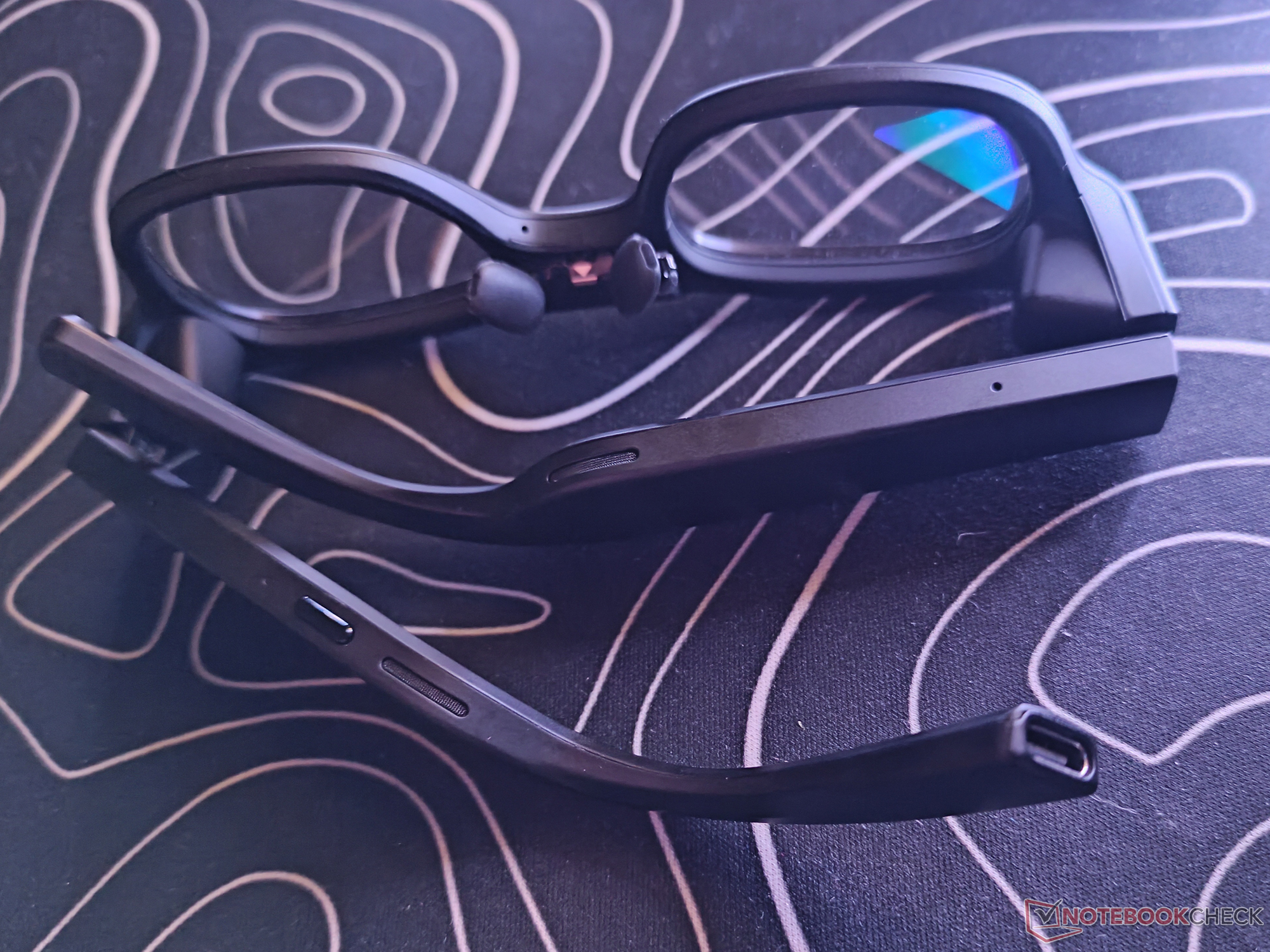
Beyond all the other functions, the RayNeo X3 Pro can act like open-ear Bluetooth earbuds, thanks to the built-in directional speakers with a beamforming microphone setup. It can also show app notifications, which, of course, seems to be a little limited on iOS at the moment.

Conclusion
The RayNeo X3 Pro are solid AR glasses for those who are looking for a little more than Ray-Ban Meta Glasses. The Snapdragon AR1 SoC and the Android-based OS can show some signs of struggles, but the glasses tick most of the checkboxes they are designed for. Only if the battery life were a little better or if RayNeo made it easier to recharge the glasses while being on the go, the X3 Pro would've been an easy pick for many.
Transparency
The selection of devices to be reviewed is made by our editorial team. The test sample was given to the author by the manufacturer free of charge for the purposes of review. There was no third-party influence on this review, nor did the manufacturer receive a copy of this review before publication. There was no obligation to publish this review. As an independent media company, Notebookcheck is not subjected to the authority of manufacturers, retailers or publishers.
 Add as a preferred source on Google


