


Xbox Cloud Gaming on Smart TVs lets you use your smartphone as a controller
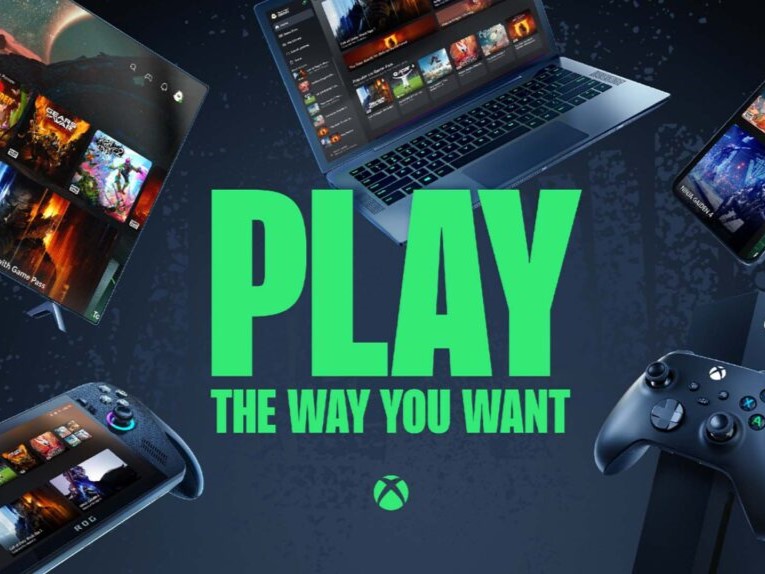
Xbox has announced a feature that lets Xbox Cloud Gaming subscribers use their smartphone as a controller if they don't have one nearby. The feature, which is available on supported smart TVs, is currently still in testing, but is available as a preview to users.
According to Xbox, the feature works on phones running Android and iOS. However, there's no mention of the version of Android or iOS required to use the feature. On your supported TV, launch the Xbox app, go to Settings, and select Account, and turn on Preview Features.
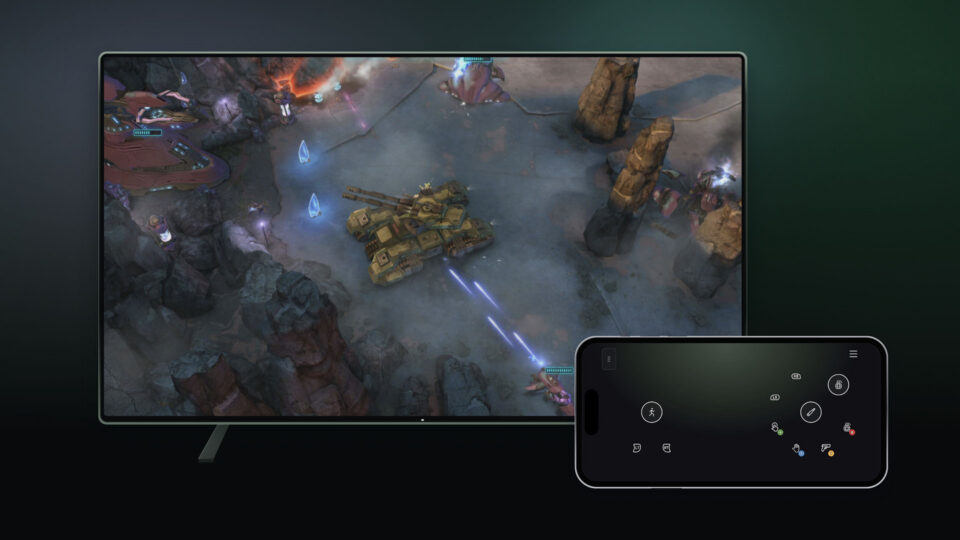
According to Xbox, when you launch a game without a physical controller connected, it will display an option to use your phone as a controller. The controls for the game will be displayed in your phone's browser after scanning a QR code. Xbox also says that some games will have the controls tailored to how they play.
Unlike the Cloud Connect feature for the Xbox Nano Controller (available on Amazon for $49.99) that is only available in the US, this feature is available in countries where Xbox Cloud Gaming is supported. And as mentioned above, you also need a supported smart TV/display such as Amazon's Fire TV Omni QLED, LG TVs and monitors running webOS 24 or newer, and TVs running Vidaa OS 9.6 and higher.
Source(s)
 Add as a preferred source on Google


