


Which 16-inch premium laptop is best for you: Lenovo ThinkPad P1 G9 vs MacBook Pro 16
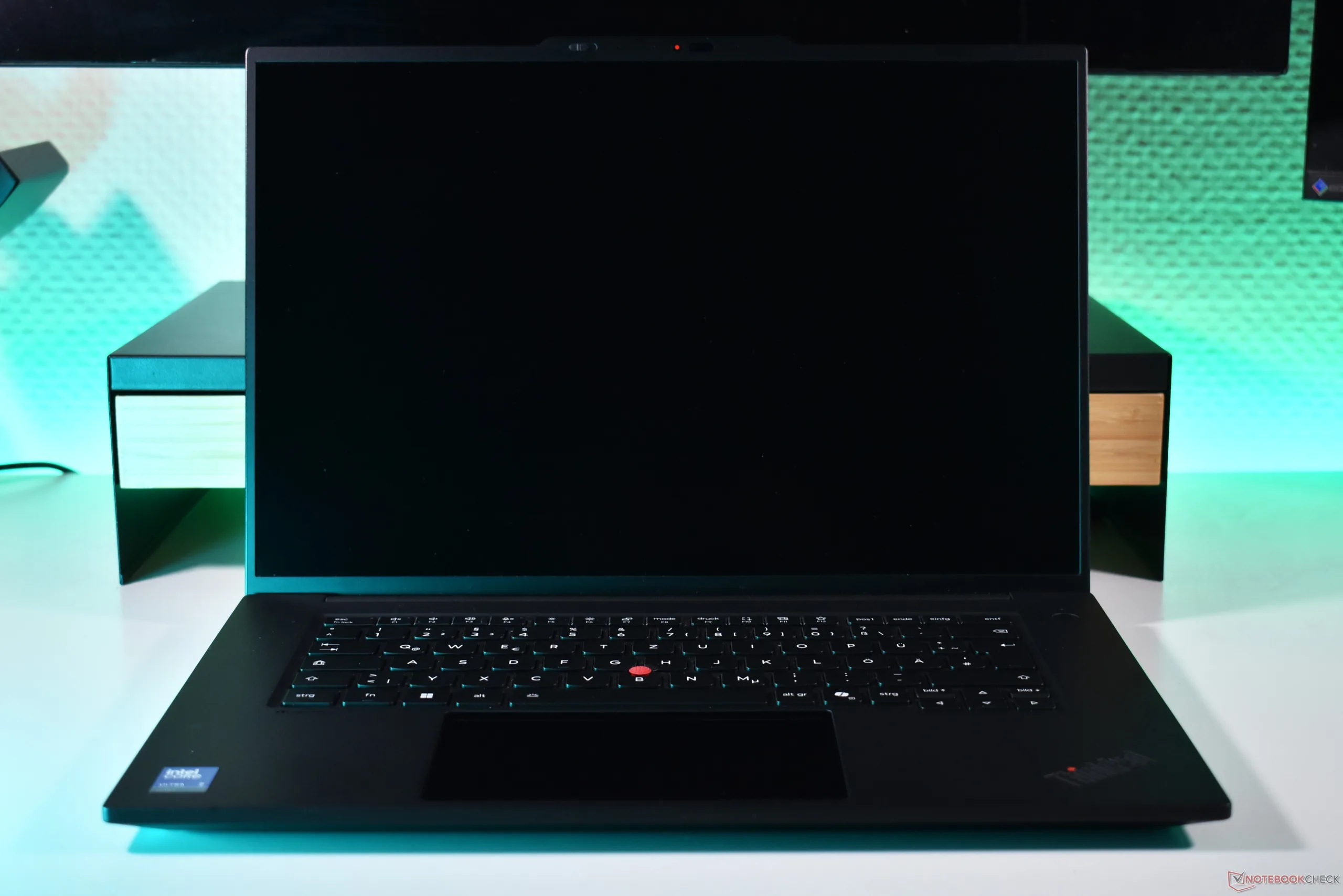
If you work primarily on a laptop, 16-inch laptops are the obvious choice. Modern models are compact enough to be portable, while the large 16-inch screens still provide the screen surface that you need to be able to work effectively and with multiple windows open.
One of the most prominent 16-inch workhorse laptops is the Apple MacBook Pro 16. If you have the money and need, this is an obvious choice for many as their personal work laptop, be it for coding, photo or video editing.
But it is not the only choice, and there are many attrative 16-inch laptops on the Windows side, too. Take the Lenovo ThinkPad P1 Gen 9 - in our recent review, this slim workstation laptop managed a rating score of 91 percent. That is very close to the outstanding 92 percent rating of the most recent Apple MacBook Pro 16. Here are the factors on which you should decide which to get.
Design: ThinkPad wins on versatility
The ThinkPad and MacBook are pretty similar in terms of their build quality, as both use a metal chassis, though the ThinkPad has a rubberized palmrest, which is nice under your palms, but can get a bit oily. Nice to have: 180 degree opening angle hinges, which only the ThinkPad provides. The P1 Gen 9 is more lightweight than the old MacBook Pro, but the new OLED-equipped version from Apple equalizes this. In regard to the input devices, we rate the ThinkPad keyboard and the MacBook touchpad higher respectively, but in general, you will be happy with both devices.
Thankfully, Apple has ended dongle-life for its users by bringing back necessary ports like HDMI and an SD card reader, both of which are also featured on the ThinkPad P1. Not provided by Apple is a USB-A port, which the ThinkPad has - for legacy peripheries, this is a valuable additions. Apple has a Magsafe charger, which the ThinkPad lacks, and while the ThinkPad has two Thunderbolt 5 ports and one Thunderbolt 4, the MacBook has an three Thunderbolt 5. On the other hand, the Lenovo ThinkPad P1 Gen 9 optionally is available with 5G, a feature Apple never offered on any MacBook.

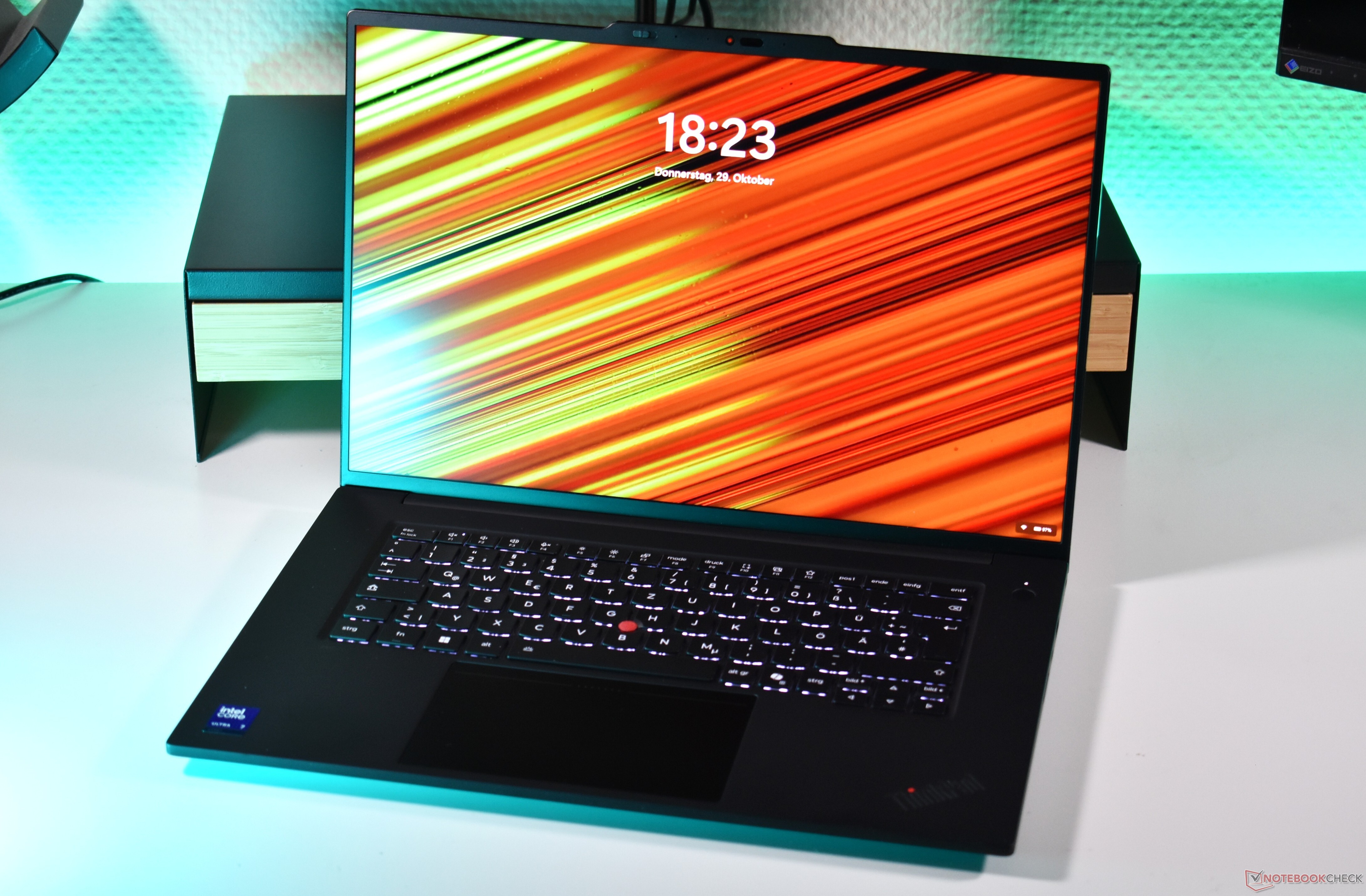
Last but not least, maintenance and upgradeability: While it is possible to repair a MacBook Pro 16, it is more difficult, the ThinkPad is made to be repaired. And the MacBook provides zero upgradeability. The ThinkPad shines on this: With two M.2 2280 slots, it is easy to add more SSD storage, and even the LPCAMM2 RAM can be upgraded. Buy it today with 32 GB and upgrade it to 64 or 96 GB in a few years, when RAM hopefully is less expensive? That is only possible with the ThinkPad P1.
Performance: Apple better for AI, ThinkPad for CAD
There is no way to sugarcoat it: The Apple MacBook Pro 16 delivers more performance than the ThinkPad, especially if you configure it with an M5 Max. While the Intel Panther Lake CPU of the ThinkPad is formidable in its own right, it currently can not outrun the Apple CPU. The picture is more mixed when it comes to GPU performance: Apple has more raw power, but the ThinkPad has a dedicated Nvidia GPU, up to the RTX Pro 2000 Blackwell. This makes the ThinkPad much more suitable for tasks requiring Nvidia CUDA, as well as CAD.
Local AI, on the other hand, is clearly better on the Apple platform, thanks to the faster RAM, which can be configured up to 512 GB - the ThinkPad is limited to 96 GB, plus the 8 GB dedicated VRAM. While local AI is certainly possible with the ThinkPad P1, it is clearly not one of the primary tasks for this model.
To round it out: The ThinkPad runs a bit hotter under load, and they are equally loud when it comes to fan noise. Both have great speaker systems - the ThinkPad is a bit louder overall, but the MacBook has more bass. And while the ThinkPad scores a higher battery life in our testing, it does so with a lower resolution IPS screen - the MacBook Pro 16 is always equipped with either a MiniLED or Tandem OLED panel in the newest version. It is also possible to configure the ThinkPad with a Tandem OLED panel, but the battery life will likely suffer a bit.
Conclusion: It depends on what you are doing
Besides the obvious "choose a Mac if you want MacOS, choose a ThinkPad if you want Windows", the differences between both 16-inch workhorse laptops largely come down to use case. The ThinkPad has the edge if you need the dedicated Nvidia GPU, especially for CAD, while the MacBook will be way better for local AI. For programming, photo or video editing, both will do great. With 5G connectivity, the ThinkPad is better suited for business travelers. Also, the ThinkPad gives you the possibility of upgrading it later, while you better configure the MacBook Pro 16 to your liking when you buy it.
 Add as a preferred source on Google


