




Valve's new low VRAM optimization shines in select games in early 4GB GPU test
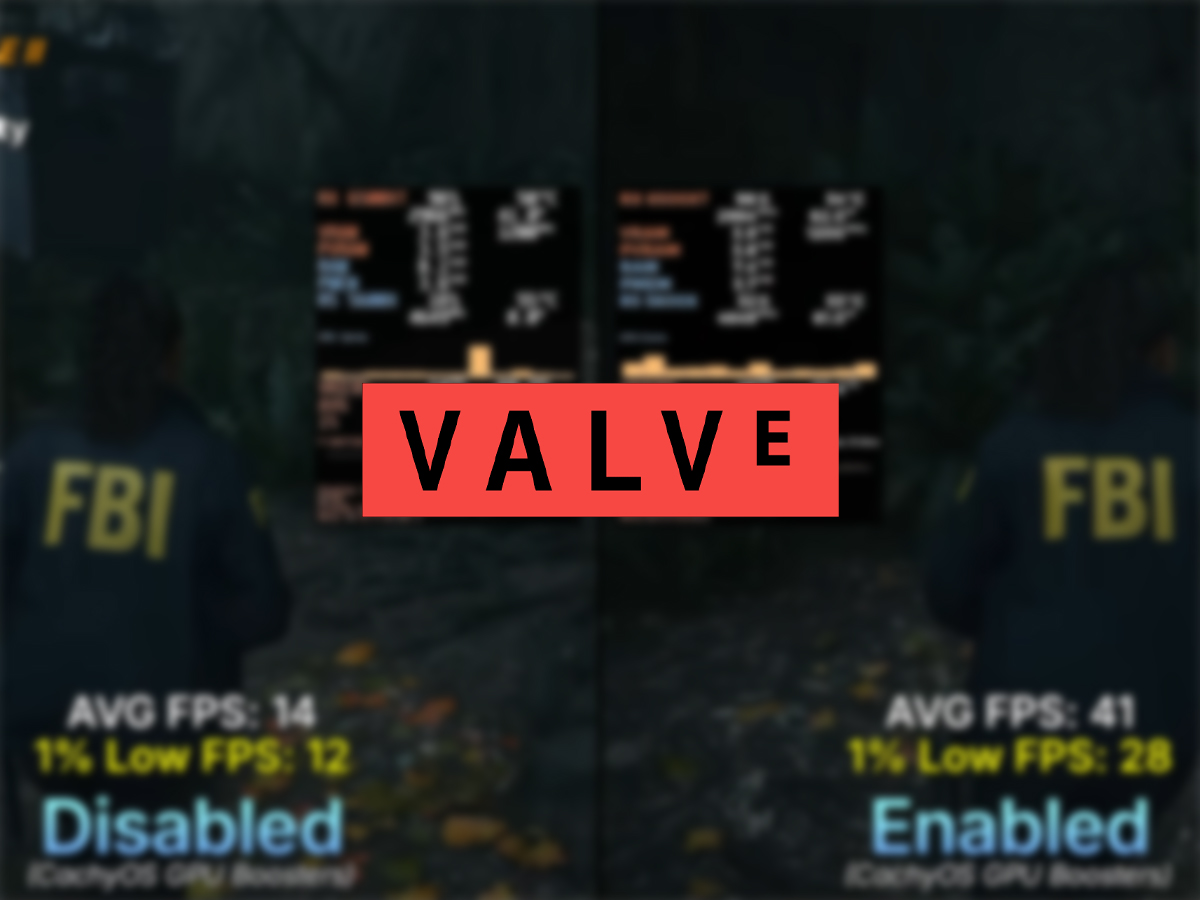
The VRAM optimization that was recently introduced by Natalie Vock, Valve's Linux developer, has been put to the test. YouTuber NJ Tech has tested the tweak in CatchyOS, where the feature can be enabled through the "Install GPU Boosters" option.
This early test was done on a relatively dated 4GB GPU, the AMD Radeon RX 6500 XT. It's an entry-level RDNA 2 desktop graphics card that targeted 1080p gaming at launch. While it can handle modern games, the low VRAM version can struggle in some titles, and it seems that Valve's VRAM optimization can help. The test right also had 16GB of DDR4 RAM and the Ryzen 5 5600X with stock cooler.
Alan Wake II saw the most notable performance boost. It was tested with the visuals turned to Low and the resolution at 1080p. With FSR 2 set to Quality, the VRAM optimization made the average frames jump from 14 FPS to 41 FPS, a 192% increase. The 1% low FPS improved from 12 to 28.
Resident Evil Requiem was also tested, with the resolution at 1080p, visuals at the lowest, and upscaling set to the max. The average FPS jumped from 67 to 78, which is a 16% improvement, and the 1% lows improved from 36 FPS to 56 FPS.
On Silent Hill F, the average FPS improved from 47 to 50, with the 1% low seeing a 1 FPS improvement. This game was tested at the FHD resolution, with the visuals turned to low and Temporal Anti-Aliasing turned on.
Crimson Desert (save up to $14 on Humble Bundle), Cyberpunk 2077, Hogwarts Legacy, Death Stranding, and Spider-Man 2 were also tested with the VRAM optimization, but there was no notable improvement on these games. There could have been an improvement if these titles had been tested at a higher resolution than 1080p, which would have demanded more VRAM.
It's also possible that performance improvement will be seen on only a handful of games. That is, more test data is required to come to a conclusion. As for getting the optimization set up, the YouTuber also goes through the process of installing the GPU booster at the end of the video.
Source(s)
 Add as a preferred source on Google


