




These Crimson Desert graphics settings fix the game’s major issues
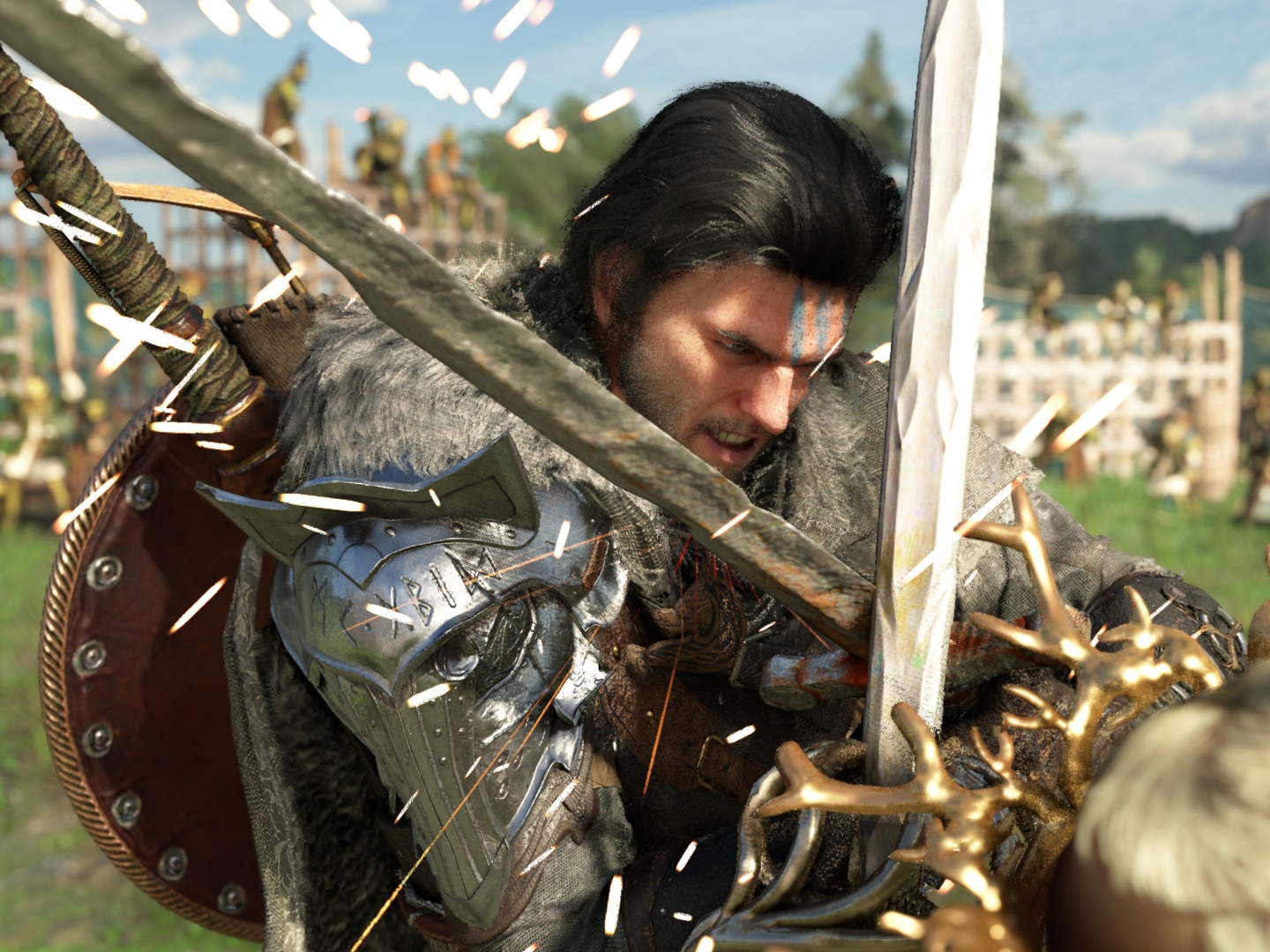
After all the hype and years of development, Crimson Desert is out for PC and consoles. While there may still be a few hours before you get to play the game, depending on when you’re reading this, it is available for purchase and pre-load via Steam and respective console stores. Because of the massive scale, not everything in the game is perfect, and graphical issues are scattered throughout. A new video details these issues and shows how you can fix them.
For starters, the tests were done on a preview build of the game, and a day one patch could fix some of these issues. With that said, Hardware Unboxed has tried out various in-game settings and found what works best, at least from a visual standpoint. The primary issue with Crimson Desert is visual noise and artifacts. This seems to be most prevalent in indoor environments.
They found that bumping the lighting to the 'Max' setting makes the noise worse, so 'Cinematic' or 'Ultra' is recommended. Interestingly, DLSS 4.0 works better than DLSS 4.5 at reducing noise. In some cases, upscaling using DLSS introduces more noise since sample count for lighting is dependent on the render resolution and not output resolution, according to Hardware Unboxed. It’s better to run the game at native or close to native resolution using DLAA or DLSS Quality mode.
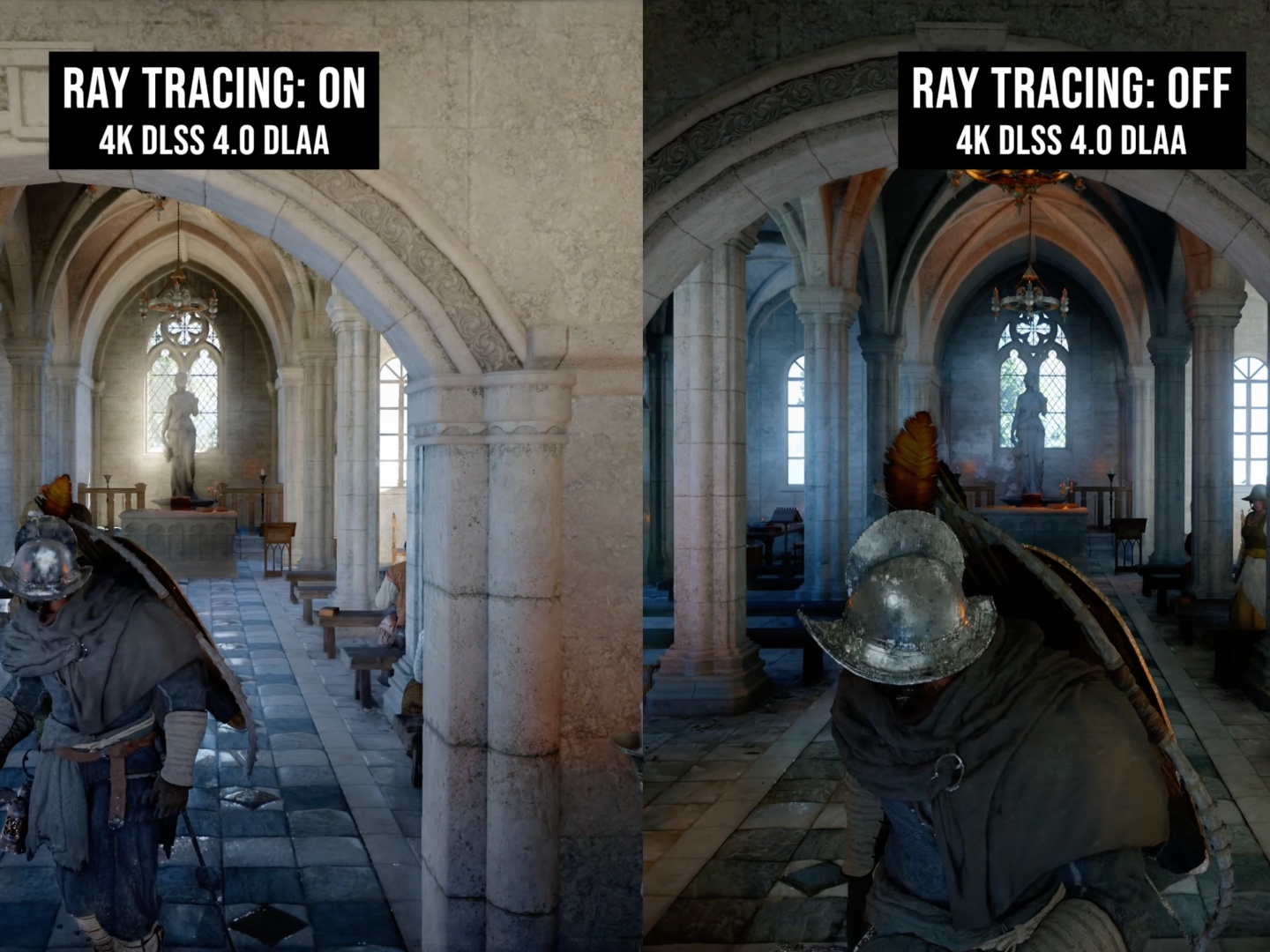
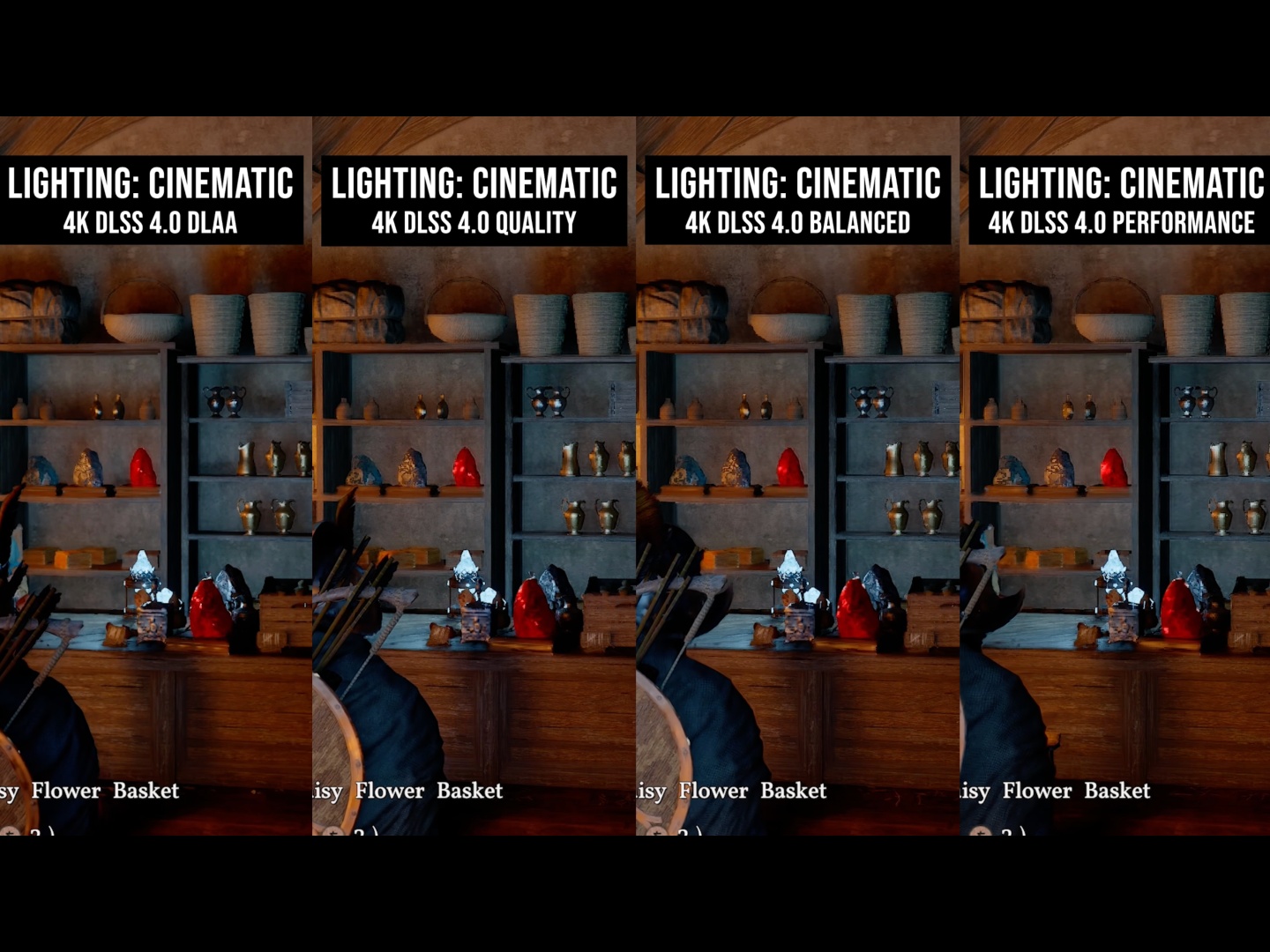
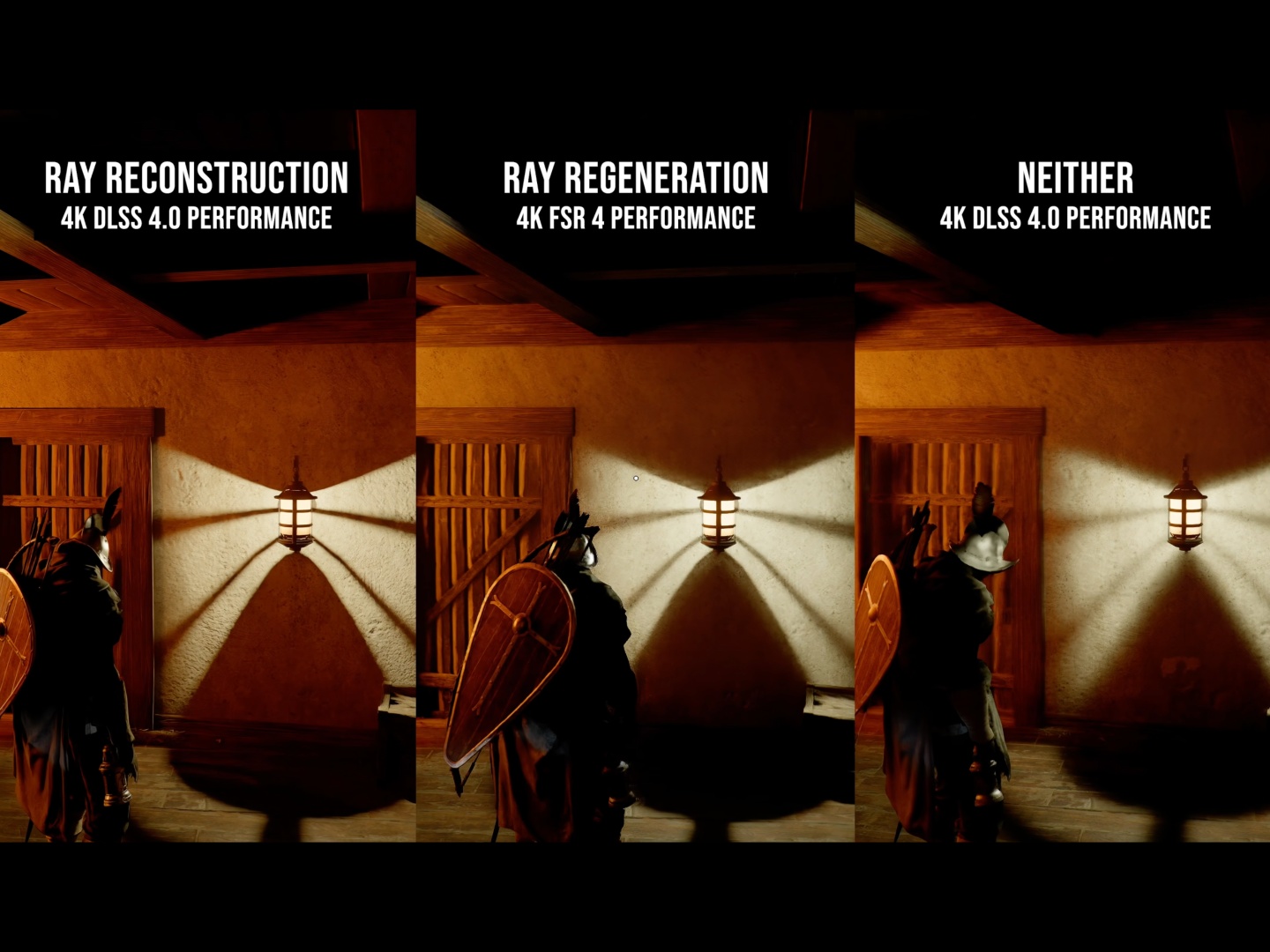
Furthermore, using a de-noiser like Ray Reconstruction (Nvidia) or Ray Regeneration (AMD) is quite taxing as it seems to not just reduce noise but also add geometry changes. More importantly, Ray Reconstruction seems to remove rain from the game, at least visually, which is clearly a bug that needs to be addressed. Overall, Ray Reconstruction with DLSS 4.0 Performance is the ideal setting for lower visual noise.
Object popping when moving fast is quite noticeable. It is a consequence of the game’s optimizations and playability with lower VRAM hardware. Even at the highest graphic settings, pop in is still present. Check out the full video linked below to get more detail about the ideal graphic settings and their impact. Note that Hardware Unboxed used an RTX 5090 with the game running at 4K for the analysis.
The good news is that Crimson Desert is visually amazing, fully playable unlike some past AAA launches, and most of the issues can be fixed with patches. As for the engaging storyline - or lack thereof - that early reviews have complained about, unfortunately can’t be fixed with software updates. That, among other reasons, is why the game only achieved a 78 Metacritic score when Pearl Abyss expected much higher.
Source(s)
Hardware Unboxed on YouTube
 Add as a preferred source on Google


