




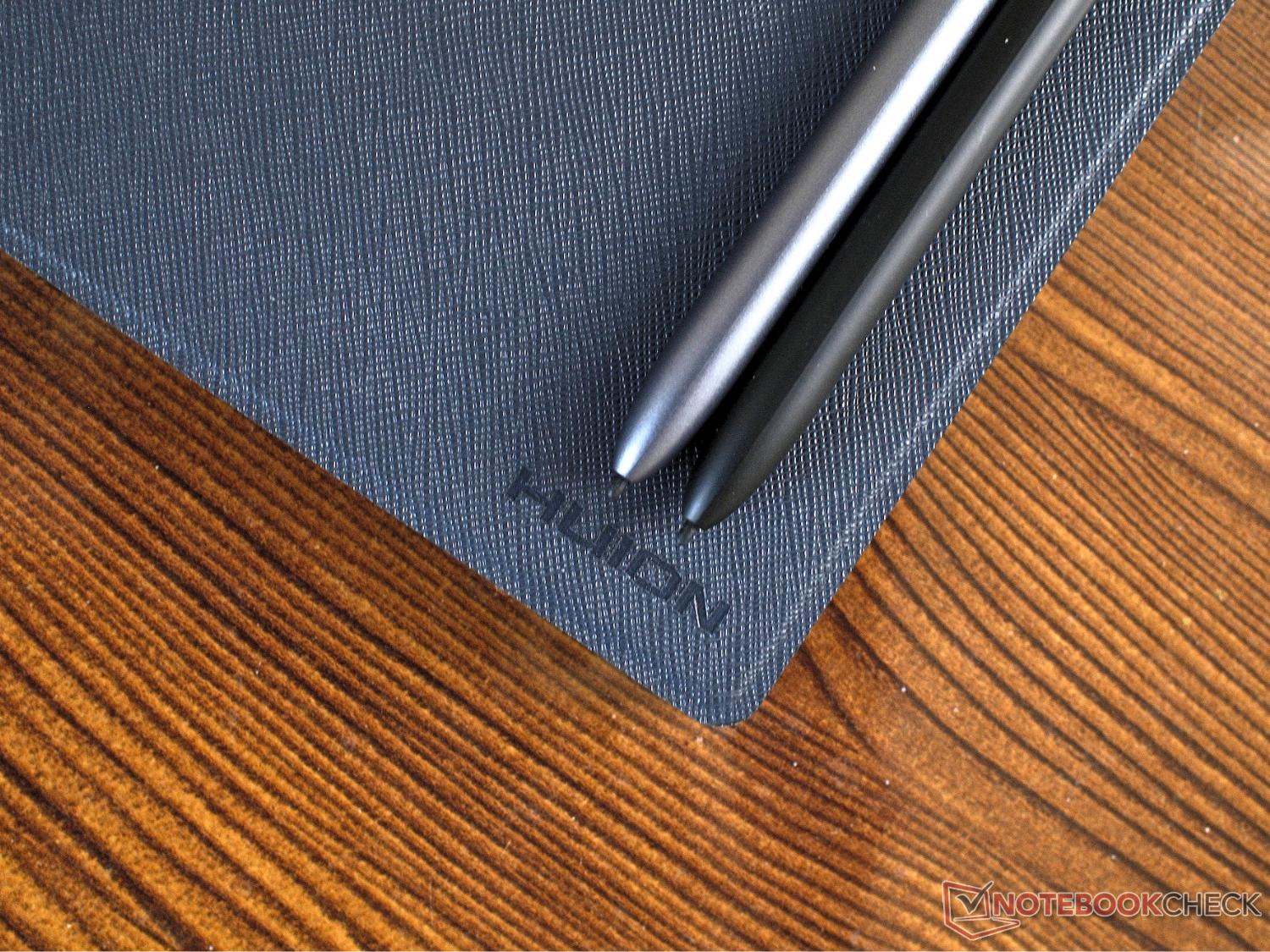
The Huion Ink e-reader and the smaller Note E take very different paths to replacing paper
Choosing between LCD and e-ink for your use-case
Huion has expanded its digital notebook line with the $369 Note E and the $369 Huion Ink. We tested both 8.4-inch LCD and 10.3-inch e-Ink models to see which hardware approach handles daily note-taking and reading tasks better.Anubhav Sharma Published 🇳🇱 🇫🇷 ...
Verdict - The Note E is snappy, while the Huion Ink excels at reading
Huion offers two capable note-taking tablets for $369 each. The Note E is great for those who want a compact, fast-navigating LCD device that functions like a standard tablet. The Huion Ink, on the other hand, is meant for users who need a larger, glare-free E-Ink screen with a front light for long reading sessions and multi-day battery life. There's no better or worse tablet here (minus some standard-issue caveats) — it just comes down to user preference at the end of the day.
Pros
Cons
Price and availability
The Huion Note E is priced at $369 in the US. The Huion Ink EB1011 also carries an MSRP of $369. Both devices are available globally through Huion's official store and major online retailers. Launch promotions occasionally drop the price of the Note E closer to $295.

Huion recently released two digital writing tablets for different user needs. The Note E is an 8.4-inch LCD device, and the Huion Ink is a 10.3-inch E-Ink model. Both have the same aim, more or less — to replace physical paper, but they take entirely different hardware approaches. We tested both units to see how they handle daily note-taking and reading. Consumer tablets often try to do everything at once, but these two devices somewhat narrow their focus — at least the Ink does.
Specifications
| Feature | Huion Note E | Huion Note Ink | ||
| :--- | :--- | :--- | ||
| Display | 8.4-inch LCD, 1920x1200 (270 PPI), 60 Hz | 10.3-inch E-Ink, 1872x1404 (227 PPI) | ||
| Operating System | Android 15 | Android 11 | ||
| Processor | MediaTek Helio G99 | Rockchip RK3066 | ||
| RAM | 6 GB | 4 GB | ||
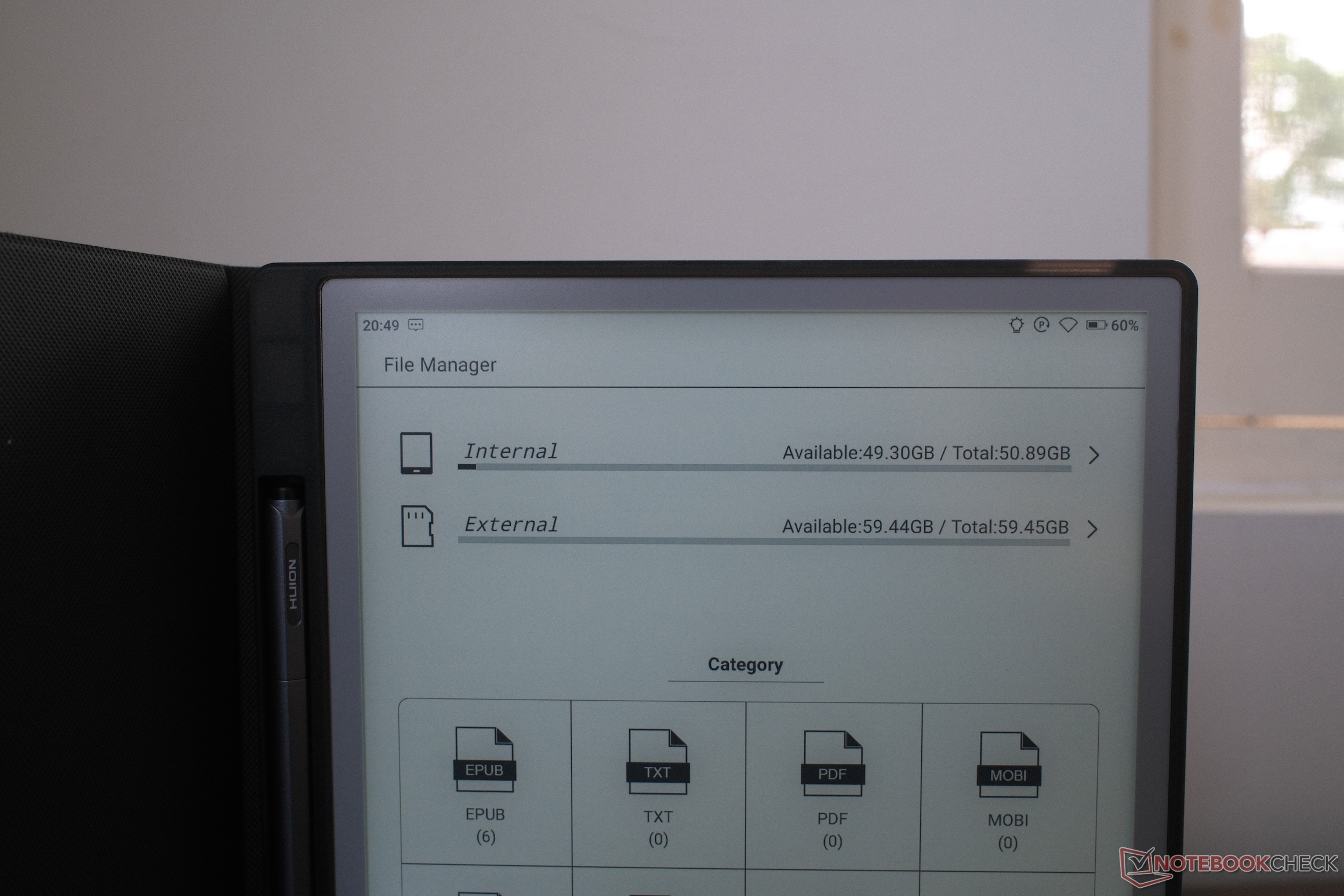
| Storage | 128 GB | 64 GB | ||
| Included Stylus | PW510 battery-free pen (8,192 pressure levels, tilt recognition) | Huion Ink Pencil IP151 battery-free pen (8,192 pressure levels) | ||
| Battery | 4,500 mAh | 4,650 mAh (Up to 12 days on a single charge) | ||
| Thickness | 7.4 mm | 6.5 mm | ||
| Weight | 348 g | 450 g |
Case and features
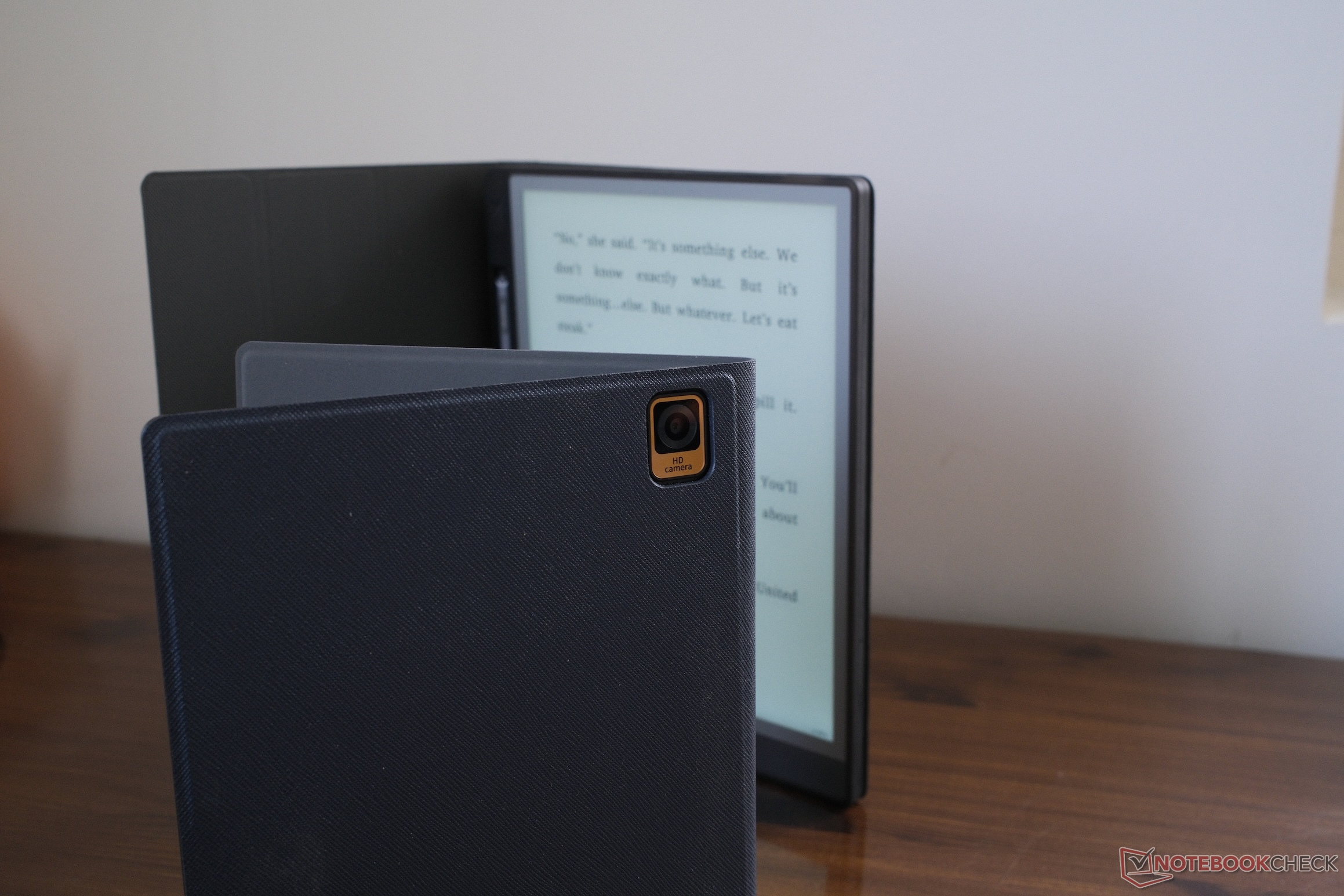
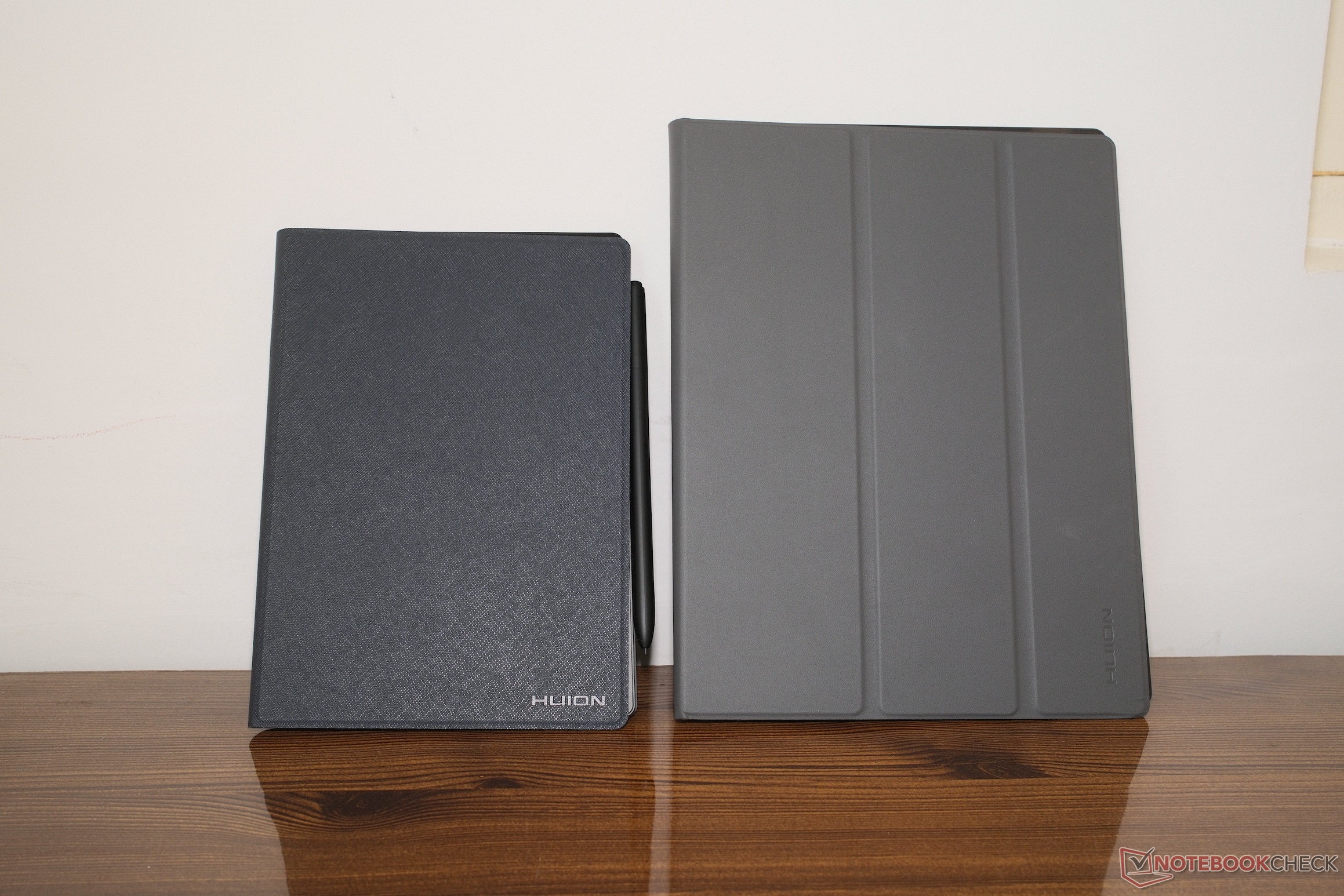
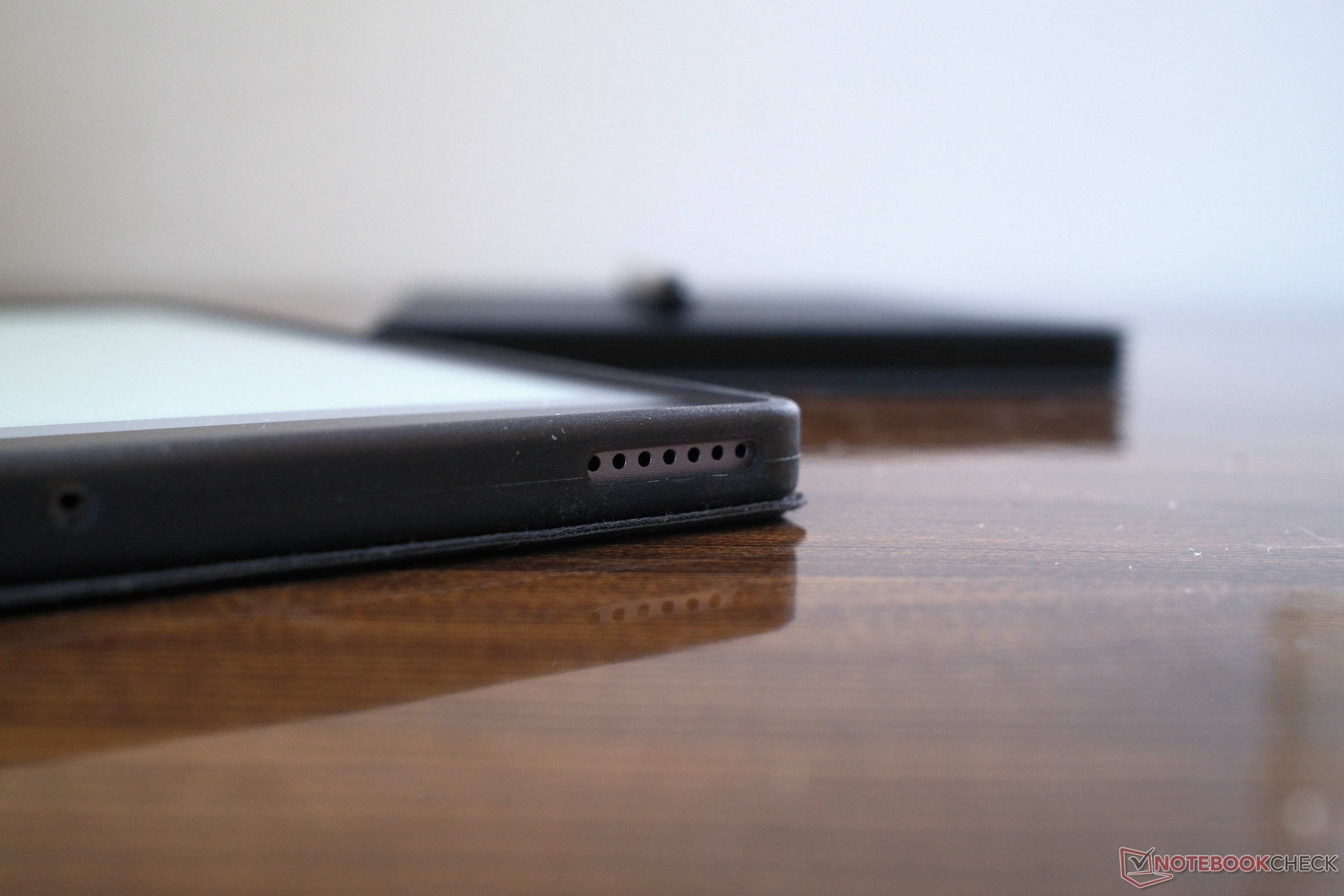
Physical design separates these two devices immediately. The Huion Note E feels much smaller. The 8.4-inch footprint makes it comfortable to hold in one hand. It is also easy to grip while walking or standing. The Note E does feels weightier than its larger counterpart, considering its size. The density gives it a solid feel, but you will notice the weight during long sessions.
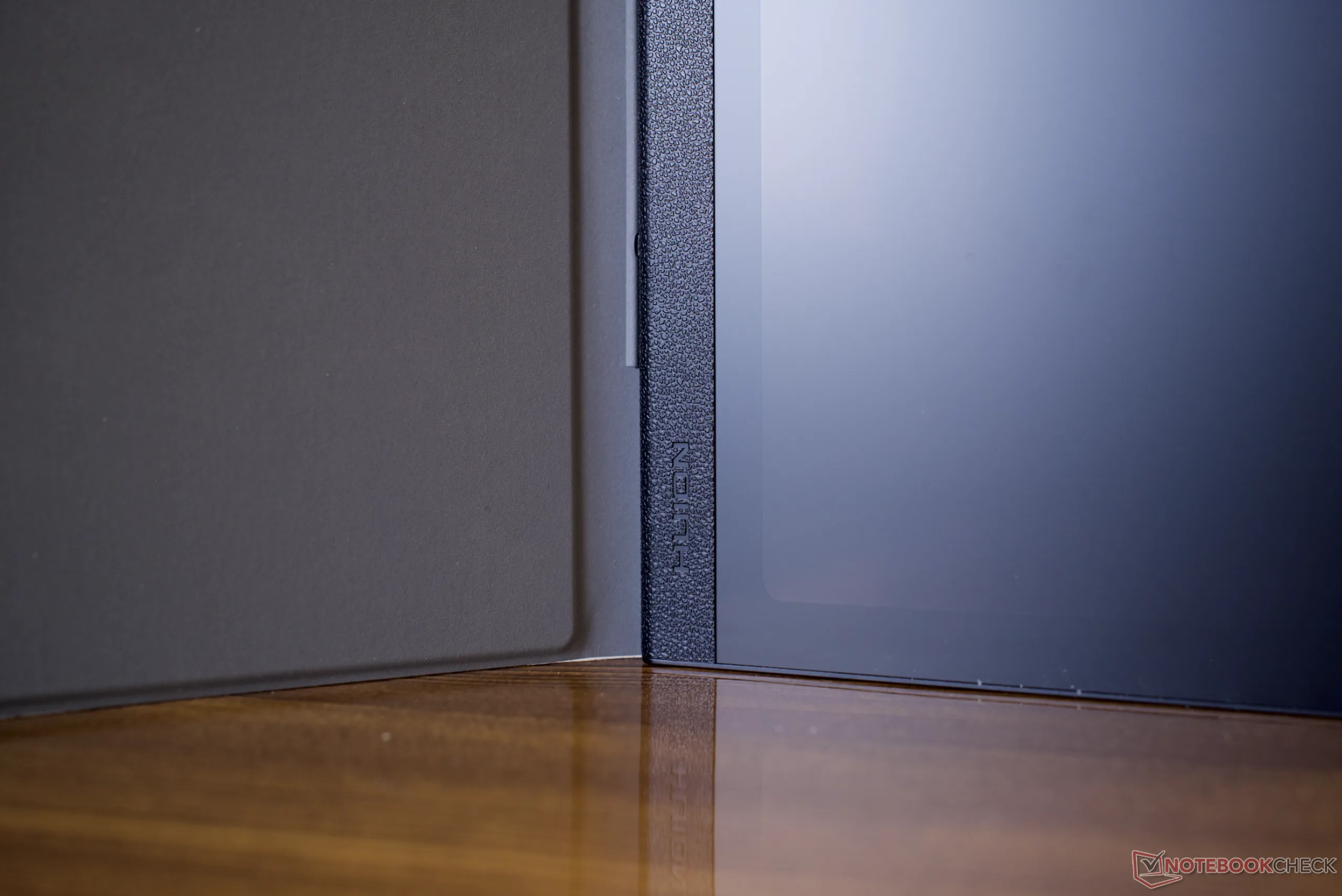
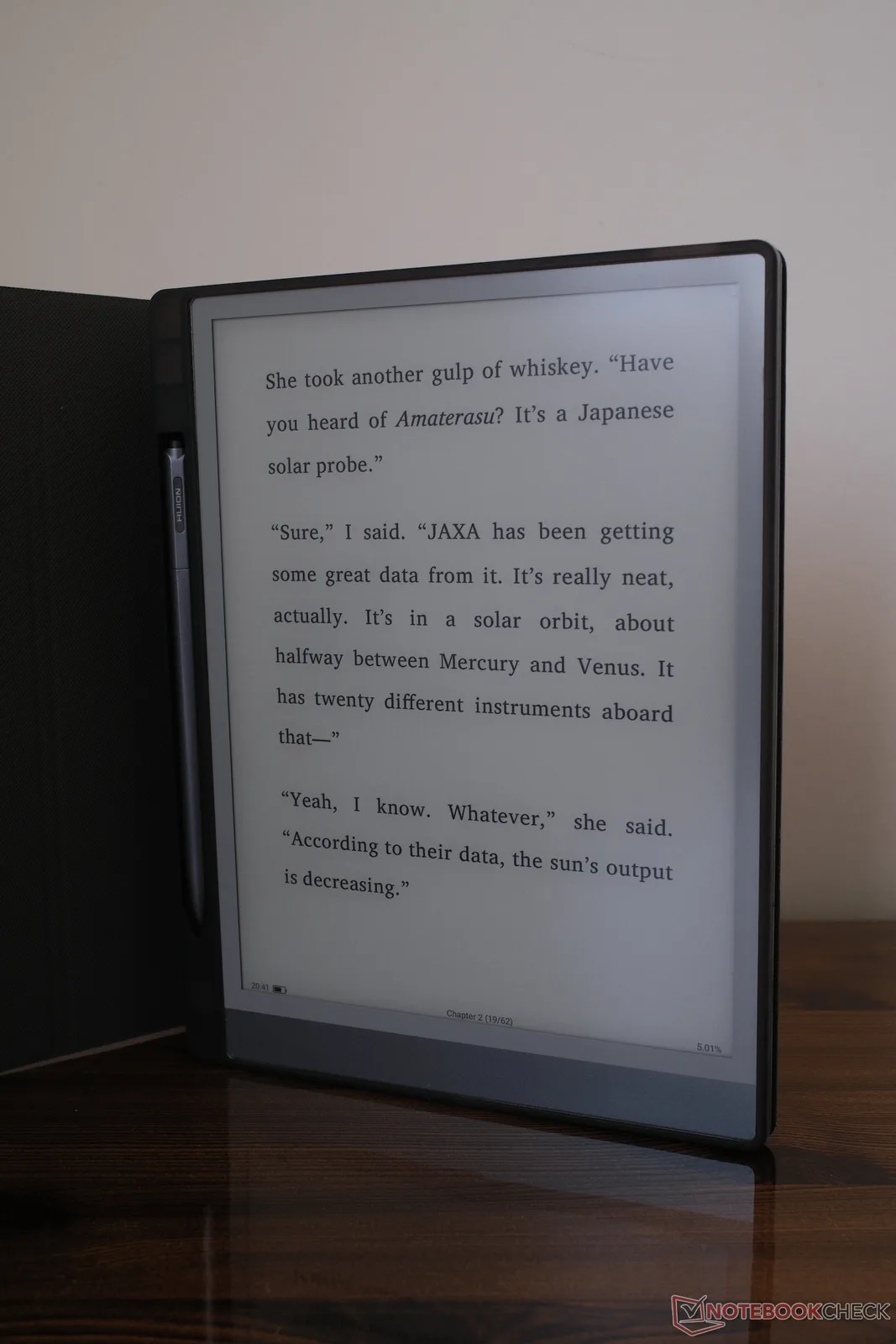
The Huion Ink takes the exact opposite approach. It uses a 10.3-inch screen. The larger size tries to mimic a standard notepad. Despite the extra surface area, it has a slim 6.5 mm profile. The weight distribution makes it very comfortable to use on a desk or resting in your lap. However, still, you will not want to hold the Huion Ink in the air with one hand for long periods.
Performance and benchmarks
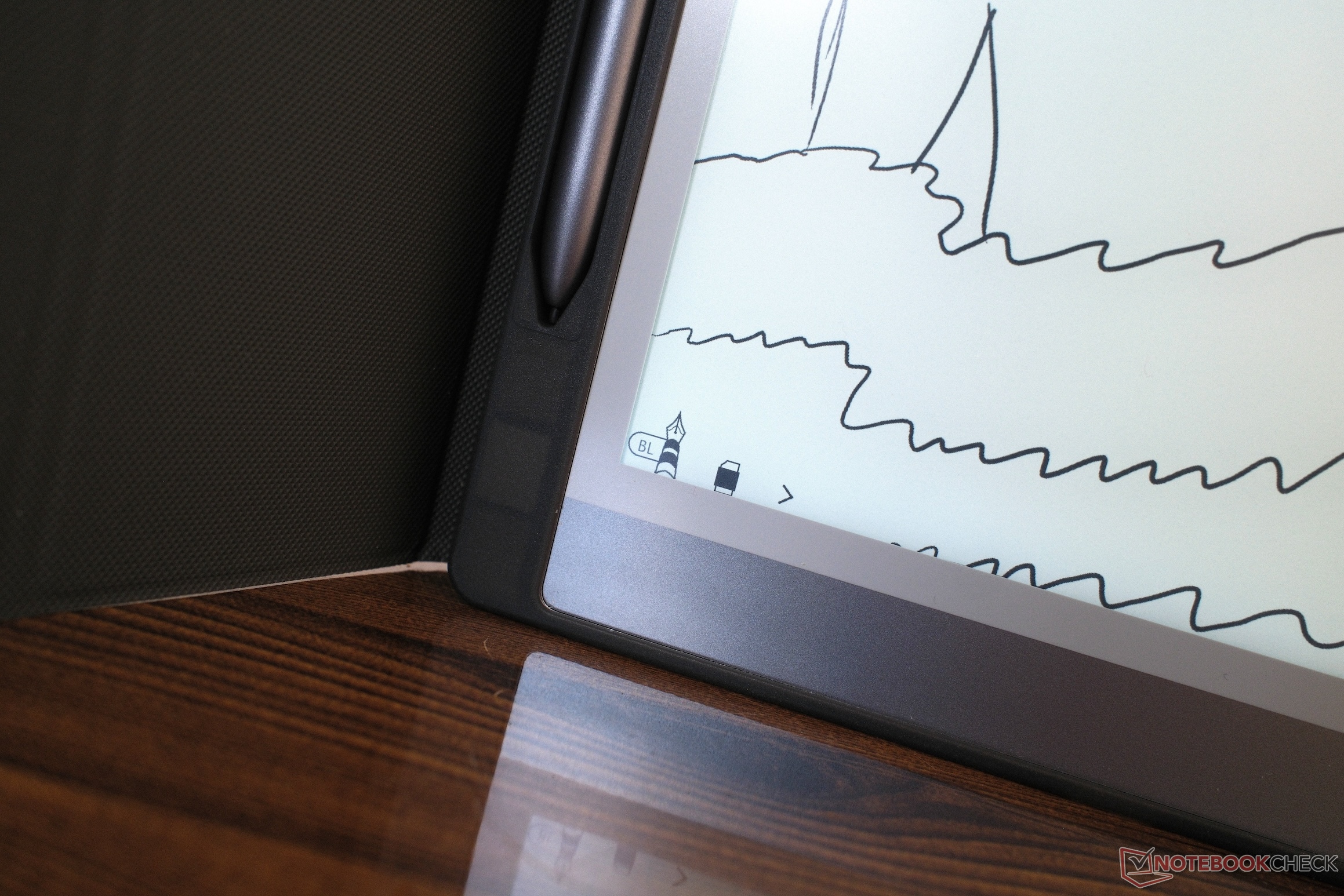
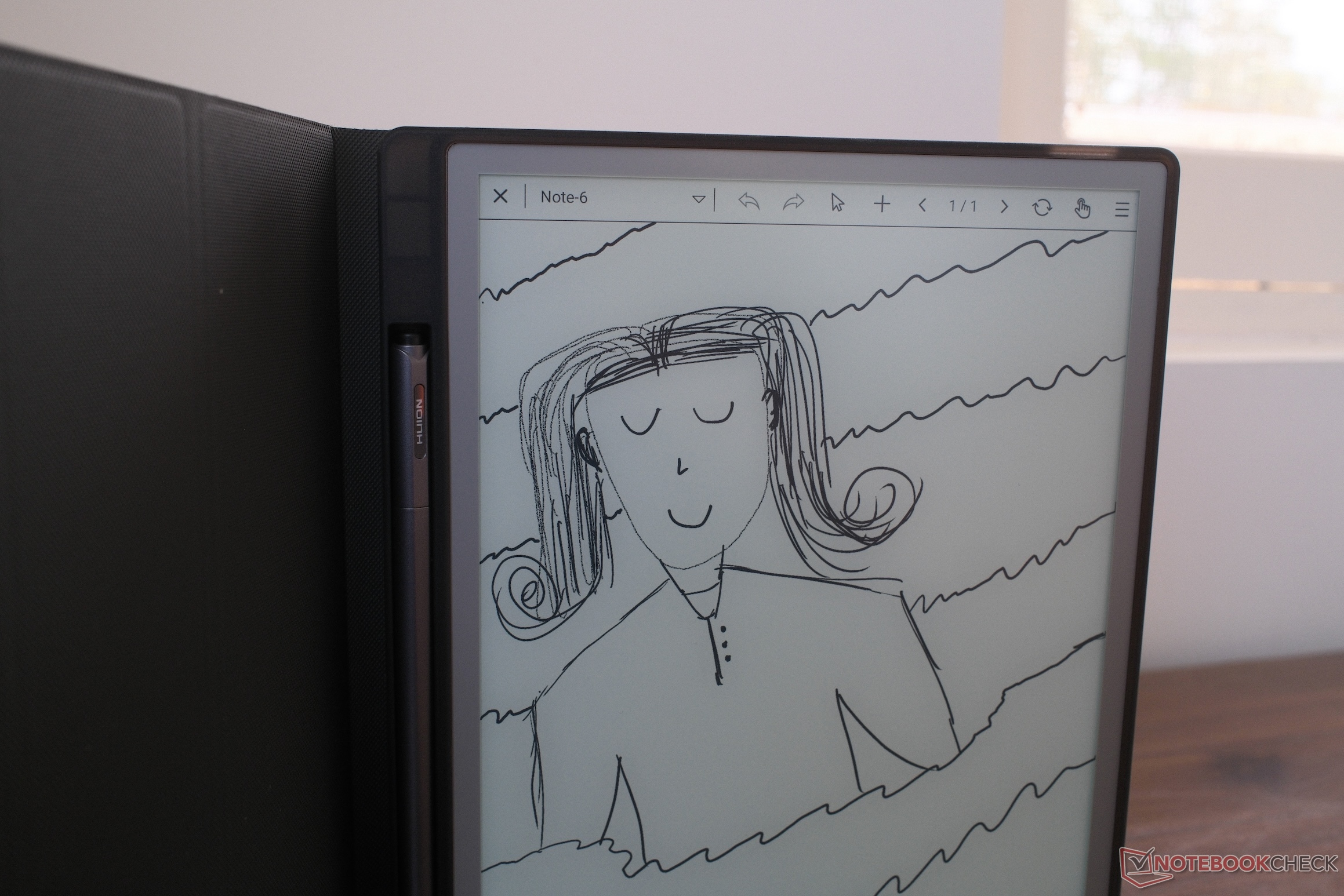
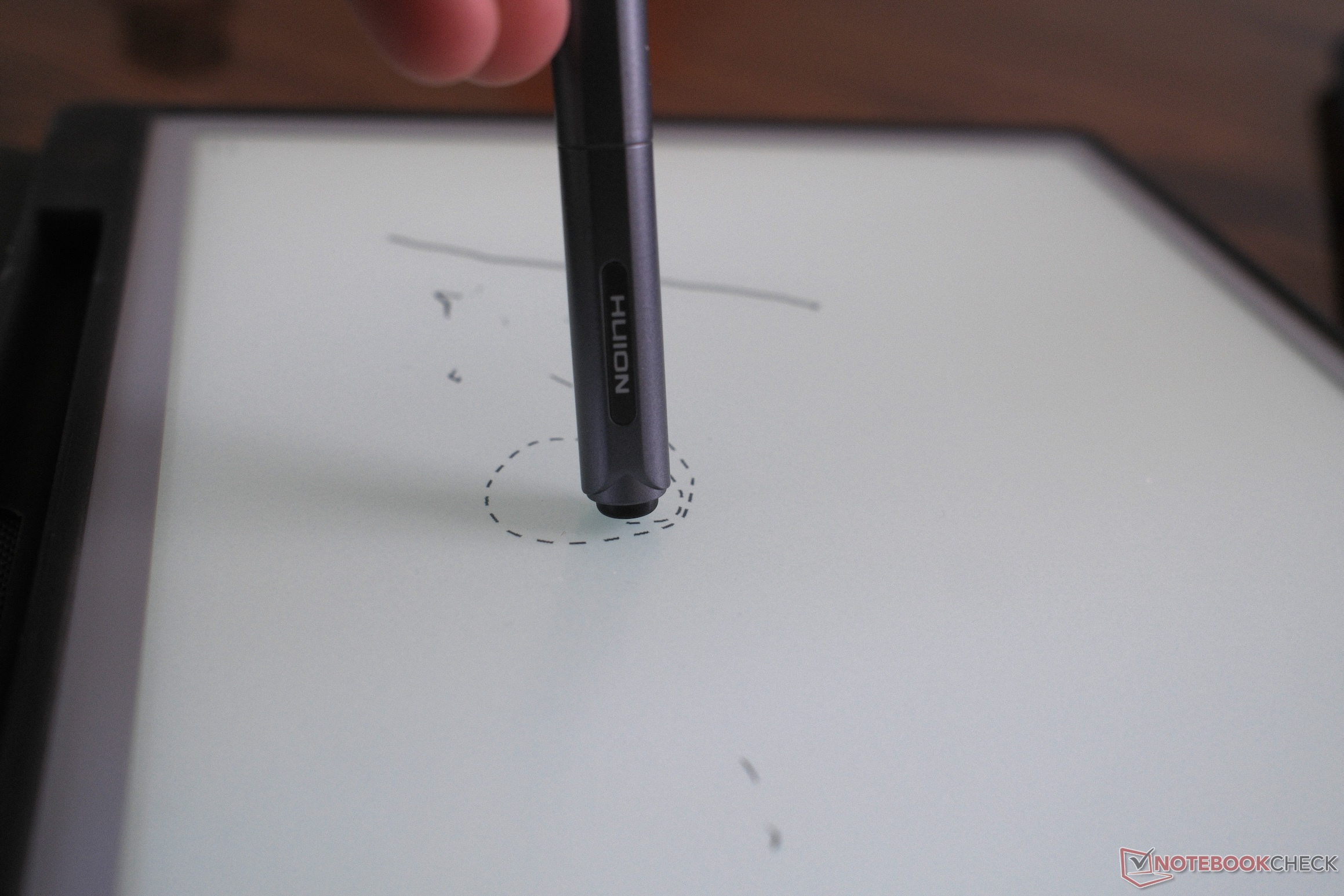
A digital notebook relies heavily on its writing surface. Huion has applied different surface treatments to each tablet. The Huion Ink features an anti-glare etched glass surface. There's that slight (expected) physical resistance when you drag the stylus across it.
The Note E instead goes for an AG nano-coating applied over its LCD panel. The coating dulls the glass and provides a very smooth glide. Using the stylus on either tablet, for the most part, was a very similar experience. There is a slight latency between the pen tip touching the screen and the stroke registering. Your brain should adjust to the lag after a few minutes of note-taking, but this is still noteworthy.
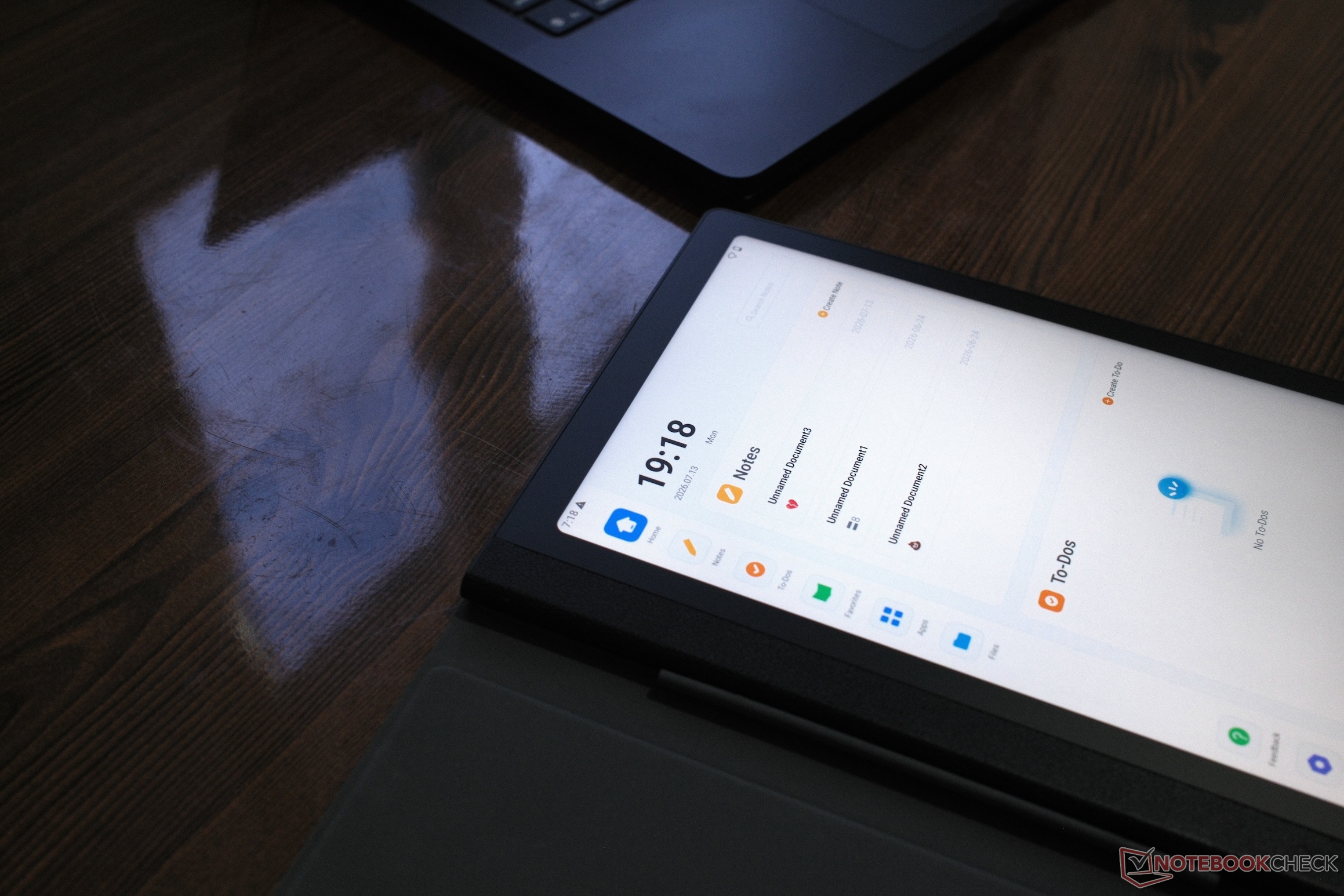
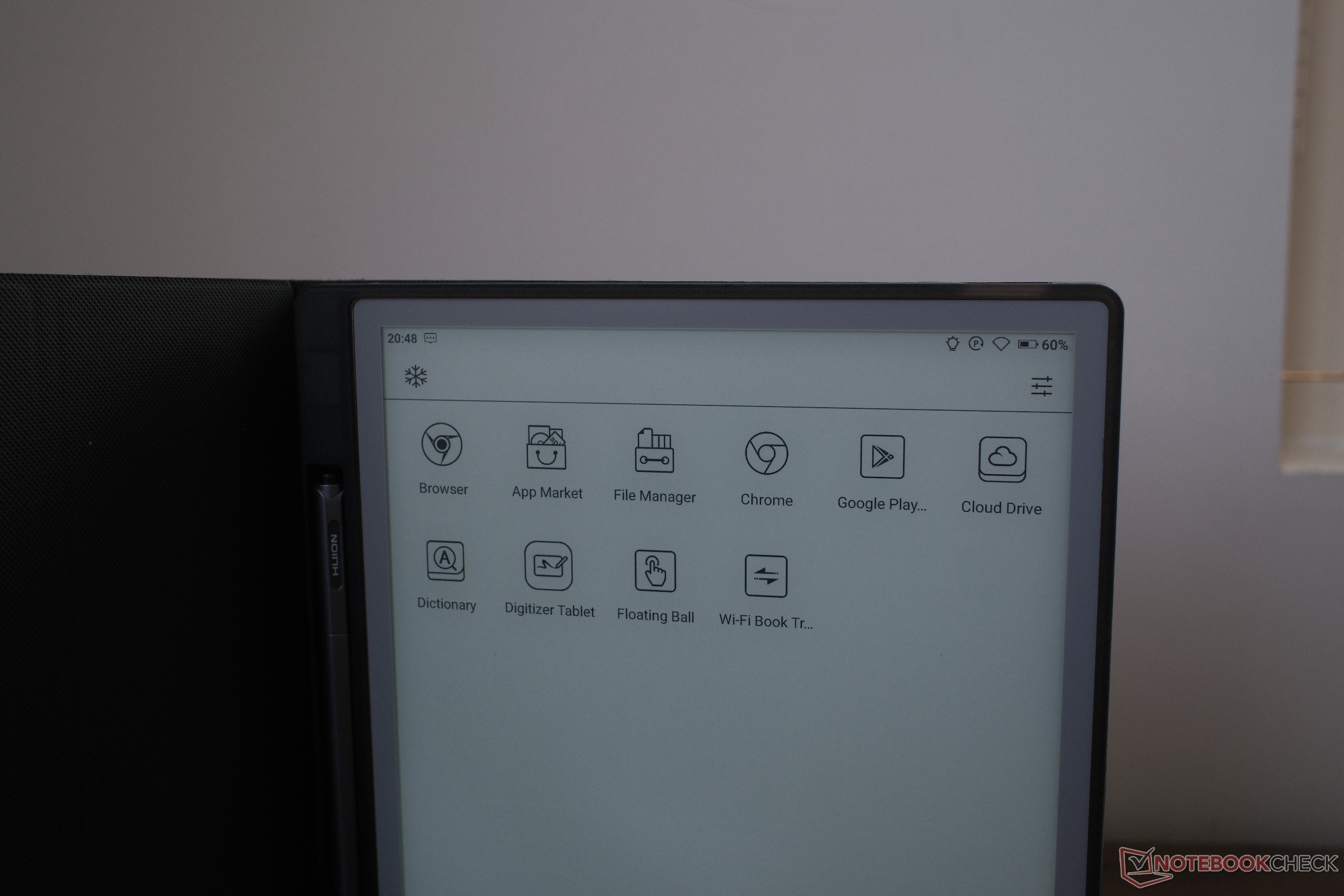
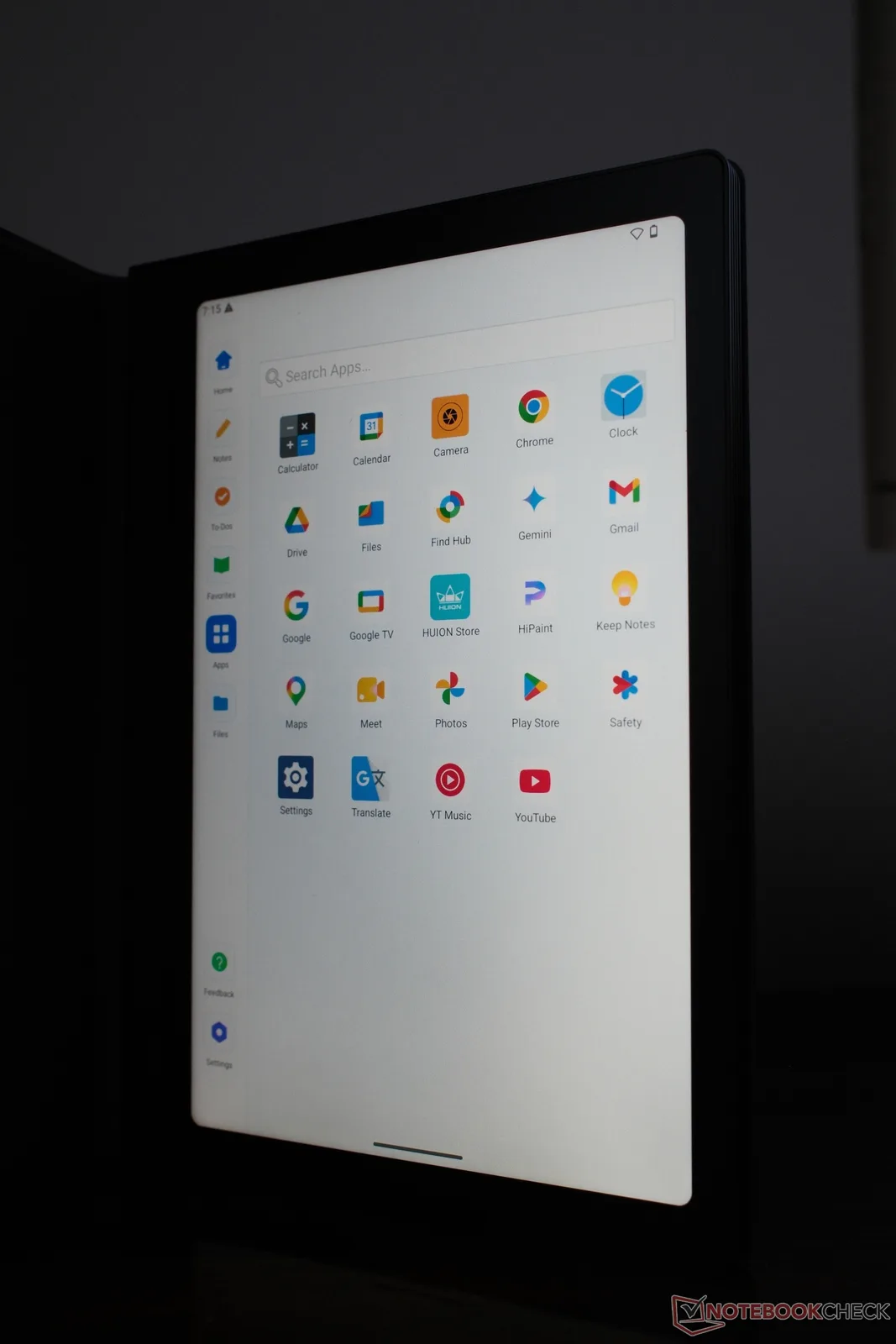
Both devices run Android. The Note E benefits from its LCD screen here. Navigating the operating system is fast. App loading times are decent, and scrolling feels fluid. The Huion Ink is restricted by the refresh rate of electronic paper. Menu navigation is slower, and you have to be extremely deliberate with your inputs.
Regarding multi-monitor performance, neither device is built specifically to drive multiple external displays. The Note E can handle basic screen projection to share notes during meetings. The Huion Ink also supports wireless screen mirroring. These features are strictly for presentations rather than extending a workstation setup.
Thermals and everyday use
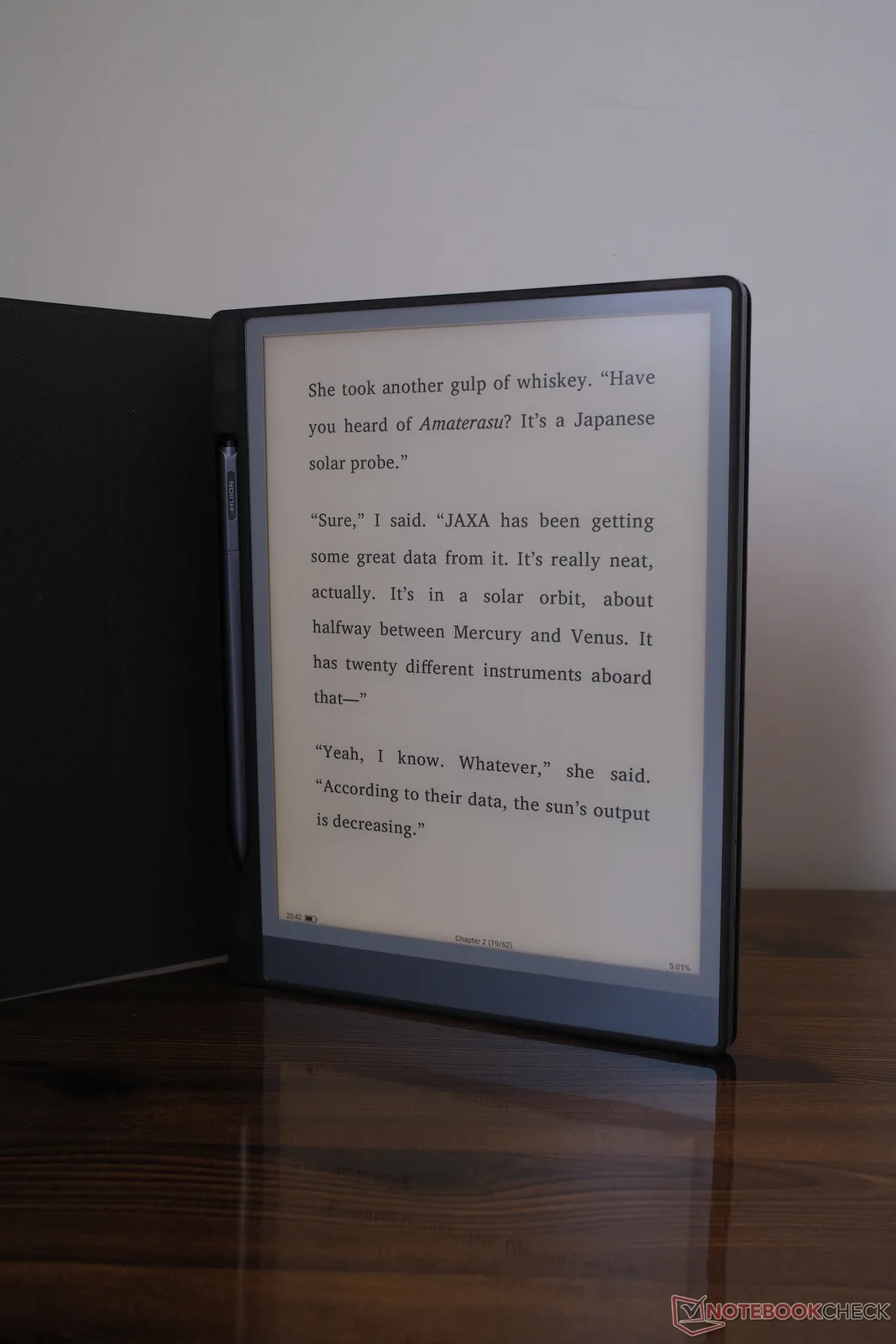
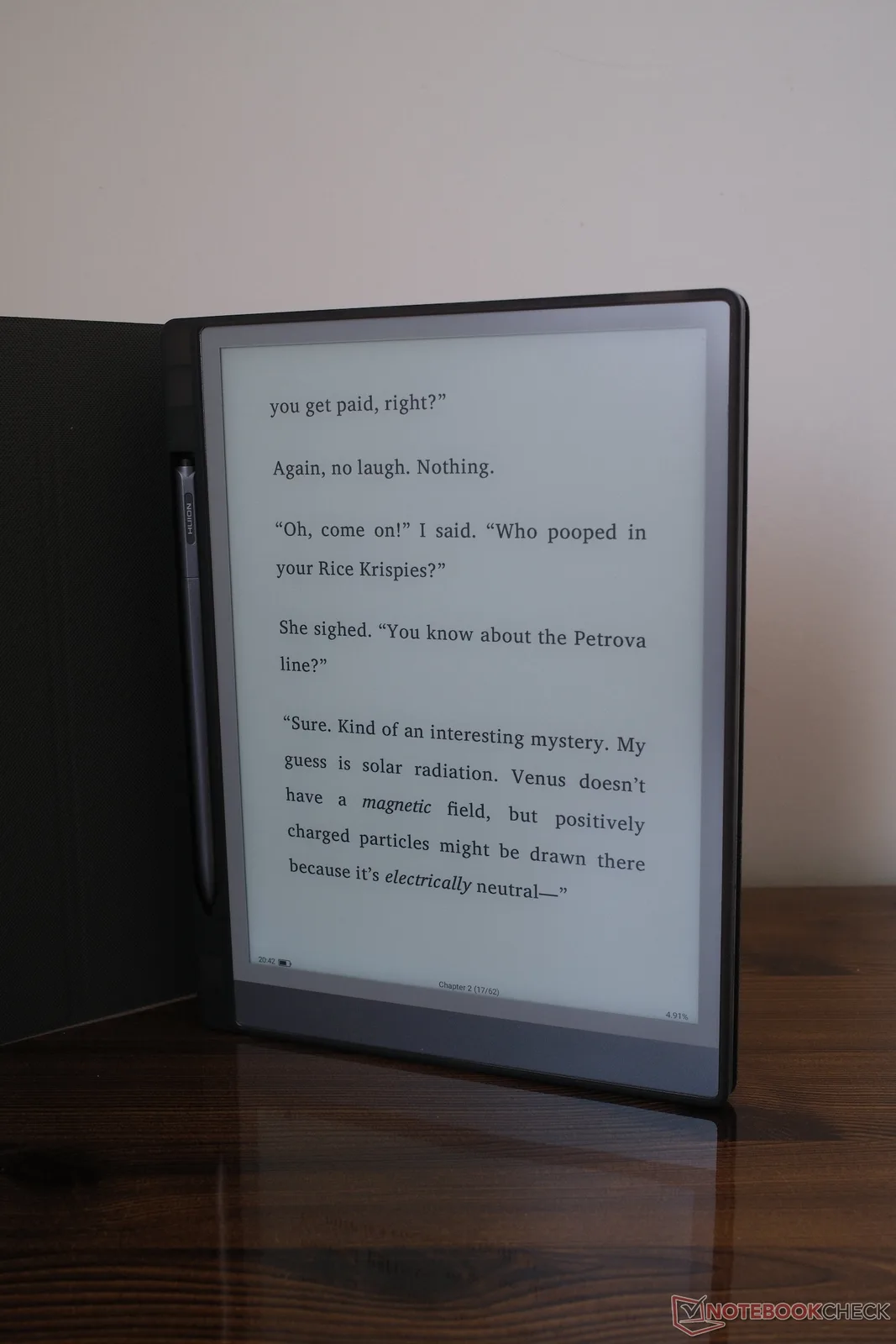
Screen technology is what ultimately dictates the overall "usability" here. The Huion Ink utilizes a traditional E-Ink panel. Text looks sharp and static. The main feature is the front light. It provides bright illumination for reading, and you can adjust the light between warm and cool color settings. During testing, no issues were noticed with the ghosting and other common gripes that plague such e-ink readers.
The Note E, as mentioned earlier, uses a standard LCD panel that outputs 300 nits of brightness. The colors are clear, and the nano-coating reduces overhead glare. However, the brightness has limits. The Note E struggles in outdoor environments. If you take it into direct sunlight, the screen could be brighter.
Battery life also shows the final major difference. The Note E packs a 4,500 mAh battery and requires regular charging. The Huion Ink packs a 4,650 mAh battery and excels in longevity. Its battery only drains heavily when refreshing the screen, with the company claiming it lasts up to 12 days on a single charge. In our testing with moderate usage, these claims are easily achievable on the Ink, but not on the Note E. Its battery seems to drain much quicker when being used for basic tasks.
Neither tablet generates noticeable heat during regular note-taking or reading.
Stylus performance and pen tech
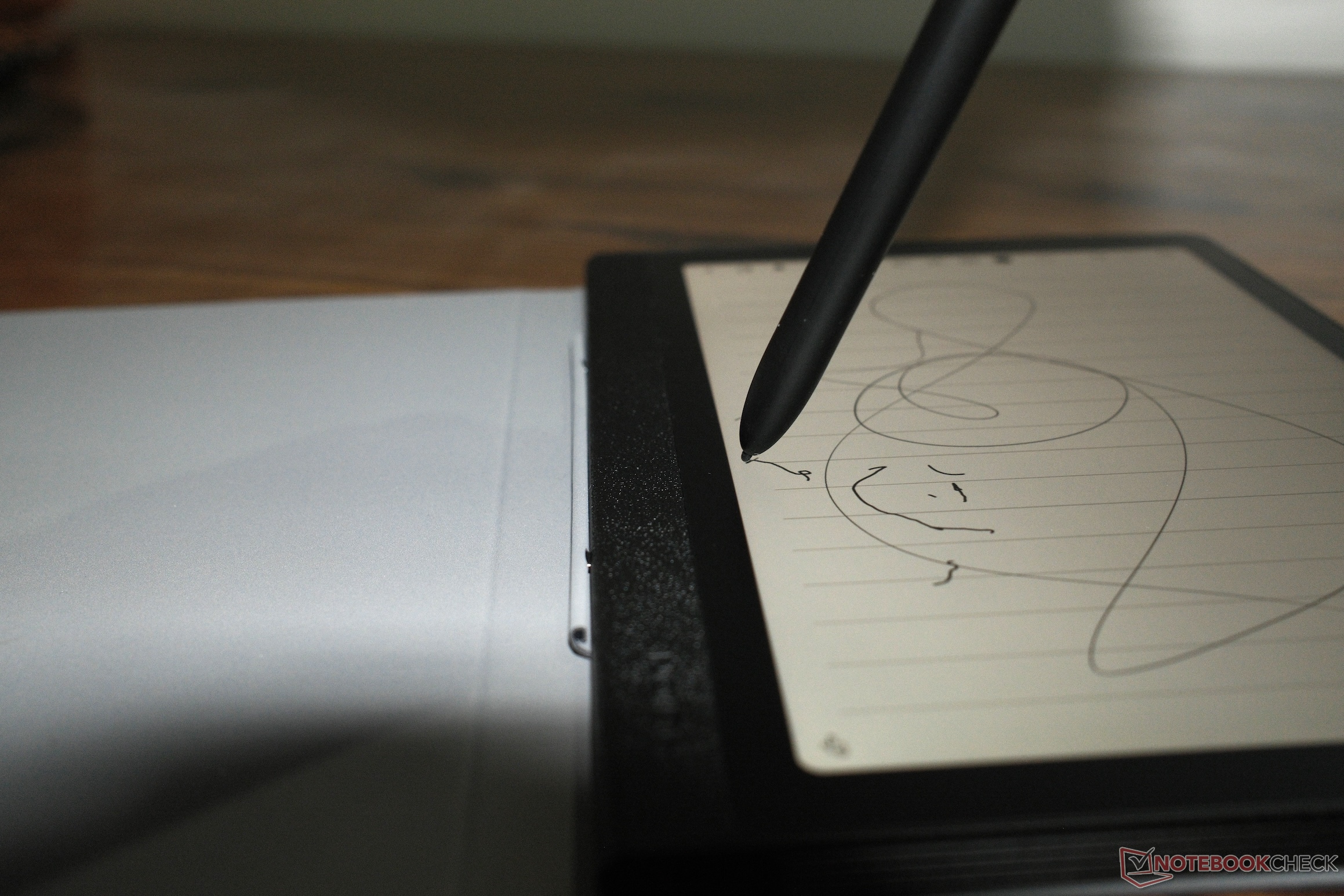
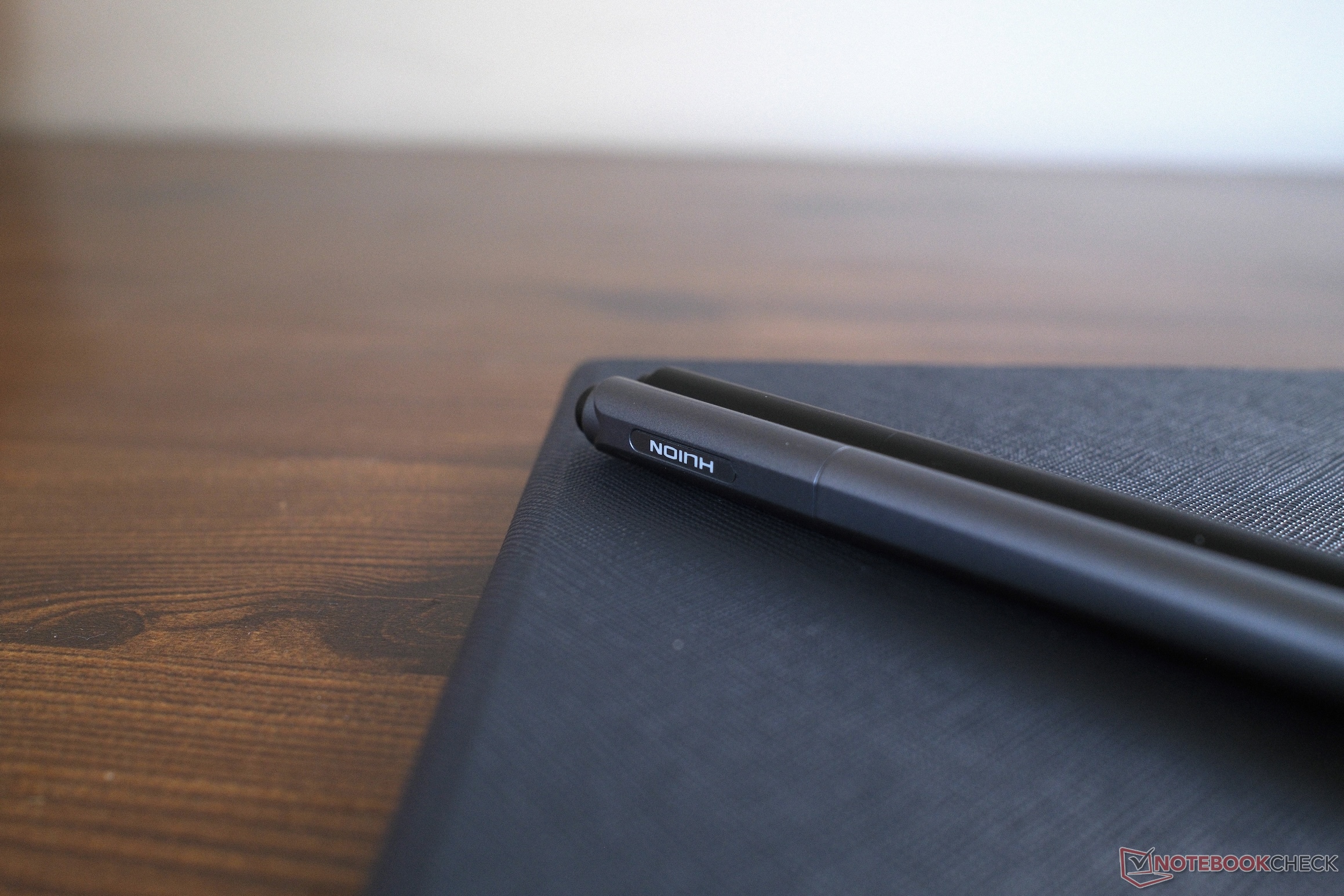
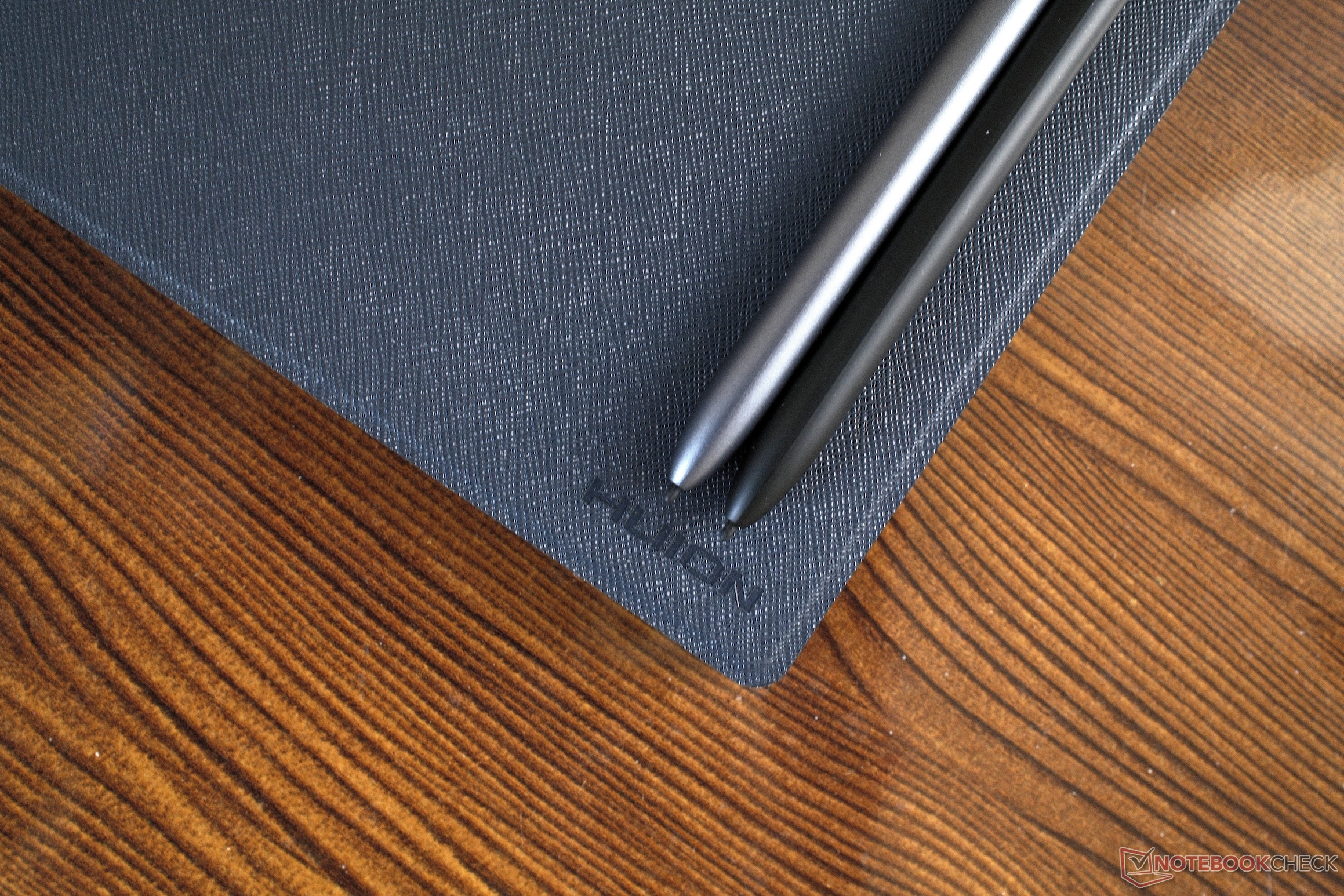
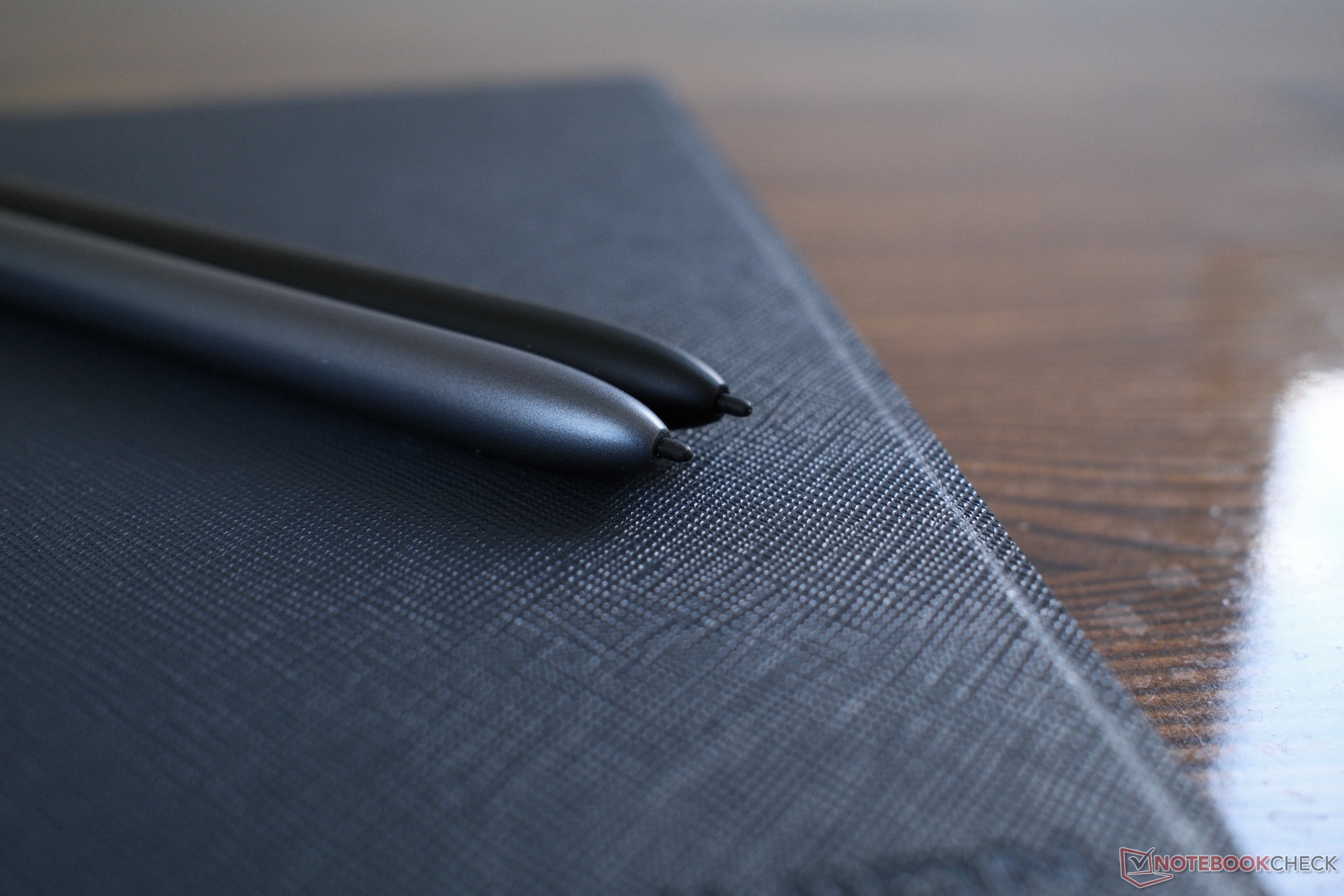
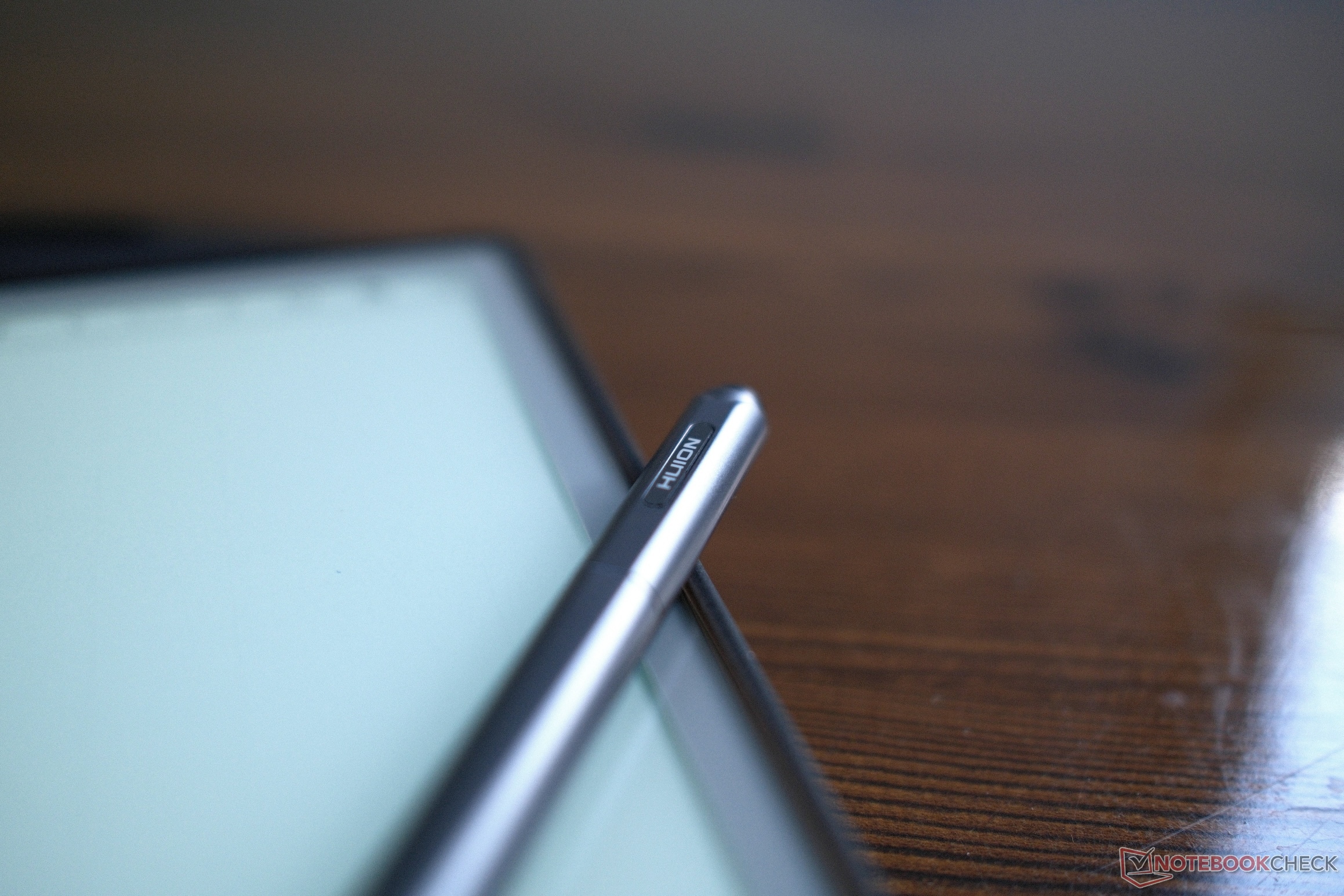
Both tablets come with battery-free styluses, featuring Huion’s proprietary pen technology, but they aren't exactly the same styluses either. The Note E ships with the PW510 pen, which has a traditional rubberized grip and a slightly thicker barrel that feels like a premium gel pen. Parallax (the gap between the physical pen tip and the digital ink beneath the glass) is very little, and tracking accuracy is pretty decent right up against the edges of the 8.4-inch screen.
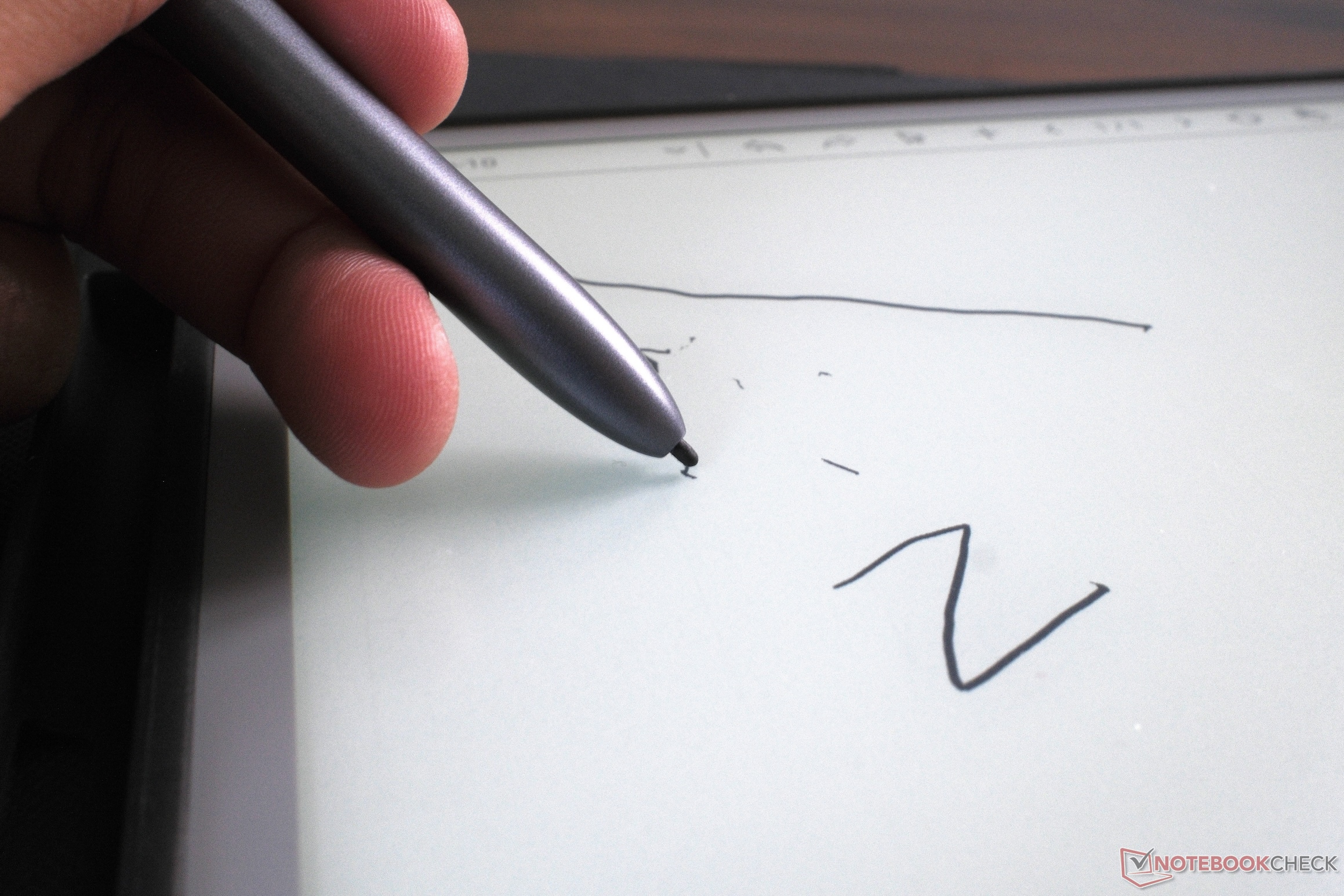
The Huion Ink gets paired with the slimmer Ink Pencil IP151, which is kitted with a physical tail eraser. Flipping the pen over to scrub out mistakes works quite well within the native software. You don't have to toggle between the eraser tool too often, that's for sure. However, there are some specific angles of contact that work better than other ones; once you realize that, the eraser does save some time in the long run.
While both styluses register 8,192 levels of pressure sensitivity and support tilt recognition, the physical feedback is different because of the difference in displays. The textured surface of the Huion Ink made it easier for me to draw fine-line sketches (and somewhat precise lettering), whereas the smooth nano-coating on the Note E was feeling more slippery when trying to execute slow, deliberate pen strokes.
Software ecosystem and text conversion
Because these devices function mainly as productivity tools, I tried out the native note-taking environments on both these devices. Android backends always include a built-in handwriting-to-text conversion engine. The offline recognition accuracy on these devices is very reliable for standard cursive and quick block lettering, though it does struggles with complex mathematical symbols or nested bullet points.
Exporting and syncing your notes to a primary smartphone or PC is also possible because of Huion’s companion app ecosystem. The processor is capable — compiling multi-page vector sketches and converting them to vector PDFs or image files is instantaneous, but the overall experience does feel a little semi-premium at times.
The Huion Ink is much slower during heavy file exports or transfers between the SD card and onboard storage. It always takes a few extra seconds to process large documents before cloud syncing as well. However, yet again, you would get this for different reasons, and the Ink does have a much cleaner layout for side-by-side split-screen reading, which makes it a much more functional tool for, say, annotating textbooks or reading long pieces of text (books/research papers) without straining your eyes.
Conclusion
At the end, choosing between the Note E and the Huion Ink comes down to your workflow. At $369 each, they have very different purposes. If you want a compact Android tablet with decent LCD (and that sweet nano coating), the Huion Note E is the right choice for you. However, if you're looking for solely an e-reader, the Huion Ink is the much better option for heavy reading, with a larger textured screen and solid battery life.
Transparency
The selection of devices to be reviewed is made by our editorial team. The test sample was given to the author by the manufacturer free of charge for the purposes of review. There was no third-party influence on this review, nor did the manufacturer receive a copy of this review before publication. There was no obligation to publish this review. As an independent media company, Notebookcheck is not subjected to the authority of manufacturers, retailers or publishers.
 Add as a preferred source on Google


