




Samsung tightens One UI 9.0 lockscreen security, permanent lockout after 13 failed attempts
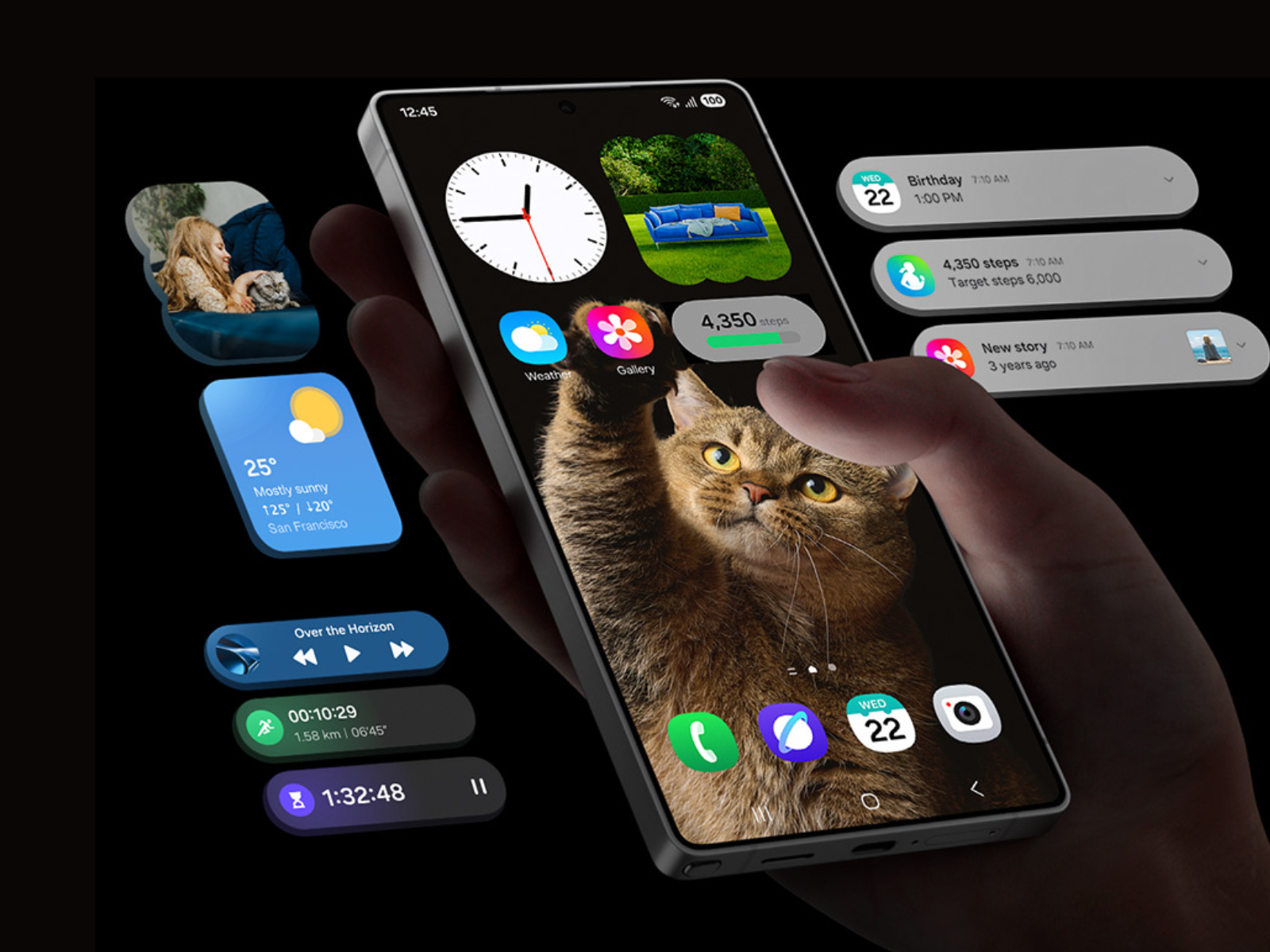
Samsung outlines a stricter lockscreen security policy for devices running One UI 9.0, reducing the number of allowed unlock attempts and enforcing escalating lockout timers to defend against brute-force PIN, pattern, and password guessing.
Stricter retry limits
Under the new system, a device locks out for 1 minute after 5 failed attempts. The delay then rises with each additional failure: 5 minutes at 6 attempts, 15 minutes at 7, 30 minutes at 8, 90 minutes at 9, 4 hours at 10, 12 hours at 11, and 24 hours at 12. A 13th consecutive failure results in a permanent lock, and the device can only be restored through a full factory reset, which erases all local data.
| Failed Attempts | Lockout Duration |
|---|---|
| 5 | 1 minute |
| 6 | 5 minutes |
| 7 | 15 minutes |
| 8 | 30 minutes |
| 9 | 90 minutes |
| 10 | 4 hours |
| 11 | 12 hours |
| 12 | 24 hours |
| 13 | Permanent lock, factory reset required |
Smart counting
Samsung builds in a "smart counting" mechanism so that entering the same wrong PIN, pattern, or password twice in a row does not count as two separate failures, only distinct incorrect entries advance the counter. The company also displays an explicit warning of remaining attempts once a user nears the threshold.
Biometric users still need a backup credential
The policy applies even to users who rely primarily on biometric unlock. Android's underlying Strong Authentication requirement still forces a backup PIN, pattern, or password entry at least once every 72 hours, regardless of fingerprint or face recognition use.
Forgotten passwords and FRP
Samsung notes it cannot remotely retrieve or reset a forgotten lockscreen credential. Users who forget their password must factory reset the device, after which Factory Reset Protection requires re-authentication with the registered Samsung Account and Google Account before the device can be used again. Samsung recommends keeping regular cloud or Smart Switch backups to avoid data loss in this scenario.
Why it matters
The company frames the change explicitly as a brute-force hardening measure rather than a cosmetic lockscreen update, part of a broader push to limit unauthorized access to on-device data.
Source(s)
 Add as a preferred source on Google


