




Raspberry Pi OS 6.2 disables the passwordless sudo
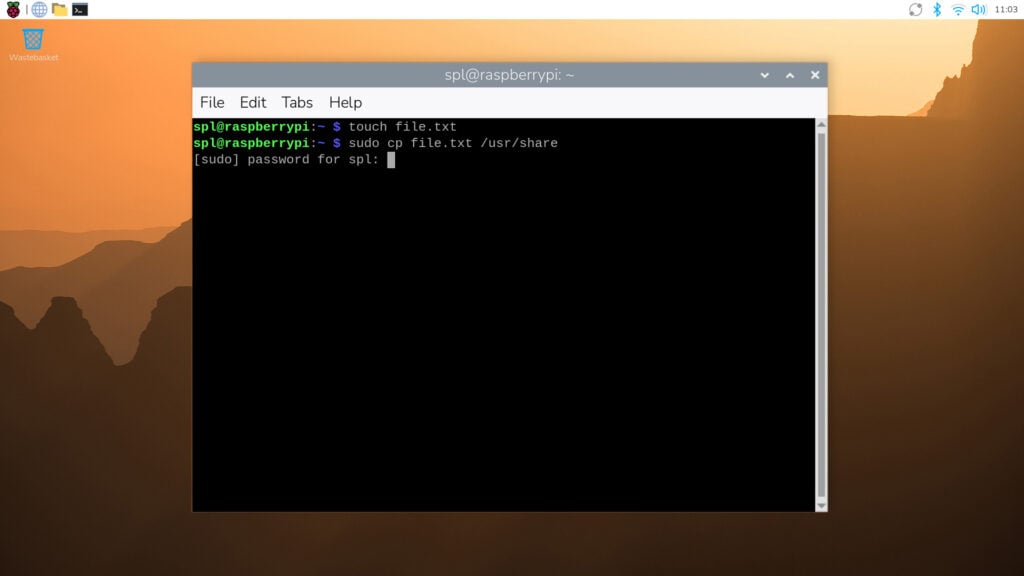
Also referred to as 2026-04-13, version 6.2 of the Raspberry Pi OS is the second one with a Debian Trixie core, and unlike its predecessor that arrived last year, this update is more about small changes, most of them unseen. However, it also comes with one noticeable change that might have a positive impact on the security of Raspberry Pi-driven hardware in certain use scenarios, namely the fact that sudo is no longer passwordless by default.
According to the official release notes of the development team, Raspberry Pi OS 6.2 "is mostly a round-up of all the small changes and bug fixes we have made over the past few months" alongside the aforementioned change to admin access. What should be highlighted is the fact that passwordless sudo will remain enabled for old installations that get updated to version 6.2. In this case, users who want to disable this feature should use the Admin Password switch, which will show up in the Control Center after updating.
To get Raspberry Pi OS up and running for the first time, the best way is to use the Raspberry Pi Imager, which is available on this page. All Raspberry Pi OS images, including legacy builds, can be accessed from here. Last but not least, those looking to get started with the Raspberry Pi ecosystem can now grab the CanaKit Raspberry Pi 5 Starter Kit PRO in Turbine Black with 8/128 GB from Amazon for $229.99.
Source(s)
 Add as a preferred source on Google


