




QNAP fixes 14 NAS security flaws and recommends updating QTS and QuTS
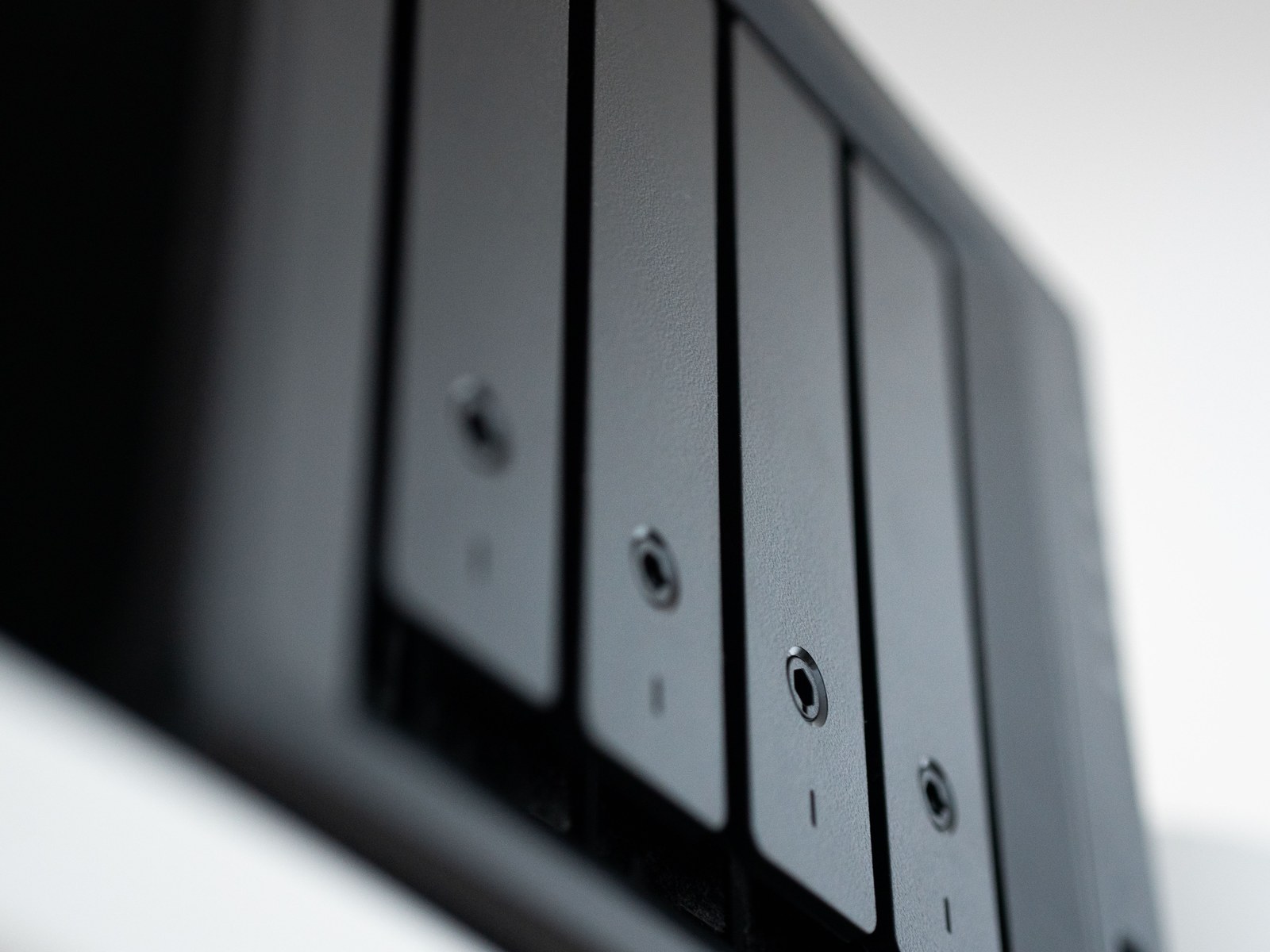
QNAP has released a major security update for its network-attached storage (NAS) devices. Dated June 17, the security advisory QSA-26-10 addresses 14 vulnerabilities in the QTS, QuTS hero, and QuTS cloud operating systems, as well as the QVP surveillance system. Anyone running QNAP NAS devices is advised to update them as soon as possible to protect sensitive personal data.
Which vulnerabilities has QNAP patched
Among the 14 security flaws identified are several critical vulnerabilities, including a URL injection vulnerability (CVE-2025-59382) that allows attackers to remotely manipulate password reset links and lure victims to fake websites to steal login credentials. Several command injection vulnerabilities also allow authenticated administrators to execute arbitrary system commands. Particularly serious is a memory vulnerability (CVE-2026-26241) which, according to QNAP, can be exploited by unauthenticated threat actors via manipulated uploads with excessively long filenames.
These version are affected
NAS devices are popular targets for cyberattacks, as many of them operate continuously and are accessible via the Internet. The affected versions include QTS 5.2.7, QuTS hero h5.2.8, QuTS cloud c5.2.8, and QVP 2.7.1. QNAP has already fixed these vulnerabilities in newer releases, including QTS 5.2.9.3499 and QuTS hero h5.2.9.
How to update your QNAP NAS
You can install the update directly on the device. To do so, log in to the web interface, open the Control Panel, go to System and Firmware Update, and check for new software versions. Alternatively, the appropriate firmware can be obtained from the QNAP Download Center and installed manually. Your NAS device will restart once the update is complete.
How to provide additional protection for your NAS
A NAS system should never be connected to the Internet without proper protection. Disable any remote-access features you don’t need, and avoid granting direct online access to an admin account. Use strong, unique passwords and enable two-factor authentication. If you need to access the NAS while on the go, use a VPN to avoid exposing the NAS interface directly to the Internet.
This update takes only a few minutes to install – time well spent given that one of the vulnerabilities can be exploited by unauthenticated attackers.
Refer to QNAP Security Advisory QSA-26-10 for more information, including a full list of the vulnerabilities fixed.
 Add as a preferred source on Google


