




Oppo Find N6: The Snap Key - Between quick access and a half-solution
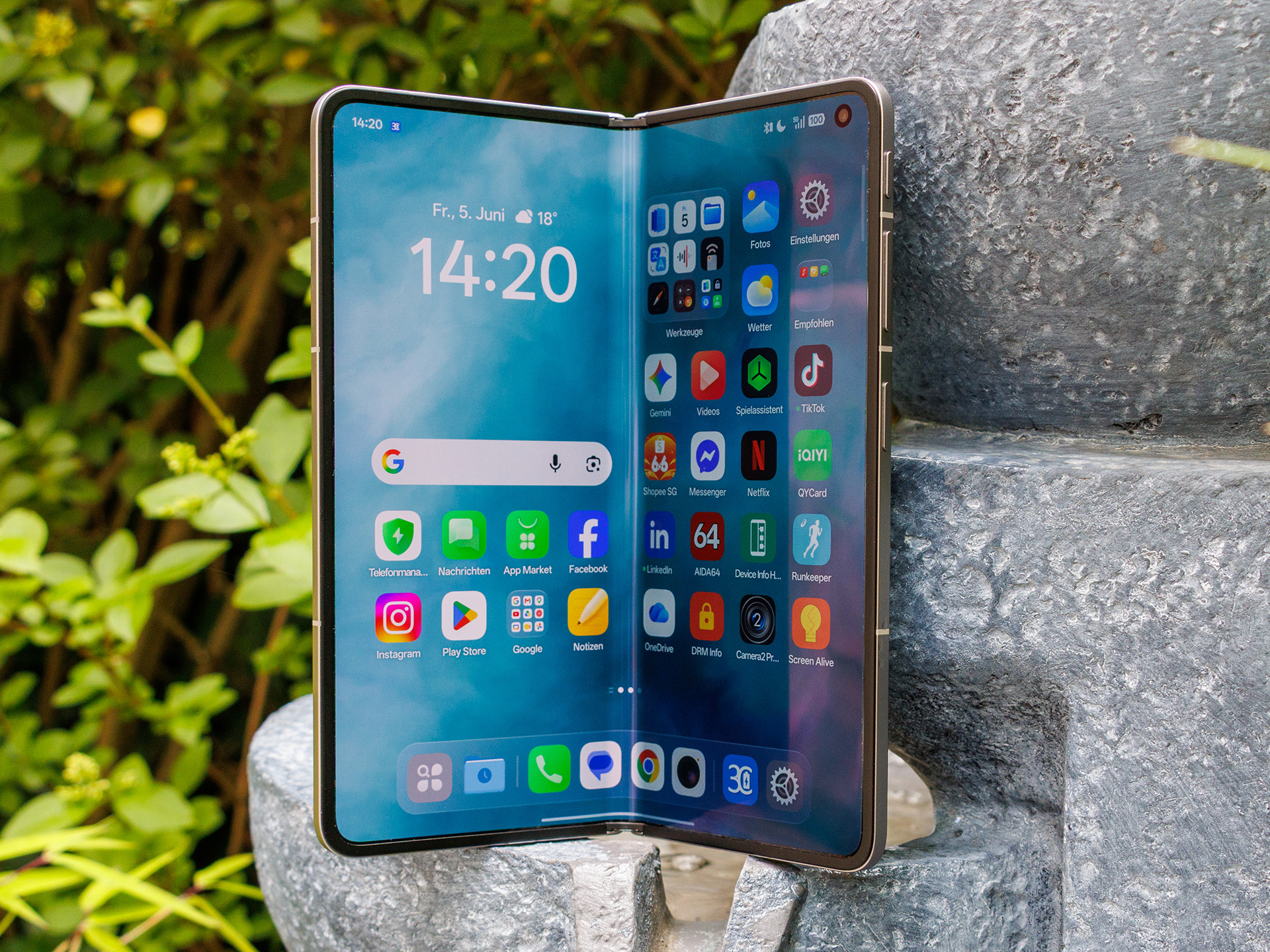
At its core, the Oppo Find N6’s Snap Key is a shortcut button closely integrated with Oppo’s software ecosystem. Linked to "Mind Space," it is designed to accelerate access to AI-powered filing and organizational functions. This can be useful in everyday use when you want to quickly save or structure content, or incorporate it into a productive workflow. However, its positioning in the top-right corner makes it somewhat less ergonomic than standard side-mounted buttons.
What the Snap Key cannot do, and perhaps even more importantly: It is not a freely accessible system key. Based on available information, it cannot be freely assigned to arbitrary apps or complex automation routines; instead, it remains tied to Oppo’s intended set of functions. This means it lacks the flexibility one would expect from truly universal hardware shortcuts. Anyone looking for any third-party app will find only a limited solution here. The Snap Key also does not support press gestures, such as double-pressing.
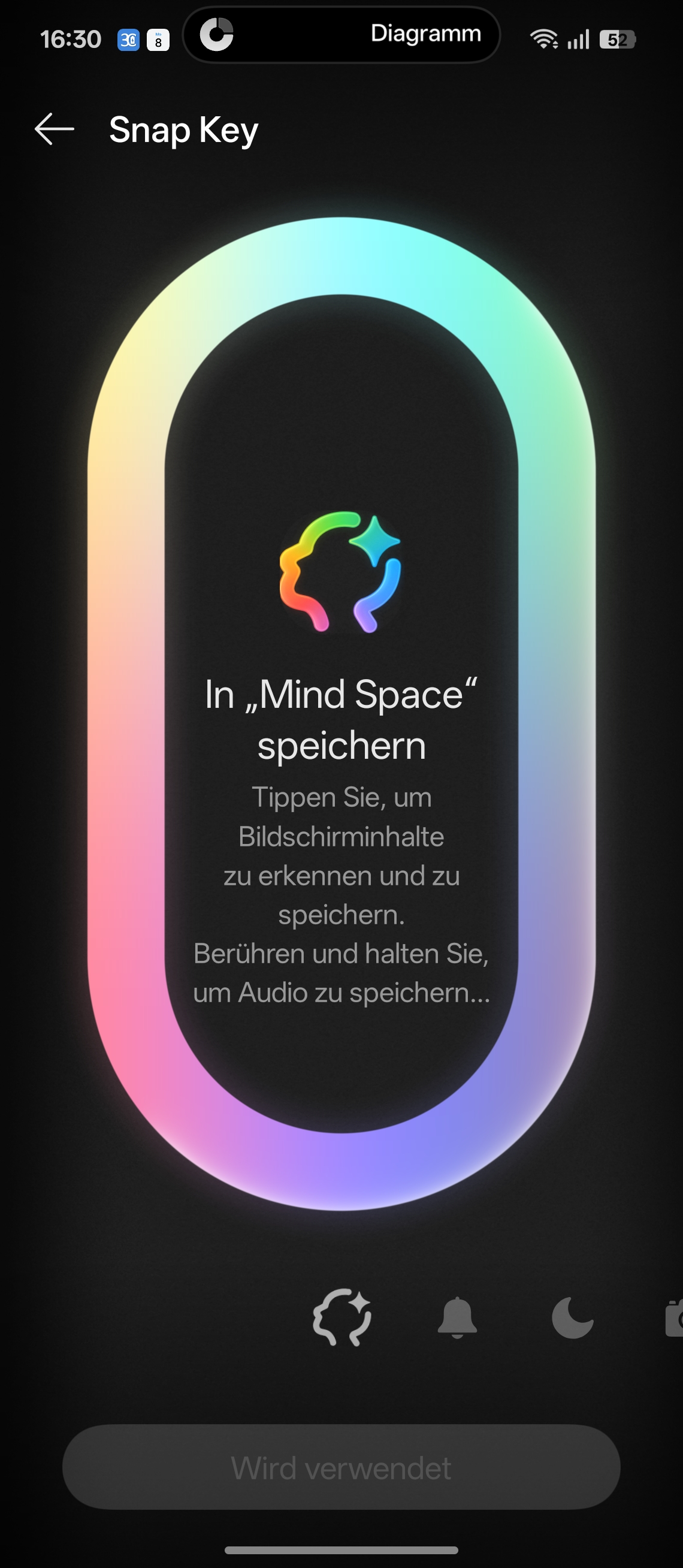
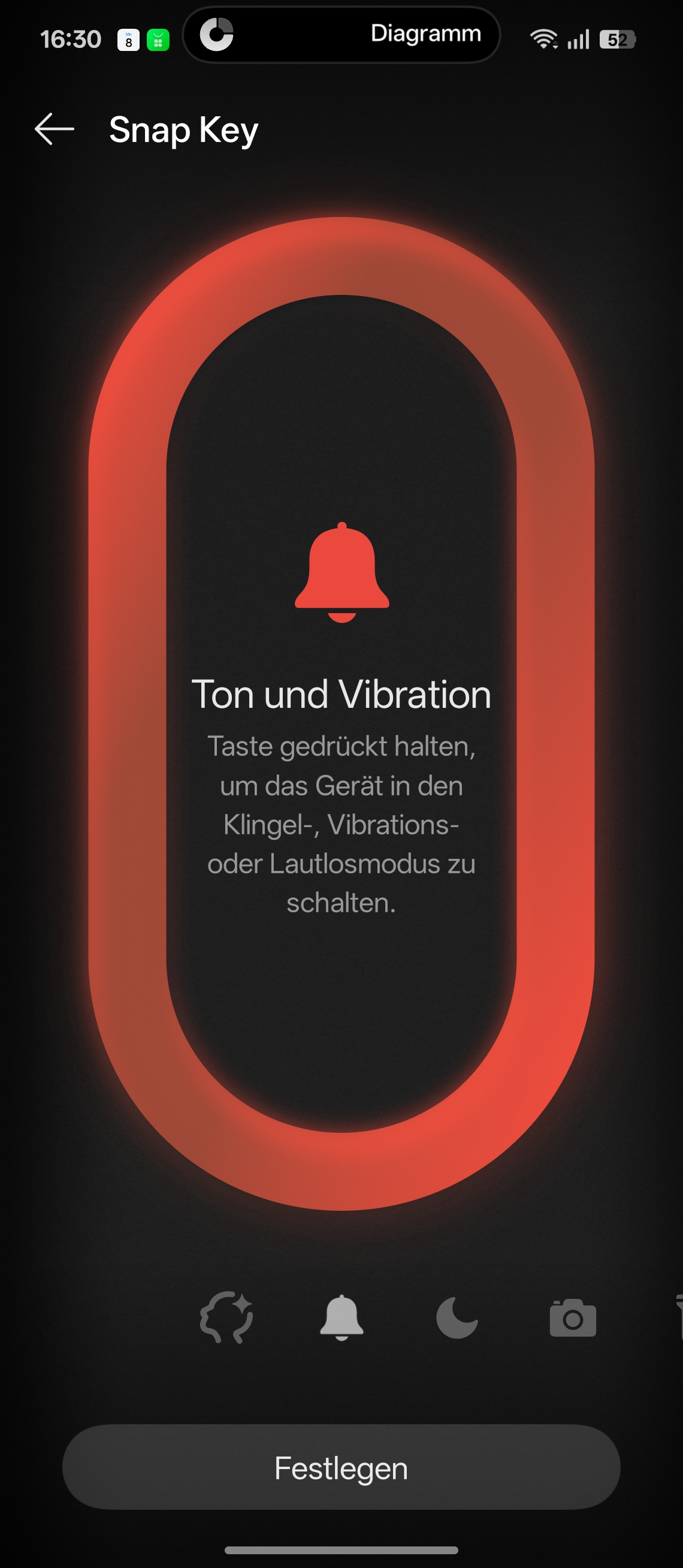
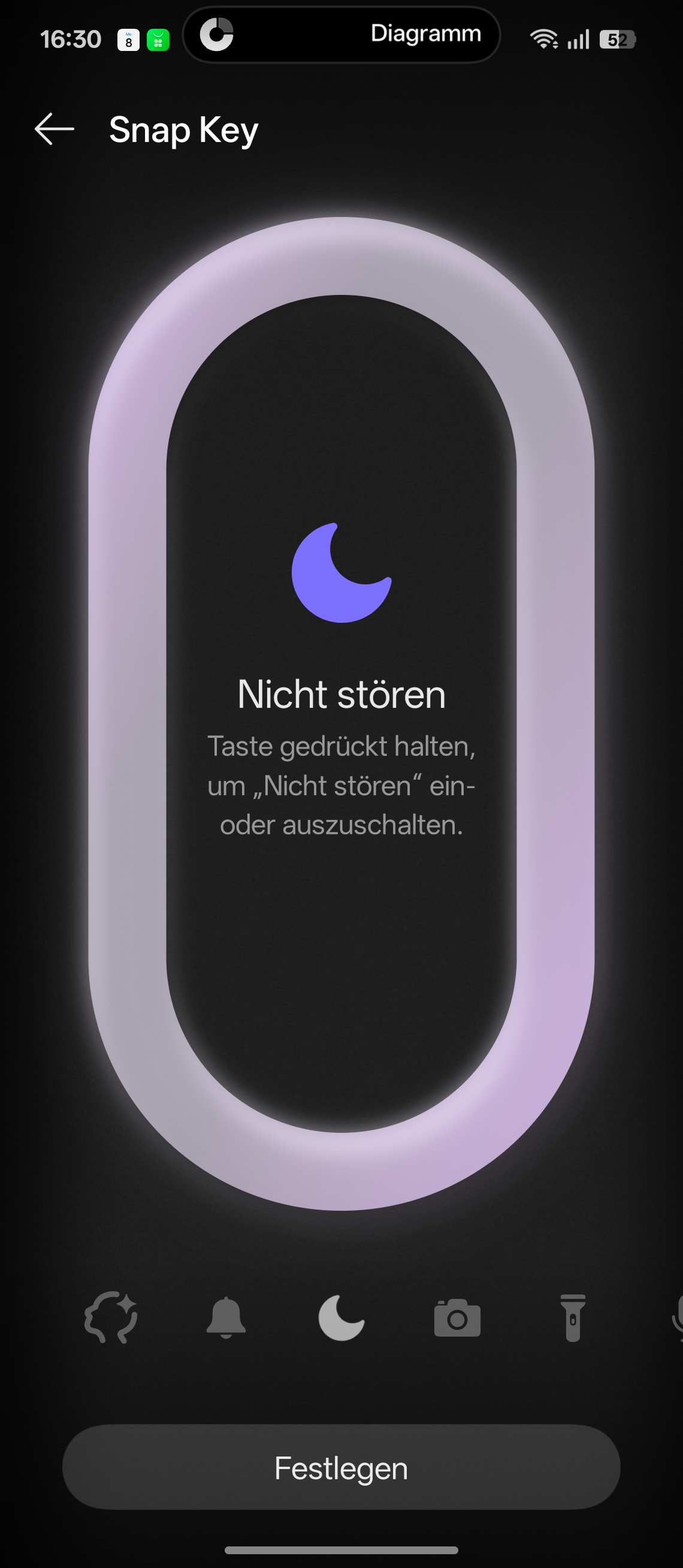
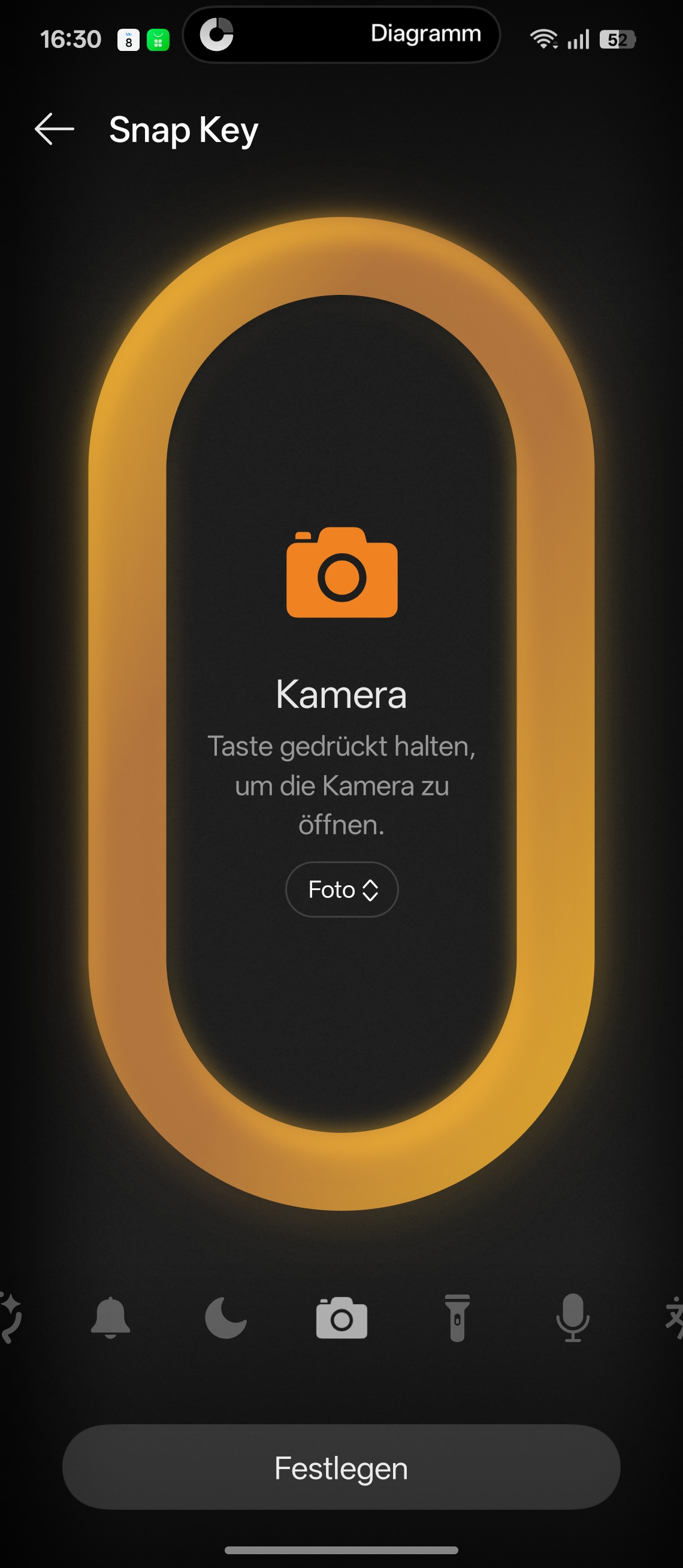
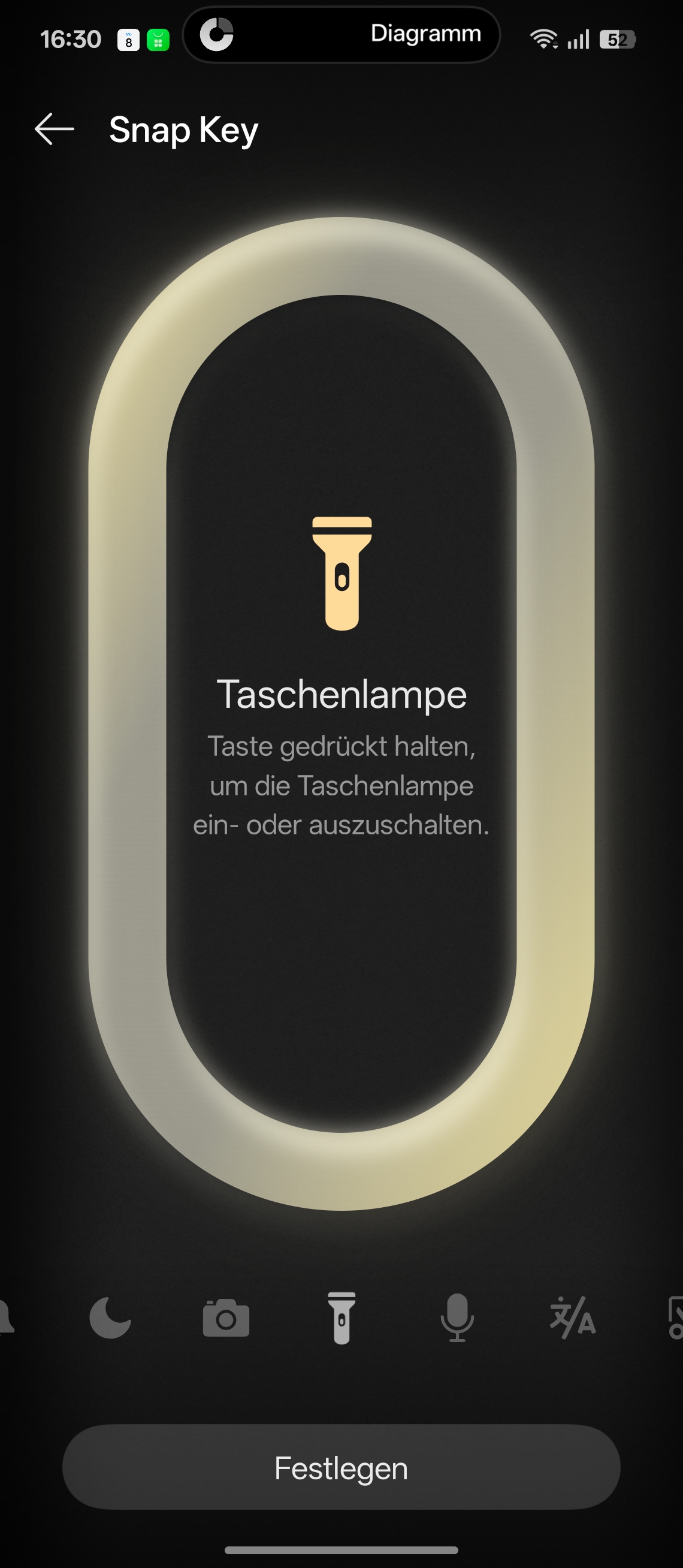
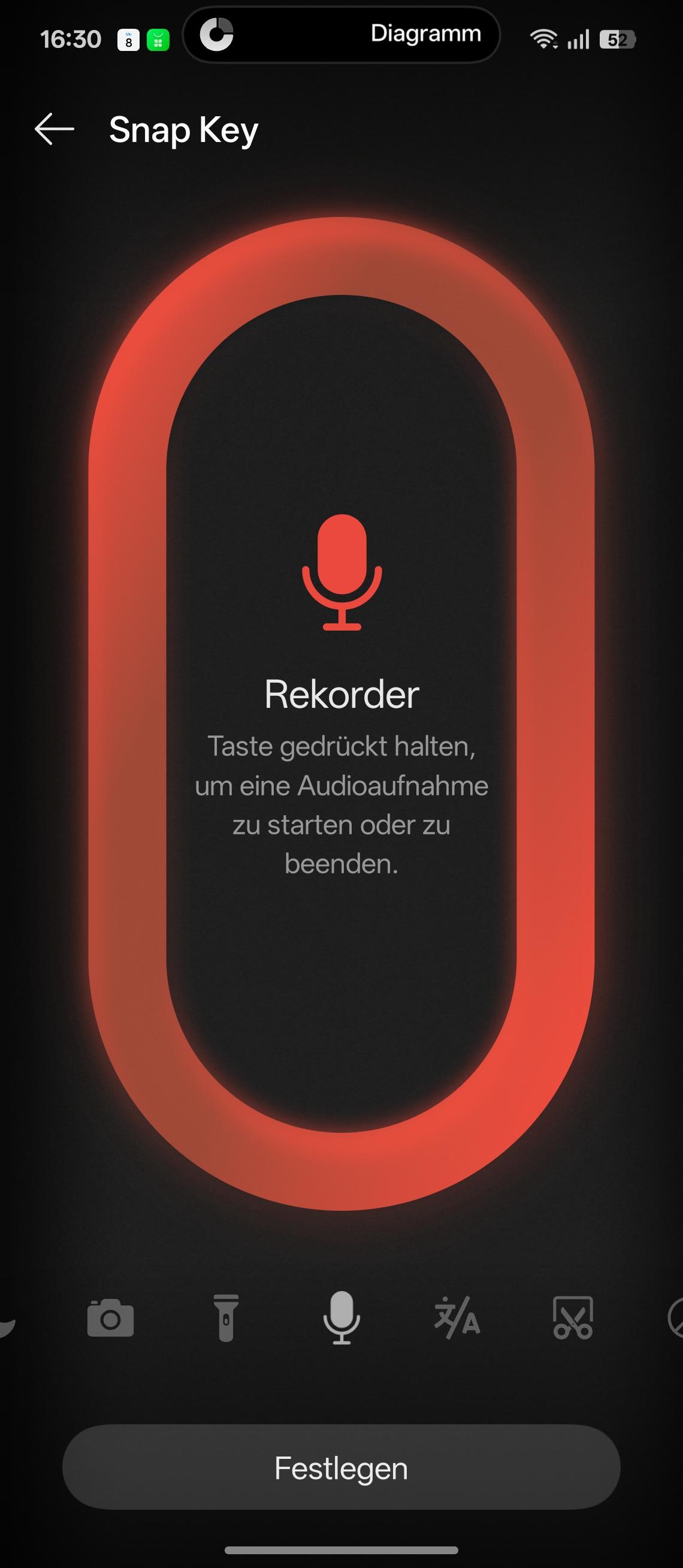
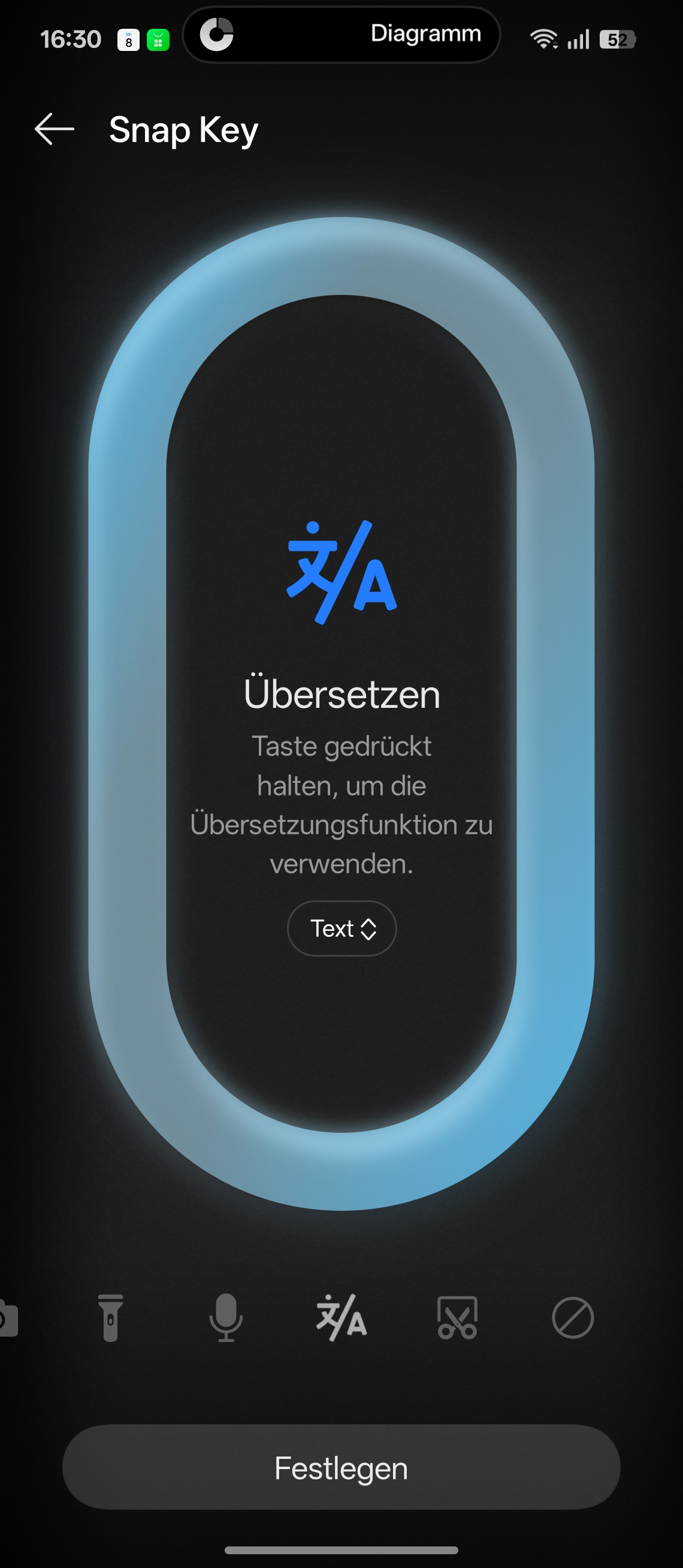
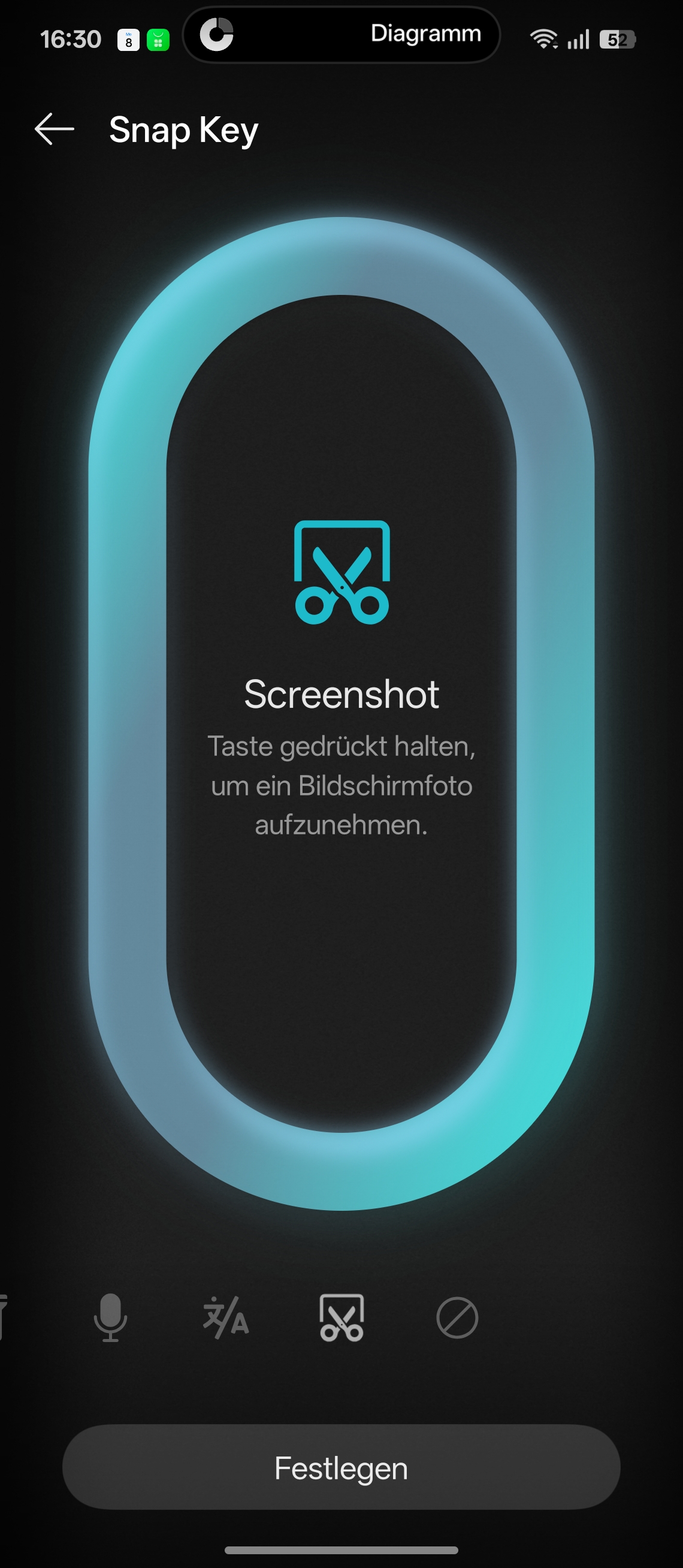
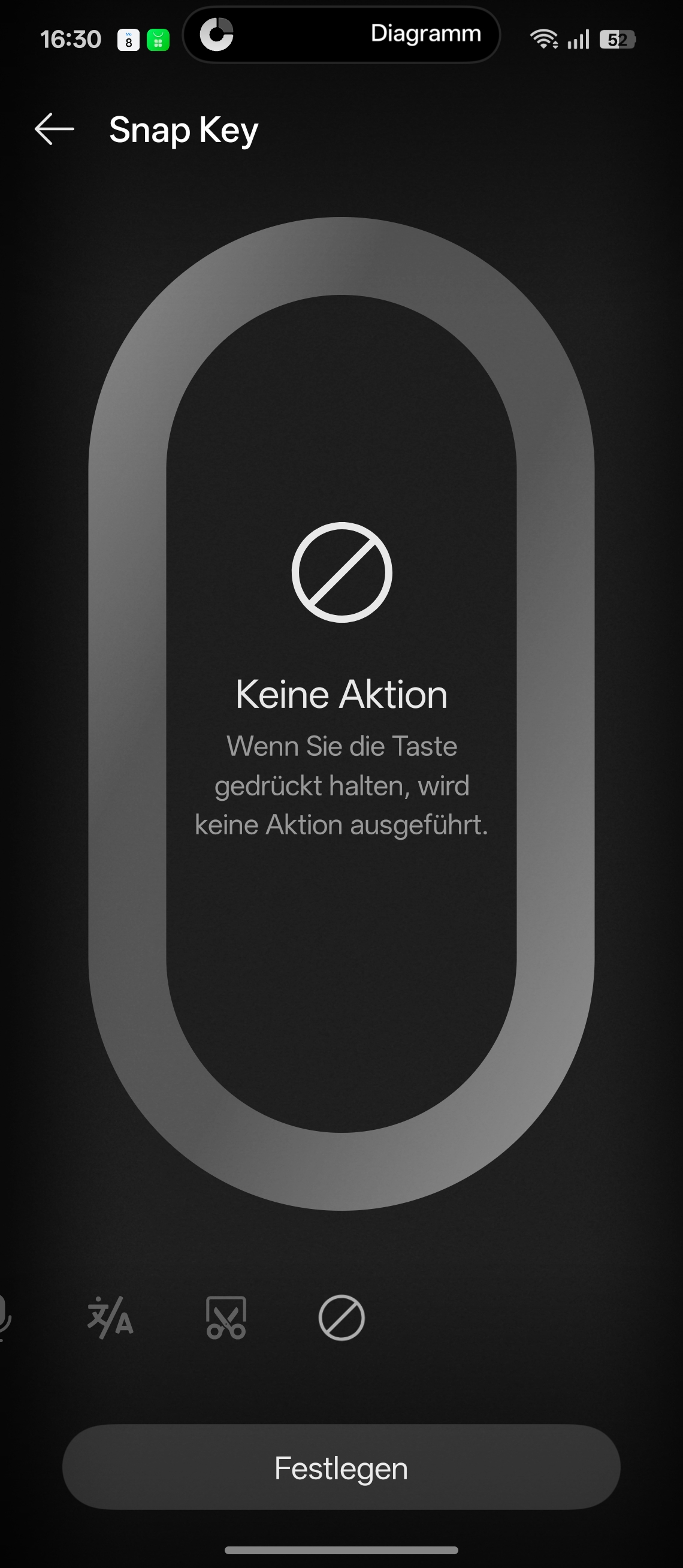
When compared directly to the "Action Button" concept of the iPhone Air, Oppo’s implementation does not appear clearly superior; in fact, it offers fewer options. Its advantage lies in its tight integration with "Mind Space" and the system's AI logic, rather than in offering maximum flexibility. Apple focuses more on a broader, system-wide function, whereas Oppo tailors the shortcut more narrowly to its own features. For Oppo Find N6 users, the "Snap Key" therefore represents a useful value-add, but not a true game-changer. It is technically interesting and practically useful, yet falls short of a truly great universal button in terms of versatility.
Source
 Add as a preferred source on Google


