




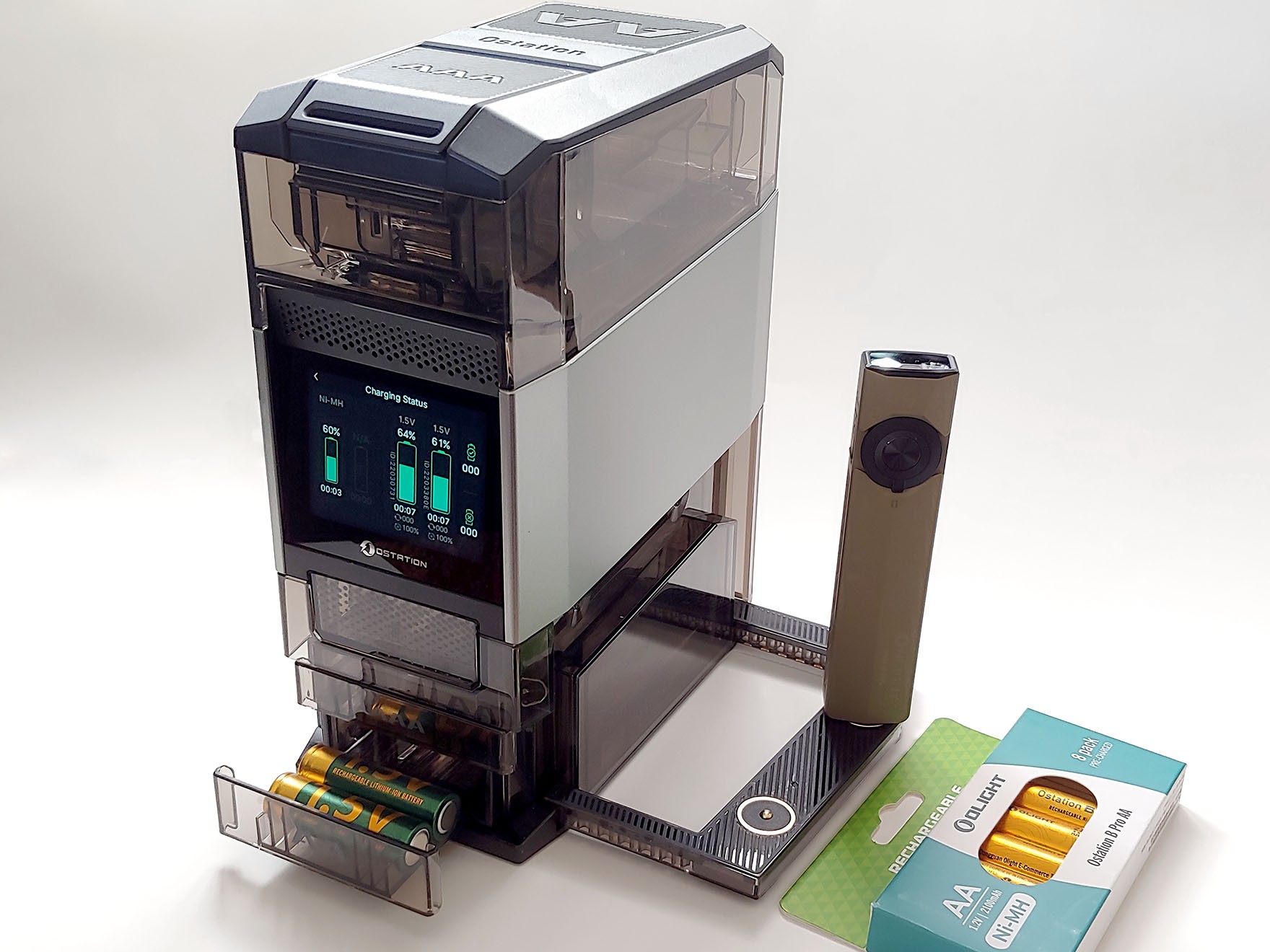
Olight Ostation 2 Pro hands-on: Convenient AA/AAA battery and flashlight charger
Automated charging.
The Ostation 2 Pro offers automated charging of up to 12 AA and 12 AAA Ni-MH batteries. It also charges Olight Ecolast Li-ion AA cells and flashlights.David Chien Published 🇫🇷 🇪🇸 ...
Verdict – A convenient automated charger
The Olight Ostation 2 Pro can automatically recharge and store up to 12 AA and 12 AAA-size Ni-MH batteries, without the manual labor of fitting cells into charging slots or separating bad cells. It also has the ability to charge Olight-branded Li-ion AA cells and flashlights.
Unlike more sophisticated chargers, the Olight does not provide detailed health information on Ni-MH cells, nor the ability to rejuvenate marginal ones to extend their lifespan. It can only charge four cells at once (2 AA and 2 AAA).
Pros
Cons
Price and availability
The Ostation 2 Pro has an MSRP of $139.99. A 20% discount until the end of January 2026 lowers the price to $111.99 on the Olight store on Amazon and the Olight website.

The Ostation 2 Pro is for users of rechargeable Ni-MH AA/AAA and Ecolast Li-ion AA cells. The charger automatically ejects bad cells and loads good ones for charging.
Specifications
| Supported Types | Ni-MH: AA & AAA |
| Li-ion: Ecolast 1.5V AA | |
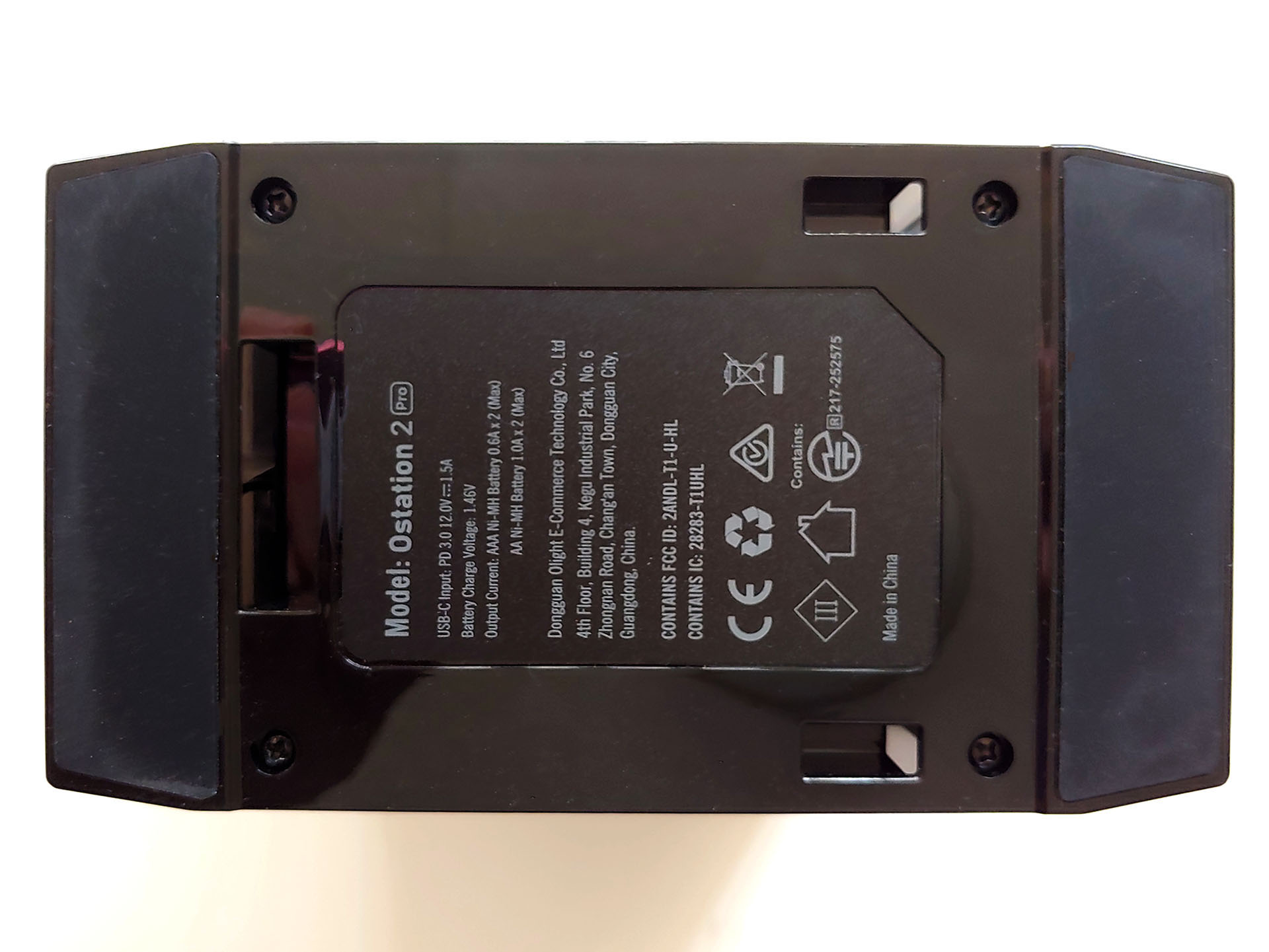
| Power Supply | 12V 1.5A USB-C PD 3.0 |
| Charging Current | Ni-MH AA: 1.0A |
| Ni-MH AAA: 0.6A | |
| Li-ion AA: Adaptive | |
| Simultaneous Charging Capacity | 2 x AA + 2 x AAA cells |
| Storage Capacity | 12 x AA + 12 x AAA cells |
| Magnetic Flashlight Charging | 2 x Olight flashlights at 5V/1A max |
| Power | 18W USB-C power supply |
| Display | 2.8-inch LCD Color Touchscreen |
| Operating Temperature | 0°C to 45°C (32°F to 113 °F) |
| Dimensions | 16.0 x 9.0 x 21.0 cm (6.30 x 3.54 x 8.27 in.) |
| Weight | 1.24 kg (2.73 lbs.) |
Packaging
The battery charger comes with an 18W USB-C charger and cable, and quick start guide. Batteries were provided for the review.
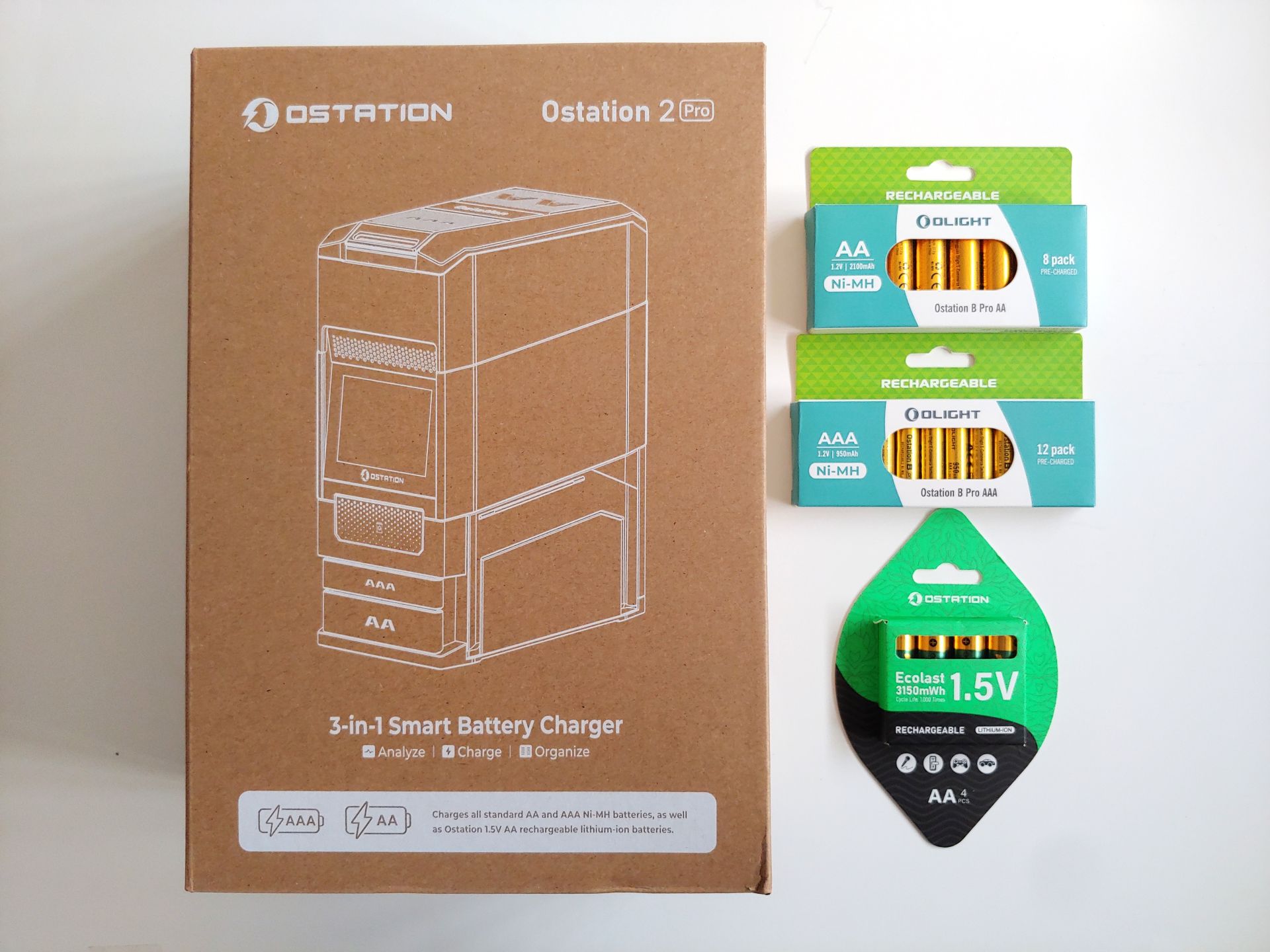
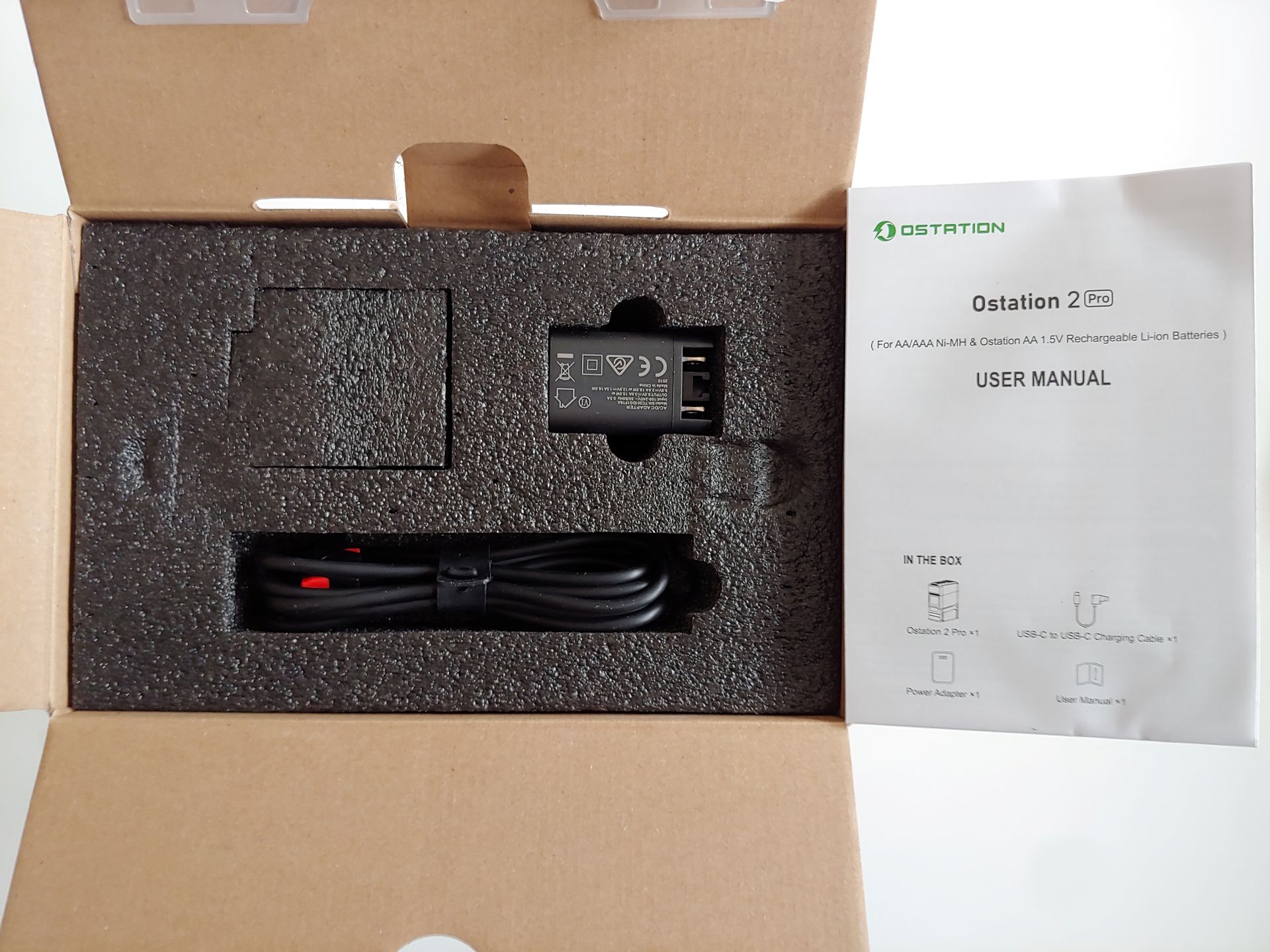
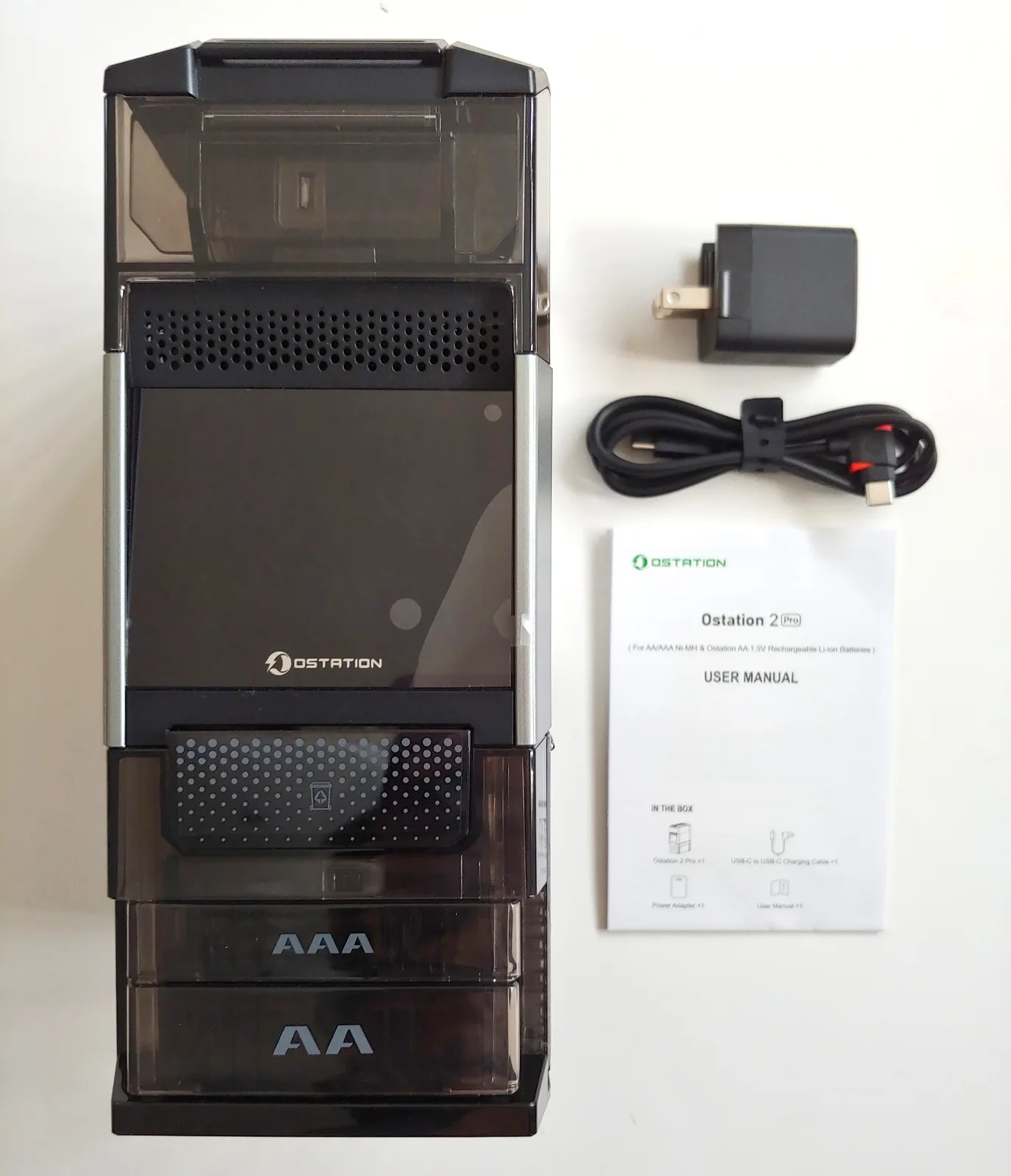
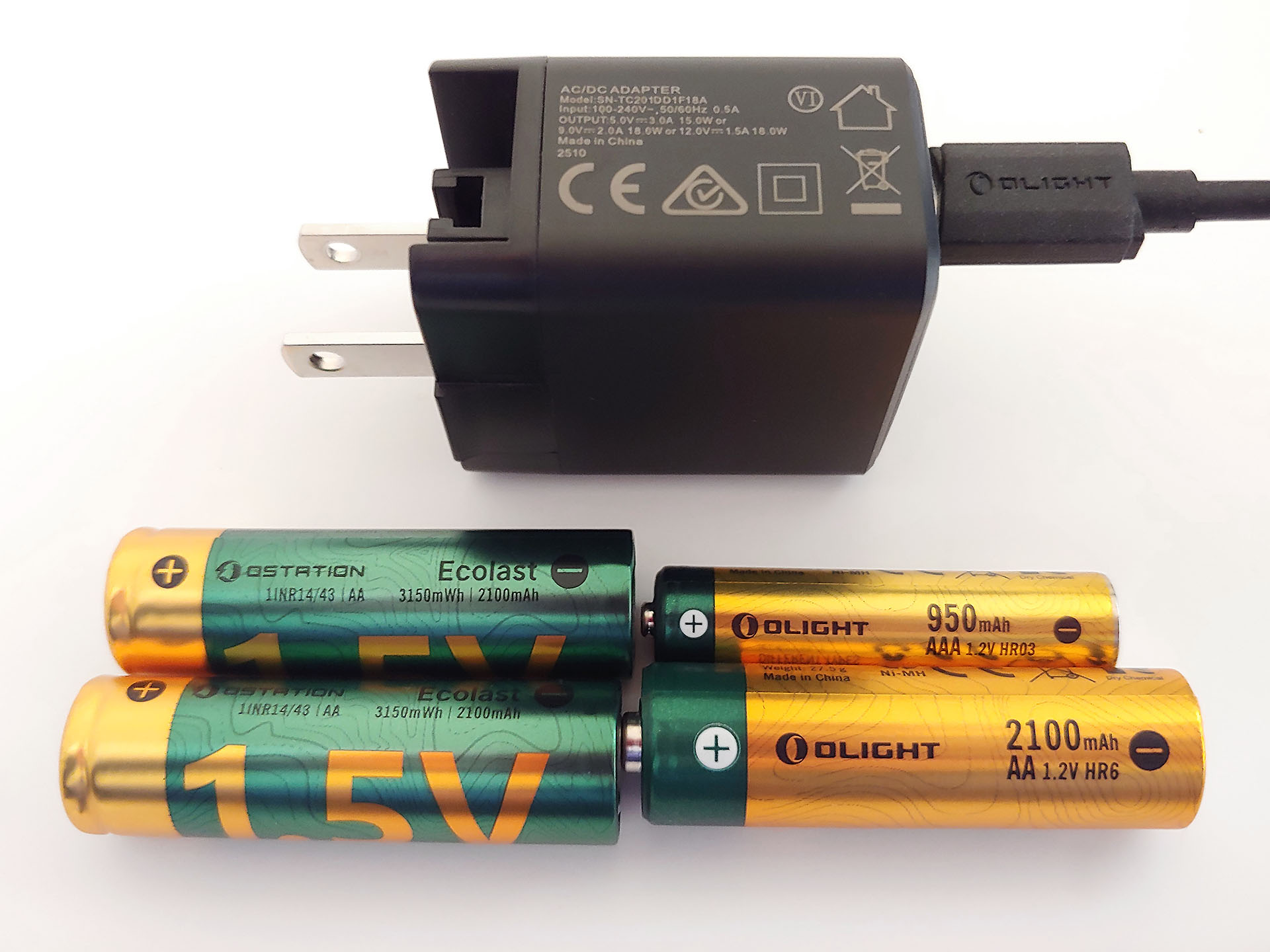
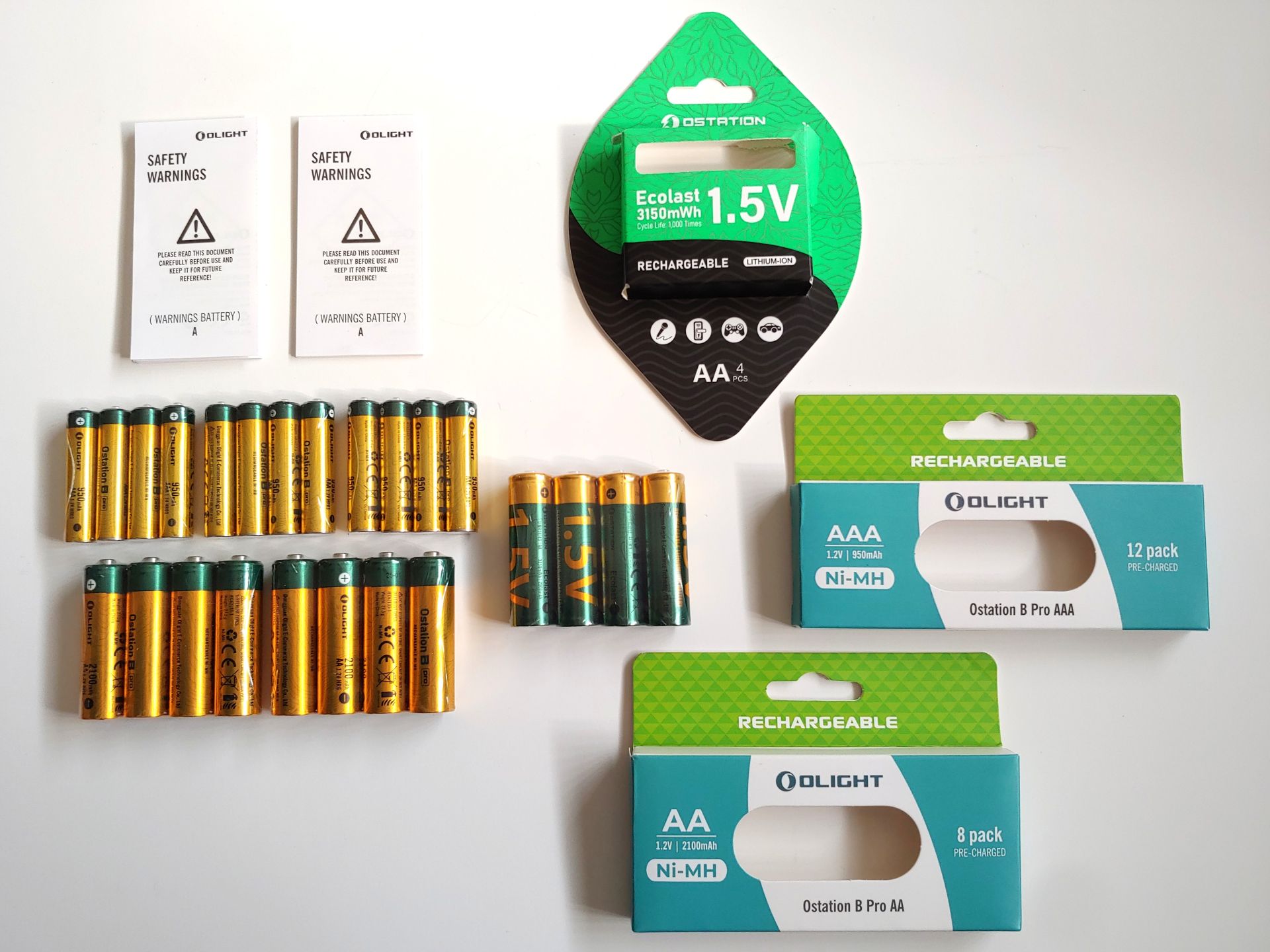
Design
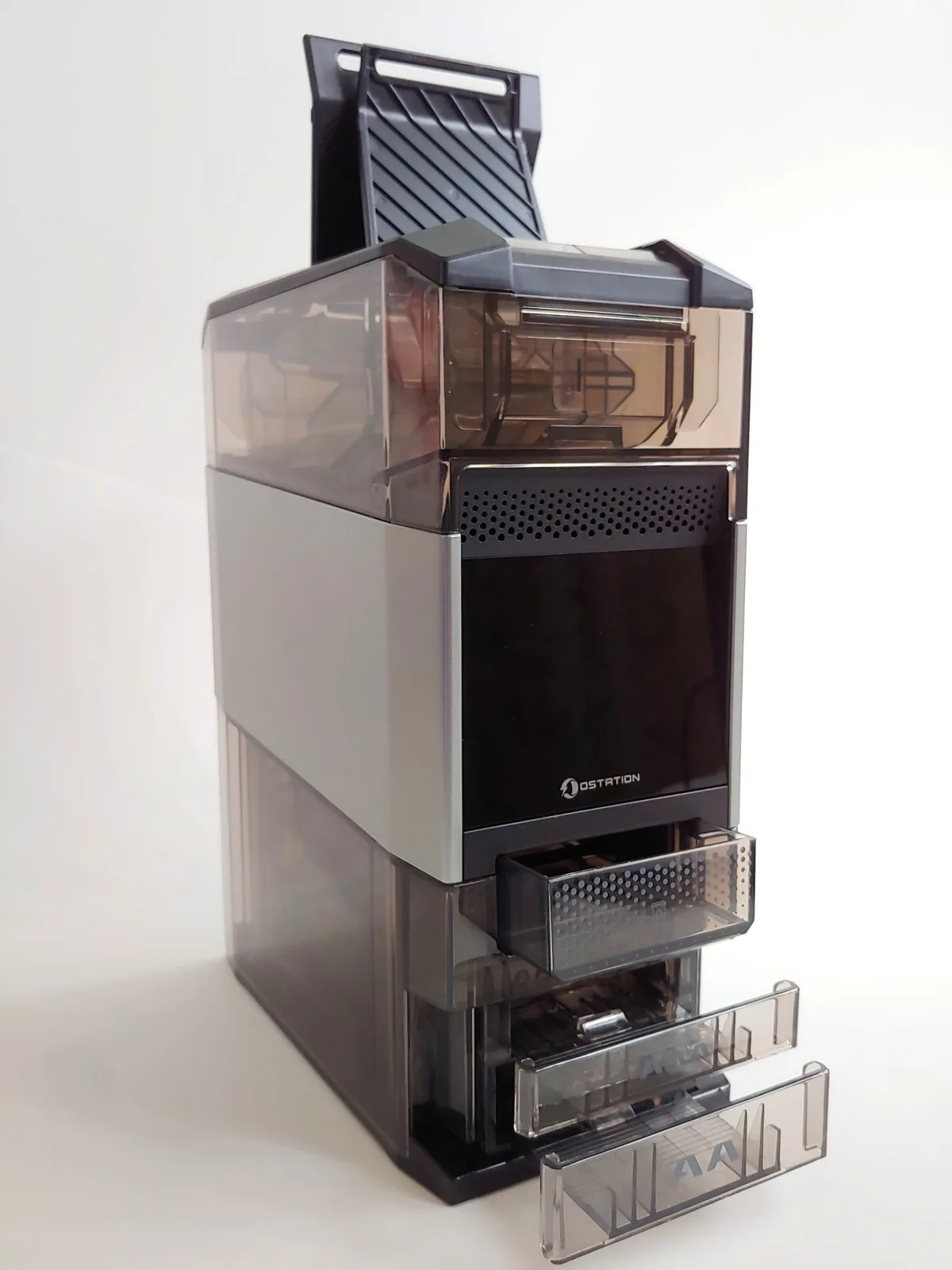
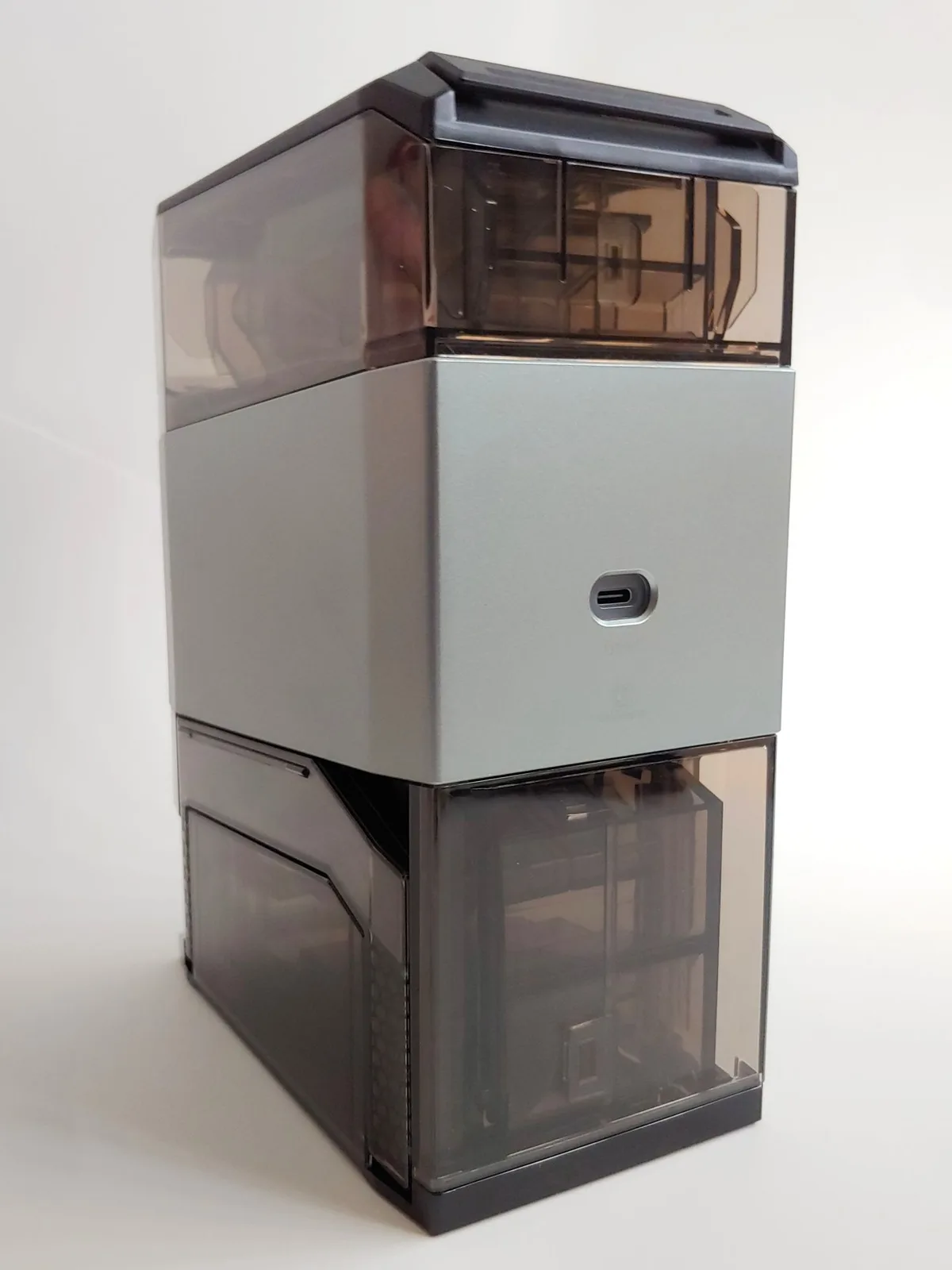
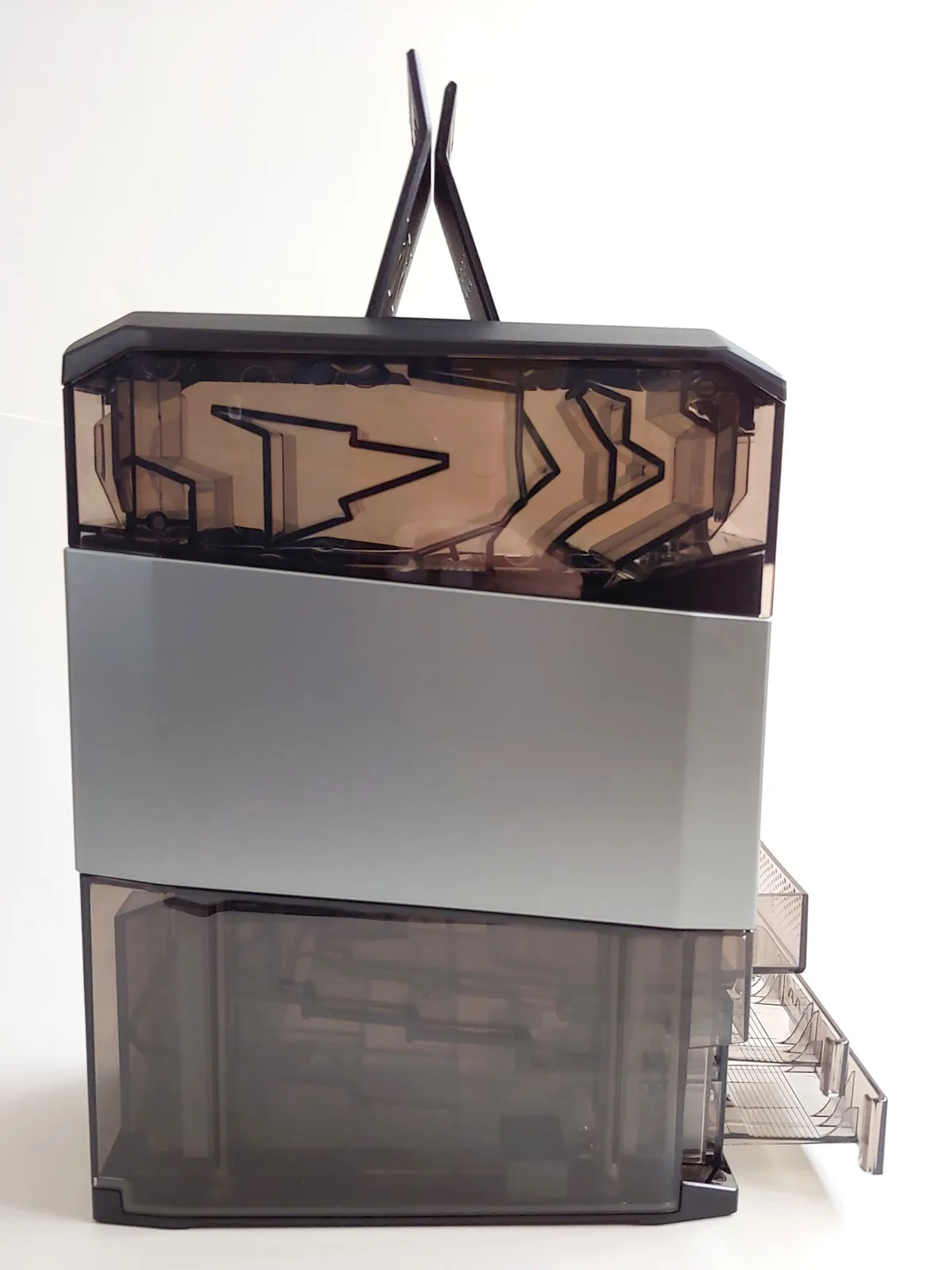
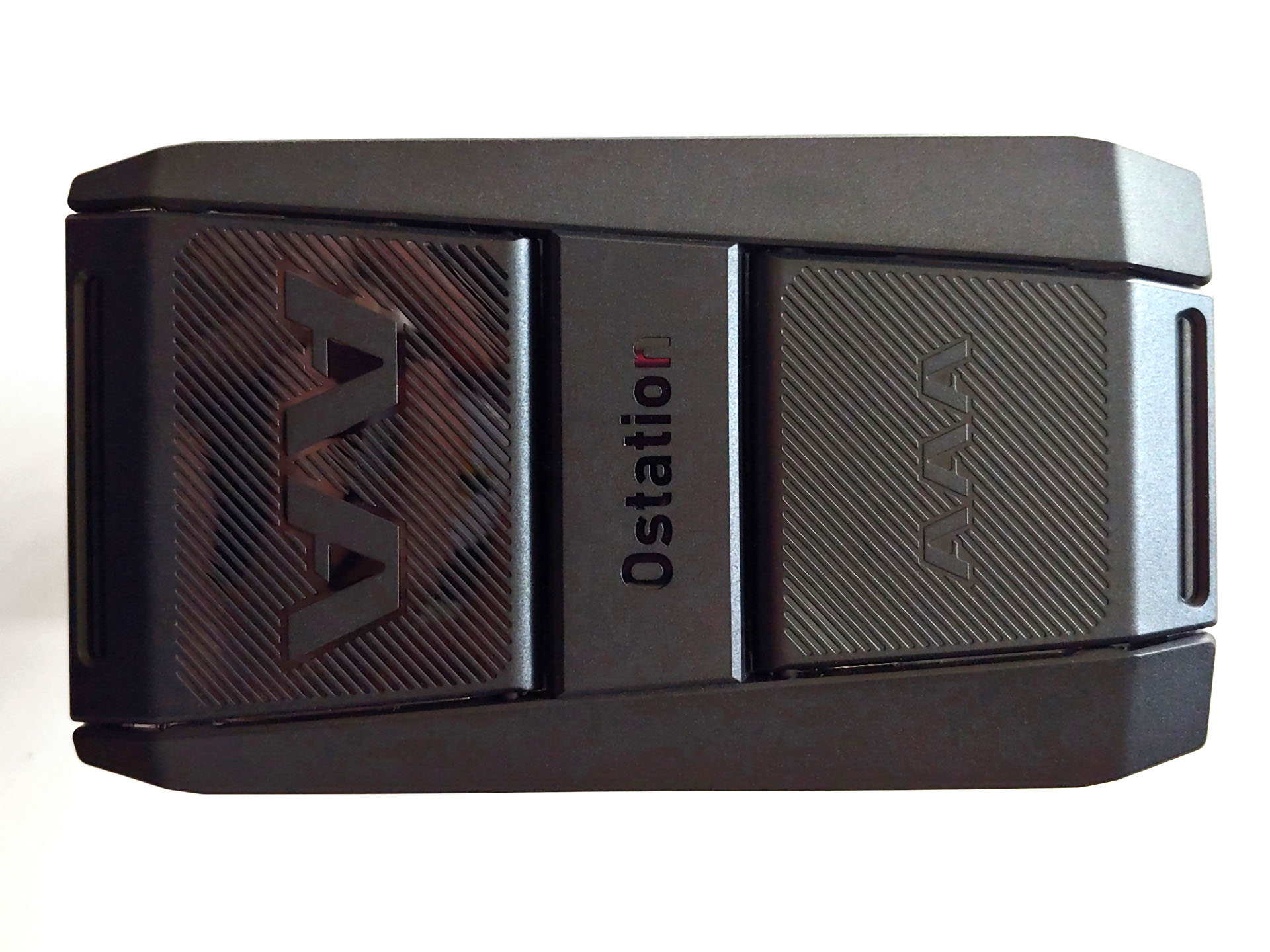
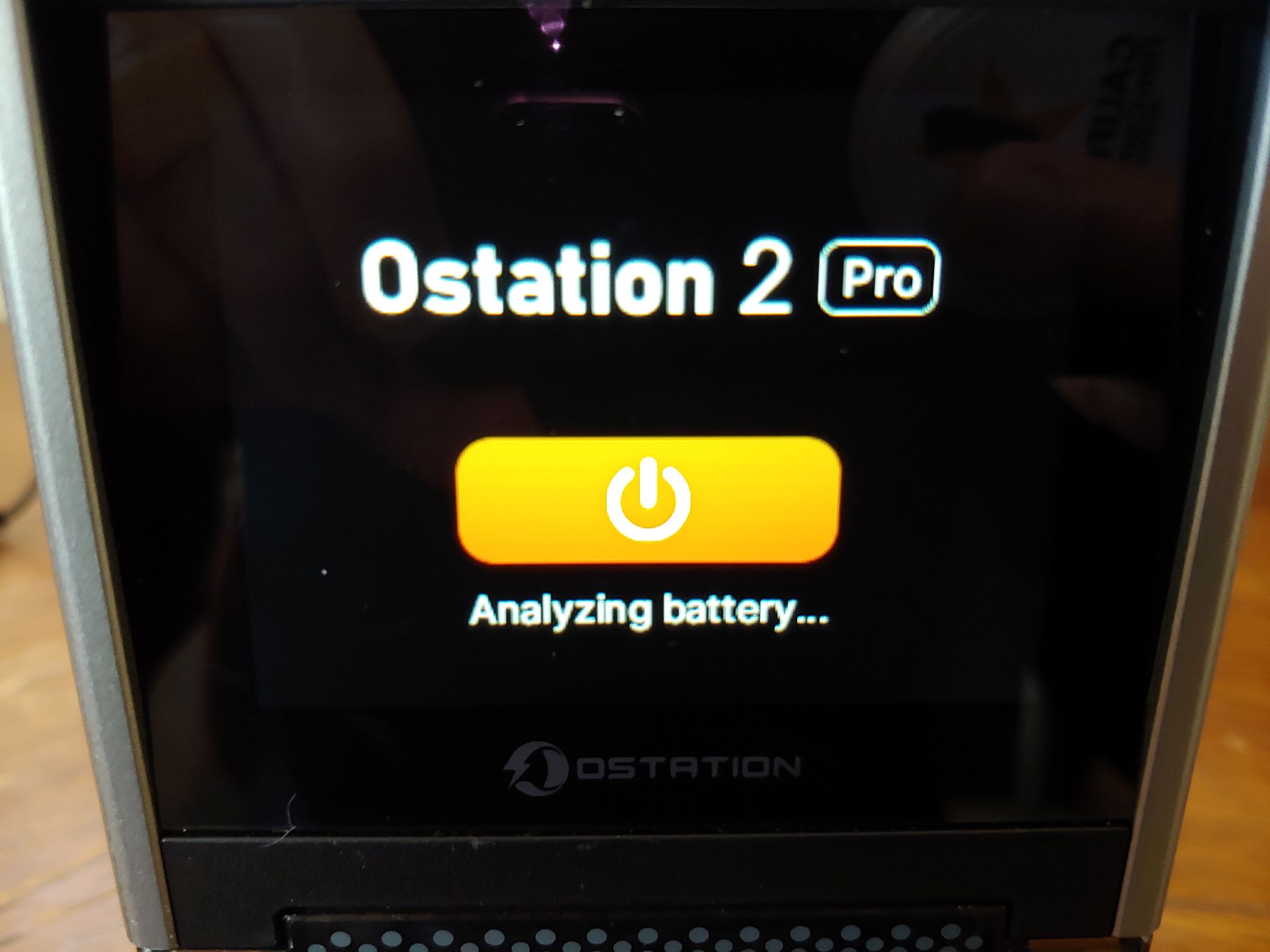
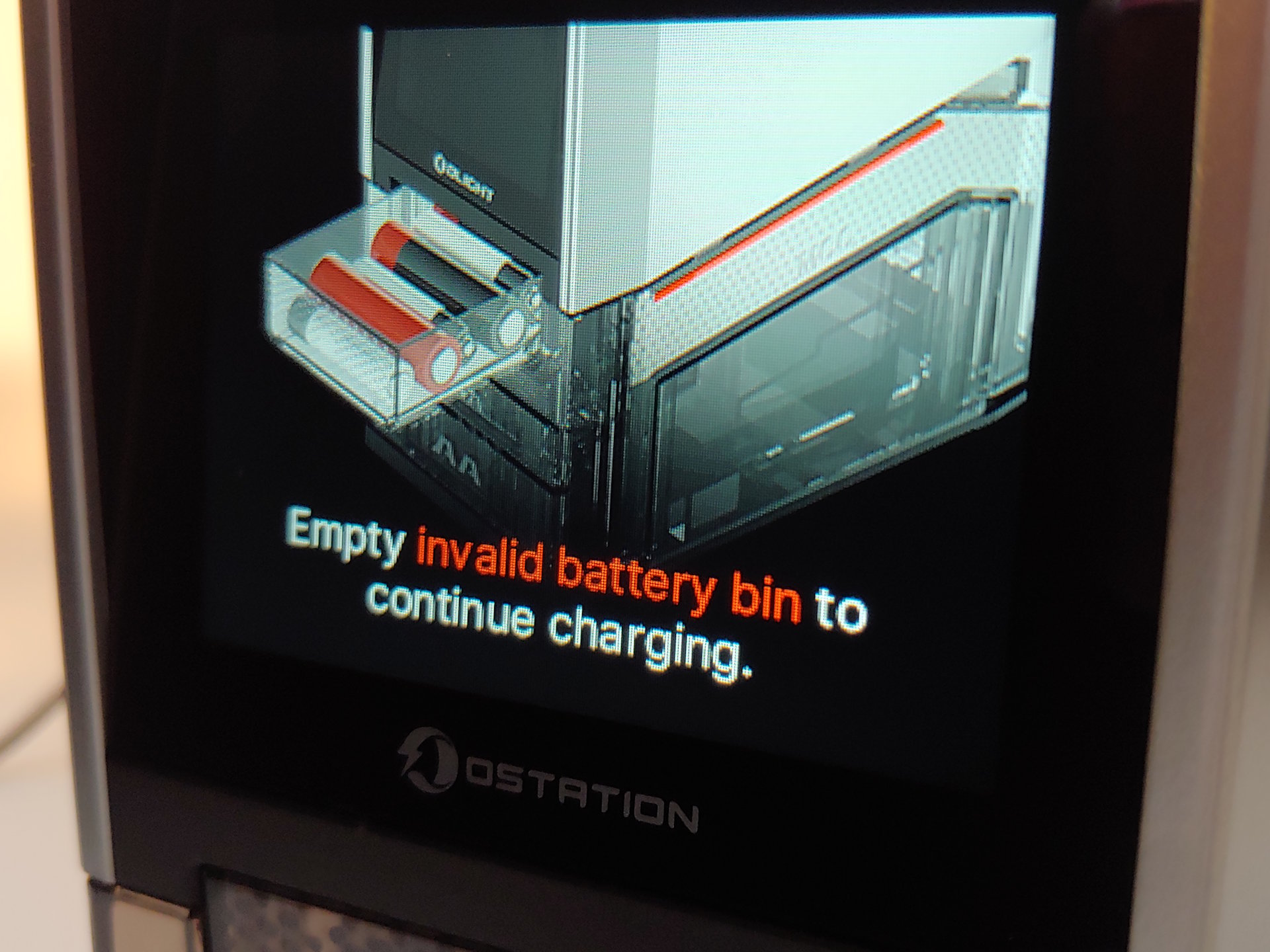
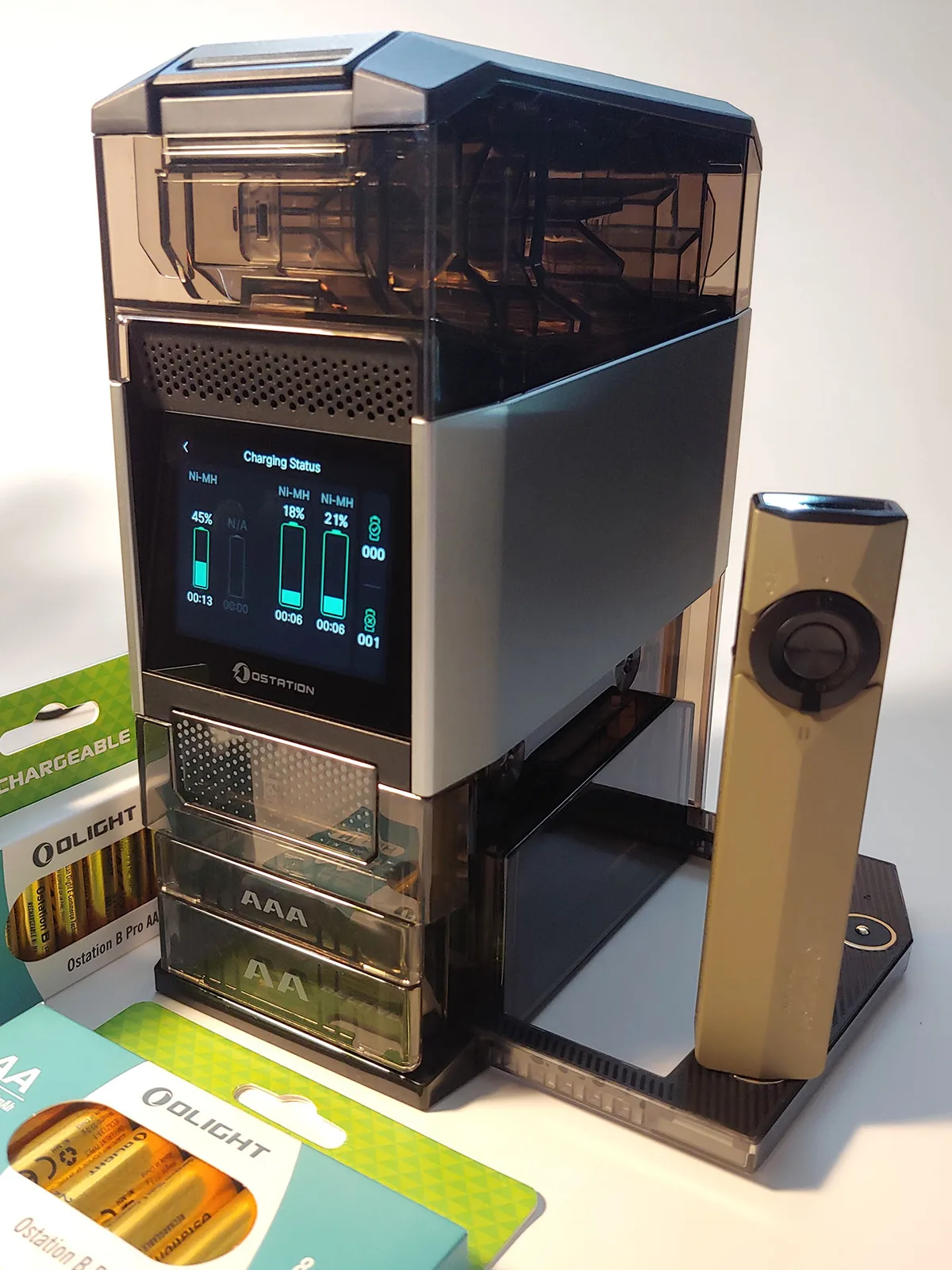
The charger has a tower design. Batteries are loaded from the top, while charged and bad cells are dumped into trays located in front. The machine whirls away for up to several minutes each time it is started up to check for cells in the feeders and load pairs for analysis and charging. Up to 12 charged cells of each type can be stored inside the machine, and the AA and AAA trays are designed to eject two cells at a time each time they are opened. The bad cell tray does not have this limit.
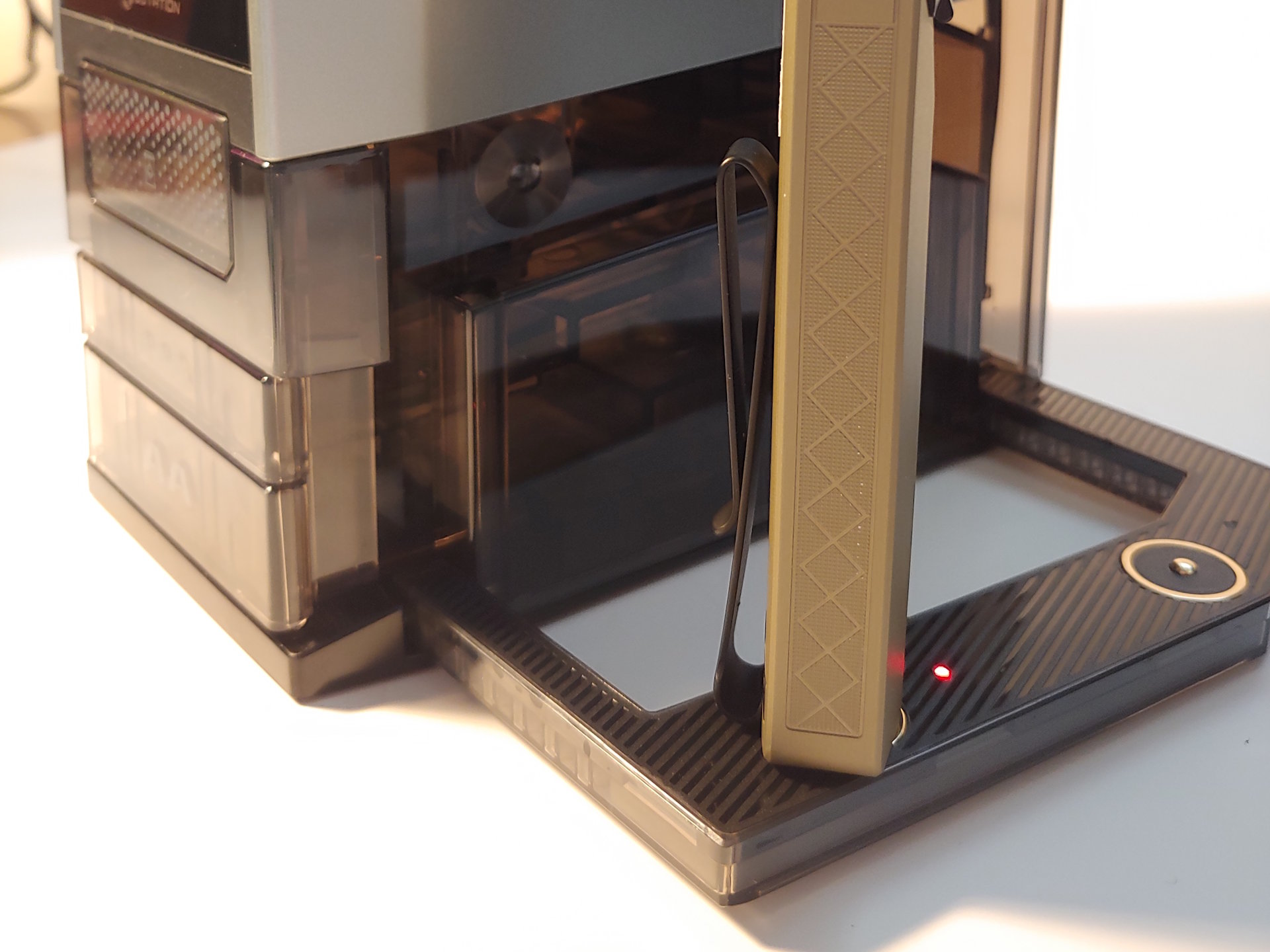
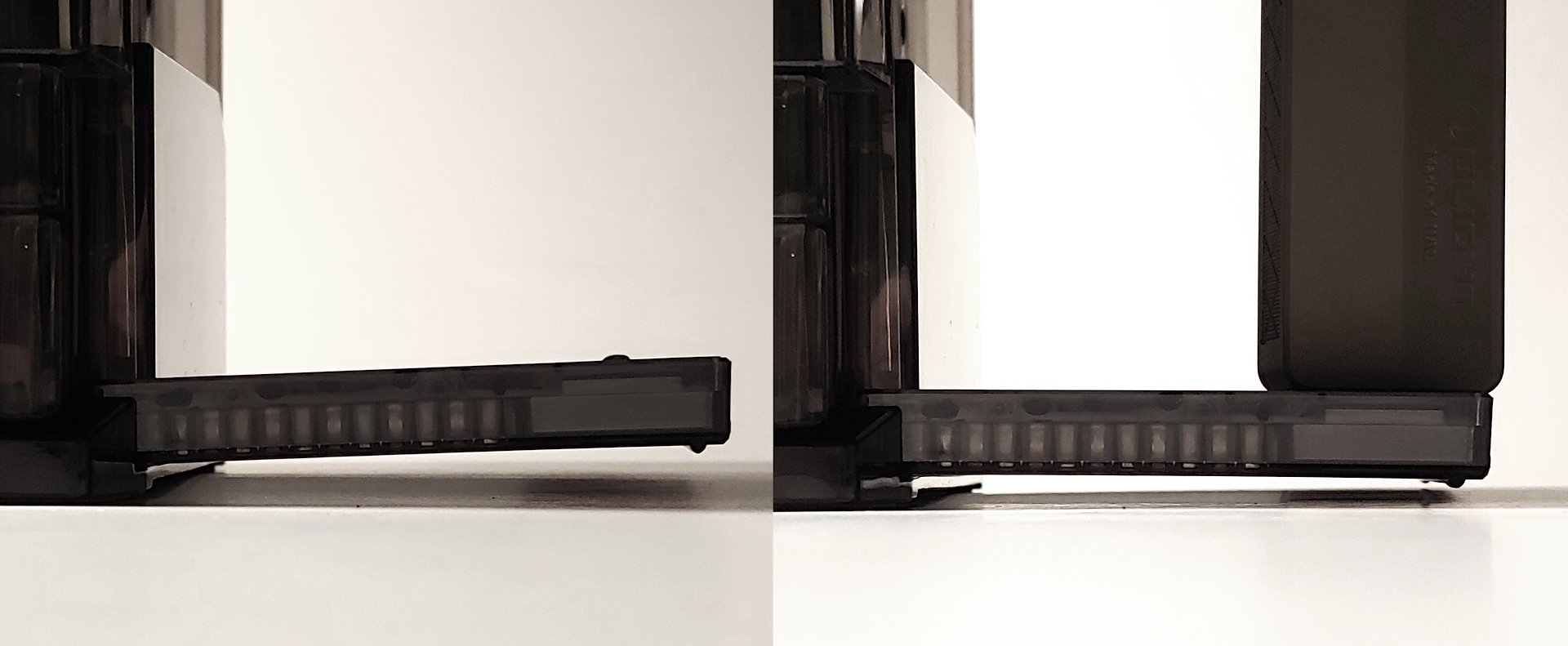
A color touchscreen above the trays controls the charger. On the right, a flip-down magnetic charger can be used to recharge two Olight flashlights. The USB-C power port is on the rear.
Jammed cells can be removed from the upper section by pulling it up to separate it from the base. Those inside the base can be cleared by inverting the charger and shaking it.
Simple controls
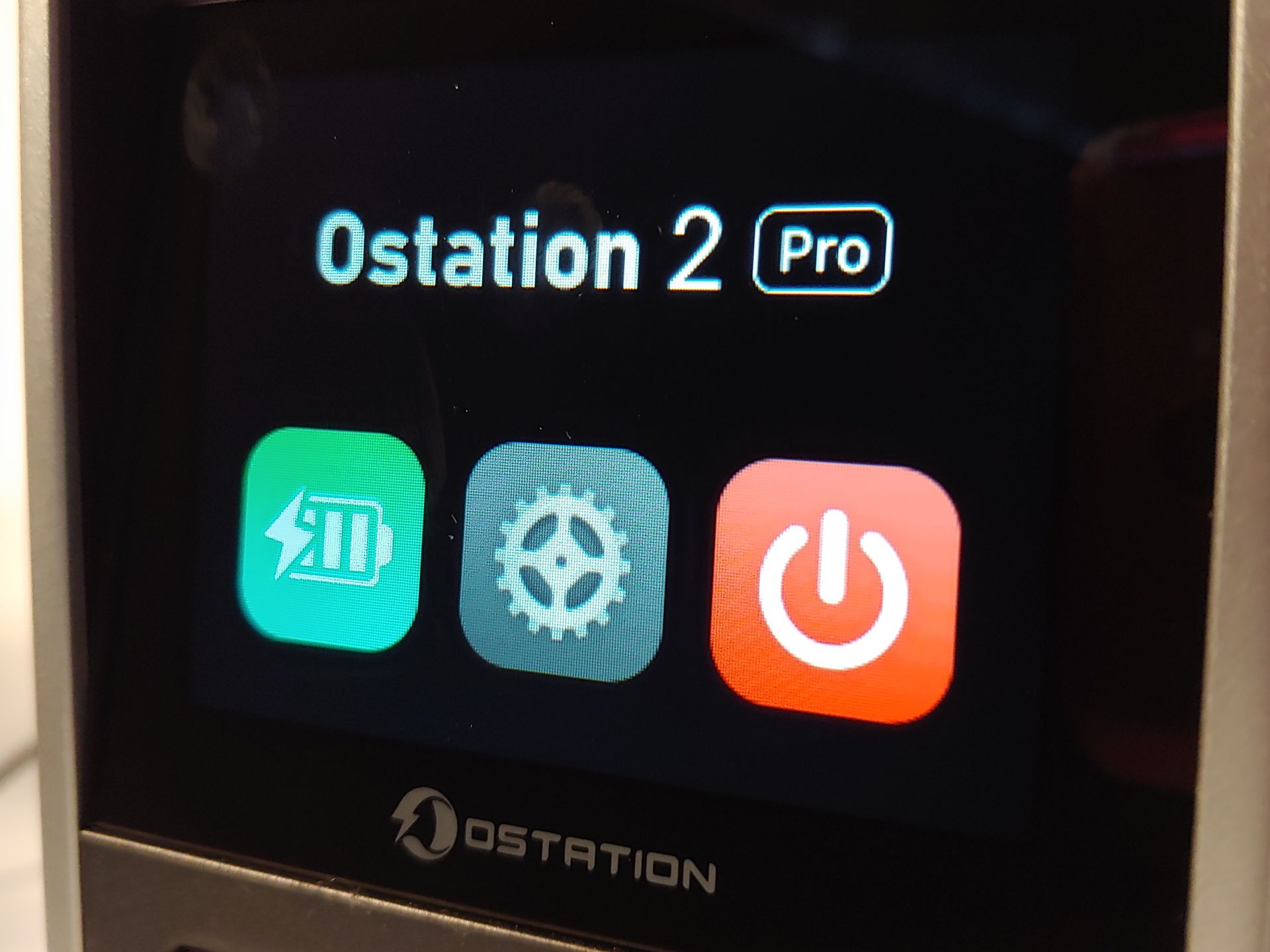
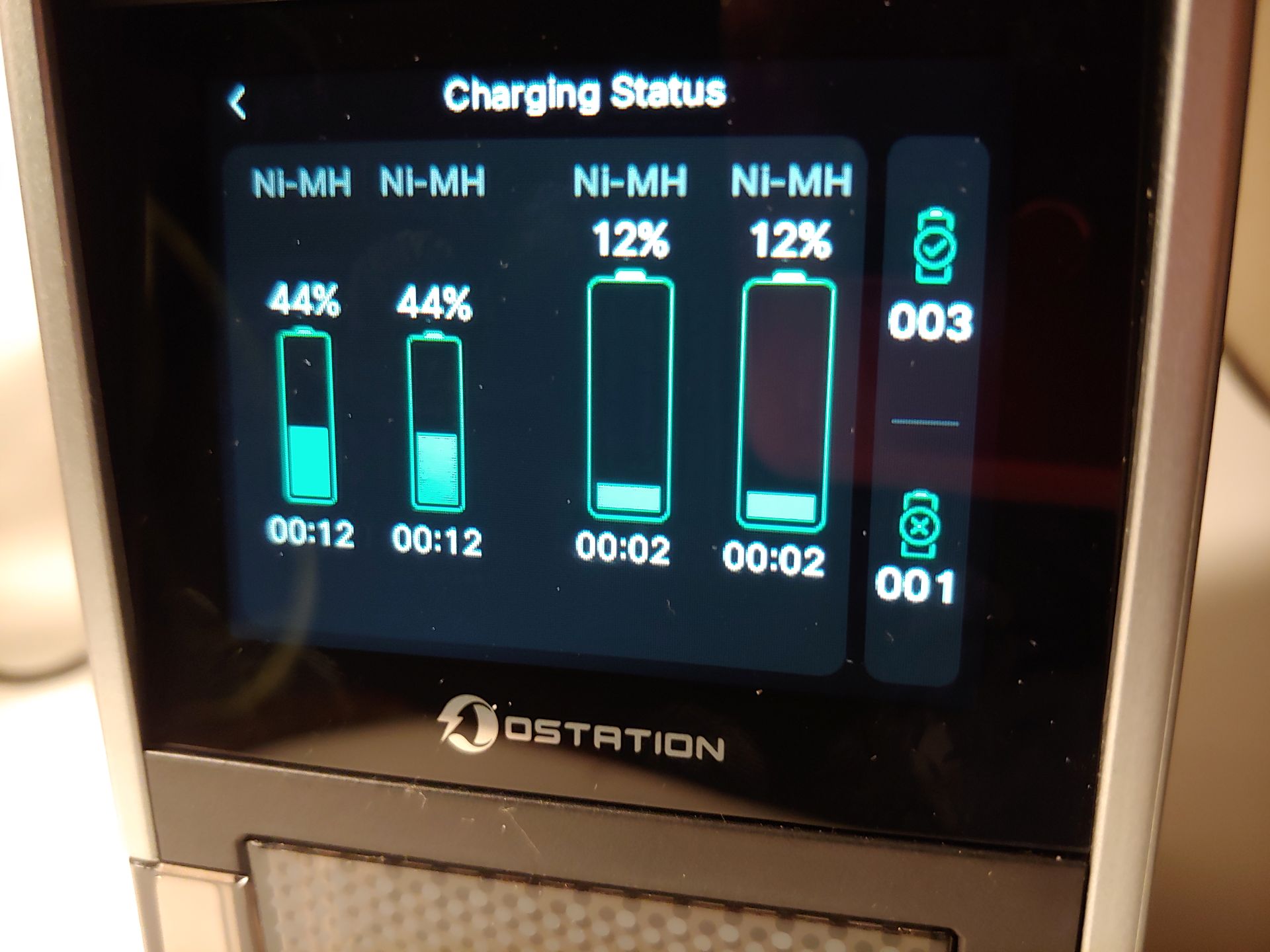
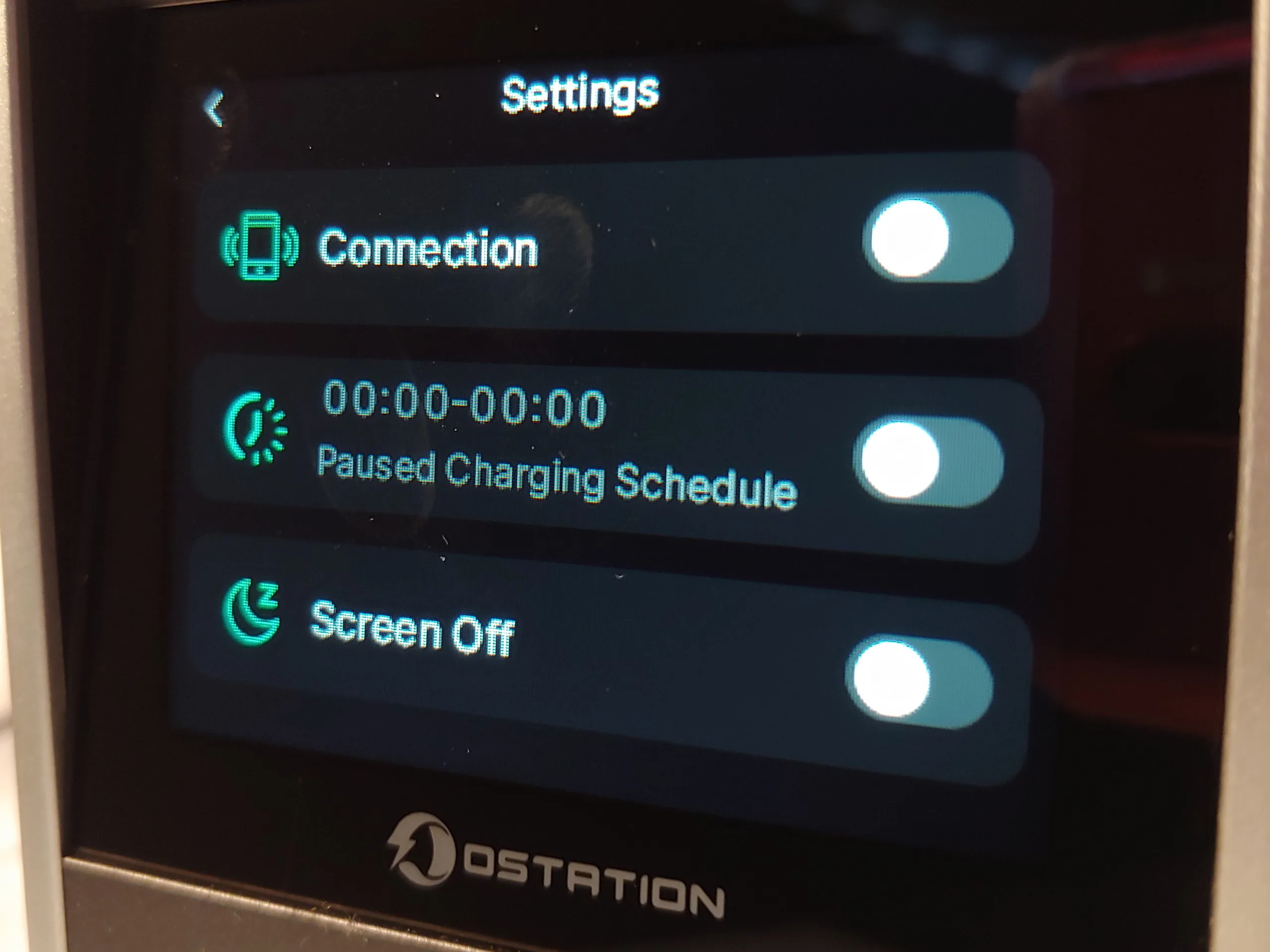
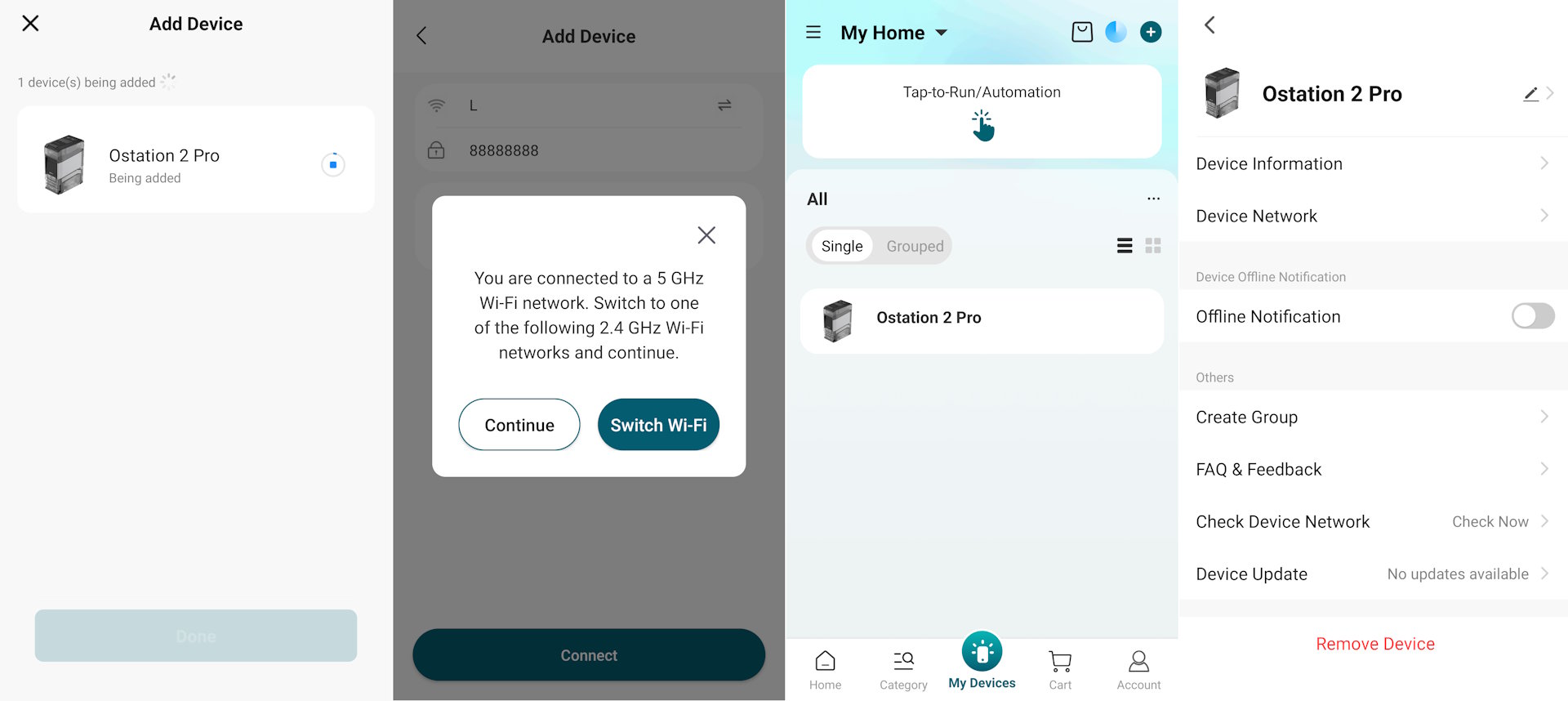
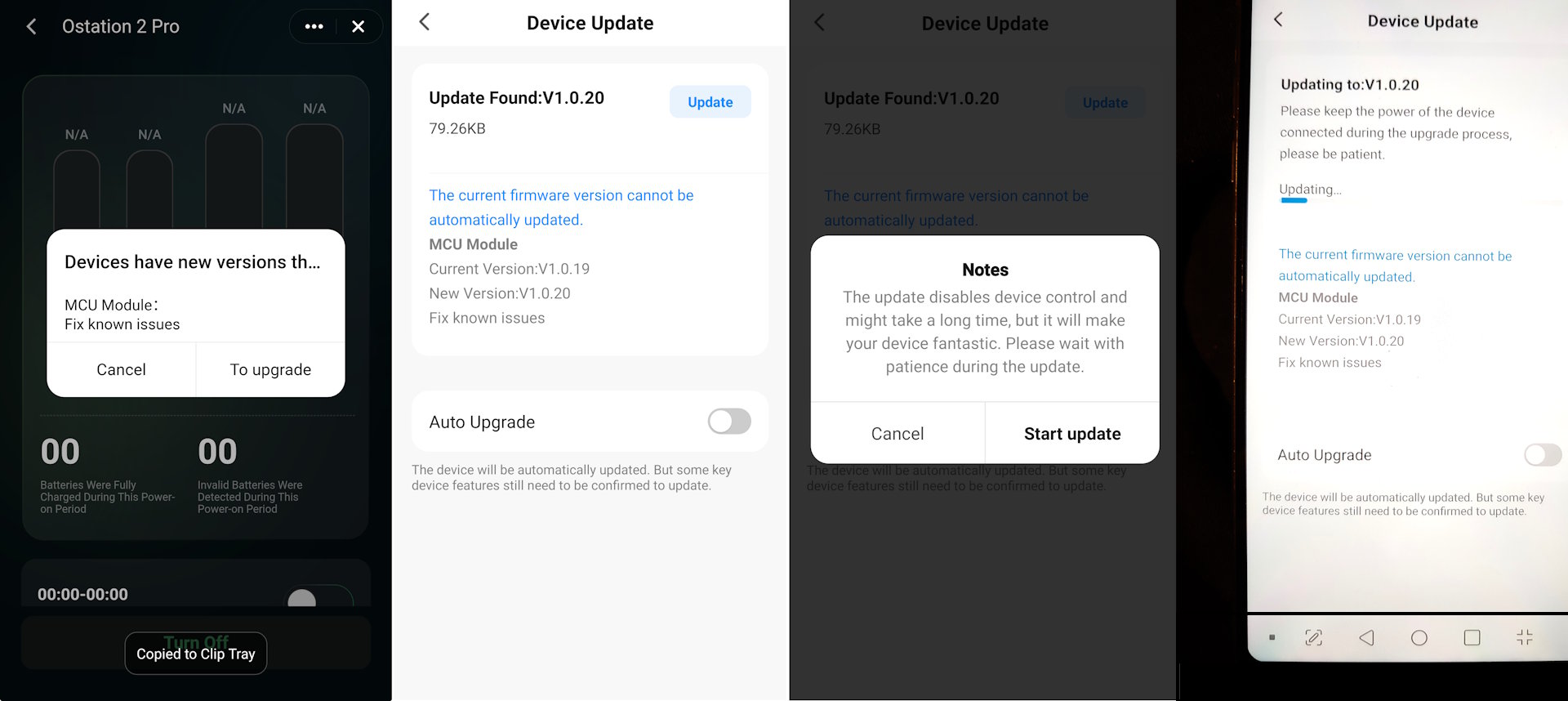
The touchscreen can be used to monitor charging and change the scant settings available. The smartphone app allows users to monitor charging remotely, but it requires a 2.4 Ghz, not 5 Ghz, Wi-Fi connection. The Ostation does not support Wi-Fi Direct connections, thus limiting outdoor use of the app when the Ostation is powered by generators or solar power.
Simple to use
The Olight Ostation 2 Pro weighs more than regular chargers because the tower includes motors and mechanisms for auto-loading cells.
Users conveniently dump up to 12 AA and 12 AAA batteries into the appropriate top-loading slots without regard for polarity. The Ostation 2 Pro will automatically load pairs of cells for analysis, then either eject the bad cells or charge the good cells. The charger will show the battery type, elapsed time, and charge level for each Ni-MH cell on the screen during charging, then eject them into bins. For Ecolife Li-ion AA cells, the charger will also show the battery serial number, charge cycle count, voltage type, and maximum charge capacity.
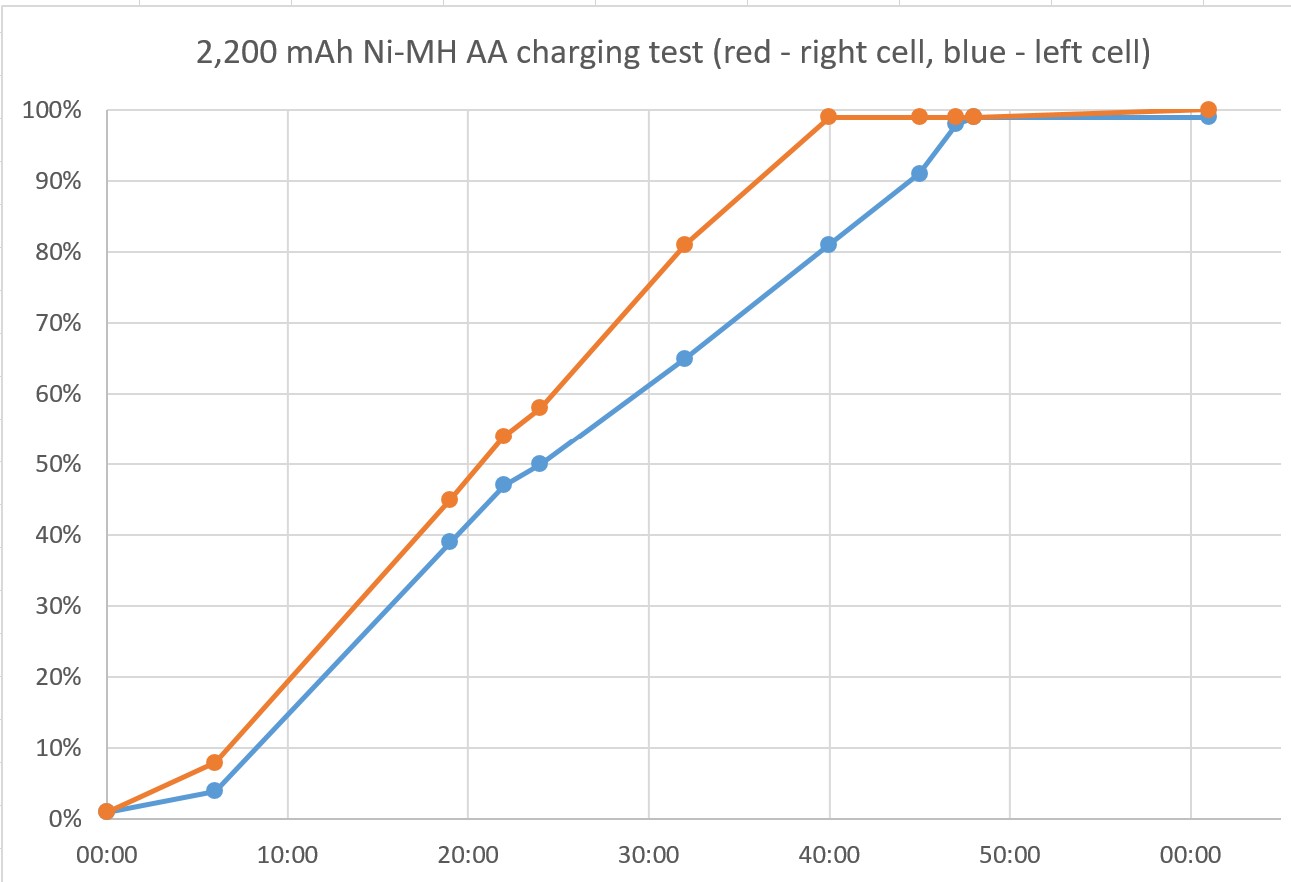
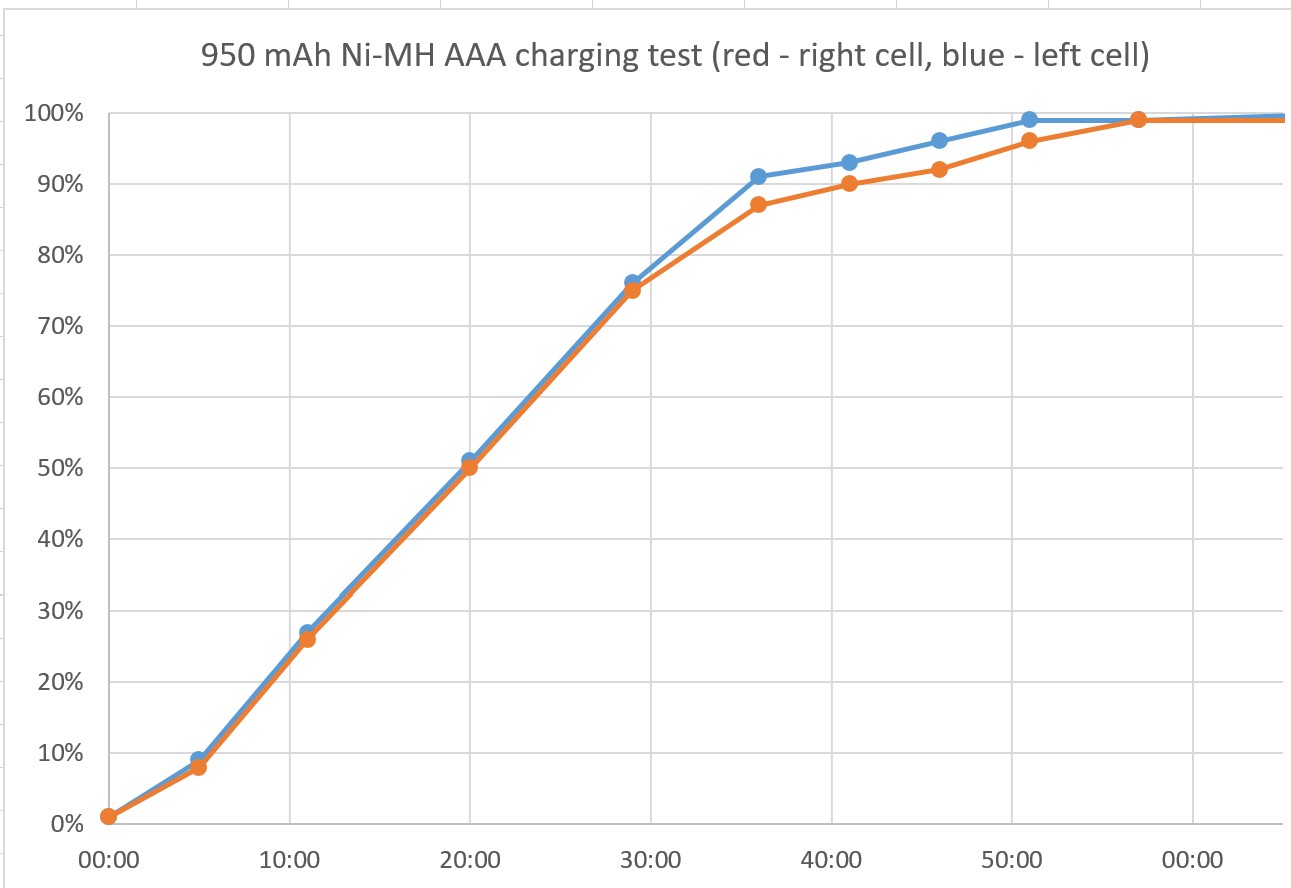
The Ostation 2 Pro charged two 2,200 mAh AA Ni-MH batteries from 1% to 99% in about 40 to 48 minutes, with 99% to 100% taking another 21 minutes during testing. Two 950 mAh AAA Ni-MH batteries charged from 1% to 99% in about 50 minutes, with 99% to 100% taking another 20 minutes. Because the unit only charges a maximum of two AA and two AAA cells at once, a maximum load of 12 AA and 12 AAA depleted cells will take more than six hours to charge.
The charging rate of AA pairs was noticeably uneven, with one cell charging faster than the other. When charging pairs, the machine will not eject the cell that has finished first. Charged cells were mildly warm to the touch.

The charger has a tendency to reject older Ni-MH cells as bad even though another charger had no issues with them, and it does not have a battery rejuvenation feature to revive marginal cells, so those who want to maximize the lifespan of their Ni-MH cells should opt for a more sophisticated charger.
Charging Olight flashlights was as simple as docking them on the two pads on the flip-down magnetic charger. The flashlight charging status lights are located behind each flashlight, and they are not visible when looking from the front of the Ostation.

Conclusion
The Ostation 2 Pro conveniently recharges dozens of cells along with flashlights, although those seeking to maximize battery lifespan may want to look elsewhere.
Transparency
The selection of devices to be reviewed is made by our editorial team. The test sample was given to the author by the manufacturer free of charge for the purposes of review. There was no third-party influence on this review, nor did the manufacturer receive a copy of this review before publication. There was no obligation to publish this review. As an independent media company, Notebookcheck is not subjected to the authority of manufacturers, retailers or publishers.
 Add as a preferred source on Google


