




How to turn off ads on Xiaomi phones quickly
Xiaomi, Redmi and Poco phones running HyperOS show ads in the following system apps: Downloads, Mi Browser, Mi Video Player, Music, Security, Themes, and the App Vault. There is also the system service msa, which collects data and is responsible for showing personalized ads.
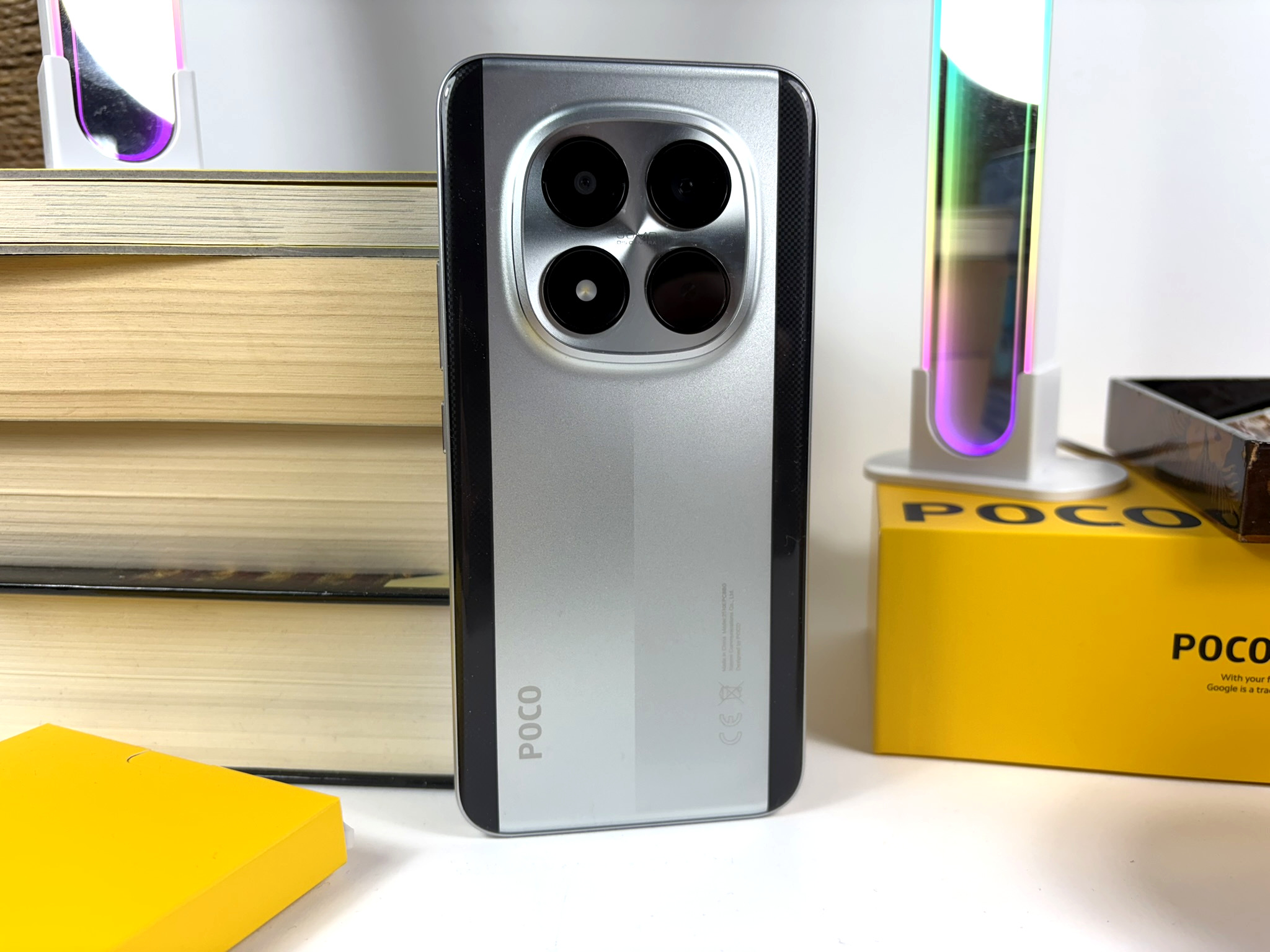
All of this can be turned off, but it takes a bit of work since users have to disable ads separately in each app. Below, we explain how this works on the Xiaomi Poco M8 Pro 5G, which runs HyperOS 2.0. On other Xiaomi phones, the settings and menu items mentioned should be identical or at least similar.
The system service called msa can be found in Settings, Fingerprints, face data, and screen lock. Tap Authorization and revocation, turn off the toggle for msa and confirm the change by tapping Revoke.
For the other Xiaomi apps, do the following:
- Downloads: Menu icon (three vertical lines at the top right) -> Settings -> turn off Show ads.
- Mi Browser: Profile icon (bottom right) -> Settings (gear icon, top right) -> Advanced -> turn off Show ads.
- Mi Video Player: Profile icon (bottom right) -> gear icon (top right) -> turn off Personalized recommendations. Xiaomi leaves a loophole here, since this feature is only disabled for 90 days.
- Music: Profile icon (top left, the symbol with two stacked sliders) -> Settings -> turn off Allow permanent notifications. In Advanced settings, also turn off these options: Show ads and Personalized recommendations.
- Security: Settings (gear icon, top right) -> turn off Show recommendations (ads). Under Cleaner, turn off Show recommendations.
- Themes: Account settings (bottom right) -> gear icon (top right) -> turn off Show ads and Personalized recommendations.
- App Vault: Depending on the phone, the App Vault app may also be installed, and it also comes with ads. In the app, tap the menu icon (top right, three vertical lines) and select Manage services. Turn off App suggestions and Ads.
 Add as a preferred source on Google


