




Hisense U6SF 4K 144 Hz QLED TV looks and runs better than we expected for just $600
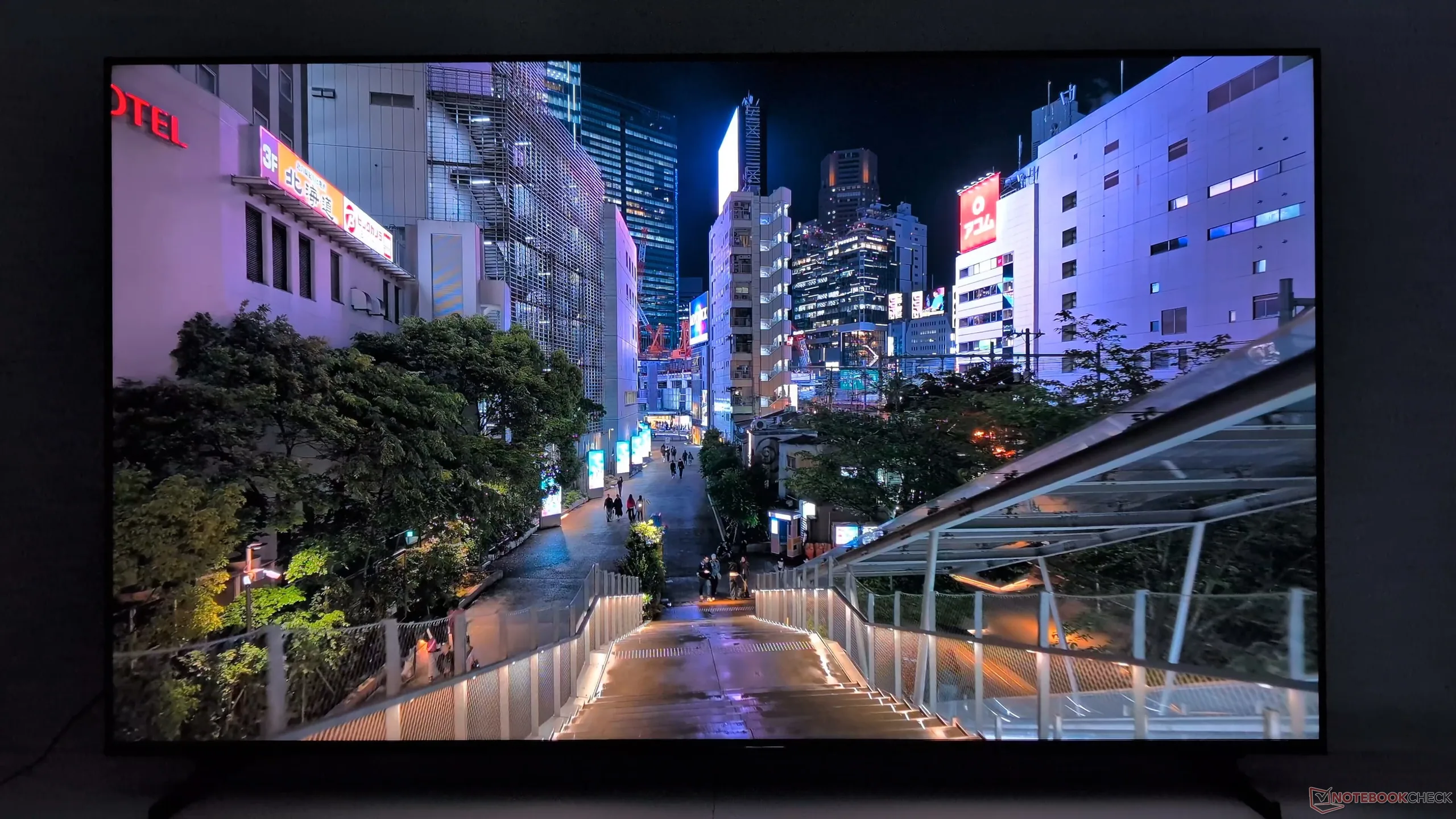
Both the Hisense U6SF and U6SF Pro are some of the most affordable large-screen mini-LED TVs available from the Chinese manufacturer. The former in particular can be found for just $600 for the 65-inch 144 Hz model when on sale. The manufacturer sent us this exact model for our firsthand measurements and honest impressions.
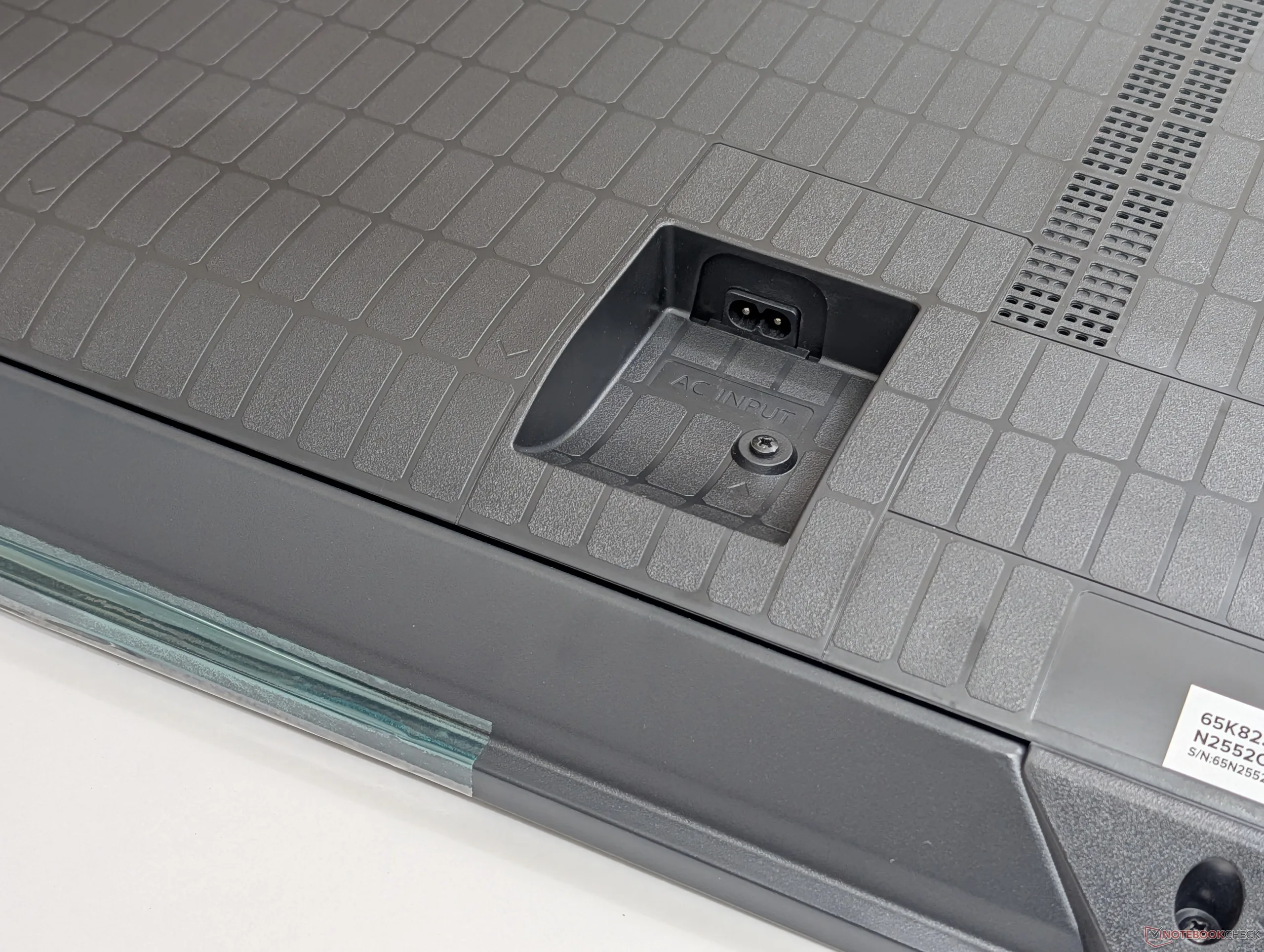
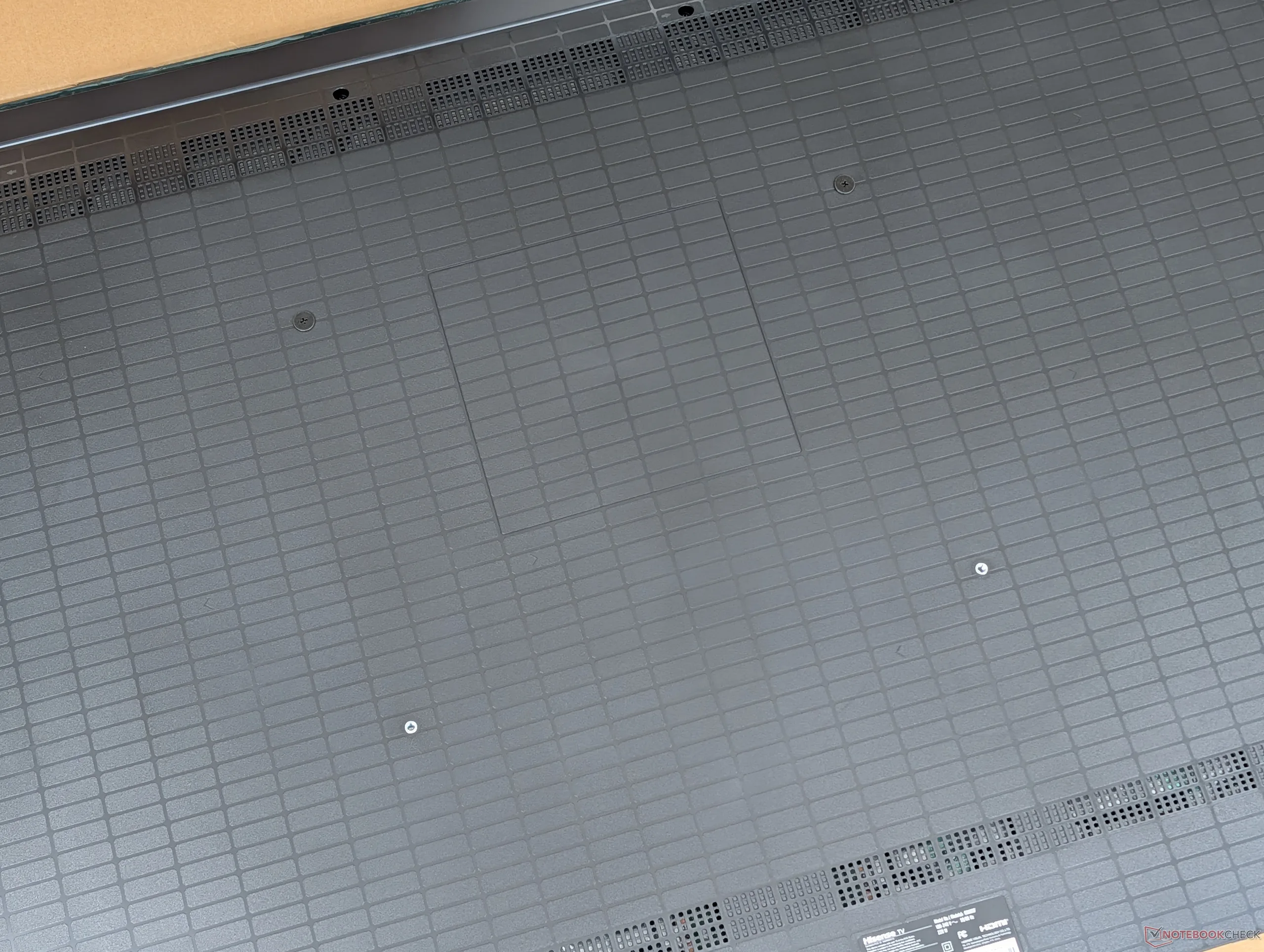
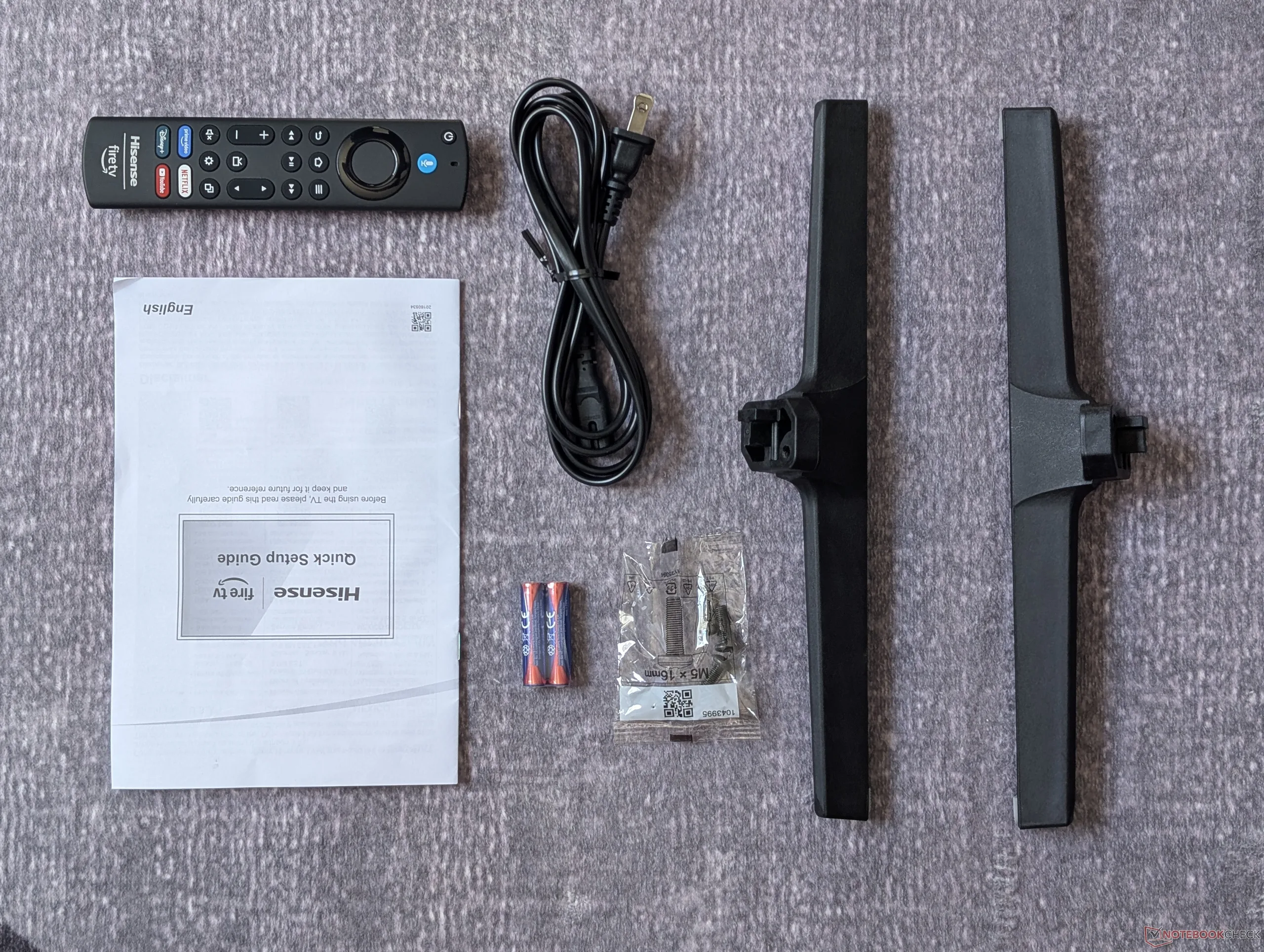
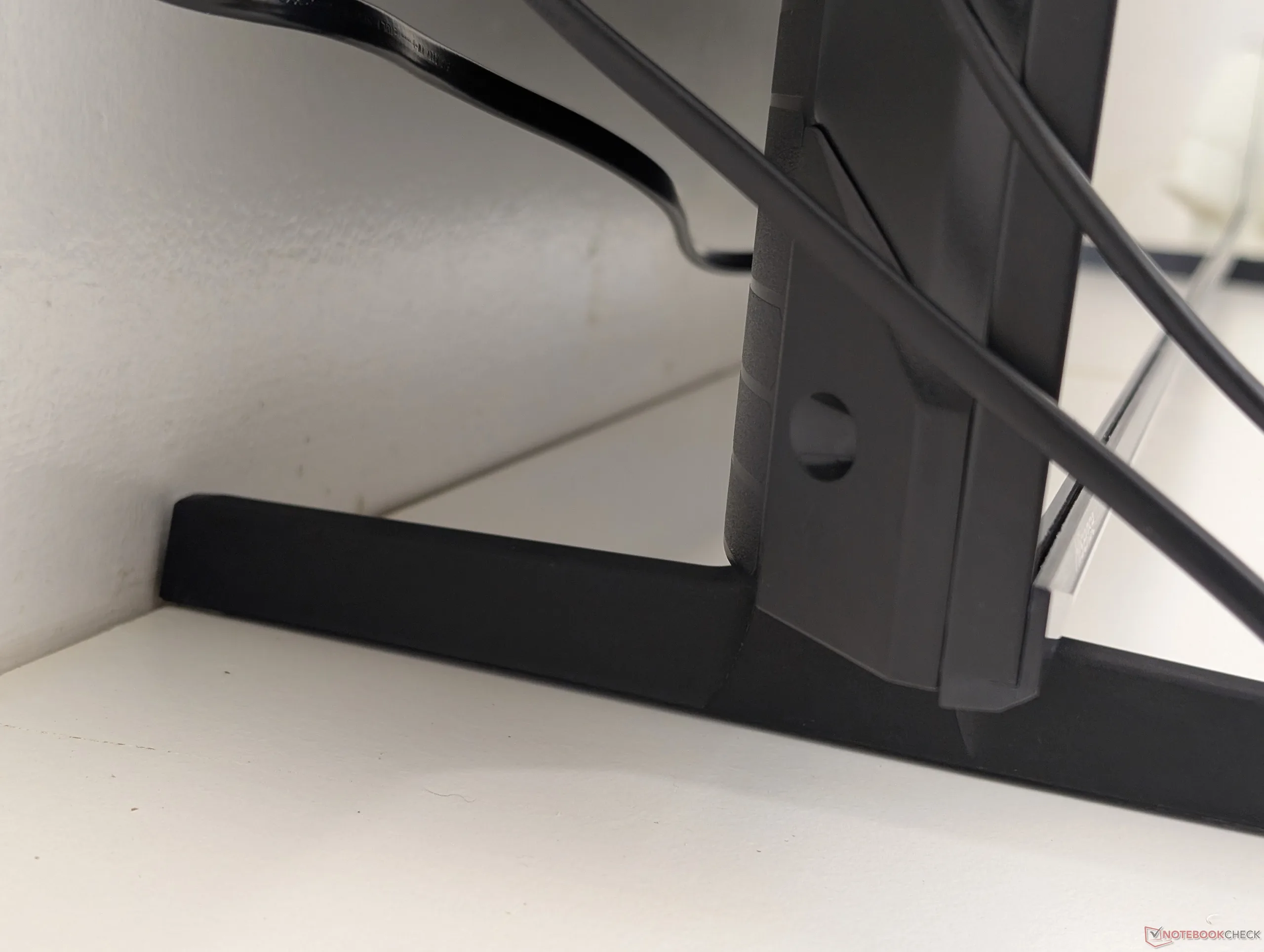
Setup is as straightforward as it can be. Owners simply need to attach the two hard plastic feet along the bottom edge via the included screws or attach the back to a compatible 400 x 300 mm VESA wall mount. We appreciate that the PSU is integrated meaning any universal power cable will work, but keep in mind that you'll have to provide your own HDMI cable as none are included in the box.
| Pros | Cons |
| - Proper 4K 2160p and 144 Hz refresh rate on a budget - Great mini-LED image quality for the price - Decent software performance with minimal UI stutters - FreeSync Premium and VRR come standard - P3 colors with reasonable black-white and gray-gray response times - HDR600 is bright enough for a starting home theater | - Local dimming not as precise as pricier options - Weak bass reproduction - No DisplayPort or USB-C ports - eARC limited to HDMI 60 Hz ports only - Port positioning could be better - Higher-end features locked behind the "Pro" model |
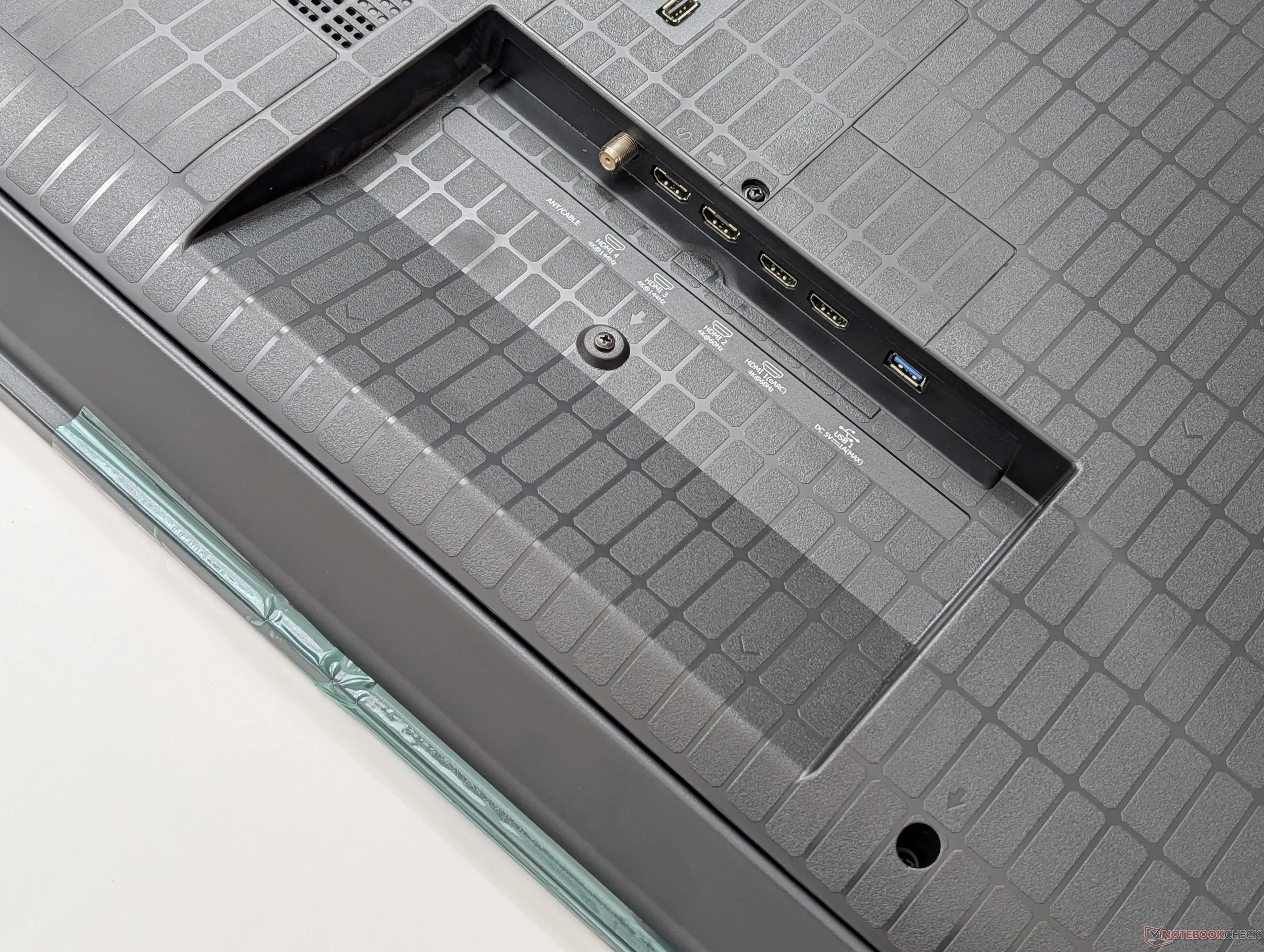
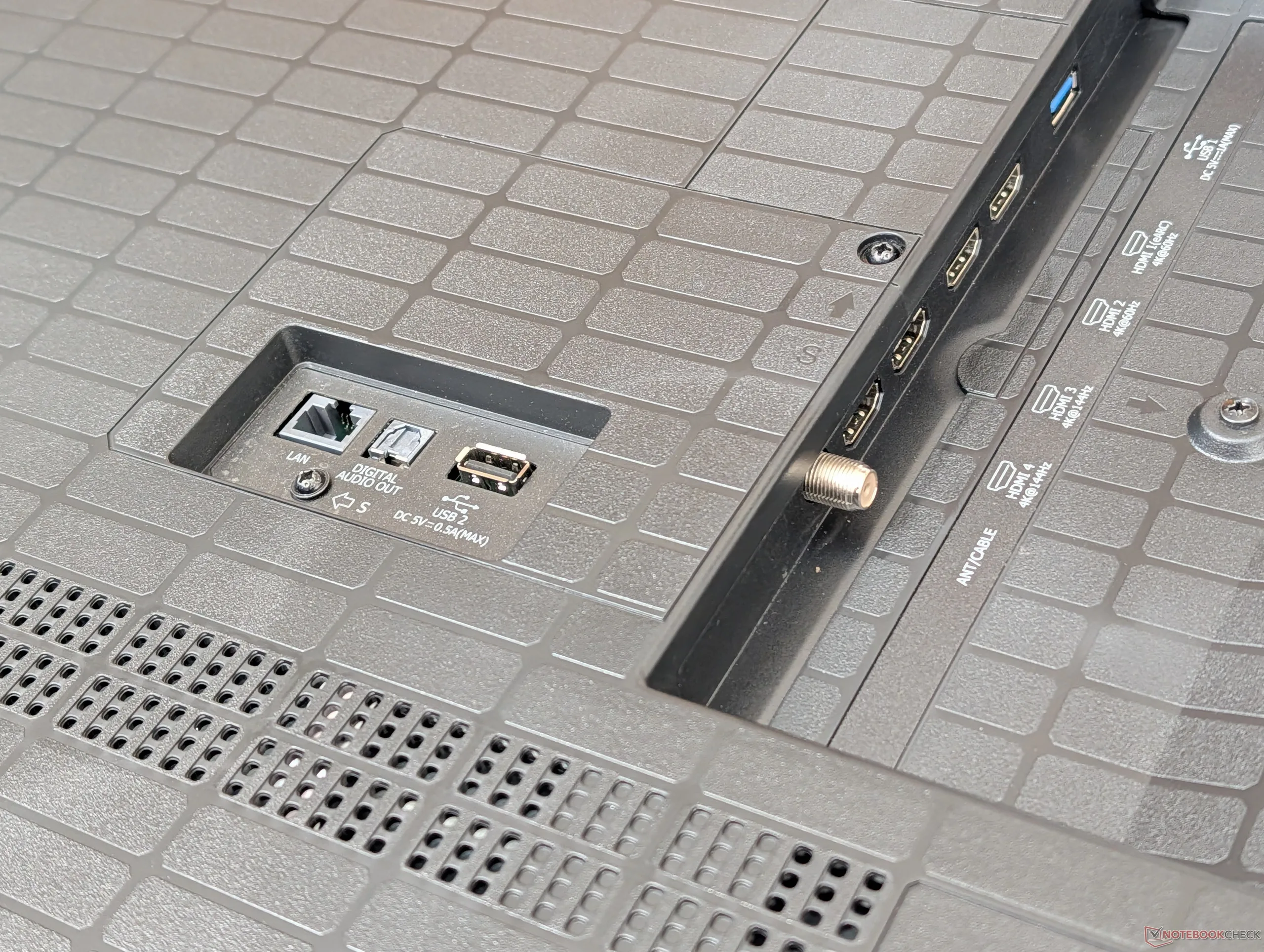
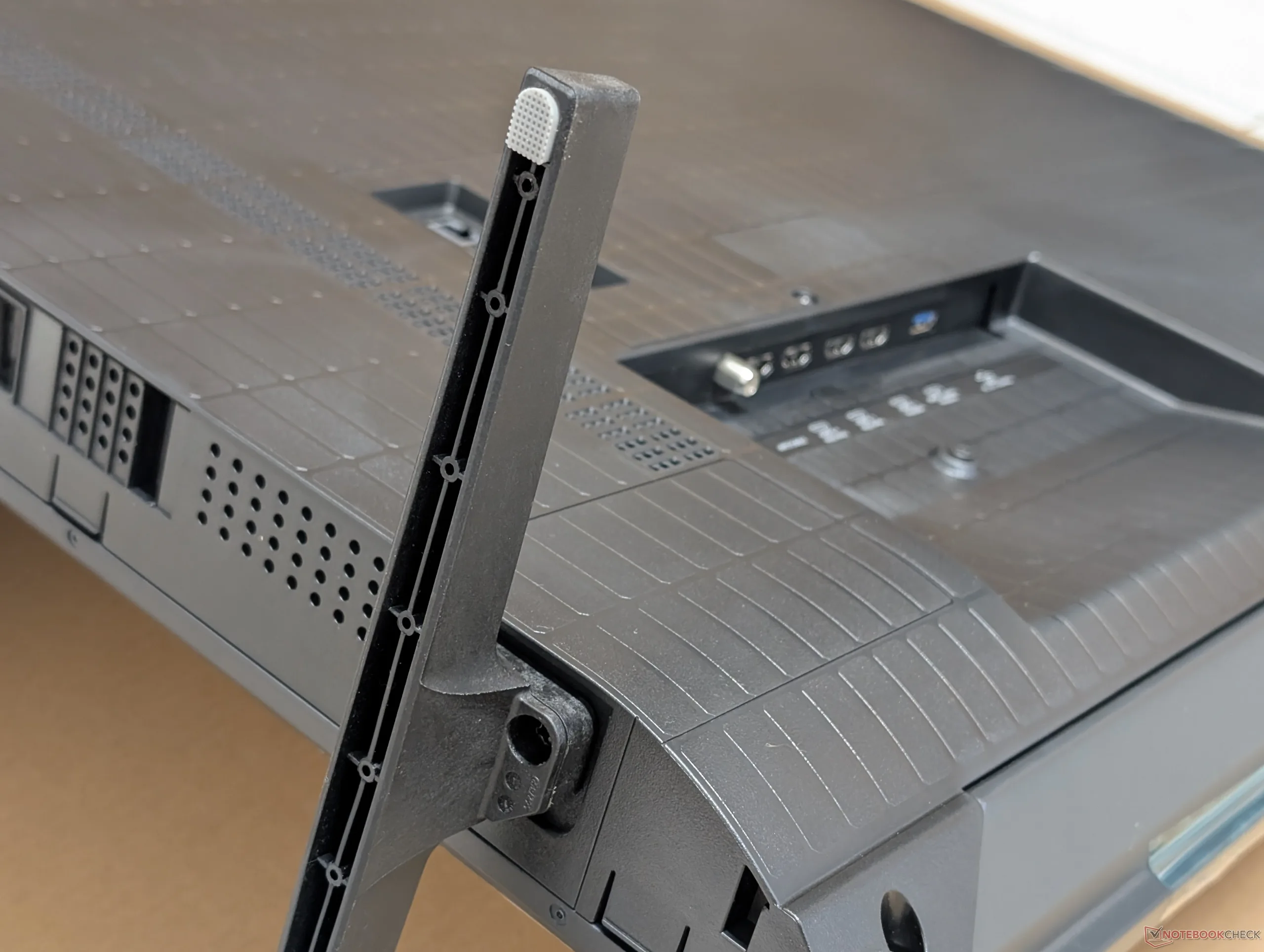
Speaking of cables, video input options are limited to HDMI with no USB-C or DisplayPort options likely to save on costs. The four HDMI ports are not created equal either as eARC is only compatible with the 60 Hz ports.
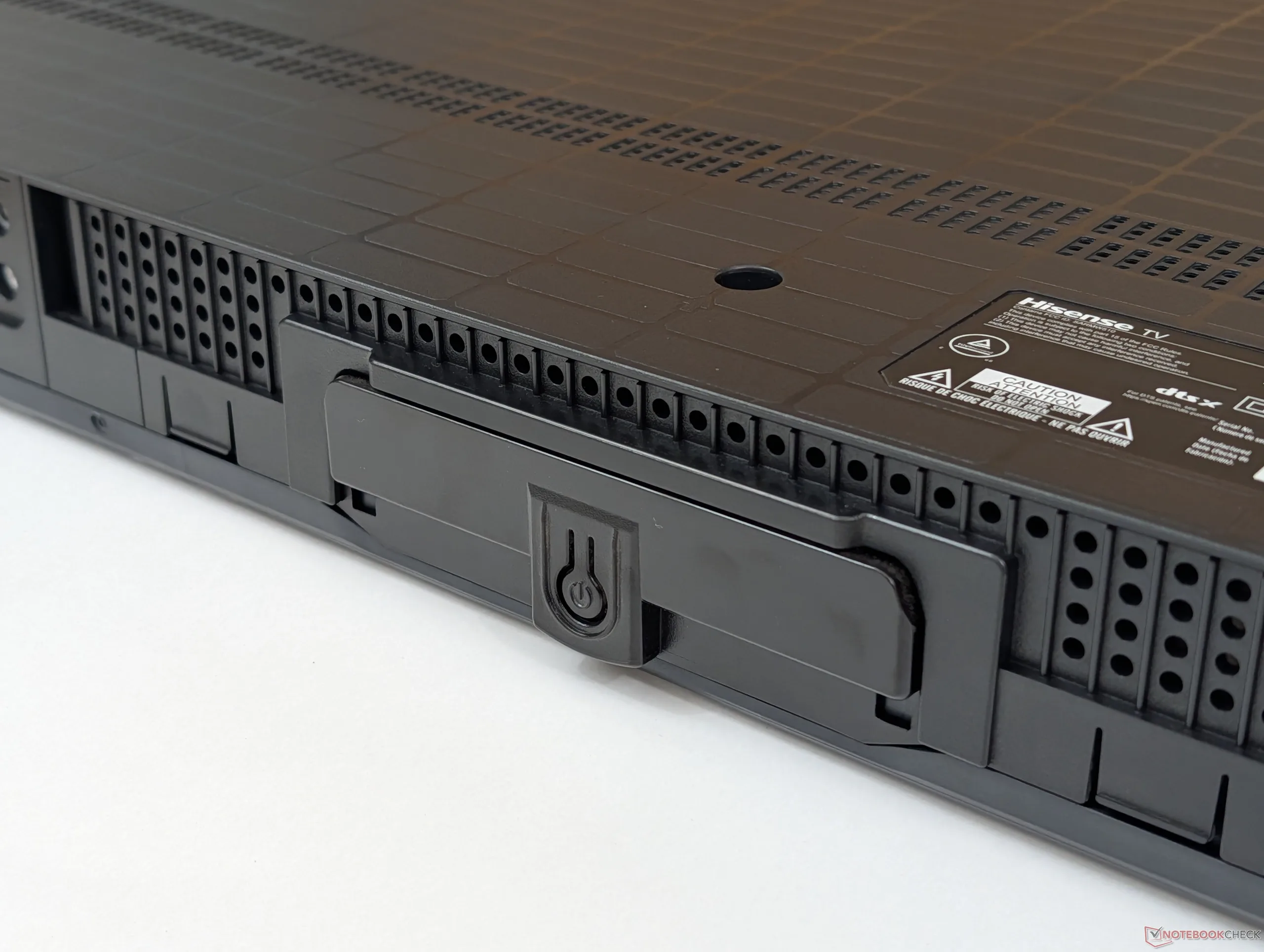
Port positioning could have been a little better. While the HDMI ports along the left edge are easy to access, the AC power port is confusingly on the opposite side while the LAN and audio out ports are perpendicular and tangent to the TV as shown by the picture below. Having all ports along the same row or direction would have made cable management easier.
Once powered on, the initial screen will take a few minutes to login to your Amazon account since this is an Alexa-powered TV, after all. It's recommended to download the Fire TV app on your phone and then pair it to the Hisense to hasten the process.
We had low performance expectations given the budget-oriented price, but we were surprised by the responsiveness and relatively minor frame skips when navigating through the UI. There is certainly pauses or short load times when switching between applications, but they're not long enough to be frustrating.
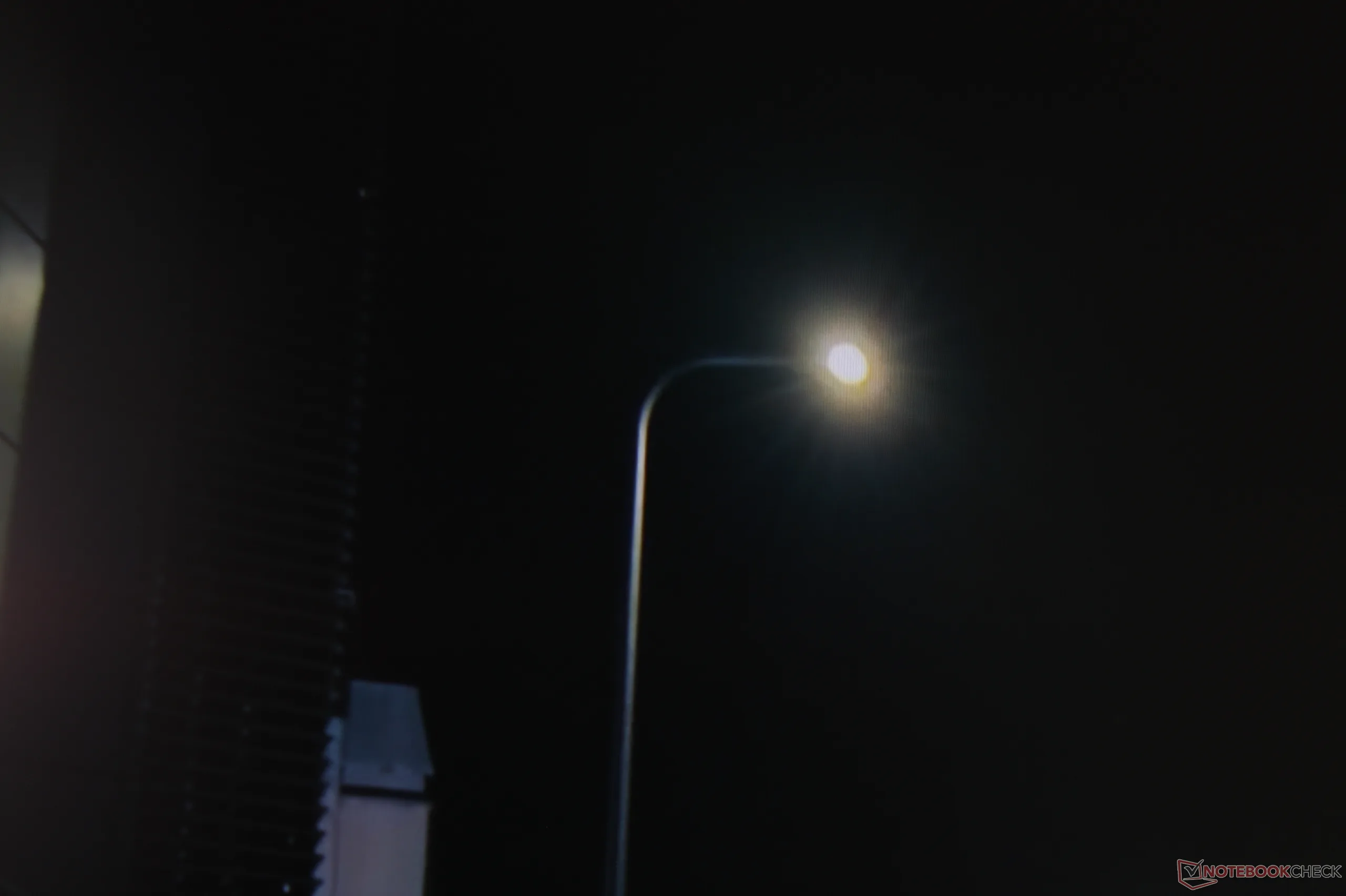
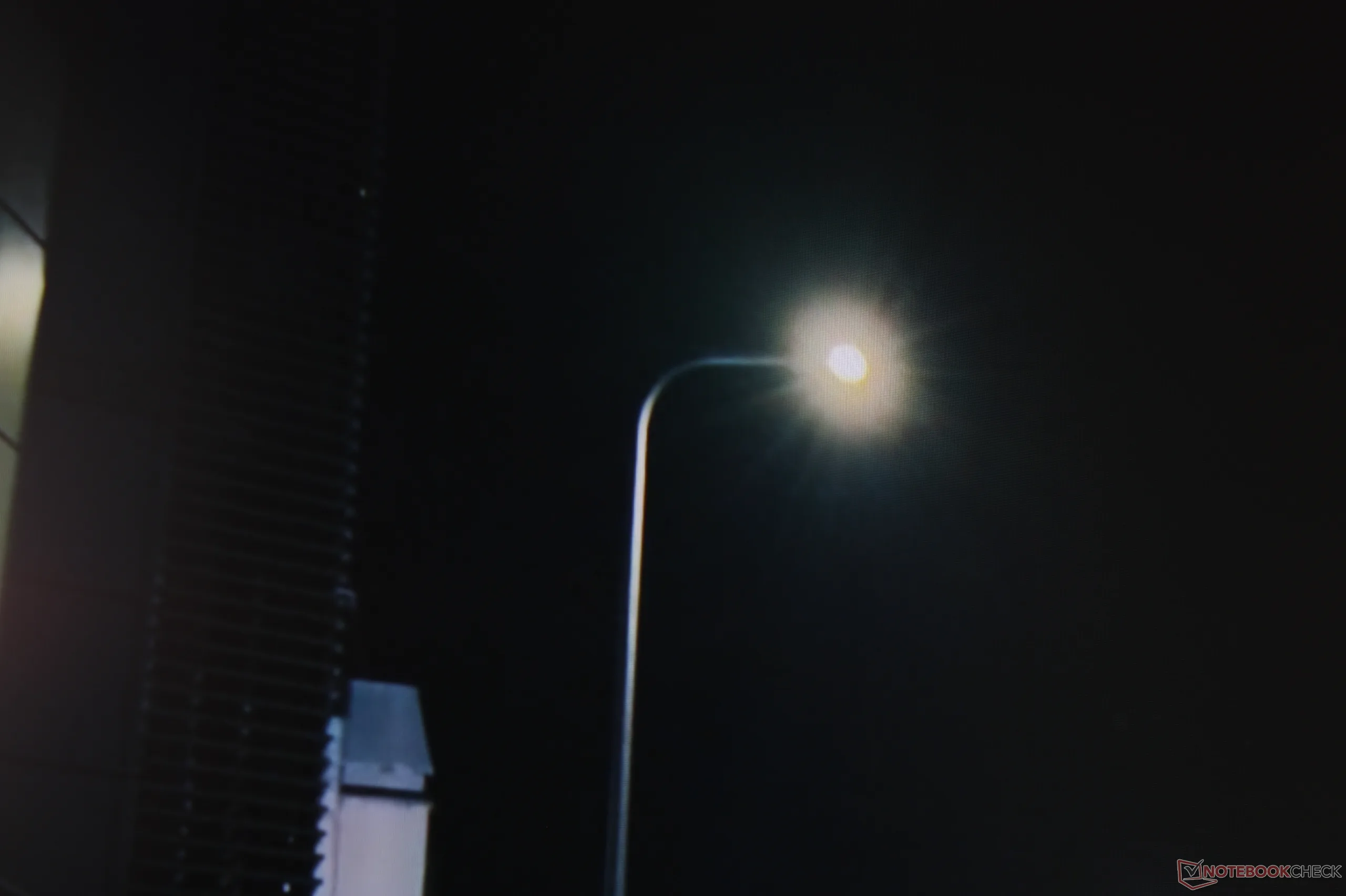
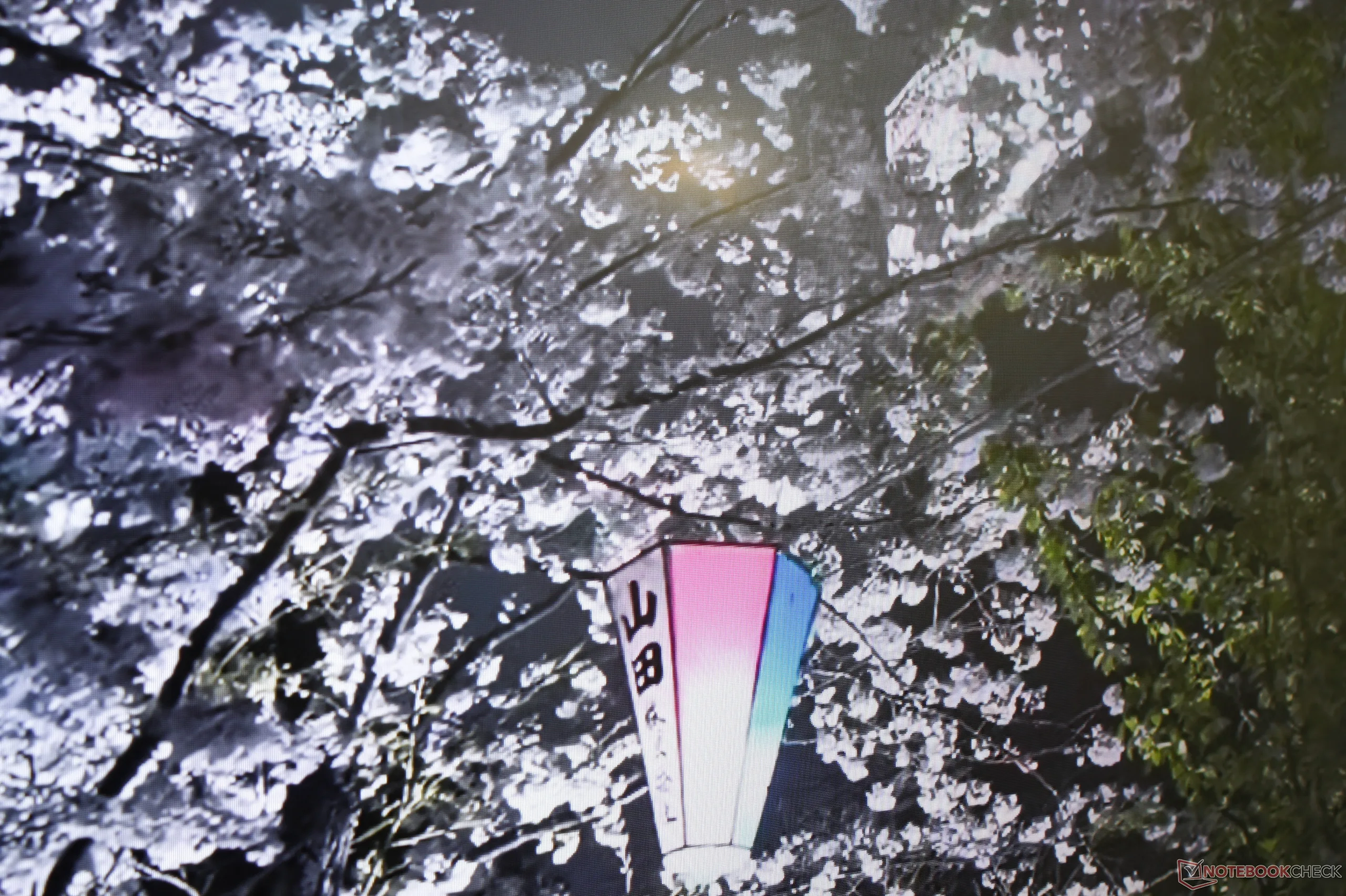
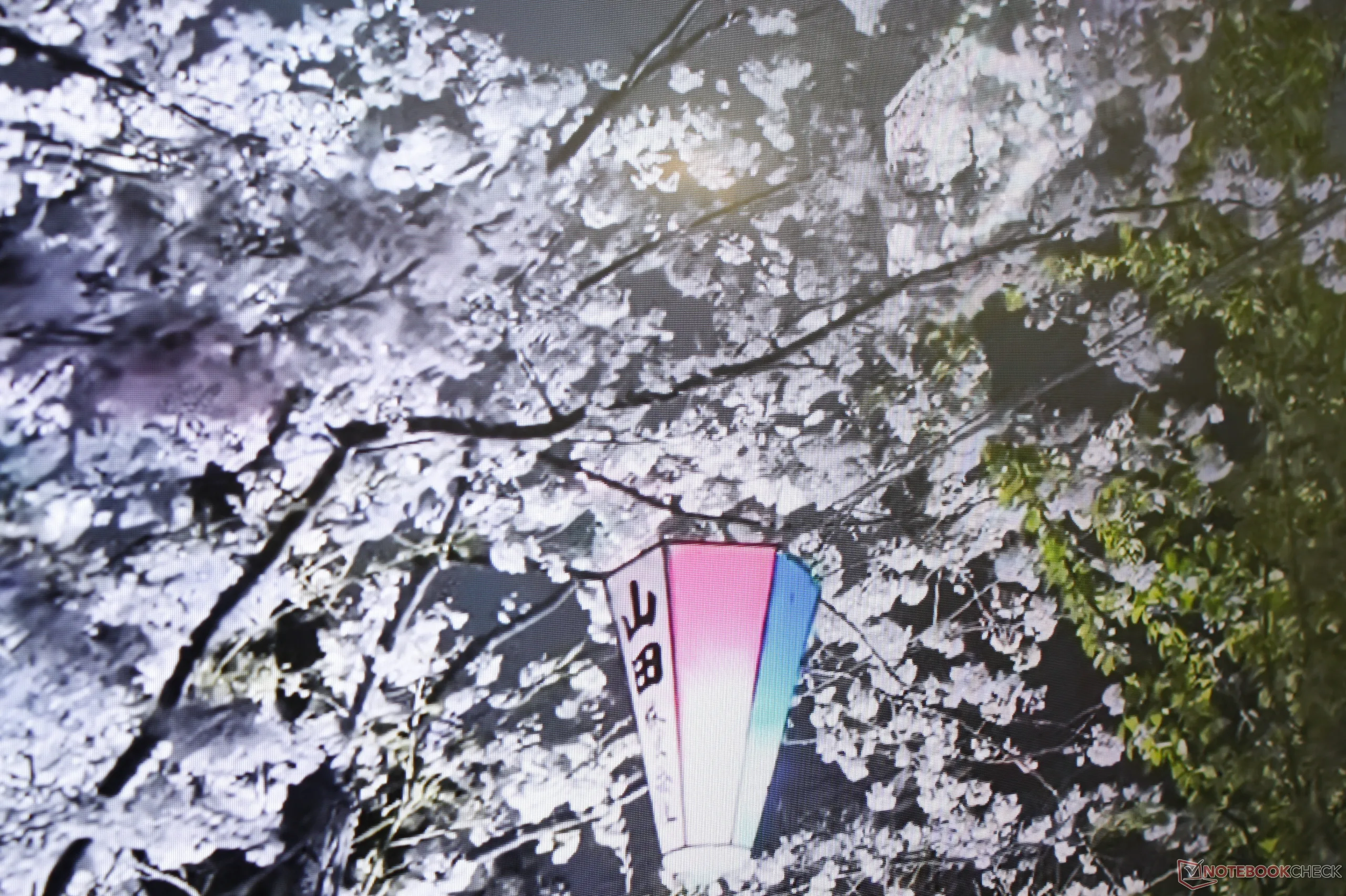

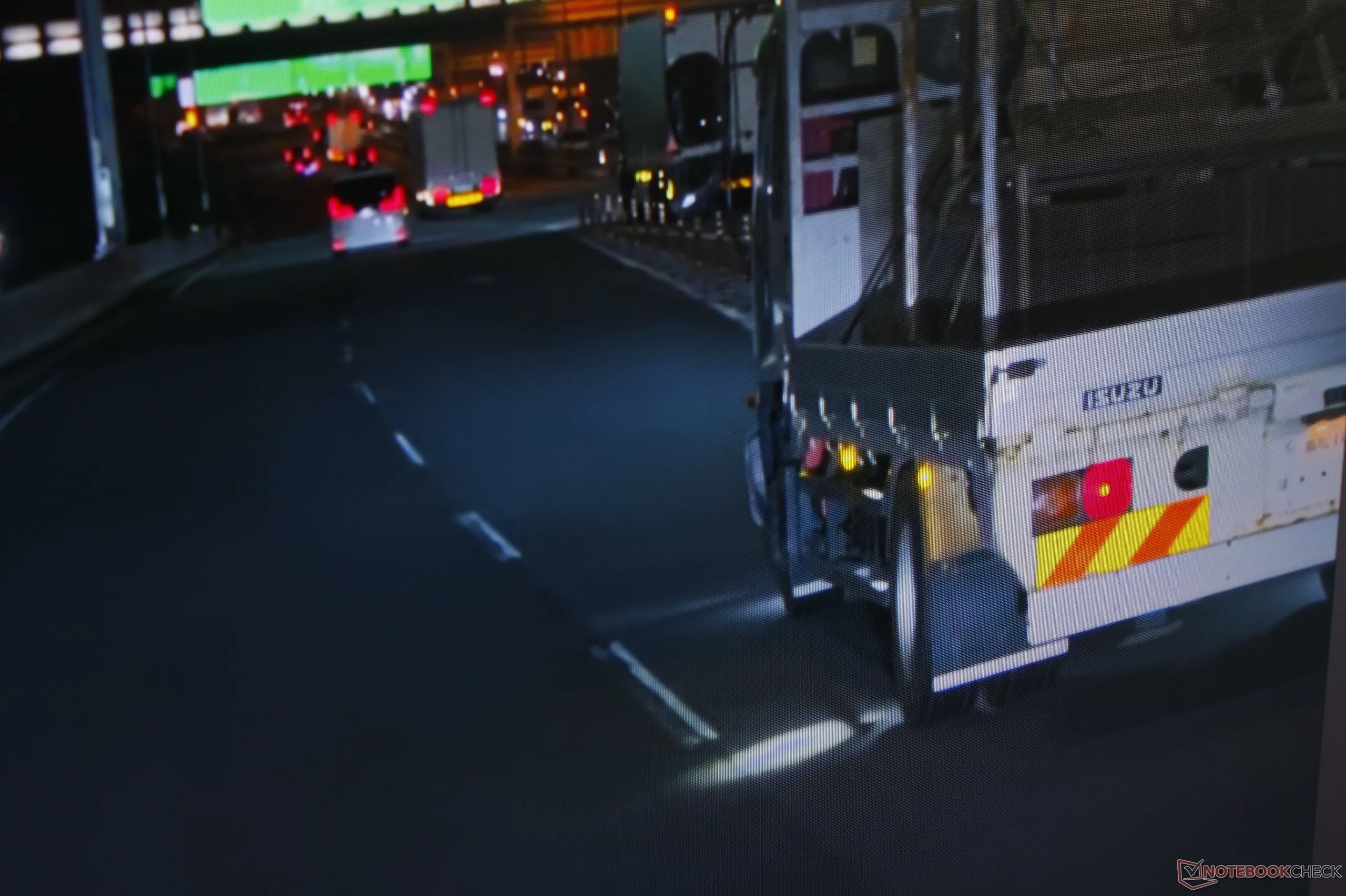
Like any good TV, the U6SF comes with a large handful of adjustable settings. However, neither the TV nor manual provide any details on what the special settings actually do. Hisense LightSense, AI Picture Optimization, and other post processing effects are almost all enabled by default. We highly recommend going through each one manually to see which you may want enabled or disabled.
Fortunately, the settings are easy to navigate and quick to adjust. We personally prefer to disable LightSense (i.e., ambient light detection), AI image optimization, and high dynamic contrast as grays and bright lights can become whiter and overblown, respectively.
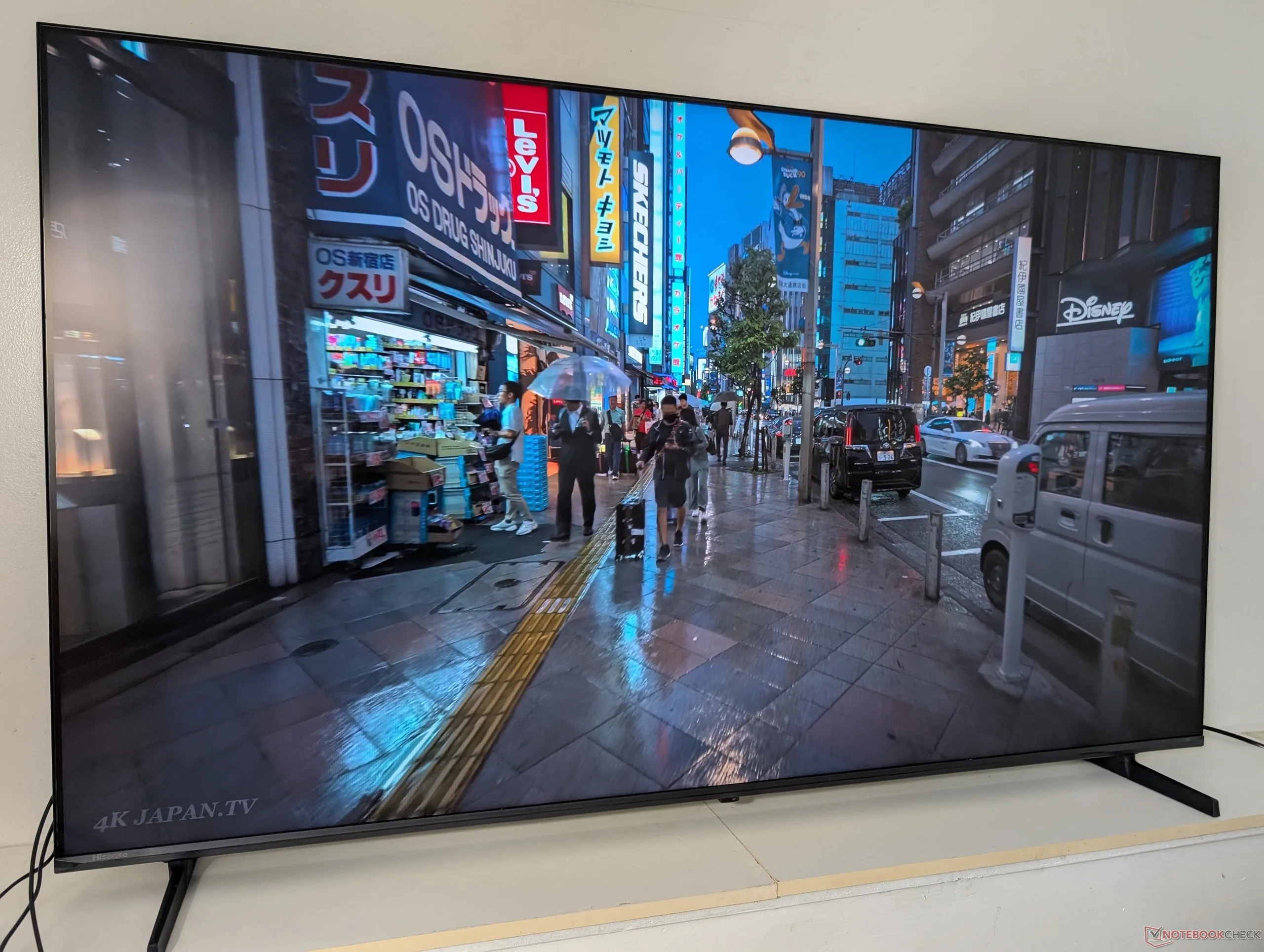
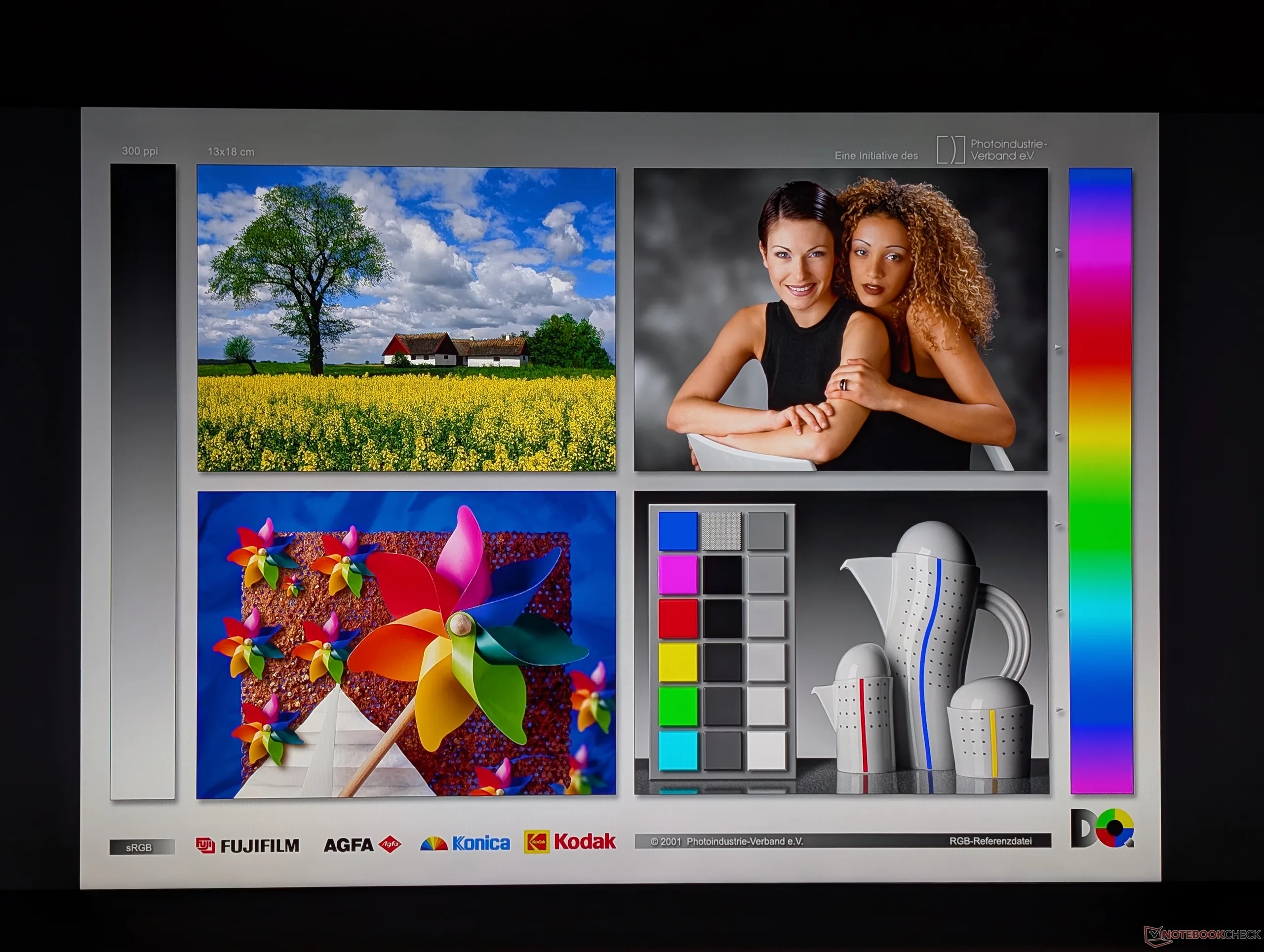
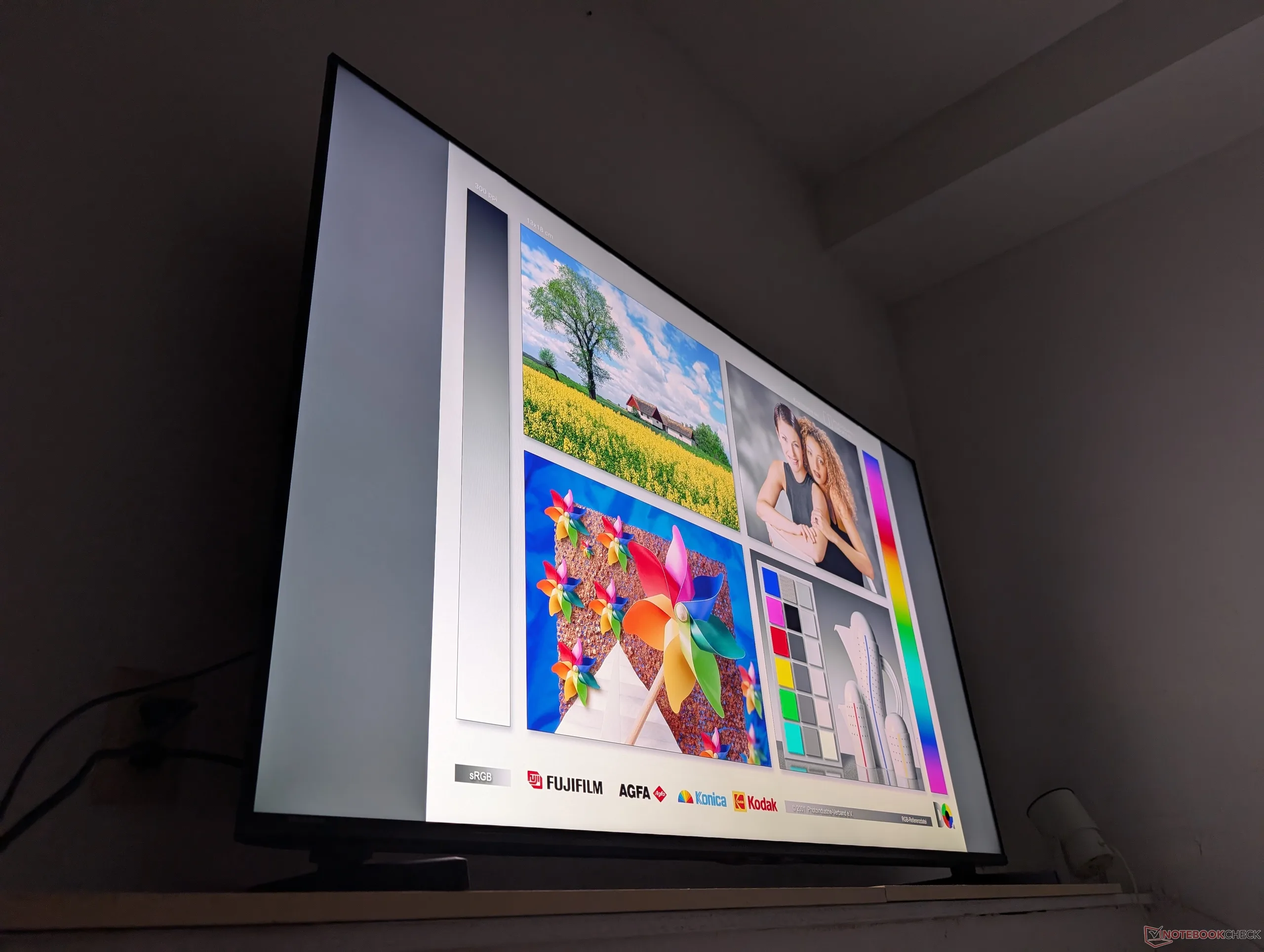
Image quality is otherwise beautiful especially for the price. Some of our favorite YouTube TV tests are the 4K HDR first-person walks through the streets of major cities like Tokyo or San Francisco for their extreme urban detail and contrasting colors. The picture resolves clearly even if grays are only average.
Maximum brightness on the center of the screen tops out at 427 nits and 656 nits on SDR mode and HDR mode, respectively, with dynamic contrast and dynamic brightness controls toggled off. Maximum brightness on SDR mode can drop to 336 nits along the edges and corners to show that brightness uniformity could have been better. Upgrading to the U6SF Pro model will boost HDR brightness to over 1000 nits alongside other auxiliary benefits like FreeSync Premium Pro, an improved anti-glare screen, and Wi-Fi 6 connectivity.
The minimum brightness setting with a white background is very low at just 14 nits which can help reduce eyestrain if viewing in a darkened room.
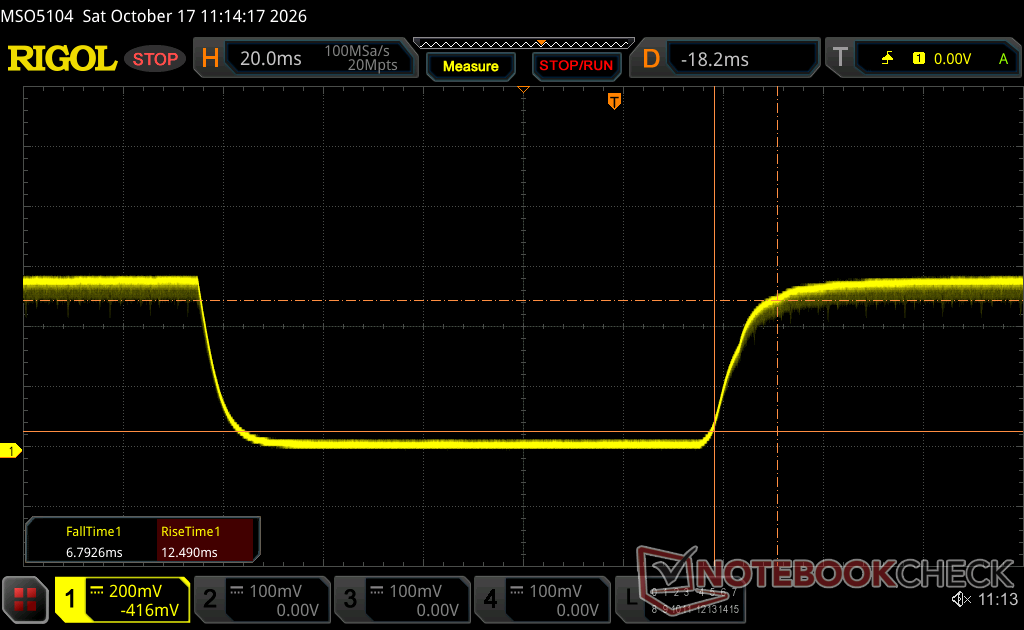
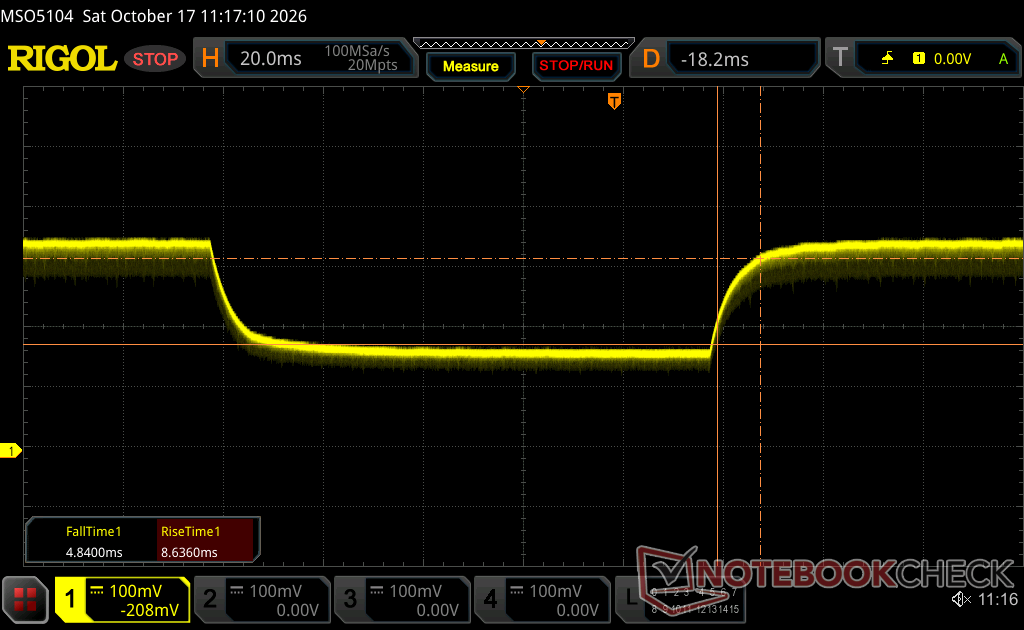
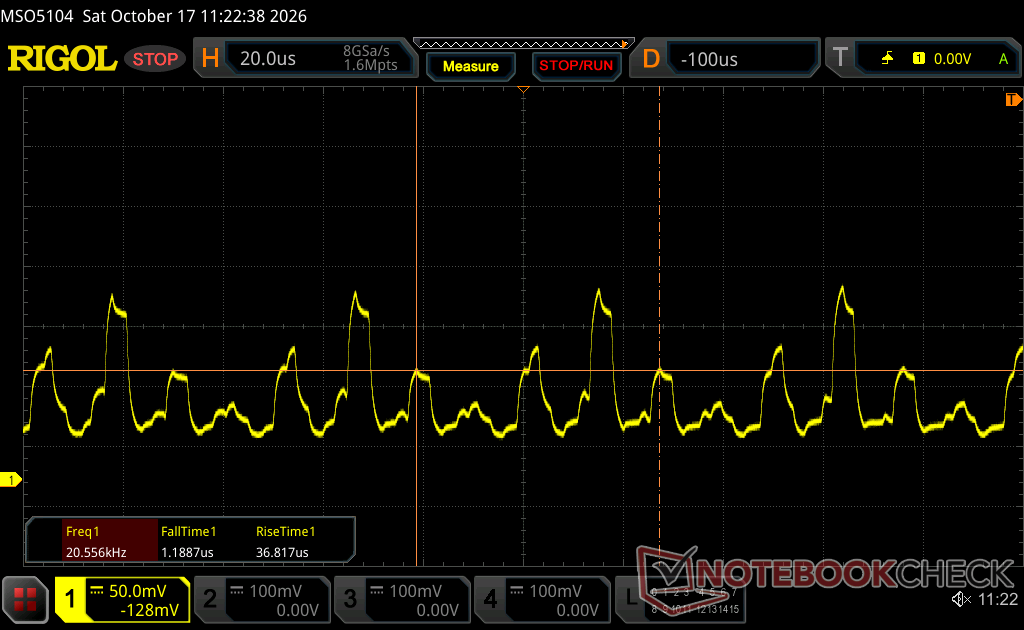
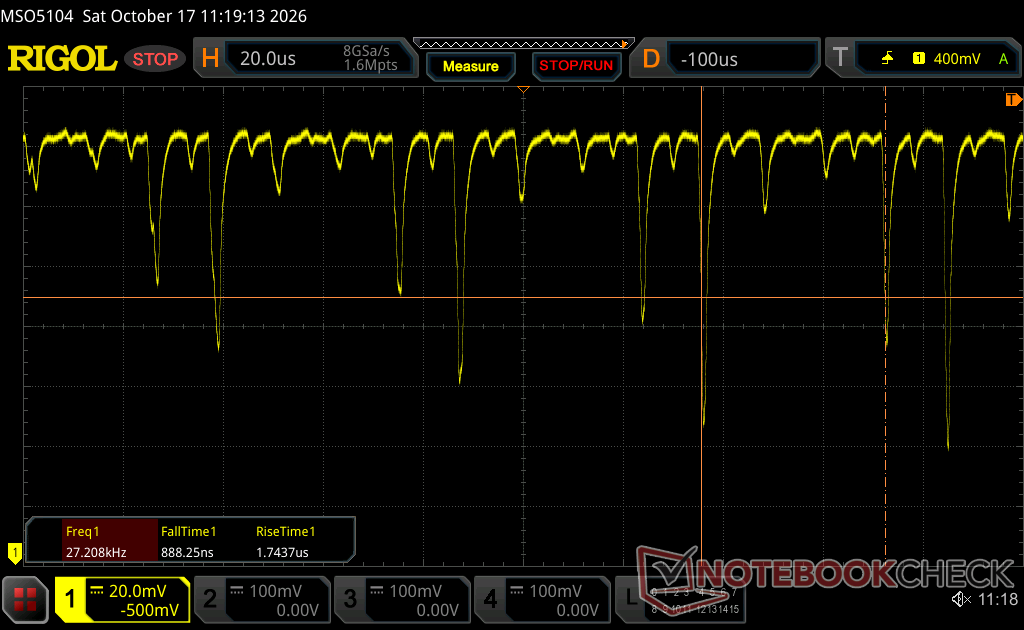
Black-white and gray-gray response times are decently fast at 12 ms and 9 ms, respectively, according to our own oscilloscope tests. Both input latency and smearing/ghosting are tolerable for casual single player games when Game mode is toggled on, but they become more noticeable and slightly more distracting for faster-paced games like Valorant or Forza Horizon 6.
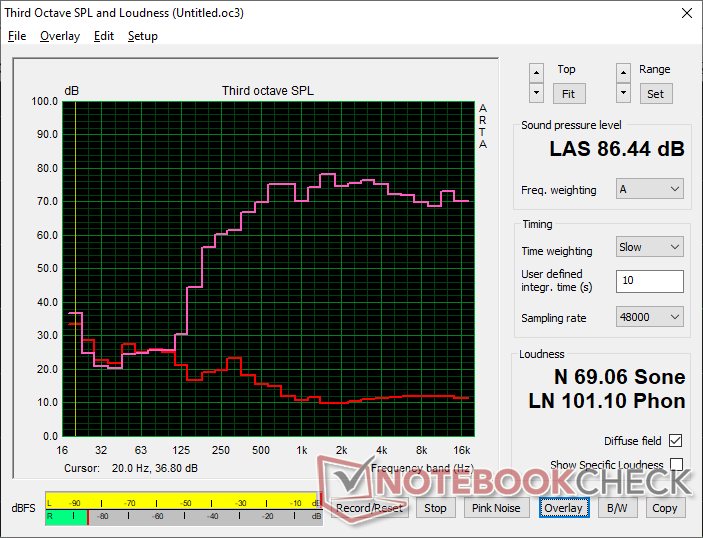
Maximum volume from the integrated speakers is decent at 86 dB(A) when standing 15 cm directly in front (the same distance we test for laptops). The pink noise curve shows a relatively sharp drop off at ~250 Hz to suggest limited bass reproduction. Uncoincidentally, the pricier U6SF Pro includes an integrated subwoofer to directly address this audio shortcoming.
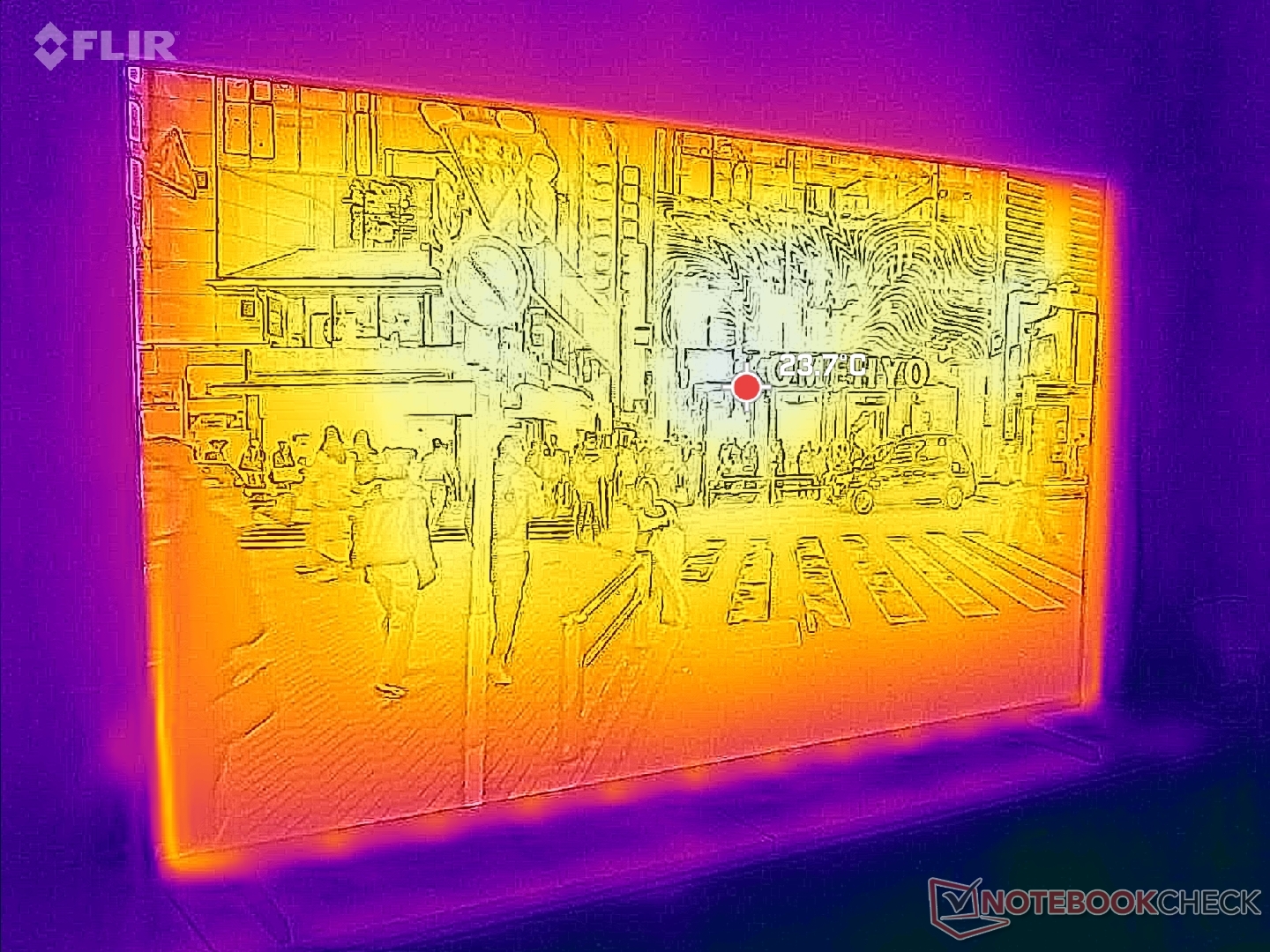
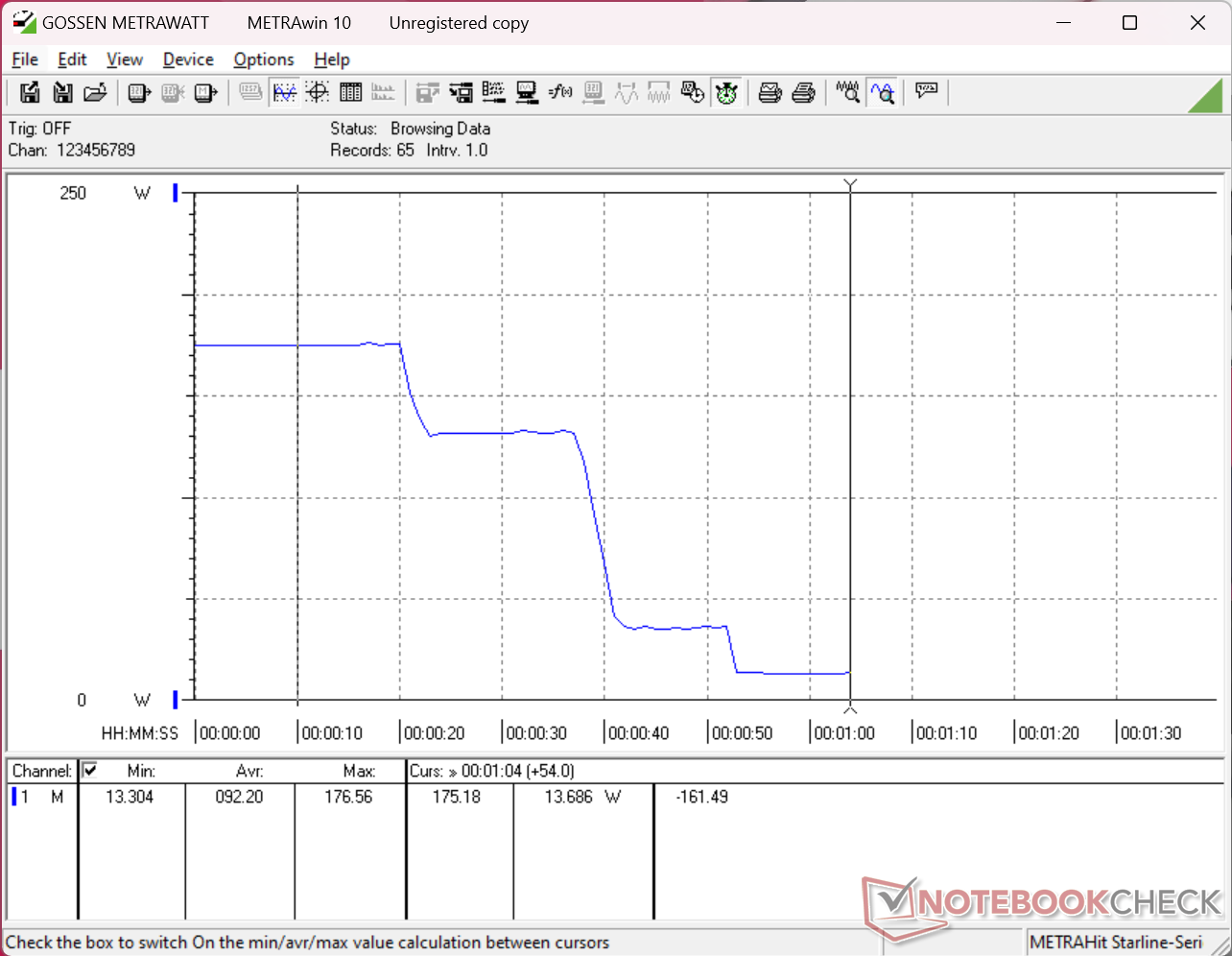
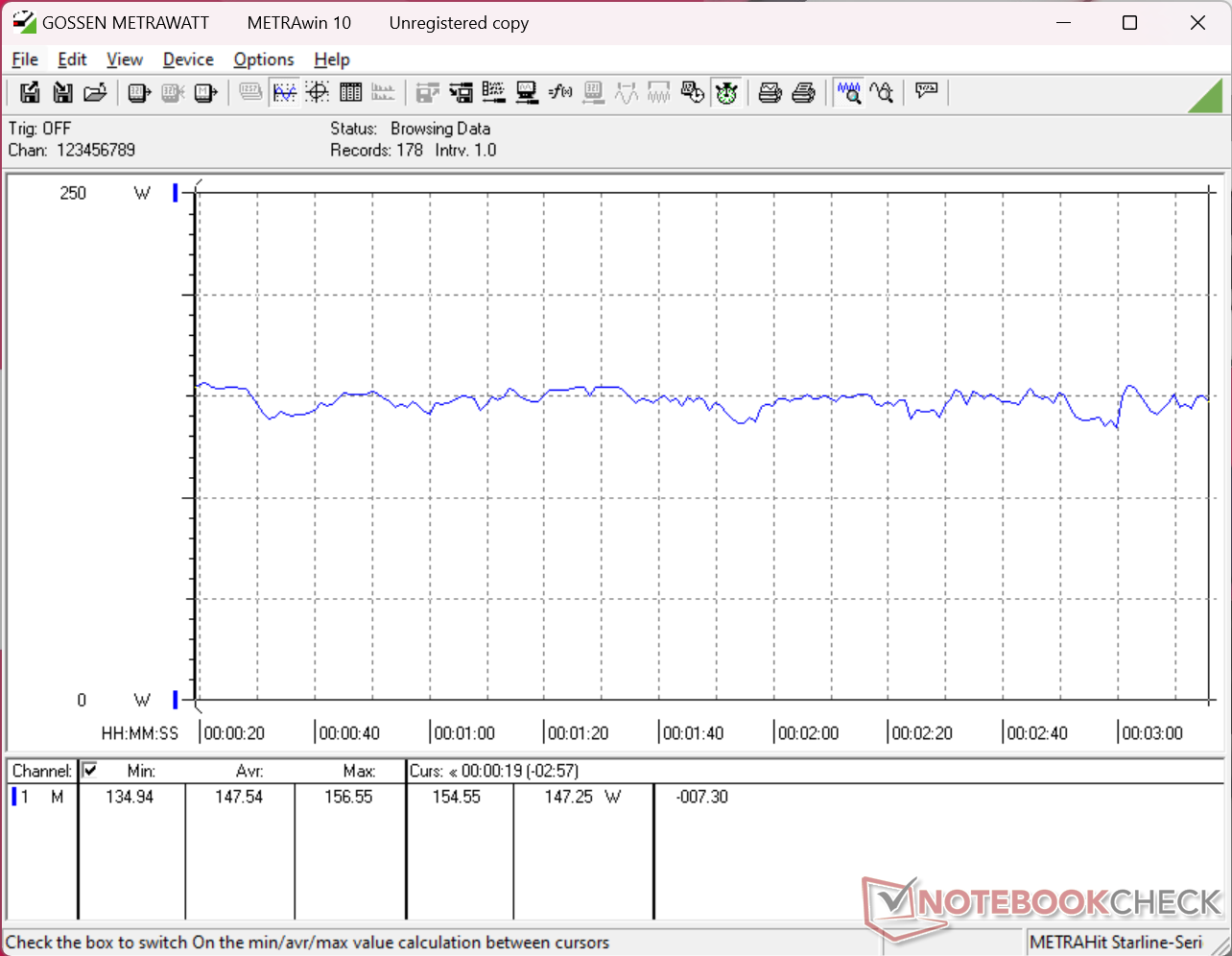
Expect the TV to draw an average of 148 W when playing 4K HDR content which is roughly comparable to many gaming laptops powered by GeForce RTX 5070 or 5070 Ti graphics. Idling on the home screen on maximum brightness and minimum brightness would demand 177 W and 70 W, respectively, meaning there is a massive ~100 W difference between the lowest and highest brightness settings. The system demands around 14 W if on sleep or hibernation mode. You'll want to keep an eye on the brightness and standby modes if you're conscious about energy bills.
For $600 to $700, a good budget 4K TV should focus first on image quality followed by overall software performance while most auxiliary features can be cut to keep costs low. The Hisense U6SF does exactly this with its sharp 144 Hz screen and relatively quick UI for almost no learning curve when getting started. Enthusiasts will almost surely scoff at the lack of variety when it comes to video inputs, the relatively low HDR brightness levels, and the notable "bloom" effect of mini-LED when compared to OLED, but such alternatives are often much more expensive as well. The drawbacks are arguably easier to forgive for the target budget-conscious home theater user.

For future models, we would like to see better cable management in terms of port placement, backlit buttons on the remote, eARC support for HDMI at 144 Hz, and lower power consumption when in sleep or hibernation mode. We also wouldn't mind swapping out one of the four HDMI ports for USB-C with both power delivery and DisplayPort to better support newer laptops. Such features could give it longer legs and help to distinguish the U6SF from competing TVs in the same price category.
 Add as a preferred source on Google


No comments for this article
