


Great tablet for school and college, but the MatePad Air does lack a useful feature

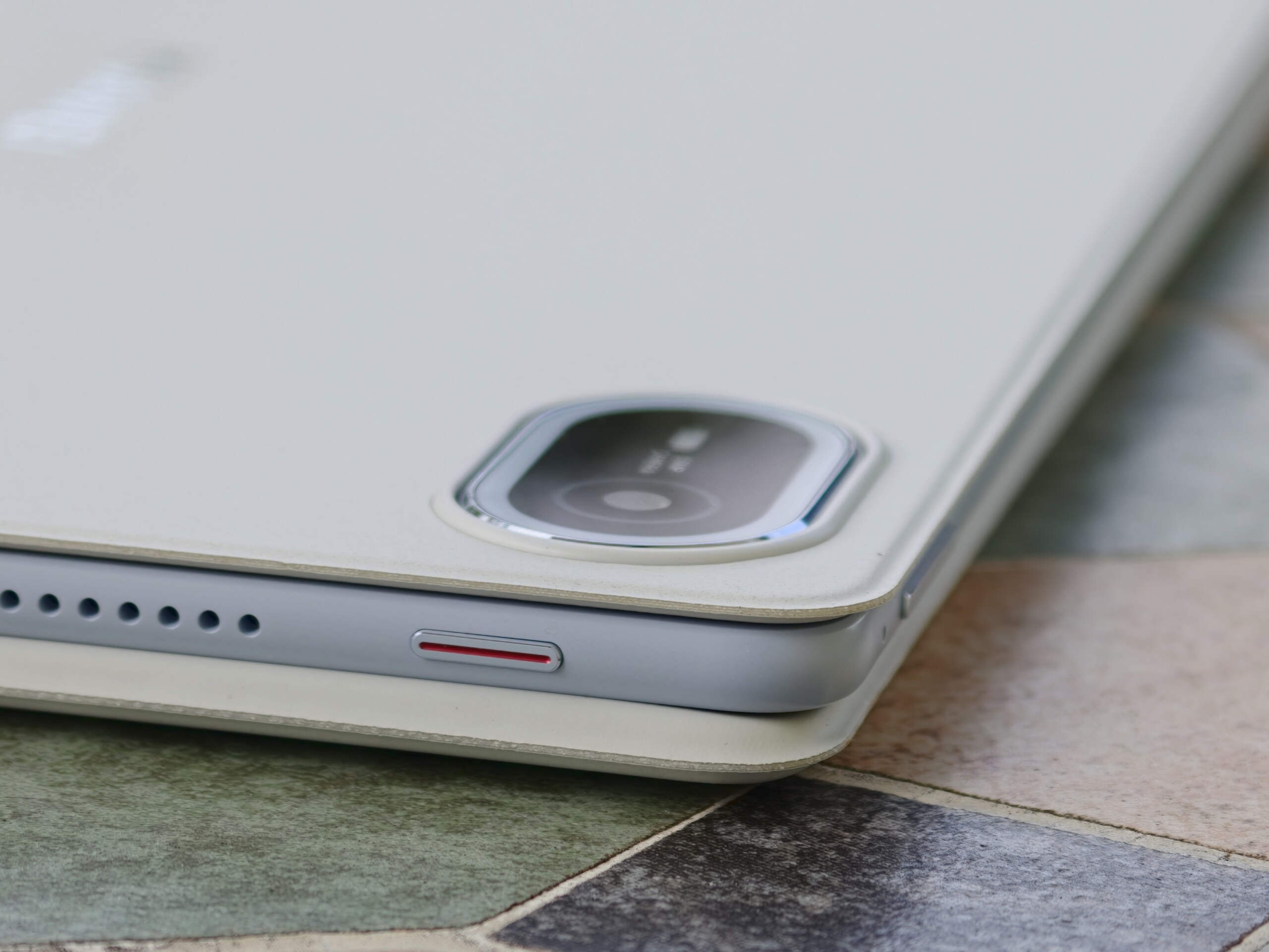
With the new MatePad Air (2026), Huawei has a capable mid-range tablet for the education sector. With a chassis just 5.3 millimeters thick and a weight of 509 grams, the 12-inch tablet is designed for portability despite its size. Thanks to its PaperMatte display with an anti-reflective coating, it is perfect for lectures or study sessions on campus.
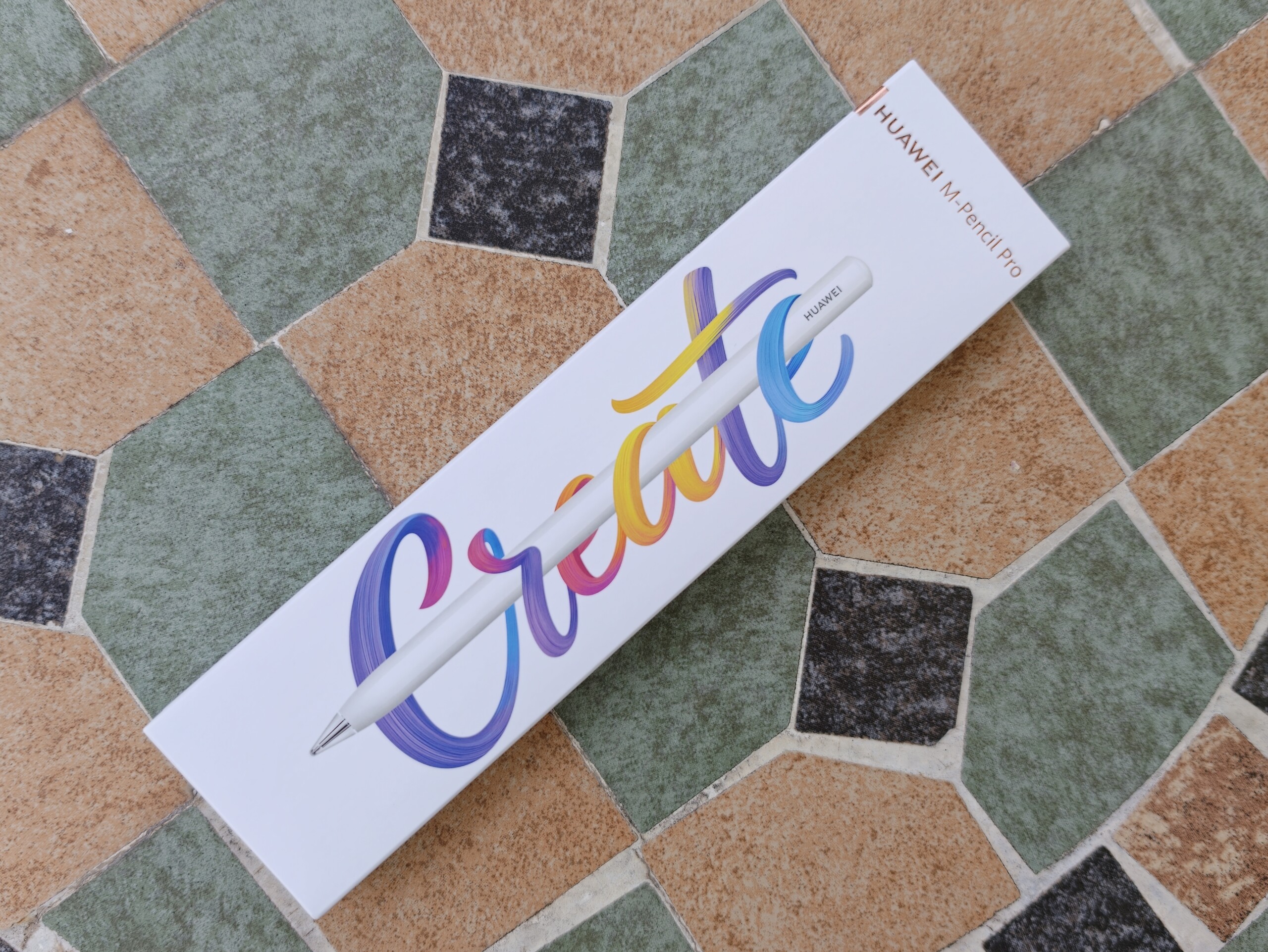
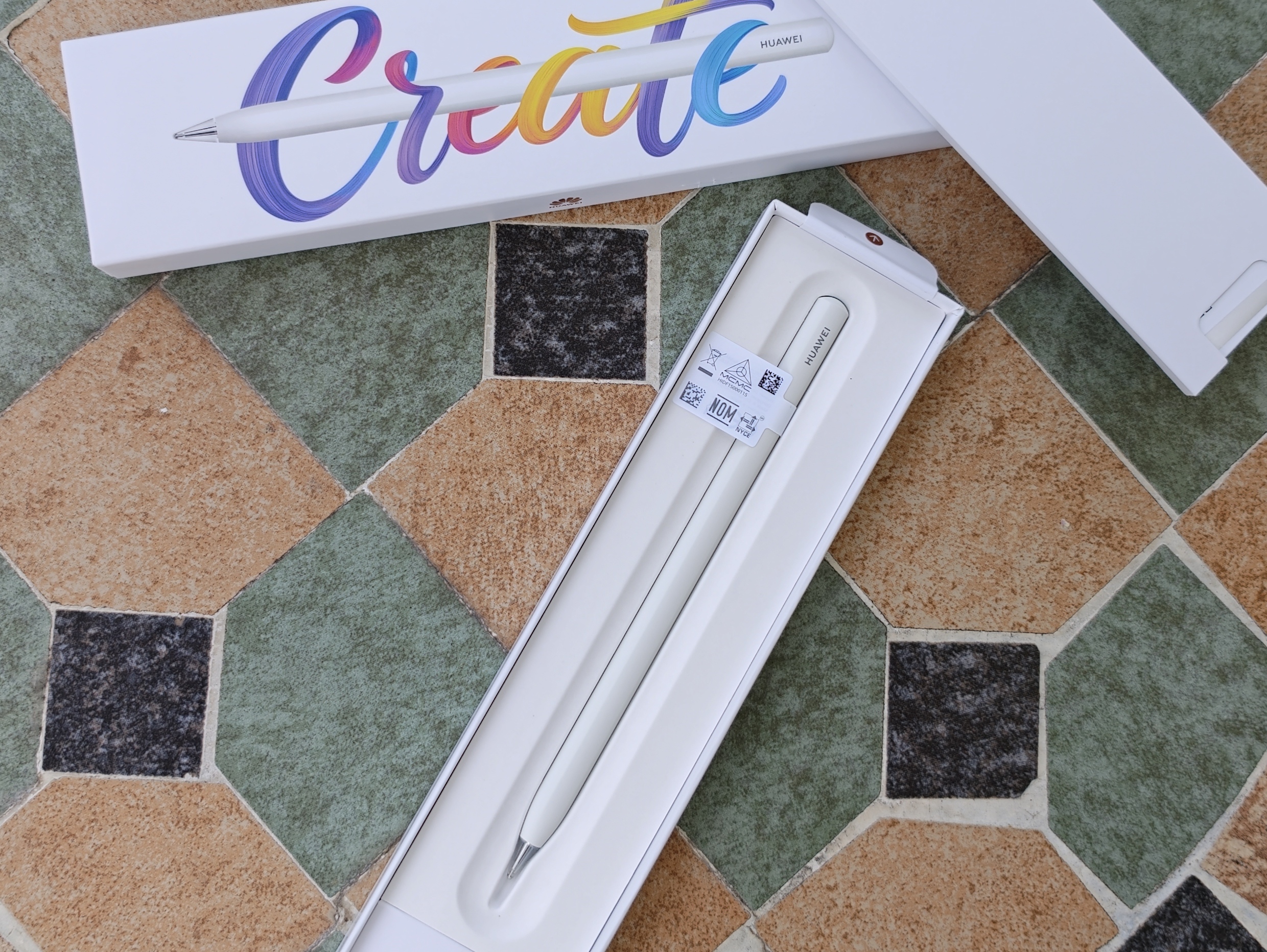
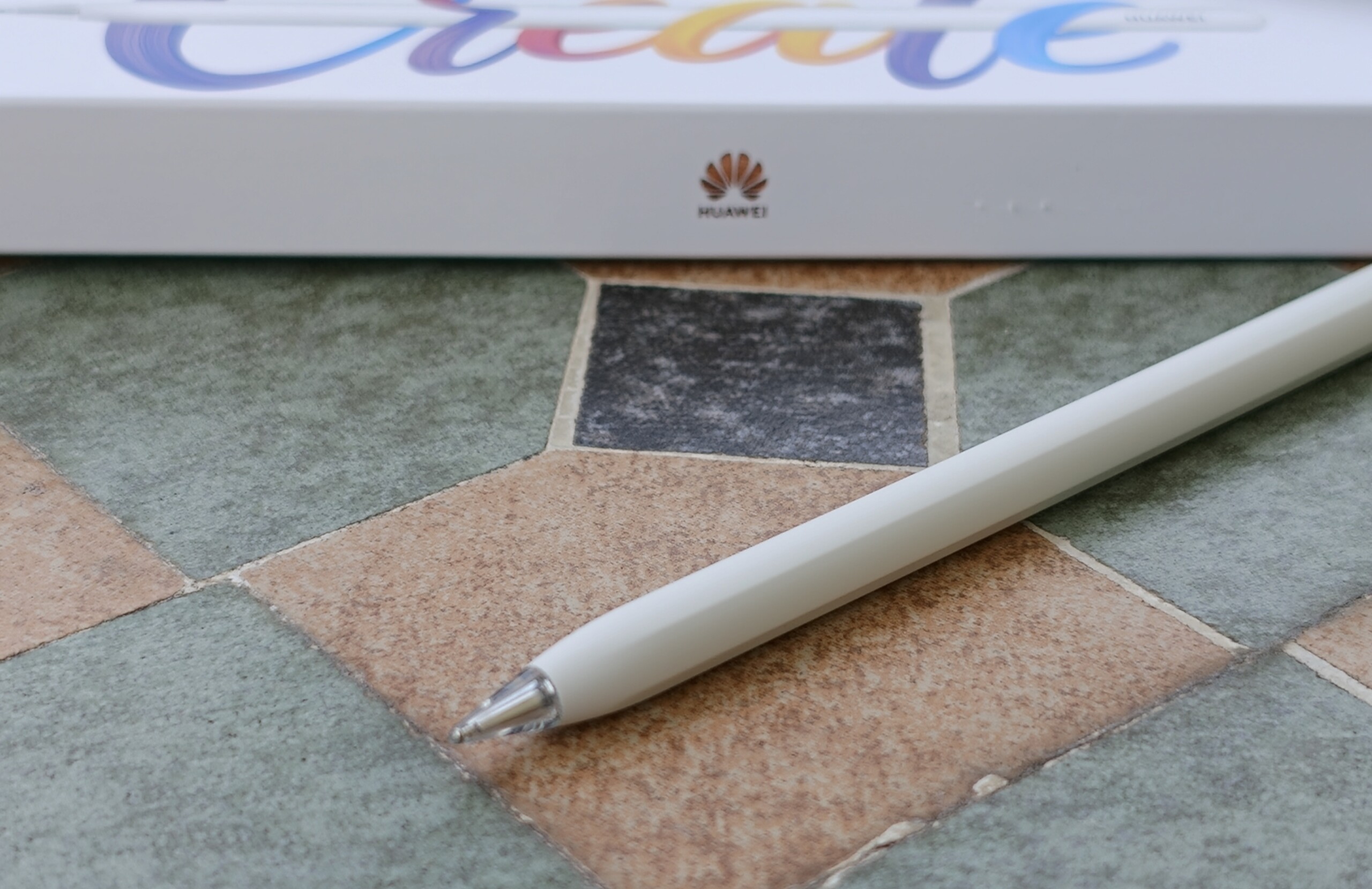
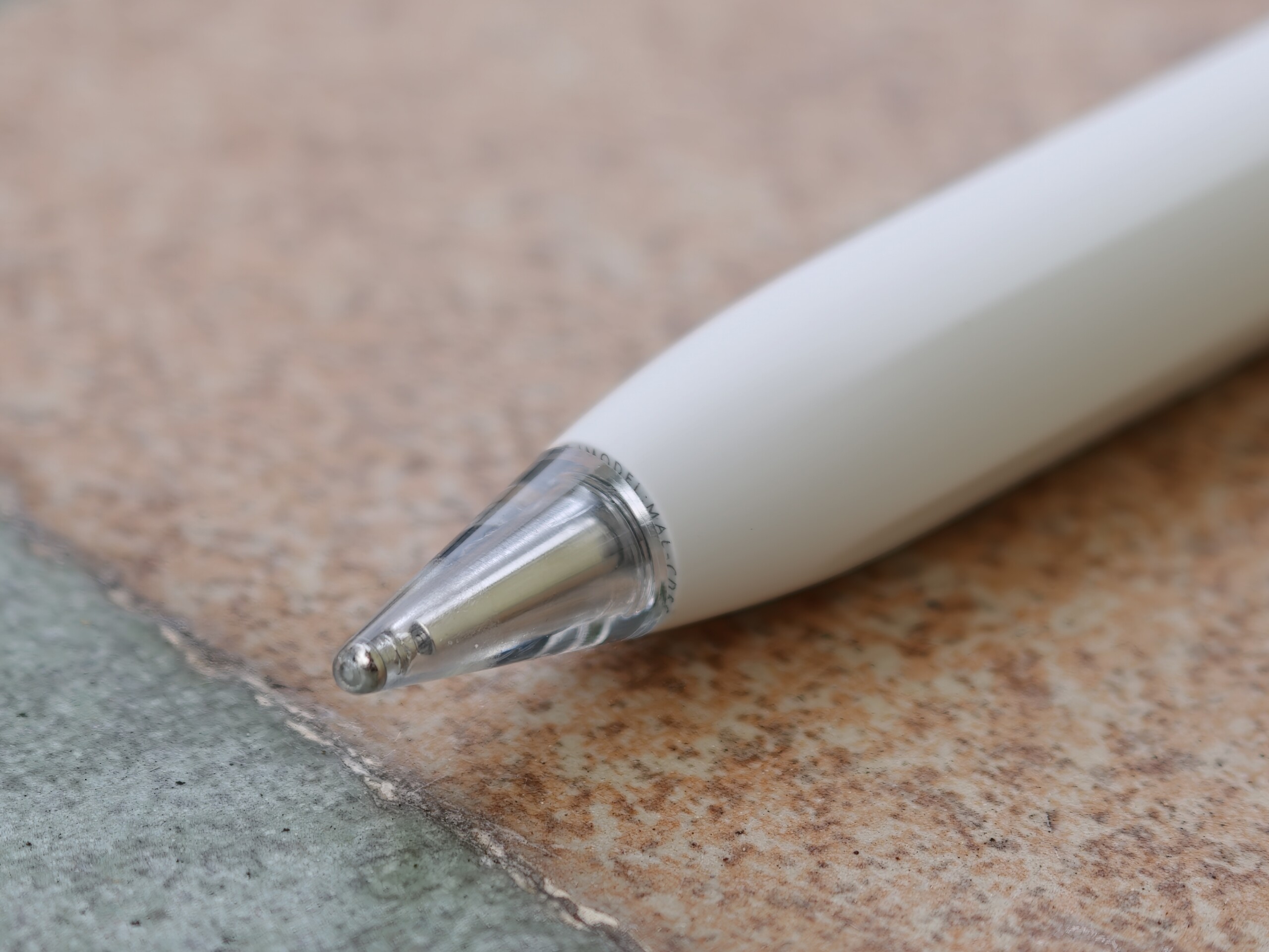
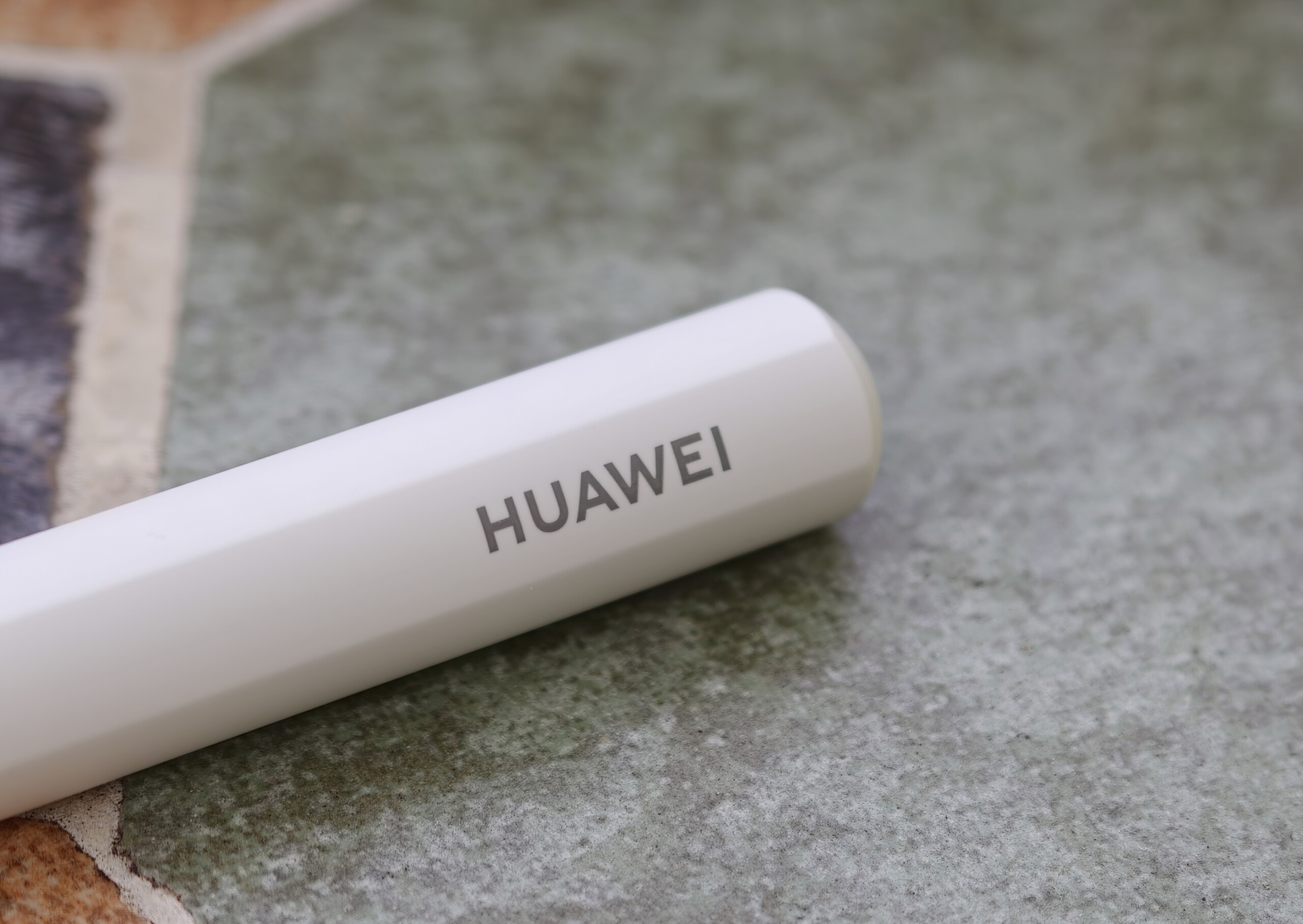
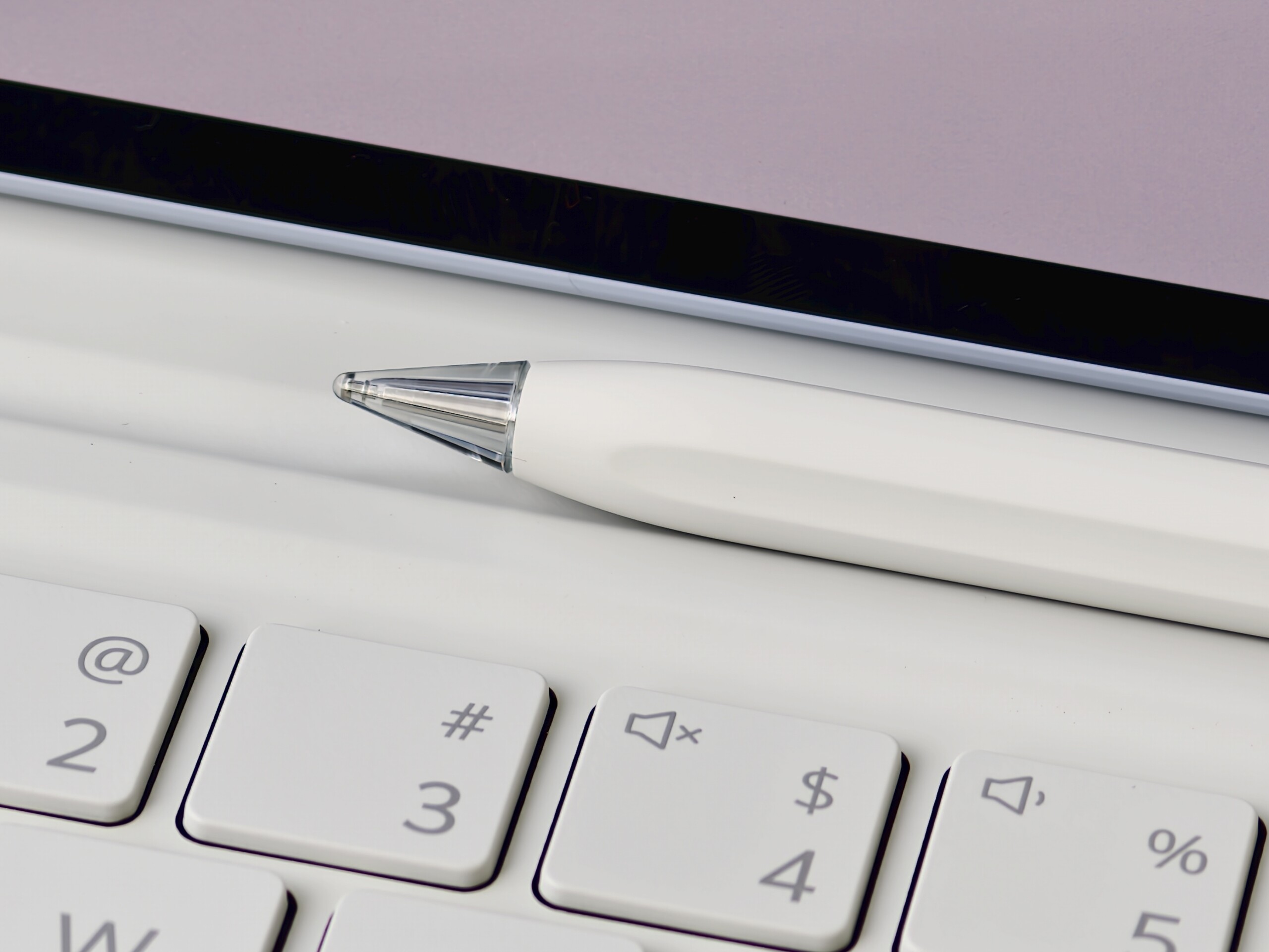
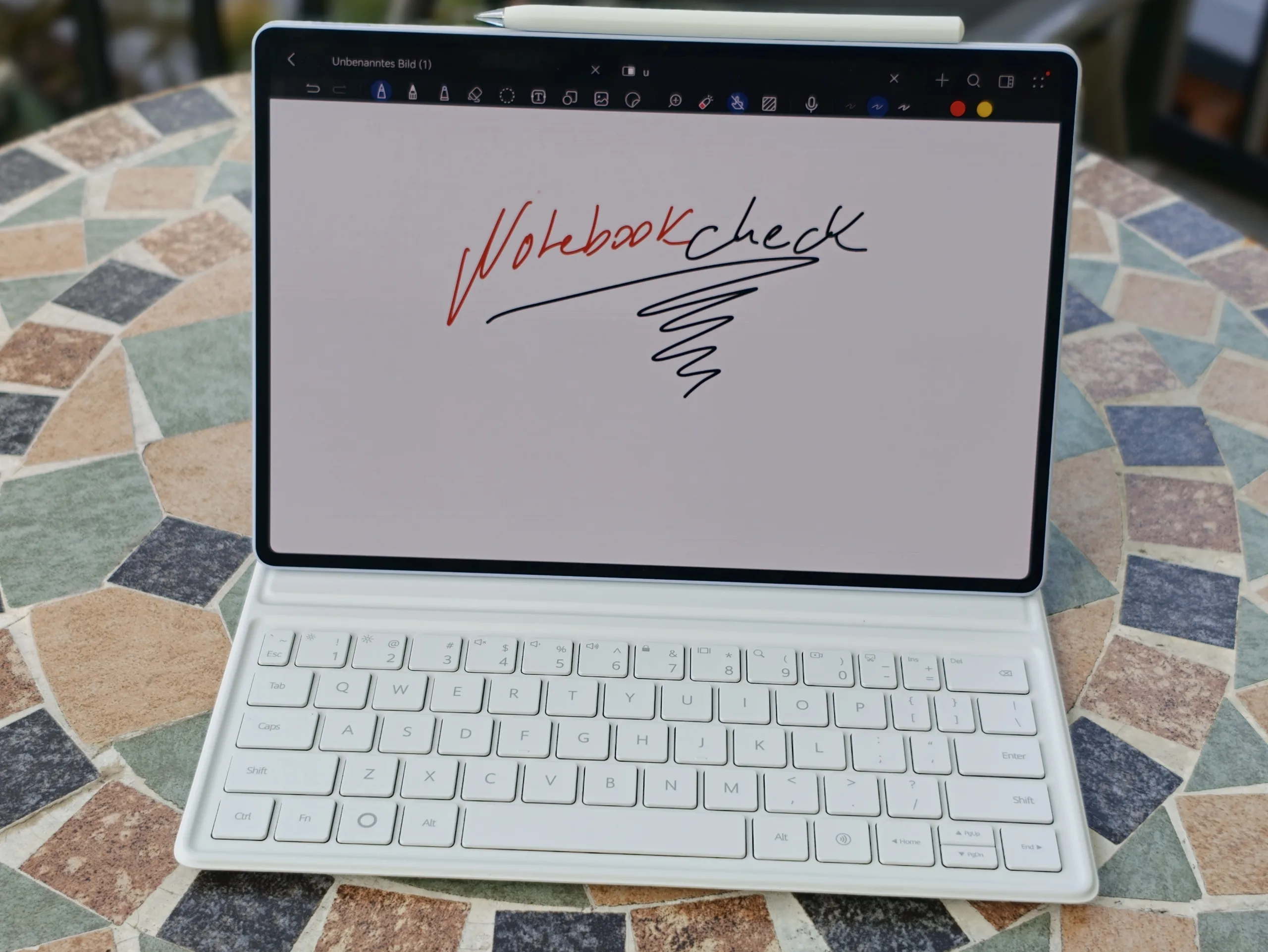
A major strength of the MatePad Air is the precise M-Pencil Pro, which turns the Huawei tablet into a digital notebook for course materials and PDFs.
Mid-range tablet with very good stylus support
The Huawei M-Pencil Pro allows precise input, proving very accurate for handwritten notes in our review. There is no visible digitizer lag with quick movements.
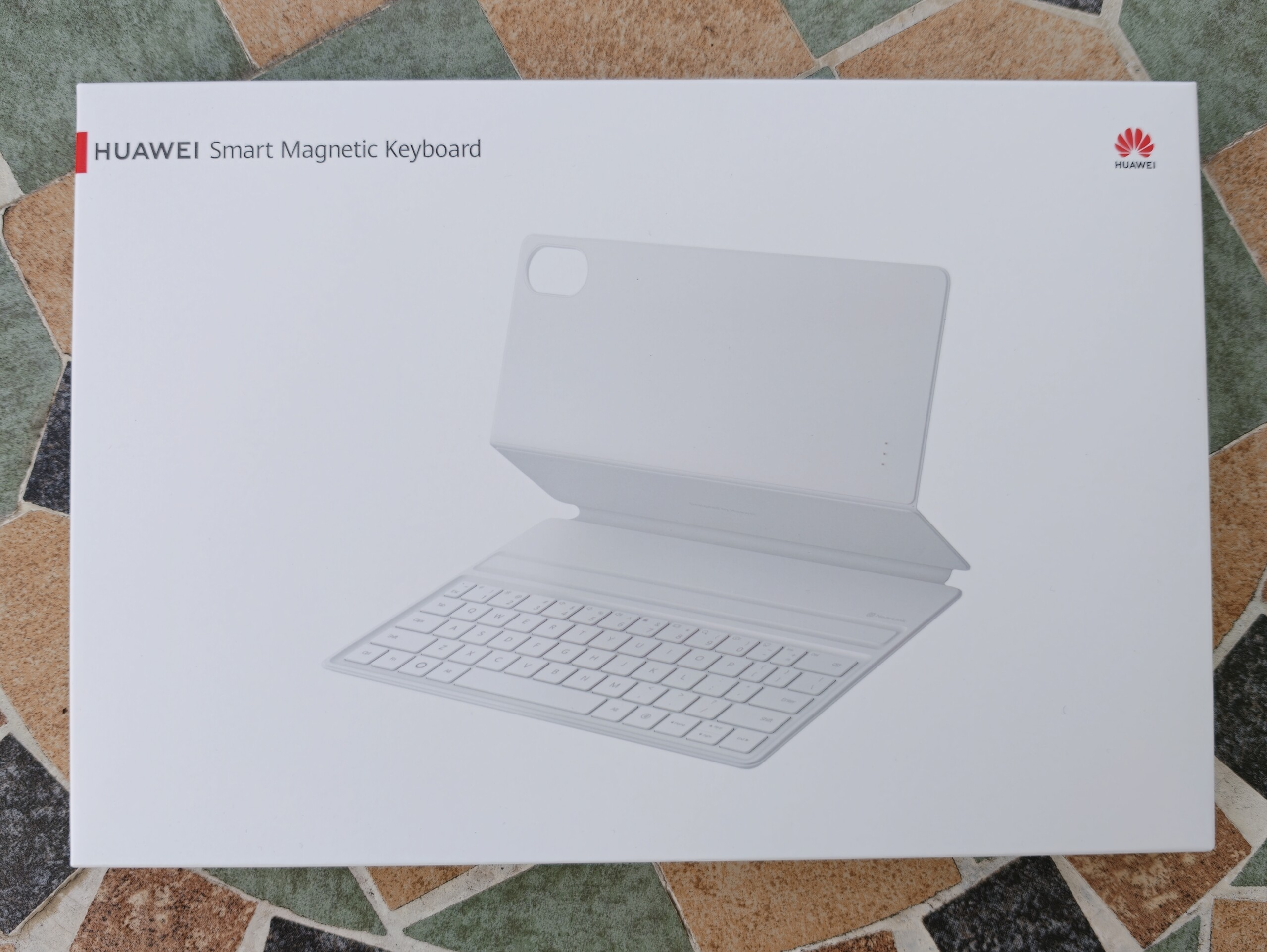
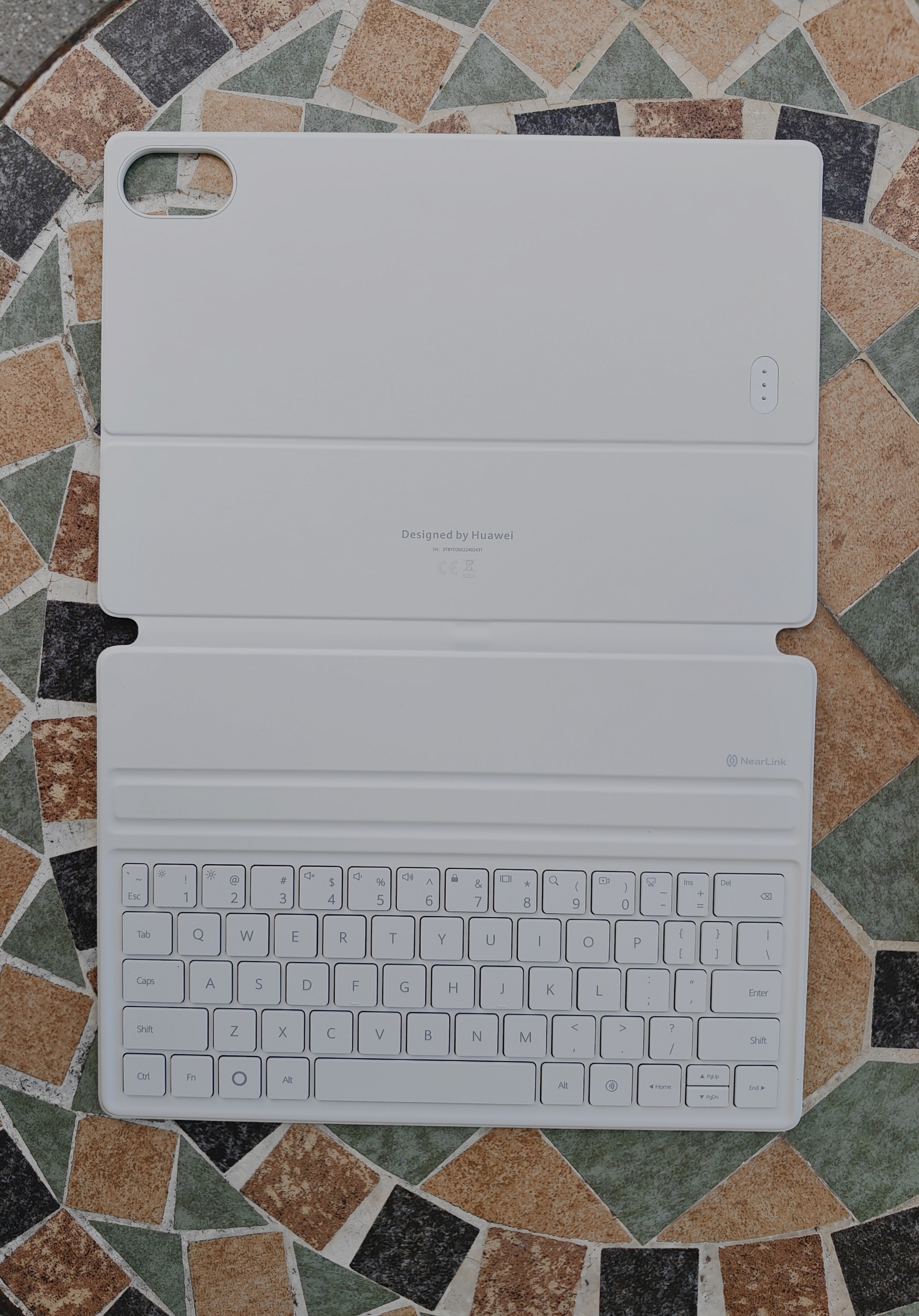
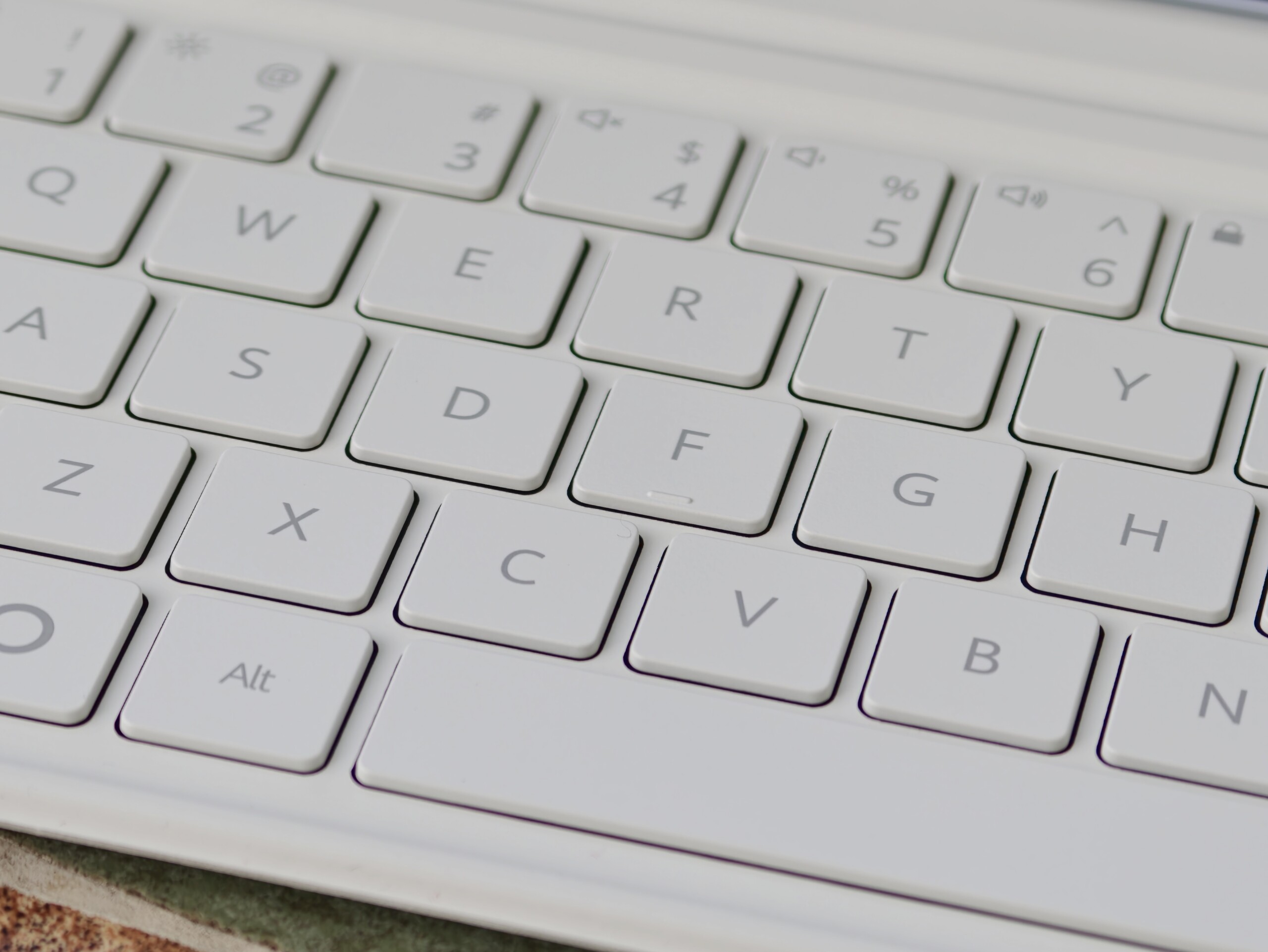
The keyboard cover which comes with no integrated trackpad is somewhat less convincing. The Smart Magnetic Keyboard is well suited to occasional emails, but reaches its limits during longer writing tasks. The keystrokes offer too little feedback for our liking, and its build quality feels somewhat cheap. The keys also feel a little rattly.
Huawei's OLED tablet lacks a desktop mode
However, software shortcomings rule out the MatePad Air (2026) as a potential laptop replacement, as the mid-range tablet lacks a desktop mode like Samsung's DeX application on the Galaxy Tab S12 Ultra (available on amazon.com).
Huawei urgently needs to address this by providing proper extended display support, allowing a PC-style interface with comprehensive window management on an external monitor connected via USB-C, without a split-screen mode and small pop-ups.
Without a desktop mode, there is no persistent taskbar for quickly minimizing apps, among other drawbacks.
Source(s)
 Add as a preferred source on Google


