




CheckMag | A guide to jailbreaking and installing apps on your Kindle
Thanks to WinterBreak and AdBreak, it is now fairly trivial to jailbreak your Kindle. Almost all models, barring the latest Kindle Scribe, can be jailbroken. To see if your model is compatible and with which firmware, you can keep an eye on kindlemodding.org.
Once you have determined if your model is compatible, you will need to use WinterBreak or AdBreak. As I had an ad-enabled Kindle 10th gen, I opted to use AdBreak. WinterBreak still works, but requires you to fill up your Kindle storage to avoid automatic updates. Not a major issue, but one less hoop to jump through.
Whatever jailbreak you choose, there are step-by-step guides on the Kindle Modding Wiki for both WinterBreak and AdBreak. The guides are easy to follow, and in total, probably took less than 15 minutes to complete.
The only stumbling block I experienced, was when asked to find the .assets folder in the Kindle file system. This was solved through unchecking the box that says "Hide protected operating system files" in the Windows File Manager.
Ensure that you go through the post-jailbreak steps to disable OTA updates. While the latest version of the Kindle OS (at the time of writing) remains exploitable, it may not be this way in the future.

Going through the jailbreak process threw a number of app errors, but these can safely be ignored.
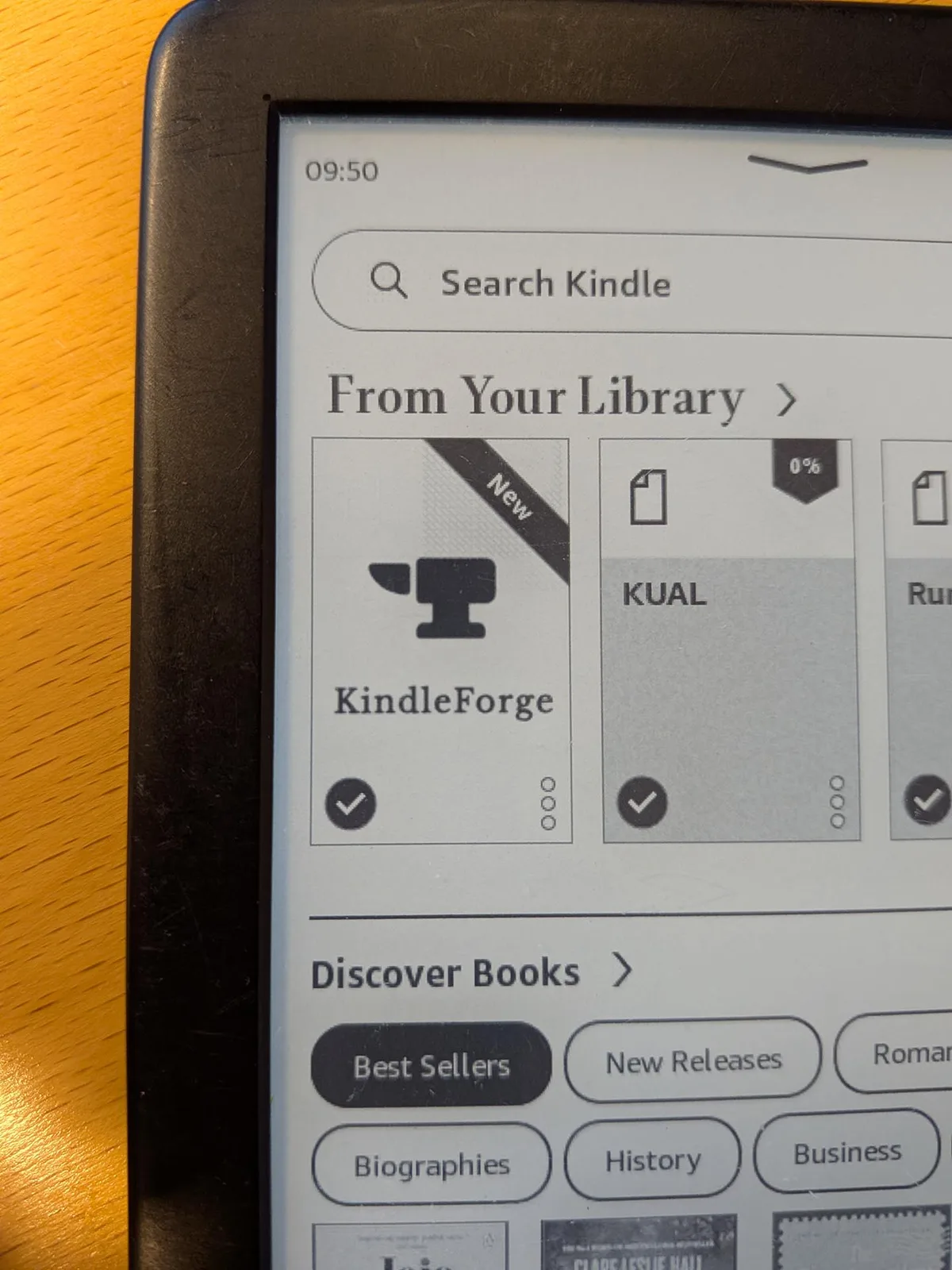
Once you are back at the home screen, it is worth heading over to Github and downloading the KindleForge app. Copy the contents of the Zip file to the downloads folder on your Kindle and run the script.
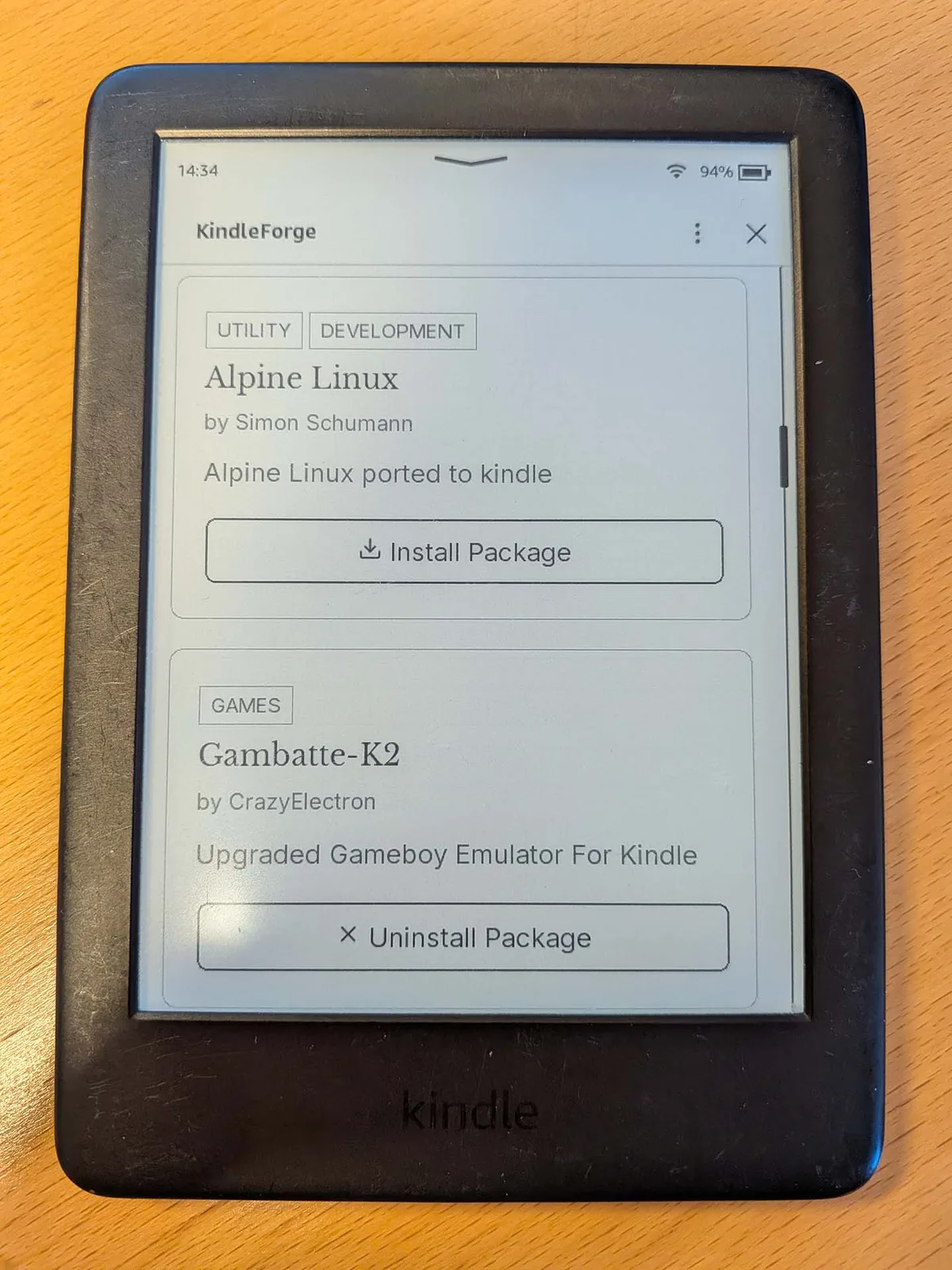
KindleForge is an app store for your jailbroken Kindle. It hosts a range of apps which can be installed with a single click, most notable of which include:
- Toggle Ads - Turns on or off ads on ad-enabled Kindles
- KOReader - More compatible reading application; supports EPUB and other formats (more on that later)
- kTerm - Terminal emulator for Kindle
- Alpine Linux - Alpine Linux ported to Kindle
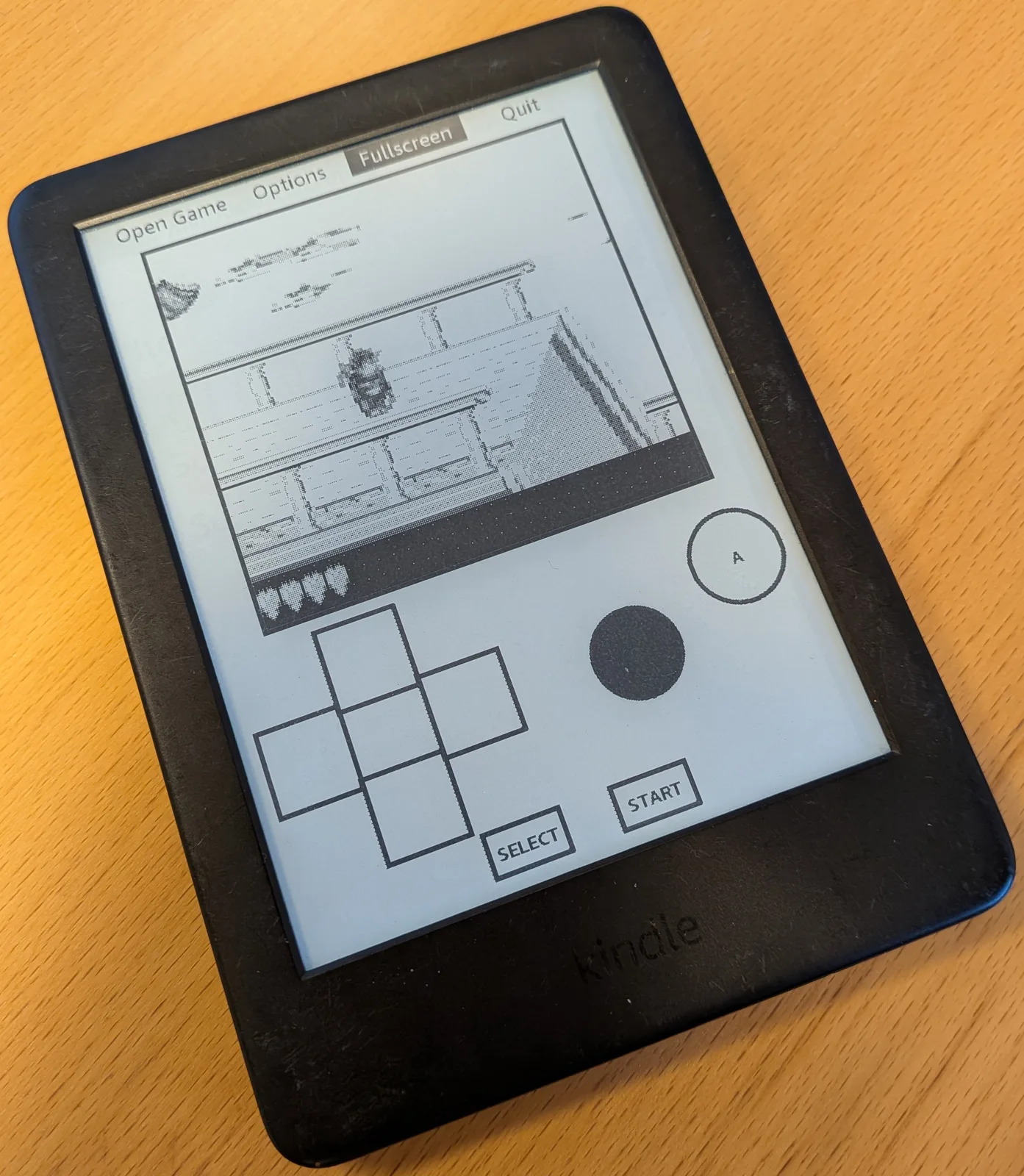
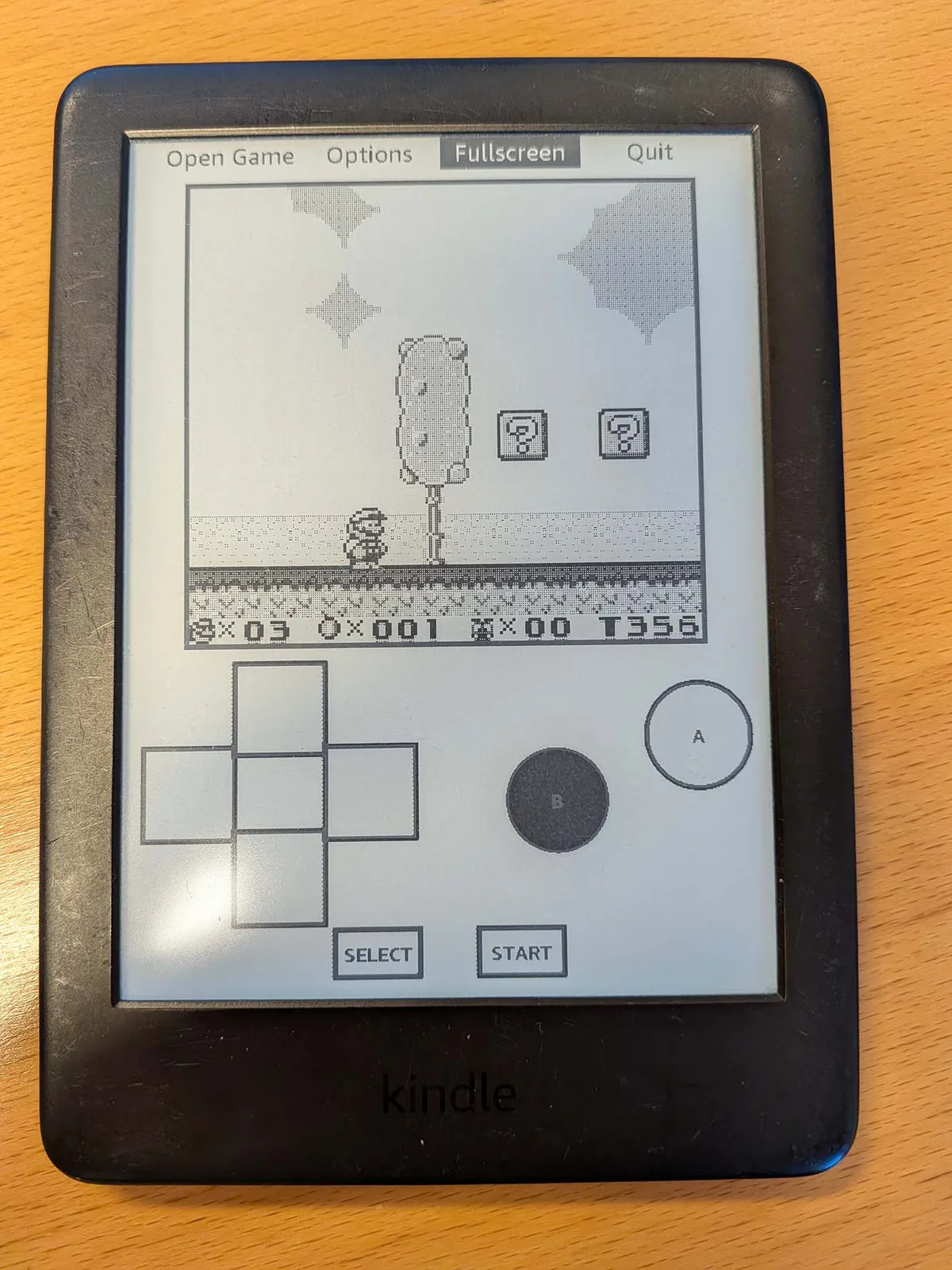
- Gambatte-K2 - Gameboy emulator
- Gnome Games Suite
- KWordle - A Wordle clone
- KNotes - A simple note-taking app
- KinAMP - MP3 audio player
- LARKPlayer - M4B audiobook reader
- KindleCraft - Basic Minecraft server
There are more, so it's worth having a look to see if anything meets your use case.

While all these extra apps are a bonus, the most significant app for extending the functionality of the Kindle is KOReader.
Once installed, books can be copied to the device via USB, KOReaders Cloud Storage integration (DropBox, FTP or WebDAV) or SSH. Once you have some reading material transferred to your device, KOReader can open it. Highlights include EPUB, PDF and MOBI, but it can open many more.
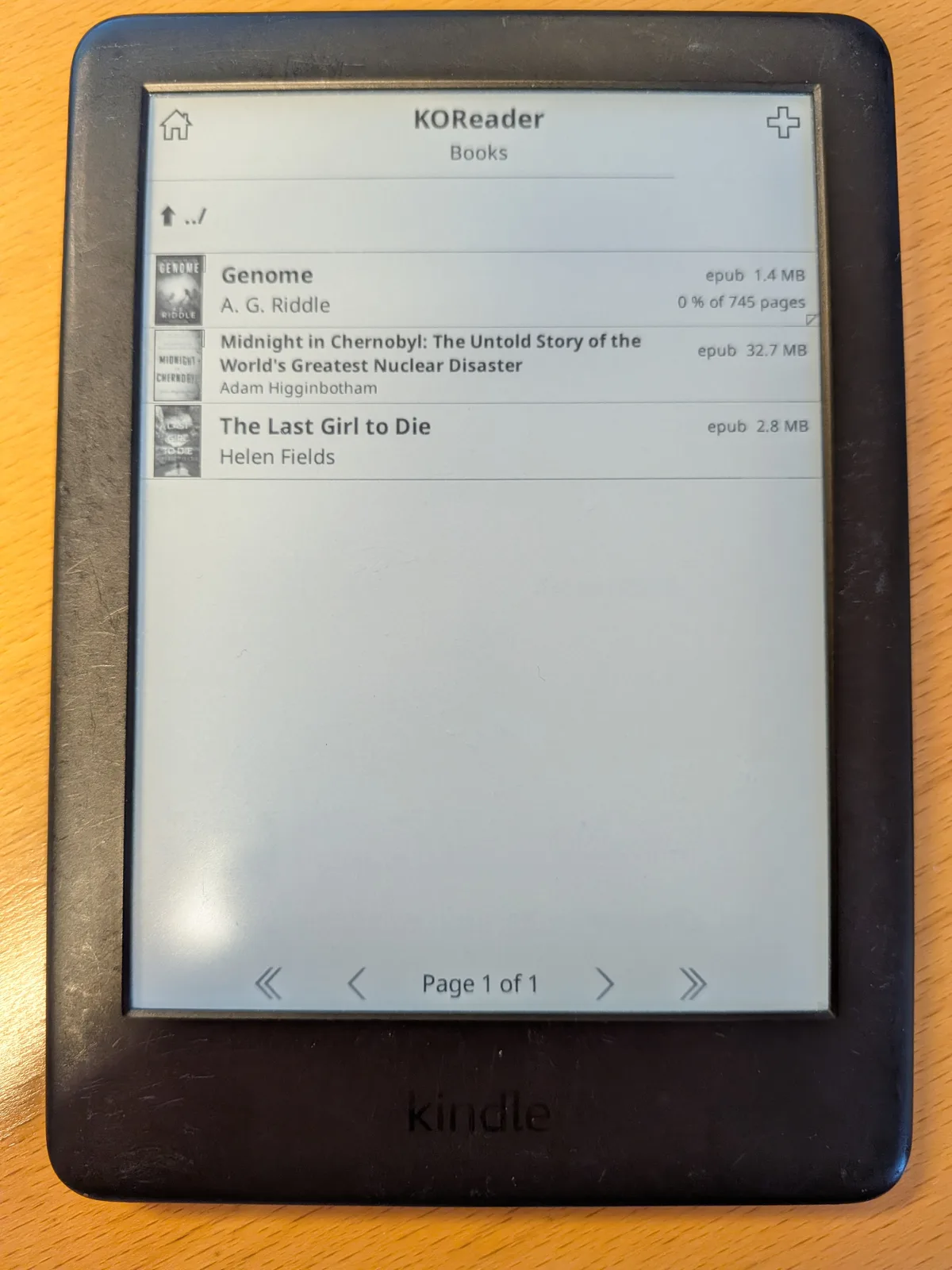
The user interface is basic, but it more than gets the job done. Once you have chosen the folder where all your books are stored, you'll be presented with your list of books.
There are a range of customisations, including setting hot corners and gestures for actions within a book and generating a book map, for quick navigation. In addition you can adjust fonts, font sizes, margins, word spacing, line spacing, and contrast. You can even sync with a Calibre instance, and progress can be tracked across devices if you host your own KOReader server.
There are too many features to cover here, but needless to say, you won't find many of them on a stock Kindle.
While Kindles aren't particularly fast and probably won't compete with the likes of Kobo or the Onyx Go 7 from Boox (available on Amazon.com), they are relatively cheap, and a jailbroken Kindle is a great way to open up your device to DRM-free content from other storefronts, or recoup some of the features Amazon has pulled over the last 12 months.
Source(s)
 Add as a preferred source on Google


