




DroidDeck 0.3.0 brings Steam Deck-style controls and frame generation to Android as Steam startup falls from 31 to 6 seconds
The open-source DroidDeck project has released a substantial update to its Steam environment for compatible Android devices, only days after the project began attracting attention from the Android gaming community.
Unlike projects that replace Android with an alternative operating system, DroidDeck remains an Android application. One of its developers neatly described the distinction in a Reddit discussion: "It’s an app we want to feel like an OS." The application can even be configured as the Android launcher.
DroidDeck runs Valve's ARM64 Steam client in Big Picture mode on supported Adreno hardware, with Windows games running through Valve's ARM64 Proton. No root access is required.
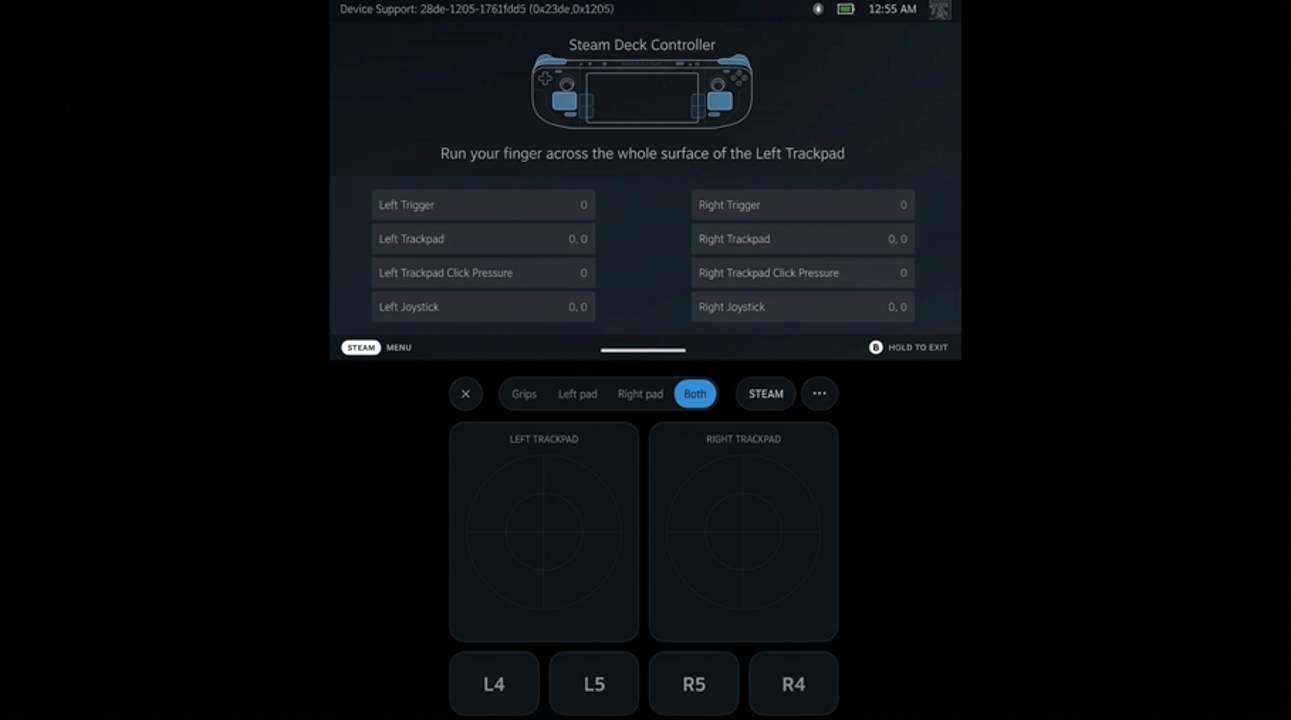
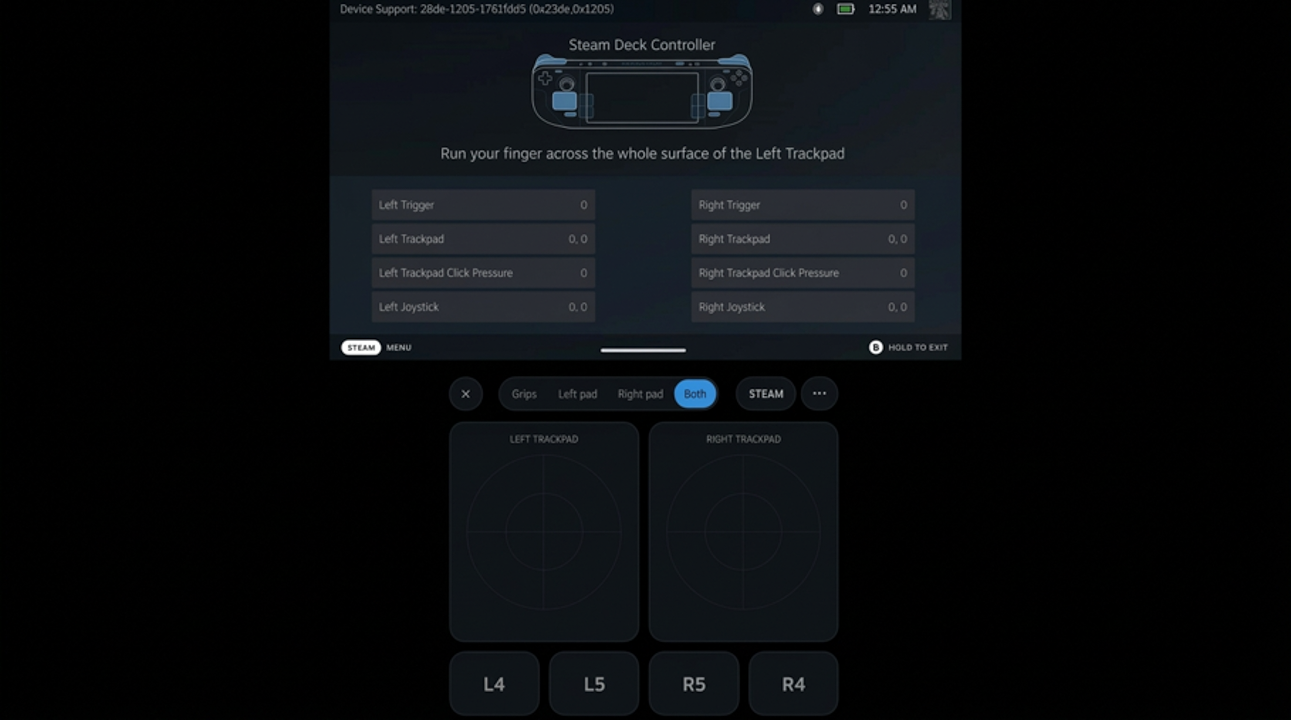
Version 0.3.0 substantially expands that experience. During Steam sessions, DroidDeck can now expose a handheld's controls to the Steam client as a Steam Deck controller, including a functional Quick Access button and the device's gyro. Games can receive Steam Input's virtual controllers, allowing Steam Input layouts to reach them.
Dual-screen hardware gets an especially unusual addition: the second display can act as the Steam Deck's back grips and trackpads.
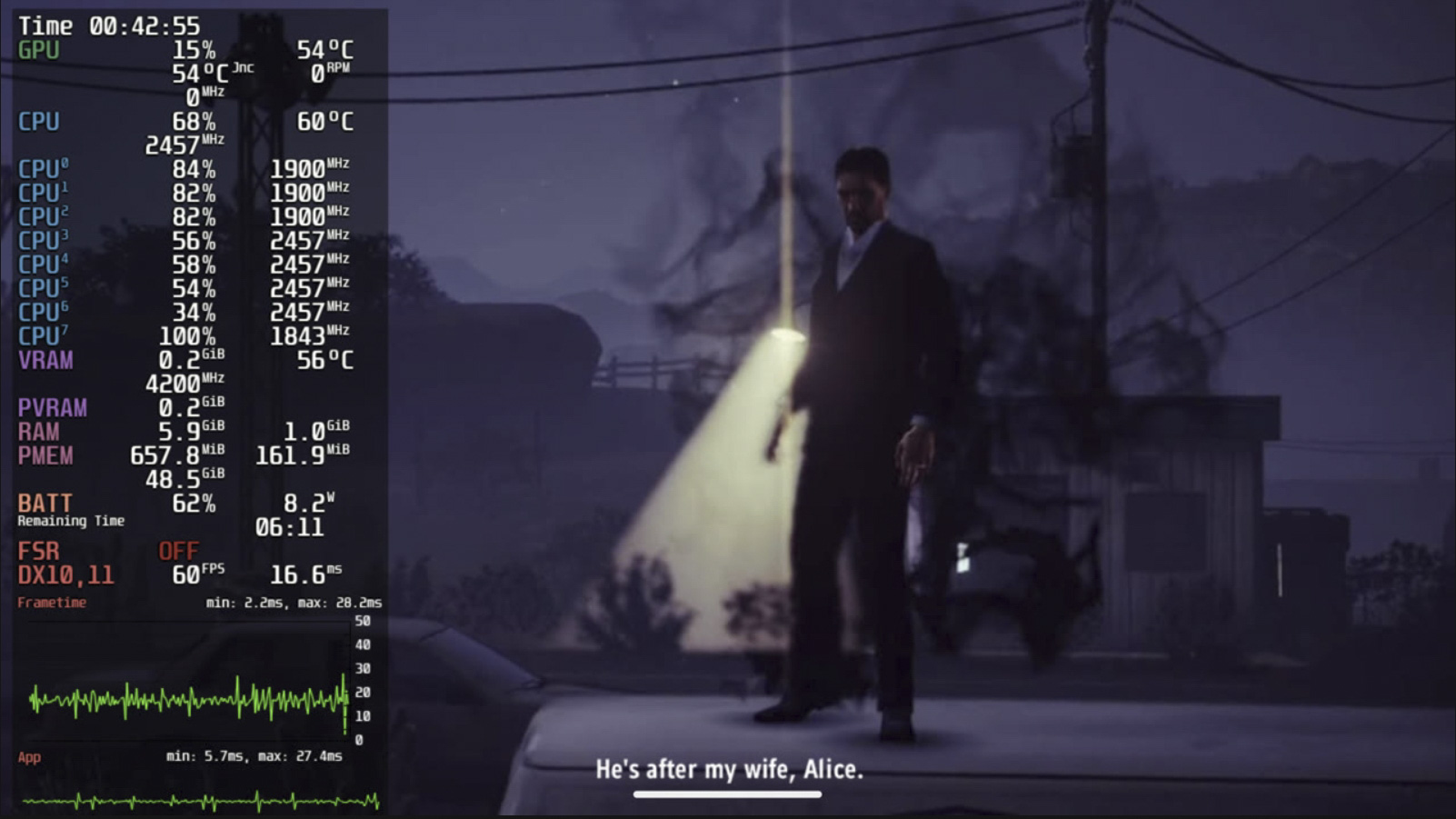
DroidDeck's performance overlay now offers levels 1 through 4 and can display CPU and Adreno GPU utilisation, clocks, temperatures, VRAM and battery information. Quick Access can also show remaining battery life and estimated charging time.
The update brings a substantial claimed startup improvement as well. According to the developers, Steam's startup time has fallen from approximately 31 seconds to about six seconds, with the change also allowing Offline mode to function.
That works out to a roughly 80% reduction in startup time.
Lossless Scaling targets 60, 90 and 120 FPS
Another significant addition is Lossless Scaling frame generation.
DroidDeck can obtain Lossless Scaling from a user's own Steam library and offers LSFG targets of 60, 90 and 120 FPS, with frame generation paced against the game's frames. DroidDeck does not distribute Lossless Scaling's proprietary shaders, and users need their own copy of the software.
Version 0.3.0 also introduces a per-mode frame limiter, optional GPU-clock pinning and Mesa's database shader cache.
Under the hood, the developers say they have reduced several PRoot traps and moved some common path lookups in-process. Turnip GPU timestamp polling can also now be handled without blocking.
One early community report is particularly striking but should be treated cautiously. An AYN Odin 3 owner reported that MXGP 2021 went from roughly 20 FPS at Low settings to 60 FPS at Medium settings after the update, while 30 FPS reportedly remained achievable in an underclocked mode.
That is a single user's observation, not a controlled benchmark. The settings, software environment and other variables would need to be controlled before the improvement could be attributed entirely to DroidDeck 0.3.0.
Automatic Turnip driver management
DroidDeck 0.3.0 also adds automatic GPU-driver management.
A new panel detects the GPU and maintains a matched pair of runtime and display drivers, including DroidDeck's own DD-Turnip packages. Advanced users can switch to manual selection.
Hardware support remains restricted. The project's current requirements specify Android 9 or later on supported Adreno hardware, with Adreno 730 or newer or 8xx-series GPUs listed as the requirement. Mali, Xclipse, PowerVR and Adreno 710 are explicitly unsupported, while several other Adreno GPUs remain untested.
The base runtime requires approximately 3 GB of storage, with another 1.1 GB required for the optional desktop and emulator components.
One DroidDeck developer says Snapdragon 8 Gen 2 is a primary development target and that they principally test it on an AYN Thor Pro.
An independent user trying DroidDeck on a Realme 11 Pro 5G equipped with a Dimensity 7050 and Mali-G68 reported that Gamescope failed during startup. That result is consistent with the project's documentation explicitly listing Mali GPUs as unsupported.
The developers themselves caution that compatibility and performance vary by device and that hardware validation remains limited.
It is becoming more than a Steam launcher
DroidDeck's optional Linux environment can now install ARM64 applications and games through Flathub. Users can also add scripts, AppImages, Flatpak IDs or the latest ARM64 AppImage from a specified GitHub repository.
The update additionally introduces Stable, Preview and Test update channels directly inside DroidDeck. Test builds can even be installed for open pull requests.
Save archives from GameHub and Winlator can be imported and exported for manually added games, while titles stored in secondary libraries can now appear as actual Steam games rather than non-Steam shortcuts. Imported games also retain their installed build, avoiding unnecessary Steam re-verification.
DroidDeck 0.3.0 adds Spanish localisation, with additional translations invited from contributors.
At the time of writing, the young project had accumulated more than 500 GitHub stars. The project is licensed under GPL-3.0, while Steam and Proton remain Valve software. DroidDeck states that it is not affiliated with Valve.
The developers also disclose that AI tools were used during DroidDeck's development, although the disclosure does not specify the extent to which they were used.
There are still rough edges. One Reddit user initially reported that their controller stopped functioning in Steam after updating to 0.3.0, but subsequently marked the issue as resolved after switching to the X360 controller option. Another user described desktop-persistence and internet problems while using the earlier 0.2 release, prompting a developer to request reproduction steps and logs.
These are individual reports rather than evidence of widespread faults, but they underline the beta status of the software.
Asked whether DroidDeck can play every game that works on a Steam Deck, one of the project's developers responded: "I wouldn’t say 'all'," while adding that use of the official ARM Steam client makes compatibility one of the project's strengths.
DroidDeck 0.3.0 therefore isn't turning every Android phone into a Steam Deck. Instead, it is rapidly assembling an increasingly Deck-like Steam environment around supported Adreno Android hardware, while leaving Android itself intact.
Source(s)
 Add as a preferred source on Google


No comments for this article
