




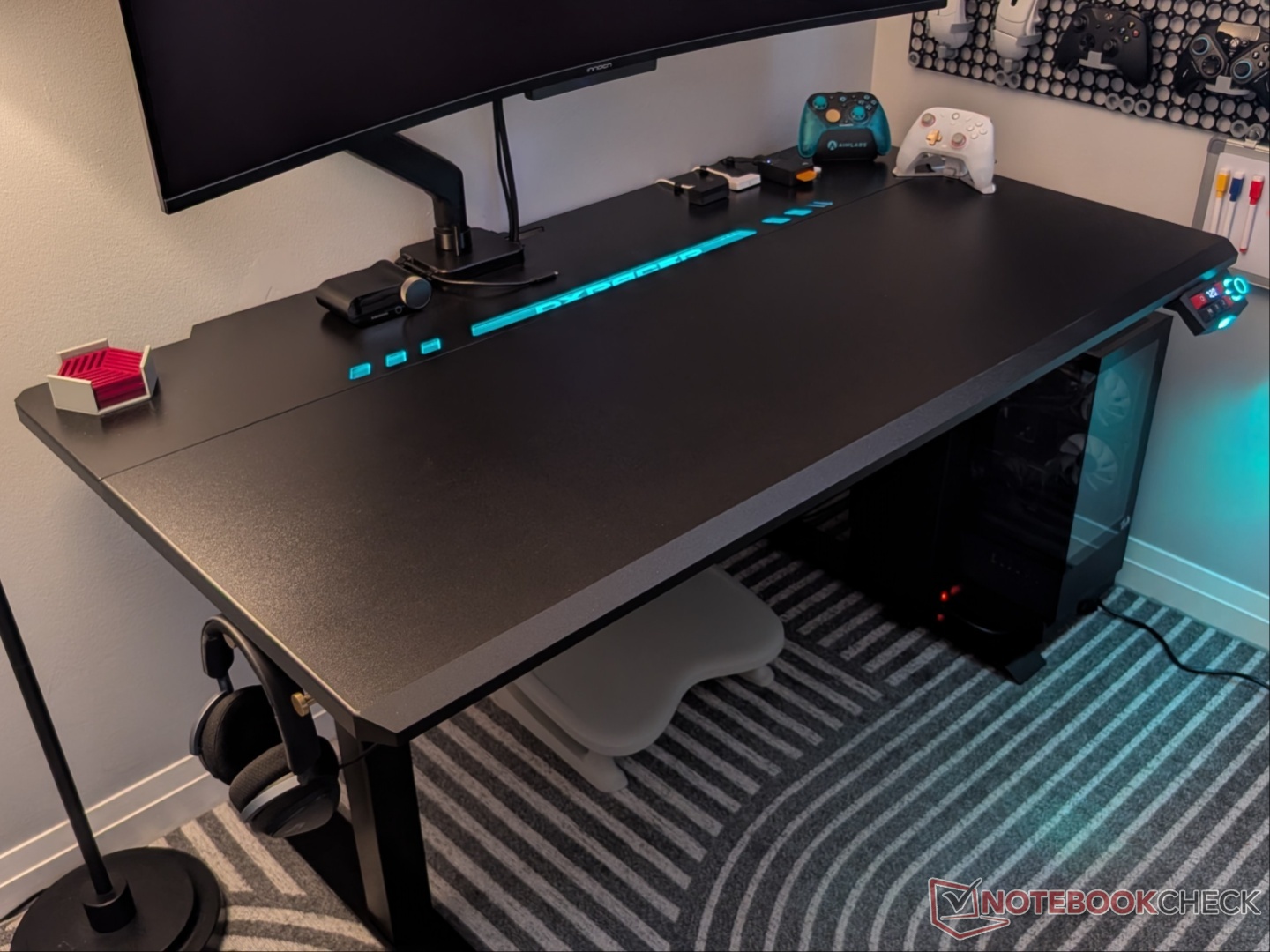
DXRACER Tidal gaming desk review: A worthy Magnus challenger
Standing up to the competition, elevating your setup!
The Tidal gaming desk from DXRACER is the perfect companion for work/play, despite its “gaming” aesthetic. The desktop has a metal segment that allows for magnetic accessories, and the company includes cable organizers with the desk, unlike the competition.Vineet Washington Published 🇪🇸 🇵🇹 ...
Verdict - Easy recommendation for those looking to upgrade their setup
The Tidal is clearly competing with the Secretlab Magnus series, the Evo in particular. For $50 to $150 cheaper (excluding accessories), Tidal offers all the features that its more expensive counterpart does, with a wider metal area for magnetic accessories. It is well-built, quiet, with creature comforts to boot. Assembly is fairly straightforward, and cable management is a breeze thanks to the integrated power supply and full-length tray.
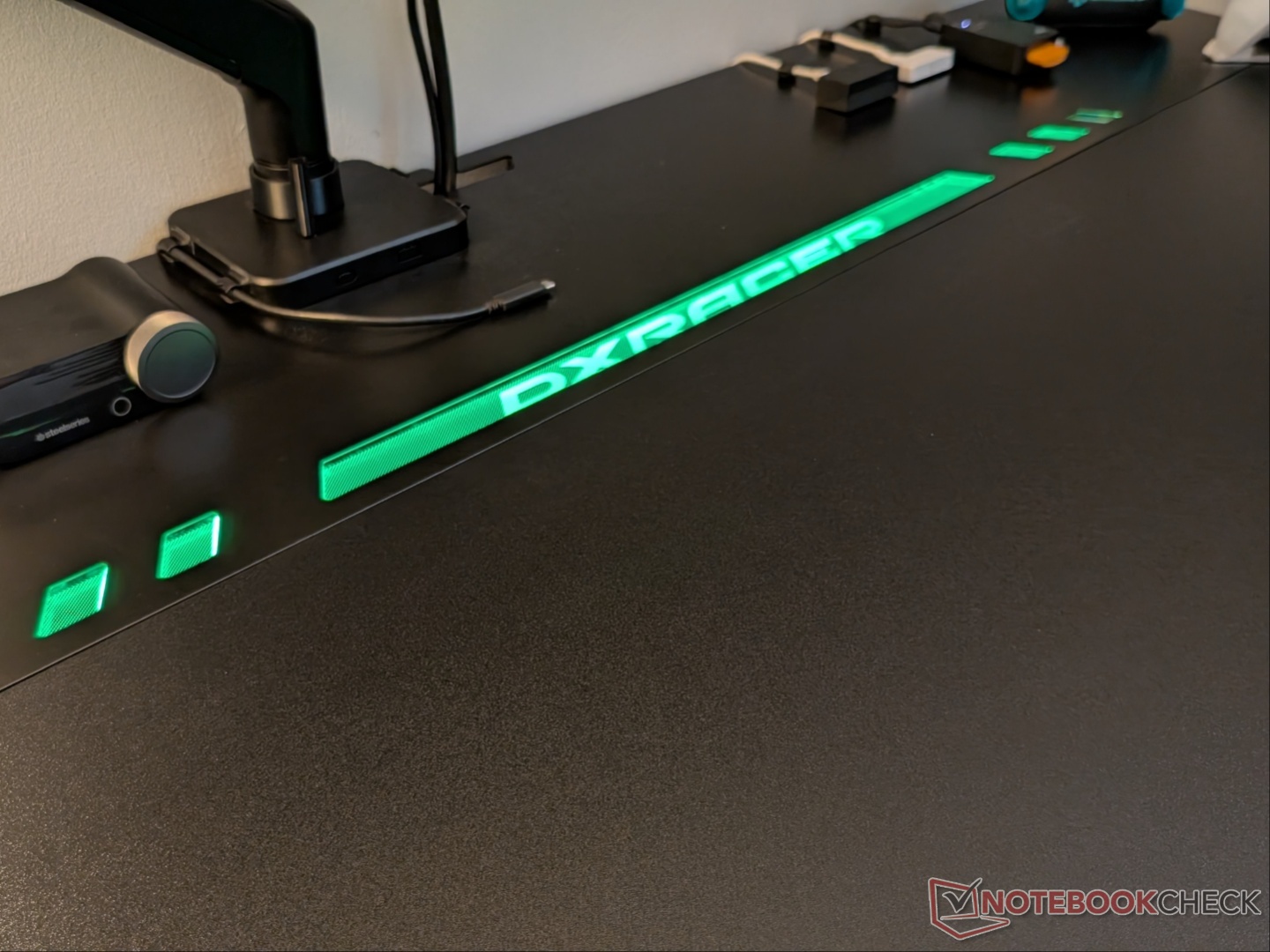
Other than the small grievances like the sketchy (optional) app and LED strip bulge, the Tidal gaming desk is a great upgrade for any gaming setup, that’s not already using a Secretlab desk.
Pros
Cons
Price and availability
The Tidal series of gaming desks from DXRACER includes two sizes: Regular/L (47x30 inches) and Plus/XL (55x30 inches). Both sizes are priced the same, and at the time of publishing, they are listed for $599, a $100 discount. Black and white color options are available.
Specifications
| Desk type | Sit-stand |
| Dimensions | 55x30 inches (1,397x762mm) |
| Height range | 666mm to 1,040mm |
| Motor speed | 25mm/s |
| Memory settings | 2 |
| Desk material | 25mm high-density fiberboard |
| Frame material | Steel |
| Weight capacity | 50kg |
| Accessories | Magnetic cable organizers, PC mounting bracket (sold separately) |
| Cable management | Tray underneath |
Unboxing and setup
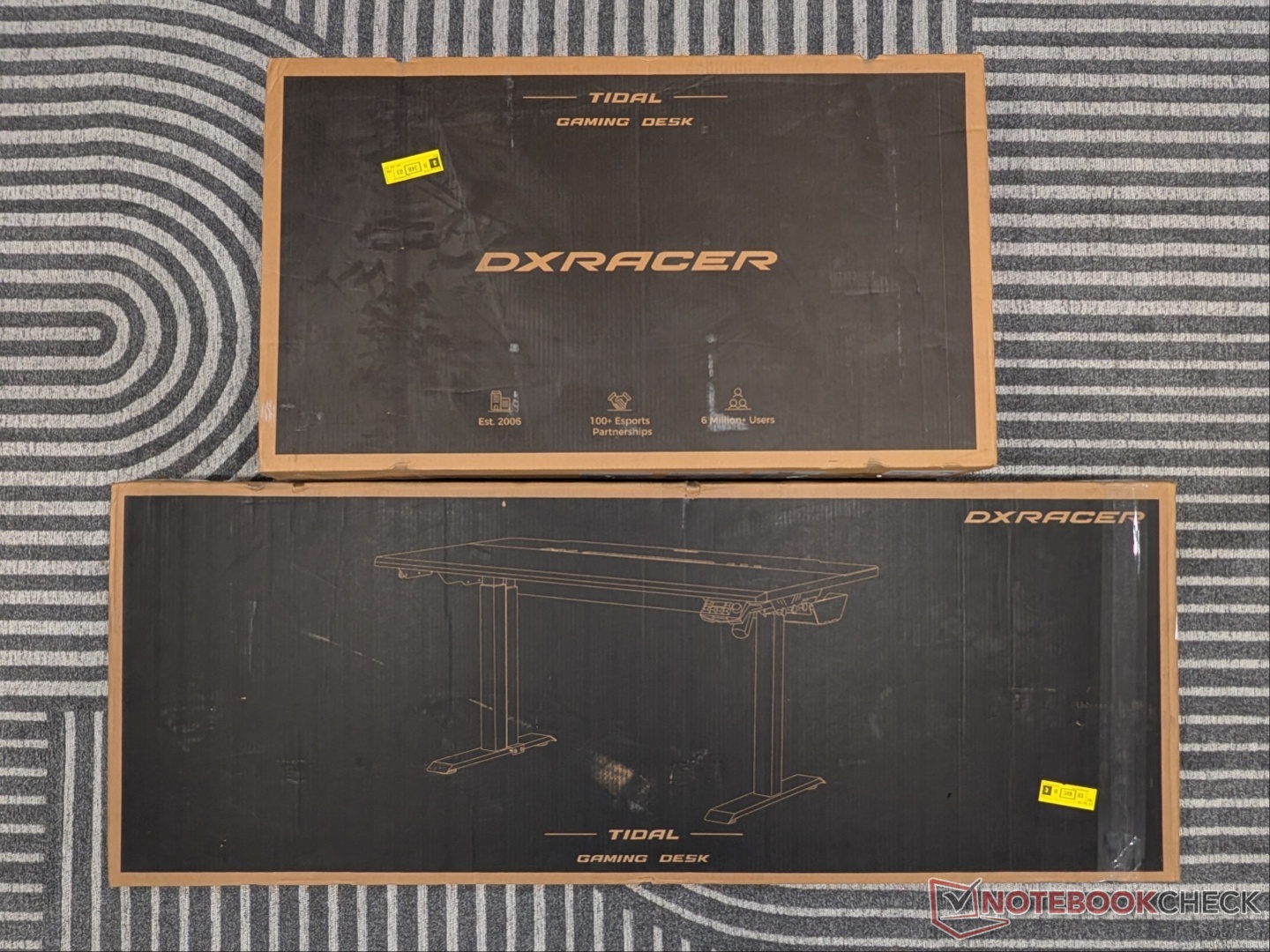
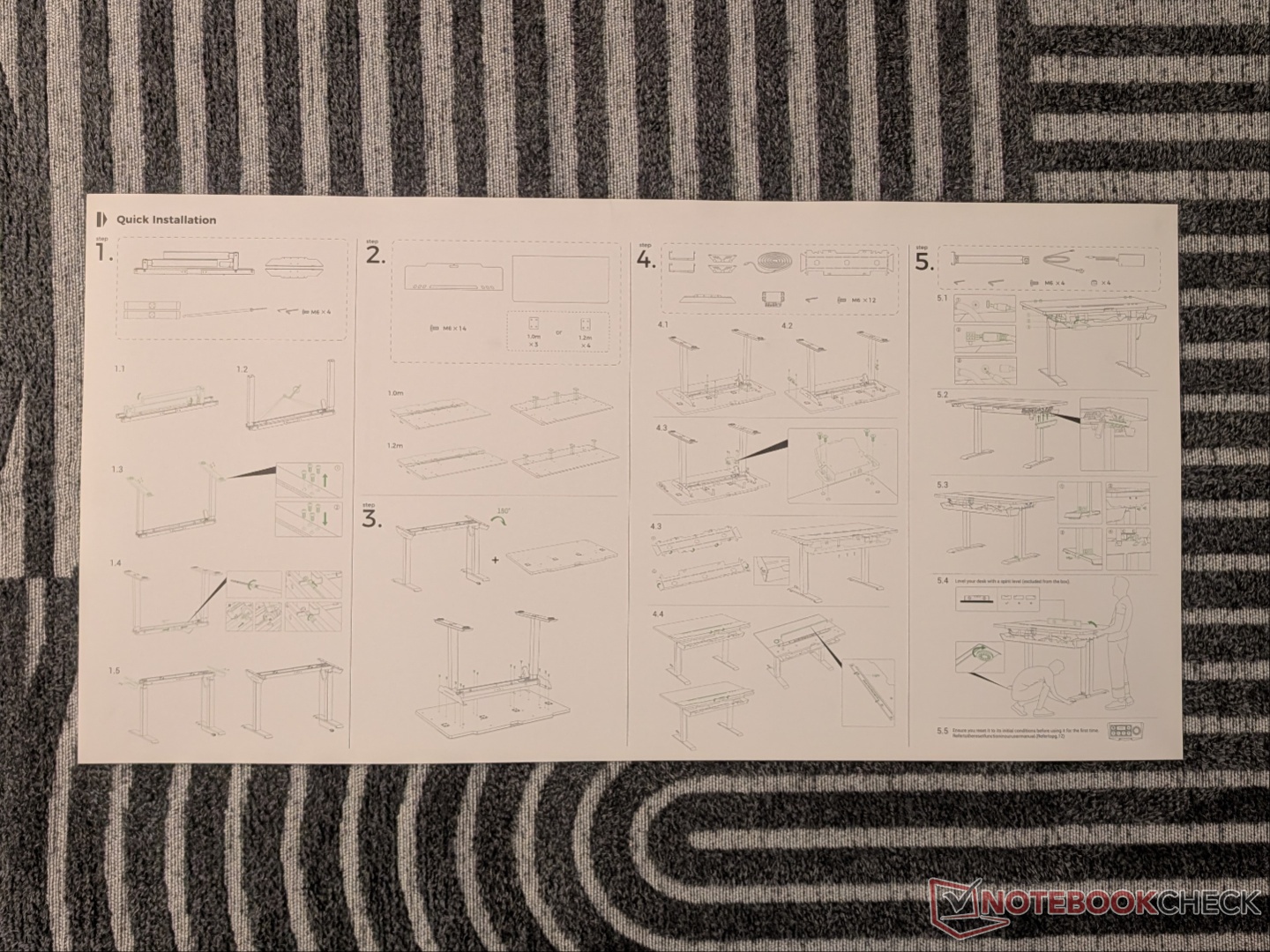
The Tidal ships in two massive boxes, plus a third smaller box with the integrated power supply column. It can be unboxed by one person, but as DXRACER recommends, it’s much easier with two. The top can be quite heavy and unwieldy for one person, but I was able to manage on my own. Everything is labelled, and there are installation videos on the YouTube channel.
As you open one of the boxes, the installation instructions are right on top. The imagery is easy enough to follow, but the steps are slightly different from the assembly video on the channel. Also, the barcode for the assembly video instead takes you to the after-sales service page for the DXRACER chairs.
Nevertheless, the frame and legs for the Tidal desk are partially assembled out of the box, and some of the screws are already in place. The top comes in two pieces, and a third metal sheet – allowing for magnetic accessories – sits on top of one of the pieces. Once assembled separately, the legs can then be screwed in. The LED strip, cable management brackets and basket, earphone holders, and control panel follow. All the screws are the same, which makes things easier.
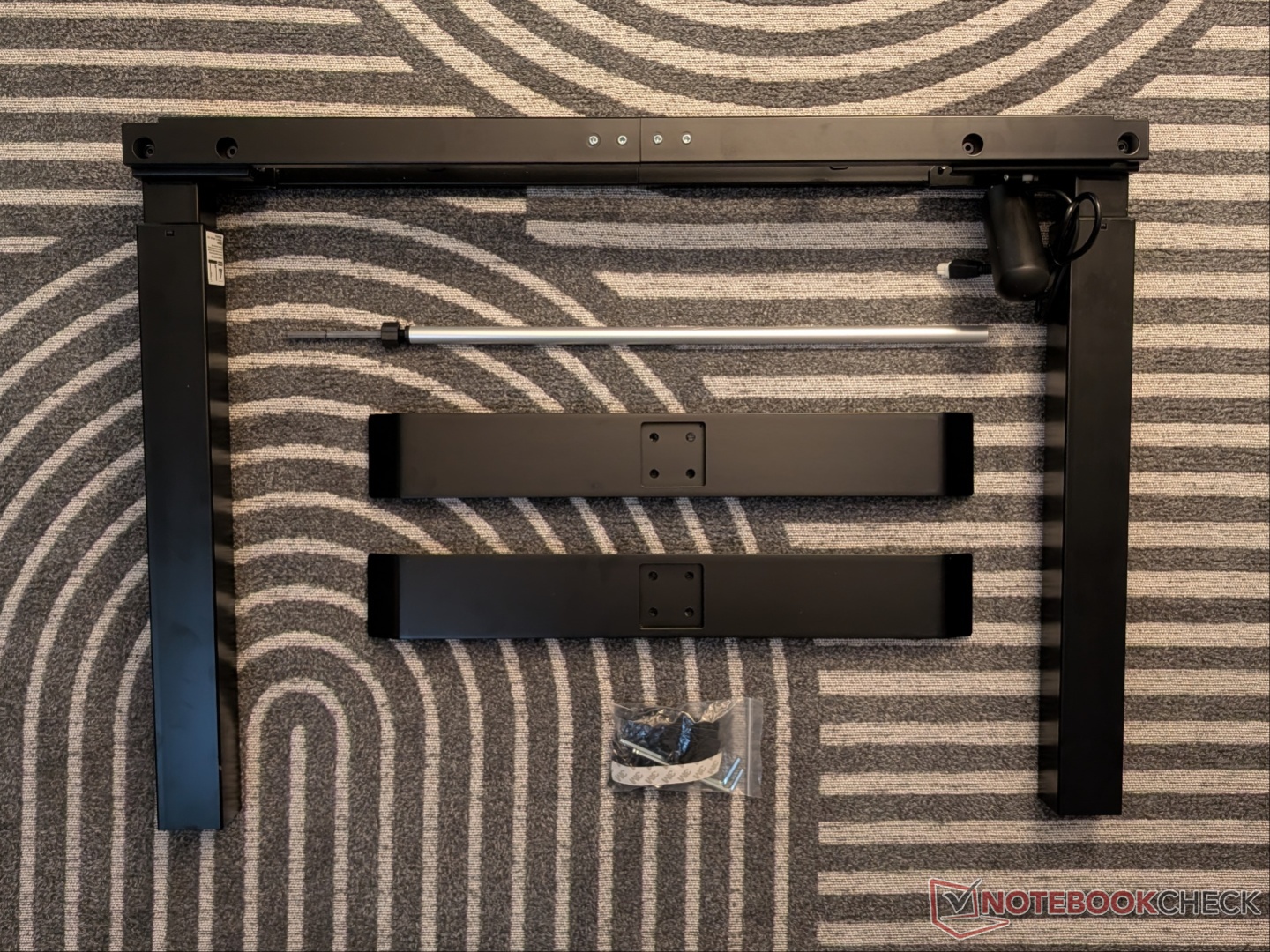
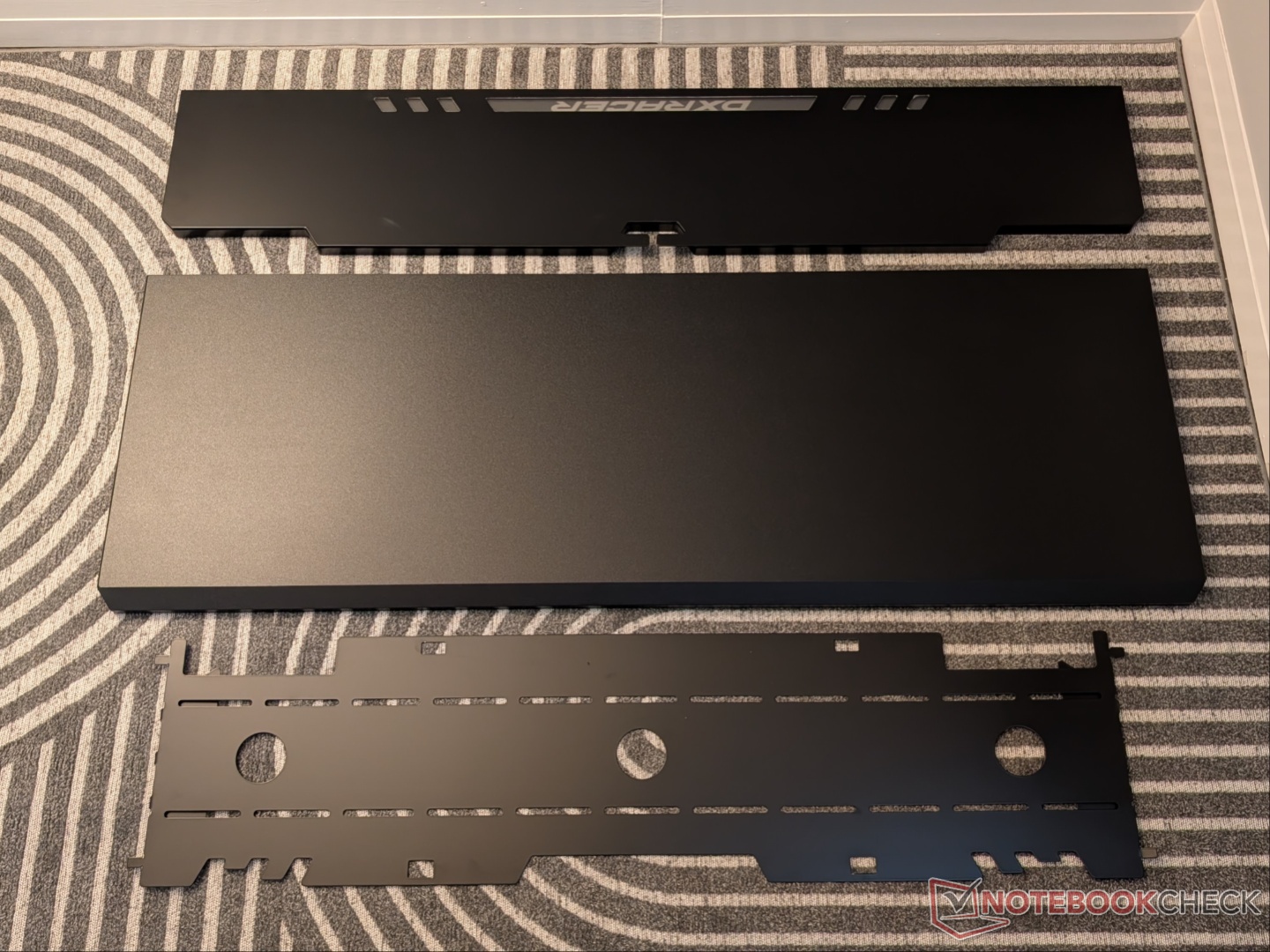
Installing the LED strip was not as seamless as the rest of the setup. The instructions are not 100% accurate, and it needs to be slotted in a different orientation than described. Also, since it needs to bend at the ends, and the strip is not flexible enough, the metal sheet that sits on top is slightly misaligned with the rest of the surface, just around those two ends. Not a big deal.
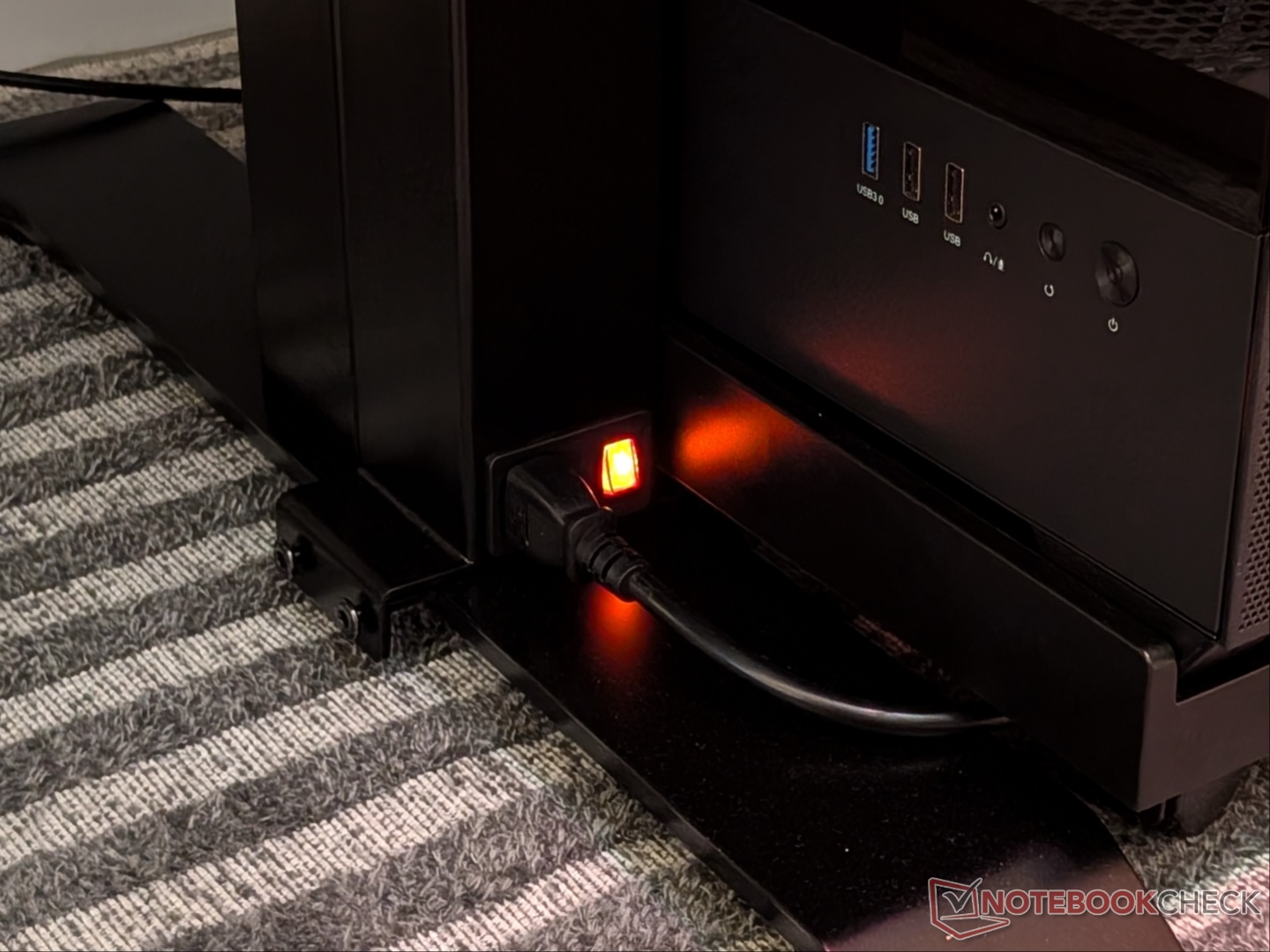
The last step is installing the integrated power supply column. Ideally, it is meant to go behind the left leg, which means you need to have a wall outlet somewhere around there. However, in my case, the closest outlet was on the right side, so I had to mount the column on the right leg, but in the front because of how it’s designed. Again, not a big issue. The column has a three-pin socket at the bottom and the top, allowing one cable to be connected to the feet and a hidden (in the cable management tray) power strip connected to the top.
Build quality and features
Right out of the box, everything feels heavy-duty and well-built. The legs and framing are made from steel, while the metal sheet on the top is made from SPCC. The top is made from 25mm high-density fiberboard that has a shark skin textured surface. It is a single-motor standing desk with a 50kg weight limit. Once everything is set up, the Tidal desk feels sturdy even at the tallest height setting.
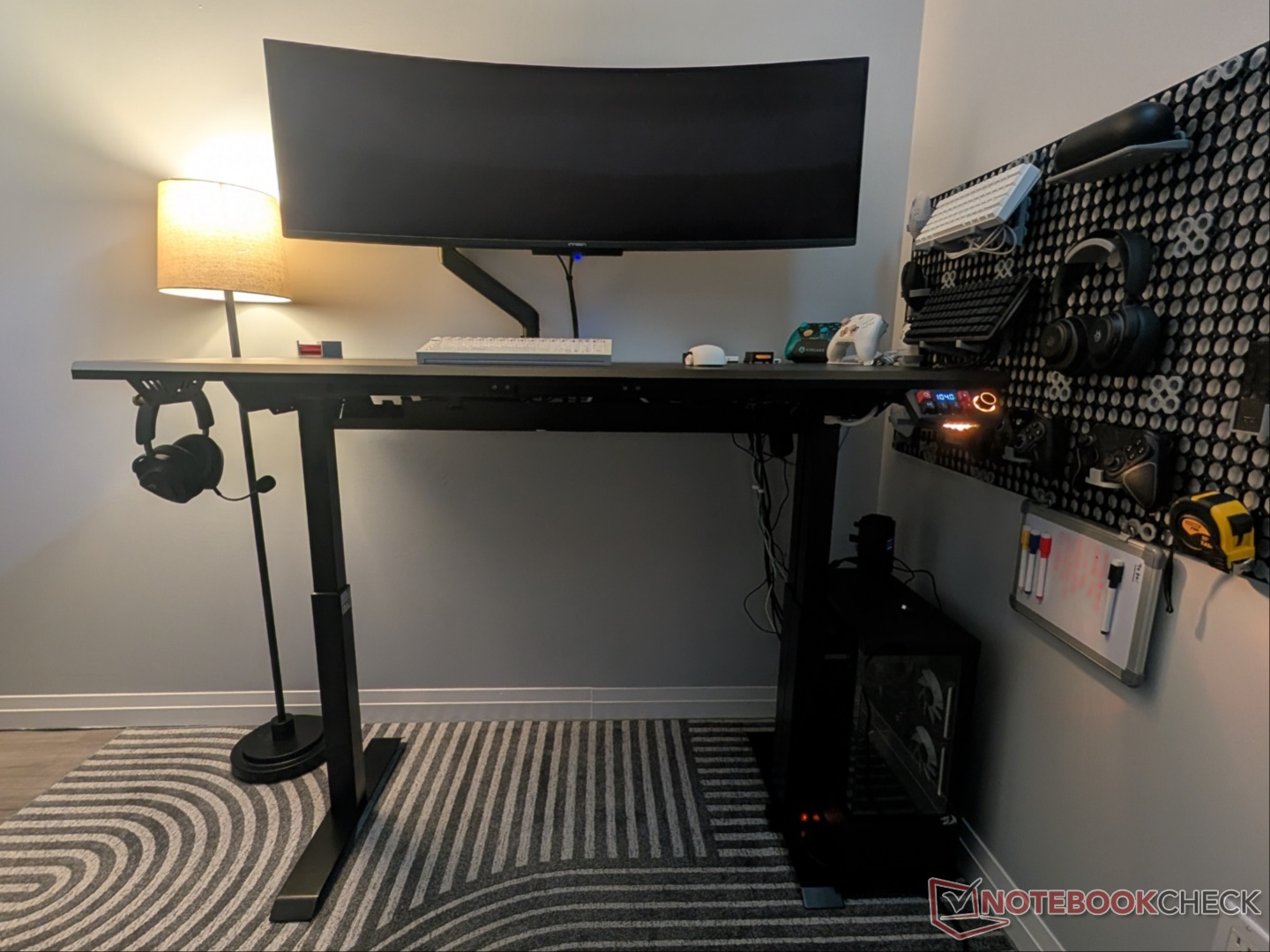
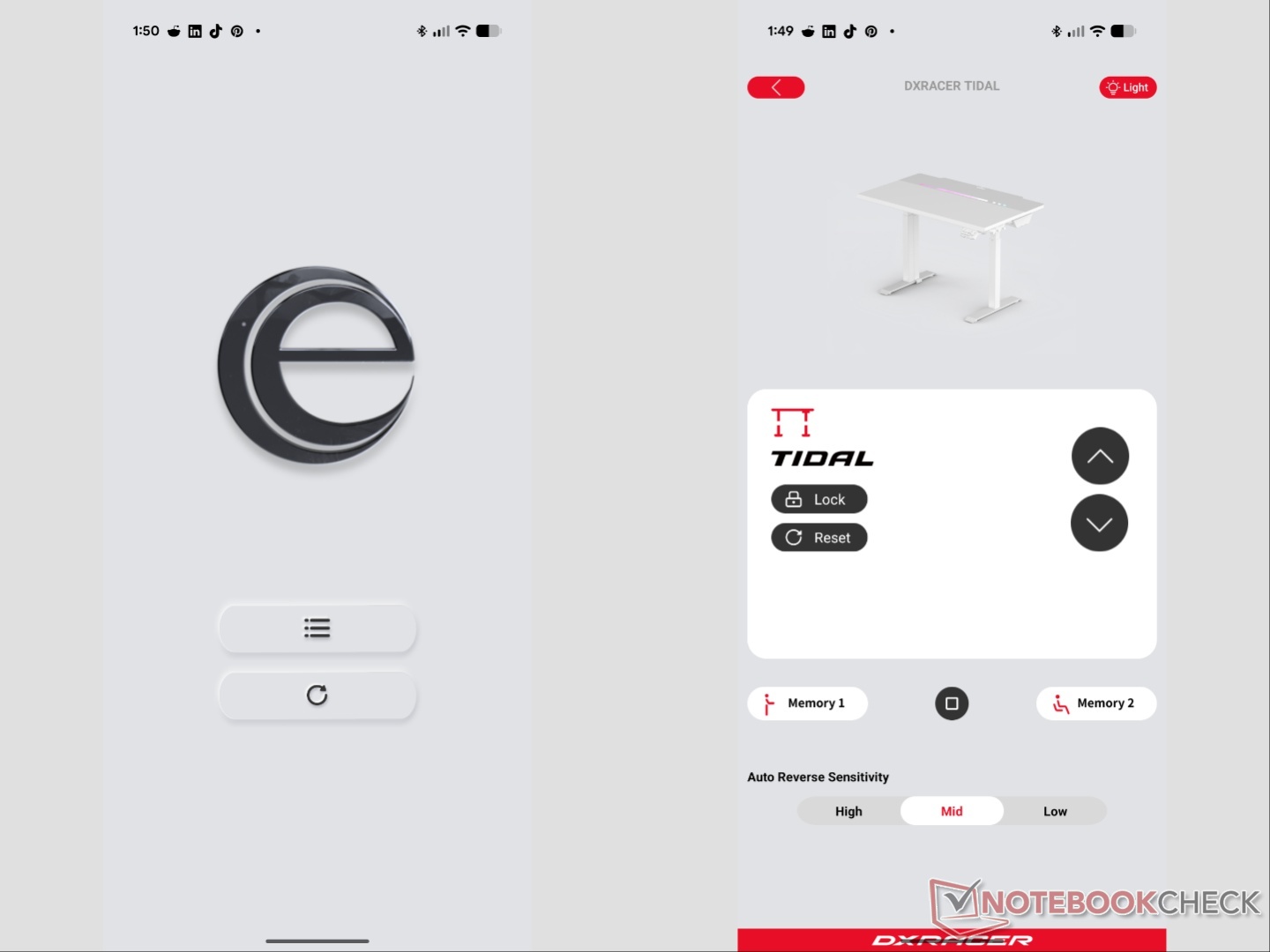
The lowest height is 666mm while the max height is 1,040mm, and you can change the height with millimetre increments. The motor itself is very quiet. DXRACER says it’s under 40db of noise, which we tested and found accurate, with occasional peaks at 42db. The control panel is quite interesting, as the company has chosen to go with keyboard keycaps with a mechanical tactile feel. There is also an app (third-party), but the physical manual doesn’t have a page dedicated to it. The online manual, however, does. At first, the app linked to the QR code seemed quite sketchy with no DXRACER association anywhere. That changed at some point, and now, even though it still requires side-loading, the app works as described.
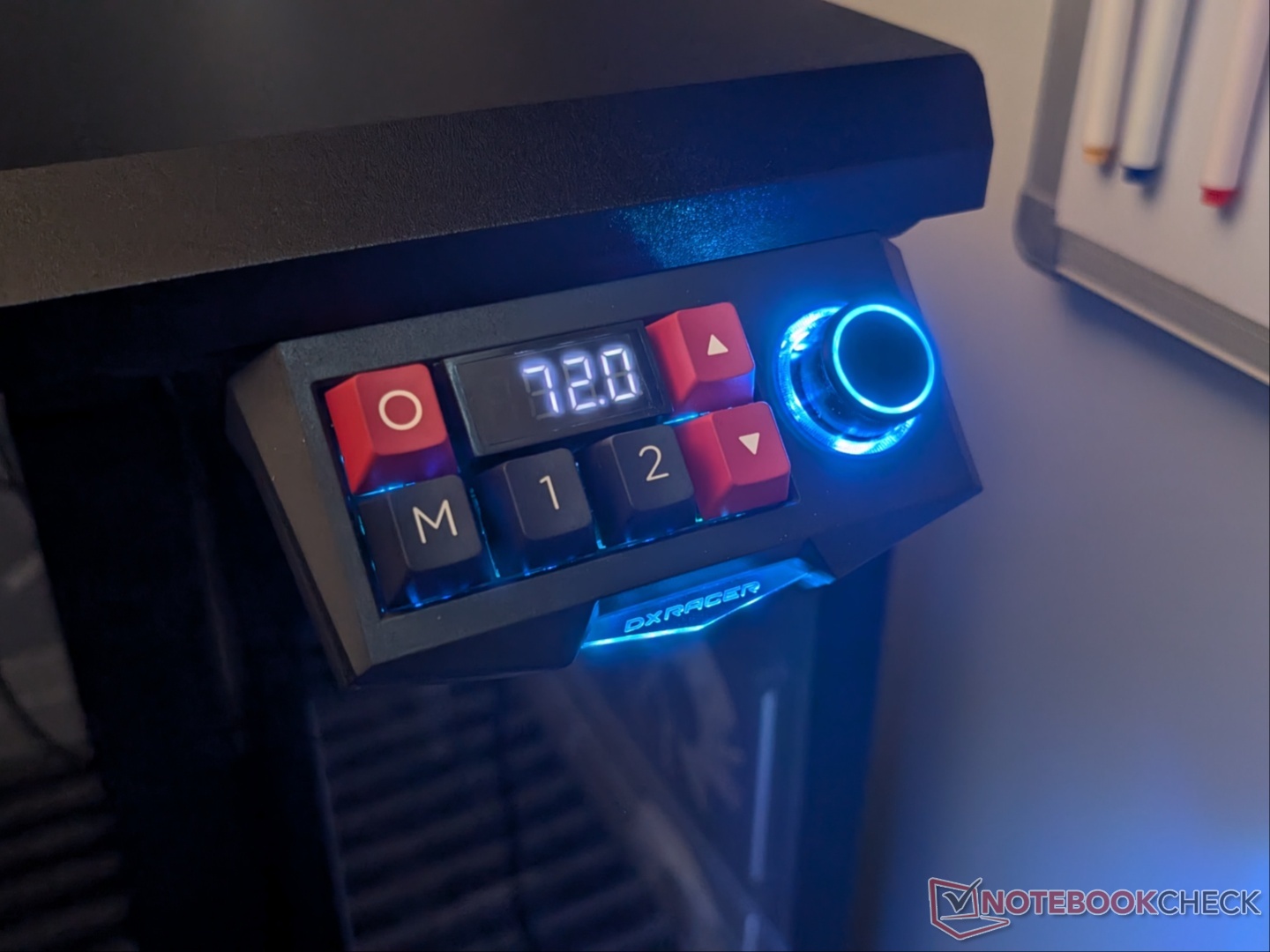
As for the control panel, there are two memory preset options, a lock button, a multi-function button, and a dial for controlling RGB brightness. The control panel also allows for adjusting auto reverse and pickup sensitivity, the steps for which are explained in the user manual. There is also RGB lighting on the controller itself, which I wish wasn’t tied into the desk’s RGB lighting. There’s no option to turn it off and keep the desk light on.
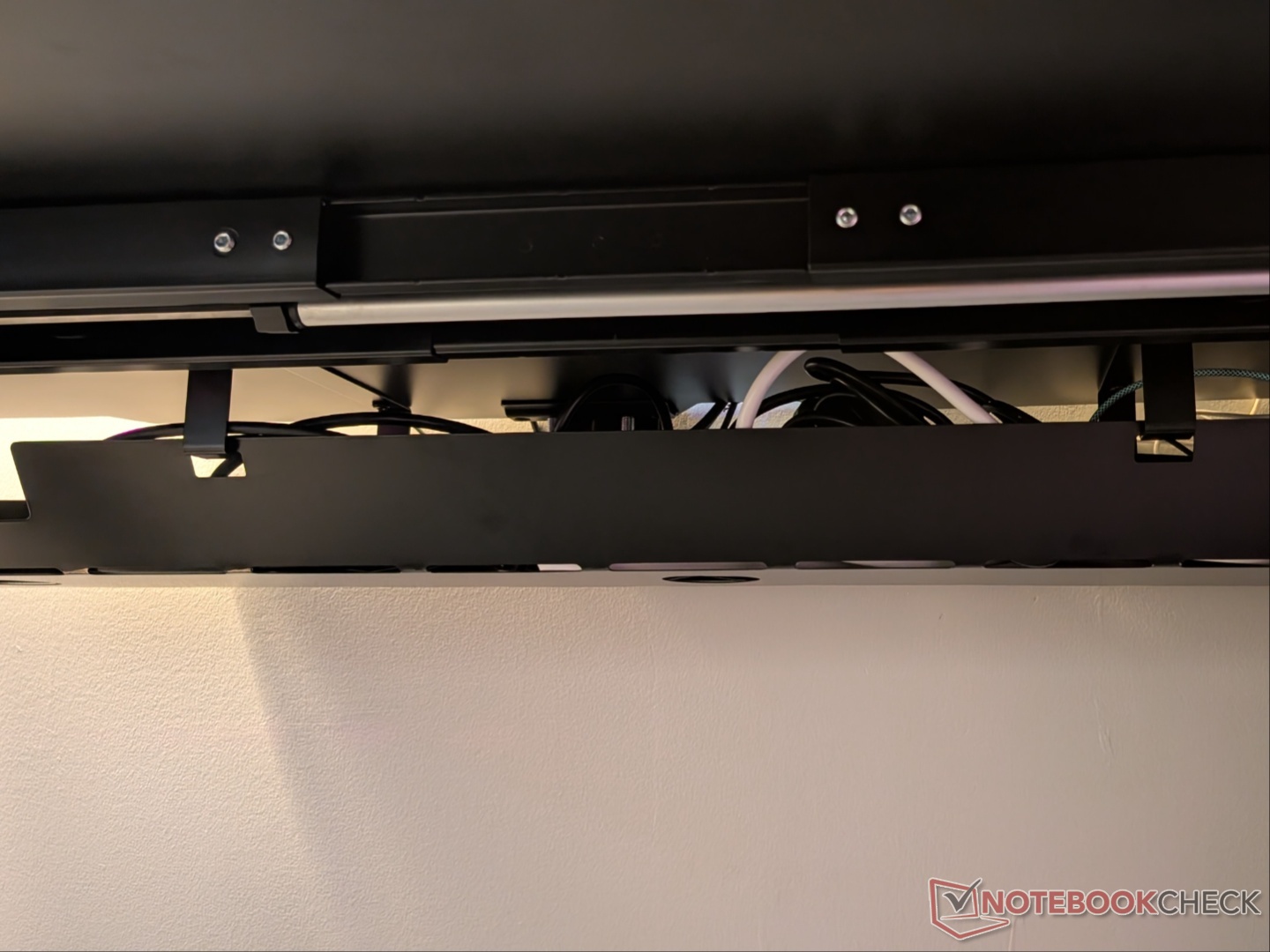
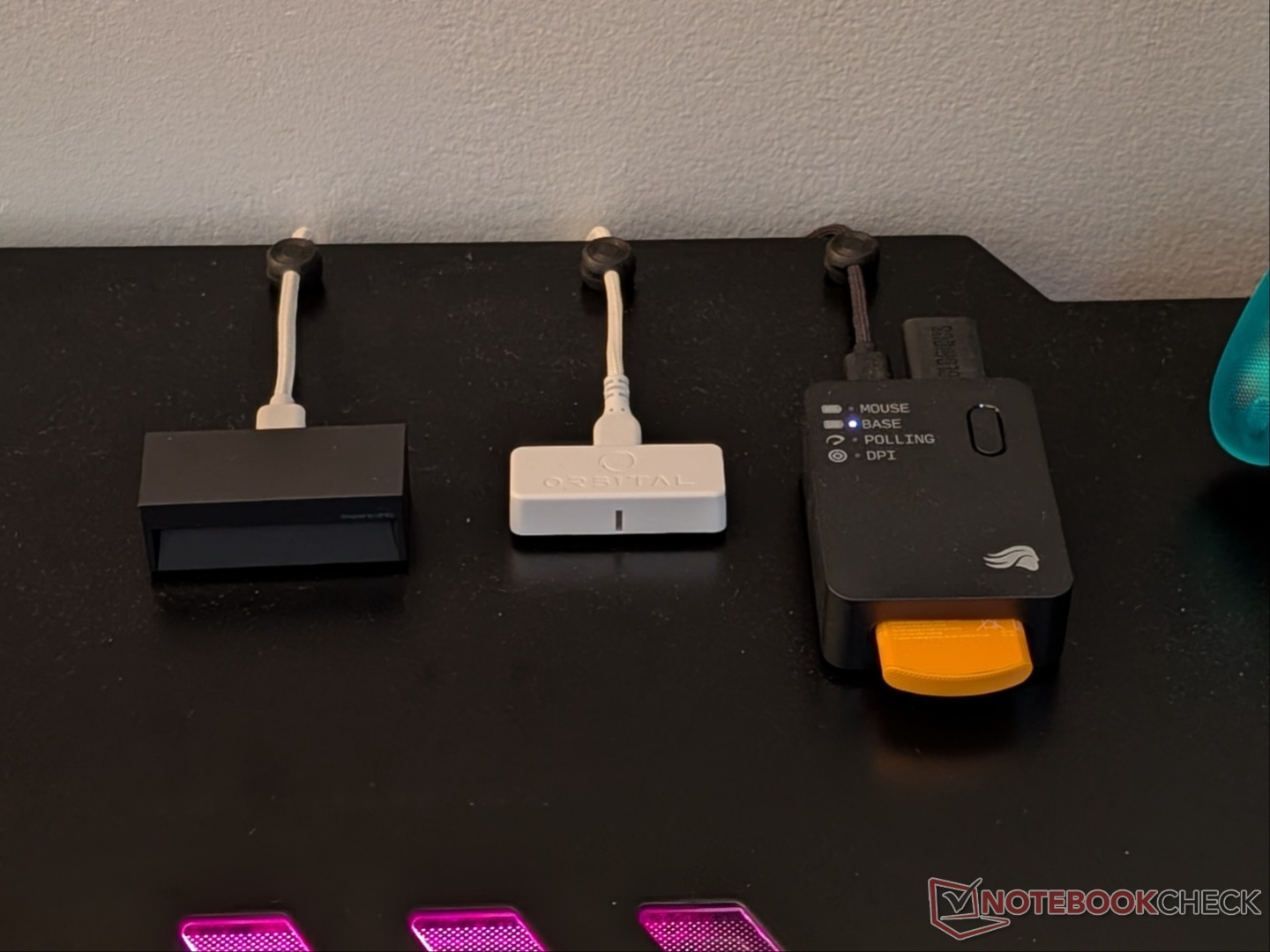
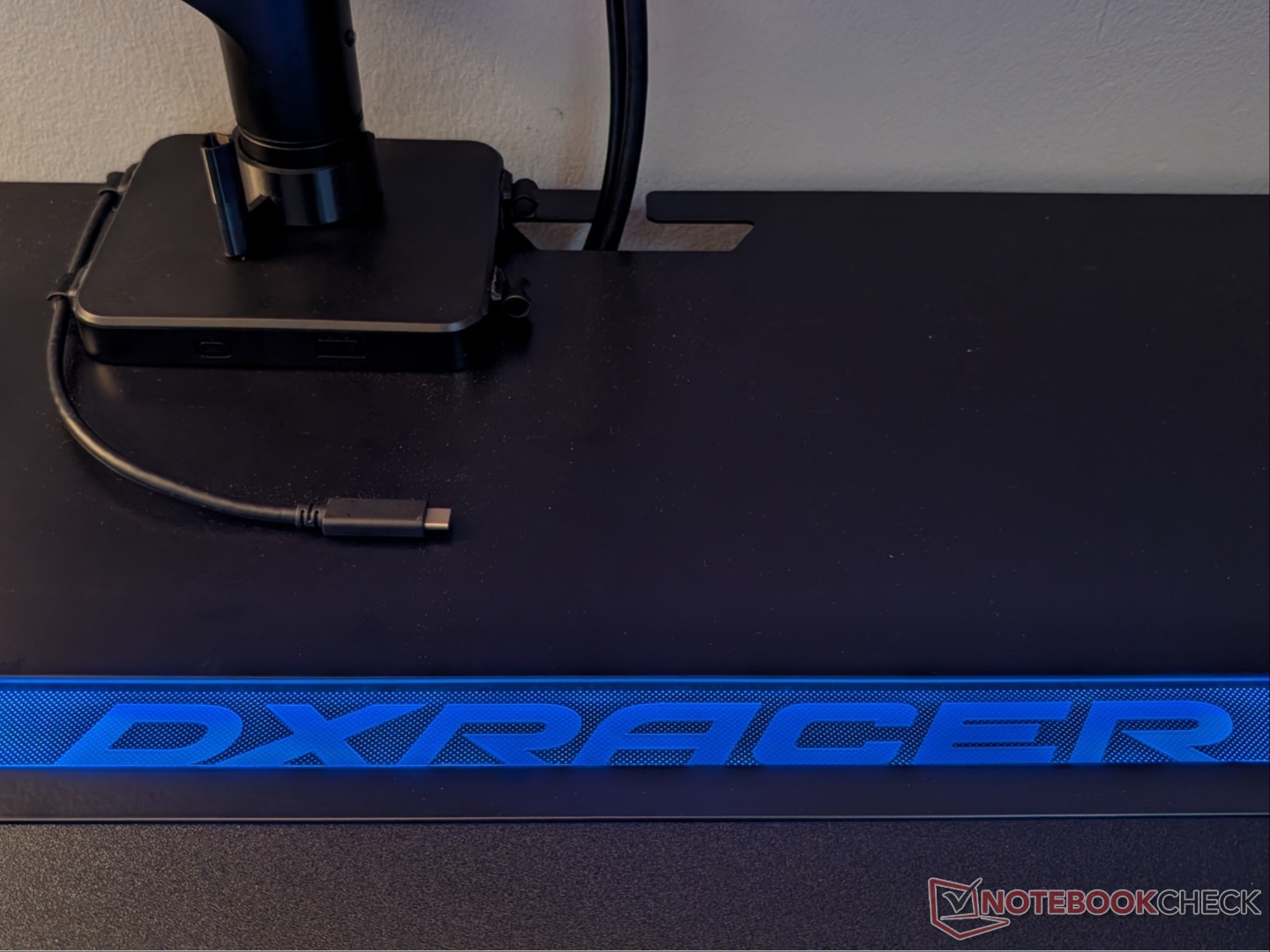
Coming to the desk itself, the 55-inch length and 30-inch width provide plenty of space for my setup, with the monitor on an arm. There is a slot in the metal top sheet for easy cable management, but that prevents mounting a monitor arm in the center. Having a cable management tray is a welcome addition, and there are multiple passthrough holes for cable routing. DXRACER also includes four magnetic cable organizers that stick to the metal top surface.
Daily use
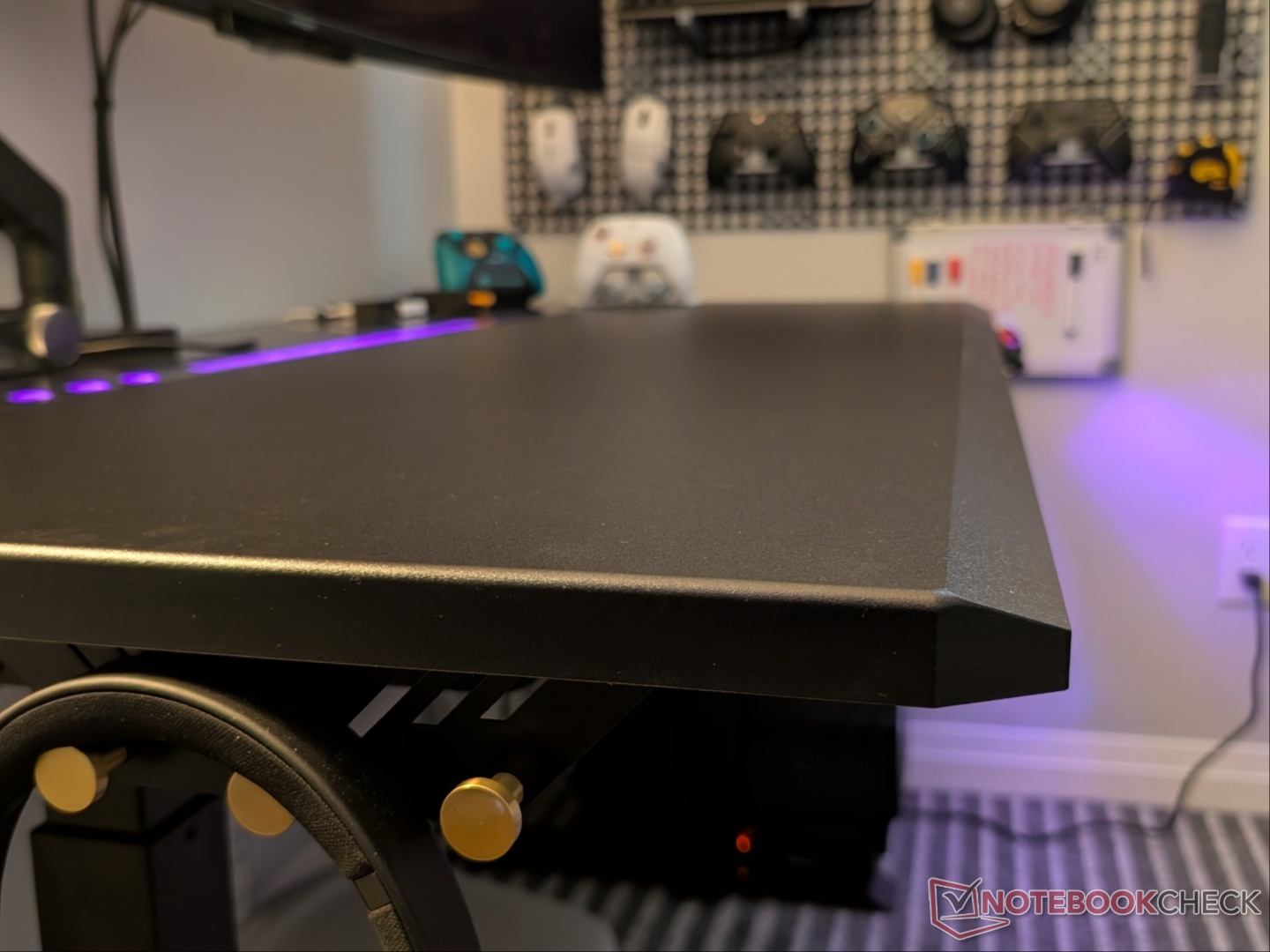
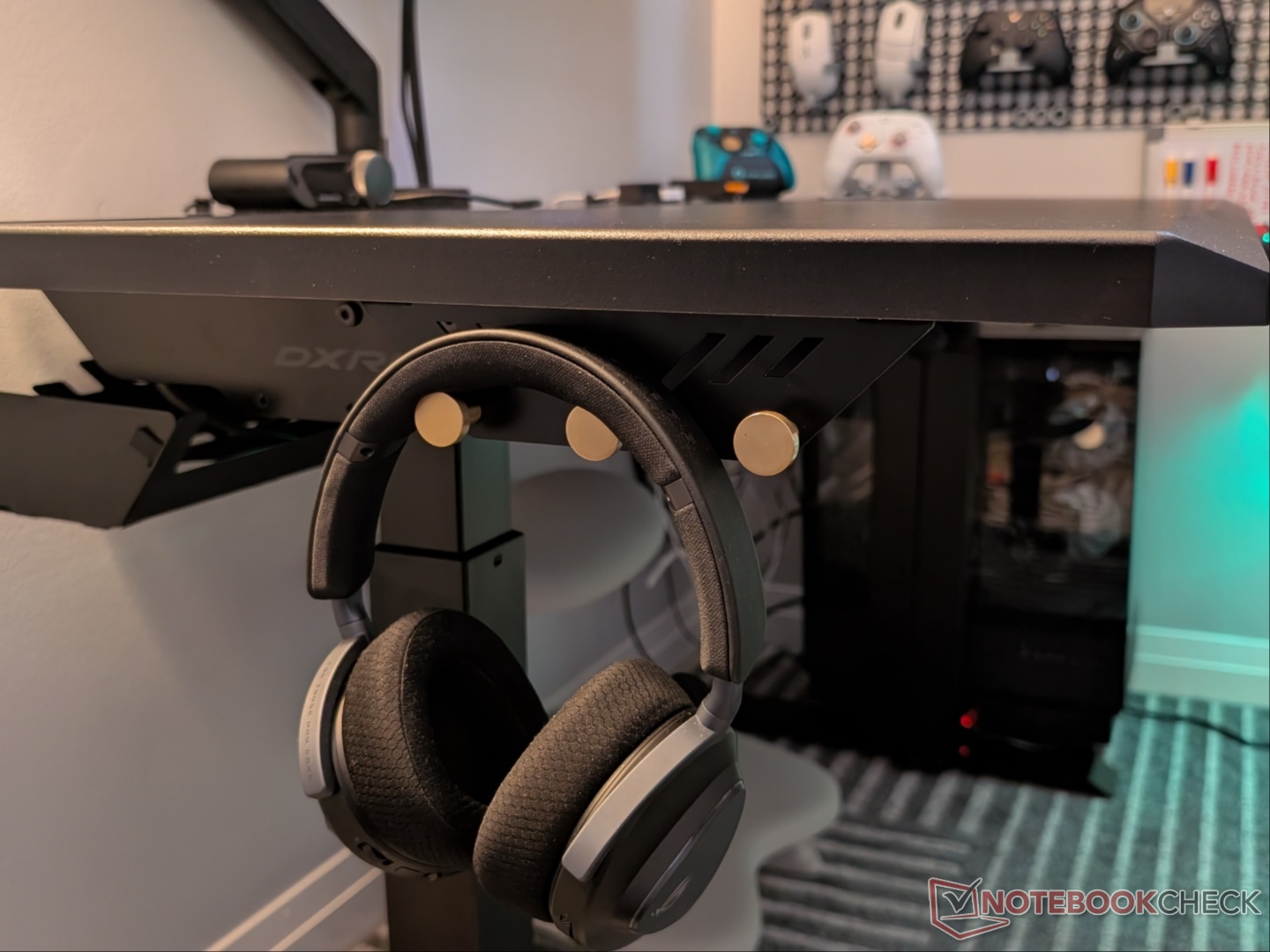
There’s a lot to appreciate about the Tidal gaming desk. The “gaming desk” branding is due to the angular shapes, RGB lighting, and unique-looking control panel. And that might prevent it from blending in, especially in an office setup. But for a gaming/office/studio space, it is perfect. The silent height adjustment enables using the standing mode regularly during workdays, something that used to annoy me with the old desk.
The front edge is angled for improved ergonomics for those who don’t use an extended mousepad. With the mousepad, you don’t feel the edge anyway. The sides are also rounded at the top, adding to the premium feel. Having three hangers for accessories on each side is also a welcome addition.
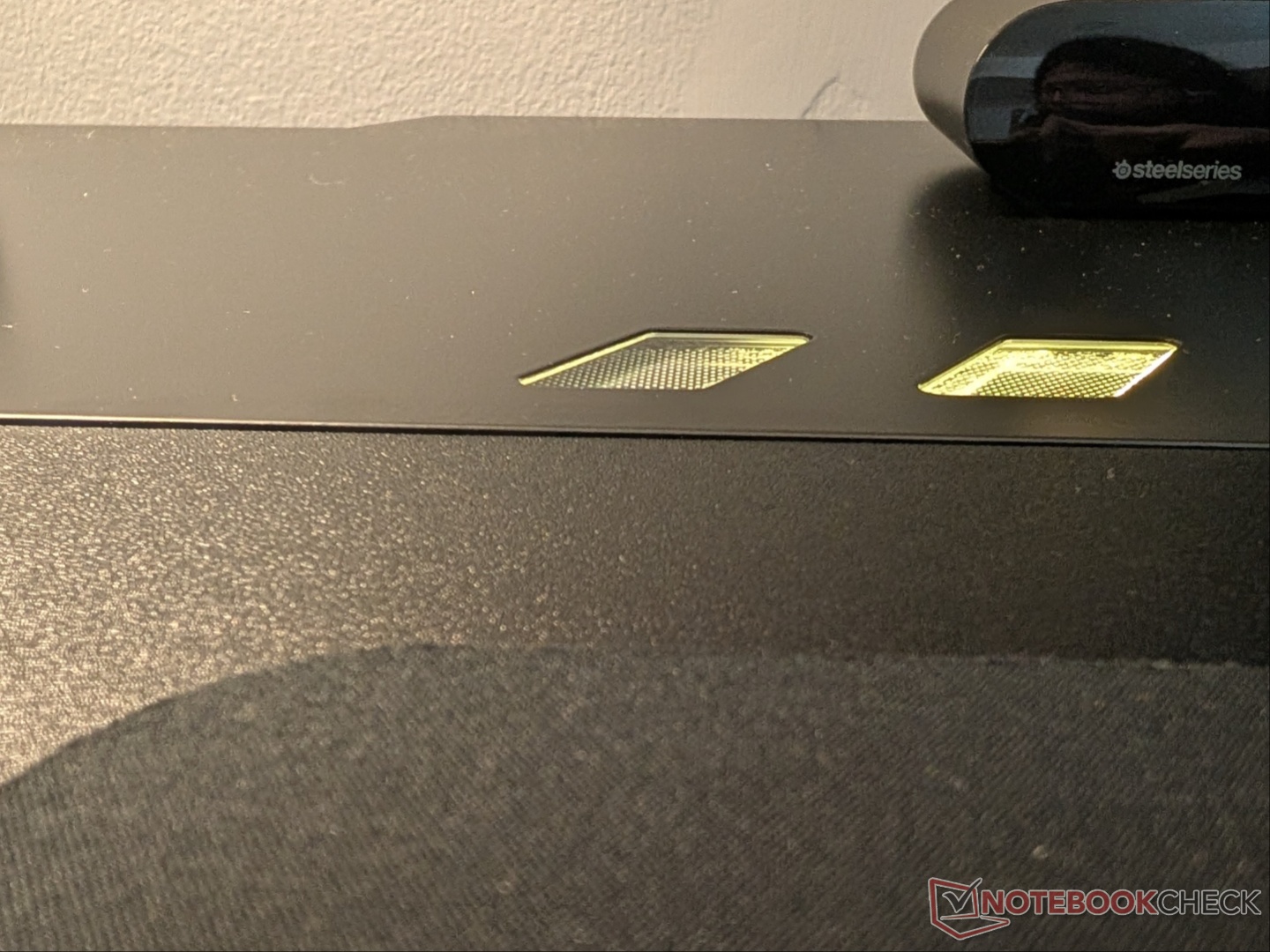
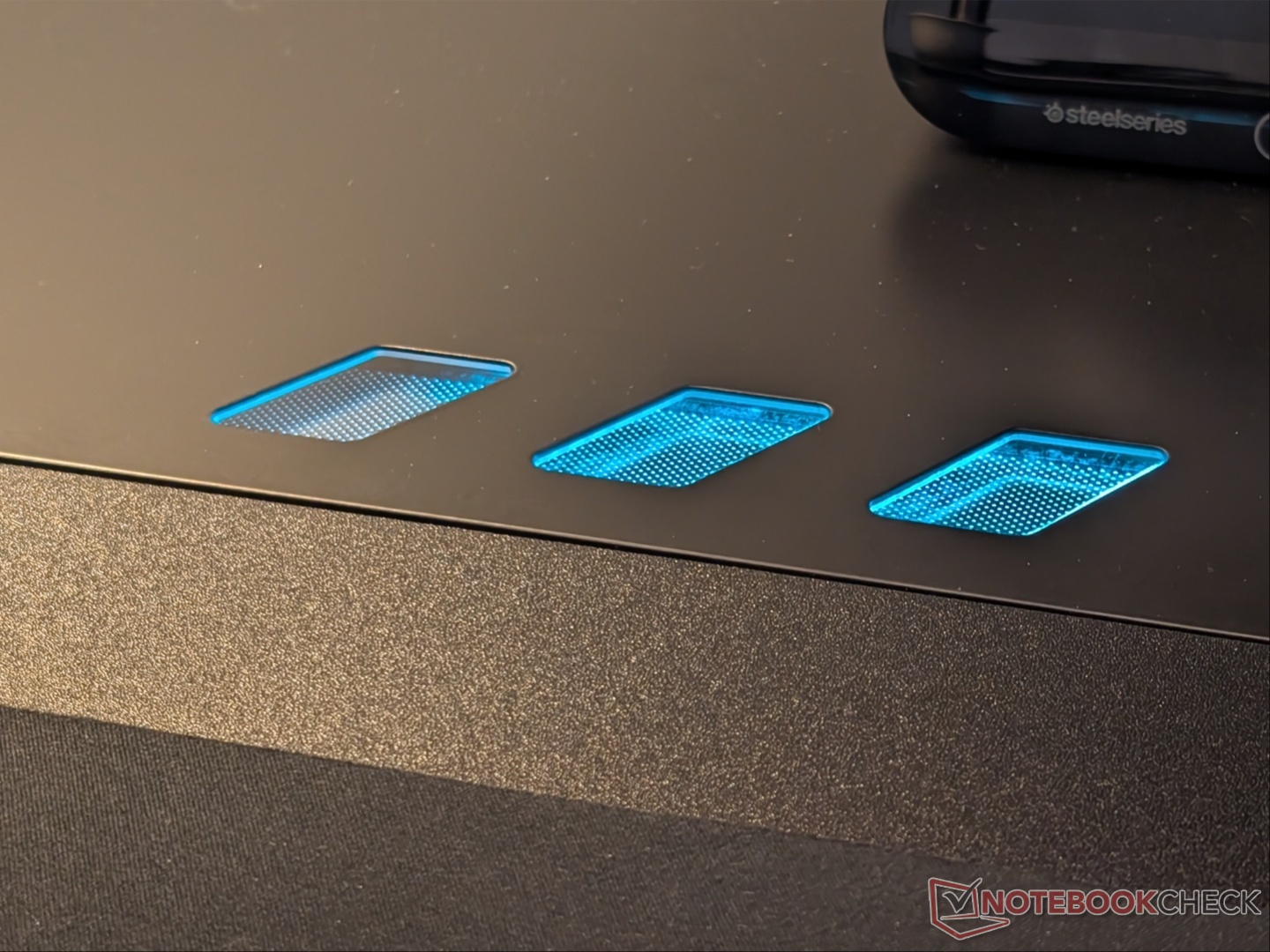
There are some quirks to note. As mentioned earlier, the metal top sheet bulges just a little where the RGB LED strip bends. Also, the LEDs don’t light up the edges of the cutouts that they're supposed to shine through. Minor issues that don’t impact ergonomics or usability.
Transparency
The selection of devices to be reviewed is made by our editorial team. The test sample was given to the author by the manufacturer free of charge for the purposes of review. There was no third-party influence on this review, nor did the manufacturer receive a copy of this review before publication. There was no obligation to publish this review. As an independent media company, Notebookcheck is not subjected to the authority of manufacturers, retailers or publishers.
 Add as a preferred source on Google


