




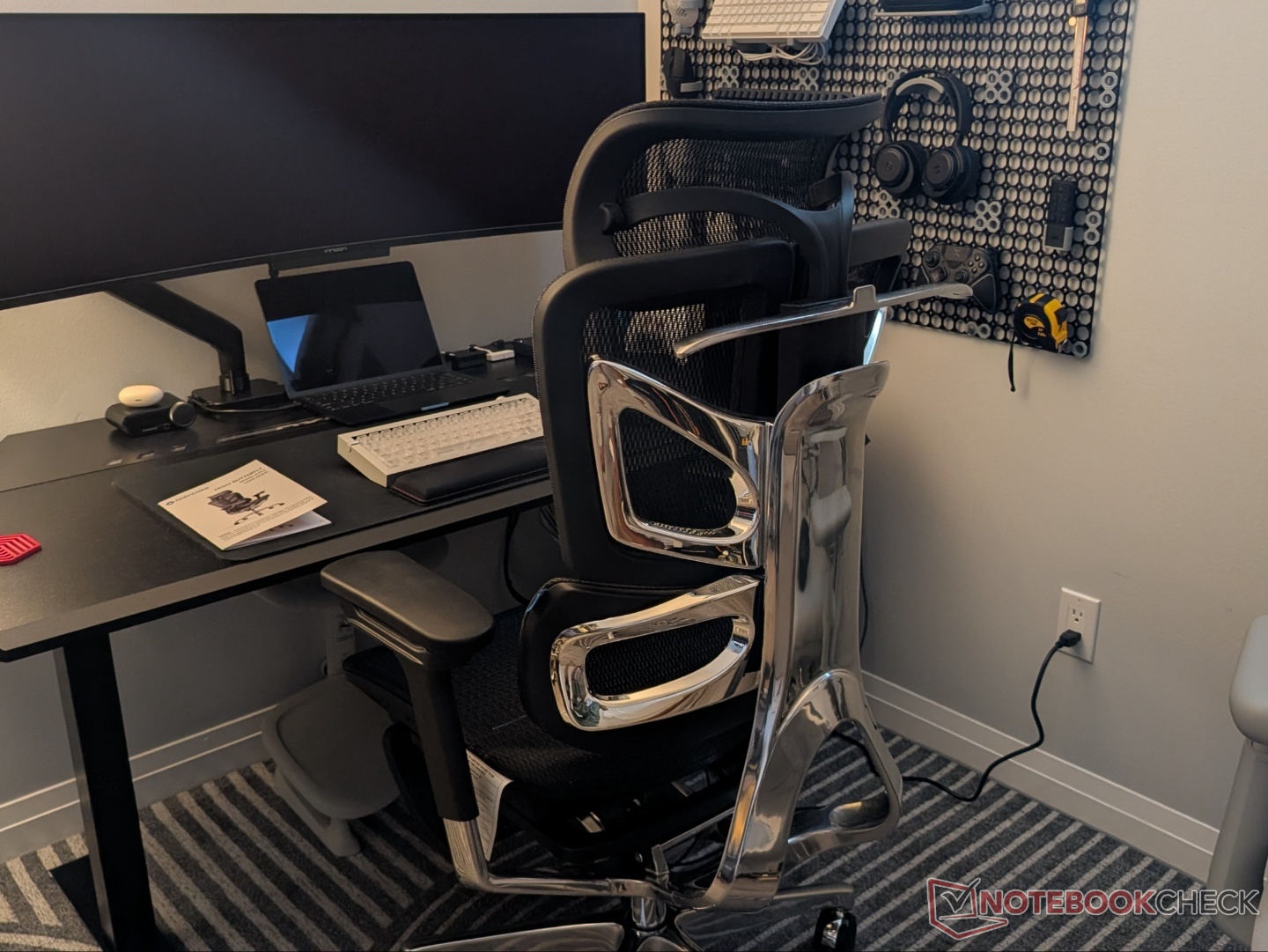
OdinLake O3 WireControl ergonomic chair review: Better than the LiberNovo Omni?
Ergonomic, for sure; but worth the money?
The O3 WireControl ergonomic chair from OdinLake is an expensive model that checks most boxes for comfortable seating. However, there are some key compromises that you should know before investing.Vineet Washington Published 🇳🇱 🇫🇷 ...
Verdict - Comfortable seating but questionable value
The OdinLake O3 is not a budget ergonomic chair. It is an expensive offering that comes with something unique – WireControl adjustments – but that alone doesn’t justify the price. The O3 is no doubt a comfortable chair with solid build quality, sufficient adjustability, and easy recline control, but there are some compromises. The armrests are stiff, and it doesn’t feel as premium as the similarly priced fabric-lined LiberNovo Omni overall. The Omni also brings electronic lumbar support at that price.
That said, the O3 subjectively has a more comfortable seat and backrest with sufficient support for the lower back.
Pros
Cons
Price and availability
The OdinLake O3 Ergo Butterfly WireControl ergonomic chair is priced at $1,088 (with footrest) and $999 (without footrest). It is available via the official store and Amazon, and at the time of publishing, the former has them discounted to $879 and $849, respectively.

Specifications
| Chair type | Ergonomic |
| Seat depth | 16.14 inch – 18.50 inch |
| Seat height range | 18.9 inch – 22.95 inch |
| Colors | Black |
| User height range | 5'3"–6'2" (163–188 cm) |
| User weight range | up to 350 lbs (180 kg) |
| Backrest | FlexBreath Mesh |
| Seat | FlexBreath Mesh |
| Armrest | PU soft padding |
| Armrest adjustment | Height + rotate + lateral distance adjustment |
| Recline | 90 – 135 degrees |
Unboxing
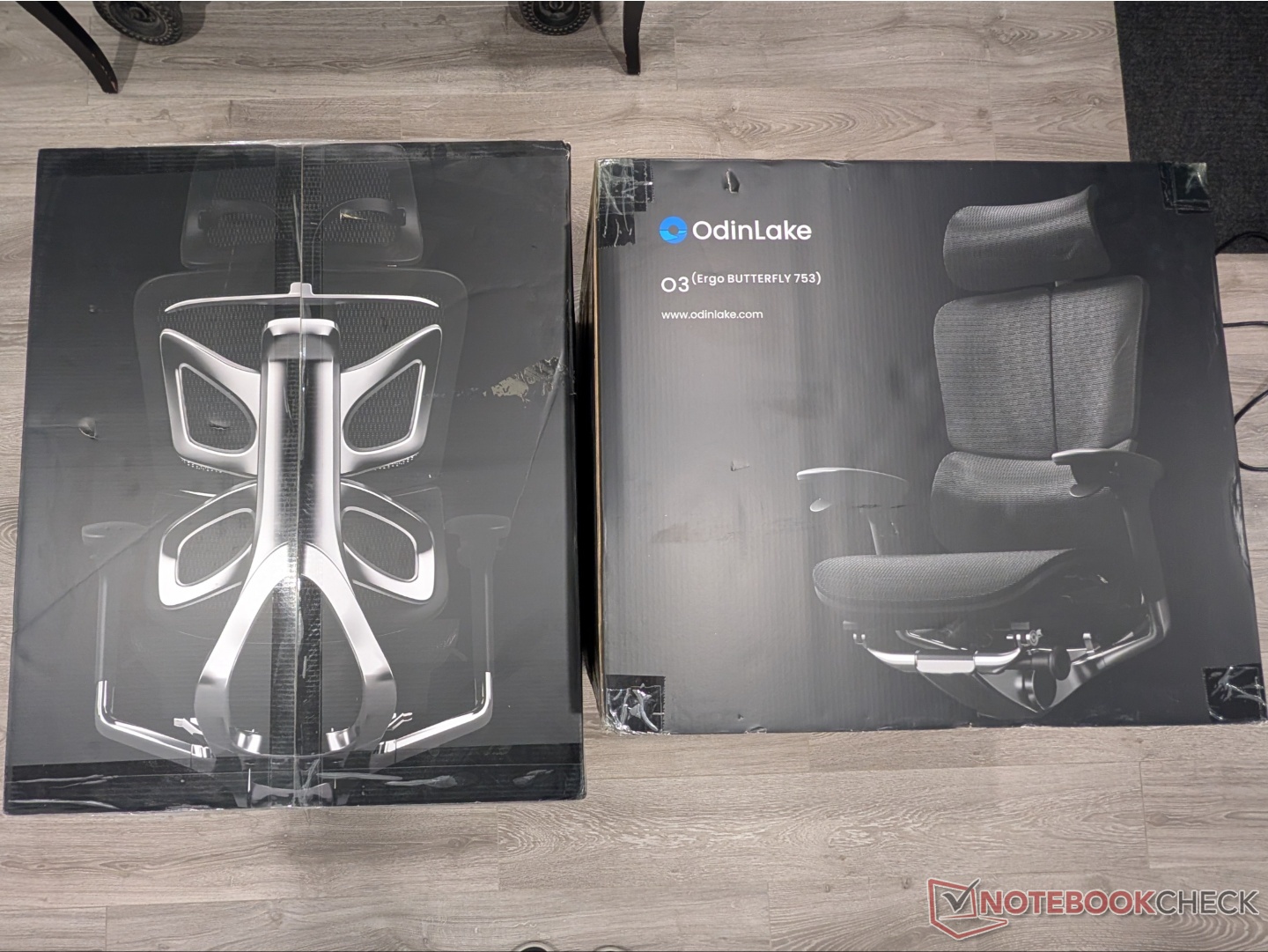
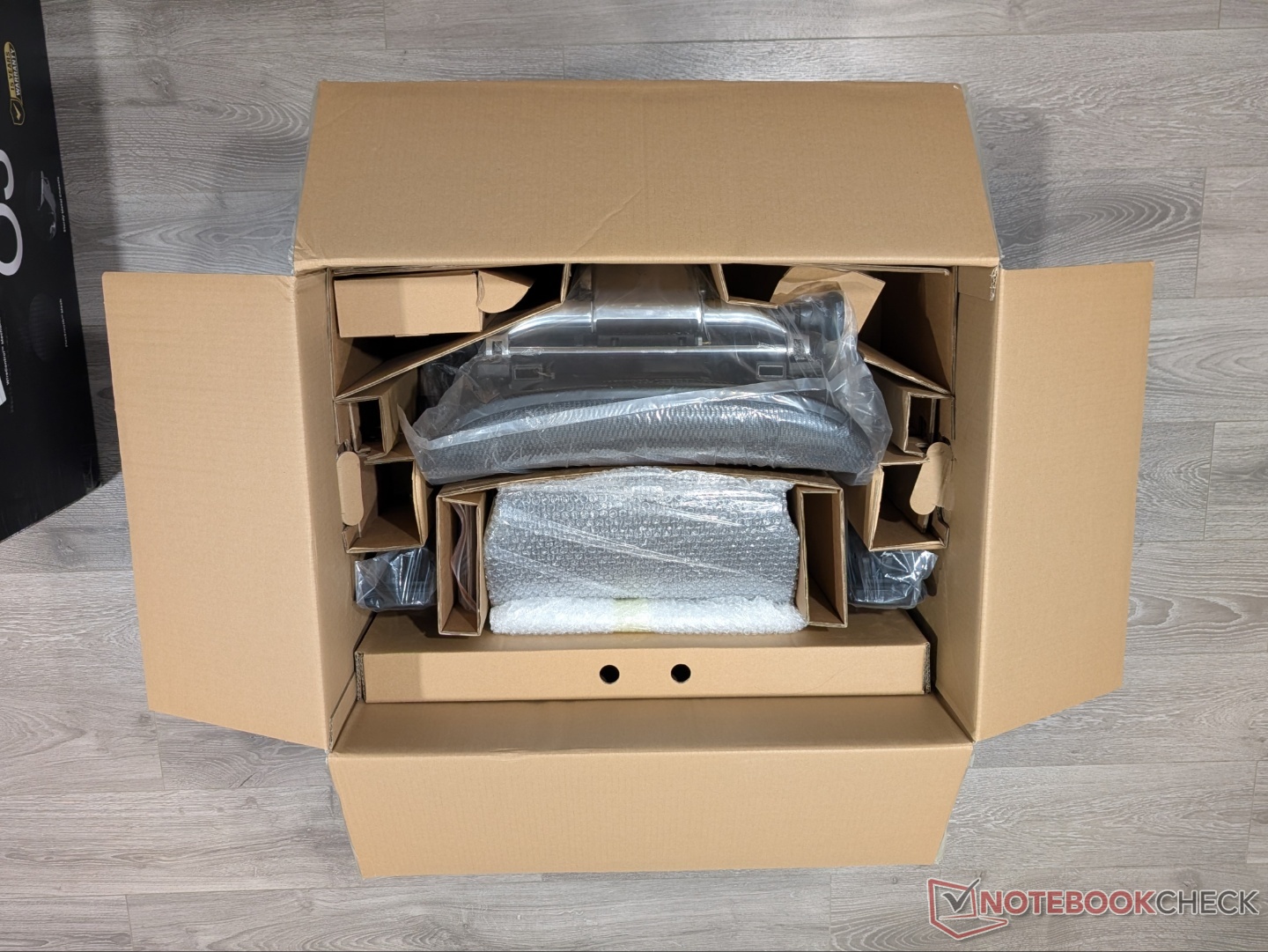
The O3 ergonomic chair ships in two big boxes, but it can still be comfortably assembled by one person. Everything is packaged securely, and OdinLake includes a pair of gloves, as well as all the hardware needed for the setup. There are separate instructions for installing the footrest.
Build quality and setup
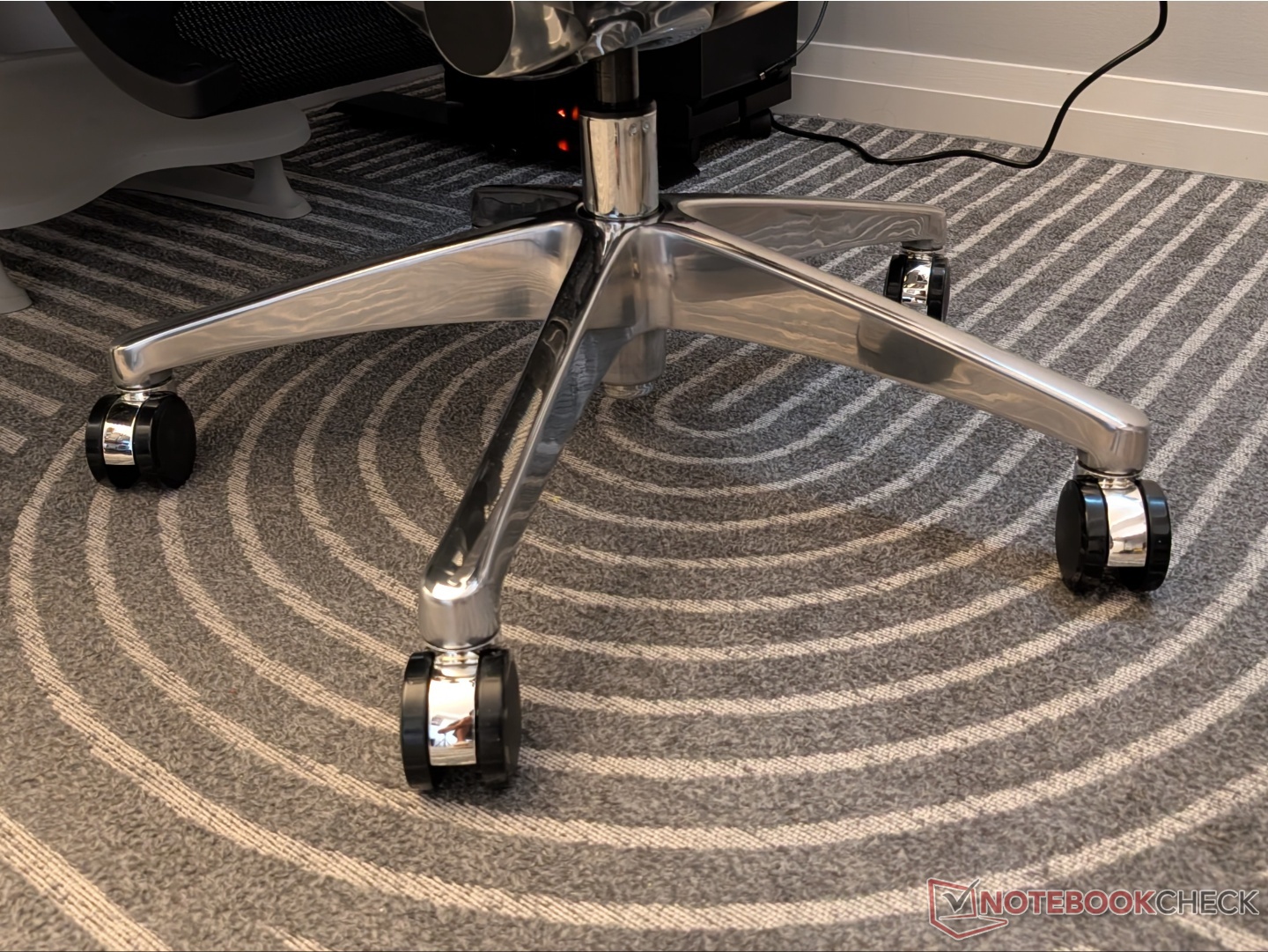
The O3 comes with a full-mesh design. It, of course, doesn’t feel as soft as the LiberNovo Omni’s fabric lining, but that doesn’t affect the ergonomics, which we’ll talk about in a bit. Everything feels taut and solid. The base and frame are made from aluminum alloy and have a shiny finish that adds to the character of the chair. Casters roll smoothly on carpet and wooden flooring, but the weight of the chair does impact movability.
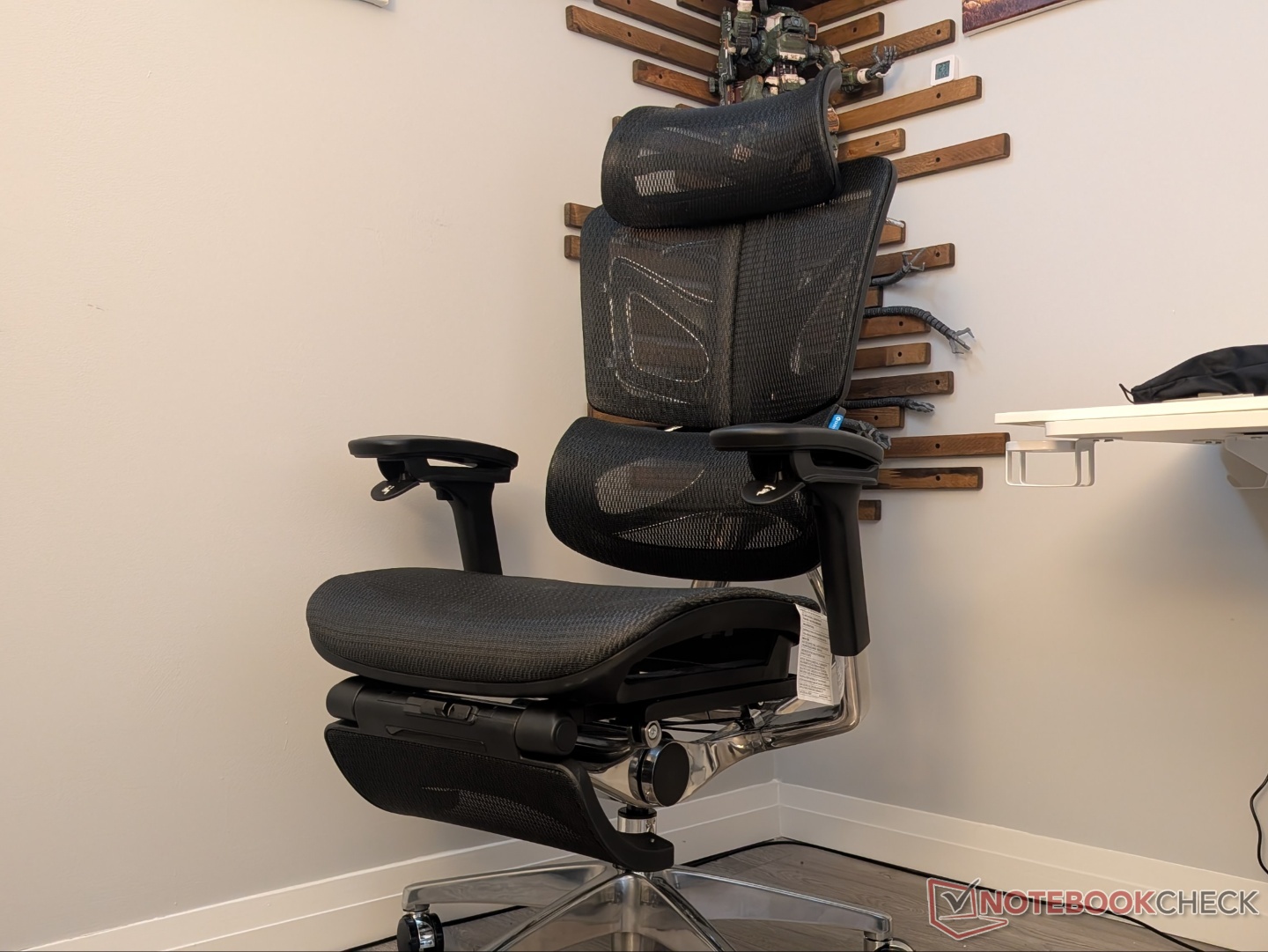
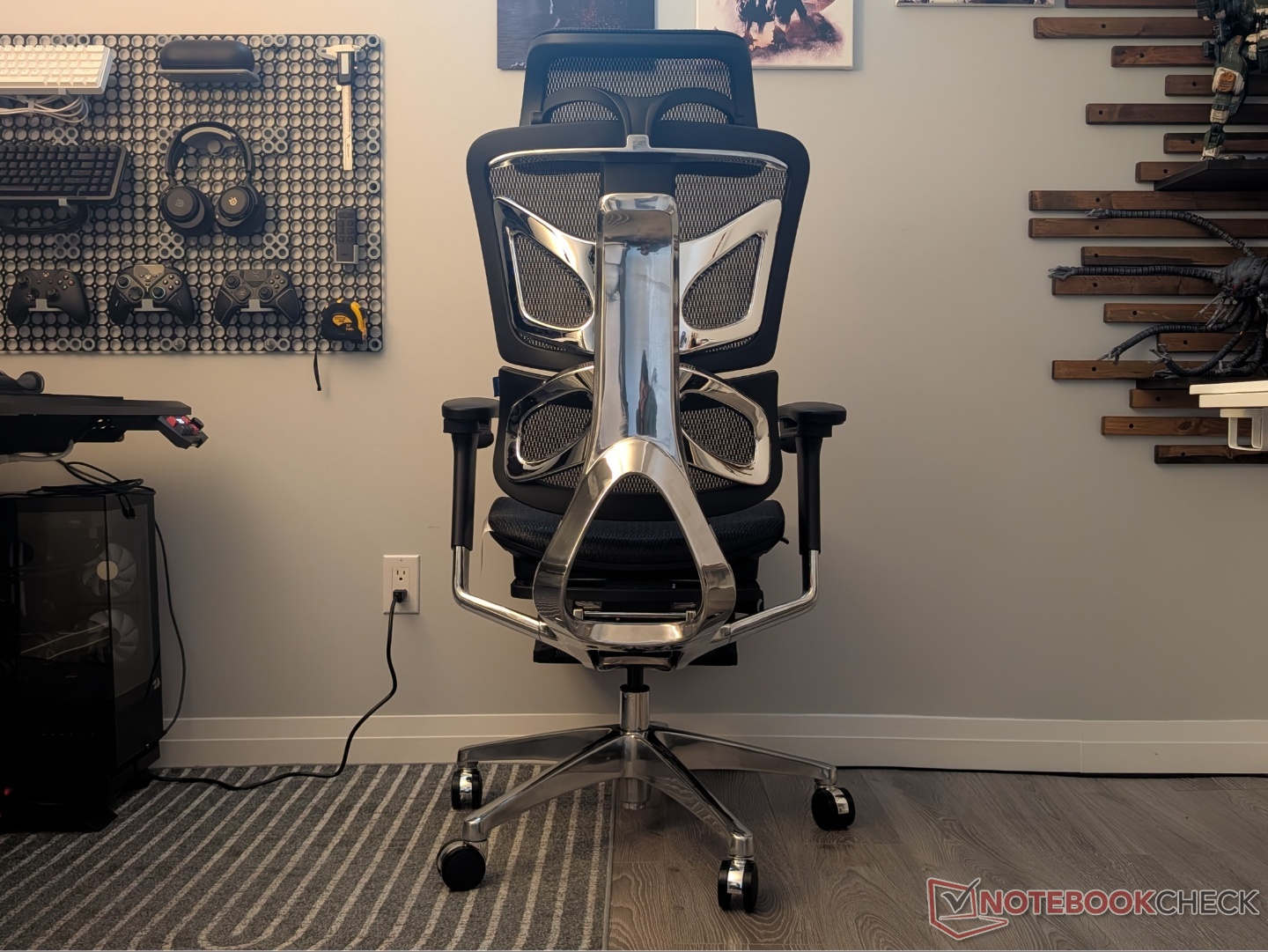
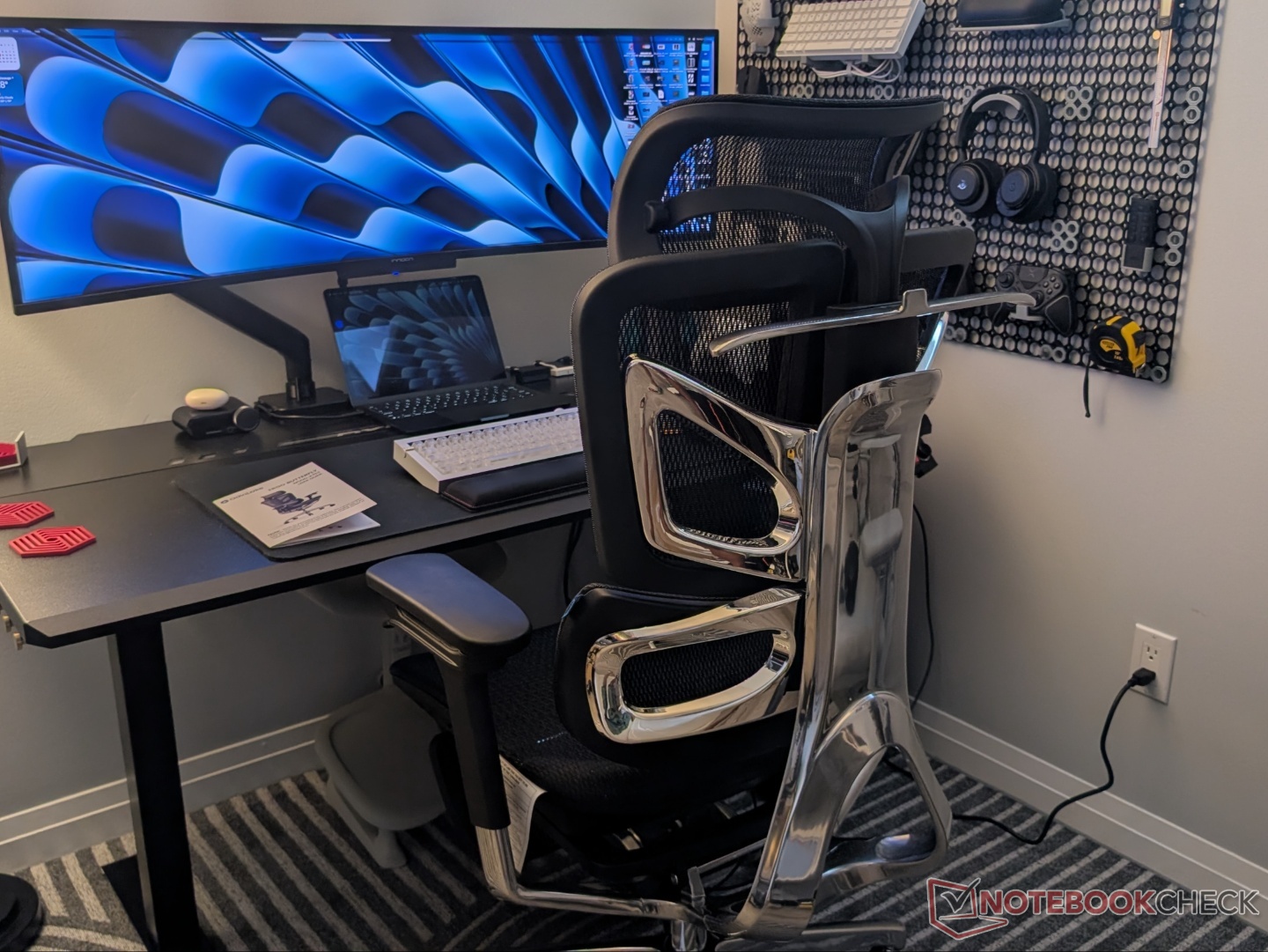
As per the manual, the O3 can be assembled in four simple steps, and that’s mostly true. Once the casters are inserted into the base, the seat can be placed on the gas lift. The backrest can then be inserted, and it stays in place for screw up. There are four screws and a specific order in which OdinLake recommends screwing them in. Finally, the headrest can be inserted into the backrest, completing the setup.
Features and functionality
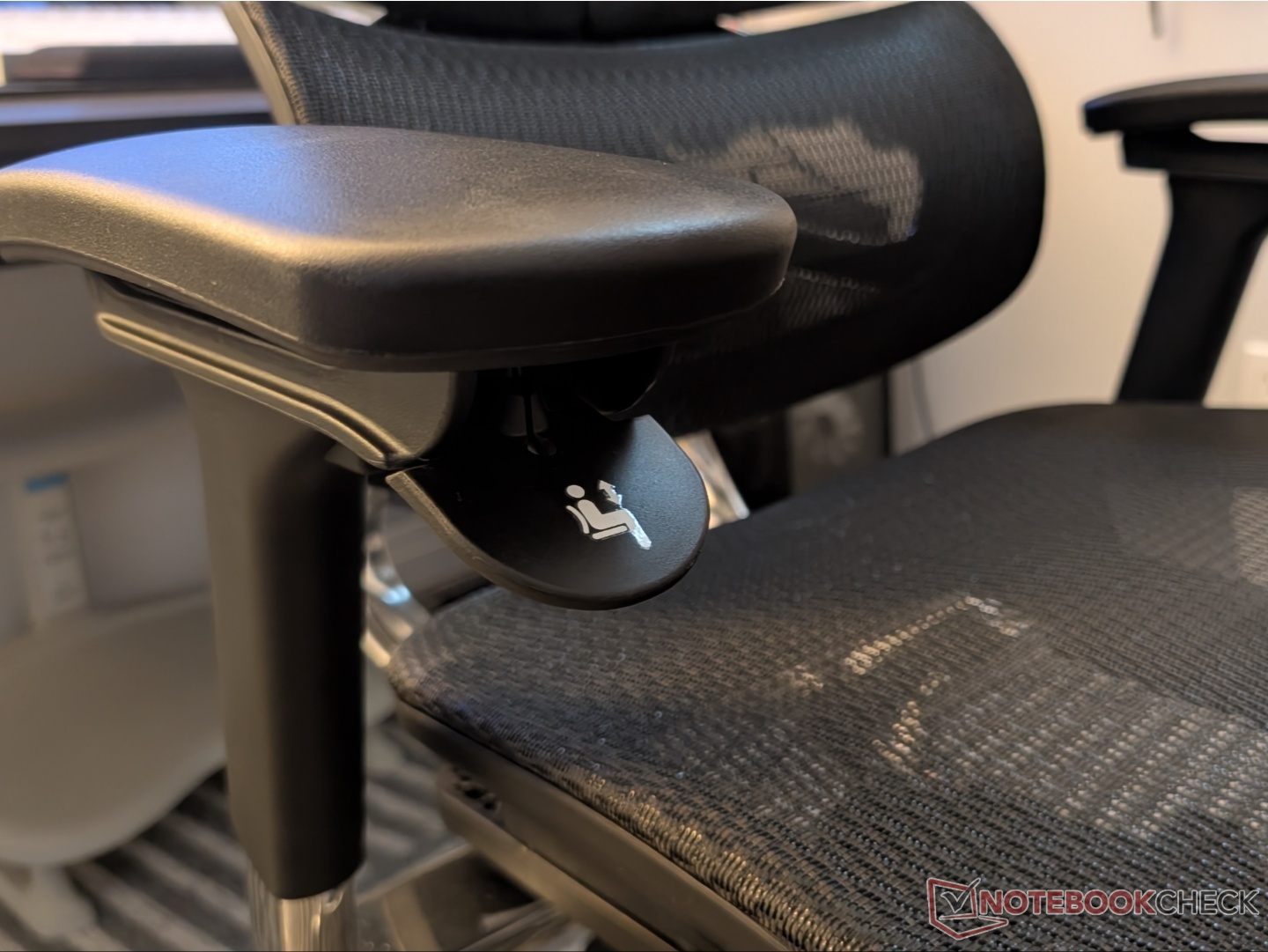
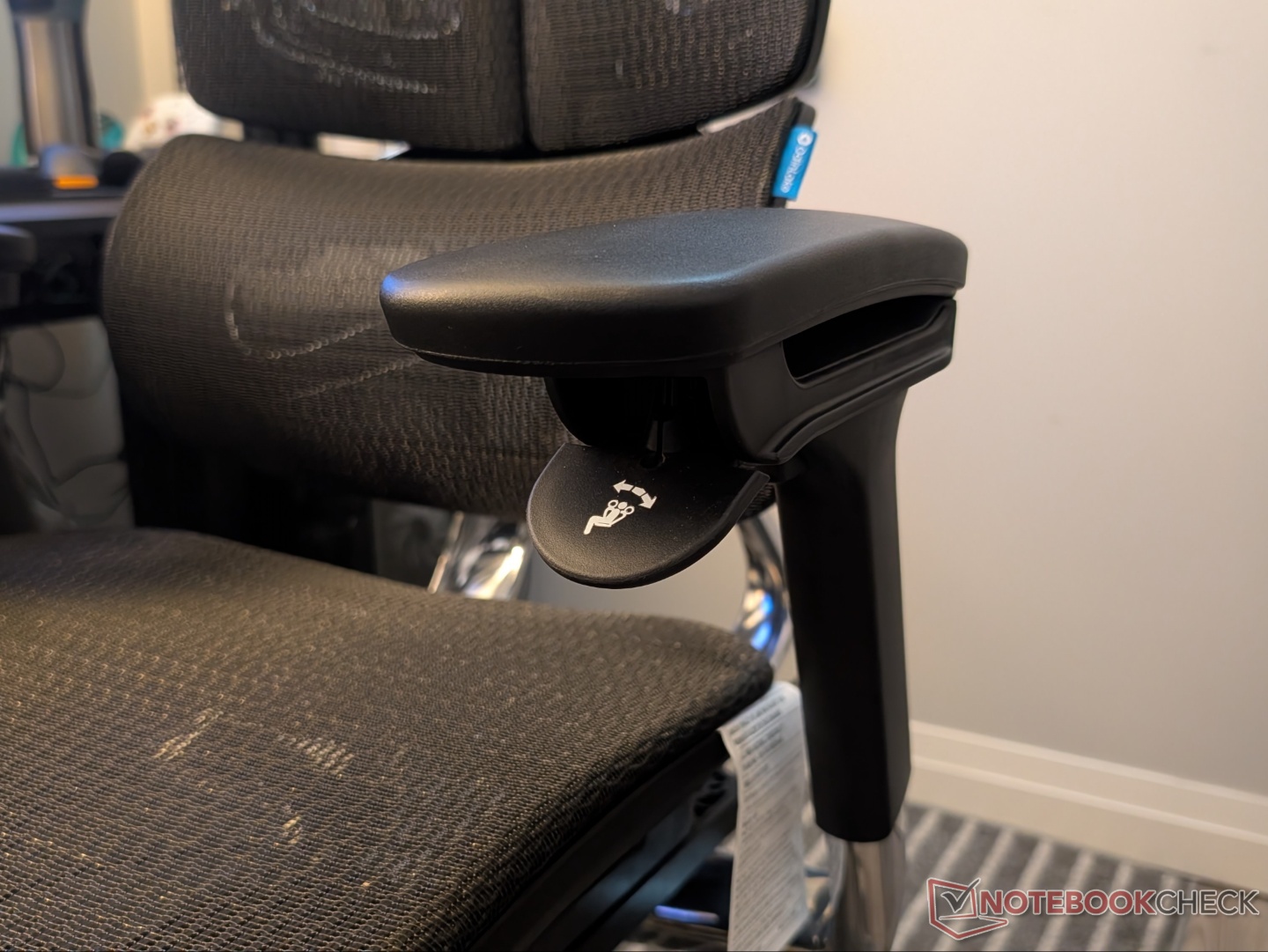
The OdinLake O3 sets itself apart from the competition with its WireControl mechanism. This moves the controls for seat height and recline adjustment to the armrests. The cables go from each arm to the base and are visible through the seat mesh. The paddle under the left armrest controls the recline, i.e., locking in different angles, while the one on the right controls seat height. The armrests are made from PU leather and offer rotation, left and right adjustment, as well as height adjustment.
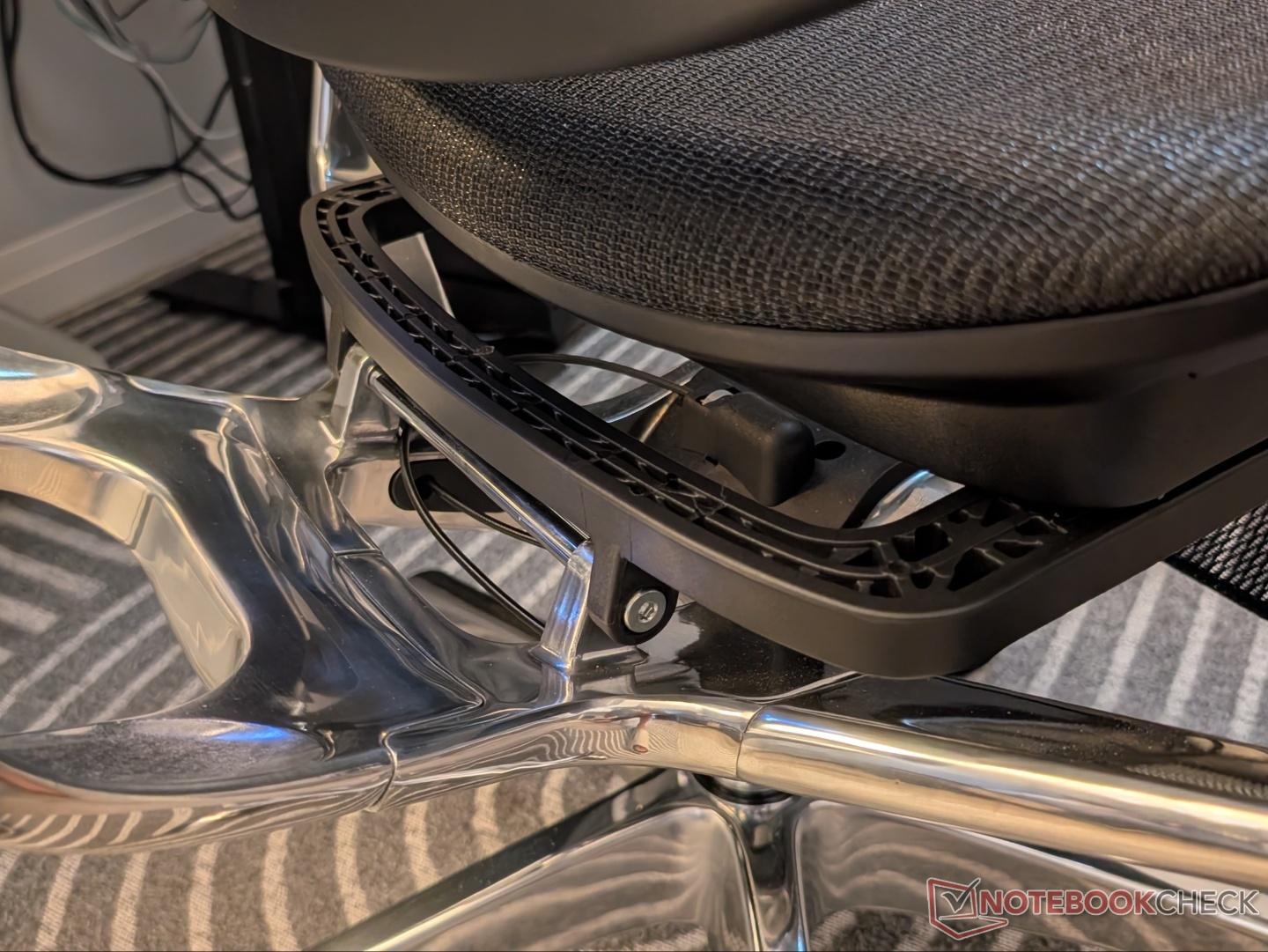
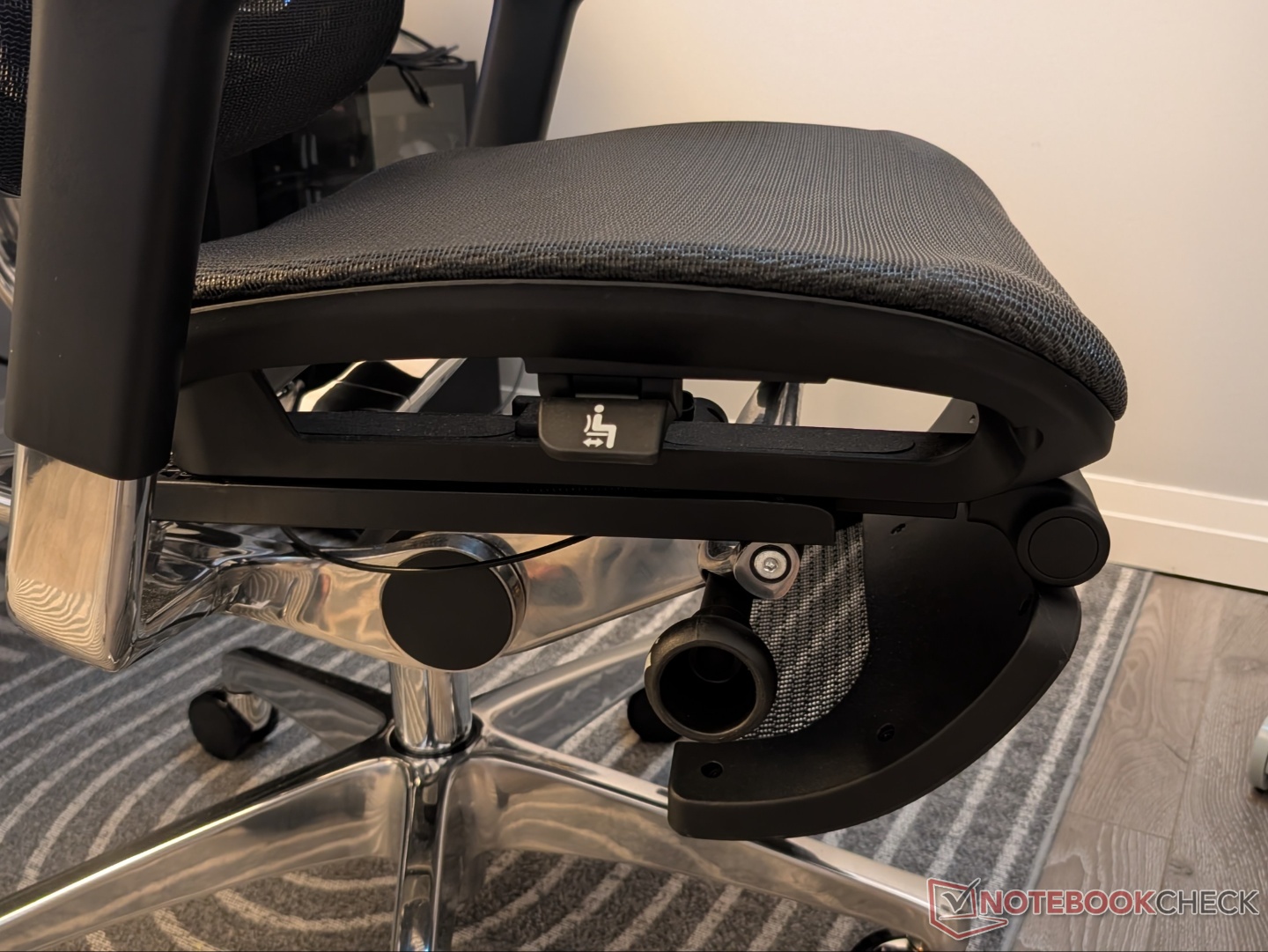
Controls for the seat depth adjustment and recline tension are located below the seat. Just over two inches of seat depth can be added by pulling it out to its maximum. The tension adjustment knob requires quite a lot of rotation before any meaningful difference in backrest tension is felt. And it can get quite stiff at the hardest setting. The entire backrest has five levels of manual adjustment, so taller people can also feel fully supported. Notably, the lumbar support cannot be adjusted independently.
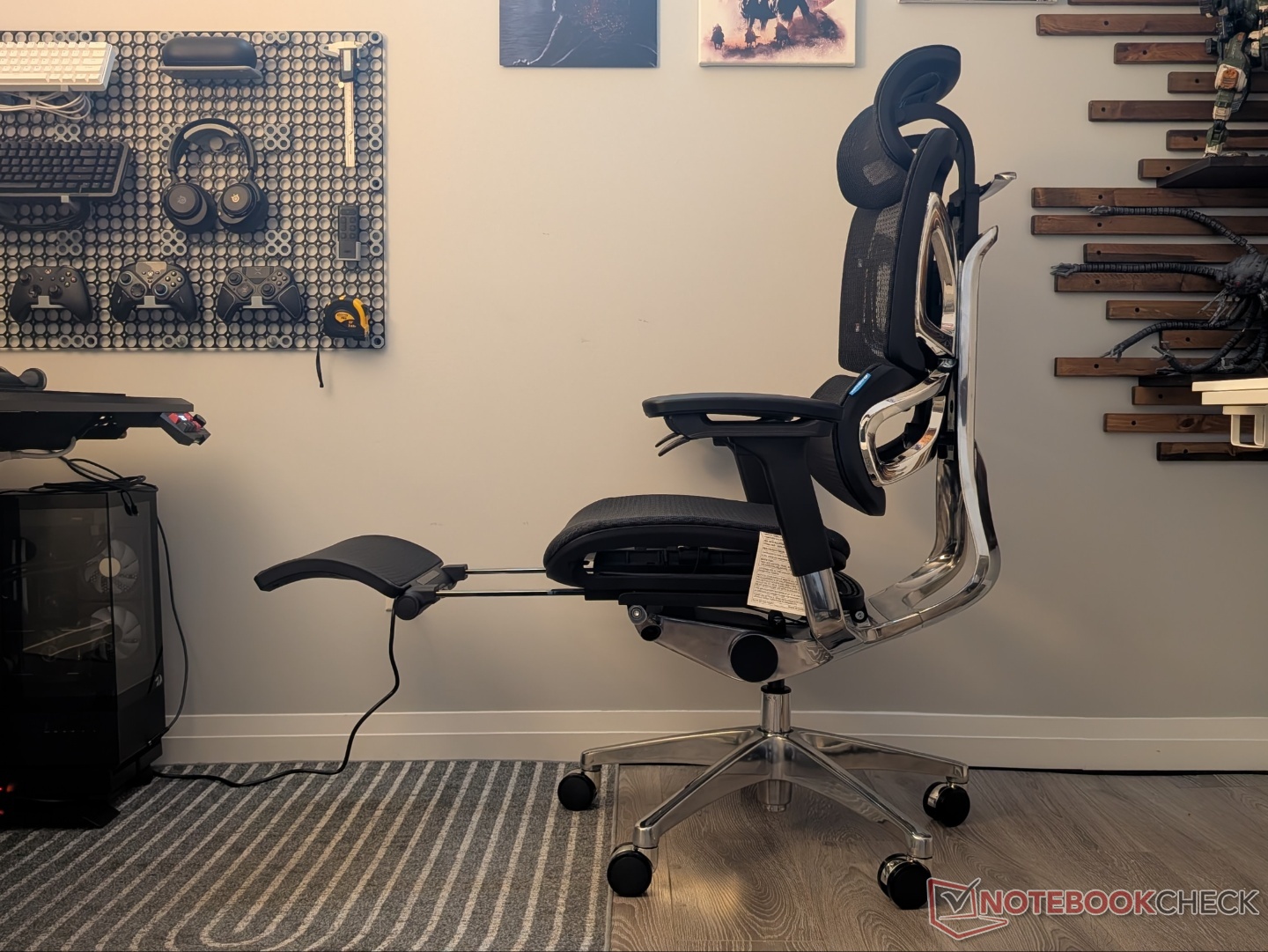
The headrest has 2D adjustment, but it covers pretty much all possible support positions. There is a locking nut that can be tightened to lock the height of the headrest in place. OdinLake offers an optional footrest accessory that is easy to pull out and has ample angle adjustment.
Comfort and usability
Even though the OdinLake O3 came out a couple of months after the LiberNovo Omni, it is priced similarly. That puts the two in direct competition, with the latter offering a lot more in terms of features. However, as we discovered through our review of the Omni, there are some comfort-related issues. Does the OdinLake O3 excel where the Omni doesn’t? Let’s find out.
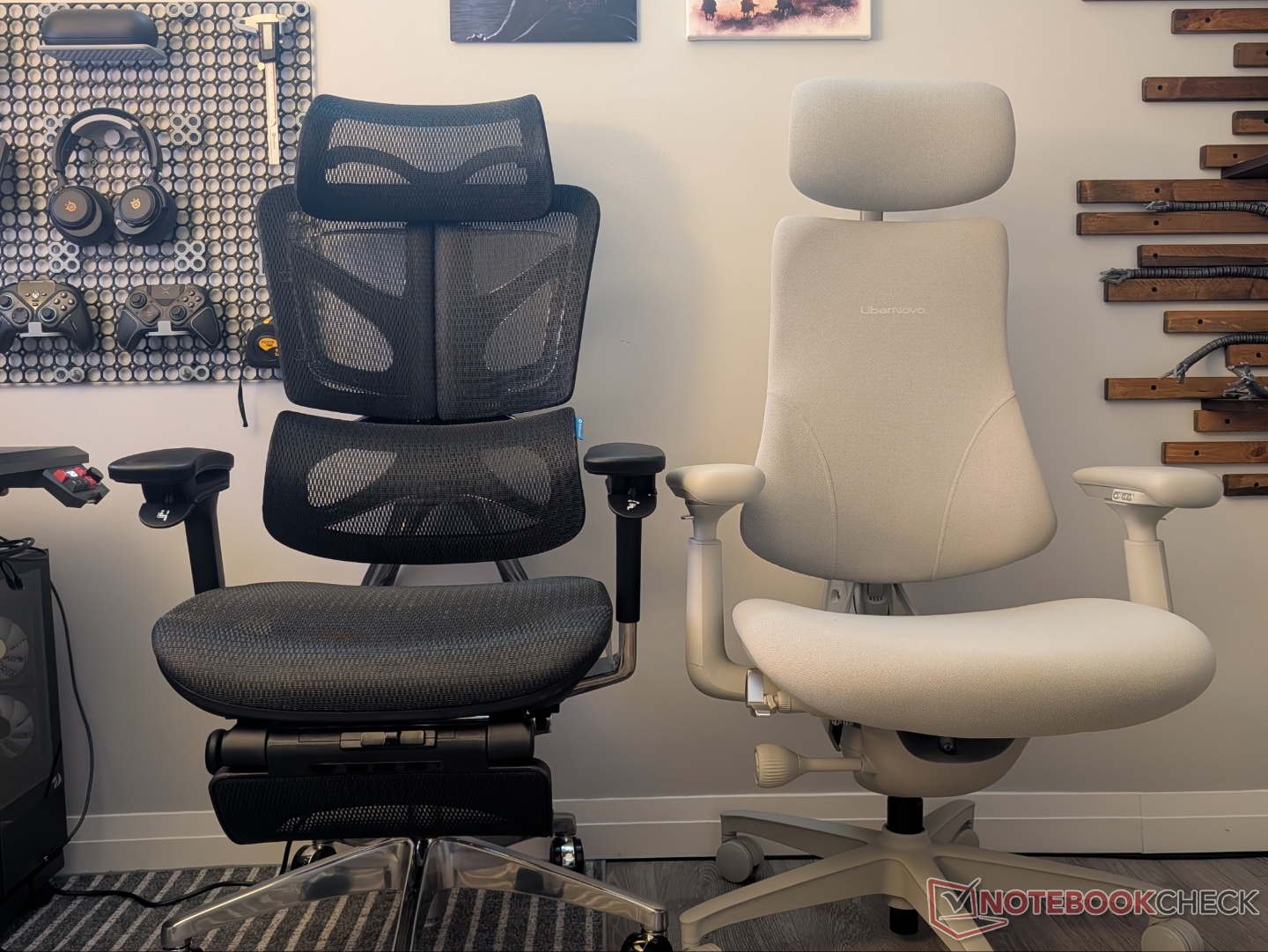
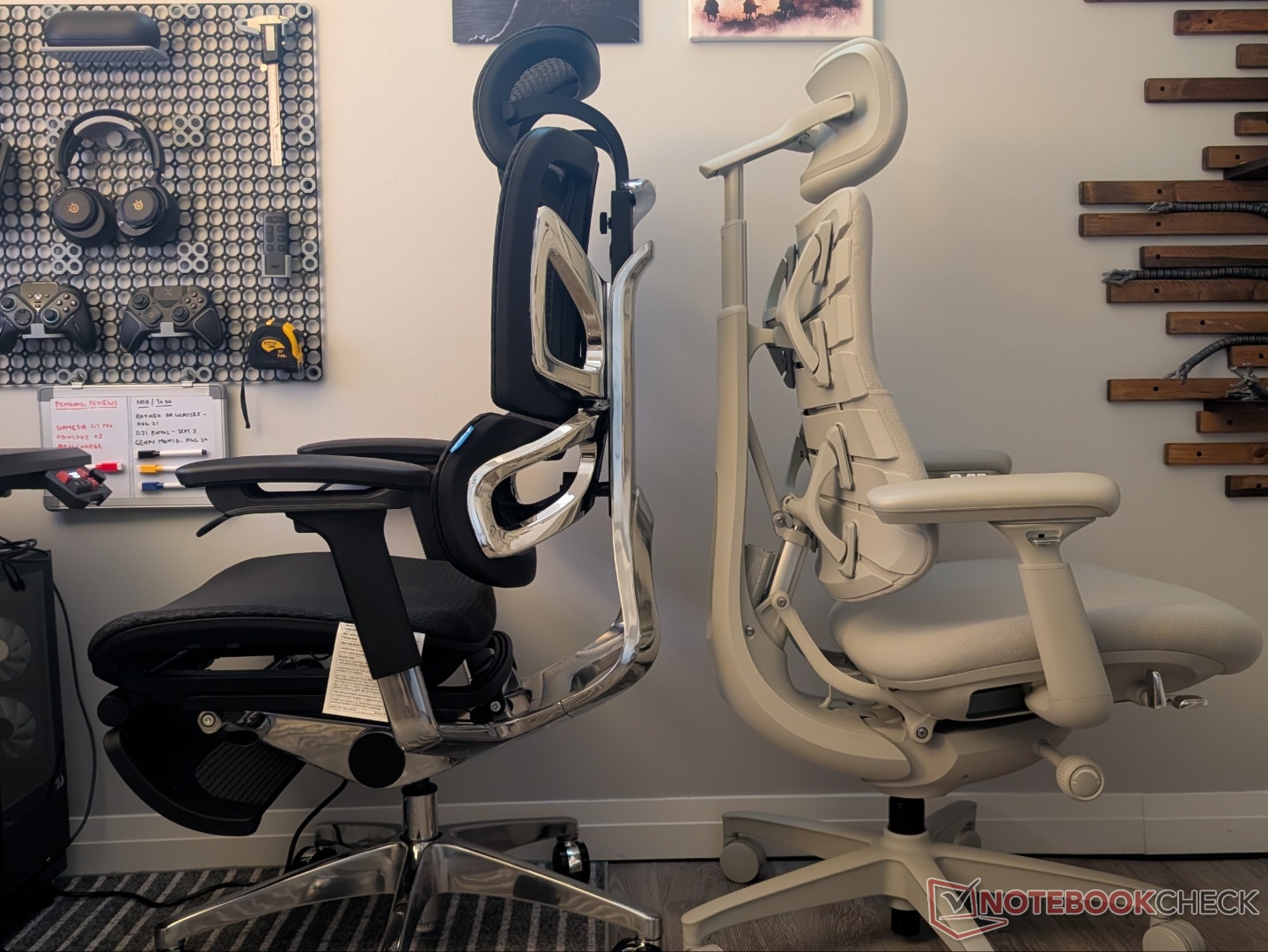
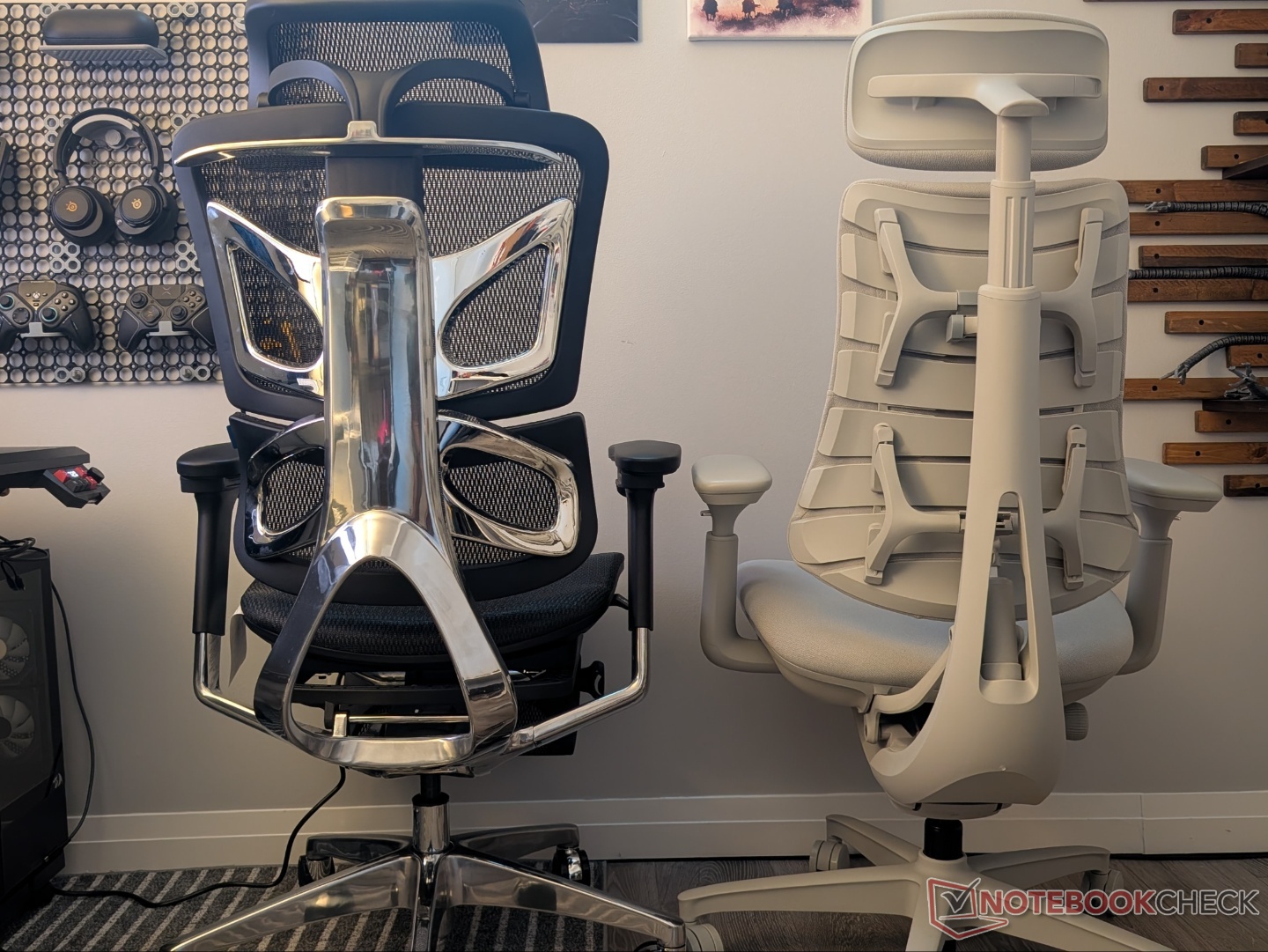
Starting with the seat, the FlexBreath Mesh – to me – feels more comfortable than the multi-density foam used in the Omni. Even though the Omni’s seat is deeper on paper, some of that depth is lost due to how the backrest is designed. On the OdinLake O3, that’s not the case, and the smaller seat size supports more of the thighs (when extended). With the footrest in, the legs don’t come into contact with the solid frame, but it does become harder to place your feet on the chair base.
Speaking of footrests, both the Omni and the O3 offer it as an optional add-on, and while the former demands $200, the latter has it for $90. Of course, the LiberNovo one is separate from the chair and has a much more premium feel.
Moving to the backrest, there is no electronic lumbar support adjustment or ‘massage’ features like the Omni. In fact, the lumbar support cannot be independently adjusted. However, the Butterfly Ergo design enables the back to somewhat move with the user, and the height adjustment allows positioning the lumbar support appropriately. You can easily lift the back while sitting, and the final adjustment brings it back to its lowest position. Overall, the backrest offers good support to both the upper and lower back. Oh, and if you have long hair, it will get caught in the mesh.
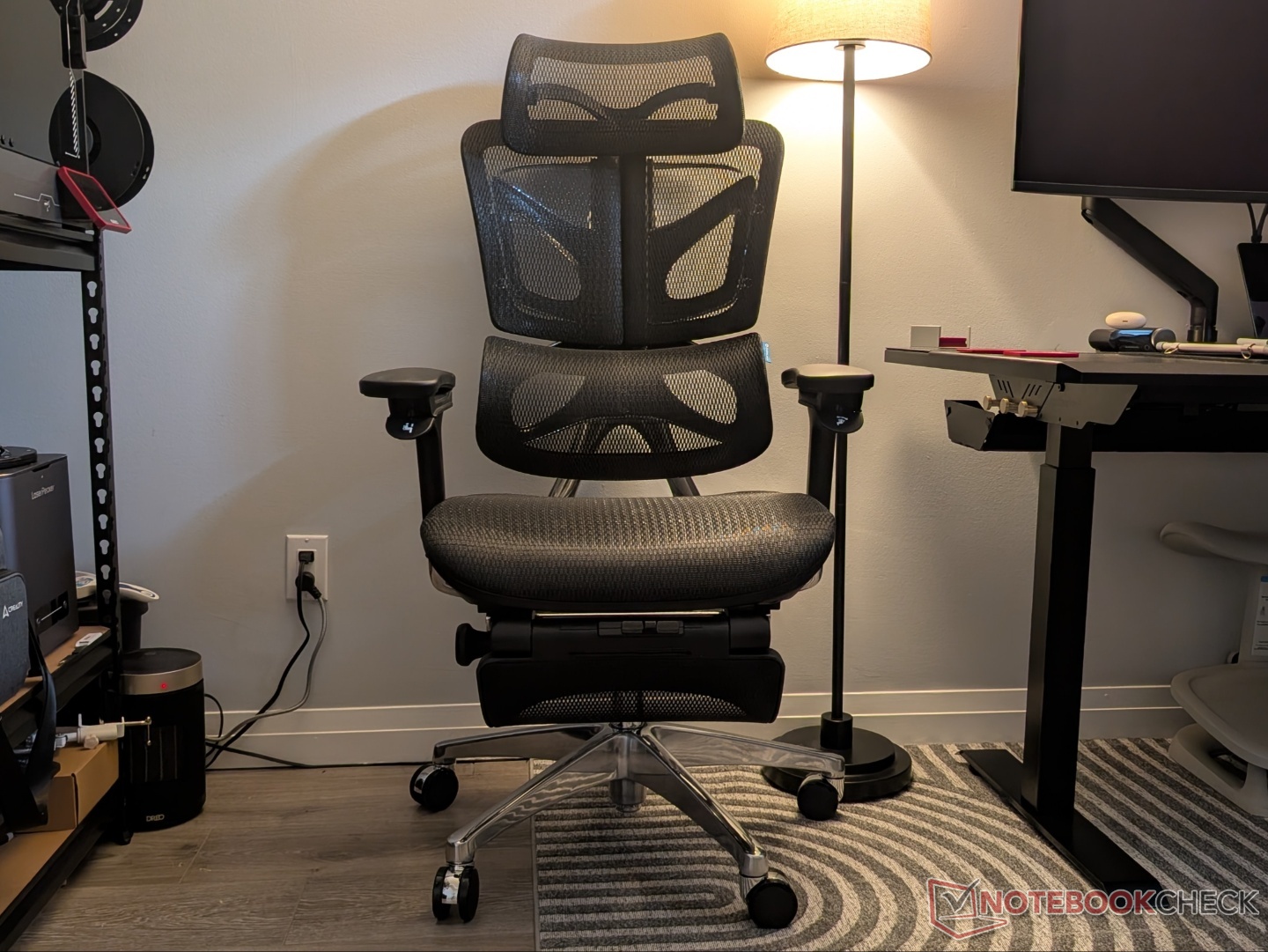
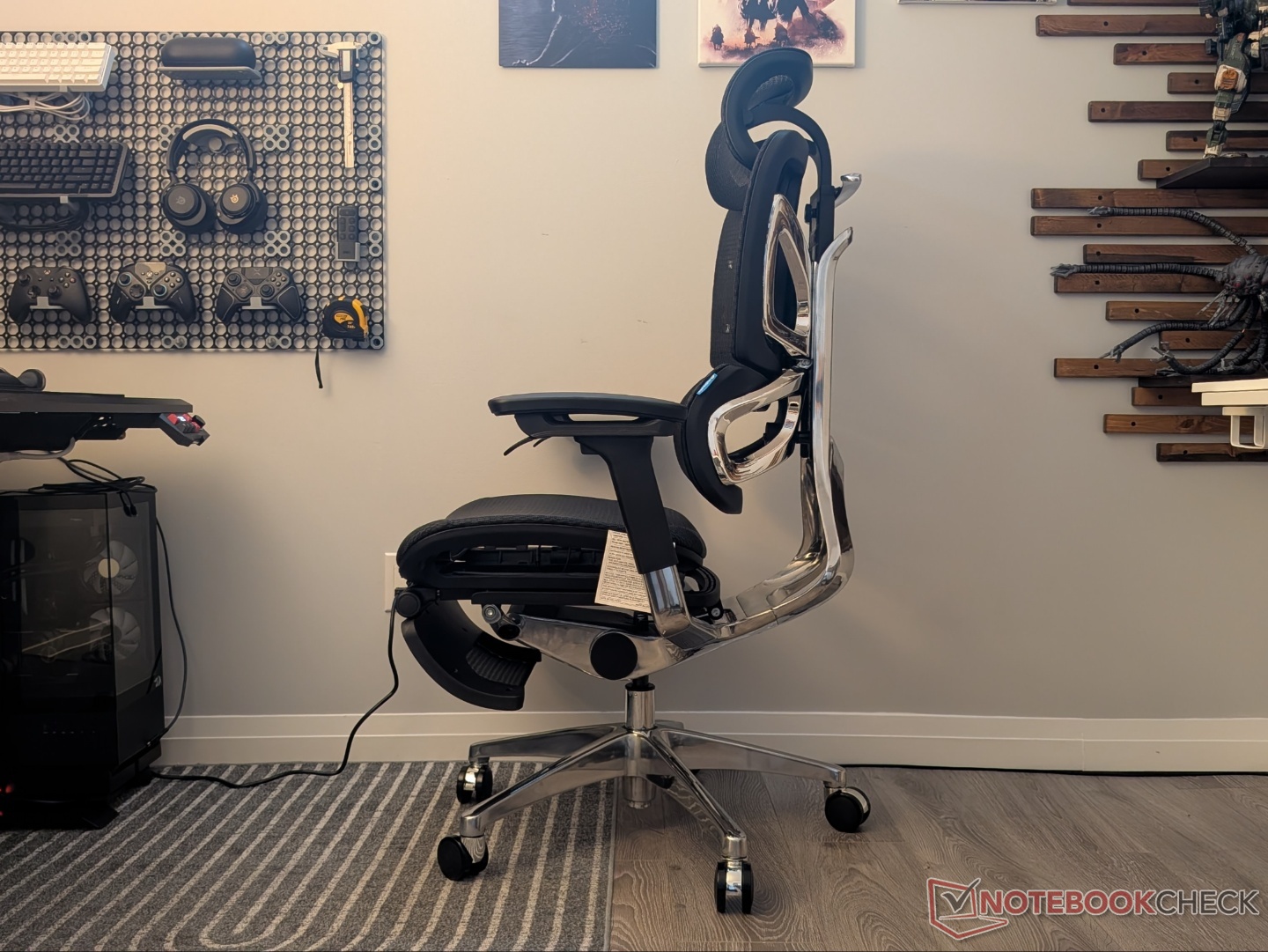
As for the recline, I personally prefer the recline stops that the Omni offers instead of the locking system of the O3. With the WireControl system engaged, the back remains in the set recline angle even when you’re sitting upright.
The armrests are where the LiberNovo Omni is the clear winner, both in terms of comfort and adjustability. The PU leather of the O3 is stiff and starts to feel uncomfortable pretty quickly. The 3D adjustment is fine and will work for most setups, but the convex shape itself is not the most comfortable.
Transparency
The selection of devices to be reviewed is made by our editorial team. The test sample was given to the author by the manufacturer free of charge for the purposes of review. There was no third-party influence on this review, nor did the manufacturer receive a copy of this review before publication. There was no obligation to publish this review. As an independent media company, Notebookcheck is not subjected to the authority of manufacturers, retailers or publishers.
 Add as a preferred source on Google


