




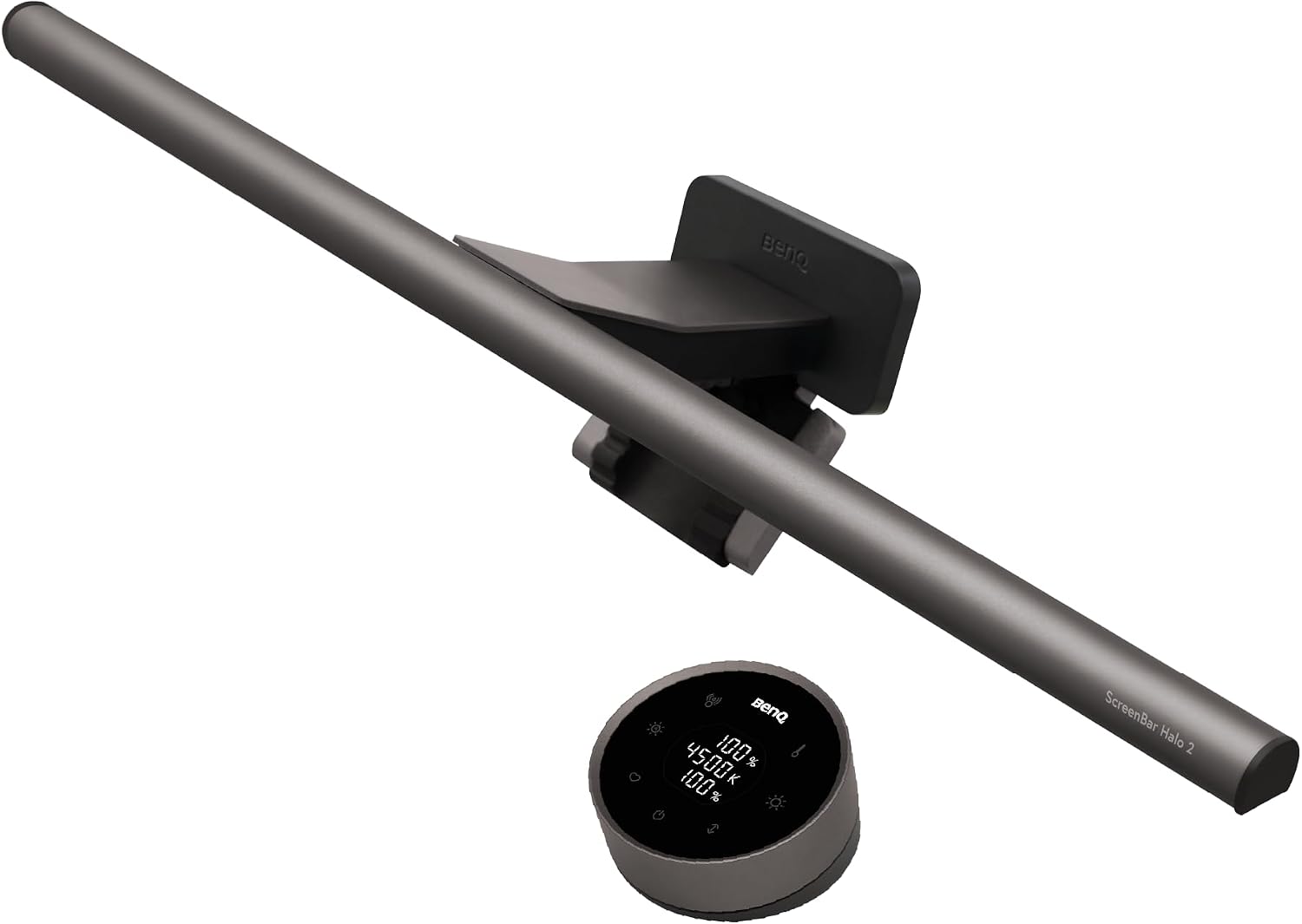
BenQ ScreenBar Halo 2: Review of the "desk lamp for night owls"
Turn on the spotlight!
Is a ScreenBar really better than a traditional desk lamp? We put the BenQ ScreenBar Halo 2 to the test and compare its ease of use, brightness, potential glare, and more.Marc Zander (translated by Marc Zander) Published 🇩🇪 🇳🇱 ...
How good is the BenQ ScreenBar Halo 2?
Let me get one thing out of the way: I’m not part of the target audience that would spend $199 on a Screenbar. After testing it, however, I now understand why so many users like Screenbars. A Screenbar actually offers significantly more advantages than a regular desk lamp, and in the case of the Halo 2, it also features a simple-to-use modern controls. So anyone who isn’t afraid to splurge—or who finds a great deal—will be pleased with this gadget. Even if, at last, you have to admit that you’ll mostly use the same setting, aside from the automatic setting, which quickly provides the right lighting. If, like me, you’re someone who gets easily dazzled due to nearsightedness, you’ll find many more options here for selecting the correct lighting settings. You’ll notice that the light from a screen bar is easier on the eyes within just a few days of using it.
Pros
Cons
The Halo 2 SmartBar is available here
The SmartBar Halo 2 is available at the BenQ's online store: currently, it’s available with a discount for $169,15 (normally $199) with free shipping. On Amazon, the price is currently the same at $169,15 (due to Prime Days).
Who is the ScreenBar Halo 2 designed for?
Anyone who relies on glare-free desk lighting (for photo editing, video editing, etc.) will find a high-quality, easy-to-use Screenbar here. However, this convenience comes at a price: without a discount, it costs $199. For that price, you could buy up to 15 conventional desk lamps at a home improvement store or discount retailer, which ultimately (if you disregard the convenience features) serve the same purpose, especially when it comes to providing background lighting. Price-conscious users will therefore likely be happier with conventional alternatives.
Technical Specifications of the BenQ SmartBar Halo 2
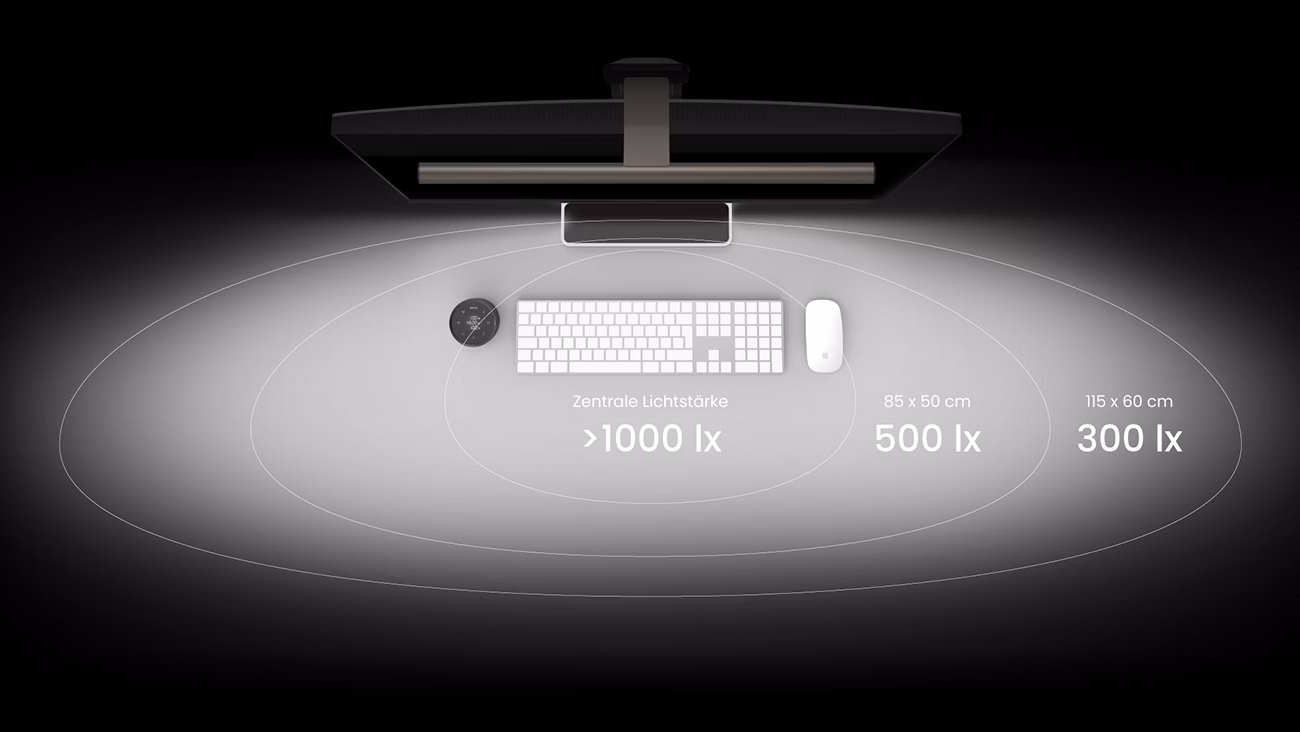
| Luminous intensity: | 1,000 lux |
| Illuminated area: | approx. 85 × 50 cm |
| Material: | PC and ABS with aluminum alloy |
| Power supply: | via USB-C, max. 3 A |
| Dimensions (W × D × H): | Lamp approx. 50 × 14.3 × 10.9 cm, controller approx. 7.4 × 7.4 × 3.95 cm |
| USB cable length: | approx. 1.5 m |
| Max. possible monitor housing thickness: | 0.43–6 cm (flat and curved) |
Here's what's included with the BenQ Halo 2 ScreenBar
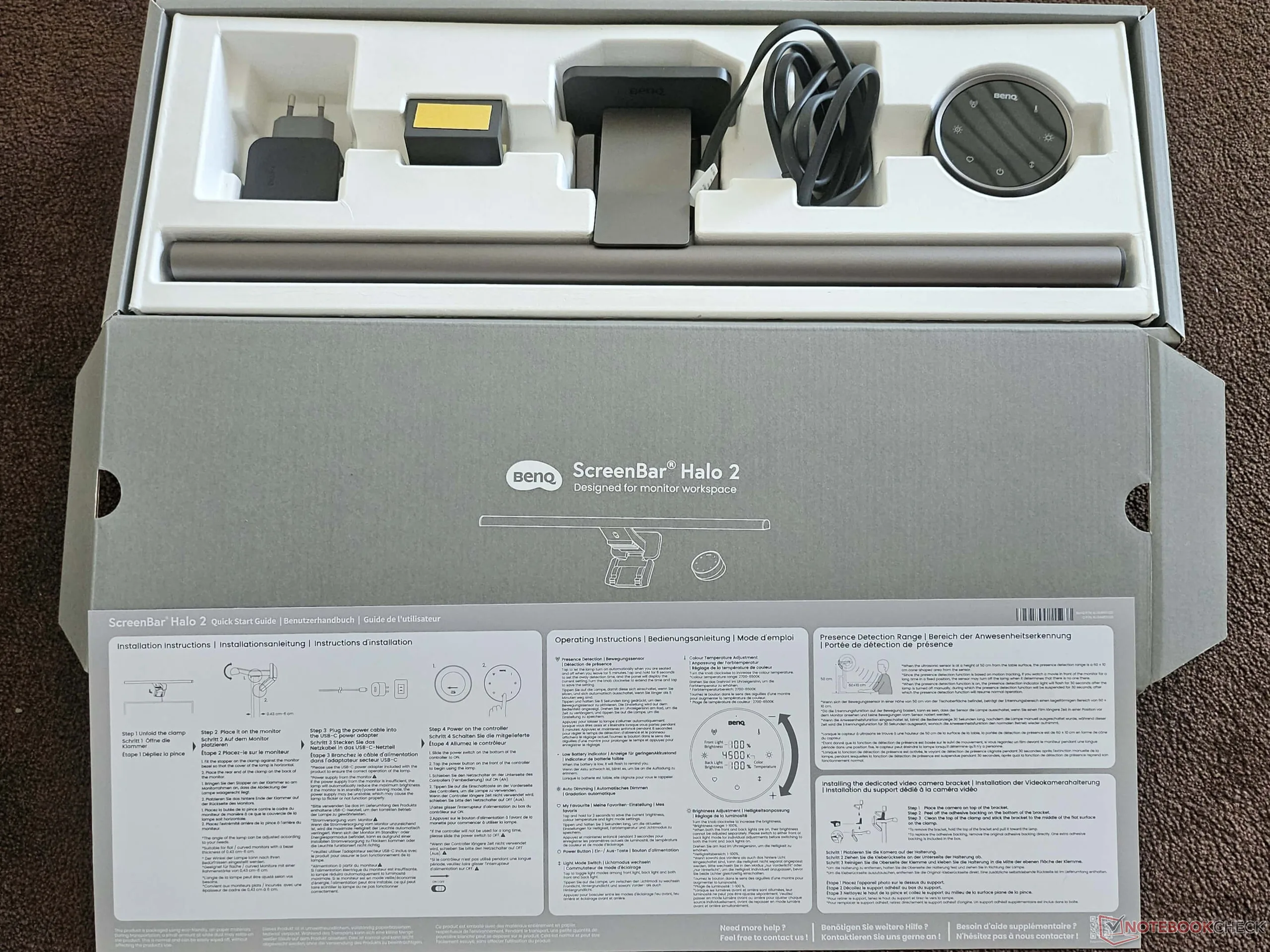
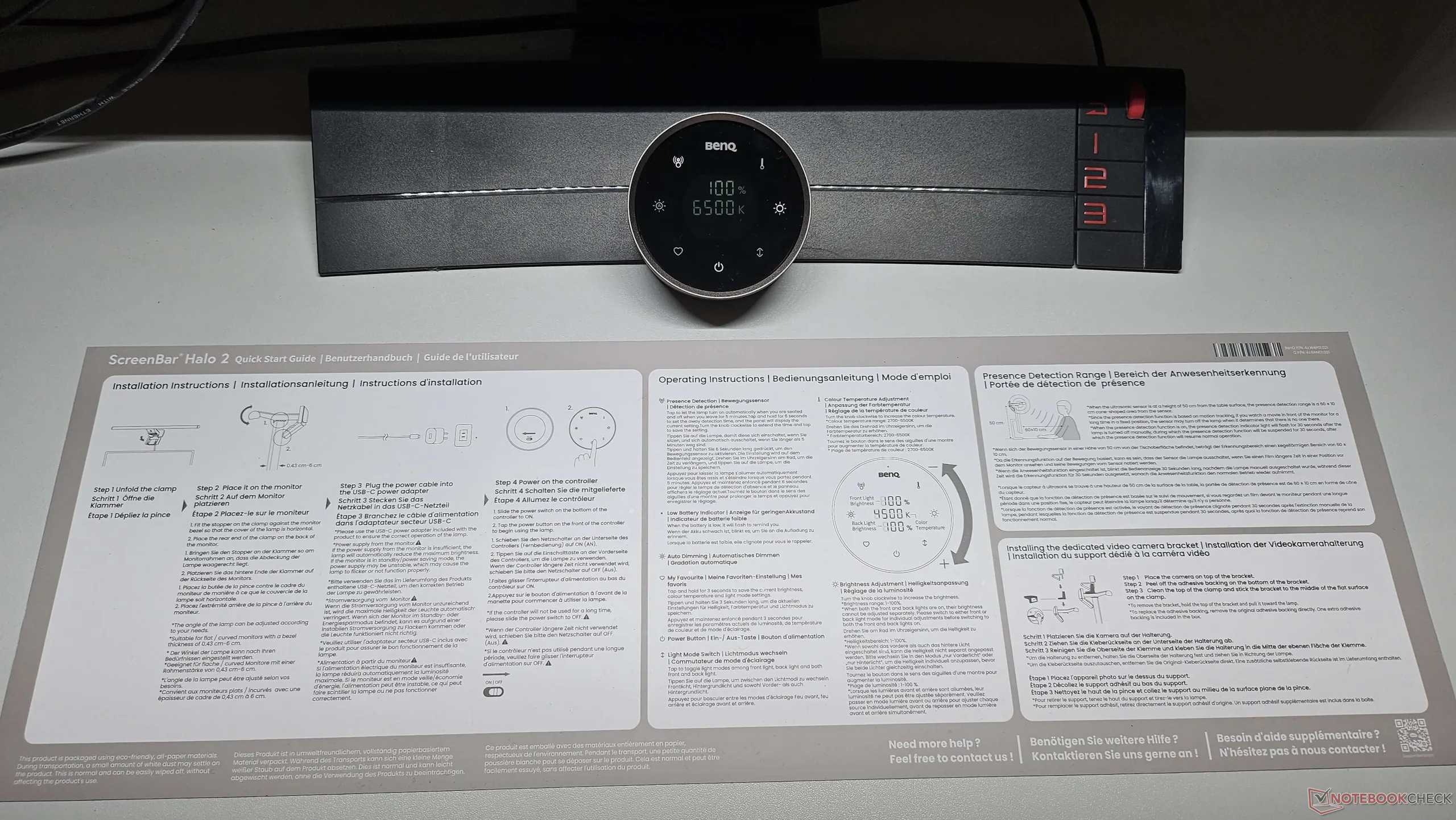
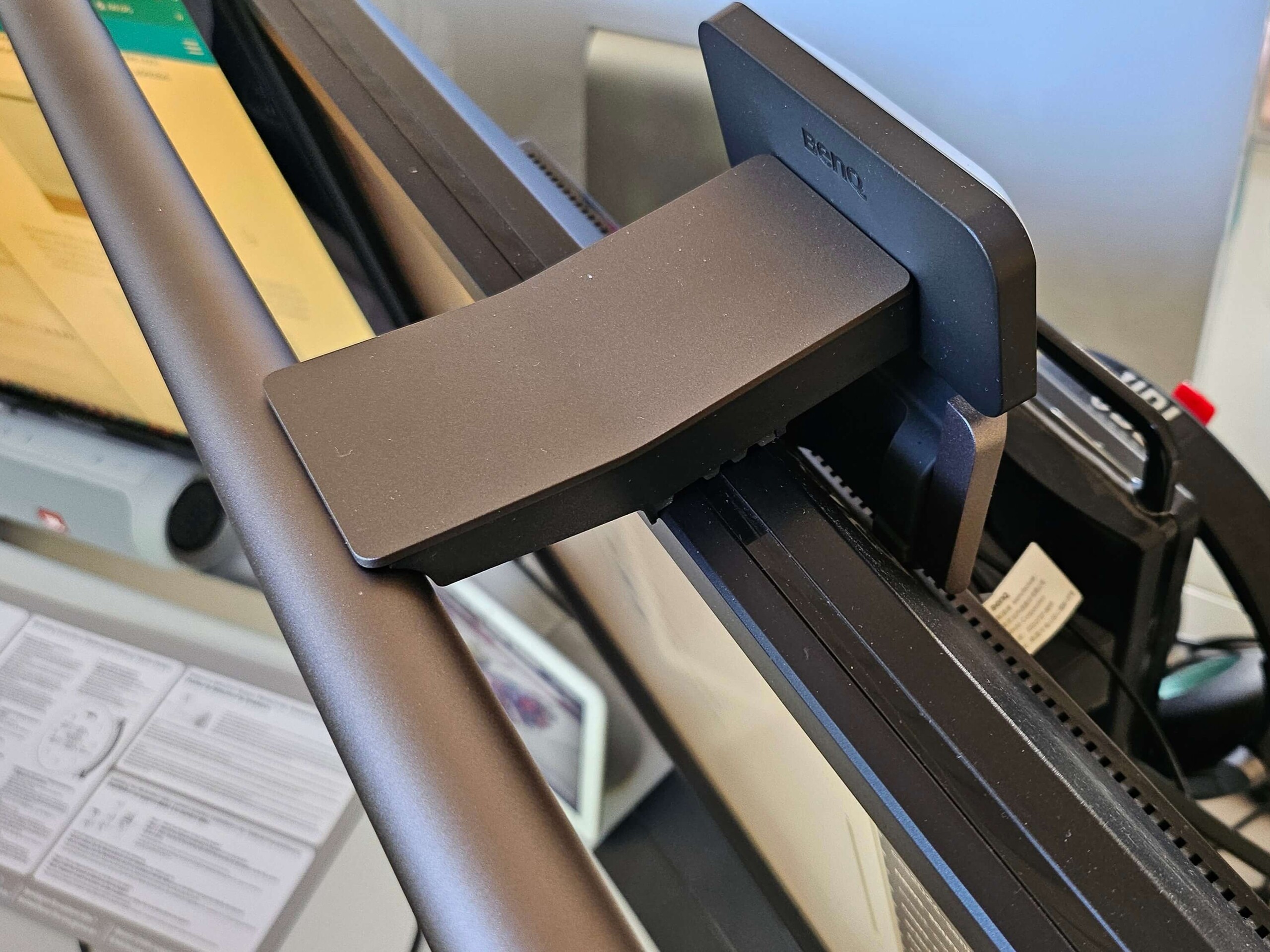
In addition to the ScreenBar and the wireless remote control, the package also includes a quick start guide, a USB-C adapter power plug, and an adhesive adapter for using a webcam. A detailed, multilingual (including German) user manual for the is available as a PDF on the BenQ website. Installation is quick and easy: Open the clamp, position the Screenbar on top of the monitor with the light bar facing forward, and press the clamp firmly against the back of the monitor. On an existing 24-inch BenQ monitor, the Screenbar sits very securely, as there is an integrated groove on the top of the monitor frame into which the rubberized edge can be firmly inserted. Unfortunately, when tested on a 27-inch Samsung monitor with a very smooth surface, the Screenbar could only be mounted somewhat loosely. Otherwise, it offers various mounting options for rounded, curved, and domed monitors, making it compatible with many models.
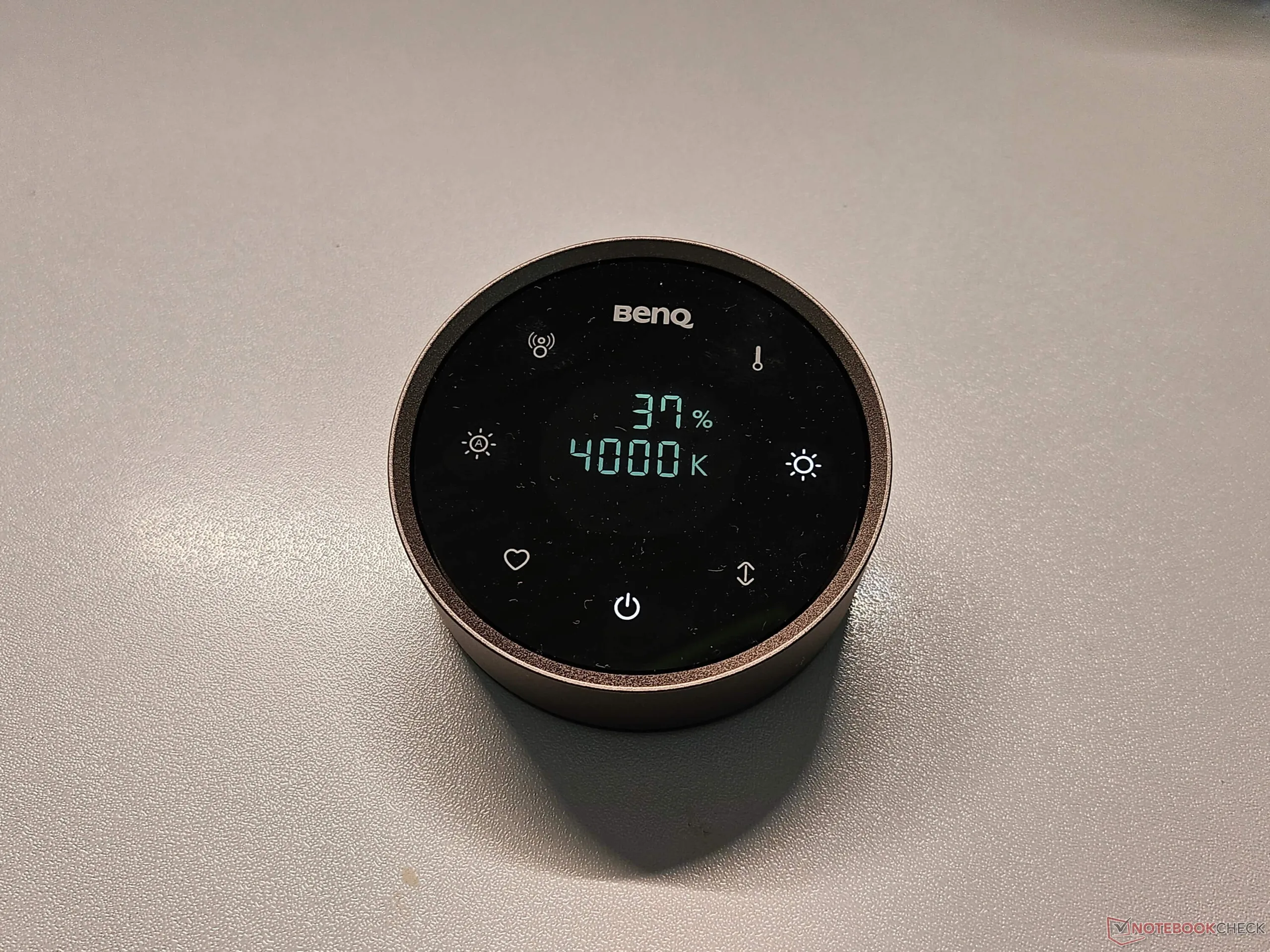
The lamp has only an on/off switch; all other functions are controlled via the wireless controller, which can be charged via a USB-C port. A cable for this is not included in the package, but one should be available in any household with a modern smartphone. When fully charged (which takes about two hours), the standby time is said to be three months. The Screenbar itself must be constantly connected via a power cable, just like any conventional desk lamp. It offers a color temperature ranging from 2,700 Kelvin (warm white light) to 6,500 Kelvin (cool white light) and can be adjusted in 25-step increments by turning the round controller. The brightness can be adjusted from 0 to 100 percent in one-percent increments.
Hands-On Review of the BenQ Halo 2 SmartBar
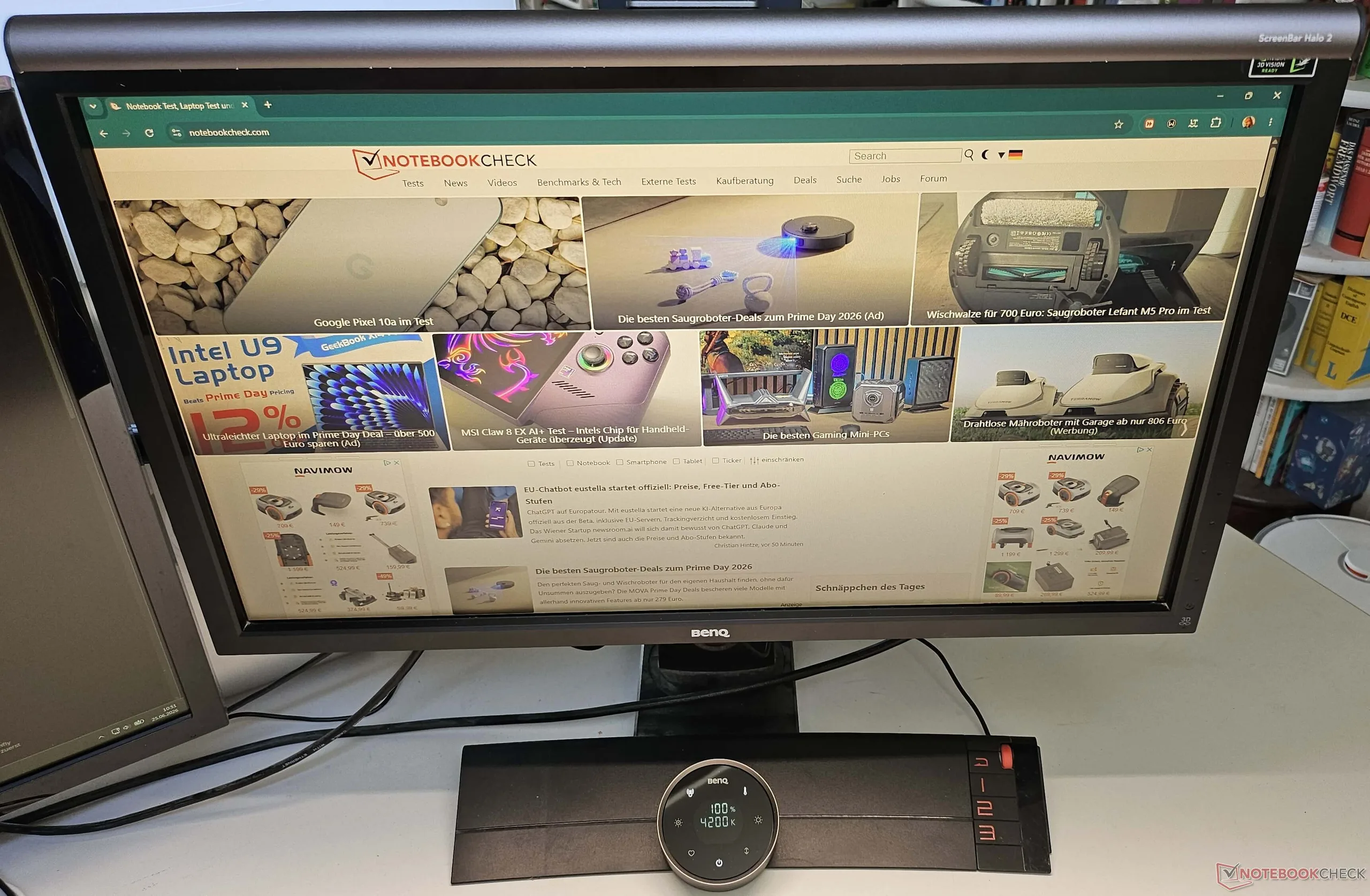
What immediately stands out: Both setup and operation are very simple. While with a conventional desk lamp you simply press a button and, depending on the model, can select different brightness levels, the Halo 2 Screenbar offers a wide range of lighting settings. Although the bar itself can only be rotated very slightly forward or backward, this prevents unnecessary glare toward the front or onto the monitor.
The wireless controller, with its round design, features touch controls for selecting various functions: Turning the Screenbar on and off, saving and recalling a previously defined favorite setting, activating automatic dimming mode (adjusting to ambient brightness with a color temperature of 4,000 Kelvin), automatic presence detection, adjusting the color temperature from warm white to cool white, adjusting the brightness from 0 to 100 percent, and switching between front light and backlight or having both light sources active.
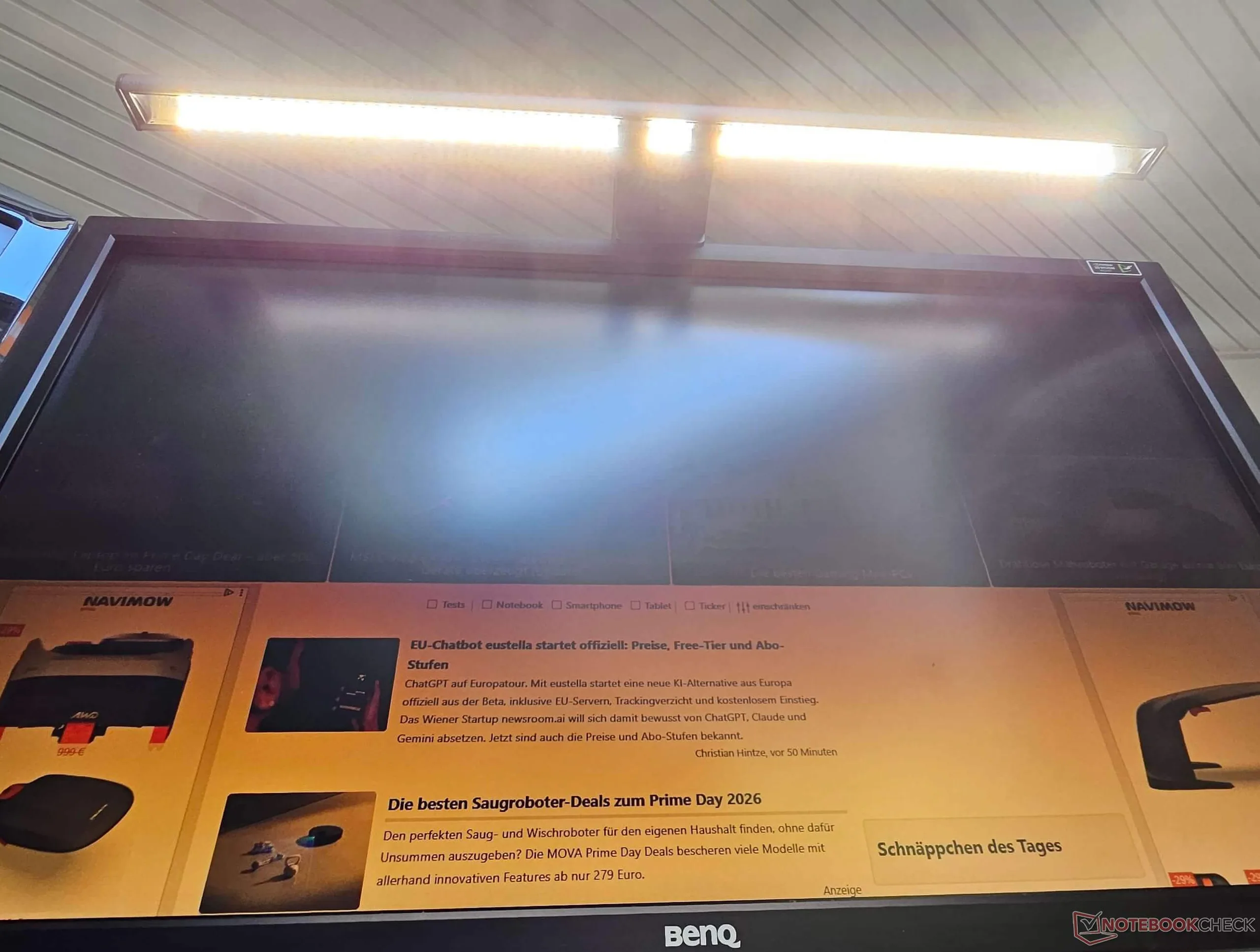
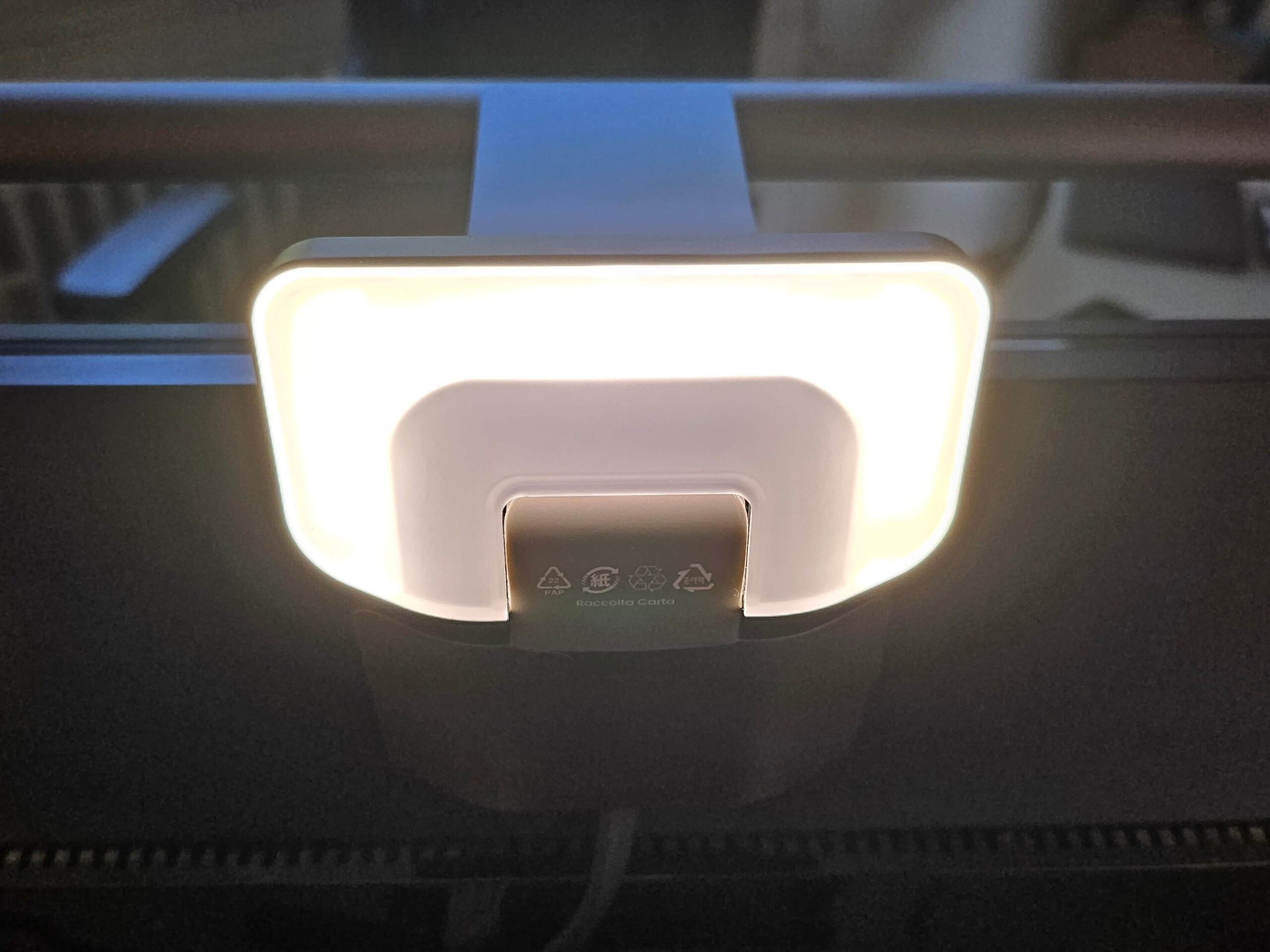
The illumination is flawless and, above all, glare-free. The integrated light on the back provides pleasant lighting for gaming in the evening, while the front light is ideal for working from home or in the office and ensures good readability of documents placed underneath within a larger radius. The nearly stepless adjustment of light temperature and brightness allows for the optimal configuration for any purpose. If you have a setting you use repeatedly, you can save it as a favorite mode and activate it with just one touch. The presence detection works exceptionally well and prevents you from forgetting to turn off the lamp, as it automatically deactivates the light after five minutes.

Halo 2 ScreenBar vs. a Desk LED Lamp
BenQ’s Screenbar performs exceptionally well, particularly in the categories of “glare-free lighting” and “a tidy desk.” Once attached to the monitor, you quickly stop noticing it. The many options for adjusting the light to the ambient brightness provide lighting that’s second to none. You can’t accidentally knock it over like a regular lamp, you don’t have to match the lamp to the rest of your furniture, and overall, there’s noticeably more space on your desk.
A typical LED desk lamp (I tested one that looked nearly identical, with a freely rotating joint) usually offers a maximum of three brightness levels while maintaining a constant color temperature. In addition, it usually shines from the front or the side toward the monitor, which in many cases can cause unwanted reflections on the monitor or in the viewer’s eye from the side, especially if the monitor isn’t anti-glare. So, it may be necessary to reposition the lamp from time to time.
Transparency
The selection of devices to be reviewed is made by our editorial team. The test sample was given to the author by the manufacturer free of charge for the purposes of review. There was no third-party influence on this review, nor did the manufacturer receive a copy of this review before publication. There was no obligation to publish this review. As an independent media company, Notebookcheck is not subjected to the authority of manufacturers, retailers or publishers.
 Add as a preferred source on Google


