


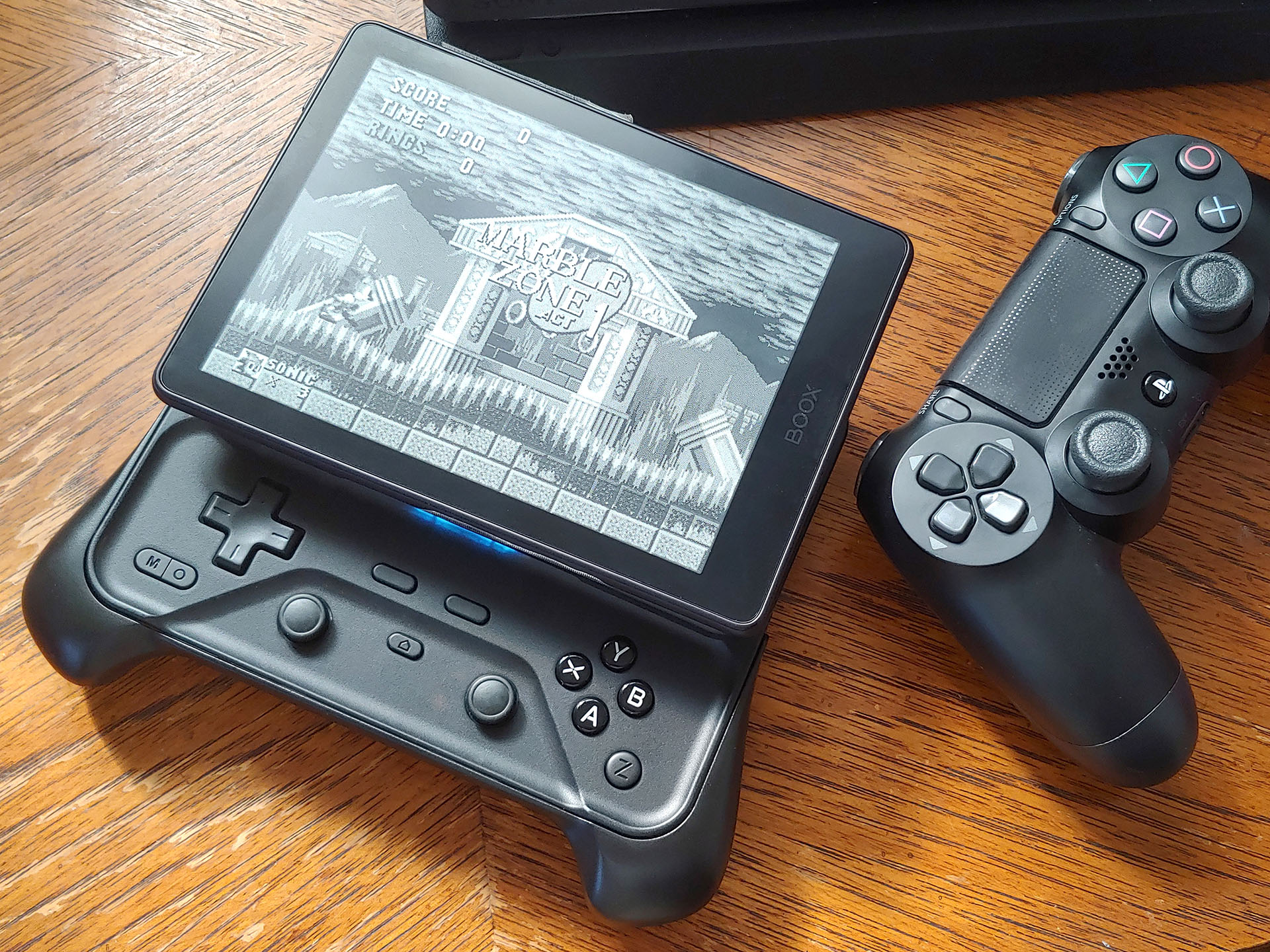
Abxylute M6 game controller hands-on: Well-built slider with MagSafe phone mount
Compact sliding controller.
The Abxylute M6 mobile game controller slides open for play, attaches to phones with a magnetic mount, and has an optional grip for improved hold.David Chien Published
Verdict – Slide-open controller
The Abxylute M6 controller pairs with phones, tablets, consoles, and notebooks in Nintendo, Xbox, and PlayStation modes. Its capacitive sticks, Hall Effect shoulders, and gyroscope deliver smooth control, with reduced-height D-pad and ABXY buttons in a slim, pocketable body.
Trade-offs include Bluetooth latency and greater difficulty executing combos in fighting games. Also, folding phones and some phones in portrait orientation will not fit well due to insufficient button clearance.
Still, the M6 is a well-built game controller that works well, with responsive controls and a sliding form that combines the best of mini and full-sized controllers, especially with the optional grip.
Pros
Cons
Price and availability
The Abxylute M6 mobile controller is available on Kickstarter for an early bird price starting at $69. The company’s petite M4 and full-sized S9 are also available on Amazon.
The Abxylute M6 delivers responsive performance in a pocketable slide-open mobile controller.
Specifications
| Connectivity | Bluetooth 5.3 |
| Modes | NS (Nintendo Switch), XInput (Xbox), and PS (PlayStation) |
| Inputs | D-Pad switches |
| ABXY buttons | |
| 20° capacitive joysticks | |
| 6-axis gyroscope | |
| Shoulder switches and triggers | |
| Start, Select, Home buttons, and 3 custom buttons | |
| Vibration | Z-axis linear motor |
| Slider | Bidirectional dampened slide rail |
| Mount | Adjustable magnetic mount |
| 7 mm (0.28 in.) camera bump clearance | |
| Battery | 500 mAh |
| Dimensions | 5.86 × 4.75 × 1.02 in. (148.9 x 120.6 x 26 mm) |
| ~6.85 x 5.19 x 1.46 in. (~174 x 131.9 x 37 mm) with grip | |
| Weight | 6.74 oz. (191 g) |
| ~8.47 oz. (~240 g) with grip |
Packaging
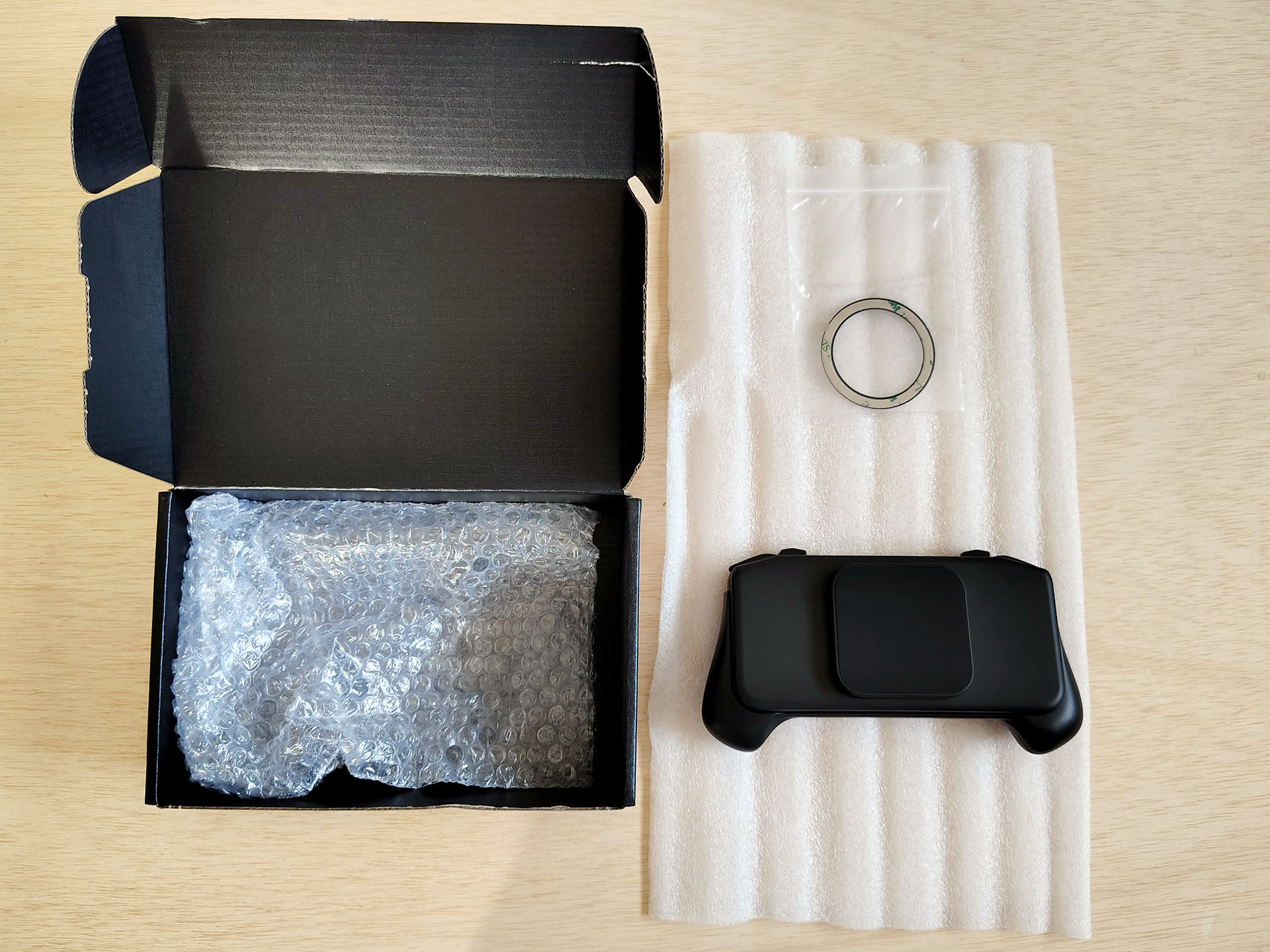
The pre-production sample arrived in a plain box with a stick-on magnetic ring for non-MagSafe phones. Production units and packaging will differ.
Design – A slide-open game controller
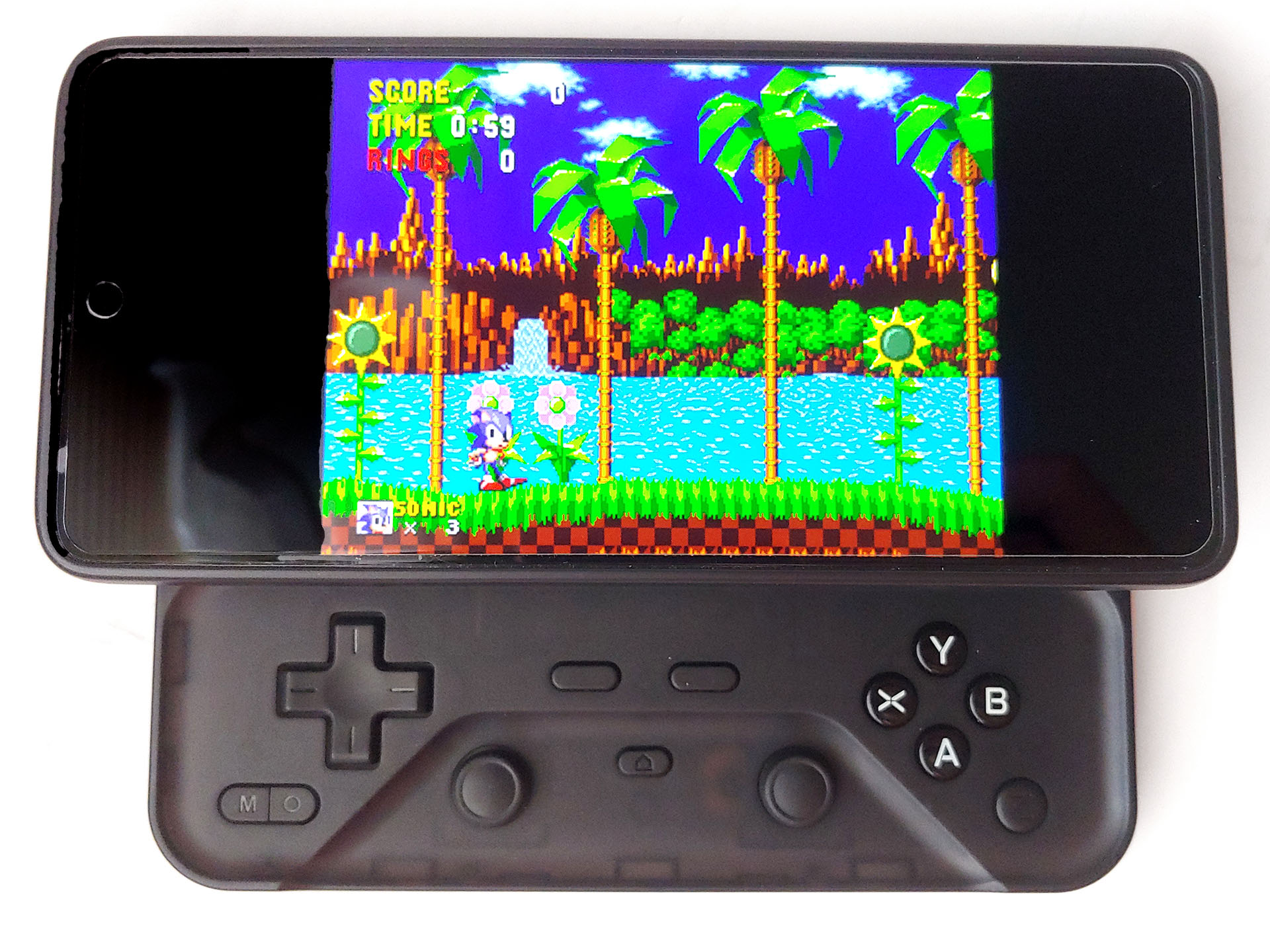
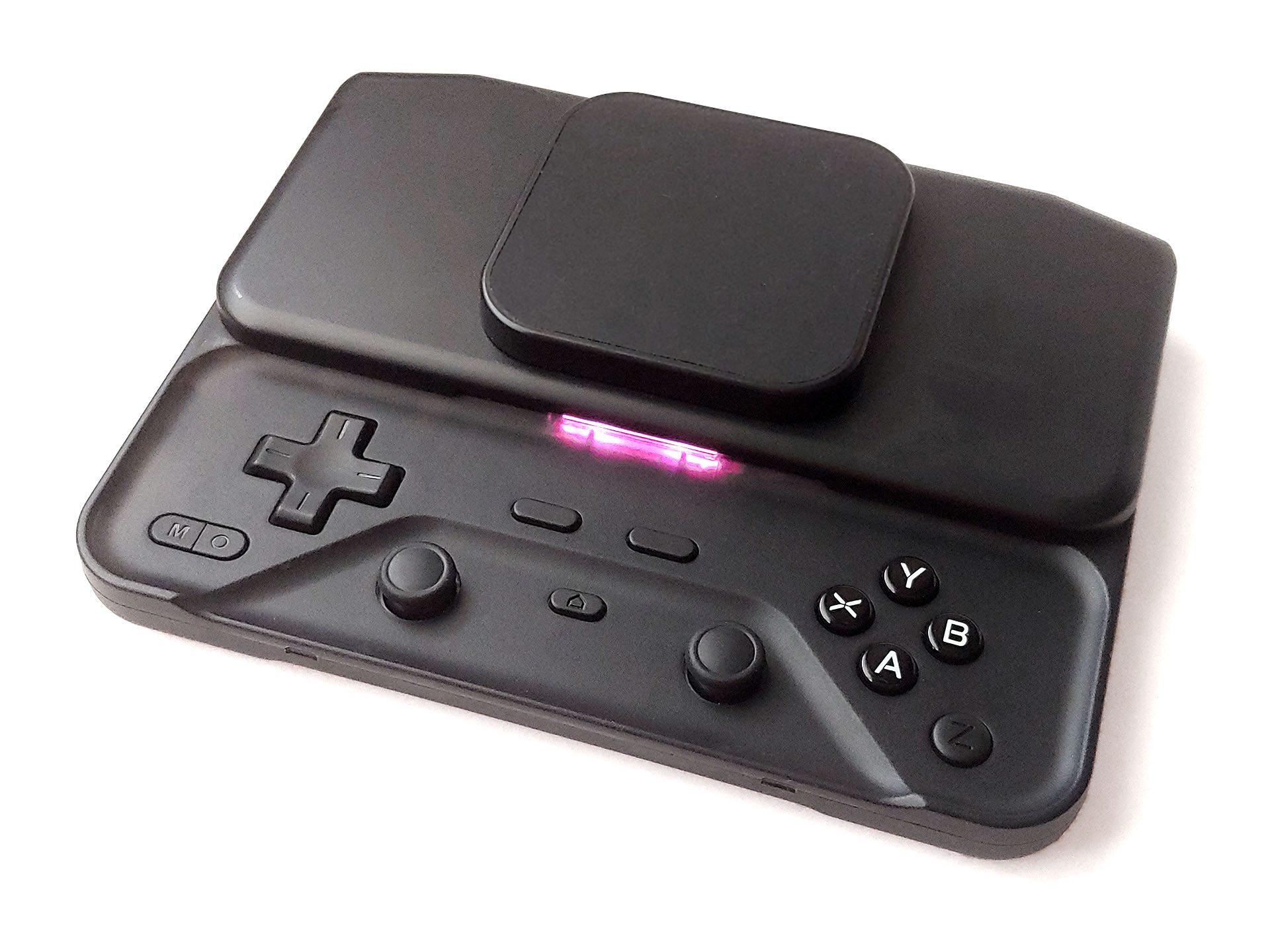
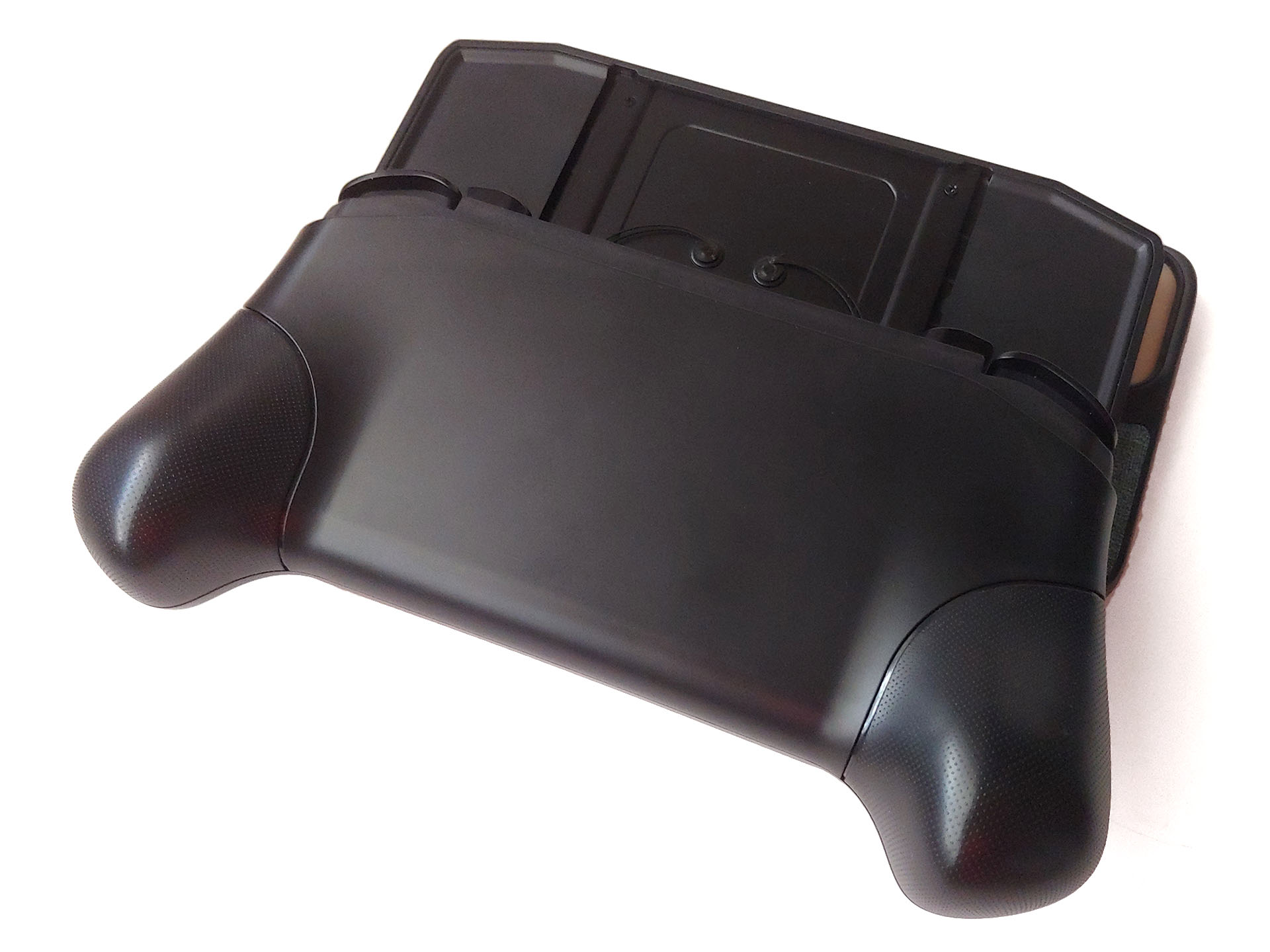
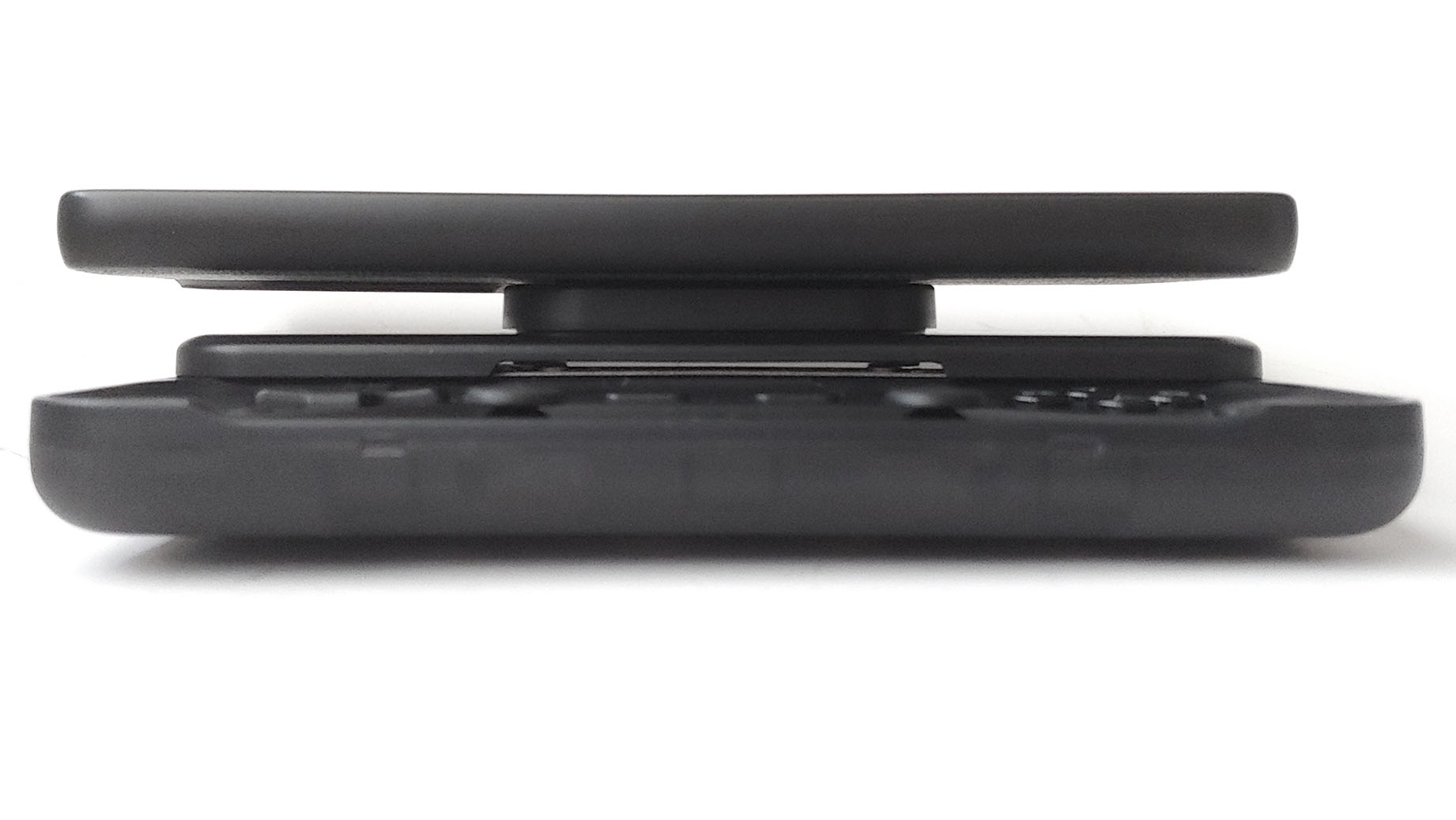
The Abxylute M6 slides open to reveal hidden 4-way and ABXY buttons. Its spring-loaded mechanism resists opening until pushed about 3 cm (1.2 in.), then completes the motion automatically. The exposed slider springs can be damaged if hooked on something.
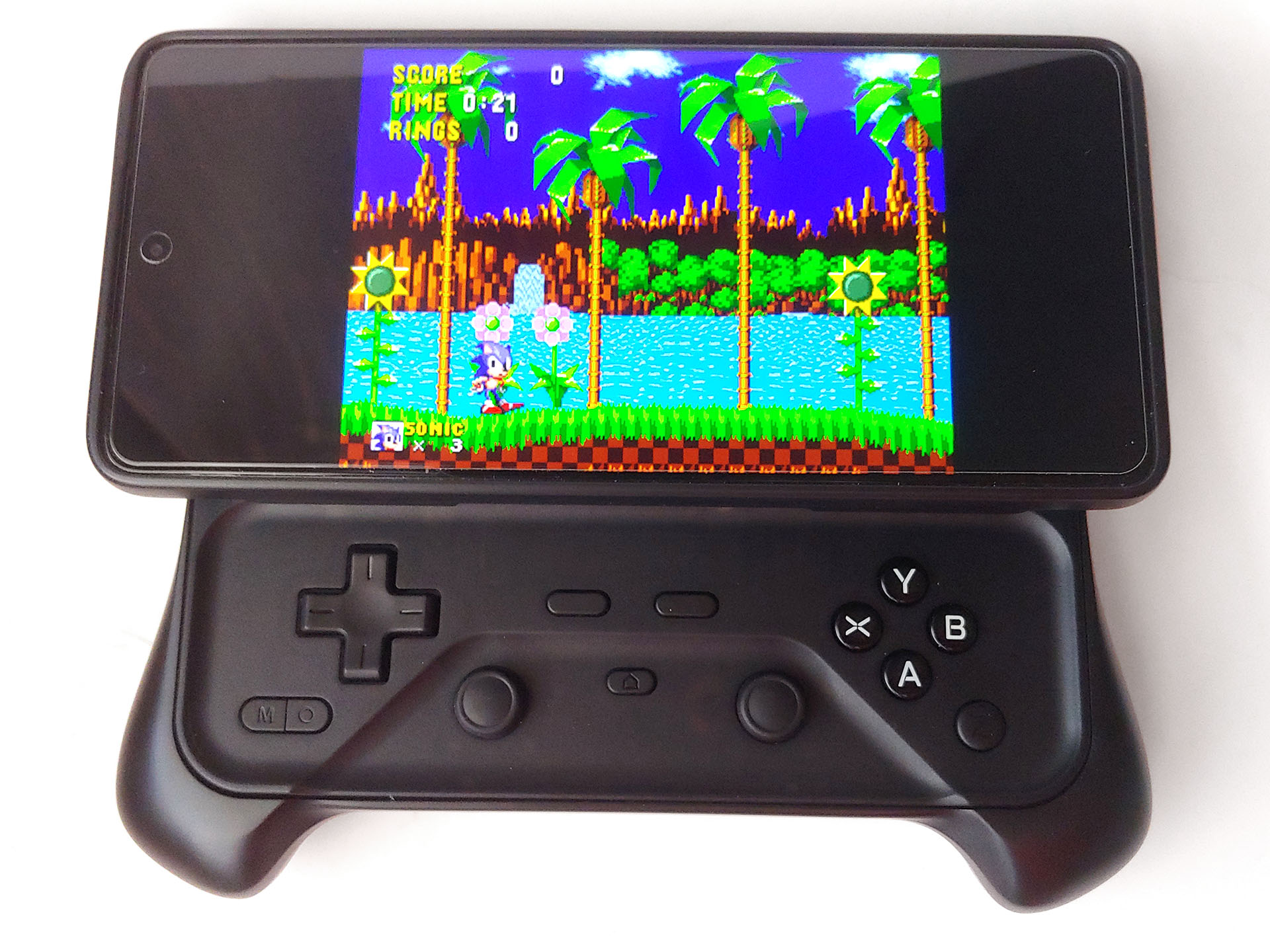
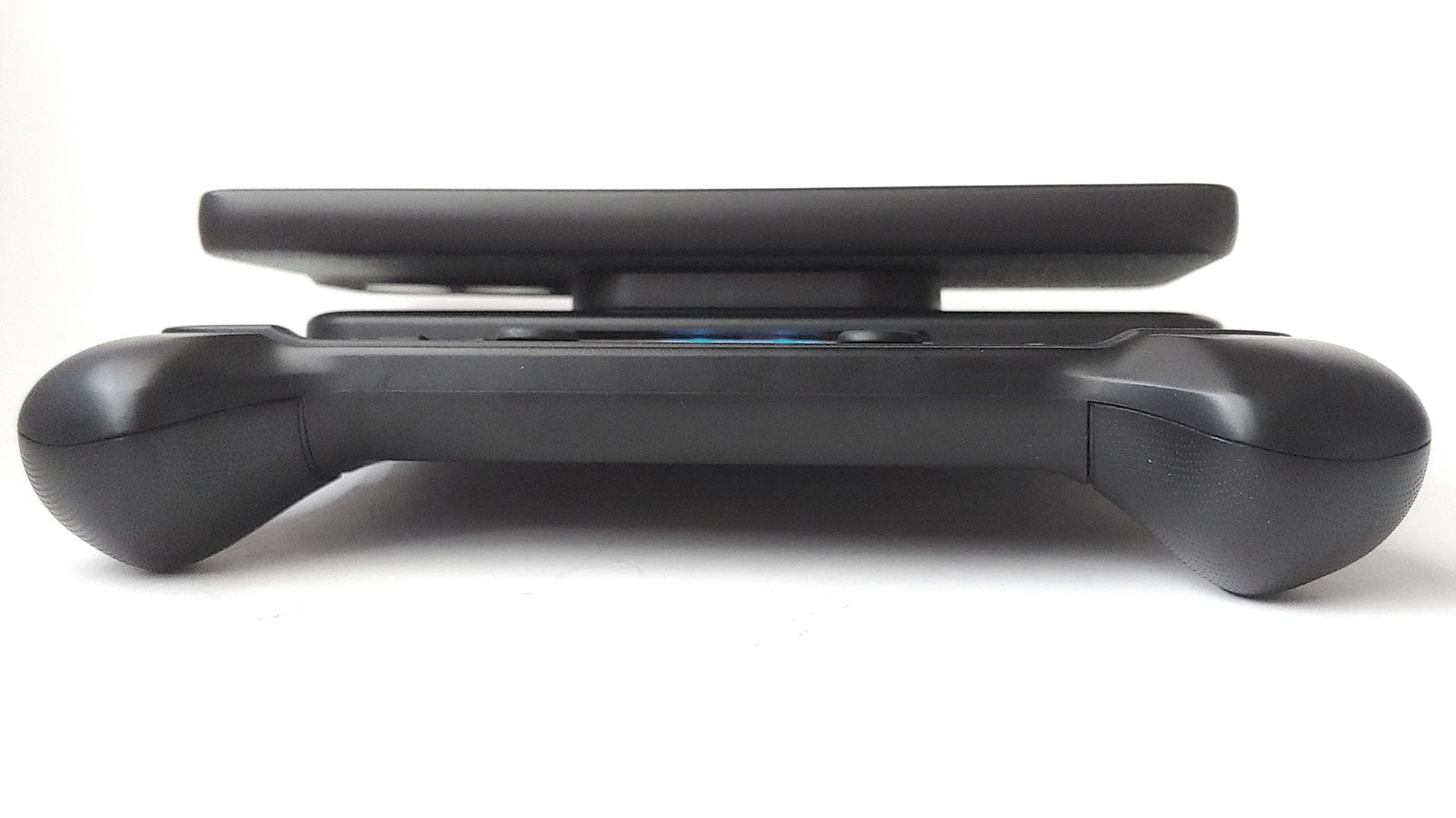
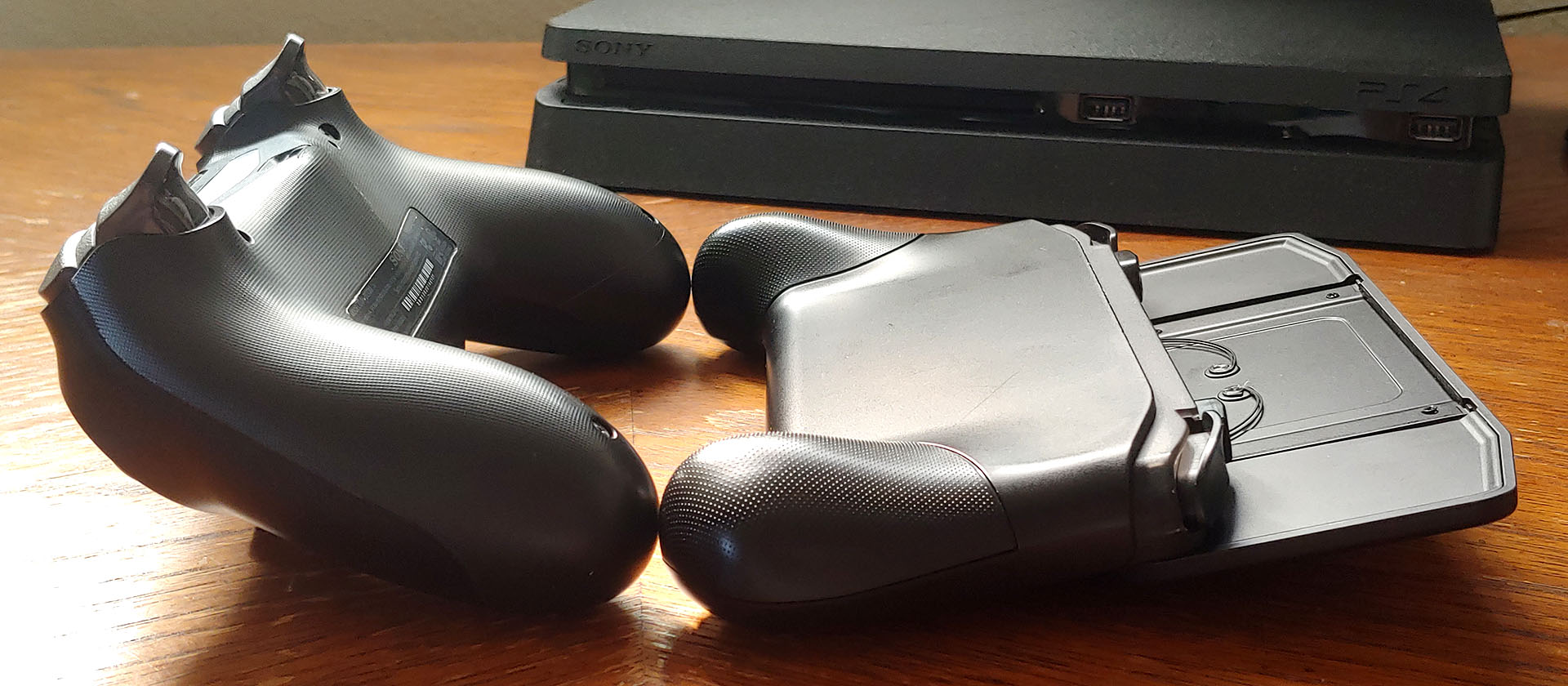
The optional detachable grip improves balance and comfort by giving the lower fingers a more secure hold rather than supporting the M6 from its bottom edge.
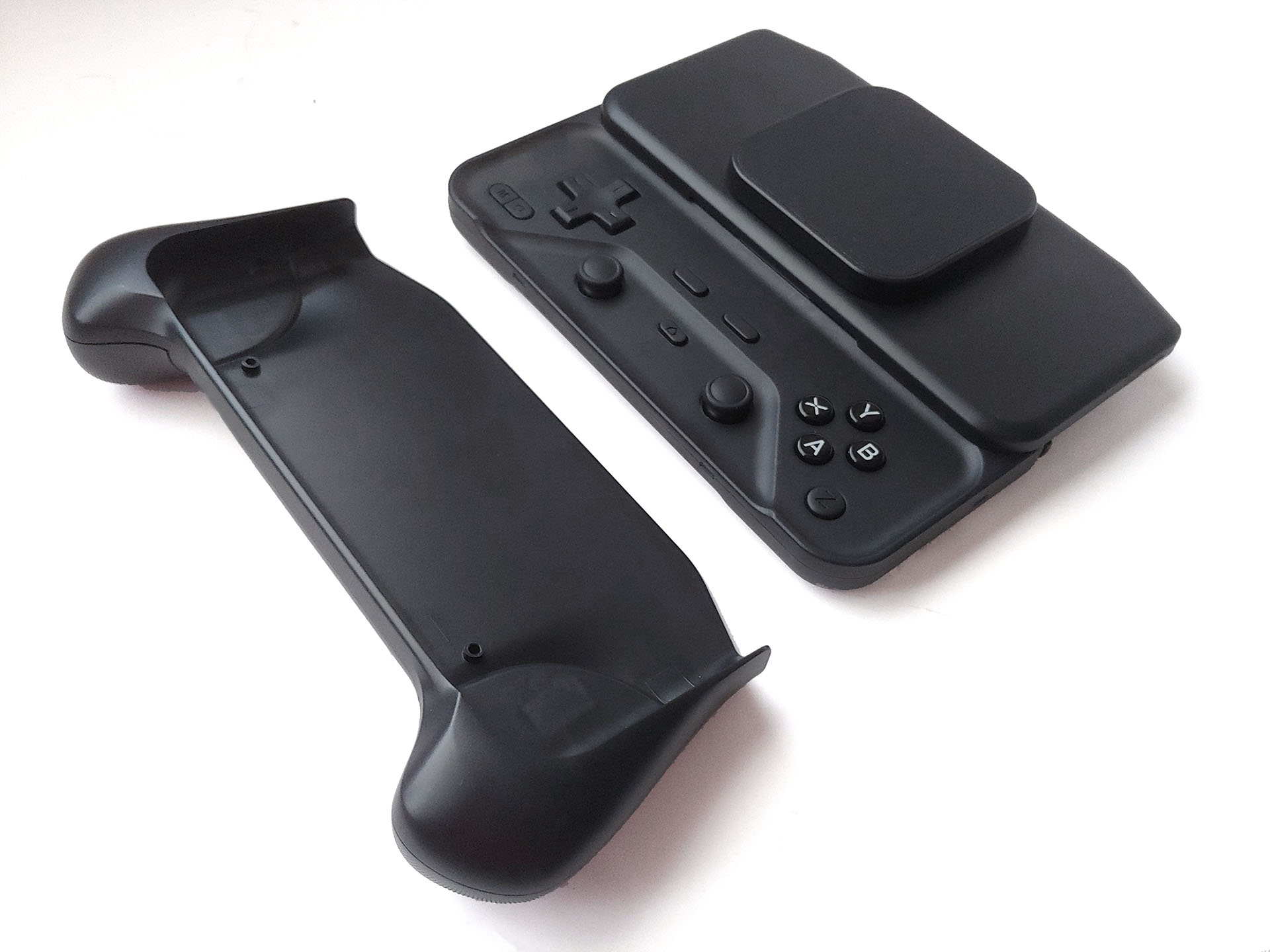
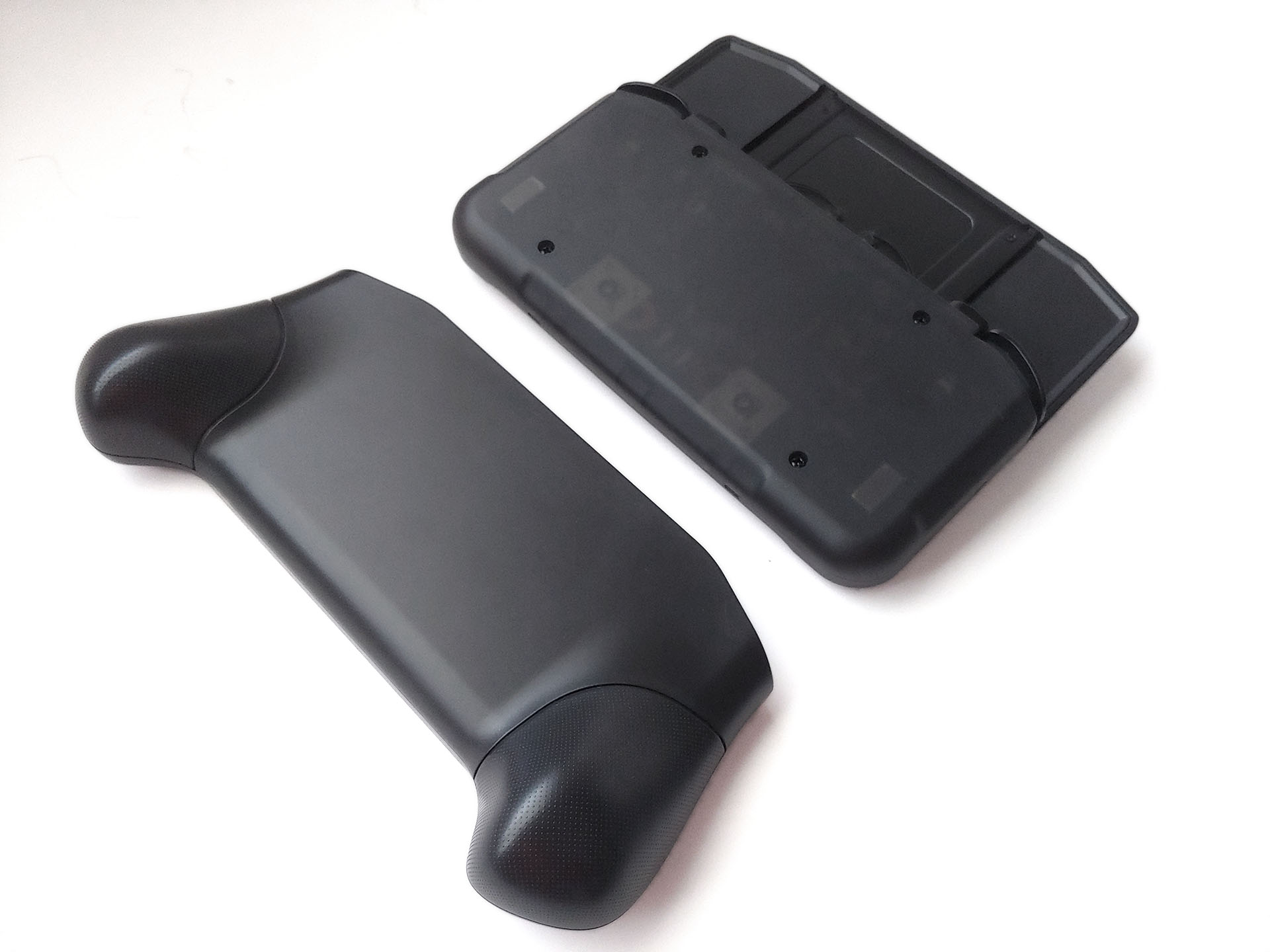
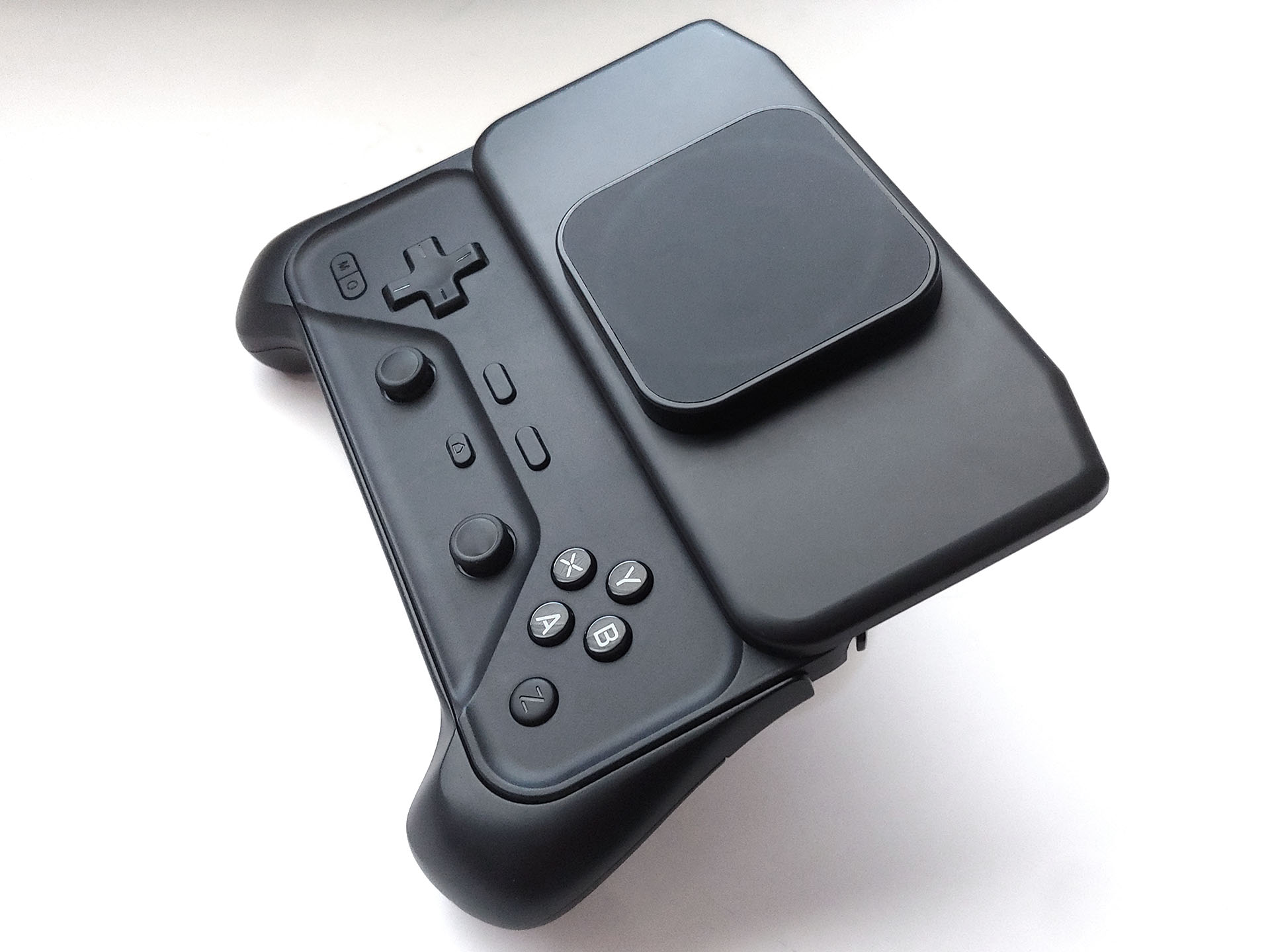
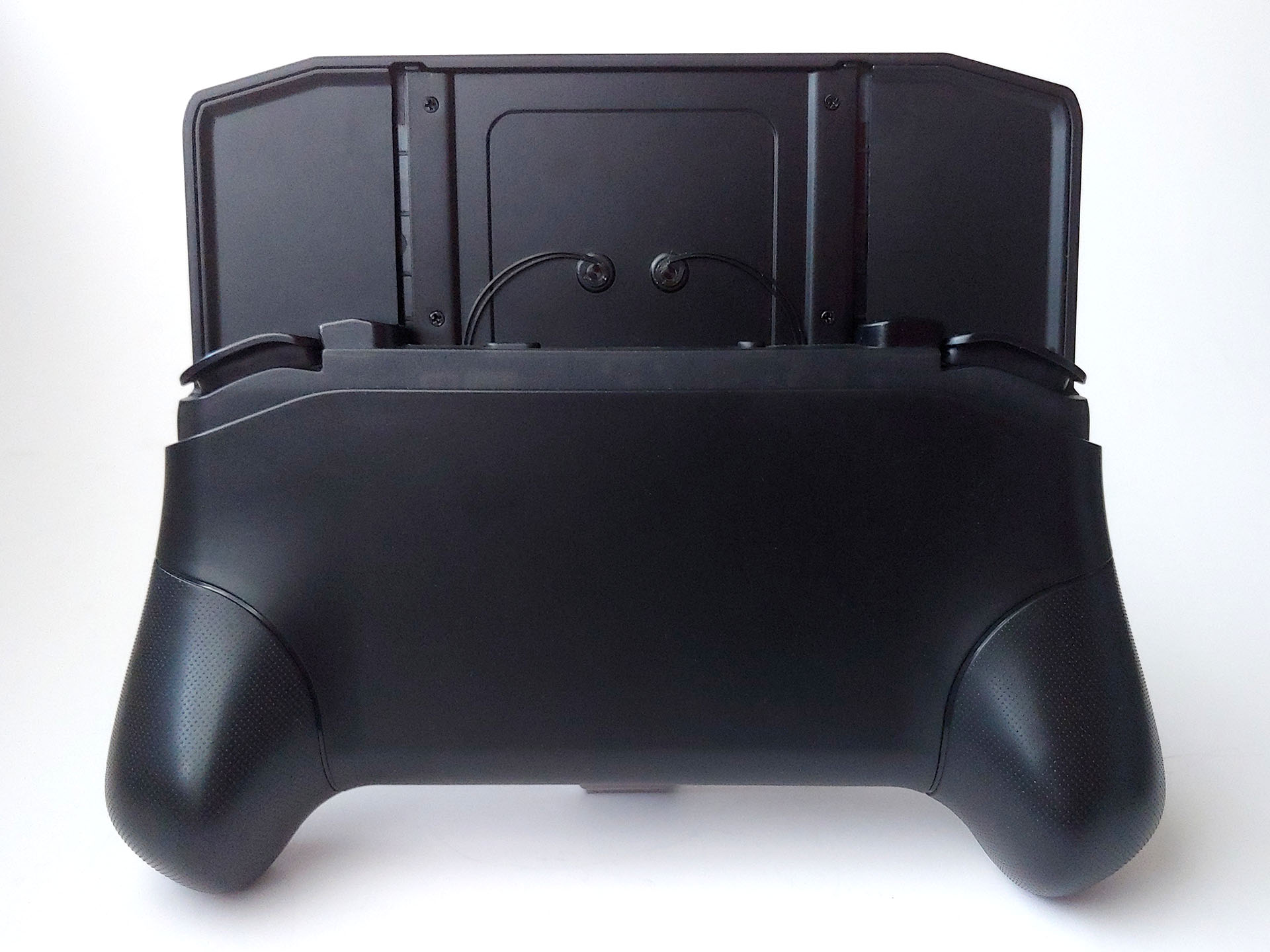
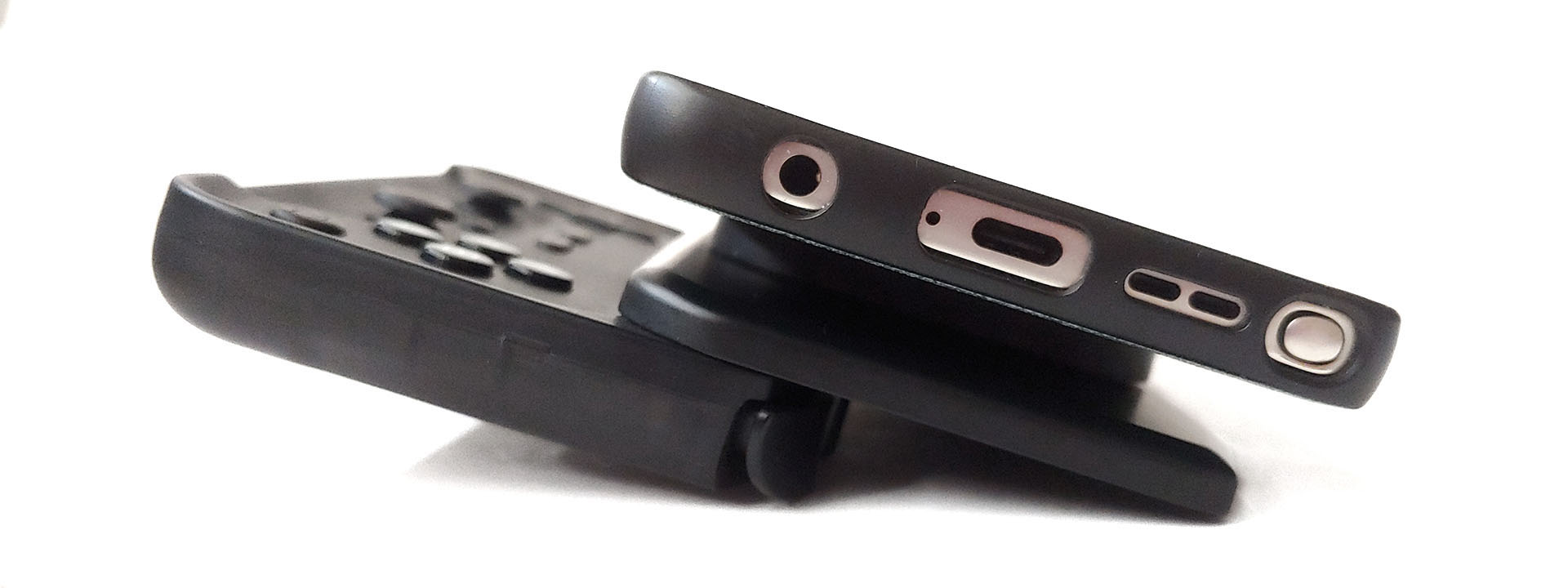
A mode switch, Bluetooth pairing button, and USB-C port sit on the top edge, alongside shoulder buttons and Hall Effect triggers.
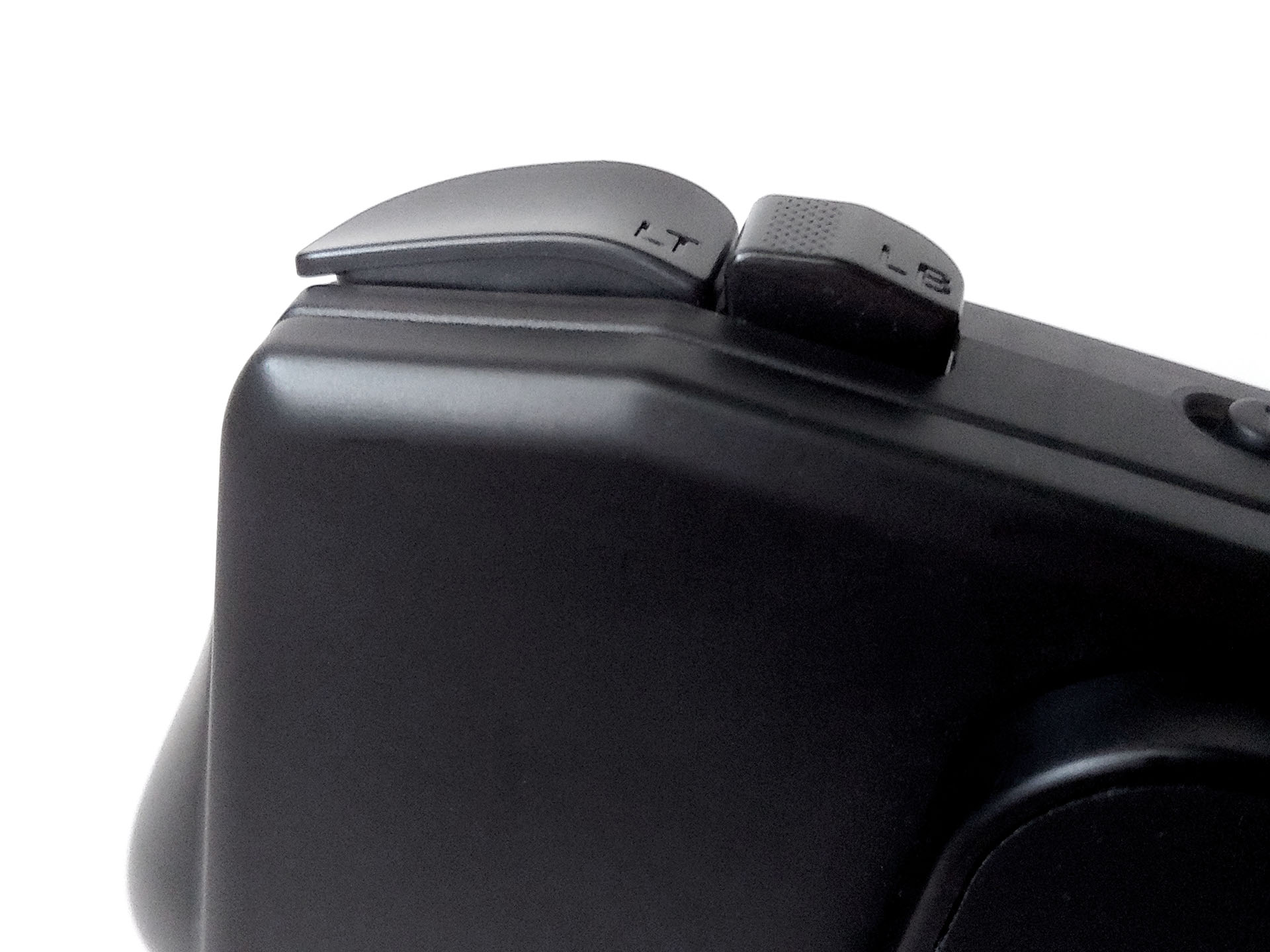
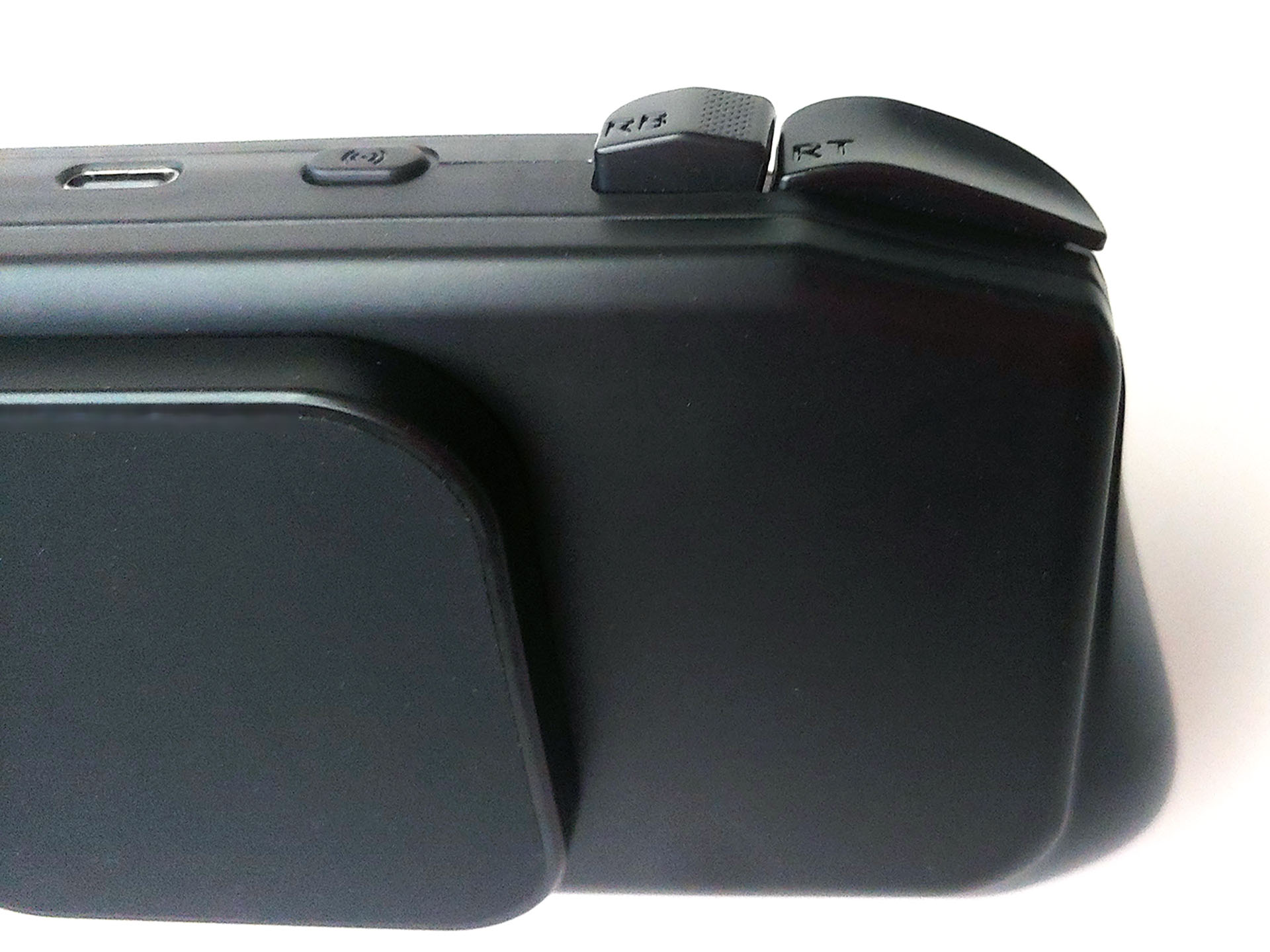
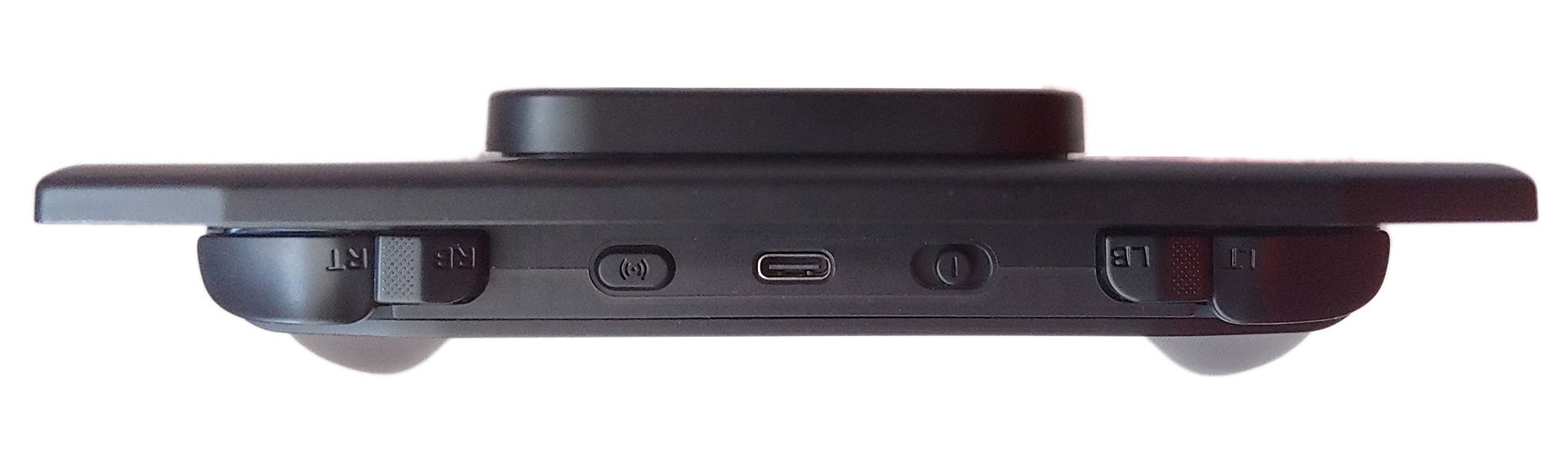
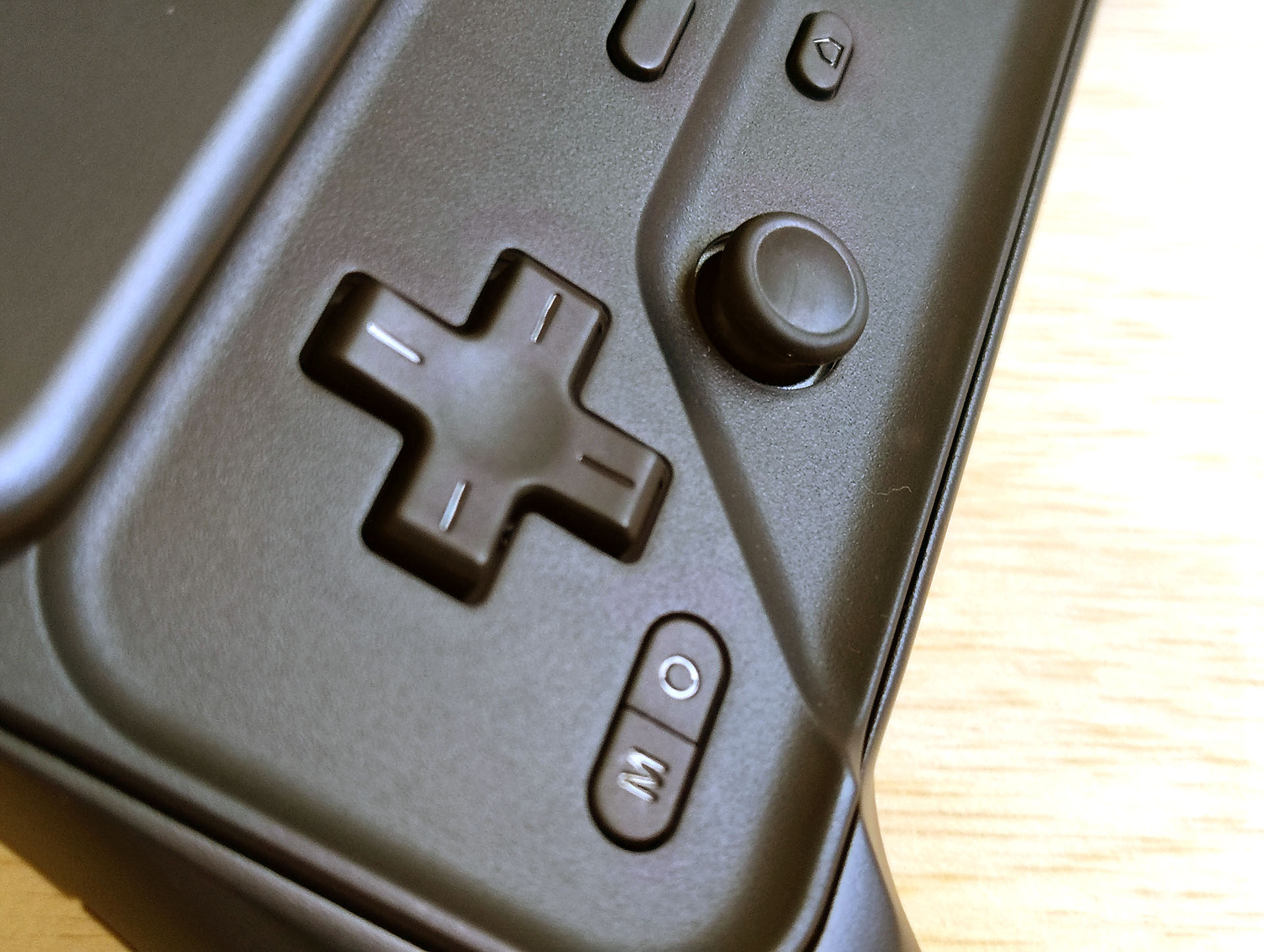
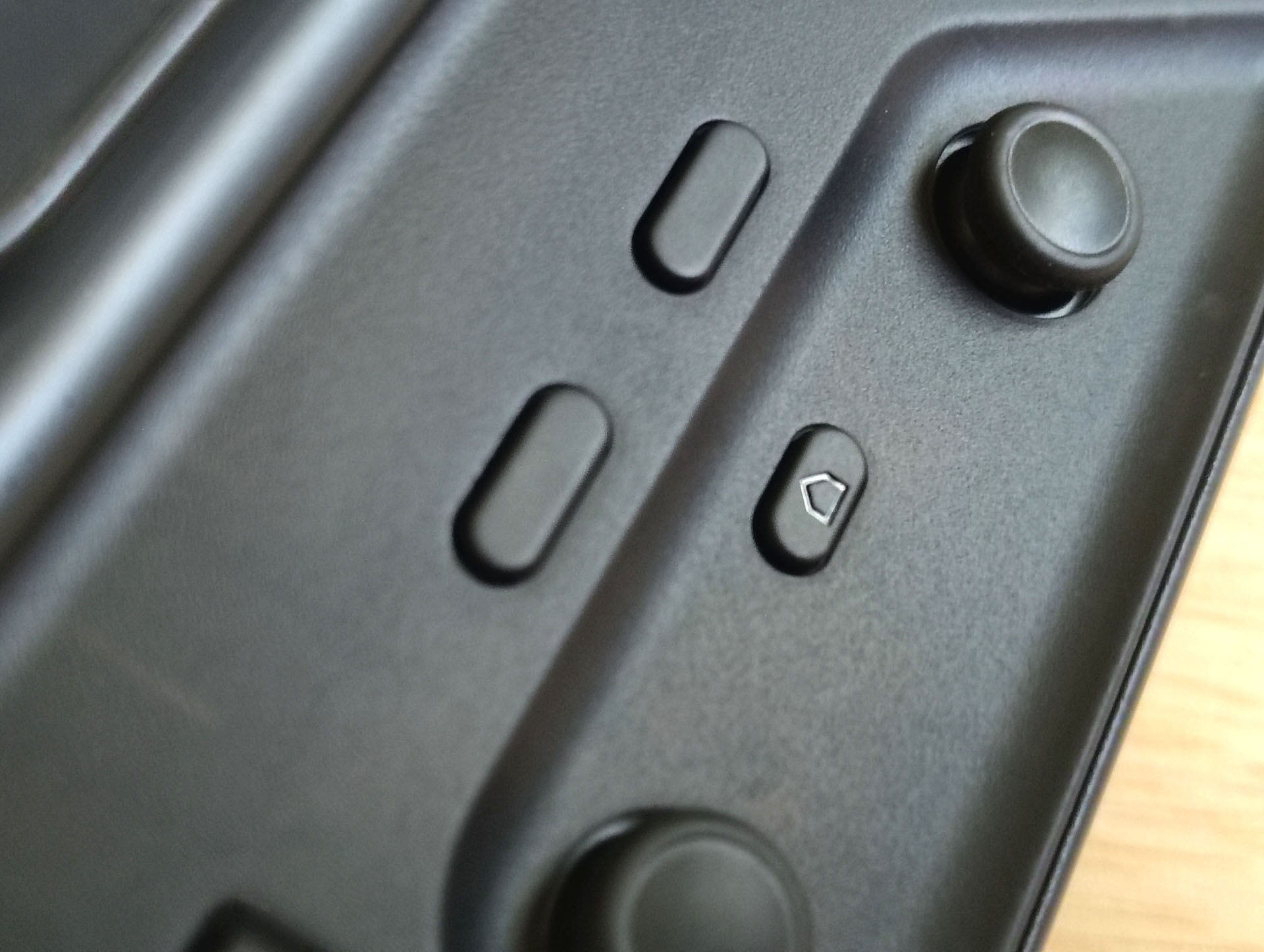
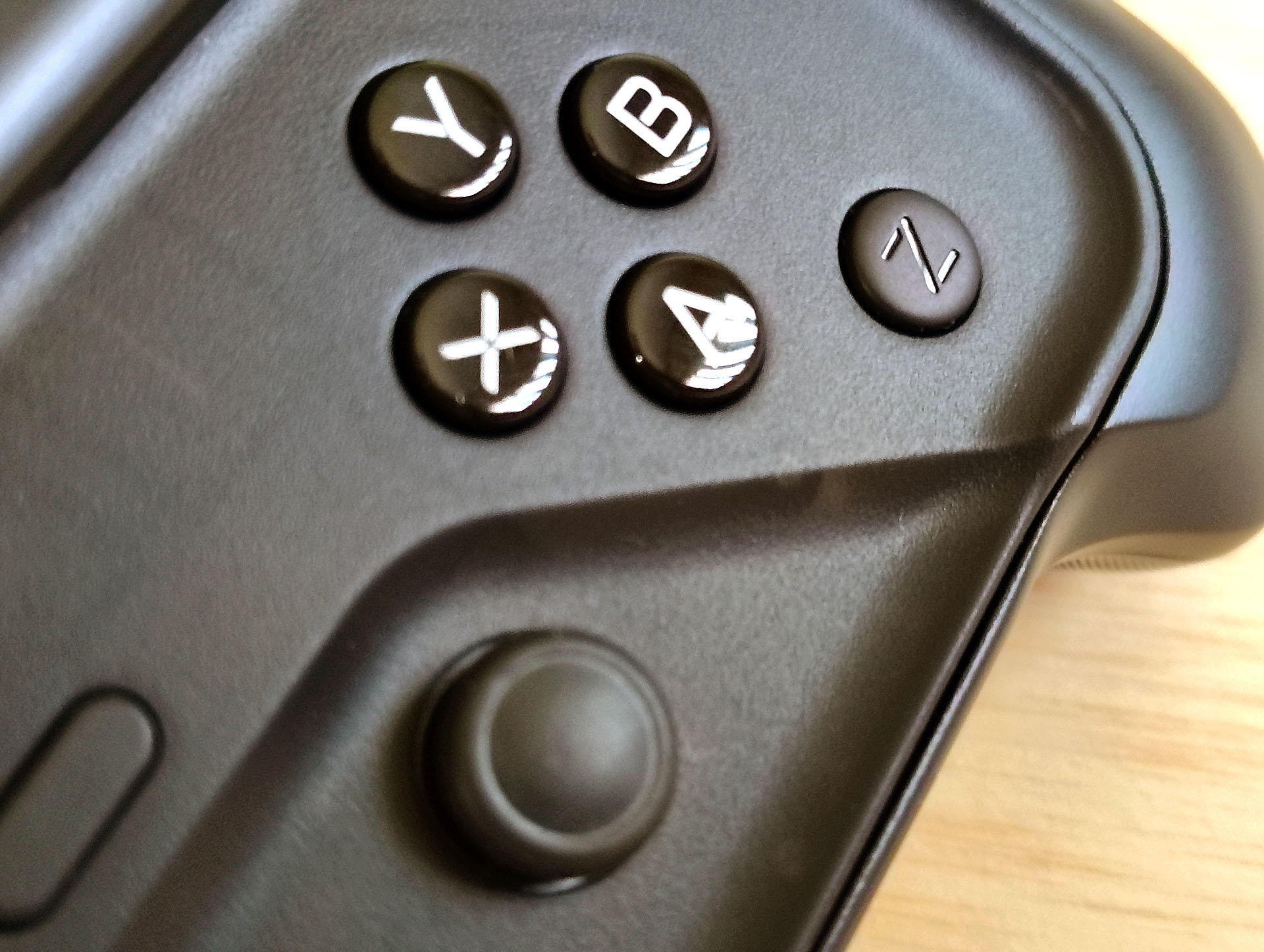
Sliding open the controller reveals the buttons and sticks. The glossy ABXY buttons are easier to grip than the matte D-pad with dry fingertips.
A multicolor light above the Start button indicates mode and connection status, but the buttons are not illuminated.
The magnetic puck can shift right up to 25 mm (~1 in.) to center phones, but camera bumps can interfere. A stick-on ring is included for phones without MagSafe.
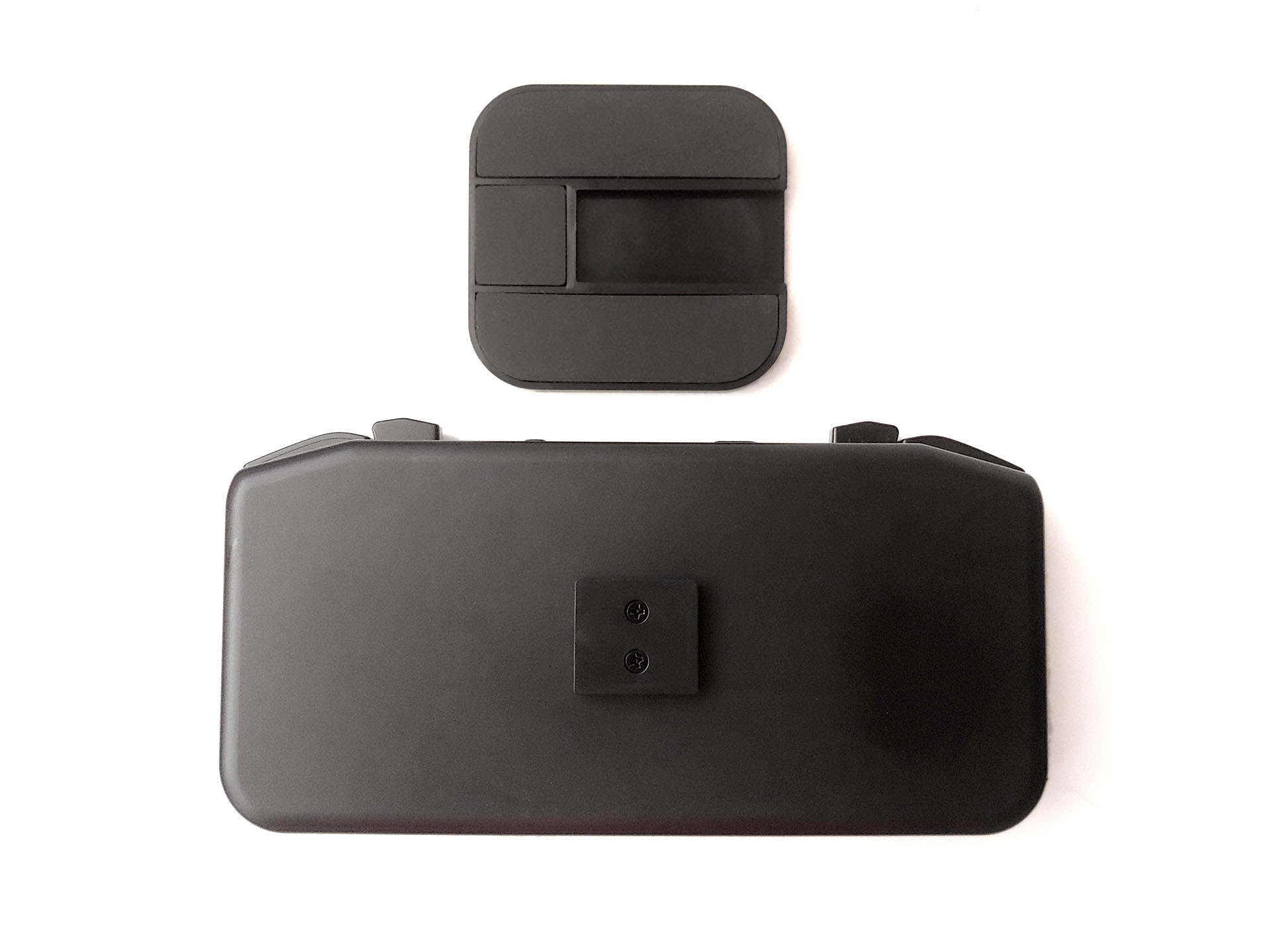
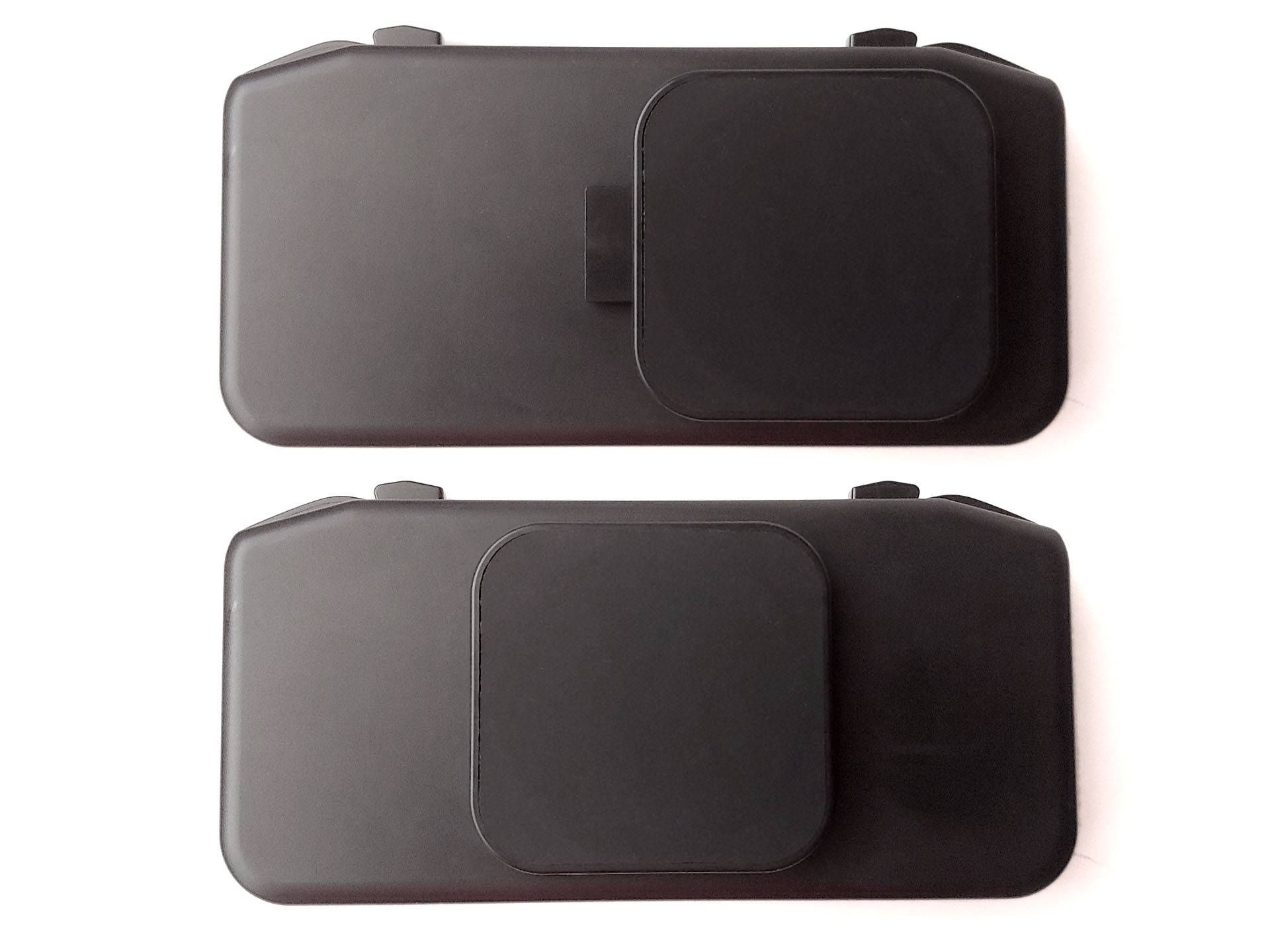
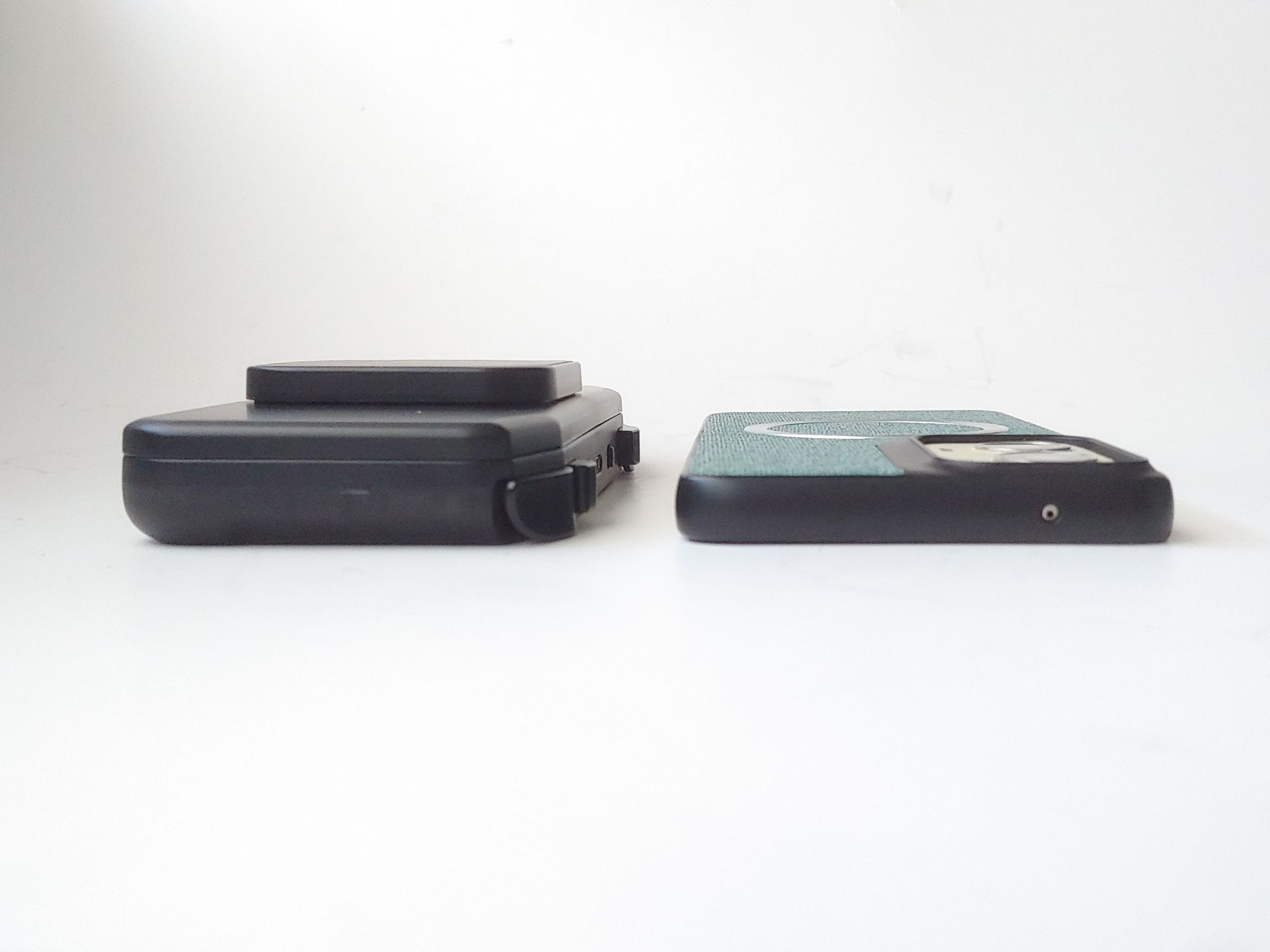
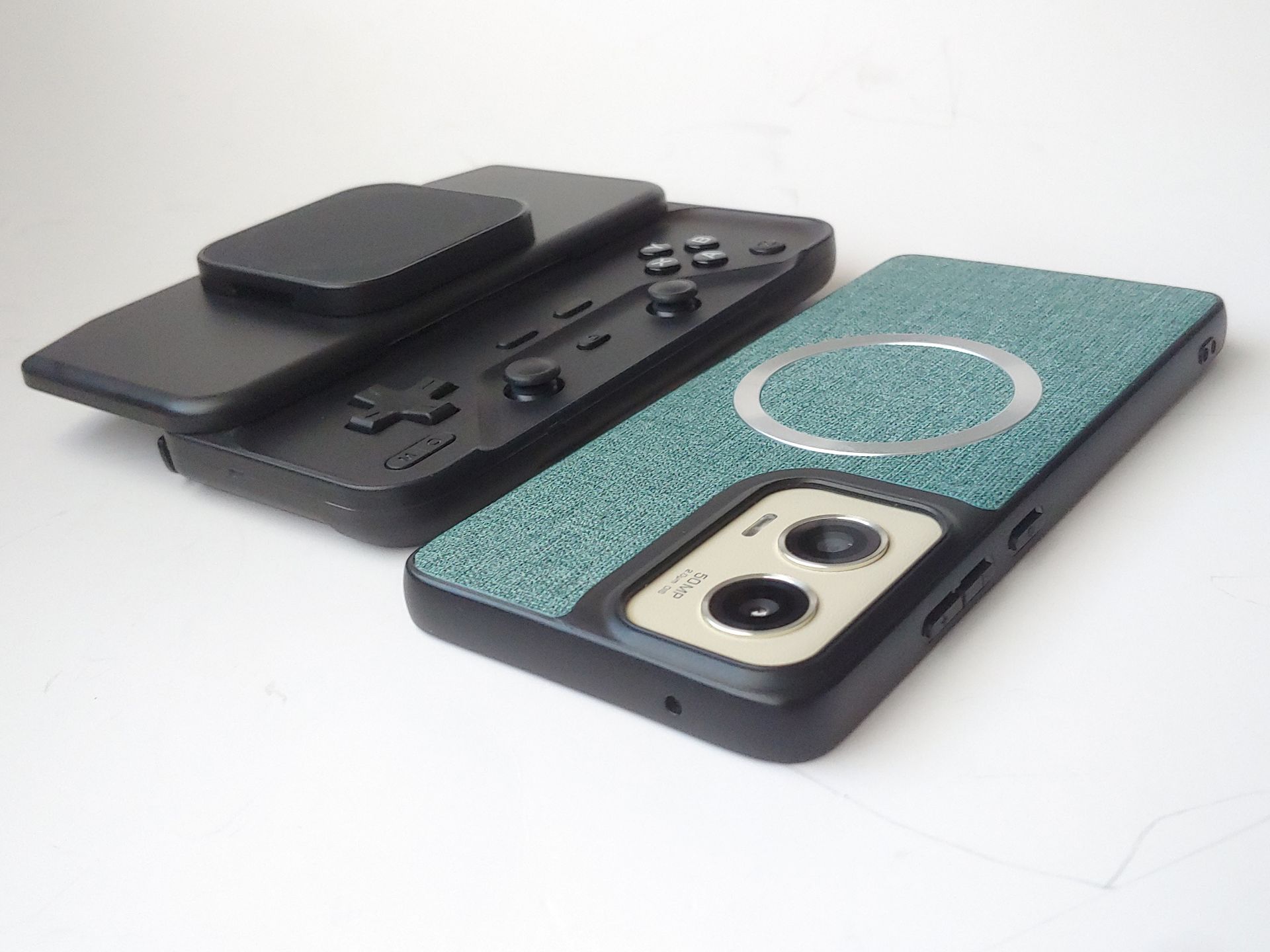
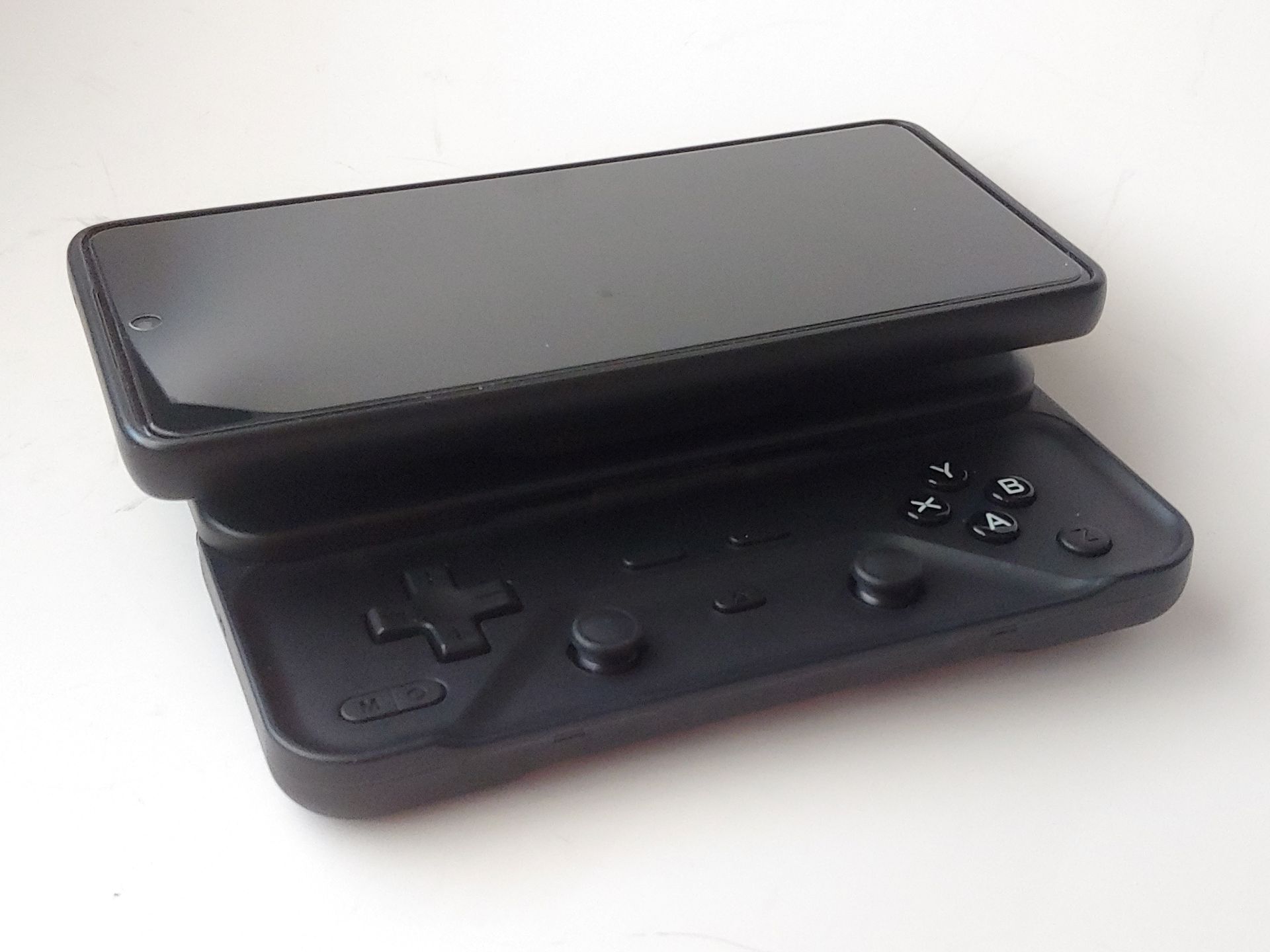
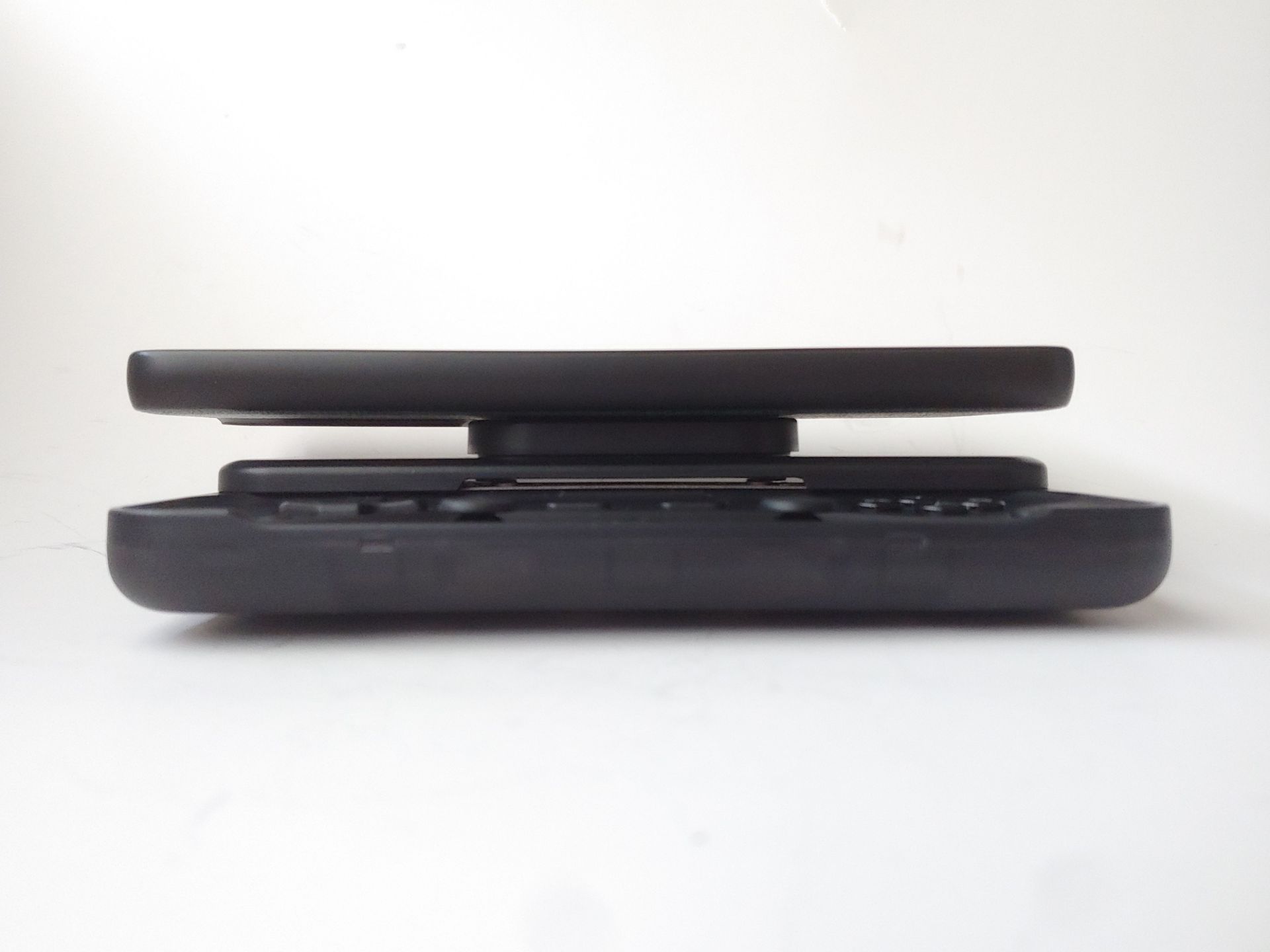
The mount held well, stronger than the M4’s.
With the lighter LG G7 (162 g / 5.7 oz), the M6 felt balanced, while the heavier Moto G Stylus 2024 with a case (230 g / 8.1 oz) felt slightly top-heavy without the grip but balanced with it by giving the two smallest fingers a more secure hold.
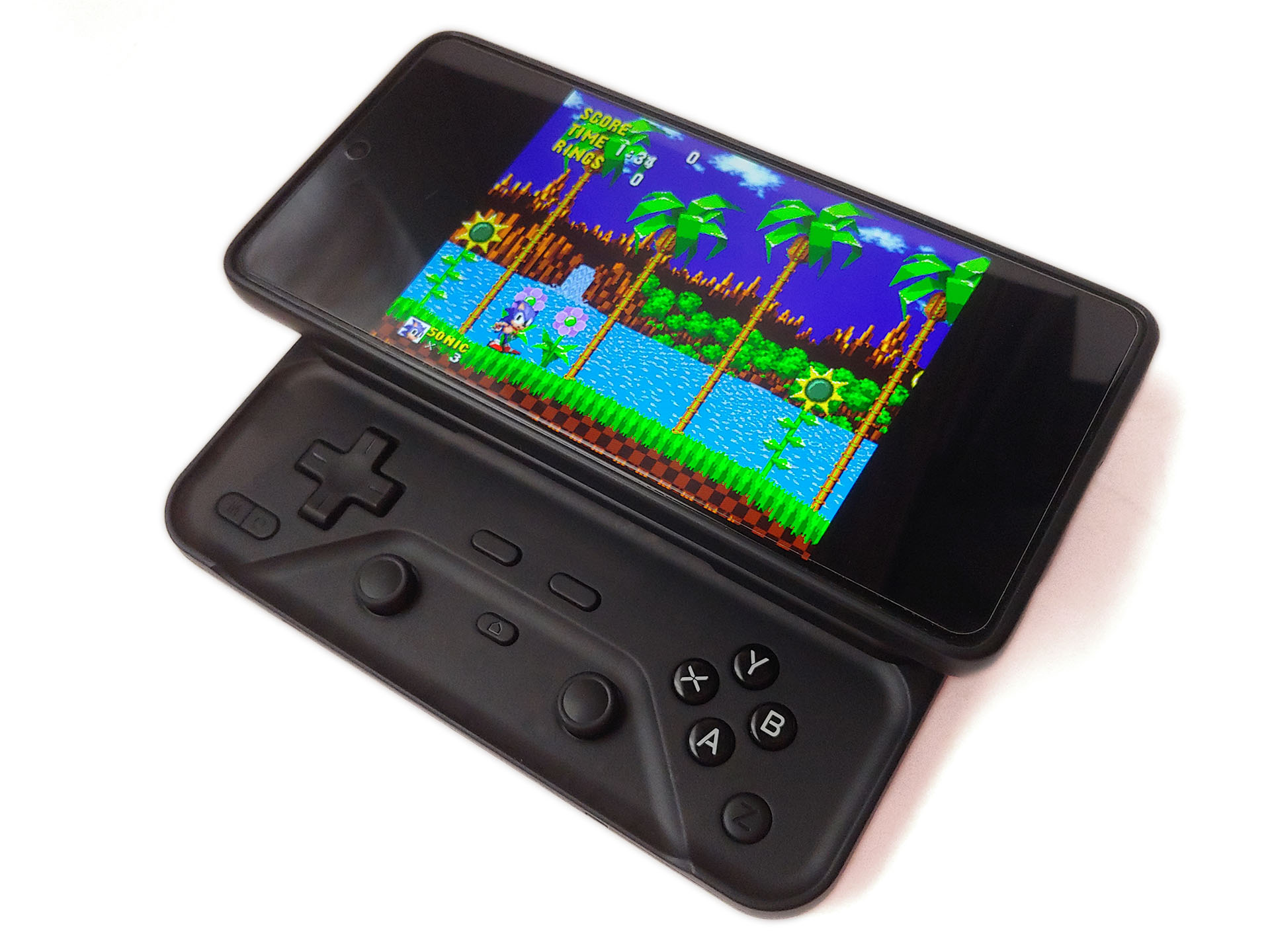
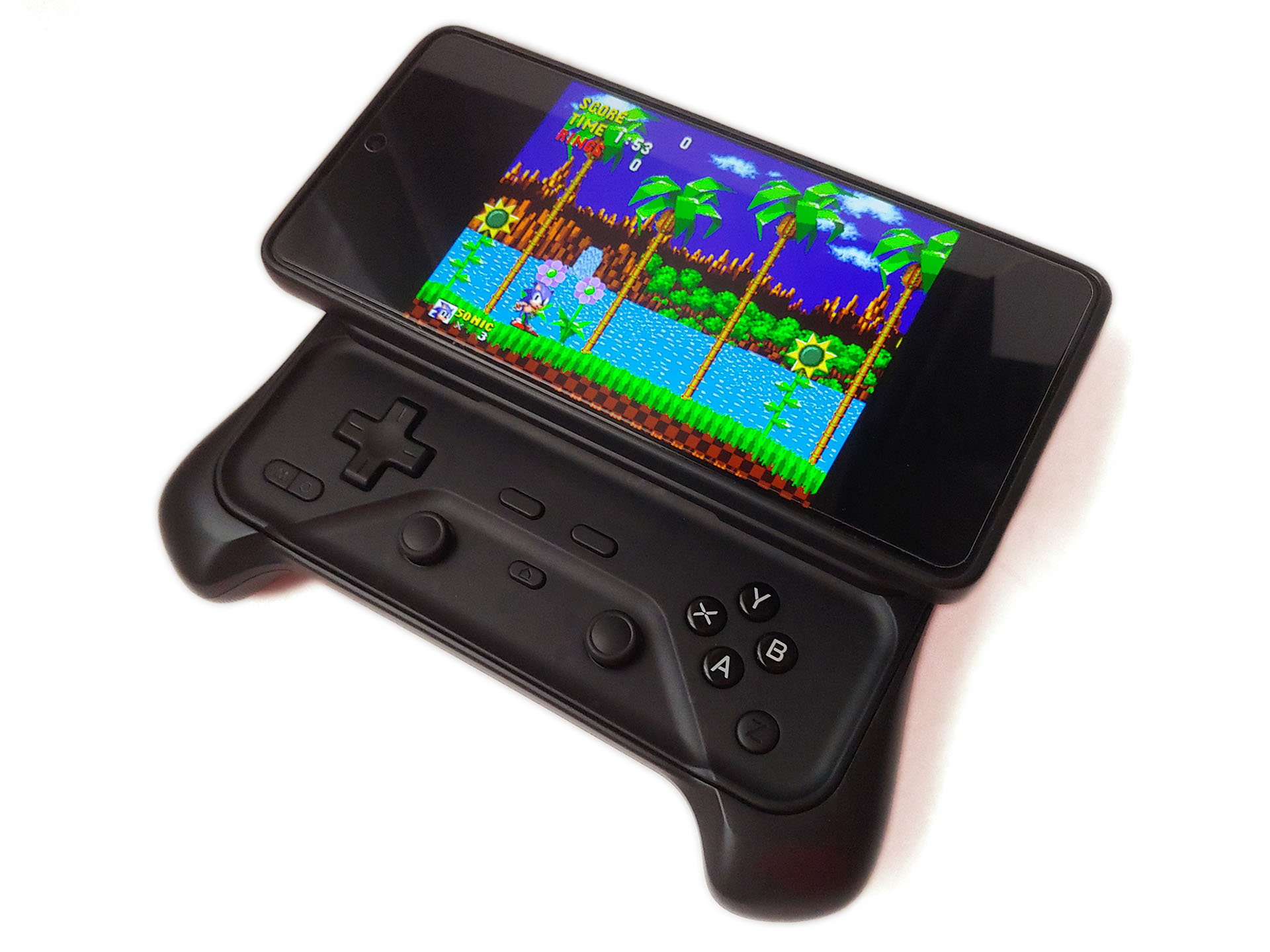
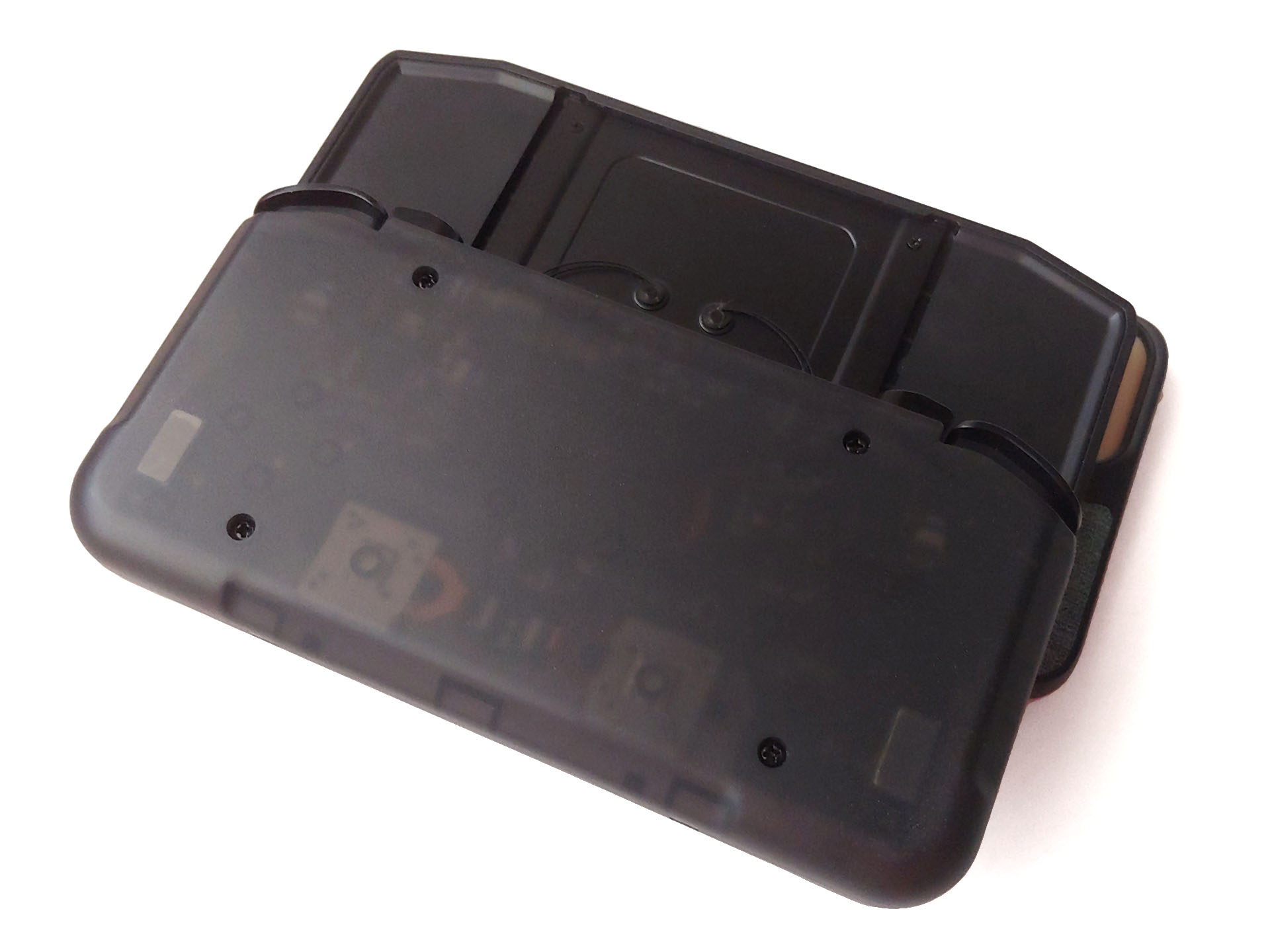
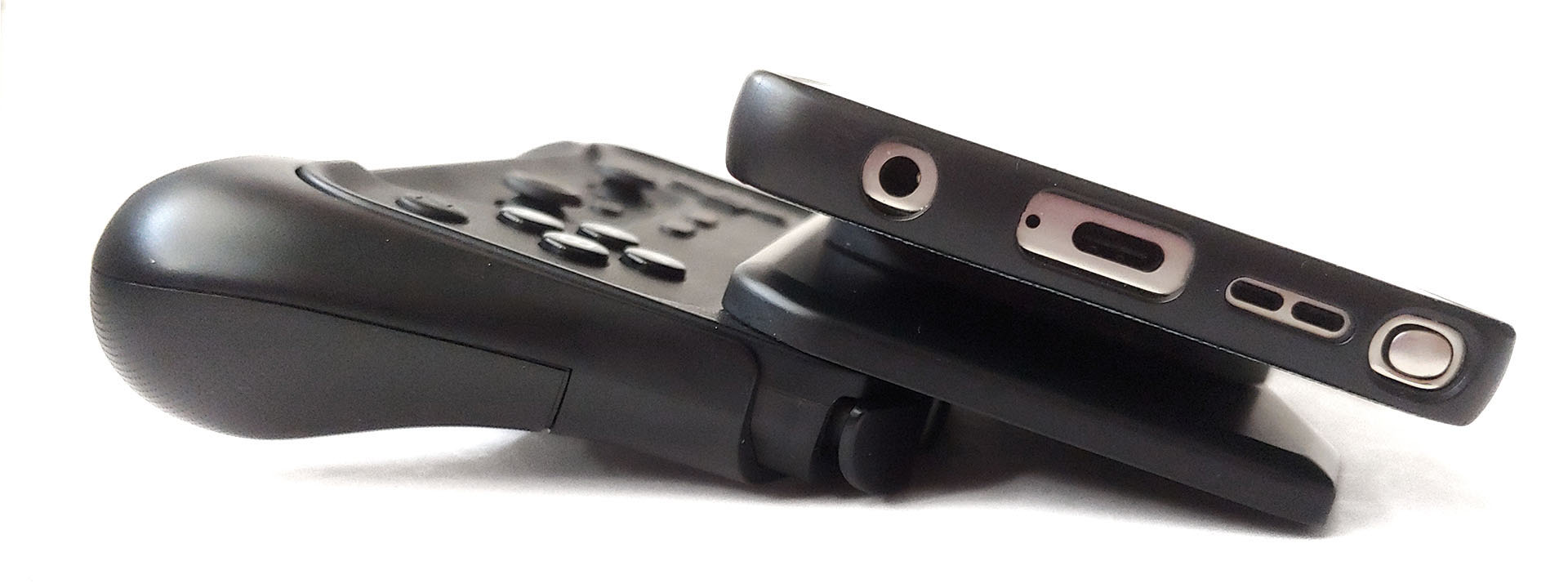
Some buttons were louder.
Versus other controllers
The M6 slots in between the smaller M4 and larger S9 that Notebookcheck reviewed.
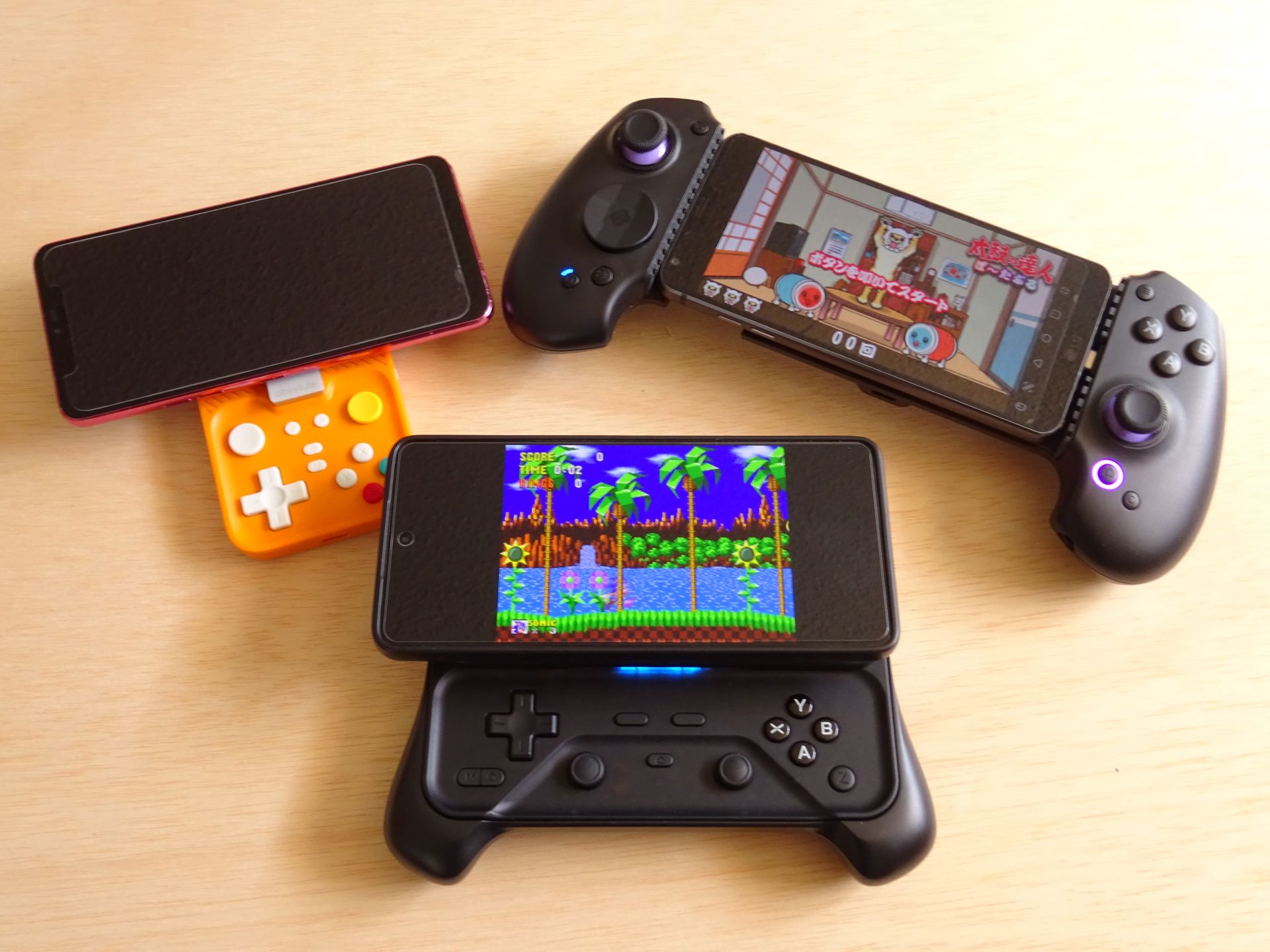
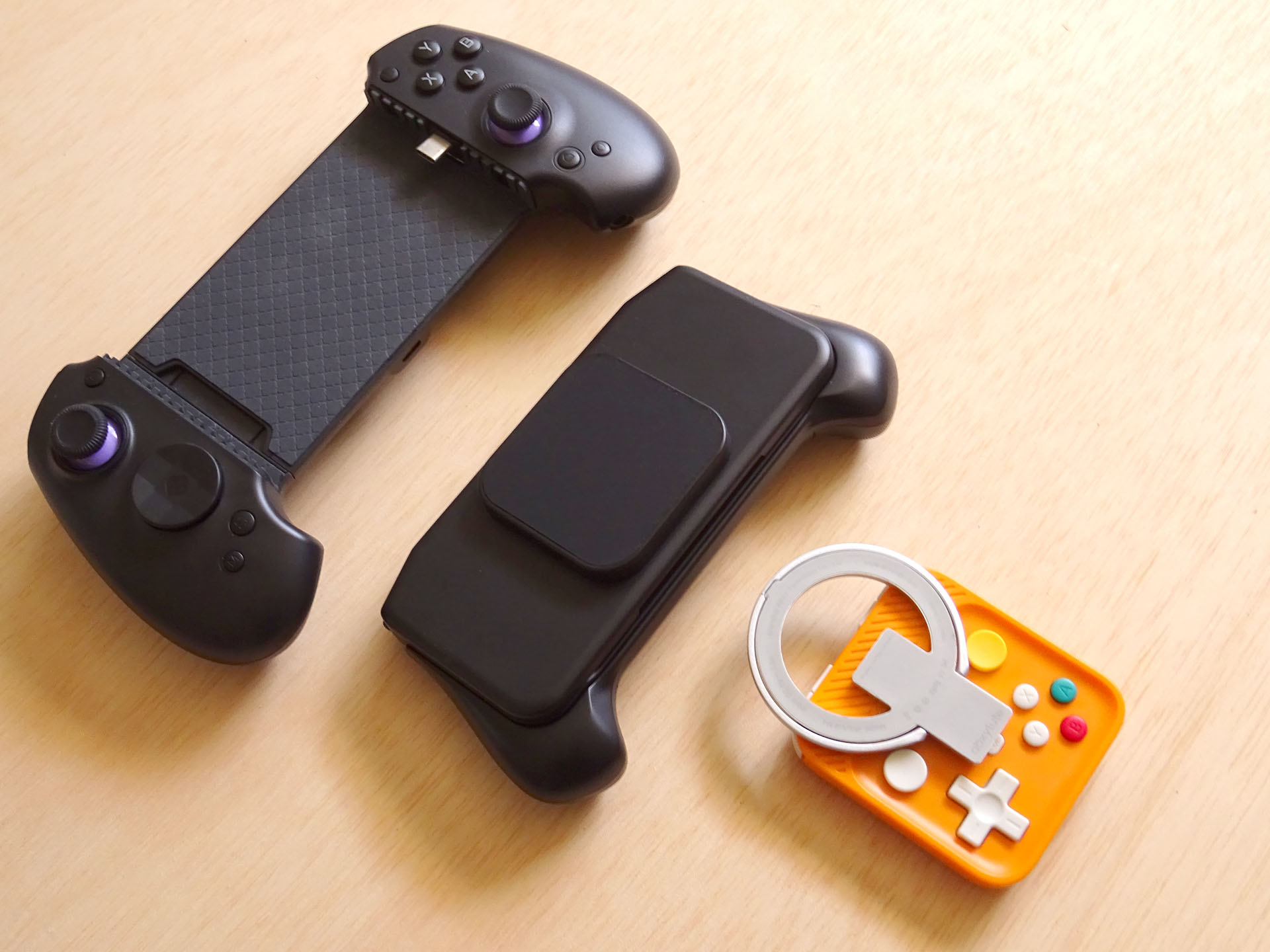
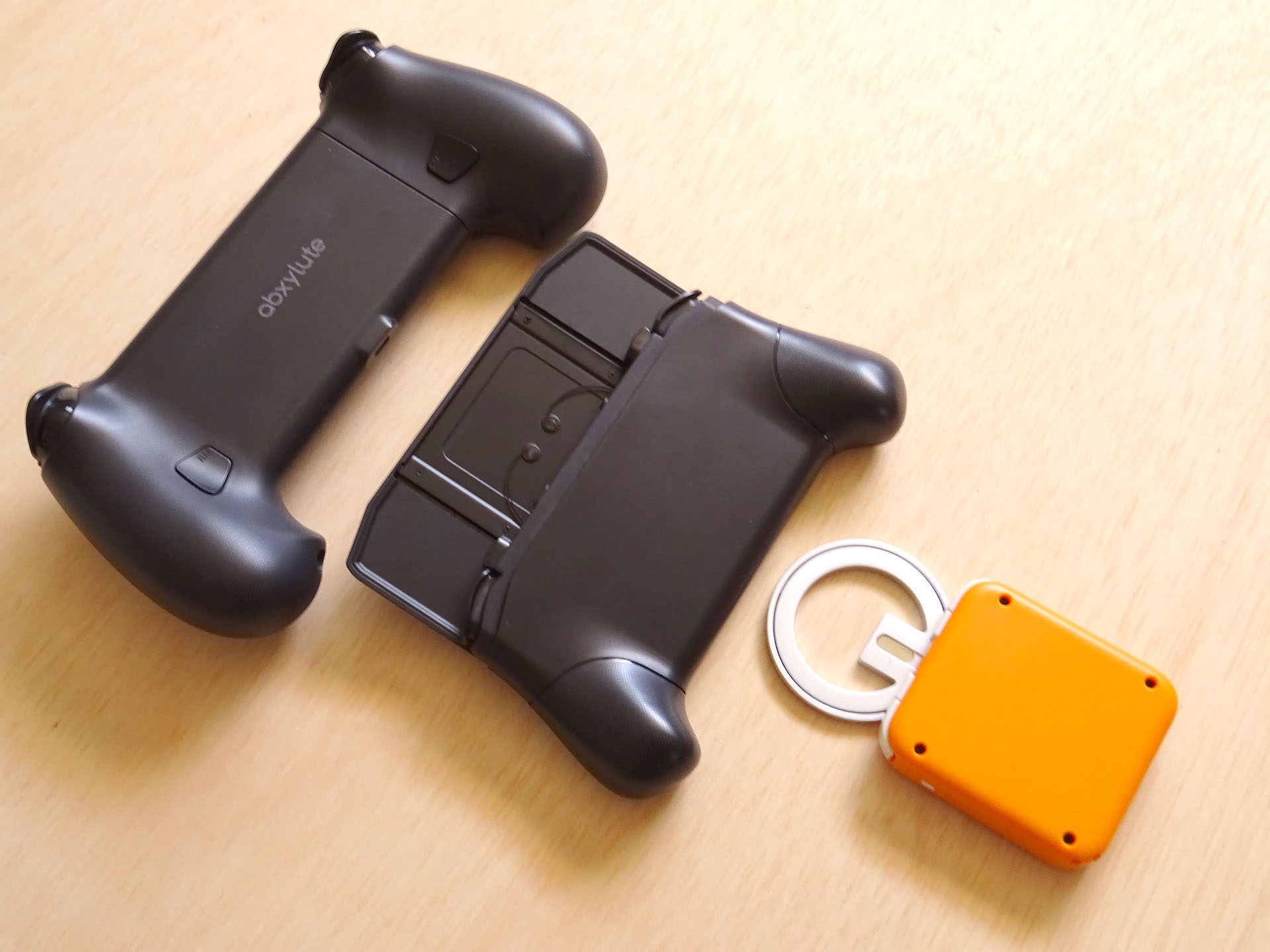
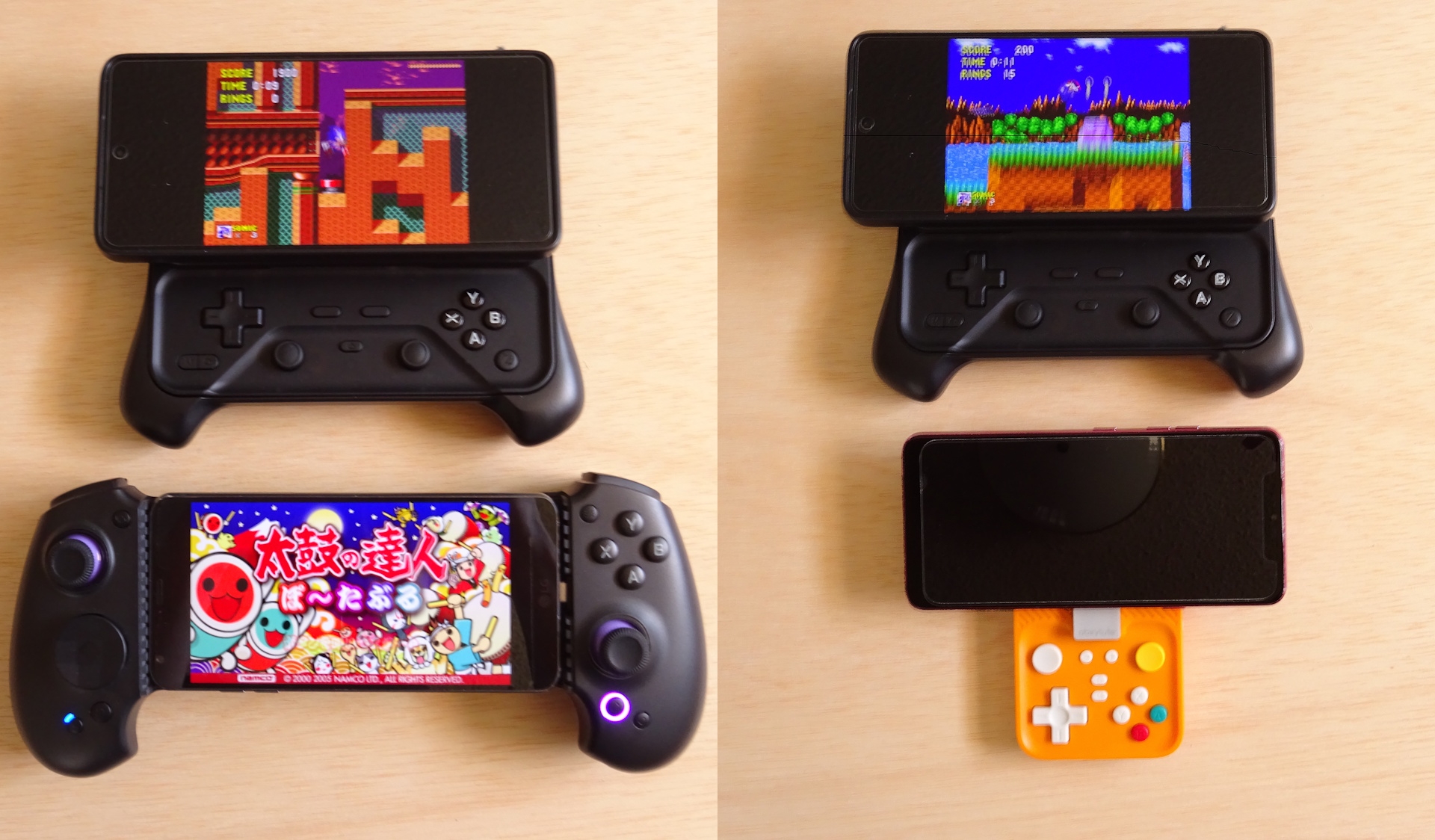
The S9 controller offers swappable D-pad covers, a headphone jack, and full-sized comfort with zero lag, but it cannot accommodate some phones with tall cameras or cases. The M4 offers greater portability, with a top-heavy balance and weaker mount
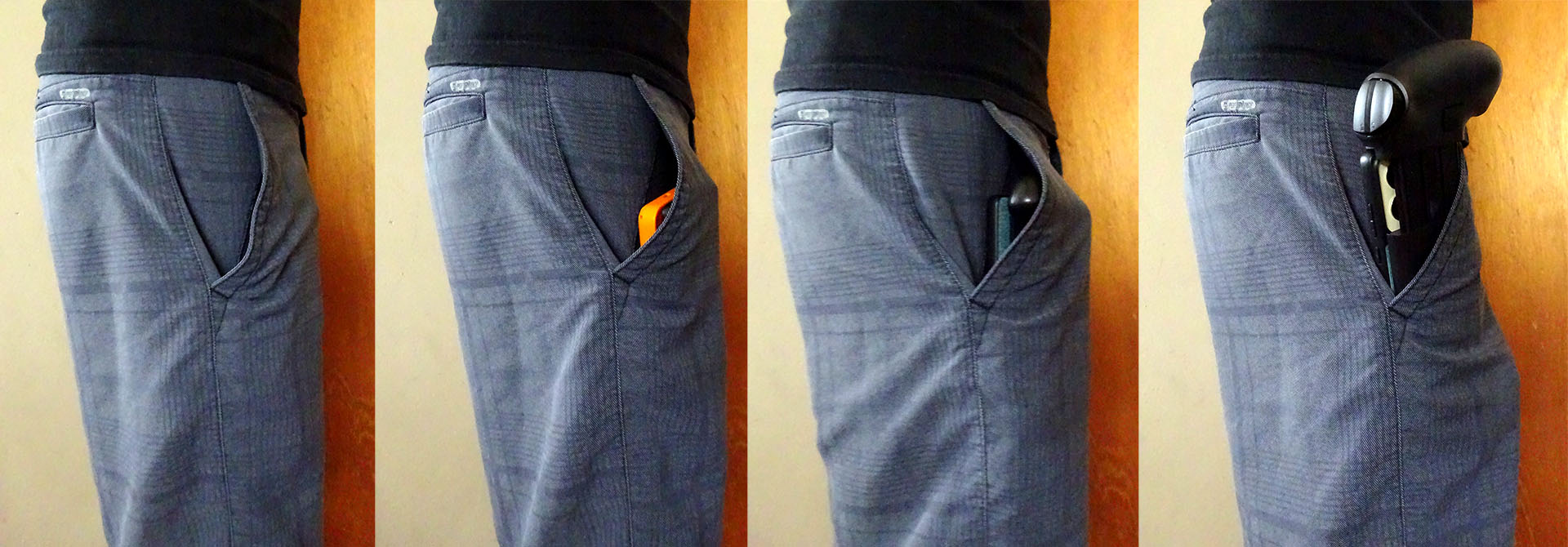
The M4 and M6 are easily pocketable with a phone, unlike the S9.
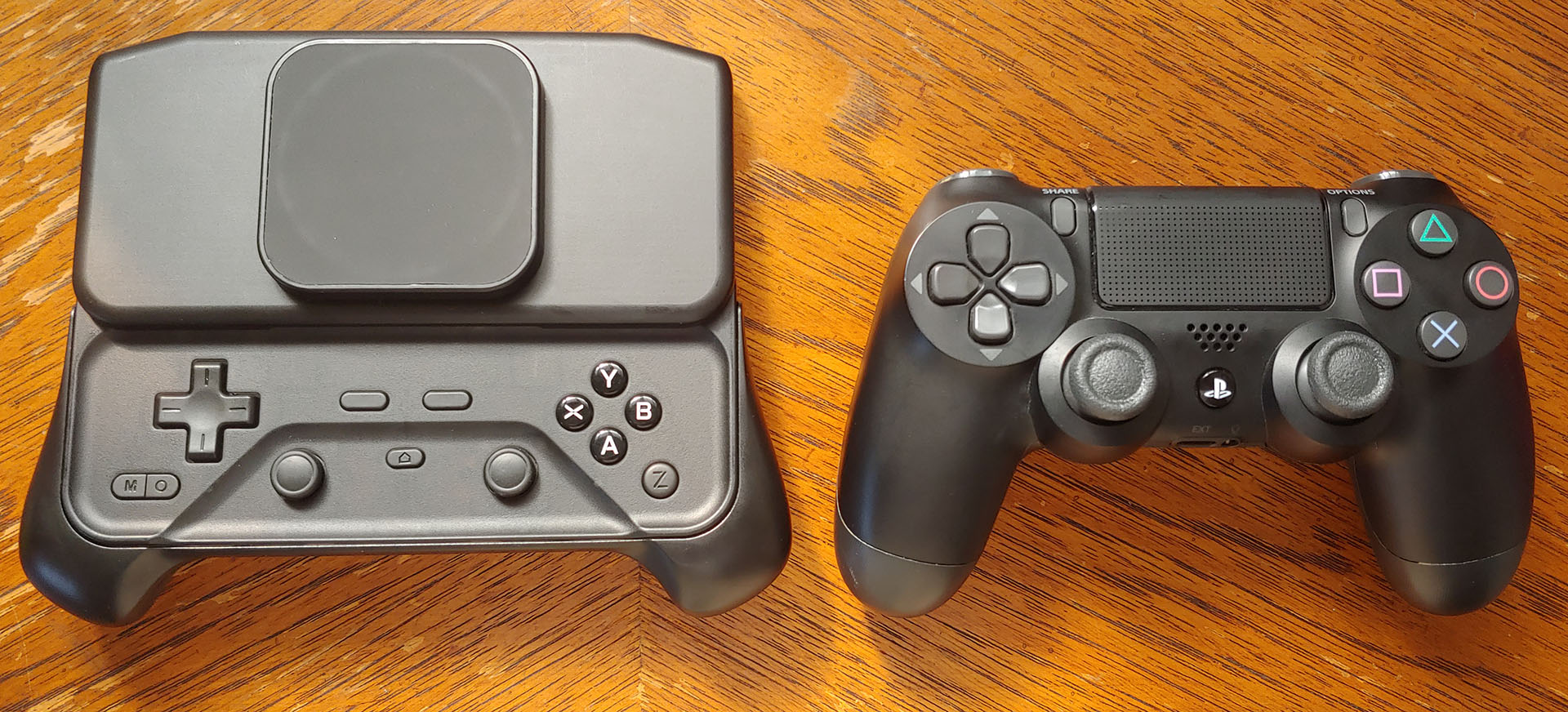
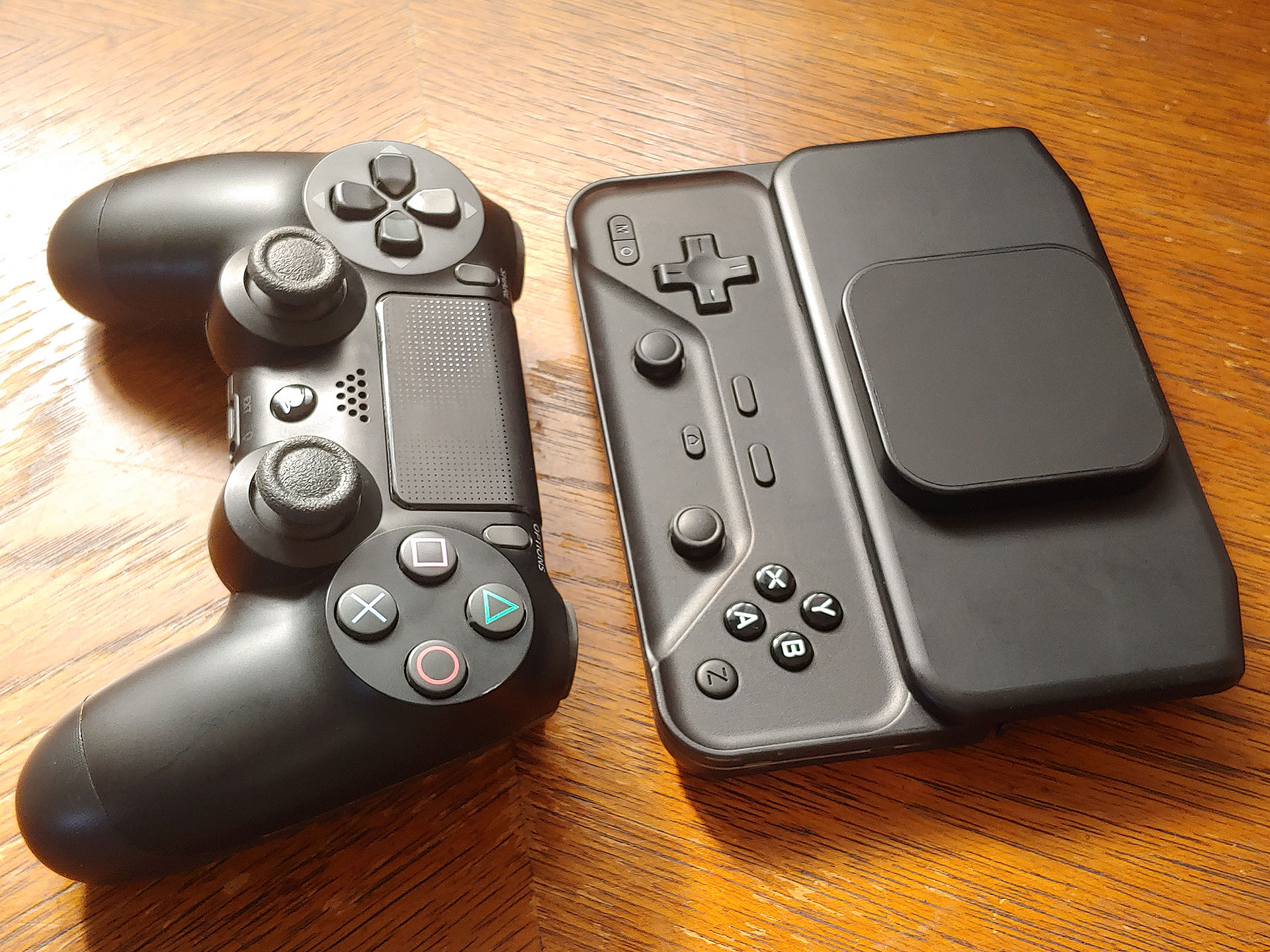
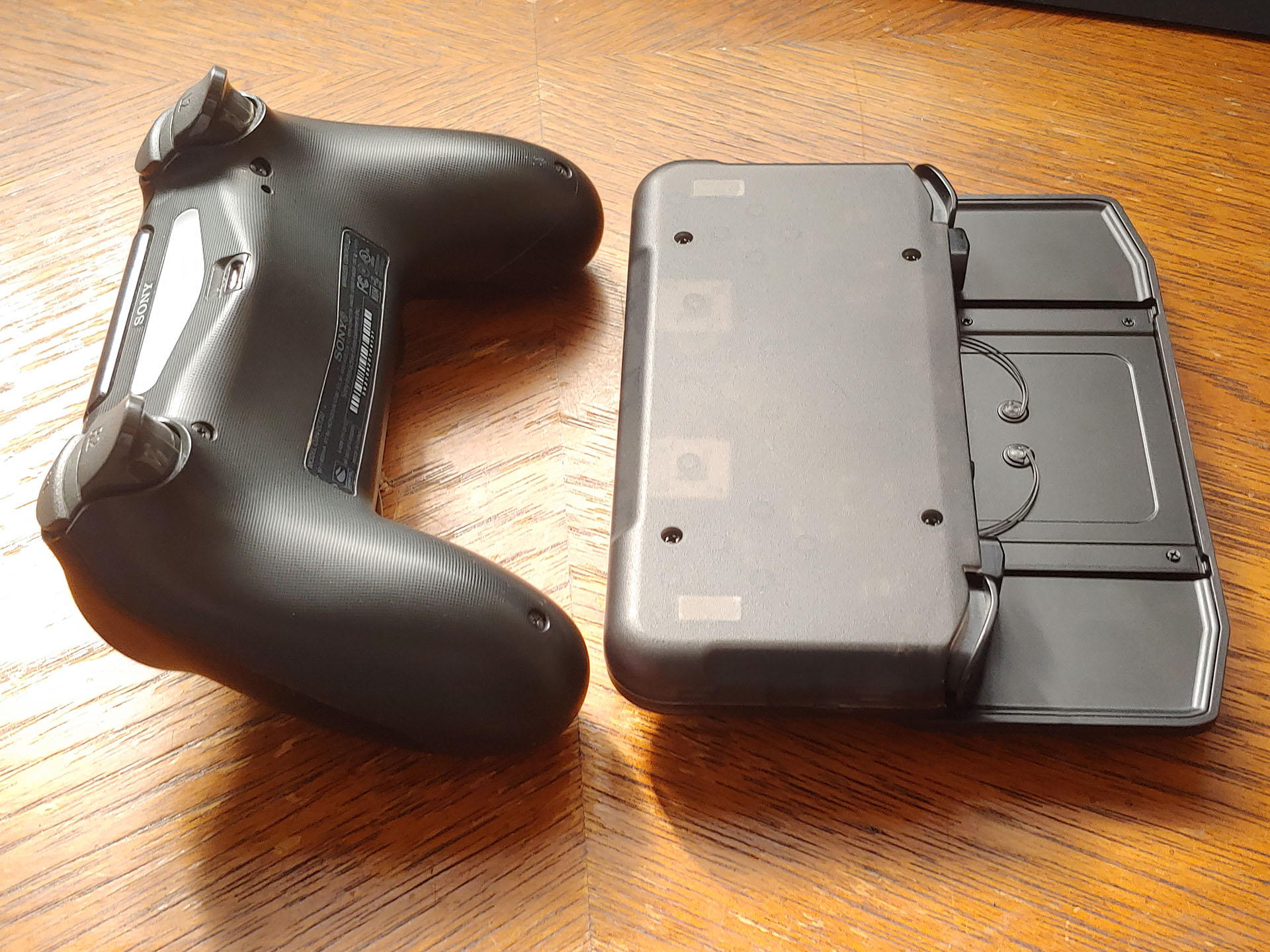
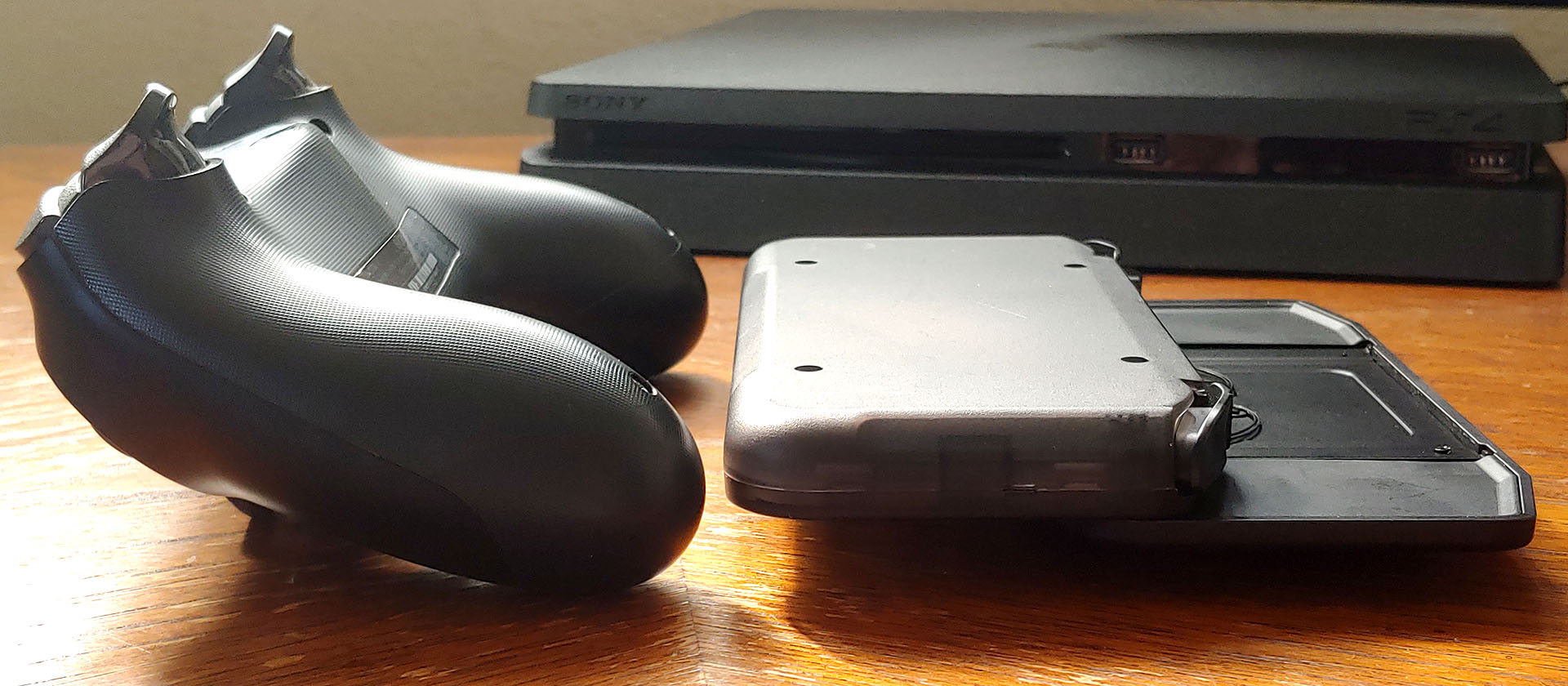
The M6 is about as wide as a PS4 controller but longer and shorter in height, even with the optional grip.
Smartphone app
The app for virtual control mapping was unavailable for testing but is expected work like the S9's.
Gaming
The Abxylute M6 controller was tested with various games, including Sonic the Hedgehog for the Sega Genesis; Wipeout, SOCOM, Taiko no Tatsujin, and Street Fighter Alpha 3 Max for the PSP; and Robotron 2084 for MAME.
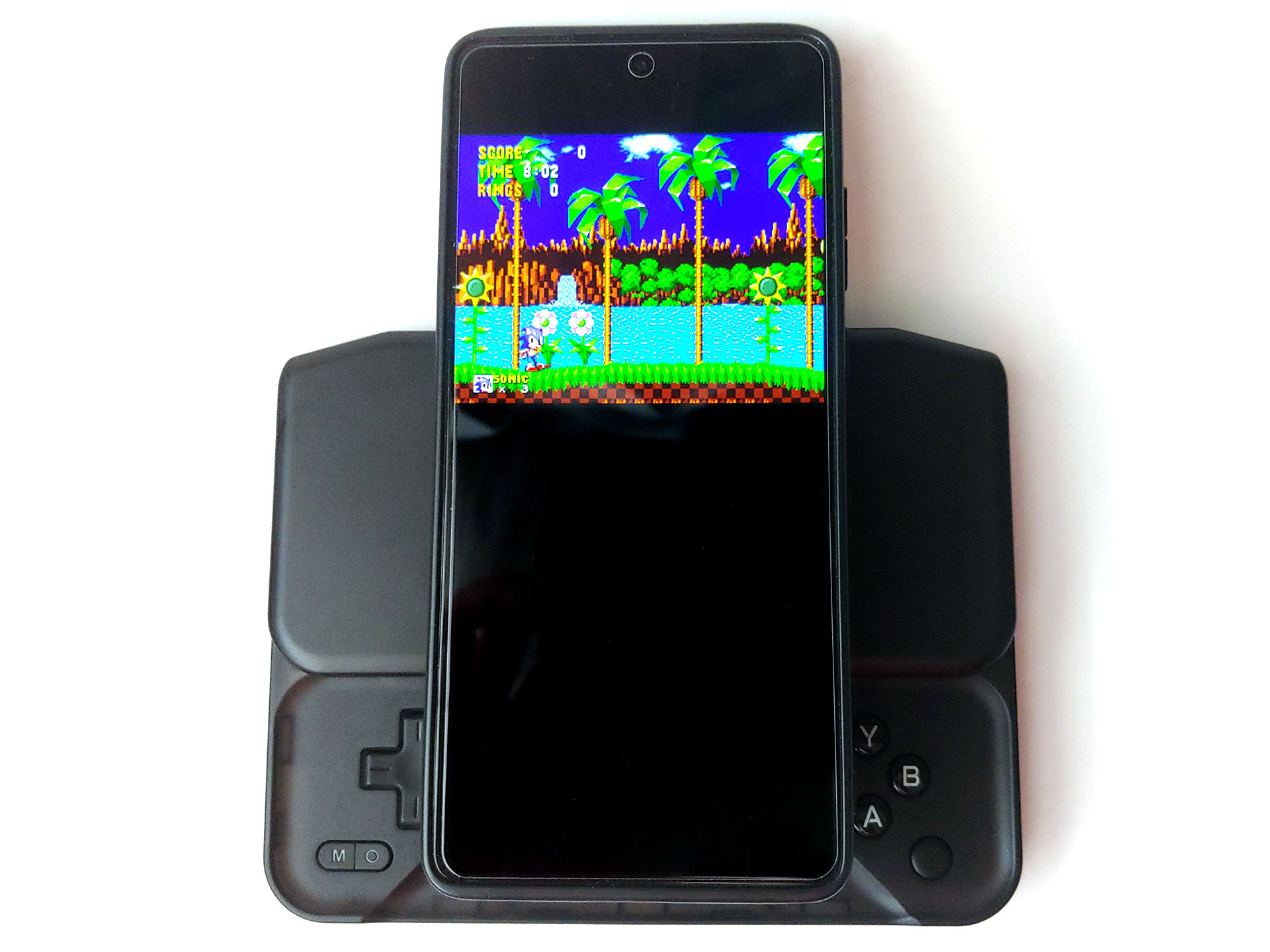
The controller felt immediately at home while playing Sonic and Taiko because the D-pad and XYAB buttons responded well. A minute or two of familiarization was all that was needed to easily run Sonic through the levels, and even the stick worked well in place of the D-pad.
The M6 can be used with some phones in portrait/vertical orientation, with just enough clearance under the back of the phone to reach the D-pad and ABXY buttons.
Timing combos reliably in Street Fighter using the prototype M6 was more difficult than with the full-sized S9, but the engineering sample did have a Y button that did not always register presses, which was reported to the company, and a D-pad that was not as crisp as the M4’s. However, a ranked SF player using another M6 prototype reported no issues, suggesting that final production units should perform well.
Gyroscope and capacitive sticks
The gyroscope was tested with Wipeout and SOCOM in the PPSSPP emulator. Simply checking the box to enable it and then calibrating it was all that was required.
Controlling Wipeout by tilting the controller made the game more immersive, but made SOCOM tougher because it wasn’t as snappy as the stick.
The analog sticks were very responsive and fun in Robotron 2084, behaving just like those on the arcade console.
With games like Sonic the Hedgehog where both the 4-way and analog stick can be used, the thumb could switch between pressing down on the D-pad and pushing the stick from the side with equally reliable control.
Shoulder buttons and triggers
The shoulder buttons worked reliably in Sonic and Taiko, with accurately timed jumps and drumming, but the second finger joints do contact the hard edge of the slider. The shoulder triggers delivered accurate braking in Wipeout with a smooth springiness.
Vibration
The vibration can be set to three different levels, but felt weak even at the highest setting. Android games generally do not have built-in support for external controller vibration, so PC Xbox Cloud Gaming with Fortnite was used to confirm its operation.
Conclusion – A smooth-sliding mobile controller
The Abxylute M6 sliding controller allows gamers to prioritize compactness or comfort with a detachable grip.
Transparency
The selection of devices to be reviewed is made by our editorial team. The test sample was given to the author by the manufacturer free of charge for the purposes of review. There was no third-party influence on this review, nor did the manufacturer receive a copy of this review before publication. There was no obligation to publish this review. As an independent media company, Notebookcheck is not subjected to the authority of manufacturers, retailers or publishers.
 Add as a preferred source on Google


