Review Samsung X65 Bekumar Notebook
Business by Sam-Sung Even if Samsung advertises the X65 as business notebook, the good equipment with Geforce 8600M GS with GDDR3 memory might also make this notebook interesting for multimedia enthusiasts. Also the beautiful design and the high quality of workmanship of this notebook bear comparison with competitor notebooks.
Case
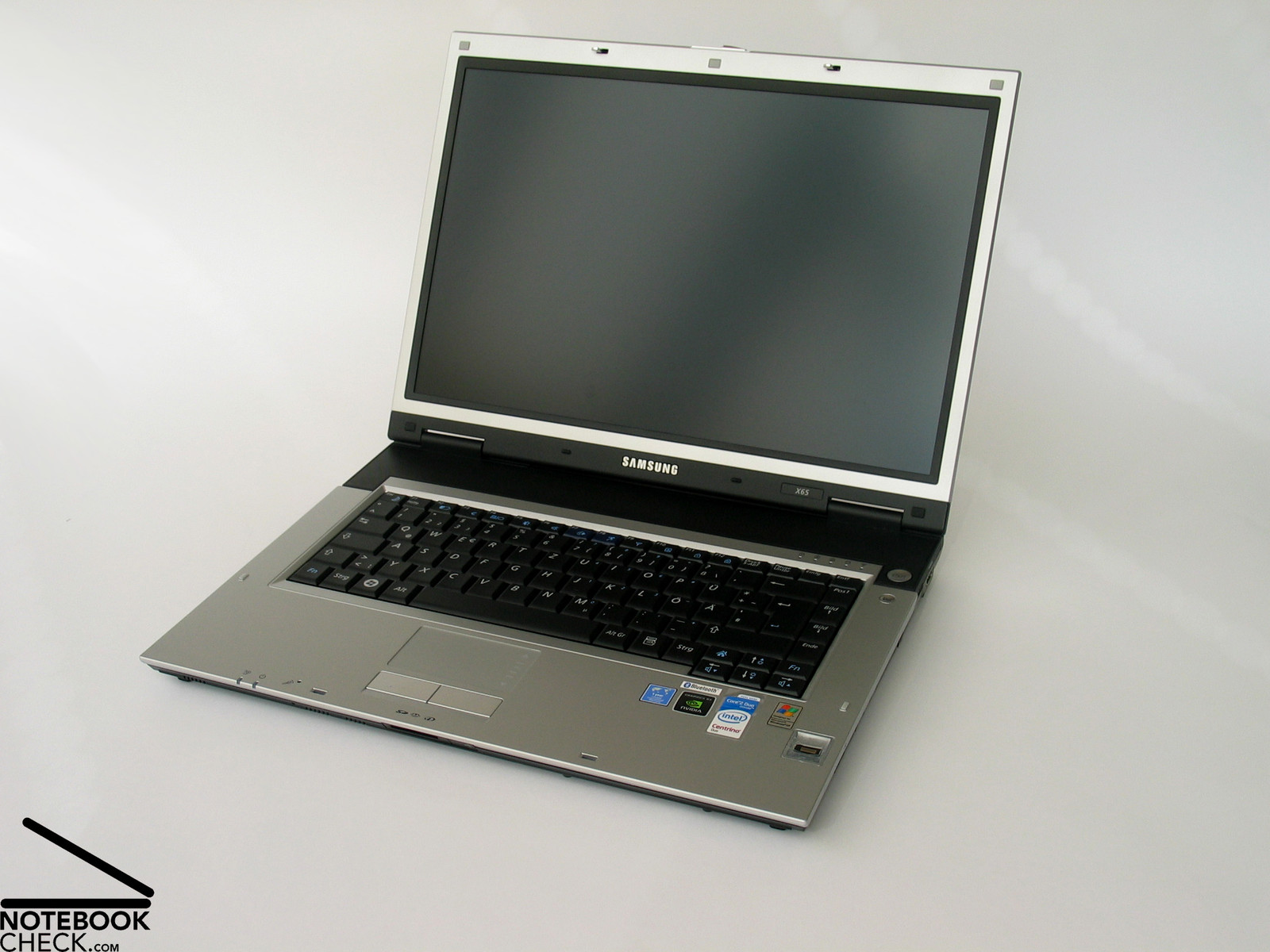
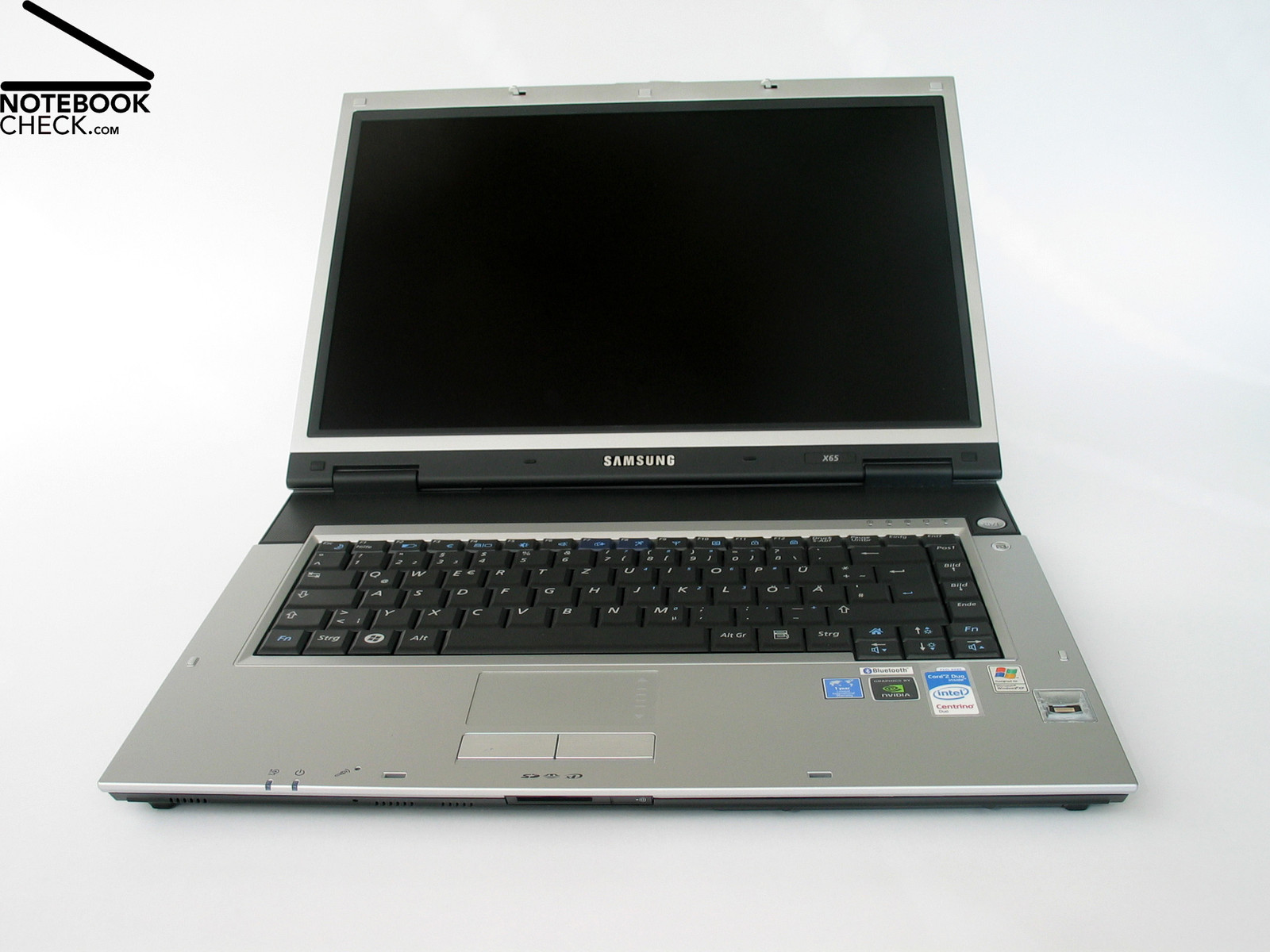
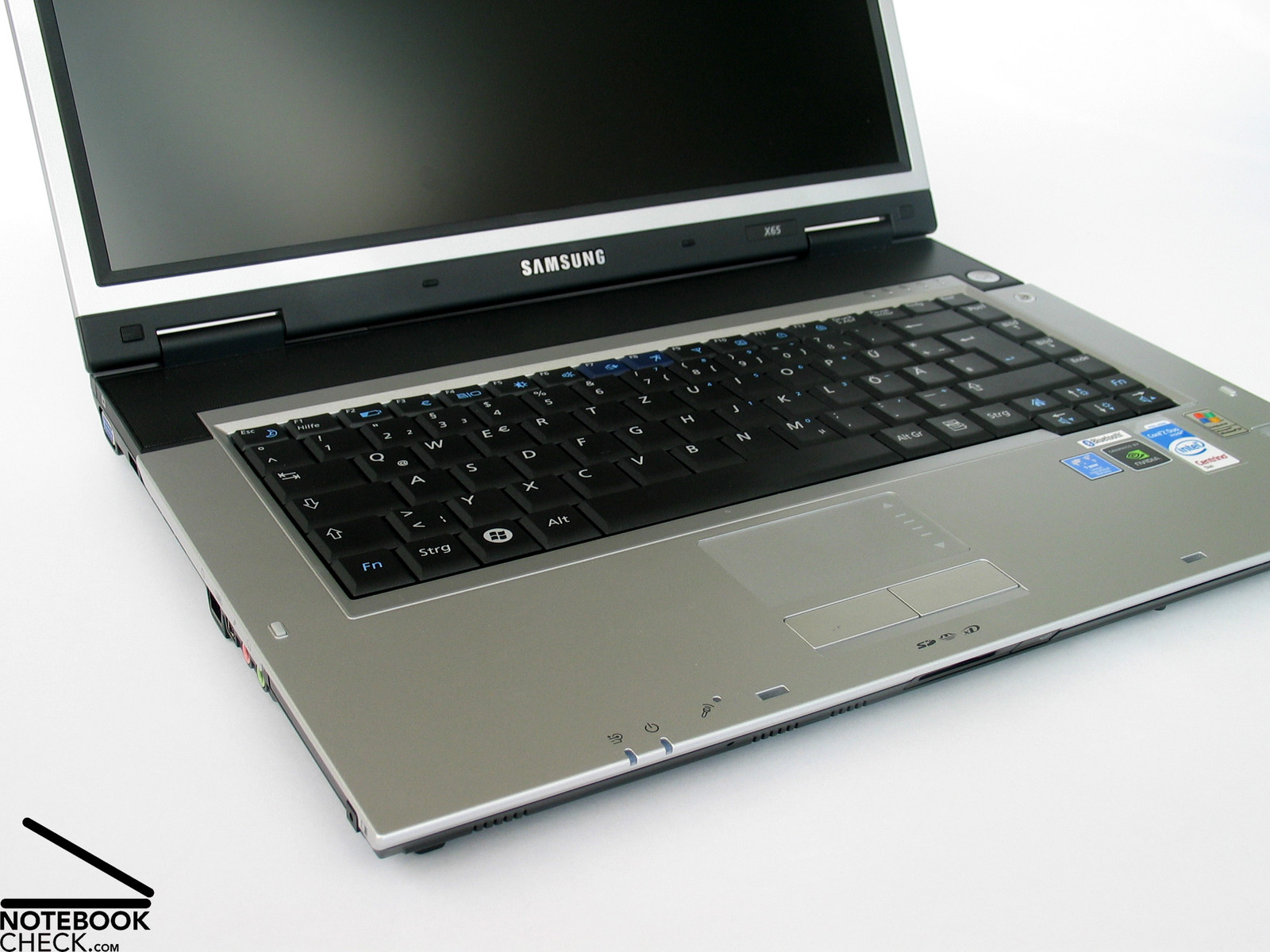
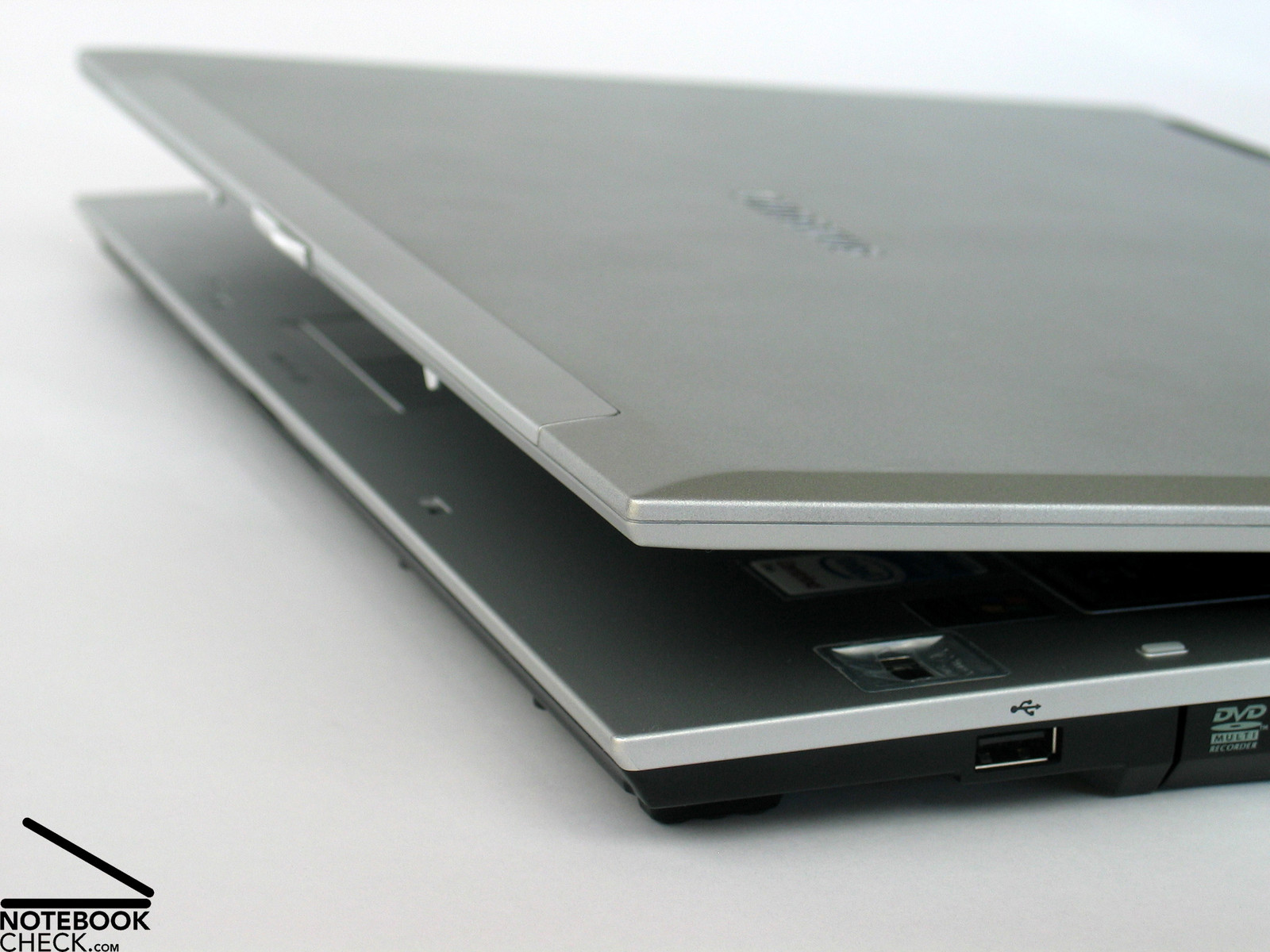
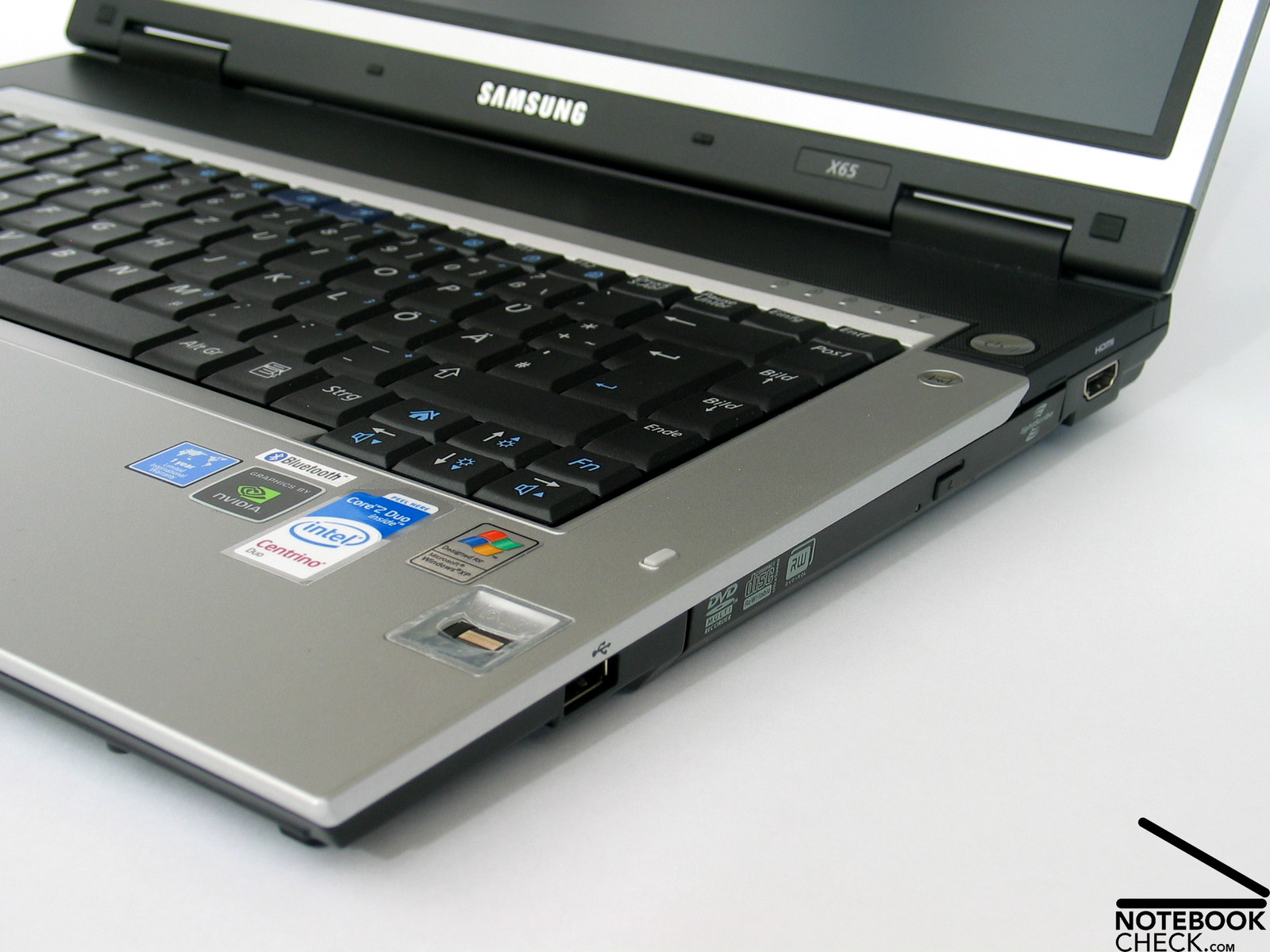
The lately reviewed Samsung R70 was so to speak an outlier of the classical Samsung design line. However, the X65 is again a prime example of the well-known design philosophy of Samsung. The case is flat like a fluke and the used forms are without example straight.
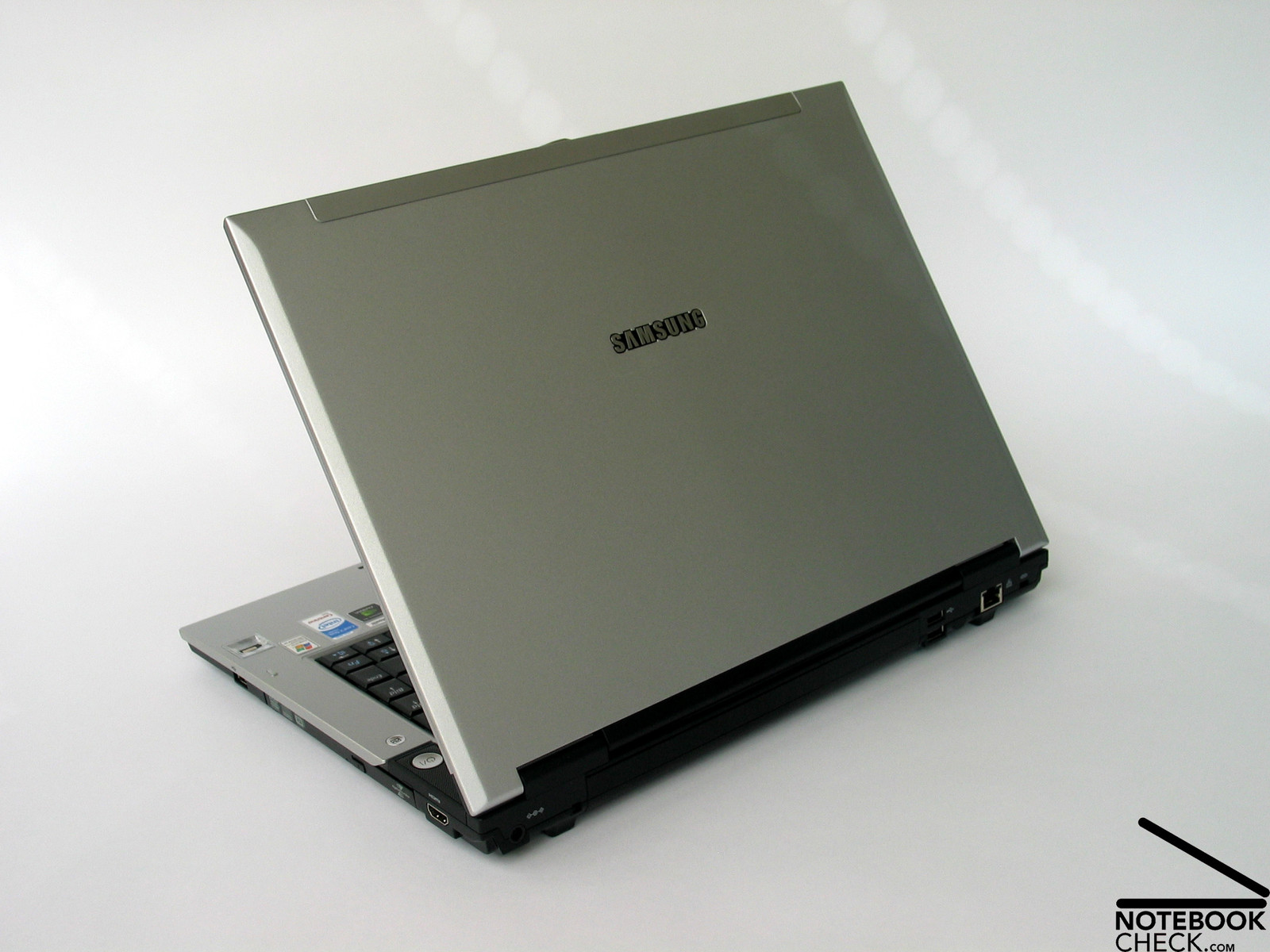
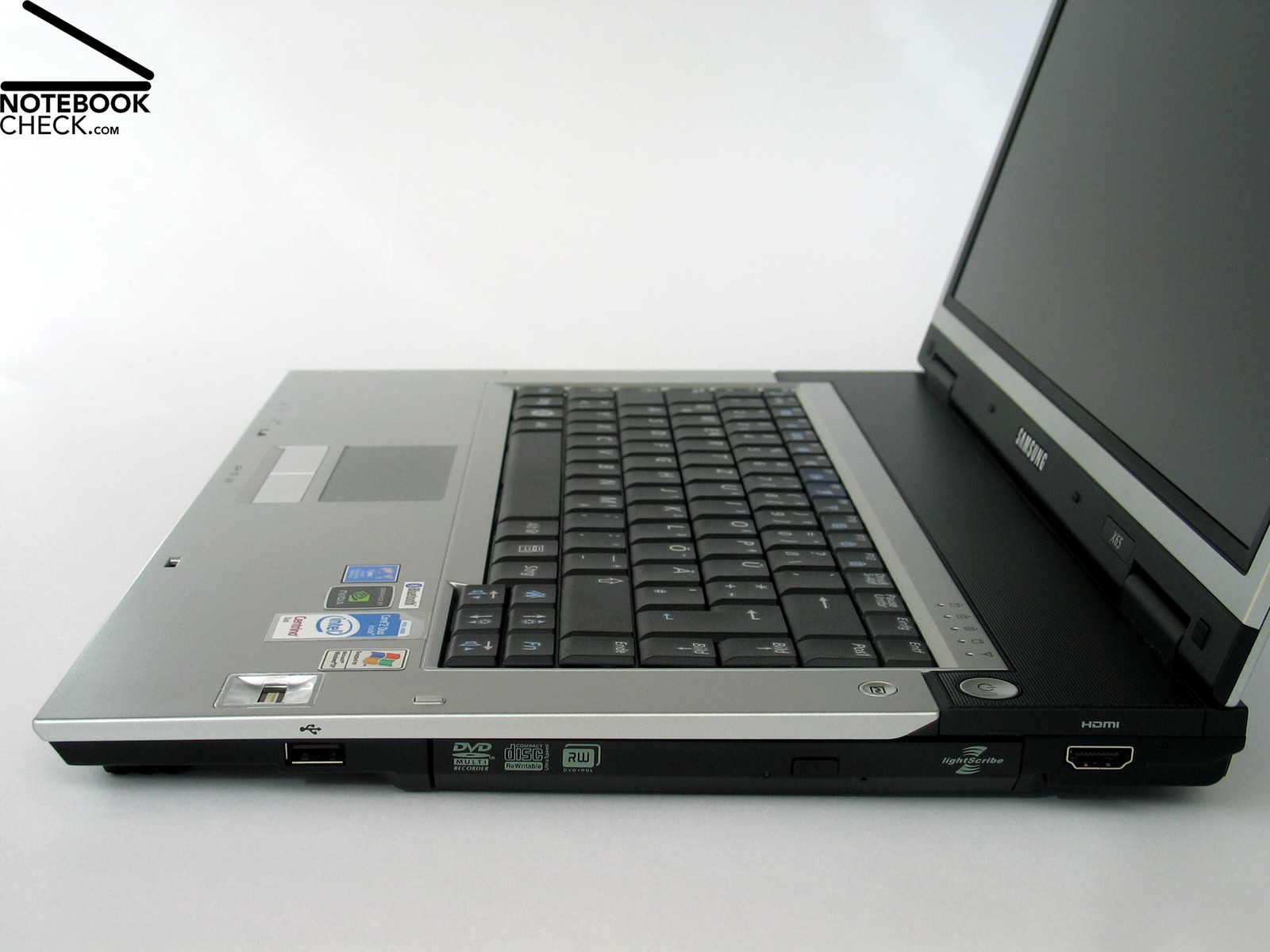
The color choice, i.e., black trough, silver palm rest areas, and silver display cover (both made of magnesium alloy) appears very dignified and is a clear contrast to the plastic charm of some other business notebooks by other manufacturers.
The Samsung X65 also proves that a special flat design needs not necessarily cause weaknesses regarding robustness and flexural rigidity. Although the case can be slightly deformed under pressure, this notebook's flexural rigidity is excellent.
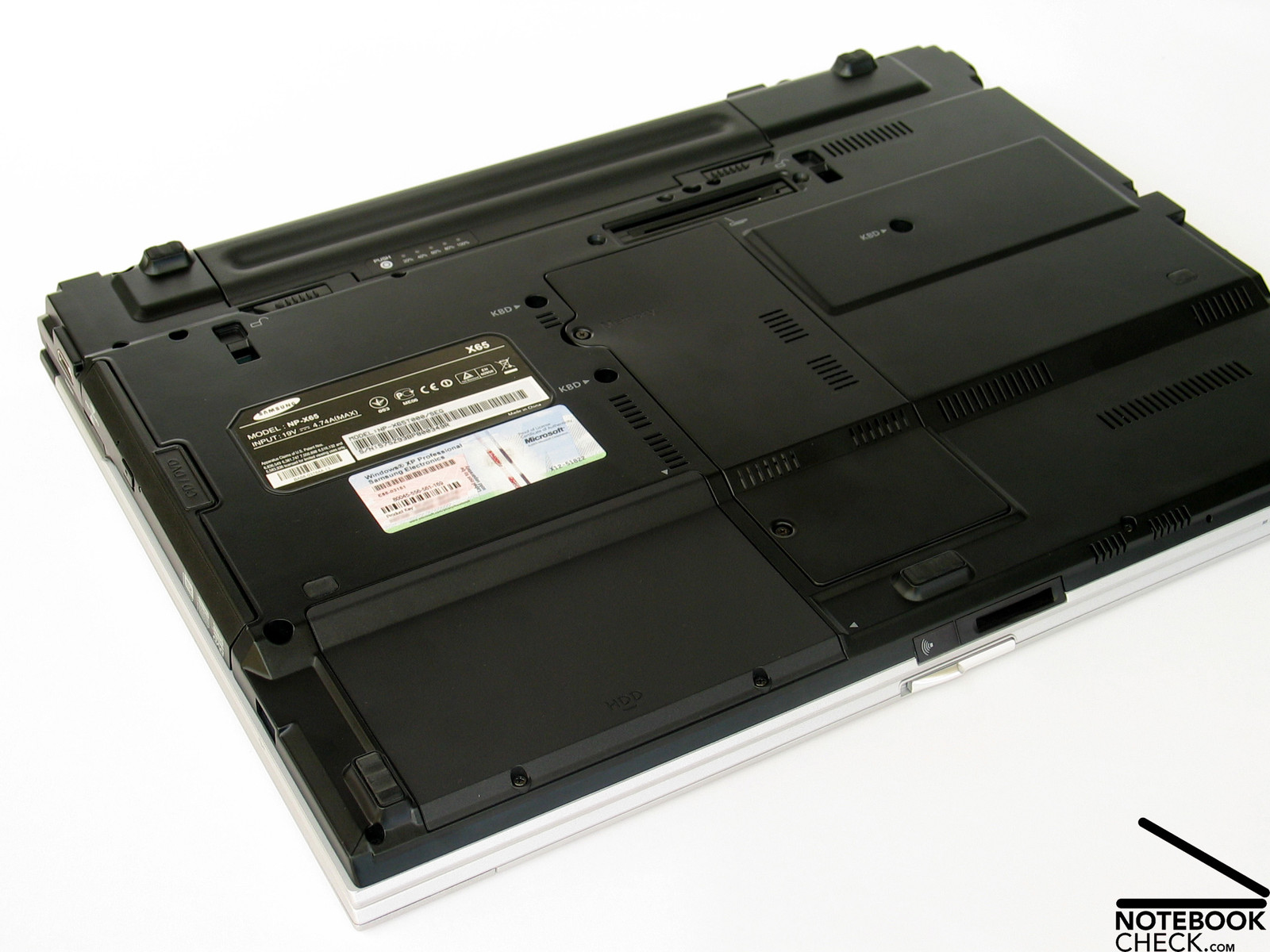
If you scrutinize the base unit, you'll discover that the trough is made of aluminum, which contributes to the good stability of the case. Not only the base unit, also the relatively flat display scores points regarding stability.
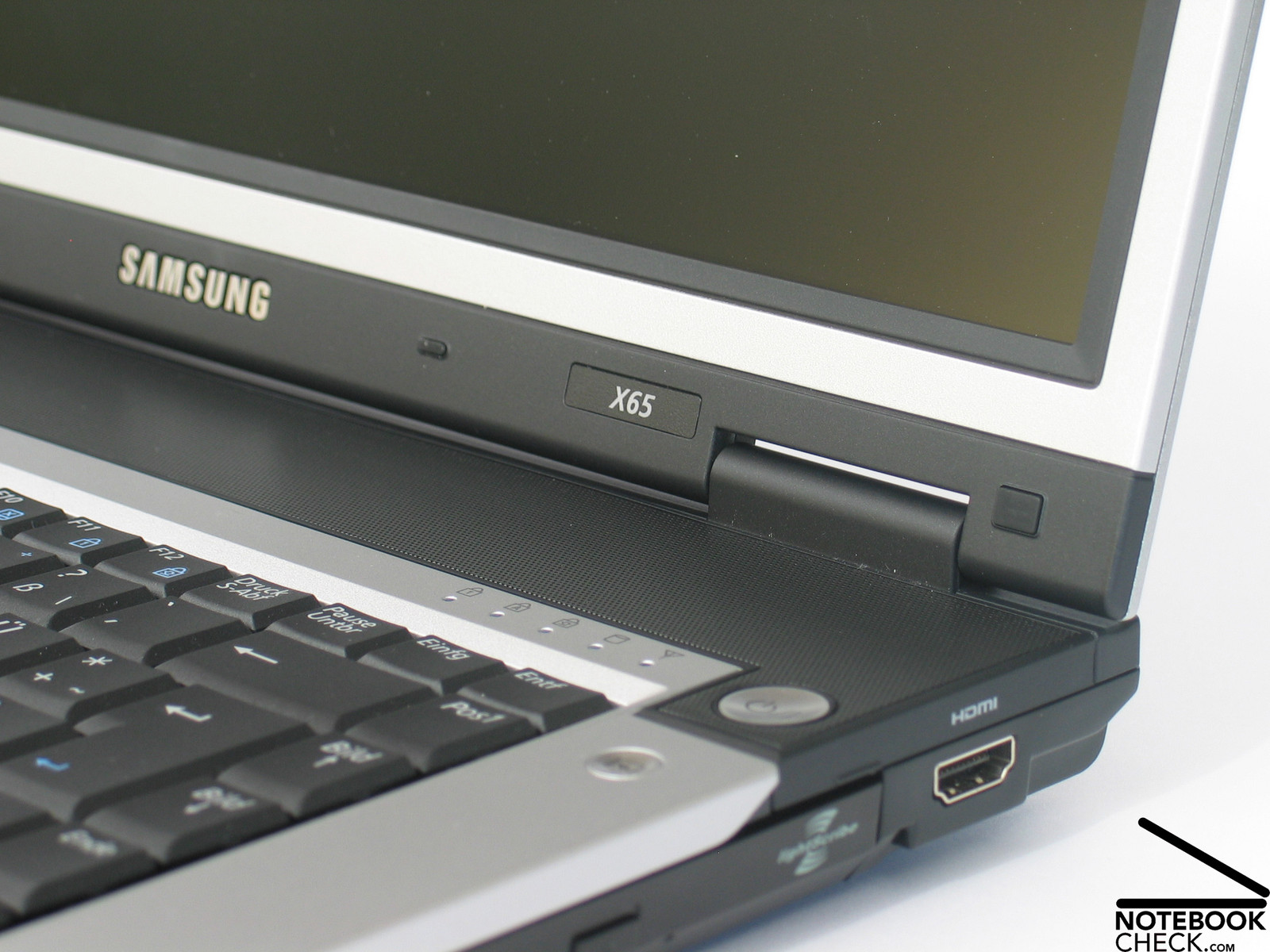
Both hinges appear to be a little too small, but, they allow a comfortable and precise adjusting of the opening angle, however, they also allow a slight see-saw. The ramshorn hook works excellent, it fixes the display nearly completely tight, if closed.
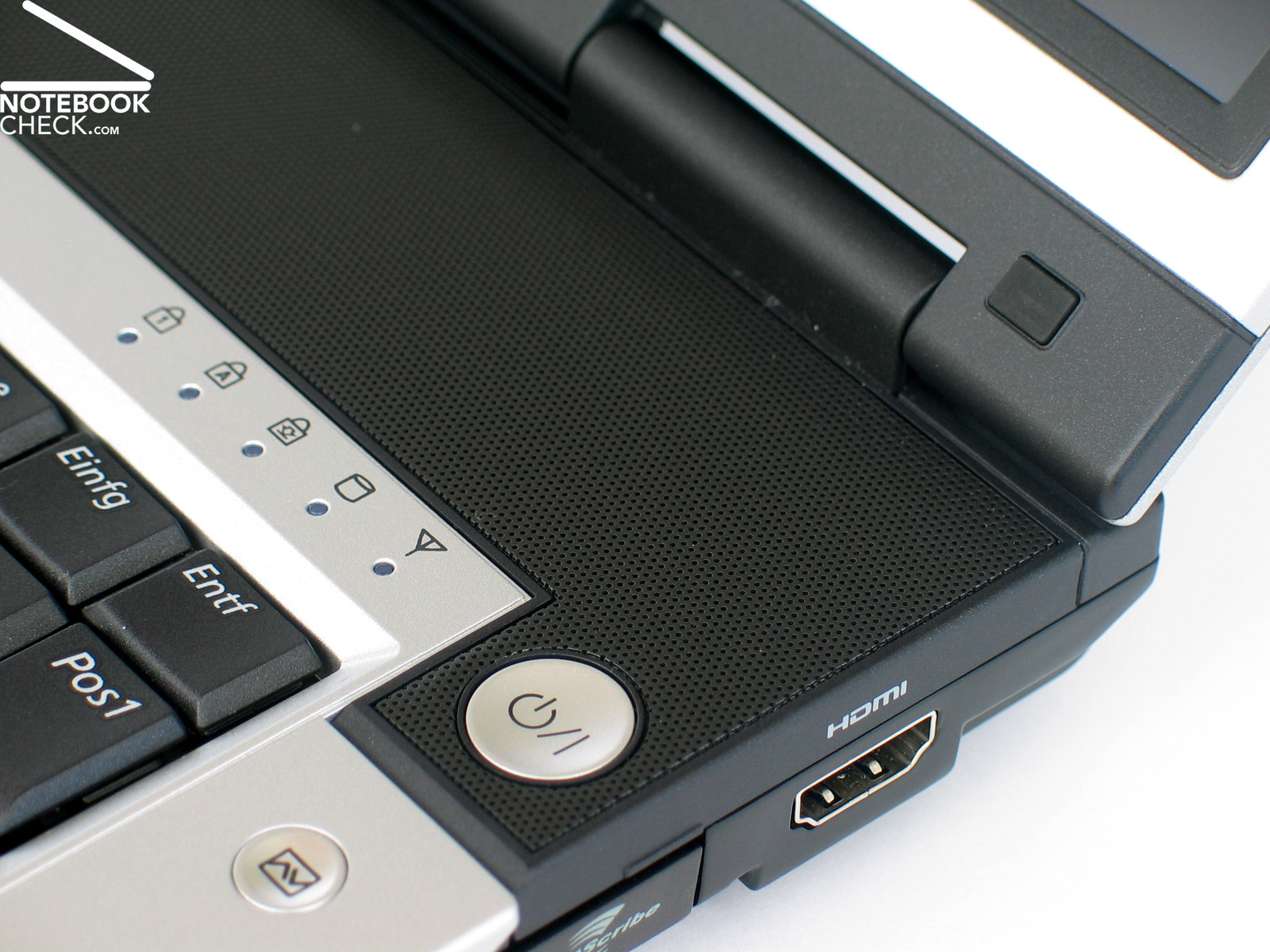
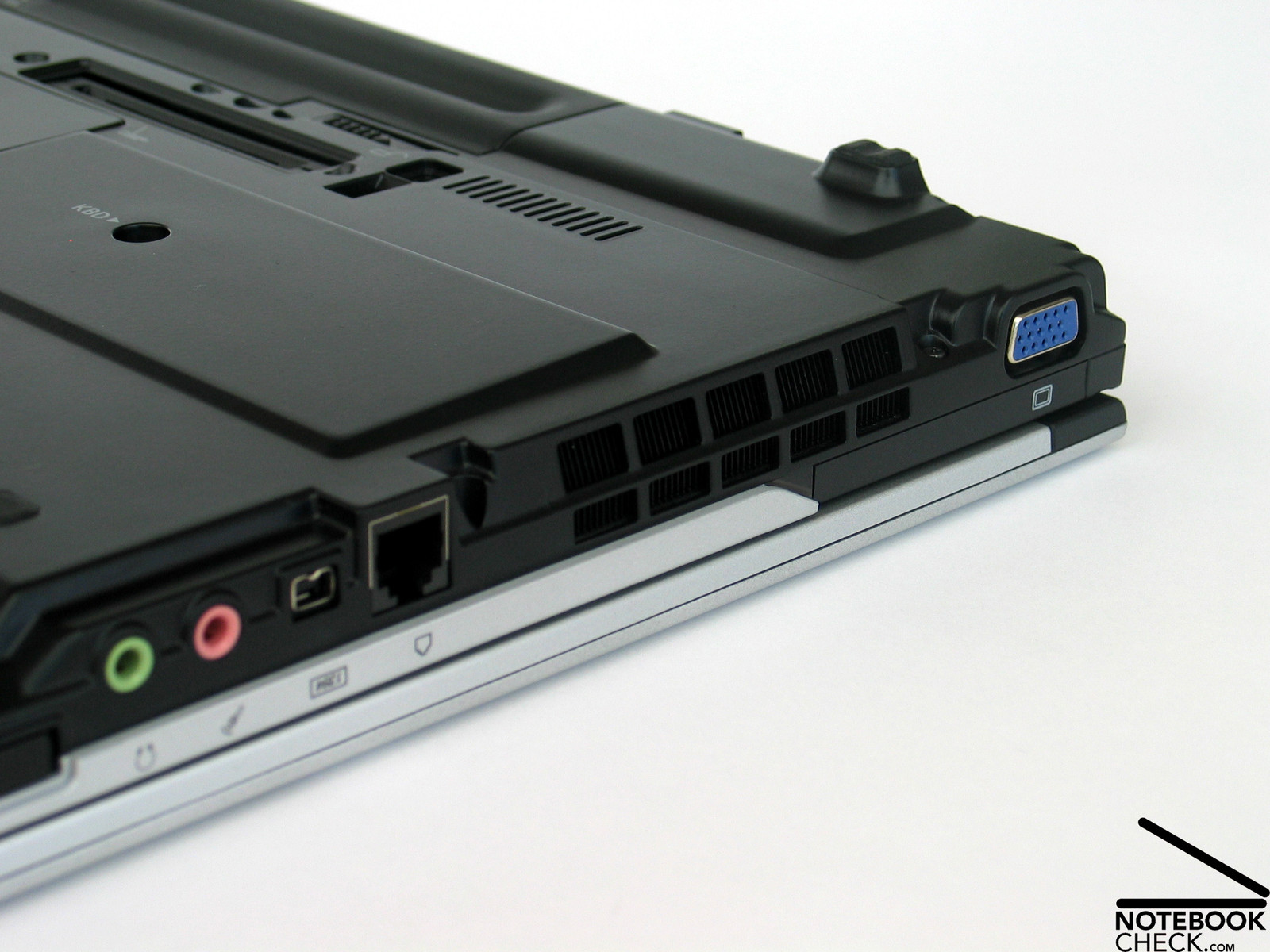
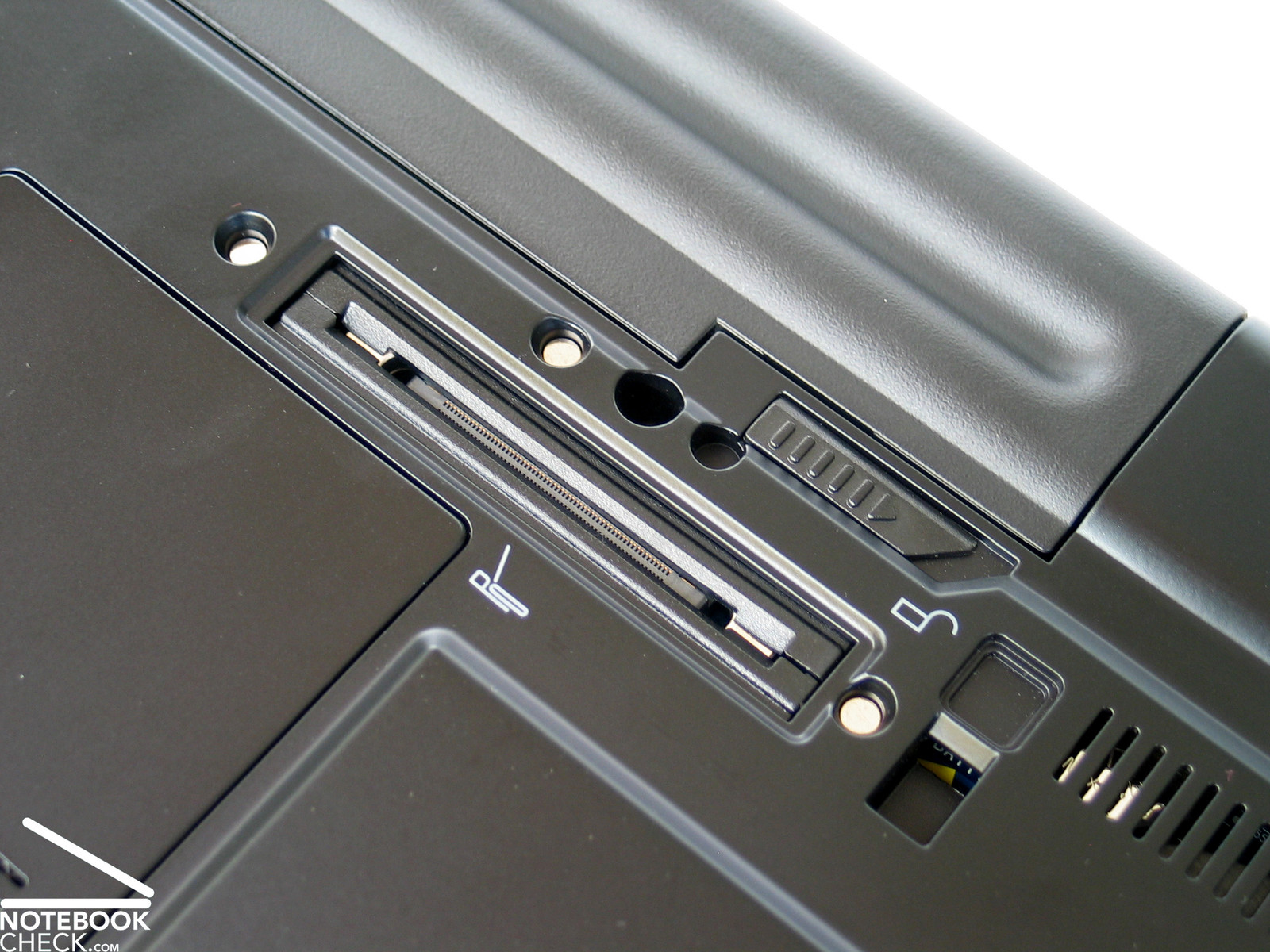
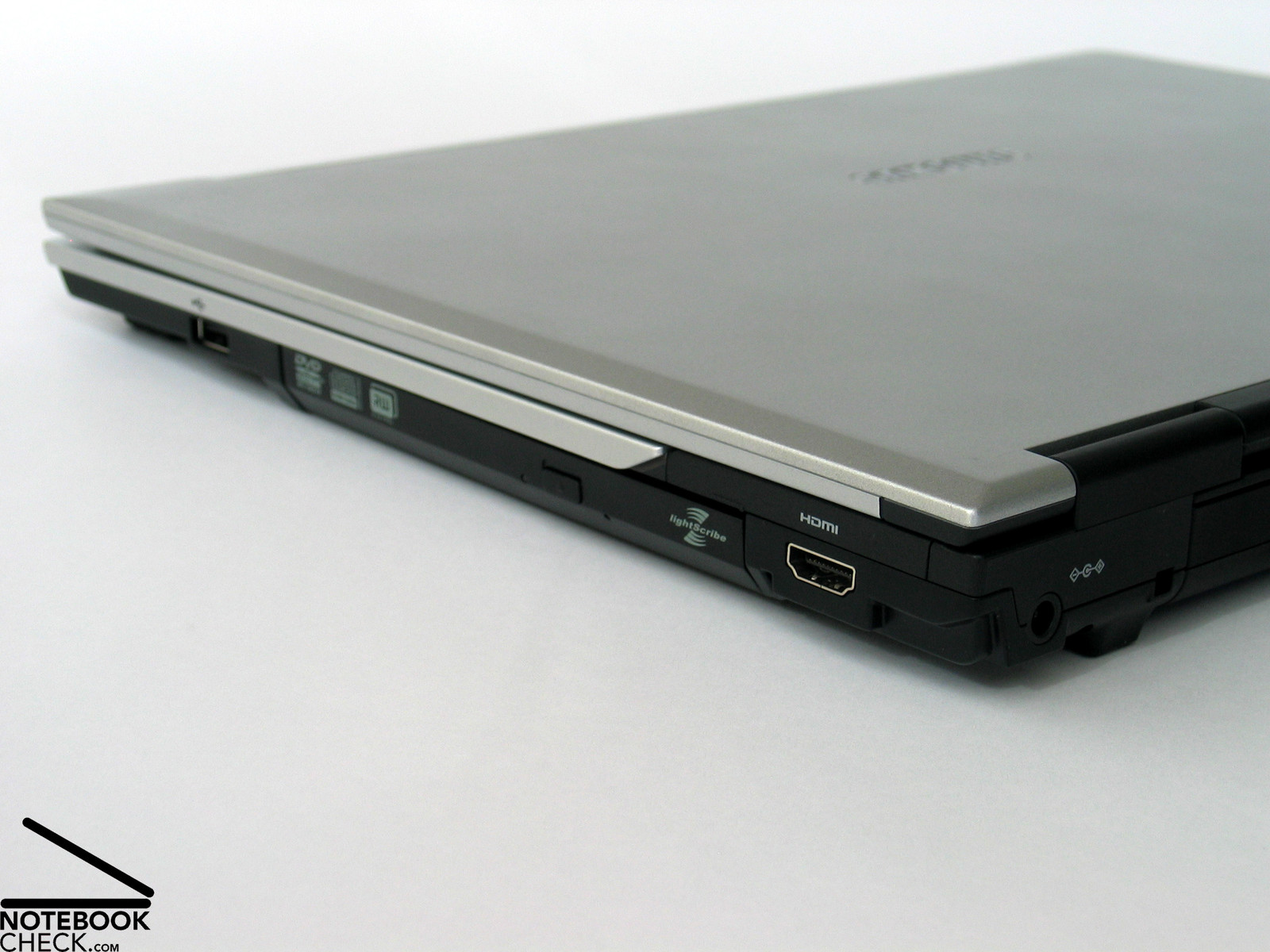
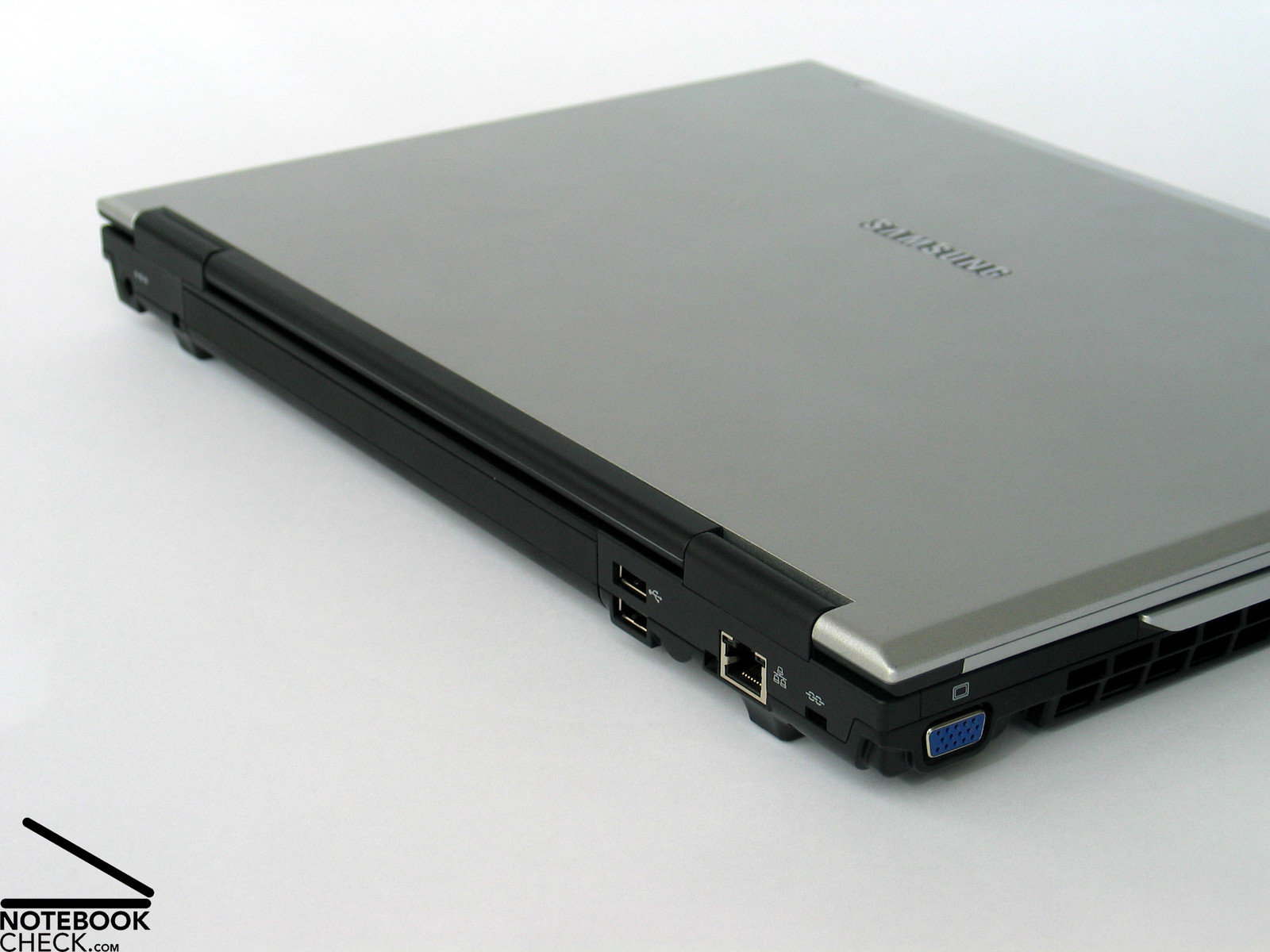
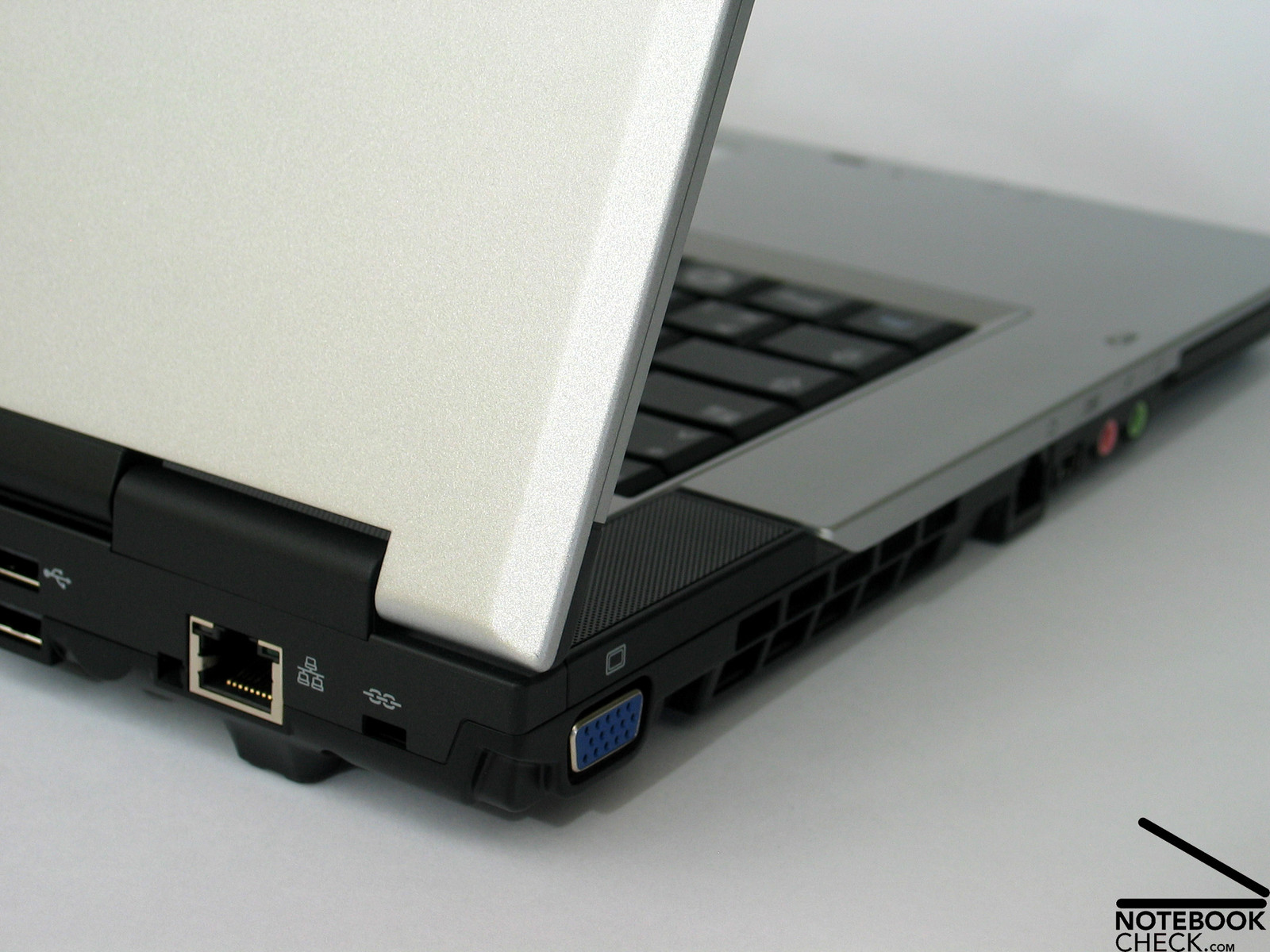
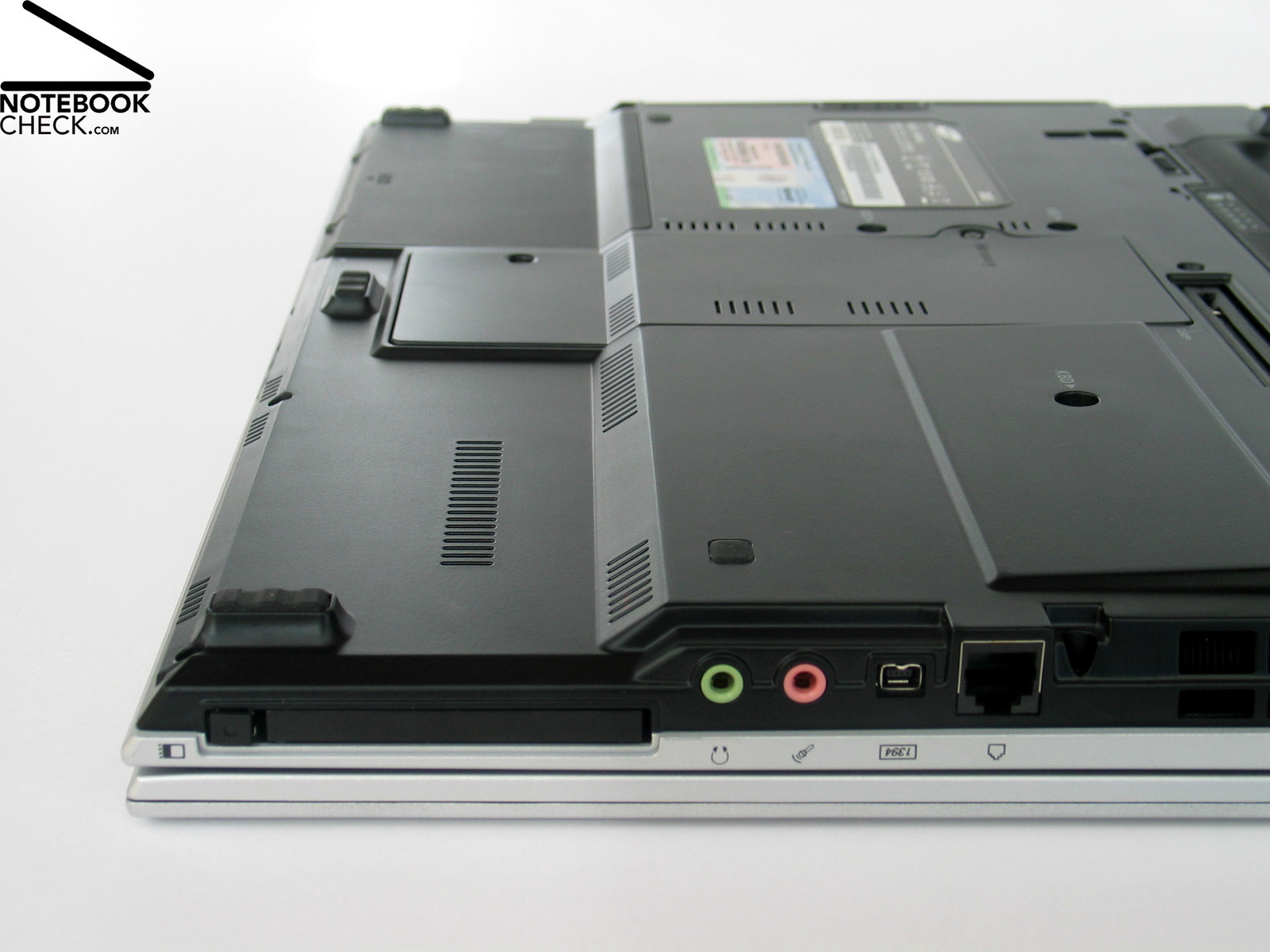
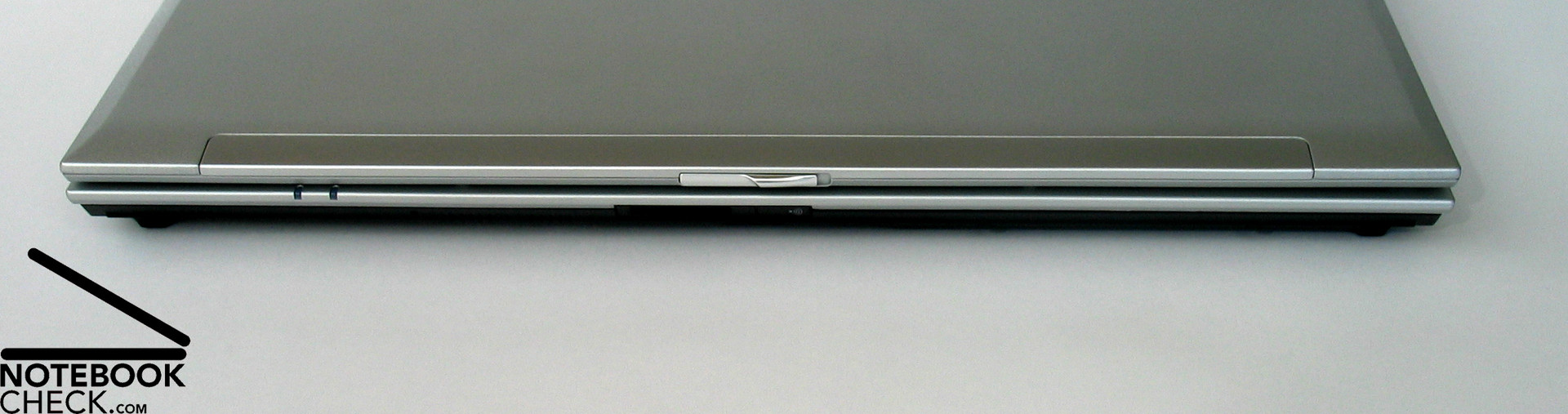
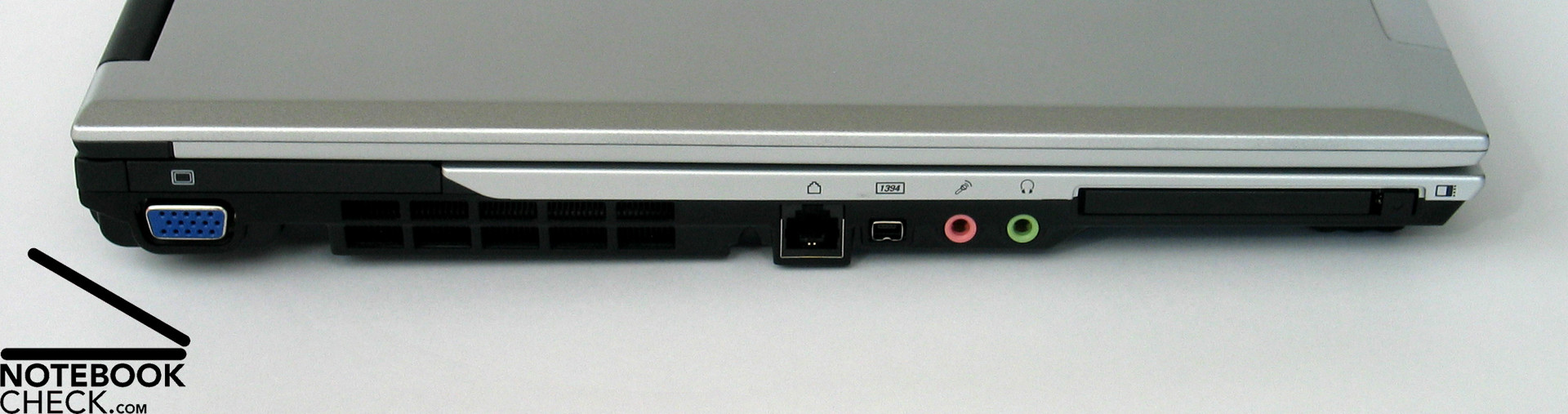
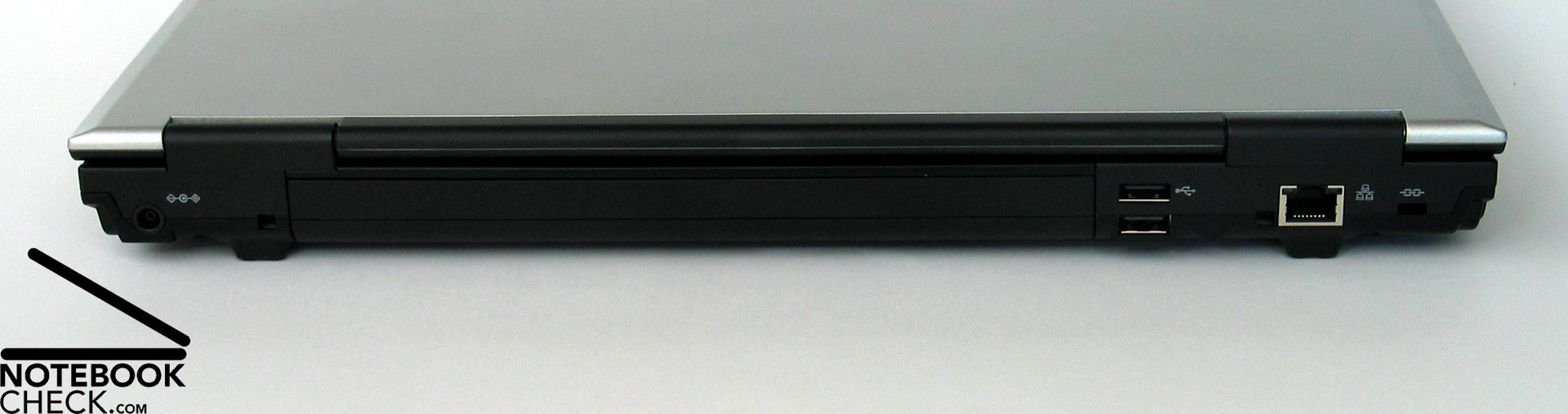
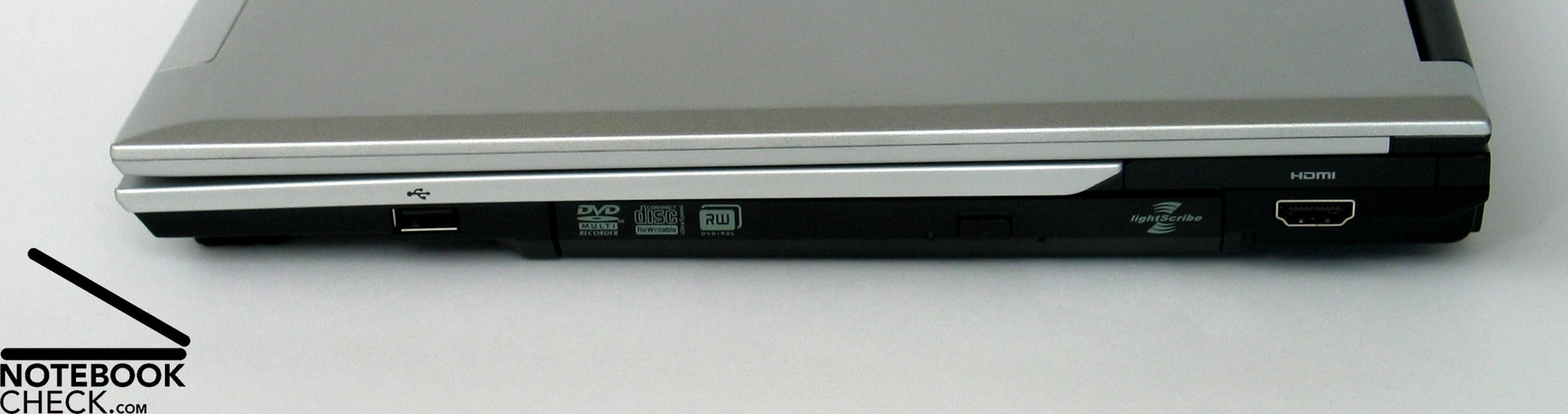
The interfaces of the notebook are relatively reasonable distributed around the whole case. Ports, which are likely permanently in use, like LAN, and also 2 USB ports are located at the back side, so, helping to keep the sides free of cable spaghetti. We were very pleased to find a HDMI port among the provided interfaces. It makes the Samsung X65 absolutely fit for the digital future. Also the docking port, an obligatory interface for business notebooks, is provided by the X65.
Input Devices
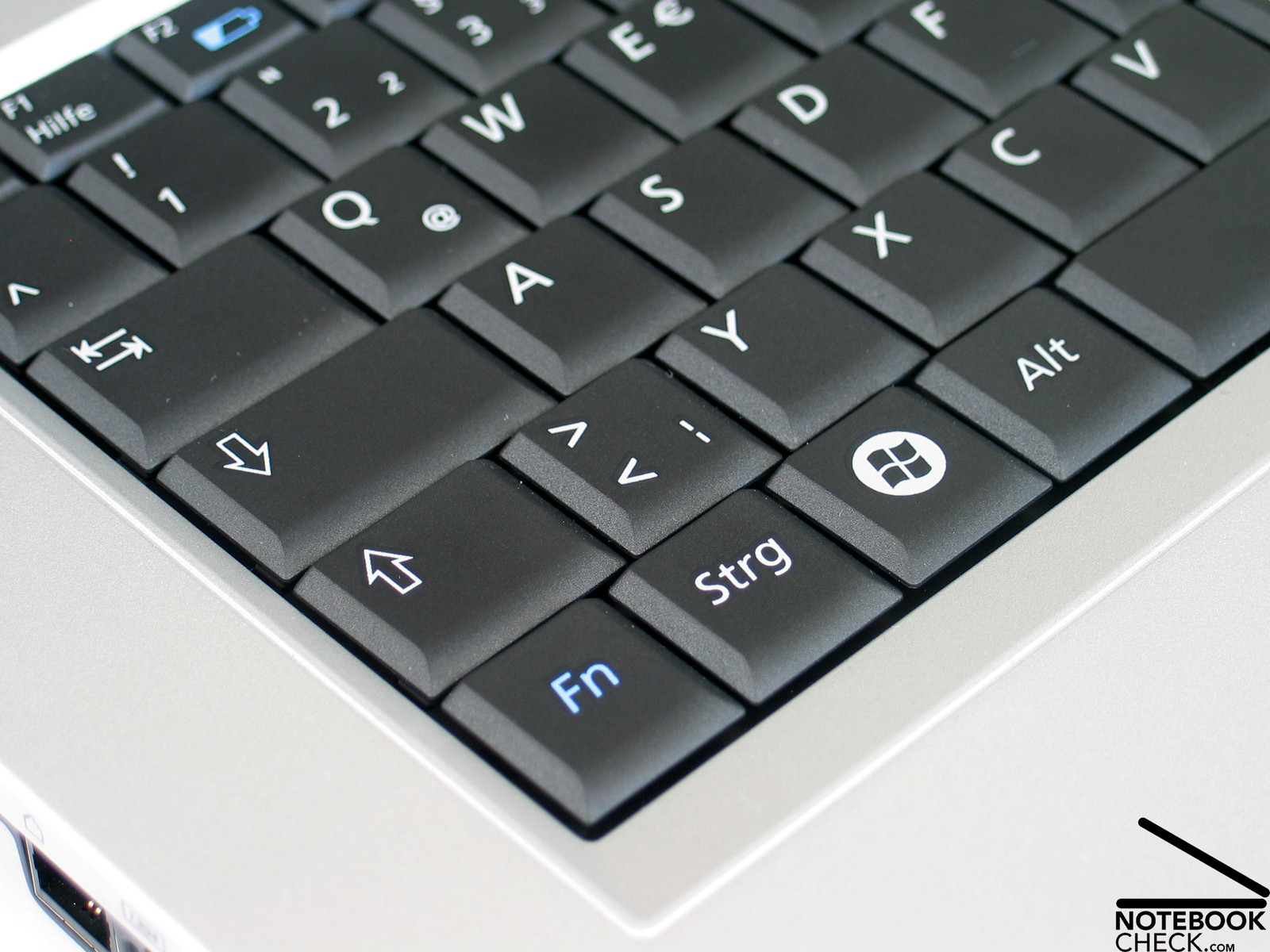
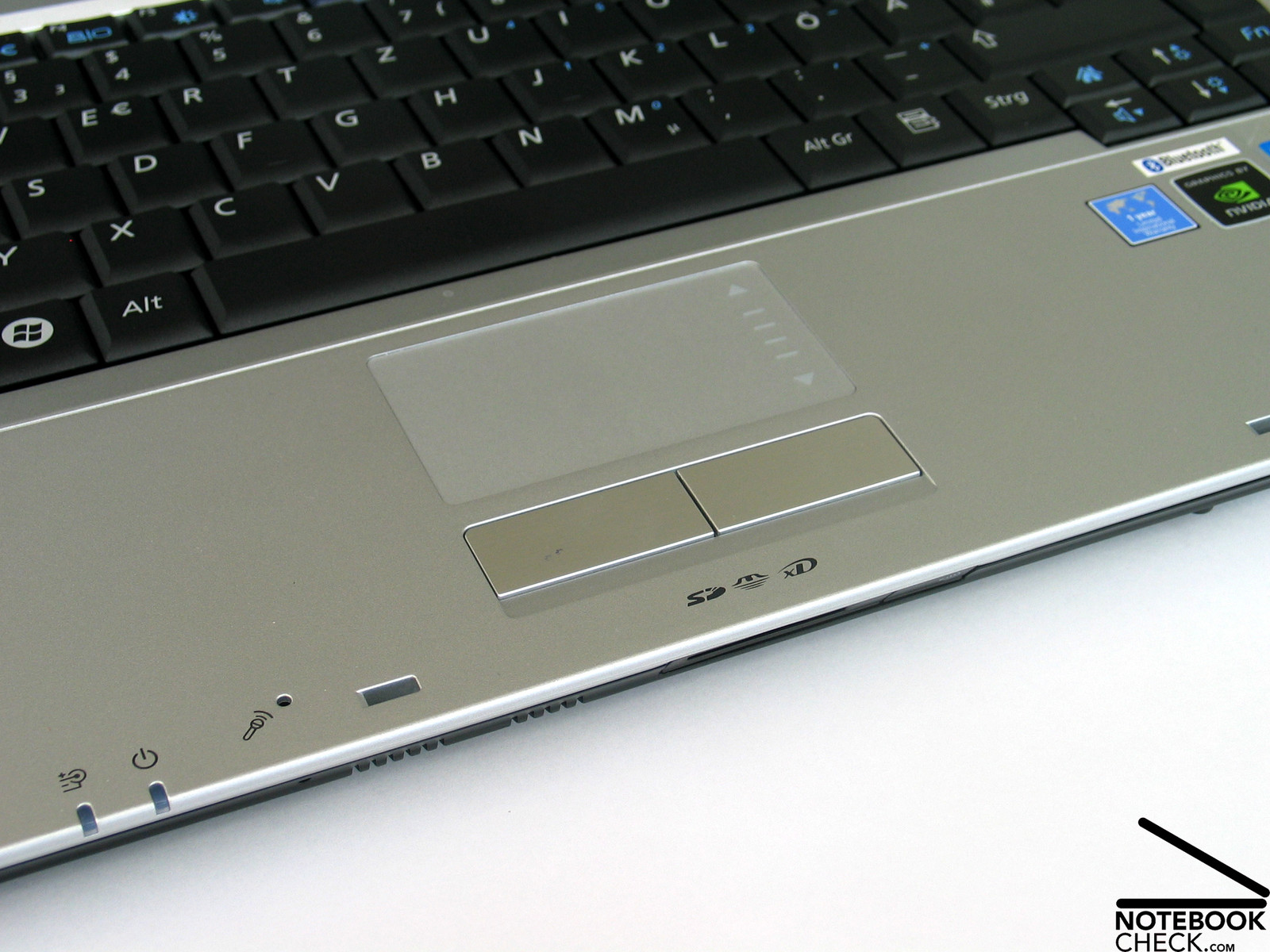
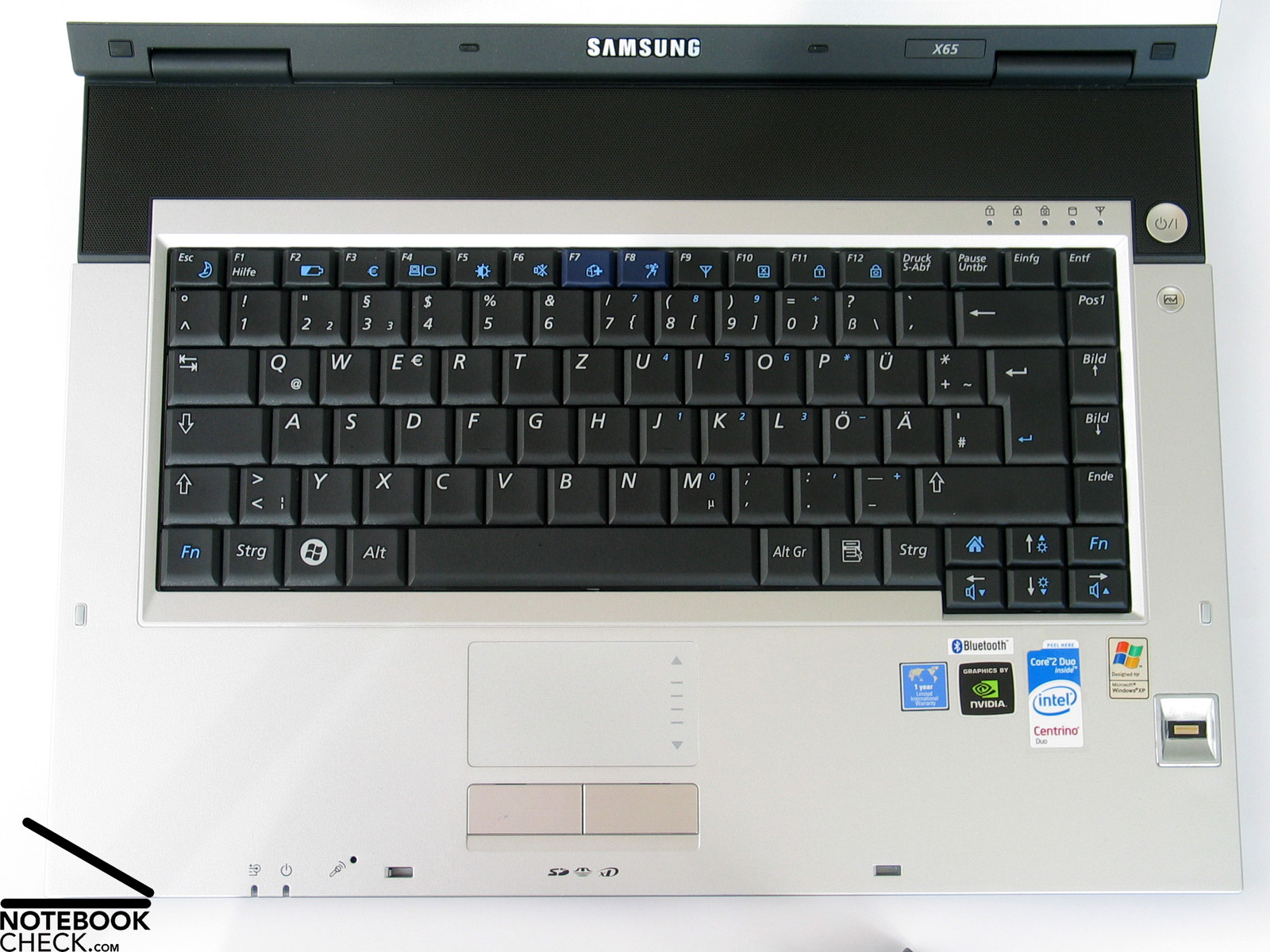
The X65 also fulfills the expectation in business notebooks of high-quality input devices. The geometric keyboard which appears a little edgy soon proves to be very user-friendly after writing some lines.
Typing is characterized by a clear, but, comfortable point of pressure followed by a somewhat short travel, and a solid, by no means abrupt stop at the end of the typing process. Also the dull typing noise could convince.
The keyboard's layout looks a little dense, but, in practice we could not find any disadvantages. Also the size of the keys is alright.
The touch pad does not only look good, it is also very user-friendly. Especially the rough surface with good sliding properties makes using the X65's touch pad joyful. Both of its buttons can be softly pressed, although their travel is not especially long, and their clicking sound is also alright.
For the benefit of a decent and straight design all hot keys were missed out. All of the function, from WLAN to brightness and volume adjustment can be controlled by a combination of FN with another key of the standard keyboard. Visualized by a felicitous graphic, the user is all the time kept informed what happens.
Display
Getting straight to the point the requirements in business notebook's panels, i.e. matte display surface and, furthermore, suitable and high resolution are fulfilled by the provided panel.
The 15.4 inch WSXGA+ panel with a resolution of 1680x1050 pixels provides a sufficient big area of operation with still good font size.
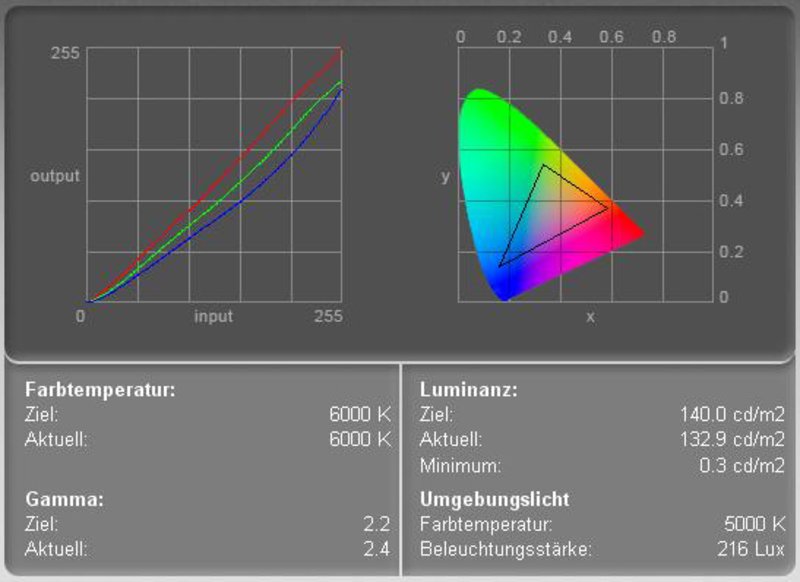
The name "Superbright LCD" sounds promising, but, this is not proved by our measurements. The rather moderate brightness at the left display area is already obvious without measurement, even, if it is by all means sufficient for indoor usage and does not limit the usability there.
The maximum brightness of 160.8 cd/m² was measured in the center of the display. The moderate illumination of only 68.7% is mainly caused by the diminishing brightness at the left side of the display. Also the average brightness of 133.8 cd/m² is rather below-average.
| |||||||||||||||||||||||||
Brightness Distribution: 69 %
Contrast: 443:1 (Black: 0.3 cd/m²)
The very low black value of the display (minimum representable brightness) of only 0.3 cd/m² contributes to an excellent contrast of 536:1. There are no anomalies regarding speed of reaction.
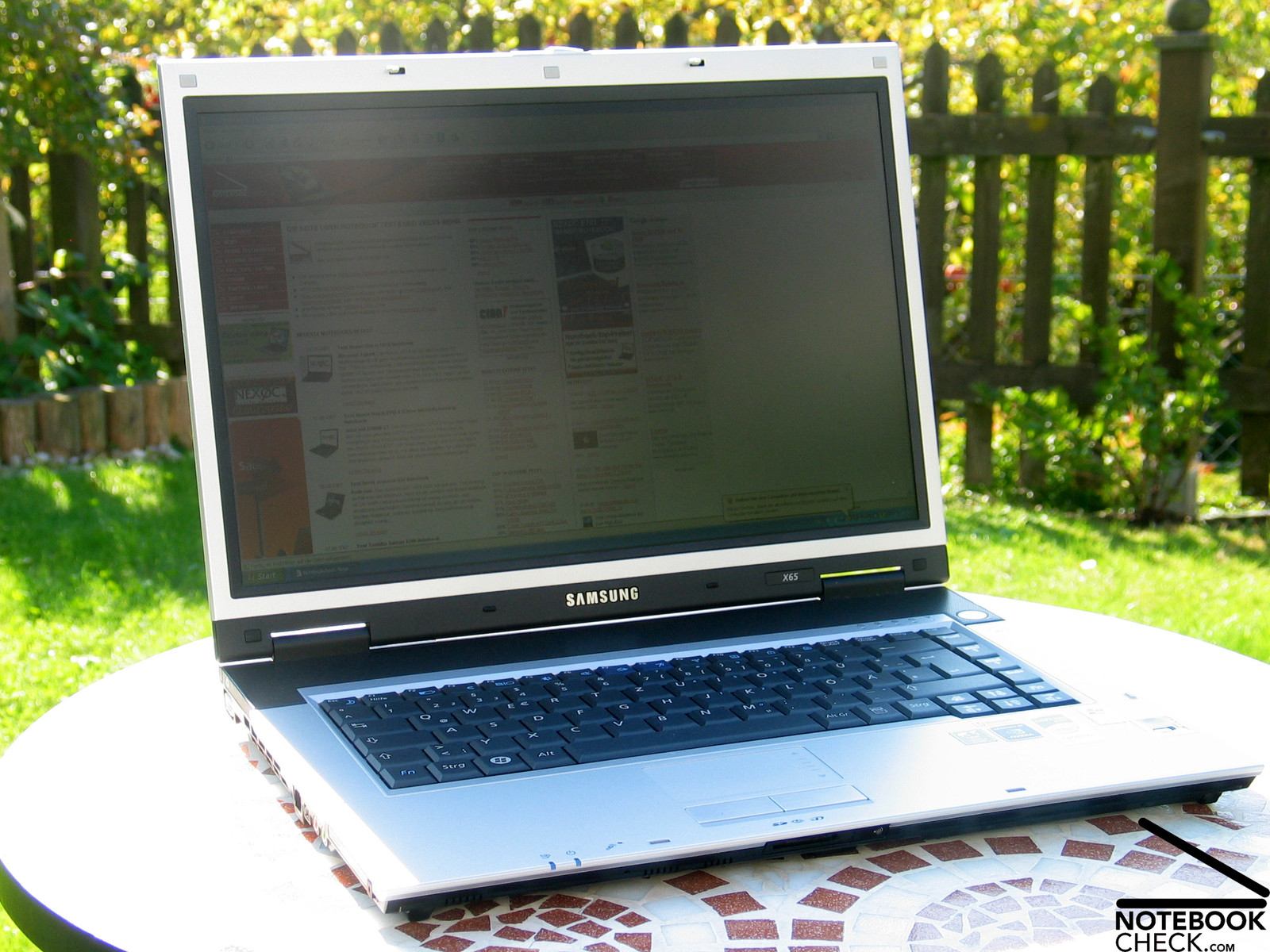
During outdoor operation on a sunny day, the low brightness proves to be a weakness of the provided display. Despite of maximum brightness and matte display, the display is hardly legible, so, working outdoors is impossible. We recommend to use this notebook indoors in moderately bright environments.
Besides of slight color changes vertically and an increasing darkening when looking from bottom up, the picture stays even at acute angles well legible, if the environment is not too bright. All together, the built-in WSXGA+ panel scores alright regarding viewing angles.

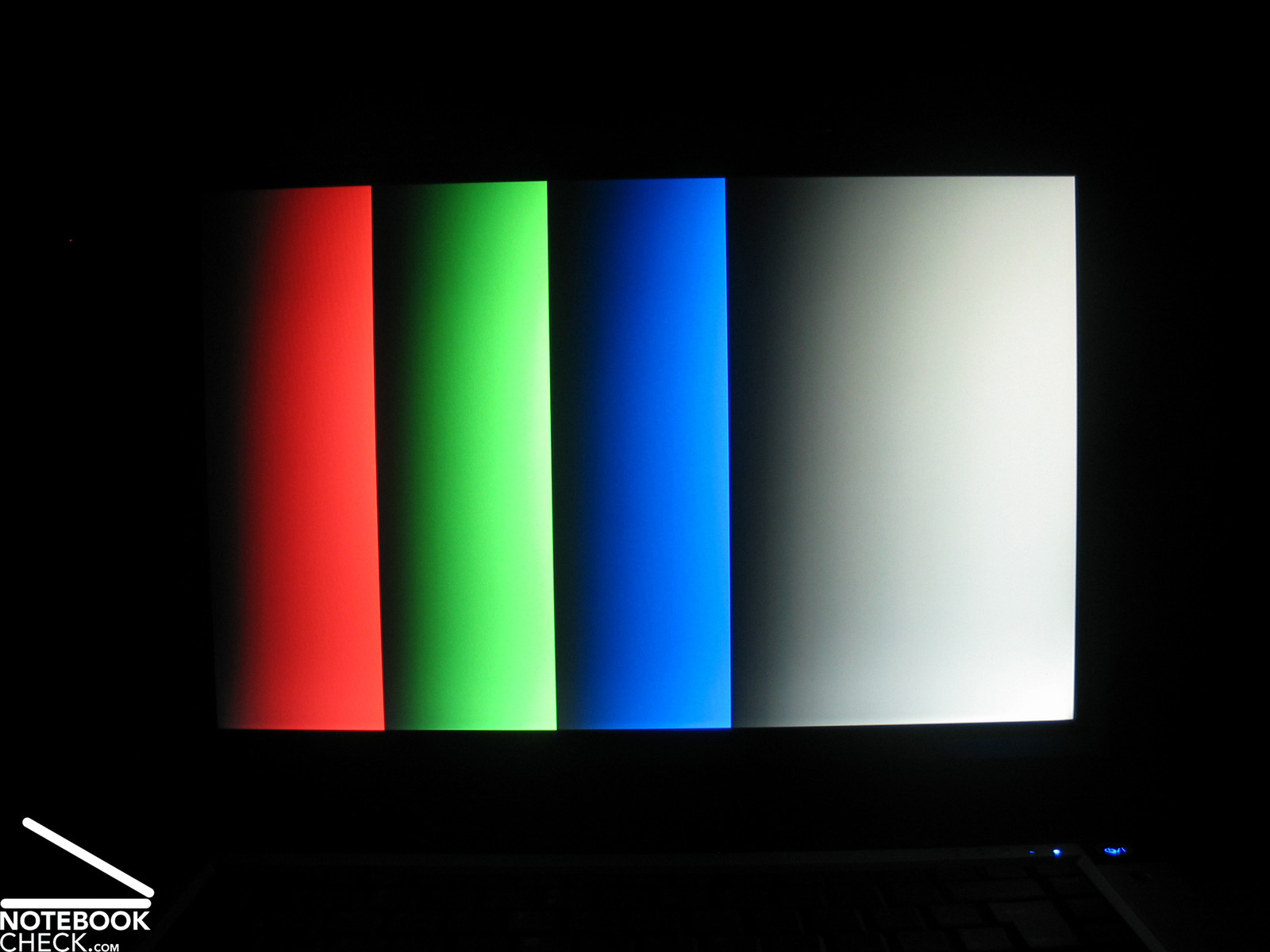
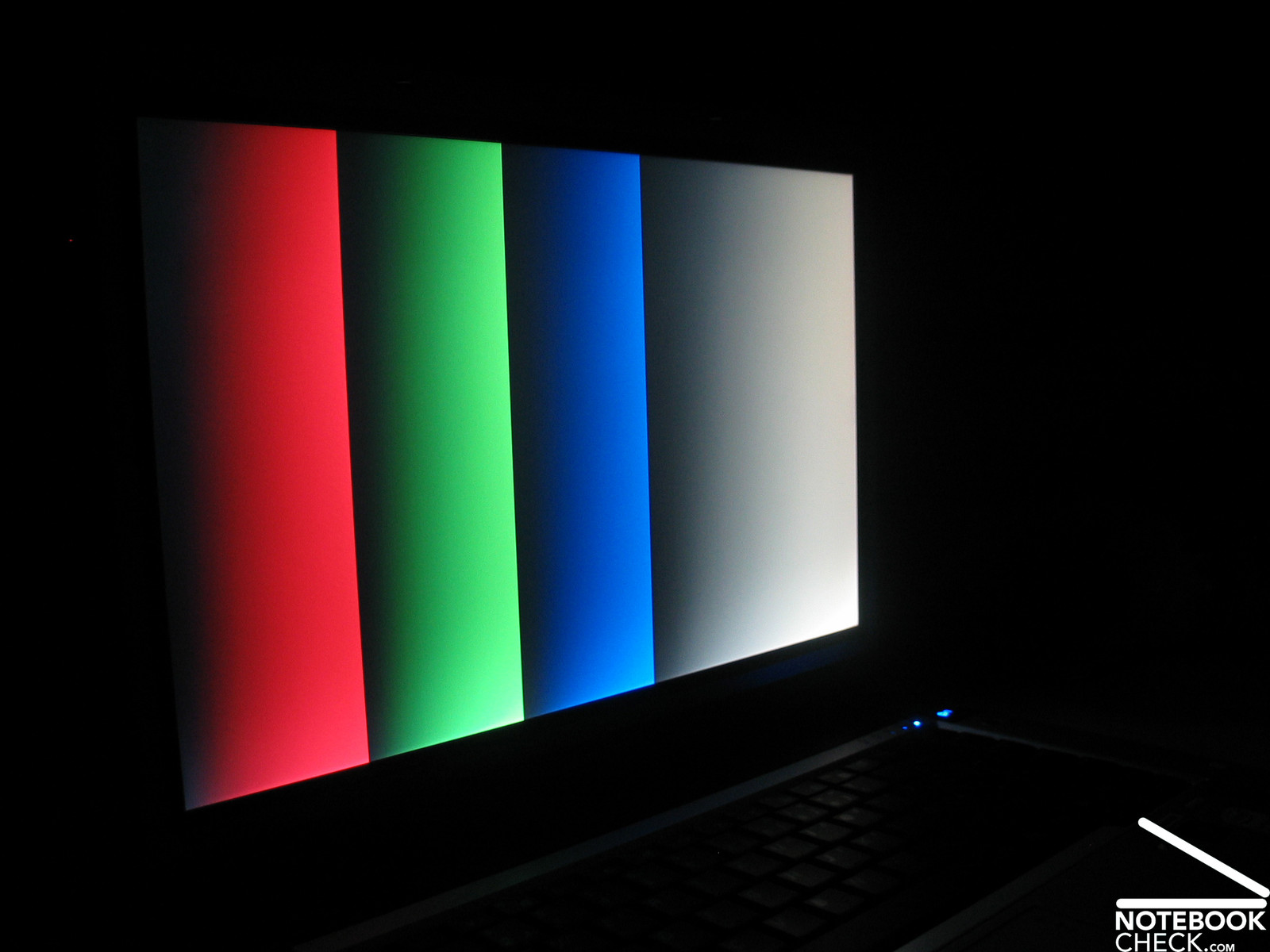
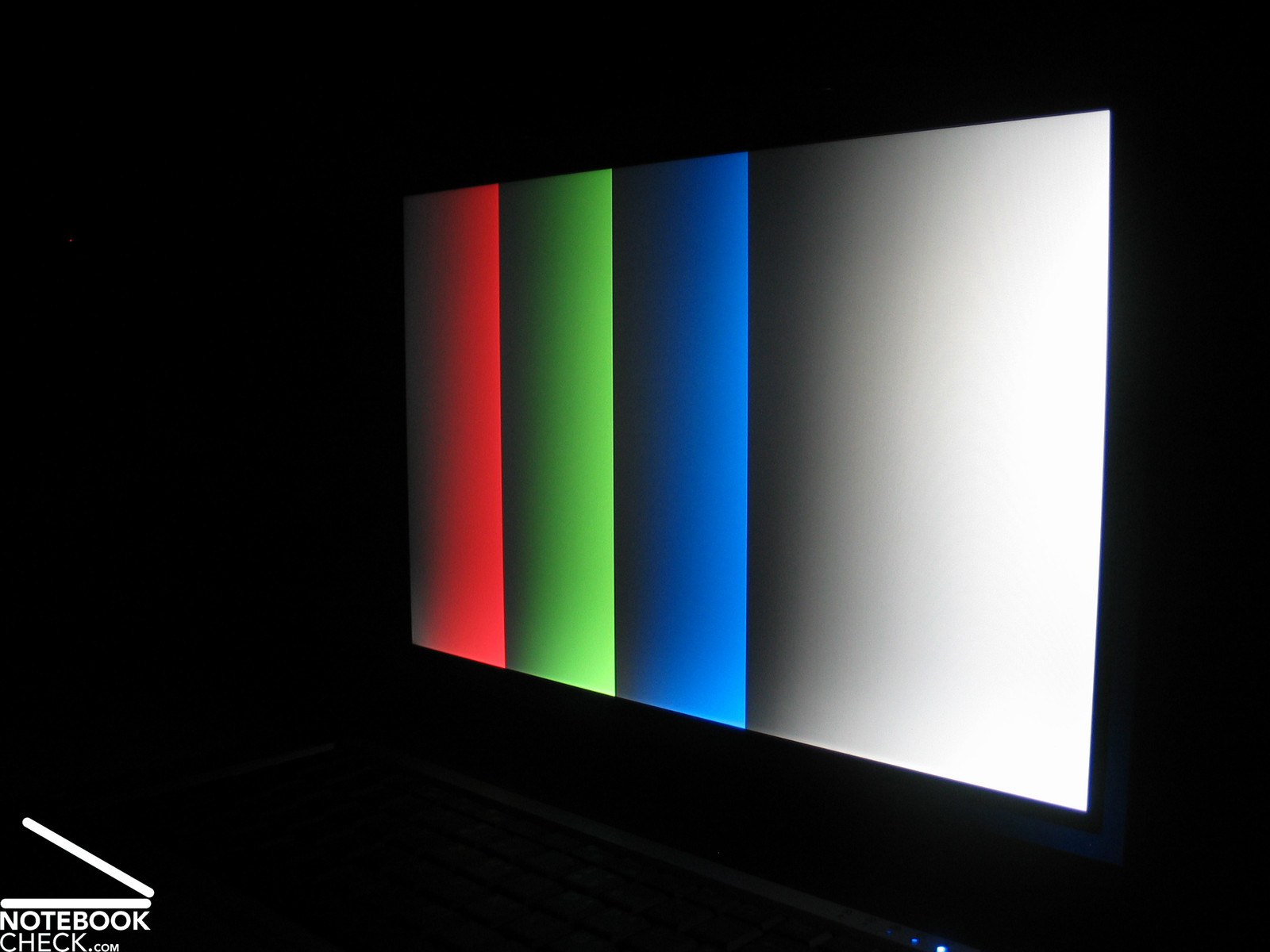
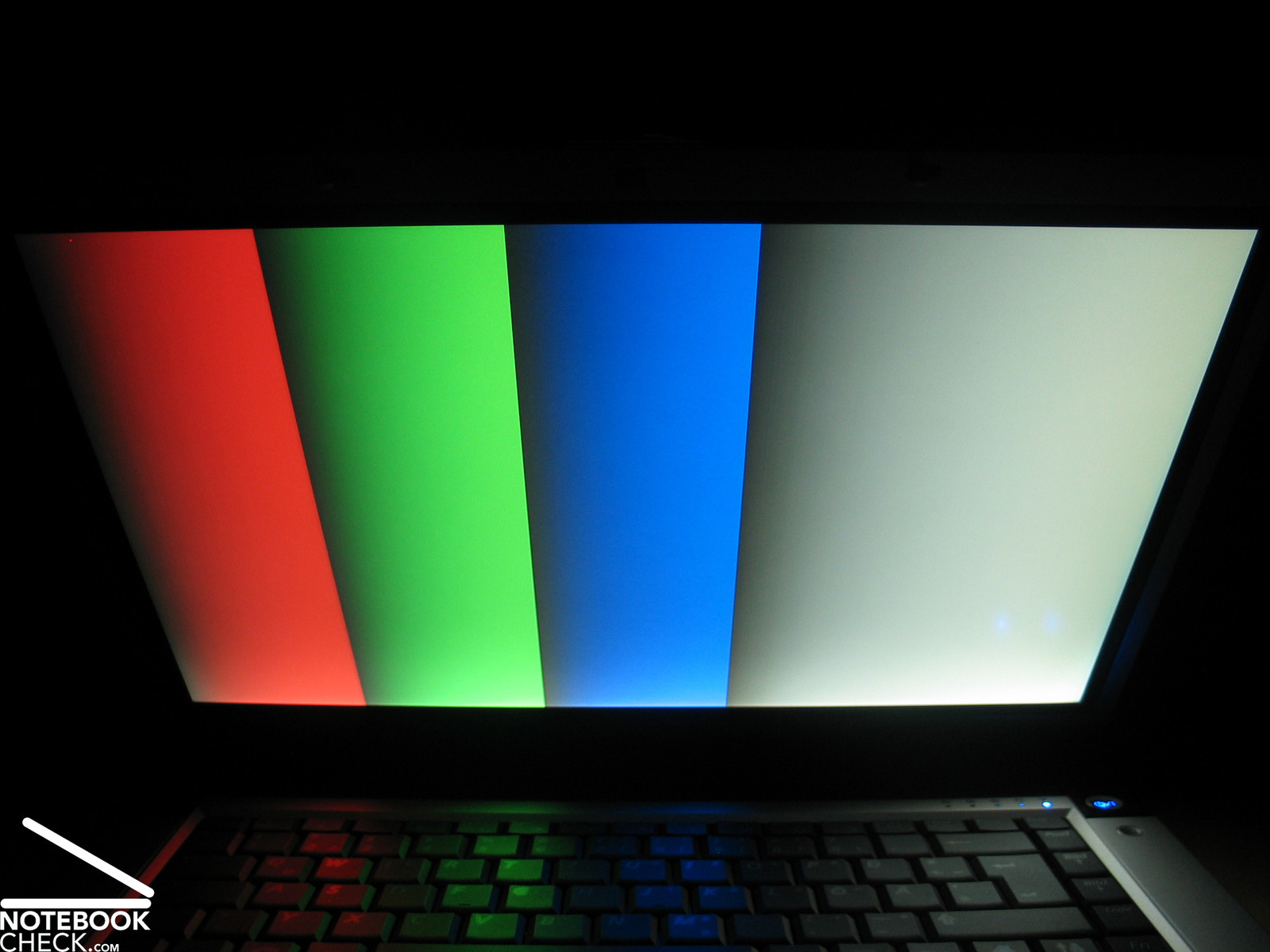
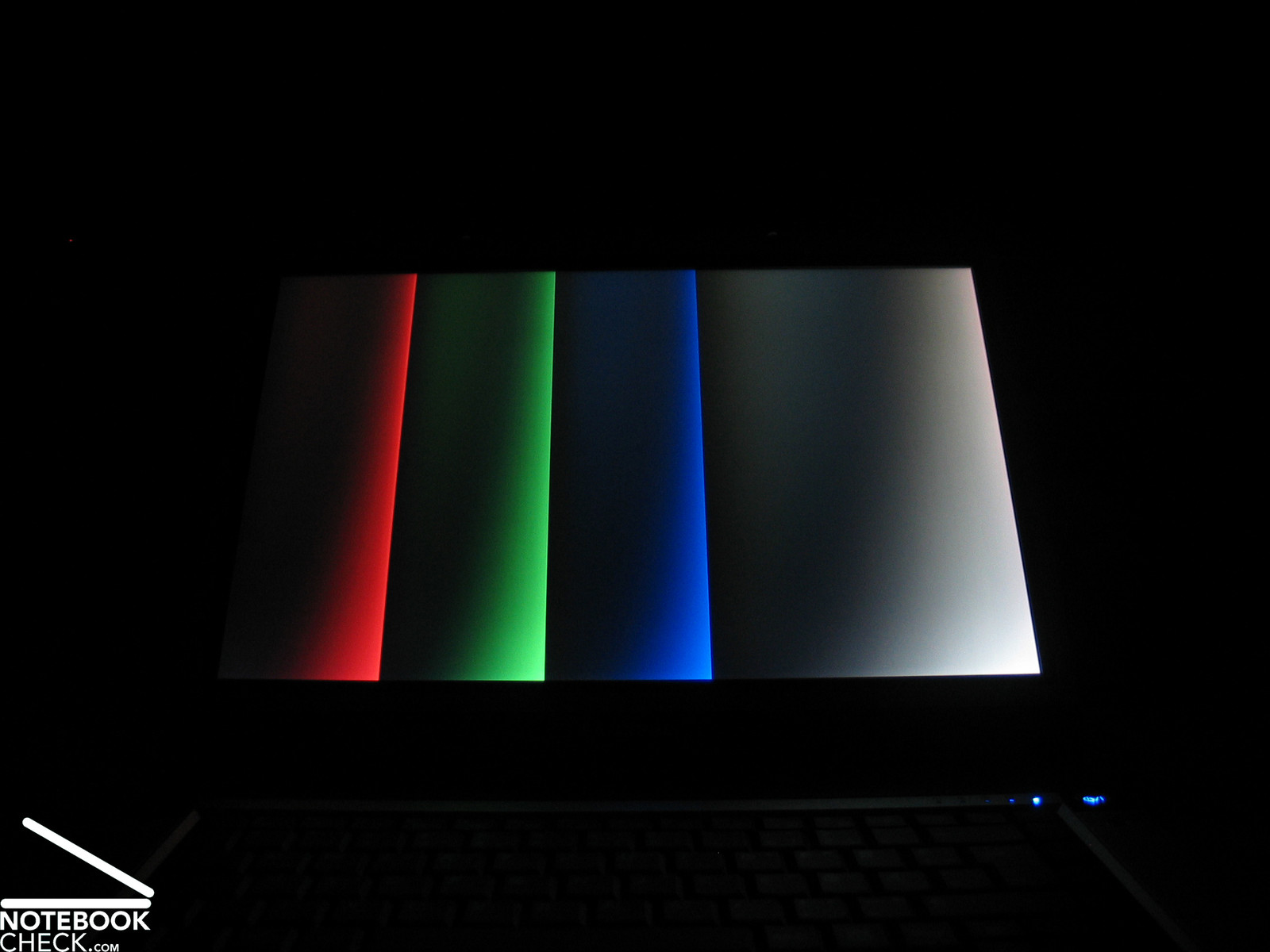
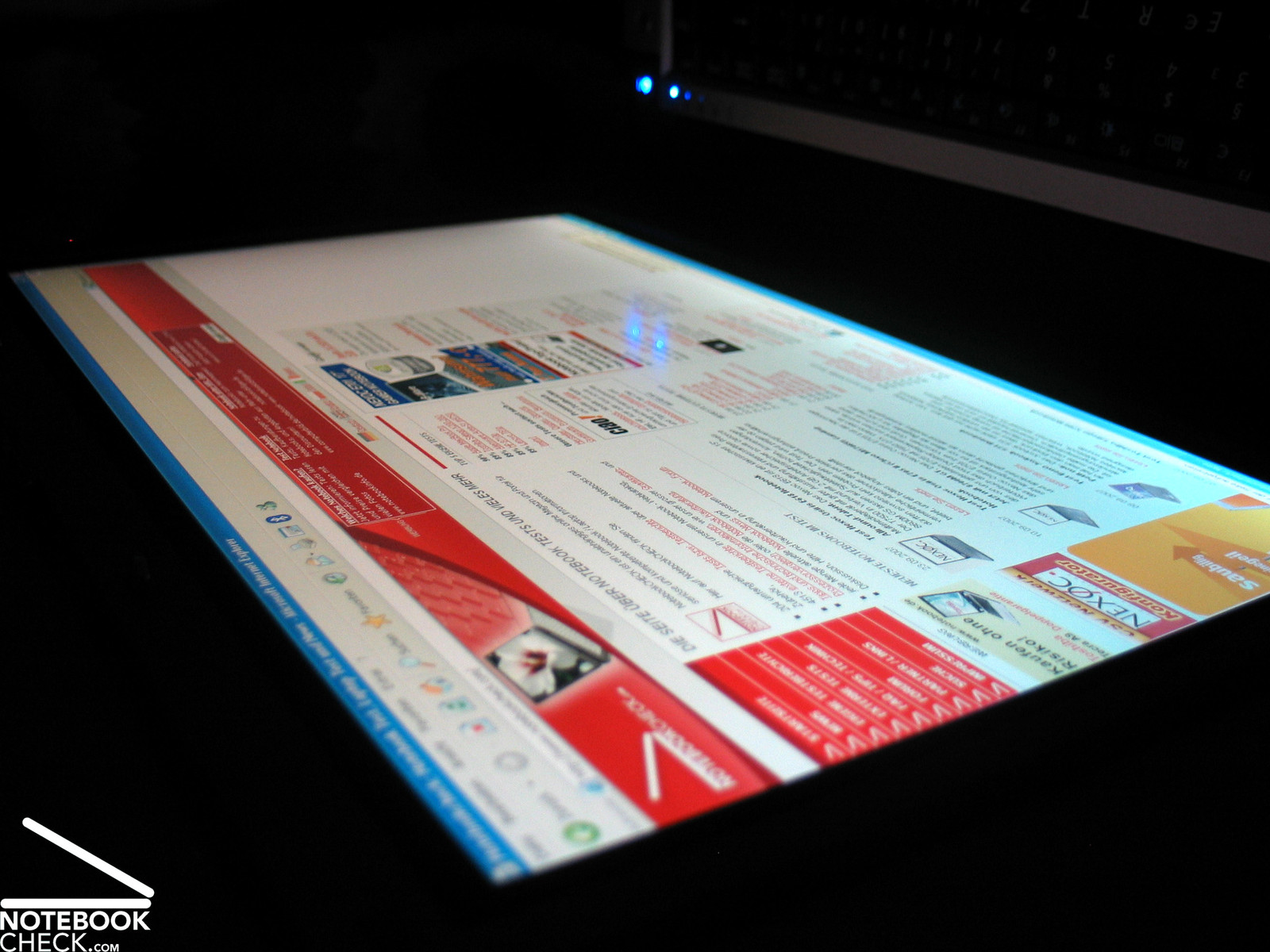
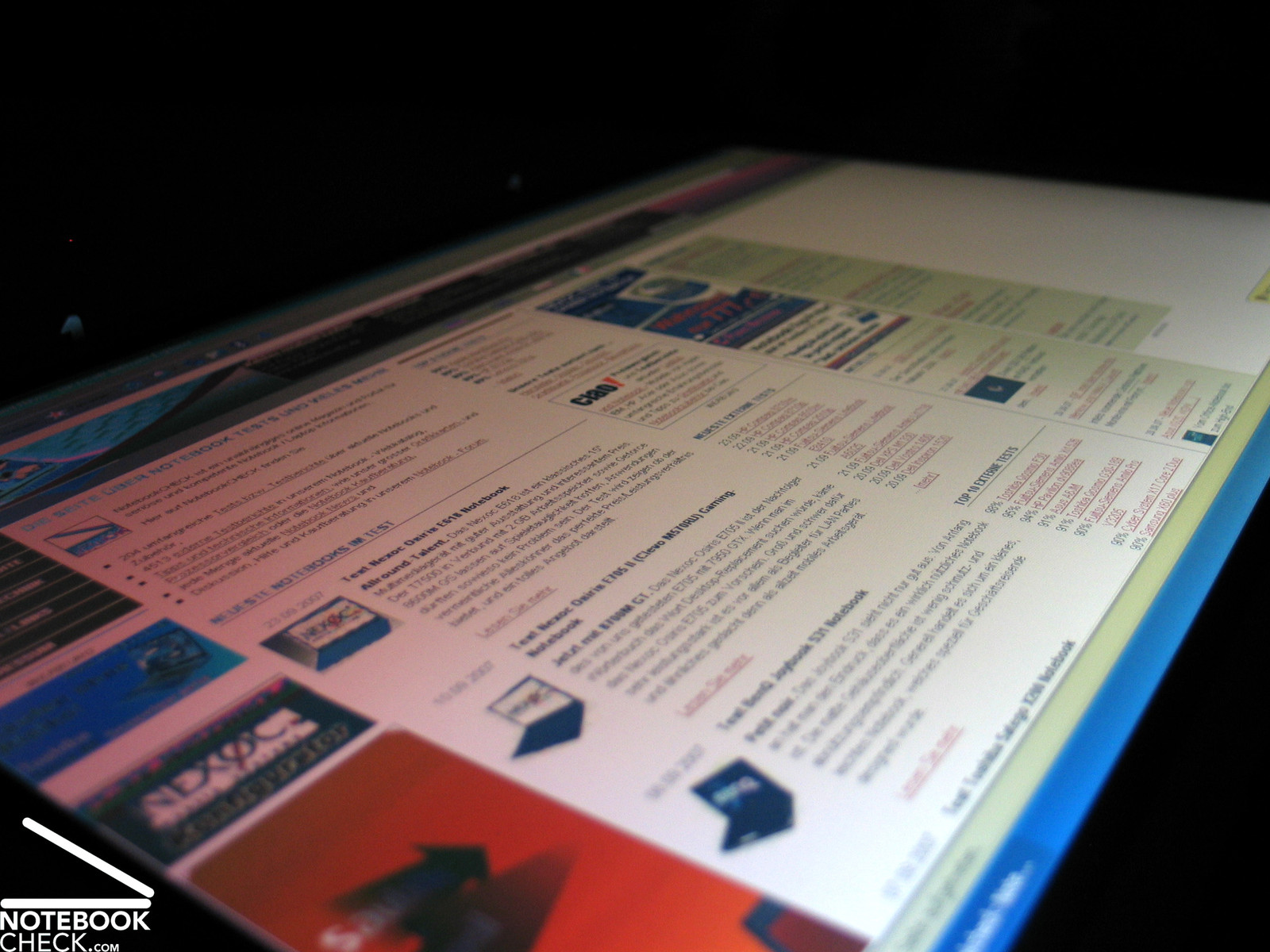
Video of Display's Viewing Angles
Performance
Positioned as high-performance business notebook the Samsung X65 clearly differs to notebooks of competitors. Despite of being equipped with a slimmed down and CAD optimized video card, the X65 comes with a classical multimedia video card, which might nearly suggest some gaming ambitions.
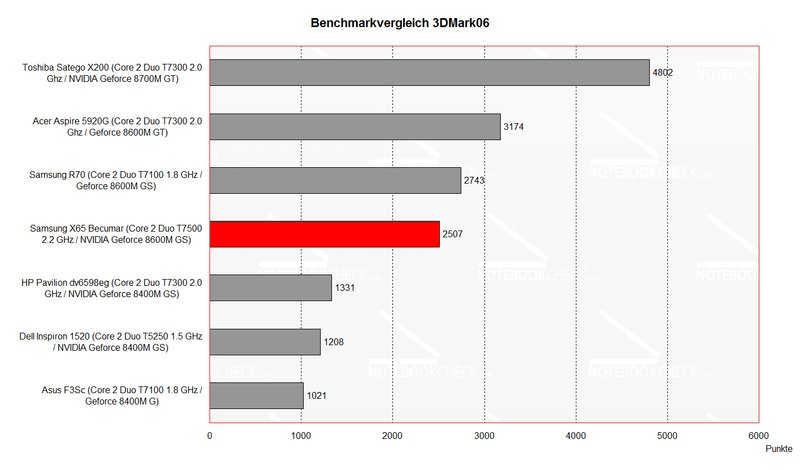
The multimedia performance of the built-in NVIDIA Geforce 8600M GS is alright. Despite of GDDR3 VRAM, our comparison uncovered that its rating is only at the level of other notebooks with 8600M GS video chip and DDR2 memory.
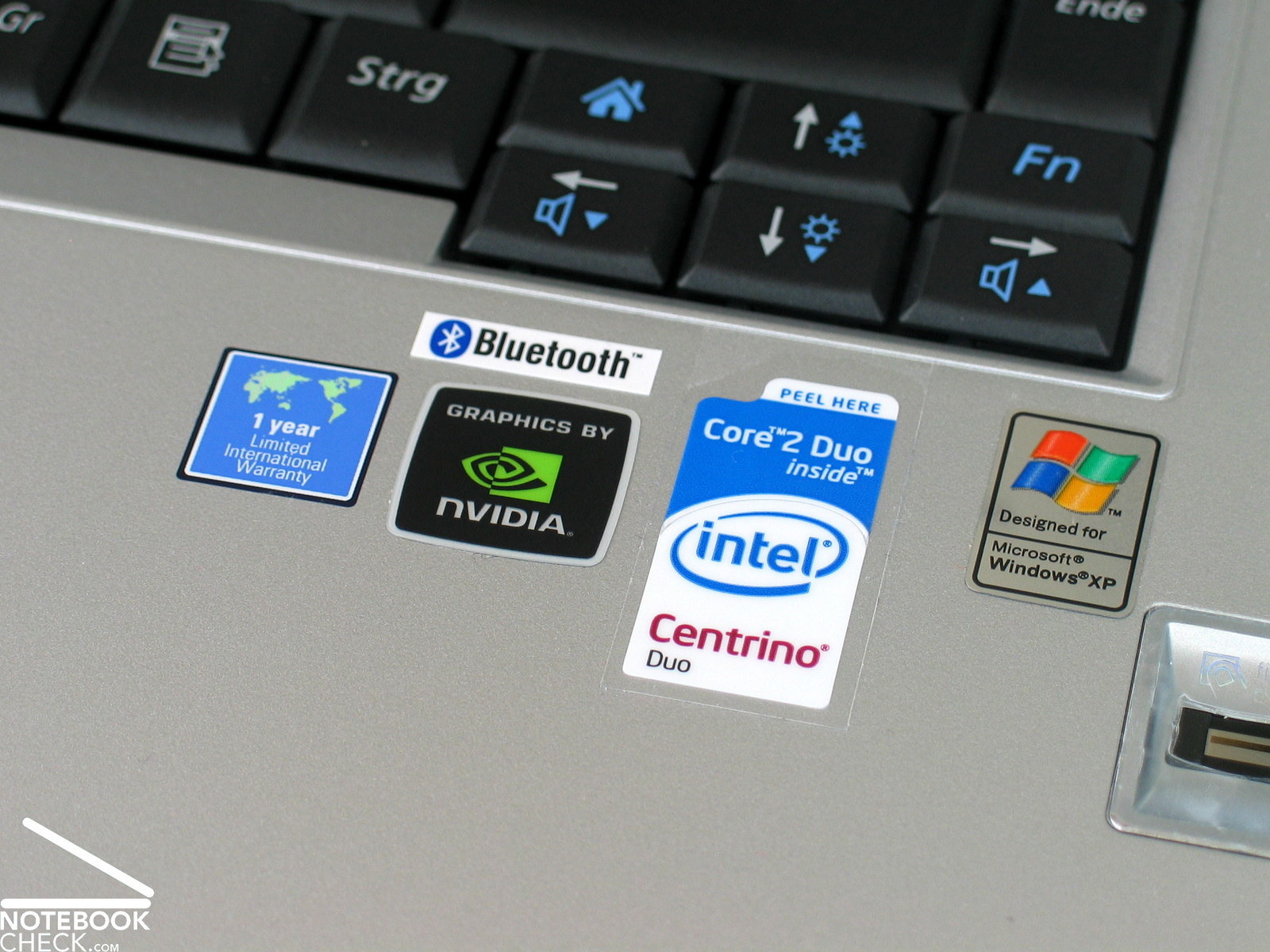
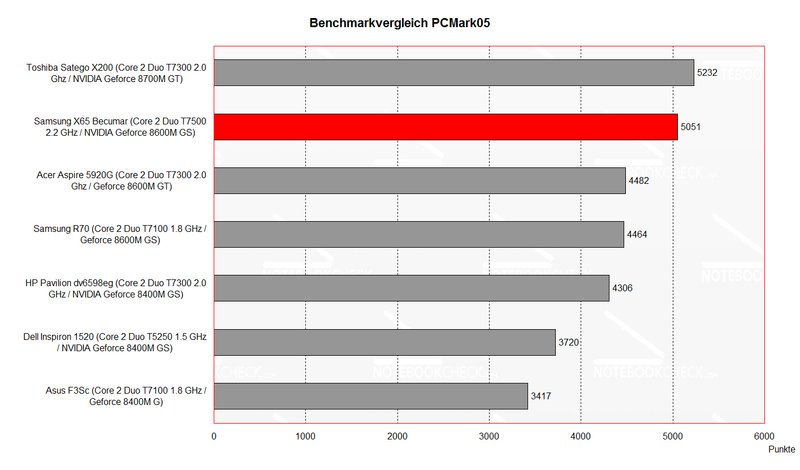
Combined with Intel Core 2 Duo T7500 CPU with 2.2 GHz the Samsung X65 provides very good multimedia and application performance, so, it's very versatile. Possible applications range from calculation-intensive office tasks up to 3D applications and games.
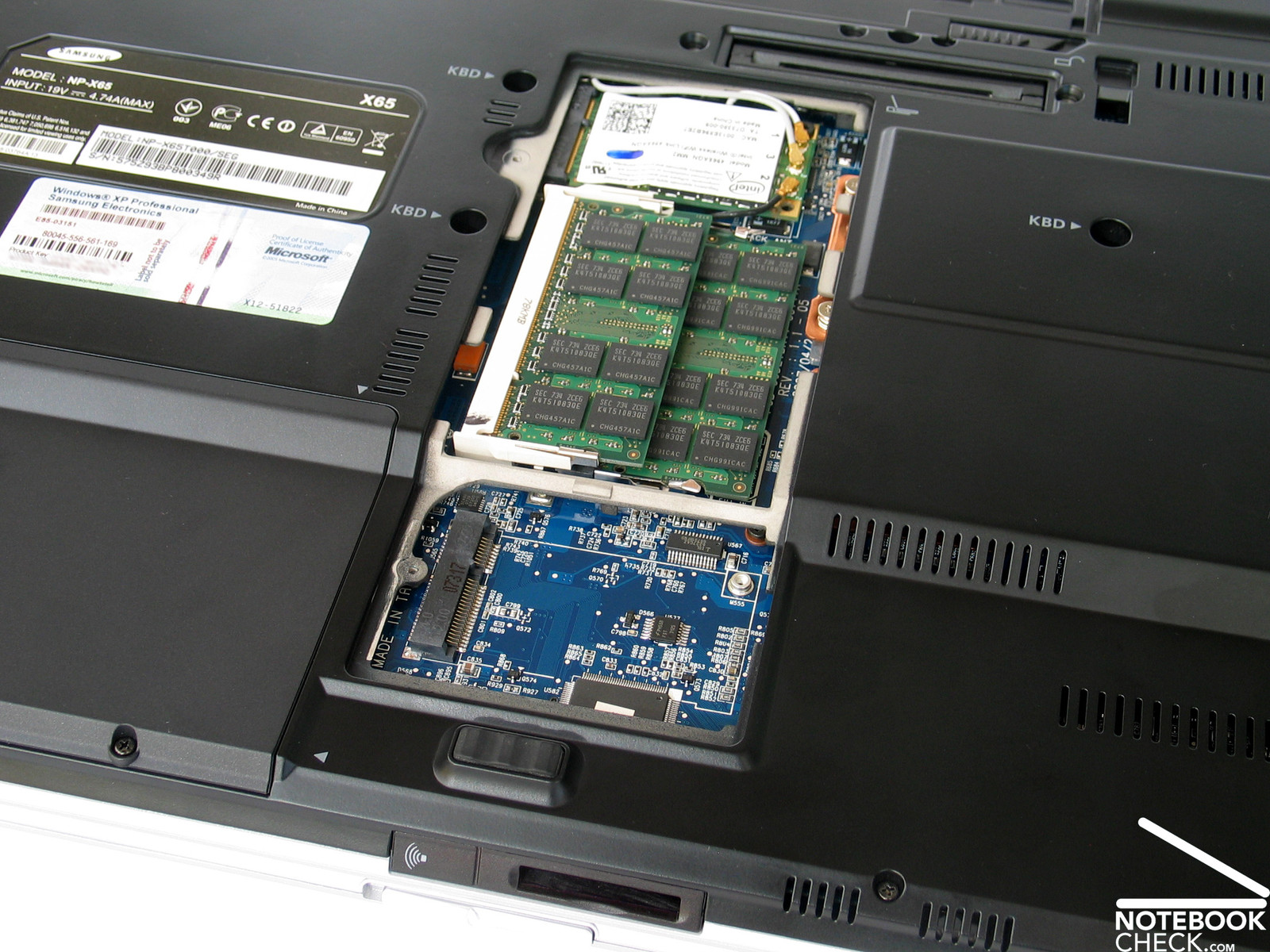
The provided hardware is completed by a 160GB hard disk with 5.400 revs/min and 2GB 667 MHz DDR2 main memory as base equipment. The access time of the hard disk is sightly above-average. In return it is very quiet and does not crackle in any way.
Further information about the video card can be found here or in our comparison of mobile video cards. Detailed information about the Core 2 Duo CPU can be found here.
Please also look at our benchmark list of mobile processors or at our benchmark list of mobile video cards, in order to compare this notebook to other configurations.
| 3DMark 2001SE Standard | 21027 points | |
| 3DMark 03 Standard | 7993 points | |
| 3DMark 05 Standard | 4894 points | |
| 3DMark 06 Standard Score | 2507 points | |
Help | ||
| PCMark 05 Standard | 5051 points | |
Help | ||

| Quake 3 Arena - Timedemo | |||
| Resolution | Settings | Value | |
| 1024x768 | highest, 0xAA, 0xAF | 363.6 fps | |
| Doom 3 | |||
| Resolution | Settings | Value | |
| 1024x768 | Ultra, 0xAA, 0xAF | 71.8 fps | |
| 800x600 | High, 0xAA, 0xAF | 107 fps | |
| 640x480 | Medium, 0xAA, 0xAF | 140.4 fps | |
| 640x480 | Low, 0xAA, 0xAF | 140.2 fps | |
| F.E.A.R. | |||
| Resolution | Settings | Value | |
| 1024x768 | GPU: max, CPU: max, 0xAA, 0xAF | 68 fps | |
| 800x600 | GPU medium, CPU medium, 0xAA, 0xAF | 80 fps | |
| 640x480 | GPU min, CPU min, 0xAA, 0xAF | 368 fps | |
| Command and Conquer III | |||
| Resolution | Settings | Value | |
| 1440x900 | high | 30 fps | |
| 1280x800 | high | 30 fps | |
| 1024x768 | high | 30 fps | |
| 800x600 | high | 30 fps | |
| Supreme Commander | |||
| Resolution | Settings | Value | |
| 1600x900 | high | 15 fps | |
| 1600x1024 | high | 12 fps | |
| 1680x1050 | high | 10 fps | |
| 1280x1024 | high | 15 fps | |
| 1152x864 | high | 20 fps | |
| 1024x768 | high | 20 fps | |
Emissions
Loudness
Despite brilliant performance and slim case the noise of the Samsung X65 does never disturb. Although the fan mostly also runs in idle mode, its noise level of 35.8 dB is alright.
Under load the Samsung X65 gets clearly louder, but, overall the dull noise is still not annoying, though a maximum of 44.5 dB is reached.
Regarding noise, we were especially pleased by the hard disk, which works nearly utterly quiet.
Noise level
| Idle |
| 34.4 / 34.4 / 35.8 dB(A) |
| HDD |
| 34.4 dB(A) |
| DVD |
| 36.1 / dB(A) |
| Load |
| 44.5 / 44.5 dB(A) |
 | ||
30 dB silent 40 dB(A) audible 50 dB(A) loud |
||
min:  , med: , med:  , max: , max:  (15 cm distance) (15 cm distance) | ||
Temperature
Also the surface temperature of this notebooks stays at the top side and and the bottom side acceptable. Maxima of 36.2°C on the top side and 38.5°C on the bottom side are alright.
Besides a good fan control and performance management also the aluminum base unit has a positive affect on the emitted heat.
(+) The maximum temperature on the upper side is 36.2 °C / 97 F, compared to the average of 36.9 °C / 98 F, ranging from 21.1 to 71 °C for the class Multimedia.
(+) The bottom heats up to a maximum of 38.5 °C / 101 F, compared to the average of 39.2 °C / 103 F
(+) The palmrests and touchpad are reaching skin temperature as a maximum (34.2 °C / 93.6 F) and are therefore not hot.
(-) The average temperature of the palmrest area of similar devices was 28.7 °C / 83.7 F (-5.5 °C / -9.9 F).
Speakers
The speakers are hidden under a finely perforated cover above the keyboard. Their sound is clear and audible. The maximum volume is alright, whereas the sound stays clear.
The audio output of the 3.5mm stereo port is not accompanied by any noticeable ambient noises. Digital sound is with a proper adapter available at the provided HDMI port.
Battery Runtime
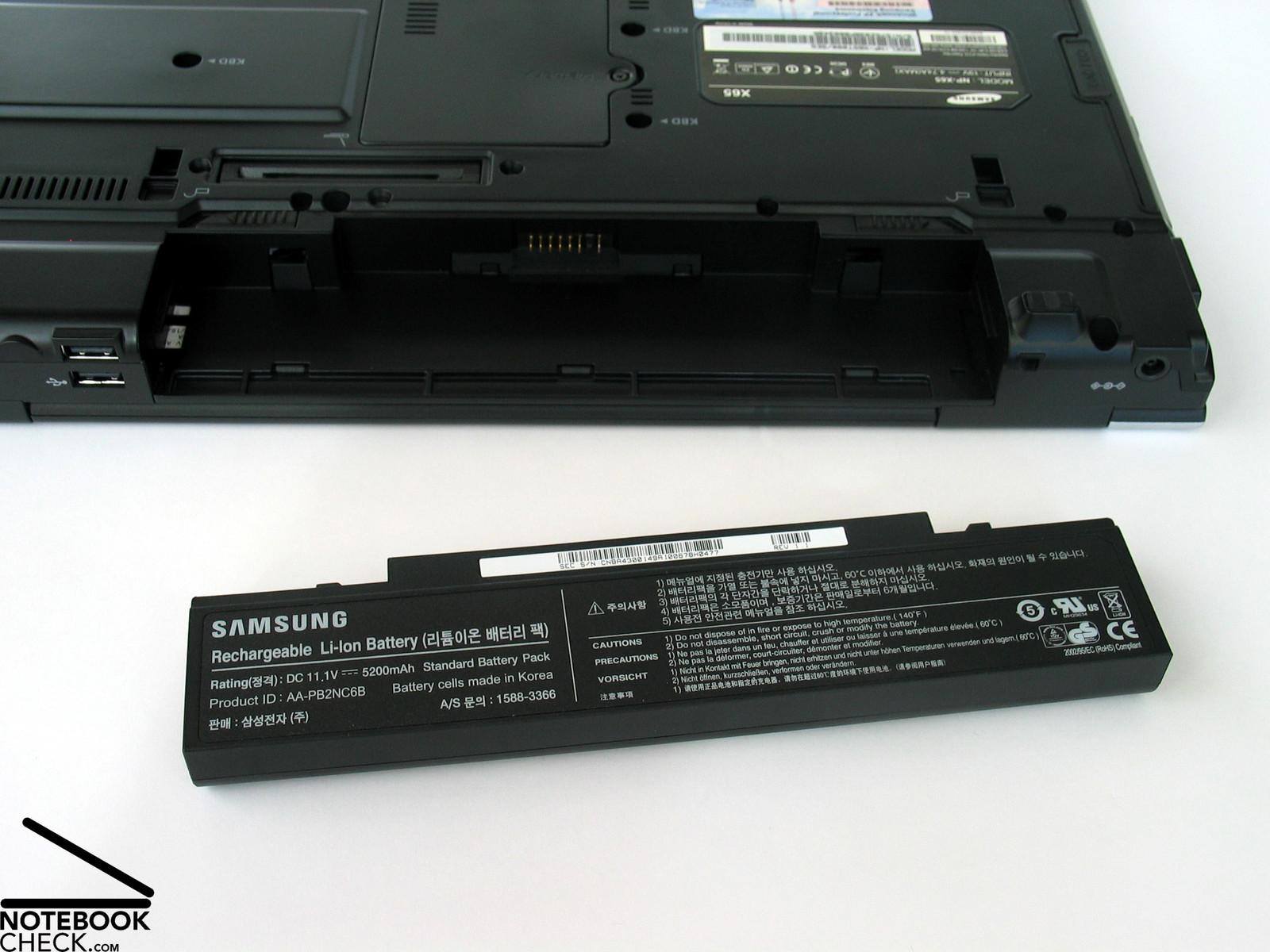
The 5200 mAh battery at the X65's back side provides proper battery runtime - at least without load. The maximum battery runtime of Samsung X65 is above 4 hours, which is a good value.
Under load the powerful hardware empties the battery in little more than one hours.
The runtime during DVD playback of somewhat above 2 hours at maximum brightness is alright.
Verdict
In total the Samsung X65 (Pro) with sorbriquet "Bekumar", is a successful multimedia-business notebook.
The case convinces by well worked up and high-quality materials, which appear to be robust. Also regarding design there is nothing left to be desired.
The input devices are very comfortable in use and fit for extensive typing and also for the one or other game. For mobile use the notebook provides a user-friendly touch pad.
Also regarding performance the Samsung X65 rates rather passable. The built-in Intel Core 2 Duo T7500 processor with 2.2 GHz and Geforce 8600M GS with GDDR3 video memory essentially contribute to the good performance. Even the one or other game is with some smaller restrictions no problem for the Samsung X65.
The emissions are in total alright. It is very quiet with office applications, and clearly more audible under load, e.g., with games and 3D applications. The surface temperature stays always alright.
Finally the 5200 mAh battery of the notebook provides sufficient runtime for proper mobility. The battery runtime of the X65 ranges from about 1 hour up to 4 hours.
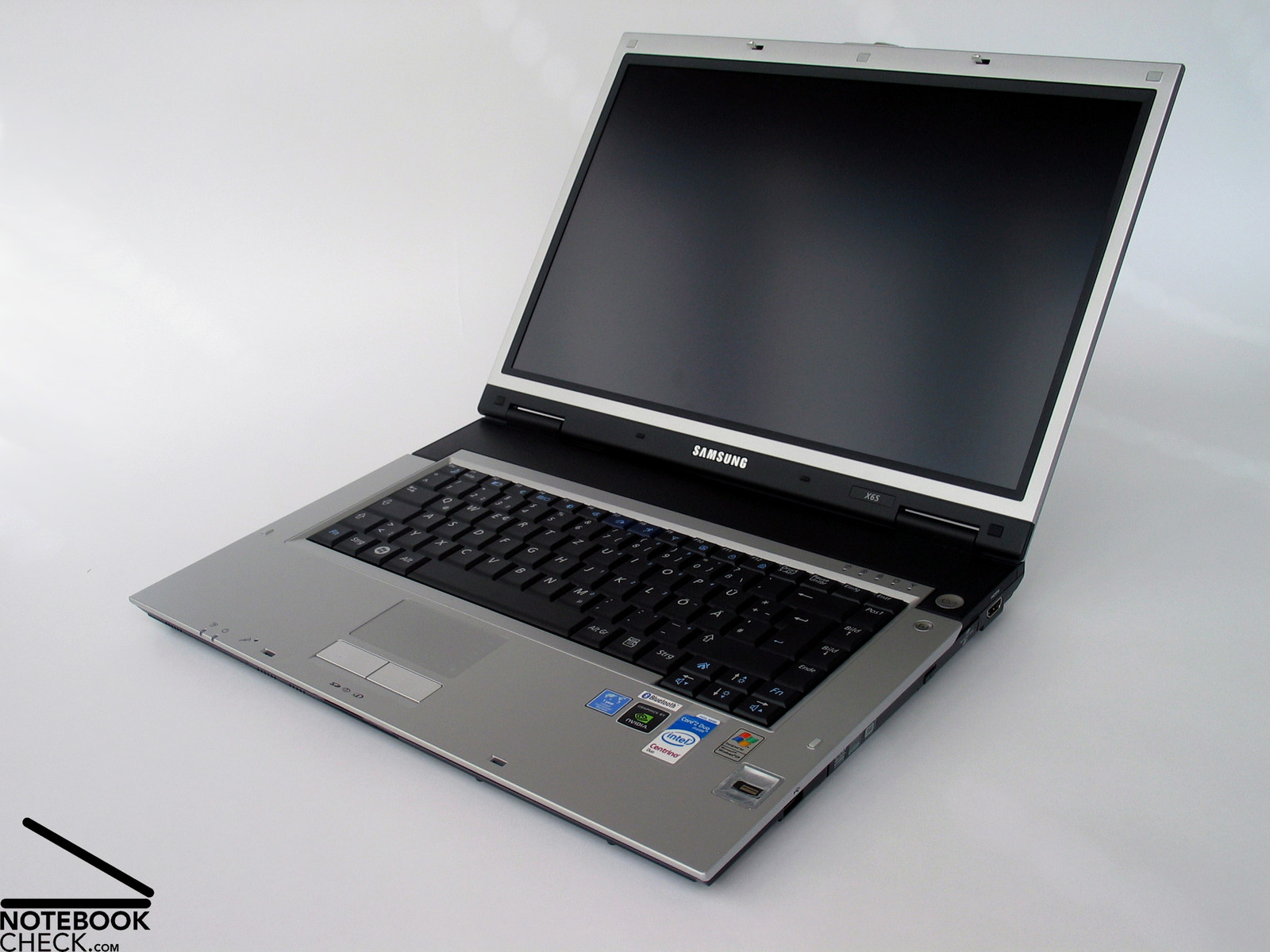
Many thanks to the company Notebook-Shop.de, which kindly provided us with the reviewed notebook. Here you can configure and also buy this notebook.


 Add as a preferred