Review Asus N56VZ-S4044V Notebook

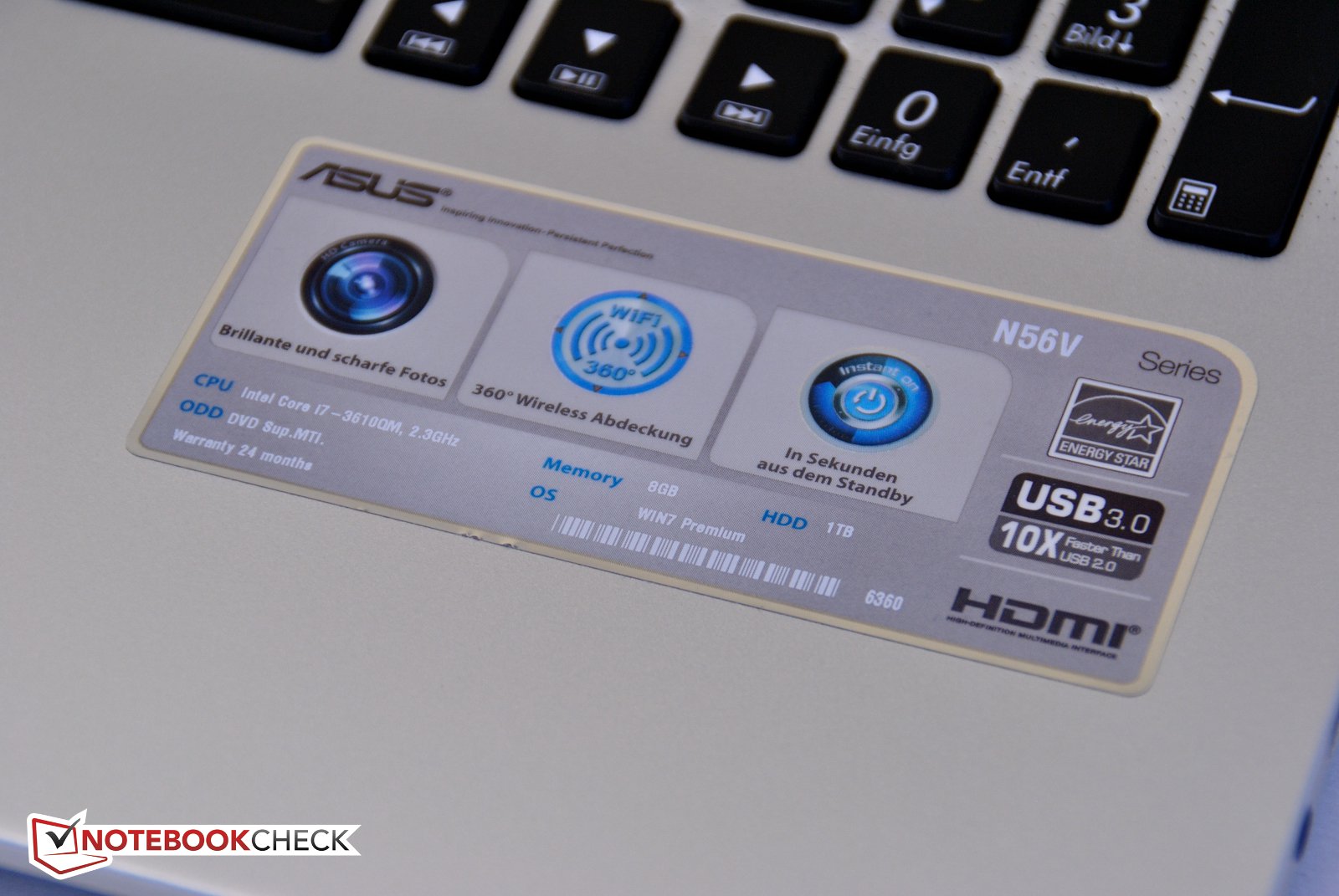
Asus presents its new products with Ivy Bridge and installs a fast Intel Core i7-3610QM with four cores in the N56. For graphics cards, customers can choose between the tried and tested Nvidia GeForce GT650M in the N56VZ and the GeForce GT630M (based on the old Fermi architecture sporting a lower price) in the N56VM (here in the test update). Together with 8GB RAM, this combination should be sufficient for current games and HD Video playback, promising high application performance.
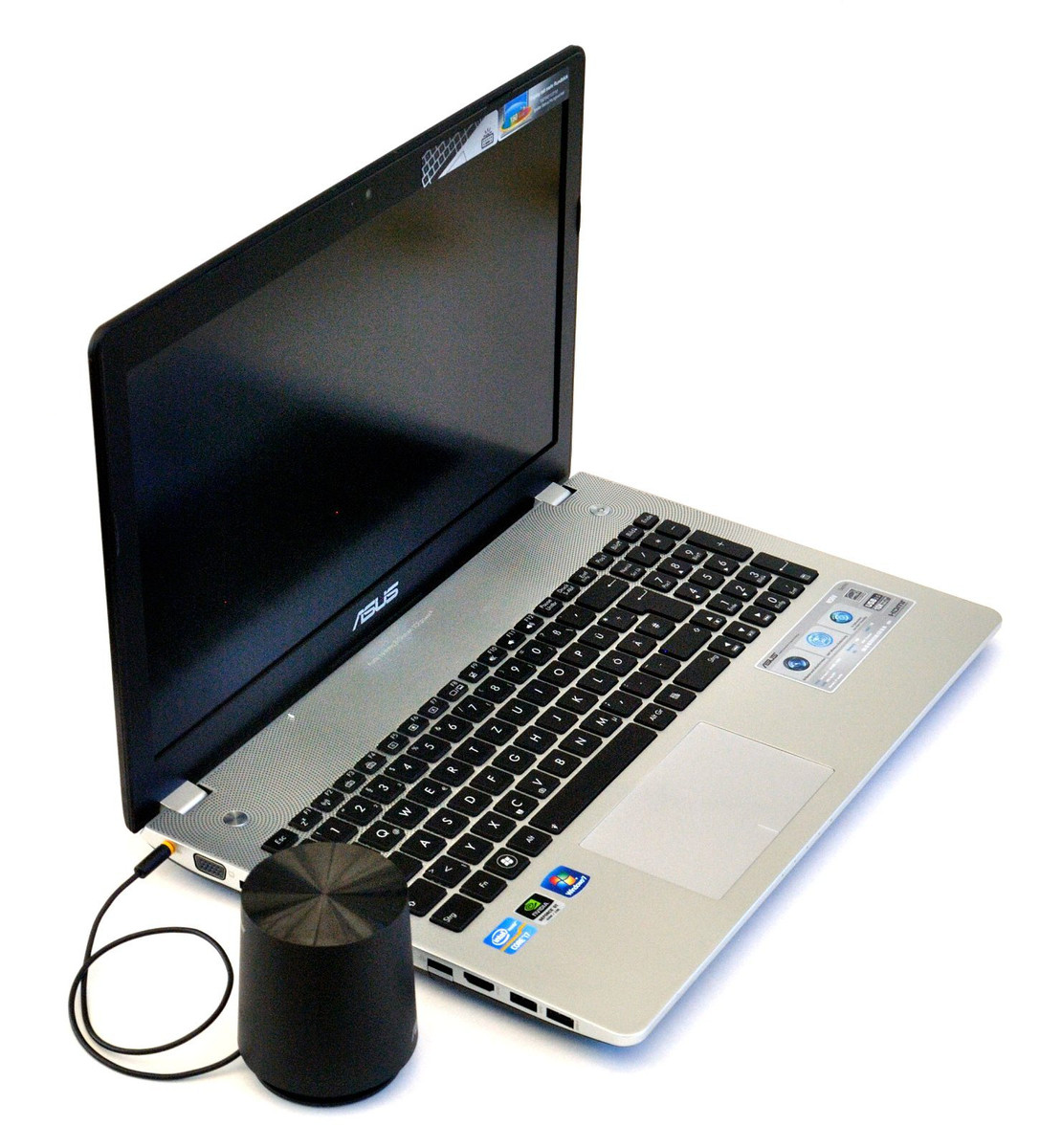
To make games and movies more enjoyable, more and more notebook manufacturers bet on higher quality speakers. For this, they work together with established audio brands. Asus took this a step further, like its predecessor; the N56VZ is delivered with a small, external sub-woofer, to augment the notebook's frequency range, typically heavy on treble and the midrange. The Danish manufacturer Bang & Olufsen provides the technology.
While Asus' preceding mode, the N55 featured glossy surfaces and much plastic, the design of the N56 was completely revamped. The choice of materials, at least visually, tends strongly toward metal, rather than plastic. Did they make a worthy, maybe even a better successor? We will find out in this review.
Case
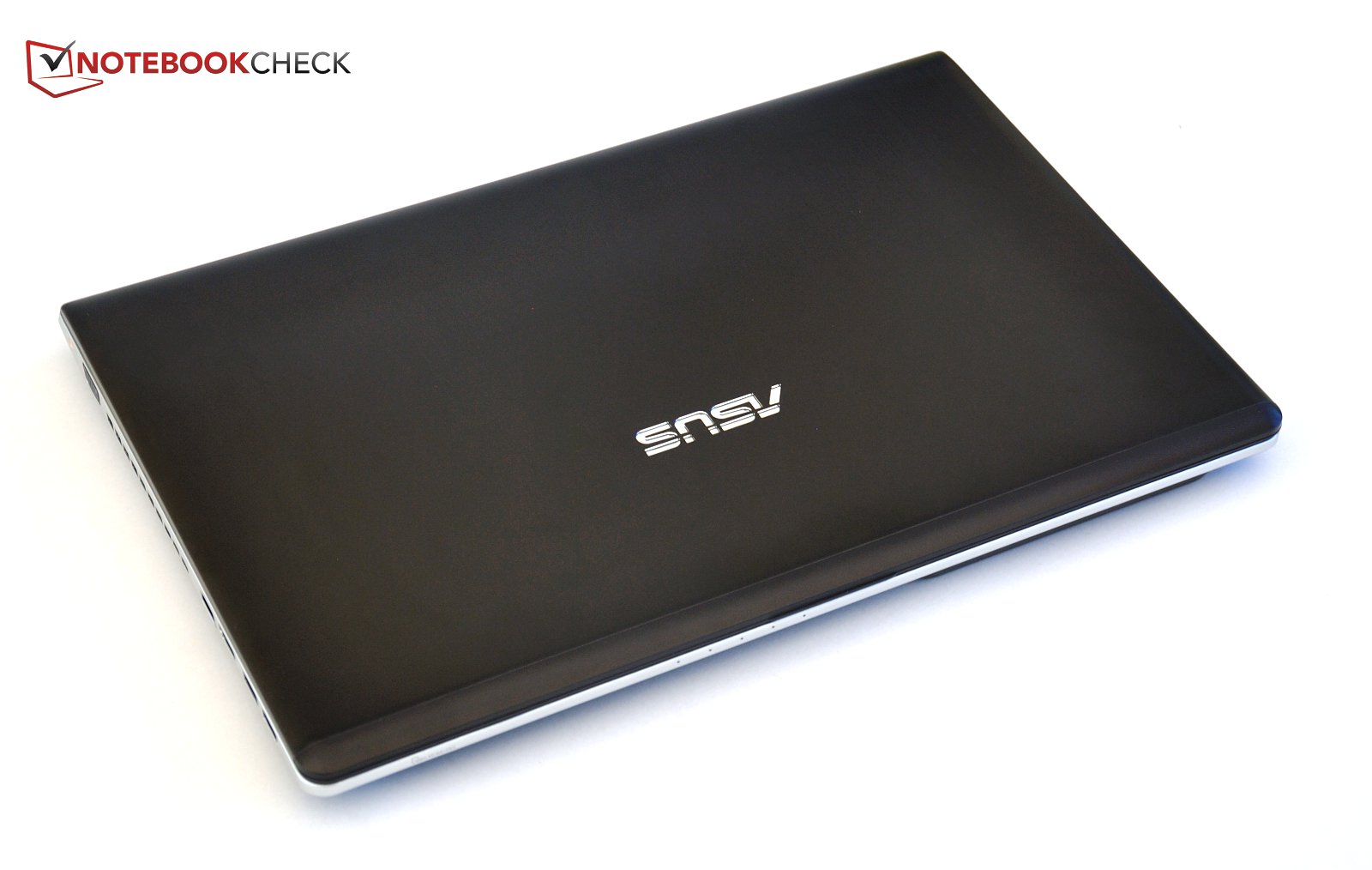
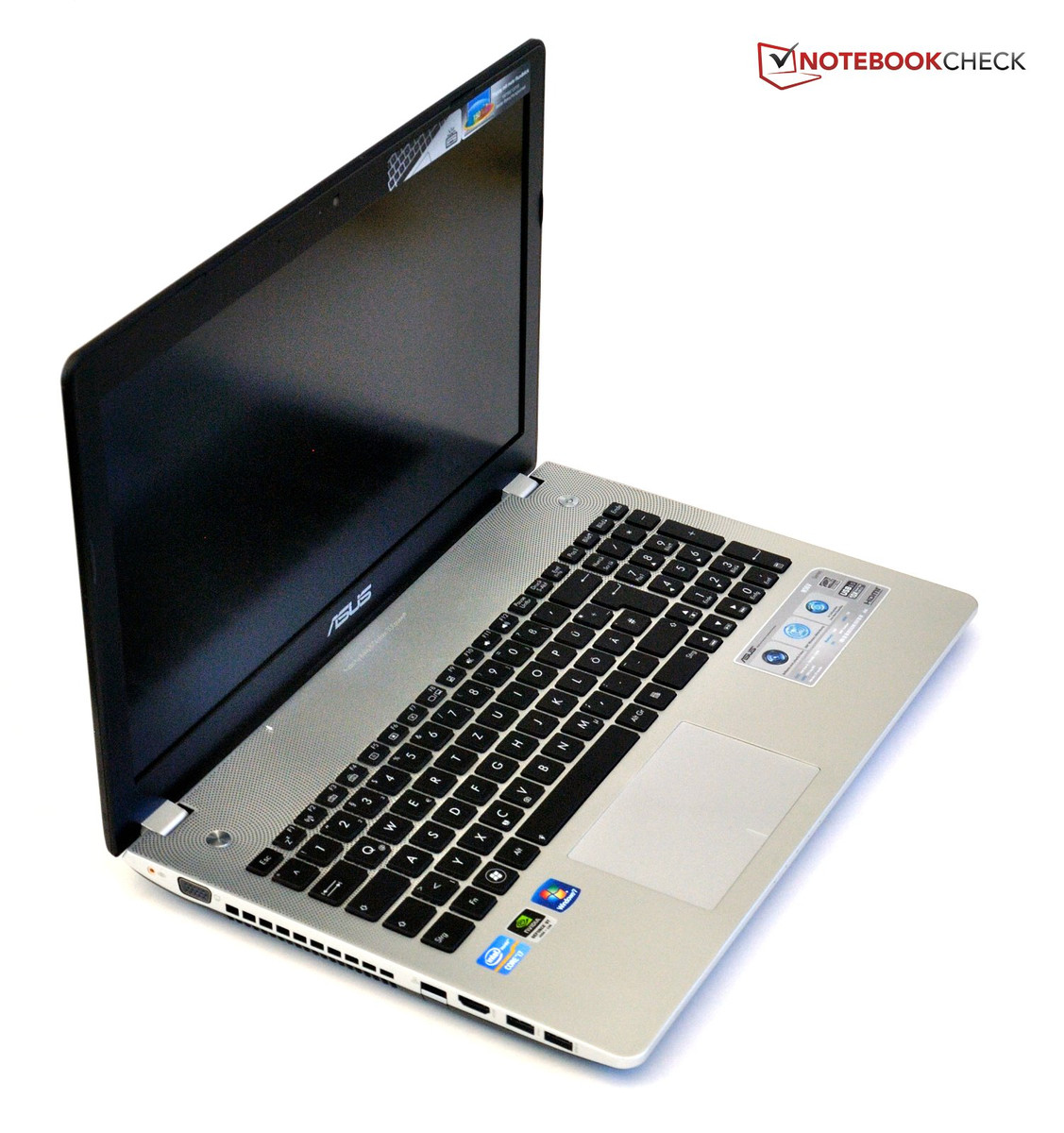
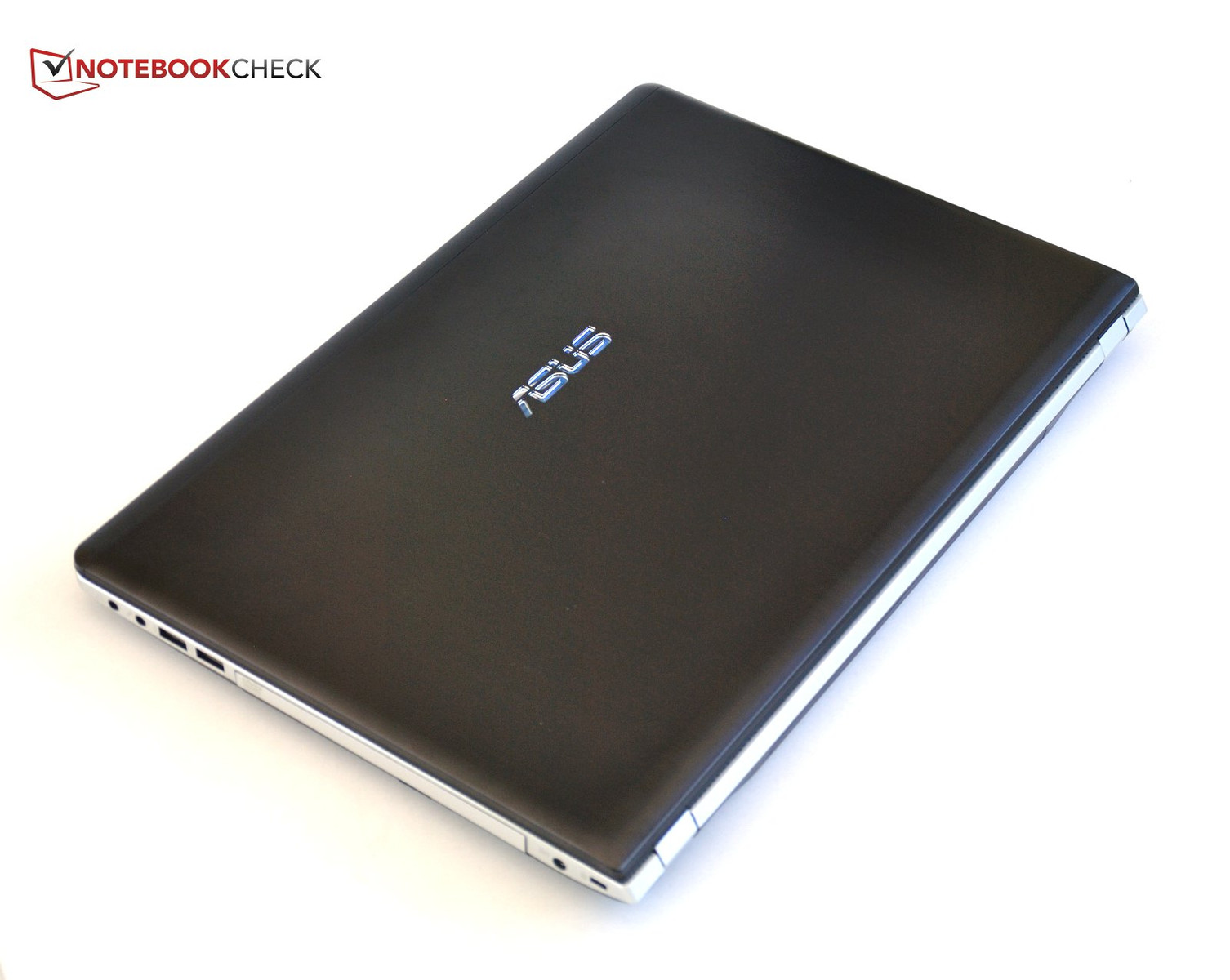
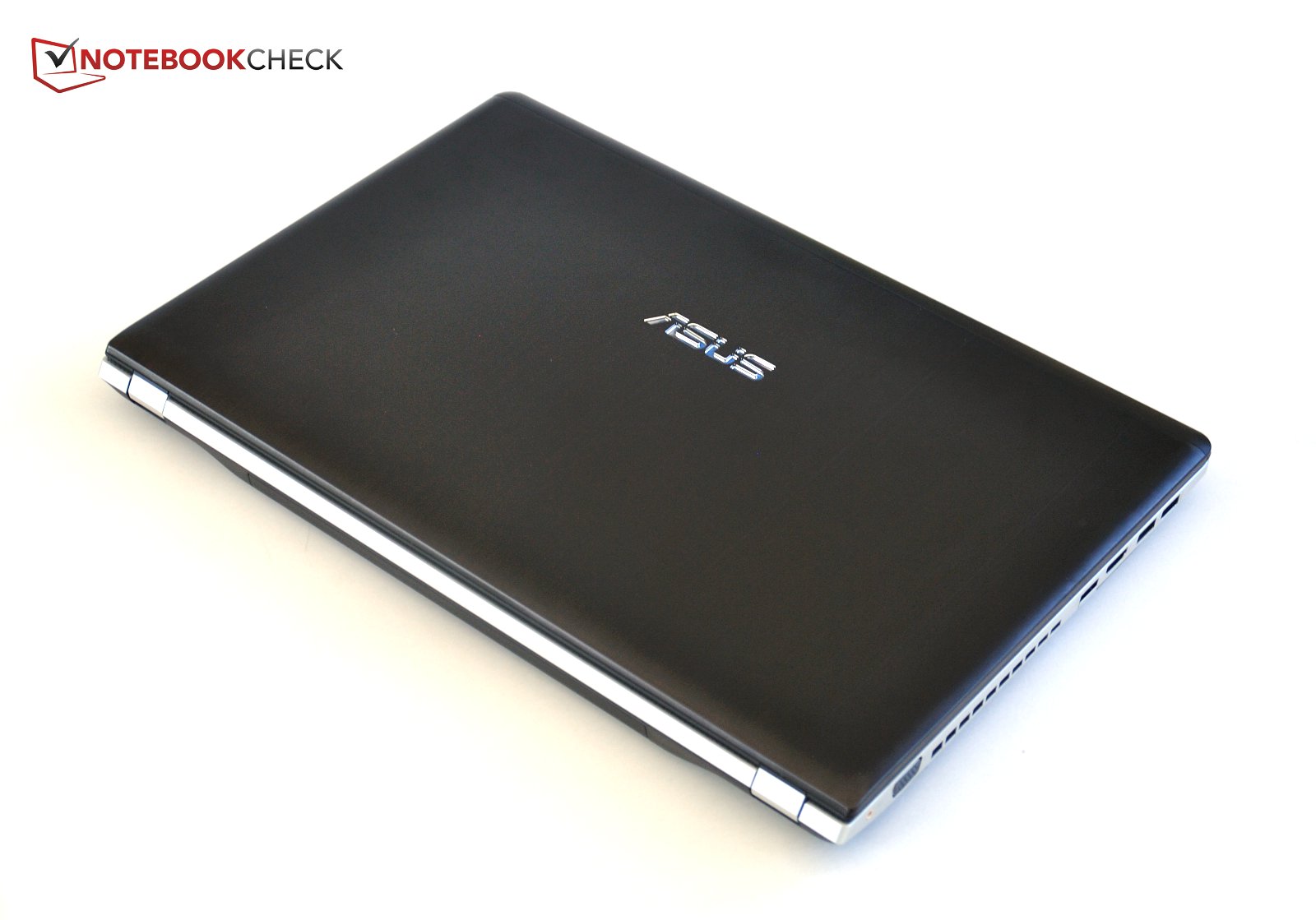
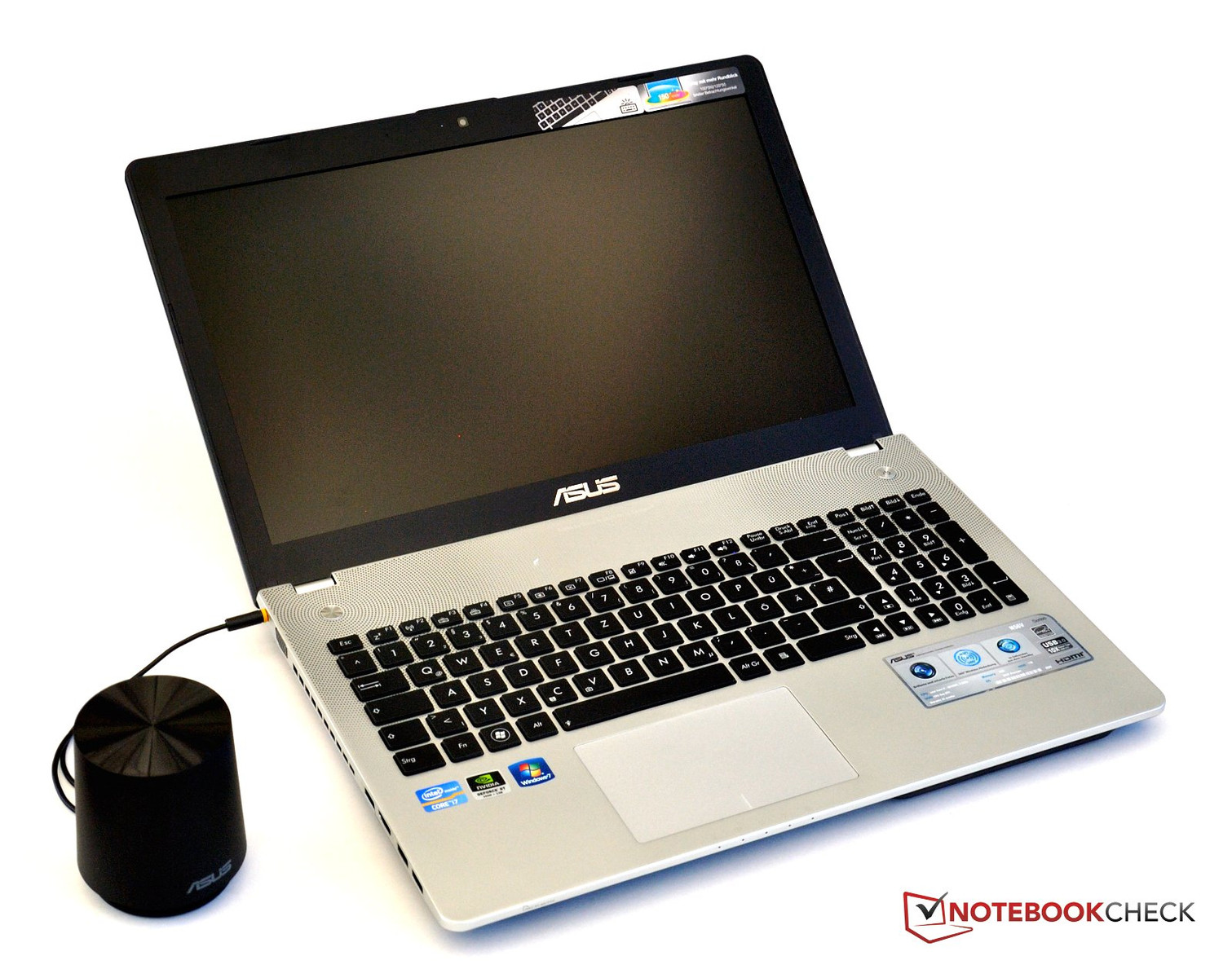
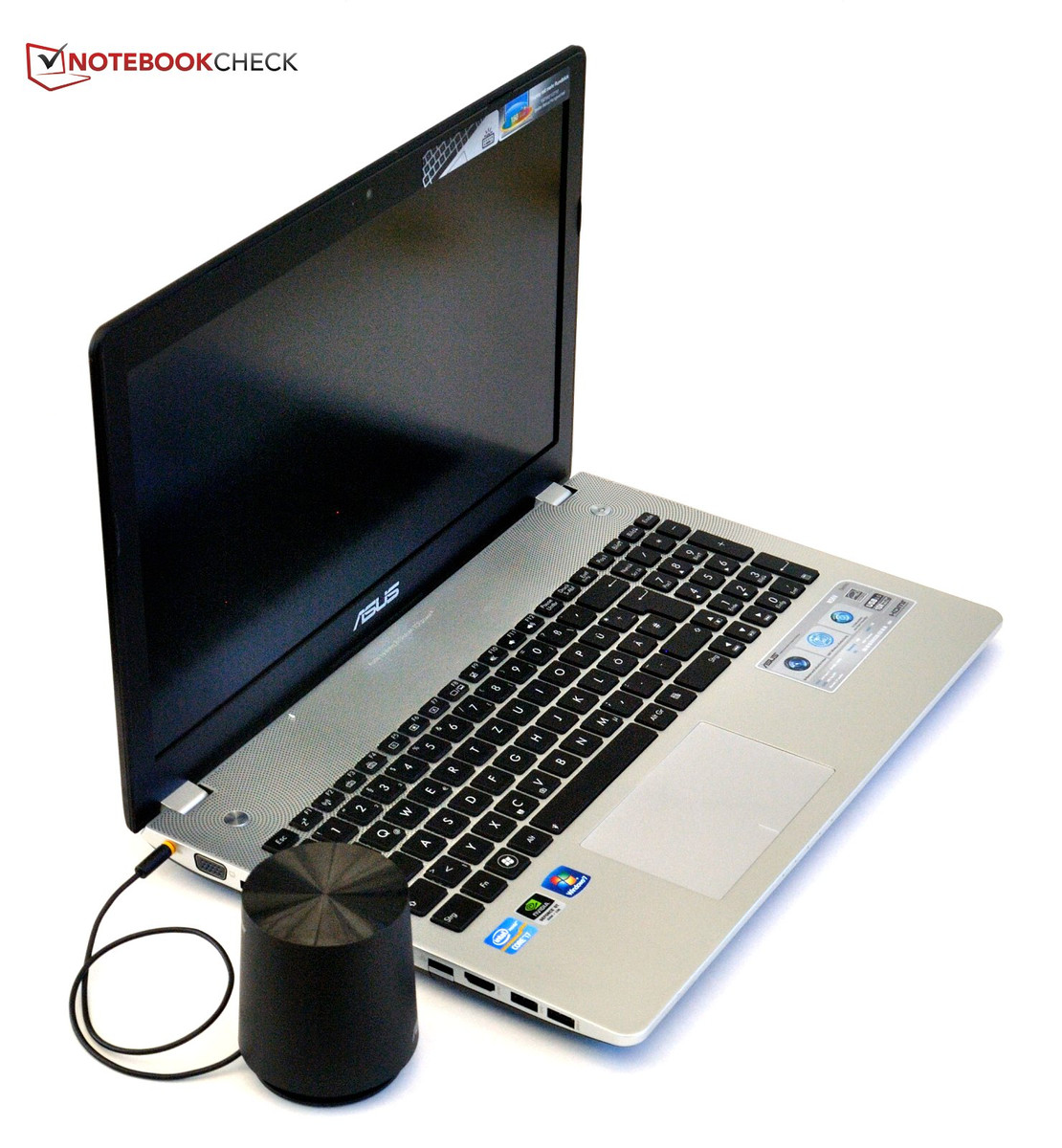
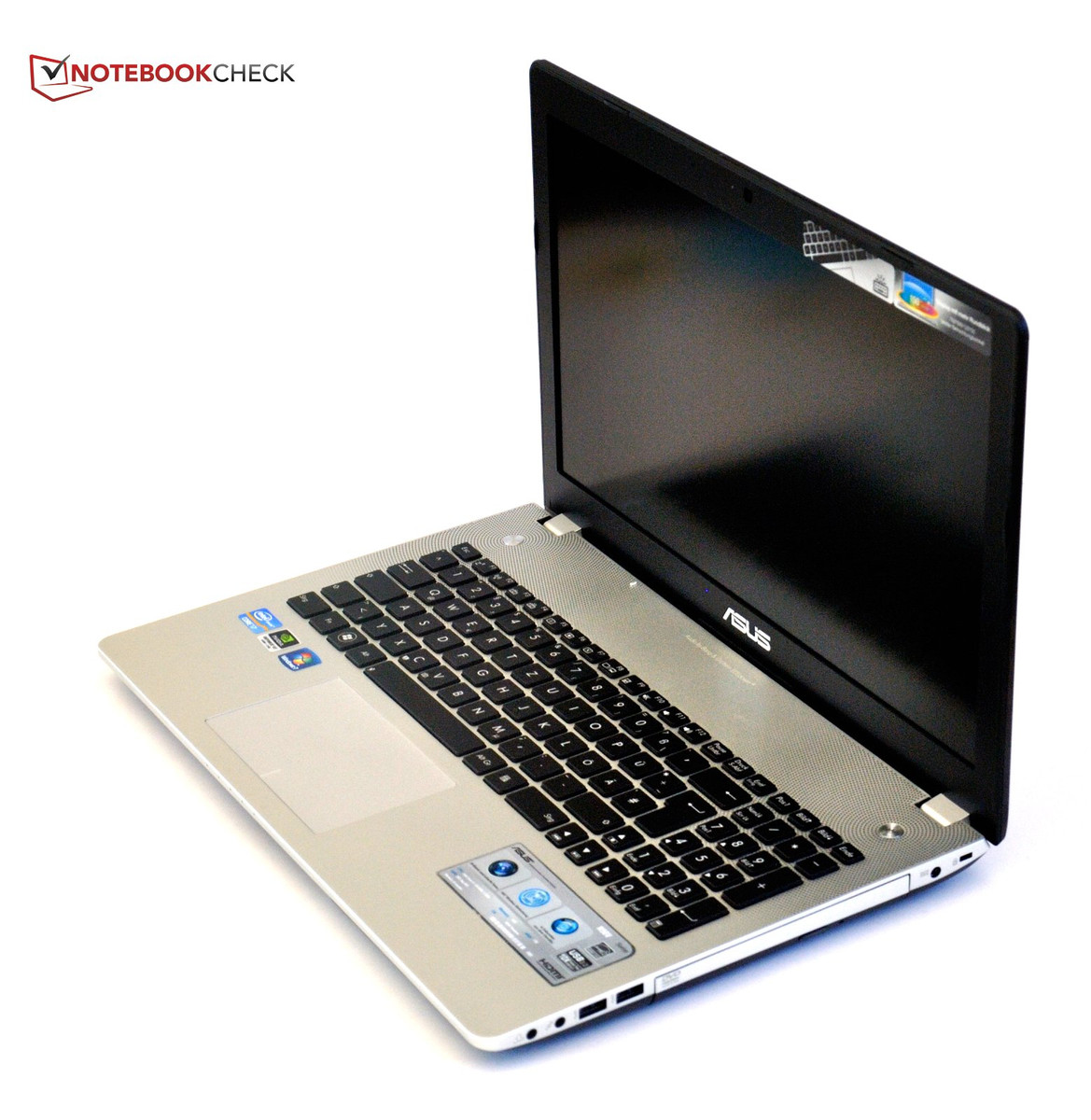
The Asus N56 sports a new design and differs considerably from the previous N55. While we criticized the glossy surface of the N55's display lid, we're happy to find brushed metal on the new model. The Asus logo is inlaid into the surface and seems to be lit by the display back light. Even though the surface is not as sensitive to smudges and fingerprints anymore, they can still be noticeable on the new metal surface.
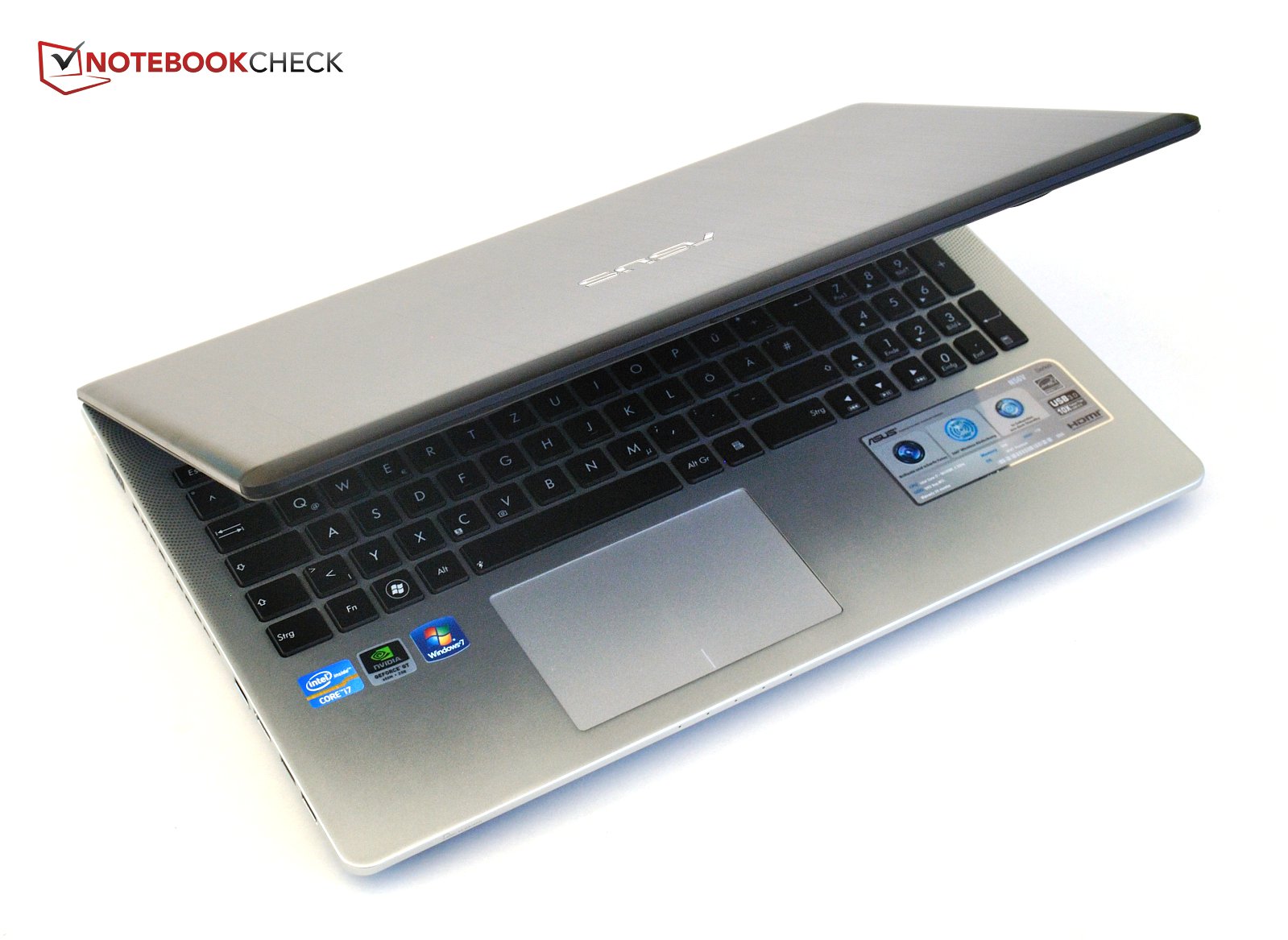
A matte, black plastic bezel frames the display, with a shiny silver Asus logo inlay below the screen. The top of the base unit is covered with a relatively thin sheet of aluminum with a separate cut-out for each of the keyboard's chiclet keys, as well as for the touch pad, breaking the otherwise homogeneous surface.
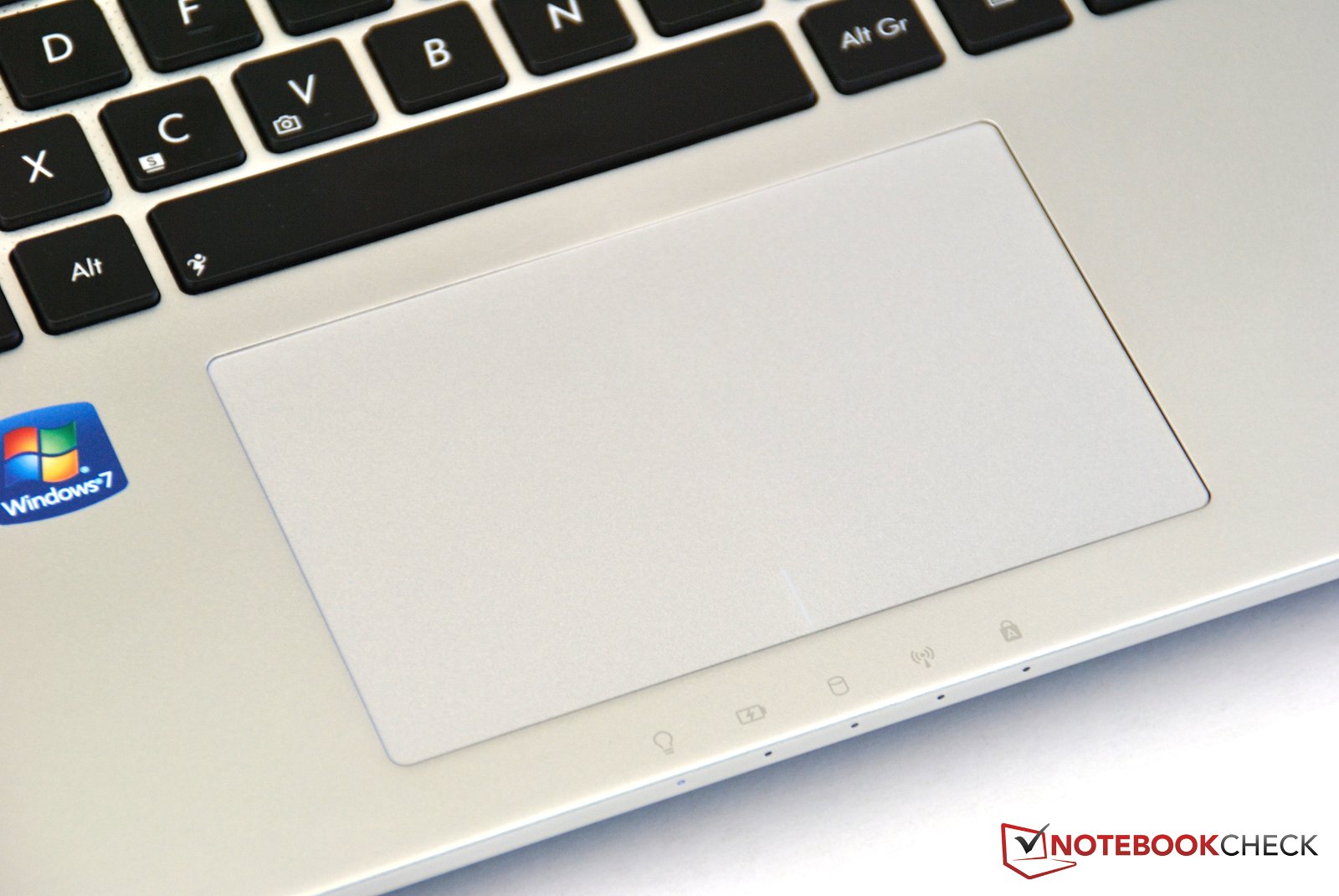
The touchpad suffers from flawed workmanship, as it is not recessed to an even depth. While its sides are recessed, the center of the lower edge is on a level with the wrist rest. The top edge actually rises above the aluminum plate. Sometimes we also hear rattling sounds in the pre-manufacturing sample of the N56VM we tested.
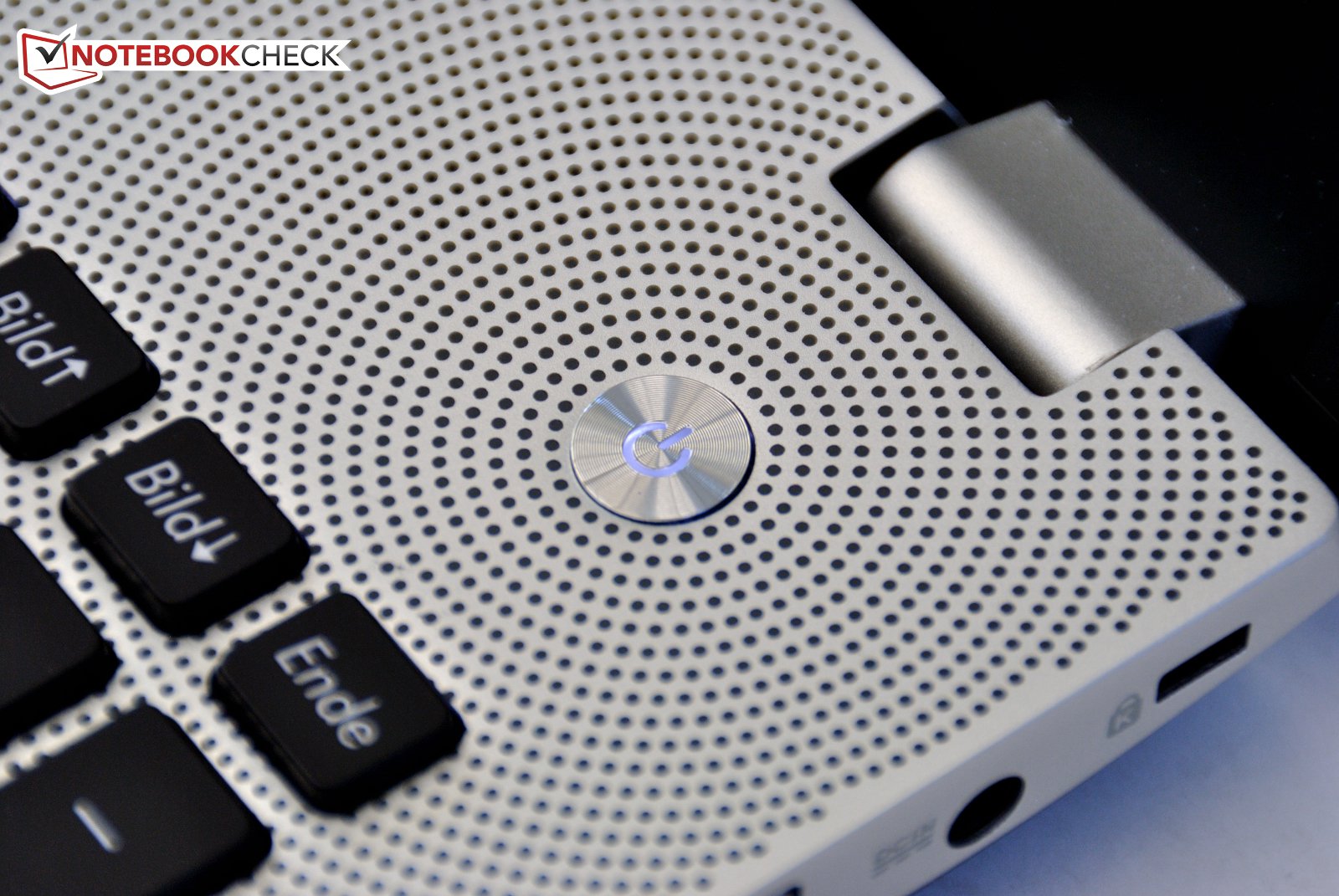
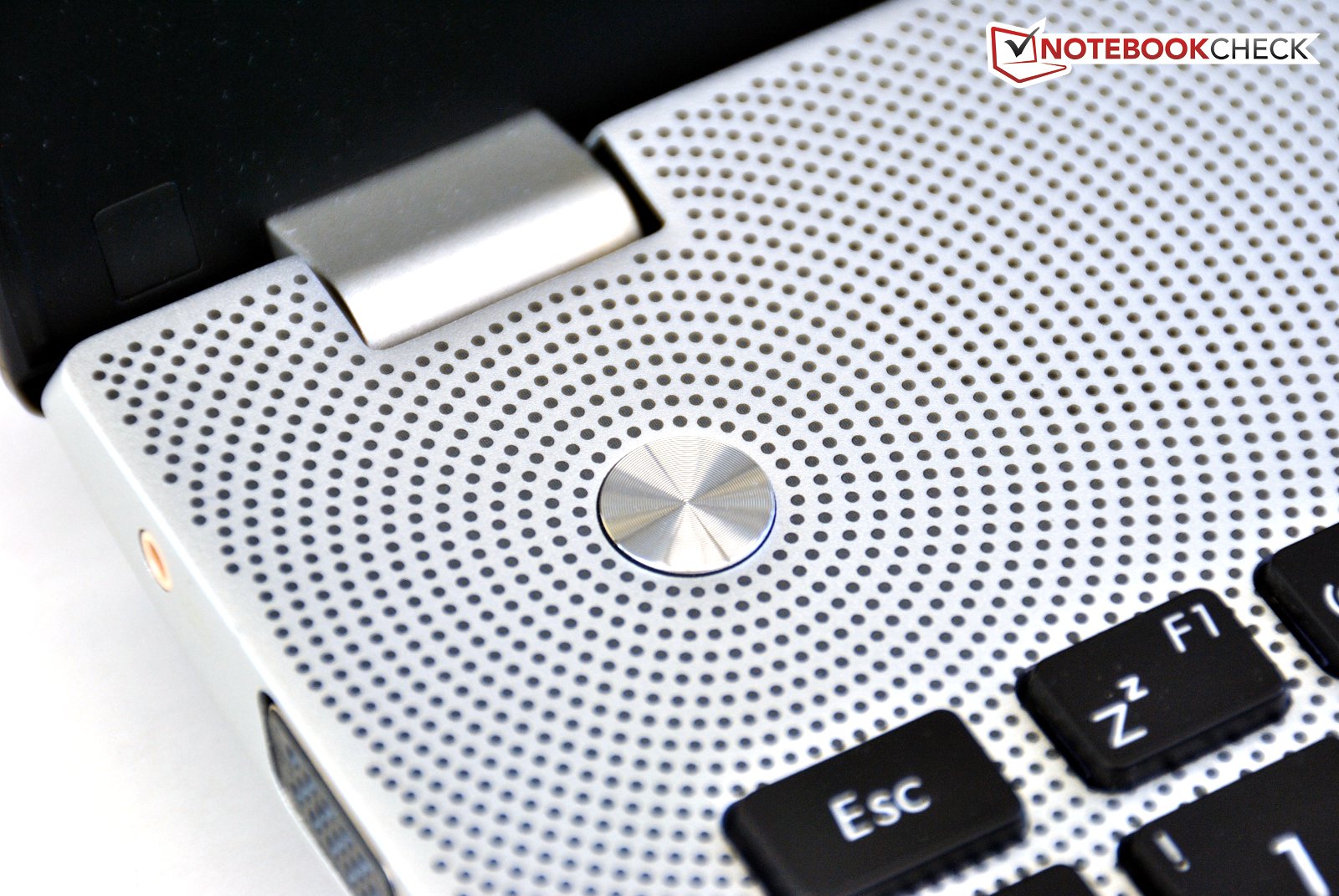
On the opposite side from the round, polished power button, there is a second button, which allows the user to assign a function. Around these two keys, there are concentric rings of gray dots bored into the aluminum. Beneath these holes, the laptop's speakers are mounted. The bottom of the notebook is made of matte black plastic.
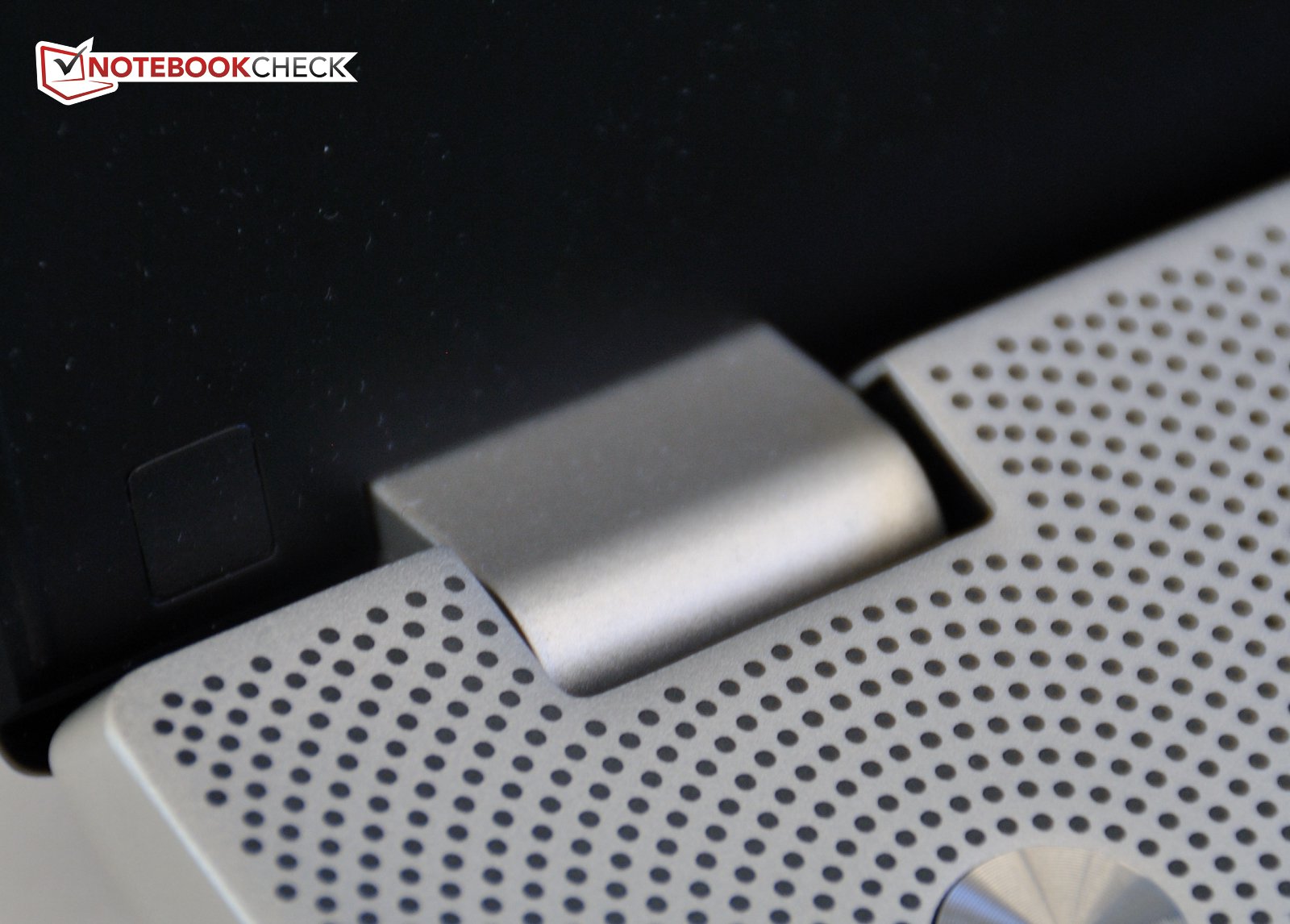
Stability is good for the most part: The display lid hardly gives to pressure, though it can be twisted slightly. The hinges hold the display in place well with no wobbling. The top surface of the base unit does not give in the areas of keyboard and speakers. The area to the right, above the optical drive and the wrist rest do sag under a little bit of pressure though.
The results for the case bottom are similarly mixed: The area toward the rear is very stable, but in the front, the plastic bends very easily. Overall, the base unit is very stiff, thanks to the aluminum sections, with good torsional rigidity.
The sub-woofer had been slightly modified in comparison to the previous model. Its surface is now matte instead of reflective. The cable for it can now be stowed behind a cover.
Connectivity
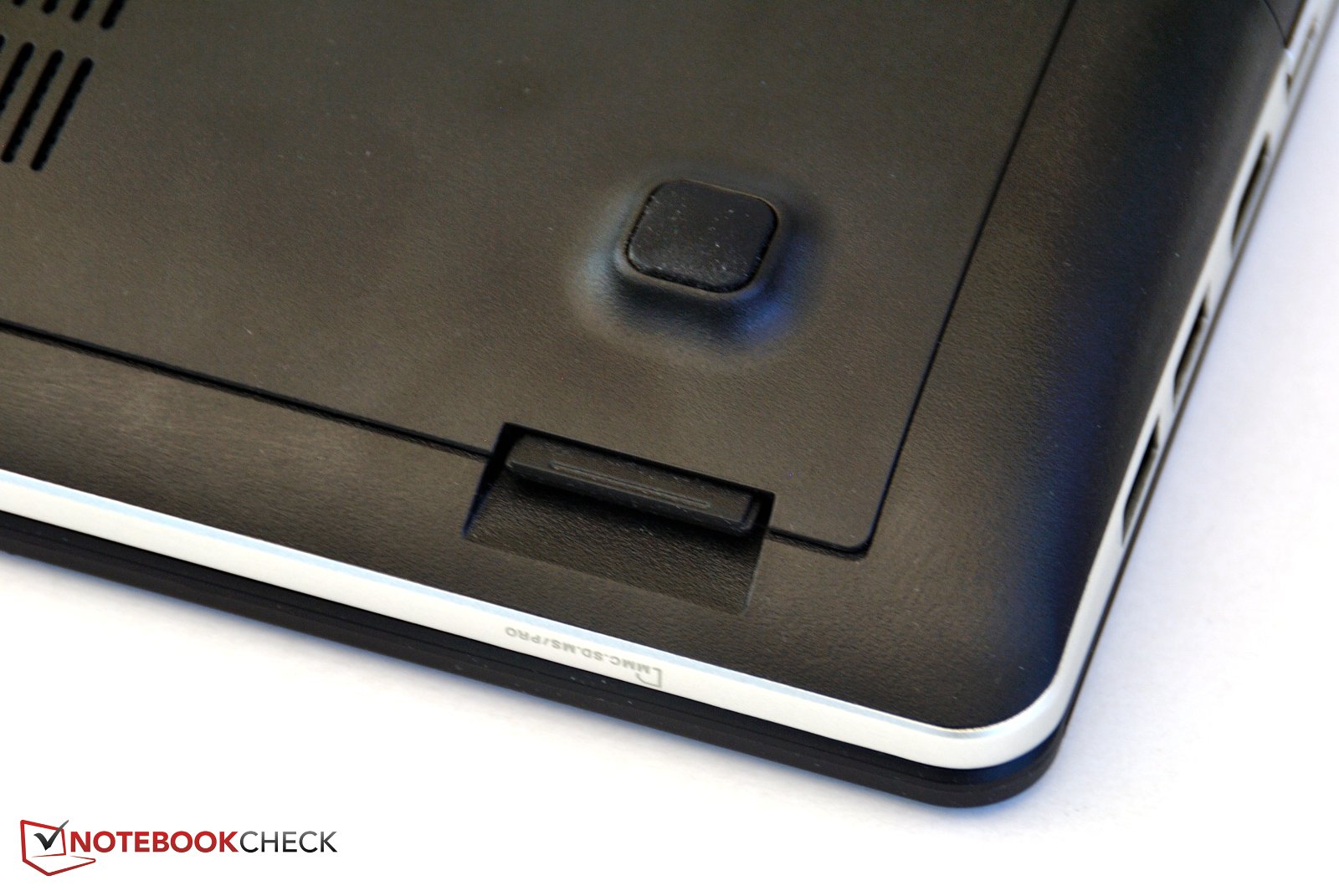
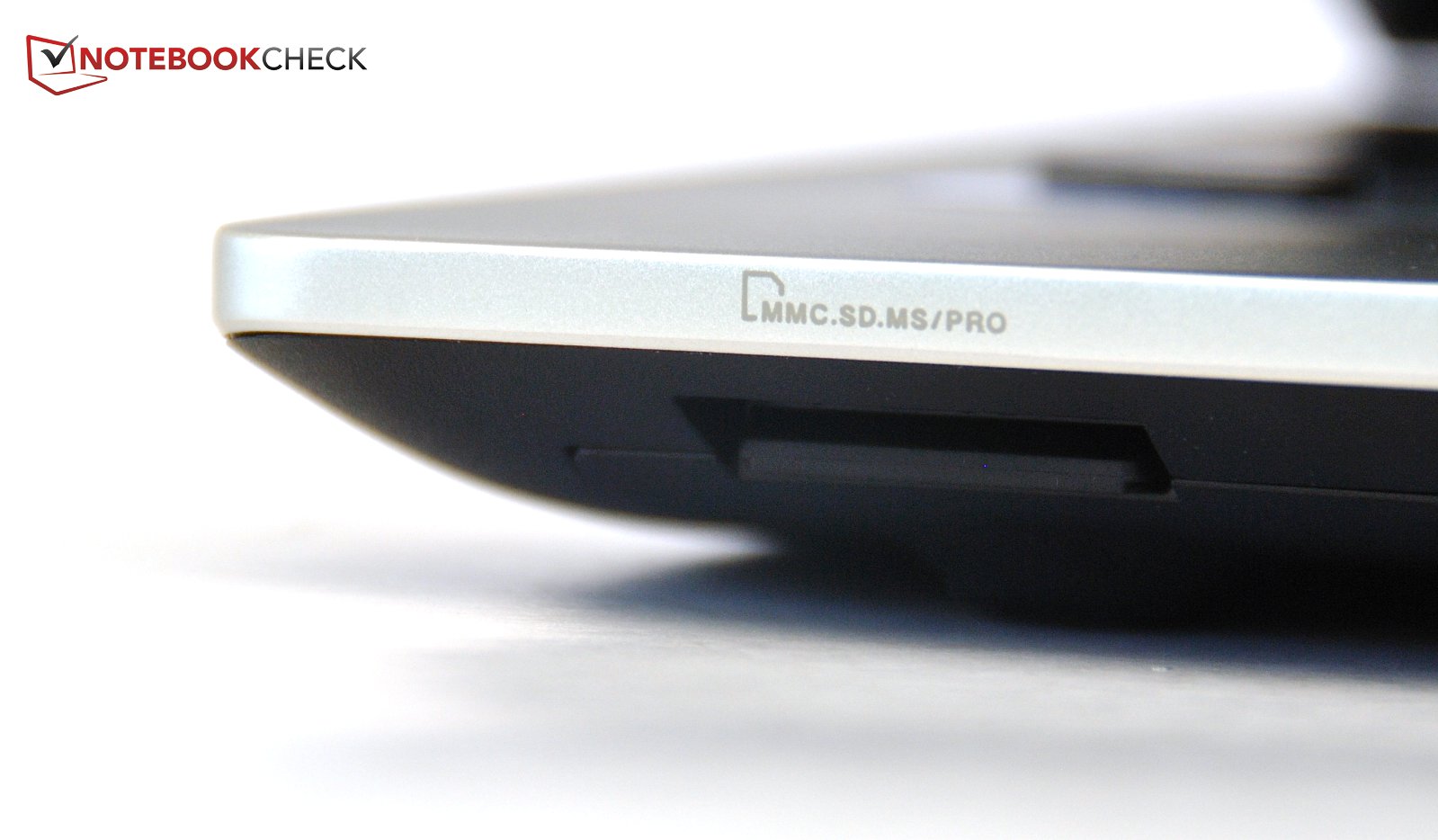
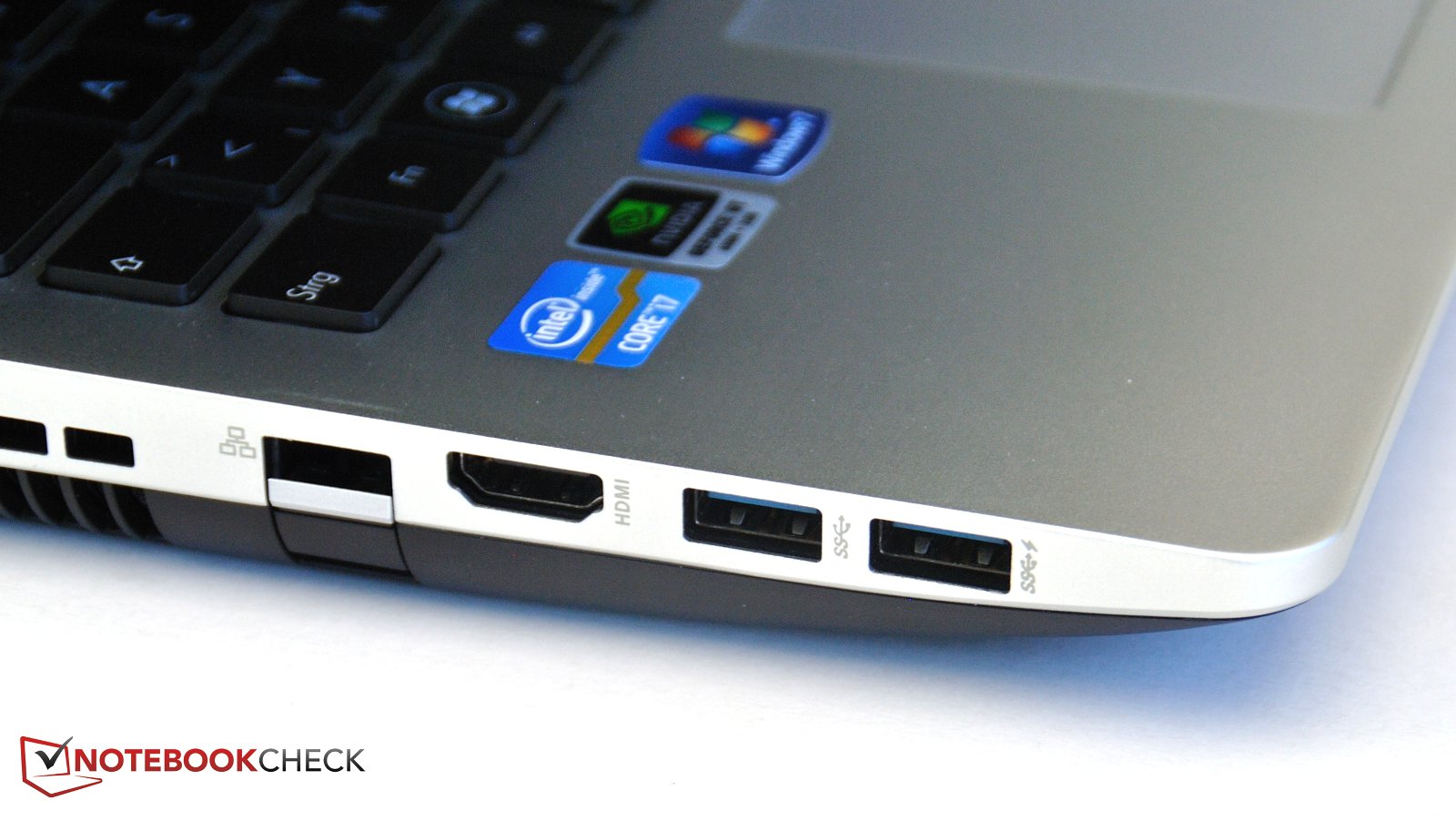
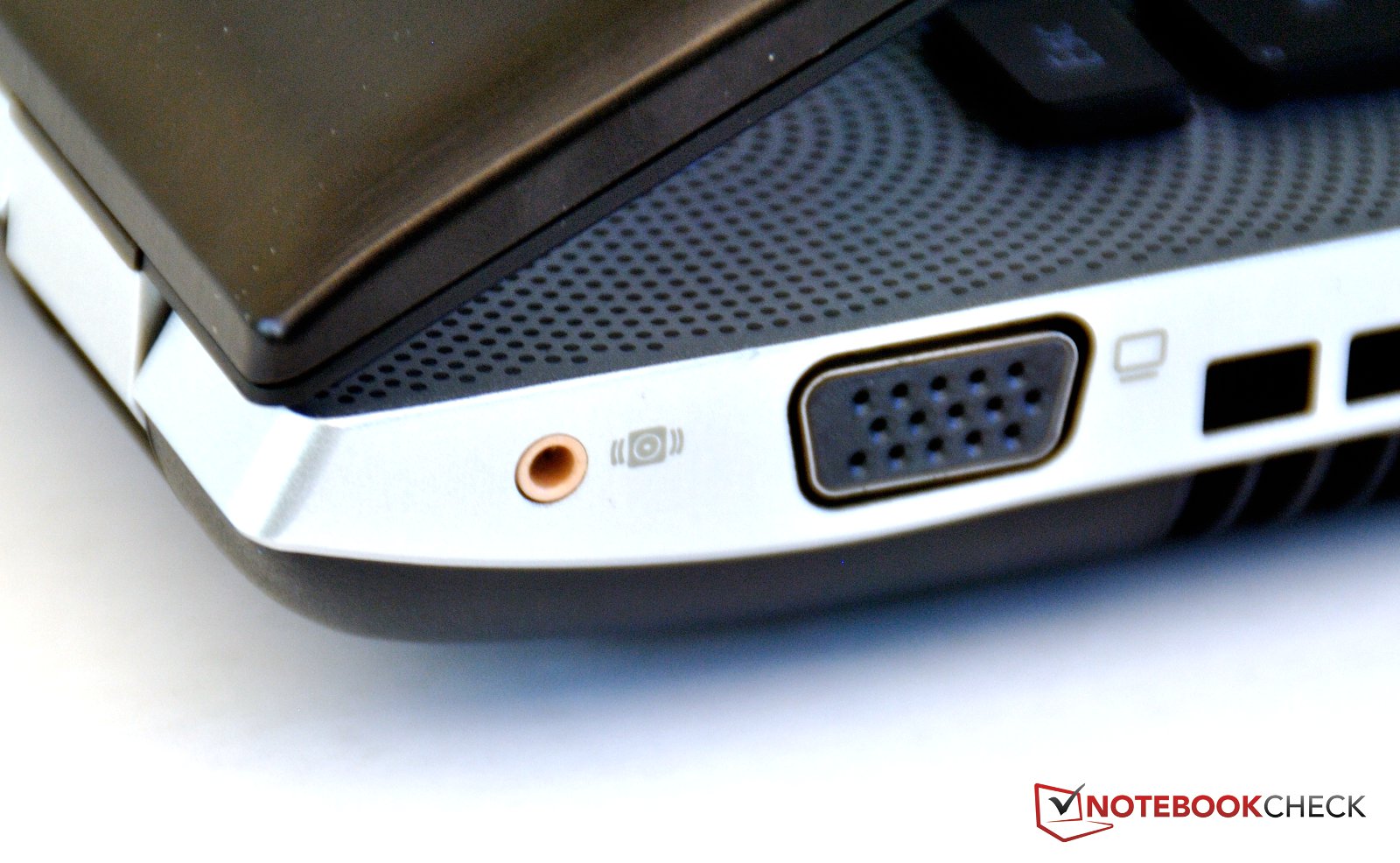
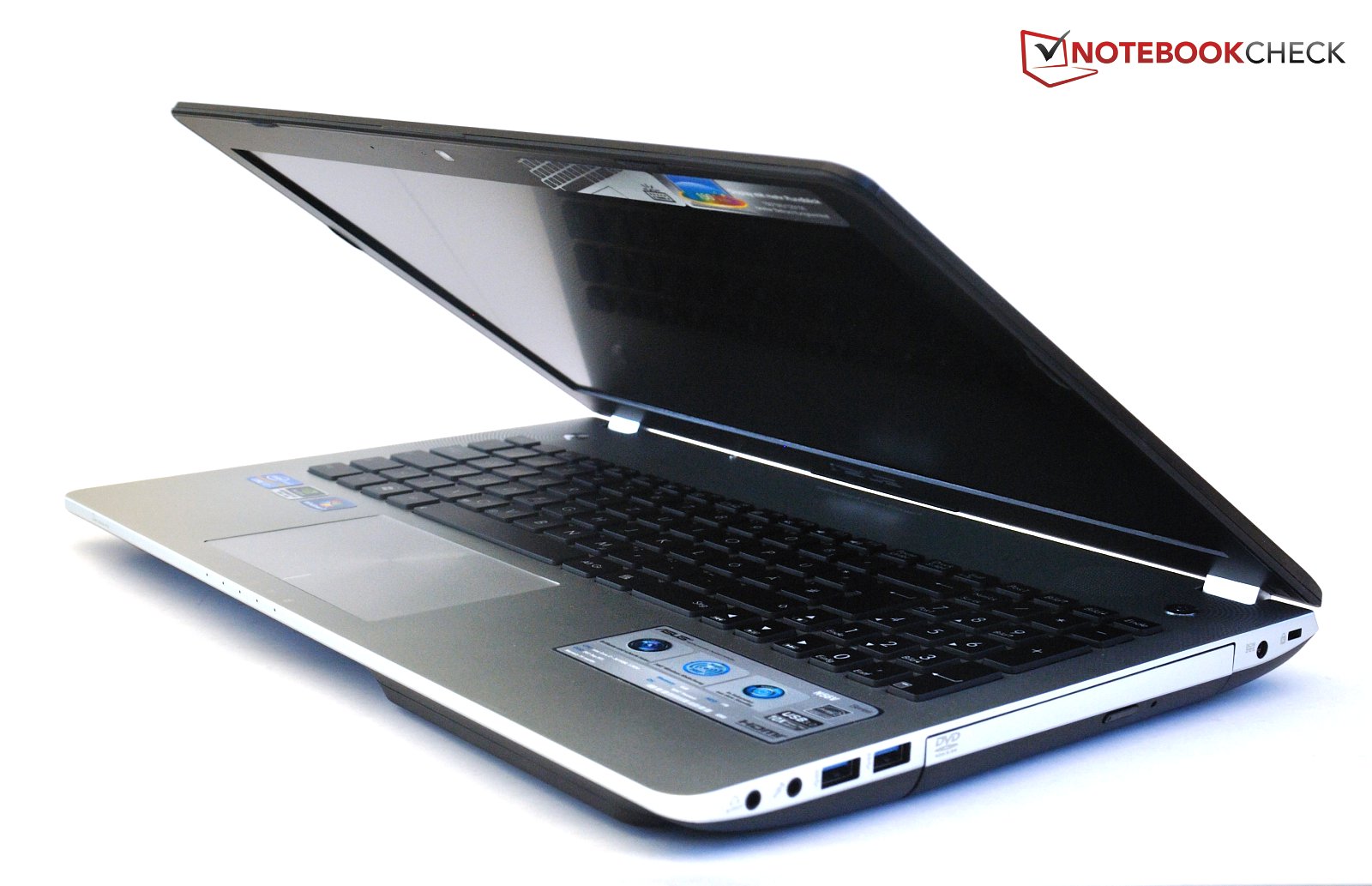
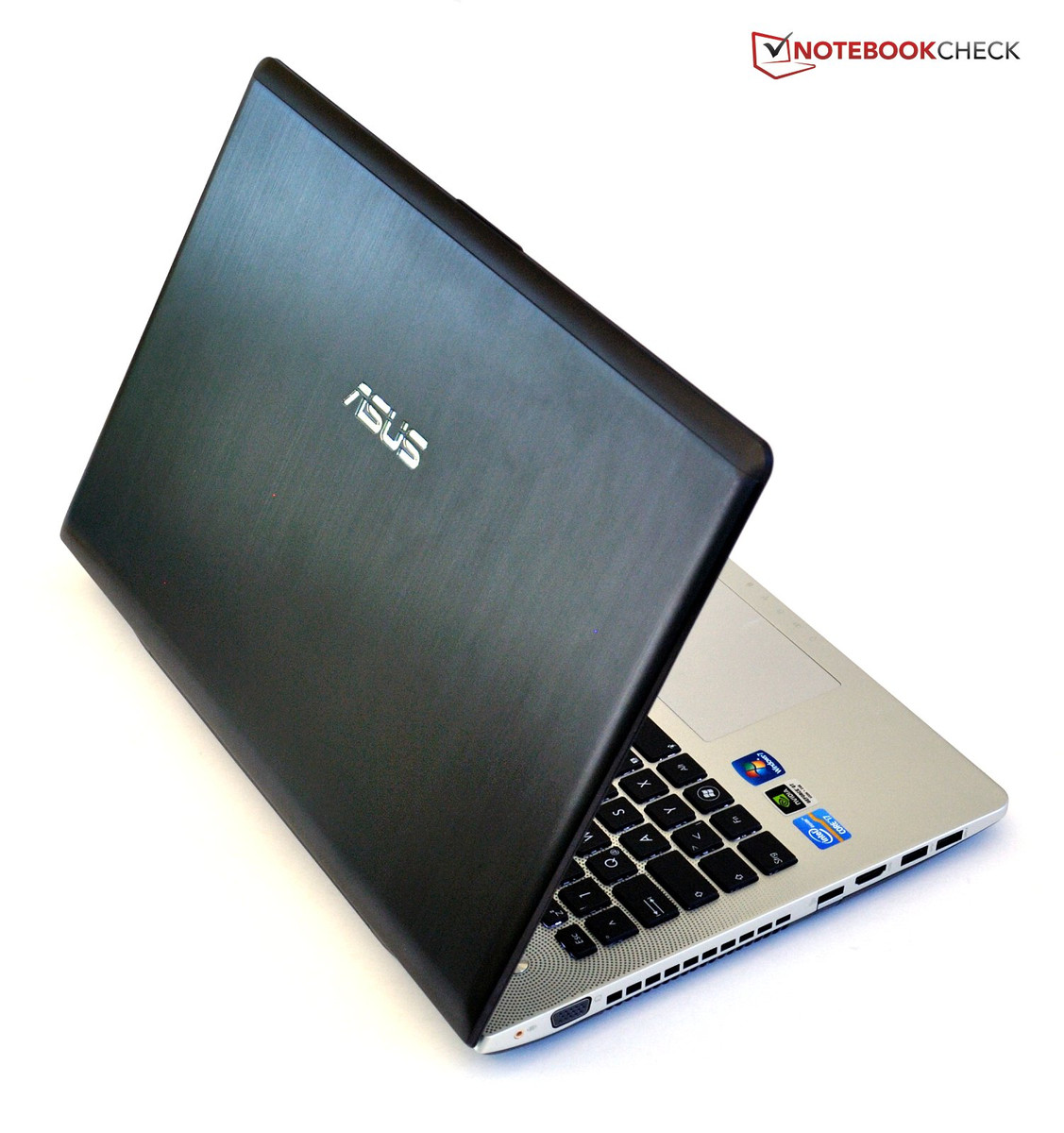
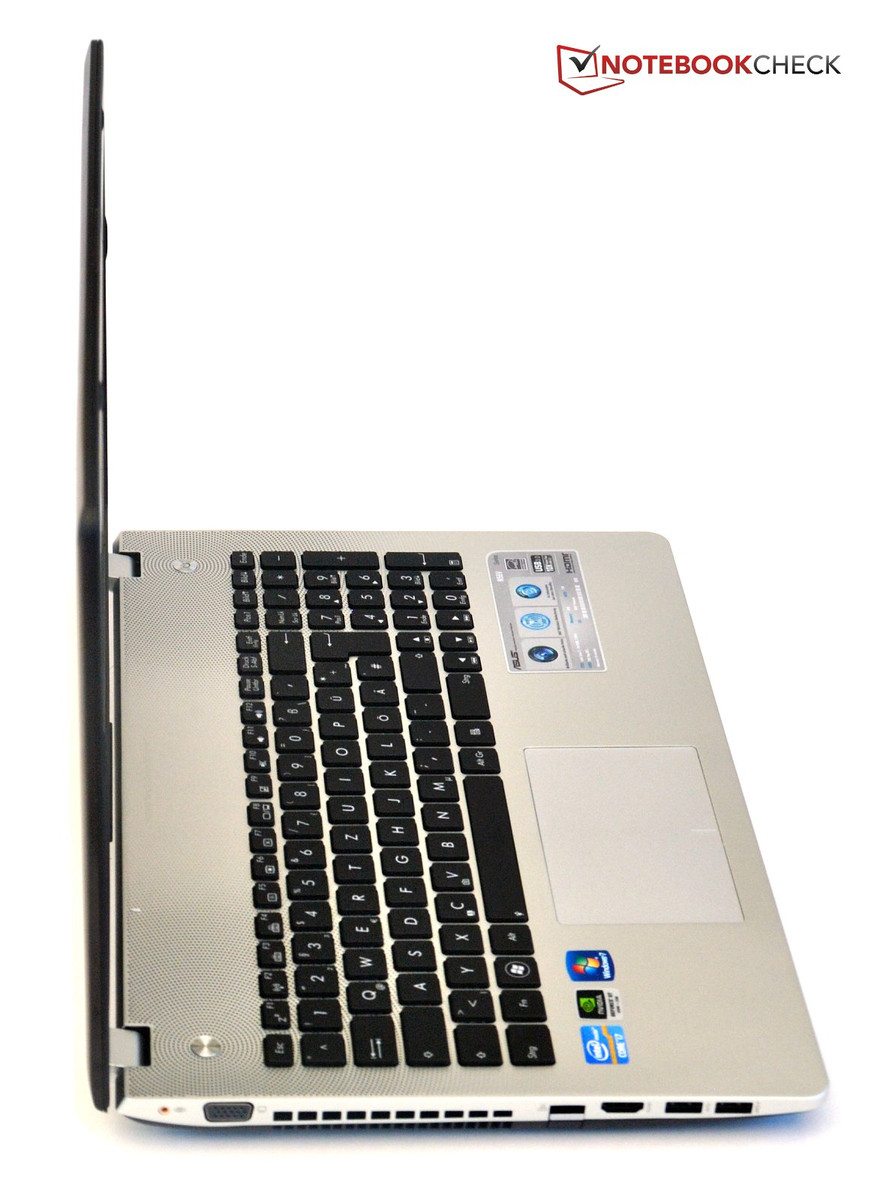
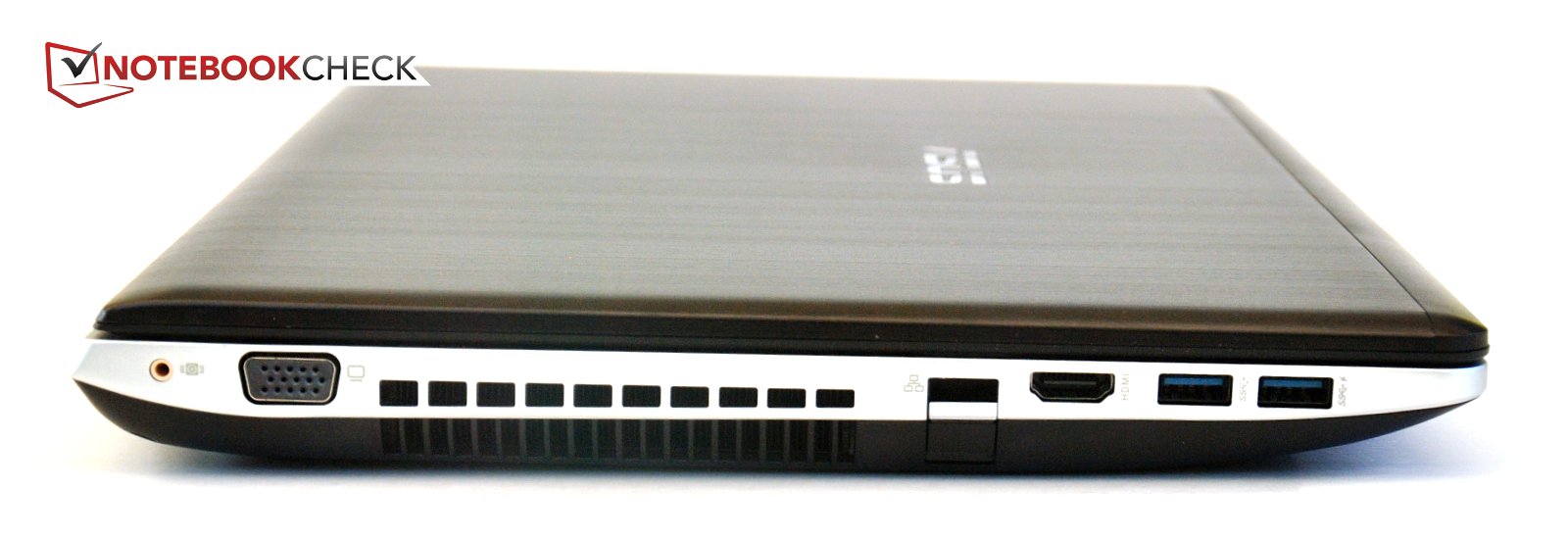
Front and rear of the notebook are free from connectors; the front only houses a card reader, supporting SD, MS, MS Pro and MMC formats. Connectors for VGA and HDMI are on the left side, with a fold out RJ-45 socket for LAN connection between them.
Unfortunately, the connector does not fit snugly but has a worrying amount of give. Luckily, the connection was not lost. Unplugging the connector is a rather unpleasant exercise, because the hatch has to be held down with a fingernail, while the other hand has to unhook the connector's plastic latch. Frequent users of wired networks are in for a test of patience.
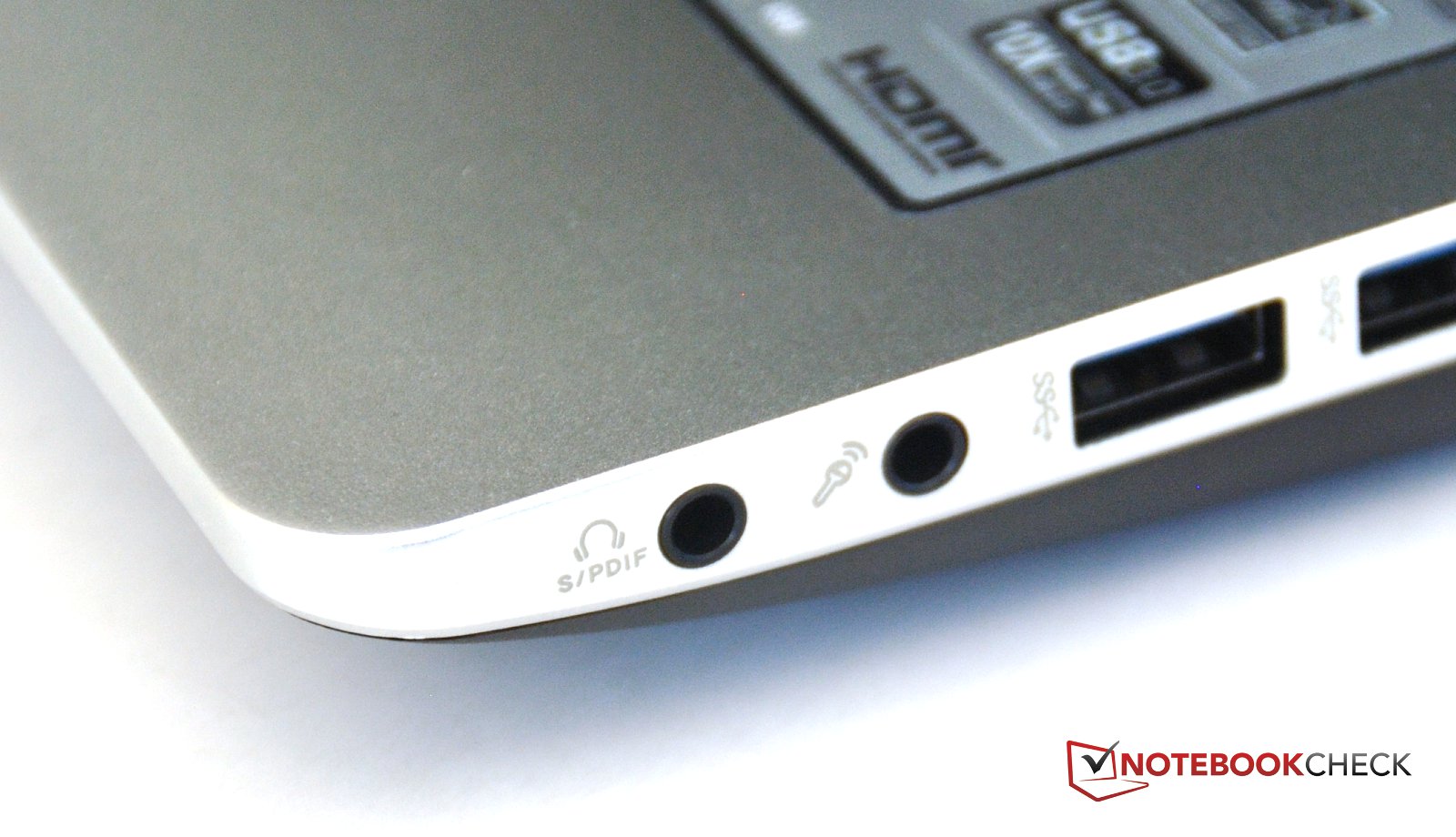
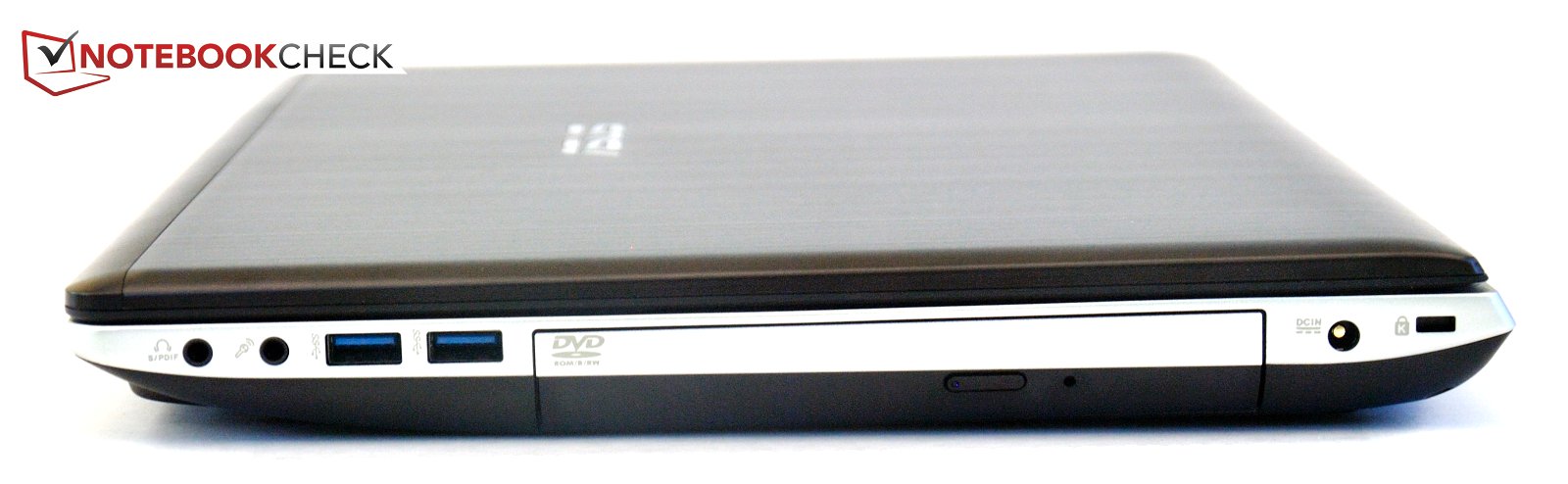
Asus says good bye to the old USB 2.0 version of ports, on both sides of the notebook, USB 3.0 connectors are the only ones installed. The probable reason is that Ivy Bridge chipsets support USB 3.0 natively, and manufacturers can avoid having to squeeze additional chips into their notebooks.
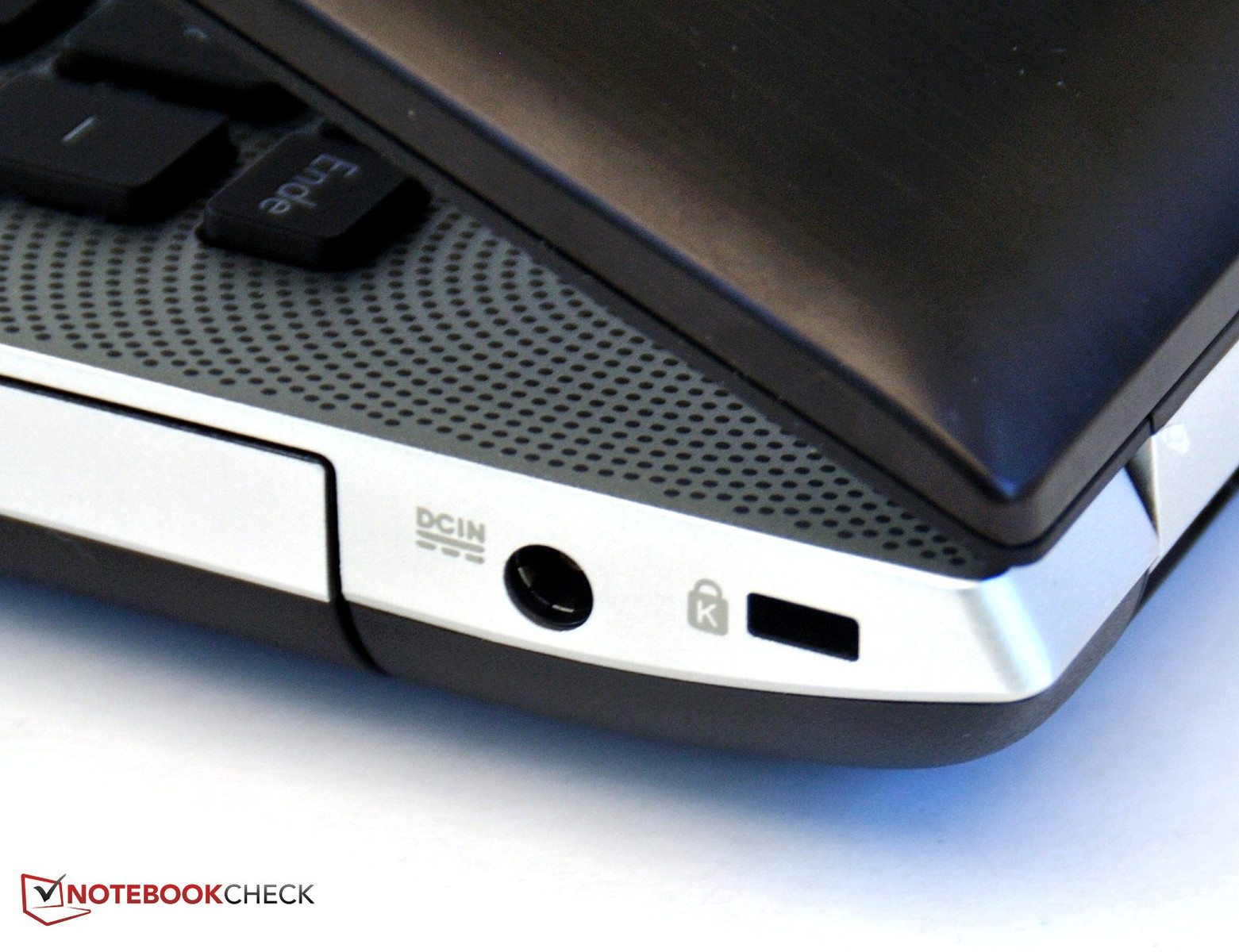
To the right, one finds two 3.5mm audio ports- one headphones/SPDIF and one microphone jack, optical drive, power connector and Kensington lock.
The positioning of connectors is not particularly well considered. To use the interfaces, you end up turning your entire desk into a snake's nest of wires. Positioning most connectors toward the rear would have been far better.


Communication
The Asus N56 sports WiFi b/g/n standards and Gigabit LAN. Further, you can connect wirelessly with the notebook using Bluetooth 4.0.
Software
Asus does include a lot of bloatware in their systems. Upon initial boot up, so many applications are loaded, all asking for subscription or upgrade, that you end up being busy just closing windows in annoyance. A look in the Software programs window is advisable to remove all unnecessary nagware.
Service
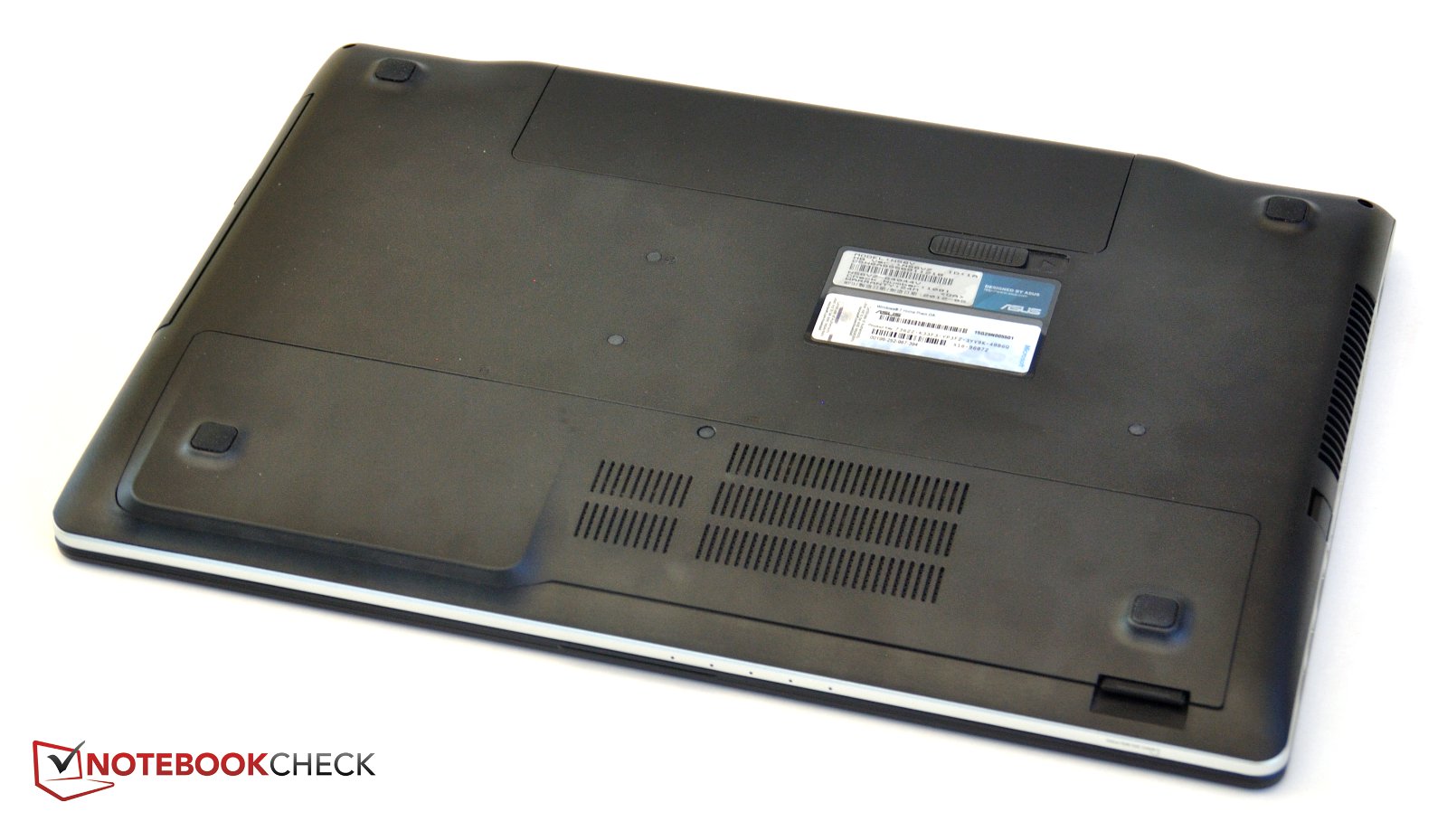
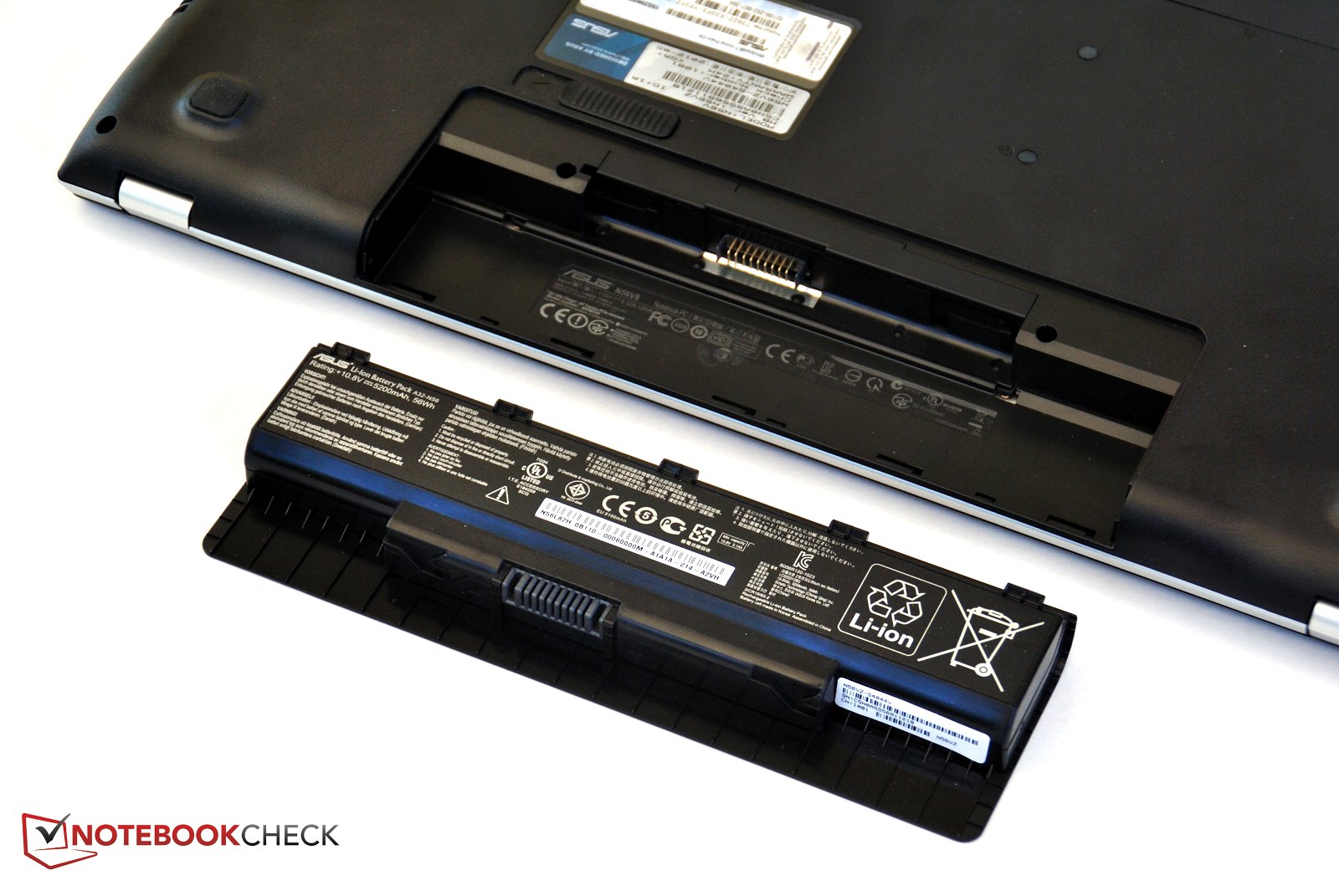
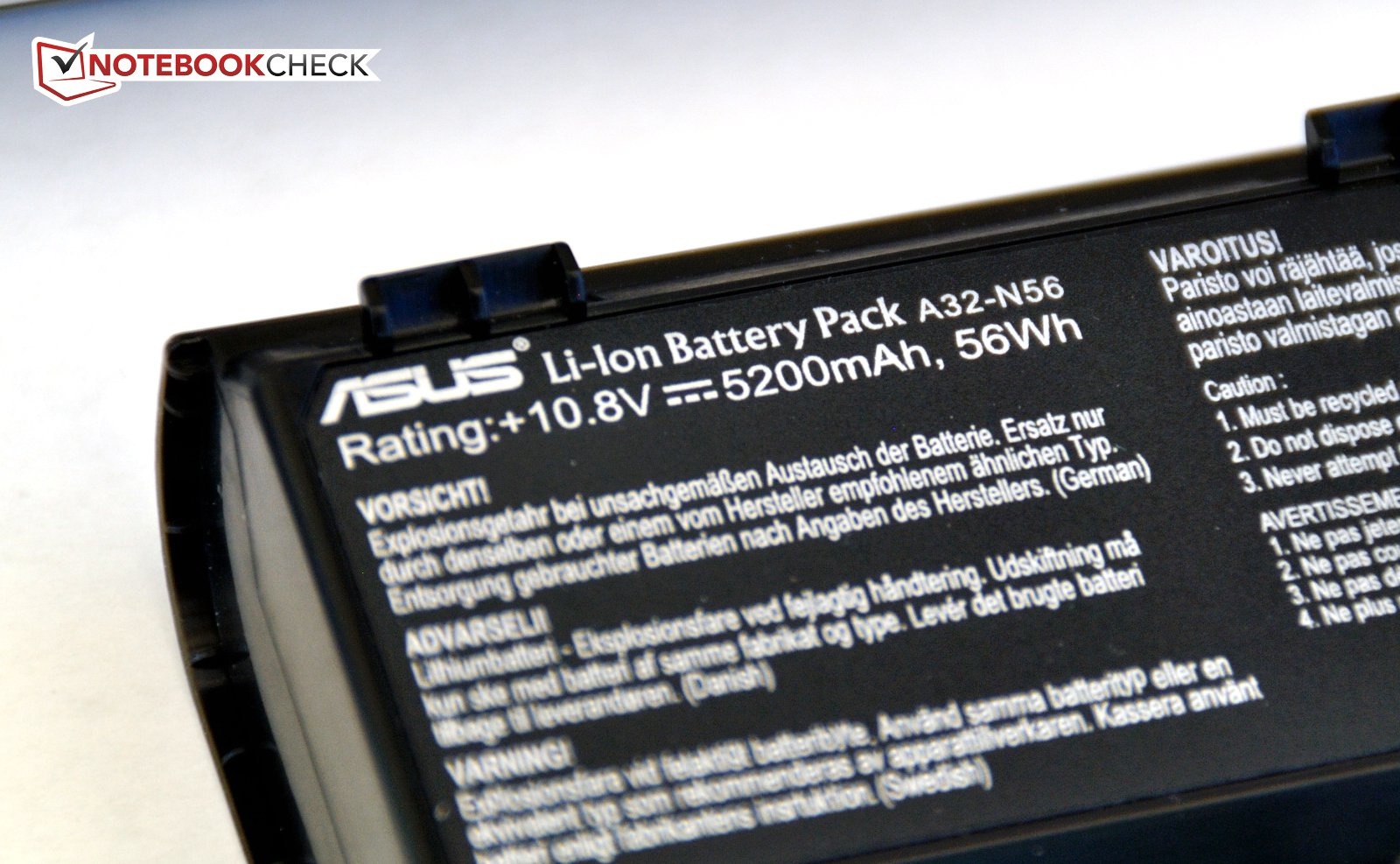
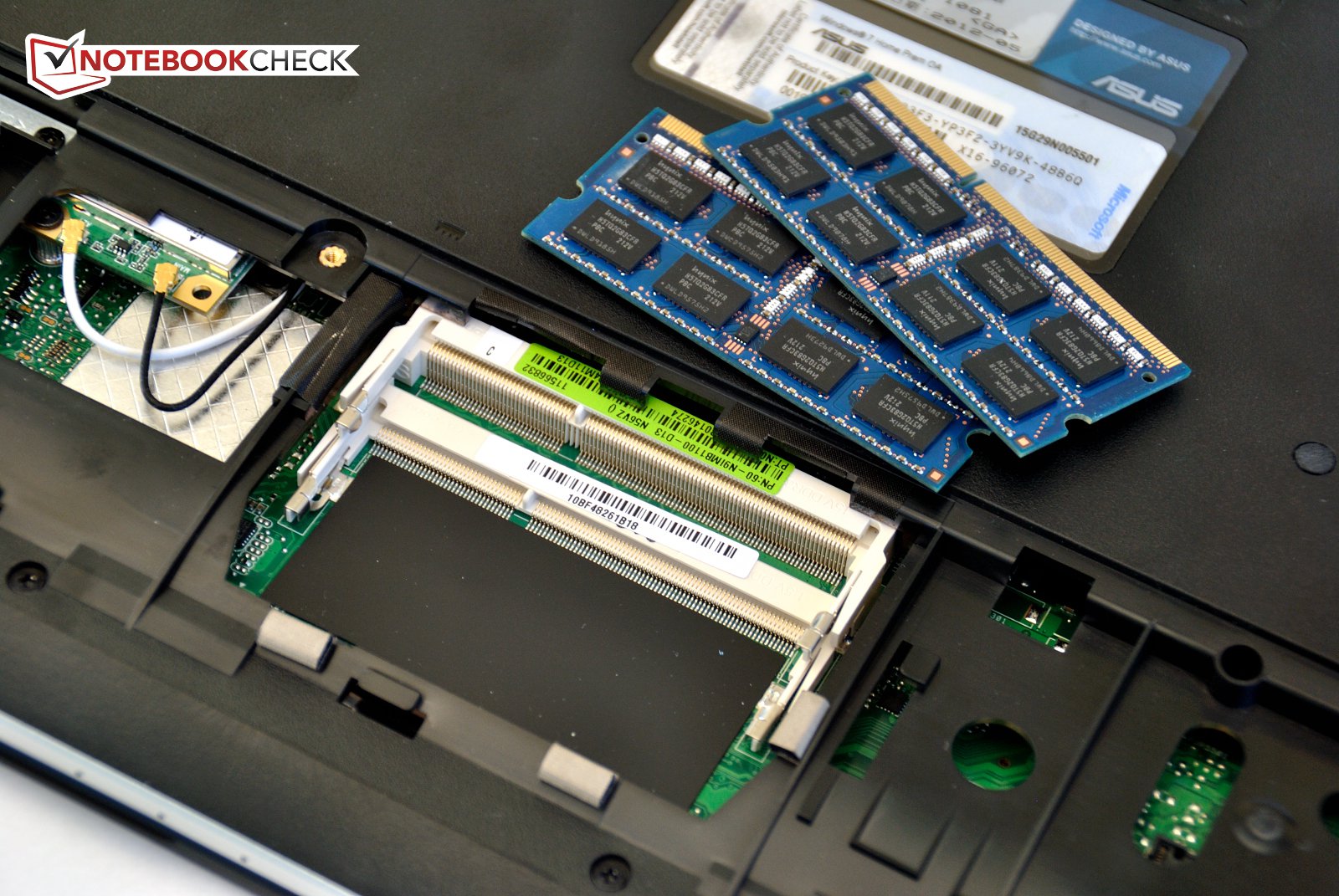
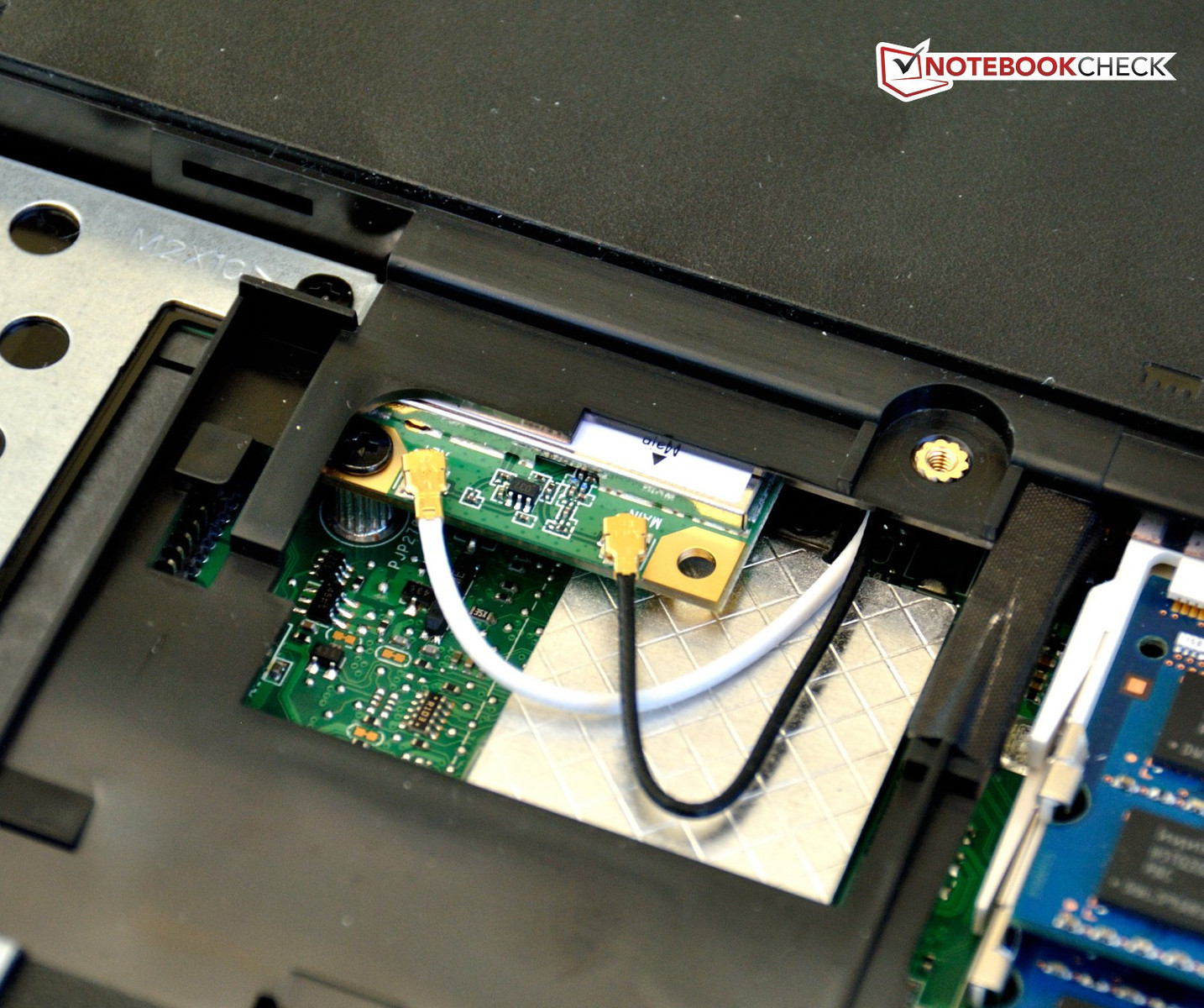
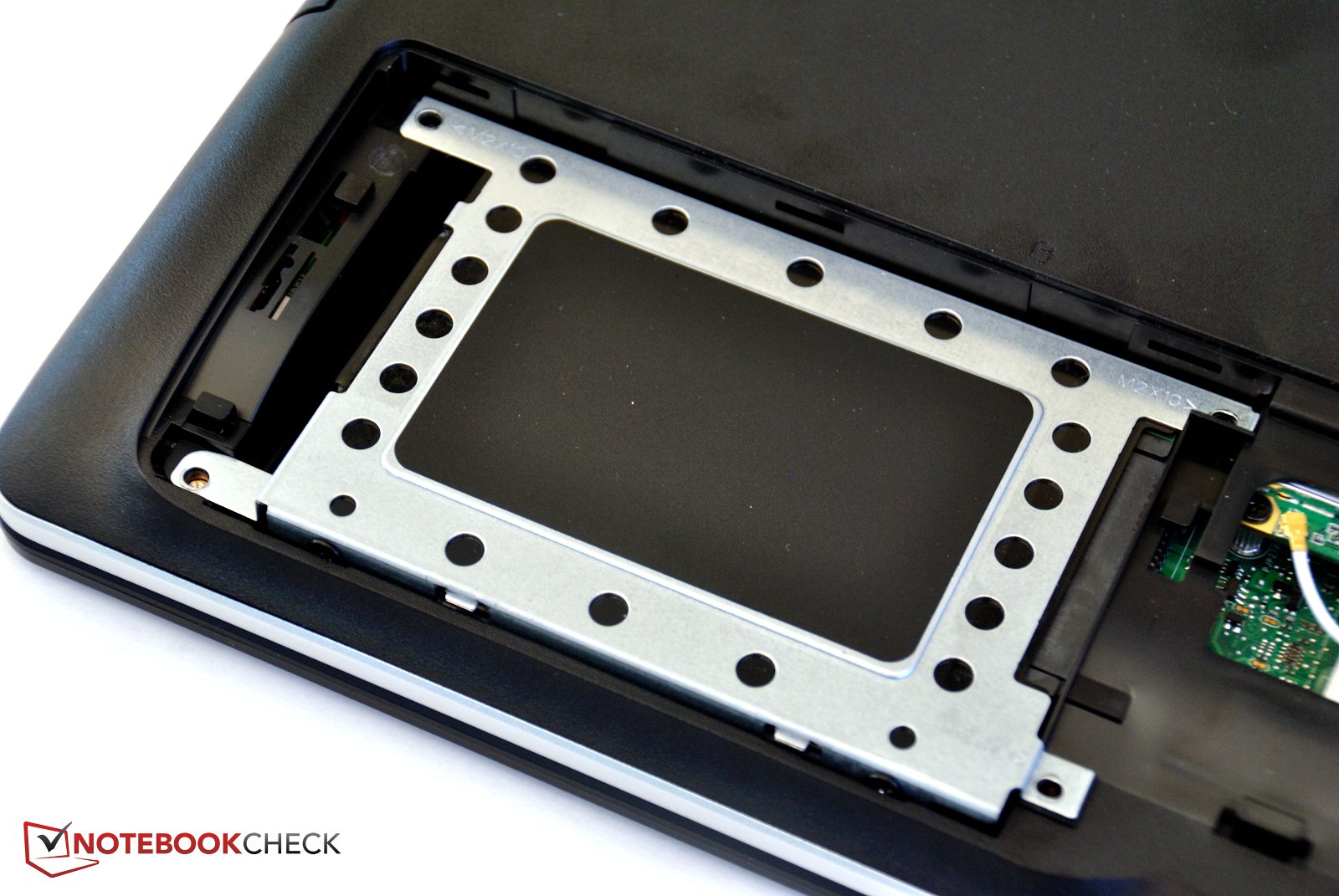
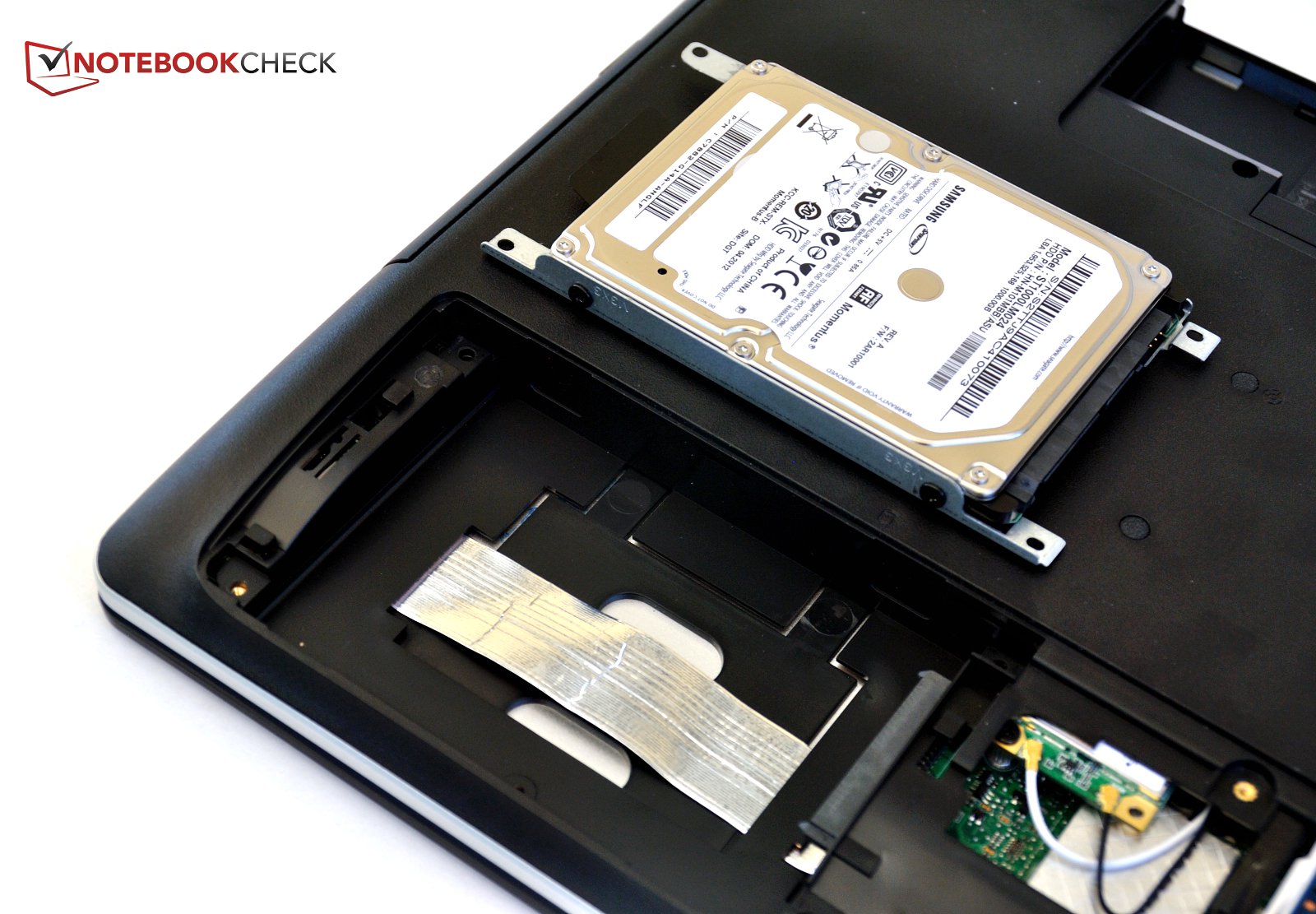
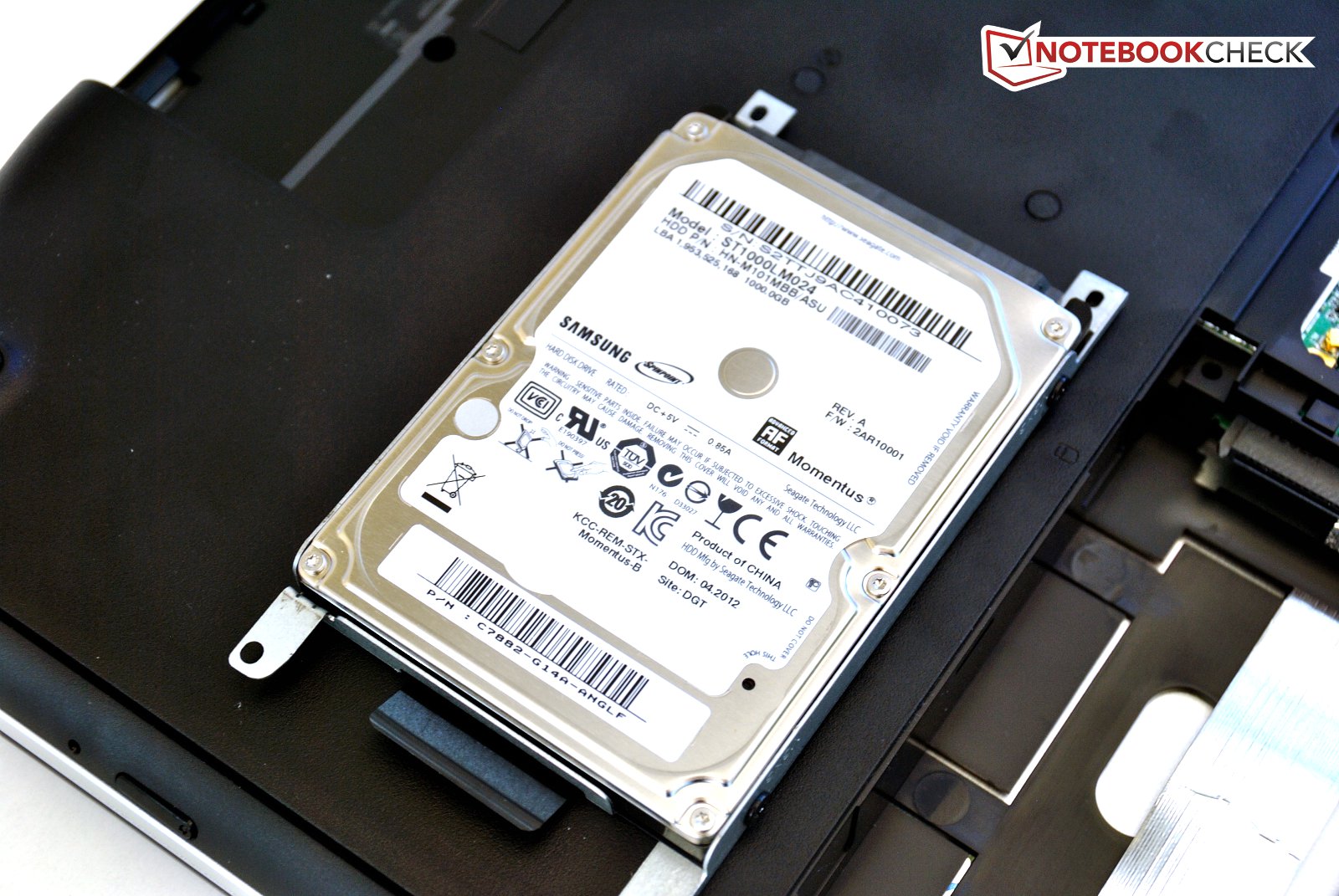
Aside from the swappable battery, the service hatch can be easily opened. Beneath, two RAM slots filled with two 4GB modules and the hard drive are found. The hard drive, secured with four screws is easy to replace. Unfortunately, there is only one 2.5" drive bay in a case that seems large enough for two. The cooling system is not easy to reach for cleaning; the entire bottom panel of the base unit has to be removed for that.
Warranty
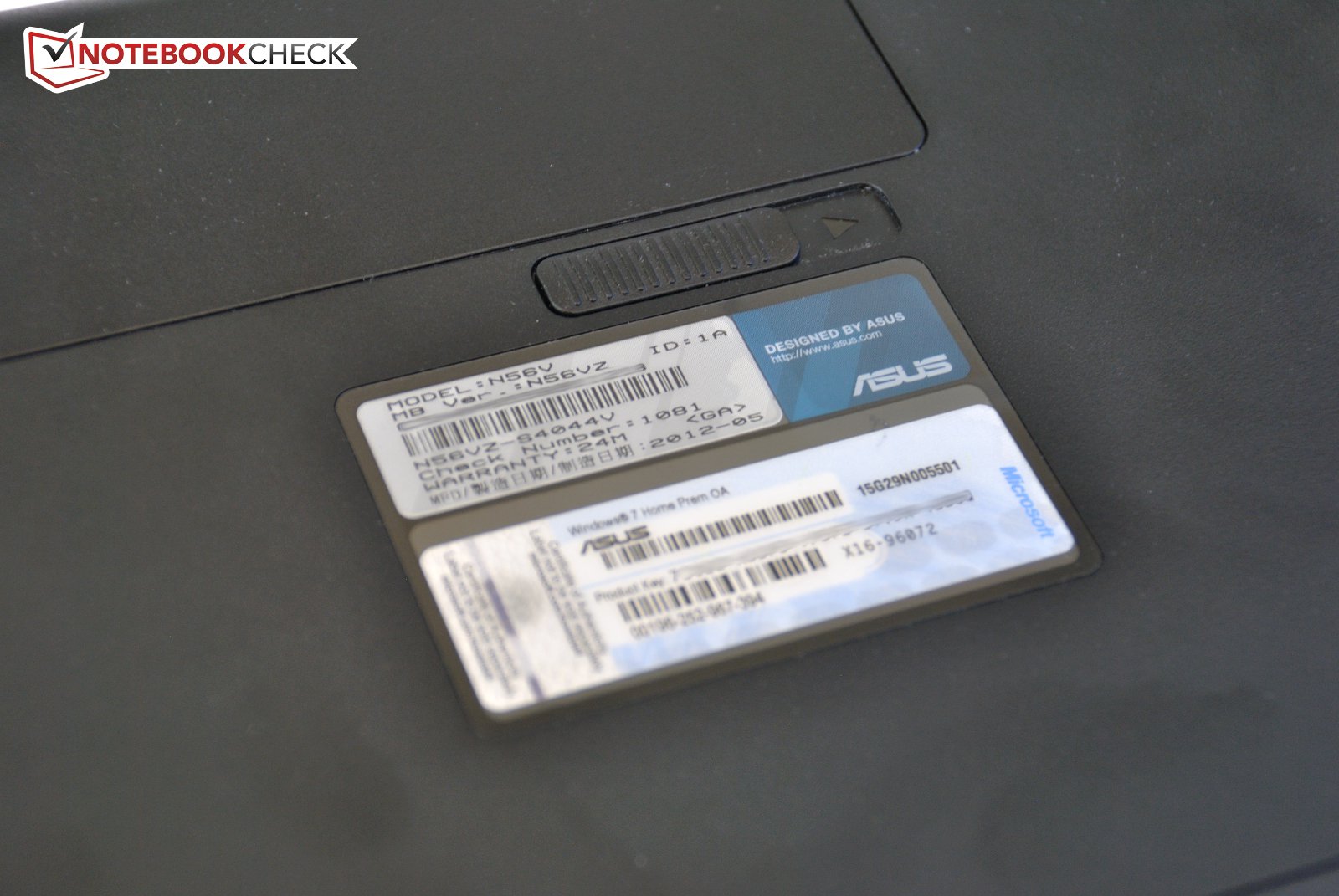
Asus offers an international 24 month warranty. The battery is excluded from warranty.
Keyboard
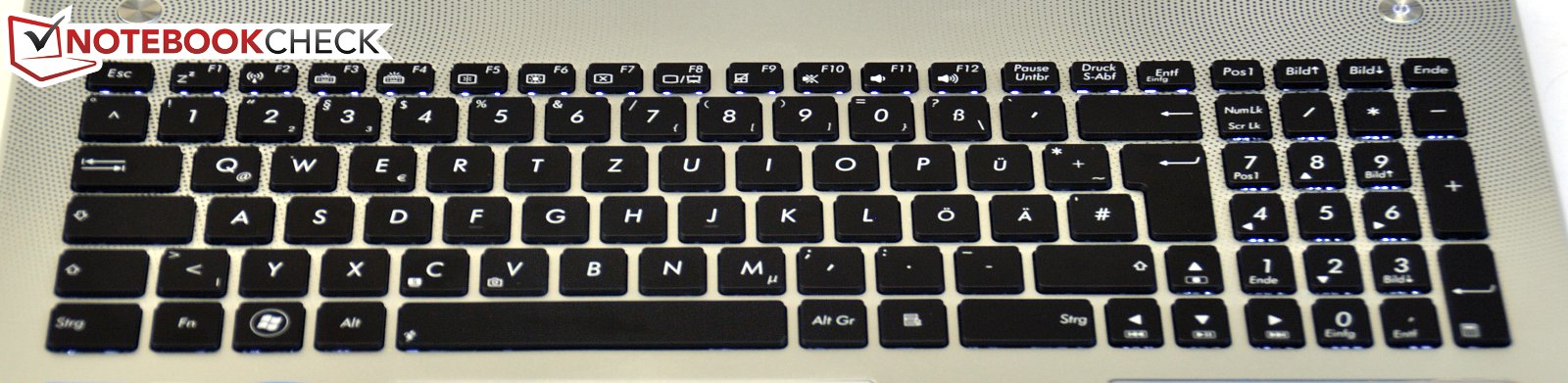
We criticized the last generation model's keyboard for its unusual layout. Asus improved this and returned to a more common keyboard layout. The keys are flat and well separated. The stroke is relatively shallow without a soft landing, but still alright. Feedback is crisp and typing for longer periods on this keyboard works well.
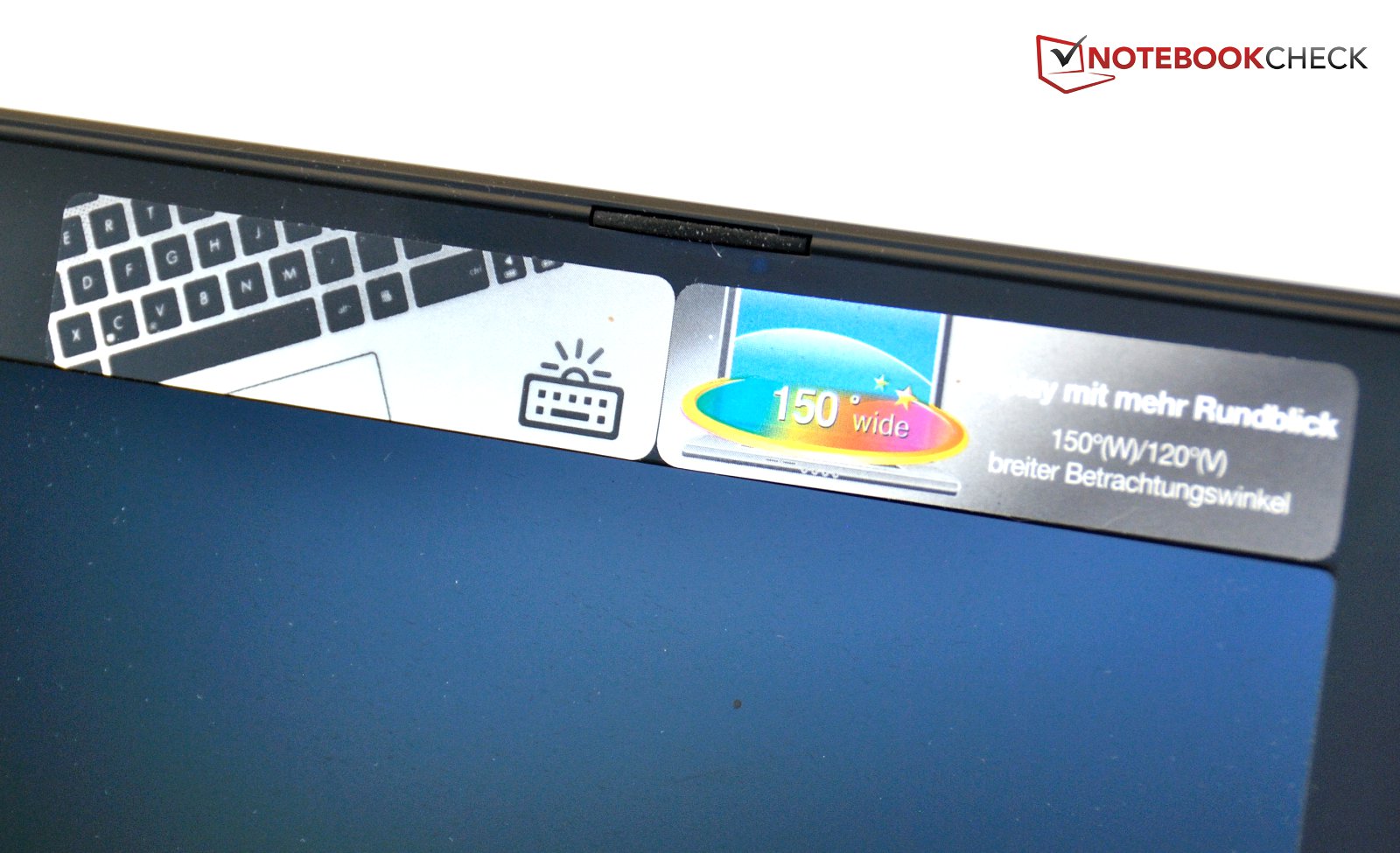
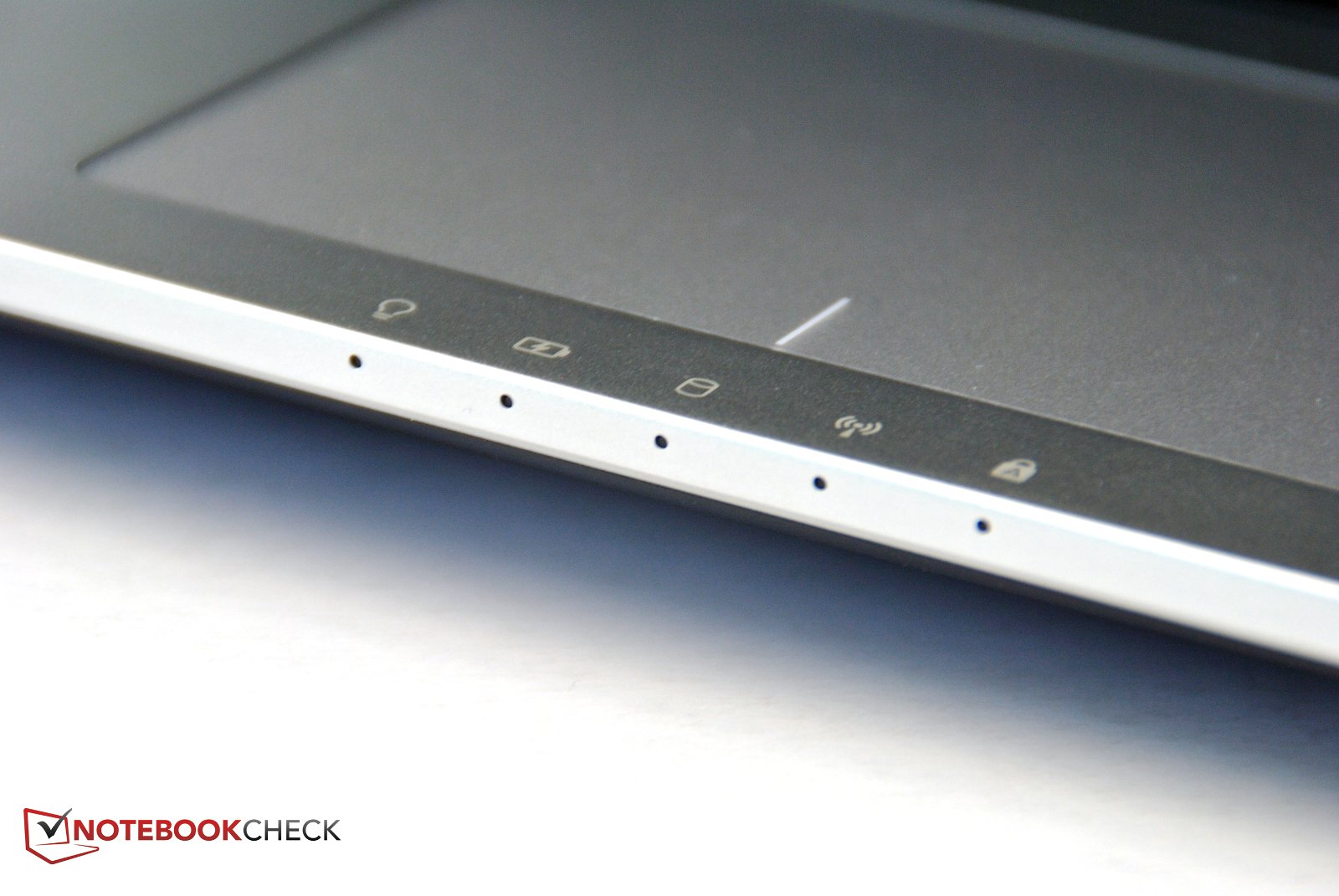
Thanks to the back light, the keyboard is usable in the dark. Brightness can be adjusted to 3 different levels. To the left, between keyboard and display, there is a user definable button, which can be bound to any application or file, but also to functions like mute.
Touchpad
The touchpad is very large and measures 70mm x 110mm. It reacts well to finger movements all the way to the very edges. To the sides, the sensitive area is well separated by an indentation. At the upper edge, however, the surface of the touch pad is higher than the wrist rest, so your finger easily ends up gliding off the touch pad and onto the base unit (this might be due to our test sample being a pre-production unit). Multi touch is also supported and is easy to adjust to the user's preference.
Asus chose the click pad style for its touch pad; you can click the surface like a button, instead of light taps. But not all areas of the touch pad react to clicks. In the center, it is easy to click, but at the upper edge, it fails to work properly. For a right click, you have to press the right lower corner, but reaction to this is again inconsistent. In the corner, the click is simply ignored. Especially with drag and drop operations there are problems due to the missing dedicated buttons, which is common with this type of touch pad.

Display
The 15.6" display sports a resolution of 1920 x 1080 pixels and can play Full HD videos in native resolution. Luckily, Asus decided to go with a non-reflective display panel. It is identical to the display of the previous model, the 156HT01-201 built by Samsung. In the N55, we criticized the poor black value and resulting poor contrast; we will need to see if these issues persist.
The brightness measurements differ from the results of the N55. Average brightness has increased slightly for the N56VZ and just misses the 300 cd/m² mark. Illumination is very even at 90% and maximum brightness remains identical when running on battery.
| |||||||||||||||||||||||||
Brightness Distribution: 90 %
Center on Battery: 303 cd/m²
Contrast: 514:1 (Black: 0.59 cd/m²)
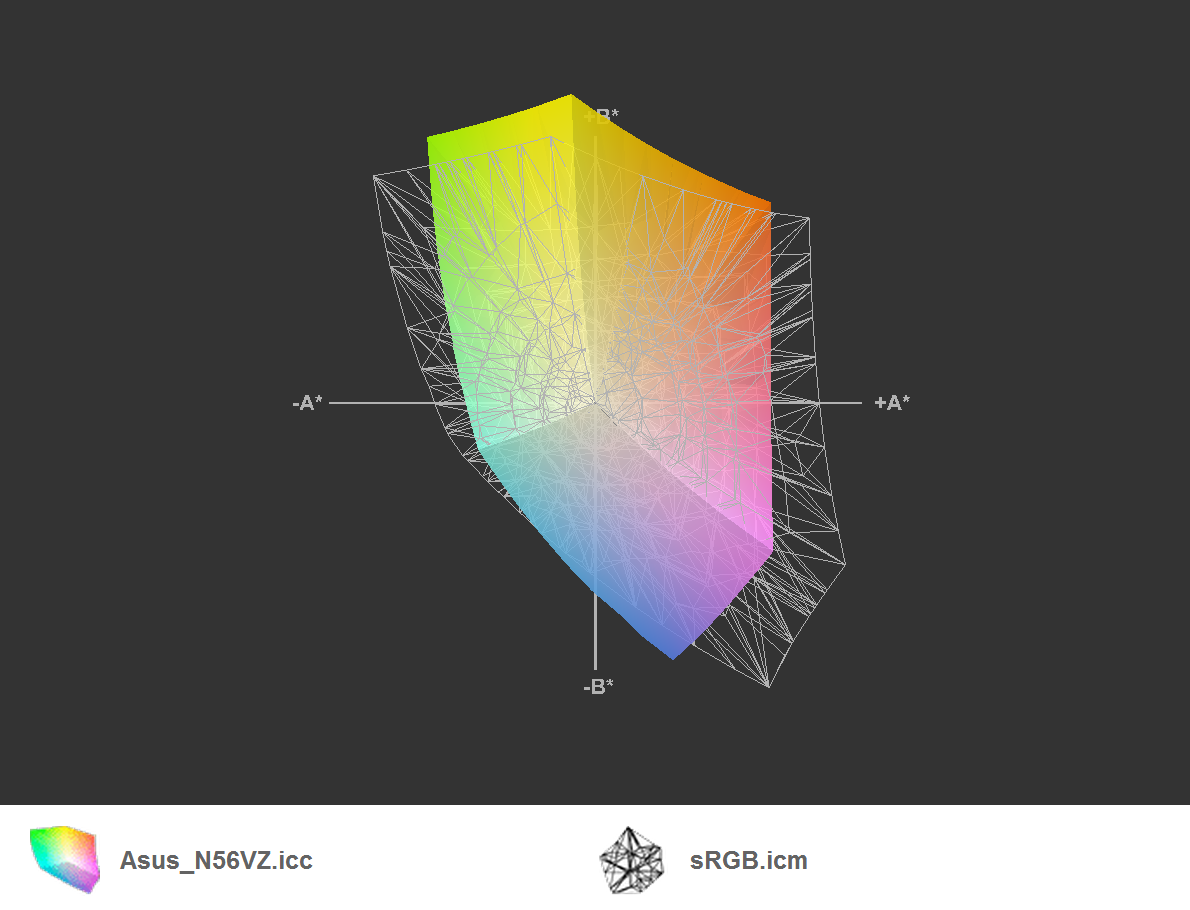
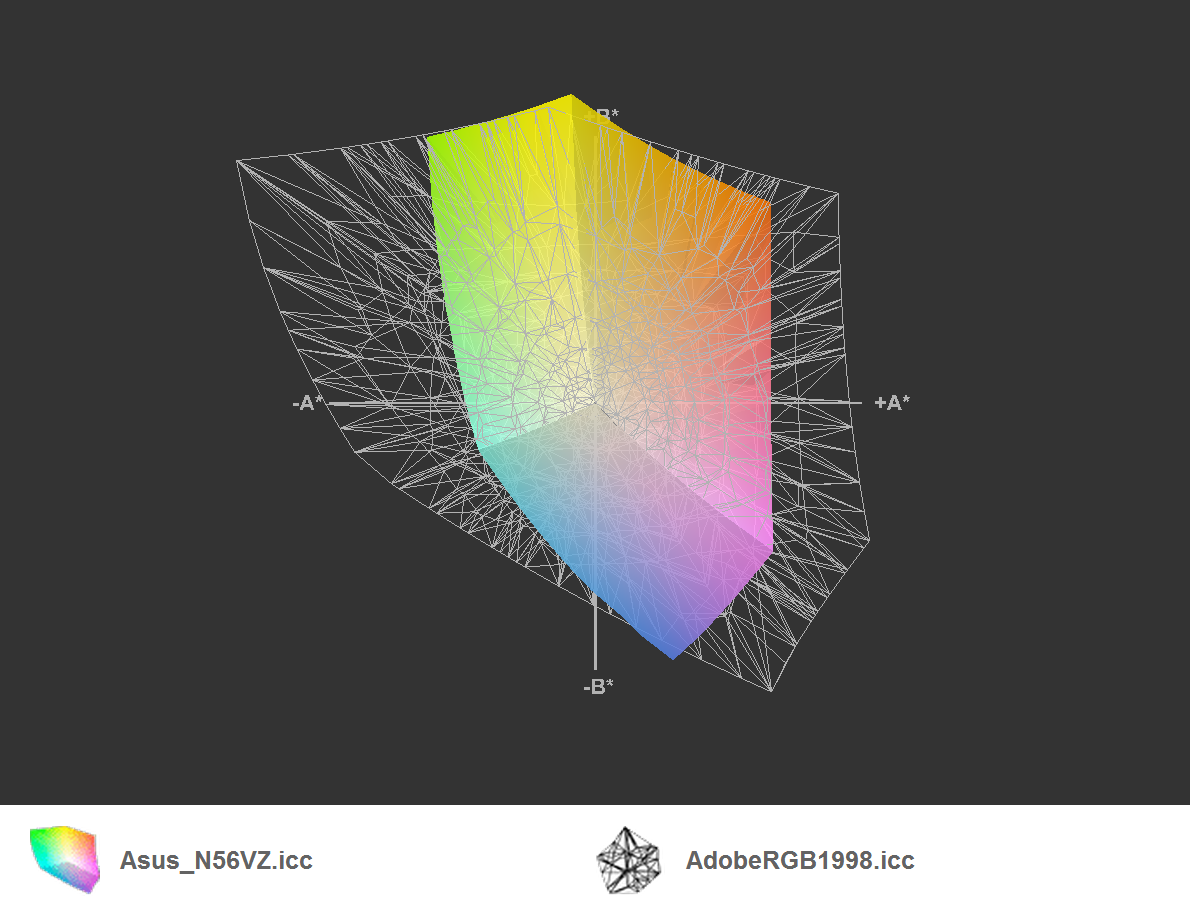
54.2% AdobeRGB 1998 (Argyll 3D)
73% sRGB (Argyll 3D)
54% Display P3 (Argyll 3D)
The black value has been improved considerably, in spite of the same model number of the display. The black value of the N55 was 0.88 cd/m², now the panel manages a really good value of 0.59 cd/m². This improves contrast to 514:1, which is a good value. Details in games and movies are much improved; the high resolution helps as well.
In our N56VM pre-production sample, a much brighter Philips LP1156WF1 panel (also non reflective) was used. This reached 400 cd/m² with similar black values of 0.58 cd/m², achieving a maximum contrast of 690:1 in our measurements.
The professional sRGB and AdobeRGB are not covered by the display, even though that should mostly matter to graphics professionals and photographers.

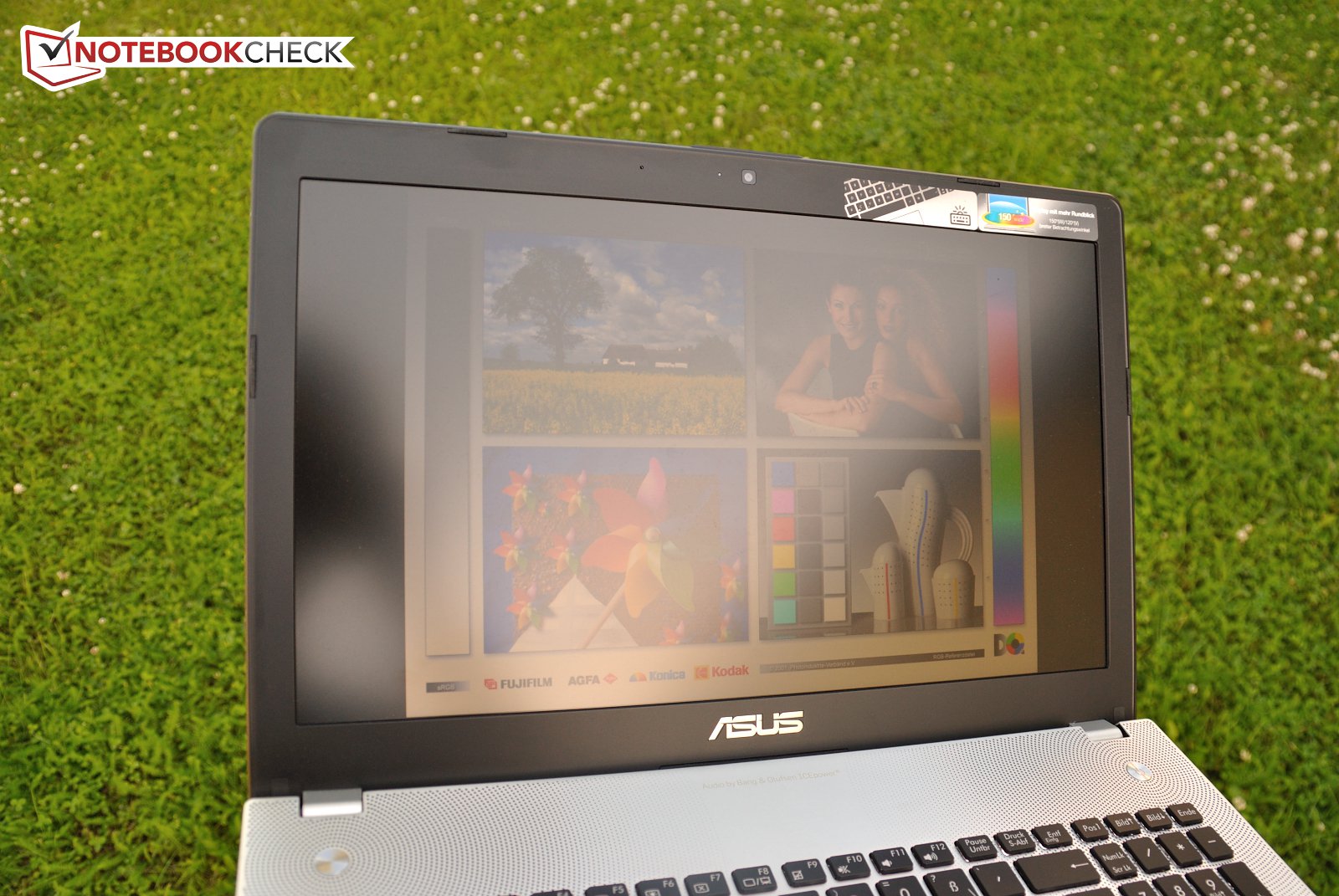
Thanks to the good brightness and non-reflective surface, one can work very well in bright surroundings. In bright interior spaces, everything is perfectly readable, and outdoors it would only become problematic if the sun shines directly on the display.
Asus does advertise the improved viewing angles of this notebook. Across wide angles, colors are supposed to remain stable. Horizontally, this holds true. Aside from a slight weakening in brightness, the image stays the same when viewed from the side. When looking from above, things are still easy to see, but colors fade and a blue or yellow tint may appear. When viewed from below, however, the display gets very dark and it becomes hard to tell what you're looking at. For a TN panel, the viewing angles are pretty good, but the N56 can't keep up with IPS panels like the one on the Zenbook UX32VD.

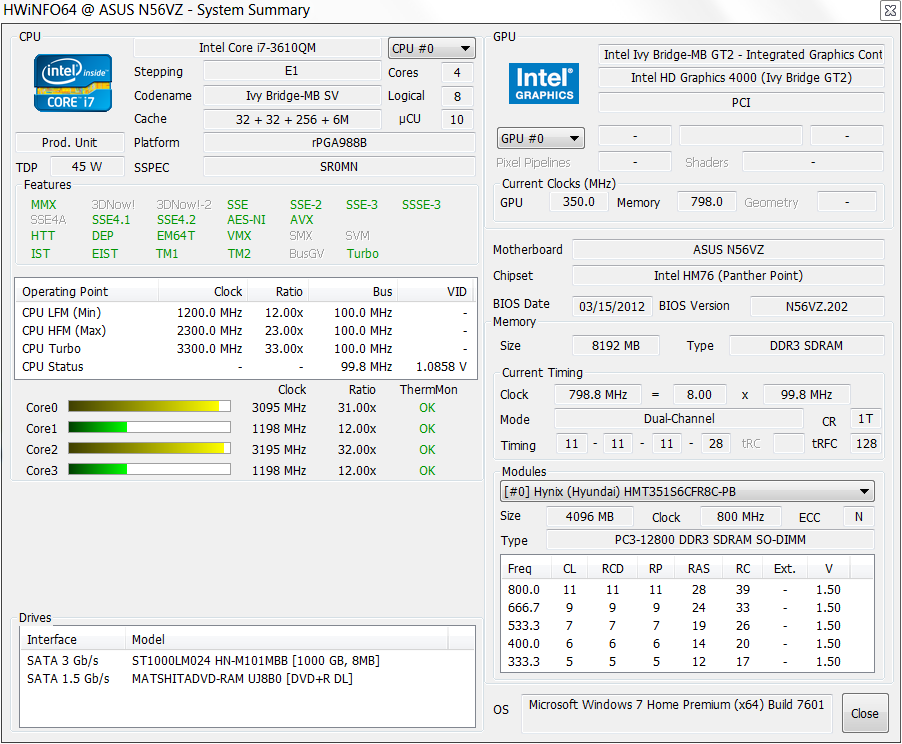
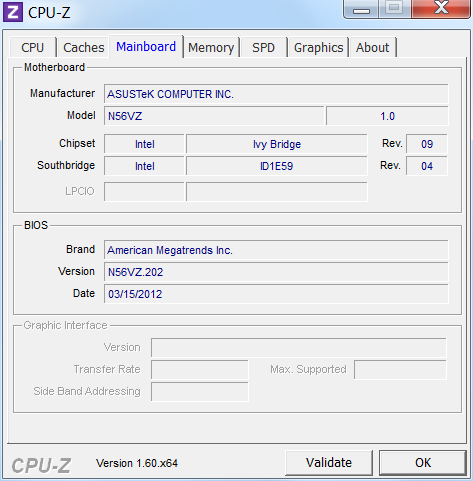
The N56VZ is based on Intel's new Ivy Bridge architecture, using the HM76 chip set. The support for USB 3.0 is to be viewed as the biggest improvement here, and Asus says good bye to USB 2.0 for this model as well.
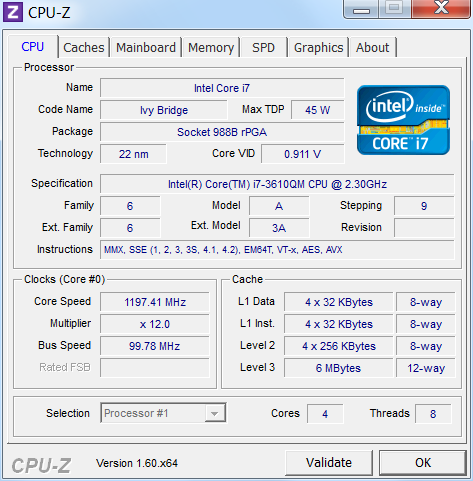
The processor is a Quad Core i7-3610QM with a 45W TDP and a clock speed of 2.3GHz, which can be boosted up to 3.3GHz for a single core. When all four cores are used, they reach a maximum of 3.1GHz. The difference to the Sandy Bridge architecture is mainly the process node size, which was reduced from 32nm to 22nm. This allows higher performance with unchanged power draw. So, the CPU performance of the Core i7-3610QM roughly matches the performance of the high end Sandy Bridge processor Core i7-2920XM.
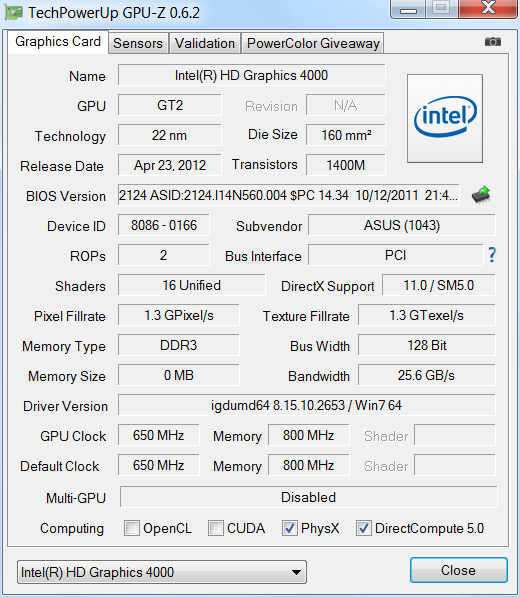
The performance increase is just as significant for the integrated HD4000 GPU. In comparison to the old HD3000, the new GPU supports DirectX 11 and shows a performance increase of 80% in 3DMark. The older, but popular Nvidia GeForce GT540 GPU is only ahead by 16% now.
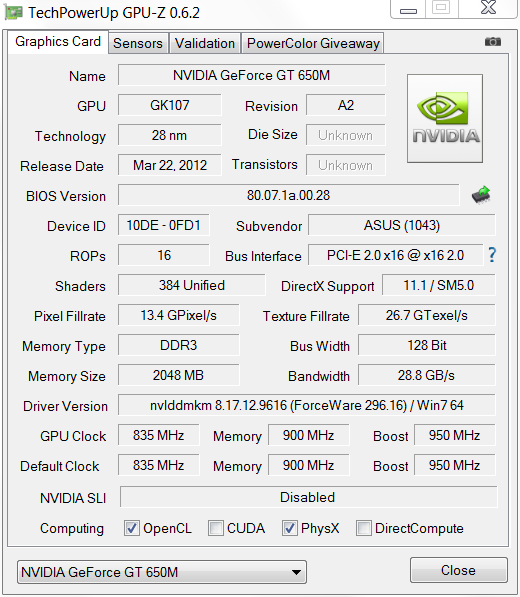
Whenever performance of the integrated GPU is insufficient, the dedicated GeForce GT650M gets activated by Nvidia's Optimus technology. Notebook manufacturers are able to choose the core clock speed above the normal 735 MHz, provided the cooling system can handle the extra heat. Asus chose to increase the clock speed by 100 MHz and runs the GPU at 835 MHz for improved performance.
The otherwise identical Asus N56VM only differs from the N56VZ by using the weaker GeForce GT630M. You can find out what performance you can expect from it on our detail page about the GeForce GT630M, which is based on the older Fermi architecture.
RAM consists of two 4GB DDR3-1333 modules. The available 8GB should completely suffice for most applications. A Seagate 5400rpm hard drive with 1 TB capacity serves as storage.

Processor
We use Cinebench to evaluate processor performance. For this, a 3D scene is rendered over time. Here, Intel's Core i7-3610QM profits from its four cores, which can process two threads each. The N56VZ scores 6.2 points in Cinebench R11.5, which is an average score among notebooks with the i7-3610QM.
System Performance
PCMark is used to evaluate overall system performance. Here, a battery of tests gets run, to simulate many possible applications. In PCMark Vantage, the NV56VZ's score of 8858 points is at the lower end of notebooks with the same processor and GPU. The hard drive is mostly to blame for this, as all other notebooks already tested had faster hard drives.
Notebooks with 7200rpm hard drives, like the MSI GE70-i789W7H pull ahead with 9350 points. The Schenker XMG A502 with an Intel SSD even manages to double that score. For enthusiasts, this would be the right place to increase system performance considerably with the installation of an SSD.
| PCMark Vantage Result | 8858 points | |
| PCMark 7 Score | 2505 points | |
Help | ||
Storage Devices
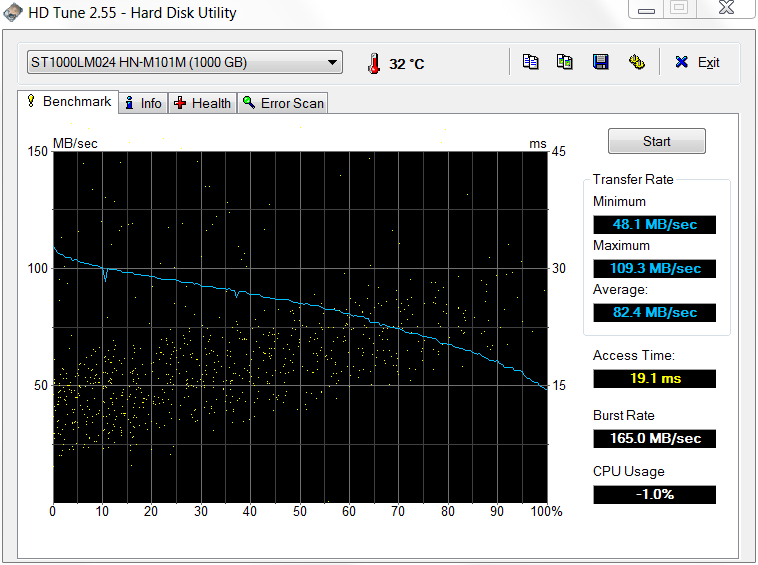
The 1TB Seagate ST1000LM024 spins at 5400rpm and is less noisy than faster competitors spinning at 7200rpm. It manages good transfer rates for a 5400rpm drive with 82.4 MB/s; it’s one of the speedier models among its peers, but falls behind fast 7200rpm drives. Access times of 19.1ms are mediocre.

Graphics Card
For graphics processing, Nvidia's Optimus technology picks between 2 GPUs in real time. Intel's integrated HD4000 can take care of all office tasks as well as play back HD videos fluidly. Benchmarks for the HD4000 can be found in our benchmark list. The values we measured with 3DMark come from the Nvidia GeForce GT650M, which automatically takes over from the processor's integrated GPU, when tasks get more complex.
The GT650M scores a good 2363 points in 3DMark 11. With this, it surprisingly positioned itself above the Schenker XMG A502 gaming notebook (3610QM/GT650M), which only managed 2178 points. The Samsung 550P7C-S02DE sporting the same components scored minimally higher at 2406 points.
| 3DMark 03 Standard | 32208 points | |
| 3DMark 05 Standard | 22685 points | |
| 3DMark 06 Standard Score | 13392 points | |
| 3DMark 11 Performance | 2363 points | |
Help | ||
Gaming Performance
To compare the gaming performance with other notebooks, we used the new DiRT Showdown. This game can be played relatively fluidly with high detail settings with an average of 54fps. With that, it exactly matches the Samsung 550P7C-S02DE (3610QM/GT650M), which also averaged 54fps. With maximum settings, frame rates fell to 19fps, which is too low for smooth game play, but is in the expected range for this GPU.
In native Full-HD resolution, 4x anti-aliasing and the "high" preset, DiRT Showdown can be played with an average of 38fps. The frame rate may sometimes dip to 32fps, but that is still a perfectly playable frame rate.
The N56VZ sports a potent all-round graphics solution with the GT650M, which manages to run current games with fluid frame rates. For native Full-HD resolution game play, older or less demanding games will be satisfied with the prowess of the GT650M. Reducing resolution or graphics detail, one can always achieve a playable frame rates in newer games, while the games still look decent.
More benchmark results of the Geforce GT650M GPU are available in our article about the Nvidia Geforce GT650M and in our comprehensive Computer games on laptop graphics cards guide.
| low | med. | high | ultra | |
|---|---|---|---|---|
| Dirt Showdown (2012) | 85 | 78 | 54 | 19 |
In comparison to our Asus N56VM pre-production sample with the faster Core i7-3720QM and GeForce GT630M, it is immediately apparent that the GT650M offers a significant speed increase in higher resolutions. At the lowest resolutions, the VM model wins because of its faster processor.
| Dirt Showdown | |
| Asus N56VZ-S4044V | |
| 1920x1080 Ultra Preset AA:4xMS | |
| 1366x768 High Preset AA:2xMS | |
| 1366x768 Medium Preset | |
| 1024x768 Ultra Low Preset | |
| Asus N56VM | |
| 1920x1080 Ultra Preset AA:4xMS | |
| 1366x768 High Preset AA:2xMS | |
| 1366x768 Medium Preset | |
| 1024x768 Ultra Low Preset | |
Emissions
System Noise
When the notebook is not under heavy load, it remains pleasantly quiet. A measurement of 31dB (A) is in the clearly audible range, but not a nuisance. The hard drive is very quiet, thanks to its leisurely speed of 5400rpm.
While watching a DVD, some people might get annoyed by the optical drive during quiet scenes, even though it’s not overly loud at 35dB (A). Under load, the fans do get a little louder and reach 37dB (A).
For such a powerful notebook, that is still a very good value.
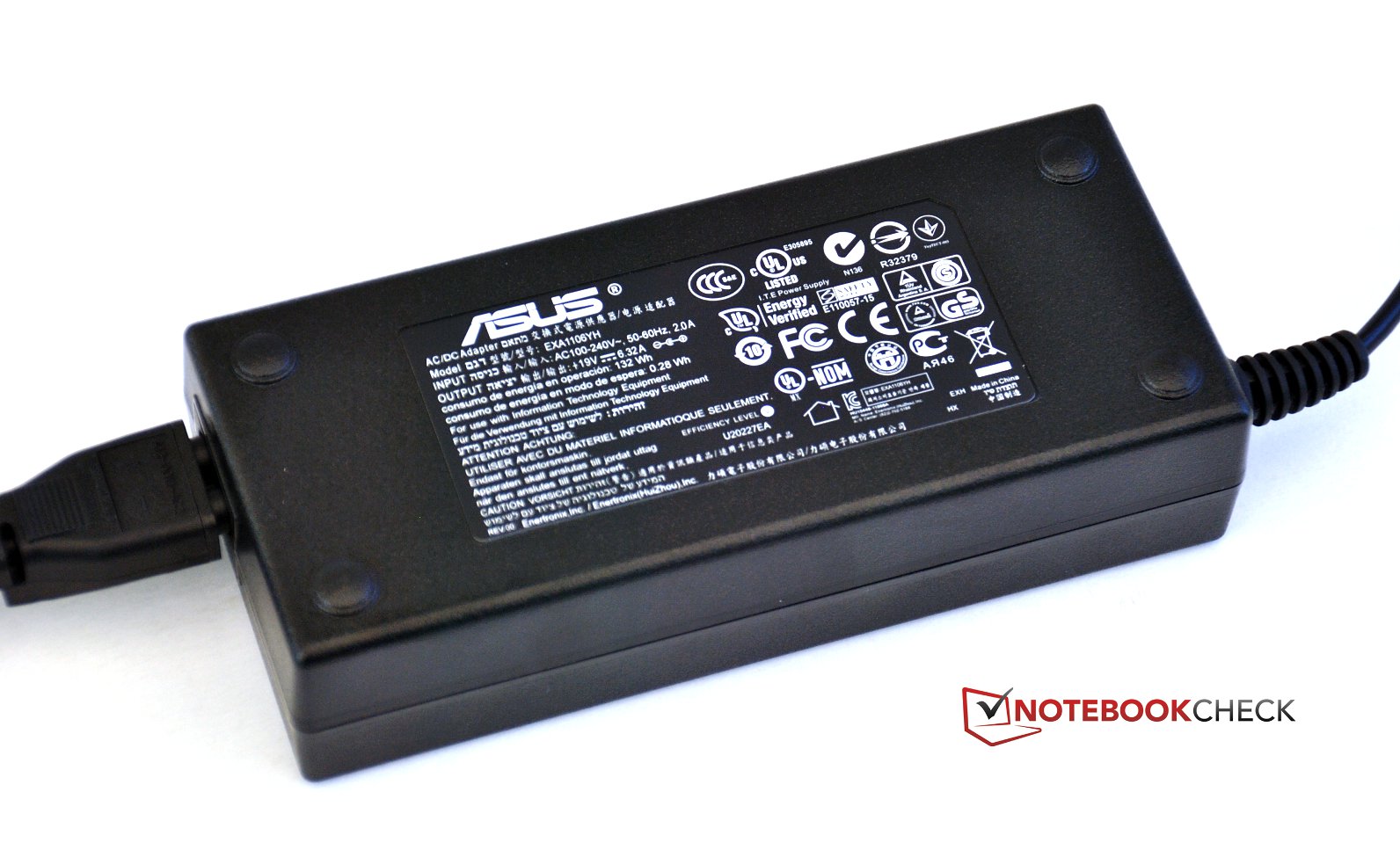
The power supply attracted some flak during our test. When the notebook does not need much energy, when the battery is fully charged and the display has been turned off, the power supply emits an unpleasant high frequency hum. Those sensitive to noise would rightly complain about that.
Noise level
| Idle |
| 31.2 / 31.5 / 32.1 dB(A) |
| HDD |
| 31.9 dB(A) |
| DVD |
| 34.8 / dB(A) |
| Load |
| 37.2 / 37.1 dB(A) |
 | ||
30 dB silent 40 dB(A) audible 50 dB(A) loud |
||
min:  , med: , med:  , max: , max:  Voltcraft sl-320 (15 cm distance) Voltcraft sl-320 (15 cm distance) | ||
Temperature
At idle, the notebook remains fairly cool and does not reach 30°C. The front gets warmer than the rear, causing the wrist rest to be warmer than the rest of the notebook. Here, the notebook can still be used on ones lap without trouble.
In our extreme load scenario (Prime95 and Furmark, 100% CPU and GPU load for at least one hour), the notebook gets pretty hot, reaching surface temperatures of up to 47°C. Luckily, in this test, the wrist rest remains much cooler and are still in an acceptable range at 35-37°C. Unsurprisingly, the notebook gets the hottest above the cooling fan exhaust to the left with up to 46°C recorded on top and 47°C underneath the exhaust. The front remains cool at 33°C.
One should add that the temperature of the environment was higher than usual in northern Europe at 25.5°C.
(-) The maximum temperature on the upper side is 46.1 °C / 115 F, compared to the average of 36.8 °C / 98 F, ranging from 21 to 71 °C for the class Multimedia.
(-) The bottom heats up to a maximum of 47 °C / 117 F, compared to the average of 39.1 °C / 102 F
(+) In idle usage, the average temperature for the upper side is 27.3 °C / 81 F, compared to the device average of 31.3 °C / 88 F.
(±) The palmrests and touchpad can get very hot to the touch with a maximum of 37.6 °C / 99.7 F.
(-) The average temperature of the palmrest area of similar devices was 28.7 °C / 83.7 F (-8.9 °C / -16 F).

During the stress test, CPU and GPU are kept at maximum load for one hour. Here, the cooling system has to prove itself. We observe that if the processors get too hot, they start to throttle their clock speed.
At the start of the test, Intel's Core i7 still ran with the maximum speed of 3.1 GHz, but after a short time, it started to drop to 1.2 GHz repeatedly. As the hour wore on, clock speed remained at 1.2GHz for longer periods, and only jumped to higher clock speeds for very short periods of time, while processor temperatures reached 97°C.
The simultaneously tested pre-production sample of the N56VM with the stronger i7-3720QM and the GeForce GT630M had no throttling issue at all. After expected turbo speeds of 3.6 GHz at the beginning of the test, the CPU settled at its normal clock speed of 2.6 GHz, with core temperatures of 85-87°C (HWInfo64). The GPU also reached maximum clock speeds according to FurMark and stayed at a safe 73°C. A Cinebench R11.5 test done immediately following the stress test reached an unexpected result of 5.9 points (the lower end of the 3720QM, because Turbo Boost was being used very little due to residual heat). At 24.5°C environmental temperature, the N56VM should be ready for any load, without throttling issues.
Speakers
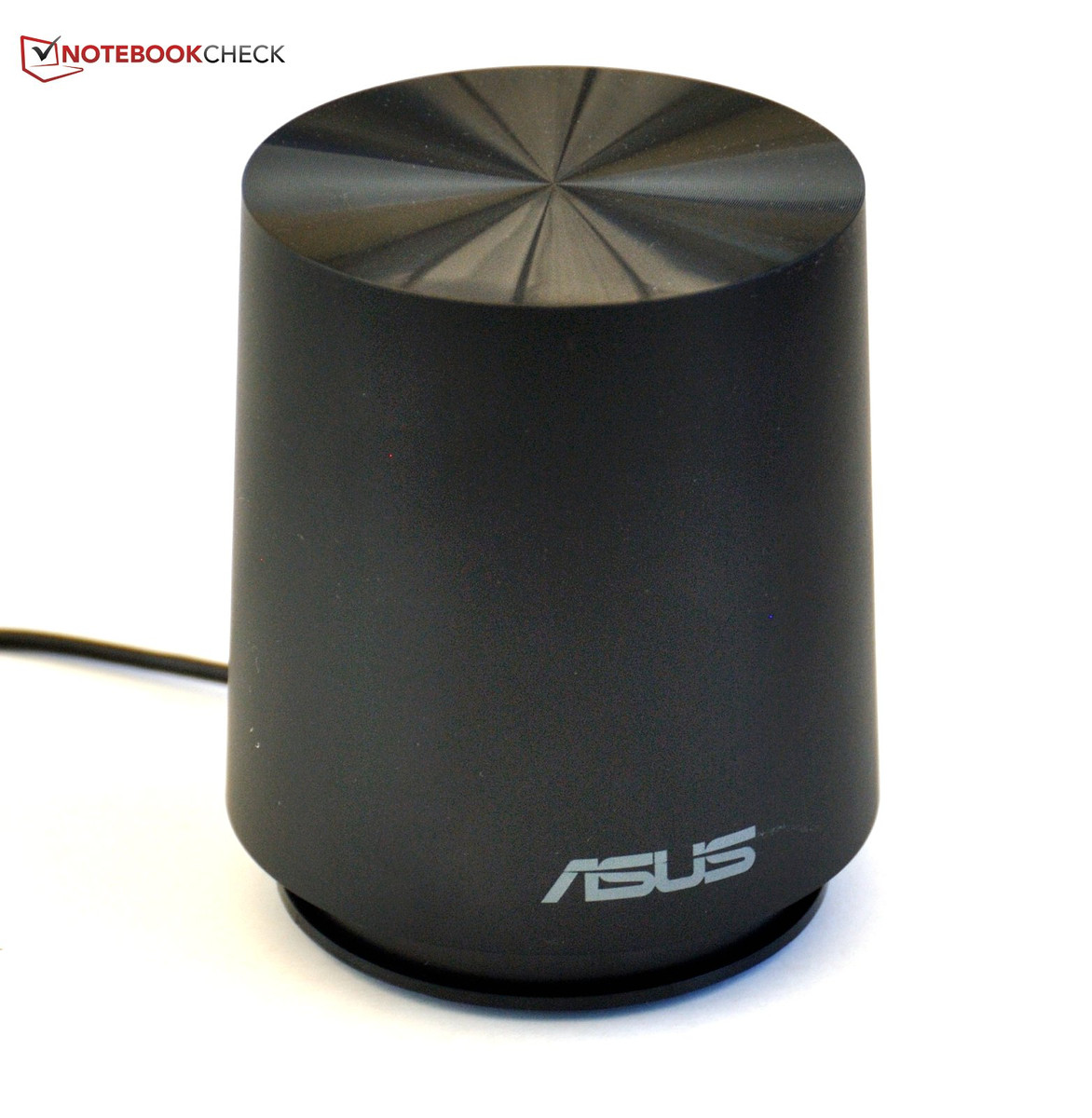
Like the previous model, Asus has paid special attention to the sound system. It includes a small sub-woofer with the N56, which is easy to connect to the notebook. This is supposed to help improve the sound in comparison to the many multimedia notebooks with tinny sounding speakers, lacking any response below mid-range frequencies. This endeavor succeeds pretty well. Even though you can't expect this little sub-woofer to move mountains, it is sufficient to infuse music and sound tracks with the necessary depth. To further optimize the sound, there is special software available in the control panel.
Battery Life
Power Consumption
Depending on application, the power draw can vary widely. At idle, the notebook draws about 17W. It can't keep up with mobile sub-notebooks in that regard, but for the performance offered, the energy consumption is appropriate. This is achieved by deactivating the dedicated GPU and throttling down the CPU's clock speed.
Under full load, the Notebook draws a full 120W, showing its untamed side. The juice required for the strong GPU, the fast quad core processor and the bright display start to add up. The 120W power supply is a bit tight for the requirements of the laptop. Simultaneous charging of the battery at load is not possible. Stressing a power supply with 100% load is never a good idea, since most power supplies have a sweet spot at around 80% utilization.
| Off / Standby | 0.2 / 0.5 Watt |
| Idle | 10.9 / 17 / 19.5 Watt |
| Load |
80.4 / 118 Watt |
   
| |
Key:
min: ,
med: ,
max: Voltcraft VC 940 | |
Battery Life
The longest possible battery runtime was investigated with the BatteryEater Reader's Test (all wireless radios deactivated, minimum brightness), with the battery holding out for about 6 hours.
Much closer to everyday use is the WiFi surf test (WiFi radio active, display brightness medium at 150 cd/m², loading various web pages). Battery runtime drops considerably to just over half. At 3.25 hours, the notebook was not designed for long trips without power.
Watching a DVD on the notebook is usually without problems. With the battery fully charged, one can watch for up to 3 hours, which is sufficient for most movies.
Battery runtime under load is determined with the BatteryEater Classic test (maximum display brightness, a 3D scene being rendered to place a load on CPU and GPU). The Asus N56 reaches just under 2 hours of run time in this mode. The processor performance is identical whether the notebook is plugged in or running on battery.
Charge time is 160 minutes.
Verdict
The first impression of this notebook is promising. The case has good stability and shows good workmanship for the most part. Surfaces are all matte and hence less susceptible to smudges and fingerprints. The external sub-woofer is also of good quality. Still, we found weaknesses here and there.
With interfaces, the N56VZ shines with four USB 3.0 connectors. But the fold-out LAN connector is dodgy at best and makes disconnection difficult. All connectors are placed unfavorably toward the front of the notebook. WiFi b/g/n and Bluetooth 4.0 are available for wireless connectivity.
The keyboard is well designed. One can type on it comfortably, even for longer periods of time. Thanks to the back light, it’s possible to work or play in darkness as well. The touch pad is alright in regards to recognition of finger movement, but the implementation of the click pad is a failure. As usual, missing dedicated buttons are particularly annoying for drag and drop operations.
The Full-HD display is very bright and non-reflective, permitting comfortable use in bright surroundings and outdoors as well. Thanks to the good black value, contrast is pleasantly high.
The performance of the Asus N56 ranks in the upper levels, thanks to the high quality components. The notebook makes good use of the GPU's potential; it is perfectly suitable to play games on it, if not at the highest detail settings in its native Full-HD resolution.
It remains mostly silent, though it does get warm. Sound is very good thanks to the external sub-woofer and largely obviates the need for a separate sound system. Battery runtime is as it should be for this type of notebook.
Overall, Asus has created a well-rounded product, which may attract a large group of buyers at just over EUR 1,000 (~$1250). Apart from some smaller weaknesses here and there, some of which may be attributed to the pre-production status of our test unit, it is not a target for severe criticism, and can be recommended for multimedia enthusiasts.
The slightly cheaper 56VM with the GT 630M (tested here) is a possible alternative to the N56VZ.
 Add as a preferred source on Google