




Intel HD Graphics 4000 Benchmarked

After the immensely successful Sandy Bridge generation, Intel now has a lot to live up to for the following iteration. Enter Ivy Bridge, a modified Sandy Bridge architecture with a smaller manufacturing process (22 nm instead of 32 nm) and numerous other improvements such as modern tri-gate transistors.
In our extensive testing here, we highlight the CPU performance and the underlying technology behind the Ivy Bridge processors. The tests below, however, will focus on the new integrated Intel HD 4000 graphics and its performance, especially in modern 3D games.
The Test System
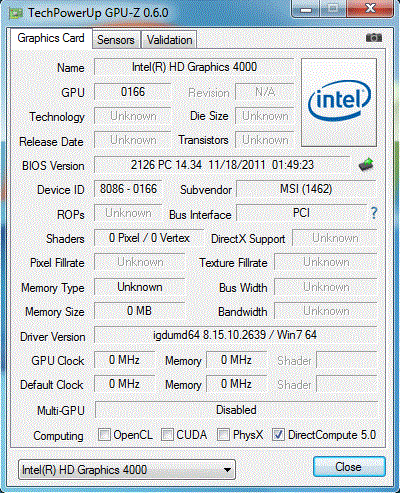
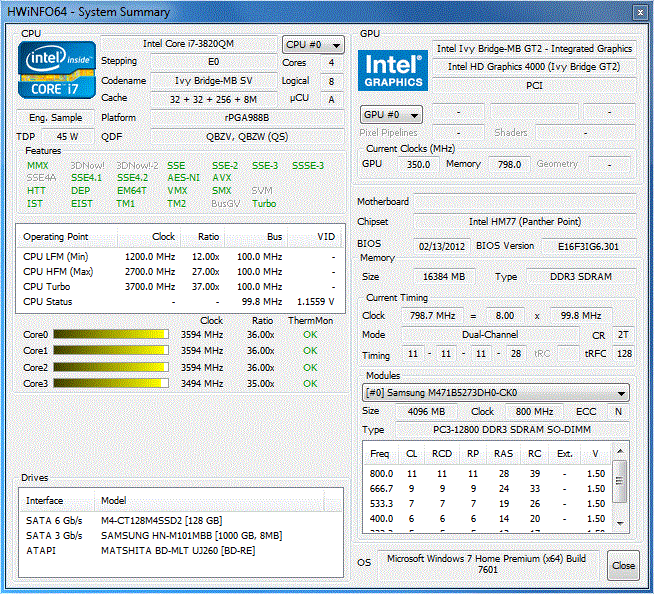
Before we begin our tests, we'll take this time to mention the notebook used for the benchmark numbers to follow. We utilized an MSI barebones 17-inch (MS 1762) gaming notebook, which certain retailers are selling as pre-made notebooks with the model name M73-2N. Even though a discrete GPU is included, testing the integrated Intel GPU was not a problem due to Nvidia Optimus.
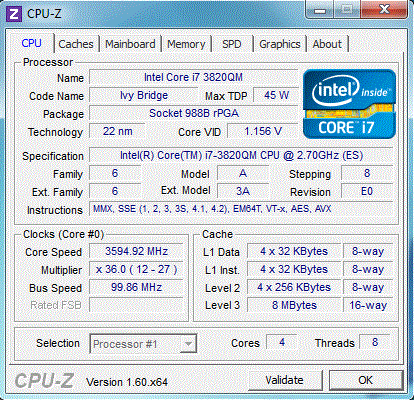
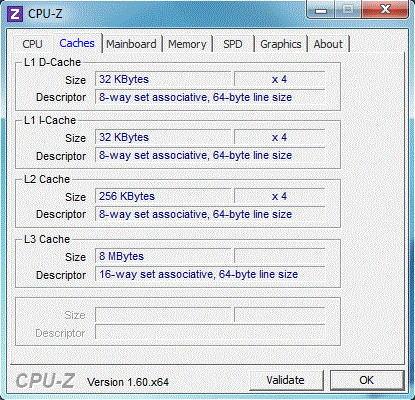
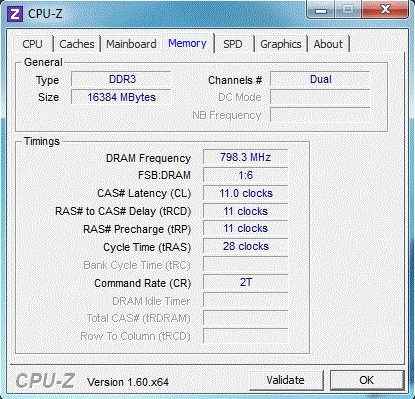
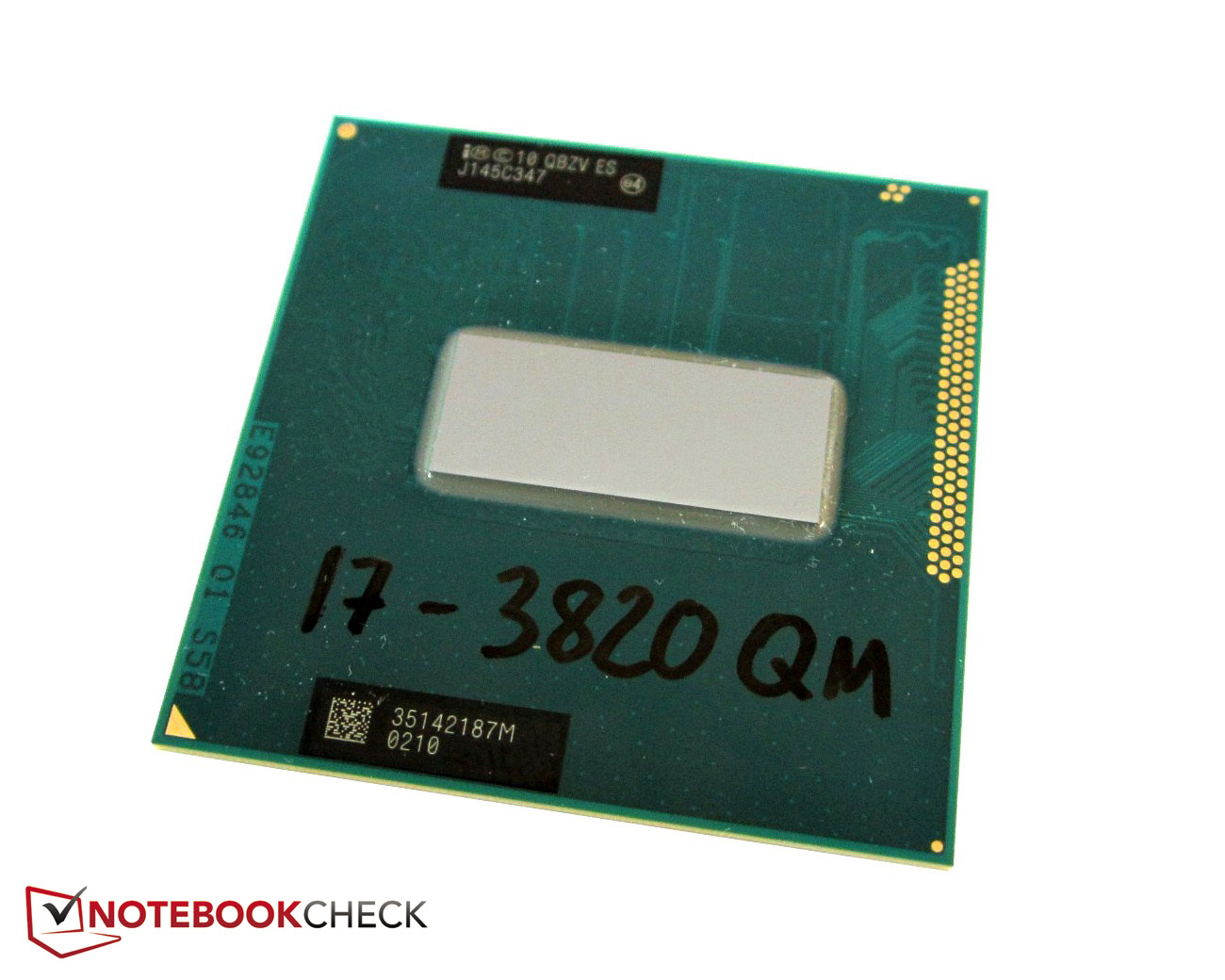
Other noteworthy specs of the test notebook above include the 2.7GHz quad-core Core i7-3820QM with 8MB L3 cache and a 16GB DDR3 RAM (1600MHz). The Intel HD 4000 is rated at 650MHz up to 1250MHz with Turbo Boost. The high specs ensure that we will not be bottlenecking the integrated GPU in any way.
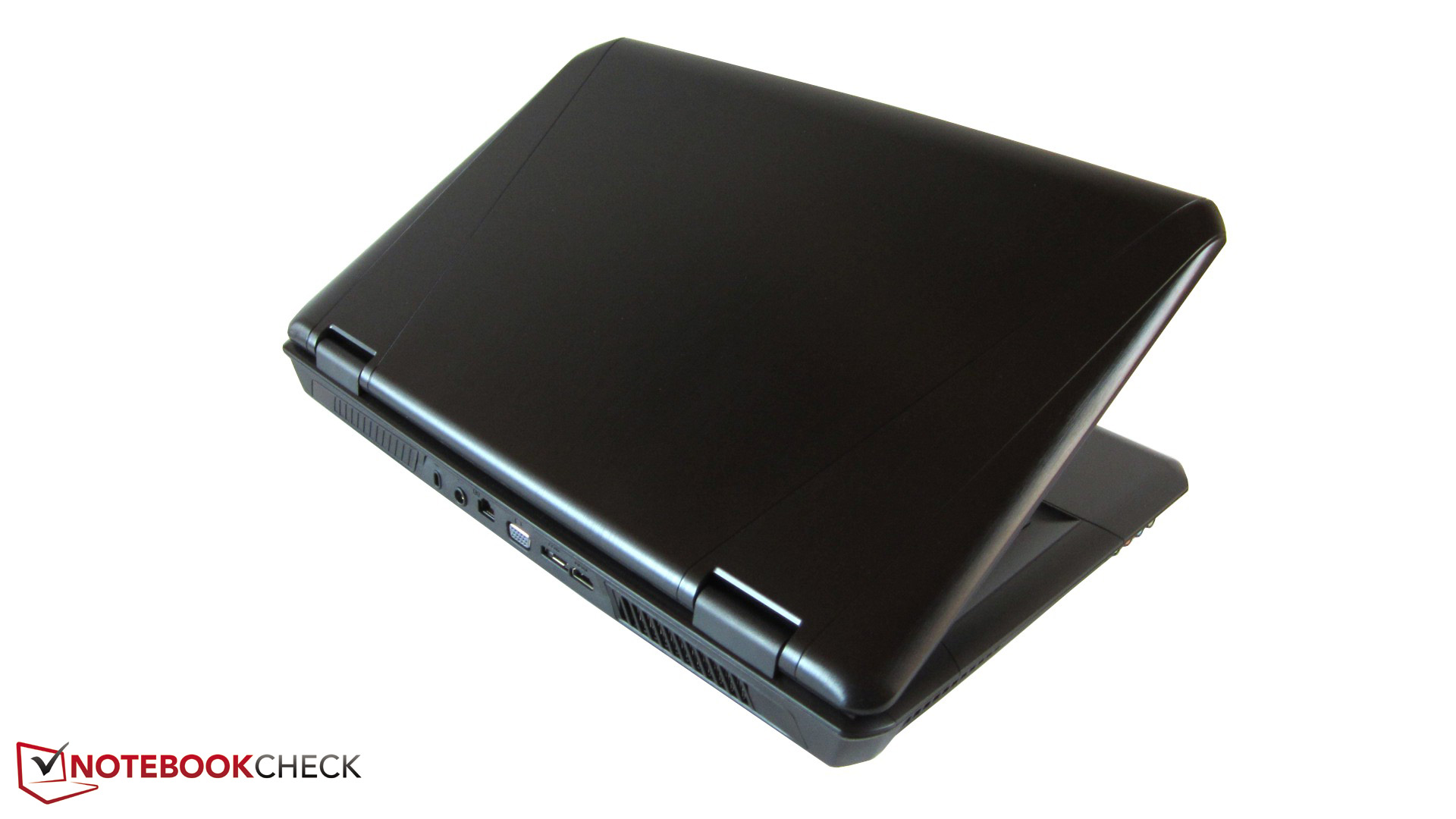
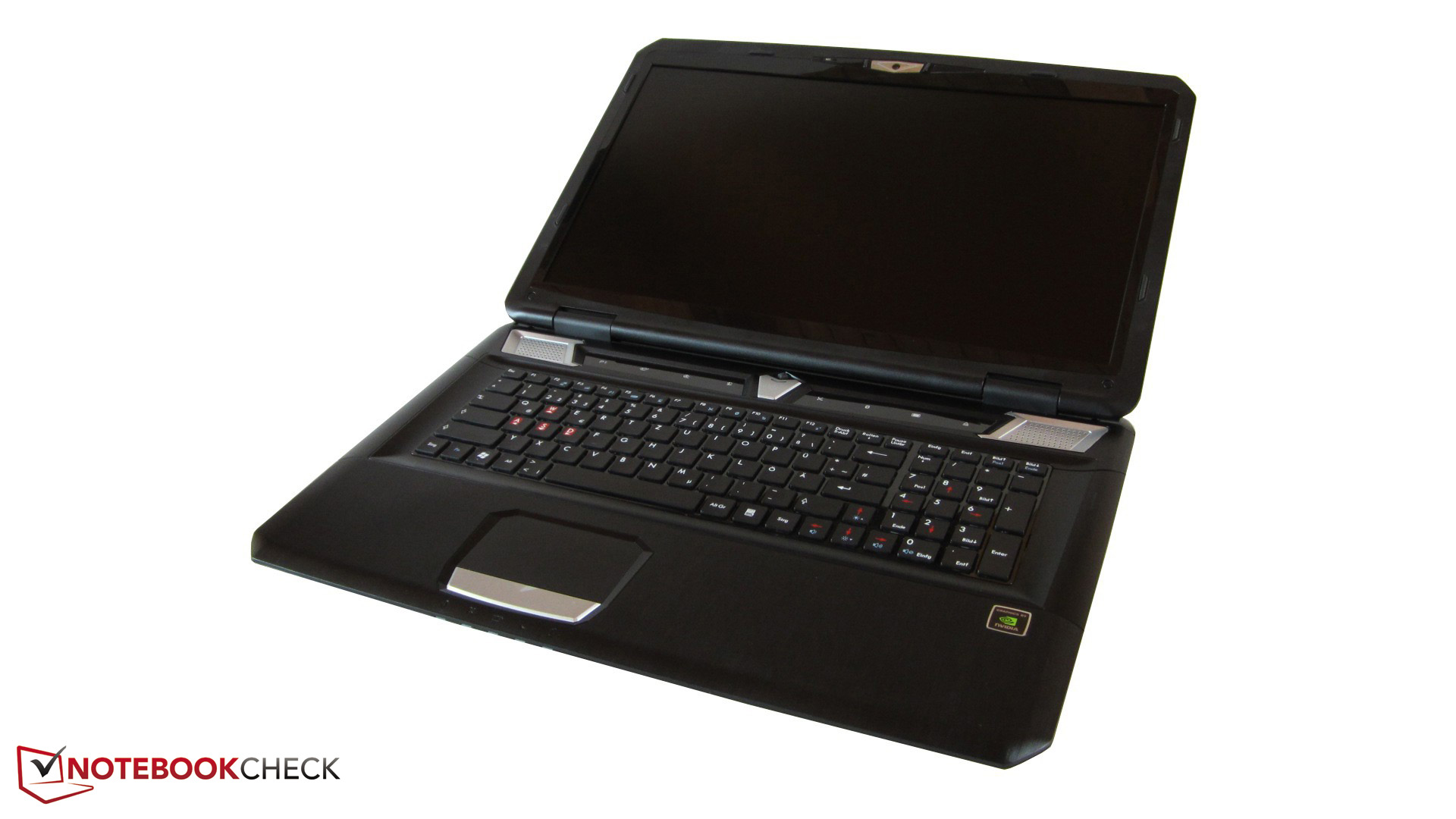
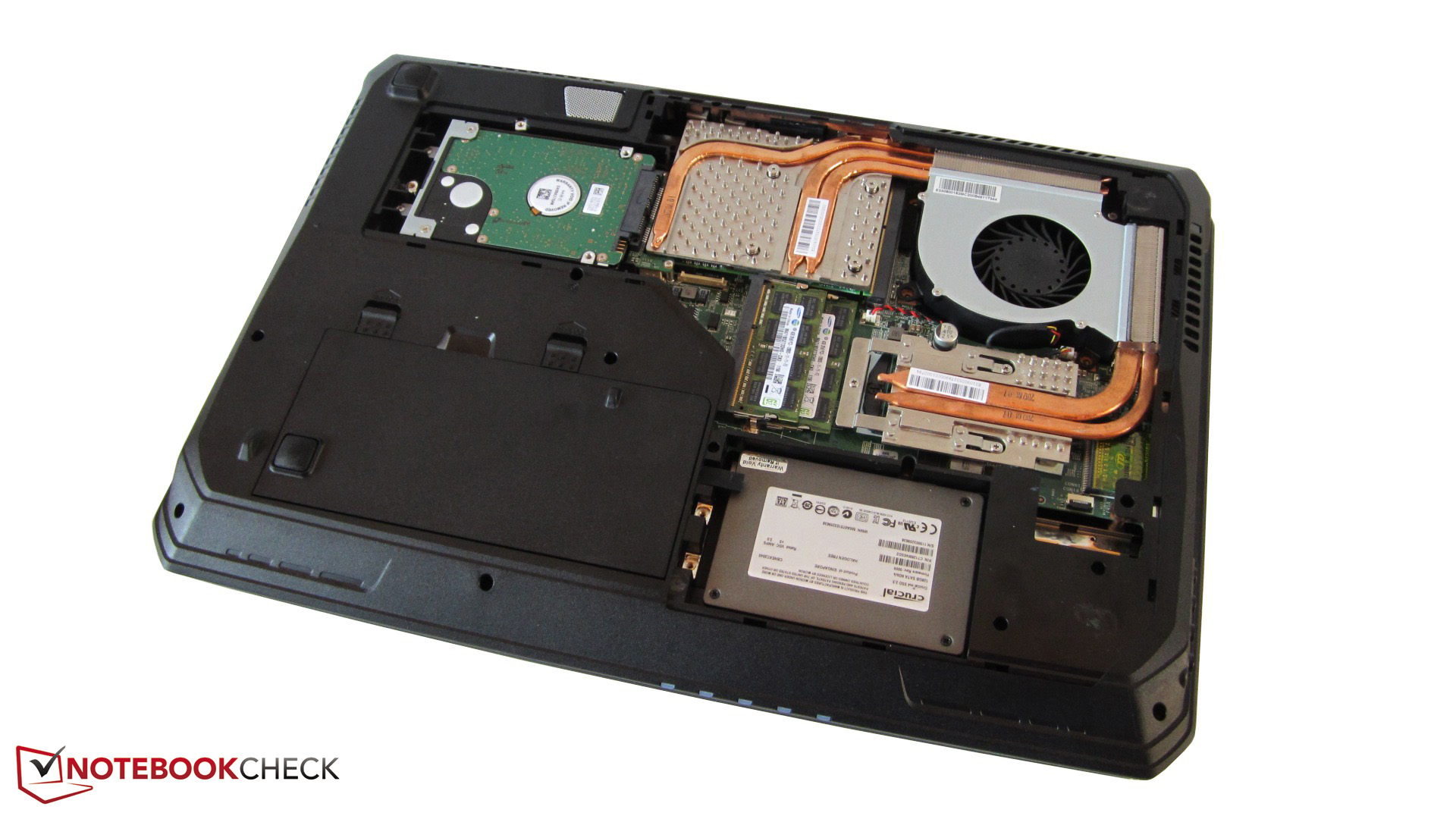
Test configuration:
- Windows 7 Home Premium 64 Bit
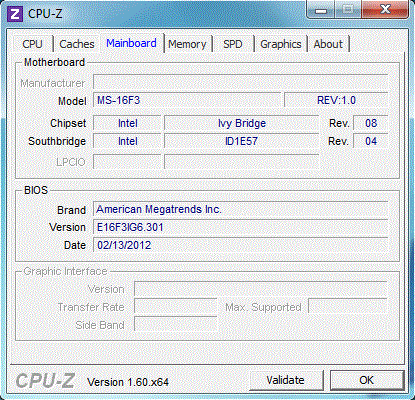
- Intel HM77 Chipsatz (Panther Point)
- Intel Core i7-3820QM (Ivy Bridge)
- Intel HD Graphics 4000 (GPU-Treiber: 8.15.10.2639)
- Nvidia GeForce GTX 670M (GPU-Treiber: 295.62)
- 17.3“ Full-HD Non-Glare-Display
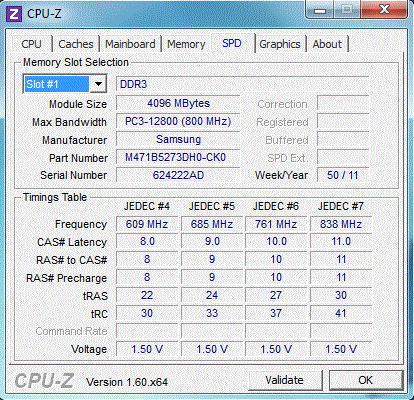
- 16 GByte DDR3-RAM (1600 MHz)
- Crucial RealSSD M4 CT128M4SSD2 (128 GByte)
- Samsung Spinpoint M8 HN-M101MBB (1000 GByte, 5400 U/Min)
Overview
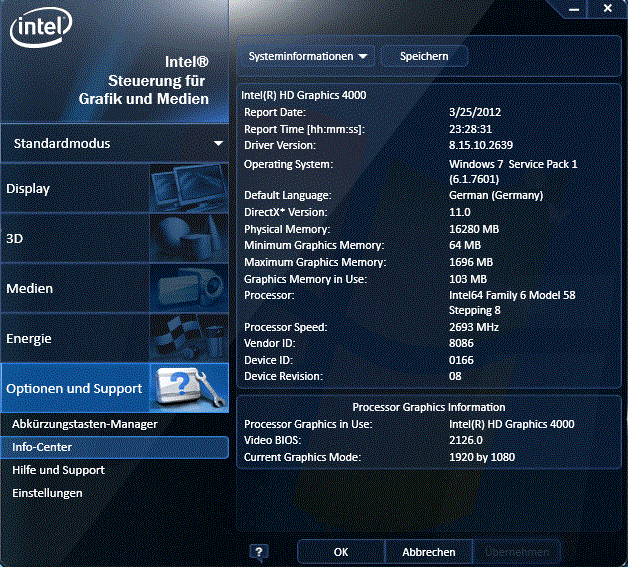
Whether it's an office notebook or budget offering, the current HD 3000 graphics can be found throughout the entire spectrum. The Sandy Bridge GPU is quick enough for most everyday tasks including Internet, HD video playback. 3D games or programs, however, will put the integrated GPU to a grinding halt. With the jump HD 4000, Intel is planning to mitigate this shortcoming to some extent by upgrading the video decoder (MFX), increasing the number of execution units from 12 to 16 and adding support for DirectX 11 Shader Model 5.0.
Still, the performance of the HD 4000 is dependent on several other factors. Since the GPU has no dedicated VRAM, it must operate in accordance with the main memory and its RAM clock. System RAM running at 1333MHz is common, but our test unit will be running a bit faster with RAM clocked at 1600MHz.
The integrated GPU now has a larger cache as well that is shared with the CPU L3, but how much cache it has will be dependent on the Ivy Bridge CPU. Dual-core and quad-core Ivy Bridge CPUs will have 3MB-4MB and 6MB-8MB of L3 cache, respectively, so the HD 4000 in quad-core processors should theoretically outperform its dual-core counterparts.
The GPU clock will also directly impact the performance, of course. Differing CPU models will have HD 4000 GPUs running at different maximum and minimum speeds, a common occurrence with Sandy Bridge notebooks and HD 3000 GPUs. For example, notebooks sporting a Core i7-3610QM will have their integrated HD 4000 GPUs operating 150MHz slower than the same GPU found in the i7-3720QM or i7-3820QM.
A general verdict on the HD 4000 is thus a bit difficult as performance will likely vary to some extent depending on the CPU. For example, in another Ivy Bridge notebook, the HD 4000 averaged about 10 percent slower compared to the below results from the MSI barebones. We can't go into detail on this other Ivy Bridge notebook just yet due to NDA reasons, but we can say that it included a 35W TDP dual-core Ivy Bridge CPU.
| Bezeichnung | Kerne | Basistakt | Maximaltakt | L3-Cache | TDP | GPU-Takt |
|---|---|---|---|---|---|---|
| Core i7-3920XM | 4/8 | 2.9 GHz | 3.8 GHz | 8 MByte | 55 Watt | 650-1300MHz |
| Core i7-3820QM | 4/8 | 2.7 GHz | 3.7 GHz | 8 MByte | 45 Watt | 650-1250MHz |
| Core i7-3720QM | 4/8 | 2.6 GHz | 3.6 GHz | 6 MByte | 45 Watt | 650-1250MHz |
| Core i7-3610QM | 4/8 | 2.3 Ghz | 3.3 GHz | 6 MByte | 45 Watt | 650-1100MHz |
The competition
To give an impression of what the HD 4000 will be up against, we list other low-end and mid-range graphics cards that are currently available:
Schenker XMG A501
• Intel Core i7-2630QM (2.0-2.9 GHz), 8 GByte DDR3-RAM (1333 MHz), Intel HD Graphics 3000 @ 650-1100 MHz (GPU-Treiber: 8.15.10.2653) ⇒ A notebook with the typical Sandy Bridge HD 3000 GPU.
Acer Aspire 5755G-2678G1TMtks
• Intel Core i7-2670QM (2.2-3.1 GHz), 8 GByte DDR3-RAM (1333 MHz), Nvidia GeForce GT 630M @ 672 / 800 MHz (GPU-Treiber: 285.64) ⇒ Currently Nvidia's most successful mid-range GPU.
Acer Aspire 7560G-83524G50Mnkk
• AMD A8-3520M (1.6-2.5 GHz), 4 GByte DDR3-RAM (1333 MHz), AMD Radeon HD 6620G @ 400 MHz (GPU-Treiber: 8.901.3.0) ⇒ The most powerful GPU from AMD's Llano family.
HP Pavilion g7-1353eg
• AMD A6-3420M (1.5-2.4 GHz), 6 GByte DDR3-RAM (1333 MHz), AMD Radeon HD 7450M @ 700 / 900 MHz (GPU-Treiber: 8.900.7.1000) ⇒ A typical entry-level card often used in inexpensive multimedia notebooks.
Acer Aspire 5750G-2354G50Mnkk
• Intel Core i3-2350M (2.3 GHz), 4 GByte DDR3-RAM (1333 MHz), Nvidia GeForce 610M @ 672 / 800 MHz (GPU-Treiber: 285.64) ⇒ Acer has included a low-cost variant whose clock speeds are below the standard of 900 MHz.
Update: Shortly after the completion of this article, an Ivy Bridge notebook sporting an i7-3610QM finally arrived in our labs. We have entered the values in the tables and in certain passages of this article.
MSI GT70-i7169BWW7H
• Intel Core i7-3610QM (2.3-3.3 GHz), 16 GByte DDR3-RAM (1600 MHz), Intel HD Graphics 4000 @ 650 / 1100 MHz (GPU-Treiber: 8.15.10.2618)
Benchmarks
The selection of suitable synthetic graphics benchmarks was not an easy task. The performance index in Windows 7 and scores from CineBench R10/11 are not as precise as we would like and 3DMark benchmarks tend to be more optimized and favored towards Intel.
Long story short, we ended up with the DirectX11-based Unigen Heaven 2.1 benchmark. Additional measurements of other GPUs can be found in our extensive GPU list.
Unigine Heaven 2.1
The Unigen Heaven benchmark is one of the toughest tests of endurance for the HD 4000. Perhaps unsurprisingly, the integrated Intel GPU struggles at even low resolutions and settings. We tested under our standardized resolution of 1280x1024 pixels and normal tessellation settings, only to find a jerky 13 FPS average. Still, the HD 4000 is almost twice as fast as certain low-end dedicated GPUs such as the Radeon HD 7450 and GeForce 610M, both of which score only 7 FPS each under the same test and conditions. The GeForce 630M is ahead of the game with a 14 FPS average.
| Unigine Heaven 2.1 - 1280x1024 high, Tesselation (normal), DirectX11 AA:off AF:1x (sort by value) | |
| One M73-2N | |
| MSI GT70 | |
| HP Pavilion g7 | |
| Acer Aspire 5750G | |
Games
Time for the real gaming benchmarks. Of the 15 tested games, we look into detail on 7 of the more popular titles. For a wider comparison, see our games list.

Mass Effect 3
The finale of the Mass Effect trilogy requires rather modest hardware. We select a resolution of 1366x768 pixels with all graphics options active, 4x texture filtering and we still rolled out 30 FPS from the integrated Intel GPU. In Comparison, the HD 3000 only mustered 22 FPS under identical settings.
| Mass Effect 3 - 1366x768 all on AA:on AF:4x (sort by value) | |
| One M73-2N | |
| MSI GT70 | |
| Schenker XMG A501 | |
| Mass Effect 3 | |||
| Resolution | Settings | Value | |
| 1920x1080 | all on, on AA, 8xAF | 18.8 fps | |
| 1366x768 | all on, on AA, 4xAF | 33.9 fps | |
| 1280x720 | all off | 48.3 fps | |
Anno 2070
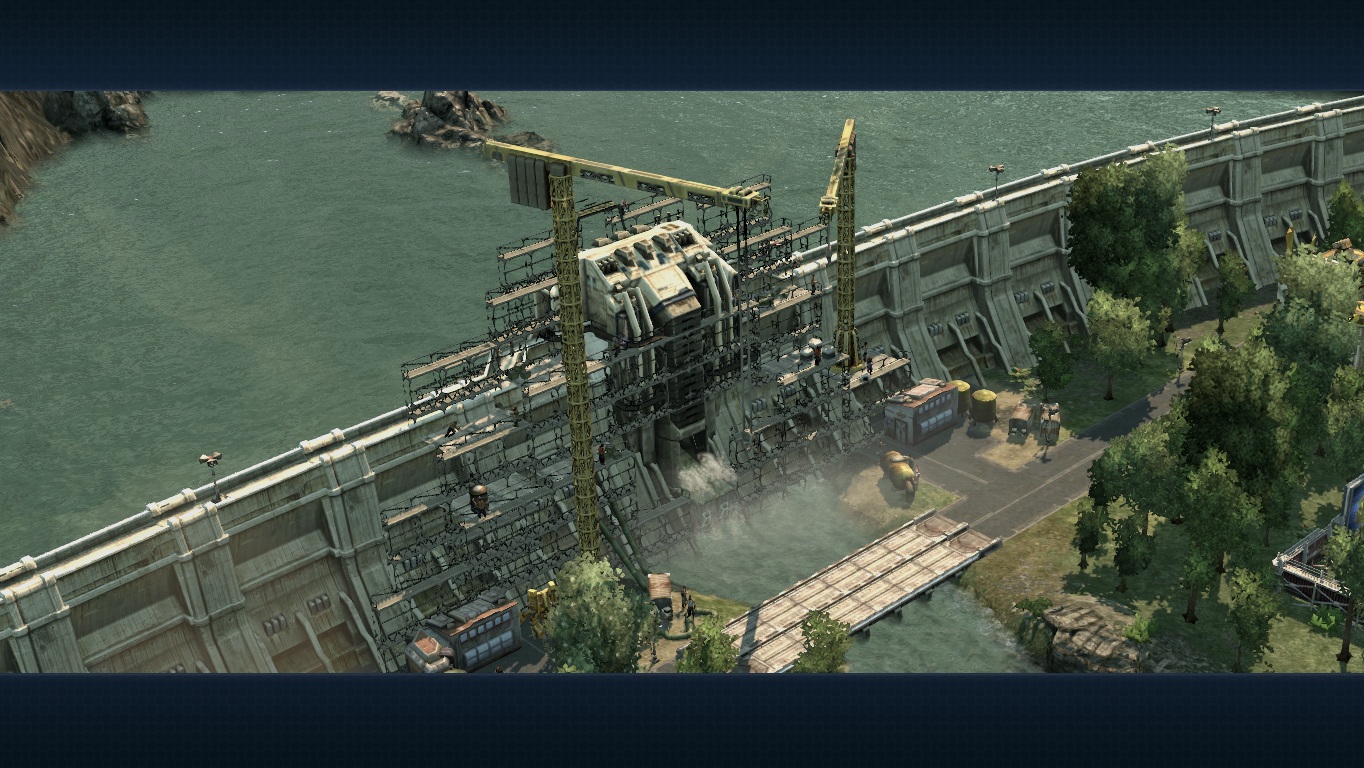
The strategy hit Anno 2070 can quickly bring the HD 4000 to its knees. At average presets and 1366x768 pixel resolution, the game is playable at first glance with a 28 FPS average. Once you hover the camera over major settlements, however, the FPS range can quickly drop to single digits. If on lower options, gameplay becomes much more fluid.
| Anno 2070 - 1366x768 Medium Preset AA:on (sort by value) | |
| One M73-2N | |
| MSI GT70 | |
| Schenker XMG A501 | |
| Acer Aspire 5755G | |
| Acer Aspire 7560G | |
| HP Pavilion g7 | |
| Acer Aspire 5750G | |
| Anno 2070 | |||
| Resolution | Settings | Value | |
| 1920x1080 | Very High Preset, on AA, 4xAF | 8.7 fps | |
| 1366x768 | High Preset, on AA, 2xAF | 17.8 fps | |
| 1366x768 | Medium Preset, on AA | 27.9 fps | |
| 1024x768 | Low Preset | 58.2 fps | |
The Elder Scrolls V: Skyrim
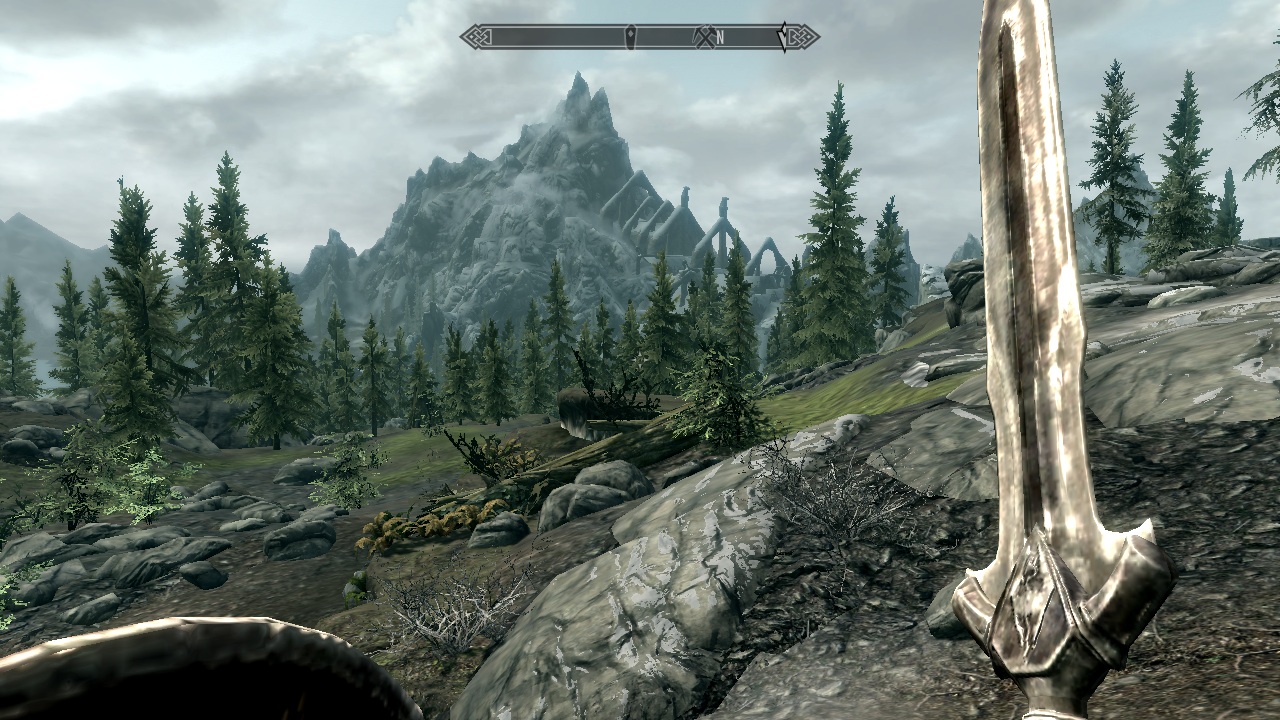
The much-heralded Elder Scrolls V: Skyrim is only playable on lower settings. We were able to hit 40 FPS under a resolution of 1280x720 pixels with disabled graphics options. Still, this is a 30-40 percent improvement in frame rates over the HD 3000, similar to what we saw in Mass Effect 3.
| The Elder Scrolls V: Skyrim - 1280x720 Low Preset (sort by value) | |
| One M73-2N | |
| MSI GT70 | |
| Schenker XMG A501 | |
| Acer Aspire 5755G | |
| Acer Aspire 7560G | |
| HP Pavilion g7 | |
| Acer Aspire 5750G | |
| The Elder Scrolls V: Skyrim | |||
| Resolution | Settings | Value | |
| 1920x1080 | Ultra Preset, 8xAA, 16xAF | 6.1 fps | |
| 1366x768 | High Preset, 8xAA, 8xAF | 11.2 fps | |
| 1366x768 | Medium Preset, 4xAA | 19.5 fps | |
| 1280x720 | Low Preset | 39.5 fps | |
Call of Duty: Modern Warfare 3
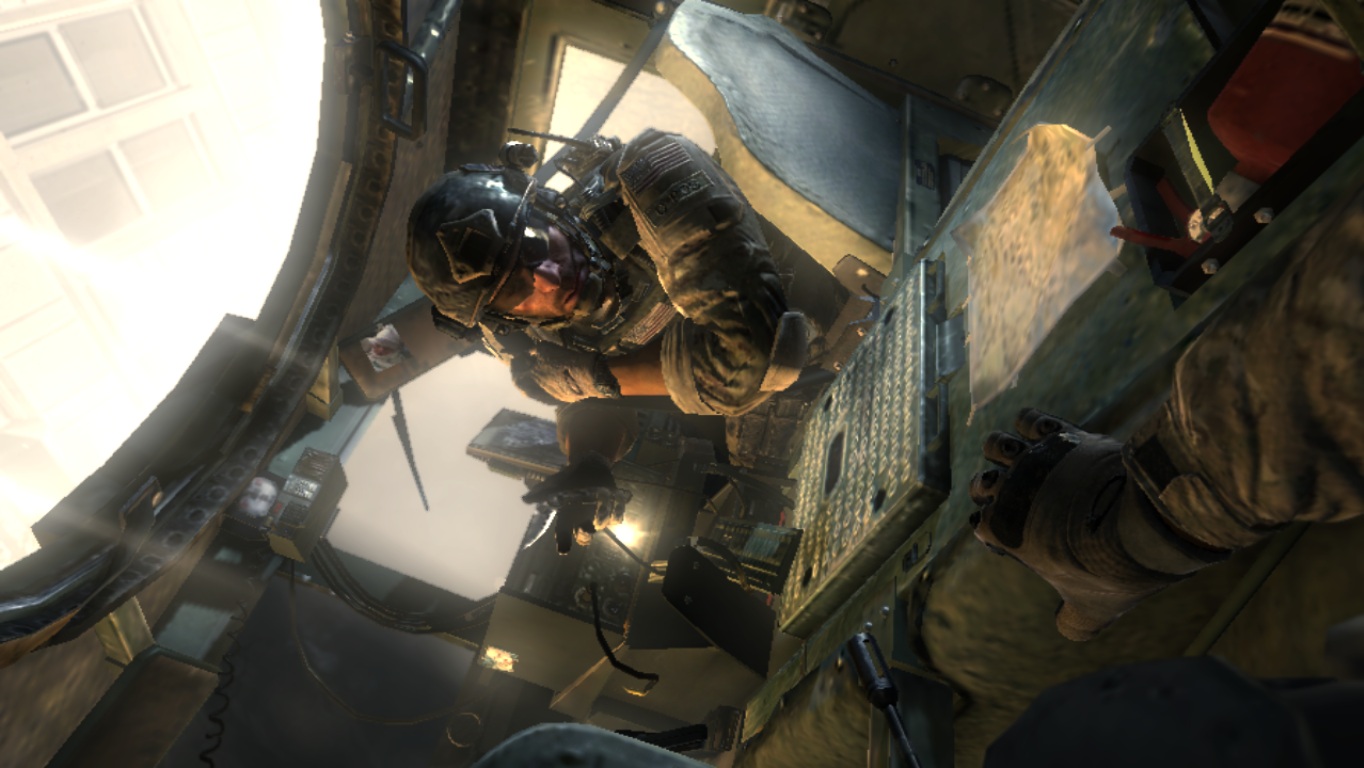
The aging graphics engine of the Call of Duty series can especially benefit weaker graphics cards. Medium details with all graphical options active under 1366x768 pixel resolution can return a steady >40FPS average. We expect multiplayer gameplay to be even smoother when compared to the more graphic-intensive single player campaign. Users can play around with AA and SSAO settings as needed when in multiplayer maps.
| CoD: Modern Warfare 3 - 1366x768 Normal, all on, SSAO: Low (sort by value) | |
| One M73-2N | |
| MSI GT70 | |
| Schenker XMG A501 | |
| Acer Aspire 5750G | |
| CoD: Modern Warfare 3 | |||
| Resolution | Settings | Value | |
| 1920x1080 | Extra, all on, Image Quality: Native, 4xAA | 14.2 fps | |
| 1366x768 | High, all on, Image Quality: Native, 2xAA | 19.9 fps | |
| 1366x768 | Normal, all on, SSAO: Low | 47 fps | |
| 1024x768 | Low, all off | 84.5 fps | |
Battlefield 3
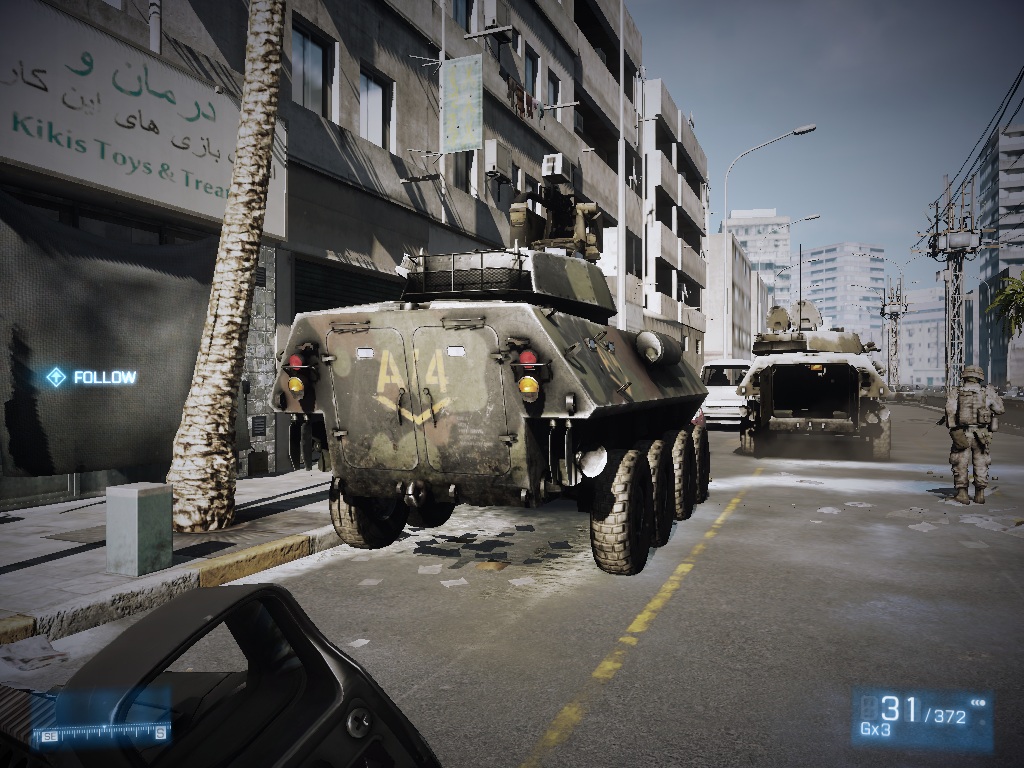
EA's Battlefield 3 is notorious for its demanding requirements. Consequently, we suggest playing the title with mid-range or high-end GPUs only. The HD 4000 can barely crack the 30 FPS mark even at the lowest resolution and settings. Other low-end models, such as AMD's quad-core A8-3520M with integrated Radeon HD 6620G, perform even worse.
| Battlefield 3 - 1024x768 low AA:- AF:2x (sort by value) | |
| One M73-2N | |
| MSI GT70 | |
| Schenker XMG A501 | |
| Acer Aspire 5755G | |
| Acer Aspire 7560G | |
| HP Pavilion g7 | |
| Acer Aspire 5750G | |
| Battlefield 3 | |||
| Resolution | Settings | Value | |
| 1920x1080 | ultra, 4x MSAA, 16xAF | 5.8 fps | |
| 1366x768 | high, -AA, 16xAF | 15.3 fps | |
| 1366x768 | medium, -AA, 4xAF | 20.4 fps | |
| 1024x768 | low, -AA, 2xAF | 26.9 fps | |
Fifa 12
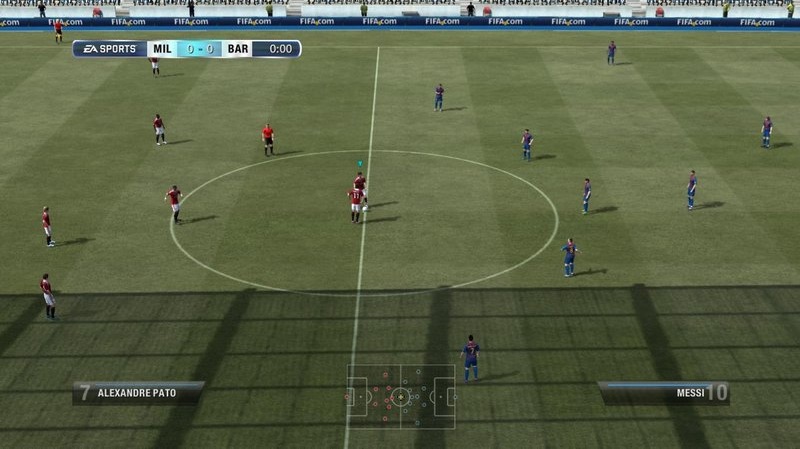
Fifa 12 is probably the least demanding game on the list. We nearly reached 60FPS when at 1366x768 pixel resolution and maximum details with 2x AA. Close-up during replay movies, however, will drop the average frame rates by a noticeable amount. Entry-level discrete graphics options from AMD and Nvidia still perform better than the HD 4000 in this title, but at least they are all an improvement over the HD 3000.
| Fifa 12 - 1360x768 high AA:2x (sort by value) | |
| One M73-2N | |
| MSI GT70 | |
| Schenker XMG A501 | |
| Acer Aspire 5755G | |
| Acer Aspire 7560G | |
| HP Pavilion g7 | |
| Acer Aspire 5750G | |
| Fifa 12 | |||
| Resolution | Settings | Value | |
| 1920x1080 | high, 4xAA | 28.3 fps | |
| 1360x768 | high, 2xAA | 50.8 fps | |
| 1024x768 | medium | 106.4 fps | |
| 800x600 | low | 192.1 fps | |
StarCraft 2
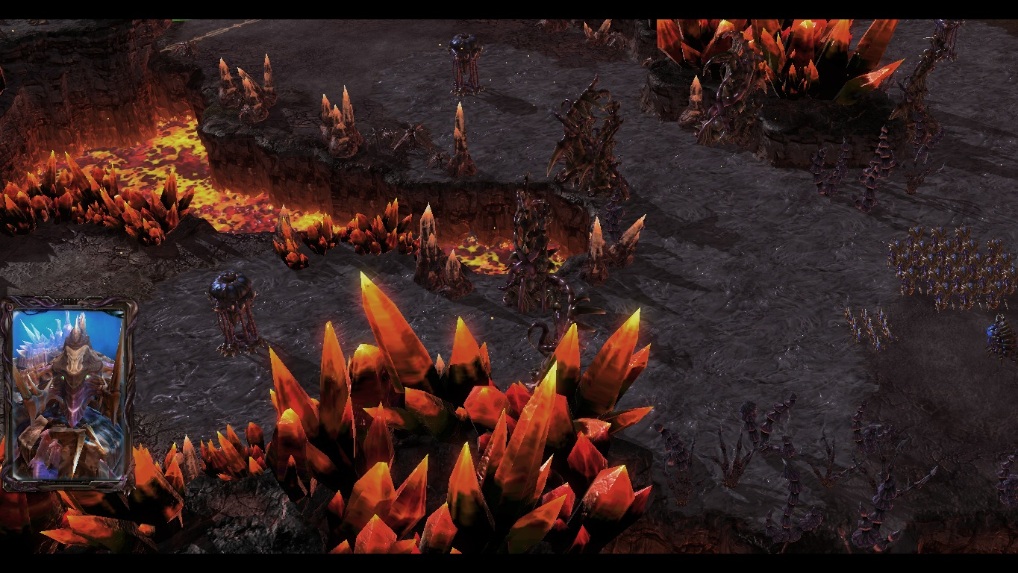
Starcraft 2 will likely last for a few more years as it solidifies itself as the de facto RTS game. The HD 4000 is well-equipped to handle the Blizzard game (as is the HD 3000), although settings may have to be turned down to average or below, especially for big battles and single-player set pieces.
| StarCraft 2 - 1360x768 medium (sort by value) | |
| One M73-2N | |
| MSI GT70 | |
| Schenker XMG A501 | |
| Acer Aspire 5755G | |
| Acer Aspire 7560G | |
| HP Pavilion g7 | |
| Acer Aspire 5750G | |
| StarCraft 2 | |||
| Resolution | Settings | Value | |
| 1920x1080 | ultra | 12 fps | |
| 1360x768 | high | 22.4 fps | |
| 1360x768 | medium | 34.3 fps | |
| 1024x768 | low | 186 fps | |
More Games
The following are benchmarks for the 8 remaining games. The take home message is that the HD 4000 is still clearly an entry-level GPU, no matter the game. However, when compared to the previous HD 3000, an increase in performance ranging from 20-80 percent can be considered a general rule of thumb.
| Alan Wake - 1024x768 Low Preset AA:2x (sort by value) | |
| One M73-2N | |
| MSI GT70 | |
| Schenker XMG A501 | |
| Alan Wake | |||
| Resolution | Settings | Value | |
| 1920x1080 | High Preset, 4xAA, 8xAF | 5.3 fps | |
| 1366x768 | Medium Preset, 4xAA, 4xAF | 11.8 fps | |
| 1024x768 | Low Preset, 2xAA | 16.2 fps | |
| F1 2011 - 1024x768 Medium Preset DX9 (sort by value) | |
| One M73-2N | |
| MSI GT70 | |
| Schenker XMG A501 | |
| Acer Aspire 5755G | |
| Acer Aspire 7560G | |
| HP Pavilion g7 | |
| Acer Aspire 5750G | |
| F1 2011 | |||
| Resolution | Settings | Value | |
| 1920x1080 | Ultra Preset DX11, 4xMSAA | 12 fps | |
| 1366x768 | High Preset DX11, 2xMSAA | 17 fps | |
| 1024x768 | Medium Preset DX9 | 42 fps | |
| 800x600 | Ultra Low Preset DX9 | 78 fps | |
| Deus Ex Human Revolution - 1366x768 DX11, Shadows, SSAO, DOF: Normal, Post Processing, Tessellation AA:Simple Edge AF:4x (sort by value) | |
| One M73-2N | |
| MSI GT70 | |
| Acer Aspire 5755G | |
| Acer Aspire 7560G | |
| HP Pavilion g7 | |
| Acer Aspire 5750G | |
| Deus Ex Human Revolution | |||
| Resolution | Settings | Value | |
| 1920x1080 | DX11, Soft Shadows, SSAO High, DOF: High, Post Processing, Tessellation, MLAA, 16xAF | 12.6 fps | |
| 1366x768 | DX11, Shadows, SSAO, DOF: Normal, Post Processing, Tessellation, Simple Edge AA, 4xAF | 32.9 fps | |
| 1024x768 | DX9, All Off, Trilinear AF | 74.5 fps | |
| Dirt 3 - 1024x768 Medium Preset AA:0x AF:- (sort by value) | |
| One M73-2N | |
| MSI GT70 | |
| Schenker XMG A501 | |
| Acer Aspire 5755G | |
| HP Pavilion g7 | |
| Acer Aspire 5750G | |
| Dirt 3 | |||
| Resolution | Settings | Value | |
| 1920x1080 | Ultra Preset, 4xAA, -AF | 12.8 fps | |
| 1360x768 | High Preset, 2xAA, -AF | 25.1 fps | |
| 1024x768 | Medium Preset, 0xAA, -AF | 45 fps | |
| 800x600 | Ultra Low Preset, 0xAA, -AF | 77.5 fps | |
| Crysis 2 - 1024x768 High (sort by value) | |
| One M73-2N | |
| MSI GT70 | |
| Schenker XMG A501 | |
| Acer Aspire 5755G | |
| Acer Aspire 7560G | |
| HP Pavilion g7 | |
| Acer Aspire 5750G | |
| Crysis 2 | |||
| Resolution | Settings | Value | |
| 1920x1080 | Extreme | 7.7 fps | |
| 1366x768 | Very High | 21.3 fps | |
| 1024x768 | High | 31.1 fps | |
| 800x600 | High | 49.5 fps | |
| Call of Duty: Black Ops - 1024x768 medium AA:0x AF:0x (sort by value) | |
| One M73-2N | |
| MSI GT70 | |
| Schenker XMG A501 | |
| Acer Aspire 5755G | |
| Acer Aspire 7560G | |
| HP Pavilion g7 | |
| Acer Aspire 5750G | |
| Call of Duty: Black Ops | |||
| Resolution | Settings | Value | |
| 1920x1080 | extra, 4xAA, 8xAF | 16.9 fps | |
| 1360x768 | high, 2xAA, 4xAF | 22.5 fps | |
| 1024x768 | medium, 0xAA, 0xAF | 36.5 fps | |
| 800x600 | low (all off), 0xAA, 0xAF | 54.5 fps | |
| Mafia 2 - 1024x768 medium AA:0x AF:8x (sort by value) | |
| One M73-2N | |
| MSI GT70 | |
| Schenker XMG A501 | |
| Acer Aspire 5755G | |
| HP Pavilion g7 | |
| Acer Aspire 5750G | |
| Mafia 2 | |||
| Resolution | Settings | Value | |
| 1920x1080 | high, 0xAA, 16xAF | 14.6 fps | |
| 1360x768 | high, 0xAA, 16xAF | 23.4 fps | |
| 1024x768 | medium, 0xAA, 8xAF | 30.8 fps | |
| 800x600 | low, 0xAA, 0xAF | 40.5 fps | |
| Metro 2033 - 800x600 Low DX9 AA:A AF:4x (sort by value) | |
| One M73-2N | |
| MSI GT70 | |
| Schenker XMG A501 | |
| Acer Aspire 5755G | |
| HP Pavilion g7 | |
| Acer Aspire 5750G | |
| Metro 2033 | |||
| Resolution | Settings | Value | |
| 1920x1080 | Very High DX11, AAA, 4xAF | 4.6 fps | |
| 1600x900 | High DX10, AAA, 4xAF | 13.6 fps | |
| 1360x768 | Normal DX10, AAA, 4xAF | 23.7 fps | |
| 800x600 | Low DX9, AAA, 4xAF | 44.3 fps | |
Notable Problems
Intel GPUs in the past have been notorious for their poor driver support in games. Users have complained of artifacts and other glitches throughout a wide range of games, problems that don't normally exist across GPU solutions from Nvidia or AMD.
After testing the HD 4000, we've found that Intel may be slowly but surely improving their drivers. Alan Wake, for example, has trouble running on the HD 3000, but it can at least run correctly on the HD 4000. Still, additional problems persist in a number of games, including:
- <strike>Deus Ex 3: Although FRAPS reported a constant frame rate, we saw subjectively large declines in frame rate every now and then.</strike> Update: With a later received Asus N56 sample by Intel we could not reproduce the stuttering.
- Black Ops: <strike>Similar to Deus Ex 3,</strike> we experienced intermittent stuttering issues regardless of graphical settings. With the Asus N56 we also noticed this issue. Even in the lowest settings our benchmark sequence was stuttering from time to time (down to 22fps, e.g.).
- Fifa 12: Unusually long loading times for starting and charging (only applies to the pre-sample Dual-Core CPU Core i5-3xxx).
- Metro 2033: Freezes at startup when under certain settings (only applies to the pre-sample Dual-Core CPU Core i5-3xxx).
Verdict
Overall, we are impressed by Intel's new integrated graphics core. The manufacturer has solidly improved over the previous HD 3000 by a rough average of 30 percent. This difference can be even greater at 30-40 percent if the GPU is paired with a powerful quad-core Ivy Bridge CPU like the i7-3610QM. Even the top AMD Llano chips cannot compete with the HD 4000, at least in our benchmark comparisons above. Intel has the upper hand by about 15 percent or more compared to AMD's Fusion Llano offerings.
Perhaps more impressively, the Intel GPU beats the now ancient Radeon HD 7450 handily. Because of this, one may have to ponder if low-end dedicated GPUs from AMD or Nvidia would be a viable alternative at all.
Casual gamers who can live with low resolution gaming, disabled AA and subdued graphical eye candy may find the HD 4000 perfectly fine. The GPU is not future proof, of course, as users looking for a more middle-of-the-road offering should look towards systems with a GeForce GT 640M or GT 650M.
Regardless, Intel has delivered admirably with the HD 4000, at least from an integrated GPU perspective. While obviously not a threat to anything higher than a mid-range dedicated GPU, low-end options from AMD or Nvidia can potentially be in serious trouble. Since integrated GPUs make up the vast majority of notebooks out there, Intel can essentially capture a large chunk of the graphics market away from competitors. With AMD Trinity rolling along in the next few months, however, the tides can turn just as easily if the new Fusion core can both impress and dethrone Intel from the Integrated graphics market.
 Add as a preferred source on Google


