



Portable big-screen productivity with remote PC access: Inair 2 Go Pack review
Spatial workstation to go.
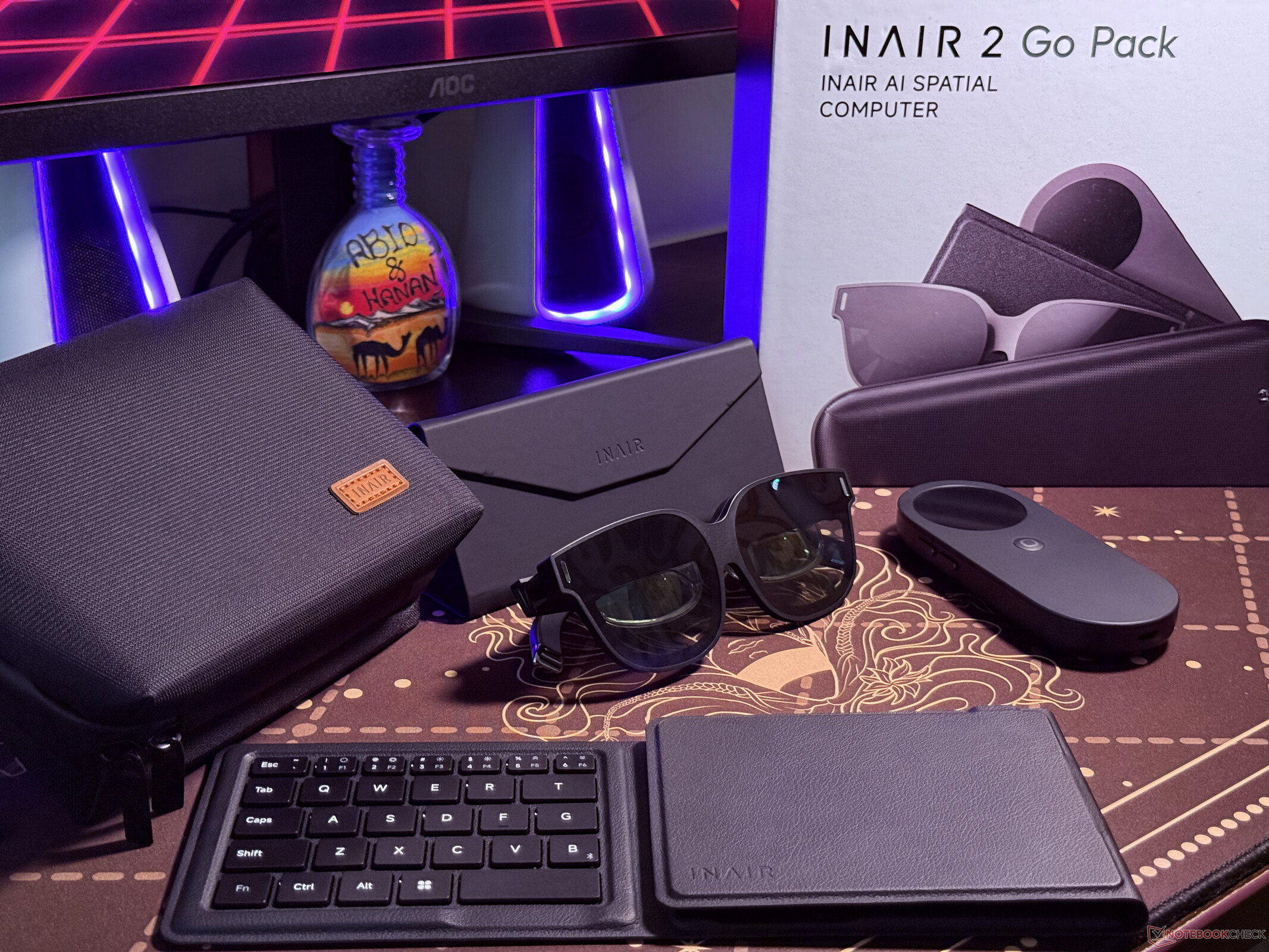
The Inair 2 Go Pack brings the Inair 2 Pro AR glasses, Pod, foldable keyboard, and Wakey. Together, they stand as a polished kit for on-the-go productivity, but there some minor quirks.Abid Ahsan Shanto Published
Verdict - Great spatial AR setup, held back by minor hardware quirks
The Inair 2 Go Pack is an interesting take on making on-the-go computing easy. With the Pod, Touchboard Fold, and the Inair 2 Pro AR glasses, it can serve as a portable, standalone setup capable of handling moderate productivity and entertainment workloads. With the Inair space app in the picture, it essentially becomes a full-fledged system with remote PC access.
However, the Inair Wakey, which is somewhat like a Wake-on-USB device with WiFi, isn't as plug-and-play as I'd hoped. The Pod's built-in fan can also be a bit noisy, even when the system isn't under heavy load, and the Touchboard Fold's key layout will take some time to get used to. The touchpad on the foldable keyboard can also be inaccurate and less responsive for those with sweaty hands.
Other than that, the overall package is very versatile. The Inair 2 Pro are better suited for spatial computing than any other AR glasses that I've tried. As for the Pod, although it's powered by a relatively old mid-range processor, it runs smoothly for the most part and handles most day-to-day workloads.
Pros
Cons
Price and availability
When not on sale, the Inair 2 Go Pack goes for $999, which is a pretty good deal considering that the total retail price for the included items is over $1,100. Currently, the package is enjoying a decent 15% discount, dropping the price to $849 on Amazon.

Table of Contents
- Verdict - Great spatial AR setup, held back by minor hardware quirks
- Specifications
- Unboxing the package and initial impressions of the spatial computing set
- The Inair 2 Pro glasses have bright Micro-OLED displays, and they are comfortable to wear
- As for the Inair Pod, it turned out to be more capable than I thought
- The Pod is the brain, and the Inair 2 Pro AR glasses are the right canvas
- I wanted to like the Touchboard Fold and Wakey as well, but I couldn't
- The Pod has solid battery life, and the Inair Hub makes charging easier
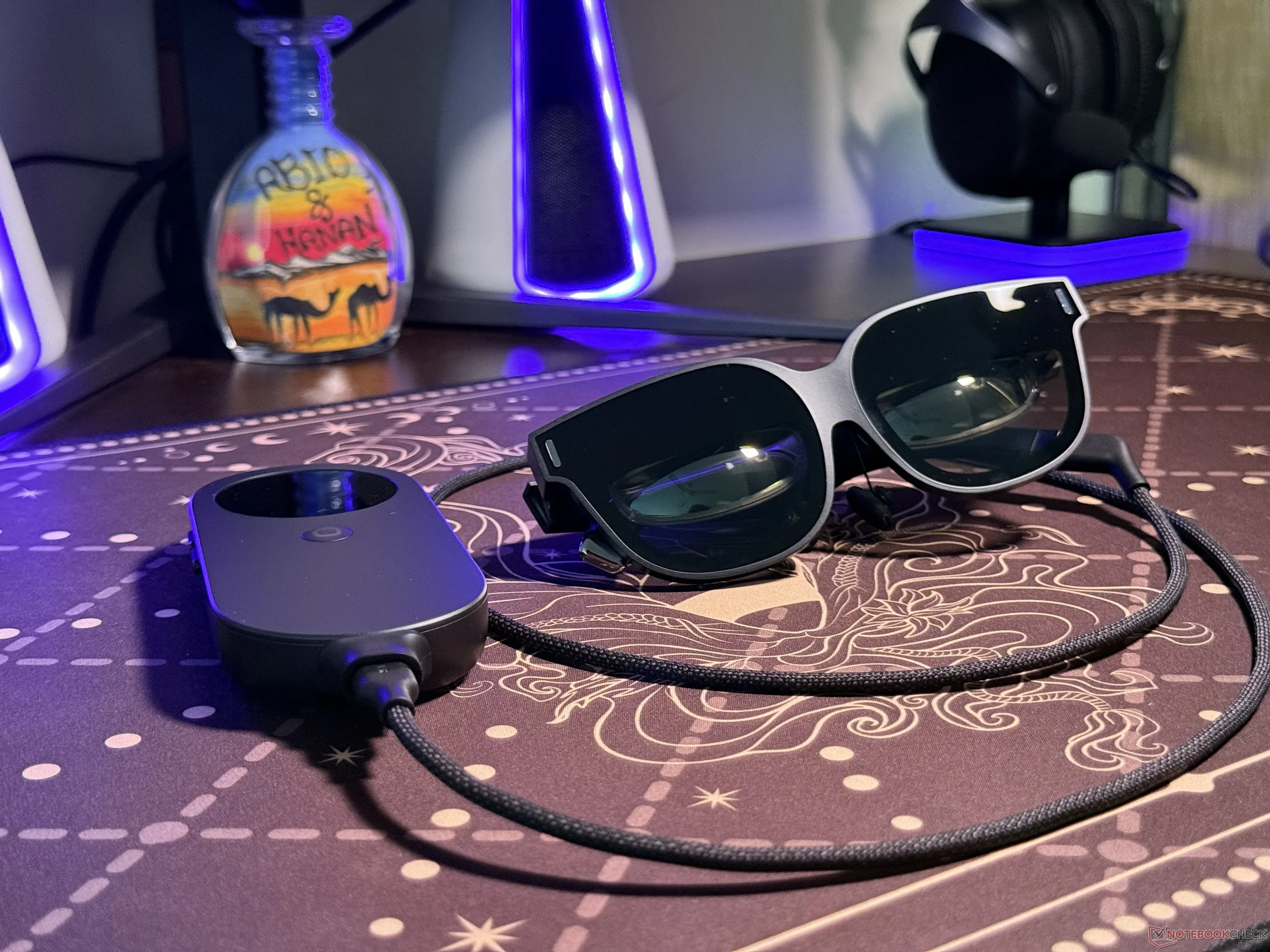
Inair isn't actually a new contender in the spatial computing space, but it's less known than brands like Xreal, Viture, and RayNeo. However, with the Inair 2 Go Pack, the company is offering something that feels remarkably polished. With the Pod and the advanced features of the Inair 2 Pro AR glasses, the package delivers a portable big-screen workspace setup that supports remote PC access when needed.
Specifications
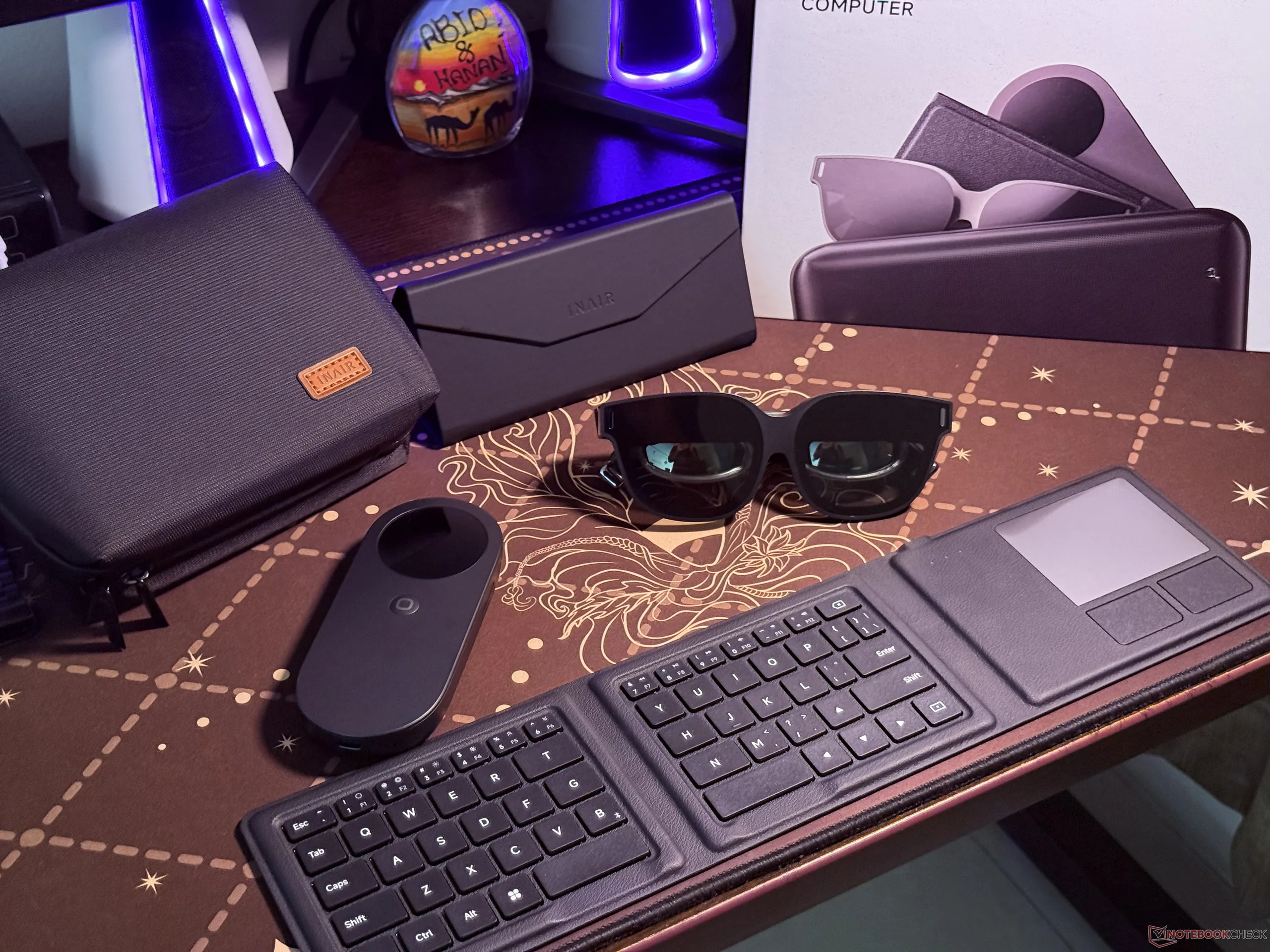
| Package content | 1x Inair 2 Pro, 1x Inair Pod, 1x Touchboard Fold, 1x Wakey, 1x Inair Hub, and 1x portable bag |
| AR glasses weight | 80 grams |
| AR glasses FOV | 46° |
| Projected display size of AR glasses | 135-inch |
| Pod battery | 5000mAh |
| Pod SoC | Qualcomm SM7325 (Snapdragon 778G) |
| Pod RAM and storage | 8GB RAM and 128GB storage |
| Touchboard Fold weight | 173 grams |
| Touchboard Fold battery | 250mAh |
Unboxing the package and initial impressions of the spatial computing set
It was fun to unbox the Inair 2 Go Pack, as the entire package was full of boxes, all of which were stacked the right way. The first thing that came out was the portable bag, and while it seemed quite compact, it has the right amount of space to contain the Pod, AR glasses, foldable keyboard, and the hub. For those who want to get a better idea of the contents, the unboxing video is embedded below.
On the note of the portable bag, it is well-built and seems capable of handling everyday use without any issues. One key aspect that stood out to me is the water-resistant zippers, which make the pouch more travel-ready. The video embedded below shows how much storage space the bag actually has.
Getting back to the unboxing experience, each of the items included came with a manual, and it's nice to see that the AR glasses come with extra nose pads of varying sizes.
The Inair 2 Pro glasses have bright Micro-OLED displays, and they are comfortable to wear
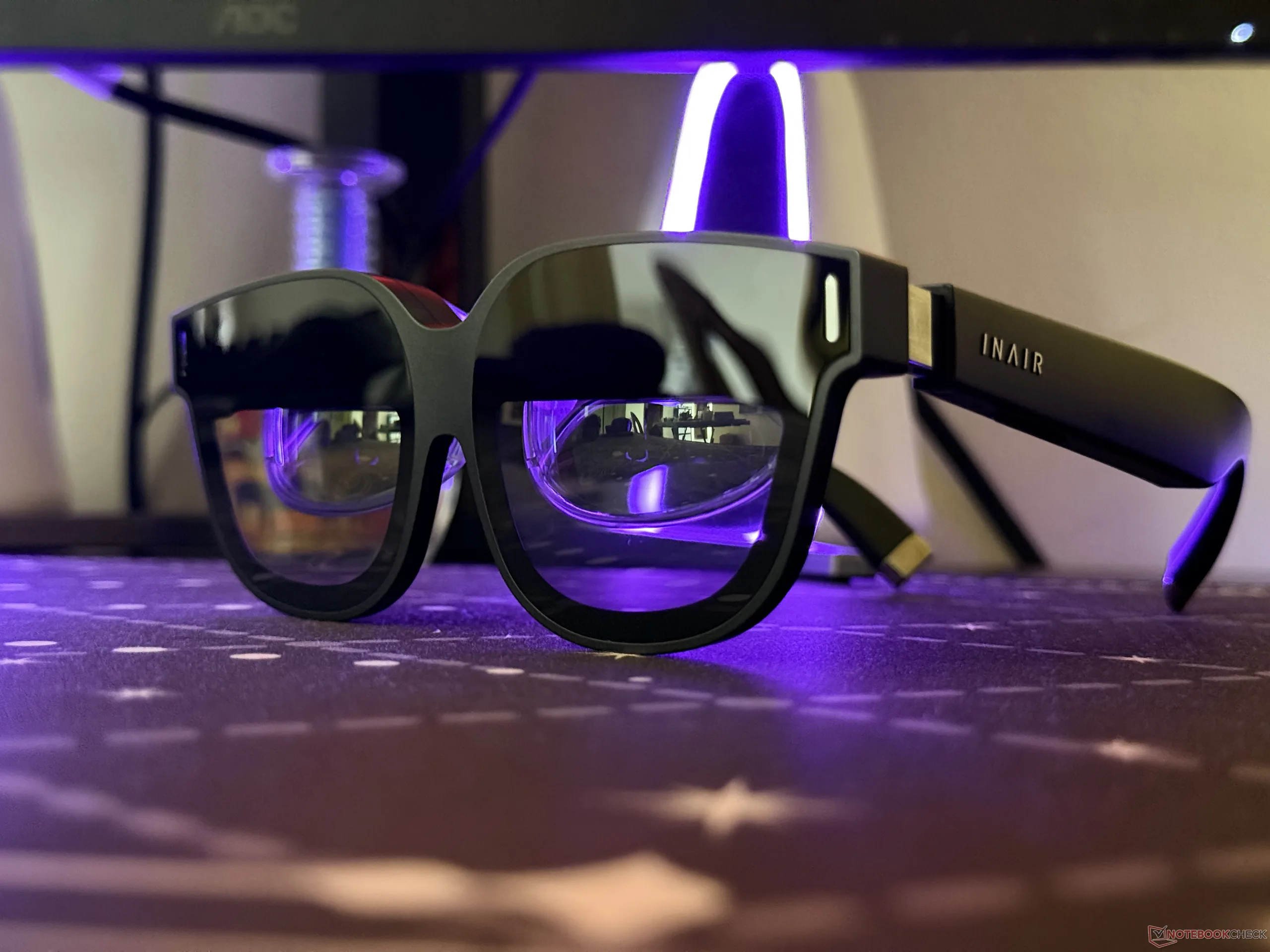
The Inair 2 Pro glasses are slightly heavier than the other AR glasses that I was using, which are the RayNeo Air 4 Pro. However, Inair seems to have the weight distribution right, as they didn't feel uncomfortable even during prolonged use.
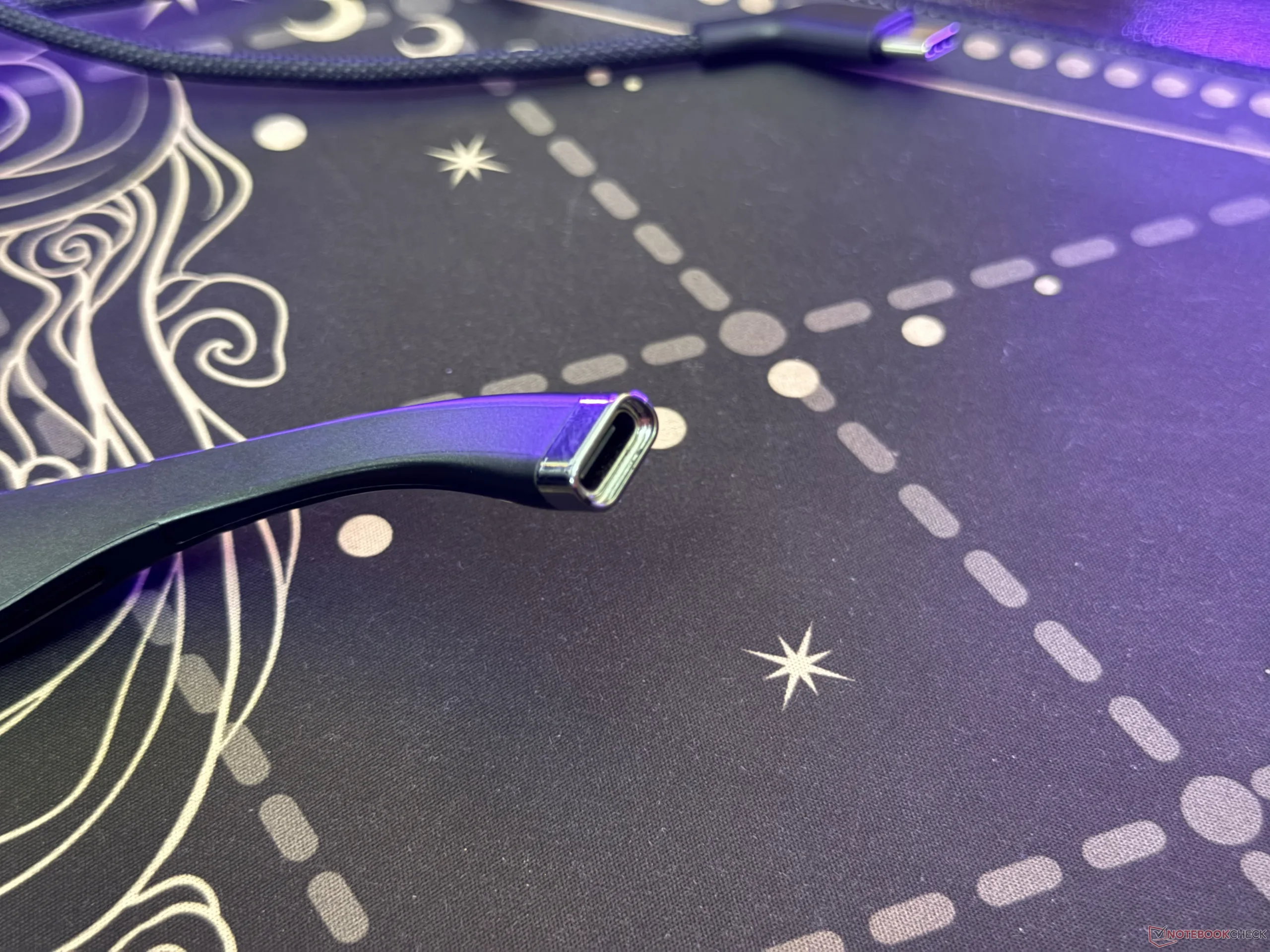
Inair includes a 1-meter DP cable with the AR glasses, which is long enough to comfortably use the wearable with the Pod, but I found that the USB-C port on the glasses is a little recessed, making other cables not work as well as the included one.
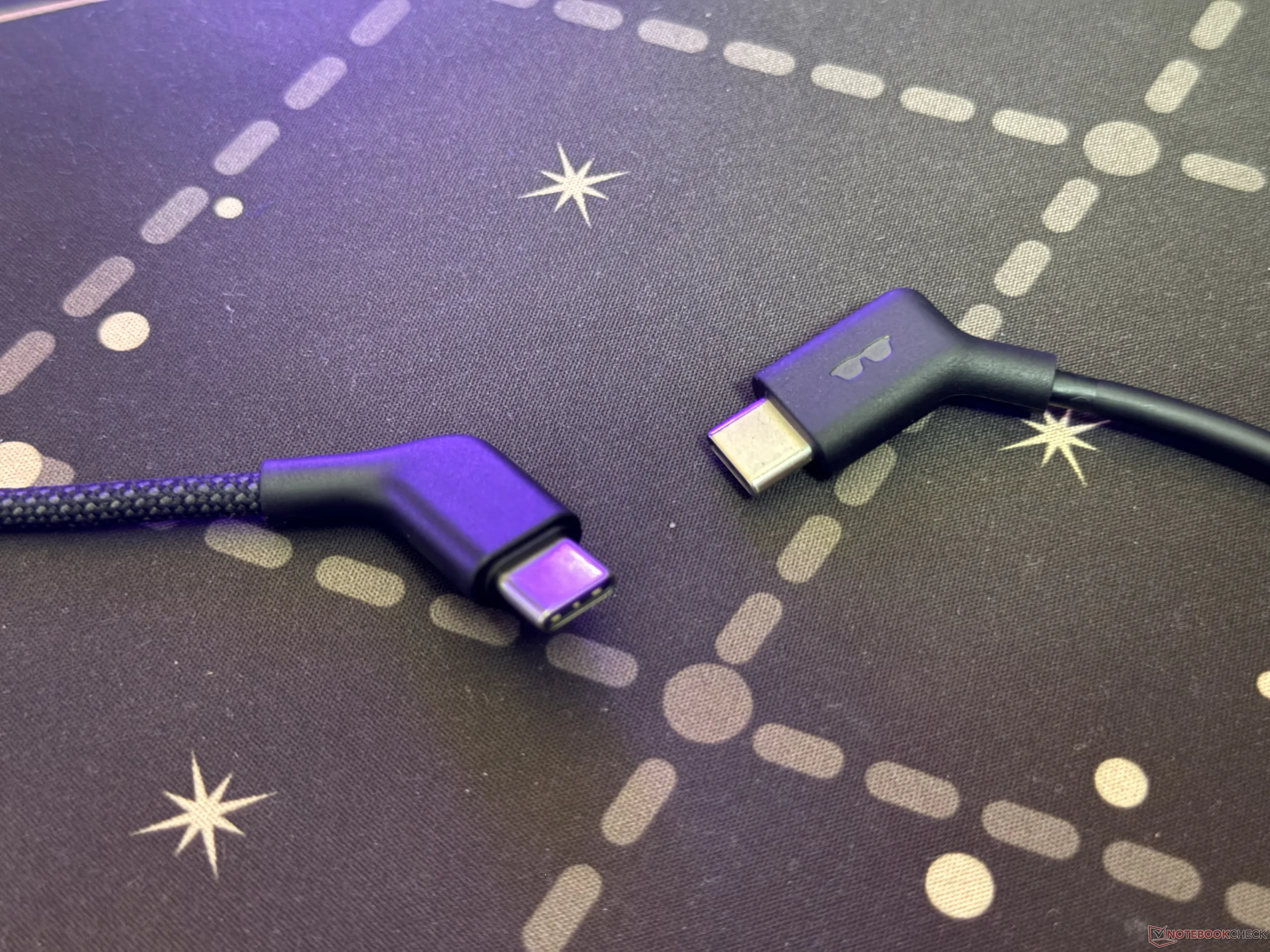
Nonetheless, the glasses come with bright FHD micro-OLED displays, and while they have a 120Hz refresh rate, unlike on the RayNeo Air 4 Pro, the refresh rate isn't switchable on the glasses.
Other than that, the glasses have electrochromic lenses, and as the video below shows, the tint is adjustable via the touch-sensitive slider on the left temple arm. This isn't the only adjustable feature on the glasses, though, as there are three temple arm positions that can help get a better view of the displays on the lens.
A good aspect of these displays is that I didn't notice any edge blurring with these AR glasses, something that has bothered me with the RayNeo Air 2s Pro, 3s Pro, and 4 Pro. They could also get bright enough in most lighting conditions, so seeing what's on the displays even in outdoor settings wasn't difficult at all.
As for the Inair Pod, it turned out to be more capable than I thought
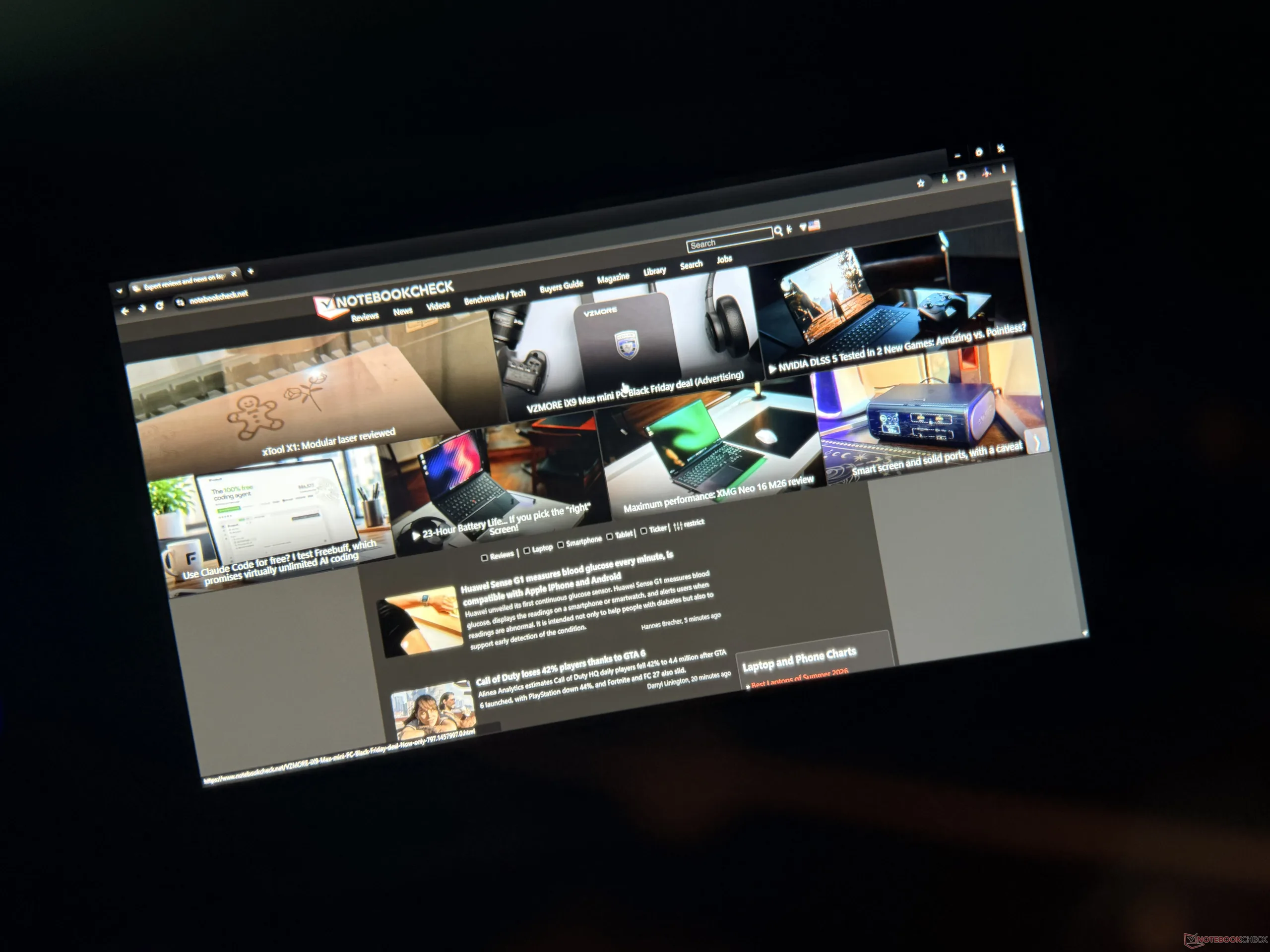
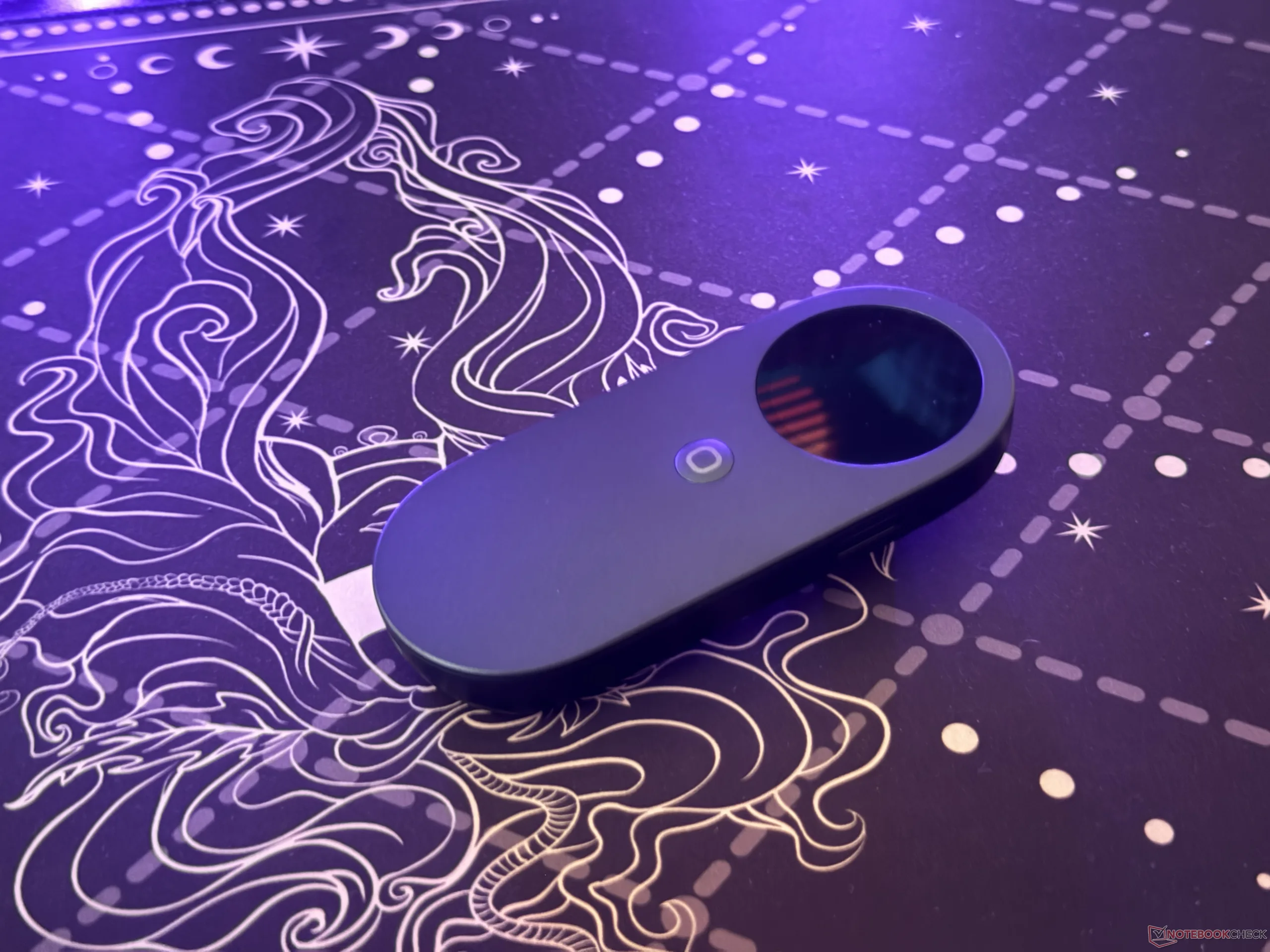
Under the hood, the Inair Pod has the Qualcomm SM7325, which is essentially the Snapdragon 778G. It's an upper-mid-range SoC from 2021, and modern options like the Snapdragon Reality Elite of the Xreal Aura pack more horsepower, but this relatively old chipset held its ground well during testing.
It goes without saying that the processor doesn't make Pod capable enough to handle AAA games smoothly, and the same thing goes for emulation. However, it can tackle media and productivity apps just fine. More specifically, it's capable enough to handle my editorial workload when I'm on the go.
The built-in fan does its job well, and I didn't find the Pod to be too hot to touch during my testing period. However, the cooling system can be a bit noisy, and at a room temperature of around 21°C, I found the fan to run at a consistently high speed throughout my time using the Pod.
On the bright side, there's a silent fan mode, which does help to lower the fan noise, but it comes with some trade-offs. In this mode, the Pod can be a little warm after a period of time, and the performance can also take a slight drop.
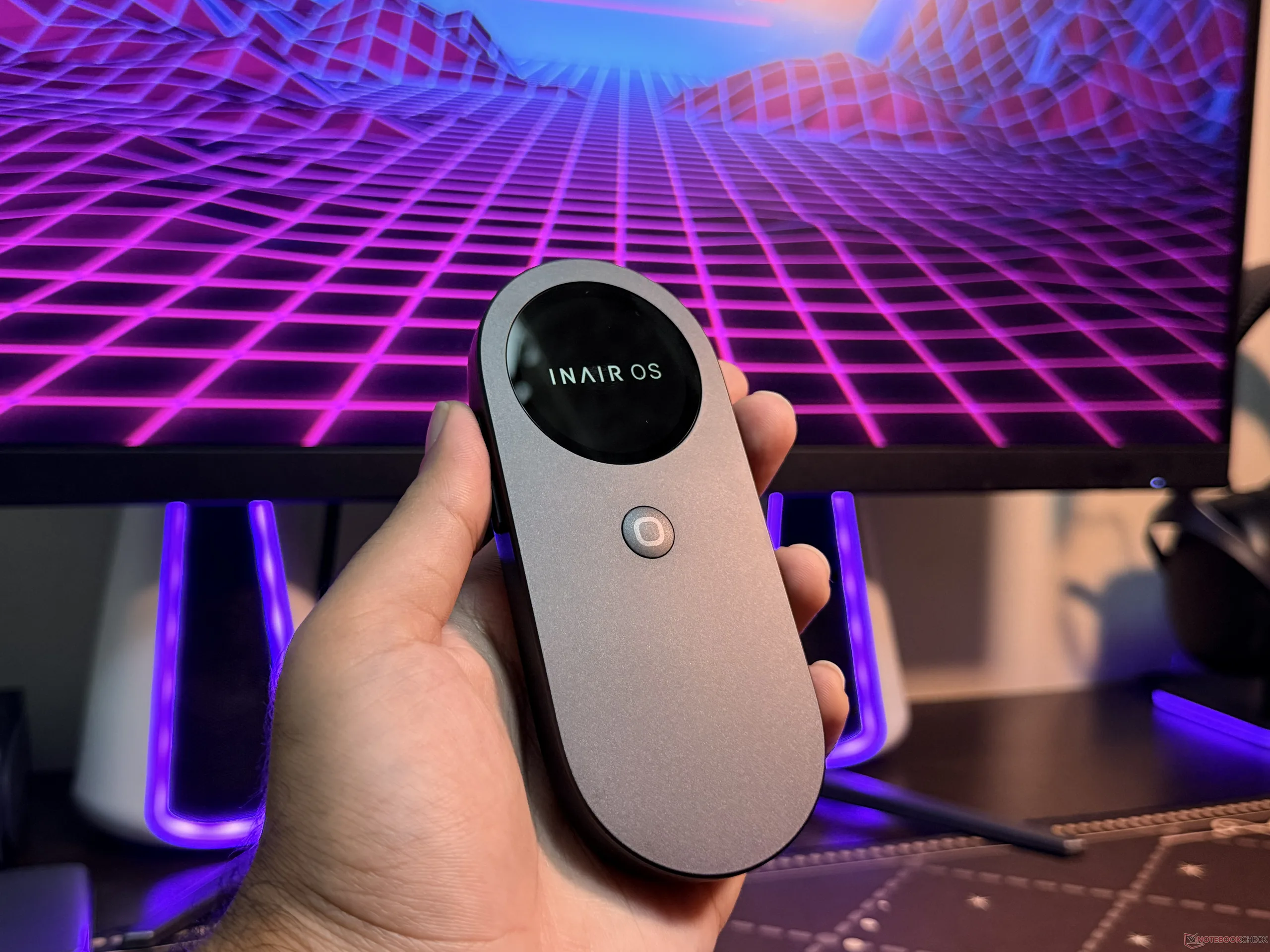
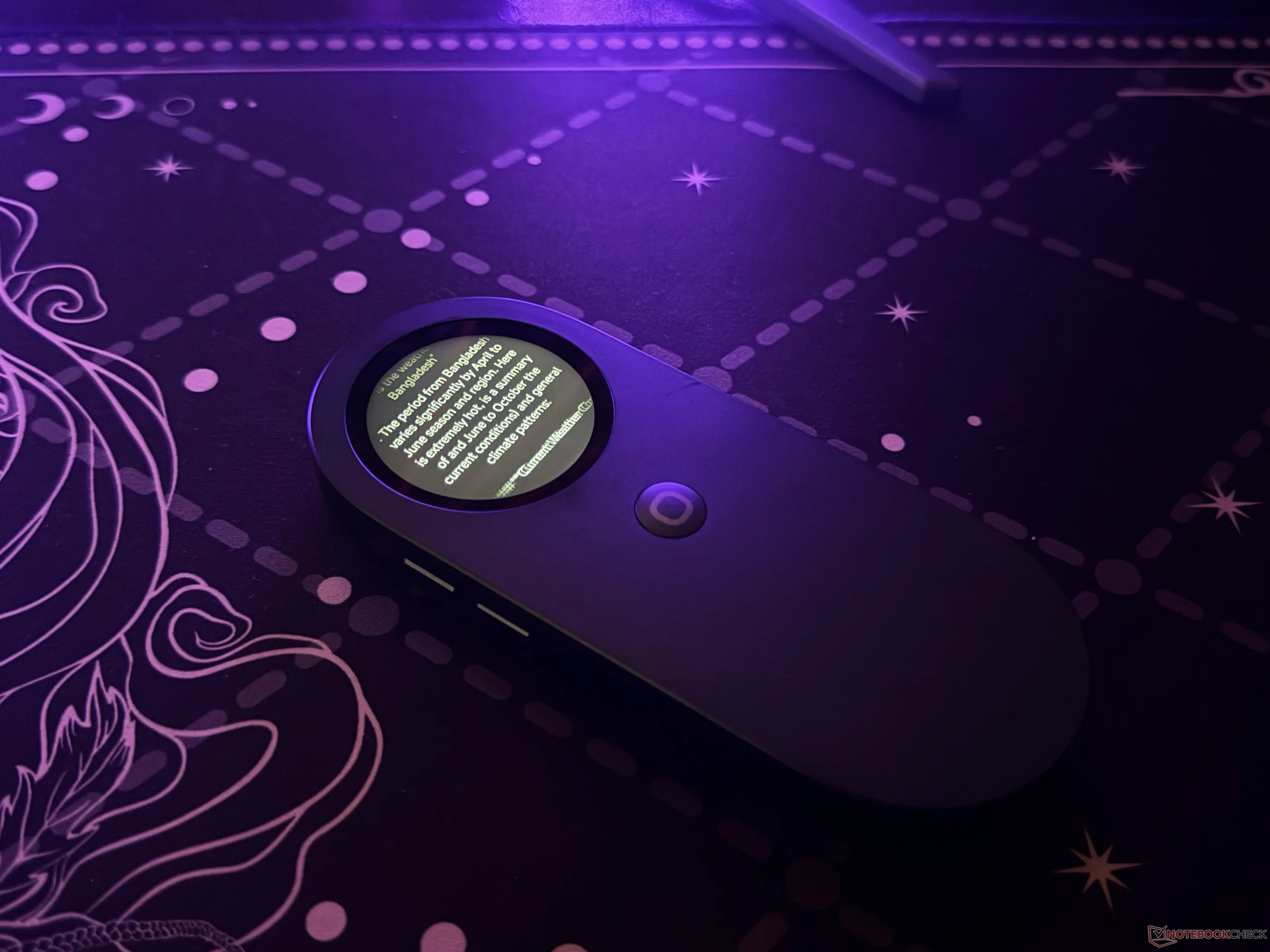
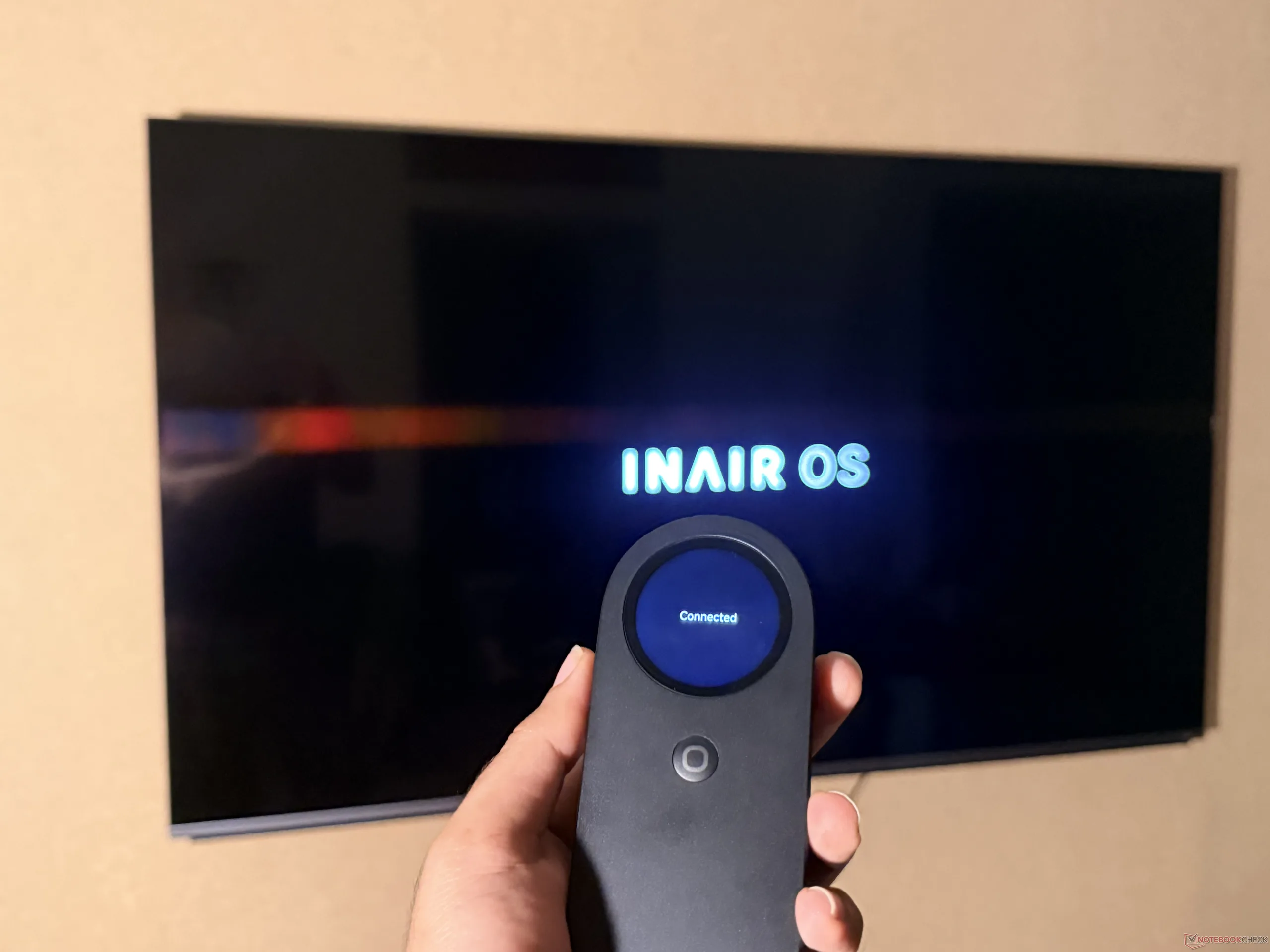
Another interesting thing about the Pod is that it can be connected to a TV through the built-in wireless casting mode. It even serves a purpose when you don't connect it to a display. There's a built-in AI feature, which can be activated and navigated through the built-in screen of the device.
The Pod is the brain, and the Inair 2 Pro AR glasses are the right canvas
This Inair 2 Pro AR glasses and Pod combination is very different from the Pocket TV and RayNeo Air 2s combo I have tried in the past. Unlike the latter, the former is more focused on spatial computing, and the Pod and the AR glasses are like peanut butter and jelly.
Yes, the Inair Pod works with other AR glasses. I have tried it with the RayNeo Air 4 Pro, and while I gained HDR support, the switch from the Inair 2 Pro made me lose some creature comforts. For instance, in such a setup, the Auto Immersion feature doesn't work. However, I still had 3DoF (three degrees of freedom), and interestingly, RayNeo doesn't mention anything about the glasses supporting 3DoF.
Speaking of Auto Immersion, it was one of the aspects that enhanced the spatial computing experience with the Inair 2 Go Pack. This feature allowed the electrochromic tinting of the glasses to change based on what was in front of me. More light in the background would make the glasses appear dimmer, making the display more visible.
I wanted to like the Touchboard Fold and Wakey as well, but I couldn't
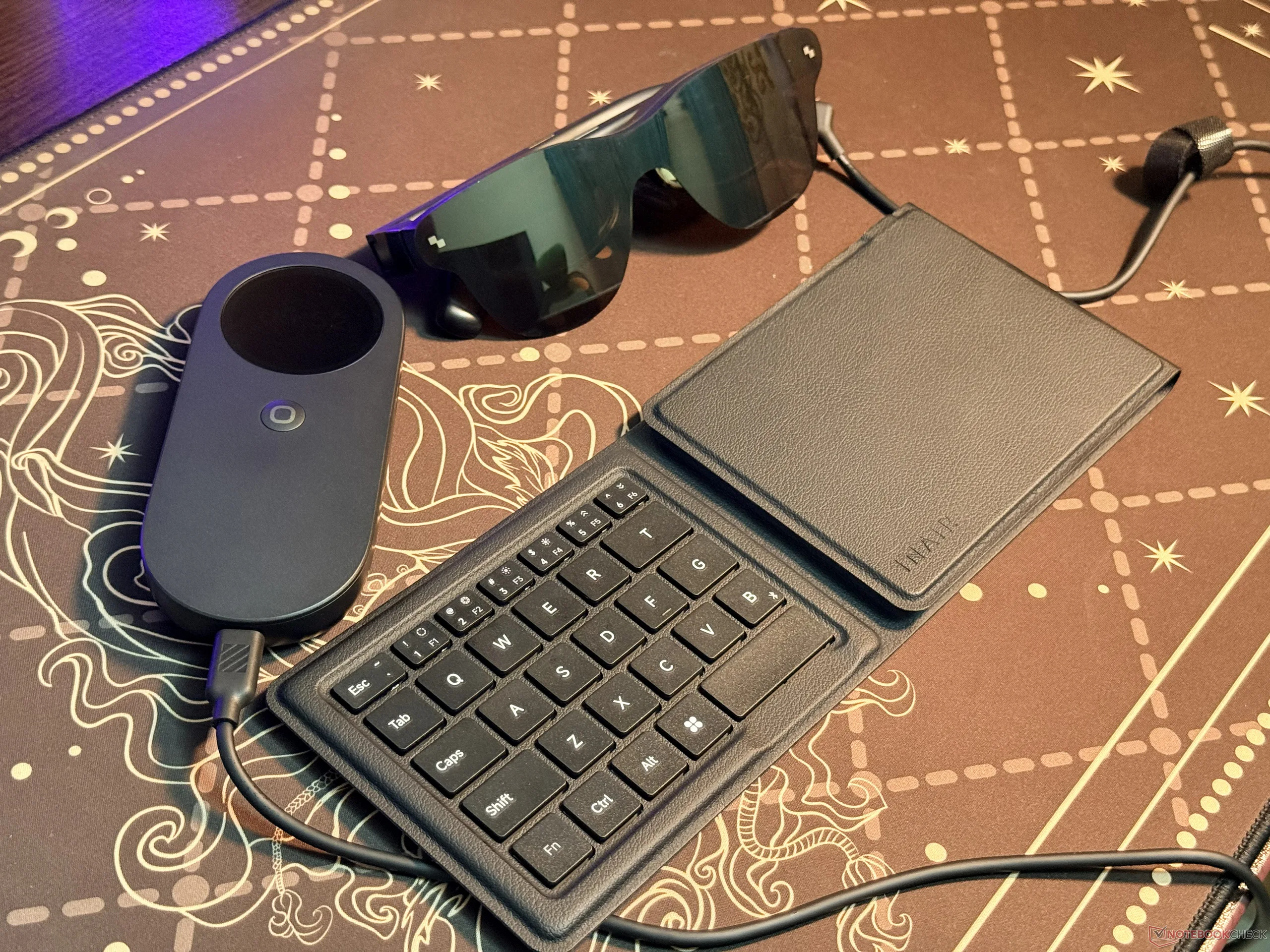
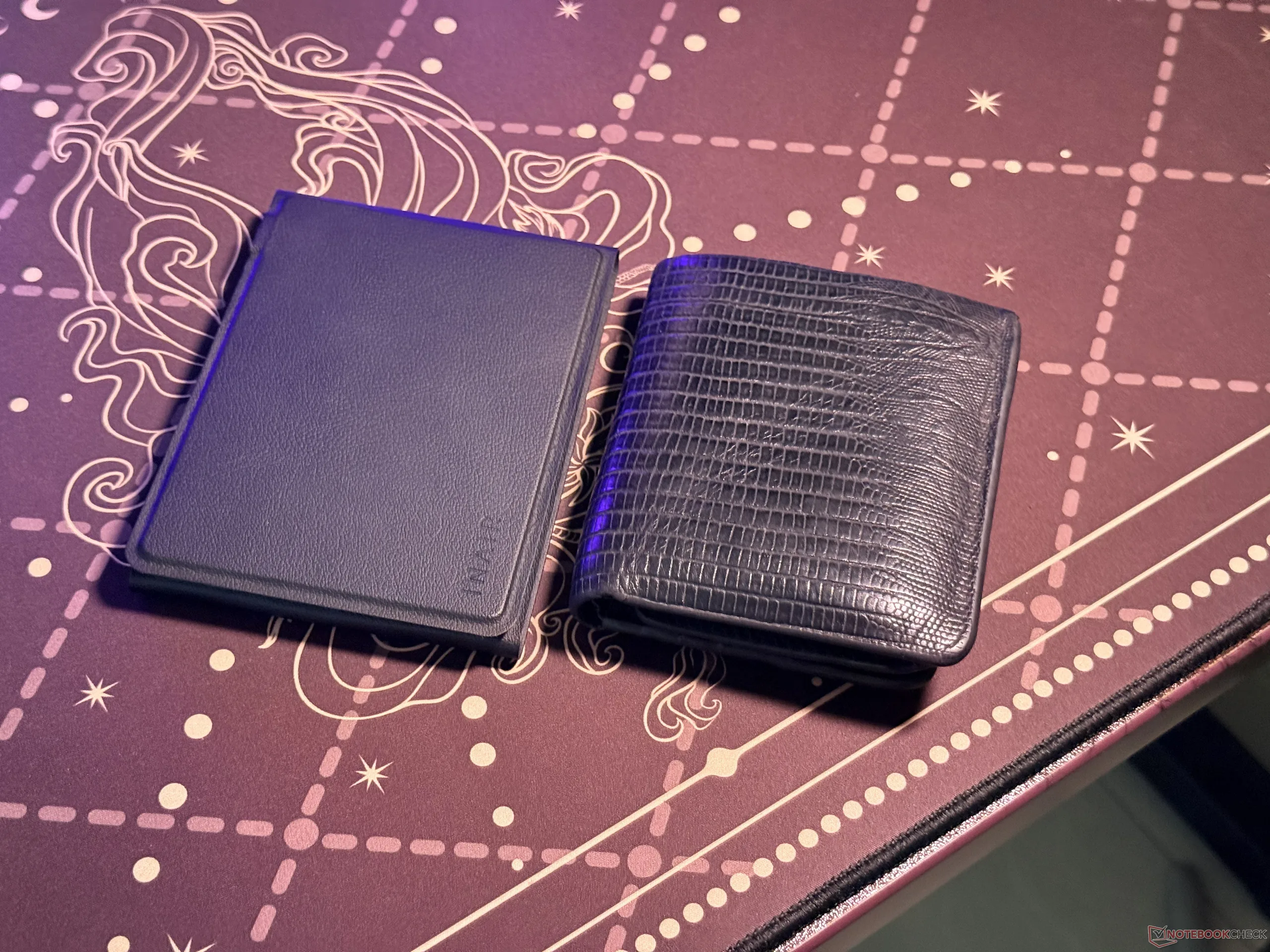
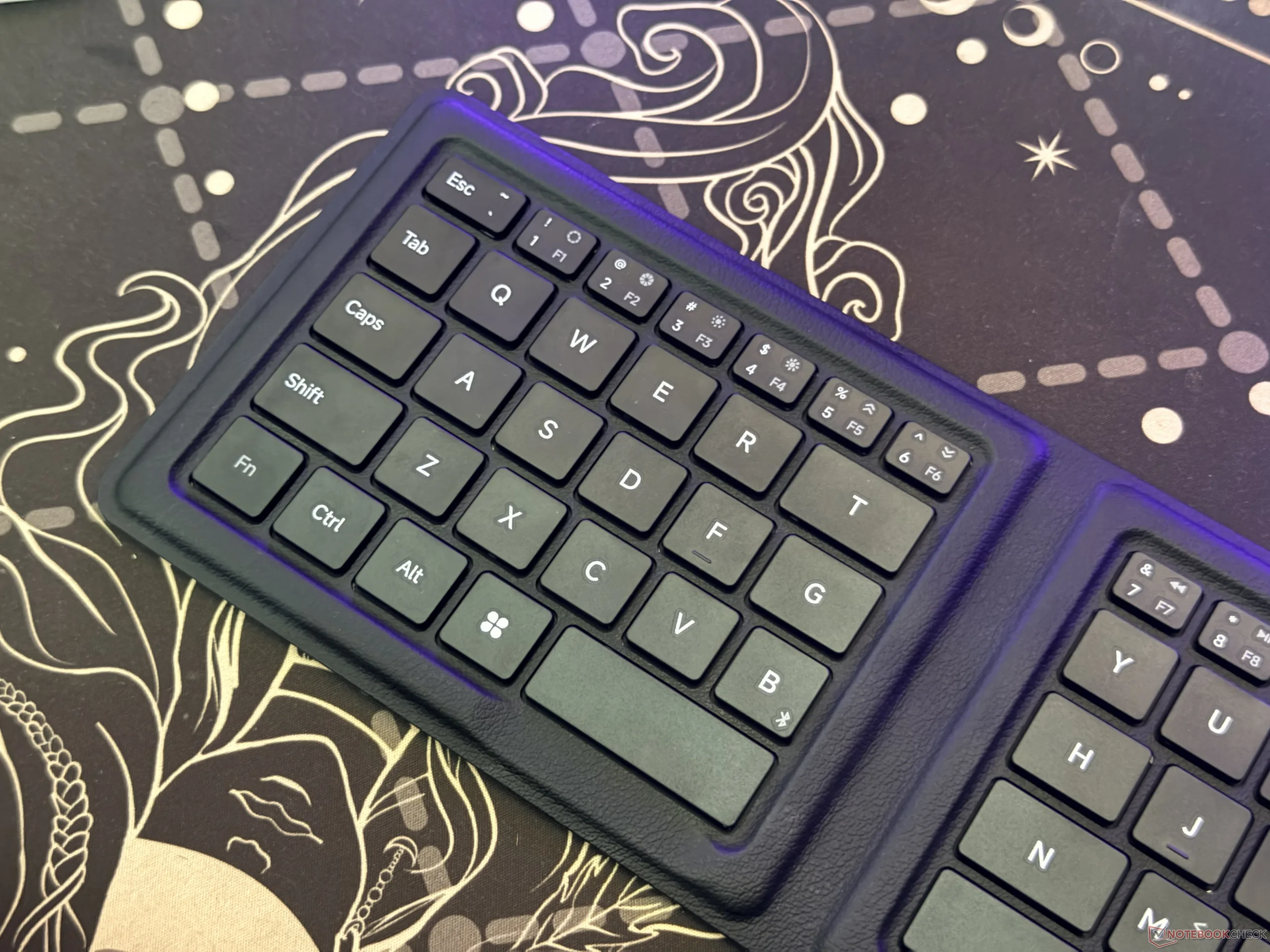
The Touchboard Fold makes total sense in a package like the Inair 2 Go Pack. However, it comes with everything that's wrong with foldable keyboards. The cramped layout means it will take some time to get used to the keyboard, but Inair has things even more difficult by placing the Fn button in the far-left corner instead of the Ctrl button.
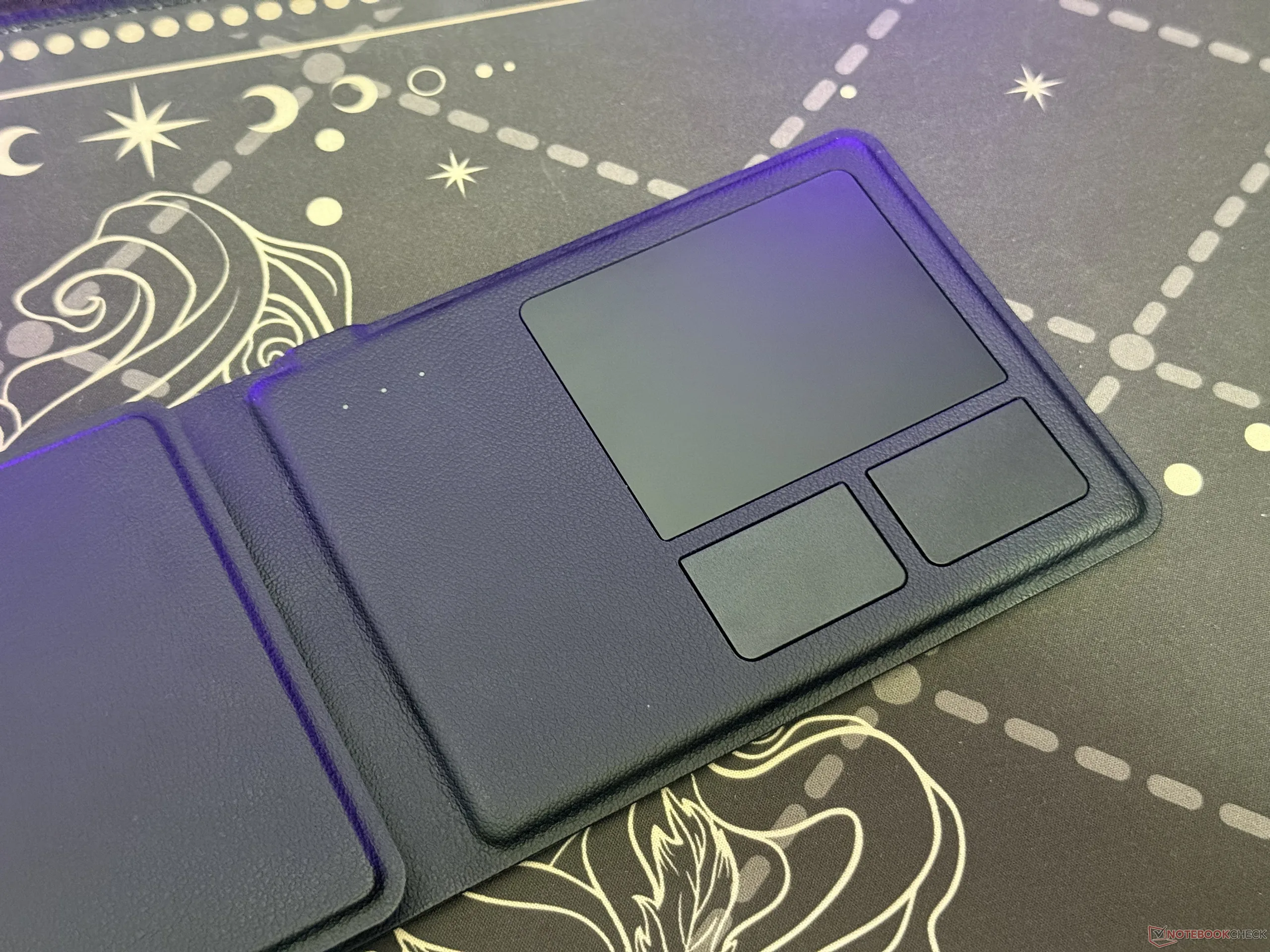
As for the touchpad, I am not a big fan of the texture, as fingers don't glide easily on top of it. There are a couple of instances where I found the touchpad to miss taps, but the good part is that it has dedicated left and right buttons.
Regarding the Wakey, it's a seamless solution for anyone who wants to keep their laptop or PC at home while having easy access to it through the Inair Pod. Now, while the device can successfully wake up the computer when set up right, Inair's desktop app, Inair Space, seems to lose screen capture alongside control when Windows requires a PIN to sign in.
From what I can speculate, with Windows Hello active, the OS enforces biometric and PIN isolation in the CredentialUIBroker and Winlogon secure sessions. That is hindering the desktop app from capturing the screen and offering control during the sign-in process.
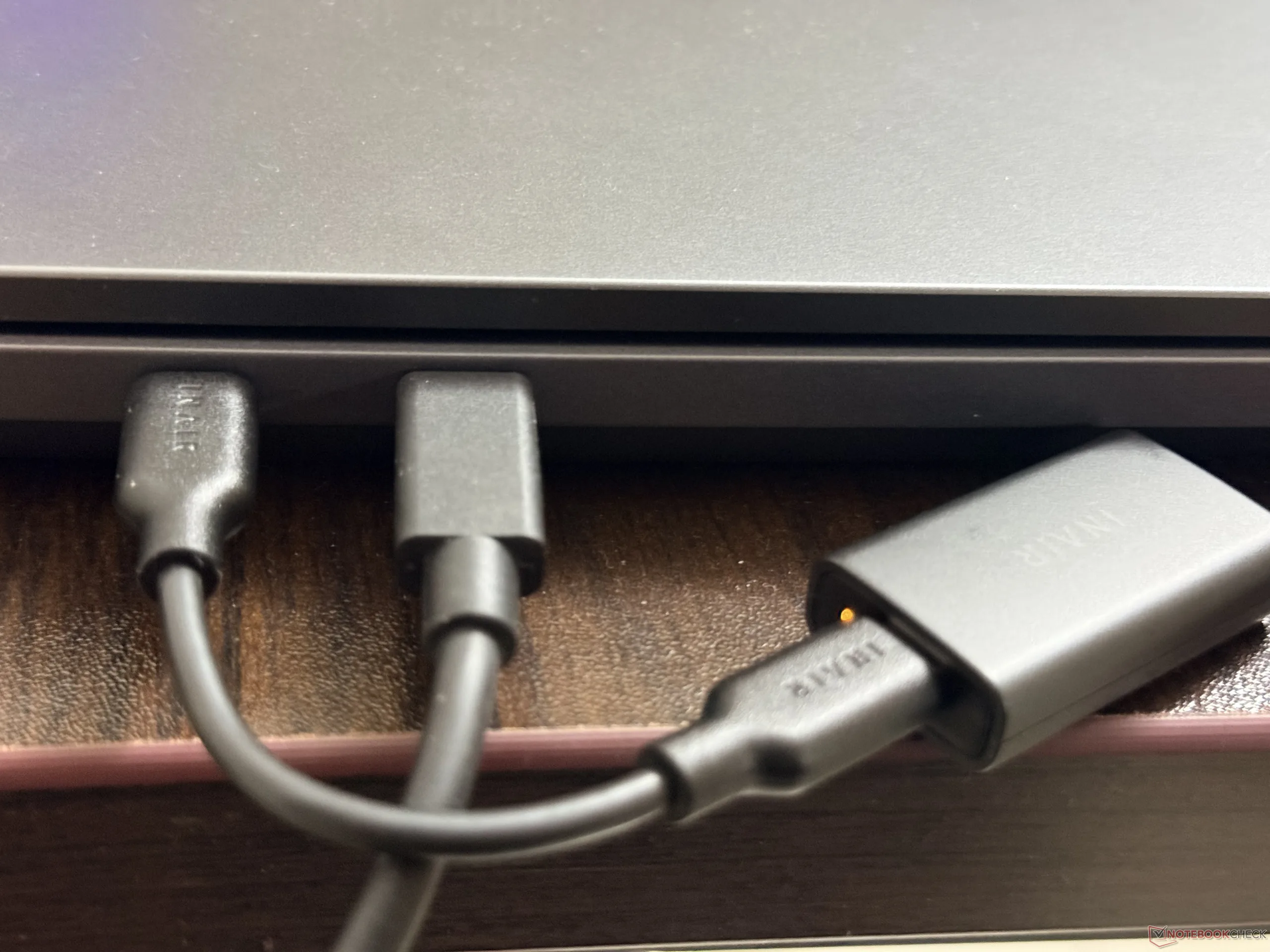
There are some ways to fix this, including bypassing the sign-in prompt on sleep/wake, but that makes the device less plug-and-play than it should be. You could also disable Windows Hello, but that would loosen up the security of the system. The experience with Linux and macOS could be different, though.
Nonetheless, the whole concept is interesting, and with the Windows sign-in issue out of the way, it really works smoothly. Below is a short video showing me connecting to my home laptop remotely while being in a café.
The Pod has solid battery life, and the Inair Hub makes charging easier
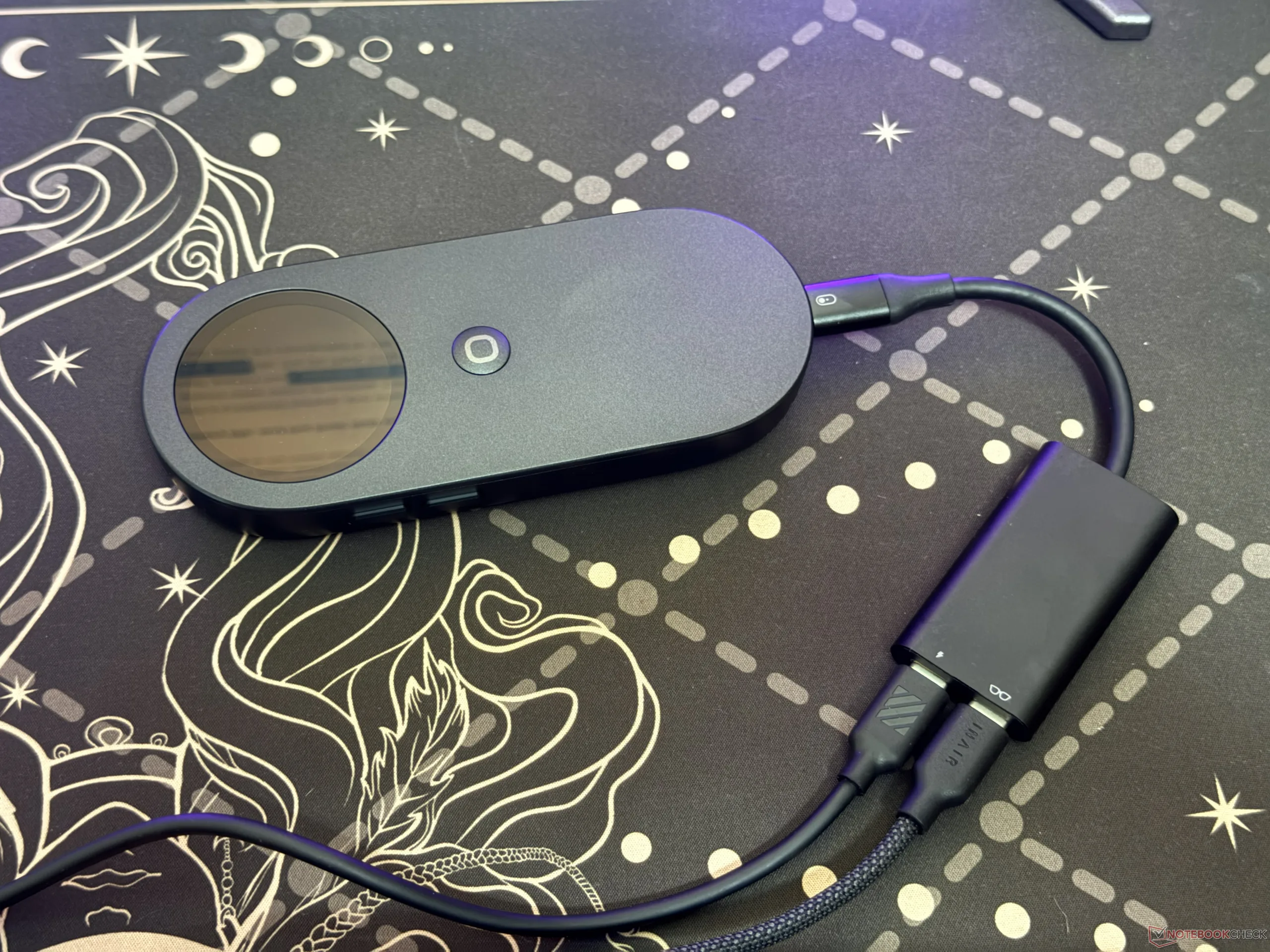
Inair packed the Pod with a 5,000mAh battery, and when used for streaming, it can offer around three hours of runtime. Unlike the RayNeo Pocket TV, the device itself doesn't have separate USB-C ports for charging and display output. However, the Go Pack includes a hub that allows the device to be recharged while it's connected to the AR glasses.
INAIR Pod: Computing for Compatible AR Glasses
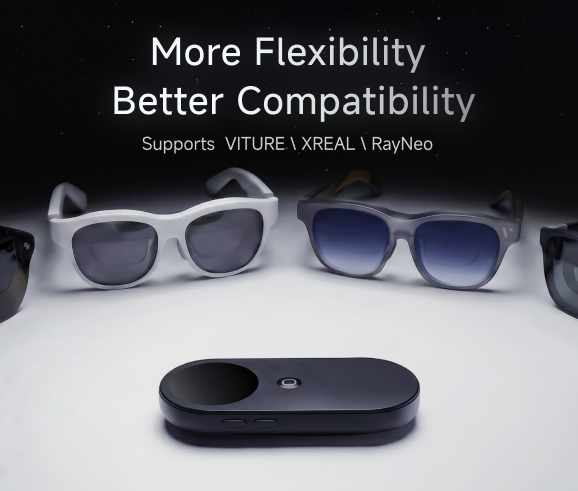
INAIR Pod is a portable computing companion for selected AR glasses from XREAL, VITURE and RayNeo. Running INAIR OS, it brings supported Android apps, spatial multitasking, 2D-to-3D conversion and remote computer access to compatible setups. Its own processor, battery and built-in controls let users run supported apps without using a phone as the computing source. Available features vary by glasses model, software version and connection.
Transparency
The selection of devices to be reviewed is made by our editorial team. The test sample was given to the author by the manufacturer free of charge for the purposes of review. There was no third-party influence on this review, nor did the manufacturer receive a copy of this review before publication. There was no obligation to publish this review. As an independent media company, Notebookcheck is not subjected to the authority of manufacturers, retailers or publishers.
 Add as a preferred source on Google


