



New free open-source tool turns your MacBook's haptic motor, not its speakers, into a voice
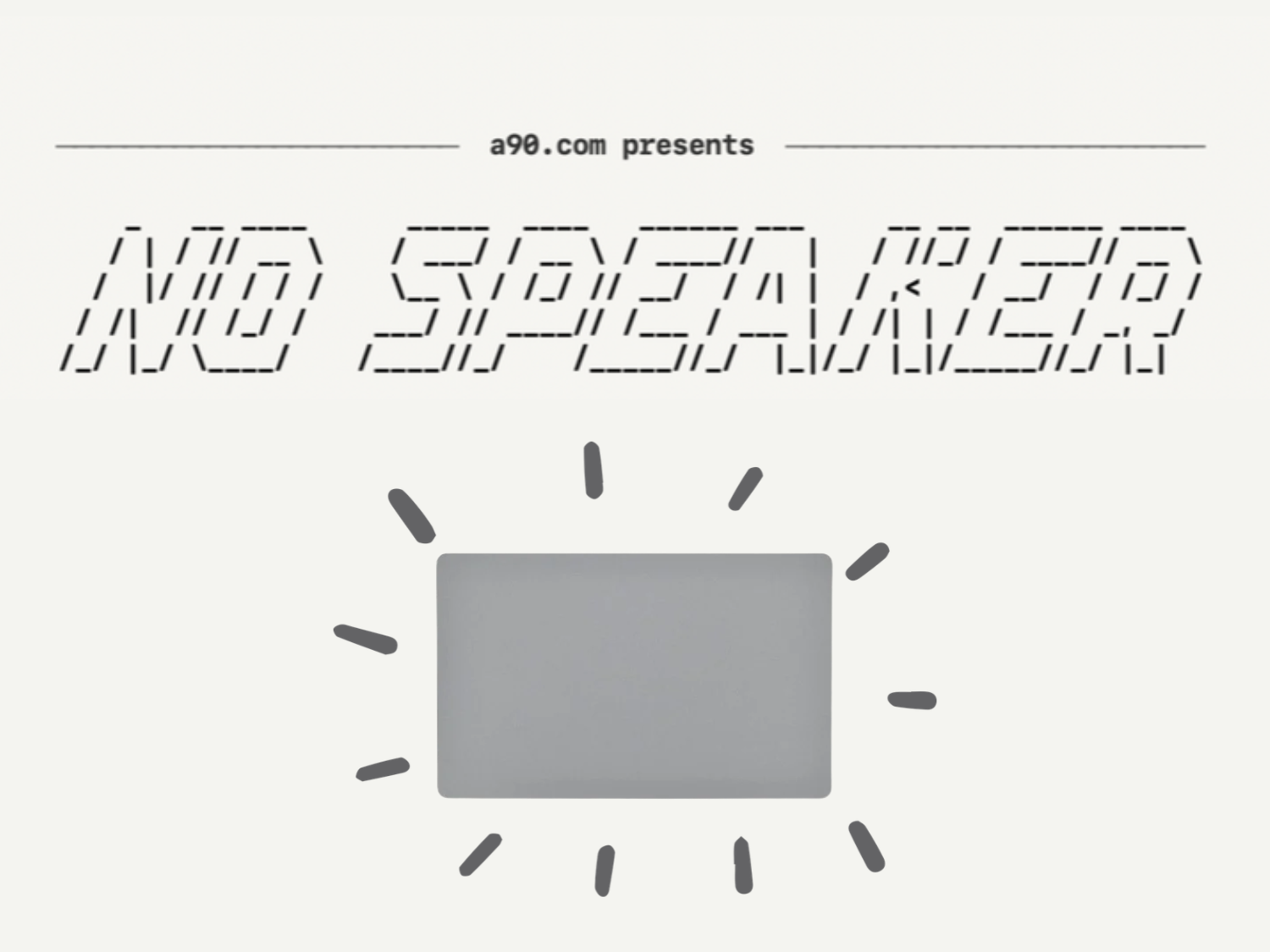
A MacBook's trackpad doesn't actually click. It only feels that way because of a haptic motor under the glass that taps your finger. A new open-source tool called nospeaker uses that motor to make the trackpad talk.
This fun little project comes from developer Cody Collier, who posts as os6 on GitHub. It runs from the command line. It reads out text in a macOS voice through the trackpad — it can also play a rising tone sweep. However, it cannot play music, YouTube videos or other audio files.
The trick here is how fast the motor can move. According to the repo, nospeaker drives it up to 4,000 times a second, which vibrates the glass quickly enough to produce audible sound. The app first generates speech with macOS's built-in voices. It then analyzes that audio every 10 ms for two formants, loudness and pitch, and plays them back as two tones on the motor. Hissy sounds turn into short bursts of high tones.
The result is robotic but surprisingly loud. Collier measured the output as strong from roughly 100 Hz to 4 kHz, with a few dead spots, and cleanest at around 1 kHz. In our brief test on a MacBook, it was loud enough to work as a makeshift speaker. The dev also suggests muting the Mac and placing it on a table to cut down on noise.
Apple's public haptics API only offers three fixed taps, so nospeaker uses the private MultitouchSupport framework instead. That means a macOS update could break it. Collier also says the app never drives the motor past its normal maximum strength.
Any Mac with a Force Touch trackpad should work, which covers MacBooks from 2015 onward and the Magic Trackpad 2 or later. It needs macOS 12 on Apple Silicon or macOS 13 on Intel. Collier has only tested it on an M5 Max MacBook Pro, though; we tried it on a M5 MacBook Pro (read our review here) as well. The project is free under the MIT license.
Source(s)
 Add as a preferred source on Google


