




Malwarebytes launches free website for checking URLs and links
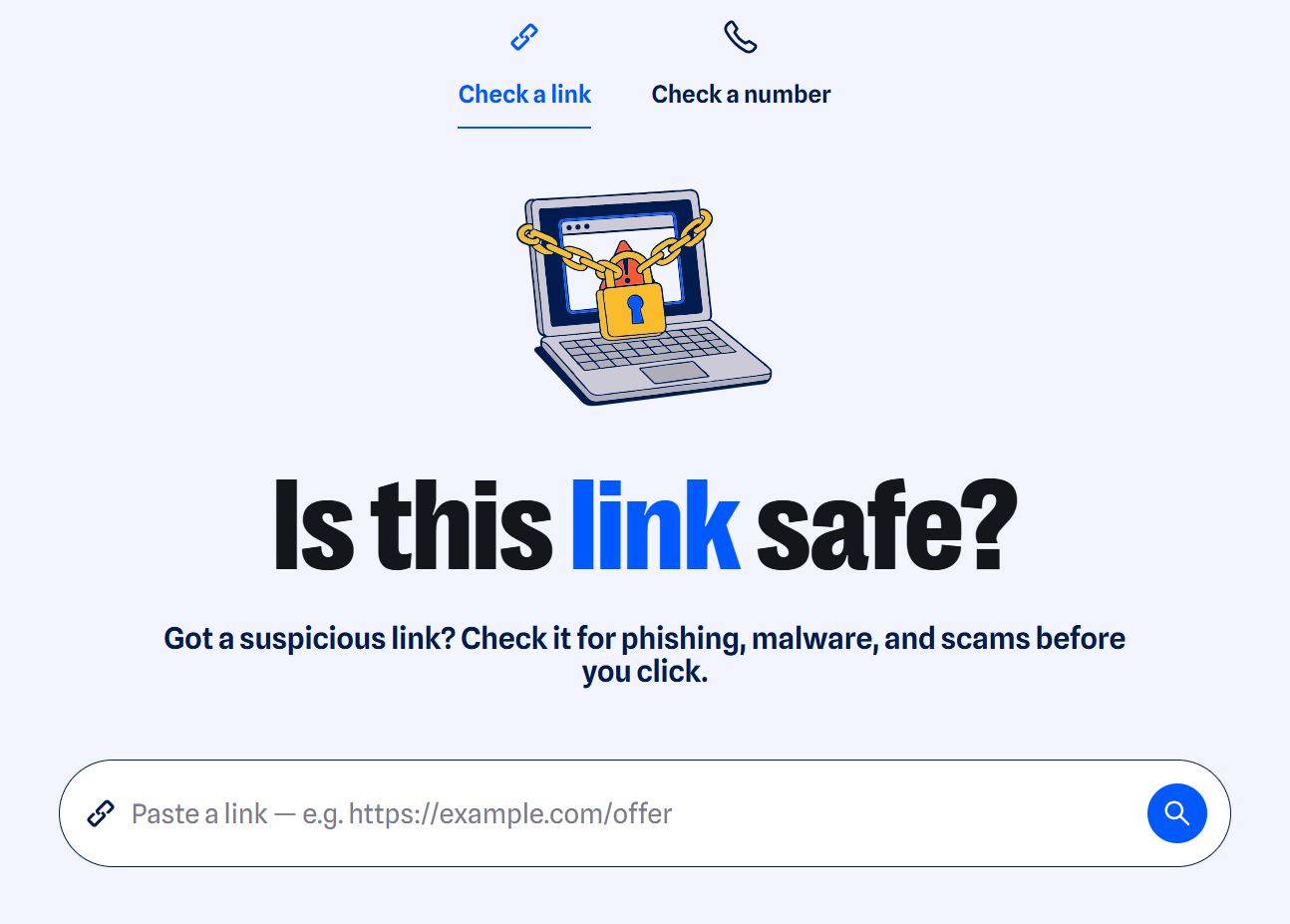
On October 5, the US cybersecurity company Malwarebytes launched a website that can assess the potential risk posed by suspicious links. Before clicking on a suspicious link, such as one received in an email, users can run it through Malwarebytes to check for potential threats.
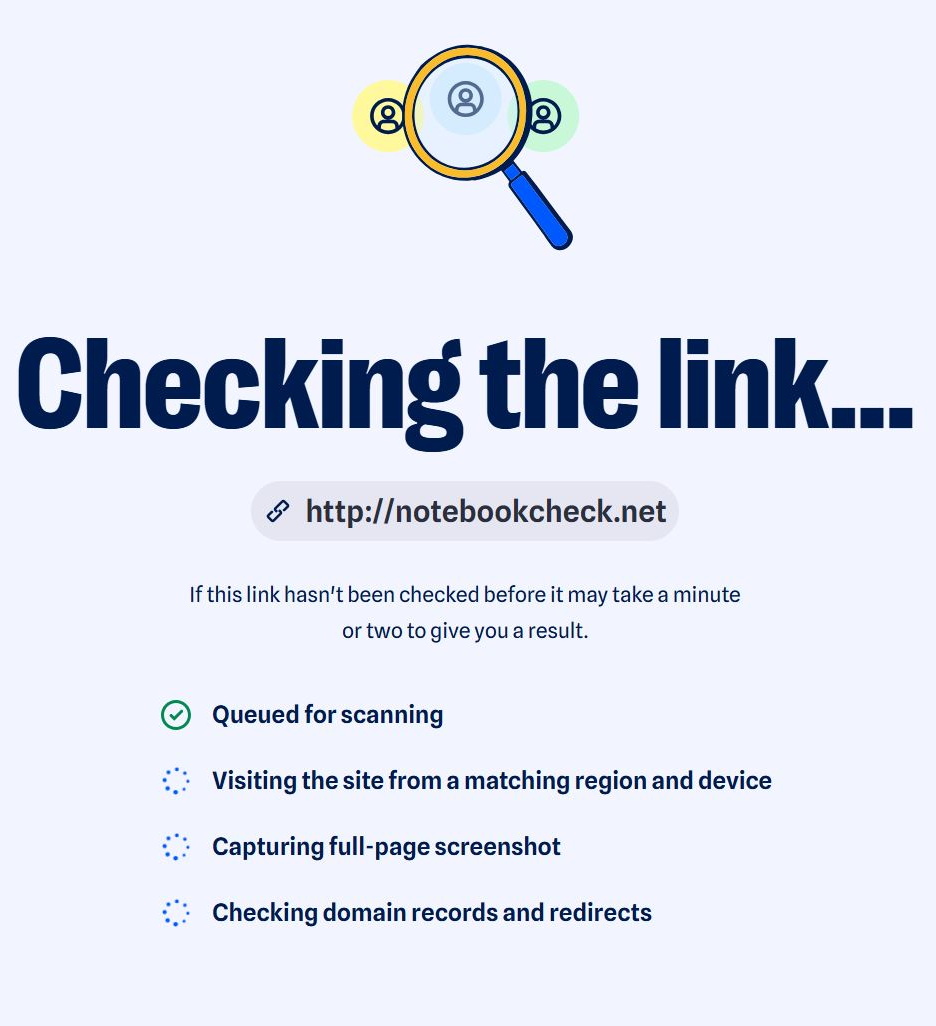
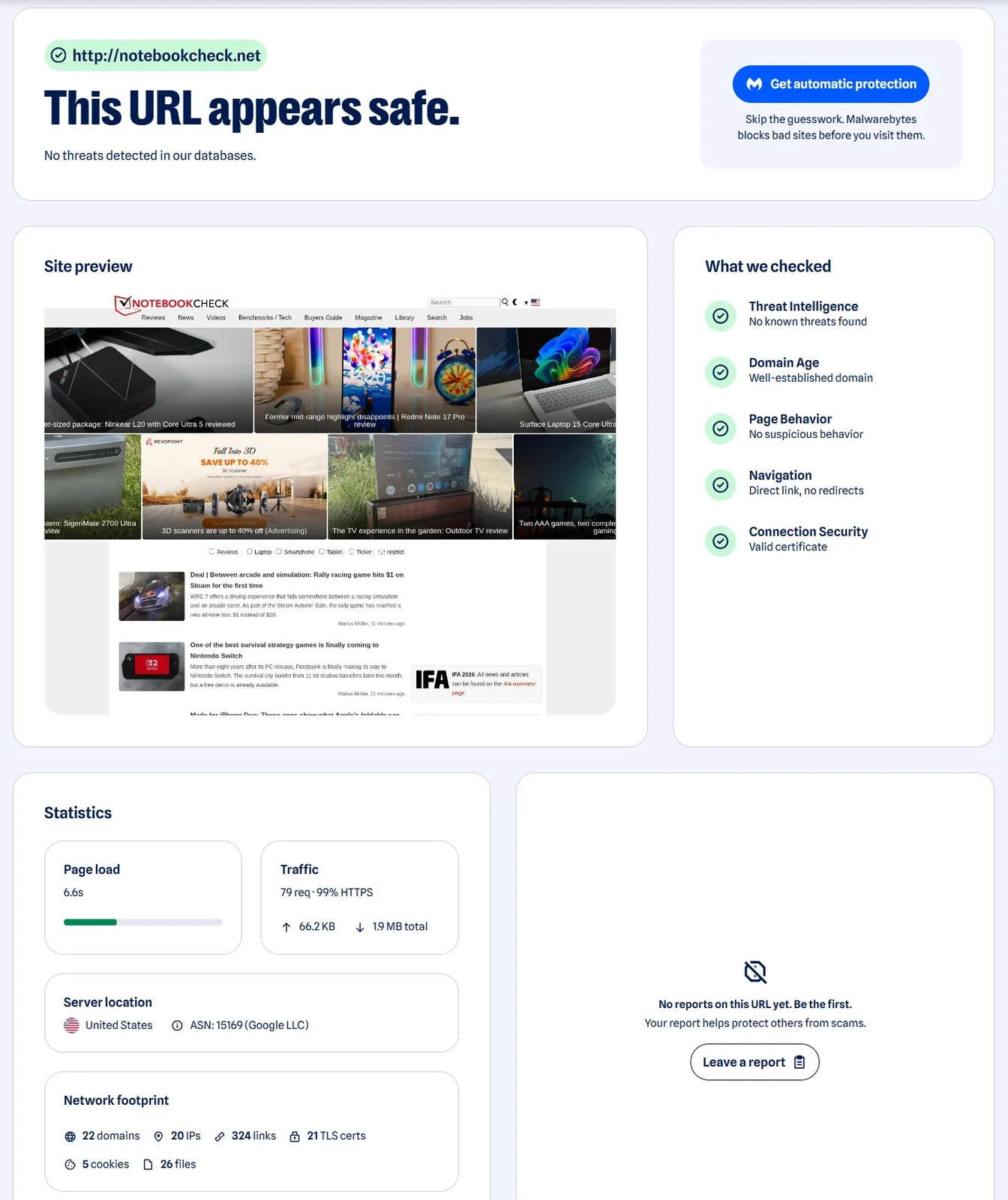
To do so, simply paste the URL you want to check into the input field and click the magnifying glass icon. Malwarebytes then analyzes the address using its threat intelligence data. Among other things, the check looks for phishing pages, malicious websites, newly registered domains, and redirect chains. Users then receive an assessment: “safe,” “dangerous,” or “unknown.” The tool also displays a screenshot of the destination page, explains in plain language why the link was classified as safe or dangerous, and provides recommendations on what to do next.
This can be particularly useful for links received via email, text messages, WhatsApp/chats, or social media. The tool is free to use and requires no registration, download, or payment. It is also designed to help with shortened URLs, where the actual destination is not immediately apparent.
The quality of the results naturally depends primarily on how up to date Malwarebytes’ database is and how quickly new and previously unknown scams are added. Even with an official check, caution is therefore always advised when dealing with unknown links.
Source
 Add as a preferred source on Google


No comments for this article
