




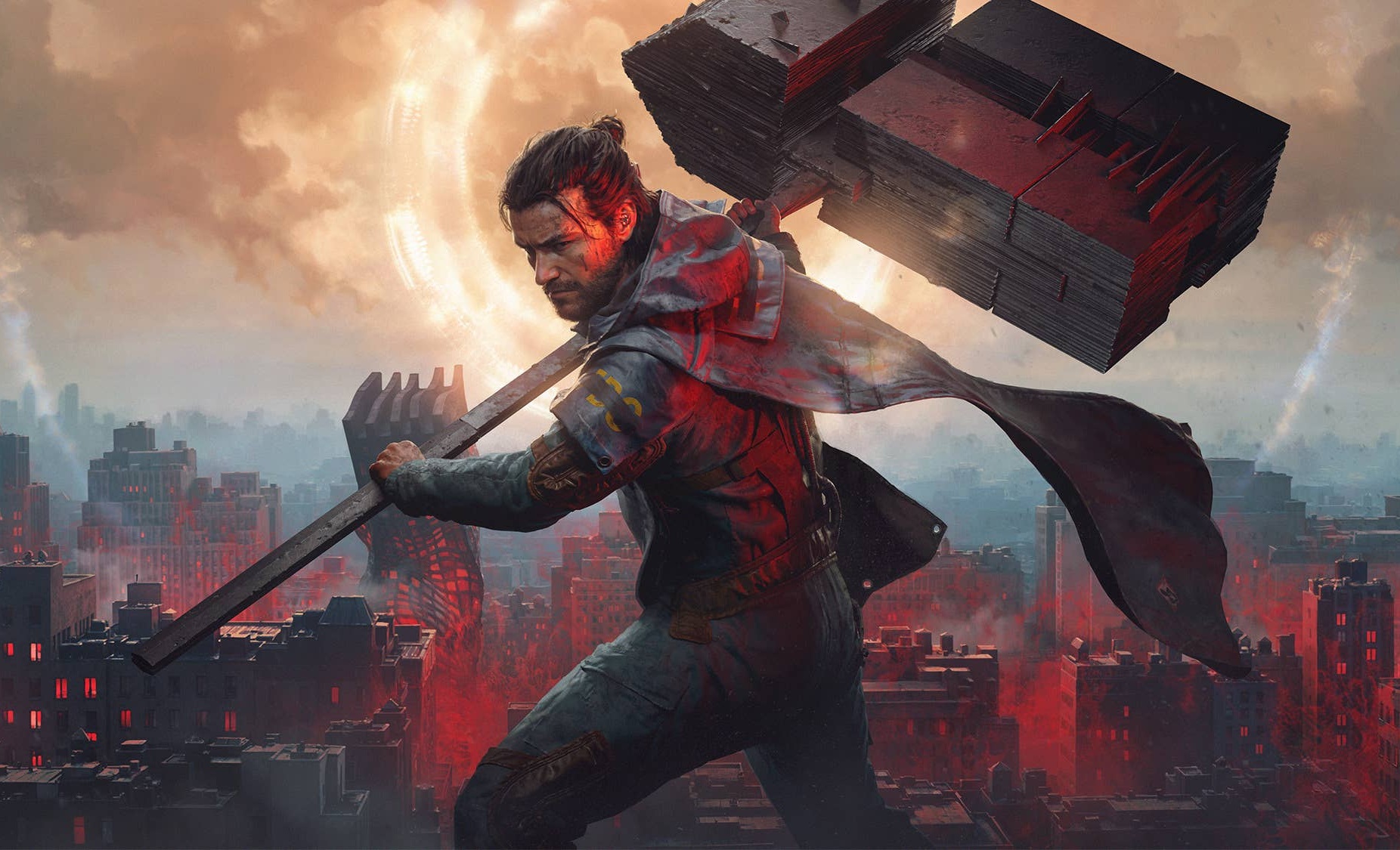
Like a drug trip: Control Resonant review
LSD trip.
The first installment already stood out with its unusual story, fascinating gameplay, and distinctive visual style. Control Resonant follows in the same vein and has a few surprises in store. In this article, we focus primarily on the technical aspects.Florian Glaser, 👁 Florian Glaser, ✓ Ninh Duy (translated by NBC / Ninh Duy) Published 🇩🇪
Technology, settings & benchmarks
Like its predecessor, Control Resonant was developed by Finnish video game developer Remedy Entertainment, best known for the Max Payne and Alan Wake series. As with the studio's other titles, it once again uses Remedy's in-house Northlight engine, which supports a wide range of modern features.
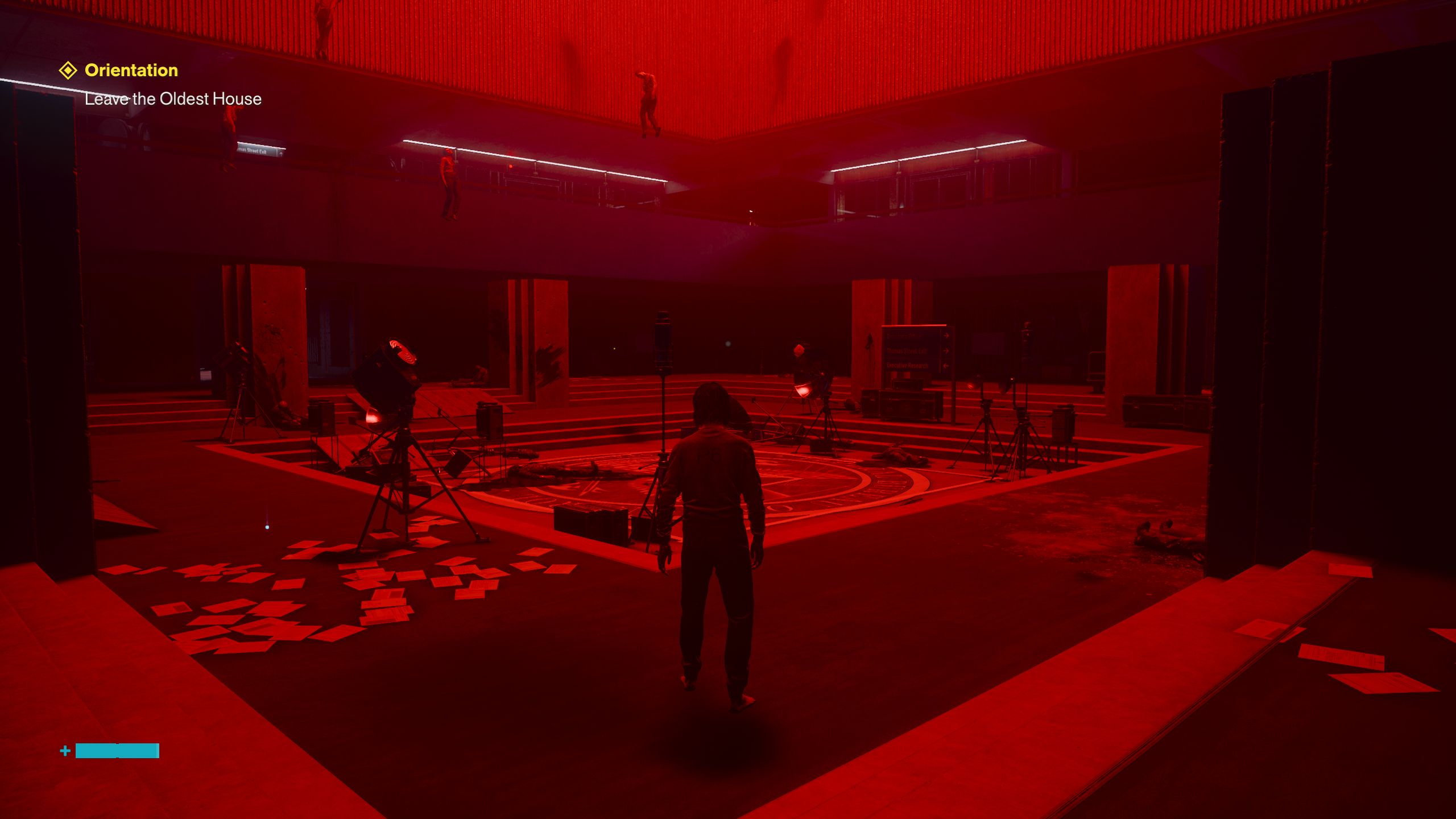
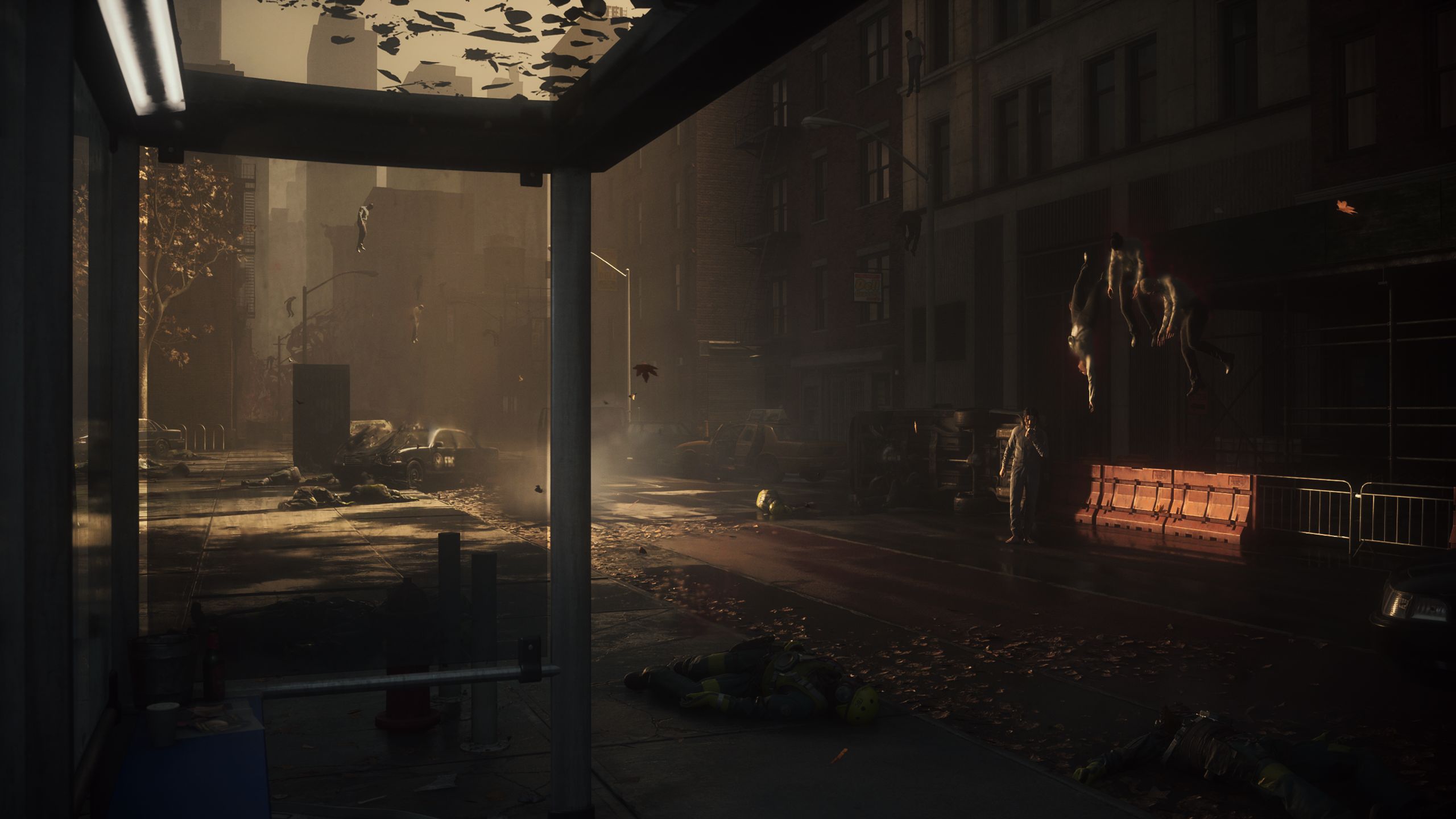
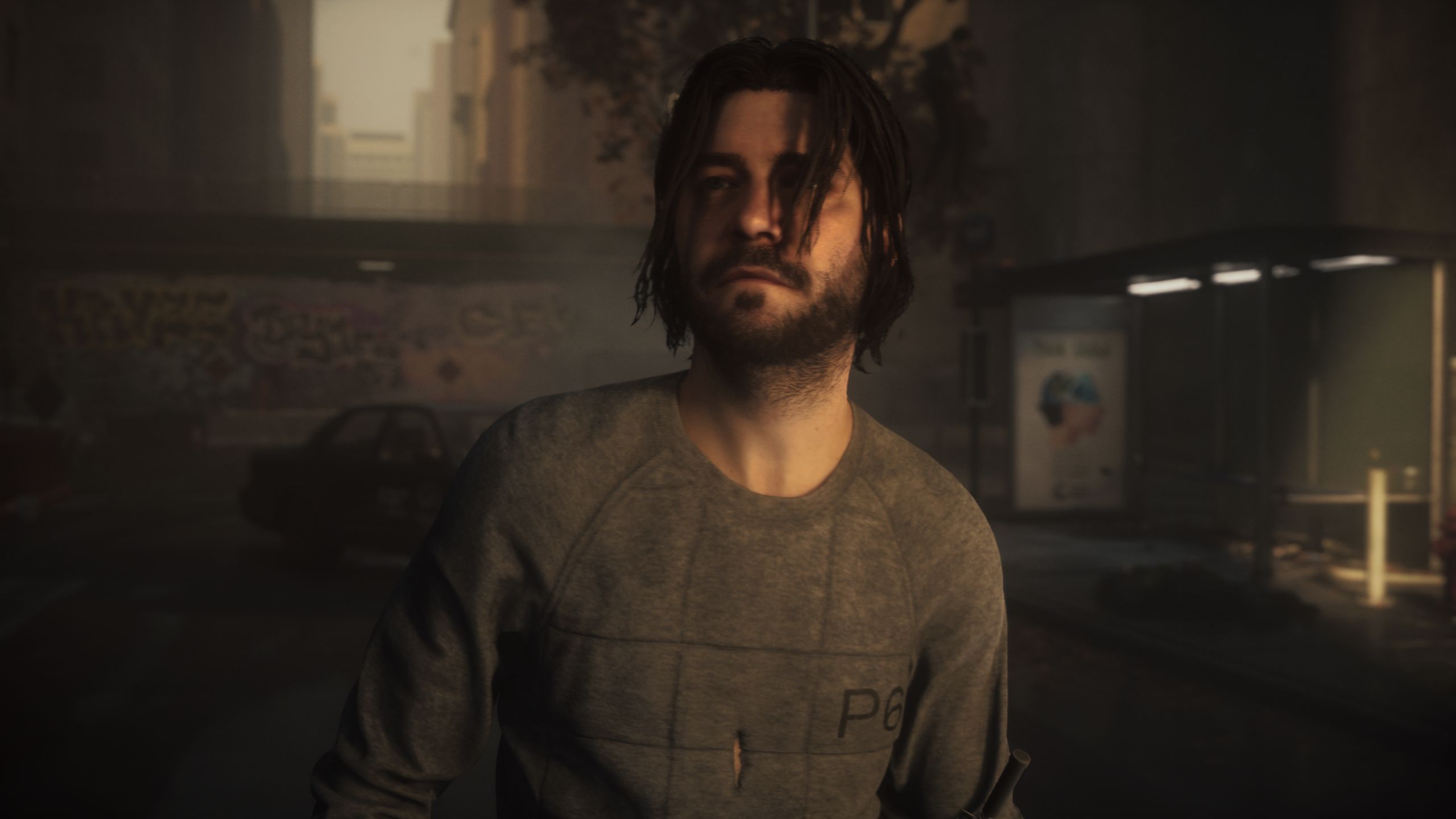
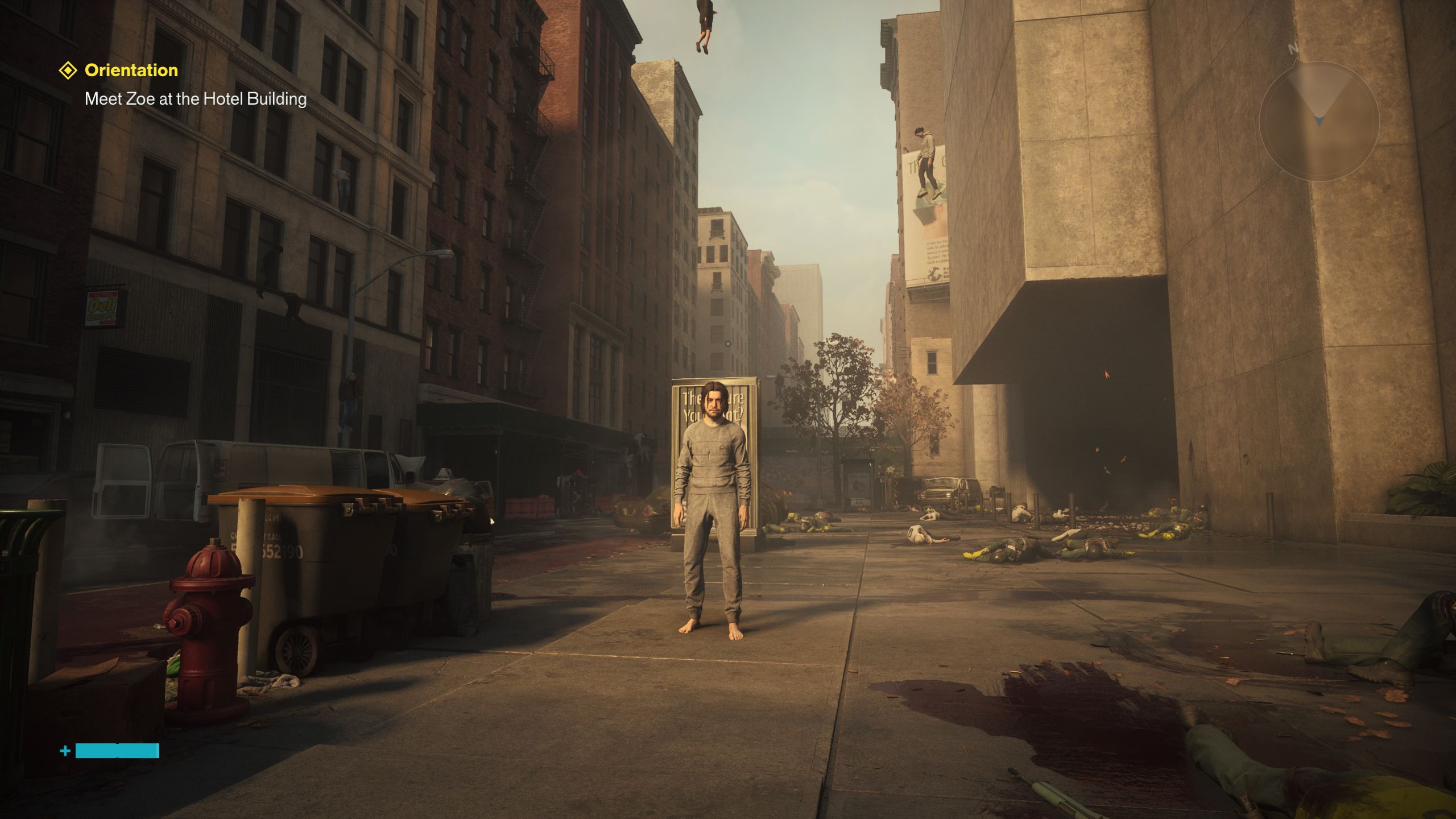
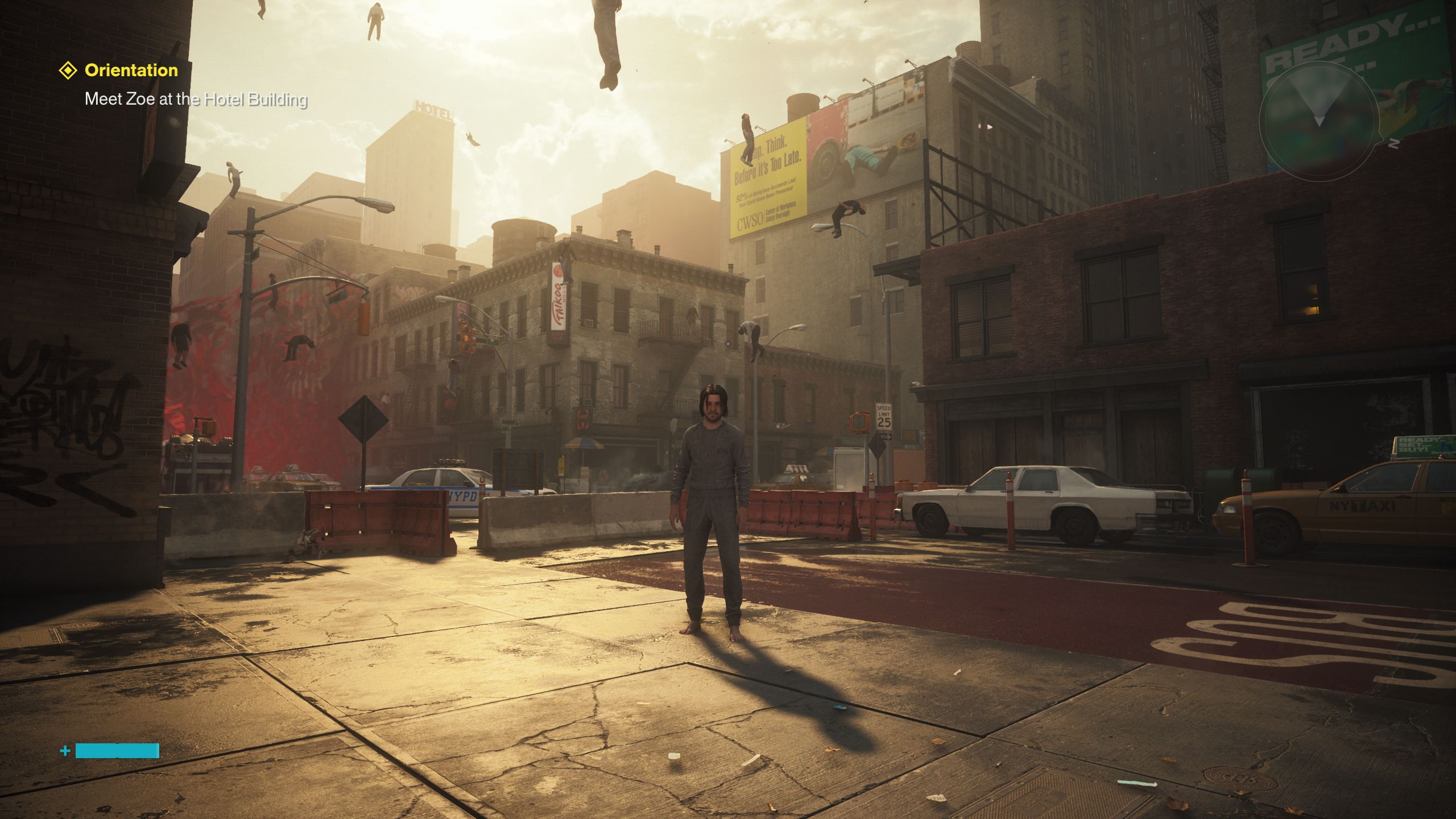
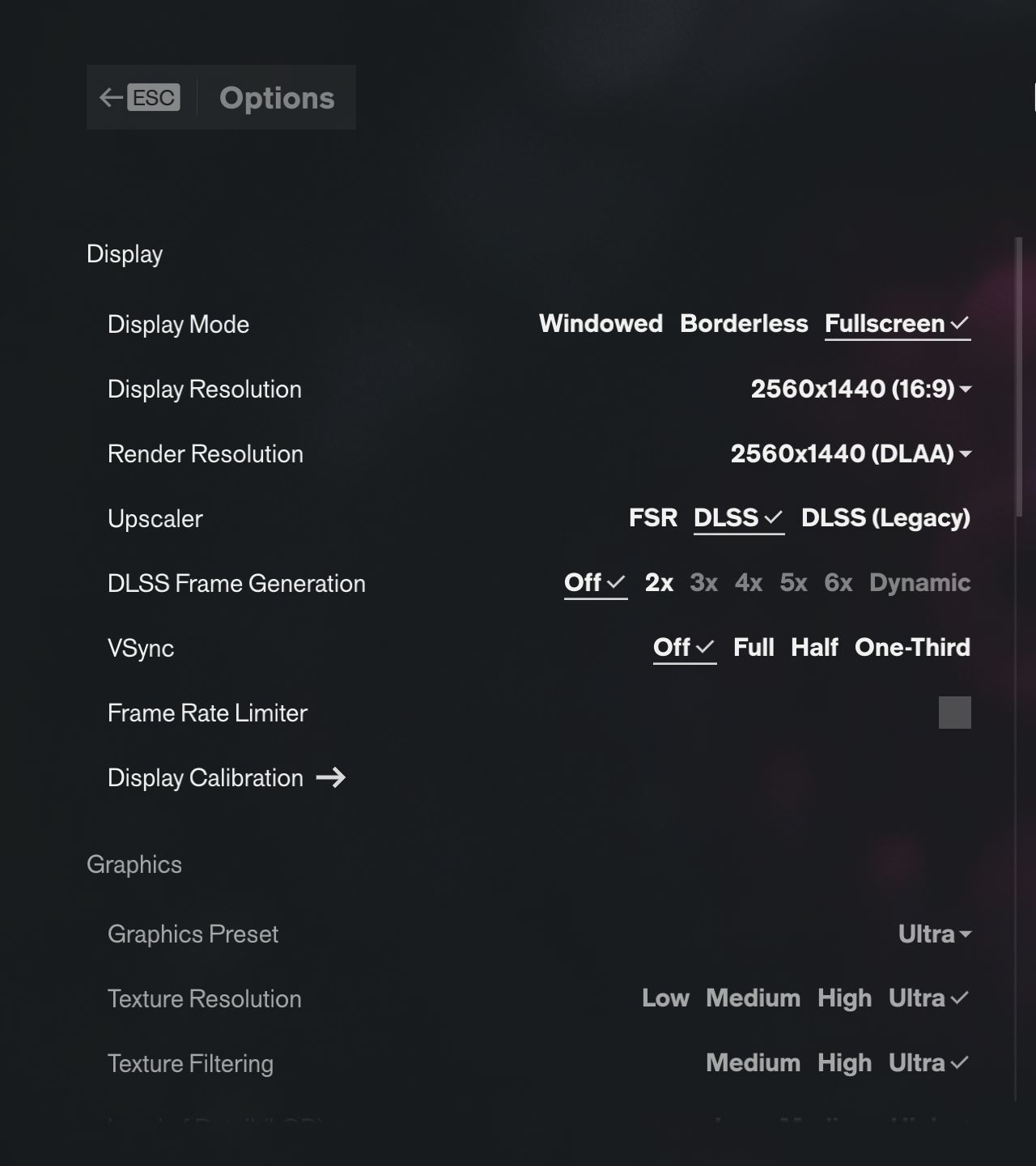
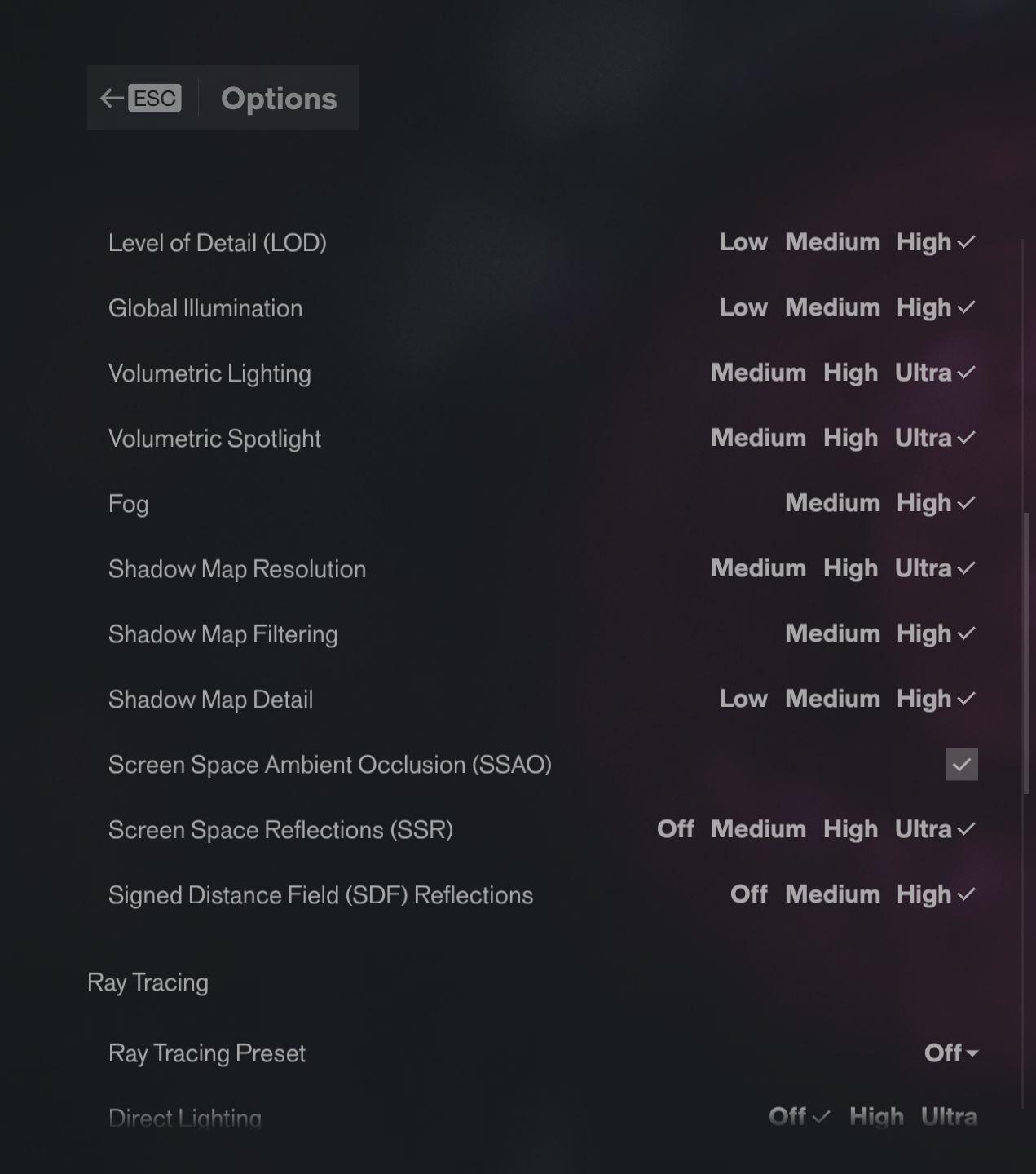
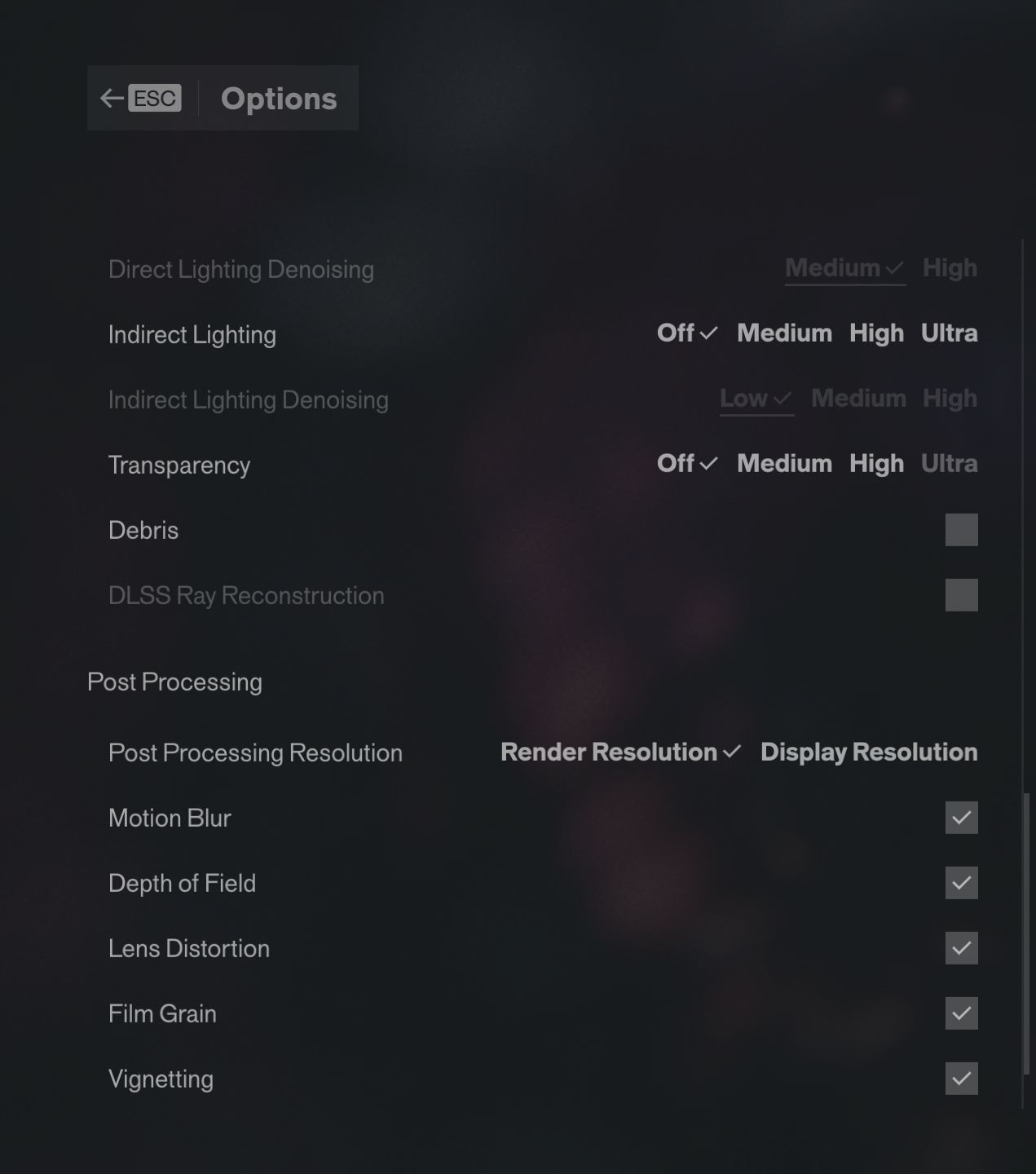
As is almost customary these days, Control Resonant supports not only upscaling (FSR and DLSS, optionally with frame generation), but also ray tracing, which delivers particularly attractive reflections. At the maximum Ultra setting, which comes with a substantial performance hit, ray reconstruction is enabled automatically. Yet even without ray tracing, Control Resonant still looks more than respectable, with several graphics presets available in the options menu, ranging from Handheld to Ultra.
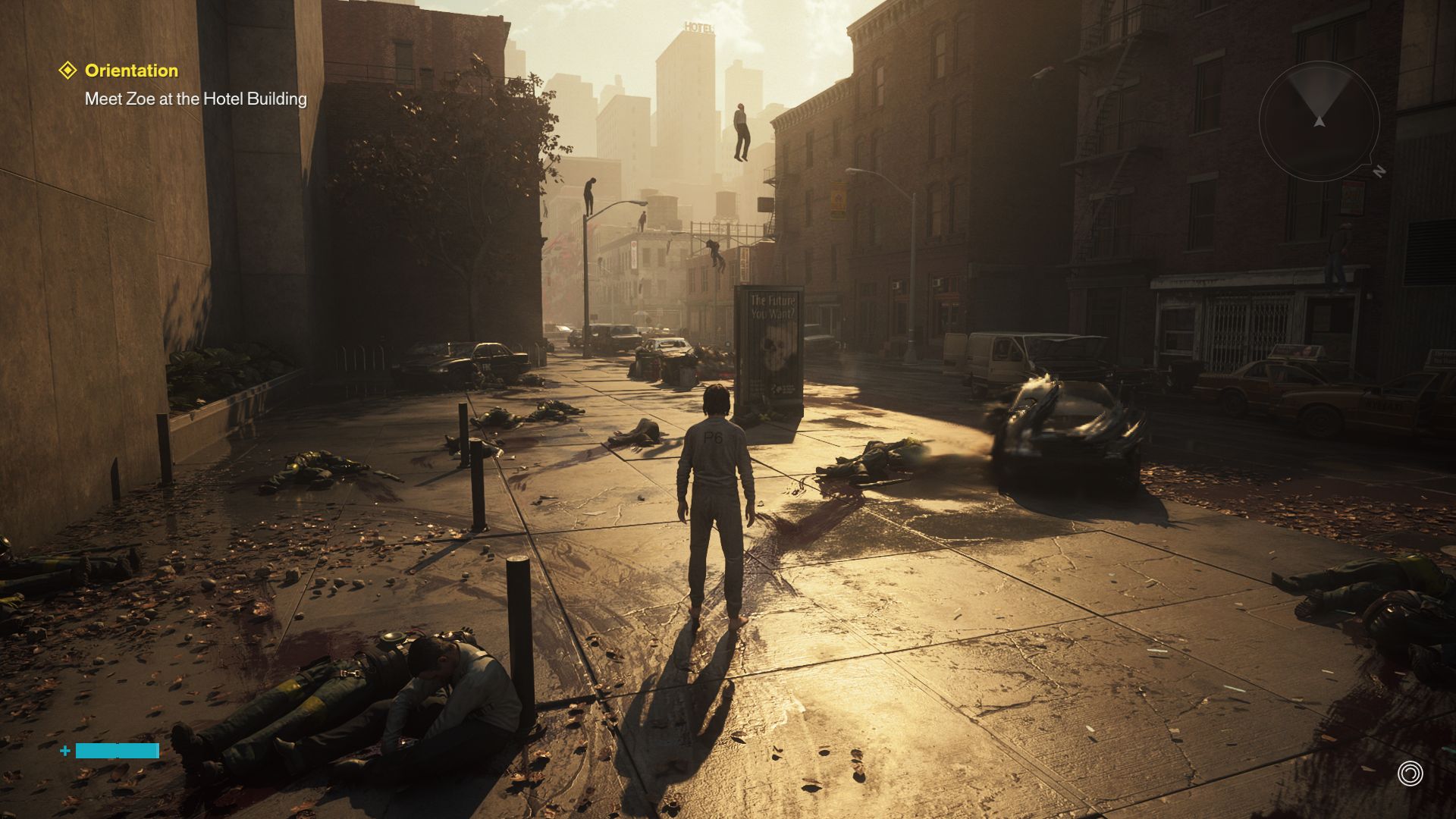
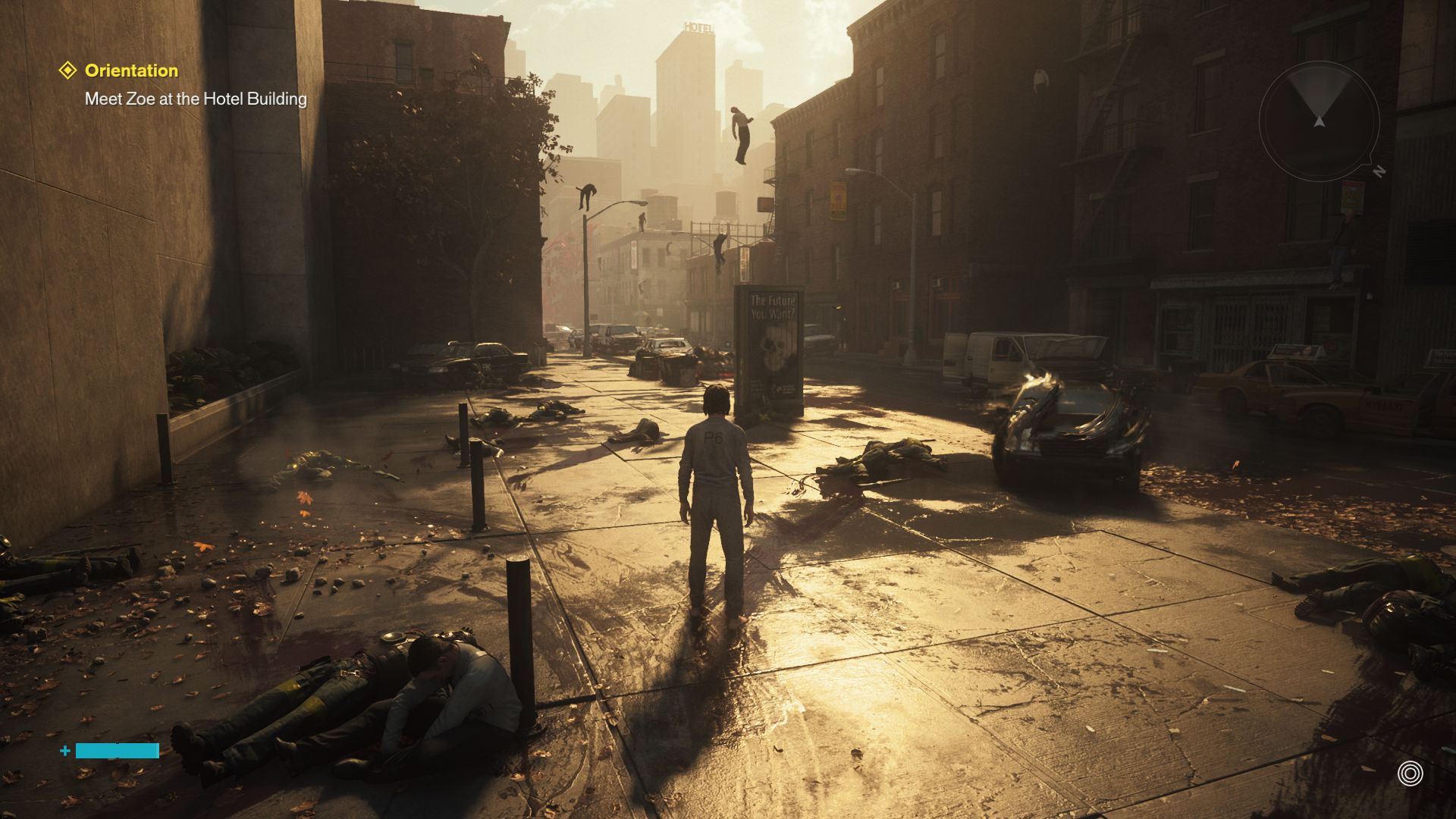
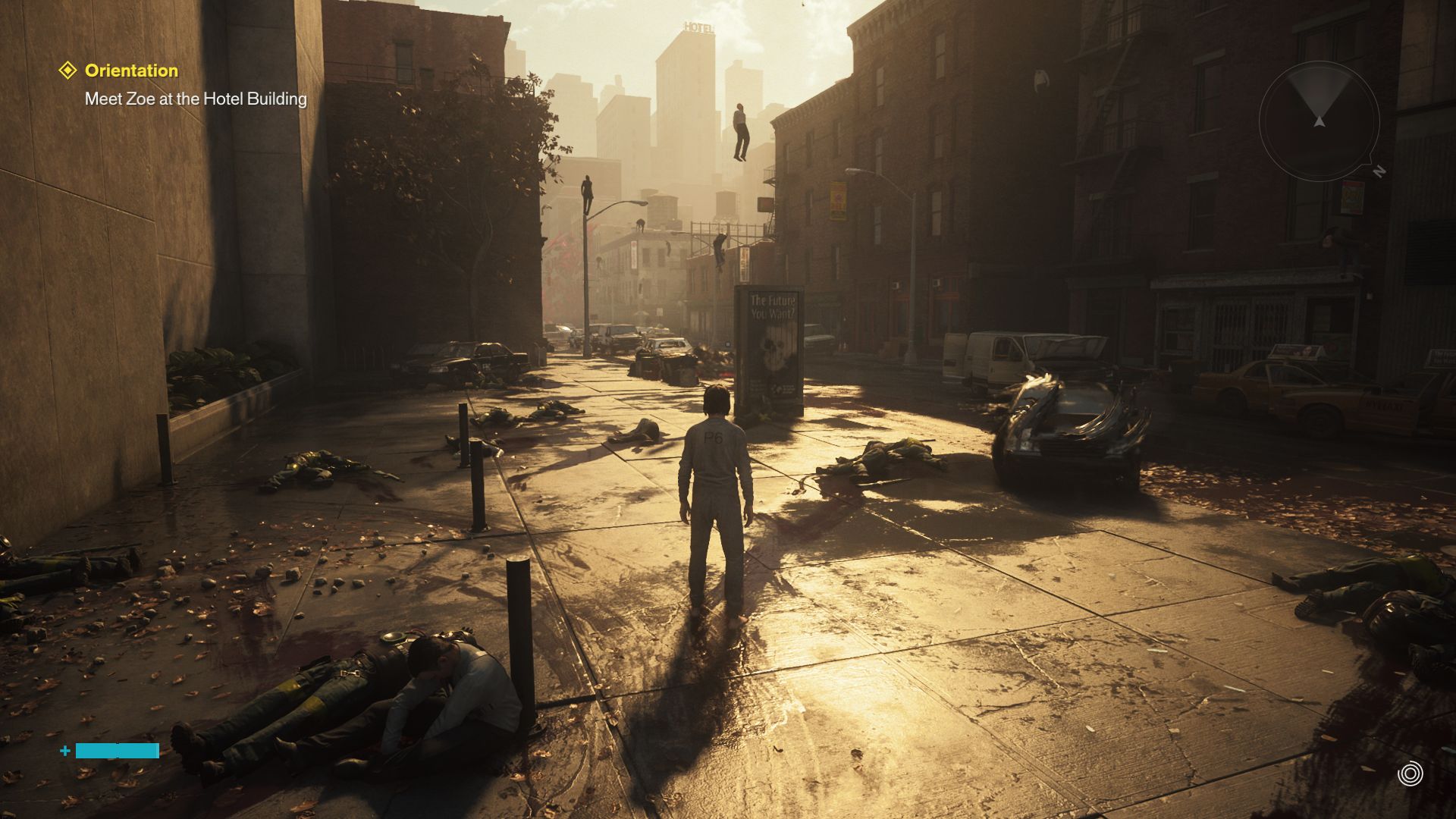
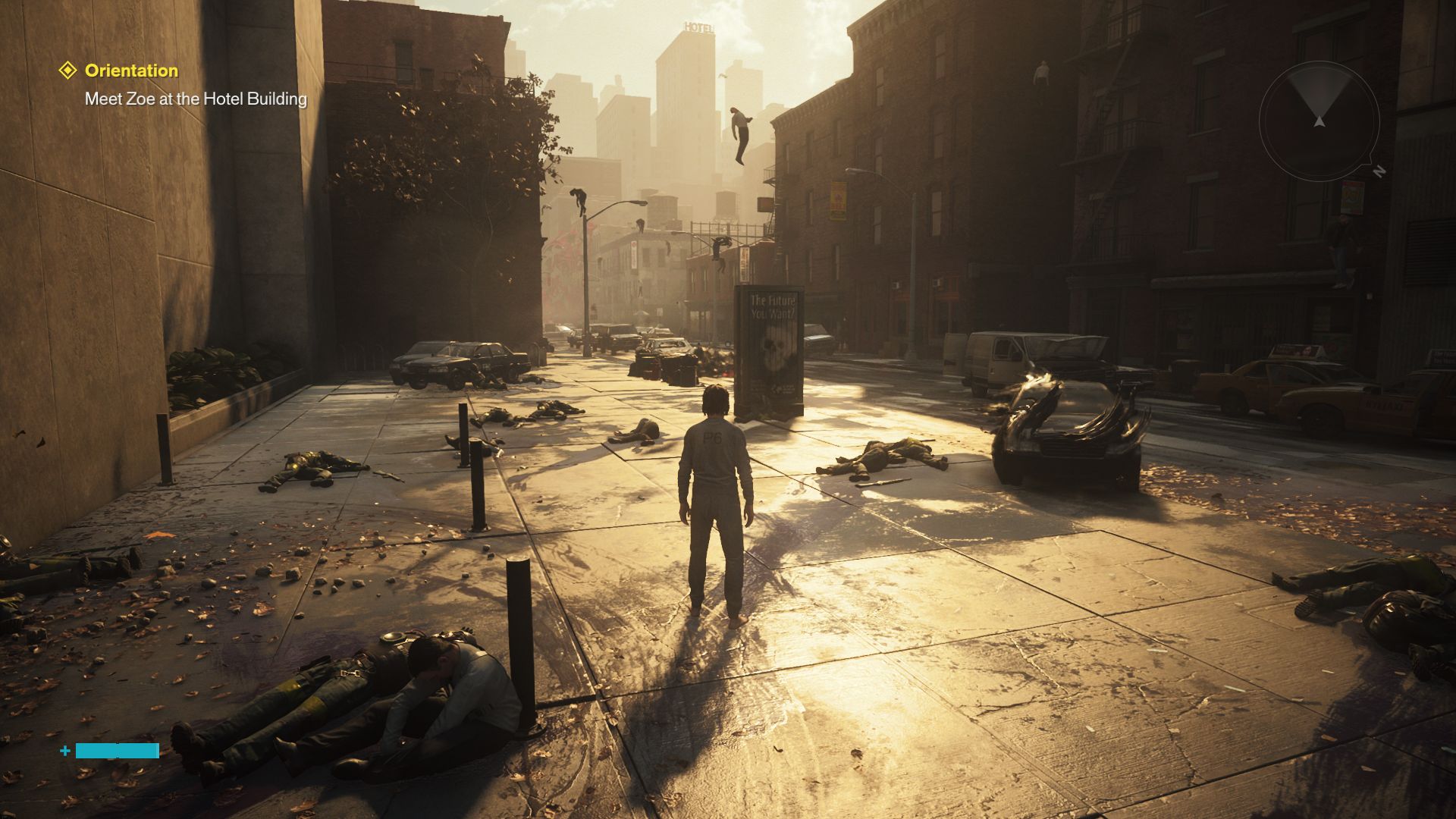
One particularly welcome feature is that all changes are applied without requiring a restart. Loading and waiting times are generally reasonable. However, with a download size of more than 90 GB, the game is quite large. Apart from one exception that we were unable to reproduce, we did not encounter any crashes. In terms of content, the game also made a positive impression during our hands-on session. In addition to the dynamic combat system, the extensive physics simulation and attractive effects also stood out positively.
For our benchmark sequence, we use a scene from early in the game, just after the character is released into the outside world. Using CapFrameX, we record a predefined route for around 20 seconds, as shown in the video below.
Results
FHD / 1,920 x 1,080
Without ray tracing, Control Resonant's hardware requirements are still reasonably moderate. In Full HD, for example, a GeForce RTX 5060 Laptop can handle high settings at a frame rate approaching 60 fps. If you want to use maximum settings and full ray tracing, however, you should opt for at least a GeForce RTX 5080 Laptop.
| Control Resonant | |
| 1920x1080 Handheld Preset AA:DL 1920x1080 Medium Preset AA:DL 1920x1080 High Preset AA:DL 1920x1080 Ultra Preset + Ultra Ray Tracing AA:DL | |
| NVIDIA GeForce RTX 4080, i9-13900K | |
| NVIDIA GeForce RTX 5090 Laptop, Ultra 9 275HX | |
| NVIDIA GeForce RTX 5080 Laptop, Ultra 9 275HX | |
| NVIDIA GeForce RTX 5060 Laptop, Ultra 9 275HX | |
QHD / 2,560 x 1,440 (+ upscaling)
QHD displays are even more demanding. Here, even the current top-end laptop GPU, the GeForce RTX 5090 Laptop, struggles with all settings maxed out. With DLSS Balanced, meanwhile, a graphics card on the level of the GeForce RTX 5070 Ti Laptop should be sufficient.
| Control Resonant | |
| 2560x1440 Ultra Preset + Ultra Ray Tracing AA:DL 2560x1440 Ultra Preset + Ultra Ray Tracing + DLSS Balanced | |
| NVIDIA GeForce RTX 4080, i9-13900K | |
| NVIDIA GeForce RTX 5090 Laptop, Ultra 9 275HX | |
| NVIDIA GeForce RTX 5080 Laptop, Ultra 9 275HX | |
| NVIDIA GeForce RTX 5060 Laptop, Ultra 9 275HX | |
UHD / 3,840 x 2,160 (+ upscaling)
At 4K, combining Ultra settings with Ultra ray tracing makes more aggressive upscaling virtually mandatory, as Control Resonant otherwise turns into a stutter-fest even on absolute high-end systems, as our table shows.
| Control Resonant | |
| 3840x2160 Ultra Preset + Ultra Ray Tracing AA:DL 3840x2160 Ultra Preset + Ultra Ray Tracing + DLSS Balanced | |
| NVIDIA GeForce RTX 4080, i9-13900K | |
| NVIDIA GeForce RTX 5090 Laptop, Ultra 9 275HX | |
| NVIDIA GeForce RTX 5080 Laptop, Ultra 9 275HX | |
| NVIDIA GeForce RTX 5060 Laptop, Ultra 9 275HX | |
(Multi) frame generation
We tested performance with frame generation enabled using the mobile RTX 5080. As expected, it delivers substantial FPS gains, although minimum frame rates sometimes improve only marginally.
| 3,840 x 2,160, Ultra preset & Ultra ray tracing | DLSS Balanced | DLSS Balanced + MFGx3 | DLSS Balanced + MFGx6 |
| GeForce RTX 5080 Laptop | 28 fps (1% low: 13 fps) | 71 fps (1% low: 18 fps) | 126 fps (1% low: 17 fps) |
Conclusion – Ray tracing once comes at a heavy performance cost
As with many other ray-tracing titles, the technology has a massive impact on performance, especially at higher settings, pushing even powerful gaming systems hard. If necessary, however, upscaling and frame generation can help, as usual.
Test systems


Overview
Because gaming benchmarks are very time-consuming and are sometimes delayed by activation restrictions, we can only present a limited number of results at the time of publication. Results for additional GPUs will follow.
 Add as a preferred source on Google


