


Hands-on with the Asus ProArt GR1X Mini-PC with Nvidia RTX Spark N1X and 128 GB of RAM
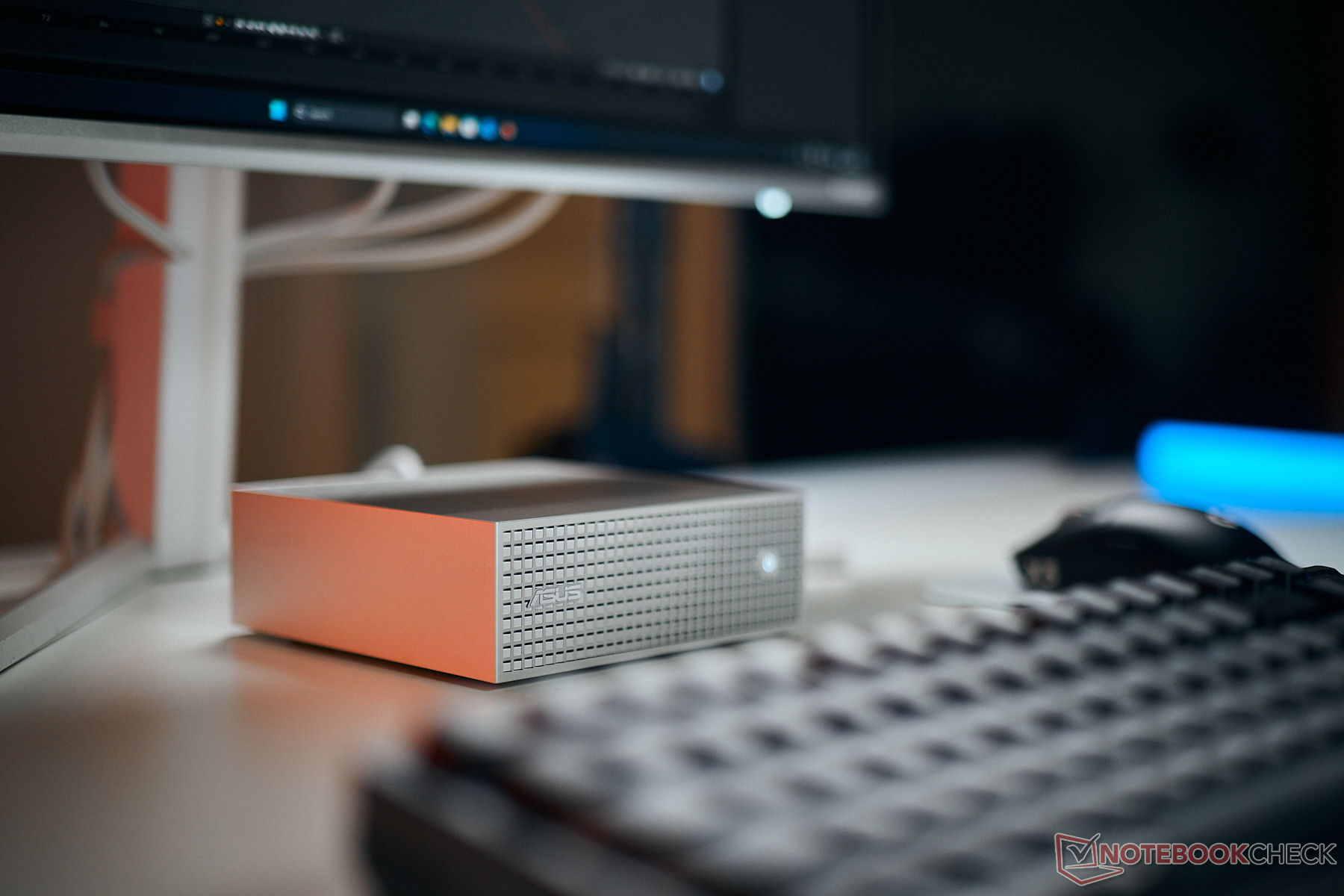
Desktops based on Nvidia’s RTX Spark N1X SoC have been around for some time, but until now they have run Linux. Nvidia introduced the N1X for Windows on ARM laptops in early October, and the first Windows desktops with the RTX Spark N1X are now coming to market, making it much easier to run many familiar applications. One of the first is the Asus ProArt GR1X mini PC, which we’ve already put through a few benchmarks. It uses the same chip as laptops such as the Asus ProArt P16 and ProArt P14, with a 20-core CPU and a Blackwell GPU with 6,144 cores. Our test unit has 128 GB of LPDDR5X-9400 RAM. In laptops, the RTX Spark N1X is limited to 80 W, whereas the desktop chip can draw up to 140 W. That higher limit mainly applies when the CPU and GPU are under load at the same time. When only one of them is under load, power consumption is much closer to that of the laptop versions.
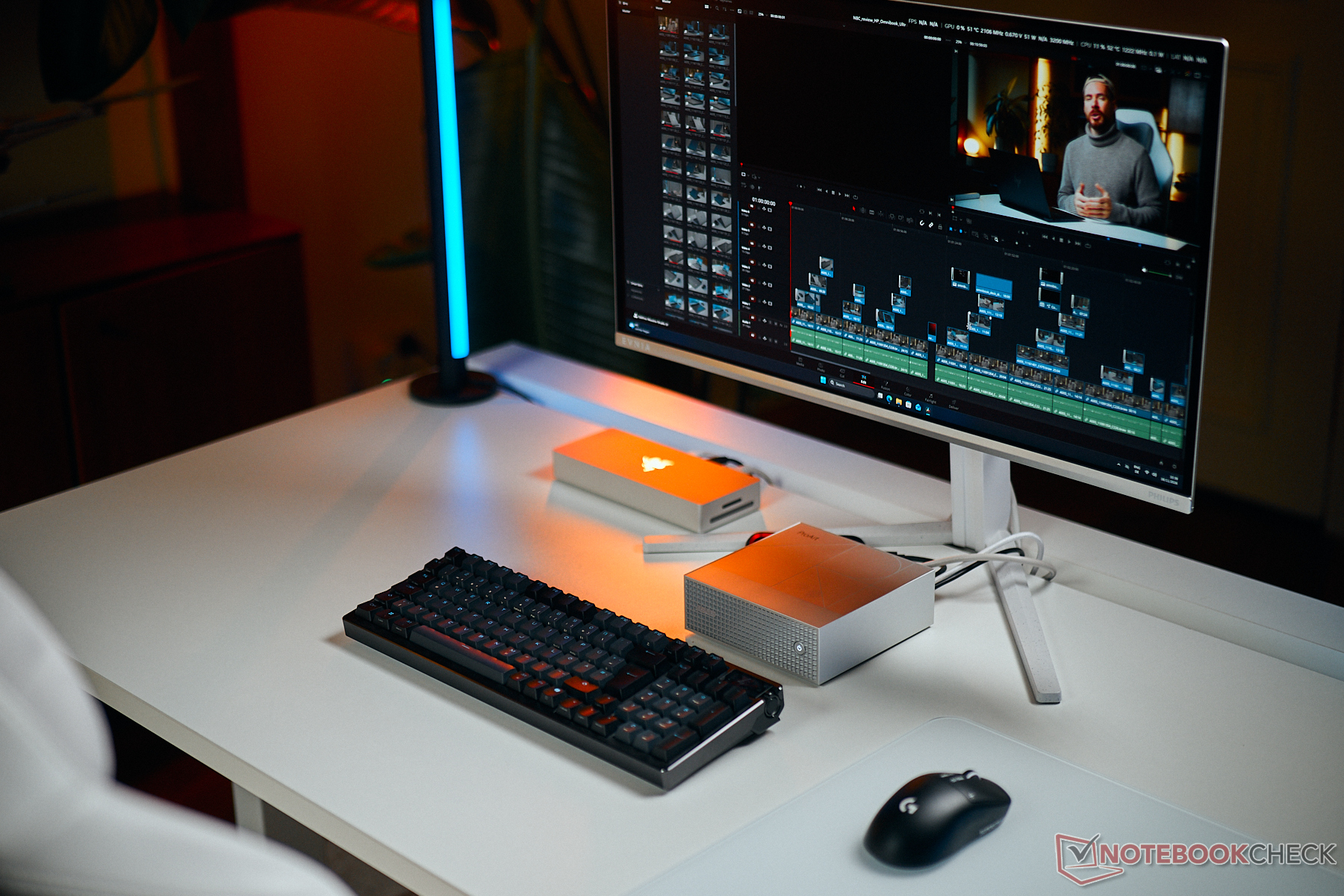
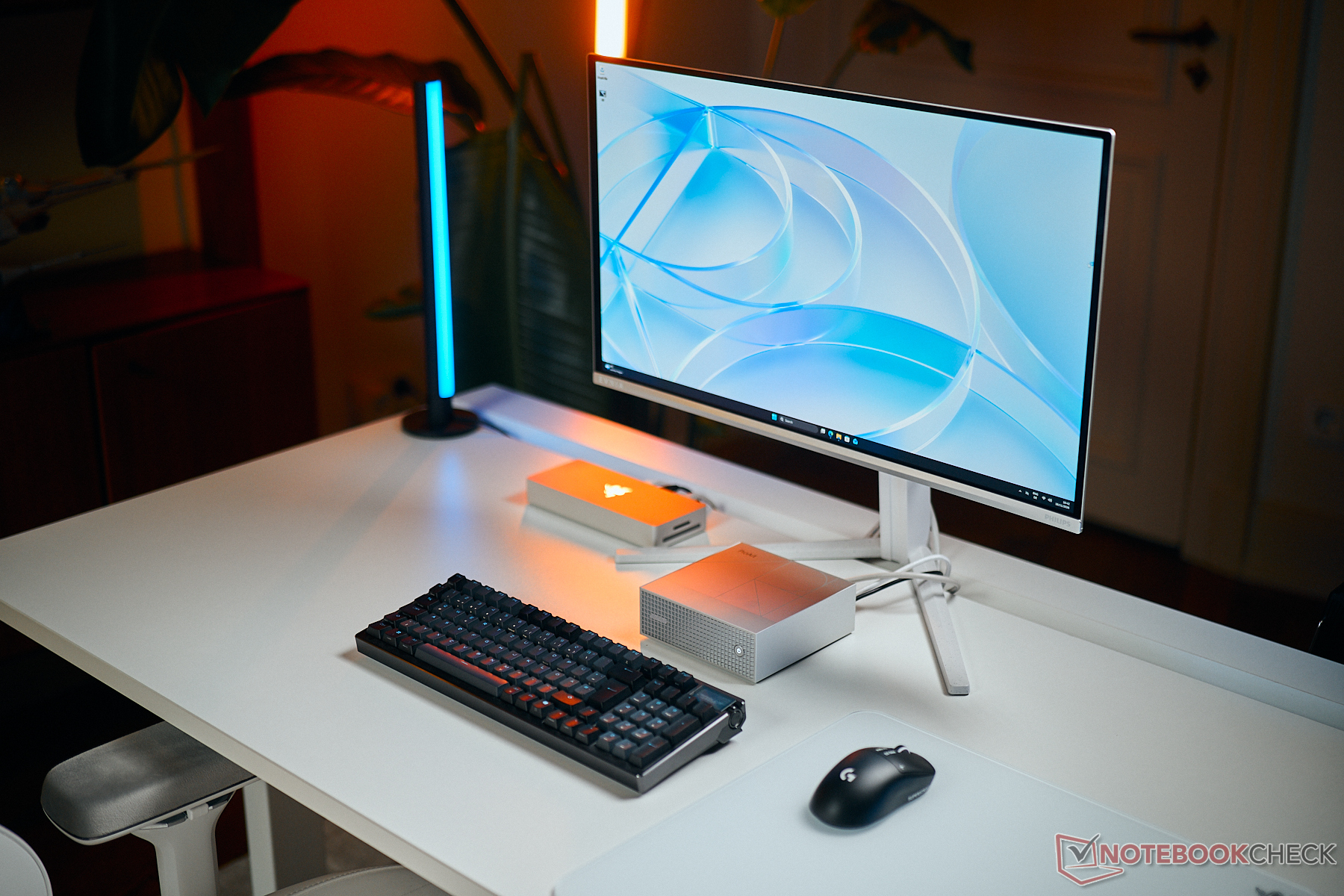
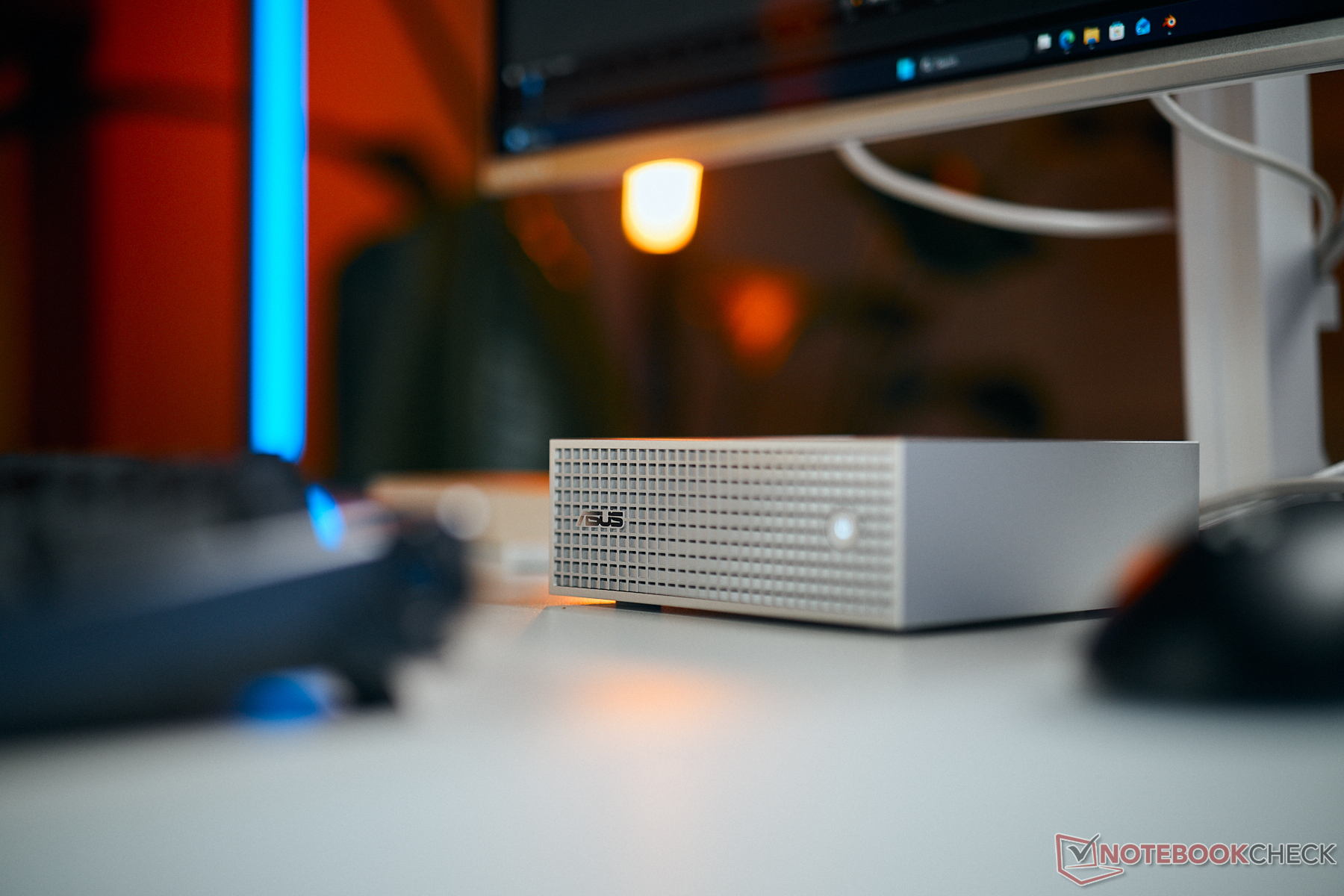
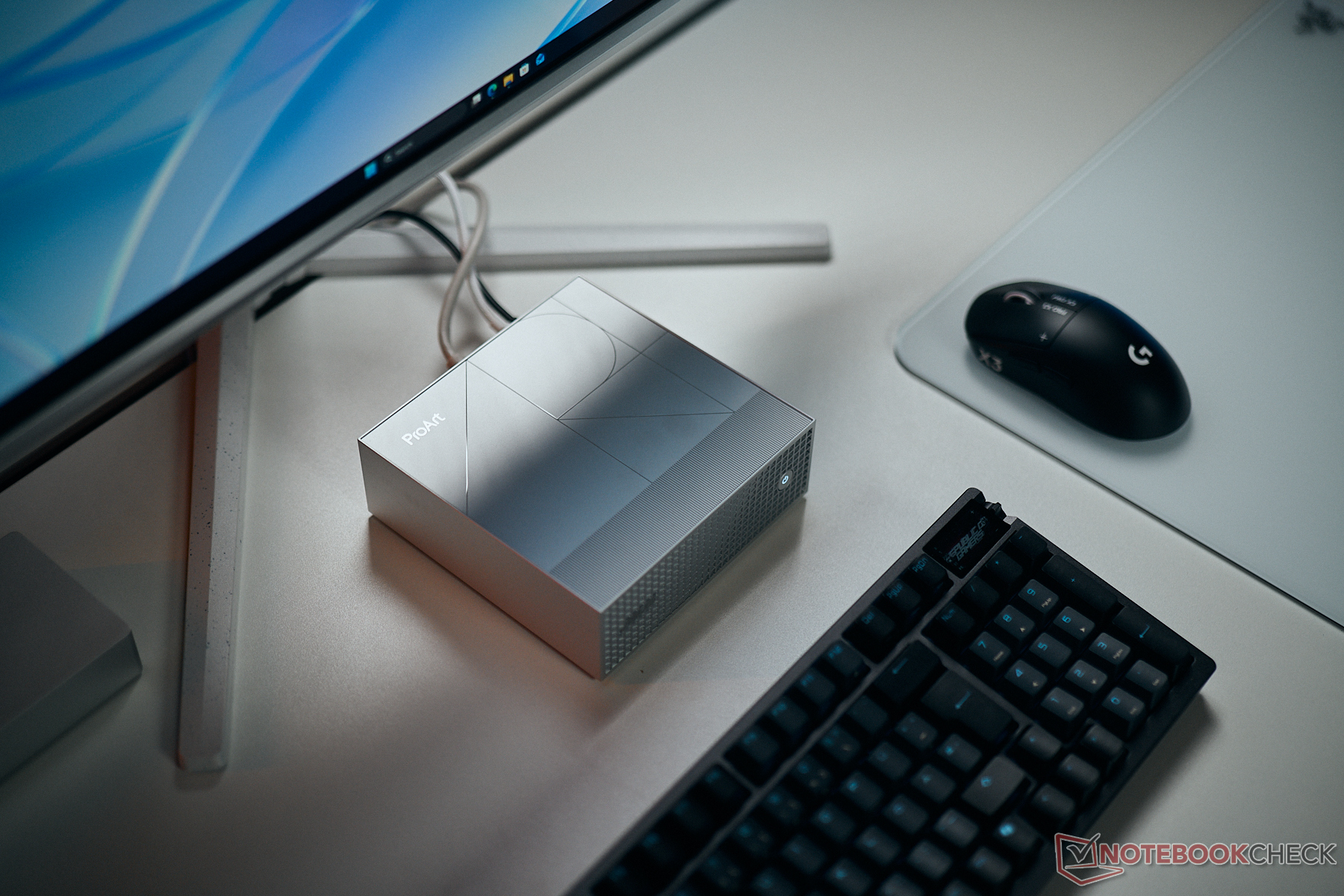
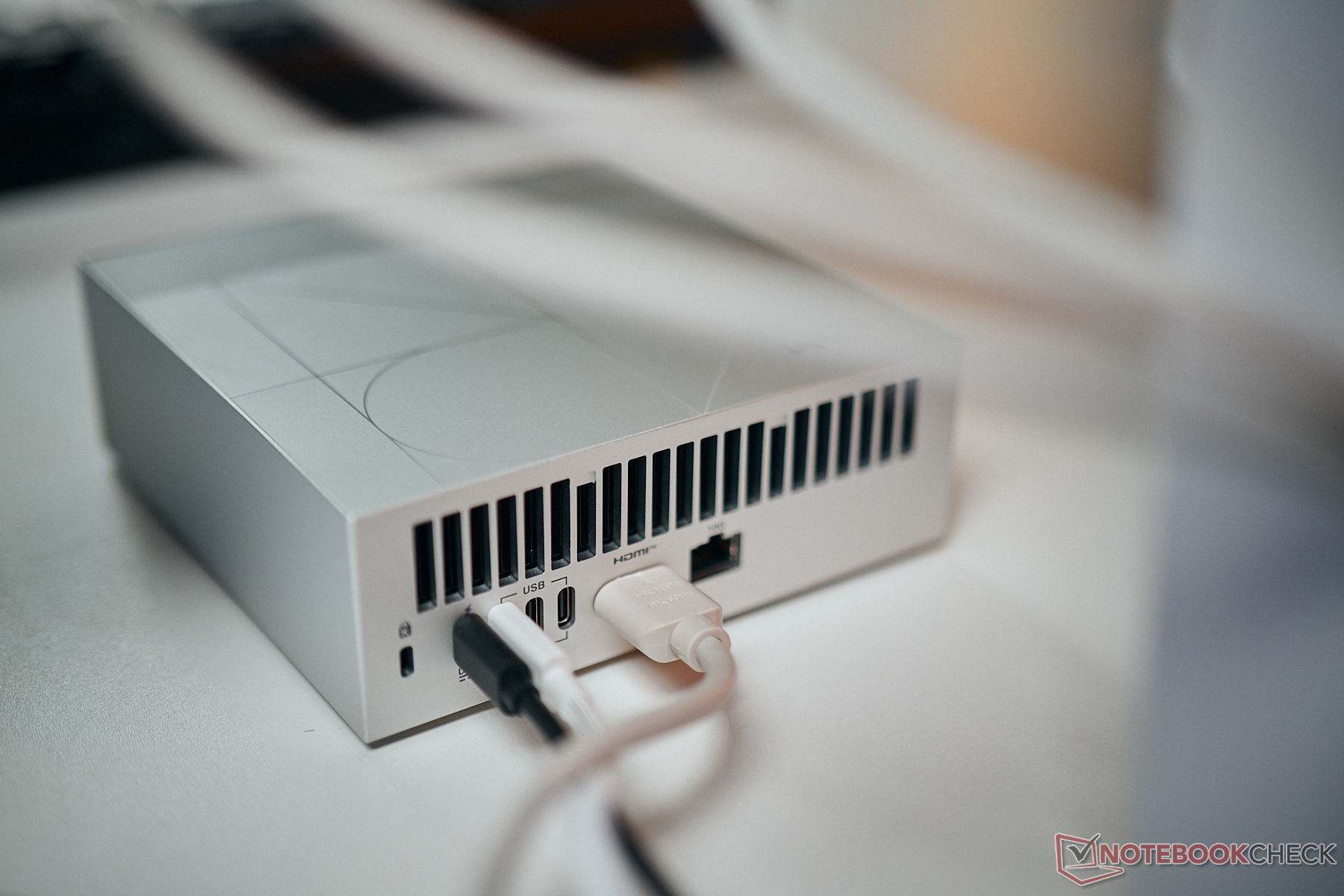
The ProArt GR1X is designed to run local AI models and agents around the clock, and with up to 128 GB of RAM, it can do so comfortably. Because it runs Windows, this compact mini PC can do a lot more, including video editing and even gaming. The main caveat is compatibility: some applications and, in particular, some peripherals still don’t work with Windows on ARM. Widely used apps such as those in Adobe’s suite work fine, though. Gaming support is still more limited: popular titles such as Call of Duty, Battlefield and F1 2025 don’t run. That’s likely to improve fairly quickly.
We’ve already run a few benchmarks and were surprised by how little extra performance the desktop delivers compared with the laptop versions. CPU performance is essentially identical, suggesting that the ARM chip already reaches its performance limit at 80 W. The Blackwell GPU can draw a little more power, up to 95 W, and delivers slightly better performance as a result. Overall, graphics performance is still on par with a laptop GeForce RTX 5070.
| Performance rating - Percent | |
| Asus ProArt GR1X | |
| Asus ProArt P16 H7607 | |
| HP OmniBook Ultra 16-bk0013dx | |
| Microsoft Surface Laptop Ultra 2026 | |
| Lenovo Pro 9 15N1X11 | |
| Cinebench 2024 | |
| CPU Multi Core | |
| Asus ProArt P16 H7607 | |
| Asus ProArt GR1X | |
| Microsoft Surface Laptop Ultra 2026 | |
| HP OmniBook Ultra 16-bk0013dx | |
| Lenovo Pro 9 15N1X11 | |
| CPU Single Core | |
| HP OmniBook Ultra 16-bk0013dx | |
| Microsoft Surface Laptop Ultra 2026 | |
| Asus ProArt P16 H7607 | |
| Lenovo Pro 9 15N1X11 | |
| Asus ProArt GR1X | |
| 3DMark | |
| Steel Nomad Score | |
| Asus ProArt GR1X | |
| Asus ProArt P16 H7607 | |
| Microsoft Surface Laptop Ultra 2026 | |
| HP OmniBook Ultra 16-bk0013dx | |
| Lenovo Pro 9 15N1X11 | |
| 2560x1440 Speed Way Score | |
| Asus ProArt GR1X | |
| HP OmniBook Ultra 16-bk0013dx | |
| Asus ProArt P16 H7607 | |
| Microsoft Surface Laptop Ultra 2026 | |
| Lenovo Pro 9 15N1X11 | |
| 2560x1440 Time Spy Graphics | |
| Asus ProArt GR1X | |
| HP OmniBook Ultra 16-bk0013dx | |
| Lenovo Pro 9 15N1X11 | |
| Asus ProArt P16 H7607 | |
| Microsoft Surface Laptop Ultra 2026 | |
Over the next few days, we’ll test the new ProArt GR1X in more depth and run our usual benchmarks and measurements. We’re particularly interested in noise levels, since the compact mini PC stayed very quiet in our initial tests. For a closer look at the device, check out our YouTube video. If you have questions or suggestions for our testing, feel free to leave a comment.
 Add as a preferred source on Google


