




Free app reveals capabilities of USB-C cables for MacBook Air and other devices
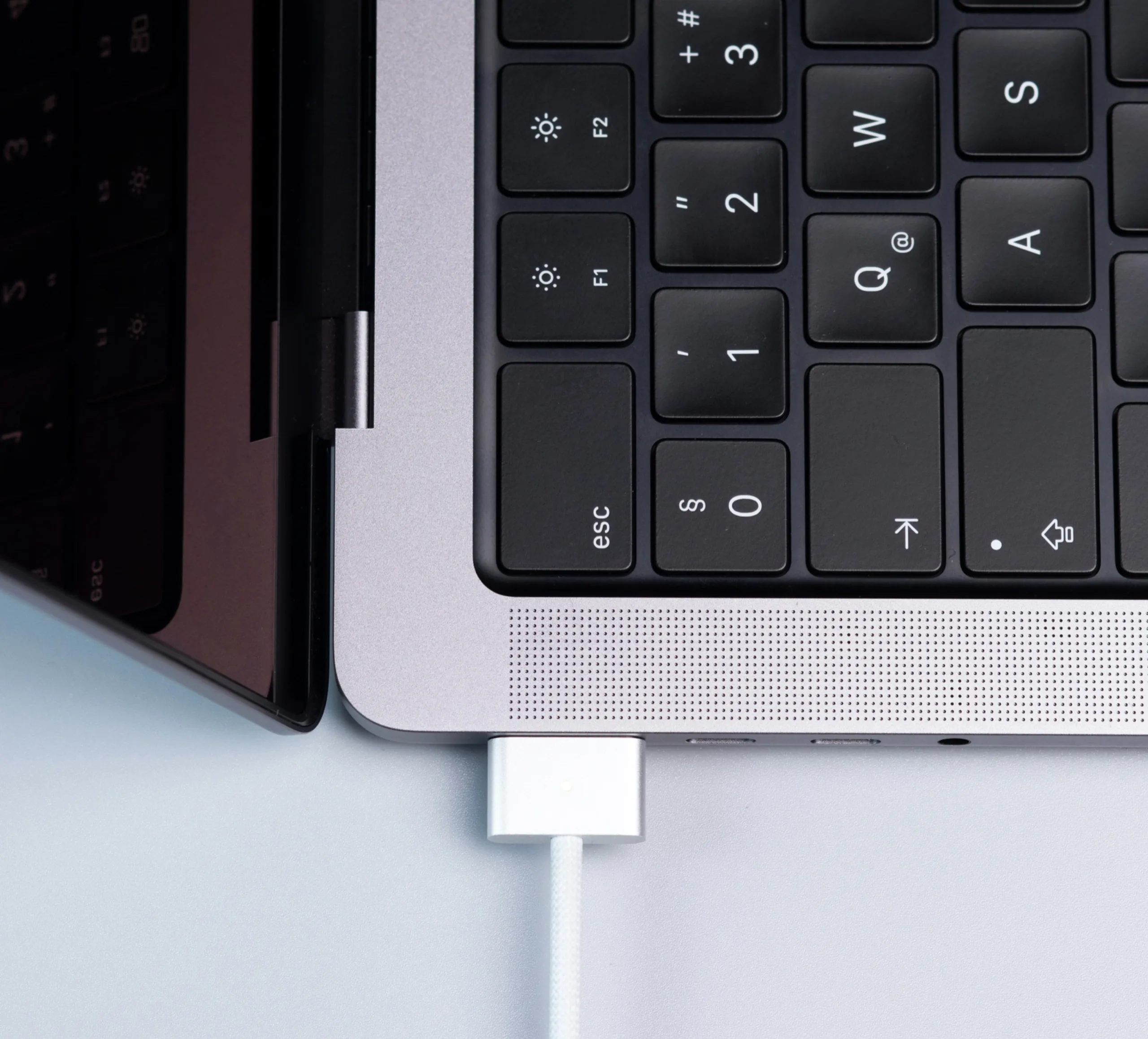
Anyone who has a drawer full of USB-C cables knows how frustrating it can be to grab a cable, only to realize that data is transferring at a snail’s pace, or that the laptop battery is draining even while the charger is plugged in. That’s because, aside from Thunderbolt cables, which are usually marked with a lightning bolt on the connector, most USB-C cable manufacturers don’t include any labeling that indicates the cable’s capabilities.
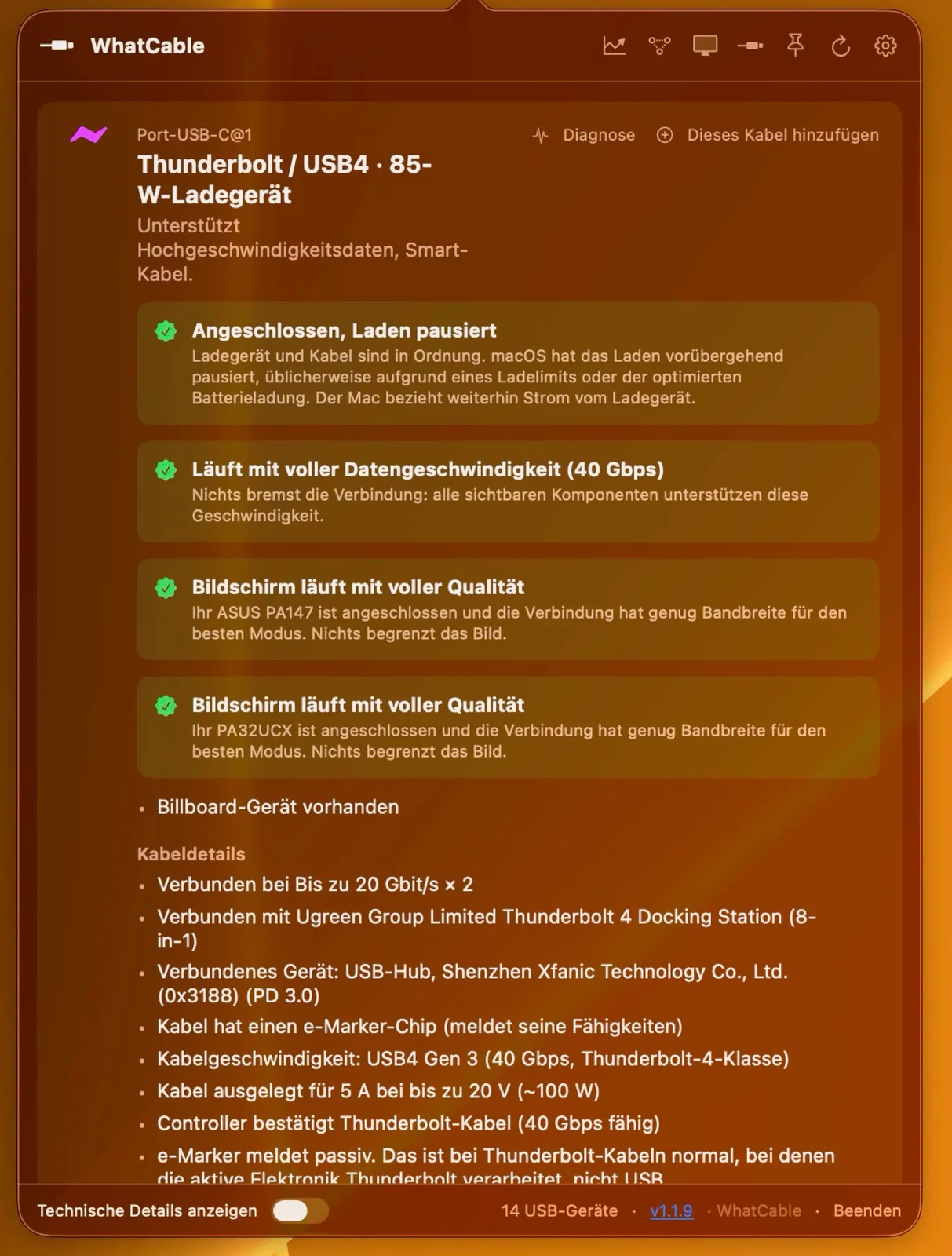
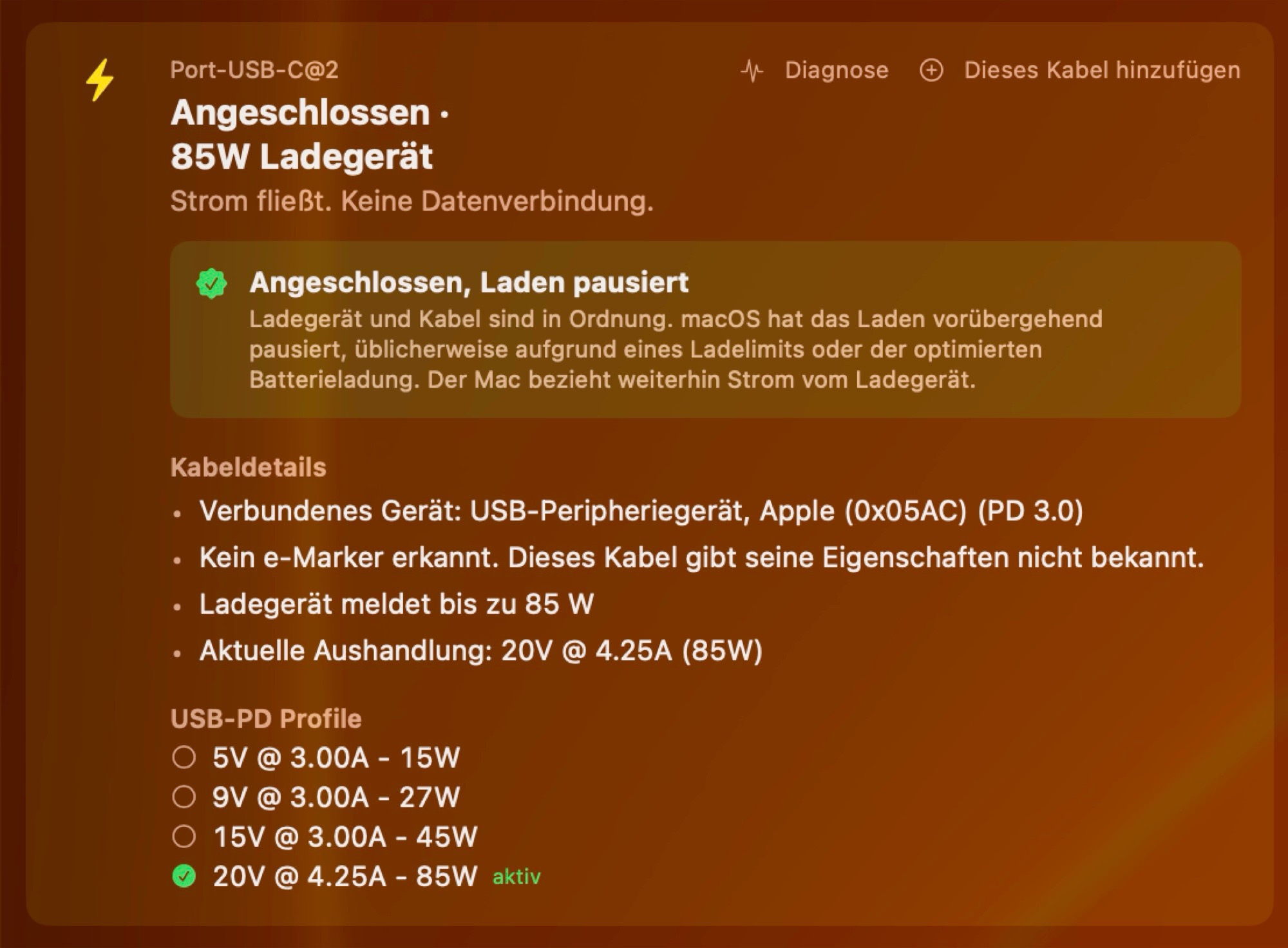
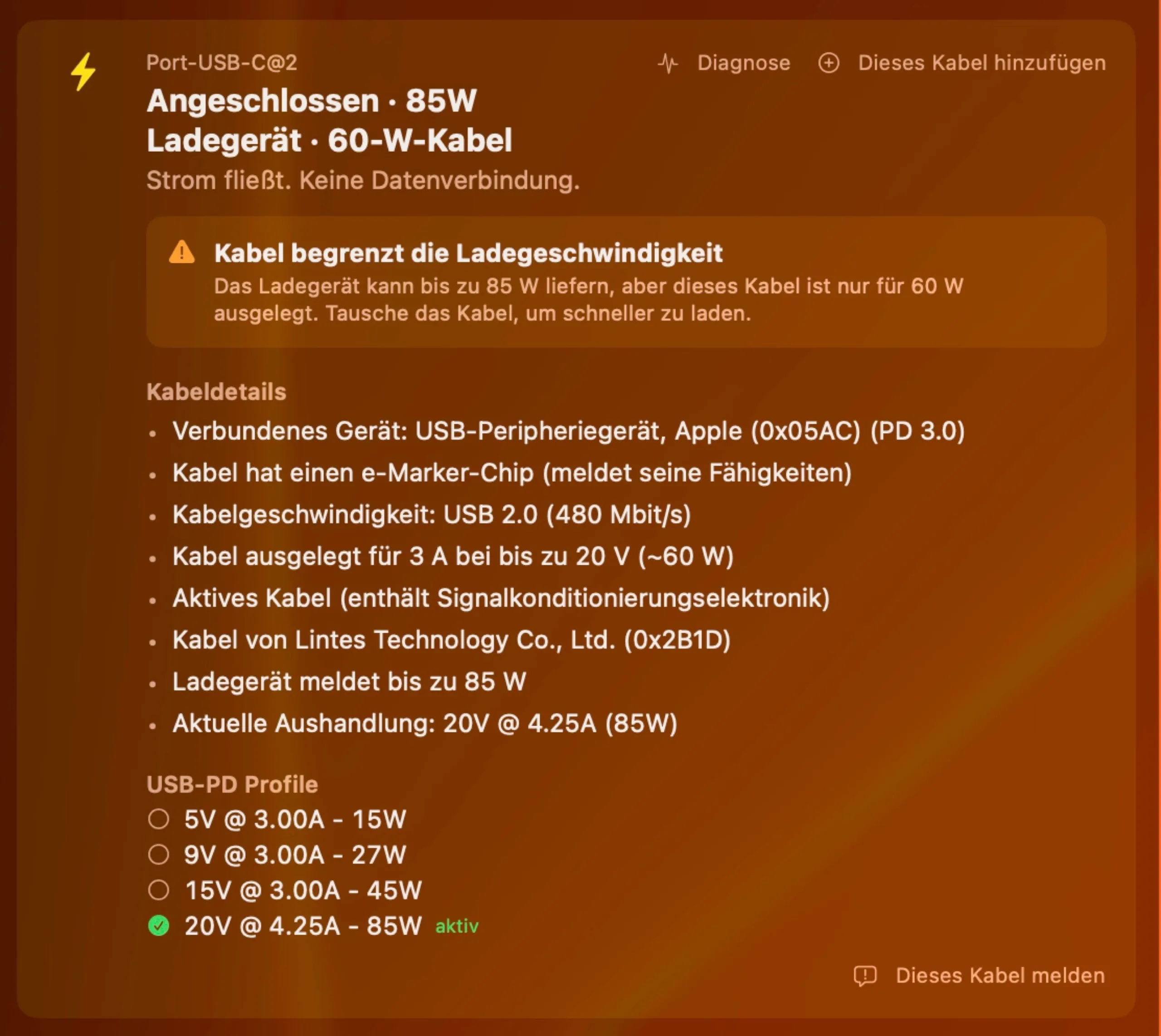
The free macOS app WhatCable is now designed to solve this problem, at least for users of a MacBook Pro, MacBook Air, MacBook Neo ($699 on Amazon), Mac mini, or iMac. Once the app is opened, an icon appears in the menu bar that provides information about each USB-C port on a Mac. The app displays both the maximum data rate and the supported USB-C Power Delivery profiles for each cable, and can also provide information about connected devices. This is useful, for example, for checking whether the bandwidth is sufficient to run all monitors connected to a dock at full resolution and frame rate.
In a quick test, this doesn’t always work. With inexpensive cables without an E-Marker chip, the app displays how much power can be transmitted, but it cannot provide information about the data rate. A Thunderbolt 3 cable connected to a USB device instead of a Thunderbolt device is incorrectly displayed as a USB 2.0 cable (480 Mbit/s). In many cases, however, the displayed information is correct and quite helpful. WhatCable can be used for free, WhatCable Pro offers additional insights but costs a one-time fee of £9.99 ($13).
Source(s)
 Add as a preferred source on Google


