




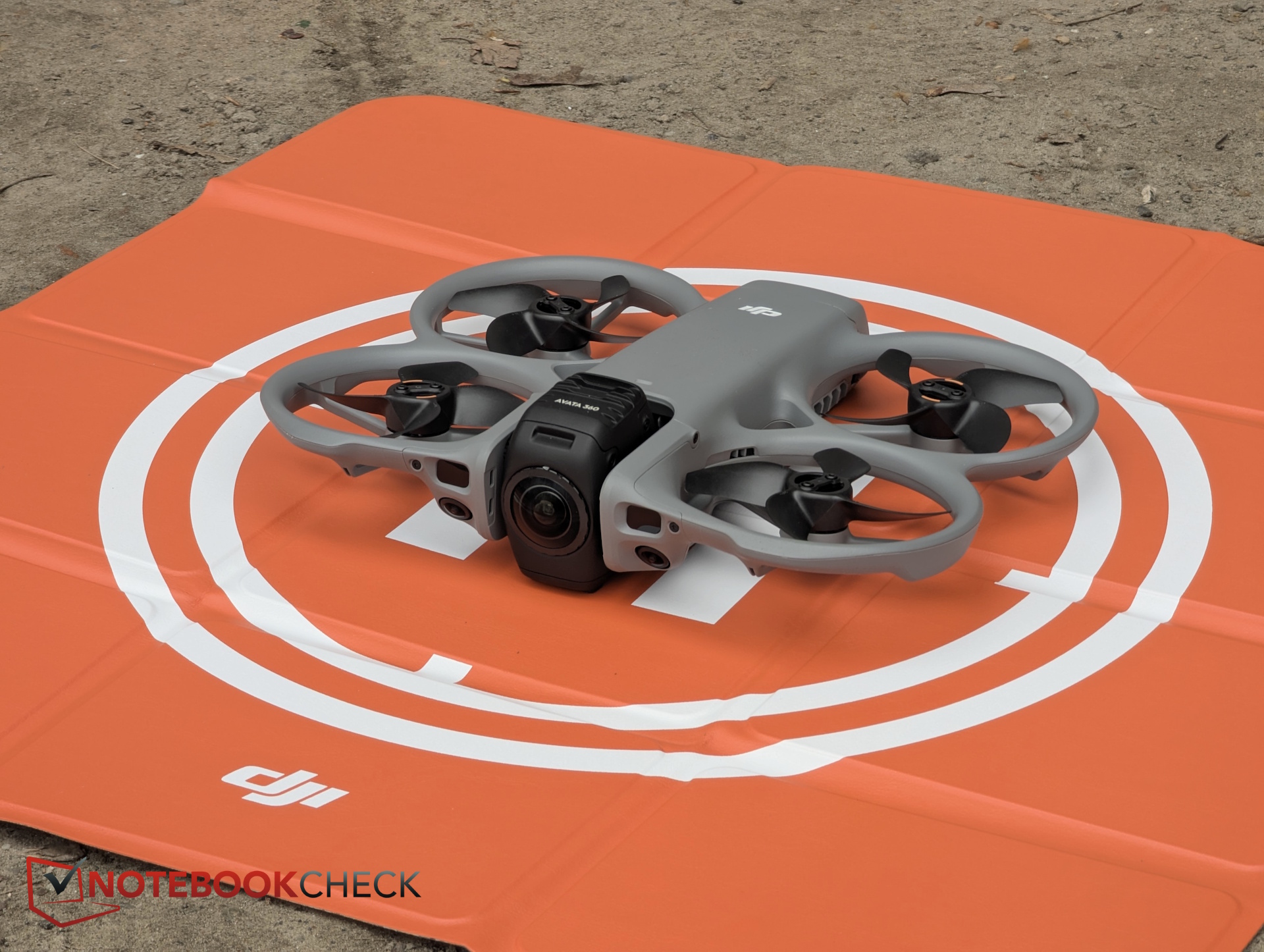
DJI Avata 360 review: This 360° drone changes how you shoot video
Osmo 360 in the air.
Right on schedule for its March 26 launch, we strapped on the Goggles N3 and took the 360-degree drone into the sky. This first test covers what it’s like to experience the “Creative Director in the Sky” with full panoramic vision.Christian Hintze (translated by Christian Hintze) Published 🇩🇪 🇳🇱 ...
Verdict – Who is the Avata 360 for?
The DJI Avata 360 is primarily aimed at content creators and vacation filmmakers who want eye-catching footage and maximum flexibility in post-production. Flying—especially with the goggles—is an absolute blast. And having a travel video where you capture not just a frame but the entire environment is genuinely impressive.
That freedom comes with trade-offs: image quality suffers from choosing a 16:9 frame out of the 360° 8K material, the frequent need to zoom as well as distortion from the 360-degree camera. It’s also worth noting that at 455 g, the Avata 360 does not fall into the C0 category.
Pros
Cons
Prices, availability and shipping
The DJI Avata 360 is available starting March 26 via store.dji.com and authorized retailers in various kits. The drone alone costs 459. Shipping begins in April.
When the Antigravity A1 was announced, it caused quite a stir: a drone with a 360-degree view—similar to an Insta360 or the DJI Osmo 360—promised a flying experience that feels almost like being there yourself, especially when using a headset. You can look anywhere, with no limits to your field of view—not to mention the advantages in editing.
DJI, the market leader, clearly wanted to push this concept further and is now launching its first 360-degree drone with the Avata 360. We were able to test it at launch and share what the flight experience is really like.
Specifications – 8k and 360 degrees
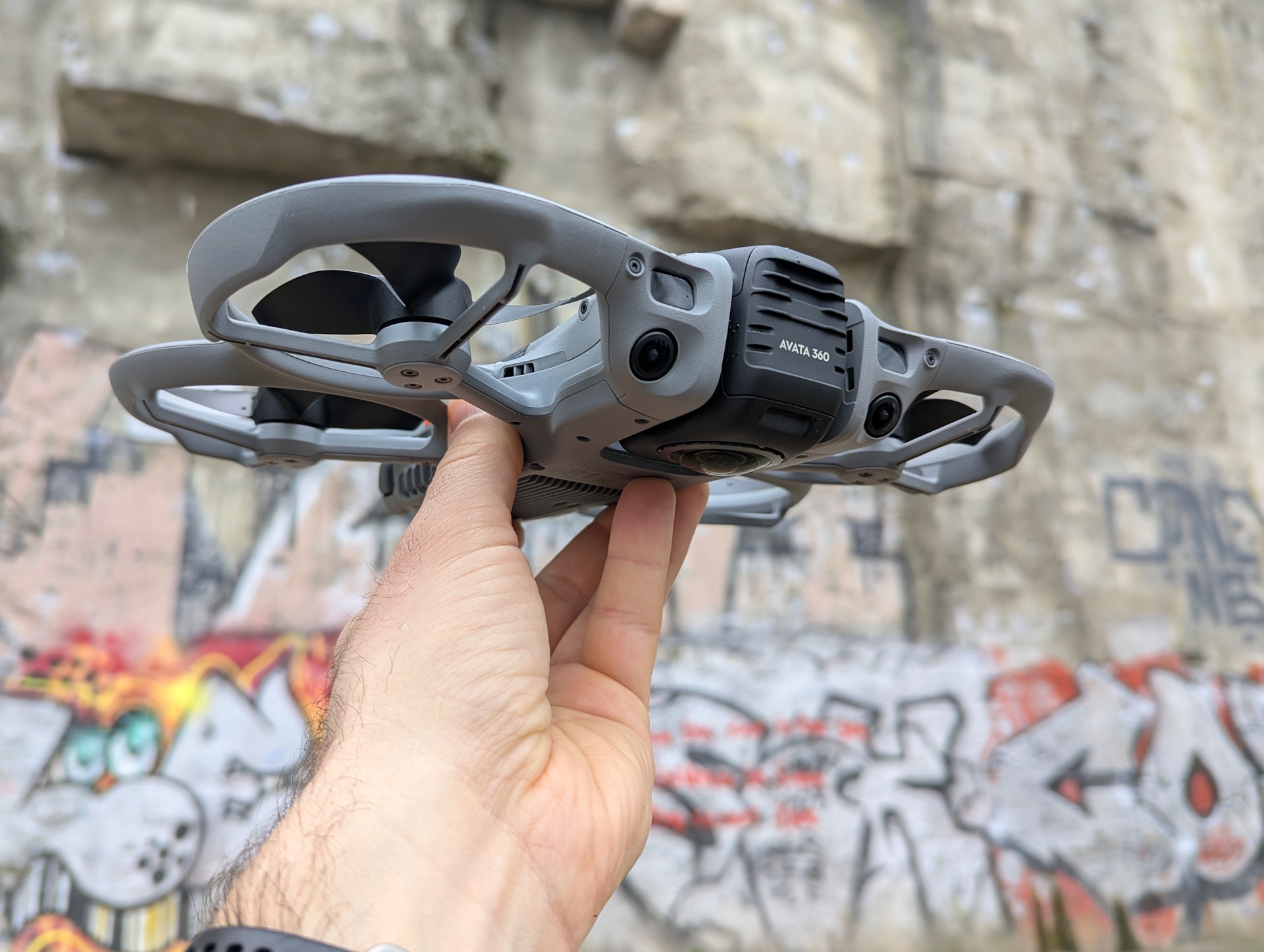
One major difference compared to the Antigravity: the DJI Avata 360 weighs around 455 g with battery, placing it in a completely different drone class than the 249 g competitor.
DJI lists a square 1/1.1-inch sensor with an f/1.9 aperture. On paper, that gives it an edge over the Antigravity’s camera. Internal storage is smaller at 42 GB, but still enough for about 30 minutes of 8K footage.
Two shooting modes are especially practical. If you don’t need 360-degree capture, you can switch to single-lens mode. One camera rotates forward to enable traditional 4K recording.
| Flight weight | approx. 455 g |
| Speeds | Ascent: 2 m/s (Cine mode), 6 m/s (Normal mode), 10 m/s (Sport mode) Descent: 1.5 m/s (Cine mode), 6 m/s (Normal mode), 10 m/s (Sport mode) Horizontal: 6 m/s (Cine mode), 16 m/s (Normal mode), 18 m/s (Sport mode) |
| Sensor | 1-inch equivalent |
| Lenses | 2 lenses |
| Sensor | 1/1.1-inch square CMOS; f/1.9 aperture |
| Resolution (original) | 8K/60fps HDR or 4K/60 fps and 120 MP photos |
| Resolution (export) | 1080p 60 FPS at 100° FOV |
| Flight time | 23 minutes |
| Transmission | O4+ Full HD up to 20 km |
| Internal storage | 42 GB (30 minutes of 360° video in 8K) |
| Detection | LiDAR omnidirectional obstacle sensing, including at night |
| Price | 459 EUR (drone only) |
Design & build – DJI-like but bigger
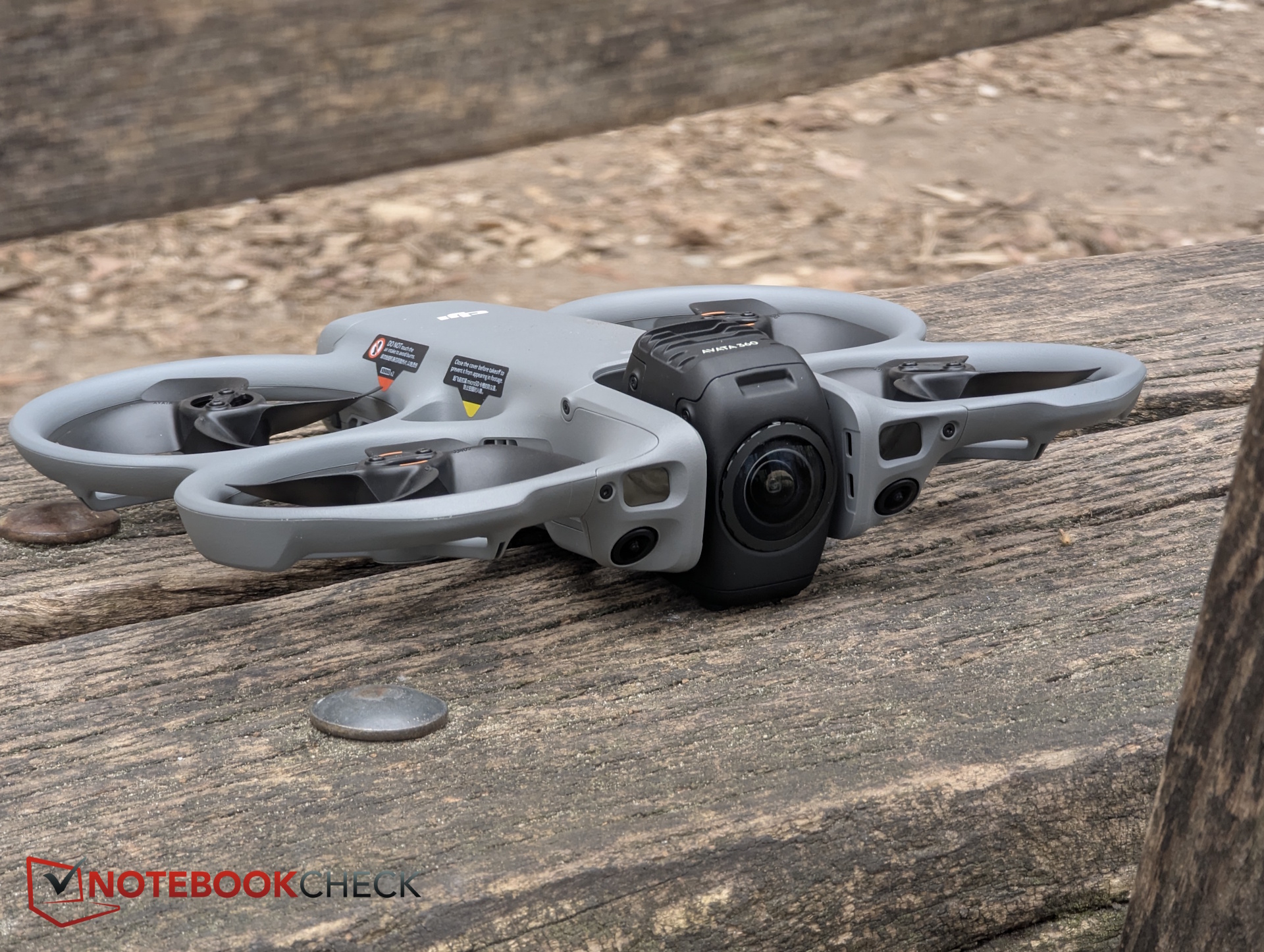
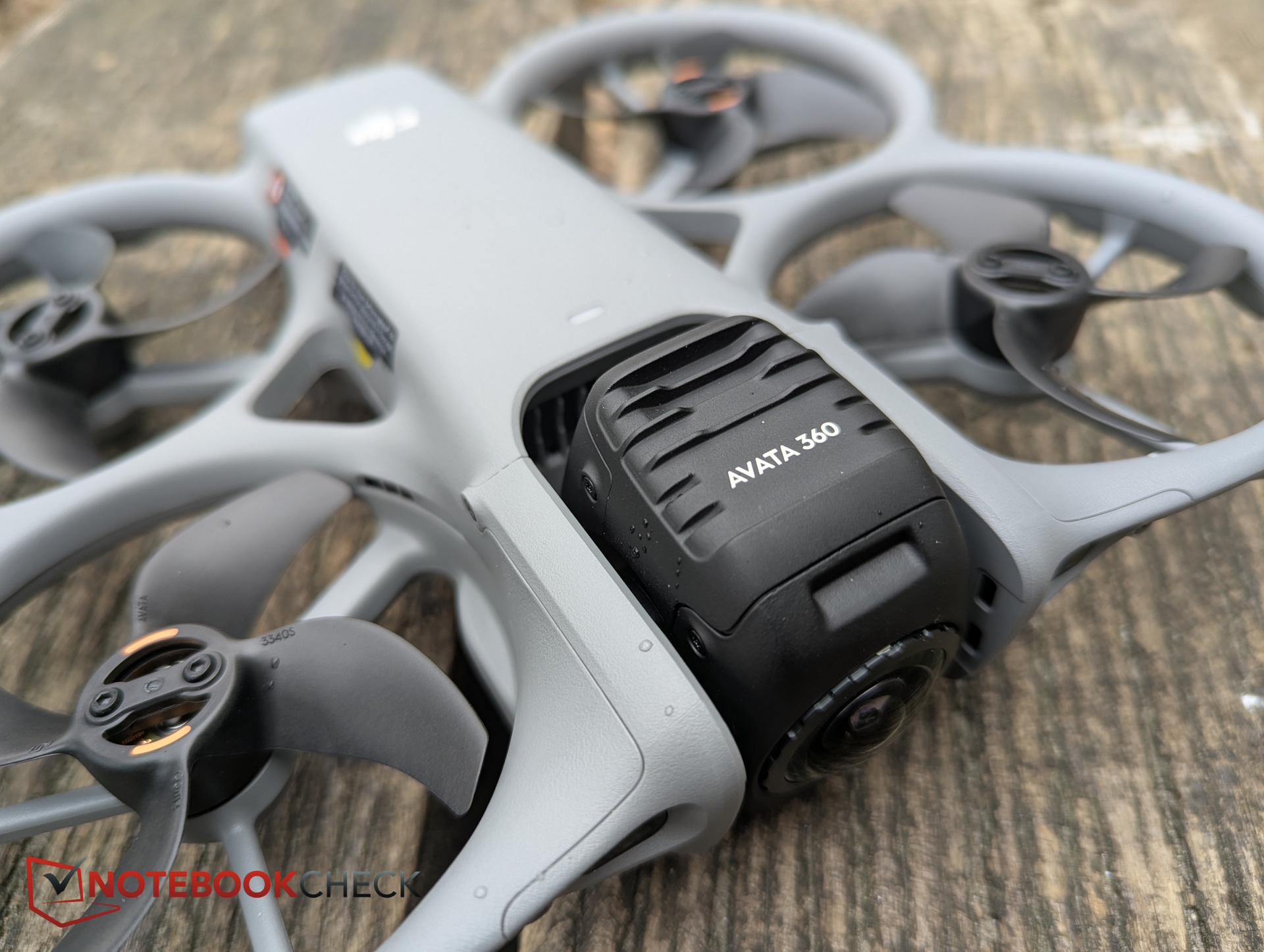
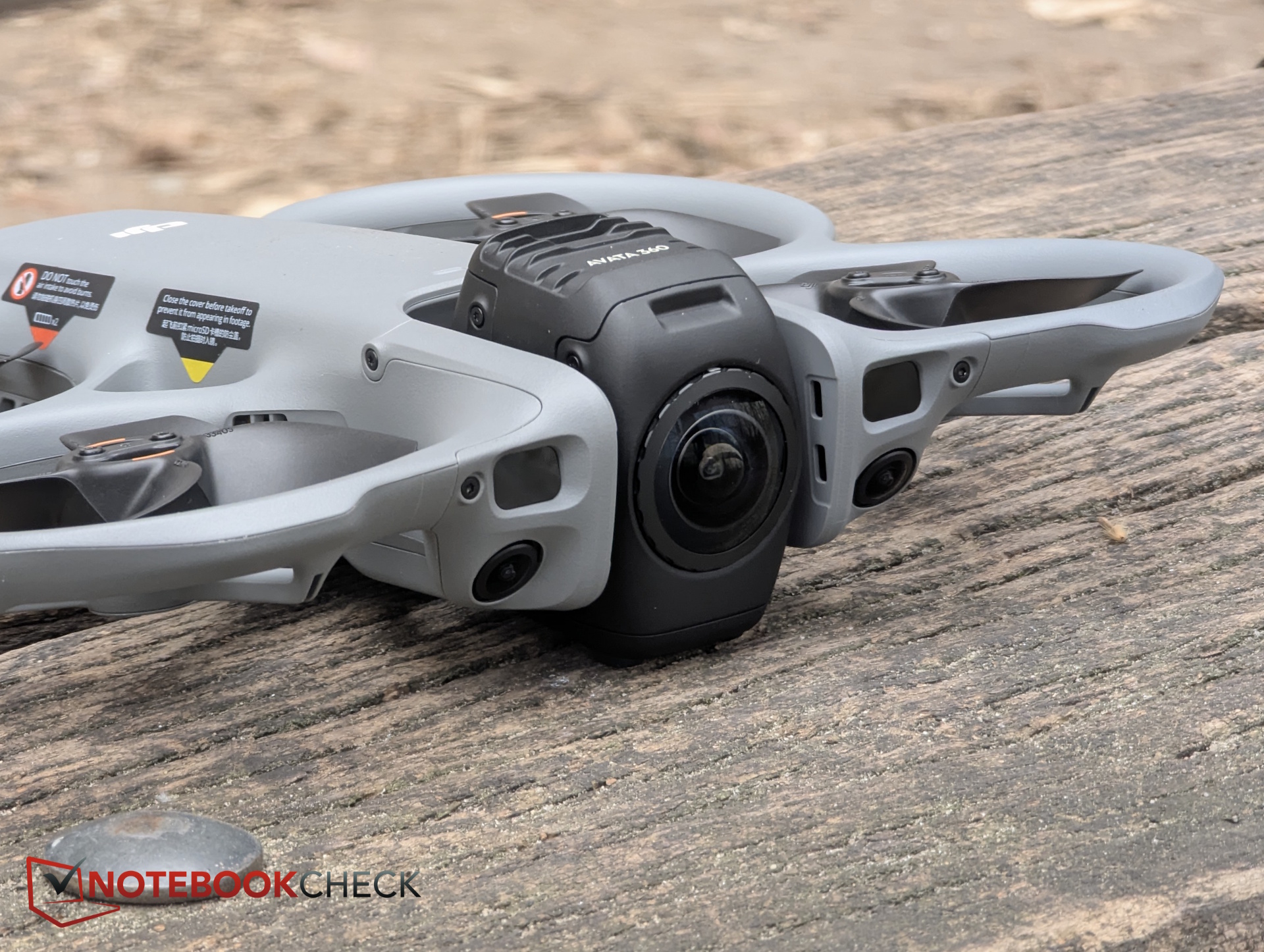
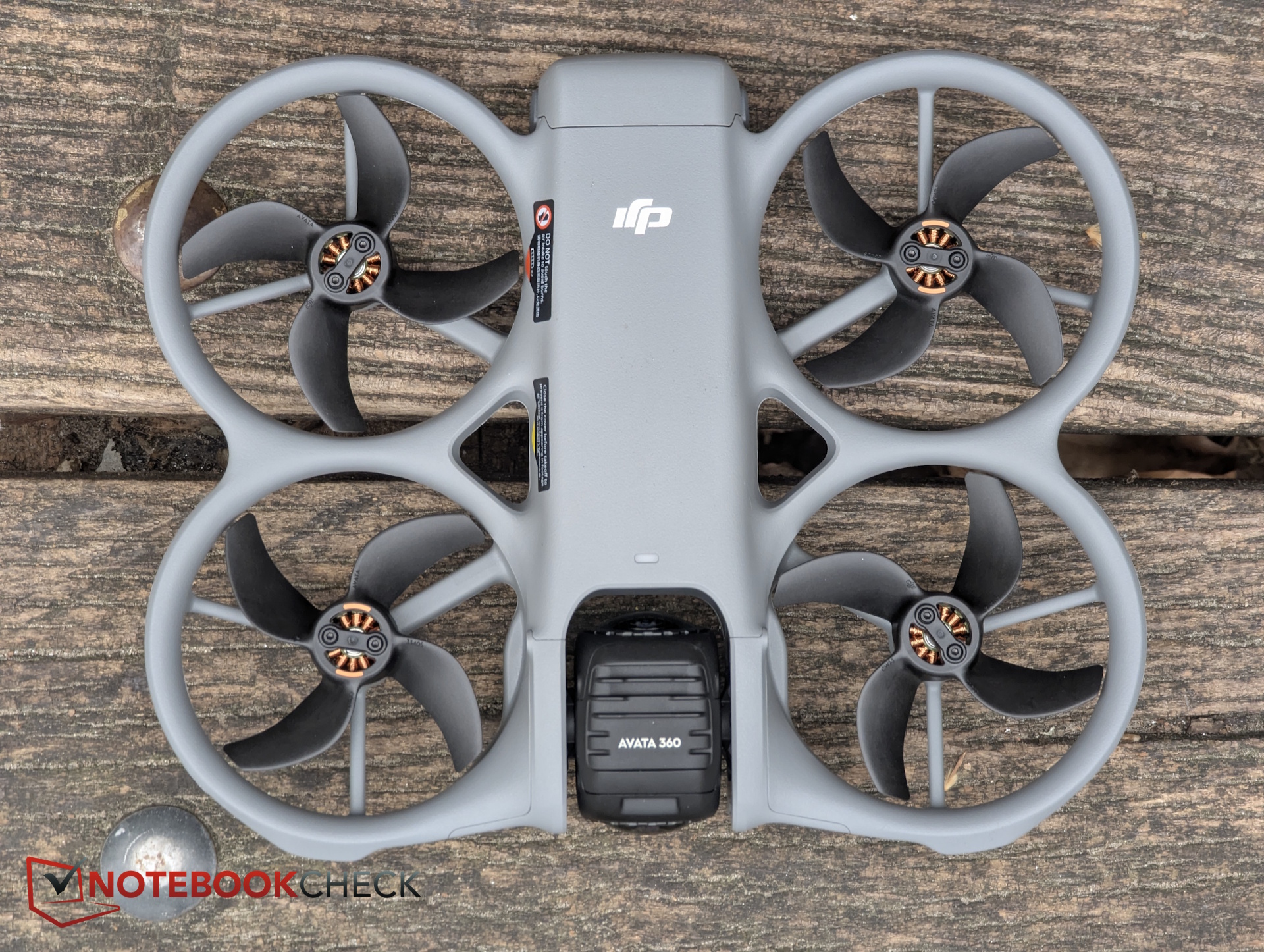
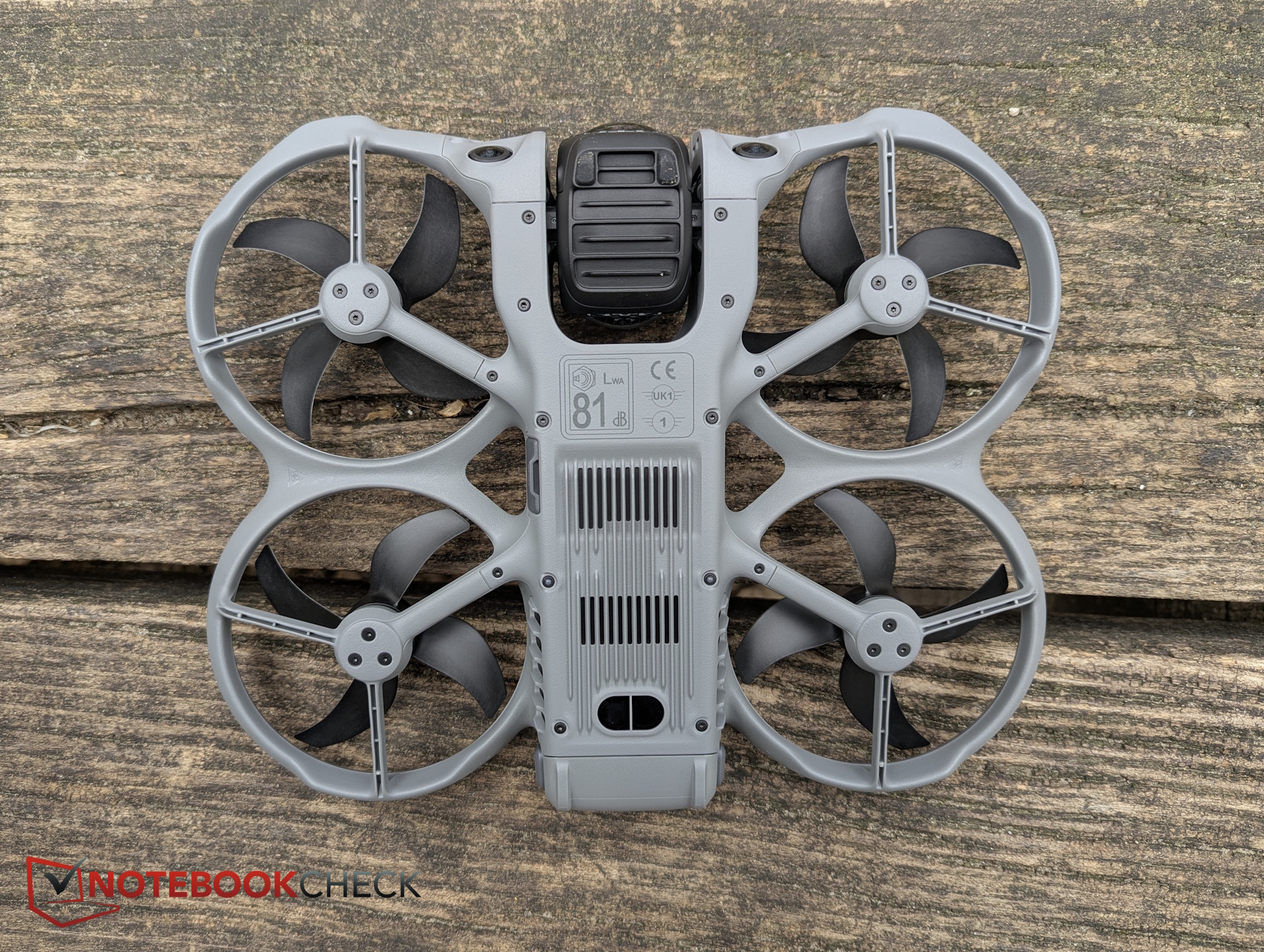
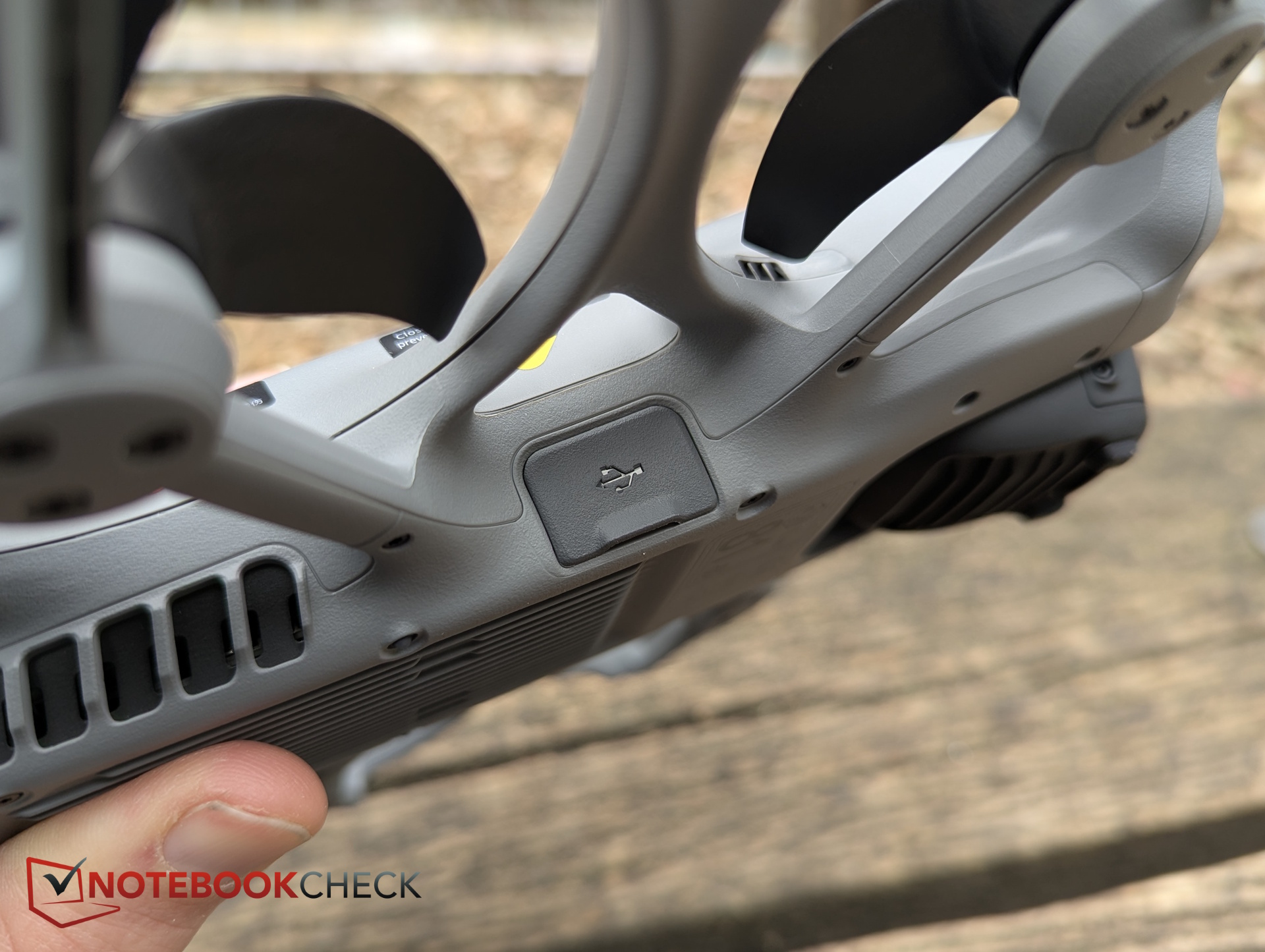
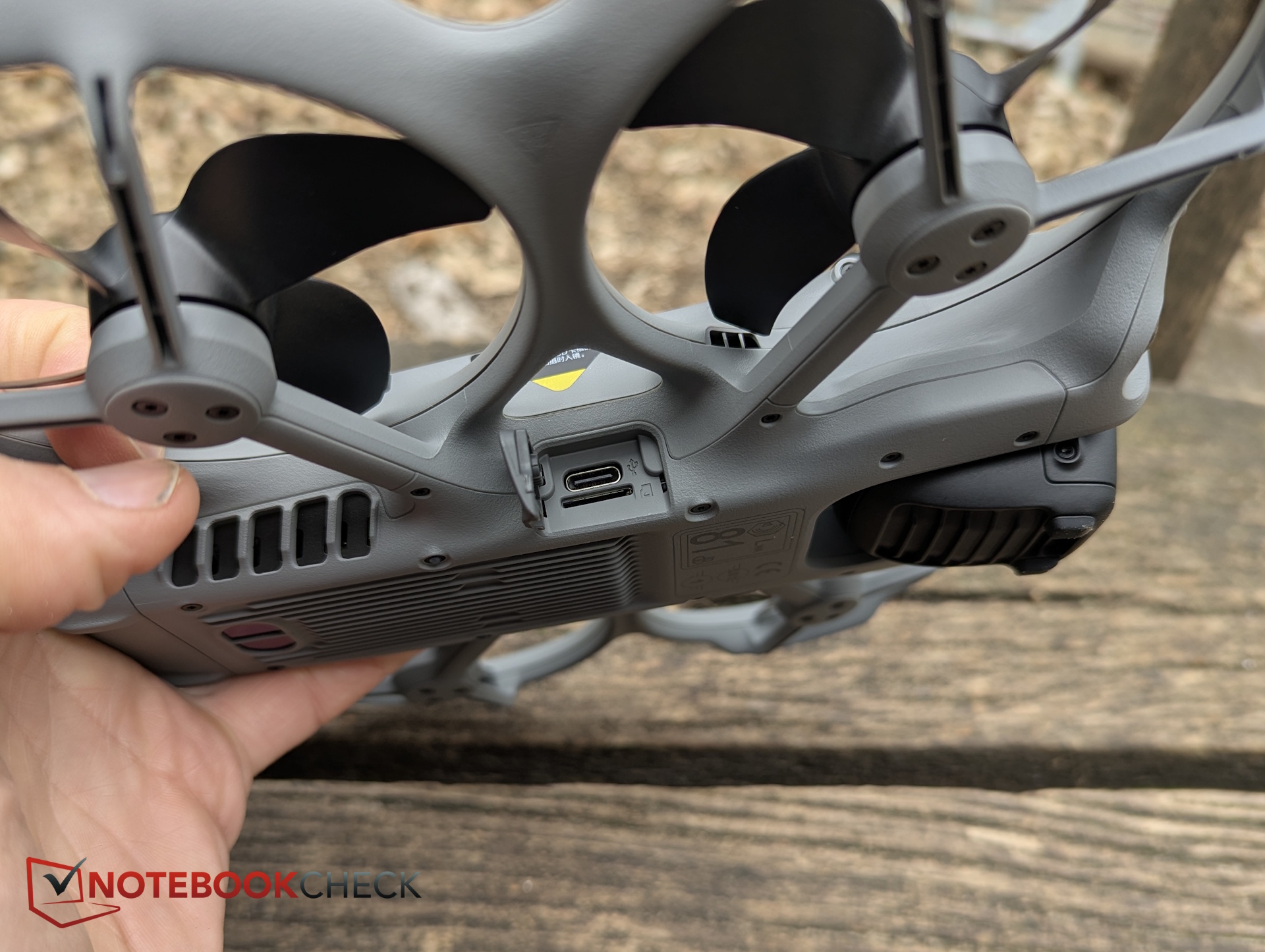
Visually, the Avata 360 looks like a mix of the DJI Avata 2 and Neo 2, though it’s larger and flatter than the former. Build quality is solid, as expected.
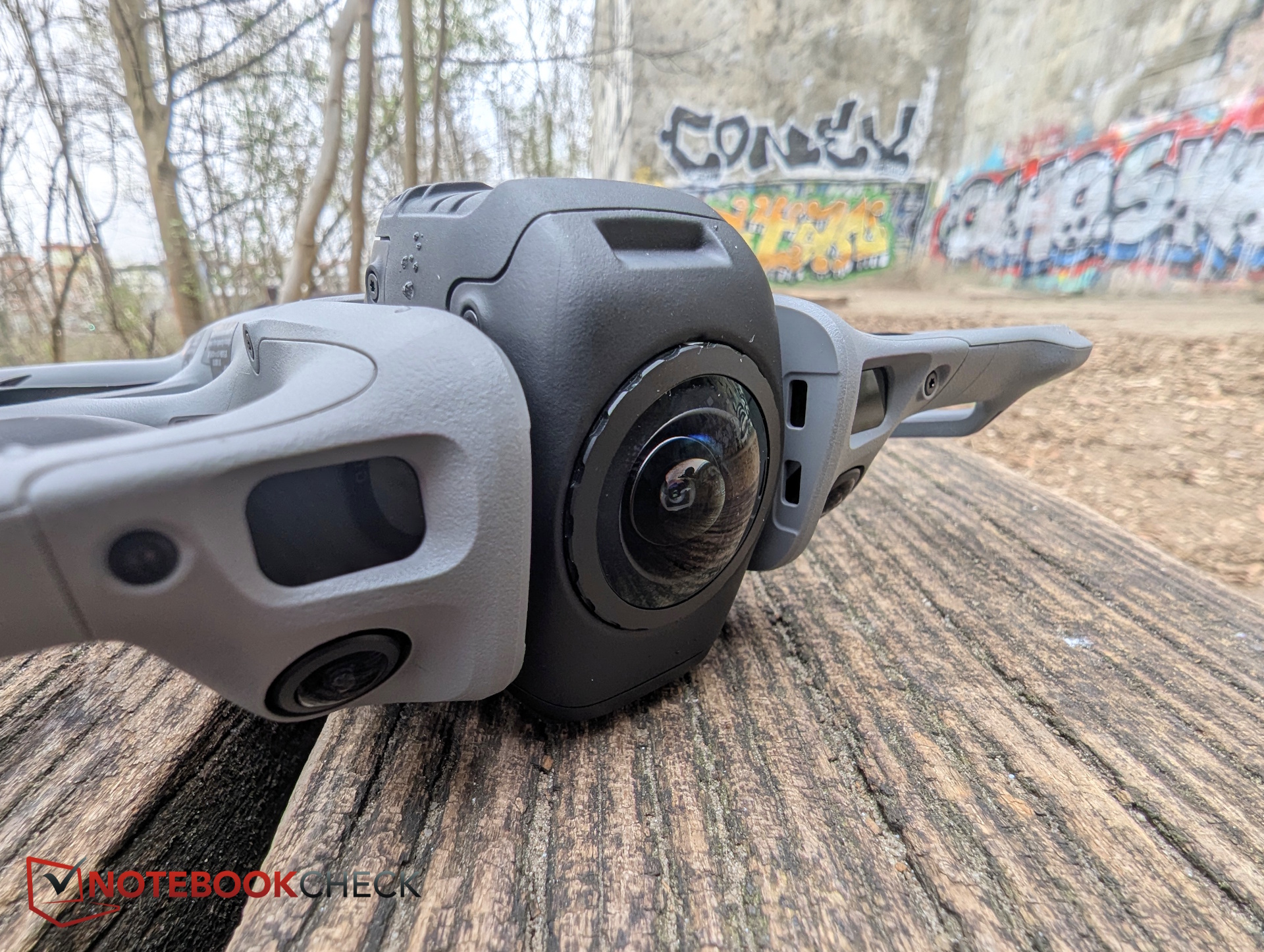
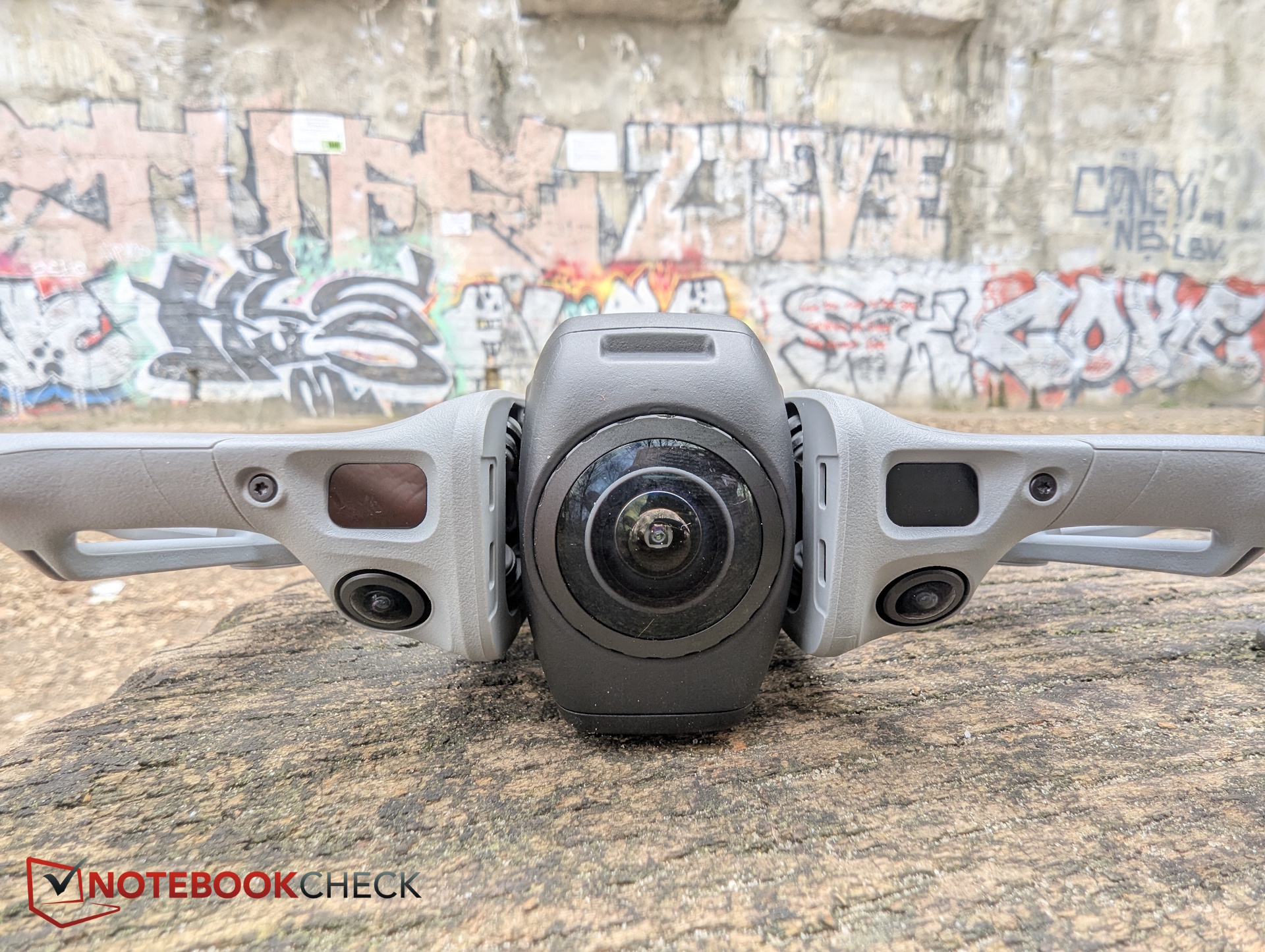
The biggest difference lies in the two cameras. During flight, they’re typically oriented upward and downward. This can lead to distortion when objects are close and directly in front of the drone.
Accessories
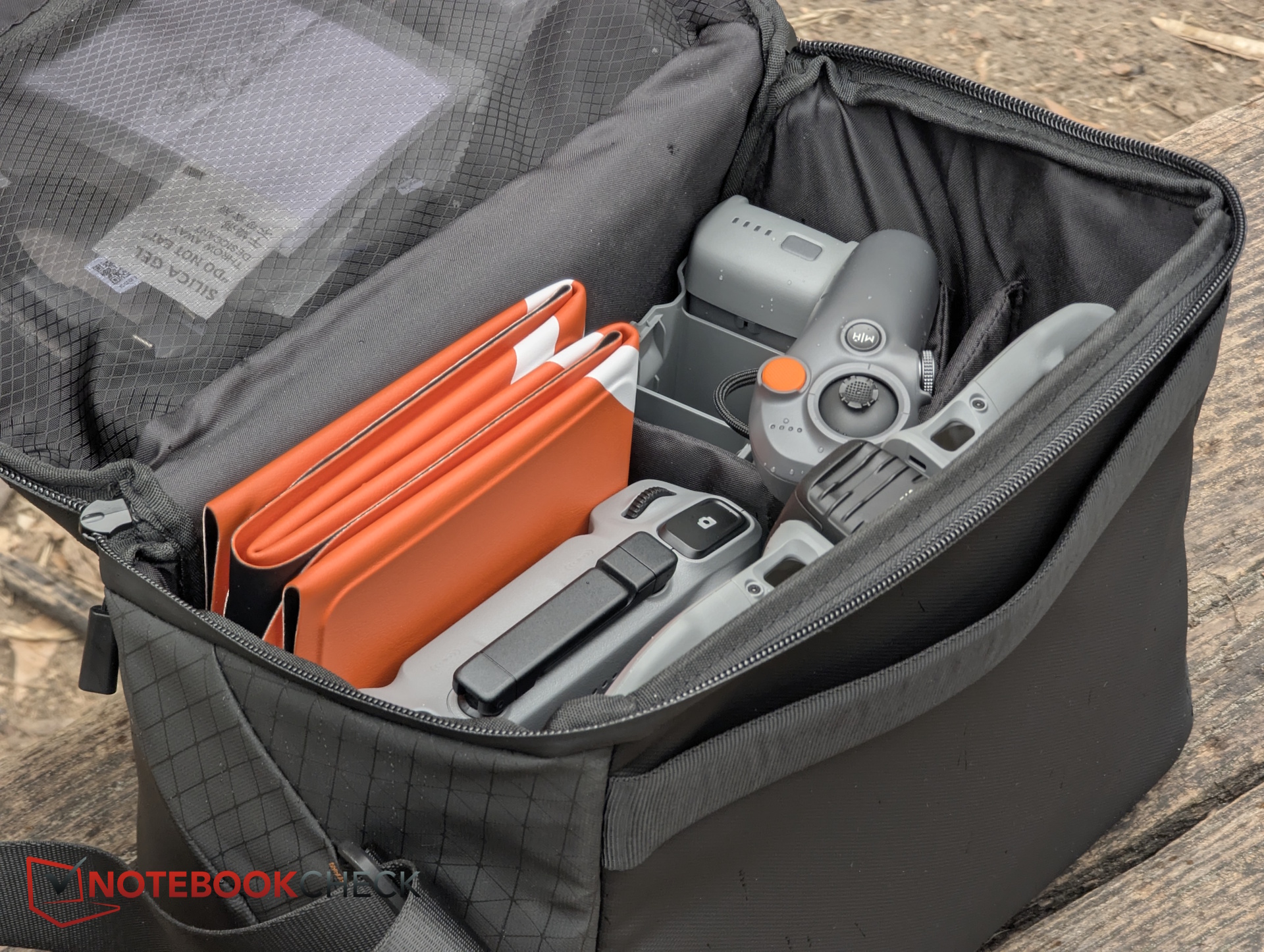
Our test unit included:
- The DJI Avata 360 drone in the Fly More Combo, including the DJI RC 2 controller, three batteries, a triple charger, a carrying bag, and enhanced transmission
- DJI Goggles N3
- DJI RC Motion 3
- Replacement lens kit with tools
The last three items are not part of the Fly More Combo and must be purchased separately.
Setup – Lots of pairing and upgrades
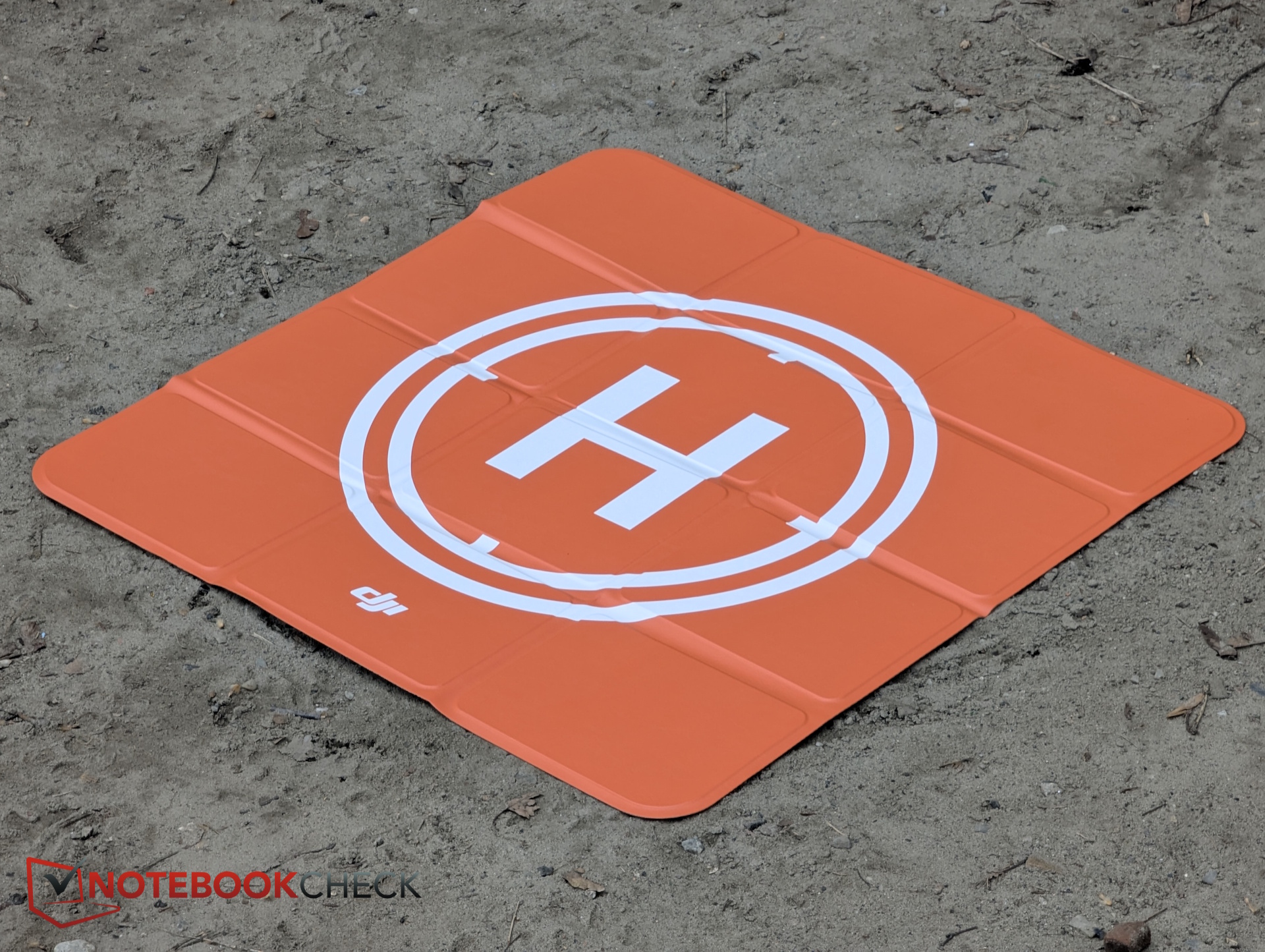
The drone is paired via the mobile app or a remote controller and/or goggles. A DJI account is required. Pairing and updating the various devices (drone, RC 2, smartphone app, motion controller, goggles) can be frustrating.
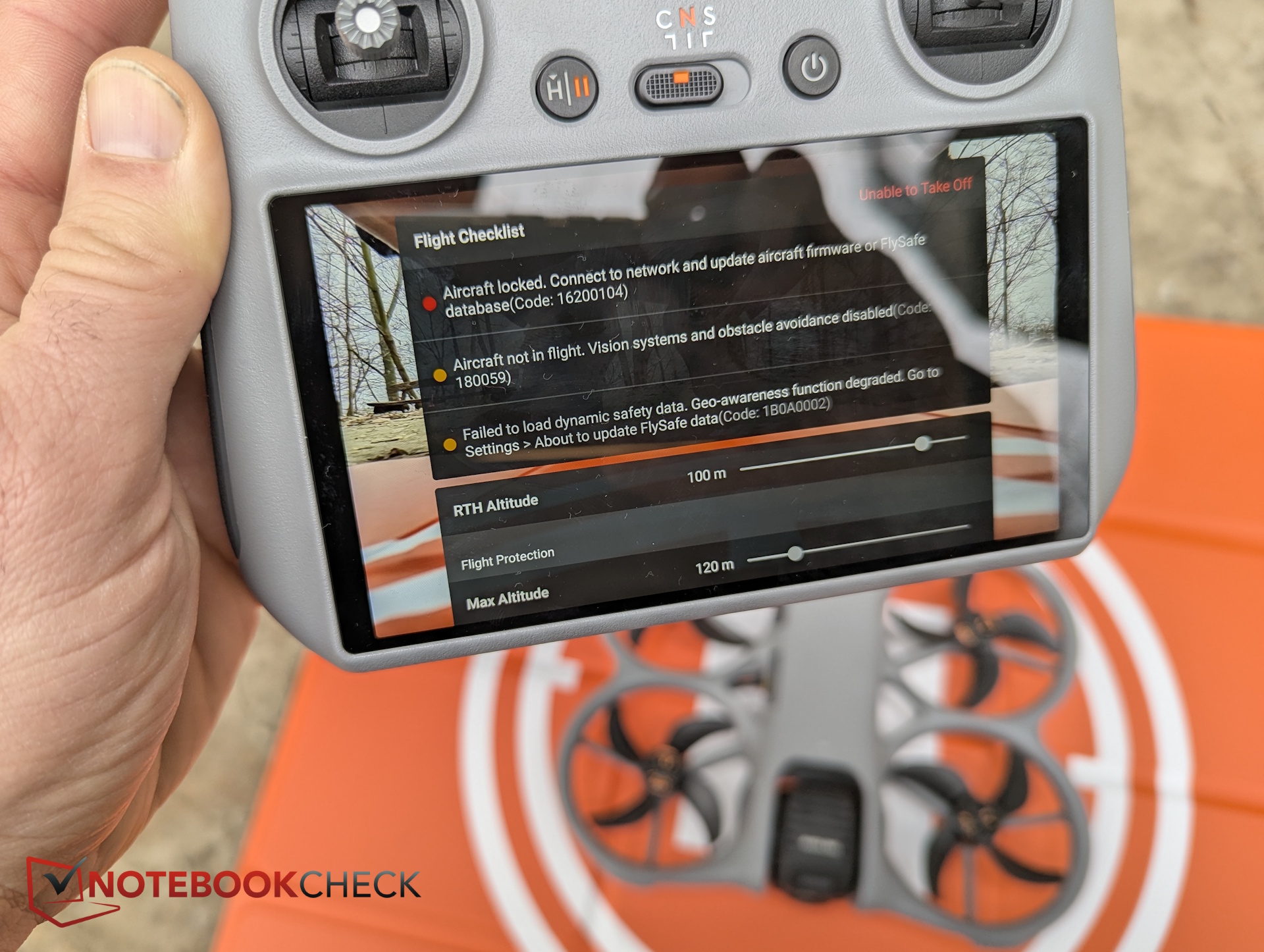
At one point, we couldn’t take off because we had skipped an update. Even though flying had worked before, the drone was suddenly blocked from launching due to “outdated firmware.” That can be especially annoying on the go.
Hands-on test – Flight performance and image quality
Using the RC 2 controller, the Avata 360 handles exactly as you’d expect from DJI—smooth and intuitive. The three modes (Cine, Standard, Sport) allow you to adapt flight behavior to the situation, and obstacle detection can be disabled in tight indoor spaces.
What really stood out, though, was flying with the goggles and motion controller—especially with head tracking enabled. It genuinely lets you look around freely during flight. Gliding one-handed over flat fields or reflective water surfaces is simply a lot of fun.
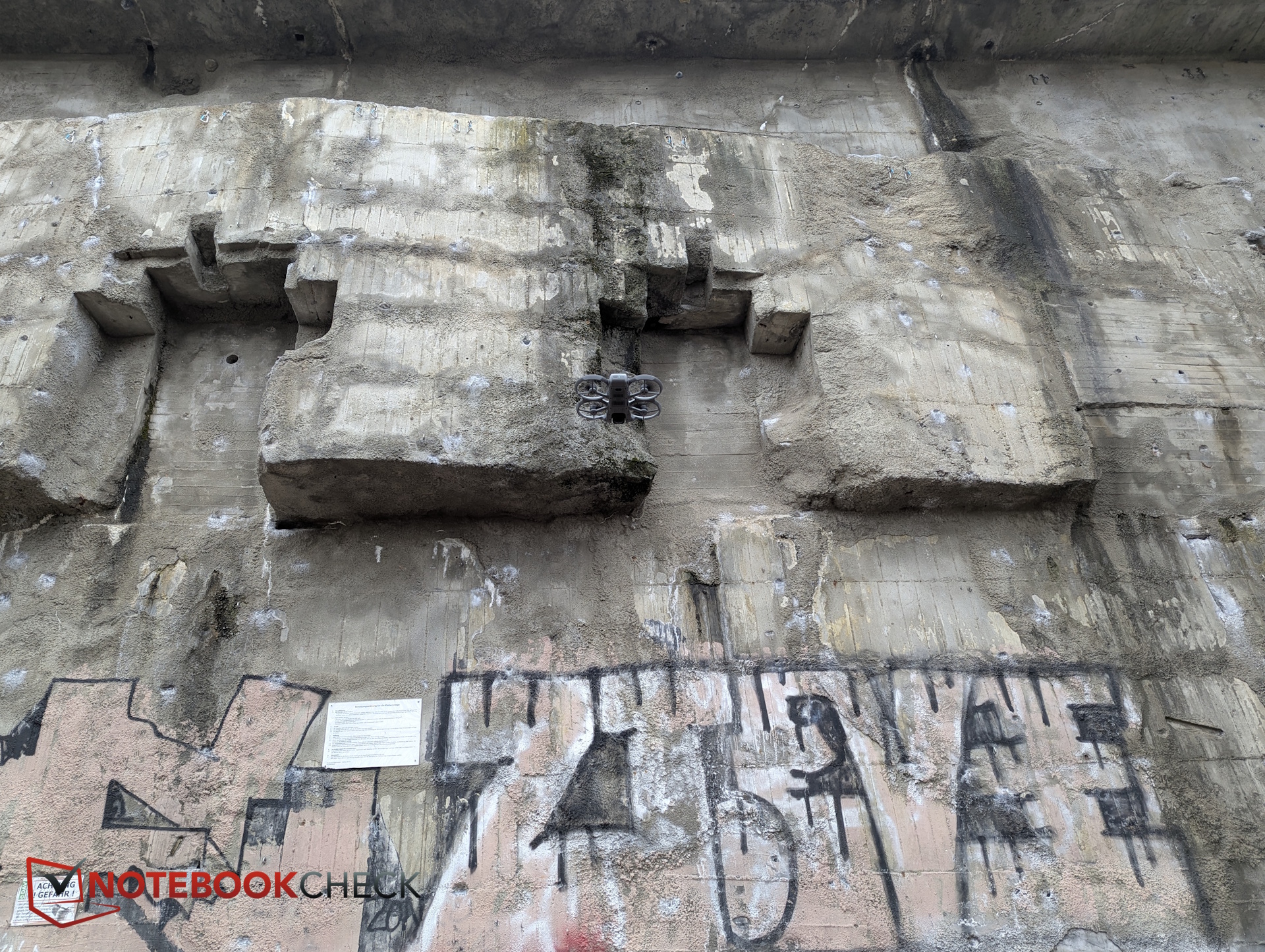
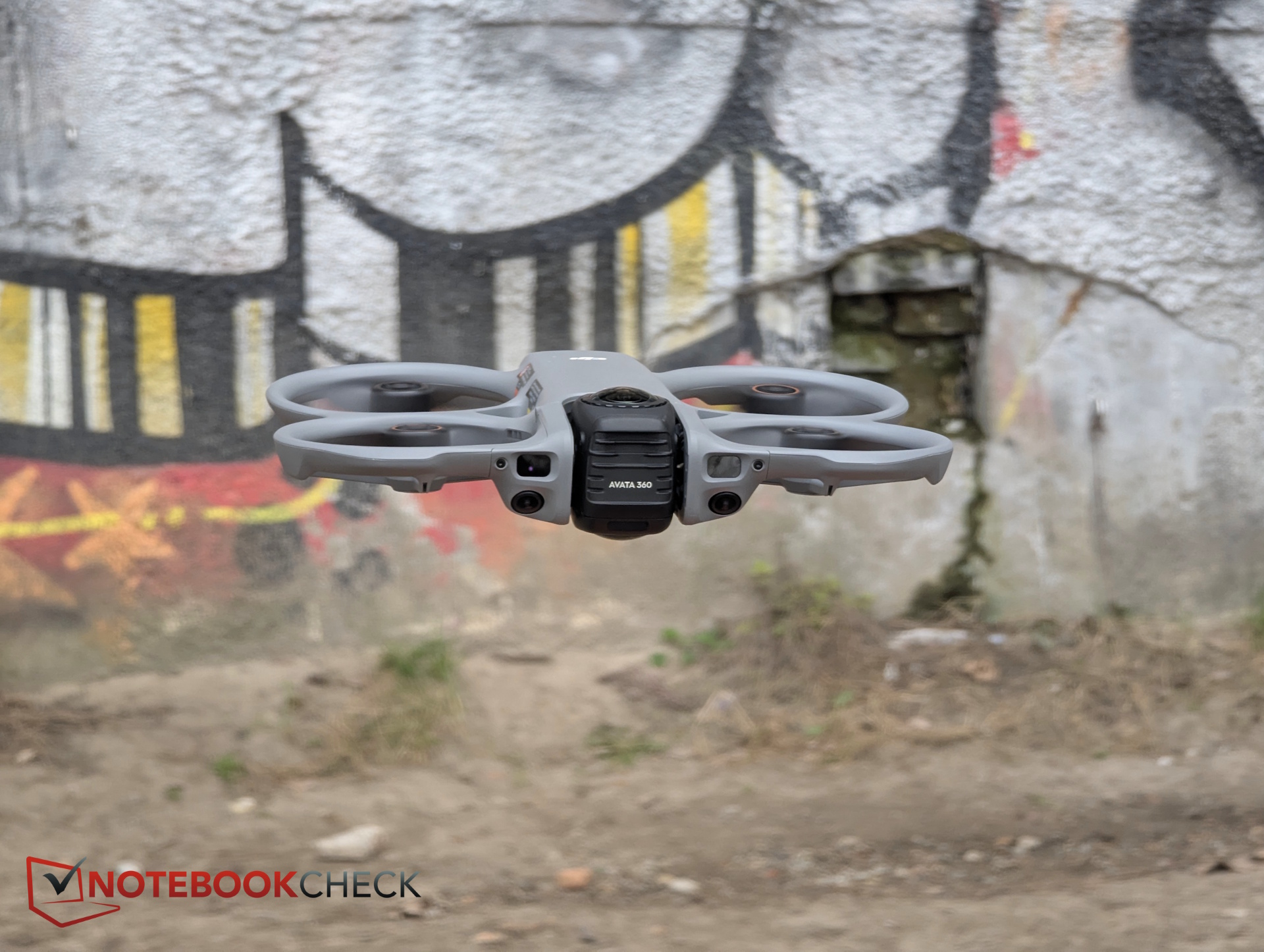
Image quality - Great in the sun, weaker in low light
The 360-degree perspective is, of course, impressive. In editing, you’ll typically work with lower-resolution proxies due to file size. Final exported video quality looks great, especially in good lighting conditions.
However, despite the relatively large sensor, low-light performance is weaker. In dim indoor environments, footage flickers and shows noticeable noise. Even in single-lens mode, noise appears quickly under cloudy skies—likely because the sensor has to handle extremely high resolution.
The Avata 360 is therefore best suited as a video drone for bright, sunny conditions. In our case, the weather was overcast—see video.
Drawbacks and issues
Reframing 8K source footage, zooming, and similar edits reduce image quality. Distortion is also inherent in 360-degree video—partly due to the fisheye effect and partly because the two camera feeds must be stitched together.
Distortion can also appear in unexpected situations. For example, when flying upward along a wall, objects like picture frames or guitars appear stretched. The footage also shows occasional wobbling, as seen in the video below.
Despite H.265 compression, 8K footage is extremely large and only supported by a limited number of editing programs. The DJI Studio app is somewhat less intuitive and feature-rich than expected—and you’ll need a powerful editing PC to handle the workflow.
Transparency
The selection of devices to be reviewed is made by our editorial team. The test sample was given to the author by the manufacturer free of charge for the purposes of review. There was no third-party influence on this review, nor did the manufacturer receive a copy of this review before publication. There was no obligation to publish this review. As an independent media company, Notebookcheck is not subjected to the authority of manufacturers, retailers or publishers.
 Add as a preferred source on Google


