




Blackmagic DaVinci Resolve 21.1 is here: AI assistant and more than 100 new tools
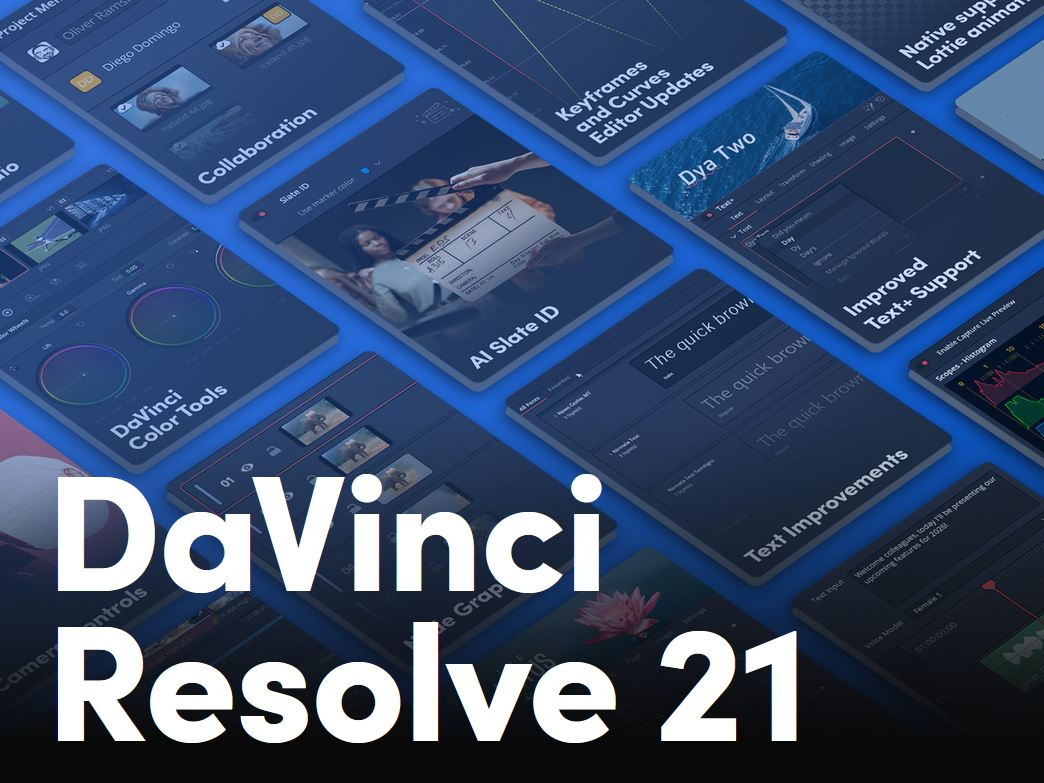
Blackmagic's DaVinci Resolve has long since become popular not only among YouTubers and indie filmmakers, but has also been a true Hollywood post-production system for years. While users of the Adobe suite have to switch between various programs, such as Premiere for editing, After Effects for—yes, exactly—effects, or Audition for sound, DaVinci Resolve combines all of this in a single product and is a leader when it comes to color grading.
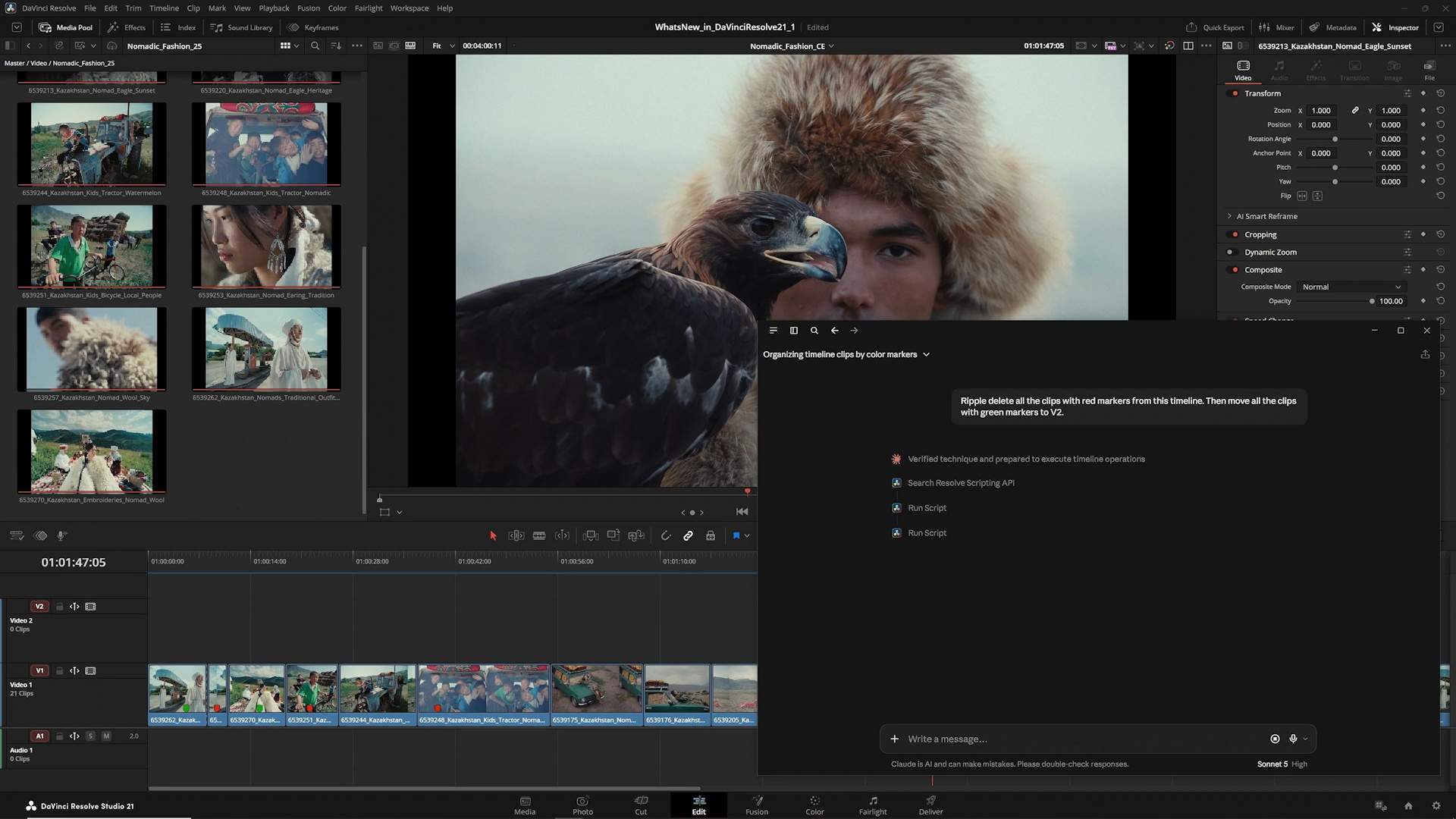
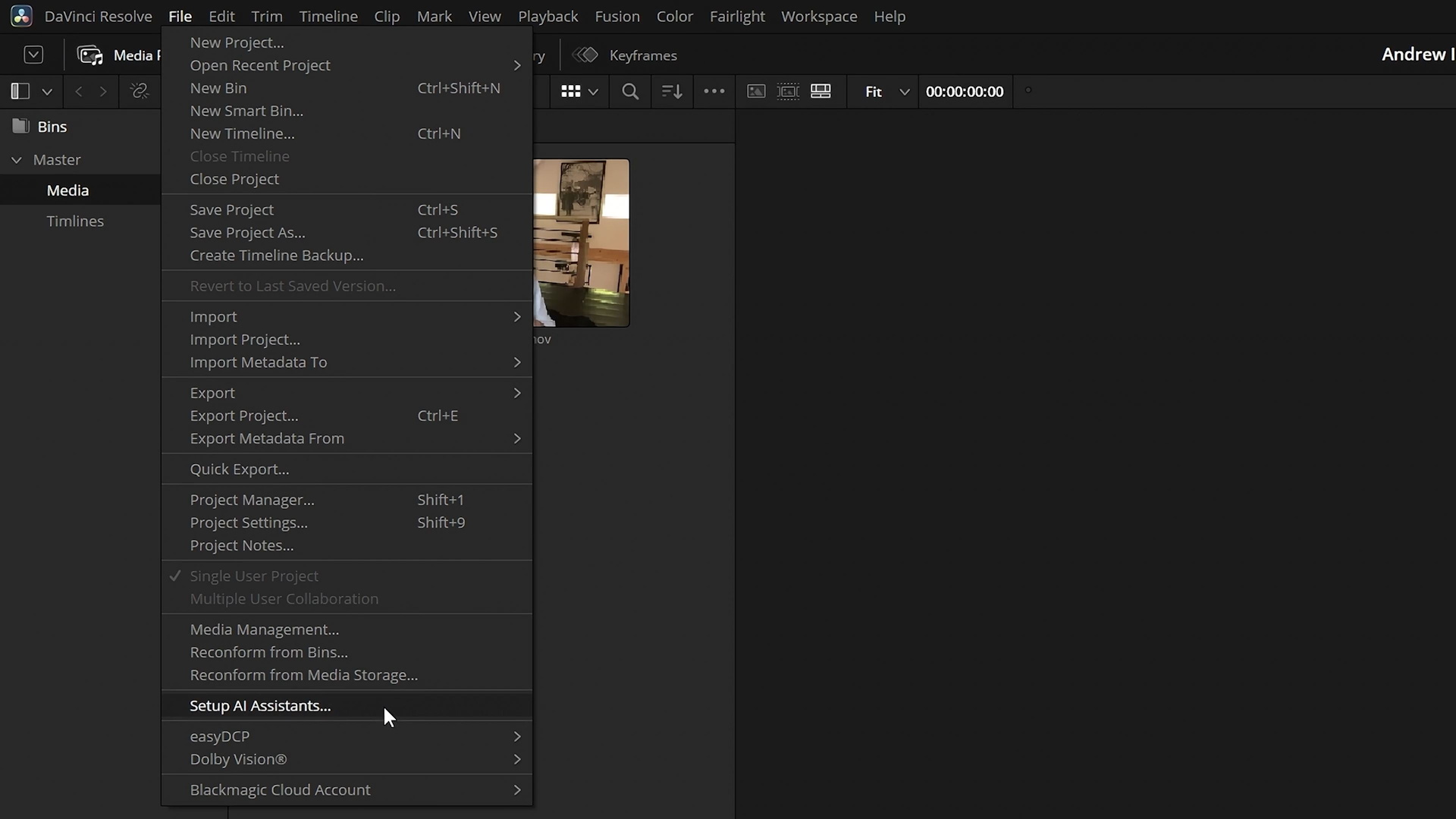
Now, the new version 21.1 introduces a wide range of new features. Naturally, the AI integration is getting the most attention. From now on, Resolve can be connected via a menu to AI tools such as Claude Code or ChatGPT. This makes it possible, for example, to delegate repetitive tasks to the chatbot, sort media, perform rendering tasks, and ask for tips and assistance.
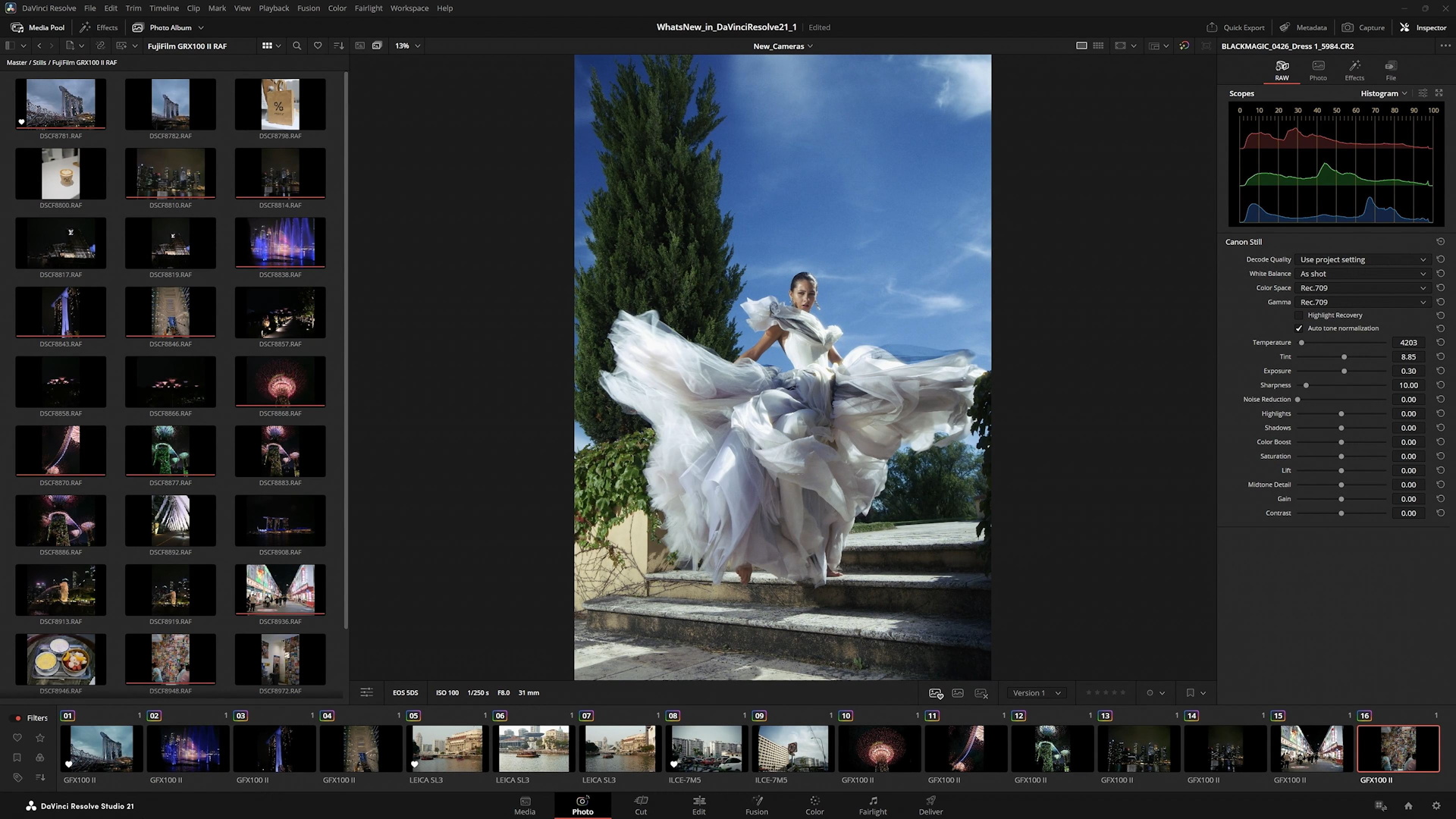
But there are also new features beyond the new agent assistance: The photo feature now supports significantly more camera models, including previews and image adjustments. The aspect ratio of photos and images is now maintained independently of the timeline's aspect ratio. Plugin and Open Effects support has also been expanded with a tool for replacing the sky in images.
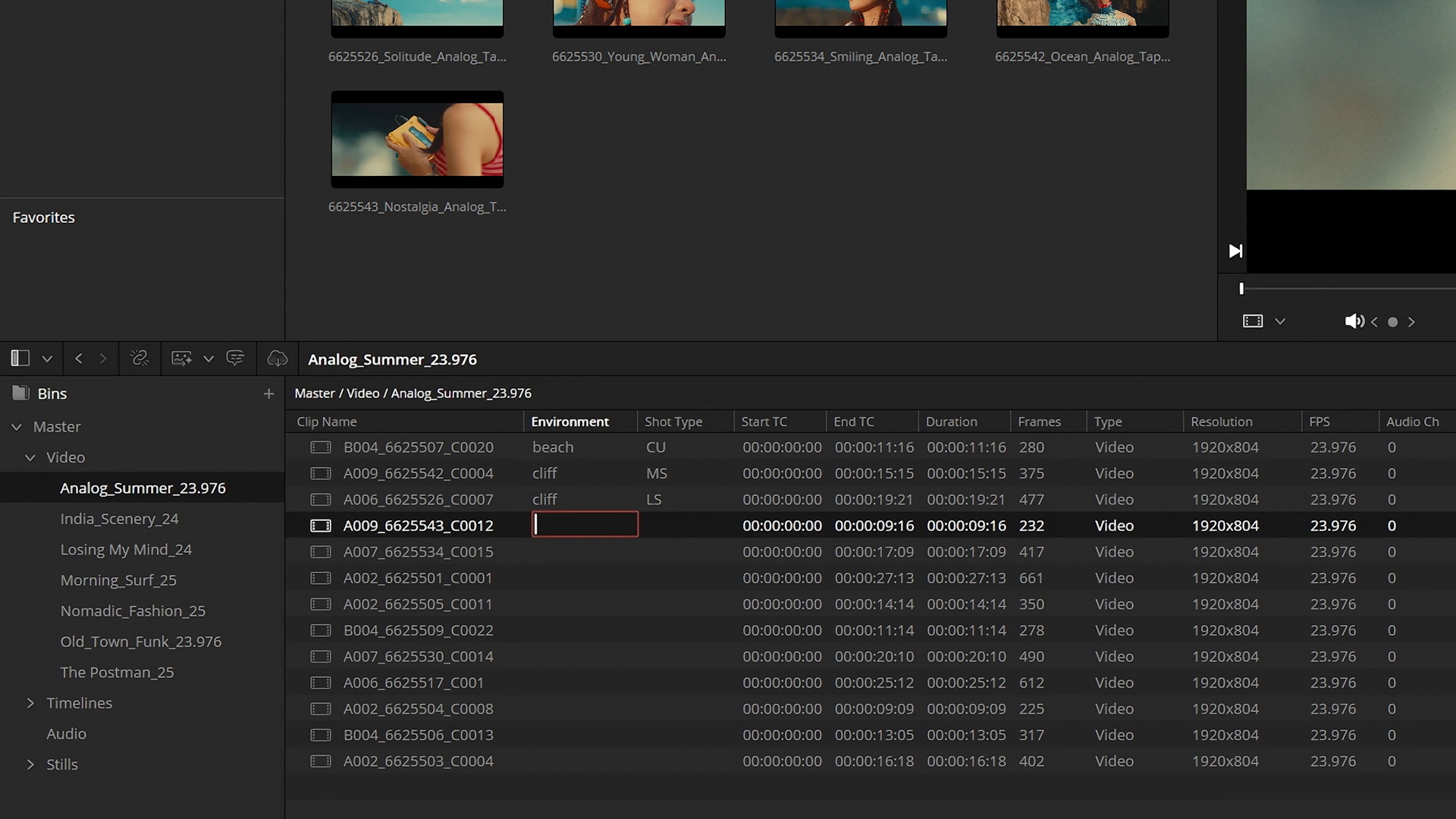
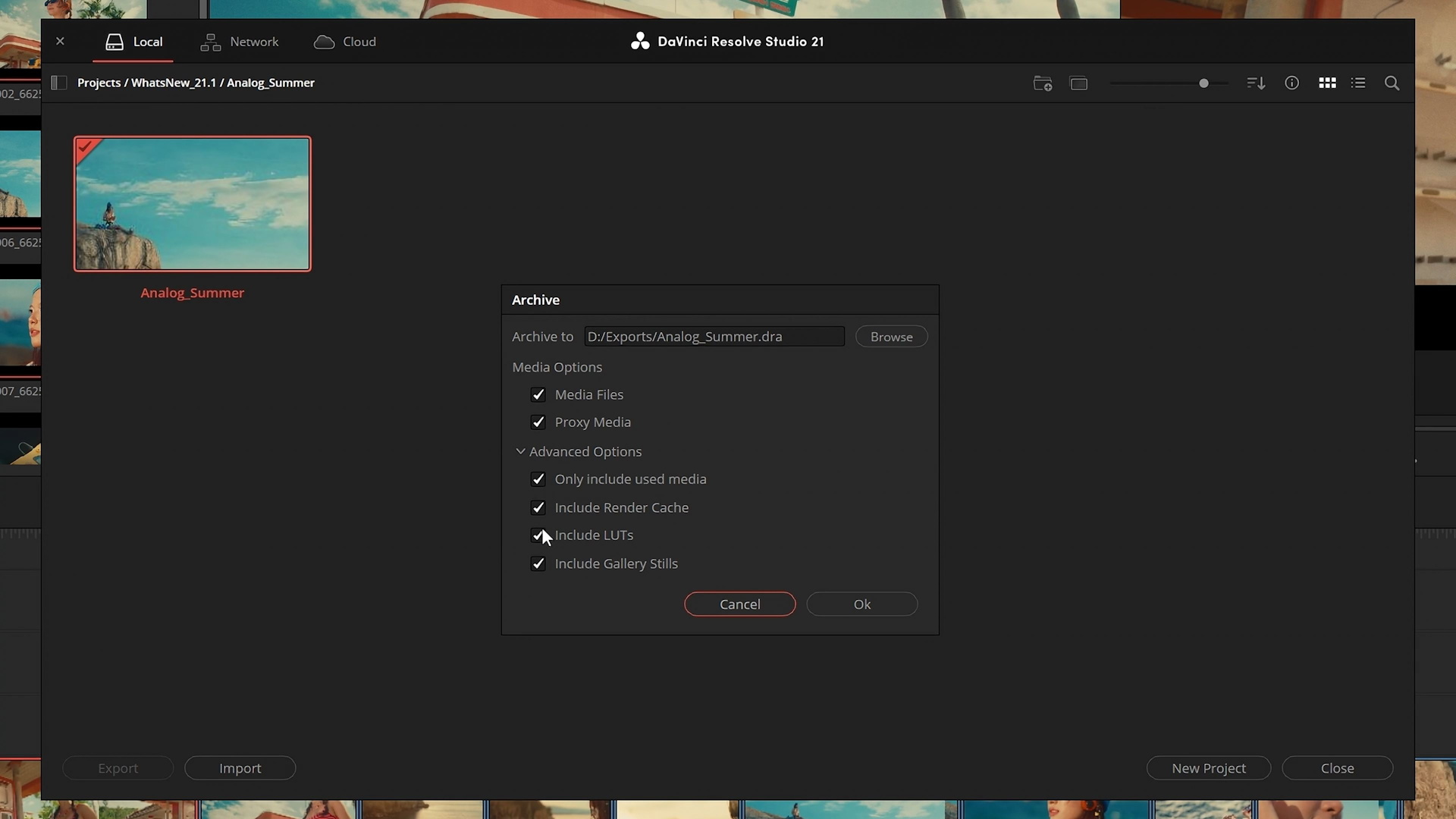
In the List View of the Media Pool, files can now be edited directly, and information can be changed or added. Export has also been expanded, allowing users to decide more precisely which media types should be exported, including proxies or only media actually used in the timeline.
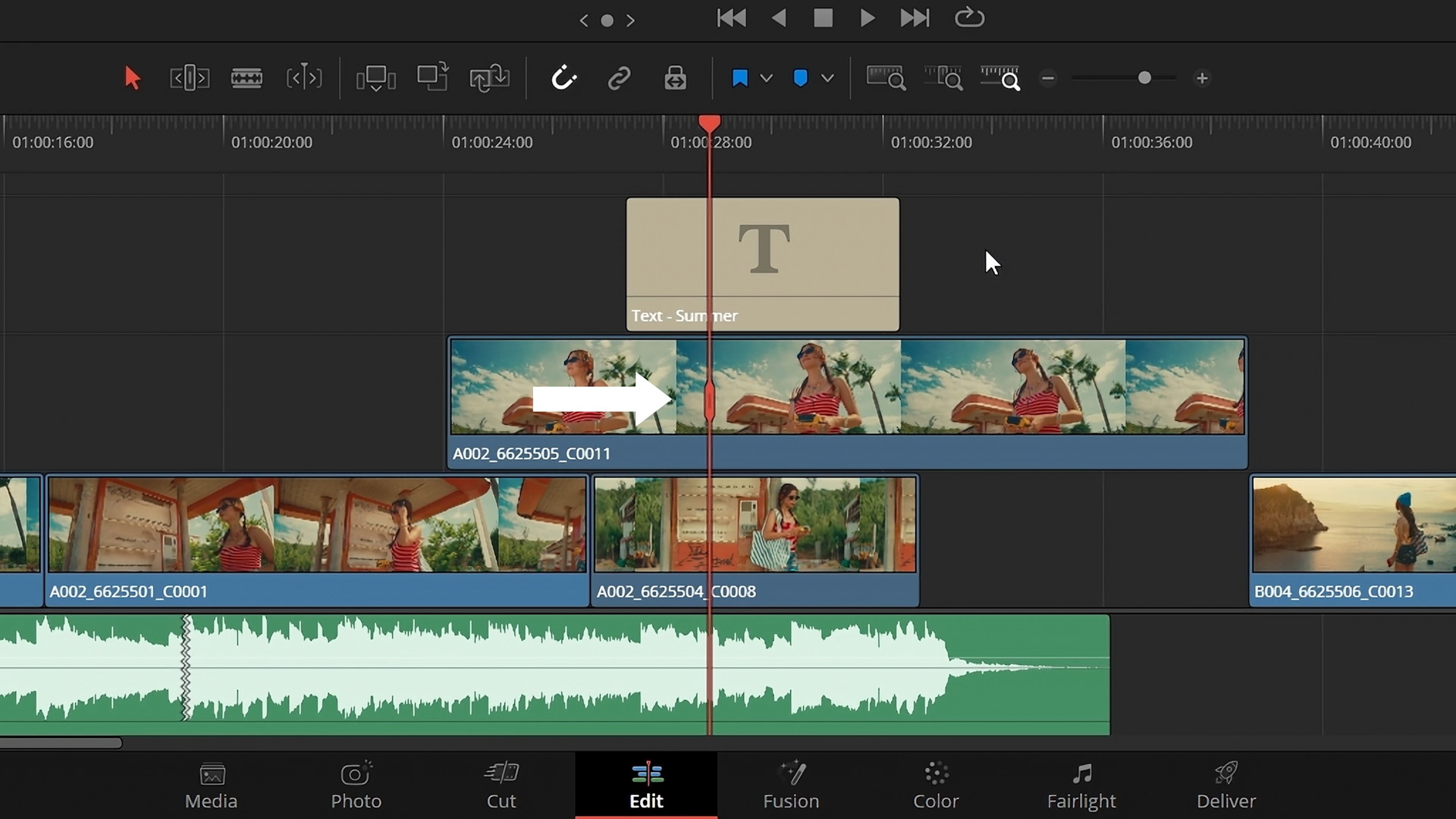
In addition, there are more options for multicam editing, more keyboard shortcuts, an indicator showing which clip is currently affected by an effect when no clip is selected, new action buttons and trim options in the Timeline Viewer, new text options, and much more.
The full list of new features can be found on BlackMagic's website, or users can watch the video covering the new features.
Source
 Add as a preferred source on Google


