Review Sony Vaio VGN-C1
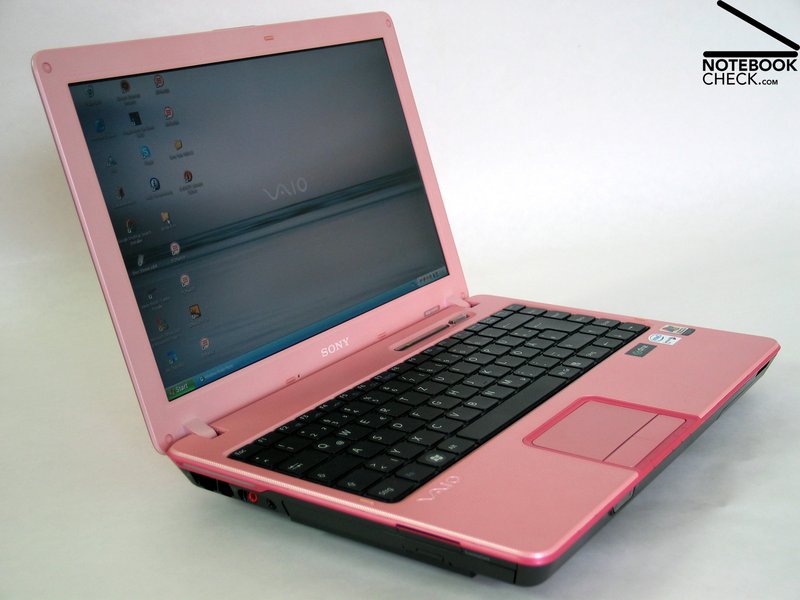
CRAZY LITTLE THING CALLED LOVE. Sony's C3 series are a series of fancy 13.3 inch subnotebooks. The user can select its favorite out of a variety of designs. We reviewed "Pretty in Pink".

Case
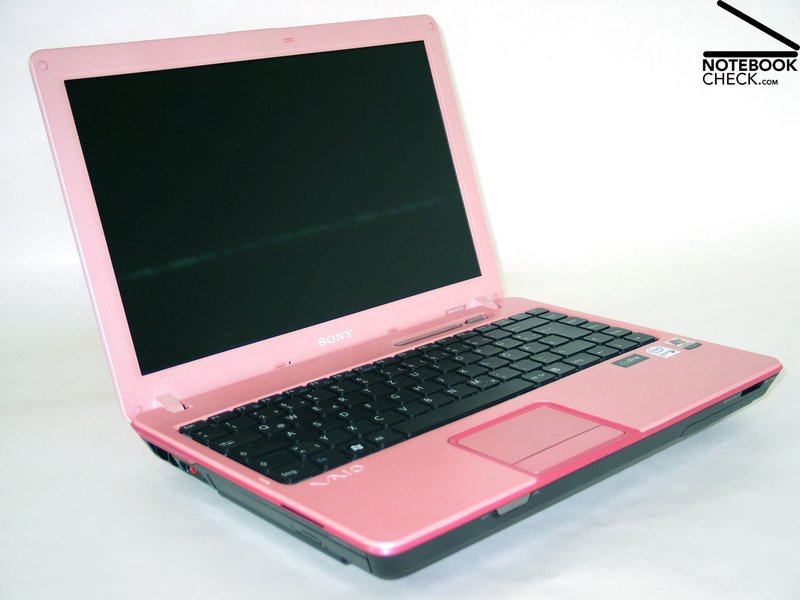
It took a while, until we finally chose to review Sony's C1 with the design "Free Spirit Pink" out of a series of available designs, but it quickly won our heart.
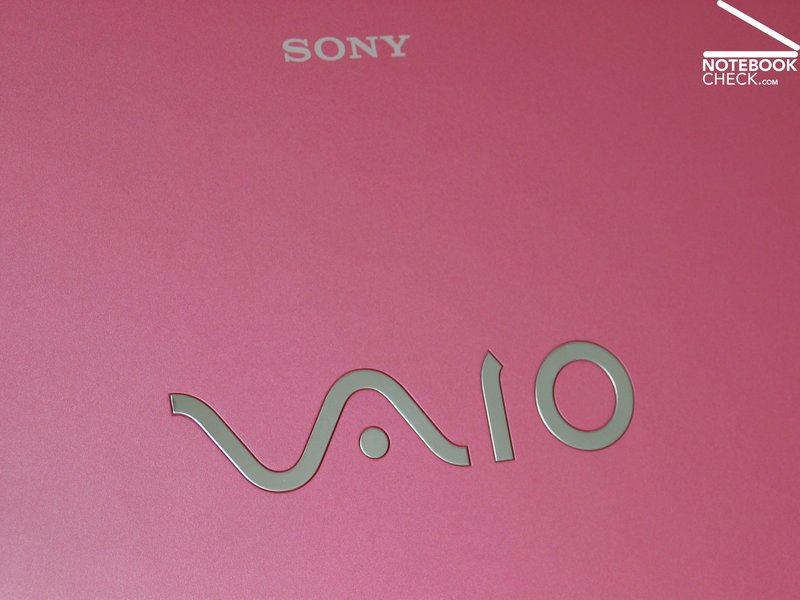
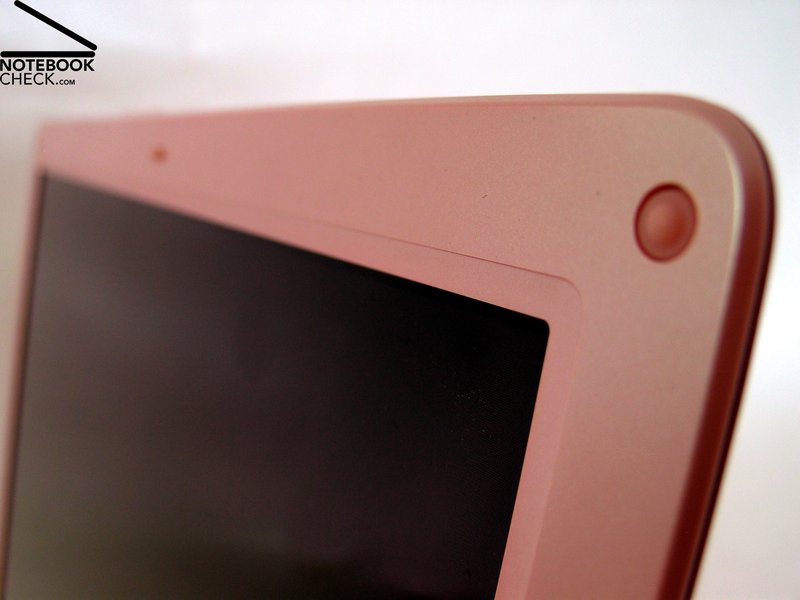
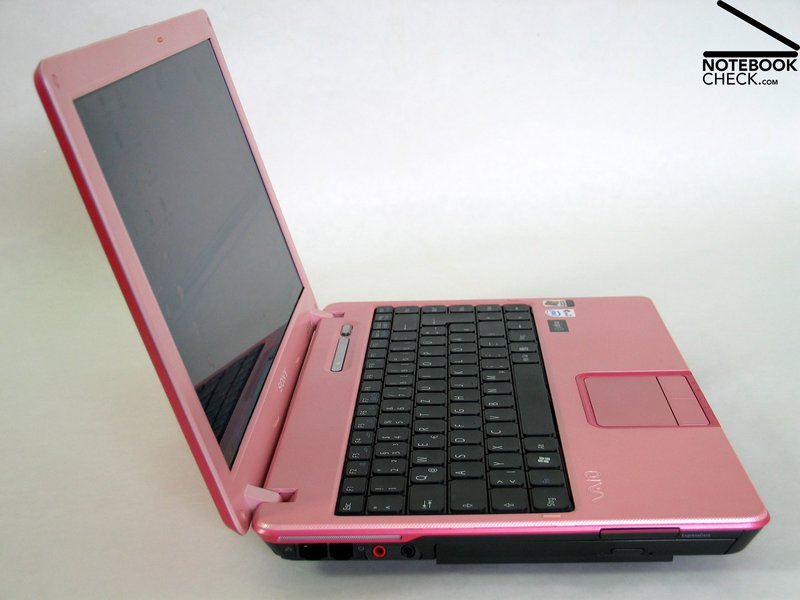
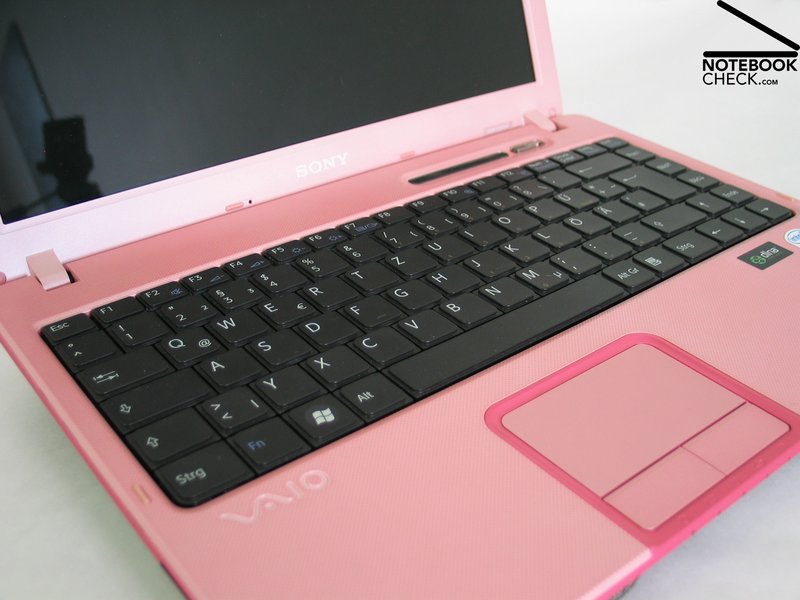
As one can imagine from the design's name, the Vaio C1 is nearly completely pink - unfortunately only nearly. The keyboard and the trough are as usually in black. As the design of the notebook is shrill anyway, also the keyboard and the trough could have been colored in pink. In particular, the contrast of the rest of the case to the black keyboard is too heavy.
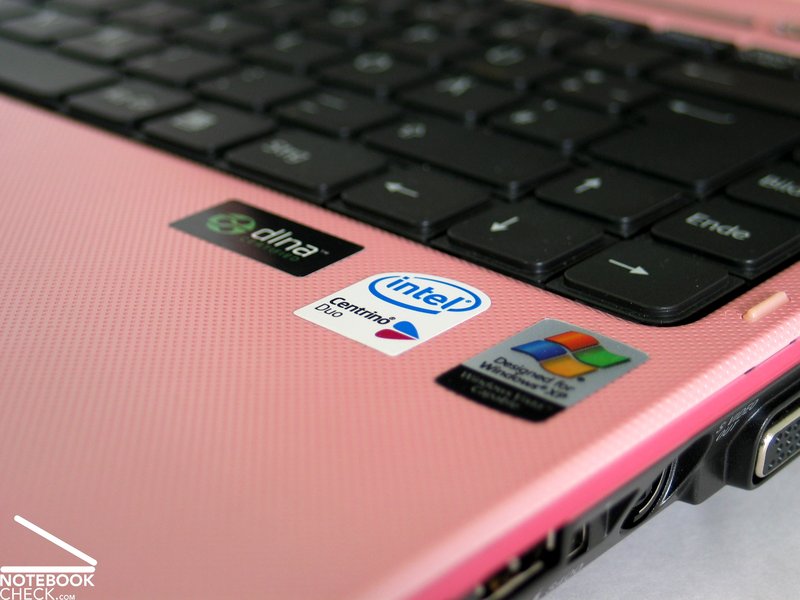
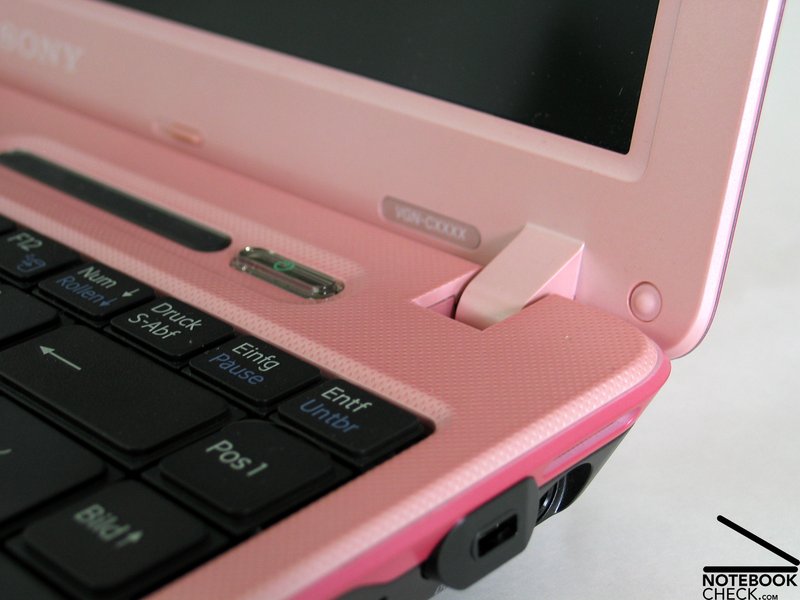
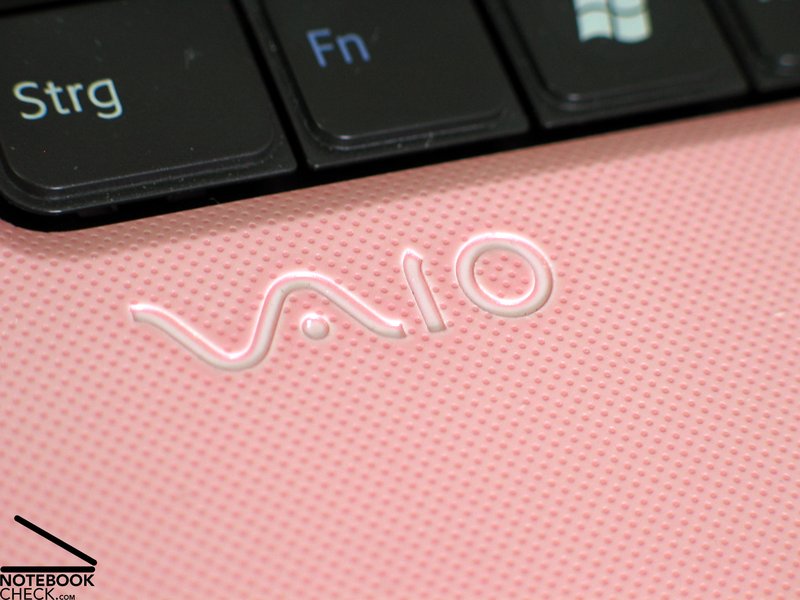
The bezel of the display and the region of the hand balls are made out of a single part. Because of it is smoothly textured surface, it is voluptuous to touch. The light pink color suits excellently to this surface.
The forms used are typical for Sony notebooks. Besides the keyboard (for a detailed description look below) there aren't any rough edges or corners.
The workmanship of the notebook is of high-quality. We could not observe any torsion or creak. Even the relatively thin display is surprisingly flexural rigid.
Under pressure we could detect some weak points of the case, which allowed marginal torsions: these include the center of the region above the keyboard, below which the battery is placed, and the bottom of the notebook in the region of the DVD drive.
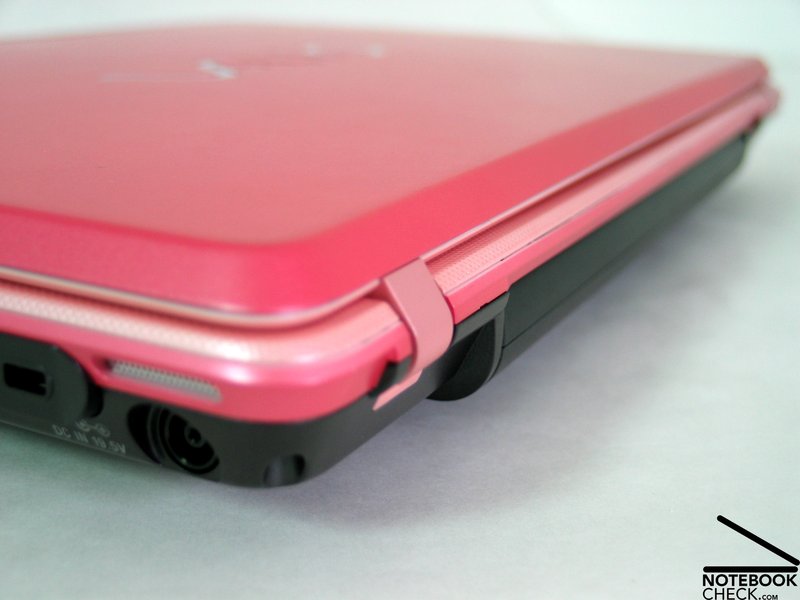
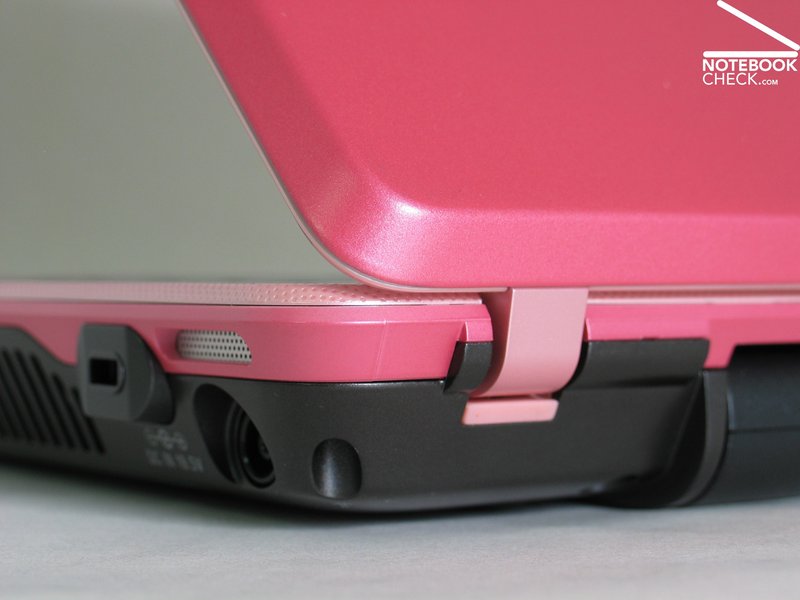
The hinges do not have any problems with the small, flat 13.3 inch display. But it would not do any harm, if they would hold the display slightly stronger. The notebook misses out a lock mechanism. So the user is forced to take a lot of care, if he carries the notebook. Even if a notebook without a hook looks nice, a small transport lock would not do any harm.
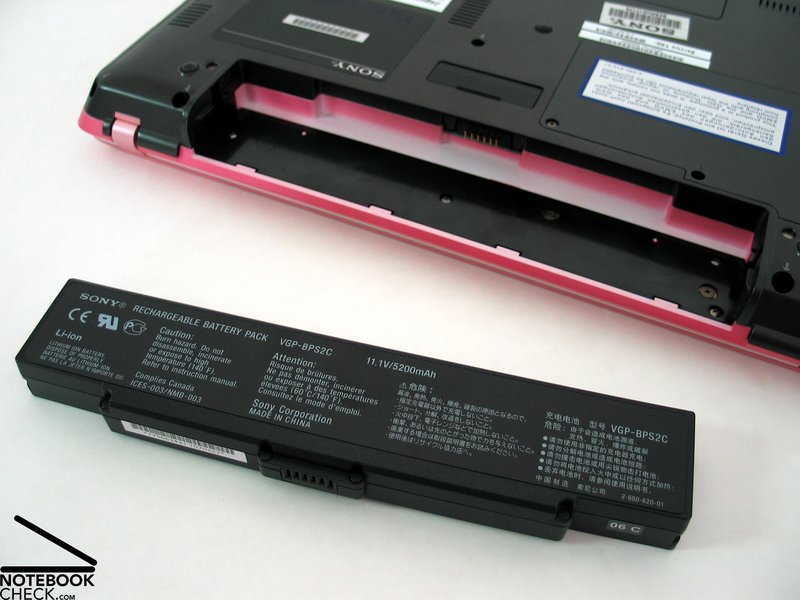
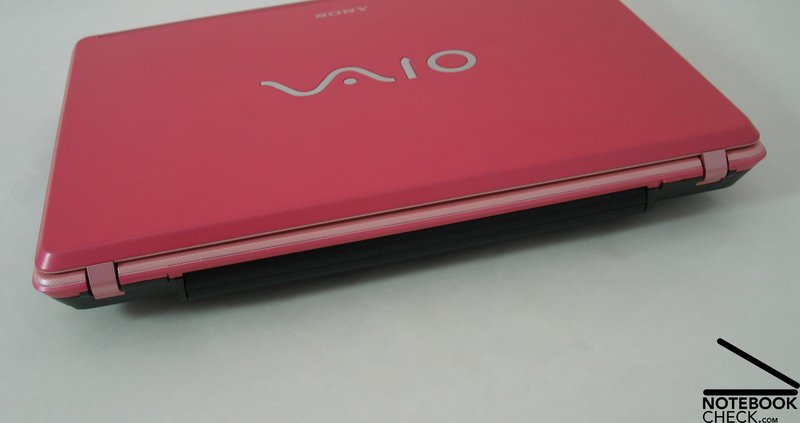
Finally, we have to mention a slight problem with the battery. It wobbled extraordinarily within the case. At a closer look there is a slight deviation of the color of the battery pack compared to the base unit. We have a notion that the notebook did not come with the original battery pack, because the reviewed notebook stems from before mass-production. So we hope that the battery packs of the notebooks to be sold fit accurately and won't wobble any more.
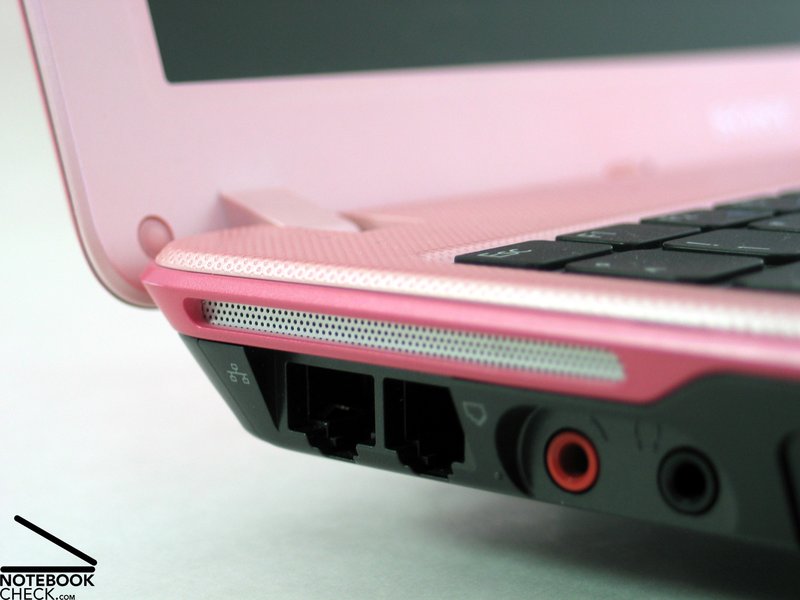
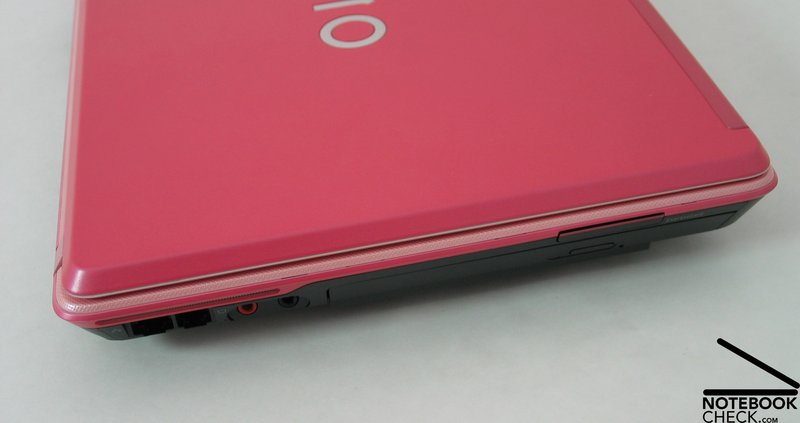
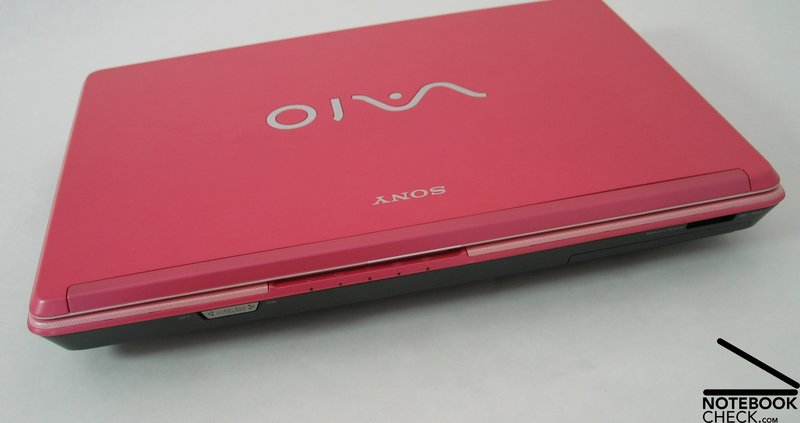
There is no place left for ports at the backside of the notebook, because the battery pack is placed there and because the display hinges were mounted reversely. At the front edge there are only a switch for activating and deactivating the Wireless Lan and a Memorystick reader. By means of the supplied adapter, it is also possible to read SD-Cards, MS, PS Pro, MMC and xD media. At the left side near the front there is the optical drive and behind it there are the audio ports (microphone, head-set) and finally the modem and the Lan interface.
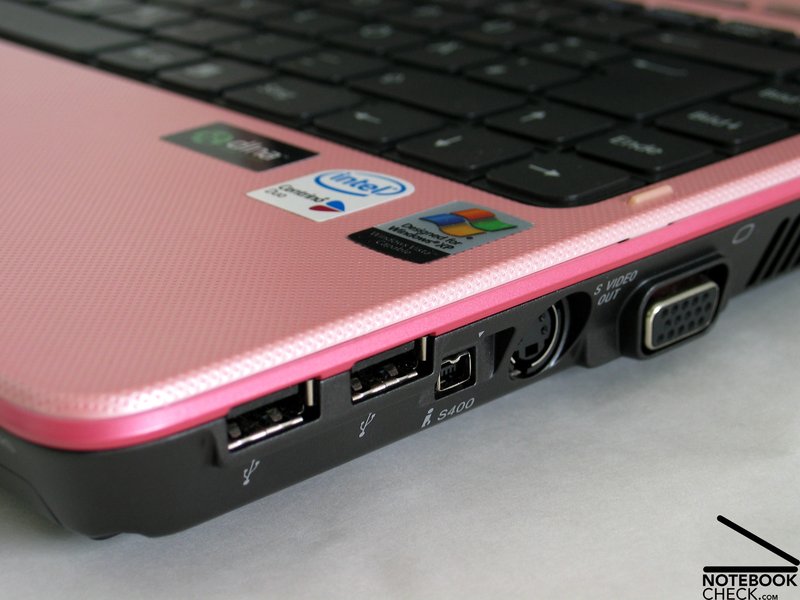
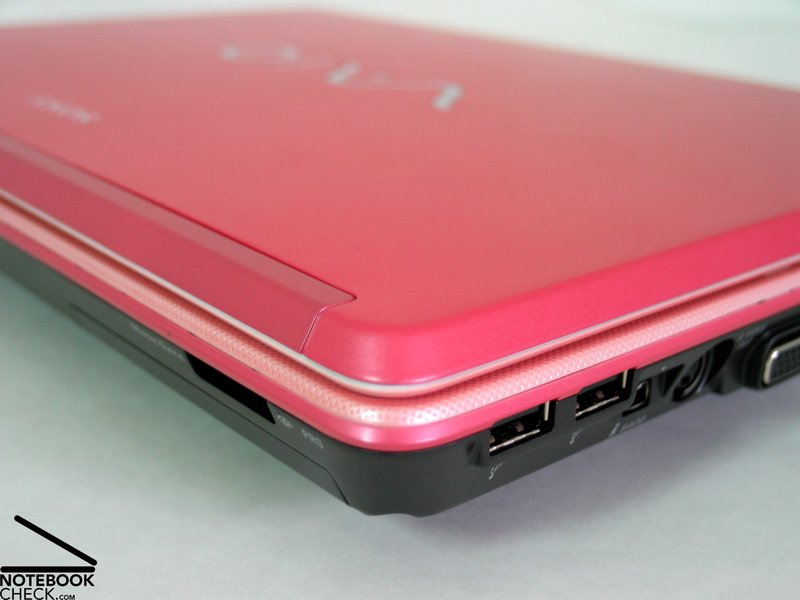
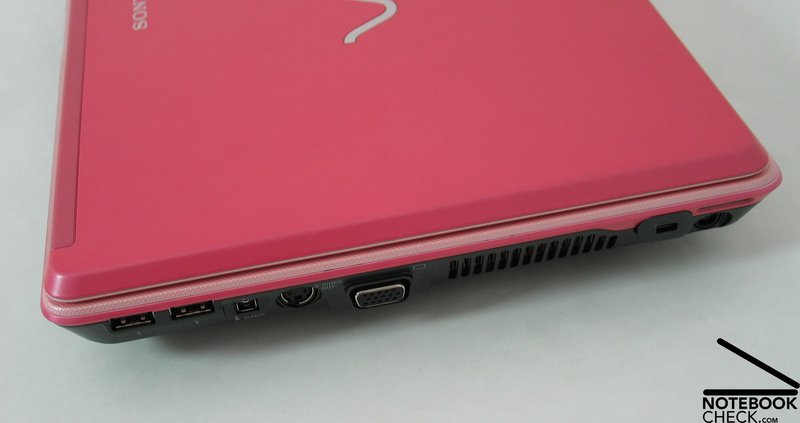
At the right side of the case there are 2 USB 2.0 ports, a firewire port (i.LINK), S-Video out, VGA-Out for connecting an external display and in the back region a Kensington lock and the power connector.
The place of the video card ports is inconvenient for right-handers. The same is true for the USB ports. In practice users only rarely connect beamers or some other USB devices - besides a mouse - to the USB ports.
Input Devices
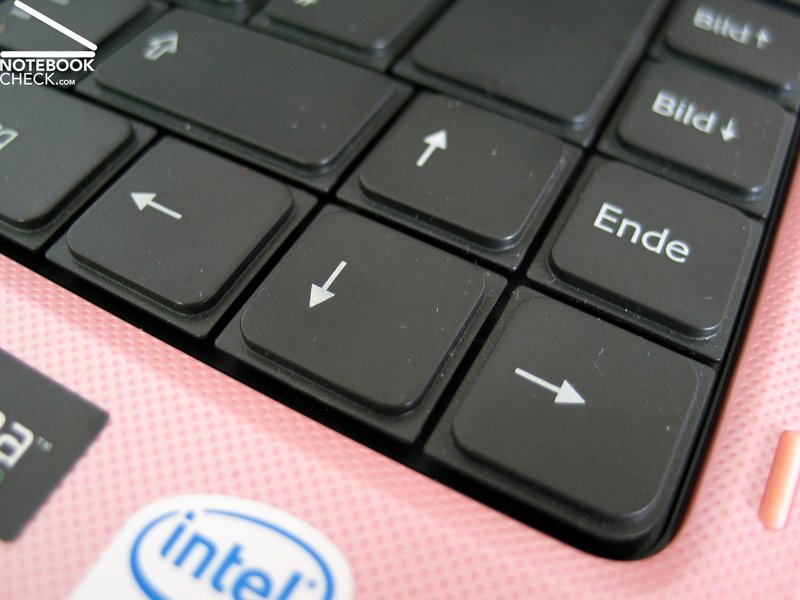
The keyboard has a typical Sony design: An absolutely plane surface and geometric keys with comparatively sharp edges.
Though ordered without gaps, the layout is clear and easy to understand. Even the size of the keys is extraordinary good. The Enter key takes up two rows, the space bar is stretched and the SHIFT key, the CRTL key and the Backspace key are of slightly bigger size.
When typing, one feels an early and jerky feedback, a long travel and finally a hard stop. The typing noise is nearly too loud.
In order to avoid surprises, those new to Sony should maybe try the keyboard before buying.
Sony completely omitted all kinds of additional keys.
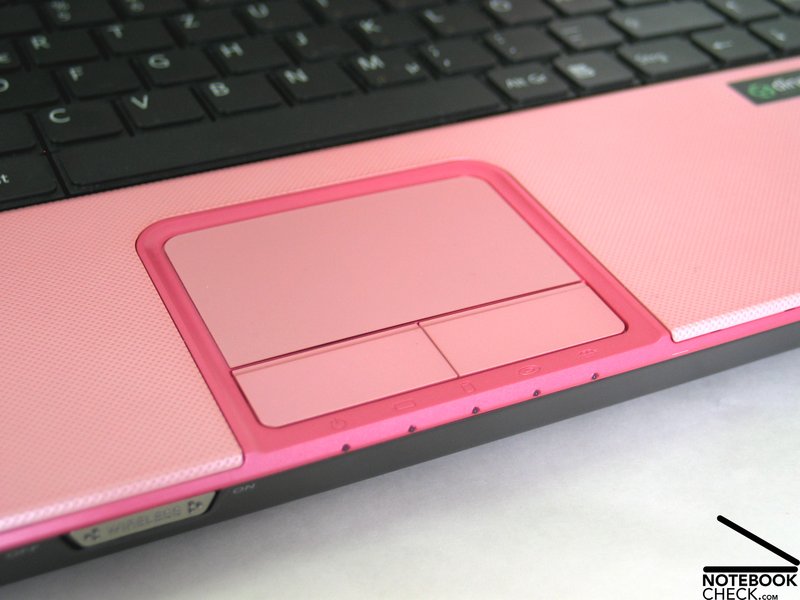
In contrast to the keyboard, the touch pad is colored matt pink. Response as well as precision does not leave anything to criticize. Nevertheless, too much power is needed to use the touch pad's buttons.
Display
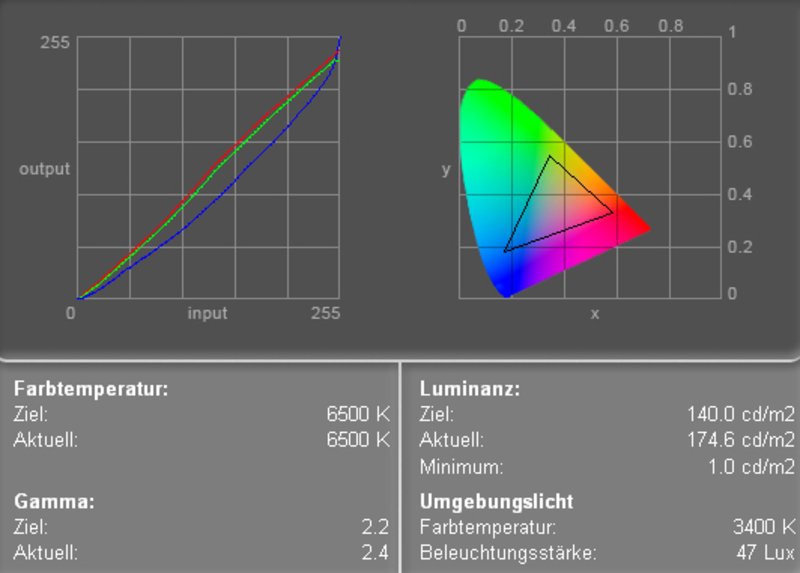
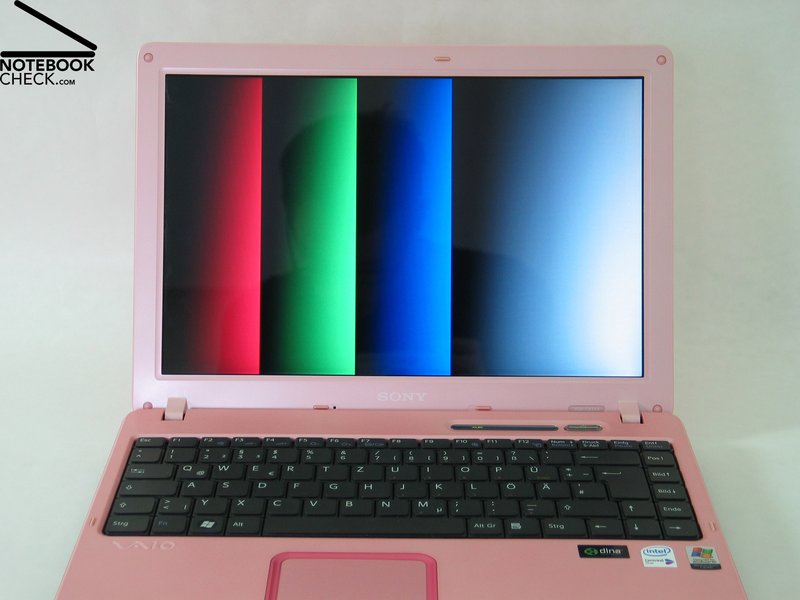
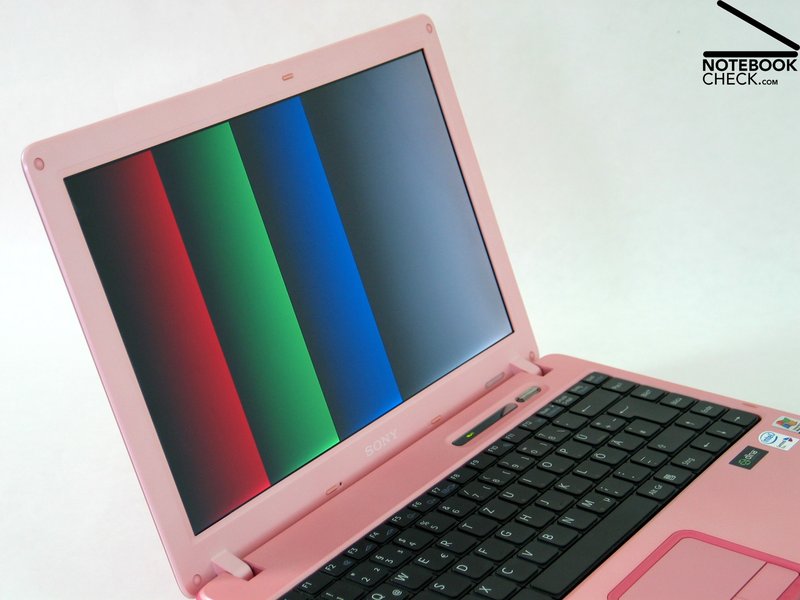
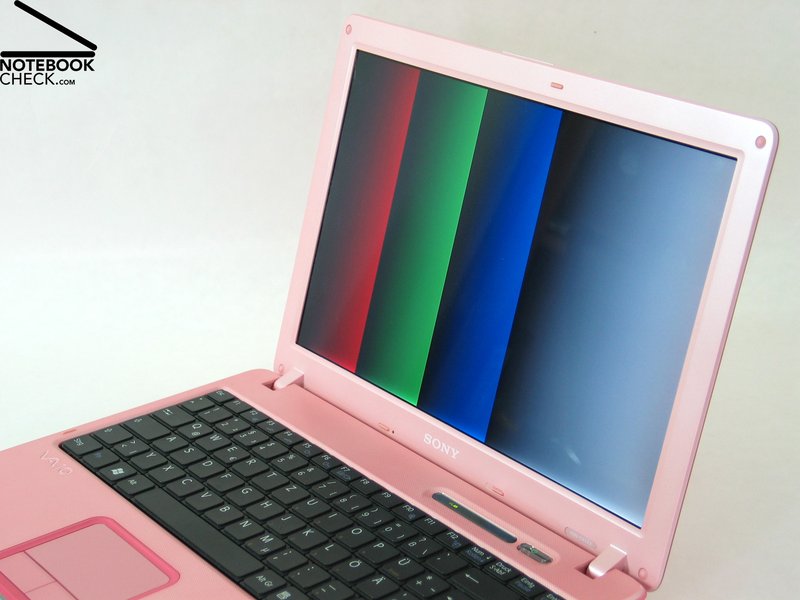
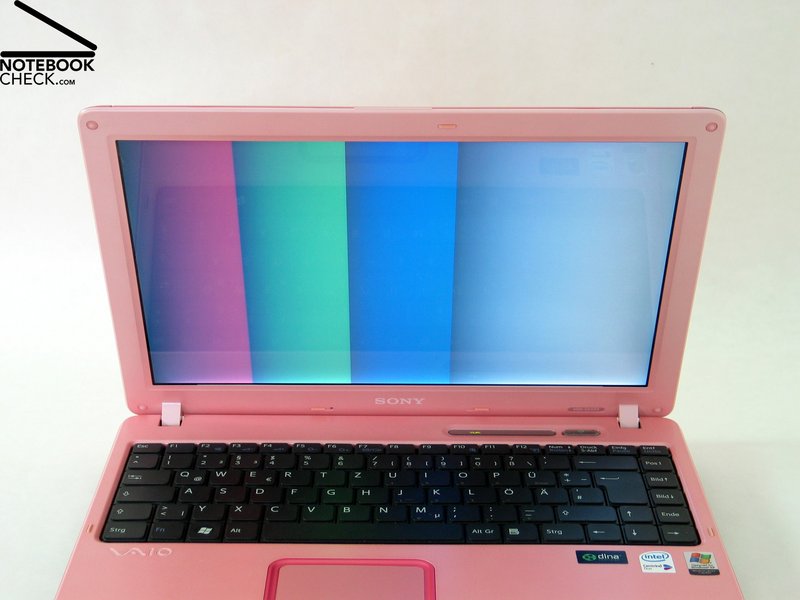
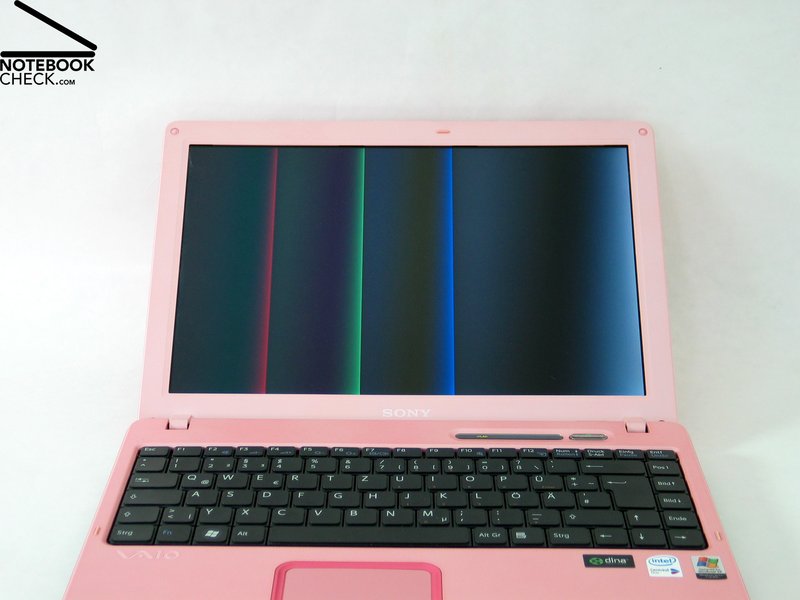
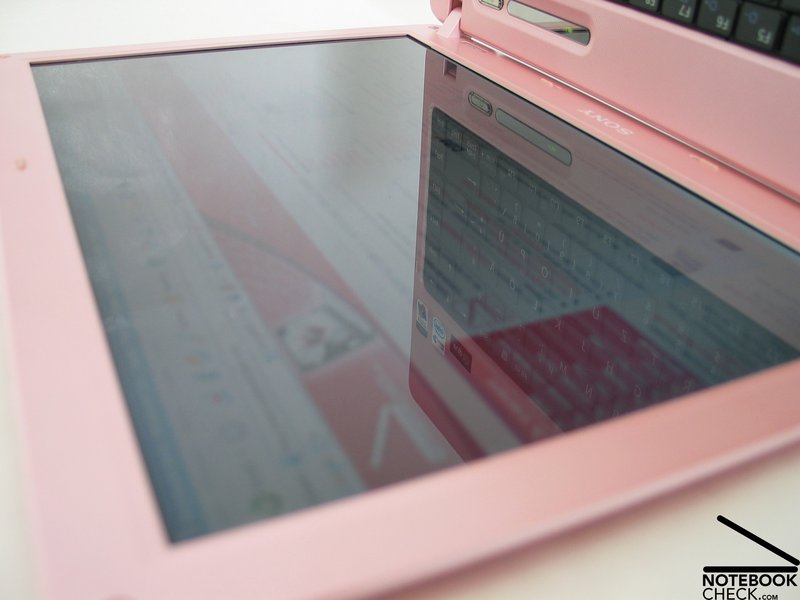
Sony's Vaio VGN-C1 is equipped with a 13.3 inch display with reflecting surface. The maximum resolution of the display is 1280x800 Pixel of format 16:10. The measured maximum brightness is 172.5 cd/m² in the center of the display. The Illumination is only 74.6%, because of clear decline in brightness in the upper left corner of 128.8 cd/m².
Based on the measurement diagram one can observe a nearly ideal red and green color curve, but also the (nearly usual) clear deviation of the blue curve. This leads to warm colors.
| |||||||||||||||||||||||||
Brightness Distribution: 75 %
Contrast: 173:1 (Black: 1 cd/m²)
The black value was measured 1.0 cd/m² and caused a below-average contrast value of 172:1. The notebook is of grade 7 in the Pixperan test of legibility, so the response time of the display is slightly above-average.
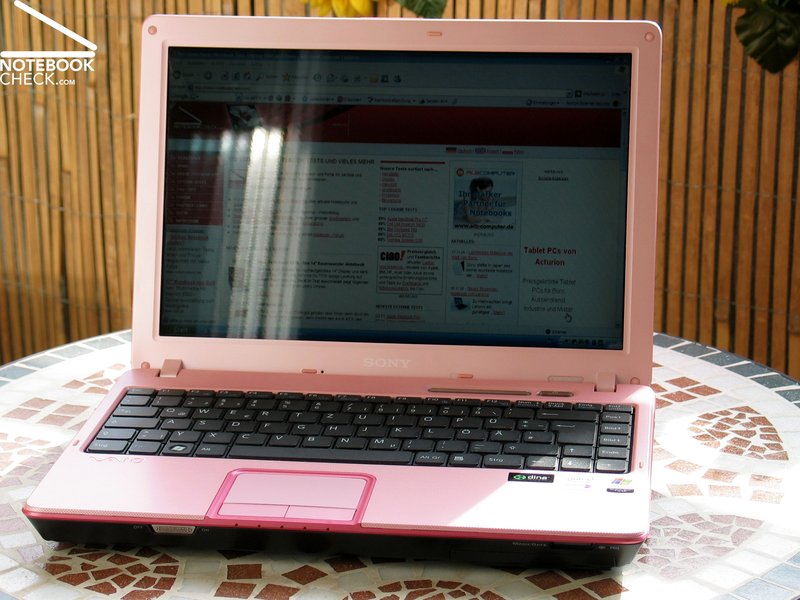
Apparently, the Sony Vaio VGN-C1's display is bright enough to ensure legibility even outdoors. On the other hand it reflects too heavily. In total, it is possible, but not recommended to use it outdoors.
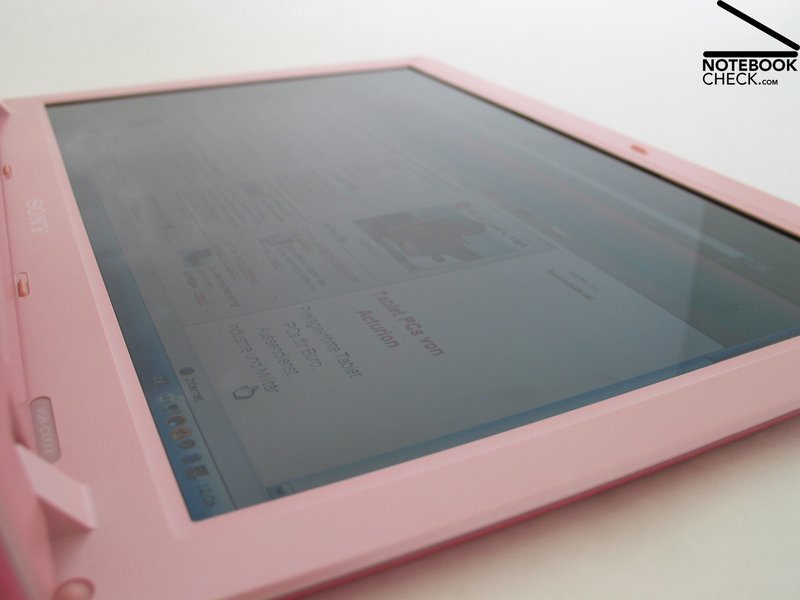
Horizontally, the stability to the vantage point of the 13.3 inch display is - besides reflections at very acute angles - alright. Vertically, one can relatively early observe dimouts and brightening.

Performance
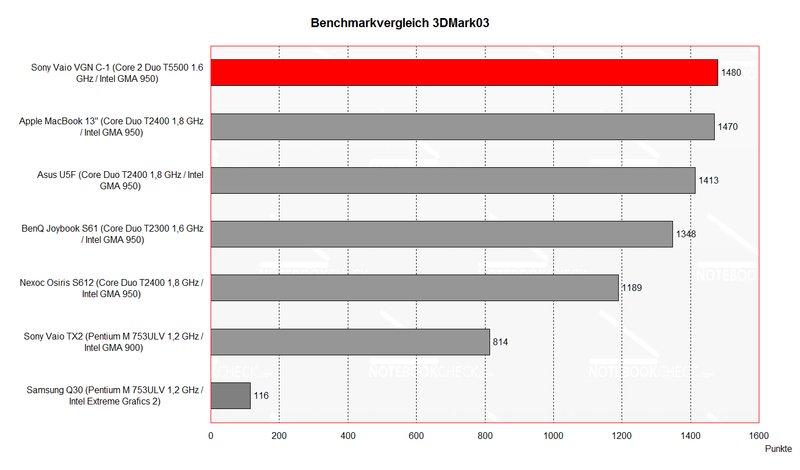
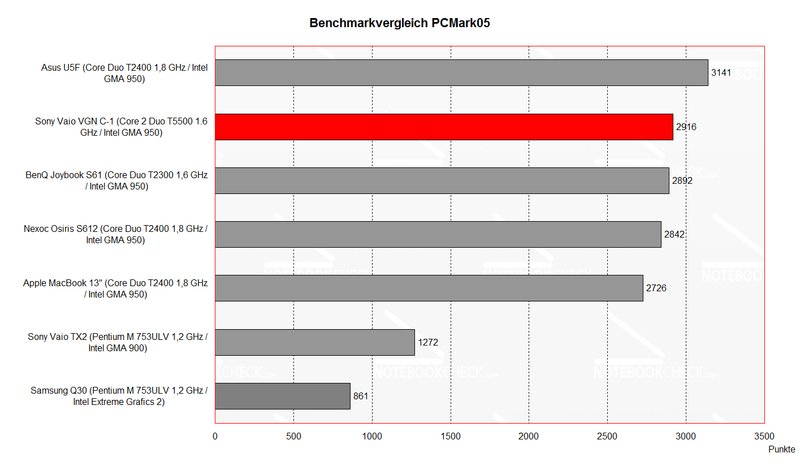
Compared to other subnotebooks Sony's Vaio VGN-C1 is relatively good. The Core 2 Duo CPU leads to good performance at applications. The graphical performance is compared to notebooks of the same class good, but if one needs a little more power, one should try the Vaio VGN-C1 Z/B instead, which is equipped with a Geforce 7400 with TurboCache.
This should lead to a clearly better 3D performance, which is comparable to the performance of an ATI X700). Current games can be played with a Geforce 7400, although one has to compromise on the number of details and the resolution.
Further information to the video card can be found here and in our Comparison of mobile vidio cards. Detailed information about the Core 2 Duo T5500 CPU can be found here.
Please also look at our benchmark list of mobile processors or at our benchmark list of mobile video cards, in order to compare the notebook to different configurations.
| 3DMark 2001SE Standard | 6114 points | |
| 3DMark 03 Standard | 1480 points | |
| 3DMark 05 Standard | 542 points | |
| 3DMark 06 Score Unknown Setting | 139 points | |
Help | ||
| PCMark 04 Standard | 4776 points | |
| PCMark 05 Standard | 2916 points | |
Help | ||

Emissions
Loudness
Sony's Vaio VGN-C1 is very quiet. Even though we measured 35.2dB in idle mode, it did subjectively not disturb. Sensible ears might be able to hear a quiet, high-frequent sough. This presumably stems from the hard disk or the CPU cooler. Under load (especially with constant CPU demand) the notebook got a little louder, but the noise was still acceptable. We could not observe any increase of revs of the fans during light office operation or during surfing.
The DVD drive is a little too loud during play back. It is recommended to use software tools to reduce its noise. Even the hard disk could be heard clearly.
Noise level
| Idle |
| 35.2 / 41.3 / 35.2 dB(A) |
| HDD |
| 38.4 dB(A) |
| DVD |
| 43.7 / dB(A) |
| Load |
| 0 / 41.3 dB(A) |
 | ||
30 dB silent 40 dB(A) audible 50 dB(A) loud |
||
min:  , med: , med:  , max: , max:  (15 cm distance) (15 cm distance) | ||
Temperature
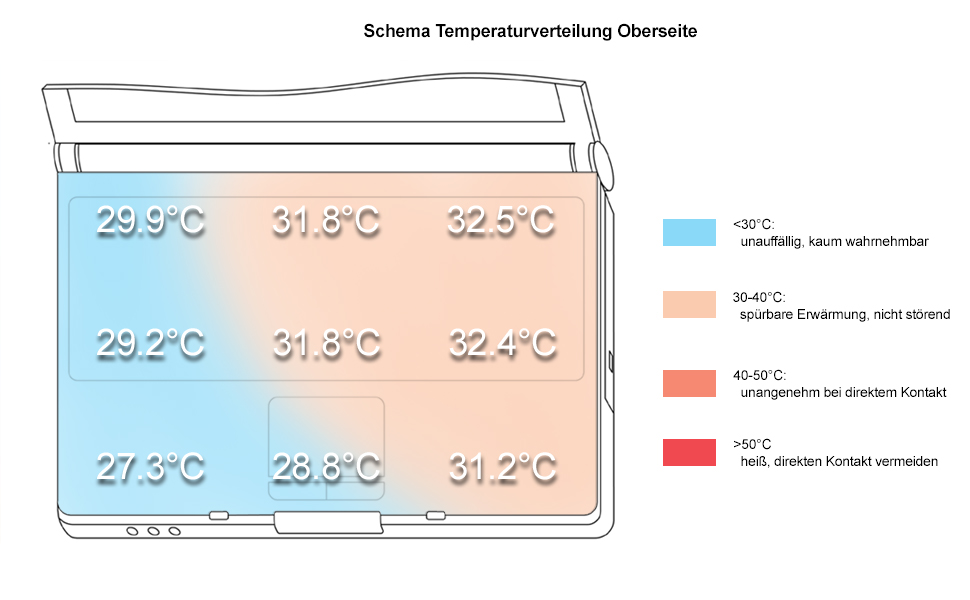
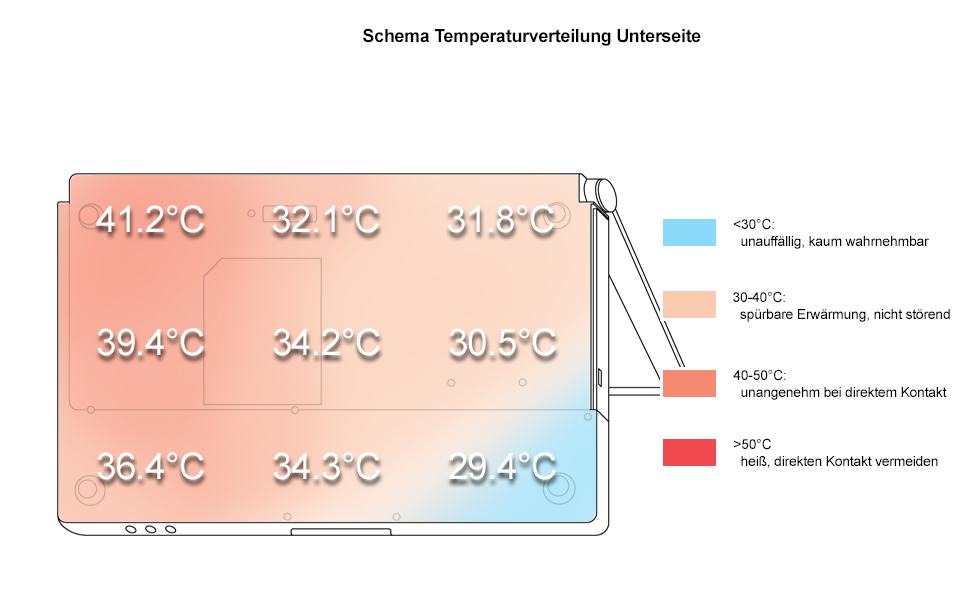
The notebook gets only slightly warmer at the top side. The measured maximum temperature was only 32.5°C. At the bottom side we measured a maximum temperature of 41.2°C near the fans at the right side of the case.
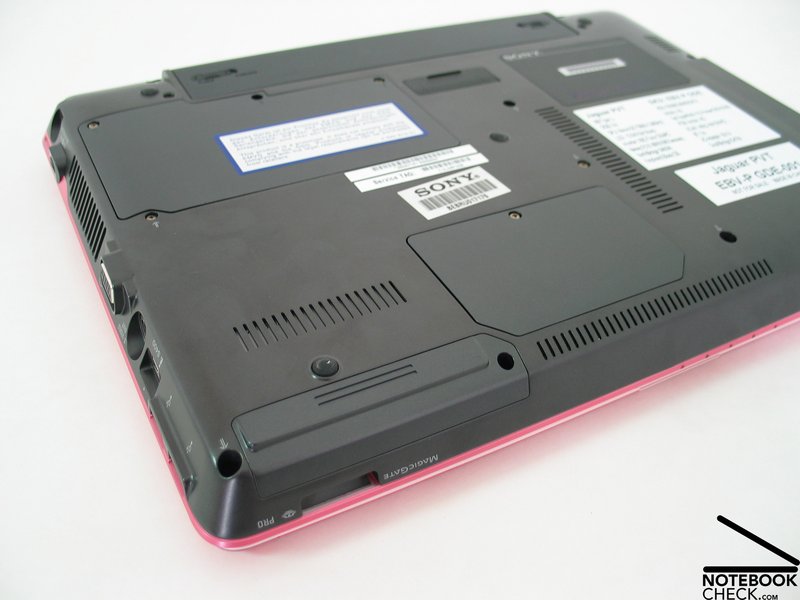
We are pleased by the design of the base unit. There are lots of vent holes, which are placed on various places at the bottom side. Therefore, the notebook is ideal for mobile operation, even at ones lap.
Upper side
palmwrist: 31.2°C max: 32.5°C avg: 30.5°C
Bottom side
max: 41.2°C avg: 34.4°C hotspot: near the fans
environment: 22.0
Speakers
At the first glance the speakers are too hidden to be found. If one turns on music, one will find them at the left and right side behind a fine grid. Generally, the sound of the speakers is alright. Even the maximum loudness is alright, but the basses aren't so good and the poor sonority is apparent.
Battery Runtime
We observed good values for the battery runtime during our review. The minimum runtime (full load) of about 2 hours, as well as the maximum runtime (idle mode) of about 4 hours convinced us.
The good runtime is caused by a low energy demand and by the variety of energy/performance profiles and finally be the 5200 mAh battery.
The lowest energy is demanded with the profile "max. battery runtime plus". But we won't recommend this setting, because it reduces the color representation to 16 Bit.
Energy demand
Without load (Idle), min. brightness, without WLAN: 18.1 Watt
+ max. brightness: 22.3 Watt
+ WLAN: 23.5 Watt
full load (+WLAN, max brightness): max. 46.2 Watt
Verdict
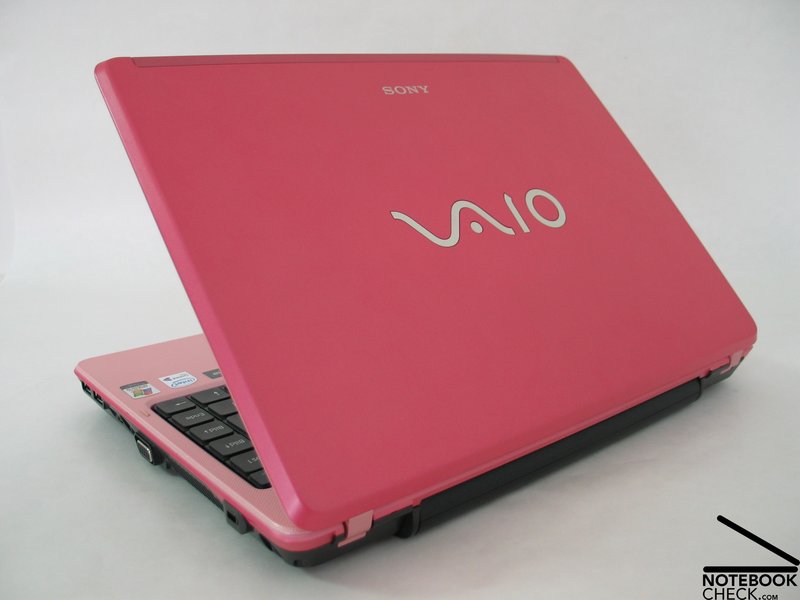
Sony's Vaio VGN-C1 series are of good design and provide notebooks for nearly every taste.
C1 is of good workmanship and suits well to mobile use, because of its compact and robust design. The only weak point are some pressure-sensitive regions of the case.
The display is bright, but has a slightly below-average distribution of brightness. The contrast could be better and vertically, the stability to the vantage point could be improved too.
Nevertheless, the C1 is of good performance and the possibility to use it with a Geforce 7400 video card can improve its 3D performance.
The emissions are low. This is an important aspect of subnotebooks.
Battery runtime of about 4 hours too, supports the mobile use to the notebook.
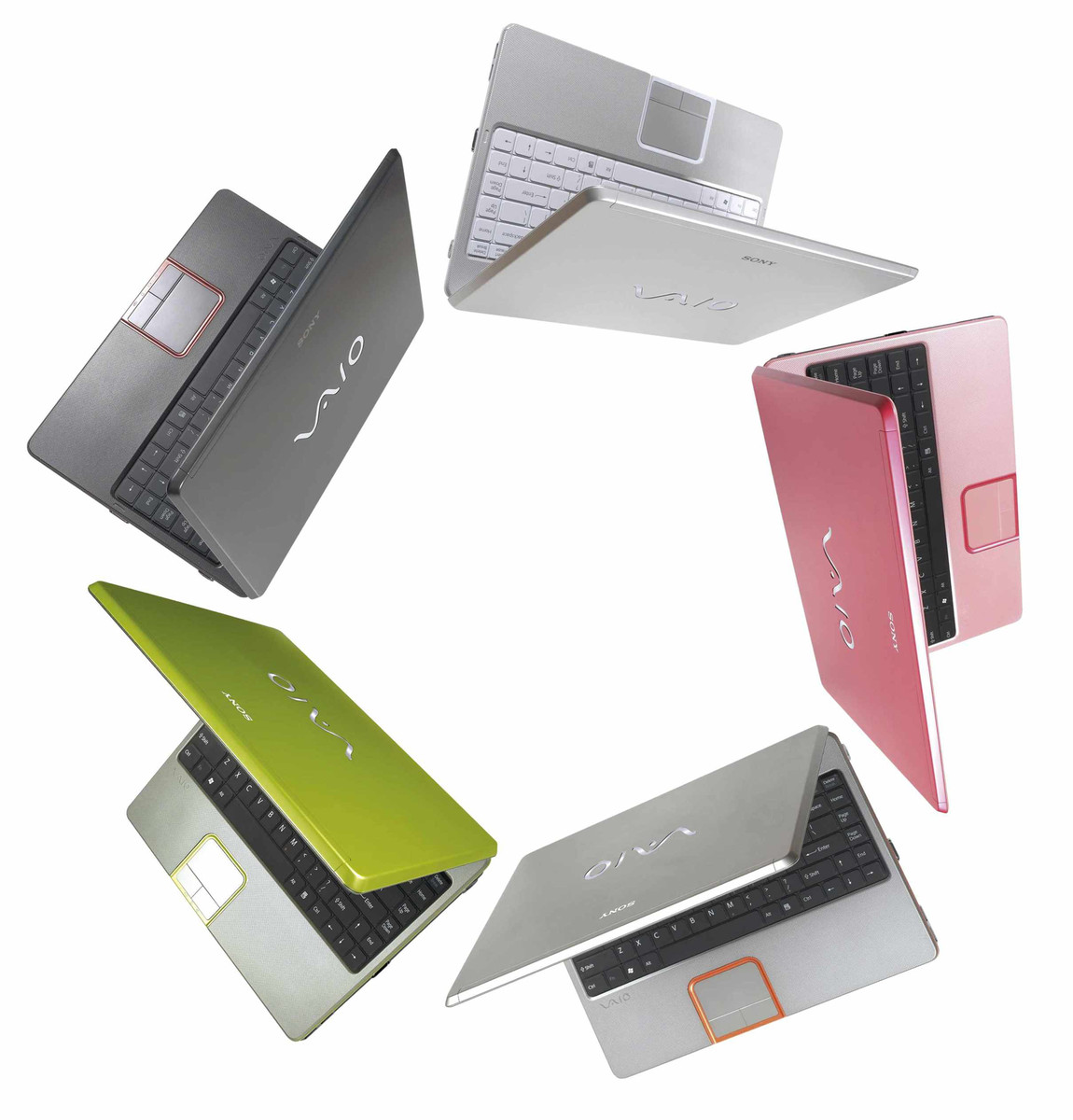
Sony Vaio VGN-C1 S/P in design „Free Spirit Pink” is prospectively to come into market in week 50 (11th of December).
 Add as a preferred source on Google