Review Samsung R522-Aura T6400 Satin Notebook
Gaming Beginner.
Samsung provides a, in view of configuration, attuned notebook in a popular 15.6" size and pursues the strategy of several product generations with its R522. But what does the latest model exactly have to offer? Quality, equipment, performance and maybe even gaming capabilities? Our comprehensive test will clarify what this all-rounder with an Intel T6400 CPU and ATI 4650 graphic is good for.

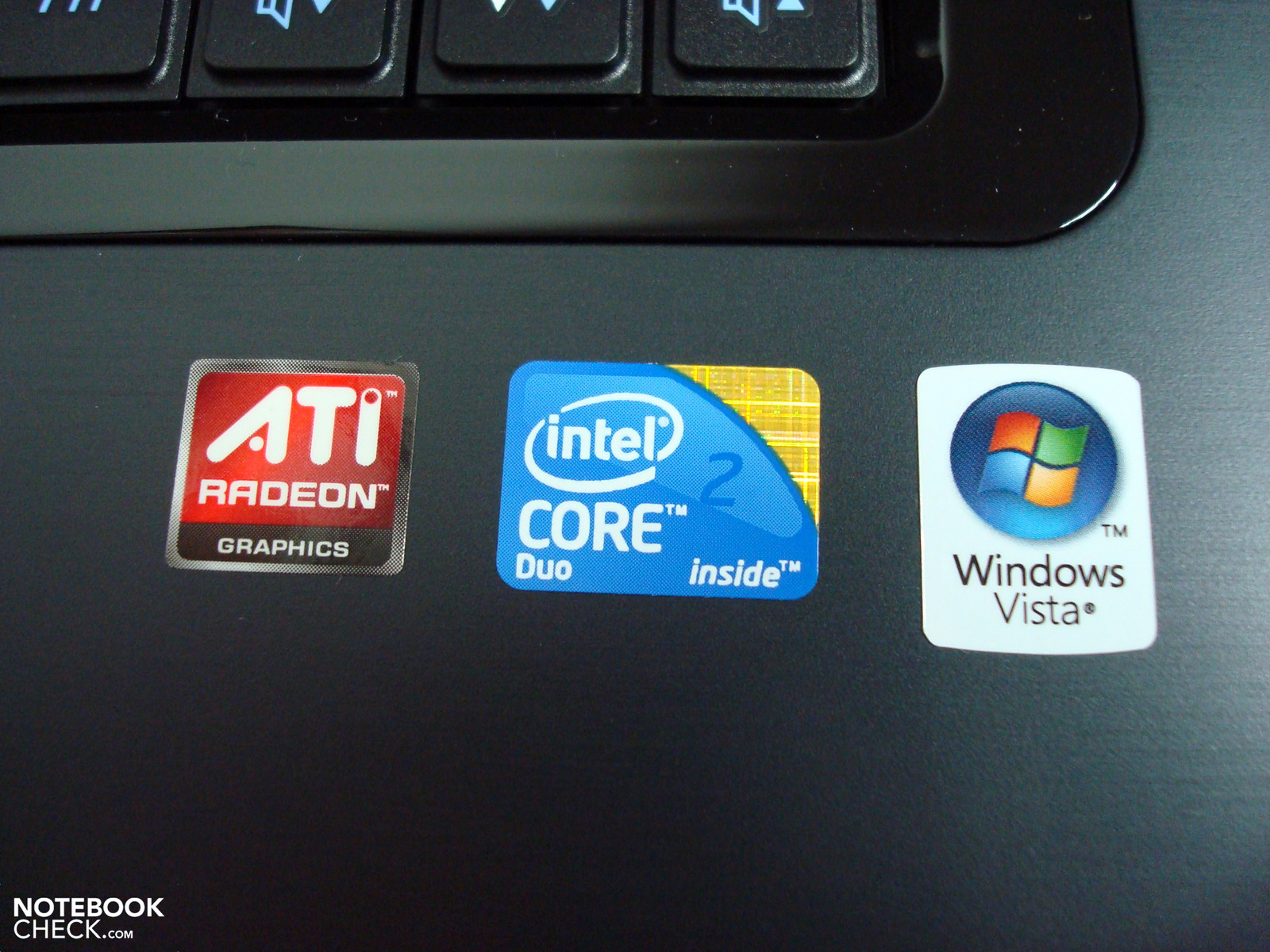
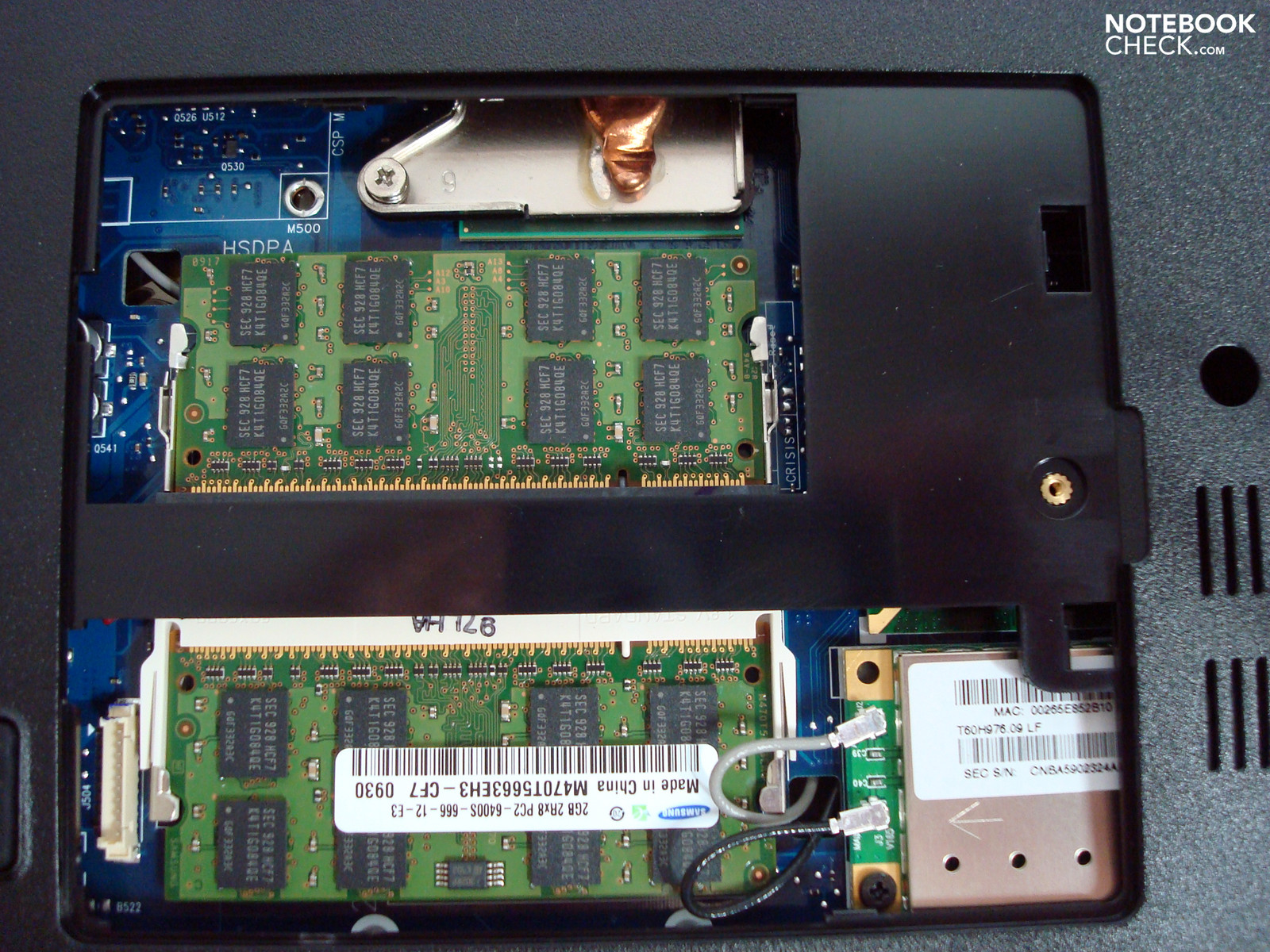
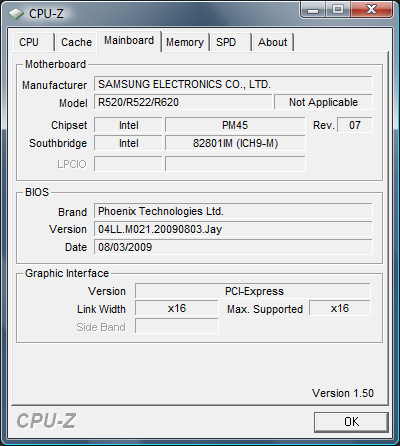
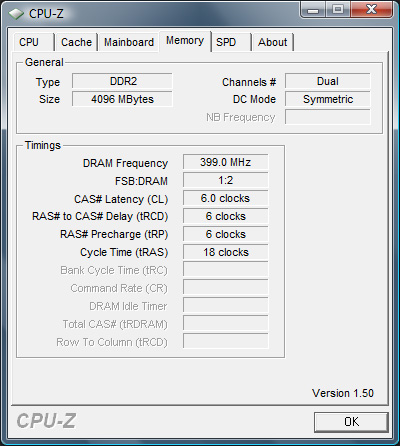
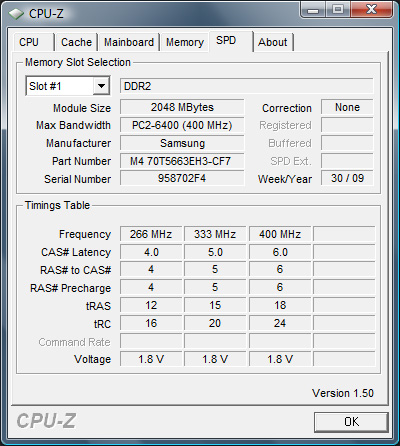
Samsung is renowned for supplying only a countable amount of alternatives of every series. Thus, there are currently five configurations available that have been priced very close to one another (starting at a street price of 580 - 650 Euro) and which differ notably in view of CPU, graphic and hard disk capacity. Our prototype has been equipped with an Intel Core 2 Duo T6400 CPU, ATI Mobility Radeon HD4650, 500 GB hard disk and 4 GB RAM. Windows Vista Home Premium 32 bit is still used as the operating system.
Case
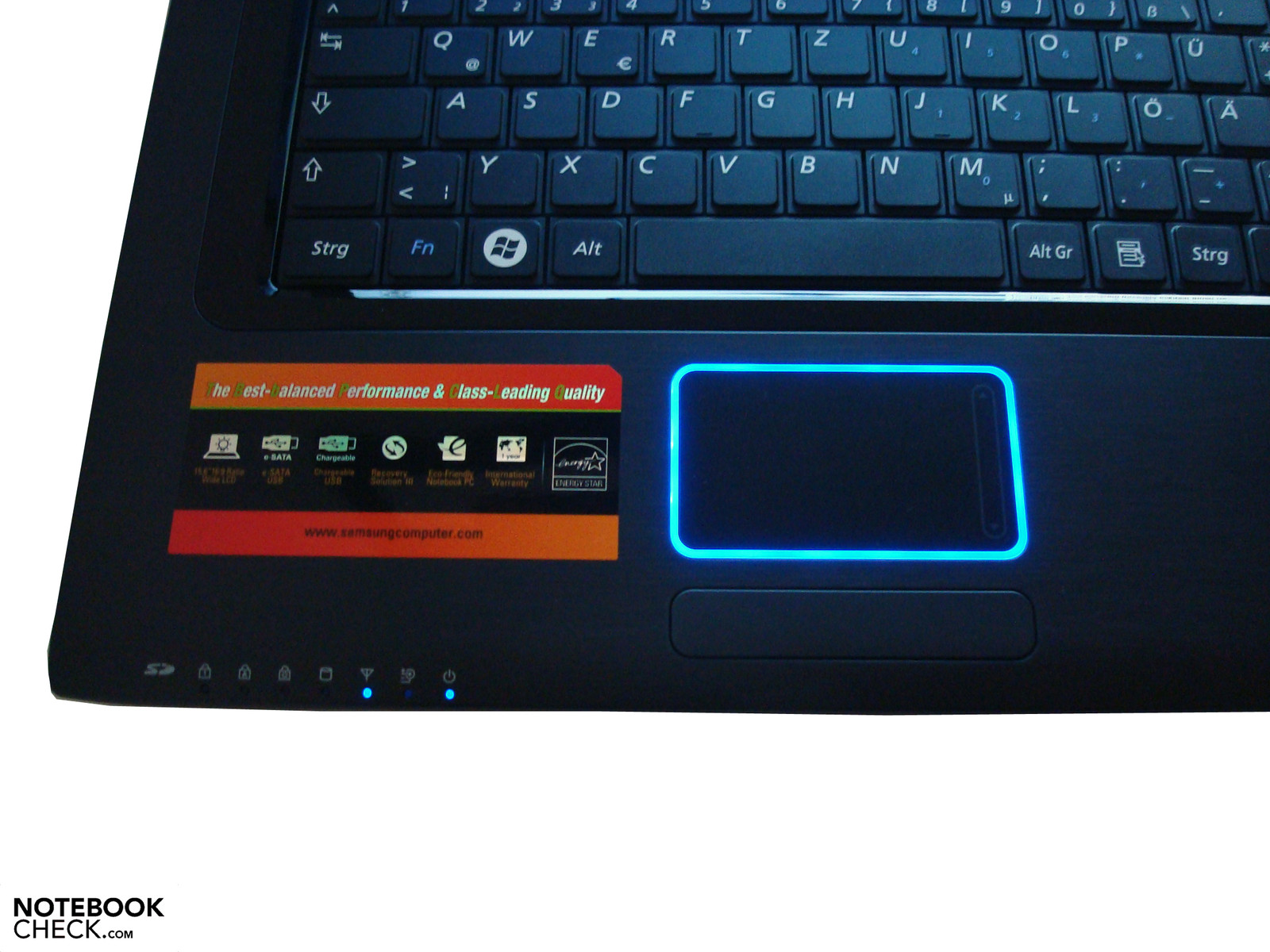
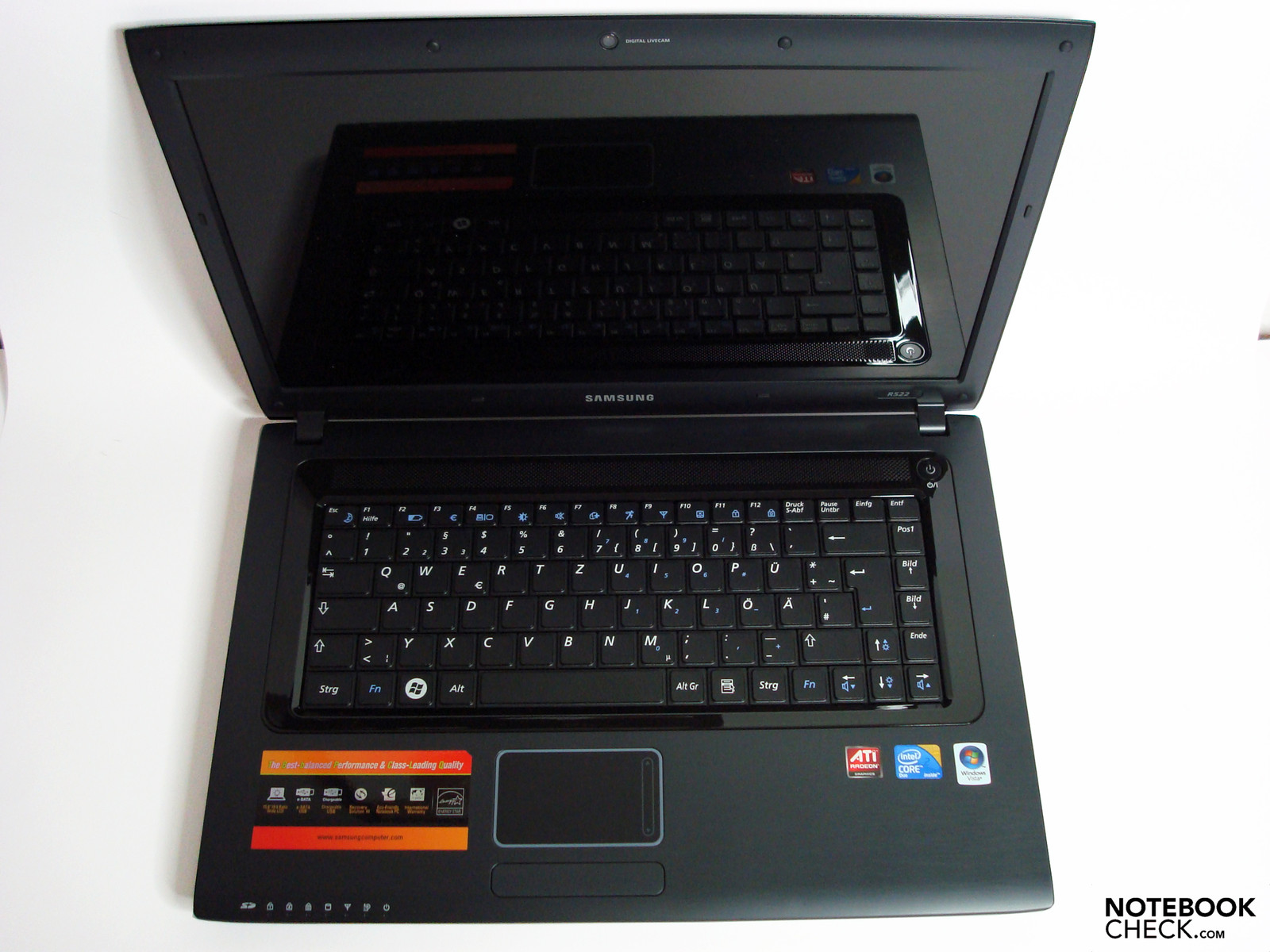
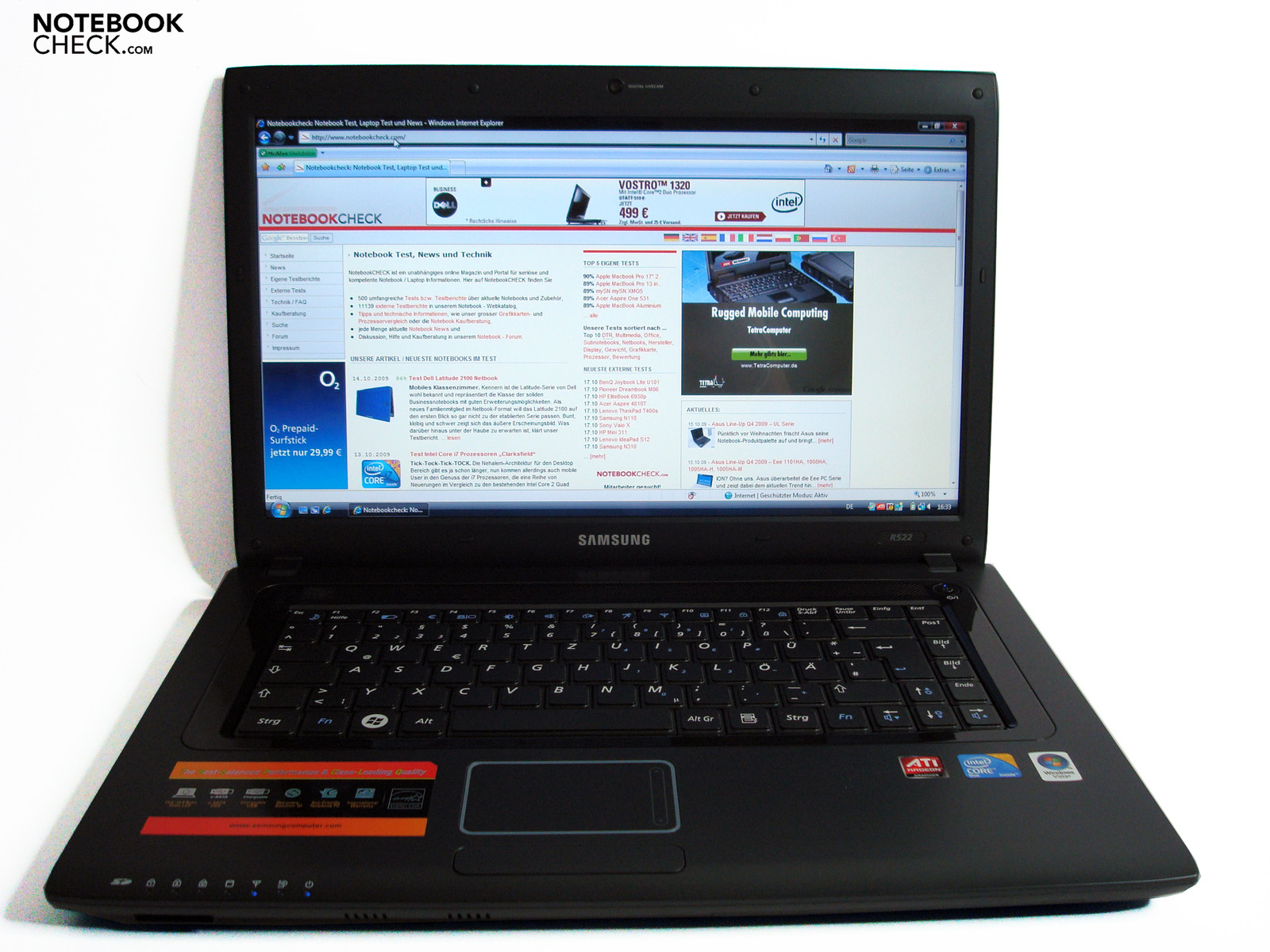
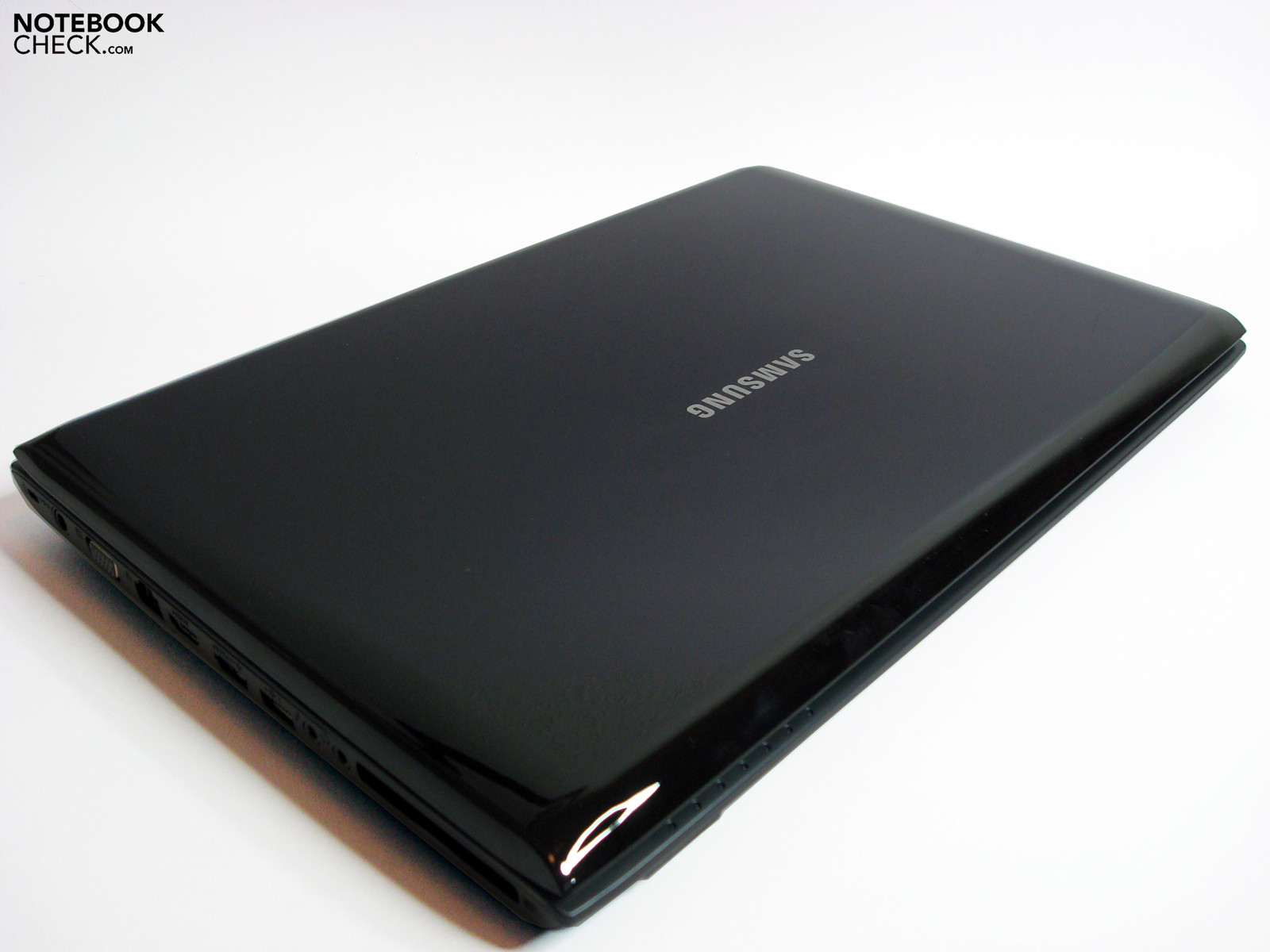
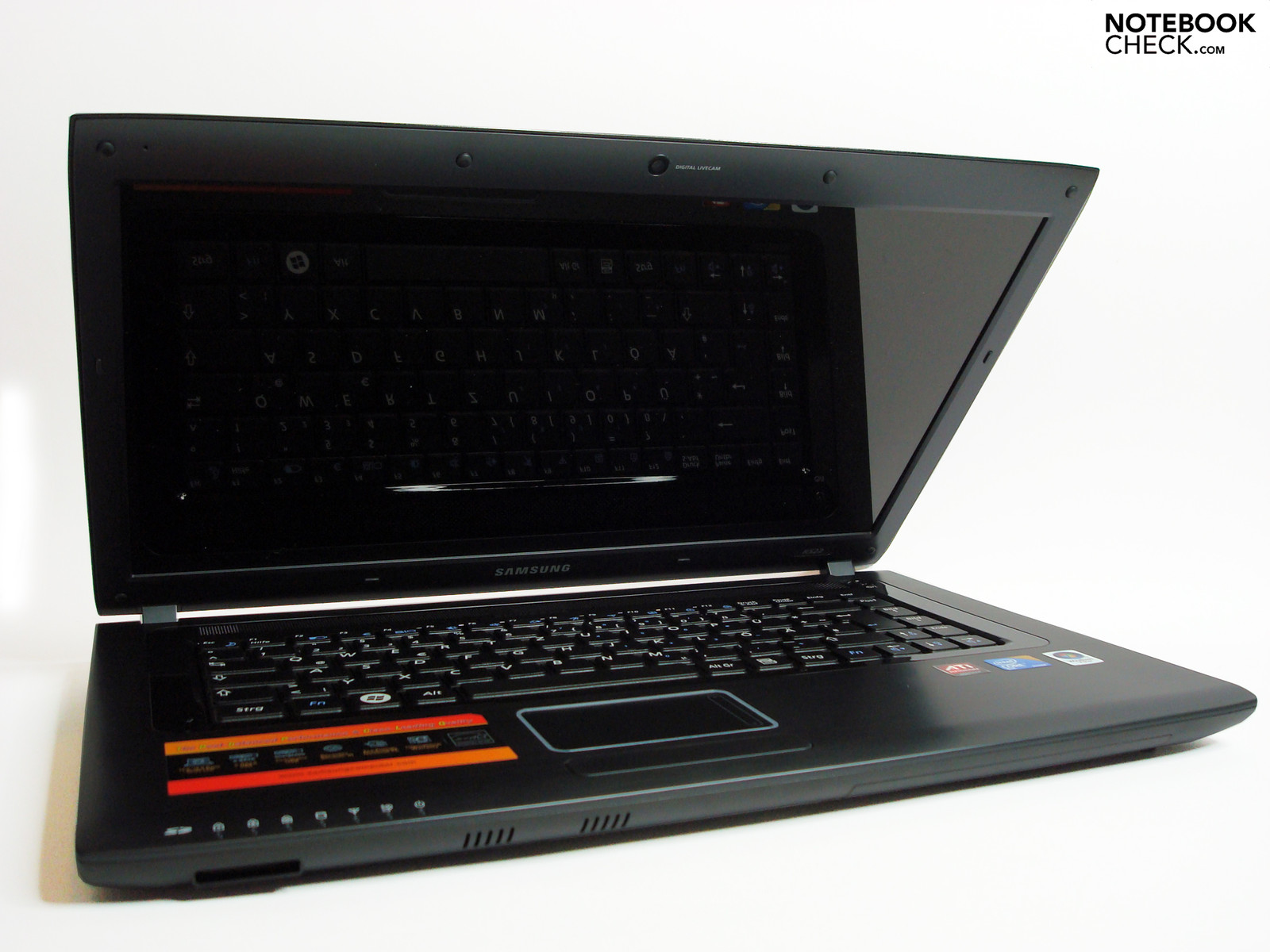
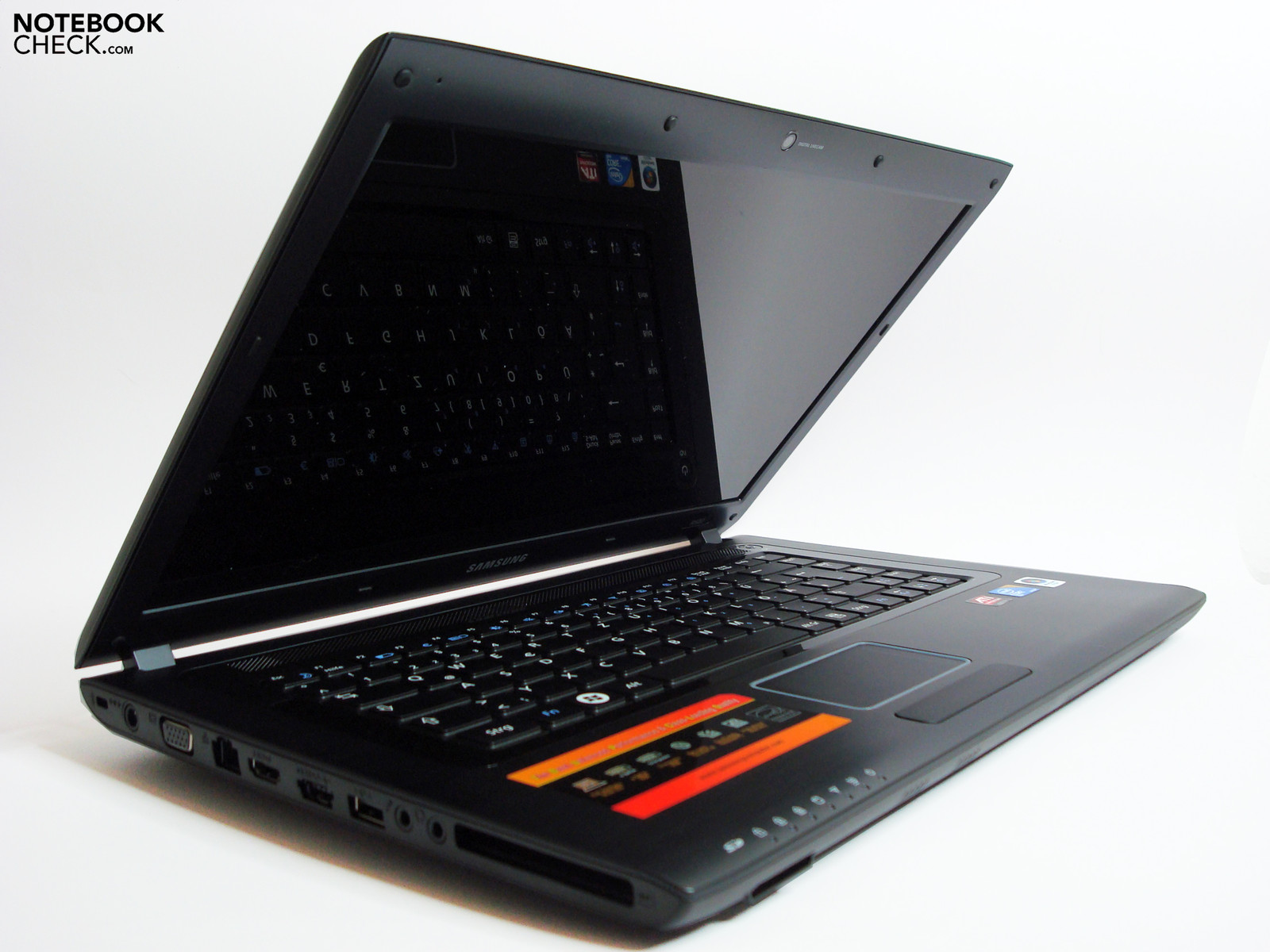
The Samsung R522 Satin's slim and light case looks very simple at first sight and there aren't any recognizable indications for an unusual design. Elements finished in high-gloss, such as the display lid and keyboard frame, aren't anything special anymore and optically breaks up the basically very unobtrusive design of the notebook a bit. First, at a second glance, also due to the barely different color, the fine structure of the wrist rests that remind of brushed aluminum become apparent.
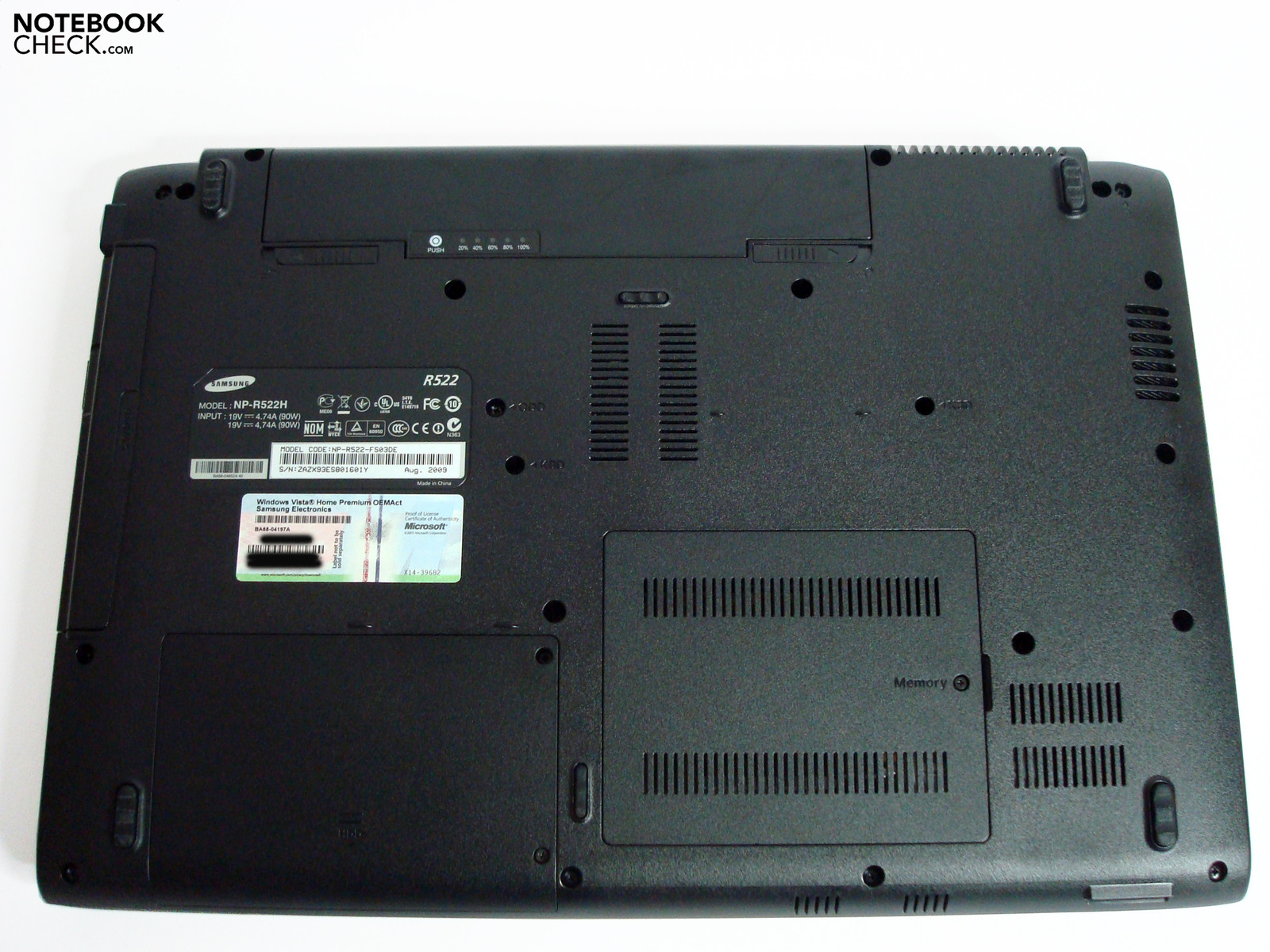
The side parts, the bottom tray and even the interior display area are wainscoted in a black plastic, which make a stable impression. As to the manufacturing quality in view of accuracy of fit, gaps, resistance and pressure resistance there isn't much to complain about. As usual, the high-gloss coated surfaces are highly sensitive for small scratches, fingerprints and dust attraction. The case's torsional stiffness over the battery slot and the DVD drive, also as usual, can't quite keep up with the standard of the other areas and can be deflected somewhat under average pressure. This applies even more to the display lid, which can't prevent a wave-formation on the display whilst a similar action. However, these points aren't as relevant in normal use because such a demand with which we test will barely belong to the daily routine. Apart from that, the product alignment is rather more focused on multimedia than mobility and therefore smaller drawbacks can well be coped with.
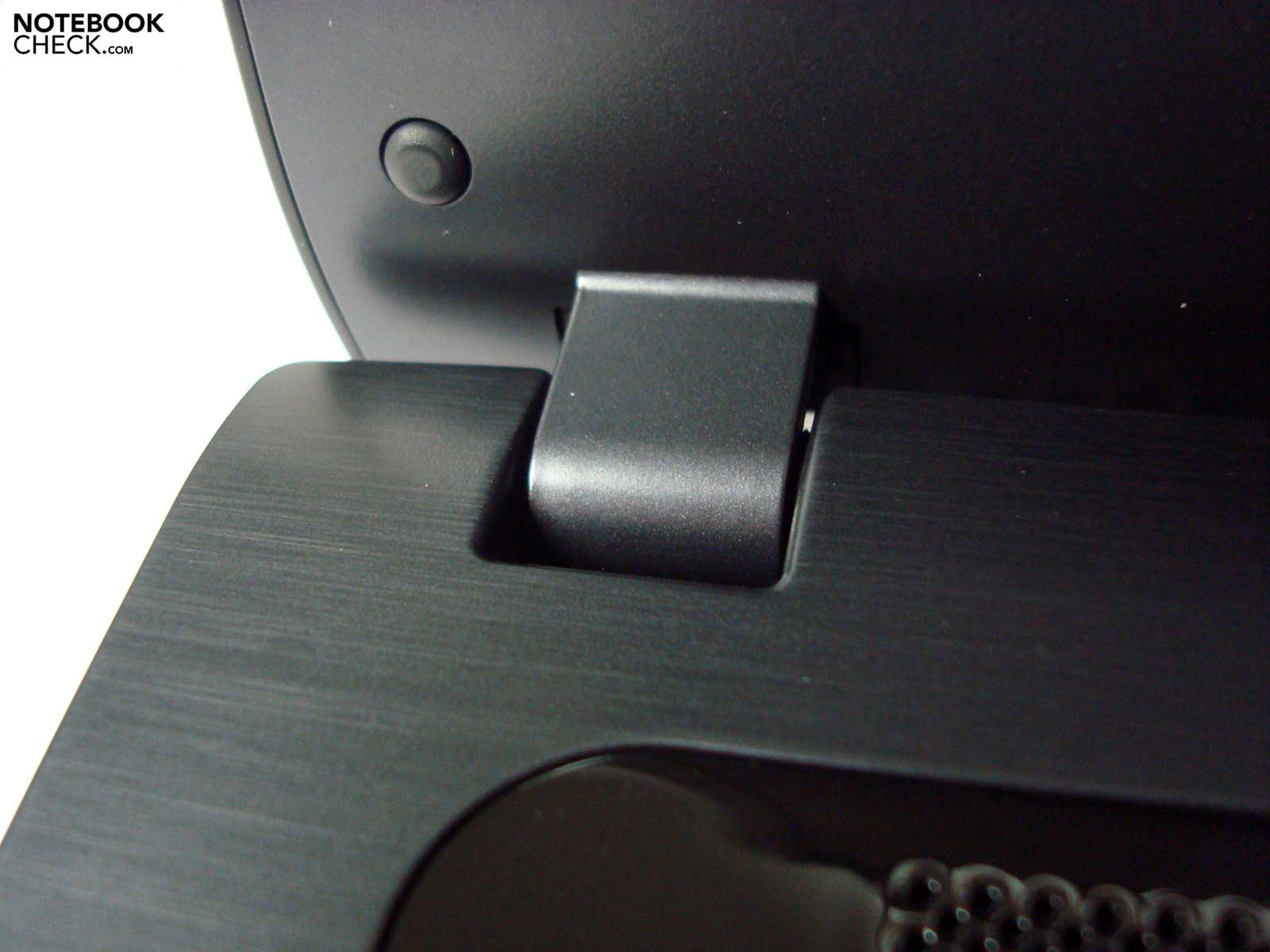
The display hinges that hold the opened screen firmly also provide for a tight tension in a closed state, but in return don't allow a single-handed opening due to the somewhat stiff operation.
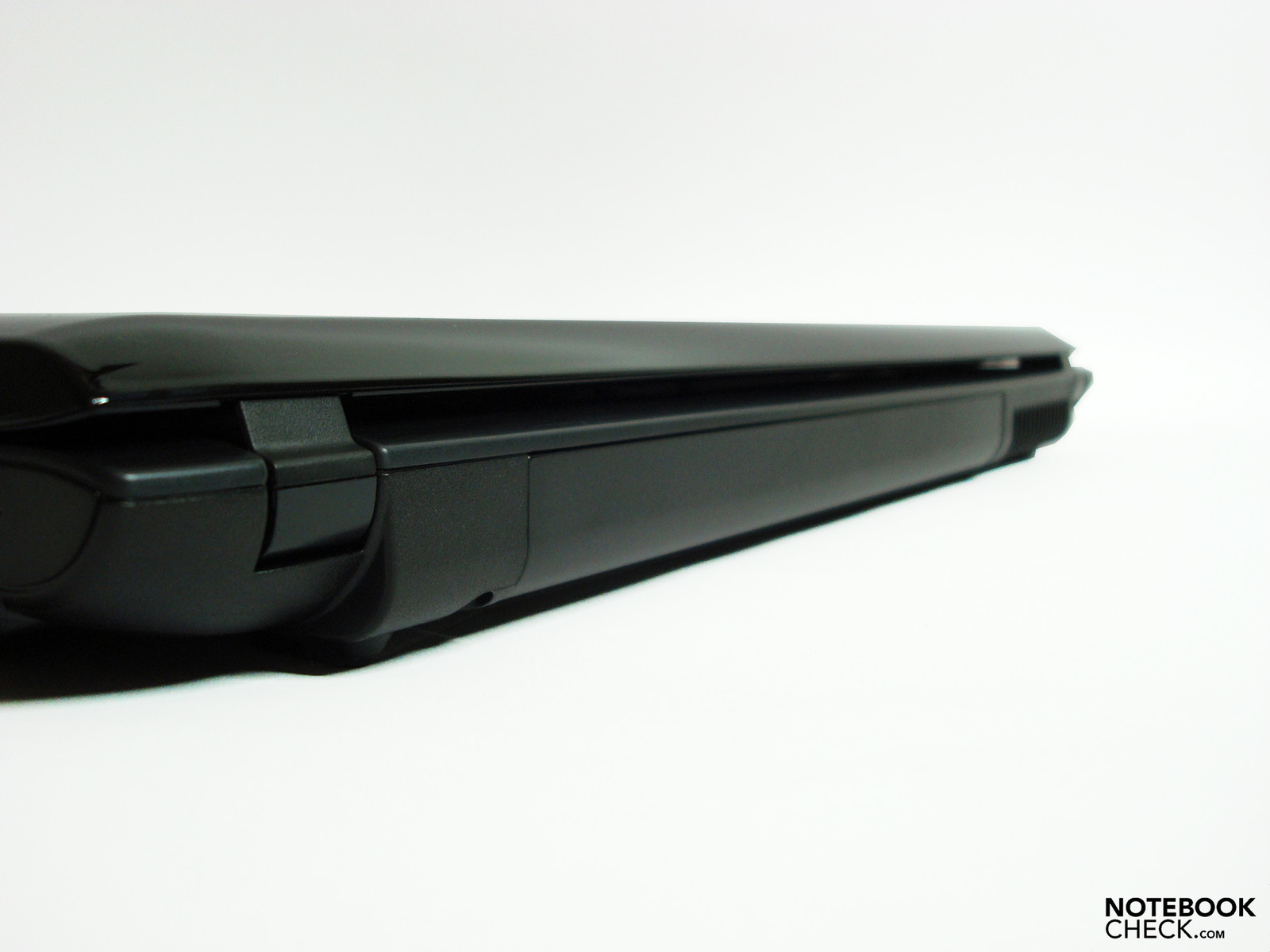
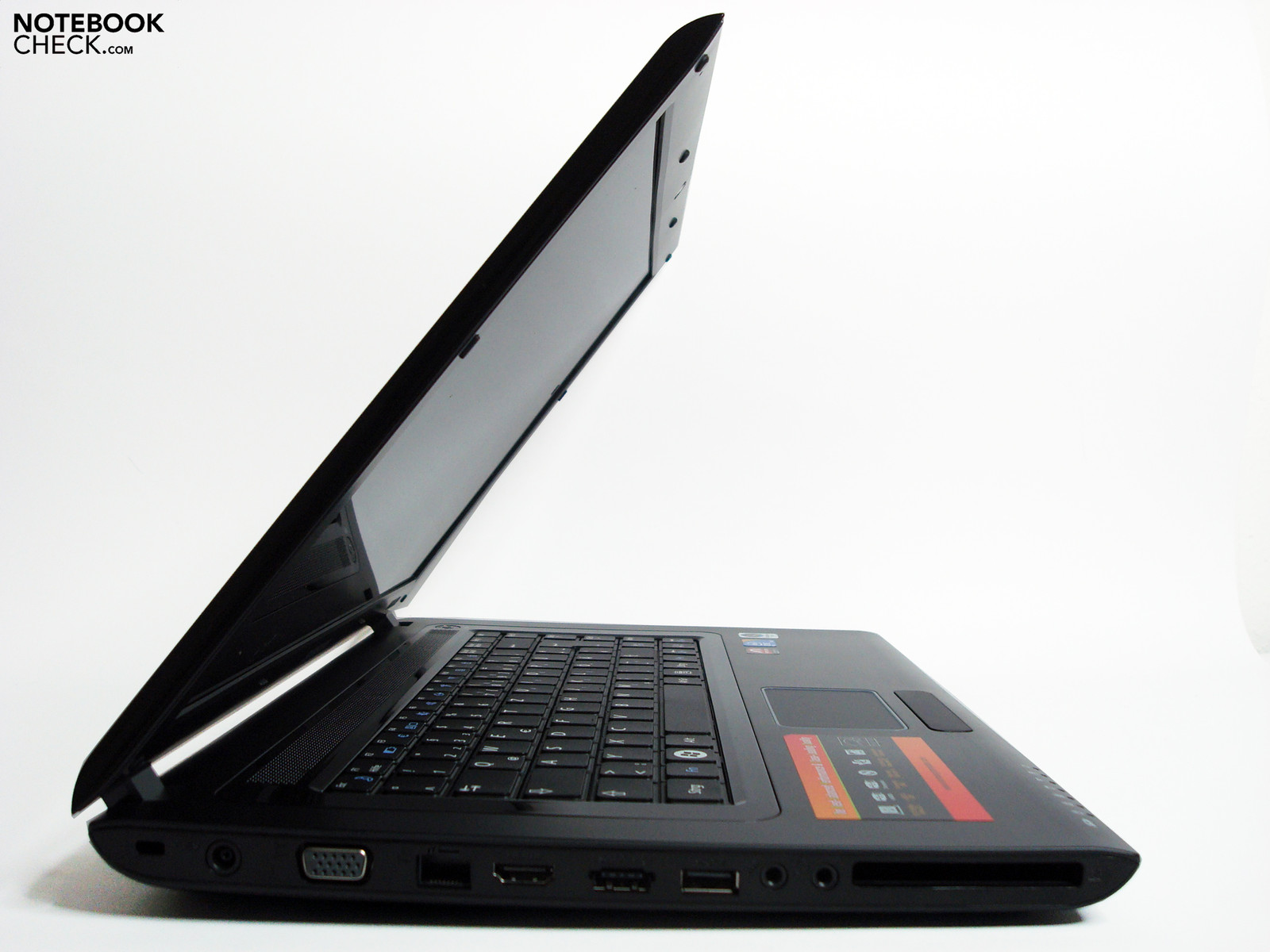
There isn't much in the way of a mobile use in comparison to most competitor models in view of the case's dimensions and its weight. The Samsung R522 belongs to the light 15" notebooks with 37.2mm (h) x 376mm (w) x 256mm (d) and a moderate weight of 2.51 kg. However, when you do take it with you, you will usually have to add the 520 g adapter and the one or other accessory in the total weight. Of course this applies to all competitors to a similar extent.
Connectivity
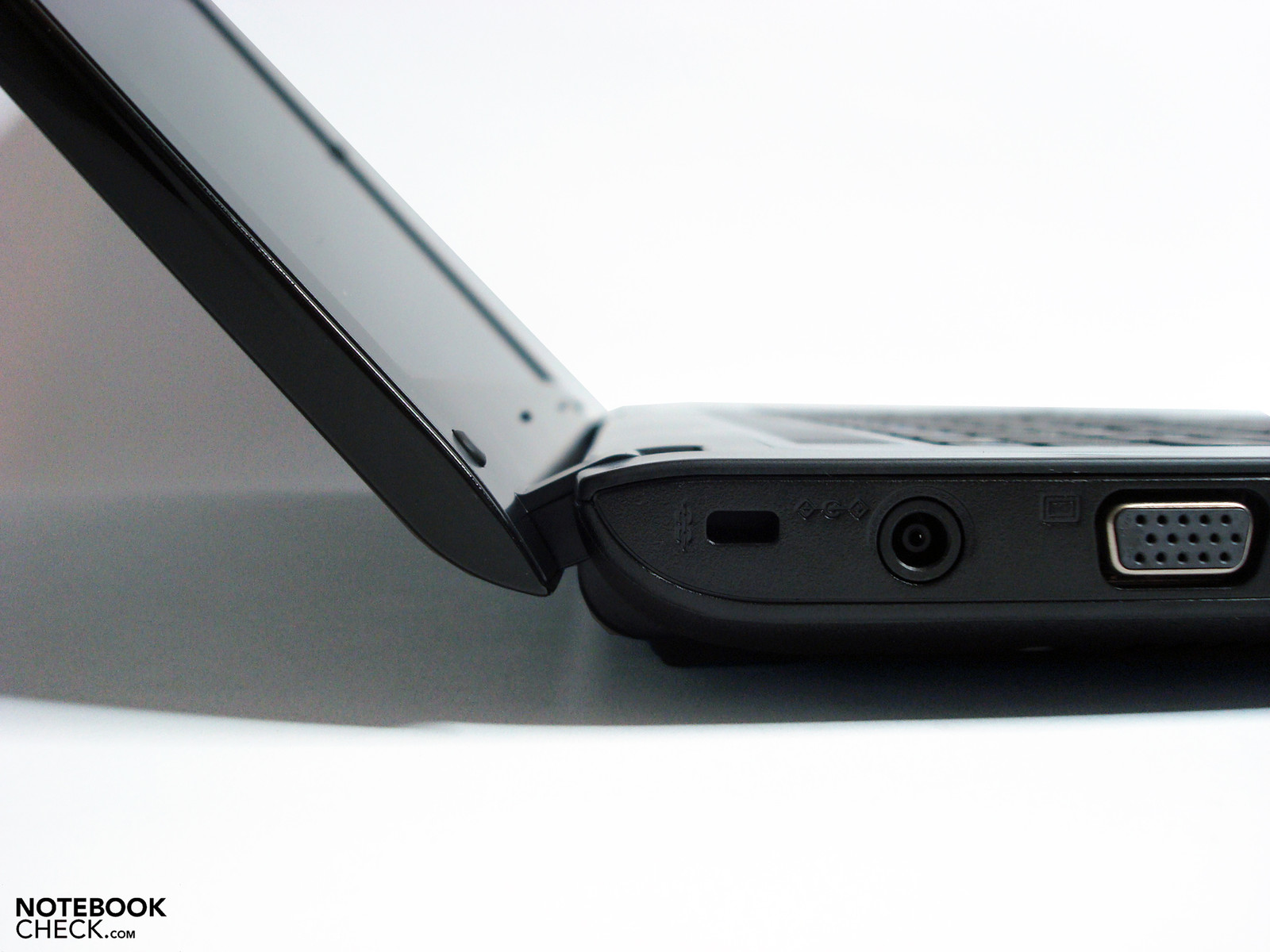
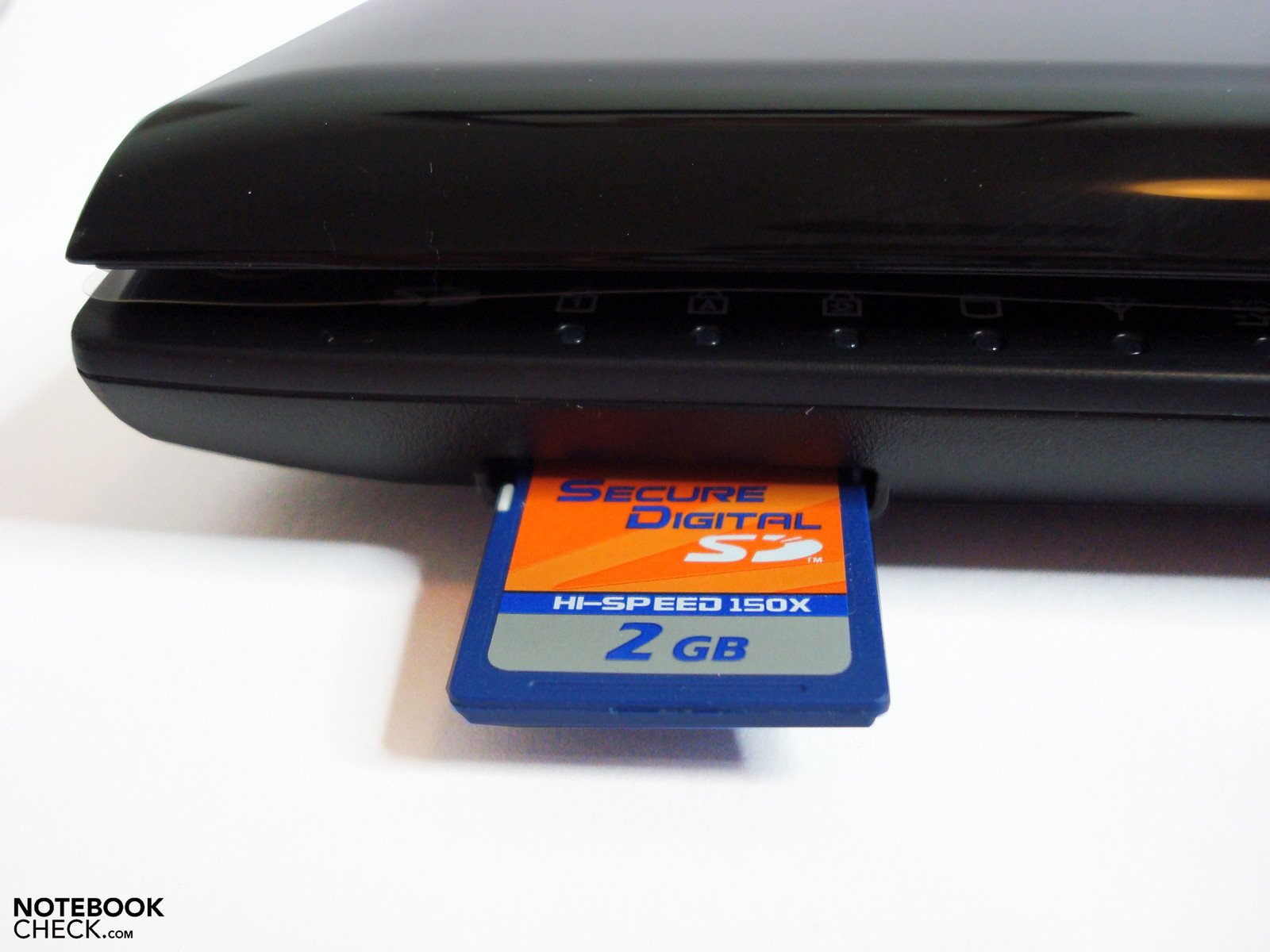
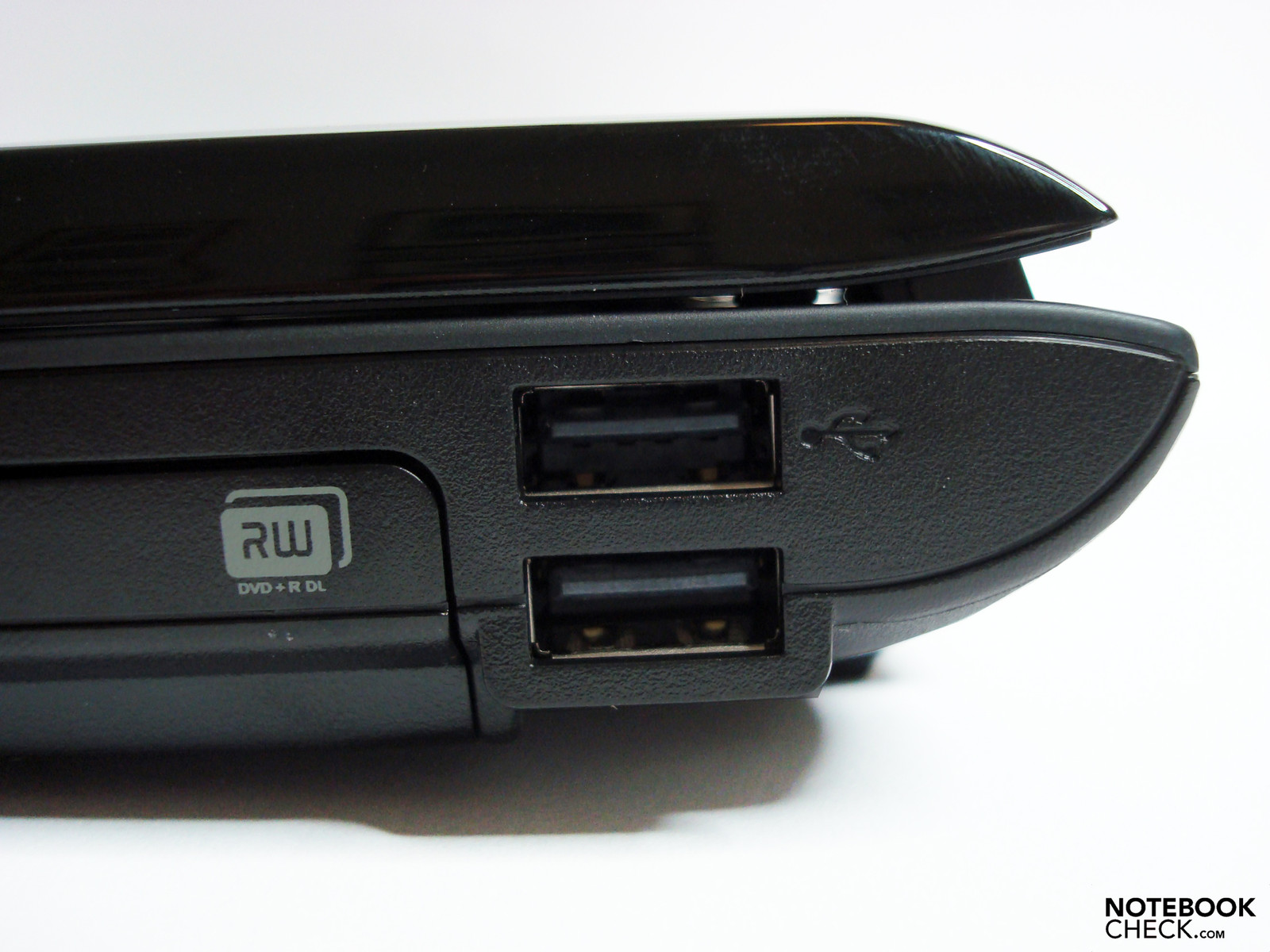
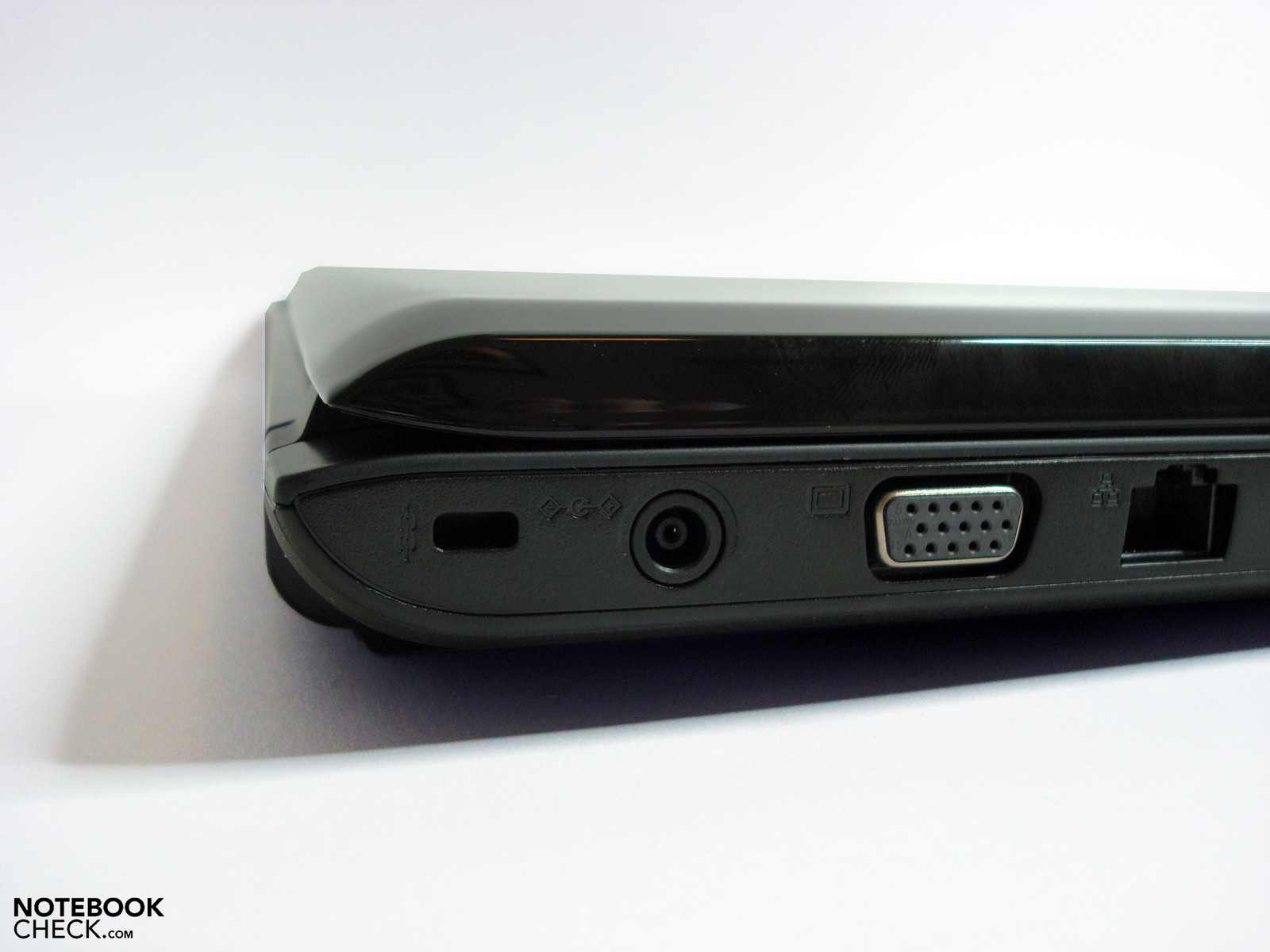
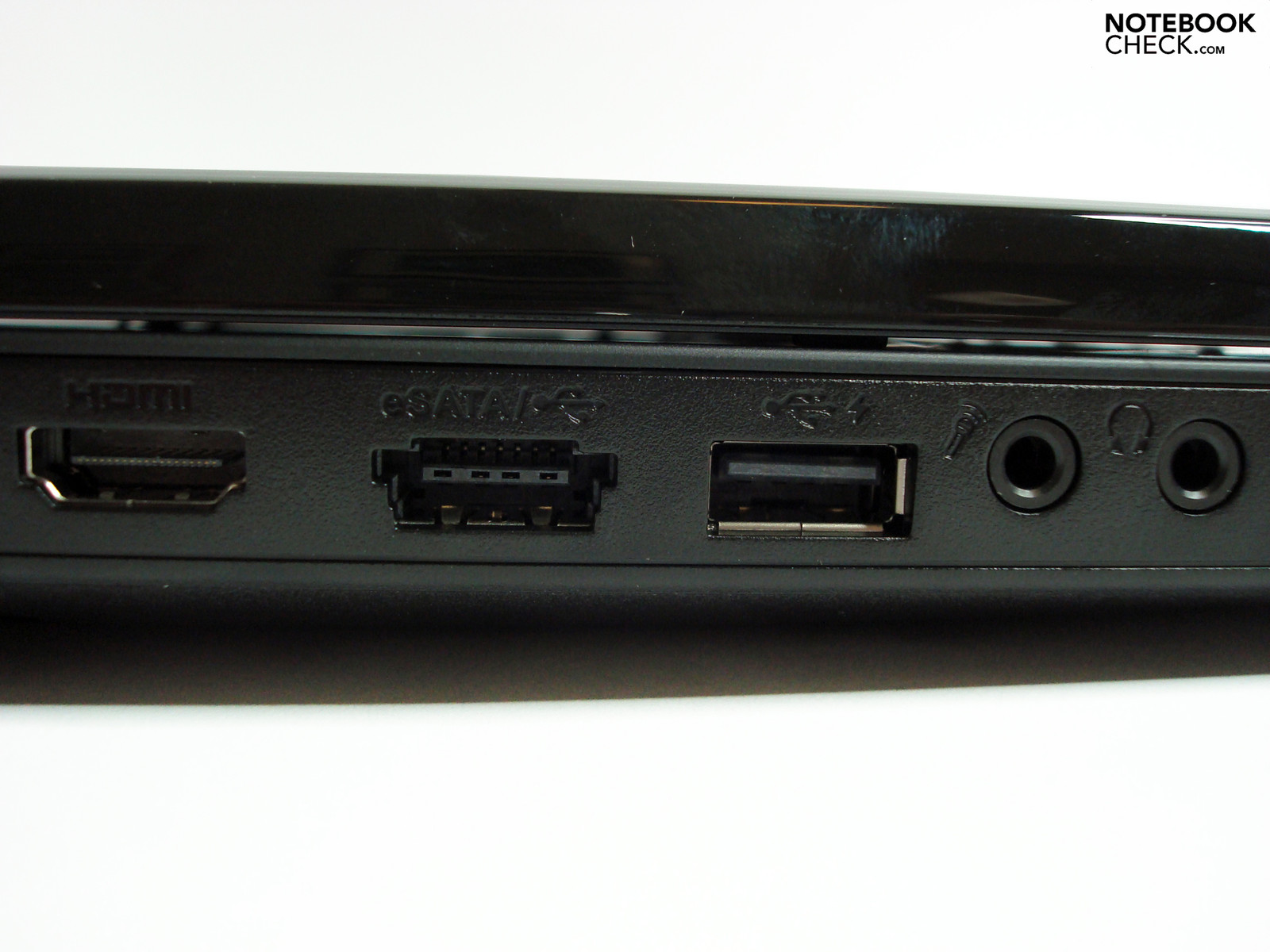
One positive characteristic of the Samsung R520 is the not perfect but very feasible configuration of interfaces. The basic needs are covered with 3x USB 2.0, VGA, Ethernet, a preparation for Kensington, cardreader (SD 17,6 MB/s, SDHC 17,7 MB/s) and audio in/out.
Cameras, MP3 players, USB sticks, printers as well as external hard disks, Bluetooth modules or UMTS extensions can be connected over the standard USB 2.0 interface. The transmission rate of 25.4 MB/s that we established is in the usual center span and there shouldn't be any restrictions. Users of older display will appreciate the analog VGA connection with a very good signal quality (tested with 1280x1024 pixels).
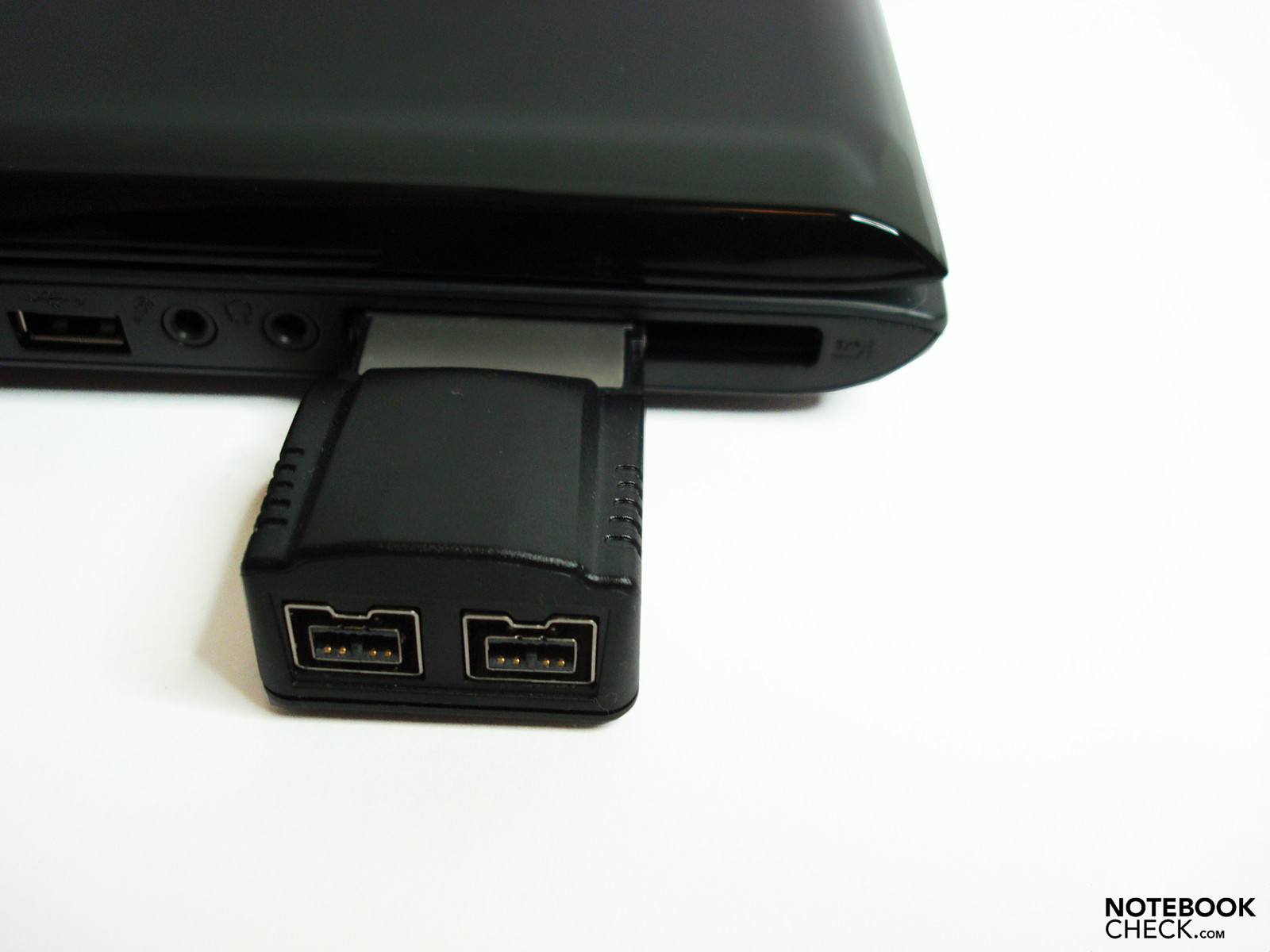
The ExpressCard slot that is proficient of both ExpressCard/34 as well as ExpressCard/54 extensions provides the option of equipping missing interfaces, such as Firewire 400/800 or additional modules like a TV card or UMTS modem.
The Samsung R522 already has the fitting interfaces, such as eSATA (eSATA/USB combi connection), for connecting faster external hard disks and shines with an excellent 88.4 MB/s that we assessed. This even surpasses the velocity of the internal hard disk and is predestined for velocity-demanding tasks like video editing or relocating larger amounts of data.
The HDMI interface can be used for two thinkable scenarios. For one thing, it opens the possibility of connecting external digital displays (if the external monitor doesn't have an HDMI connection, there are DVI or display port adapters available) and provides a good image quality even in higher resolutions. For another, there is the option of using the notebook as a player (for example movie DVDs) for flat screen TVs and thus transmit sound and image with only one cable.




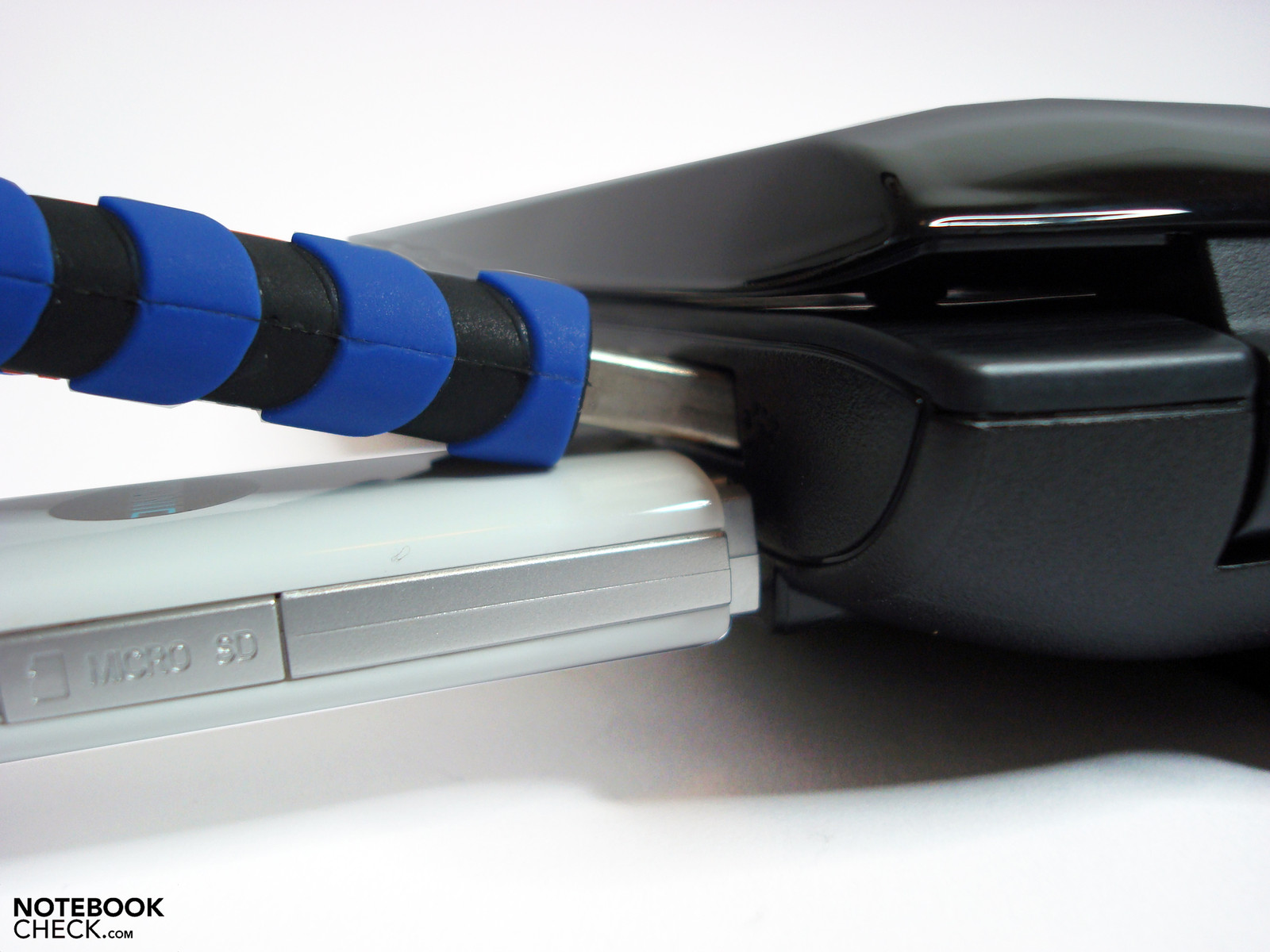
Aside from the good connectivity, the single positioning of these with a few small exceptions, is pleasing. We found the lateral integrated audio ports unfortunate, which would have been more practically placed on the front for Skype & Co., in our opinion. The distribution of the USB ports on the right also turned out to be awkward for everyday use because the distance for USB devices with an excess width is too small. This can be remedied with USB extensions quickly and inexpensively, though. Apart from that, Samsung has done its best to accommodate the interfaces conflict-free, in relation to handling.
However, Samsung appears to be a bit stingy in view of wireless connectivity. The integrated WLAN module doesn't support a fast transmission in accordance with the N-standard and Bluetooth has been omitted completely right away. UMTS is currently not available.
Samsung's software alignment doesn't exceed the usual manufacturer specific tools and still includes Windows Vista Home Premium 32 bit in the configuration at hand.
Samsung includes memory extensions, adapters, an external ultra-slim DVD burner, an USB docking station, warranty extensions (an additional year 79 Euros / 2 years 139 Euros) and two battery options (see Battery Life) as accessories. As always, you shouldn't hesitate to compare the alternative supplies of other manufacturers.
Input Devices
Keyboard
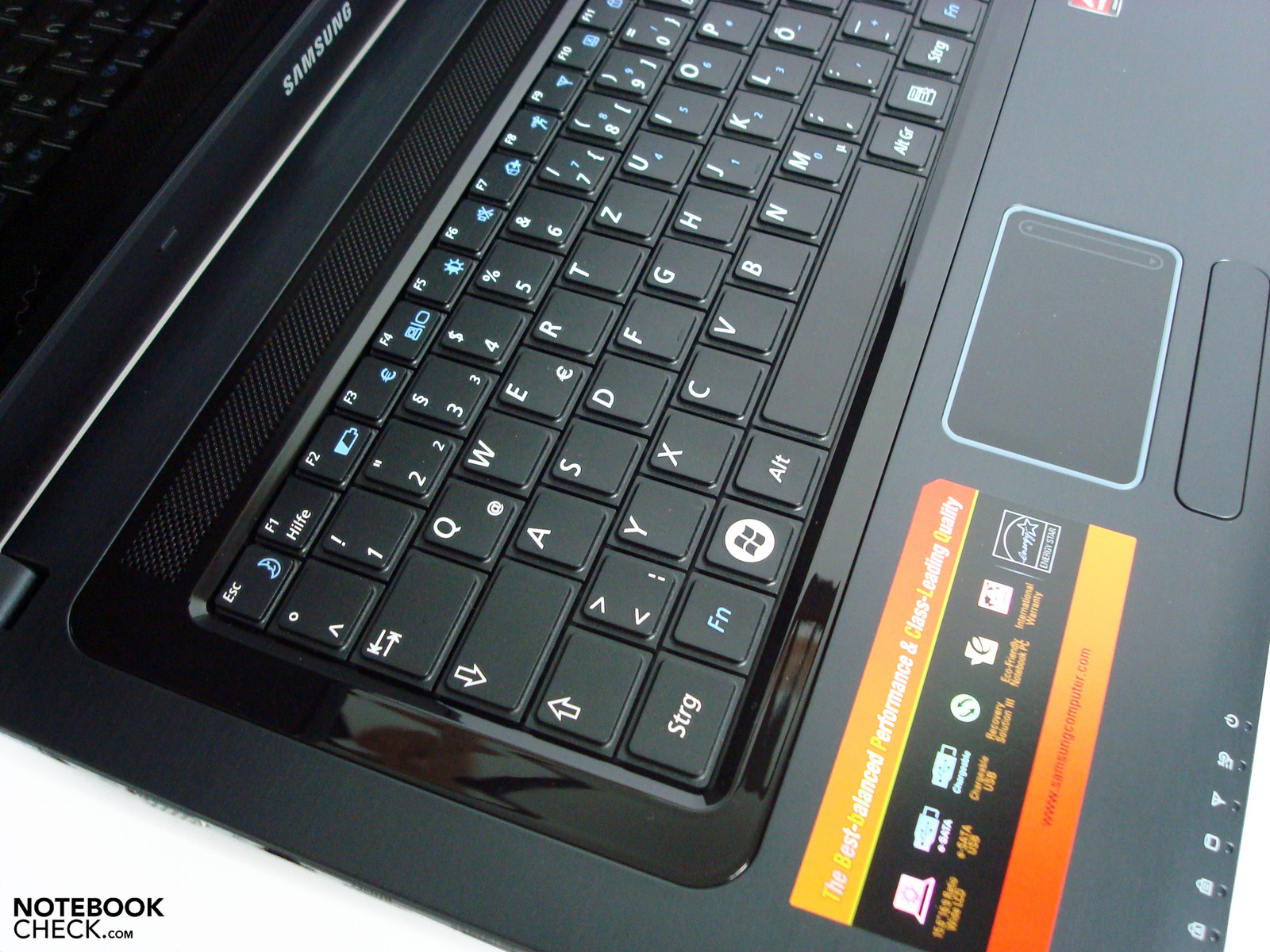
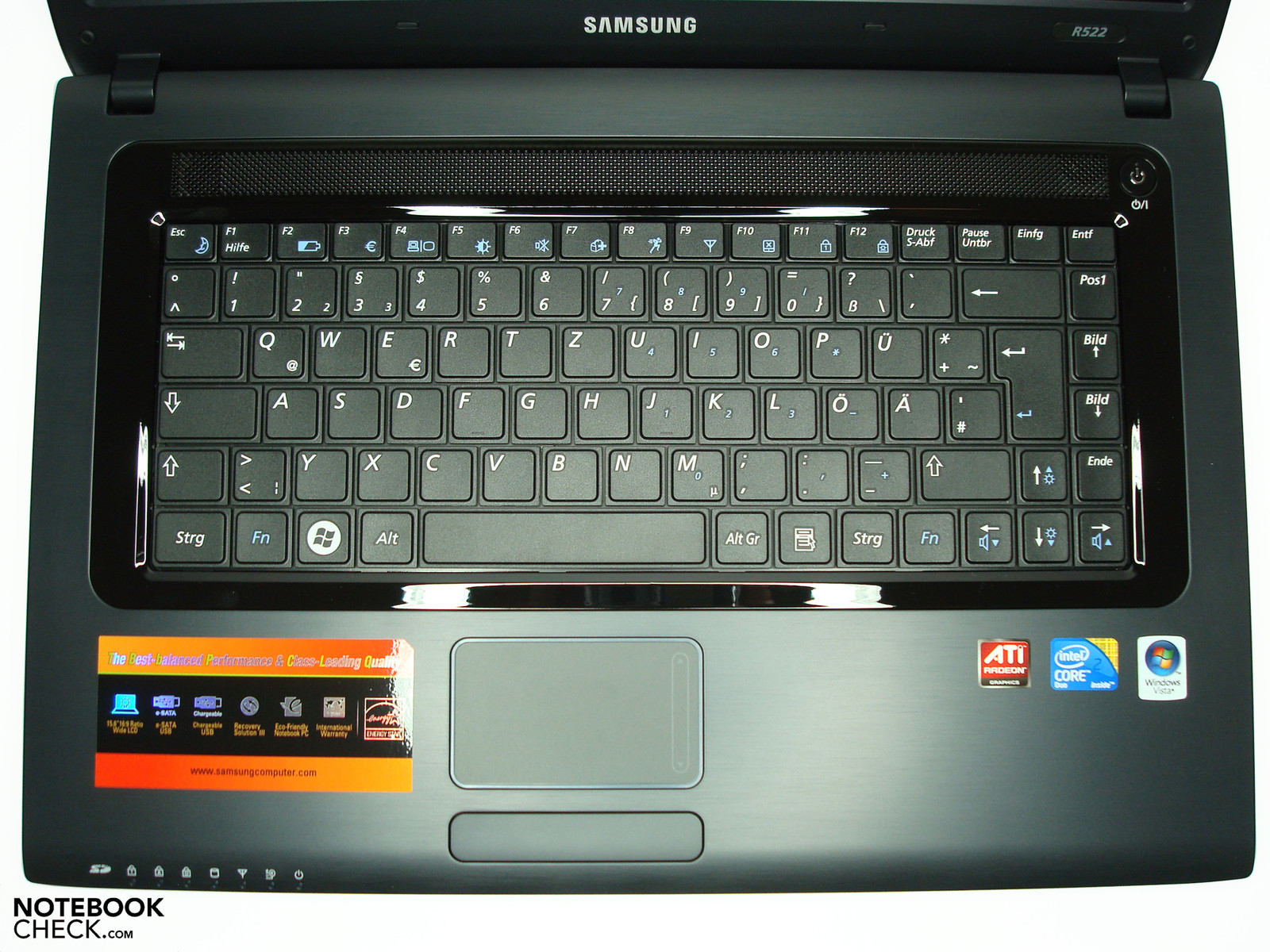
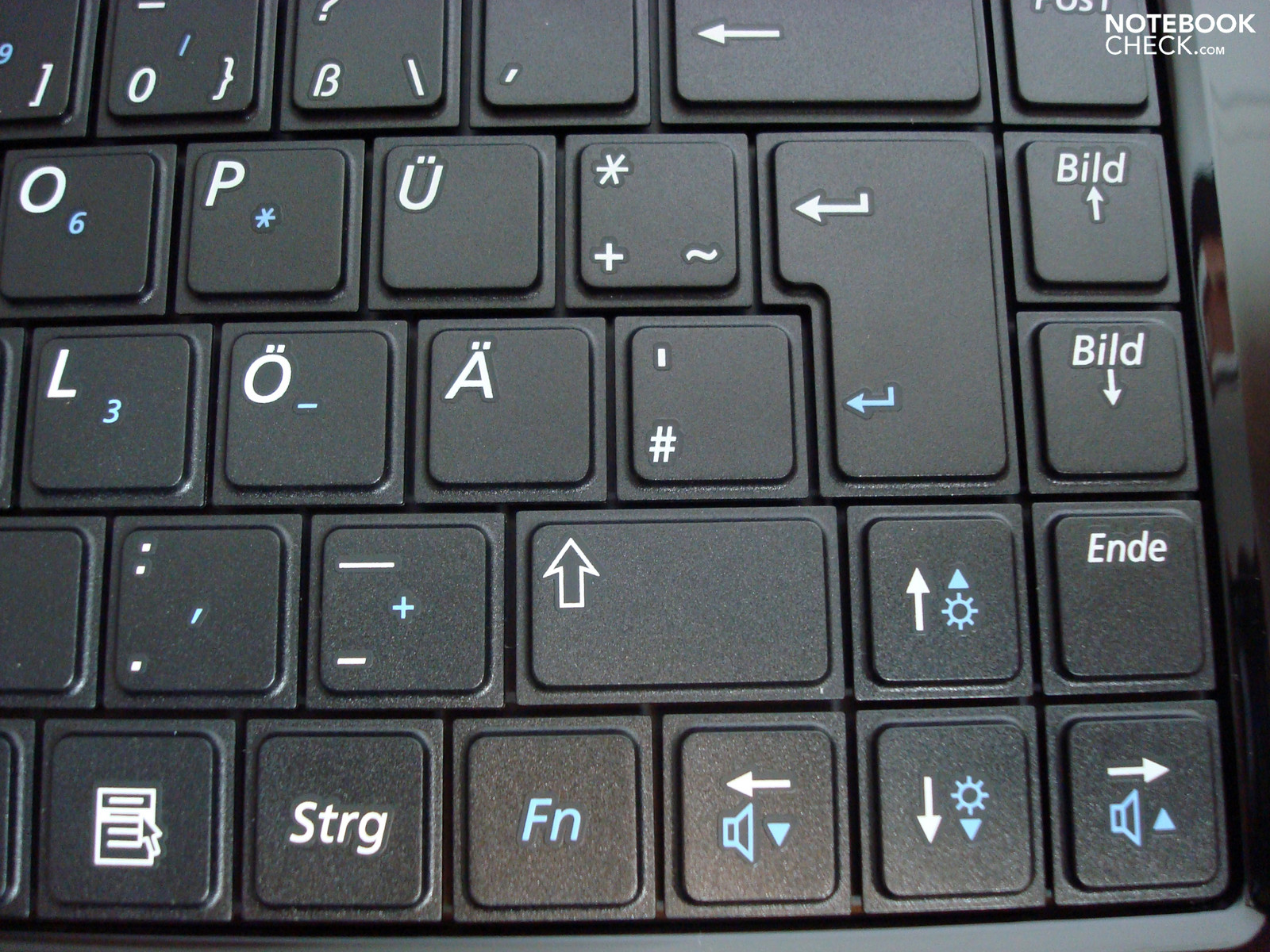
The keyboard has a normal size due to the available case width and doesn't cause any restrictions in this respect. It might have been possible to even integrate a numerical block with a different layout, but would have been an exception in the 15" class. The input is pleasing with a good stroke characteristic, average stroke length and a full, faint soundscape. Merely the space key sounds very metallic and a bit clattery, possibly also due to its size. Frequent typists will be able to quickly orientate themselves and only have the usual accommodation effort. The keyboard lettering has a good contrast ratio, which additionally applies for the alternate FN allocation. As very often, several additional functions, such as display brightness, volume and many others are covered via FN combinations. Touchpad and wireless modules can be enabled and disabled (wireless FN-F9 / touchpad FN-F10), too.
Touchpad
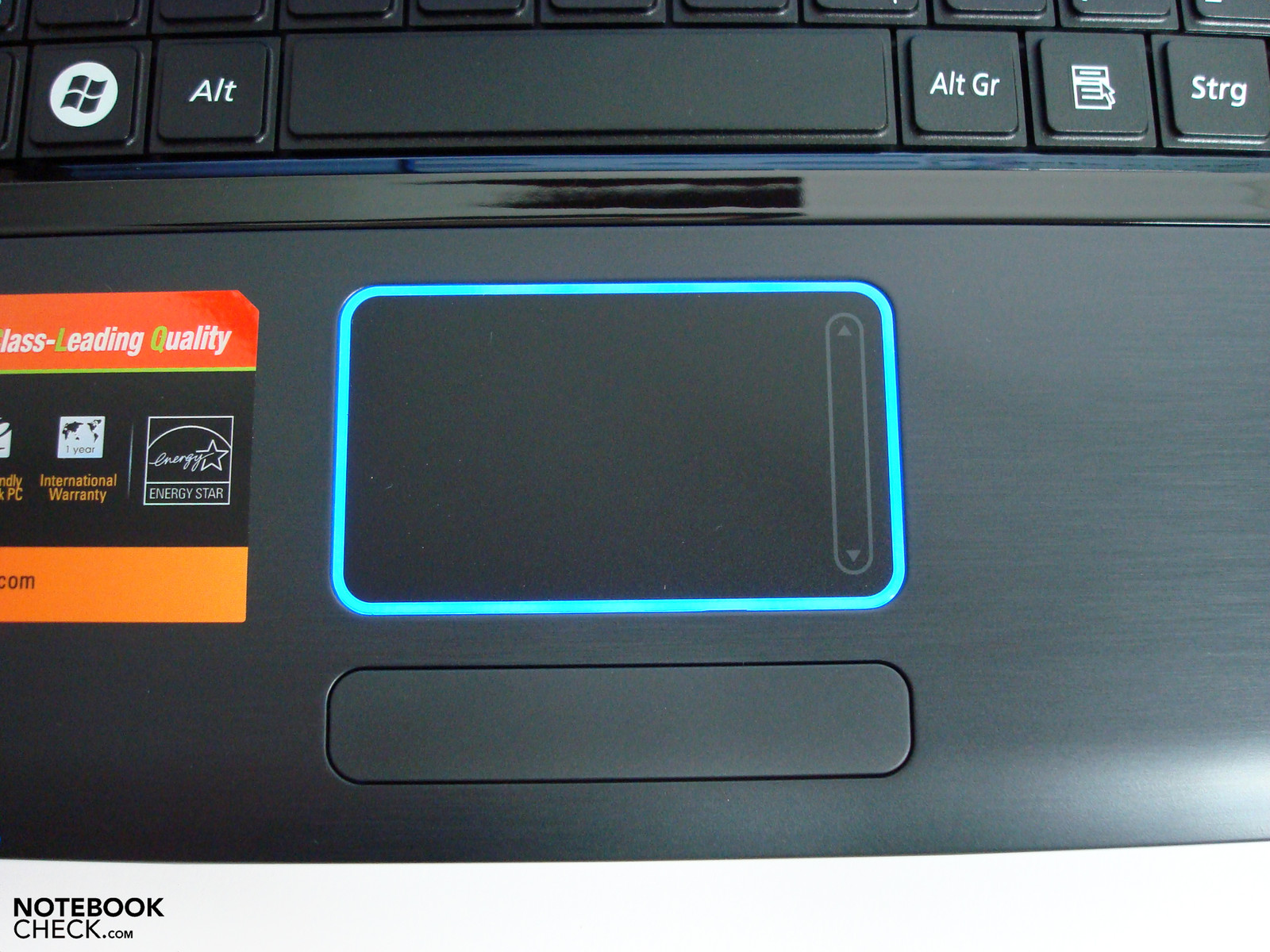
The multimedia notebook's touchpad has a haptically pleasant surface and acknowledges inputs with good response sensitivity. These are good basic traits that are more than sufficient for an occasional use. Above this, there isn't anything special about this input option. Multi-touch inputs aren't possible, the base area can be evaluated as rather humble in view of size and the flashy lighted frame that was interesting at first, gets annoying after a short time. A more discreet luminosity would most certainly have been more practical. This light turns itself off after a few seconds of inactivity but it didn't work for us lastingly, even with a disabled touchpad.
The touchpad key only responds, as usual for single-key constructions, to inputs on the outer areas. However, it is reliable and answers with a metallic click.
Display
Samsung uses, barely surprising, its own display in the R522. In favor of the trend, it has 1366x768 pixels whereby the aspect ratio is adapted to a 16:9 HD cinematic format and provides for no, or at least less, black bars in movies and games. With exactly 100 dpi, the point density of the 15.6" category at hand has a very eye-friendly ratio of object size to desktop surface and is thus to be evaluated as being very pleasant.
| |||||||||||||||||||||||||
Brightness Distribution: 80 %
Center on Battery: 217 cd/m²
Contrast: 166:1 (Black: 1.31 cd/m²)
The glossy display surface that can be irritating with its good mirroring traits, depending on the surrounding conditions, proves to be not quite as eye-friendly. The darker the display content and the brighter the surrounding light, the higher are the restrictions caused by reflections. Indoors, you can adjust it quite well by avoiding windows or adapting the light accordingly. The fairly strong backlight can also do something for improvement by over-shining a part of the reflected objects with an average of 192 cd/m2 and hence minimize this effect. How far this high brightness can still be perceived as eye-friendly is very individual and should be tested by potential customers for a longer time when in doubt.
The disadvantage of the high-gloss display can barely be influenced outdoors. The only thing that can help here is looking for a very shady place because the above mentioned effects are otherwise even magnified. On sunny days outside or with direct solar radiation, the display contents vanish beyond recognition because even the relatively strong backlight isn't capable of accentuating icons, windows, images or other contents in comparison to the reflected objects.
The positive characteristics that used to be ascribed to glossy displays, such as high contrast or full colors, is something that we can't confirm anymore, as in many other prototypes. The Samsung R522's screen only reaches a contrast ratio of 166:1 and the color saturation doesn't have any subjectively recognizable advantages in comparison to recently tested models with a non-glare surface.
The good illumination of 80% is due to the LED backlight and only shows a slightly visible brightness decrease in the upper right corner and lower left corner on uni-colored backgrounds. This isn't obvious in normal daily use and doesn't present a disadvantage.
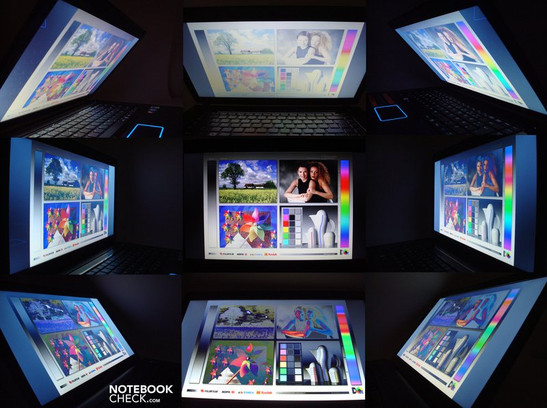
The viewing angles benefit from the fairly good stability on the horizontal field, but do suffer under the usual vertical weakness of the genre notebook display. Whilst display contents can be recognized well up to 45° with only slight color changes from the sides, the effect in the vertical field is much more fatal. In viewing aspects from upper angles, the image bleaches massively but stays recognizable. In return, the strongly increasing color inversion from lower viewing angles quickly leads to a unrecognizable representation and require a correction of the screen inclination in any case.
Performance
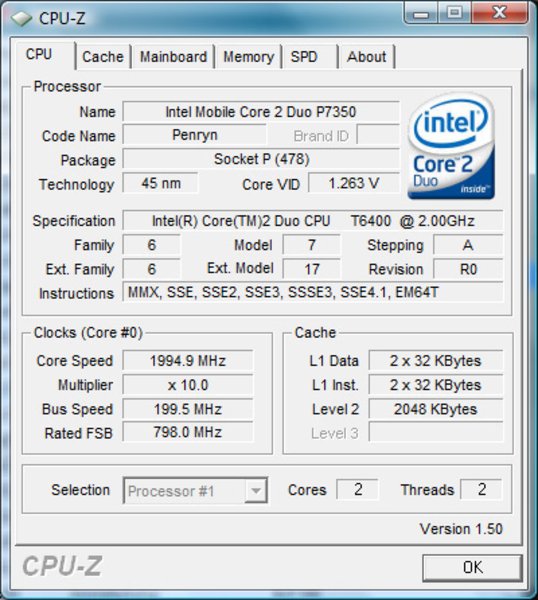
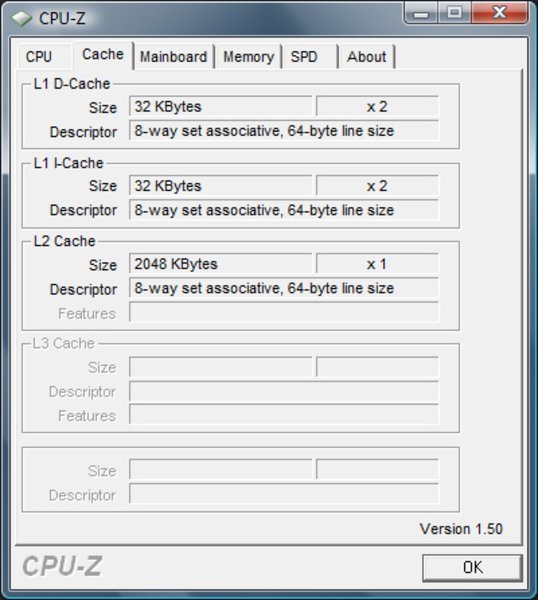
The performance components that we found in the Samsung R522 are quite balanced and are evidence for an unusually high measure of computing power for this price category. Samsung has used an Intel Core 2 Duo CPU T6400, which supplies a solid measure of performance with 2 GHz clock rate, 800 MHz Frontsidebus and 2MB L2 cache, as the computing center ATI's Mobility Radeon HD 4650 that has its own GDDR3 graphic memory of 1024 MB has been chosen for the graphic output. The graphic processor's clock rate of 600 MHz is a bit over the often found clock rate of 550 MHz and can, therefore, claim a small performance benefit for itself. Paired with the 800 MHz clock rate of the GDDR2 graphic memory, which is also aligned on the upper end of the performance scale, a good performance capability is especially shown in our gaming benchmarks.
We established 2142 points in the Cinebench R10 CPU rendering with the use of one computer core and 4078 points with demand on both CPU cores in the CPU tests. Thus, the T6400 CPU is exactly between the Intel Core 2 Duo P7350 and T8100. The 1819 points of the 3DMark06 CPU partial benchmark can be found to a similar extent. In our iTunes MP3 to AAC music conversion test, music tracks are converted with a 20.4-fold velocity and thus present a just as agreeably fast result.
The HD 4650 GPU's graphic division supplies a good 6231 points and 3676 points in the Cinebench R10 OpenGL Shading. These synthetic benchmarks deliver the first indication of the maximum possible gaming performance, which we will take a closer look at in our gaming section.
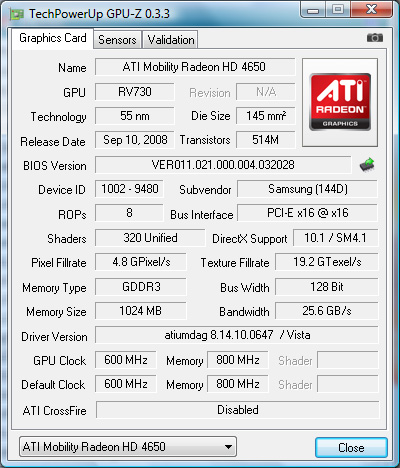
Apart from that, there is the possibility of using the ATI graphic processor (ATI Stream) for video converting, similar to Nvidia's CUDA engine. For instance, Cyberlinks Espresso or Powerdirector that already support this possibility could be considered. We didn't test this, though.
A further application field could be to use the notebook as an inexpensive substitute for editing OpenGL based CAD 3D projects. The GPU also supplies a good performance potential, as can be seen in the Cinebench R10 OpenGL Shading. However, you have to count with stability problems here because the Mobility Radeon is not optimized for these kind of tasks, in opposition to the Mobility Fire GL graphic cards built for this. The fact that we couldn't run the SPECViewperf10 benchmark (includes test sequences of Catia, Maya, Ensight, etc) also seems to confirm this. Only an extensive testing with the intended CAD program can help here at interest.
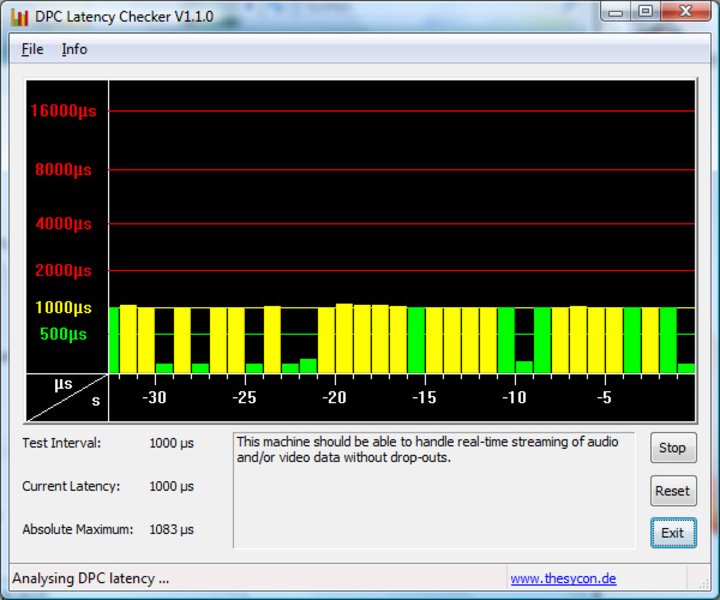
We also tested the possible latencies of the Samsung R522 that could turn up on the interfaces with the DPC Latency Checker tool. The delay is within an uncritical field with maximum values of 1000µ, and therefore doesn't indicate synchronization problems caused by too high latencies when using external devices.
| PCMark 05 Standard | 6001 points | |
| PCMark Vantage Result | 3571 points | |
Help | ||
The Samsung R522 achieved 6001 in PCMark05 and 3571 points in PCMark Vantage in the application benchmarks. These are both good results that certify the all-rounder more than enough performance reserves for common office and multimedia applications and make a problem-free working for a longer period possible.
In plain English, word processing, spreadsheets, data banks, image editing, picture archiving, internet and presentations are just as possible as playing FullHD videos with and without GPU acceleration smoothly and for occasional video editing. The CPU won't supply enough computing power for video freaks who do a lot in this field because it runs out of breath quickly in such comprehensive projects and therefore simply needs too much time. (The alternate ATI Stream could, like Nvidia's CUDA, provide for more power but needs attuned software).
| 3DMark 2001SE Standard | 21349 points | |
| 3DMark 03 Standard | 20858 points | |
| 3DMark 05 Standard | 11573 points | |
| 3DMark 06 Standard Score | 6231 points | |
| 3DMark Vantage P Result | 2612 points | |
Help | ||
The Samsung R522 scored very well for a 700 Euro notebook in our gaming tests. All tested games can be played smoothly and usually also allow the native resolution of 1366x768 pixels. For instance, the refresh rate decreased from 53.5 fps (1024x768, low settings) moderately to 40.9 fps (1366x768, low setting) in Anno 1404. You have to accept drawbacks in the representation quality in connection with a higher resolution but depending on your preferences you can usually find a good compromise with a bit of playing around with the settings. It's in the nature of things that there are bigger cutbacks in shooters like Crysis & Co. than in a modest World of Warcraft.
| Crysis - CPU Benchmark | |||
| Resolution | Settings | Value | |
| 1024x768 | High, 0xAA, 0xAF | 22 fps | |
| 1024x768 | Medium, 0xAA, 0xAF | 36 fps | |
| 1024x768 | Low, 0xAA, 0xAF | 82 fps | |
| Crysis - GPU Benchmark | |||
| Resolution | Settings | Value | |
| 1024x768 | High | 28 fps | |
| 1024x768 | Medium, 0xAA, 0xAF | 42 fps | |
| 1024x768 | Low, 0xAA, 0xAF | 72 fps | |
| Anno 1404 | |||
| Resolution | Settings | Value | |
| 1280x1024 | very high, 0AA, 4AF | 21.9 fps | |
| 1024x768 | low, 0AA, 0AF | 53.5 fps | |
| Sims 3 | |||
| Resolution | Settings | Value | |
| 1280x1024 | high / all on, high AA | 58.8 fps | |
| 1024x768 | med / all on | 102.3 fps | |
| World of Warcraft | |||
| Resolution | Settings | Value | |
| 1280x1024 | high | 30.9 fps | |
| 1024x768 | med | 60.1 fps | |
| F.E.A.R. 2 | |||
| Resolution | Settings | Value | |
| 1280x1024 | high, all on, 4xAA, biliniarAF | 53 fps | |
| 1024x768 | medium, all on, 2xAA, biliniarAF | 58 fps | |
| Call of Duty 4 - Modern Warfare | |||
| Resolution | Settings | Value | |
| 1024x768 | med, 0xAA | 62.8 fps | |
| Racedriver: GRID | |||
| Resolution | Settings | Value | |
| 1280x1024 | , 2xXMSAAAA | 38.17 fps | |
| 1024x768 | , 0xAA | 59.9 fps | |

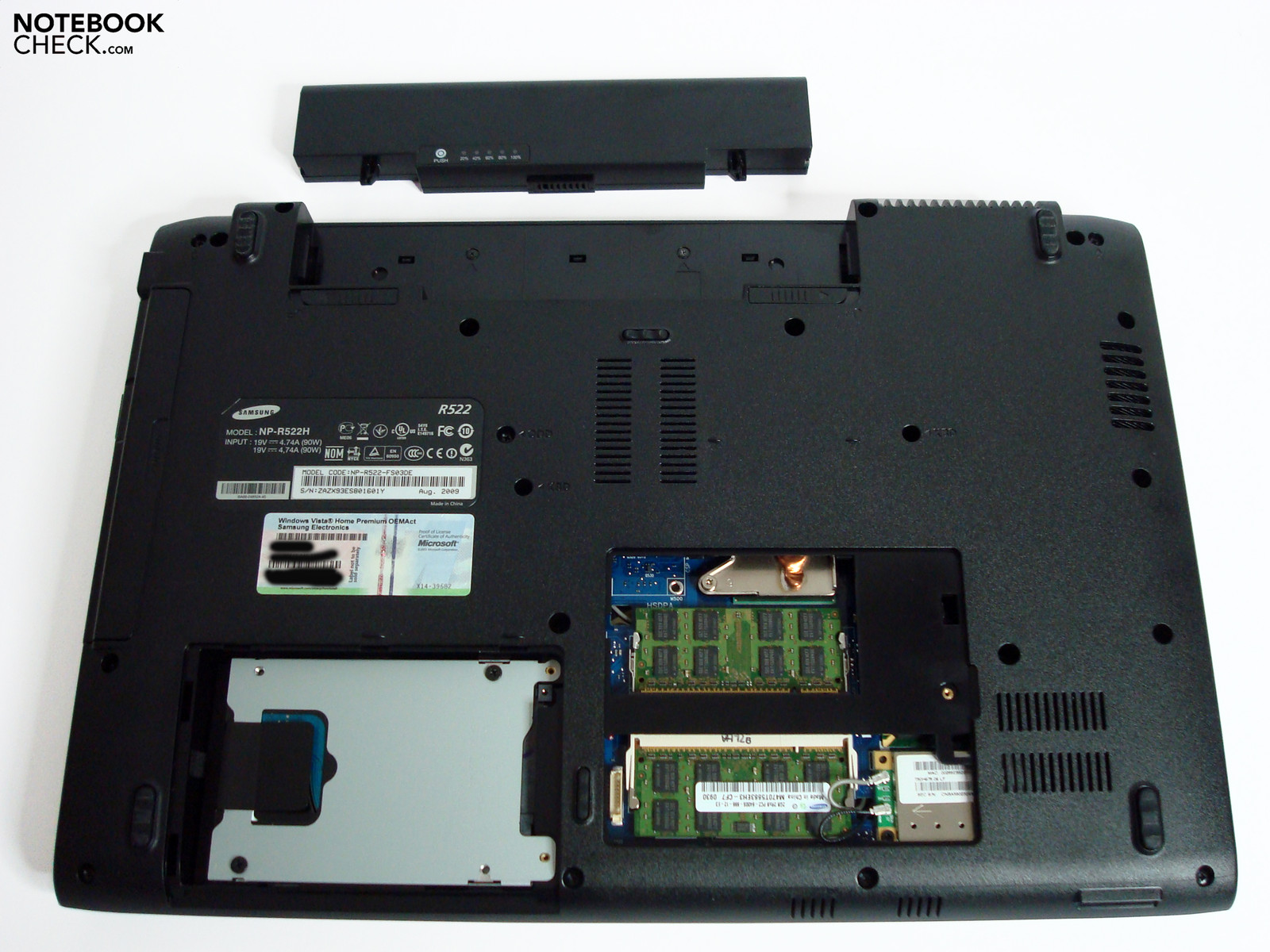
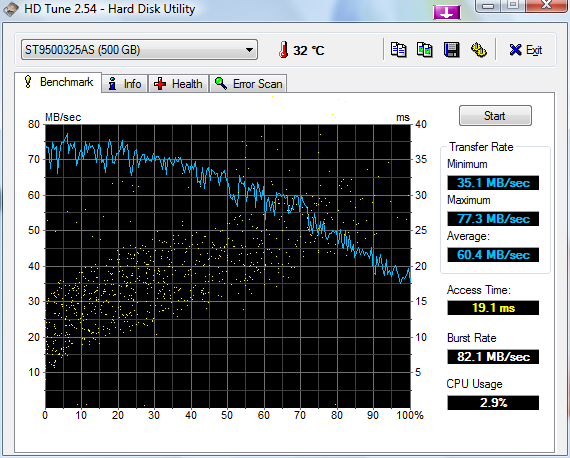
Although Samsung can fall back on an extensive portfolio in the hard disk field, a Seagate model with a capacity of 500 GB has been used in our model. The 2.5" hard disk rotates with 5400 rpm and achieves an average transfer rate of 60.4 MB/s. This is within a normal field and provides, aside from an opulent capacity, for a pleasant work rate. The recently more often found magnet disks with 7200 rpm or even current SSDs could provide for a somewhat higher data rate. However, you would have considerably lower capacities available with the latter and the price for the inexpensive notebook would rocket.
Emissions
System Noise
The Samsung R522's system noise is very dependent on the application and ranges from very quiet over very audible to obtrusive. The established rates with low load reach from 31.7 dB(A) up to 33.7 dB(A) and are barely perceivable, also due to the agreeable fan characteristic. The hard disk lines itself up at the lower end of the scale with 31.9 dB(A) as well and is only to be heard when listening intensely.
The sound behavior becomes quite noticeable under medium load or when the DVD drive is used and does get a bit restrictive when watching a DVD, for example. This is also the usual level for graphic-biased games, video converting or similarly demanding tasks. The assessed peak value of 40.7 dB(A) is harder to reach and should be a rare thing in practical use. But when the system is demanded to such an extent, an annoying soundscape turns up after a short time.
Noise level
| Idle |
| 31.7 / 33.7 / 33.7 dB(A) |
| HDD |
| 31.9 dB(A) |
| DVD |
| 37.4 / dB(A) |
| Load |
| 37.4 / 40.7 dB(A) |
 | ||
30 dB silent 40 dB(A) audible 50 dB(A) loud |
||
min:  , med: , med:  , max: , max:  (15 cm distance) (15 cm distance) | ||
Temperature
The heat development of the prototype is to be described a very low and reaches barely restricting values with a maximum of 45.6°C in the upper keyboard area after an hour of load. Only the 55.2°C measured selectively on the bottom tray deviate considerably and is caused by the heat dissipated by the fan that is found here. The values turn out overall lower with around 30°C at normal use though and they also sink to a notably lower 35°C in the area of the aforesaid fan.
(-) The maximum temperature on the upper side is 45.6 °C / 114 F, compared to the average of 36.8 °C / 98 F, ranging from 21 to 71 °C for the class Multimedia.
(-) The bottom heats up to a maximum of 55.2 °C / 131 F, compared to the average of 39.1 °C / 102 F
(+) The palmrests and touchpad are cooler than skin temperature with a maximum of 31.9 °C / 89.4 F and are therefore cool to the touch.
(-) The average temperature of the palmrest area of similar devices was 28.7 °C / 83.7 F (-3.2 °C / -5.7 F).
Loudspeakers
The flat sound output of each 1.5 watt loudspeaker have little volume, is very treble-prone and blurs slightly at full volume. This isn't sufficient for movies, games or a more discerning music enjoyment. Therefore you should consider using alternatives such as USB speaker, headphones or the like in order to exploit the most of the chosen media.
Battery Life
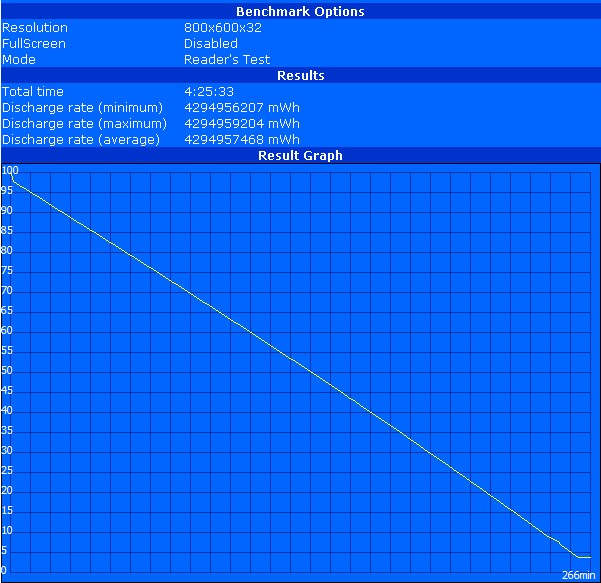
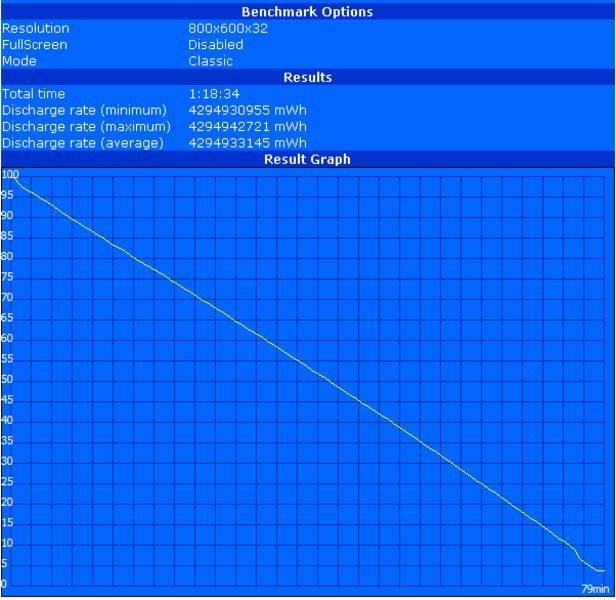
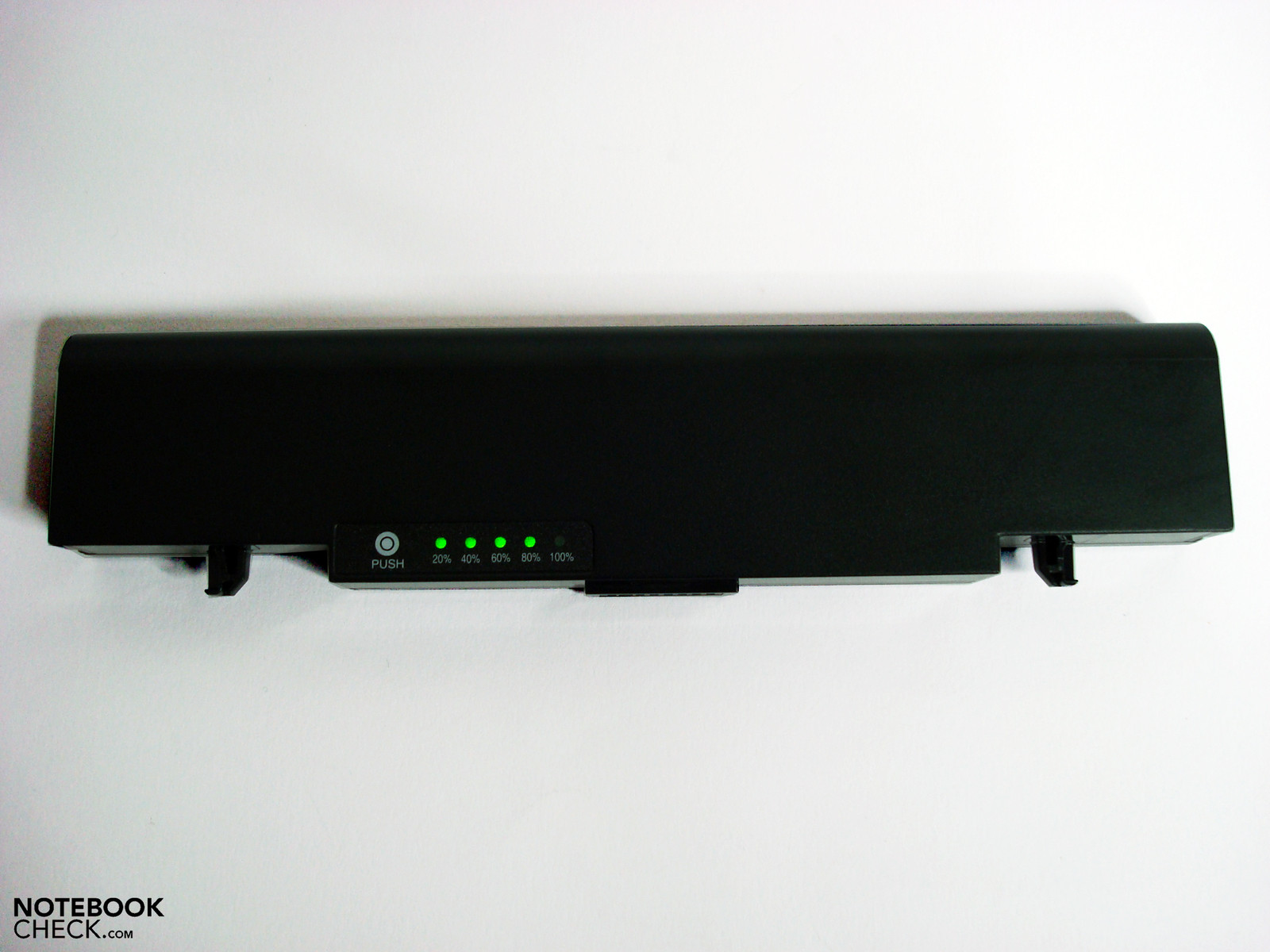
The 44 Wh battery included in the scope of delivery isn't exactly opulently sized for the 15" division, but benefits from the lower consumption of the total system at use under low load and can, therefore, supply a useable runtime. Samsung also offers a 57 WH 6 cell battery (120 Euros) or a 77 Wh 8 cell battery as an alternative or supplementary accessories.
We established an appealing frugality of a minimum consumption of 16.0 watts in idle mode, despite potent performance components. The system remained short under 20 watts with 19.6 watts even with full display brightness and enabled WLAN in the high-performance profile. When more performance is demanded, especially from graphic-biased tasks, the consumption increases under medium load to 52.3 watts and under full load even up to a maximum of up to 79.0 watts. This is why the fan attracts more attention in this state, as the waste heat has to be diverted fast and effectively out of the case.
The Samsung has a good 266 minutes of runtime in the BatteryEater Reader's test (maximum possible runtime with maximum energy savings settings). In the BatteryEater Classic test (minimum possible runtime under load) the runtime diminished to 79 minutes as expected. We achieved a useable 221 minutes during WLAN surfing with adjusted display brightness and an enabled wireless connection. Contrarily, a strongly restricting 96 minutes were reached at DVD rendering, which is a bit tight for many current movies. We could record a noticeable longer runtime when the movie file was played from the hard disk instead of over the DVD drive. The Samsung lasted almost 20 minutes longer, which should suffice for watching movies to their end.
| Off / Standby | 0.1 / 0.2 Watt |
| Idle | 16 / 18.6 / 19.6 Watt |
| Load |
52.3 / 79 Watt |
   
| |
Key:
min: ,
med: ,
max: | |
Verdict
With the R522, Samsung has achieved assembling a very round package that is well-useable for many tasks. The all-rounder is suitable for most games in the native resolution aside from the usual office and multimedia applications and only needs an adjusting of quality settings here and there.
The interface configuration, including the distribution, is almost exemplary for this category and has much room for extensions. In view of this, it remains inconceivable why a Bluetooth module hasn't been included.
The reflective display surface isn't as restrictive as in models made for mobility. Because the multimedia notebook will rather find its use as a desktop replacement, potential customers may find the average contrast values and weak colors annoying.
Too big compromises don't have to be made in view of workmanship, keyboard or interface performance. These are solid basic characteristics that are always positively striking in daily use. The touchpad that has turned out too small, the unpleasant noise development under a longer load and the loudspeakers with little multimedia potential isn't as pleasing.
Many thanks to Notebook.de who kindly provided us with the test device. You can configure and purchase it here, as well.
 Add as a preferred source on Google