Review Samsung Q320
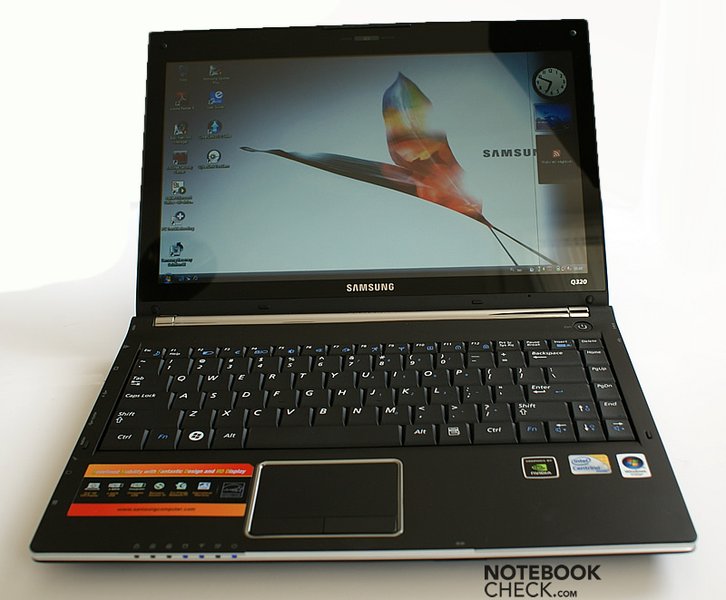
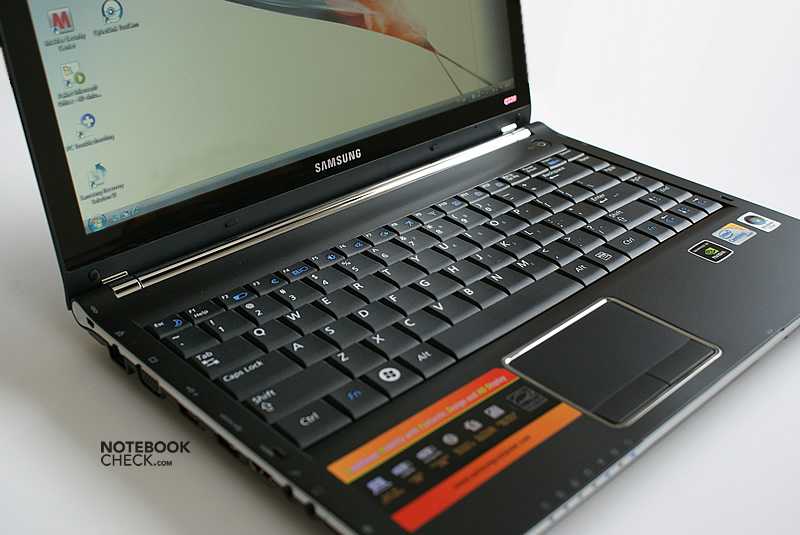
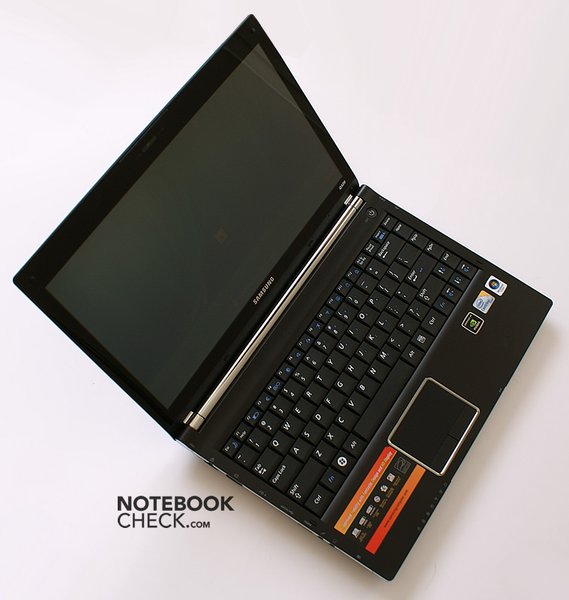
The new Samsung Q320, an attractive, dynamically designed notebook, is now facing our tests. The 13.4 inch display executed in an edge-to-edge design bids a 16:9 cinematic format. Aside from that, there is a dedicated GeForce G105M graphic card from nVidia inside. Read on to find out more about the strengths and weaknesses of the new Samsung generation.
Many thanks to our Polish colleagues from notebookcheck.pl who have executed these tests and provided us with this review.
Case
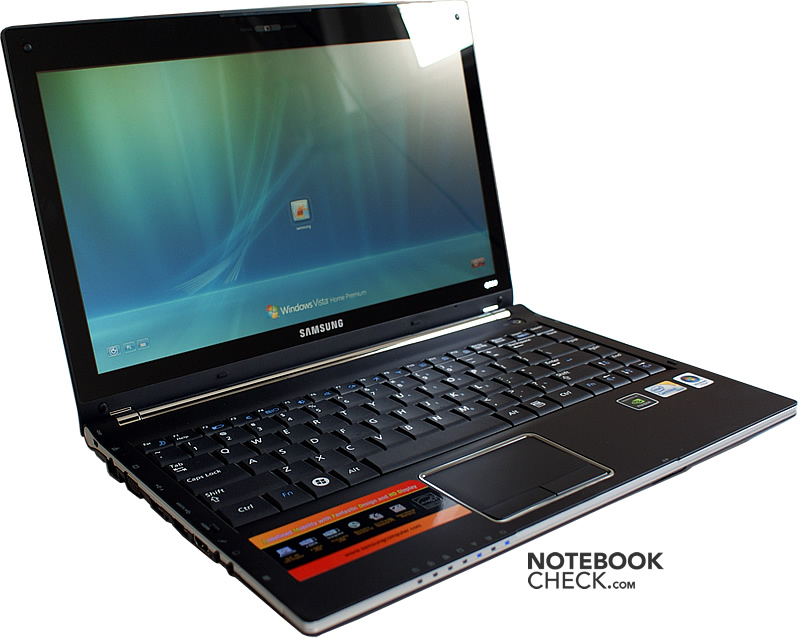
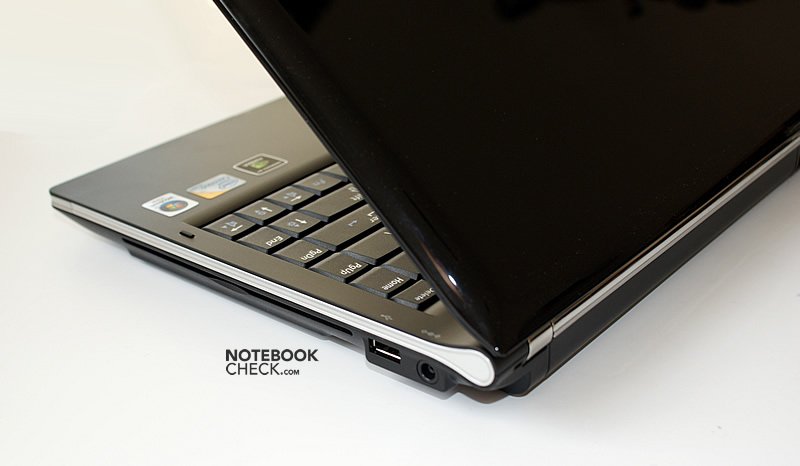
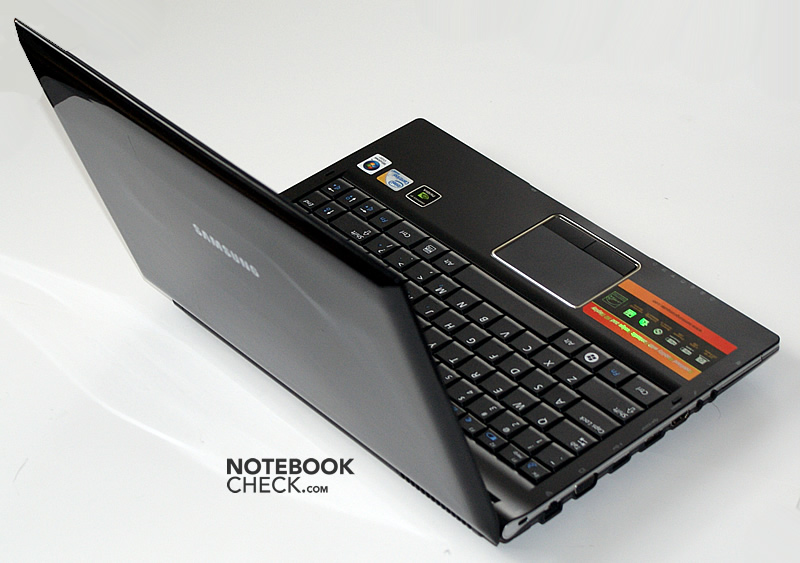
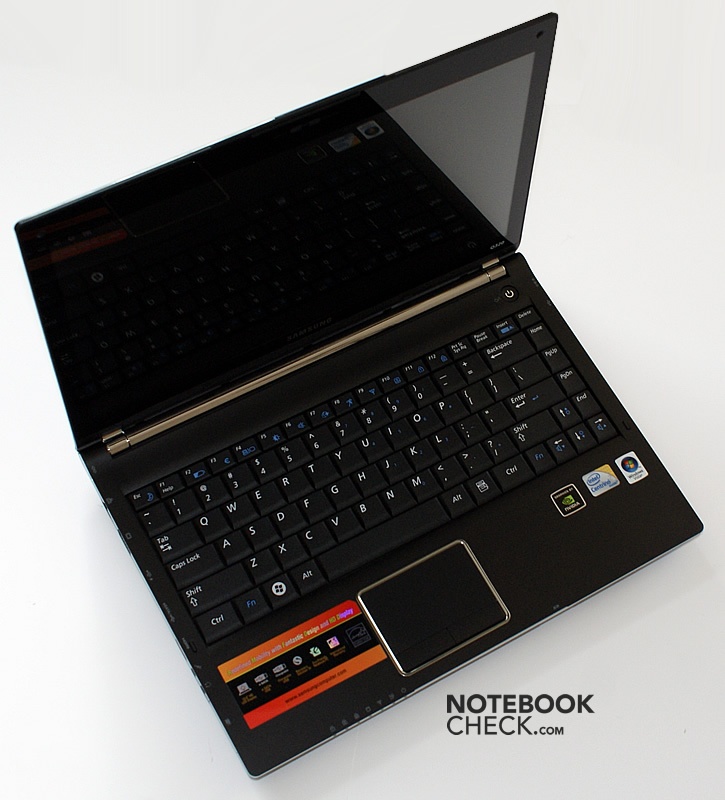
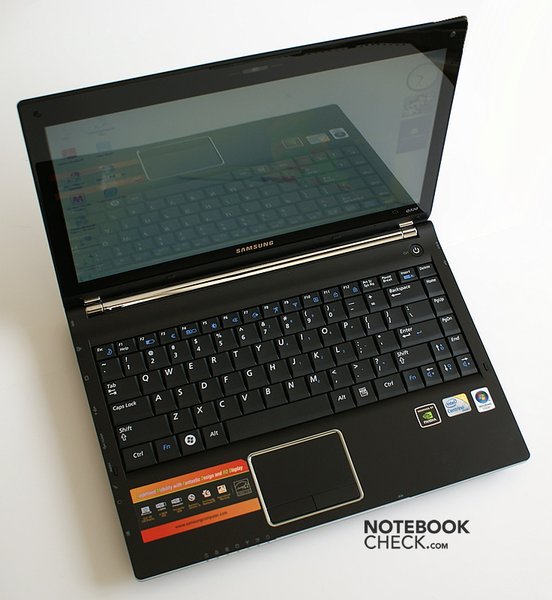
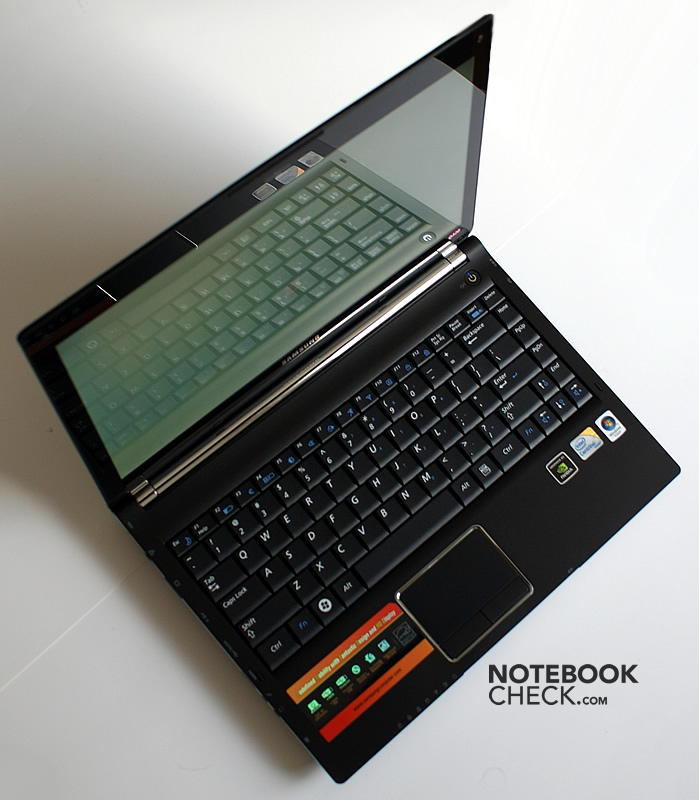
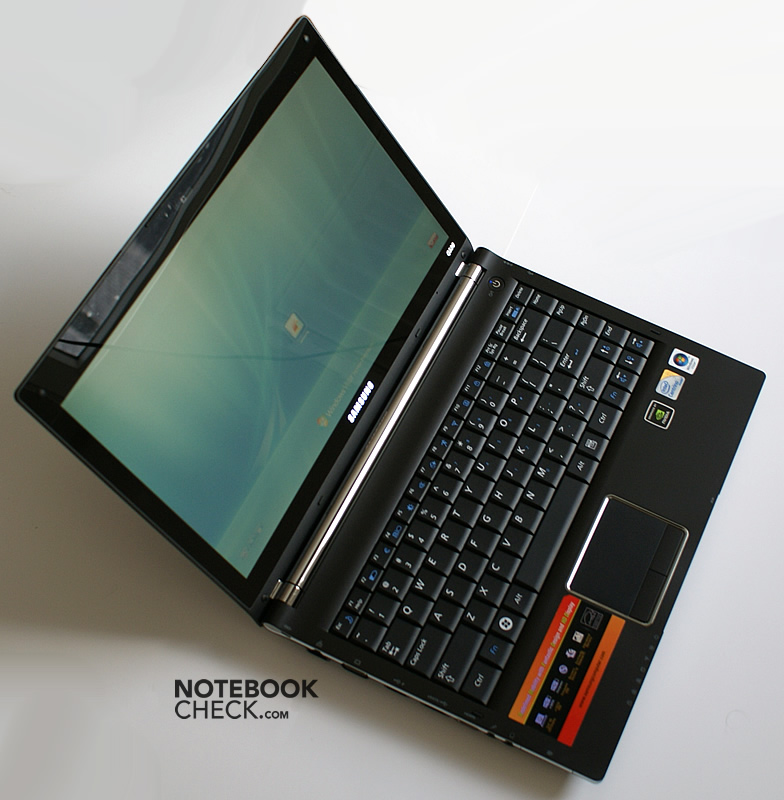
The looks of the Samsung Q320 already impresses at first sight. This doesn't only apply to its looks, but also the feel of the plastic case is relatively good. Additionally, the matt surfaces present themselves as almost insusceptible for fingerprints. Apparently, Samsung has taken the critique of users and testers seriously and has refrained from using high gloss surfaces for the base unit.
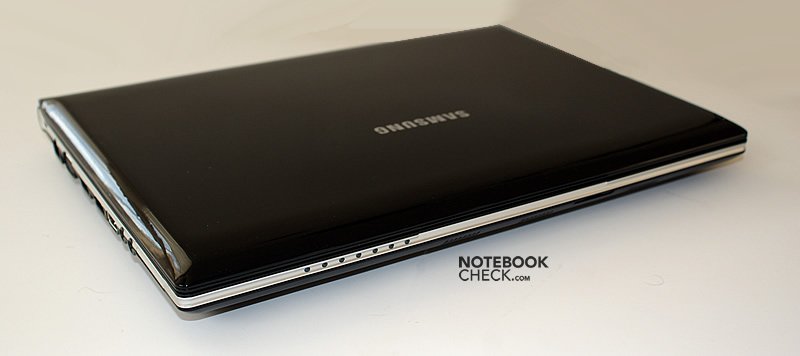
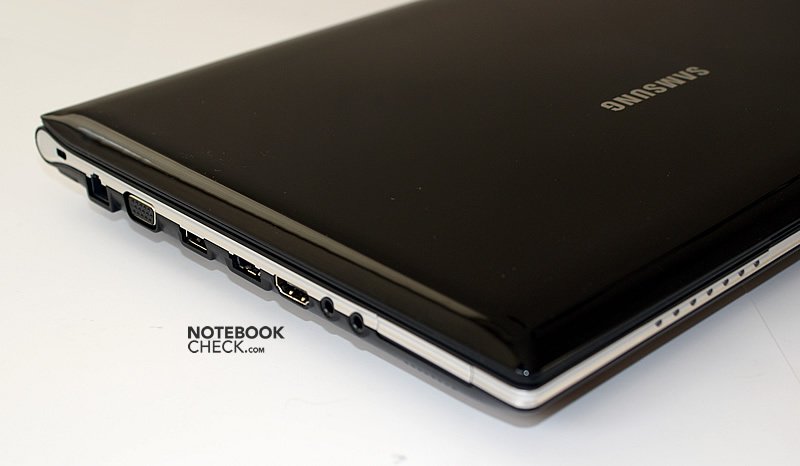
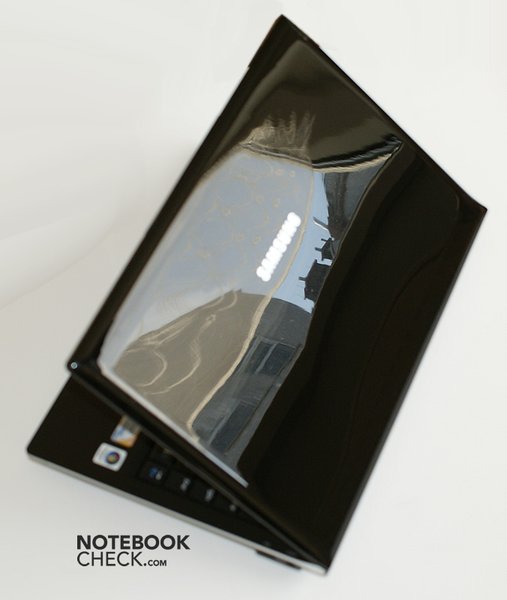
It looks different for the display lid. This shows a black high-gloss finish, which is very susceptible for smudge and traces of use.
The case also shows a good stability in the test. There is practically no twisting to be noticed when lifting the laptop at a case corner, but it does creak slightly. This applies equally to the display lid so that it can be spoken of a seemingly very robust notebook.
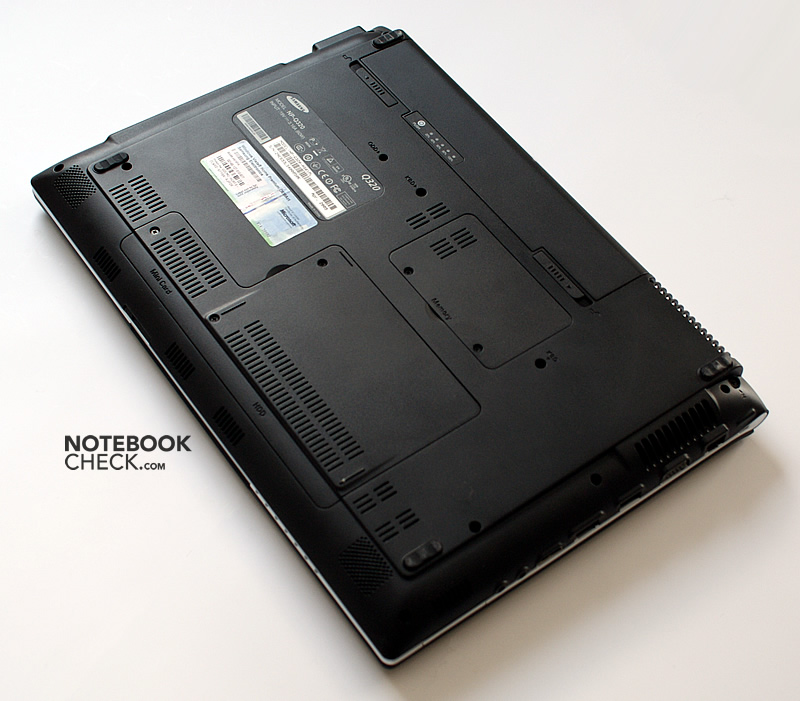
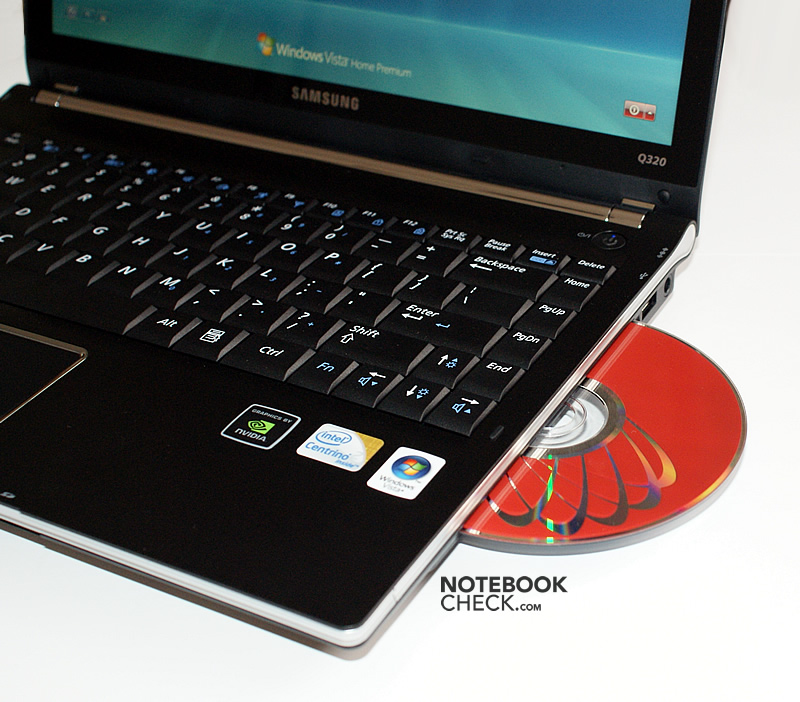
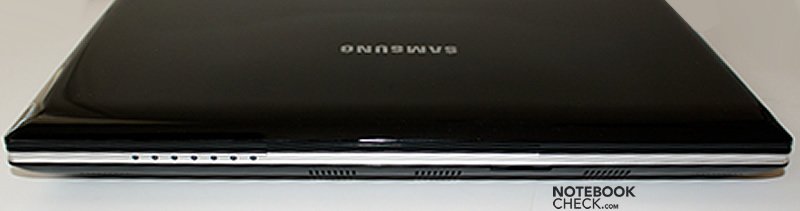
The selection of a slot-loading drive instead of the standardly deployed optical drive usually found is appealing. The case makes an overall encased impression with this. The only weak point of the case under point pressure is found on the front left edge, directly above the audio sockets. The bottom side also proves to be very pressure resistant due to the use of high-quality plastic.
Looking closer at the workmanship, a somewhat unequal gap can be recognized in the metal-like inlays. But, apart from this, the Q320 looks very elegant altogether. In a sense, it resembles the Sony Vaio SR in this regard.
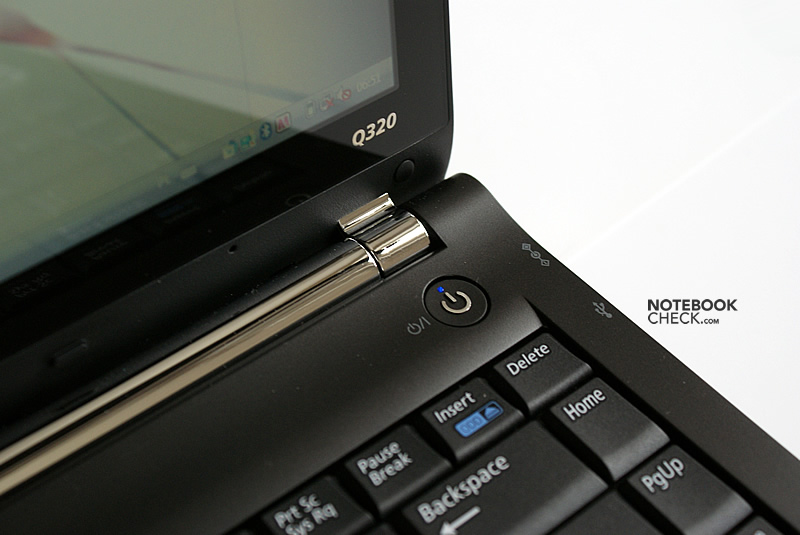
The hinges do an overall good job. A luffing after opening angle adjustments or a quivering at vibrations couldn't be established by us. However, the hinges restrict the maximum opening angle to about 120 degrees, which could prove to be a tad too little depending on the utilization.
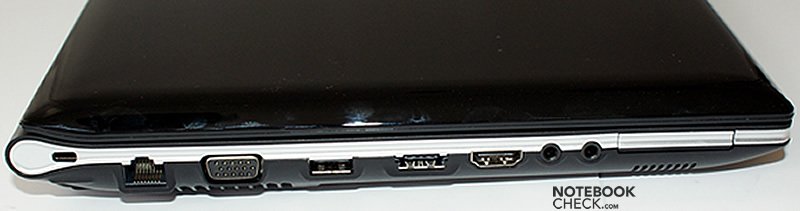
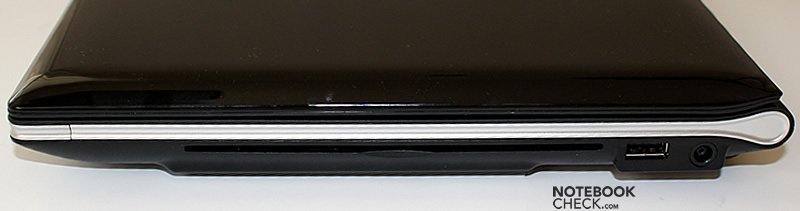
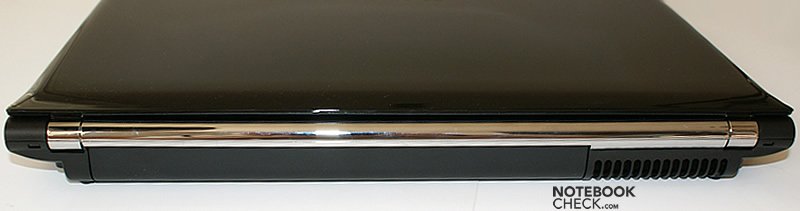
Input Devices
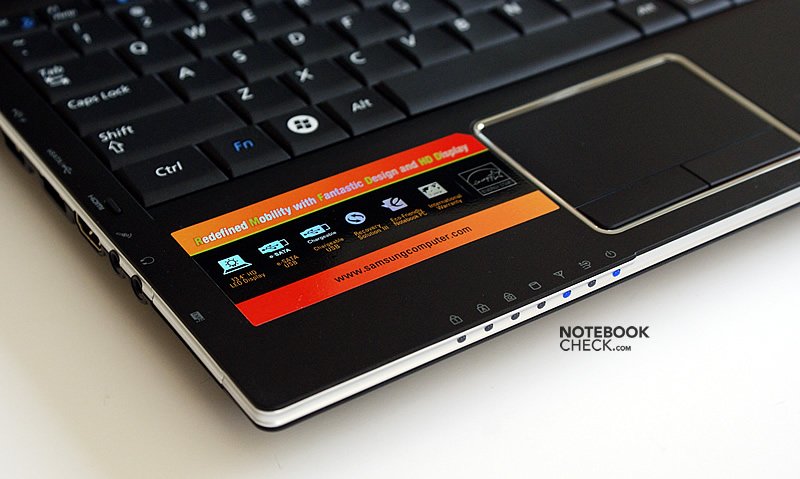
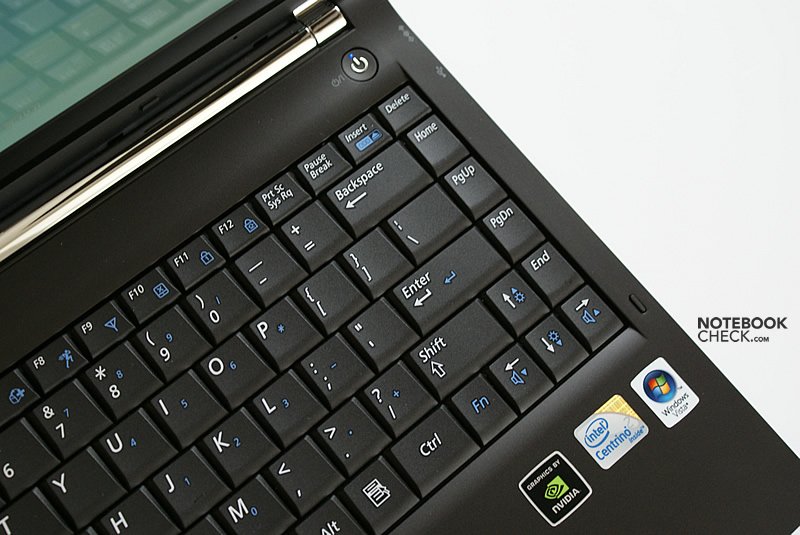
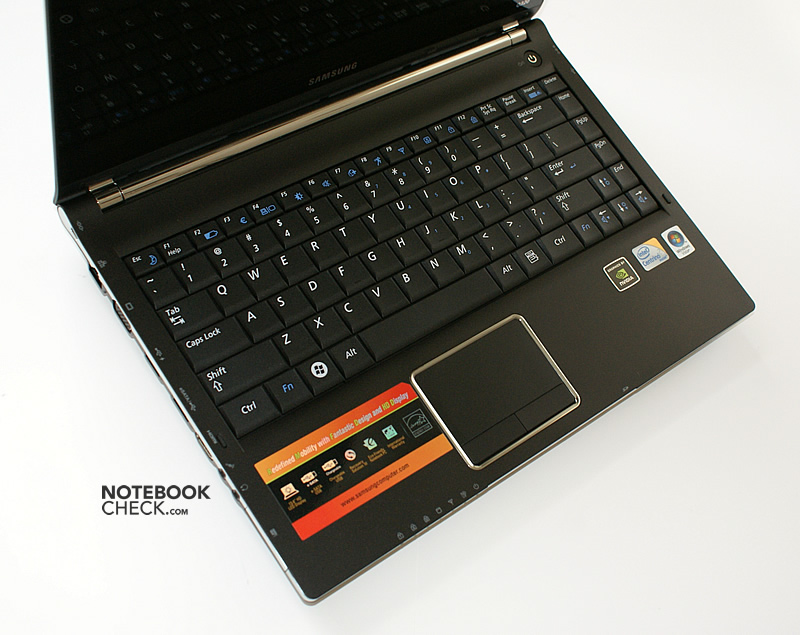
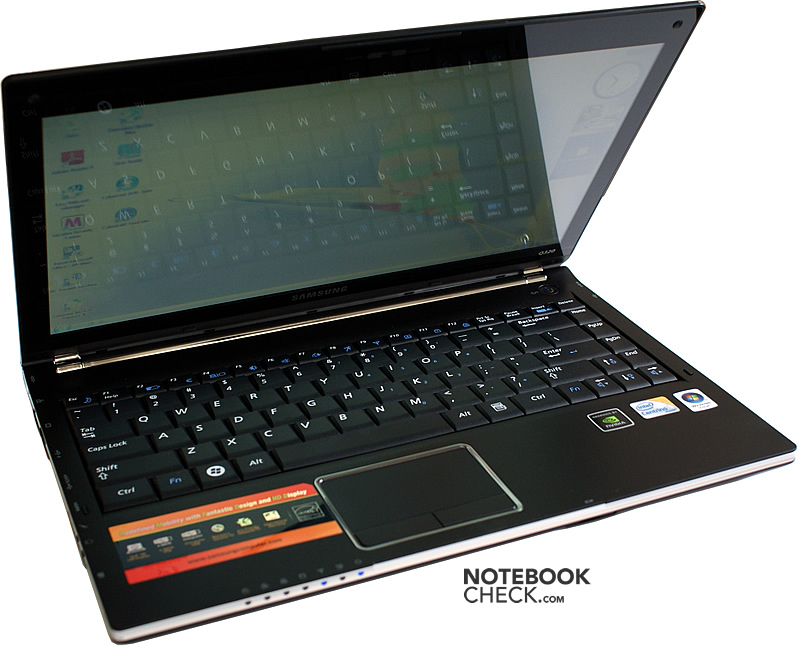
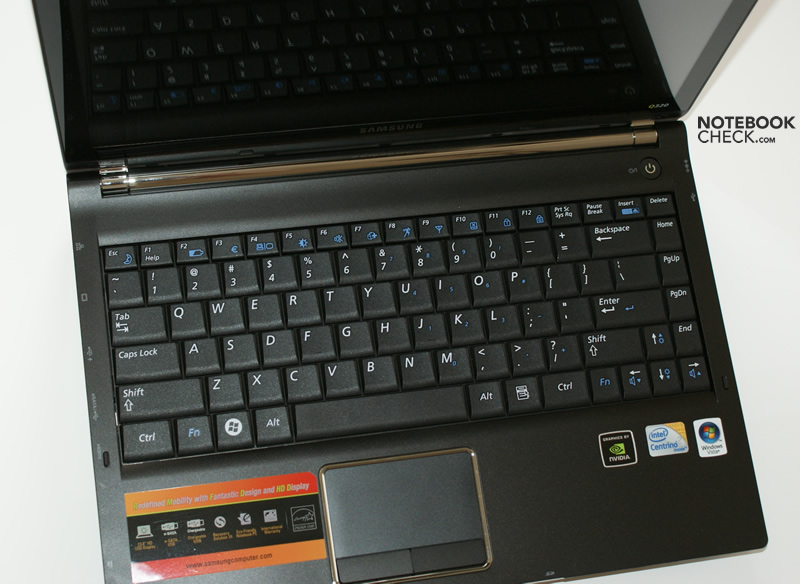
The keyboard presents itself well-executed, with a layout very well-designed for the 13 inch format. The CRTL key is found exactly on its innate place and the right shift key has also been placed beside the numerical keyboard bordering the arrow keys. The size of the single keys also appeals to us.
The pressure resistance at typing is low, the pressure point has been ideally chosen. A disadvantage of the low pressure resistance is that it leads to typos faster, due to the lack of feedback, than a stiffer key stroke. Fortunately, typing is generally very quiet, too. Only the key caps have a bit of room and causes a gentle rustle.
The additional Fn key beside the arrow keys also proved to be practical. It's even possible to adapt the display brightness single-handedly with it.
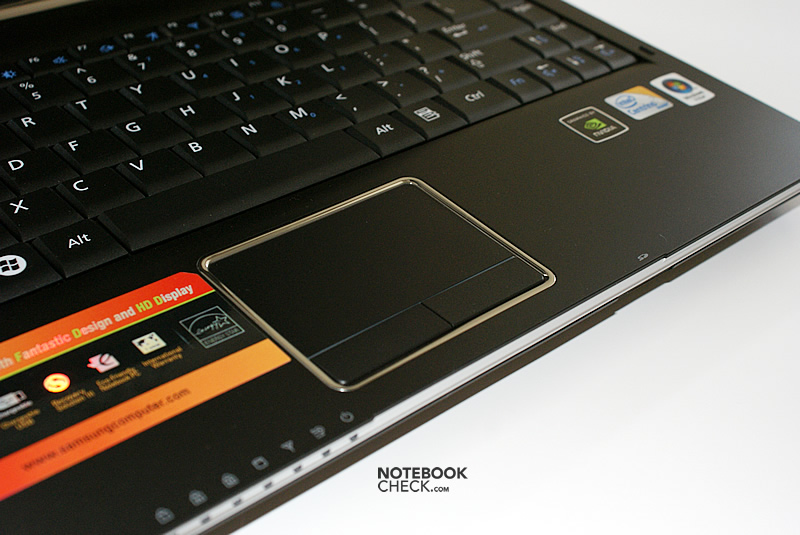
The built-in touchpad has a matt surface, which can be described as smooth. The size is also adequate for a pleasant and precise mouse cursor navigation on a 16:9 display.
Unfortunately, the easy-moving keys belonging to it only have a mediocre quality. A long key travel was shown at pressing. In opposition, we can evaluate its width, operating noises and the pleasant feel as positive.
Display
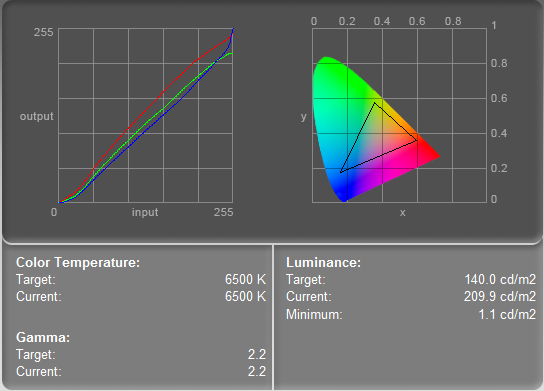
Samsung has equipped the Q320 with a 13.4 inch display with an LED background light. This screen made by Chi Mei Optoelectronics uses a cinematic-friendly resolution of 1355x768 pixels in a 16:9 format. The screen can be easily cleaned due to its edge-to-edge design with a straight bottom edge above the hinges.
A disadvantage of this variation is an intensely reflective surface. Especially in combination with a dark background and adverse light conditions (i.e. outdoors), you have more of a mirror than of a high quality user interface. We could establish an average brightness of about 200 cd/m2 in mains.
| |||||||||||||||||||||||||
Brightness Distribution: 81 %
Contrast: 191:1 (Black: 1.1 cd/m²)
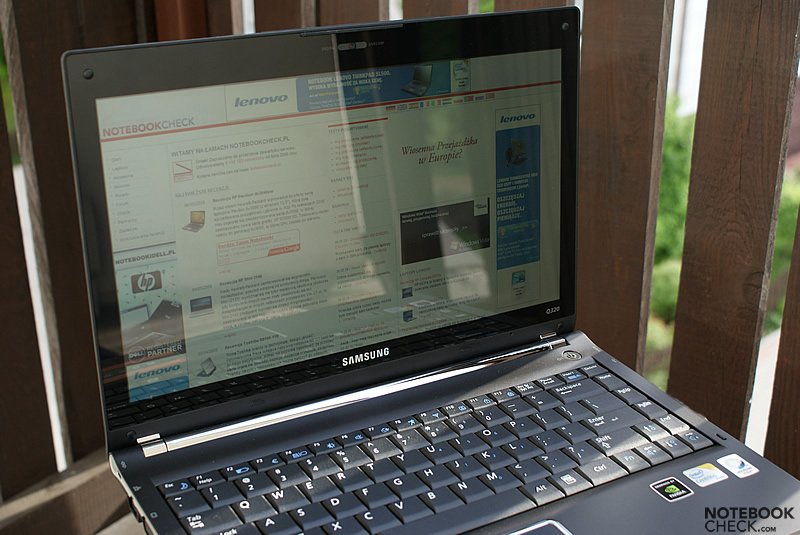
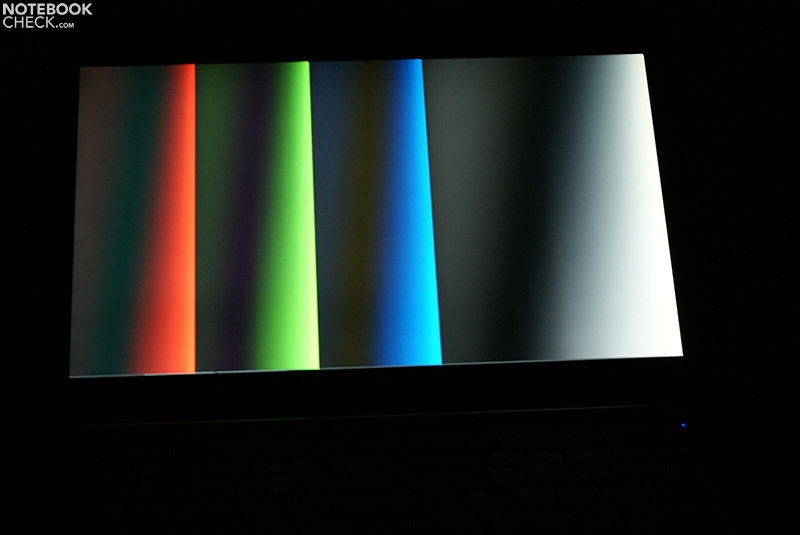
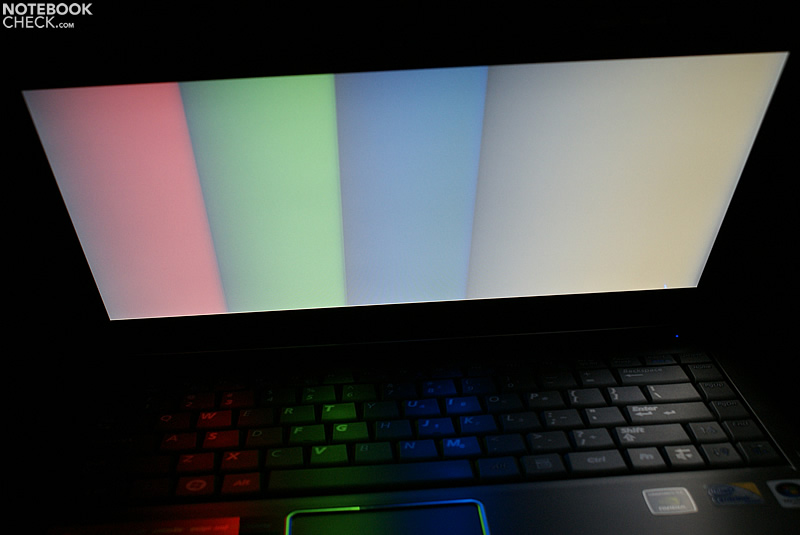
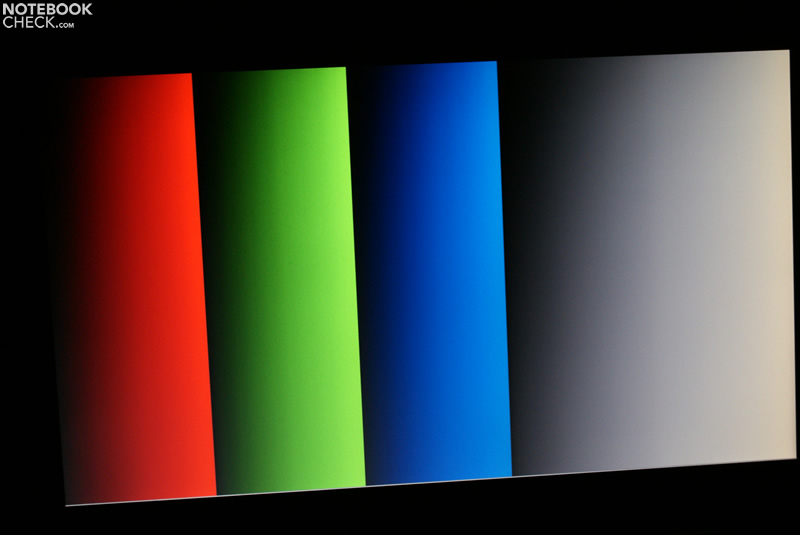
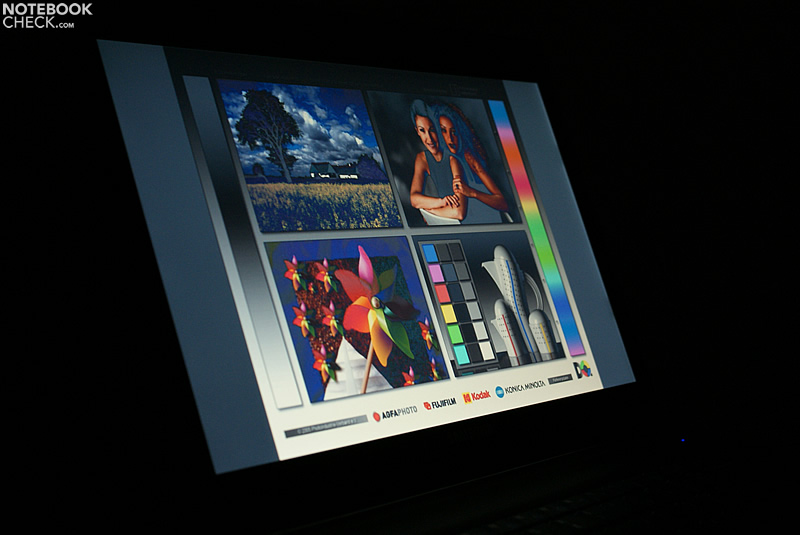
A significant disadvantage of the used display is the weak color representation. The colors look pallid and blurry. Black isn't represented optimally, either. Also, streak formations in form of a brighter stripe with a width of one millimeter along the display's bottom rim could be established.
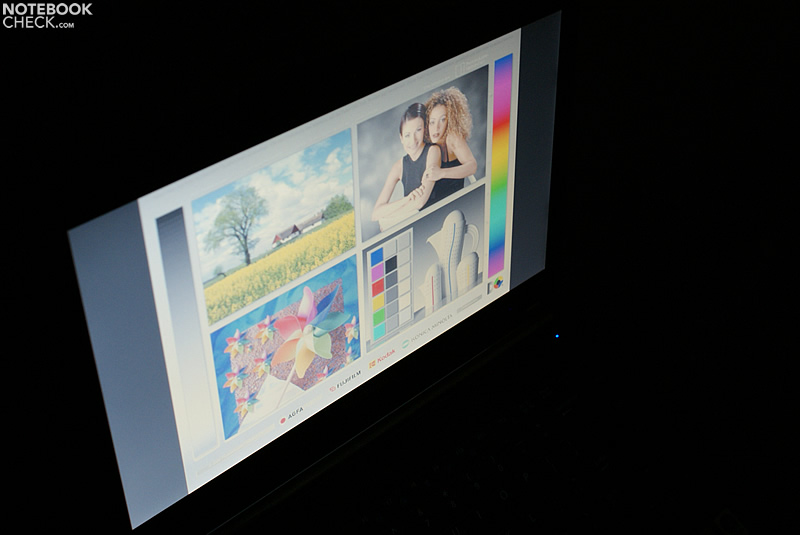
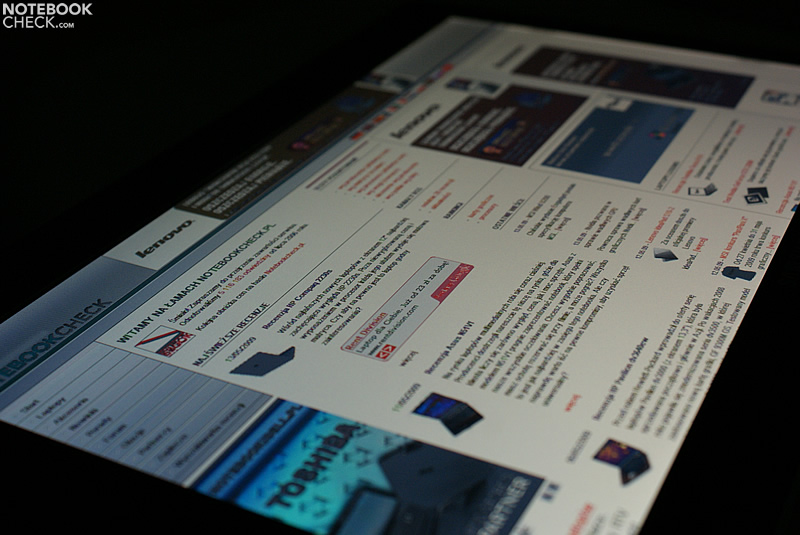
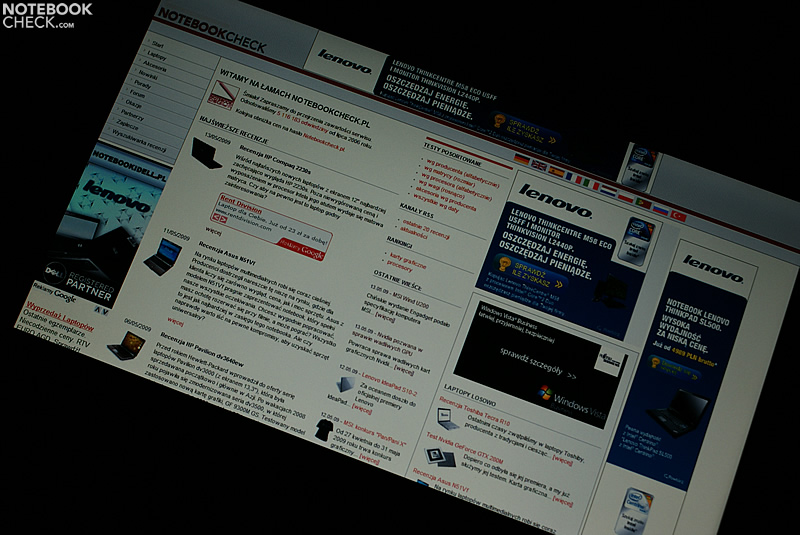
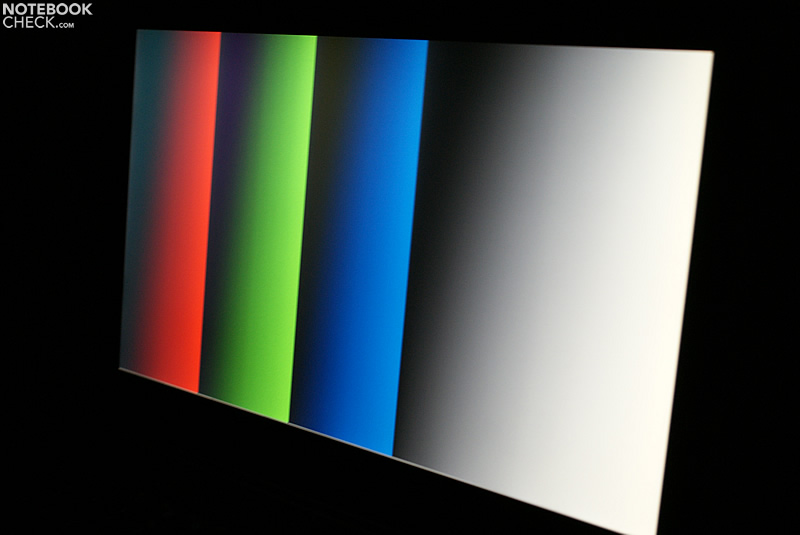
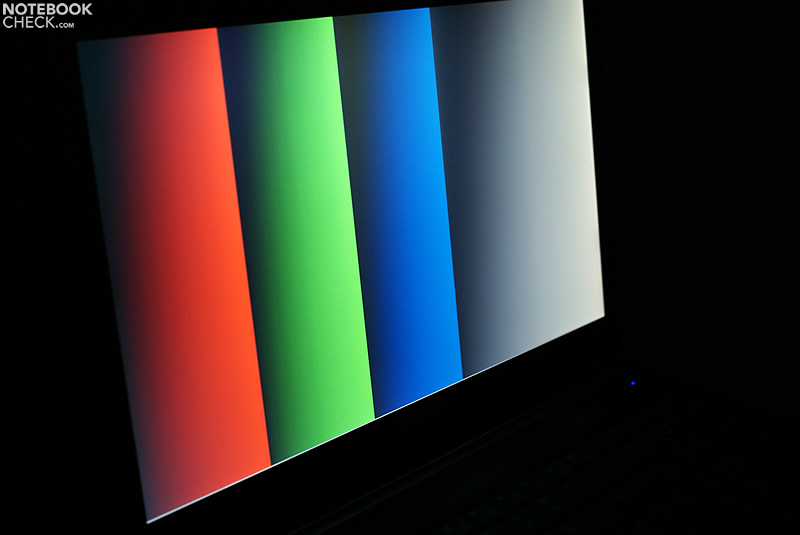
The next weak point shows itself in the viewing angle stability. Compared with the cheaper MSI VR340, used by our Polish colleagues, much stronger image distortions turn up along the vertical axis.

Performance
The test device is equipped with a 2.13 GHz Intel Core 2 Duo P7450 processor. This belongs to the Penryn CPUs manufactured in a 45nm process and demonstrates a solid performance at moderate energy requirement. It's a good choice for a mobile laptop, which should also be suitable for basic office tasks at the same time.
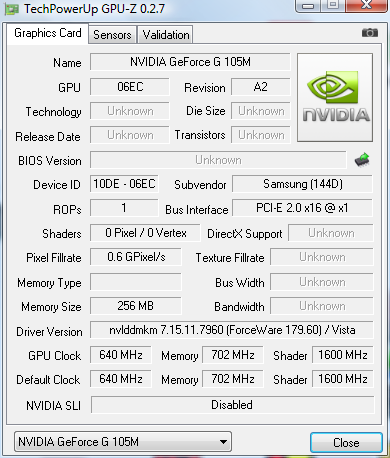
The nVidia Geforce G 105M belongs to a new generation of graphic cards, which is still produced in the older 65nm process. Compared to the 9300M GS, it only has half as much shaders, but is clocked higher with 640/1400 MHz. The use of a 256 MB GDDR3 memory with a rate of 700 MHz (1400 MHz effectively) improves its performance to a certain degree.
Unfortunately, the graphic performance is limited by the 64 bit memory bus so that it quickly comes to its limits in actual 3-D prone games. In view of the form factor, which implies mobility as the focal point, it is a useable graphic solution, in any case.
| 3DMark 2001SE Standard | 16121 points | |
| 3DMark 03 Standard | 7048 points | |
| 3DMark 05 Standard | 4218 points | |
| 3DMark 06 1280x720 Score | 2559 points | |
Help | ||
| PCMark 05 Standard | 5284 points | |
Help | ||
| Quake 3 Arena - Timedemo | |||
| Resolution | Settings | Value | |
| 1024x768 | highest, 0xAA, 0xAF | 238.4 fps | |
| F.E.A.R. | |||
| Resolution | Settings | Value | |
| 1024x768 | GPU: max, CPU: max, 0xAA, 0xAF | 27 fps | |
| 800x600 | GPU medium, CPU medium, 0xAA, 0xAF | 76 fps | |
| 640x480 | GPU min, CPU min, 0xAA, 0xAF | 341 fps | |
| Crysis - CPU Benchmark | |||
| Resolution | Settings | Value | |
| 1024x768 | Medium, 0xAA, 0xAF | 10.65 fps | |
| 1024x768 | Low, 0xAA, 0xAF | 23.47 fps | |
| Crysis - GPU Benchmark | |||
| Resolution | Settings | Value | |
| 1024x768 | Medium, 0xAA, 0xAF | 10.94 fps | |
| 1024x768 | Low, 0xAA, 0xAF | 24.43 fps | |

Gaming performance (Fraps 60s):
Call of Duty 4
Resolution: 1280x720; normal/medium details
min. 10, avg. 13.42, max. 17fps
Company of Heroes
Resolution: 1024x768; high/med details; AA off
min. 10: avg. 17.93; max. 25fps
FIFA 07
Demo version default
min. 58; avg. 59.58; max. 61fps
Gothic 3
Resolution: 1024x768; high details
min. 6; avg. 9.62; max. 13fps
Medal of Honor Airborne
Resolution: 1280x720; all medium
min. 14; avg. 17.75; max. 22fps
Supreme Commander
Resolution: 1024x768; high details; AA off
min. 9; avg. 12.88; max. 16fps
Witcher
Resolution: 1280x720; med details; AA off
min. 10; avg. 20.32; max. 39fps
Emissions
System noise
The fan regulation attracts negative attention in idle mode, or rather with low load. The soundscape is characterized by an unpleasant periodic rise and fall of the noise.
Interestingly, this mannerism improves under full load. The fan runs permanently and reaches a low noise level of 32.6 dB(A) at first. A maximum of 34.5 dB(A) can already be established after a few minutes. Anyhow, the constant whirring is more endurable than a frequent change. The Q320, therefore, doesn't belong to the quietest devices but the operating noise remained overall within a limit.
Noise level
| Idle |
| 31.8 / 32 / 33 dB(A) |
| HDD |
| 32 dB(A) |
| DVD |
| 34 / 40.9 dB(A) |
| Load |
| 32.6 / 34.5 dB(A) |
 | ||
30 dB silent 40 dB(A) audible 50 dB(A) loud |
||
min:  , med: , med:  , max: , max:  (15 cm distance) (15 cm distance) | ||
Temperature
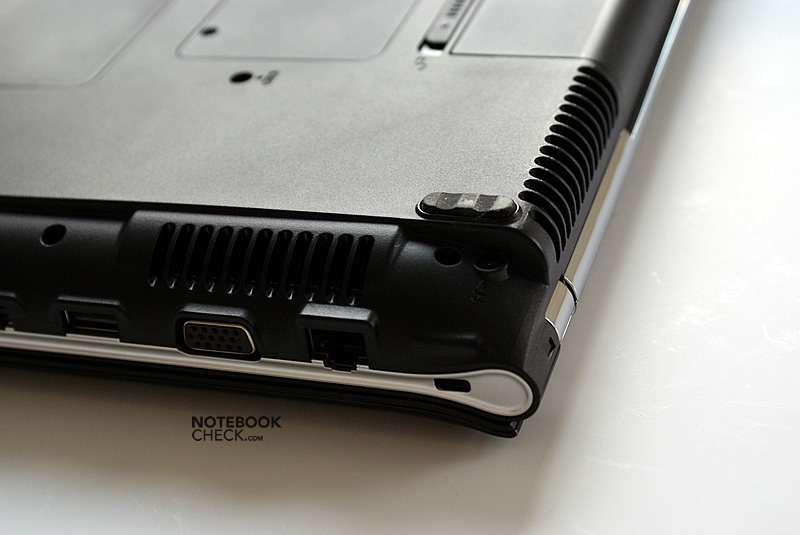
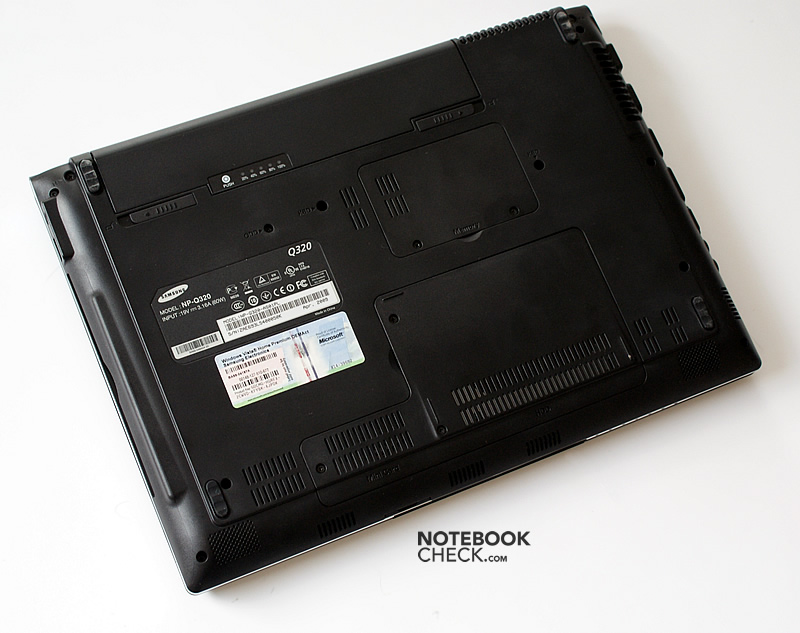
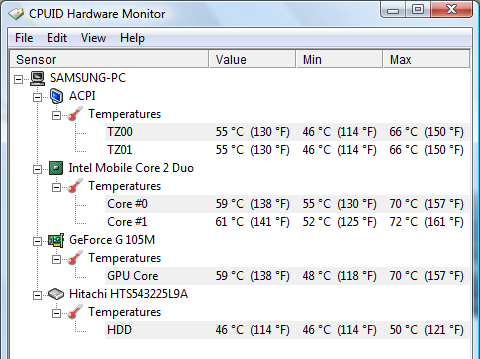
The case doesn't heat up too much under low office load so that use on the thighs seems to be unproblematic. However, the situation alters under load. The bottom side reaches up to 40 degrees Celsius and more, here. We could even note a maximum of 45 degrees Celsius for the louver area. The dedicated graphic card has quite a part in the higher heat emissions, as well.
(+) The maximum temperature on the upper side is 38 °C / 100 F, compared to the average of 35.9 °C / 97 F, ranging from 21.4 to 59 °C for the class Subnotebook.
(-) The bottom heats up to a maximum of 45.1 °C / 113 F, compared to the average of 39.2 °C / 103 F
(±) The palmrests and touchpad can get very hot to the touch with a maximum of 36.5 °C / 97.7 F.
(-) The average temperature of the palmrest area of similar devices was 28.2 °C / 82.8 F (-8.3 °C / -14.9 F).
Loudpeakers
The sound of the built-in loudspeakers is agreeably full and vibrant. The amplification is sufficient to even hear a clear and loud sound on the other side of a larger room. Music or speech output can already be enjoyed at two-thirds of the maximum volume. A further volume increase leads to distortions and vibrations.
Battery life
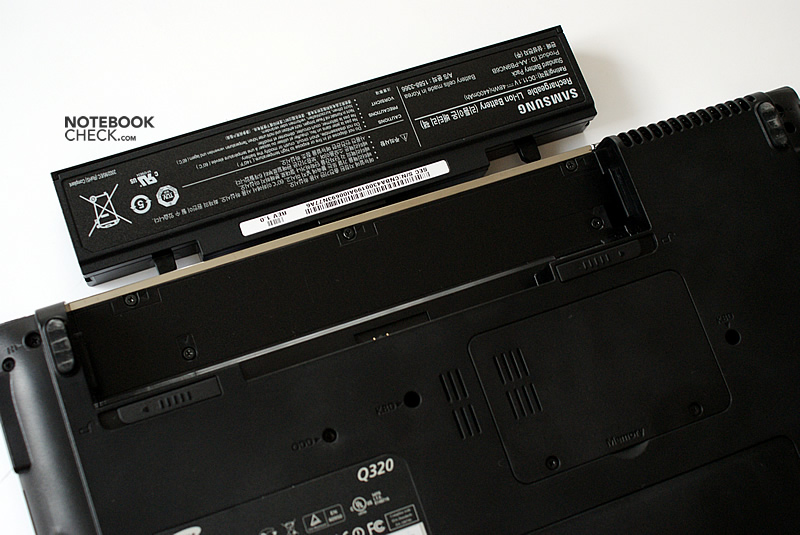
A 6 cell battery with a capacity of 48 Wh belongs to the Samsung Q320's scope of delivery. This allows for a maximum of 5 hours mains-free working. However, the battery life is shortened to about 3 hours in the practical WLAN mode in the energy savings profile "balanced".
In comparison to competitor notebooks, it can be noted that the Q320 is on about the same level as the Sony Vaio SR with an ATI HD 3470 graphic card in regards to battery life. In this regard, it even surpassed the MSI EX300 with a larger battery and the HP Pavilion dv3600 and down rights outstrips the Dell Studio XPS 13.
| Off / Standby | 0 / 0 Watt |
| Idle | 14 / 19 / 22 Watt |
| Load |
43 / 55 Watt |
   
| |
Key:
min: ,
med: ,
max: | |
Verdict
We appreciated the defined orientation of mobile use of the Samsung Q320. The good quality of the deployed materials results in an overall robust laptop with a low weight and a practical design. The display lid presents itself, despite a high-gloss finish, less prone to smudge than some of Samsungs forerunners.
Additionally, the Q320 has one of the best keyboards in its category. Except for a light in dark rooms, there is practically nothing left to be desired at typing.
Unfortunately, the display proves to be a stumbling block for mobile use in adverse light conditions. The LED display might be bright but the reflective surface leads to irritating reflections, for instance outdoors. On the other hand, the screen is easy to clean due to its "edge-to-edge" design.
A further disadvantage is found in the fan regulation. The noise characteristic is quite unpleasant, particularly at use under low load.
Surmising it can however be noted: Samsung has done a good job with the Q320. The Samsung Q320 proves to be a useable mobile companion.
 Add as a preferred source on Google