Review Apple MacBook Pro 15'' Notebook (Santa Rosa)
Design meets Performance. One is already nearly used to the first-class design of Apple Notebooks. Ever since they are also equipped with Intel CPUs and it is possible to run them under Windows, they are true competitors to comparably equipped notebooks. As expected the MacBook Pro scores also high. This elegant notebook is really powerful, because of a T7700 CPU and a NVidia Geforce 8600M GT video card. So, gaming is possible with a Mac - „Sounds strange, but is true“.
Case
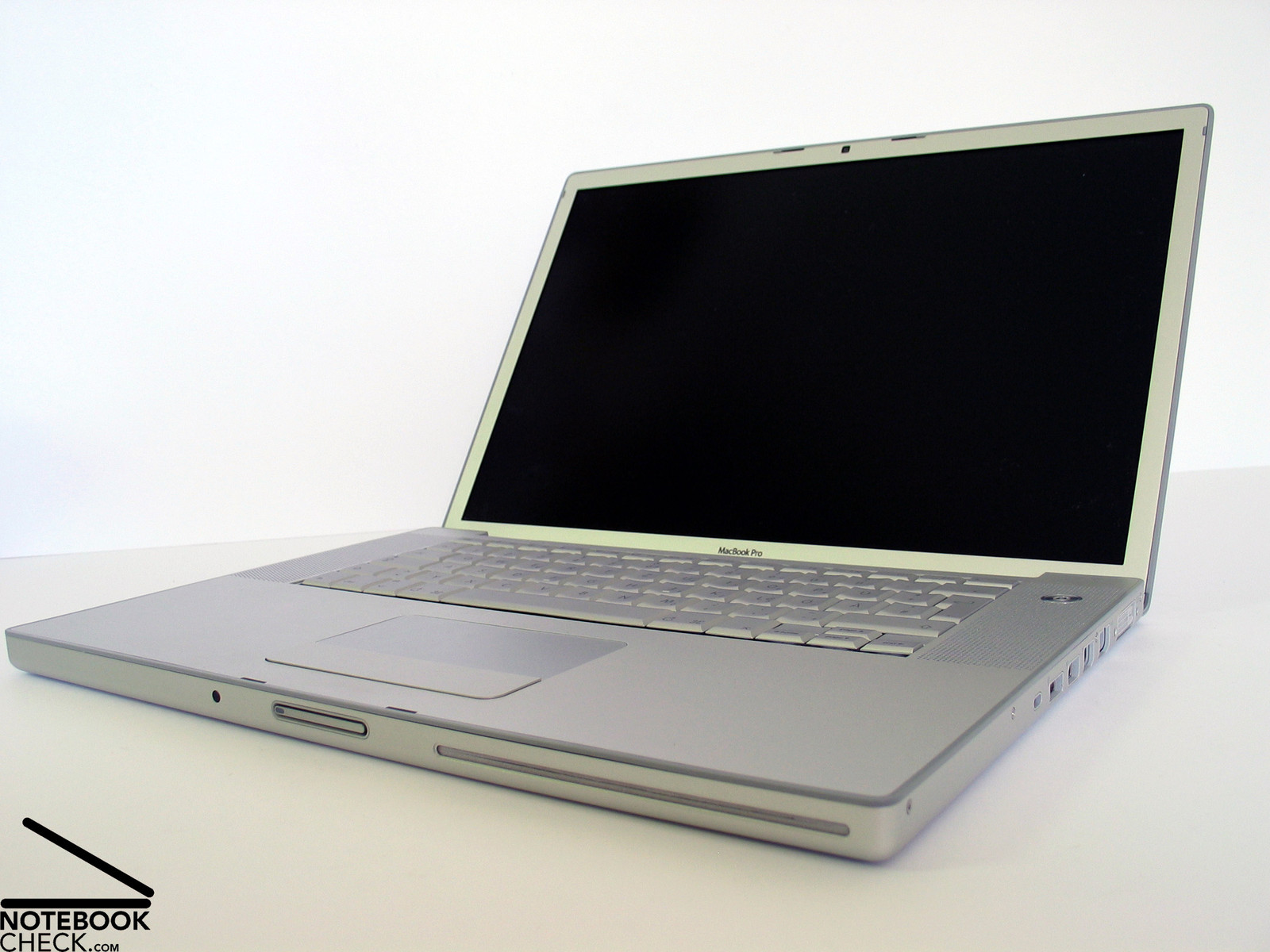
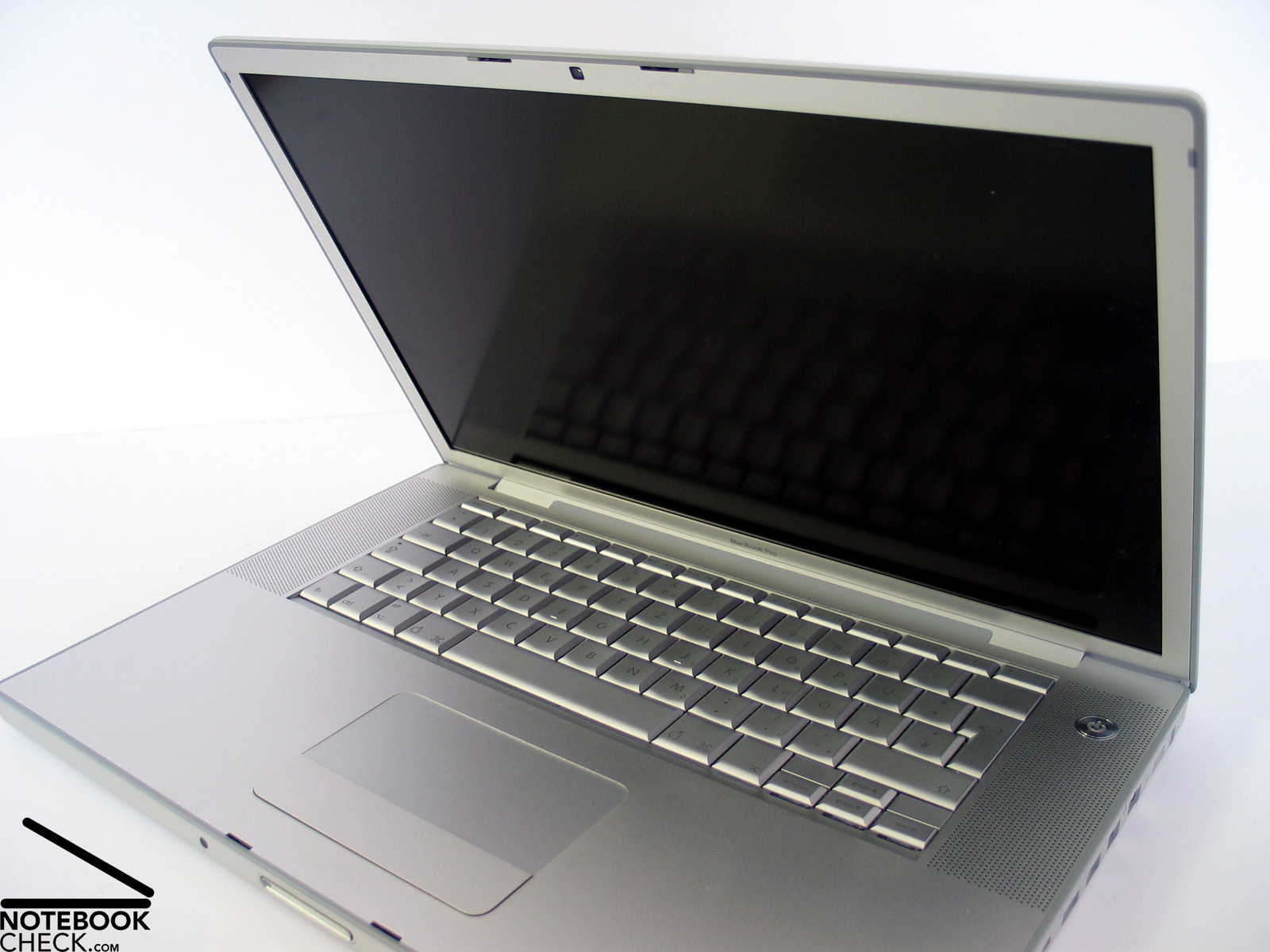
The MacBook Pro 15'' with Intel chipset was already reviewed by us some time ago. At that time it was the pioneer Apple notebook with Intel CPU. The look of MacBooks did not chance much since then, at least at the first glance. Inside the noble aluminum case, you'll now find the most up-to-date technology, which provides a lot of power. A good reason for reviewing the new MacBook Pro.
In the meanwhile, the installation routine of Windows on a Mac was improved and, so, also the possibility to reasonably work under it. The procedure is rather easy: 1) Download the Bootcamp software. 2) Install and execute it under MacOS. 3) Insert and install the Vista CD. 4) Install Drivers for Vista. 5) Choose the operating system in the start menu at boot time (Alt).
This is all. And as one is accustomed to, this procedure by Apple is simple and user-friendly. Also the support for Apple functions under Vista was optimized in the meanwhile. E.g., scrolling with 2 fingers on the touchpad is no problem and also the integrated web cam (iSight) works troublefree. However, there are slight problems with some hardware differences, like the single touchpad button or the Apple specific keyboard layout.
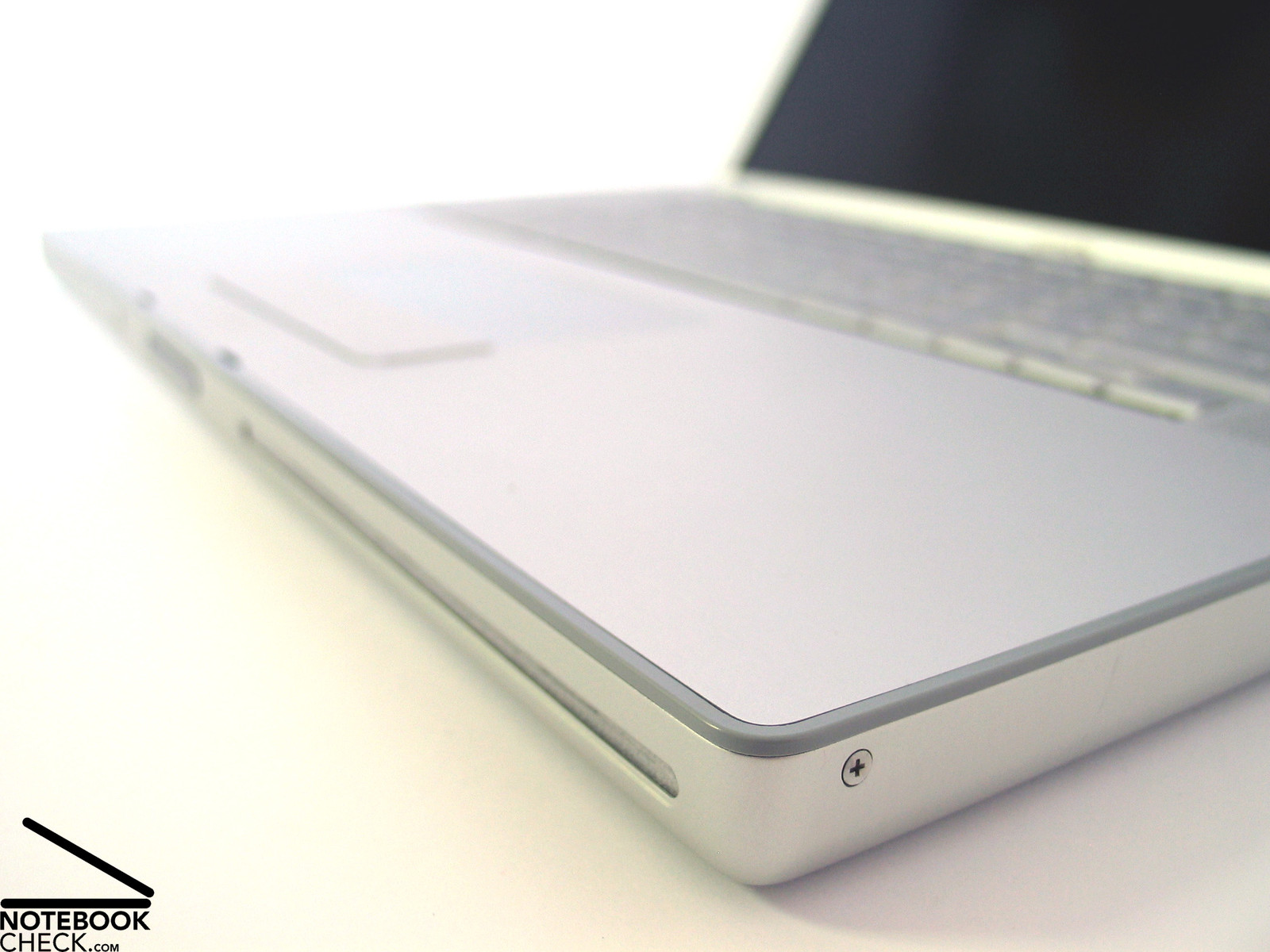
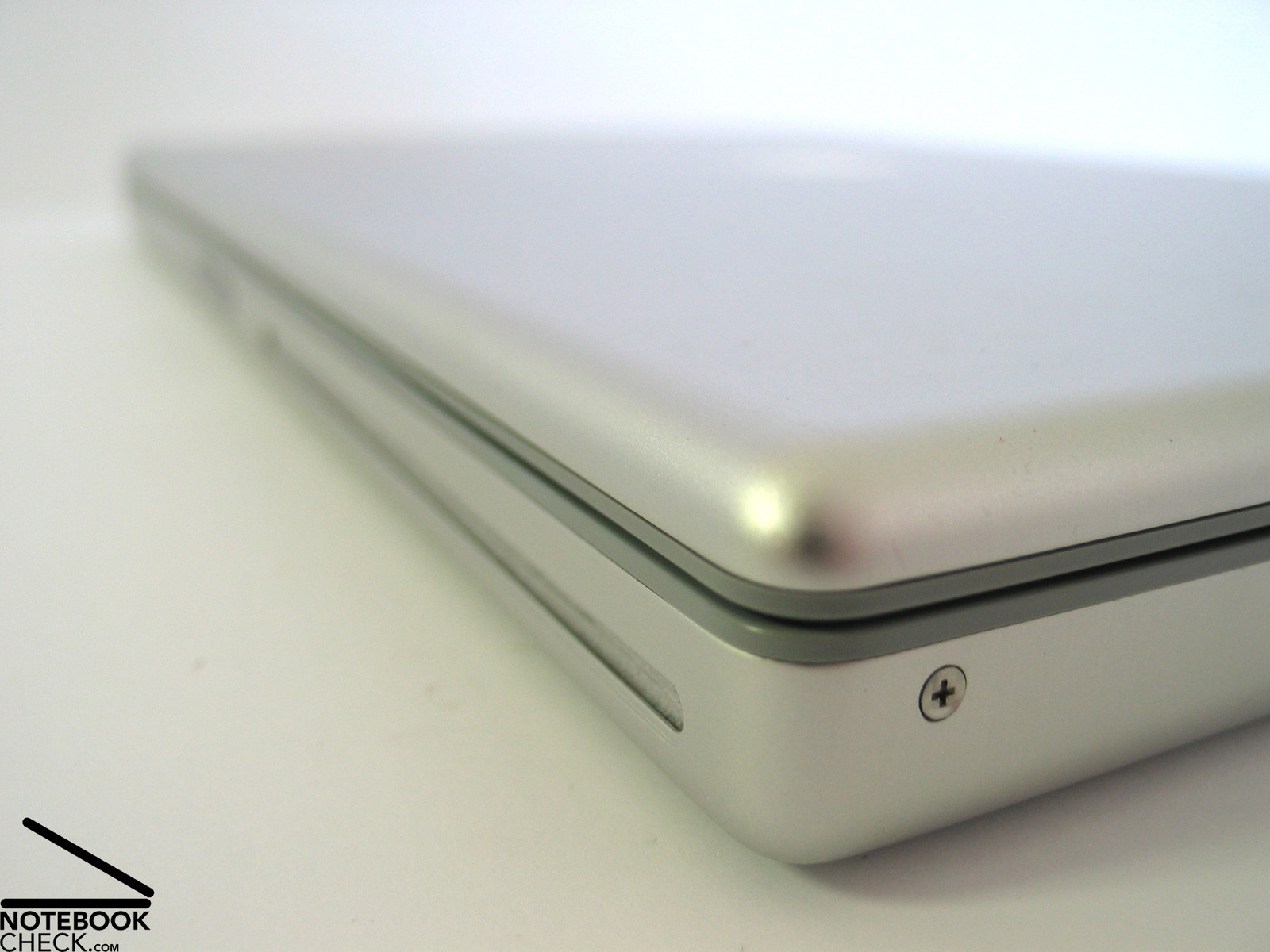
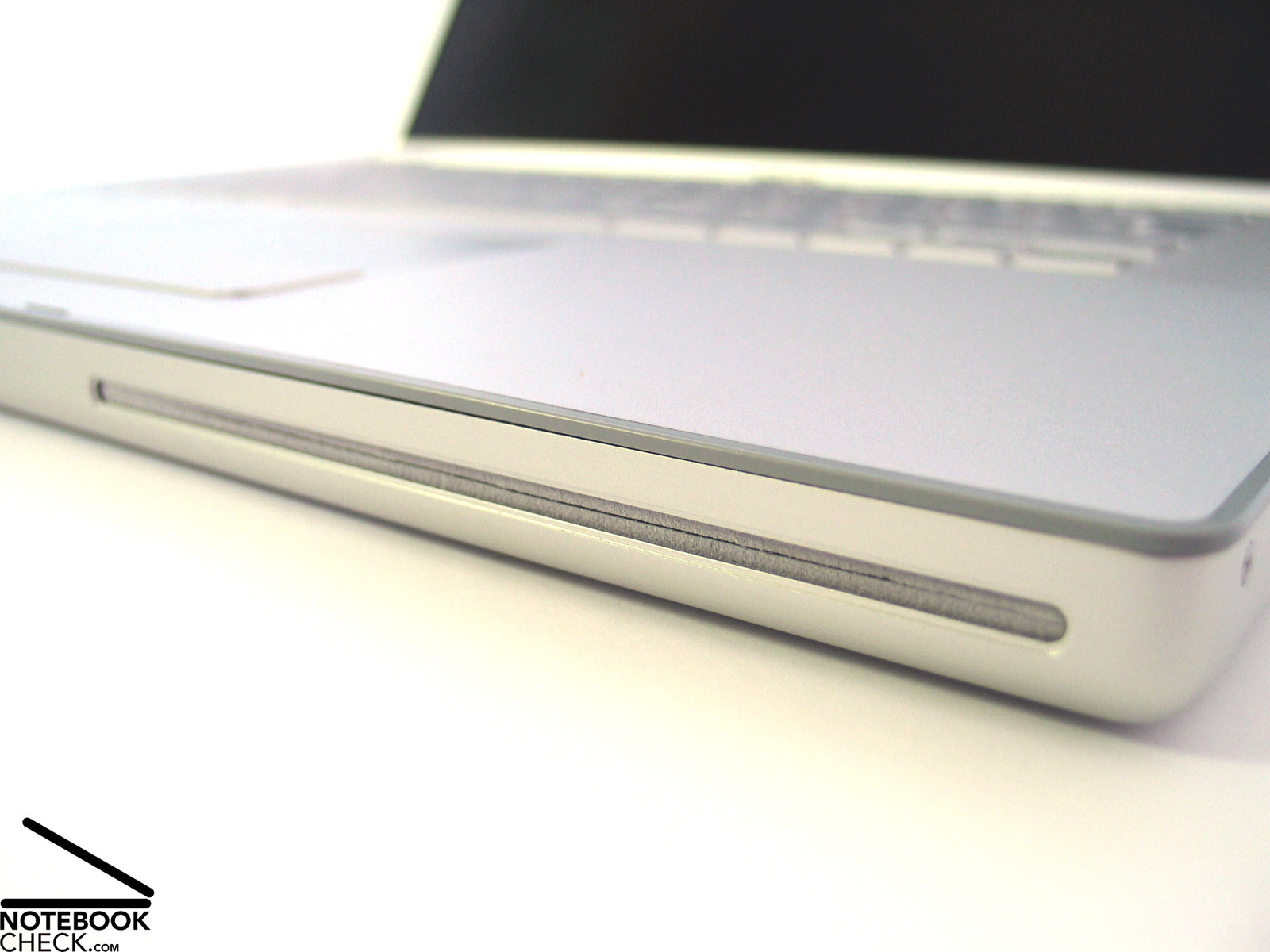
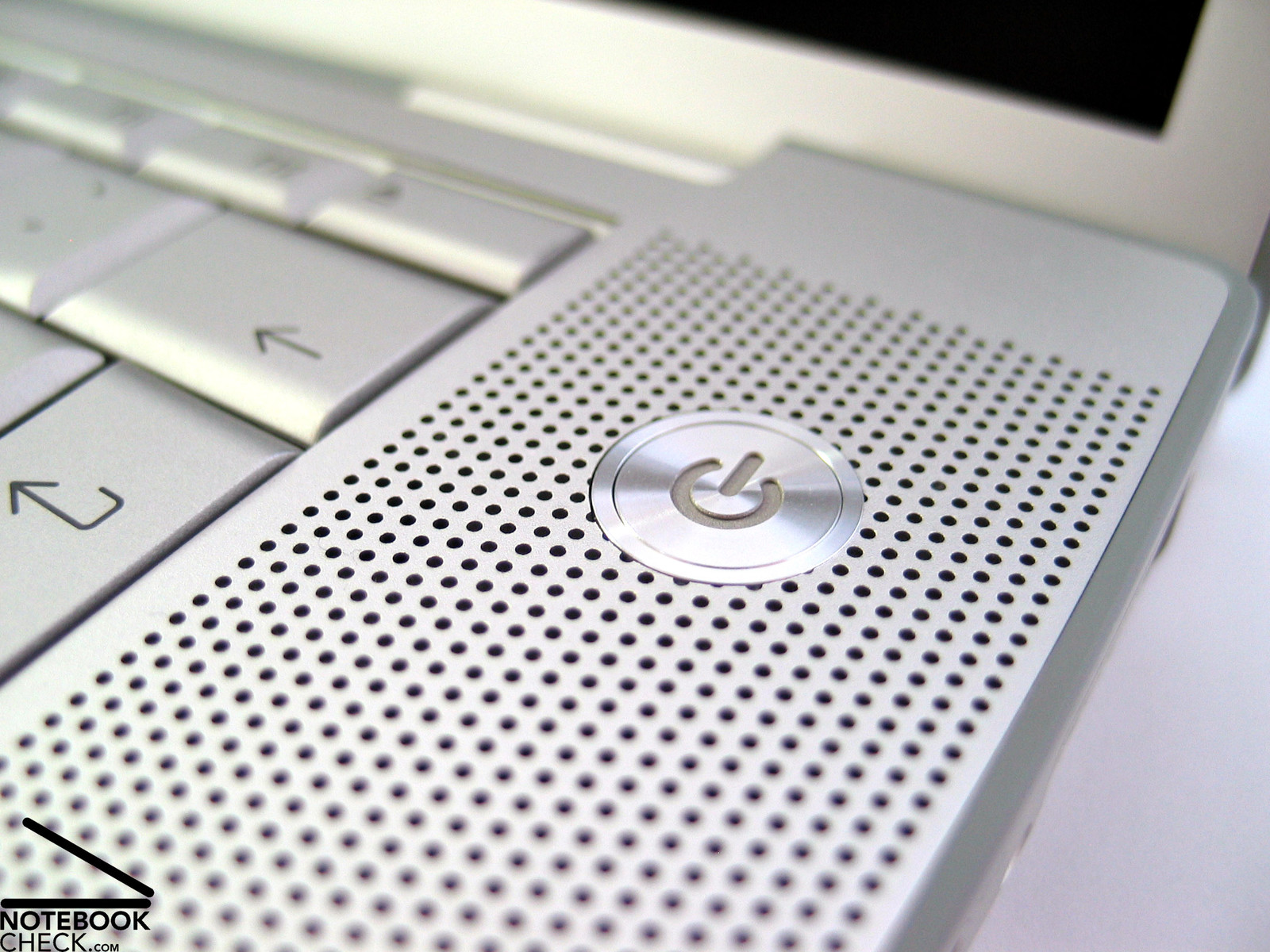
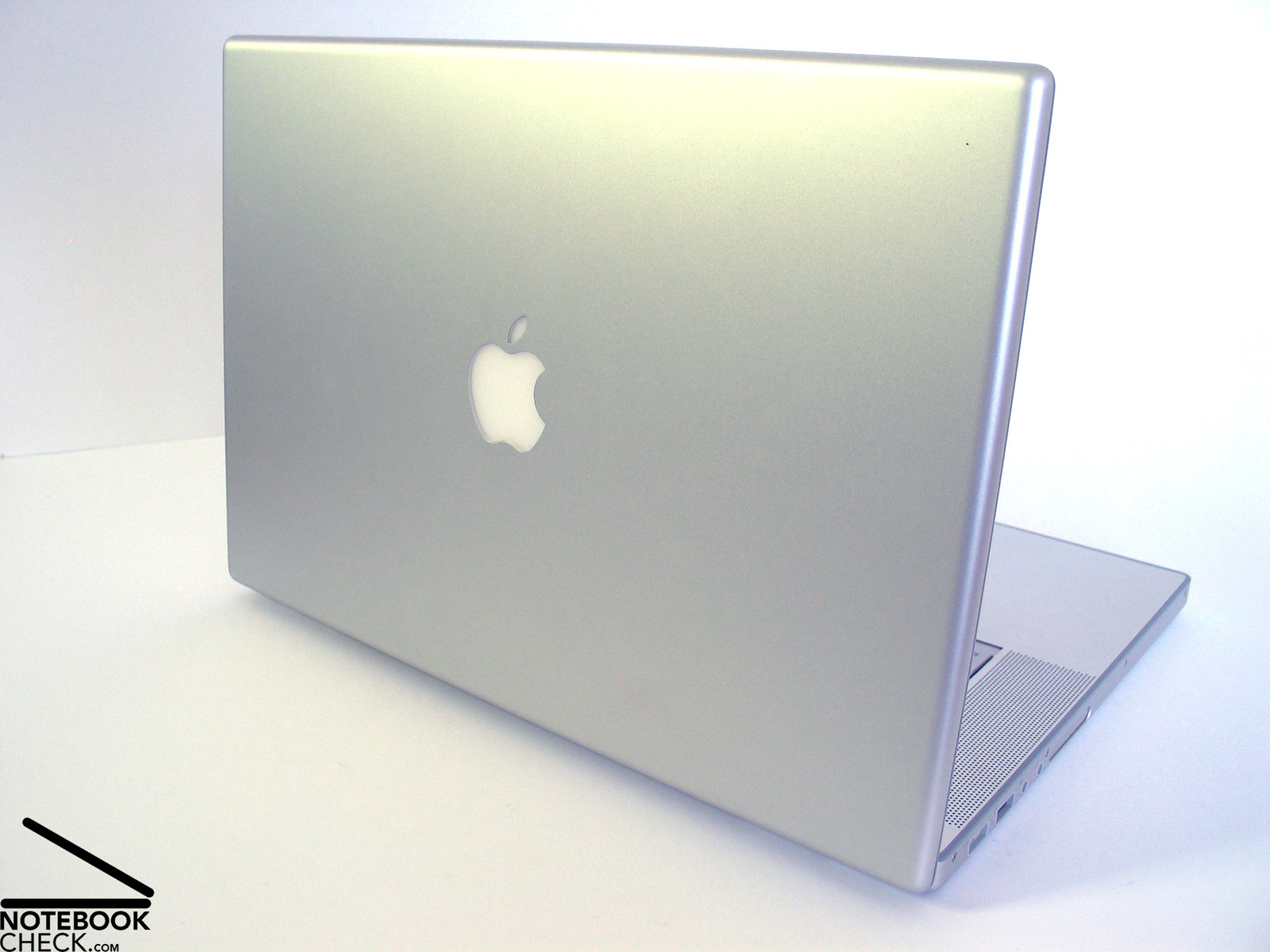
Back to the notebook. The case is nearly completely made of aluminum. The surface's haptics is first-class. Despite of an edgy and linear design, there are no sharp or uncomfortable edges or corners.
The workmanship and stability of the MacBook are as good as the look elegant. All parts are seamlessly connected to one another. Scrutinizing the notebook for weaknesses regarding workmanship is a waste of time.
The aluminum case does neither react to applied forces nor are deflections possible. Handling the notebook is also as expected, you' won't hear any creaking. The total weight of only 2.4kg is one of the MacBook's strengthes.
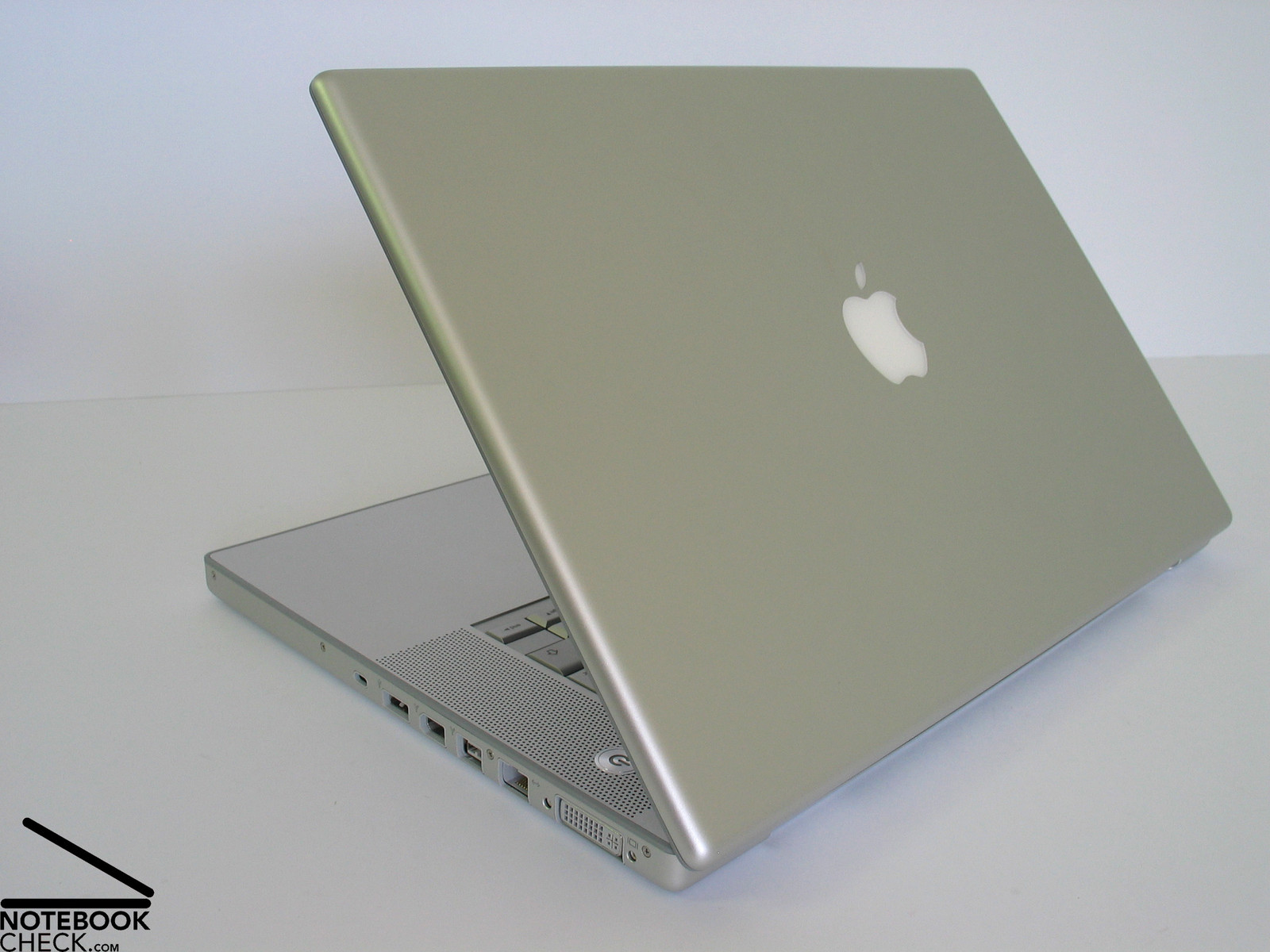
The big, reversely attached hinge seems to be very robust. There might be usability limitations, because the opening angle of the display is, therefore, limited.
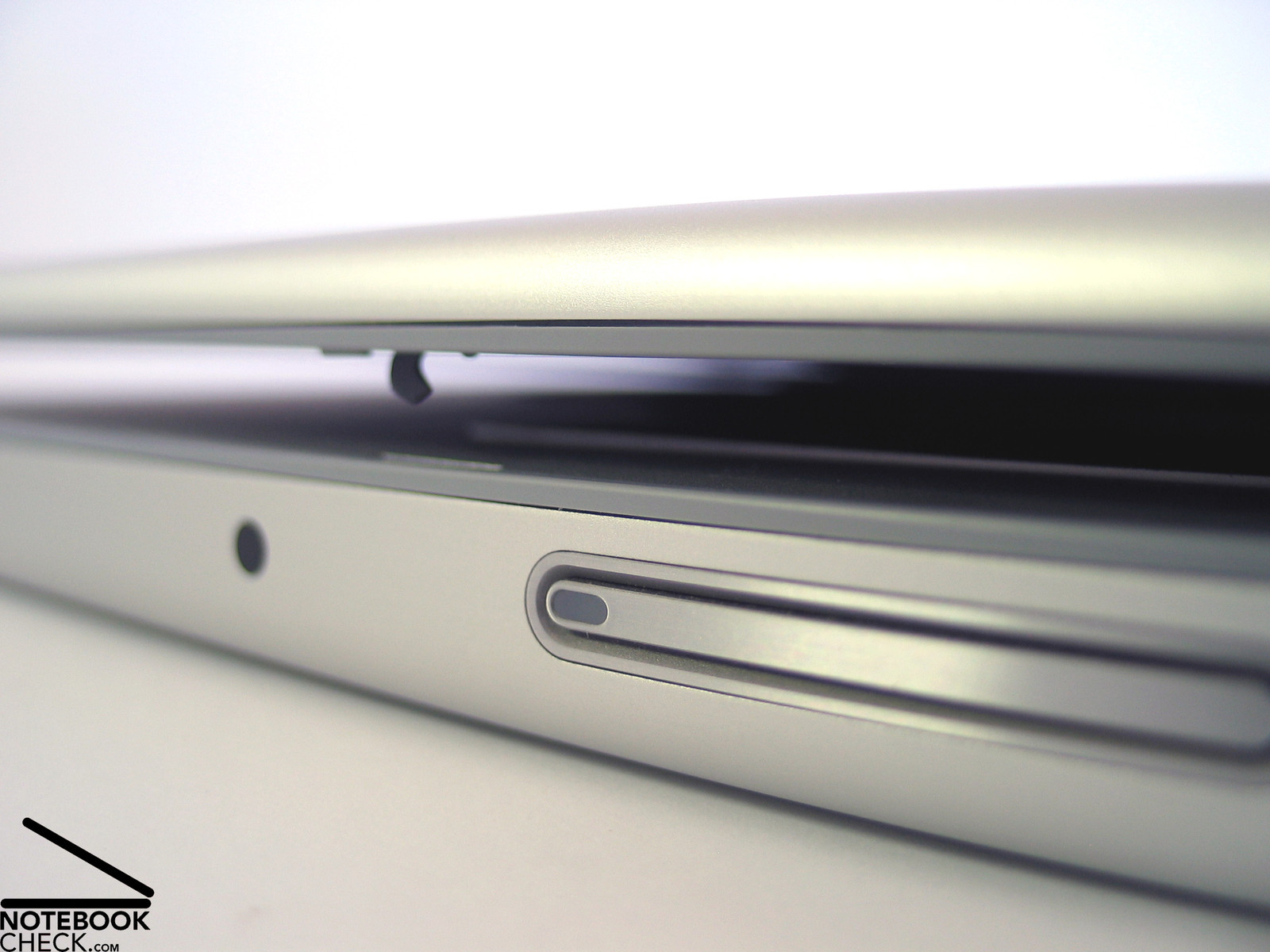
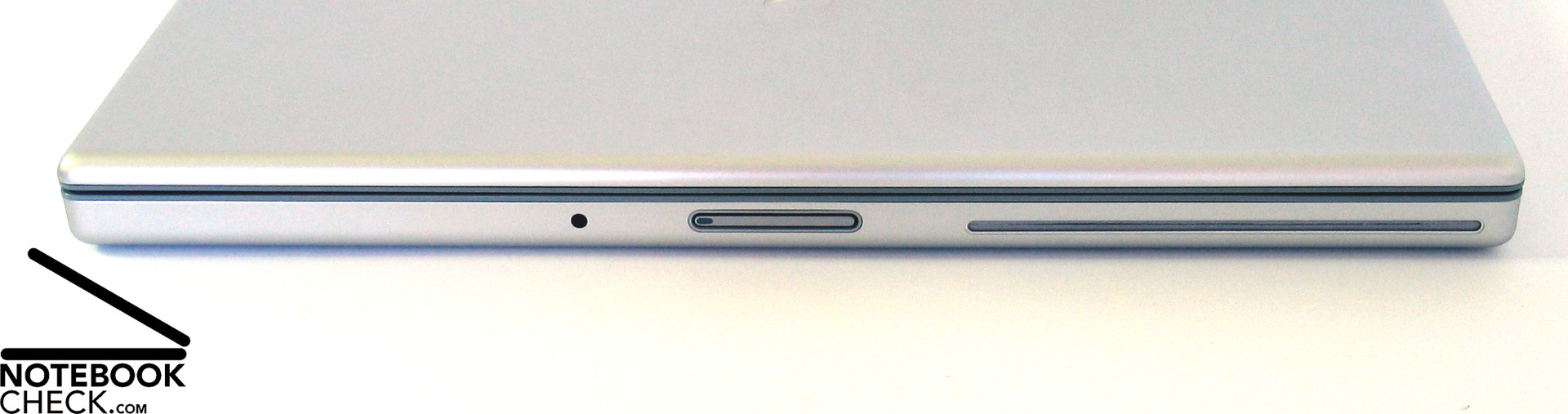
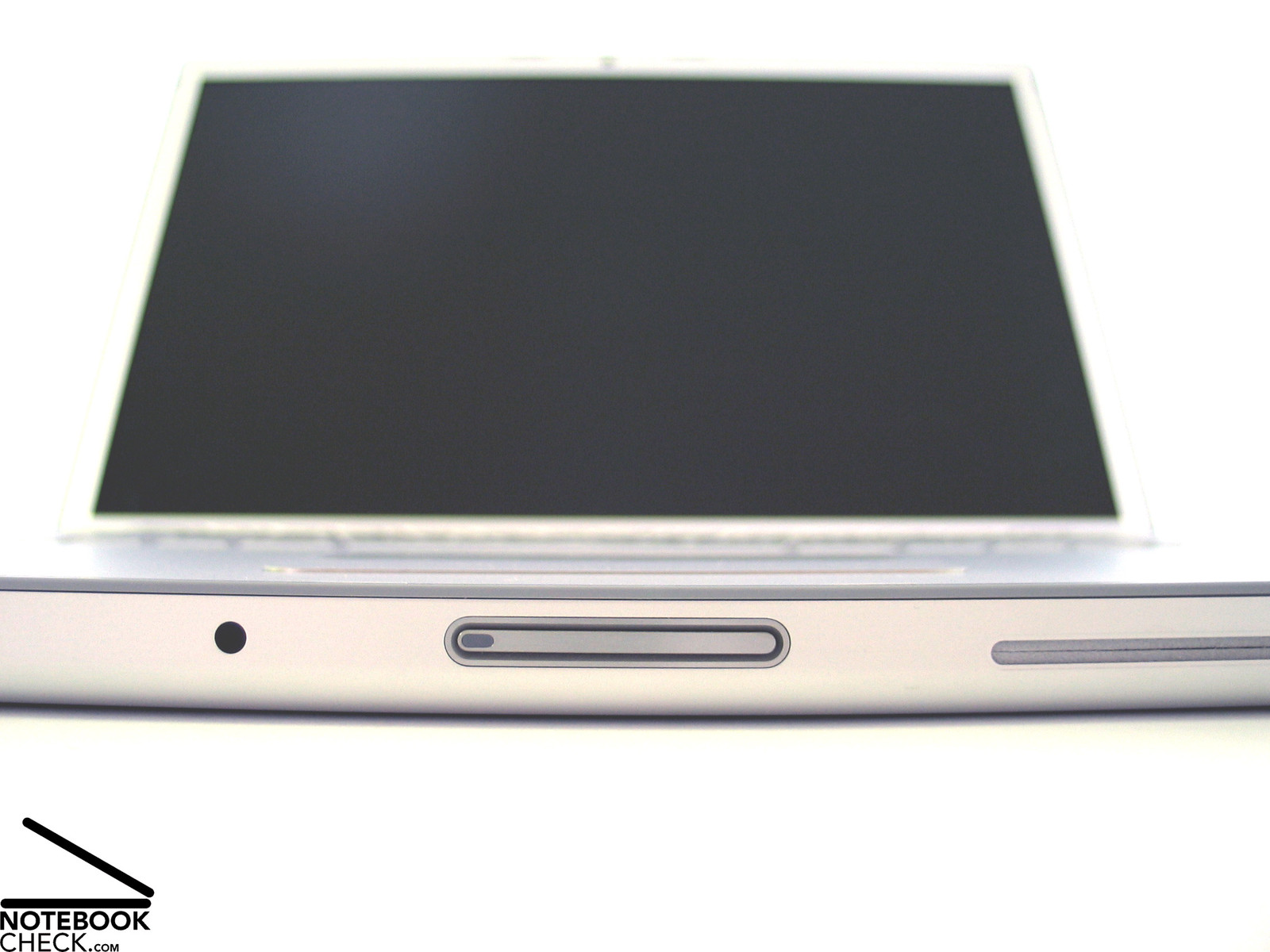
The MacBook Pro's display transport hook is advantageous. Immediately before completely closed, two hooks which lock the display in closed state, are moved out of the display by a magnetic mechanism. However, the release at the front side is difficult to use, because it is rather narrow.
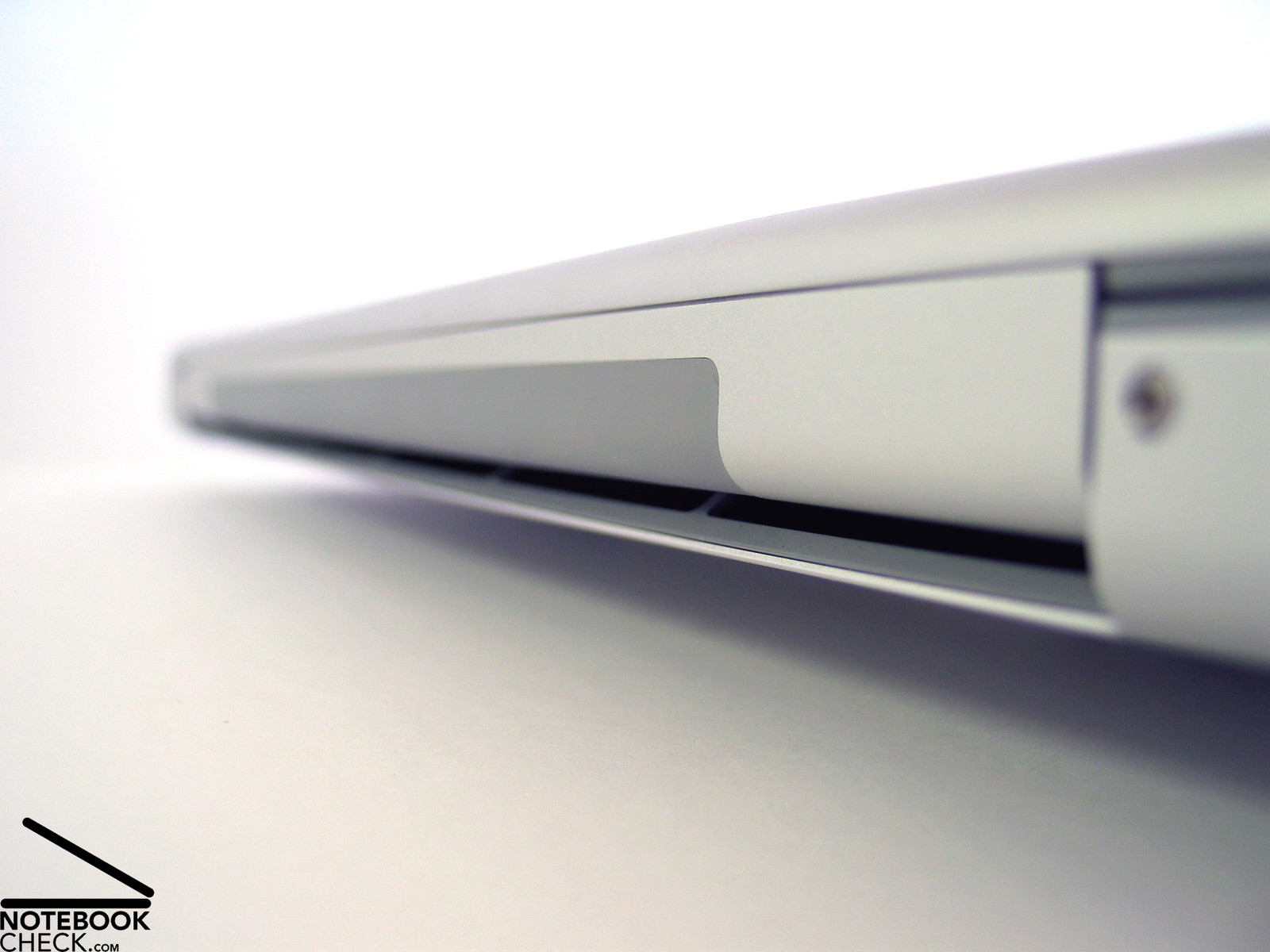
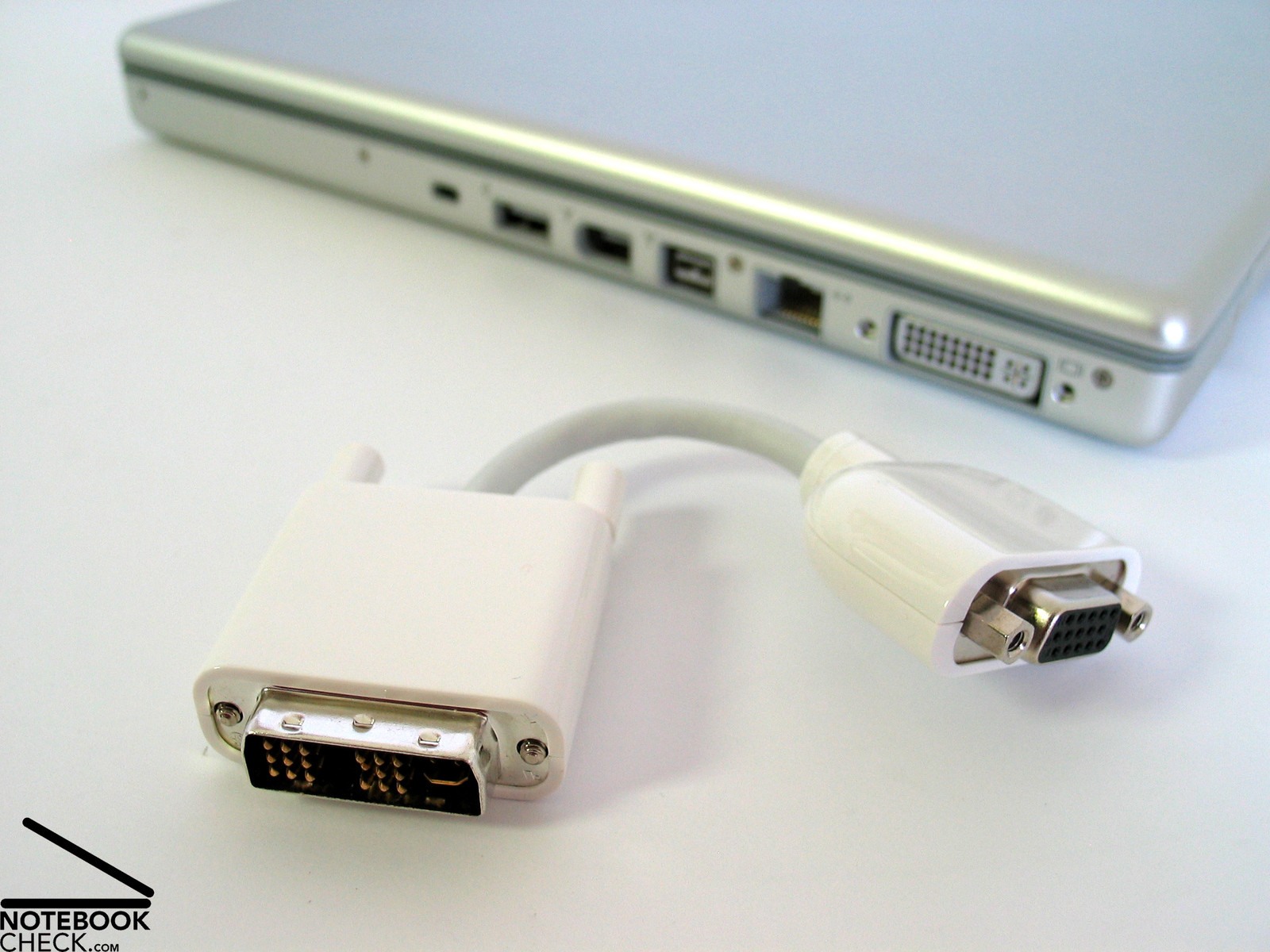
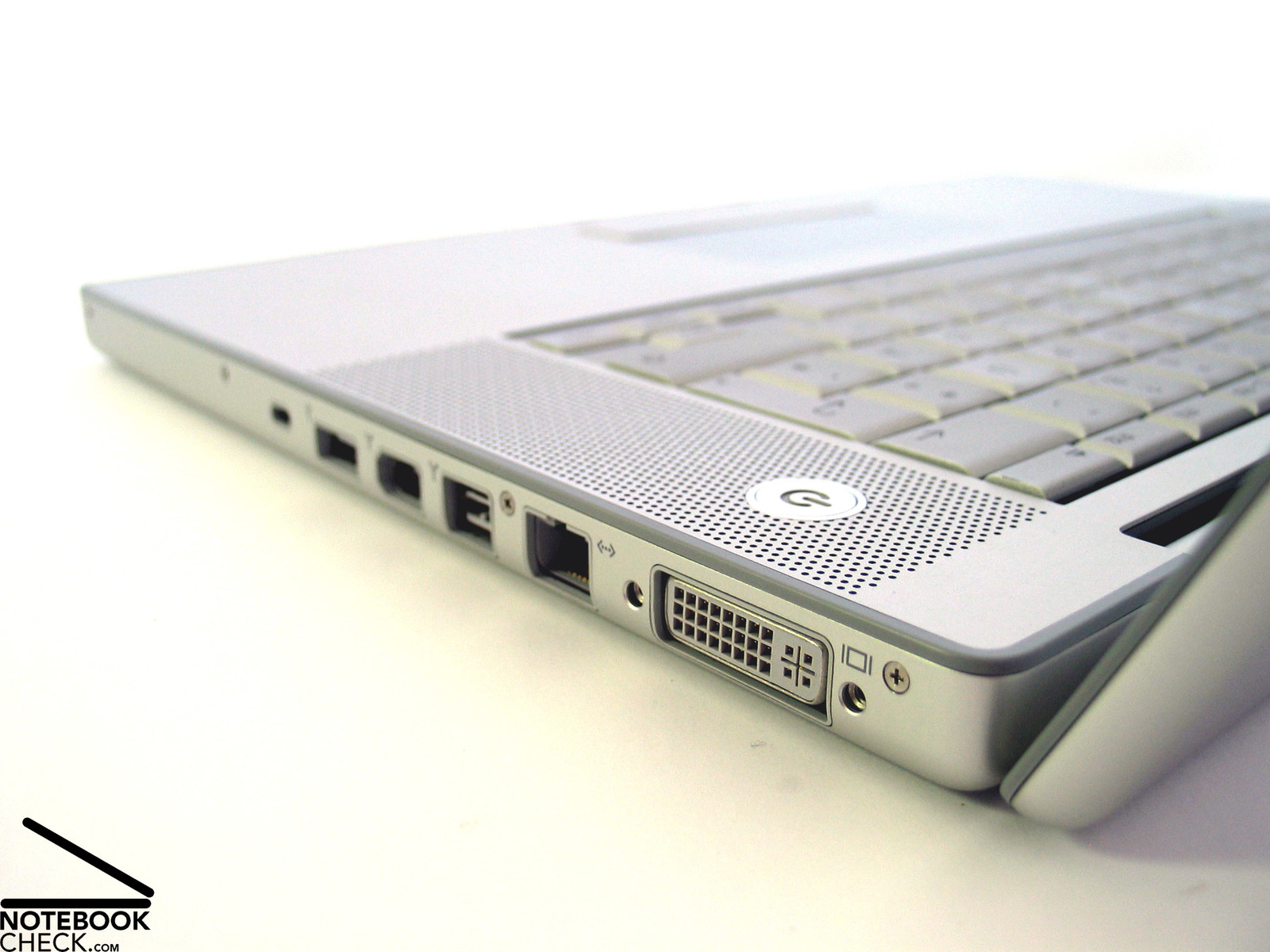
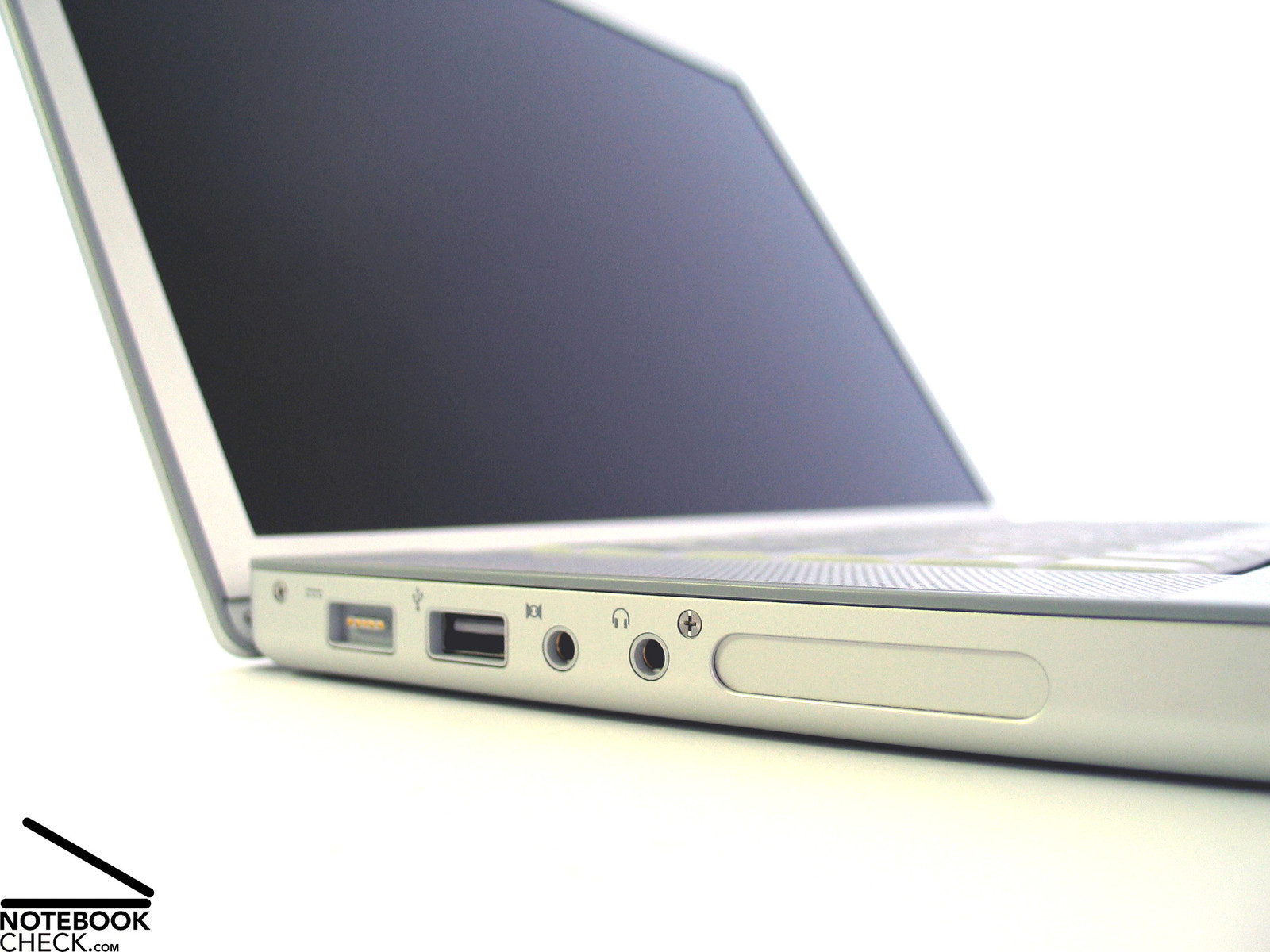
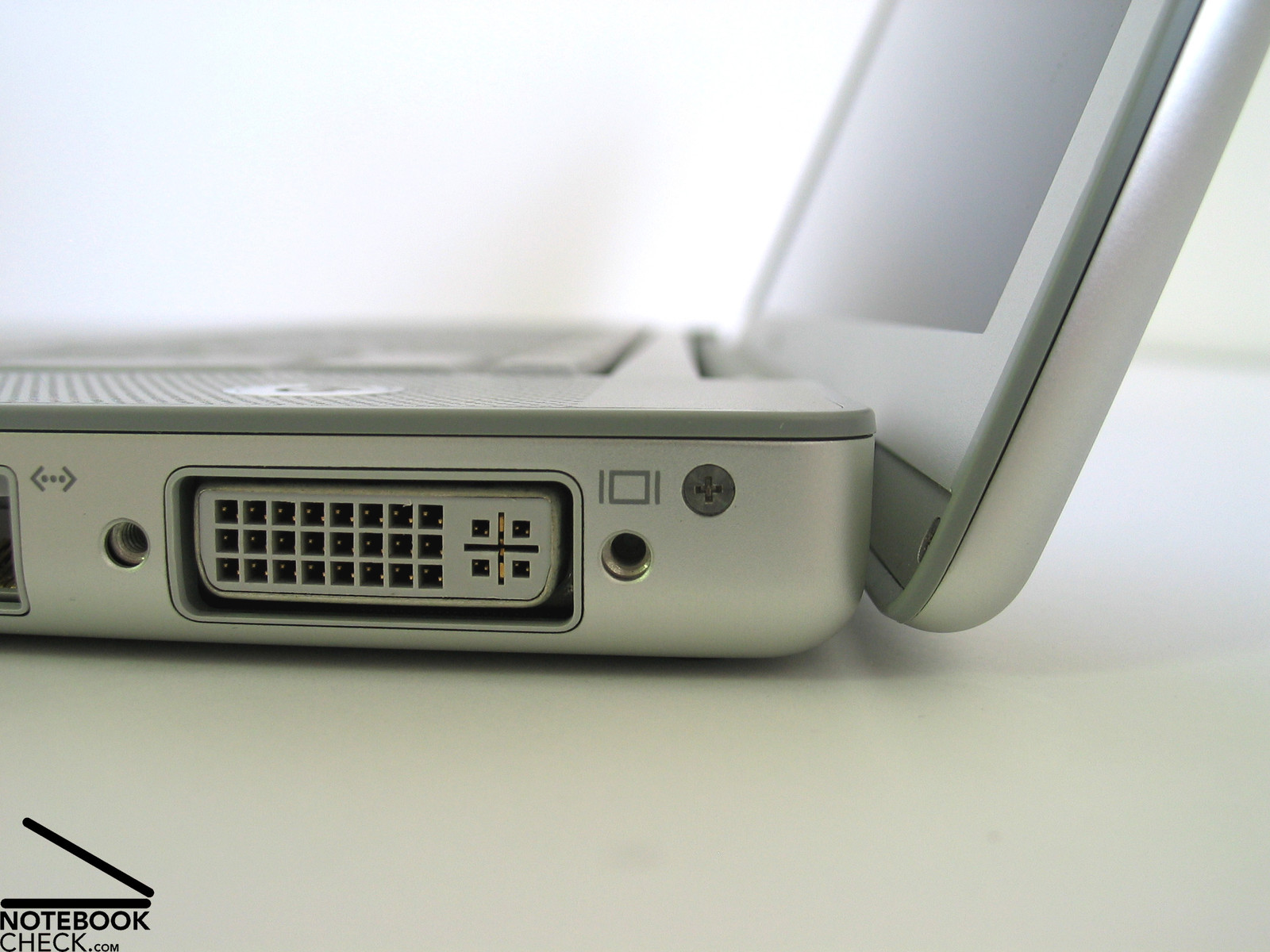
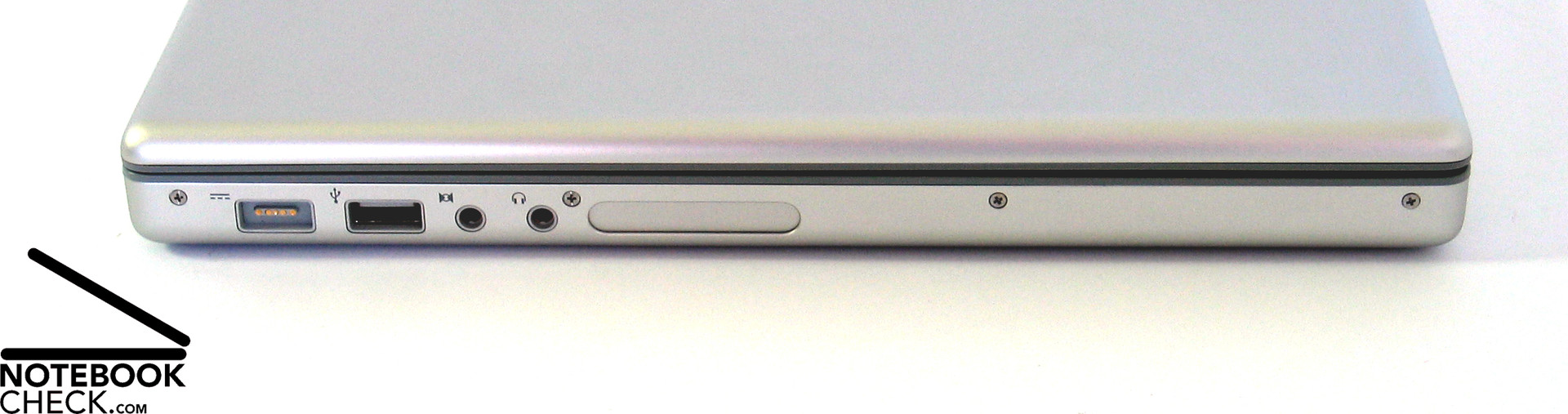
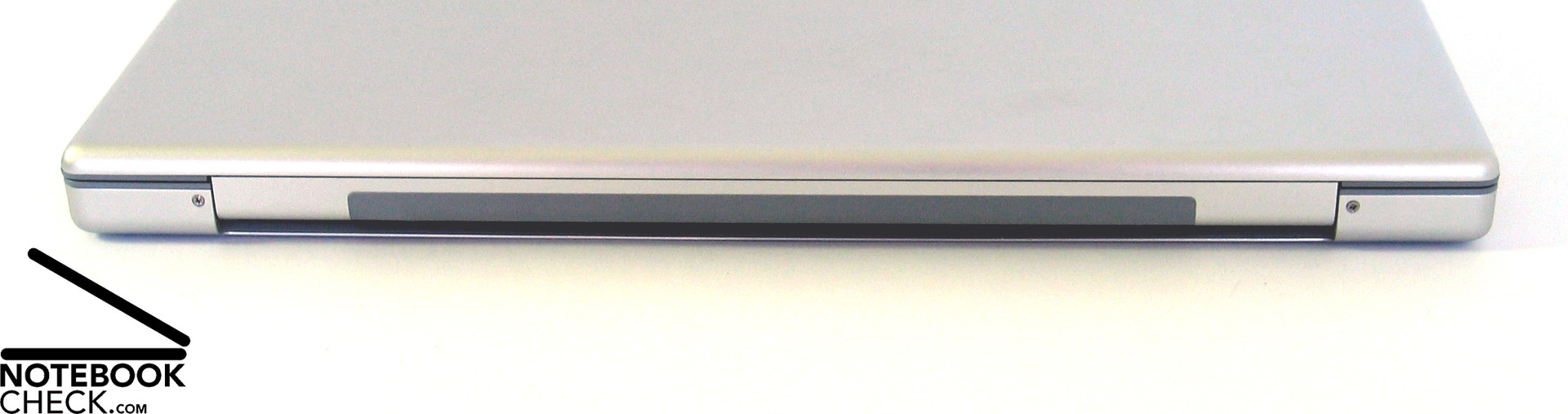
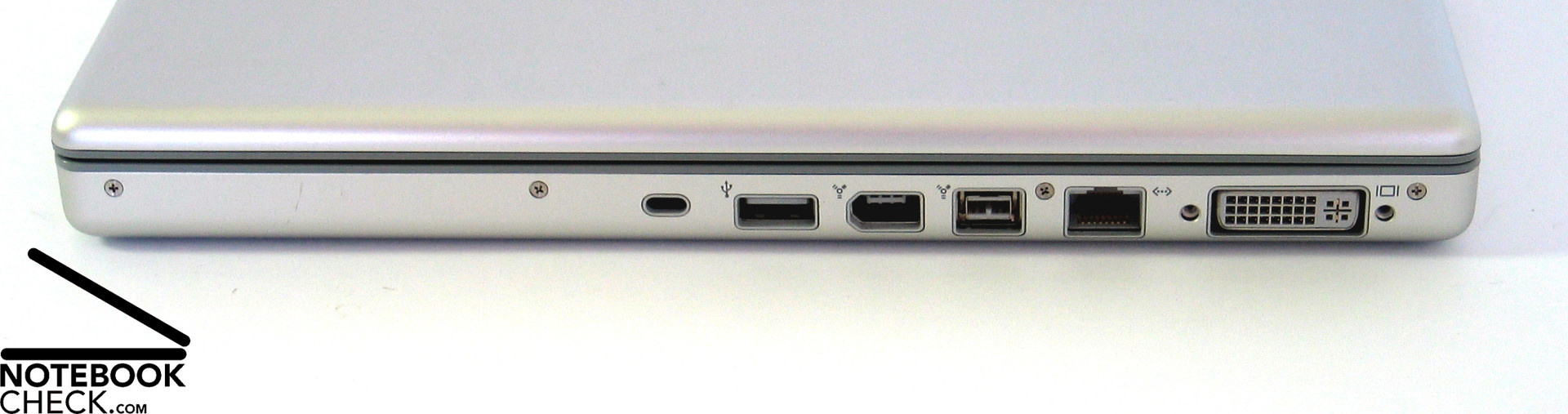
The whole back edge is used as vent hole for the fan. So, the interfaces are provided at the notebook's flanks. The notebook is not equipped with many interfaces, but, the ones provided are of high-quality. Among others there are a Firewire 400, Firewire 800, DVI out, and also a 34mm ExpressCard slot. However, there are two points of critique: First of all only two USB ports are provided. Secondly, a docking port is missing.
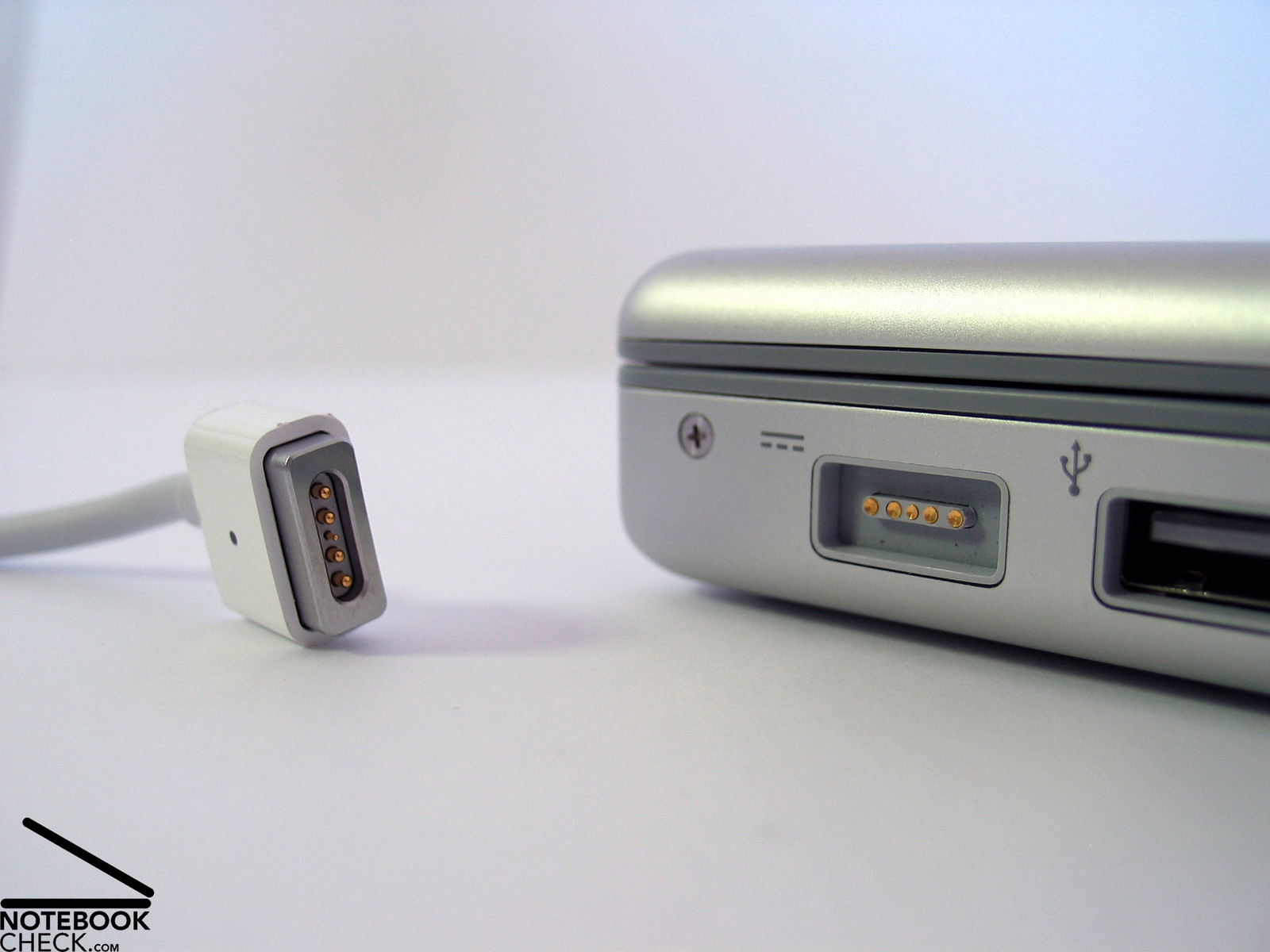
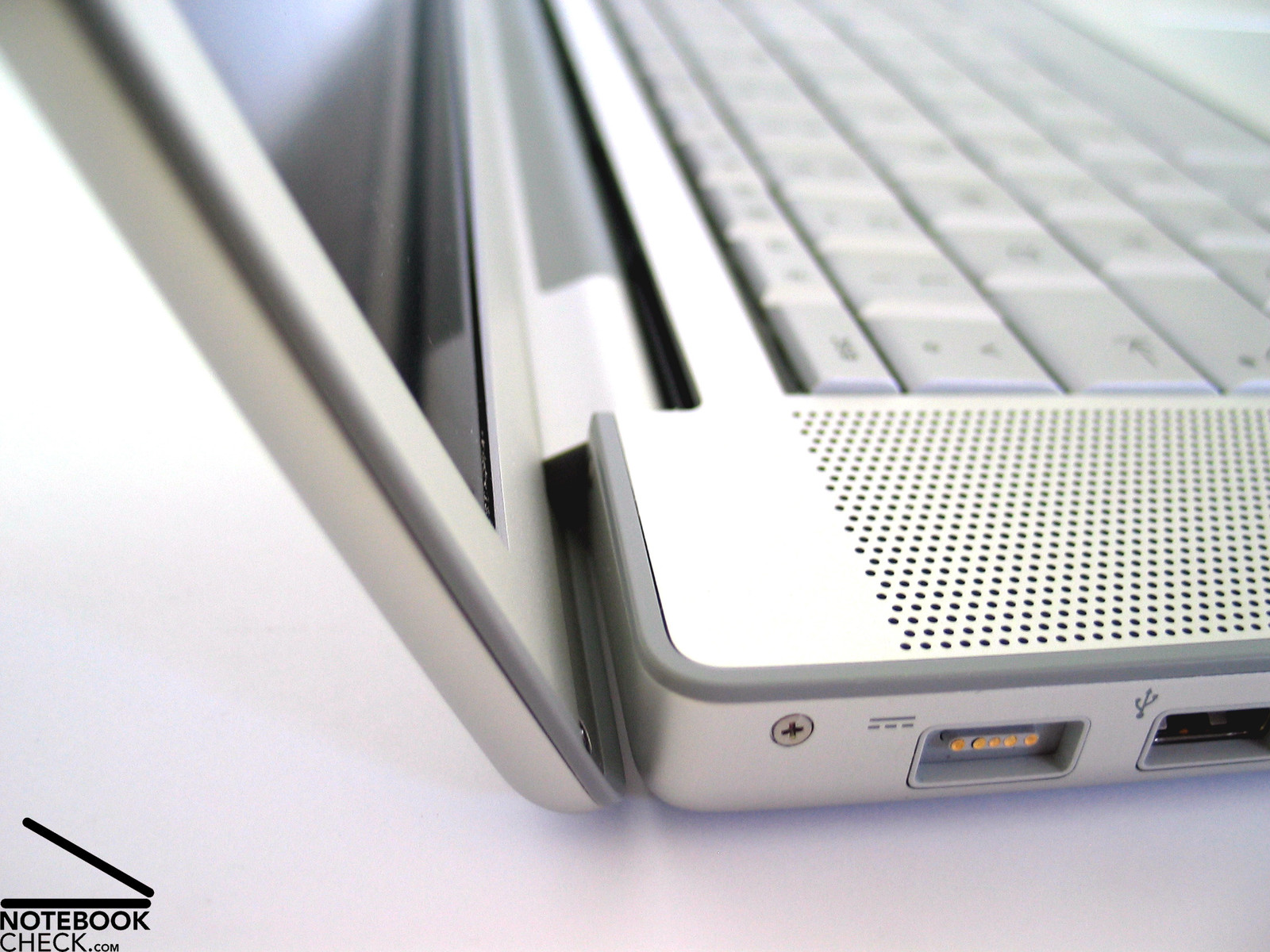
The already known MagSave power connector is again amongst the interfaces. This is a power connector, which is attached by magnetism. It does not only look good, it also protects the notebook in case somebody falls over the power cable.
Input Devices
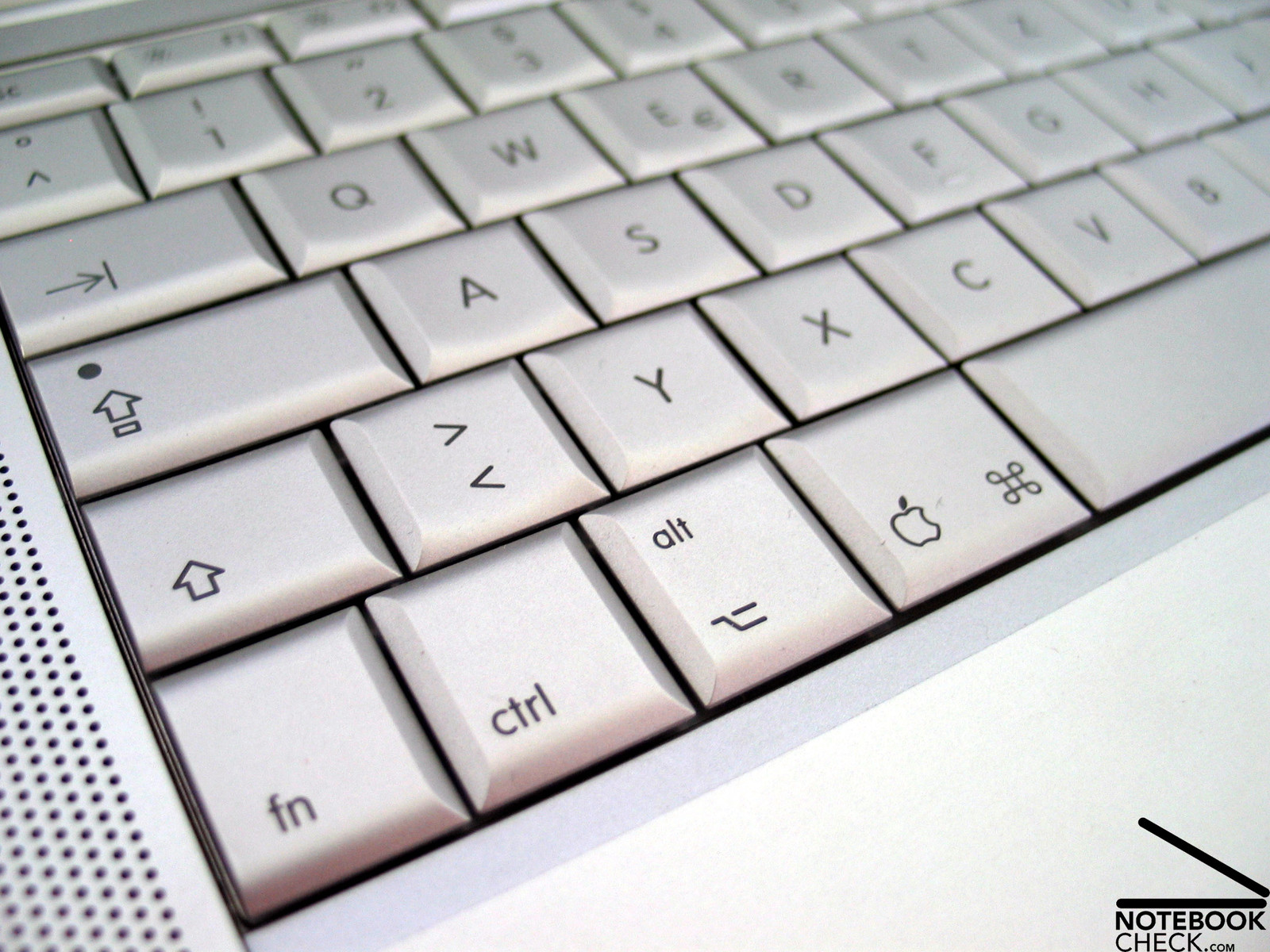
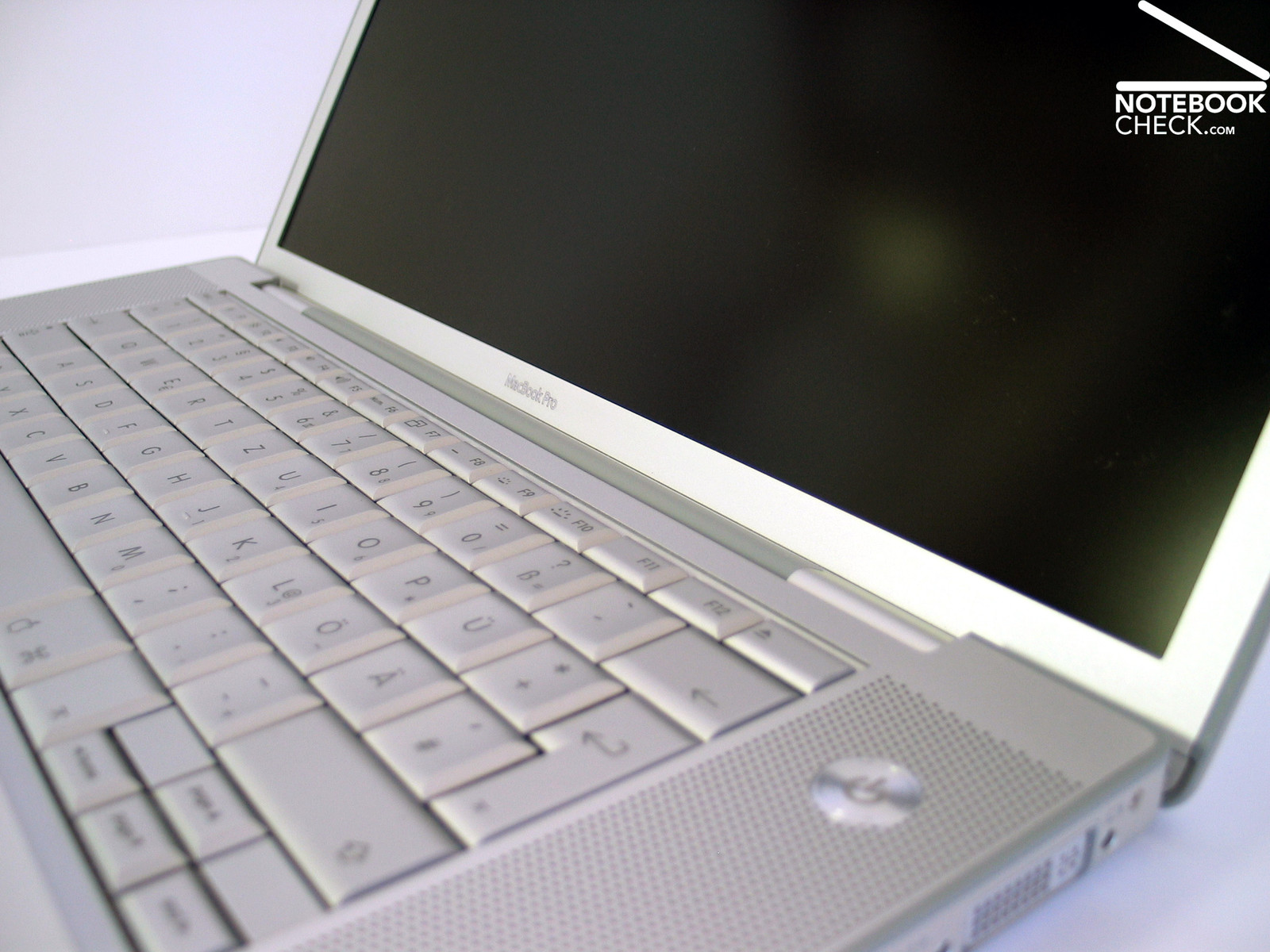
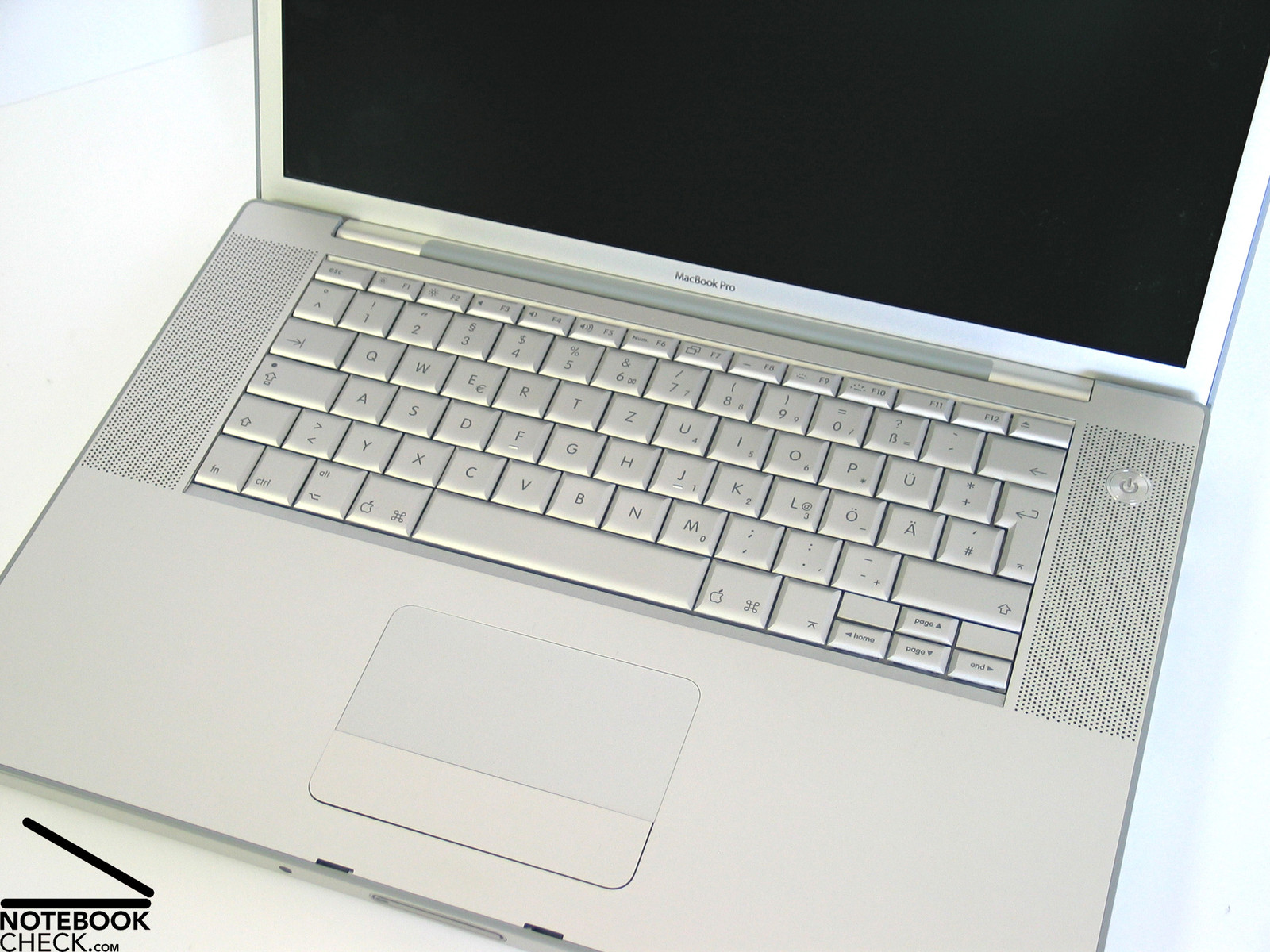
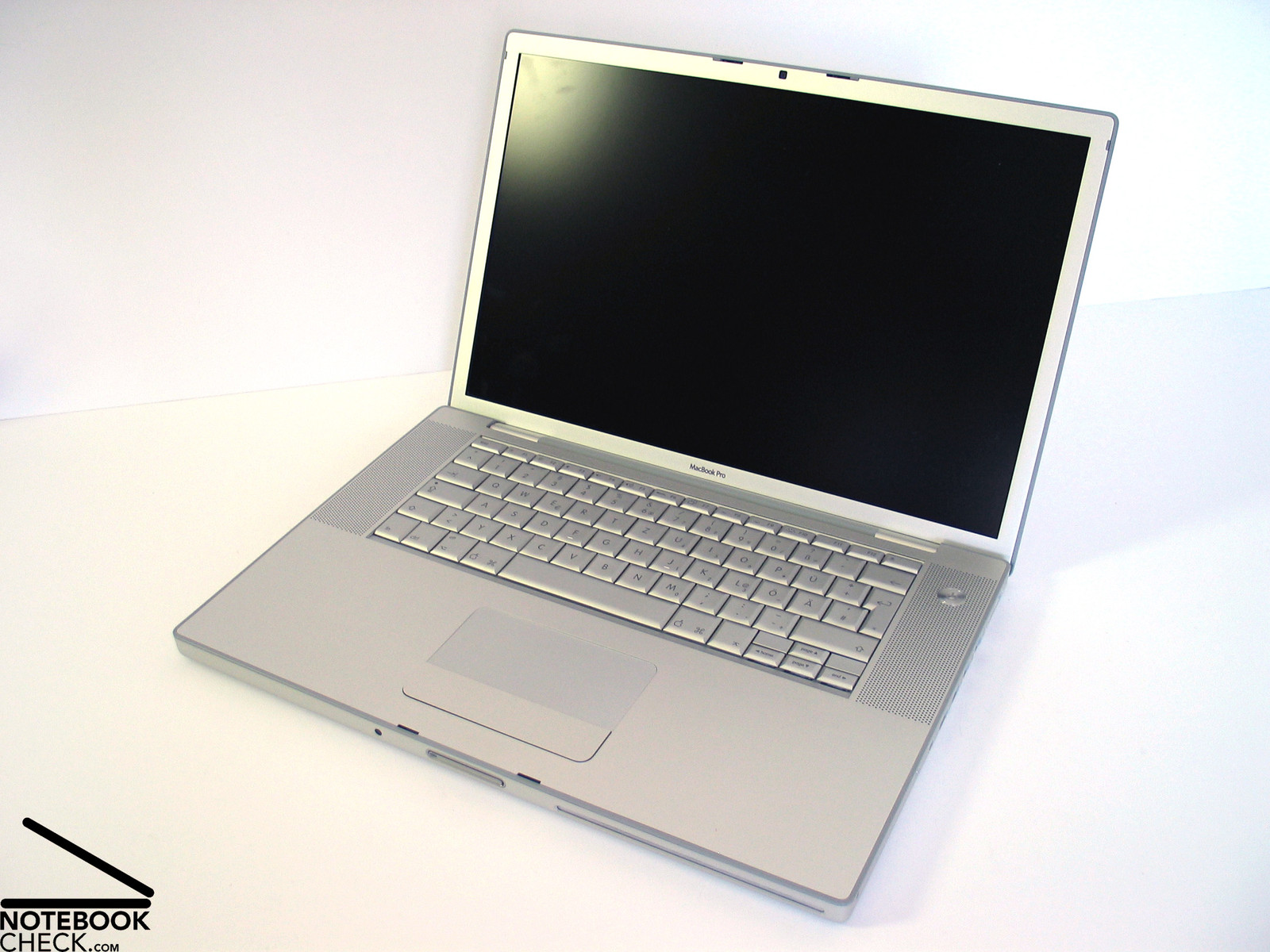
Regarding input devices, i.e., keyboard and touch pad, no difference to predecessor models can be noticed. However, the previous statement should not be negatively interpreted. The size of nearly all keys is comfortable. However, there is one significant exception: the enter key. Although it extends over two rows, it is rather narrow, so, requiring some adaption time, to definitely hit it all the times.
Also the keyboard layout needs a little critique. For the sake of a nearly perfect design, all the keys were put in a strictly rectangular frame. So, the layout is not really concise. Furthermore, the keyboard is optimized for MacOS providing some special keys. That means, you'll need getting used to it first. The Ctrl and the Alt keys are left beside the space bar, the AltGr key (for Windows) is missing.
Typing feels very comfortable. It is soft and quiet with sufficient travel and a clear point of pressure. Depending on the hands' position the notebook's front edge might disturb if you continue typing over a longer period of time.
Uneven gaps between single keys could not be detected at the reviewed notebook - something criticized at predecessor models.
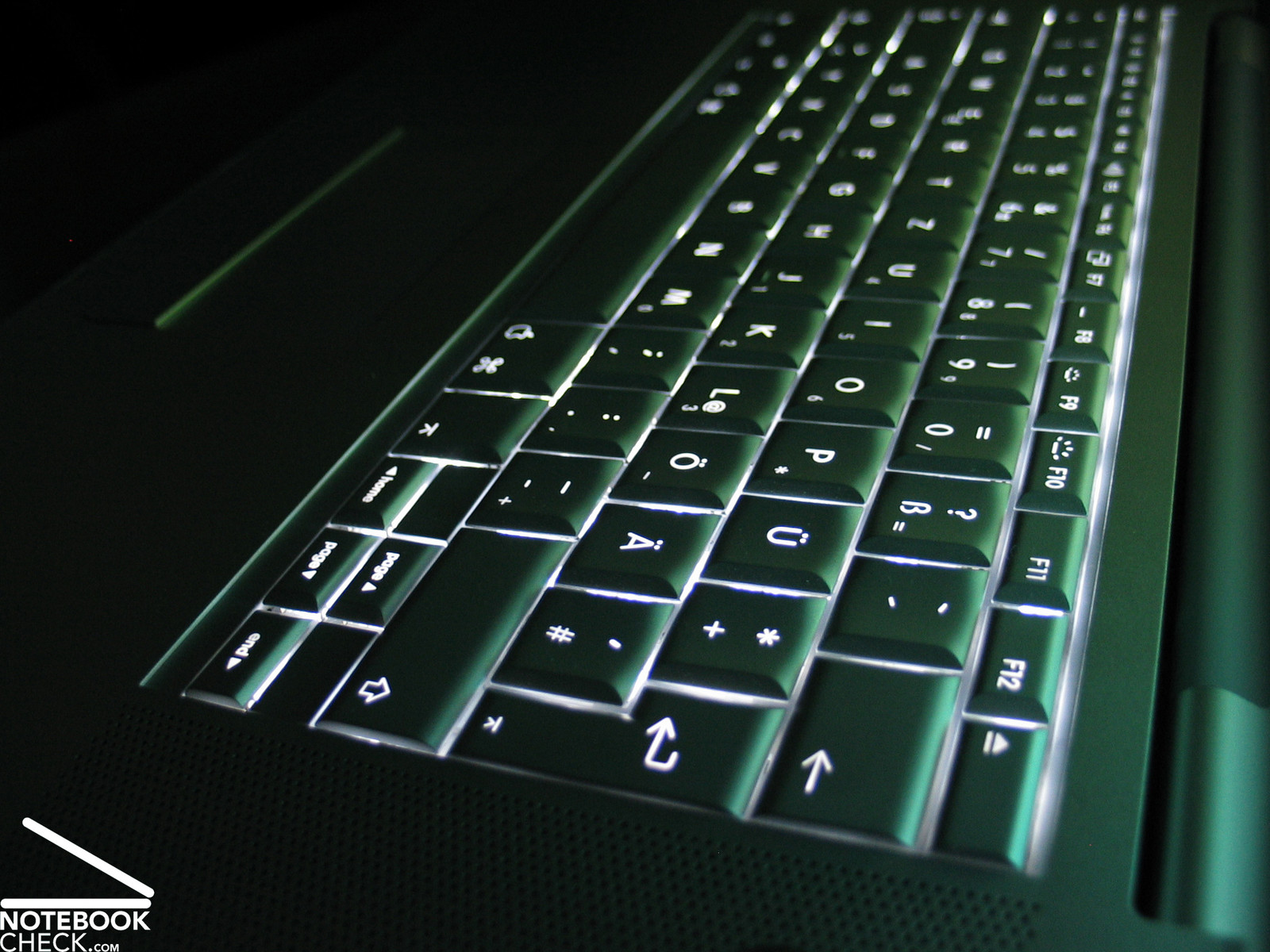
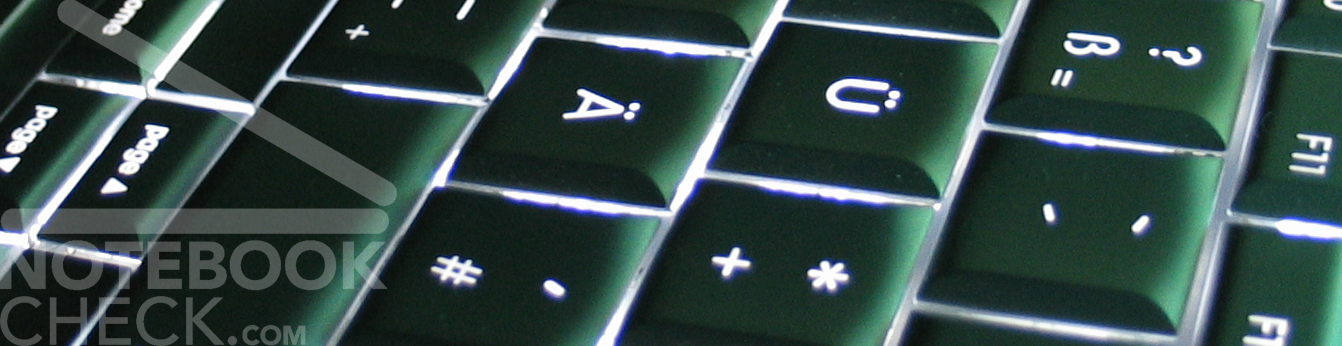
The automatic keyboard lighting is a nice feature. If you cover the light sensors, which are left and right beside the keyboard with your hands, or if the brightness of the environment is below a certain level, the MacBook Pro automatically switches on an optically impressing keyboard lighting (LEDs under each key).
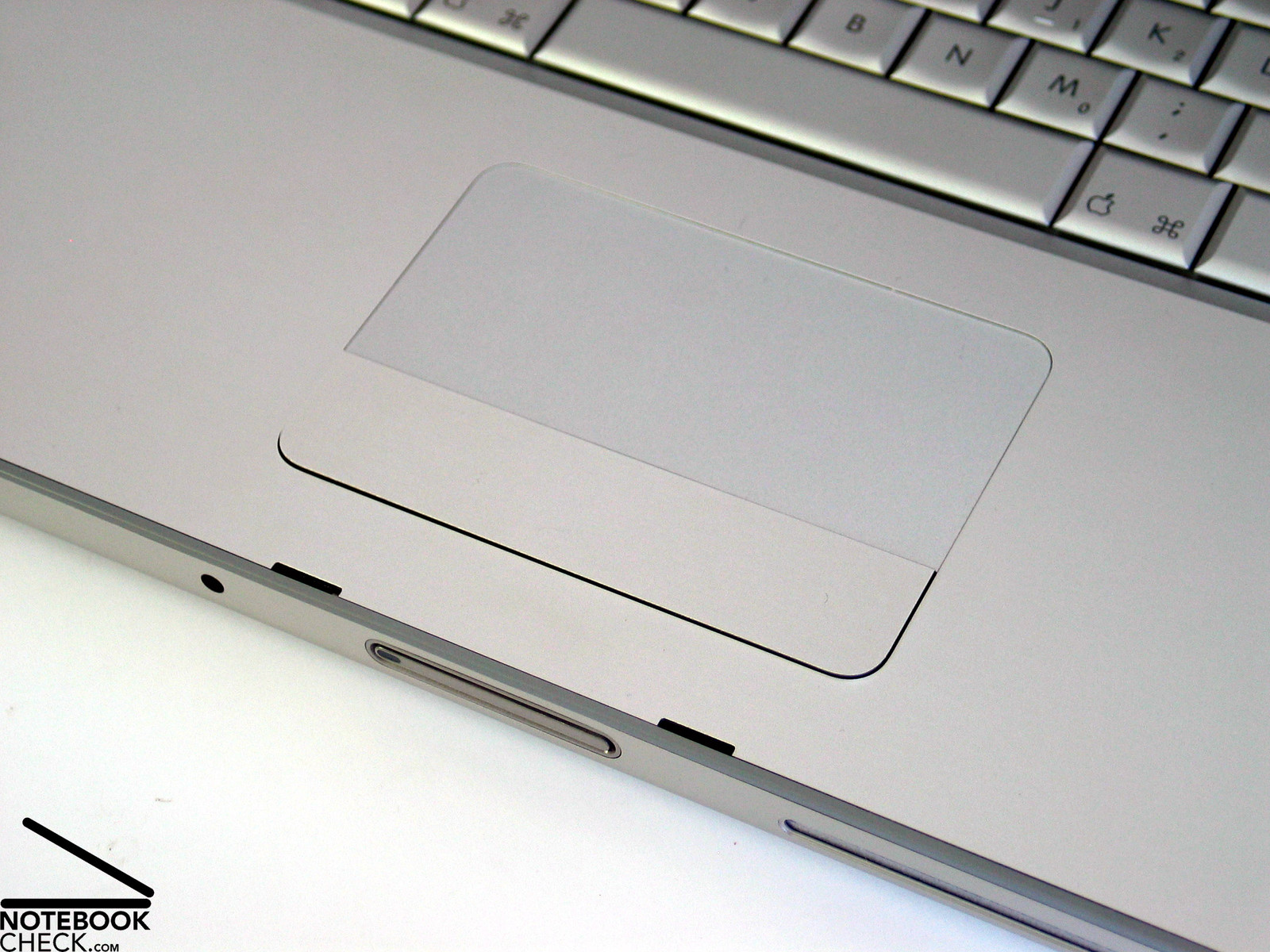
The touch pad is generally user-friendly, however, it only provides a single, but especially spacious button. While this is no problem under MacOS, this can be, depending on the application, uncomfortable under Windows. Up to now, you can only overcome these difficulties by using an external mouse (or by positioning two fingers on the pad and then click). Conditionally, one can criticize that the touch pad button is somewhat too rickety attached to the case.
Super new feature of the touch pad: Scrolling with two fingers. While conventional touch pads need a dedicated scroll-zone, the MacBook's touchpad allows browsing trough a document by placing one finger at the pad and moving a second one up or down. With the new version of the Bootcamp software, this is also supported under Windows.
Display
The MacBook Pro is equipped with a 1440x900 Pixel WXGA+ display. This slightly improves the overview compared to the standard resolution of 1280x800 pixels, while the font size is still comfortable.
The matt display scored excellently. The maximum brightness amounted to exellent 346.6 cd/m² at the bottom part of the screen. The rather below-average illumination of 70% is put into perspective by a still excellent minimum brightness of 242.5 cd/m². The average brightness of 290.4 cd/m² is also very good.
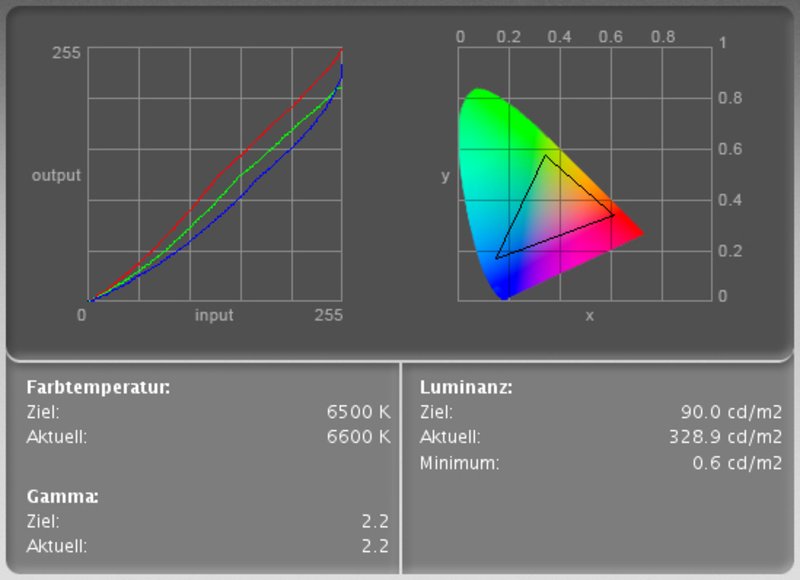
Looking at the color correction diagram we see that mostly the blue color curve has to be lowered to reach a neutral coloring.
| |||||||||||||||||||||||||
Brightness Distribution: 70 %
Contrast: 506:1 (Black: 0.6 cd/m²)
The panel's measured black value is 0.6 cd/m². Together with the excellent measured maximum brightness of 346.6 cd/m² this gives a very good contrast ratio of 548:1. We could not detect any anomalies regarding speed of reaction by performing scroll tests.

One can say with a clear conscience that the MacBook Pro is completely fit for outdoor usage. The matt non-reflecting display surface (in our review sample, you can also get a reflecting screen optionally) and the excellent brightness ensure a good picture also in the sunshine. Working in sunshine at the pool? - No problem for the MacBook Pro.
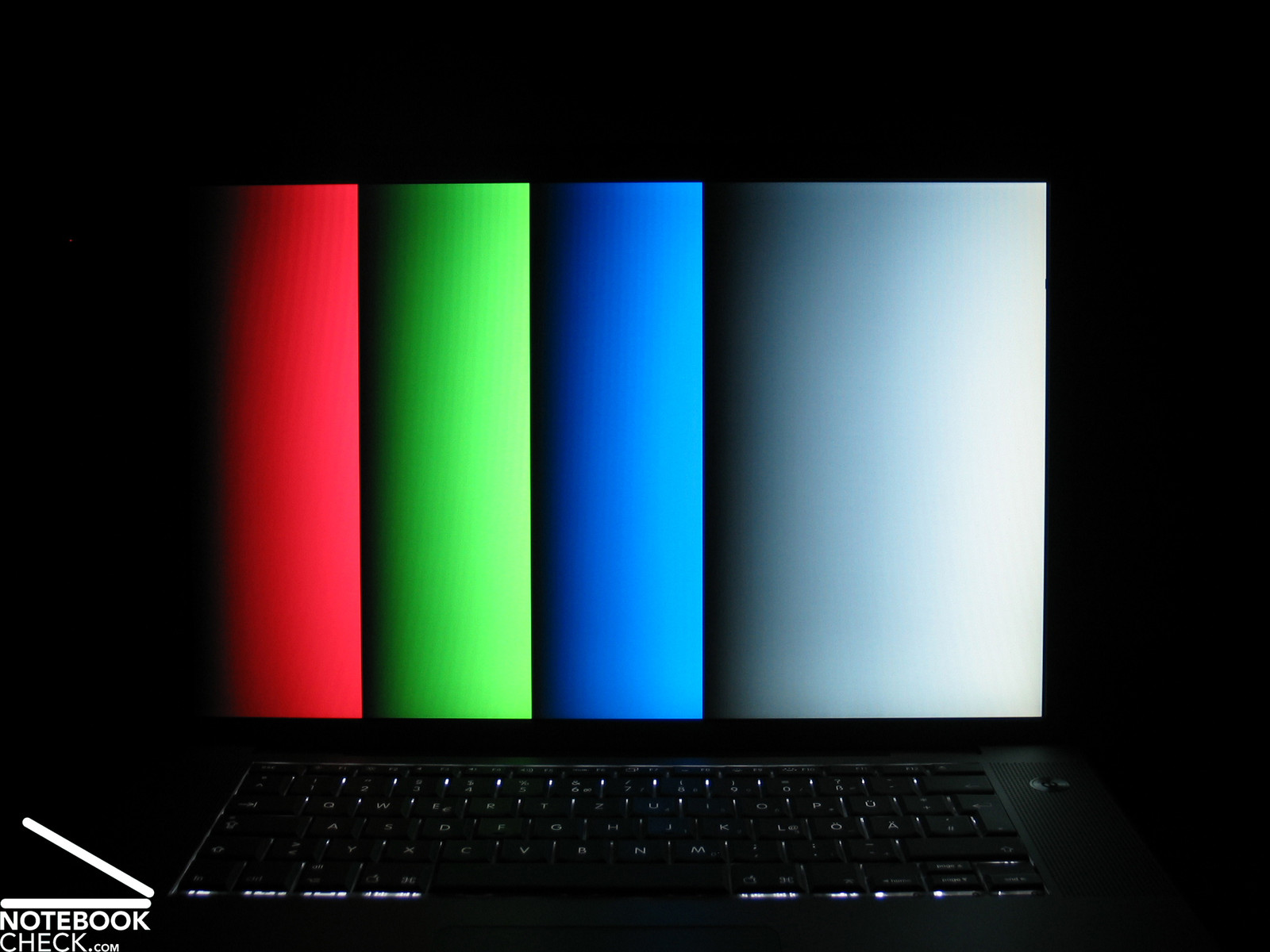
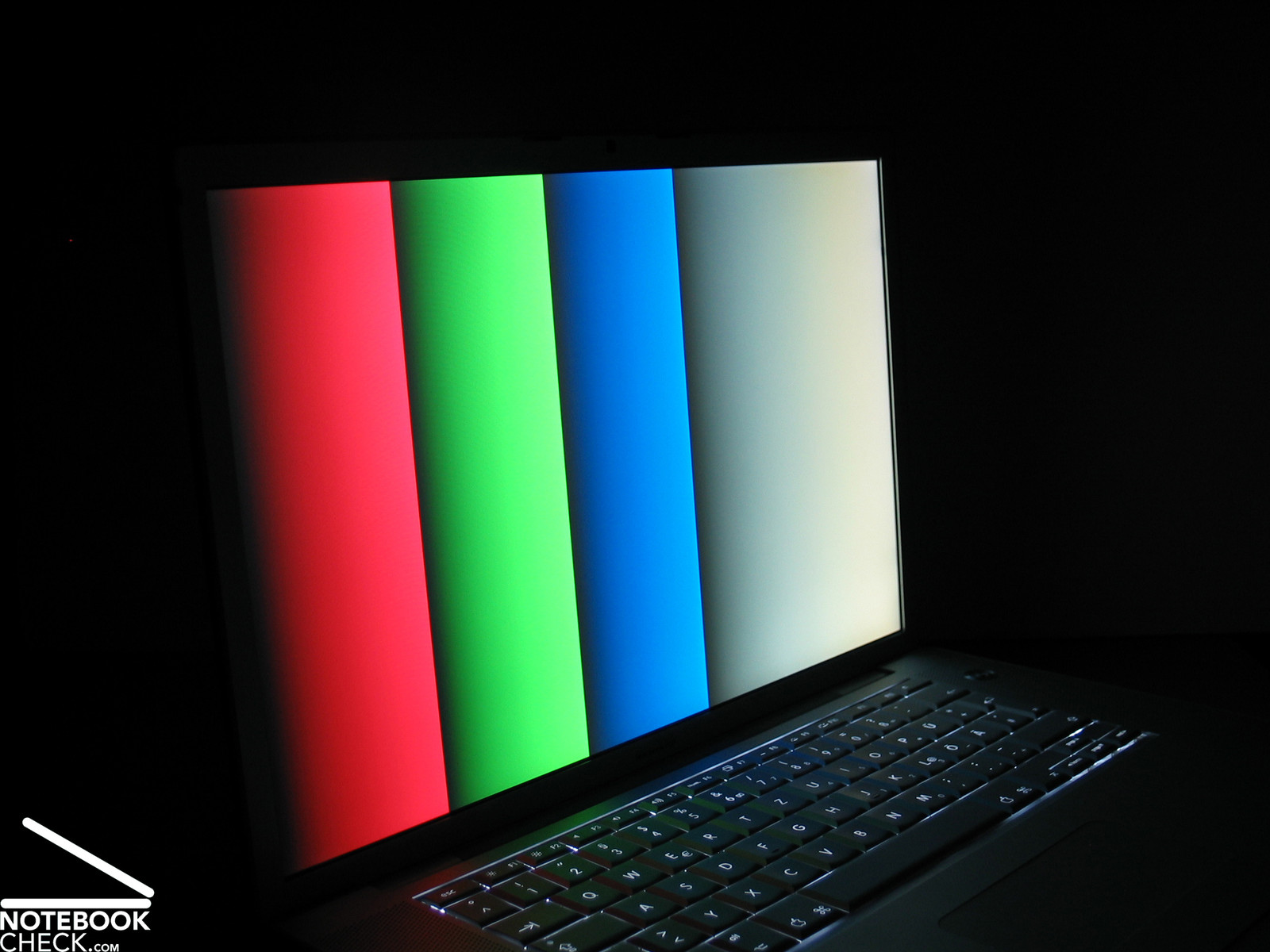
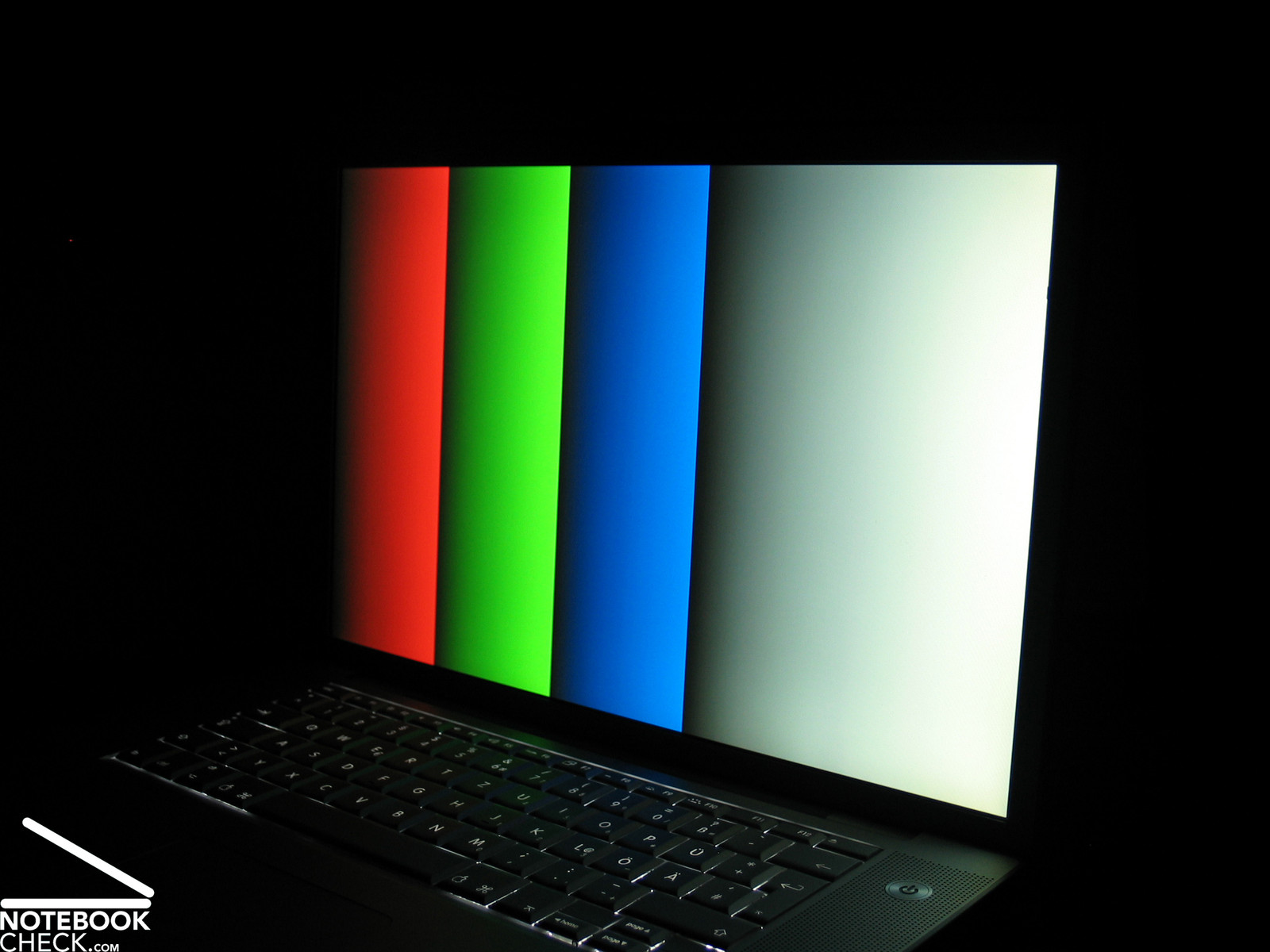
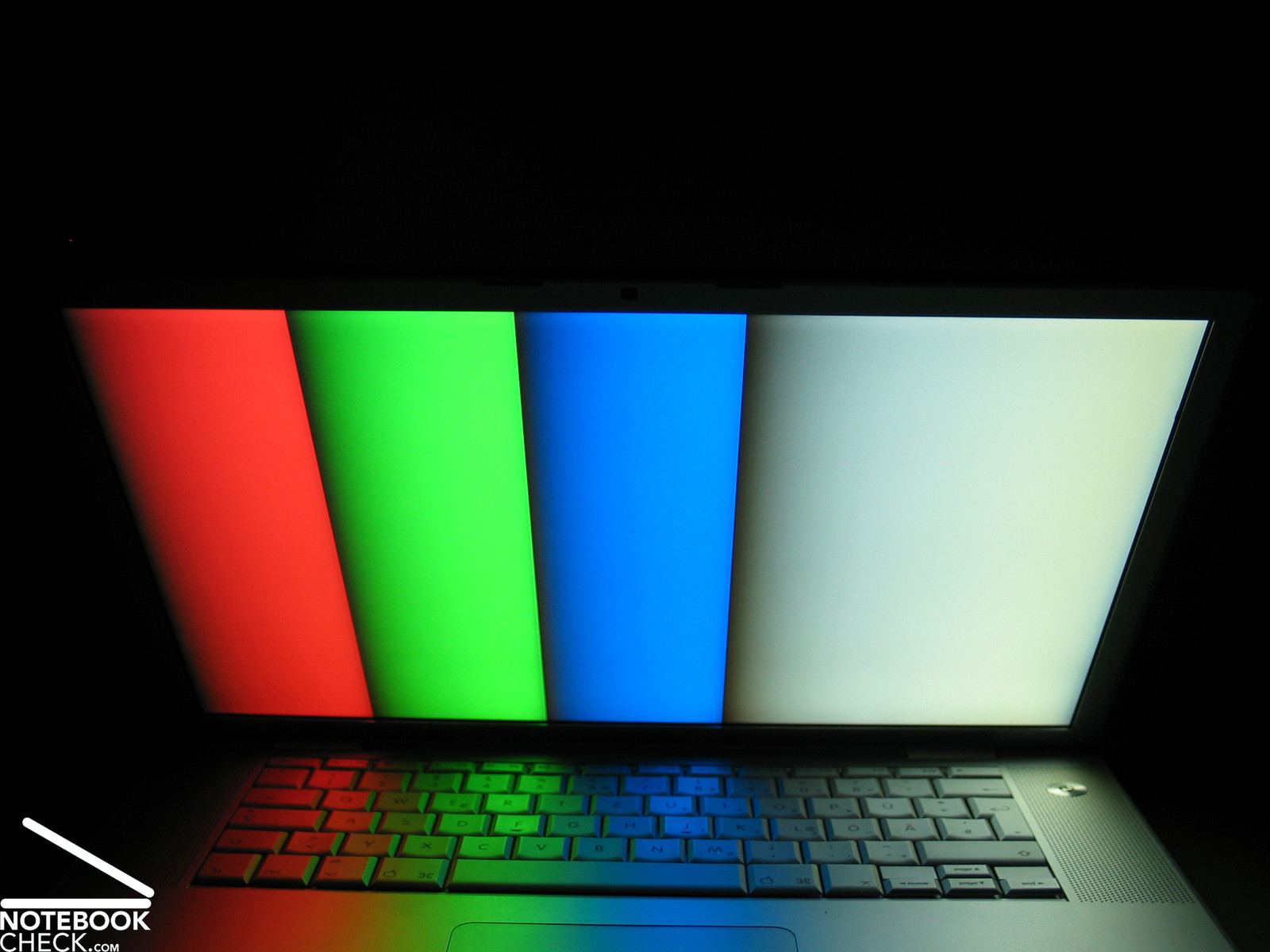
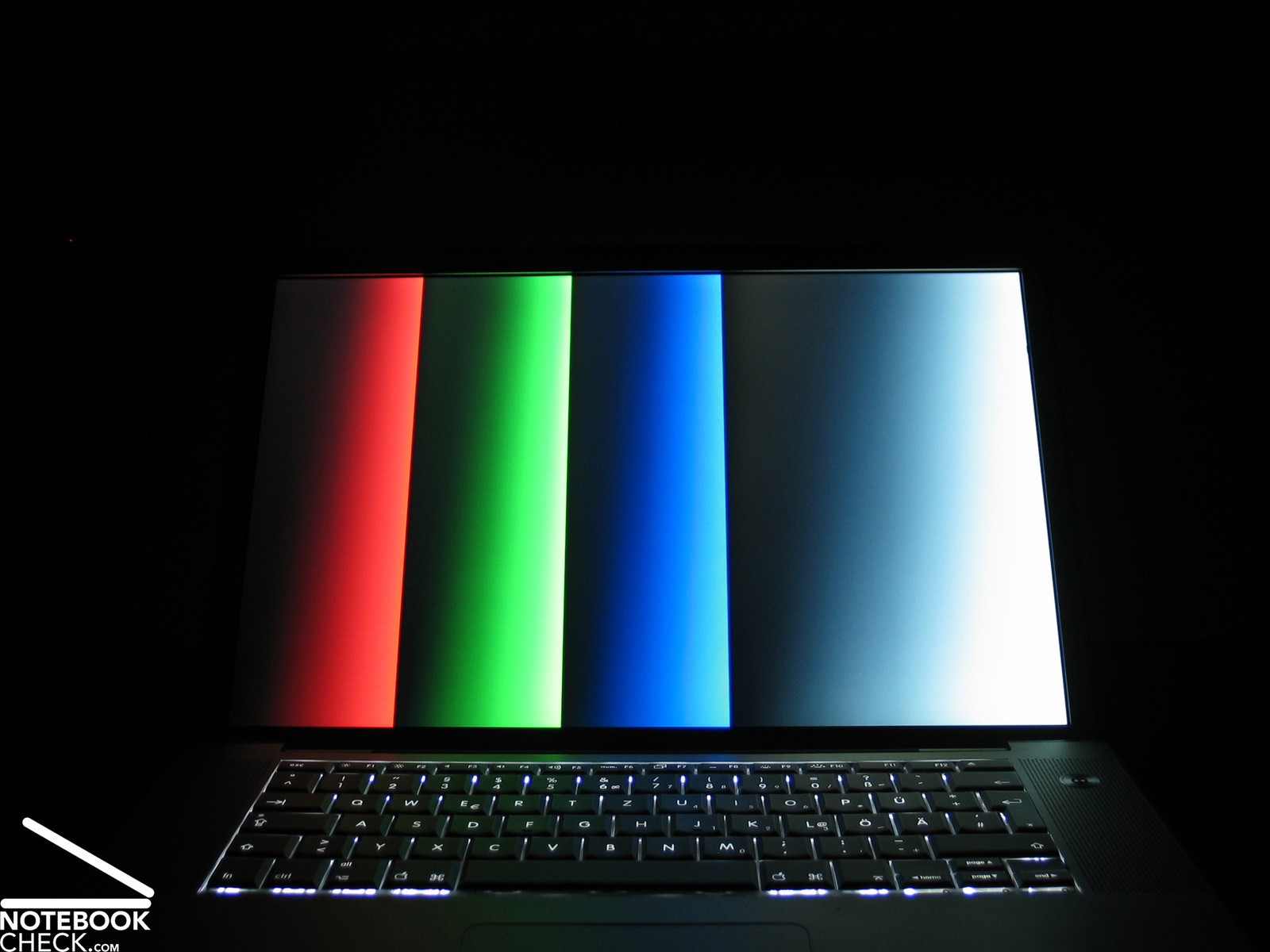
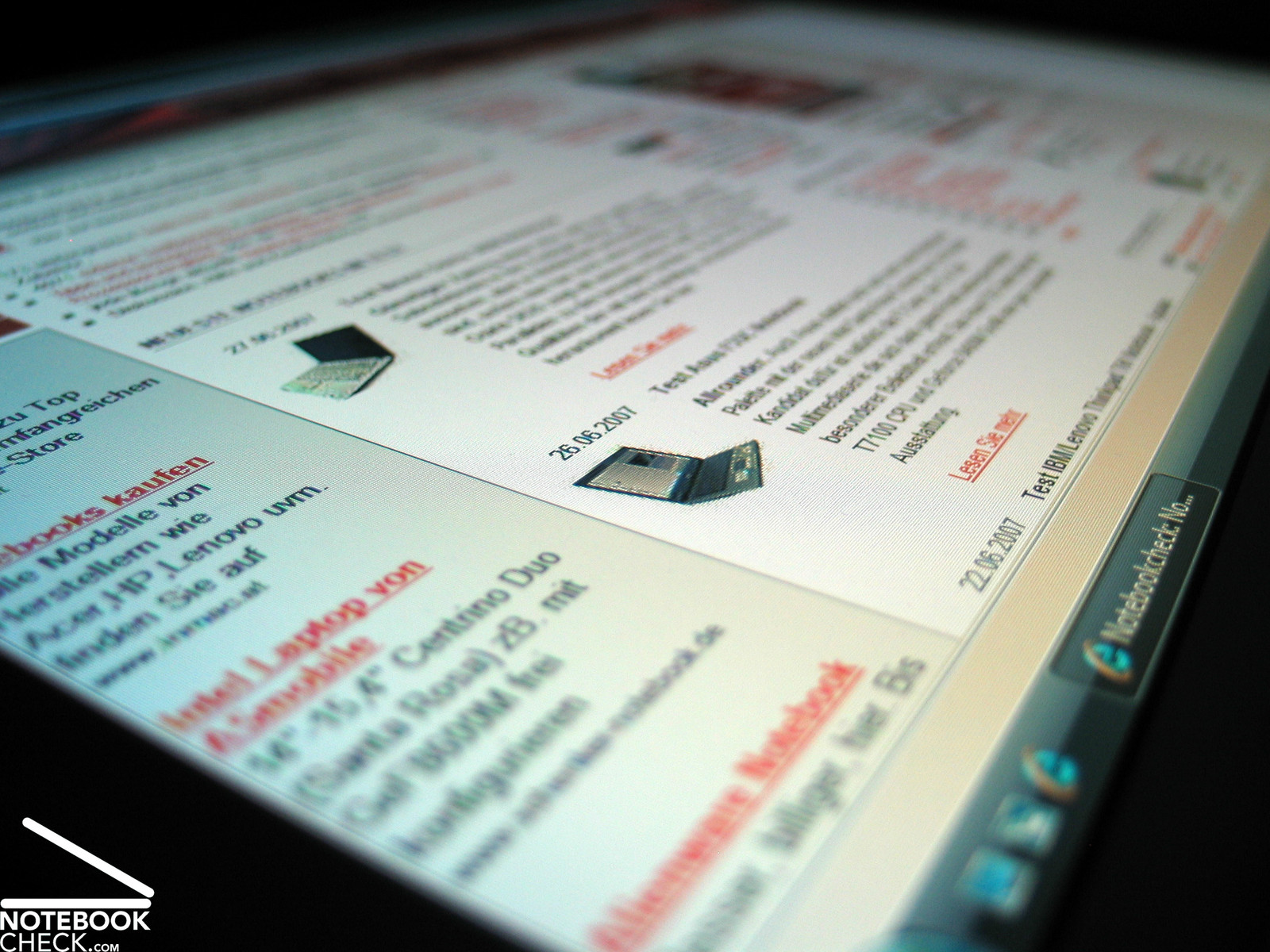
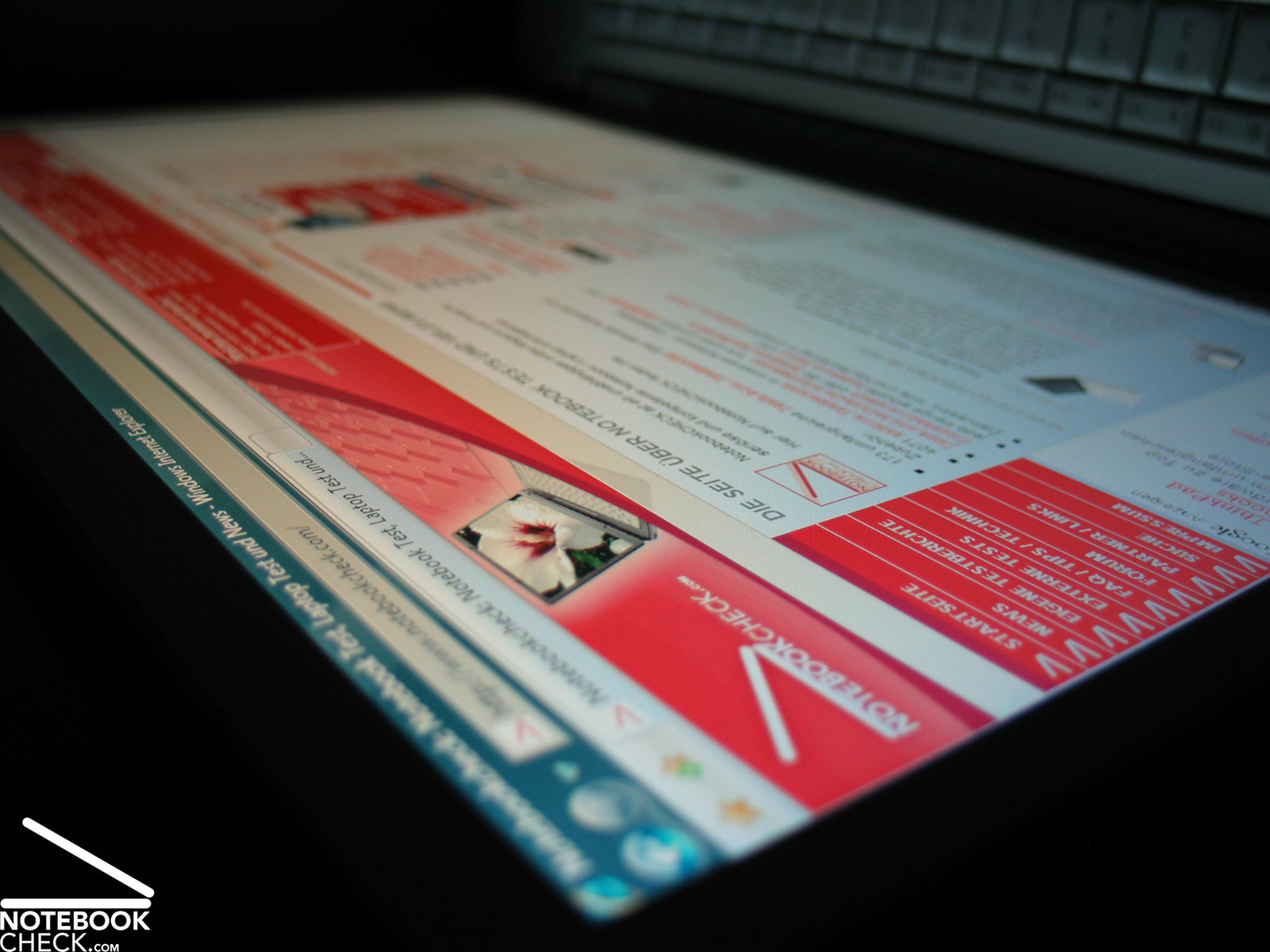
Horizontally, the stability to to the vantage point is good and sufficient. At acute angles there is a loss of contrast. Vertically, the stability to the vantage point is good when looking from top down. Looking from bottom up the display soon darkens. However, displayed text stays passable legible.

Performance
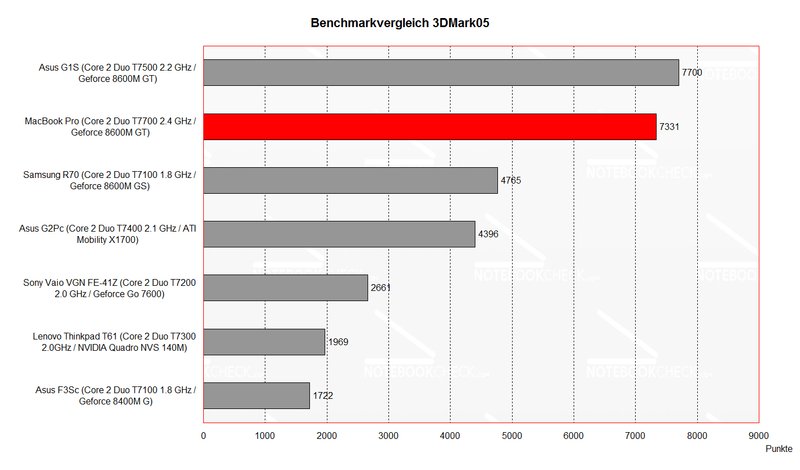
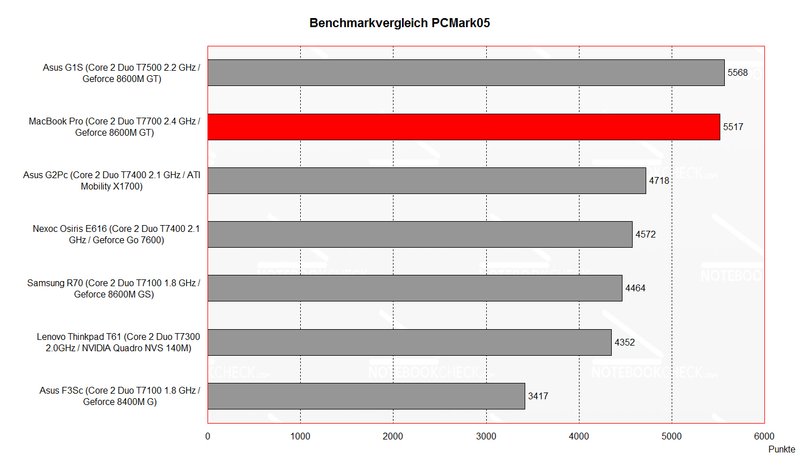
Equipped with a mobile High-End CPU, a Core 2 Duo T7700 processor with 2.4 GHz, and a fast video card, the MacBook sets extremely high standards for comparisons with other multimedia notebooks. This is also proved by benchmark tests.
The built-in NVIDIA Geforce 8600M GT is responsible for these good results. It provides also sufficient performance for playing up-to-date games in a high resolution. So, performance is one of the MacBook's strengthes, although it is still slightly outperformed by the comparably equipped Asus G1S in the practical test.
Furthermore, the reviewed notebook was equipped with a total of 2GB main memory (2x 1GB, 667 MHz) and a 160GB 5400 revs/min hard disk. Regarding hard disk there is also a 7200 revs/min hard disk available.
Further information about the video card can be found here or in our comparison of mobile video cards. Detailed information about the Core 2 Duo CPU can be found here.
Please also look at our benchmark list of mobile processors or at our benchmark list of mobile video cards, in order to compare this notebook to other configurations.
| 3DMark 2001SE Standard | 24798 points | |
| 3DMark 03 Standard | 11214 points | |
| 3DMark 05 Standard | 7331 points | |
| 3DMark 06 Score Unknown Setting | 3900 points | |
Help | ||
| PCMark 05 Standard | 5517 points | |
Help | ||

Further Benchmark Results:
Age of Empires 3
Skirmish at 8t with 30-40 fps very well playable
Further reviewed (Mac OS X):
Cinebench 9.5
Rendering (Single CPU): 200 CB-CPU
Rendering (Multiple CPU): 371 CB-CPU
Shading (CINEMA 4D): 246 CB-GFX
Shading (OpenGL Software Lighting): 968 CB-GFX
Shading (OpenGL Hardware Lighting): 3440 CB-GFX
Xbench 1.3
Results: 88.72
CPU Test: 62.06
Memory Test 108.73
Quartz Graphics Test 75.48
OpenGL Graphics Test 69.80
User Interface Test 139.72
Disk Test 40.71
Overall, the Geforce 8600M GT is well fit for games, even for up-to-date demanding games. However, for absolute top performance the demanding gamer should rather choose a forthcoming Geforce 8700M GT or a 8800M.
Emissions
Loudness
A special strength of the MacBook Pro is its low emissions in idle mode and under load. Considering the excellent equipment this aspect is even more interesting.
Apple was once again able to combine first-class performance with very low noise emissions by an innovative ventilation technology. In idle mode the notebook is hardly audible. Under load the fan continuously speeds up and finally reaches a noise level of just 42dB. If the load falls, the fan reacts immediately and reduces its revolution speed and therewith also the noise level at once.
Under Windows the measured emissions are a little higher. Obviously, this is the result of a better optimized energy/performance management under MacOS.
Noise level
| Idle |
| 30.5 / 40 / 37 dB(A) |
| HDD |
| 31.8 dB(A) |
| Load |
| 0 / 42.8 dB(A) |
 | ||
30 dB silent 40 dB(A) audible 50 dB(A) loud |
||
min:  , med: , med:  , max: , max:  (15 cm distance) (15 cm distance) | ||
Temperature
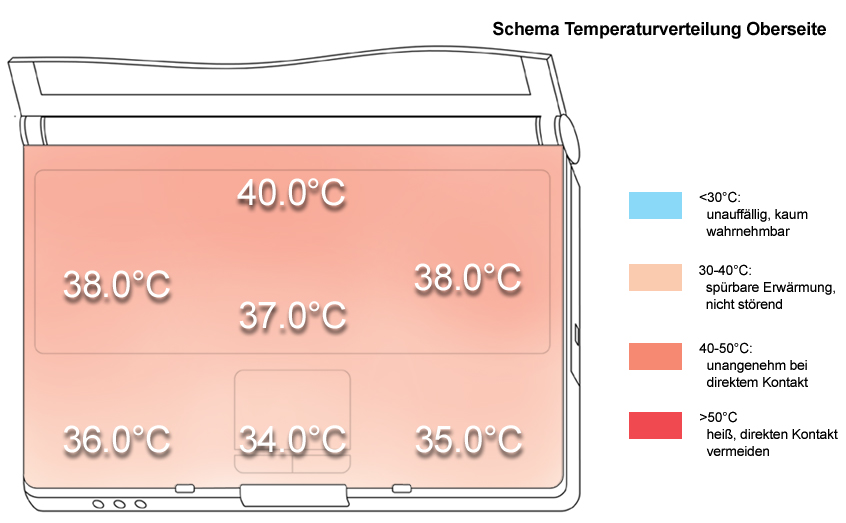
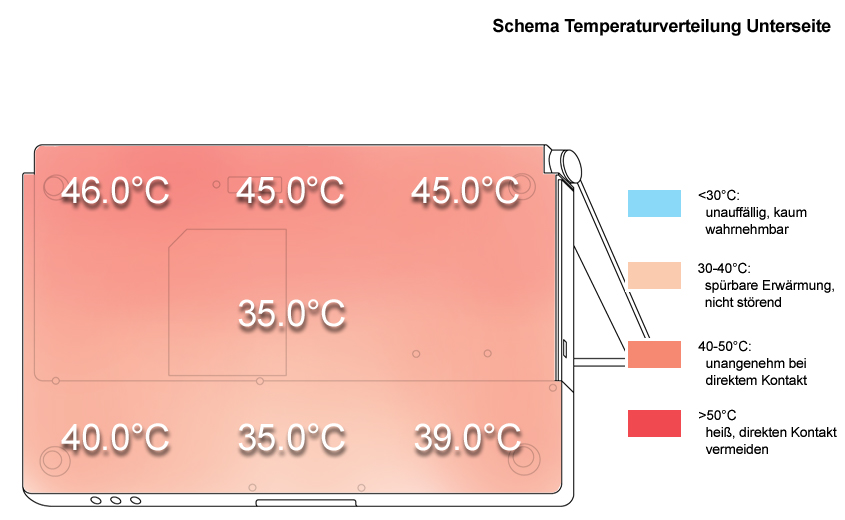
The rather decently running fan and a well thermoconducting case cause a clear temperature increase under load especially at the back part of the case, where the vent holes are located. However, at the keyboard and the front part the overall temperature is within reasonable limits.
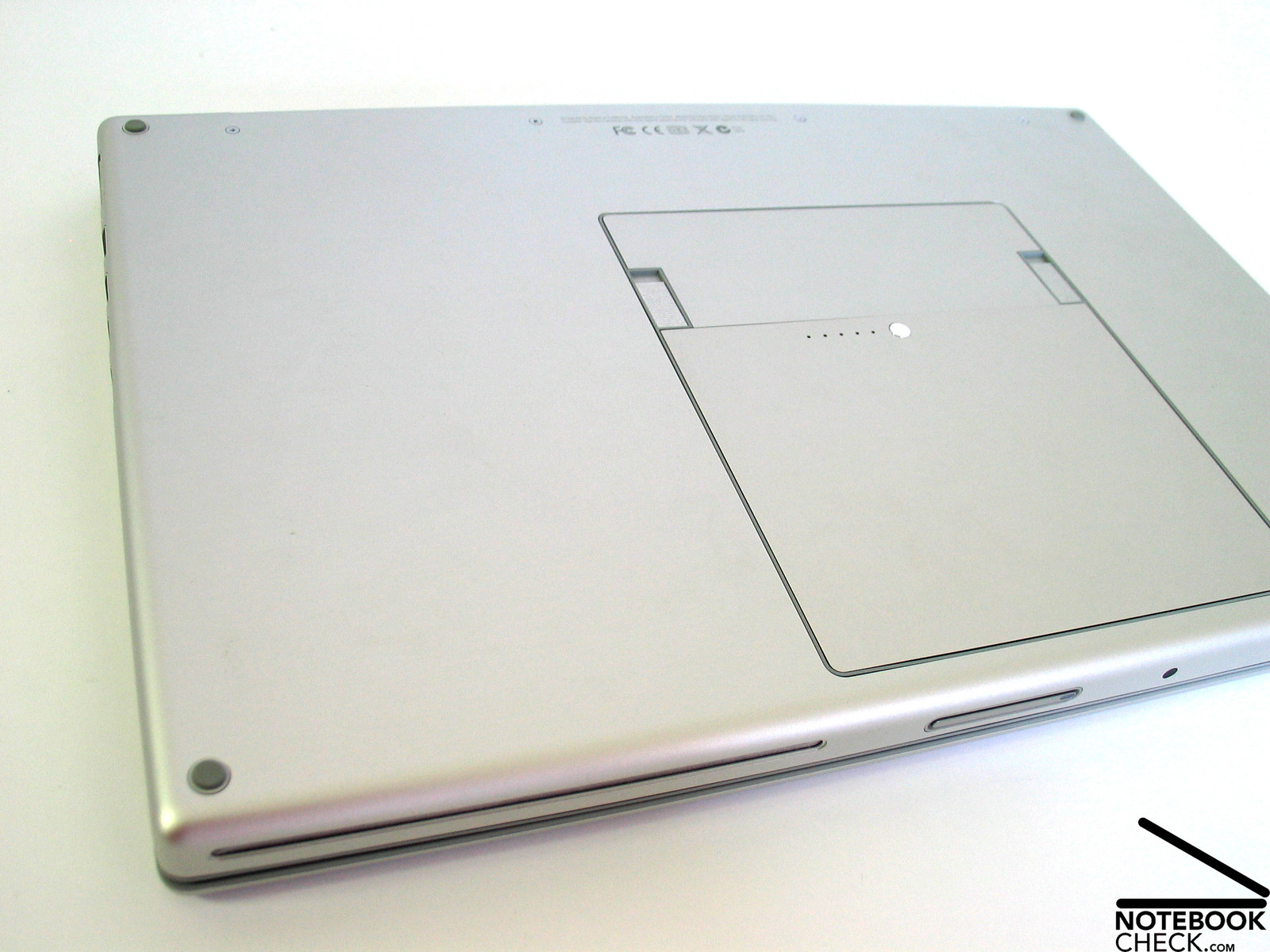
At the bottom side there aren't any vent holes. So, the air necessary for cooling is ingested trough the keyboard and blown off through the back edge. This avoids considerably heating of the input devices and makes the notebook fit for use on soft surfaces.
Upper side
palmwrist: 36.0°C max: 40.0°C avg: 36.9°C
Bottom side
max: 46.0°C avg: 40.7°C
Speakers
The sound of the two speakers is clear and present. Weaknesses are the maximum volume and the basses. However, overall the speakers are alright. The notebook also be directly and lossless connected to an existing sound system by means of an optical out. So, it is possible to fully enjoy music.
Battery Runtime
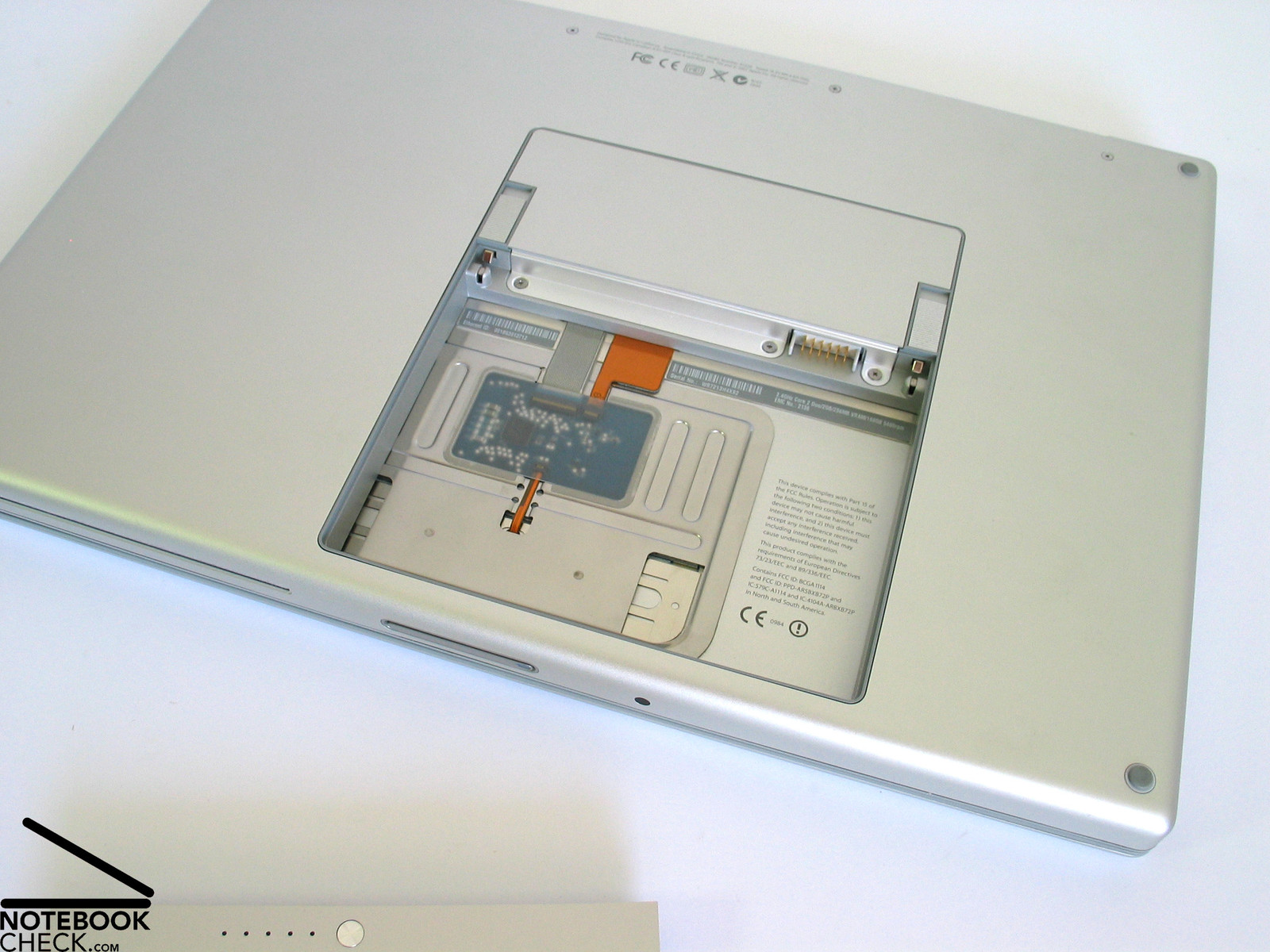
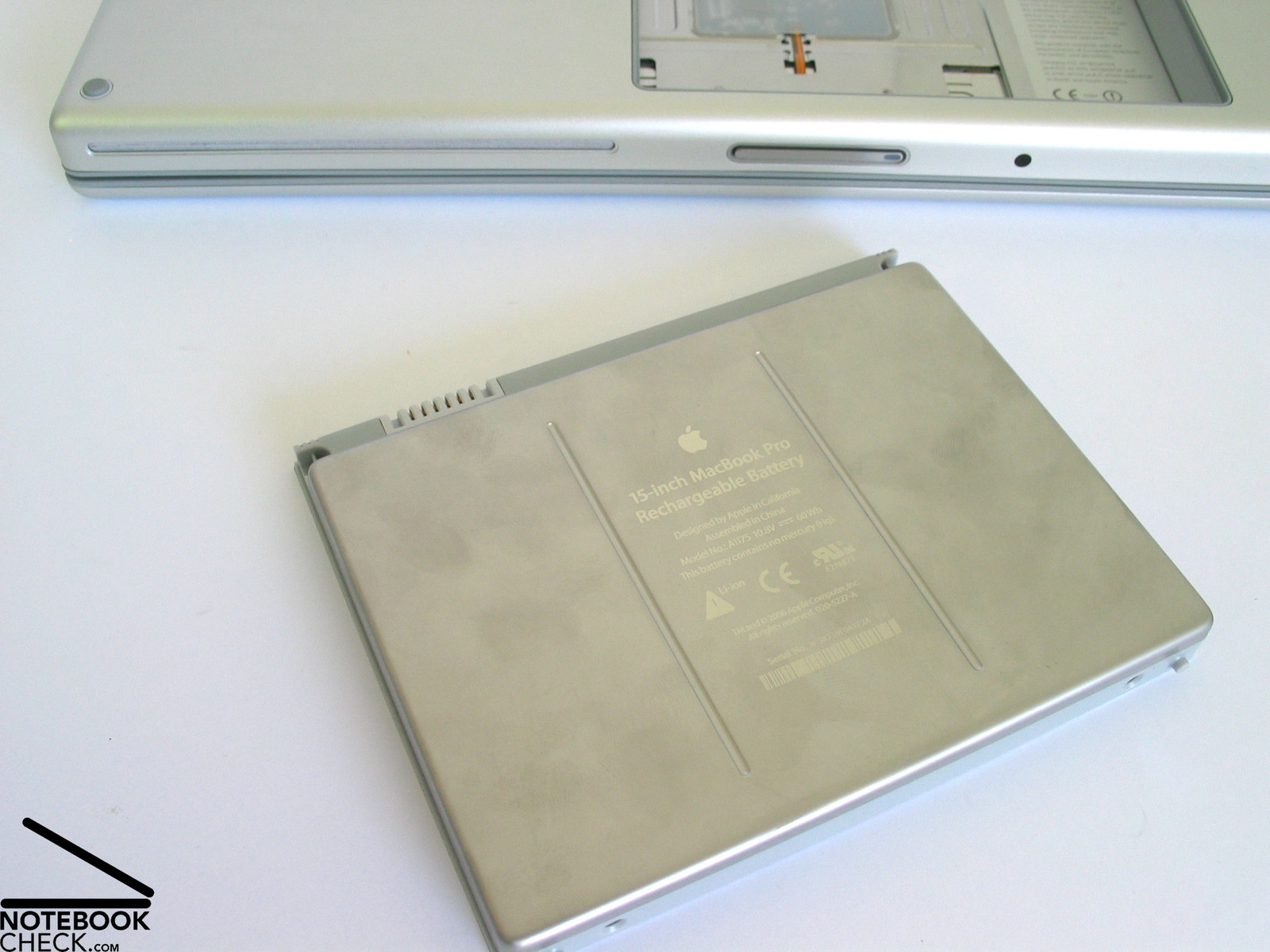
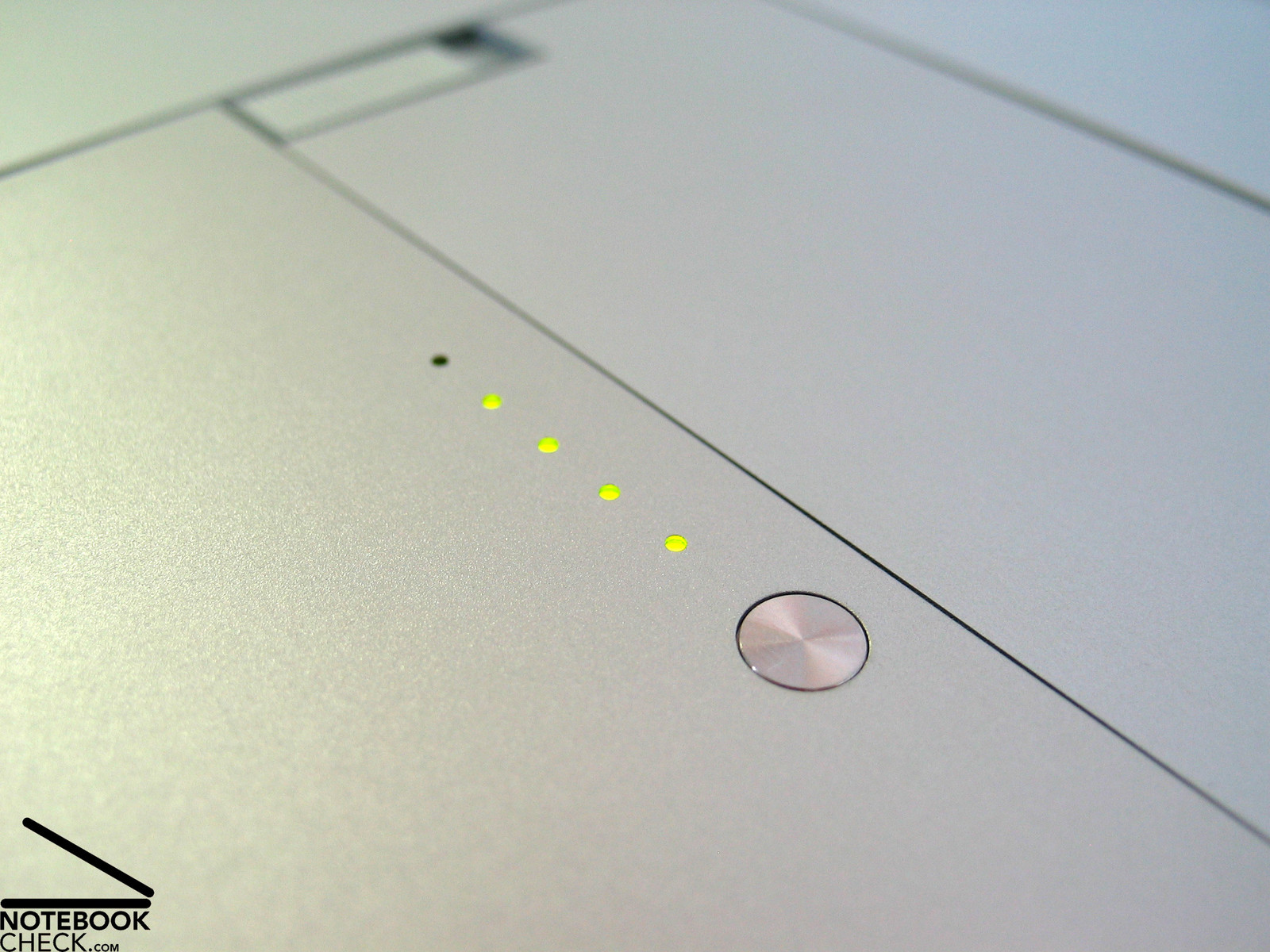
The 60 Wh 10.8 V lithium-polymer battery of the MacBook does not only look good, it also provides the notebook with sufficient energy for a useful mobile use. The runtime ranges from more than one hour to more than 4 hours at optimized energy settings under Windows. From experience the runtime is even better under MacOS.
| Off / Standby | 0 / 0 Watt |
| Idle | 15.7 / 26.6 / 27.6 Watt |
| Load |
75.2 / 69 Watt |
   
| |
Key:
min: ,
med: ,
max: | |
Verdict
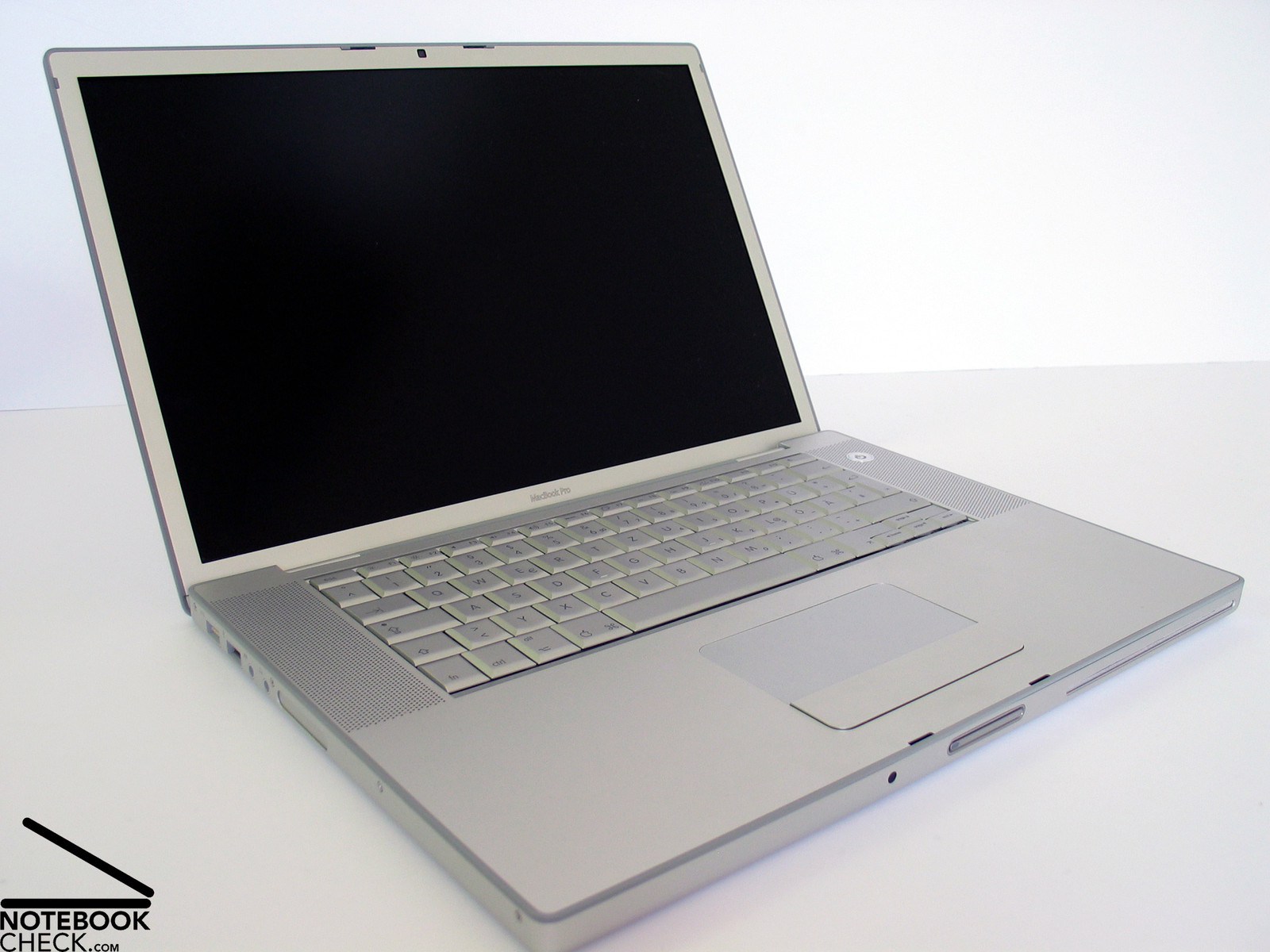
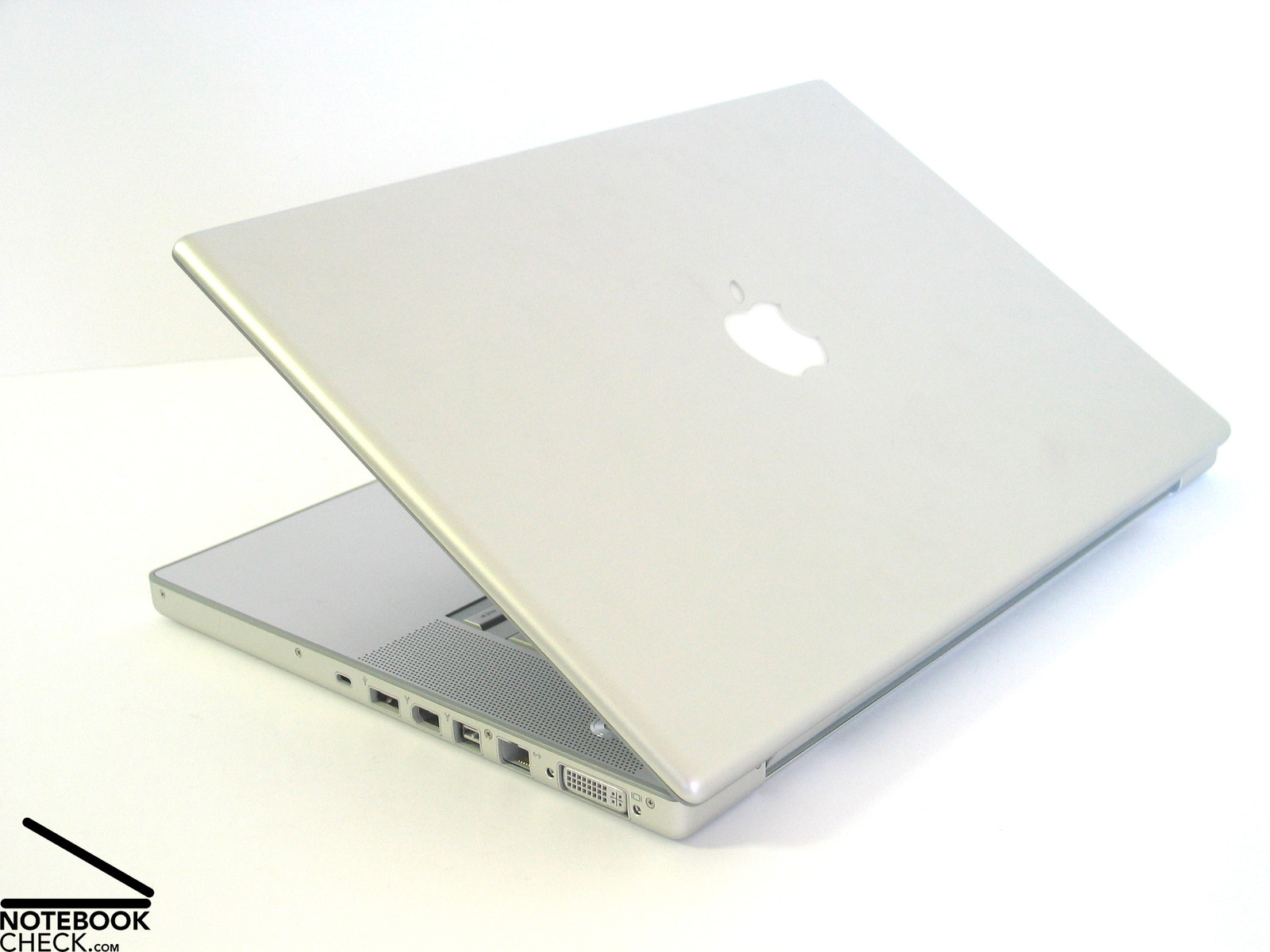
The only thing we can say about the MacBook Pro's design and workmanship is: first class. Of course this is to some degree our personal impression, but the first class materials (case completely made of aluminum) and the reliable workmanship contribute to this impression.
Maybe you'll need some time to adapt to the keyboard layout, especially if you are a Windows user. The enter key could also be a little bigger. However, typing is very user-friendly.
The display convinces by concise resolution, excellent brightness, and a non-reflecting surface. All together this allows an outdoor operation without limitations, even in very bright environments.
The battery runtime passably ranges from one to four hours and does also not limit the mobile use.
Also the performance of the MacBook Pro is excellent. It is equipped with the, at the time of writing, most powerful mobile CPU, the C2D T7700 with 2.4 GHz. A Geforce 8600M GT ensures first-class video performance and makes the MacBook Pro fit for playing even demanding games.
It's a miracle, how Apple could put this first-class equipment into such a slim case and also keep the noise emissions low at the same time. You can only call it: Art - The art to design top-class and sophisticated mobile notebooks.


 Add as a preferred