


Zelda on Steam Deck: How TotK reportedly runs at up to 60 FPS without an emulator
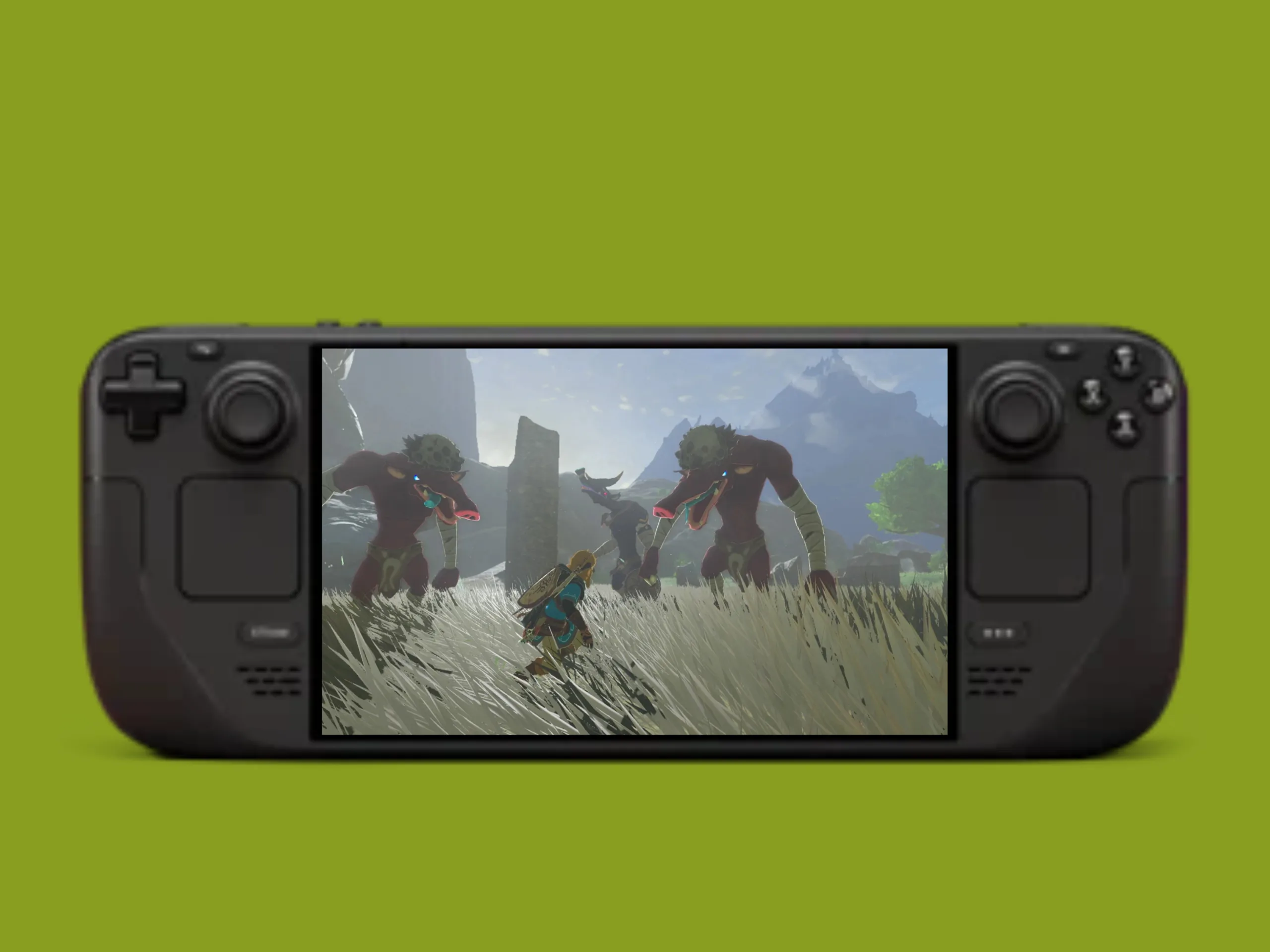
The unofficial community project TotK Recomp translates the game code of The Legend of Zelda: Tears of the Kingdom into a native application for Windows and Linux – a process known as recompilation. While TotK Recomp isn't the first project of its kind for the game, it already seems to work remarkably well at this early stage.
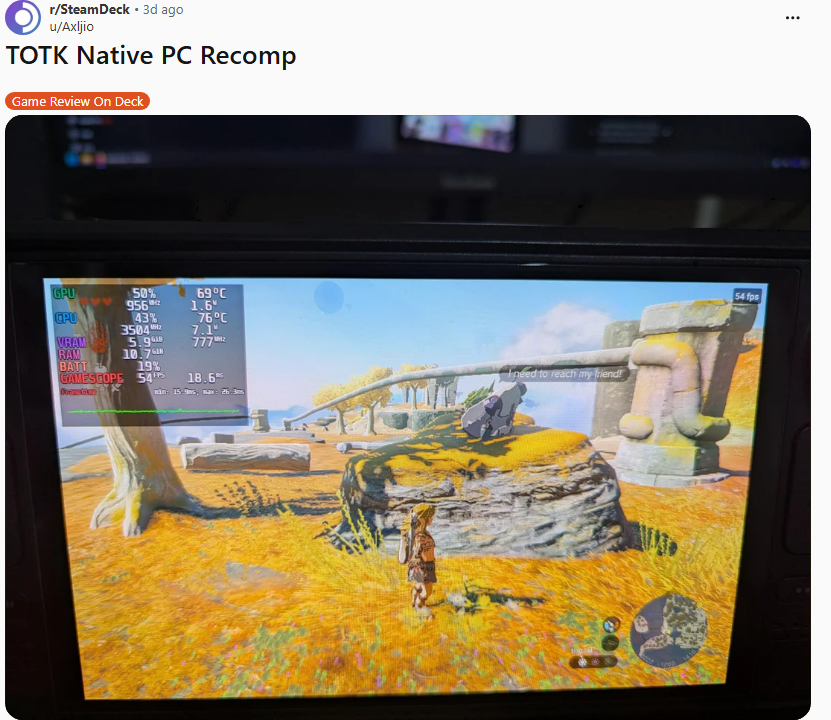
According to a user report on the Steam Deck subreddit, Tears of the Kingdom reportedly achieves 30 to 40 FPS even in more demanding areas. In less demanding sections, frame rates can apparently exceed 60 FPS. Using Proton is reportedly not possible. Unfortunately, the author doesn't provide any details about the graphics settings. The only evidence is a photo apparently showing Link on the Great Sky Island – the game's starting area. The displayed 54 FPS is an interesting snapshot, but it reveals little about performance throughout the rest of the game.
It's worth noting that UltraTears is another recompilation project for Tears of the Kingdom, although it has struggled with various technical issues in the past. However, a major update released on November 2 is intended to resolve most of these problems. It's currently difficult to determine which project is the better option. Since TotK Recomp already appears to work well, we'll take a closer look at how to set it up below. The process is similar for UltraTears.
How to set it up
The necessary installation files are available on GitHub. For copyright reasons, the game itself is not included in the download. The legal approach involves using an original copy of the Nintendo Switch game and dumping its files from the console. One tool that can be used for this is the homebrew utility nxdumptool. Although ROMs can be found on numerous websites, owning an original copy does not automatically make downloading them legal. One of three supported game updates is also required: 1.1.0, 1.2.1 or 1.4.3.
Once the original game files are available on the Steam Deck, setup involves the following steps:
- Open desktop mode
- Download the installer: In the “valentderah/totk-pc-recomp” GitHub project, download the TotK-Setup-x86_64.AppImage file from “Releases”.
- Make the file executable: Open a terminal in the downloads folder and enter the command chmod +x TotK-Setup-x86_64.AppImage.
- Start setup: Open the AppImage, select the game files, language and installation folder, then start the build process.
- Launch the game: Once the process is complete, open the totk file in the installation folder.
 Add as a preferred source on Google


