




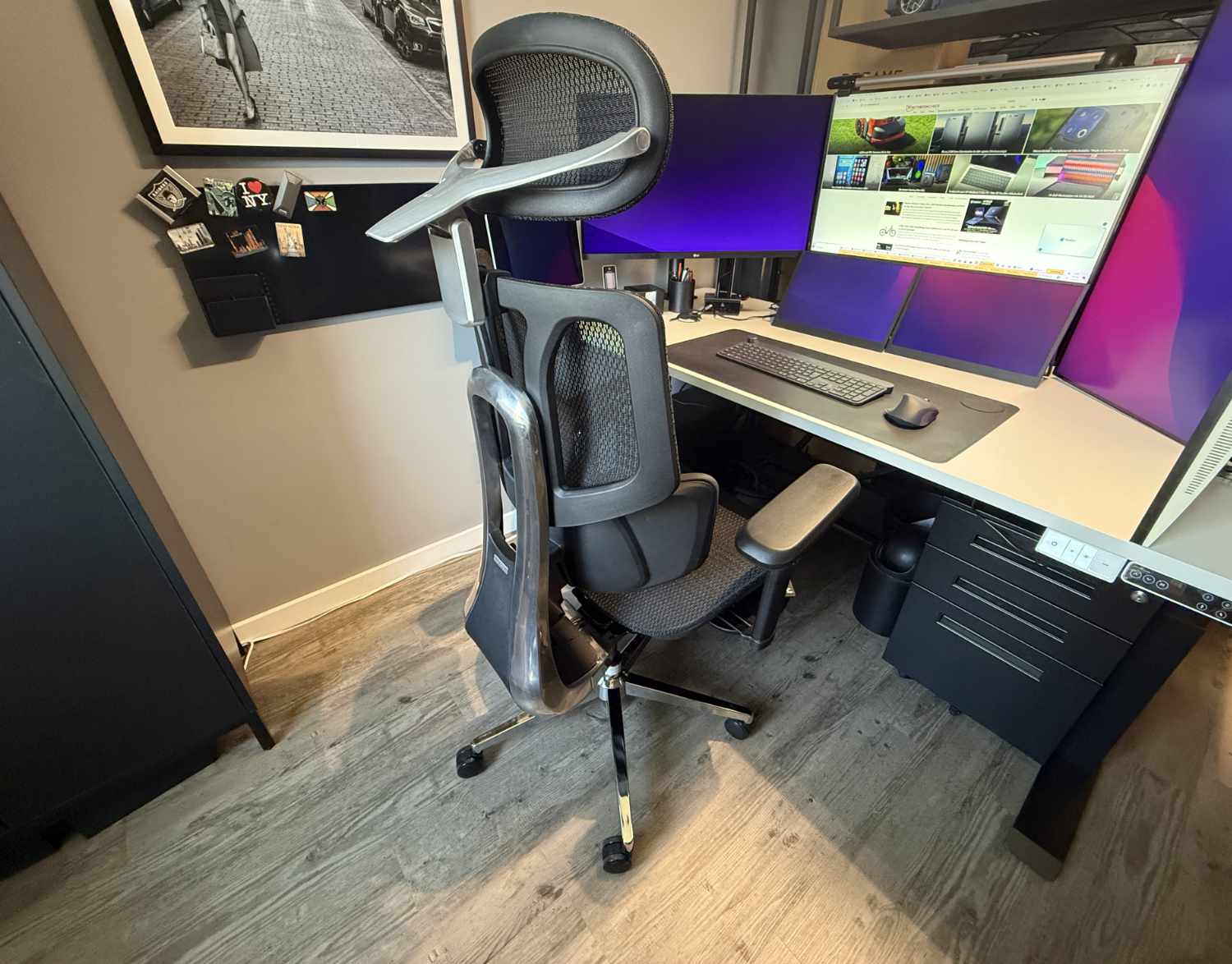
With AI lumbar support, massage, heating, and cooling: Hbada X7 office chair review
Ergonomic & smart.
An ergonomic office chair packed with smart features. Do the AI lumbar support, massage, cooling, and heating functions really provide greater comfort? Or are they just unnecessary gimmicks? We put this luxury office chair to the test in everyday use.Marcus Schwarten (translated by Marcus Schwarten (translation supported by DeepL)) Published 🇩🇪 🇳🇱 ...
Hbada X7 review verdict: A luxury-class office chair packed with features
The Hbada X7 is a luxury-class ergonomic office chair. It’s packed with all sorts of features designed to make daily work at your desk more ergonomic and comfortable. Some features actually achieve this, such as the heating function, which we found very pleasant, and—with some reservations—the massage function as well.
However, we’re somewhat torn about the AI lumbar support, which is the chair’s main feature. On the one hand, it’s certainly comfortable when the chair automatically adjusts its support in the lumbar region to match your sitting position. But this is always accompanied by a humming background noise and a certain sense of restlessness.
In daily use, the Hbada X7 has revealed both advantages and disadvantages. It’s large and heavy, but also packed with features, some of which are useful. For a suggested retail price of around $1,500, however, we would have liked to see slightly more refined performance in certain areas.
Pros
Cons
Price and availability
The manufacturer's suggested retail price for the Hbada X7 is $1,509. It is often available for less when ordered directly from the manufacturer or on Amazon. The ergonomic office chair is available in two colors: black and gray.

There are numerous ergonomic office chairs on the market. Standing out from the crowd isn’t all that easy. Hbada is clearly aware of this. To attract attention, the company simply equipped its X7 with all kinds of smart features. This Hbada X7 review reveals what those features are and how well we liked them in day-to-day use.
Package contents & assembly: Heavy office chair with charger
The Hbada X7 is delivered in a large cardboard box weighing over 30 kg. The numerous individual parts are all separately wrapped in bubble wrap. On the one hand, this creates a lot of waste, but on the other hand, it also protects the chair from damage during shipping.
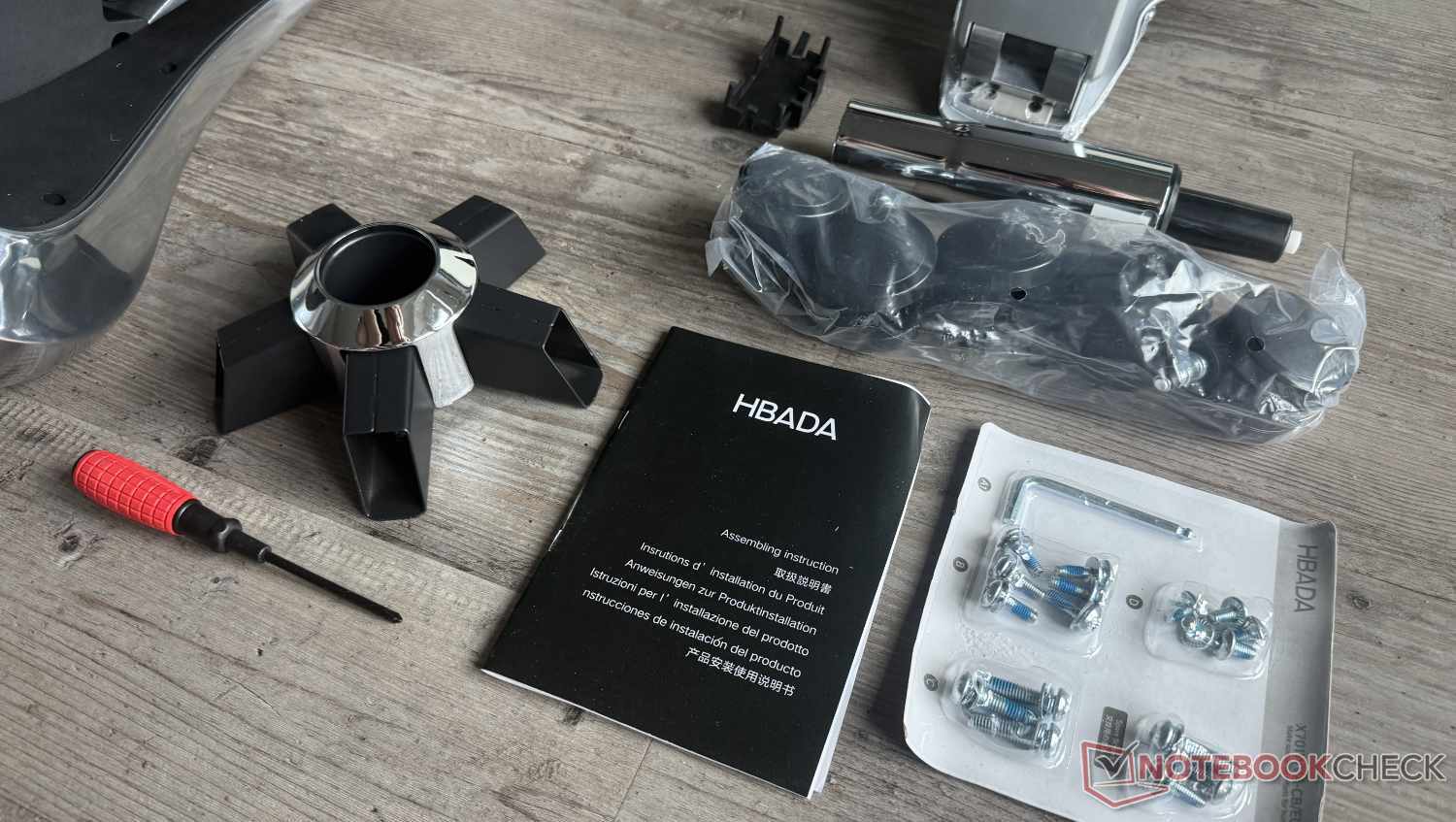
Before you can sit in the X7, you’ll first need to assemble it. It is delivered disassembled into five large parts (seat, backrest, headrest, and two armrests) as well as a whole series of smaller parts (such as the gas spring and individual parts of the swivel base). In addition, there is a whole array of screws, including one spare of each, as well as the necessary tools, which appear significantly higher in quality than those supplied with many cheaper office chairs.
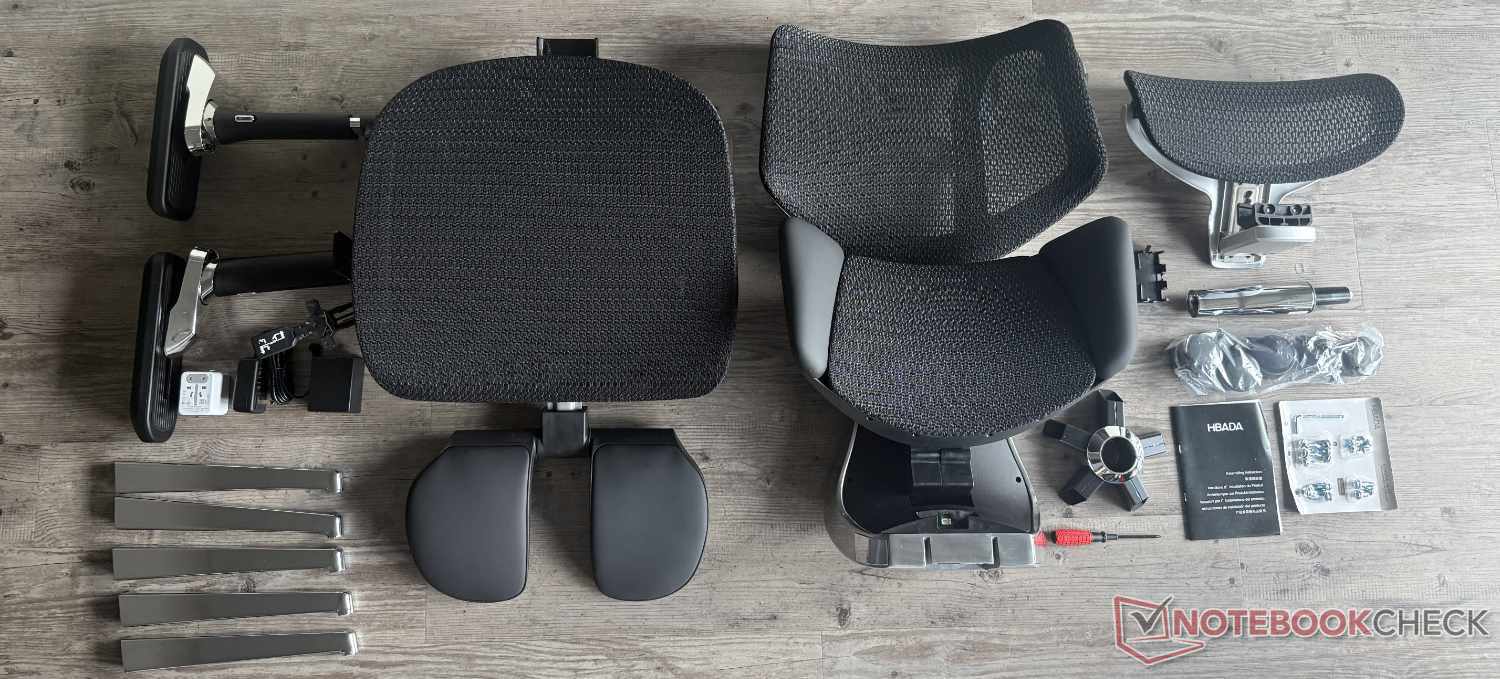
A battery and a charger (100 to 240 V) with a magnetic charging connector are also included in the package. We’ll explain why in the next section. However, the charger does not have a European Schuko plug (Type F). Instead of including the appropriate charger for Germany, Hbada simply threw in a travel adapter. It works in the end, but it’s not the most elegant solution—especially not in this price range.
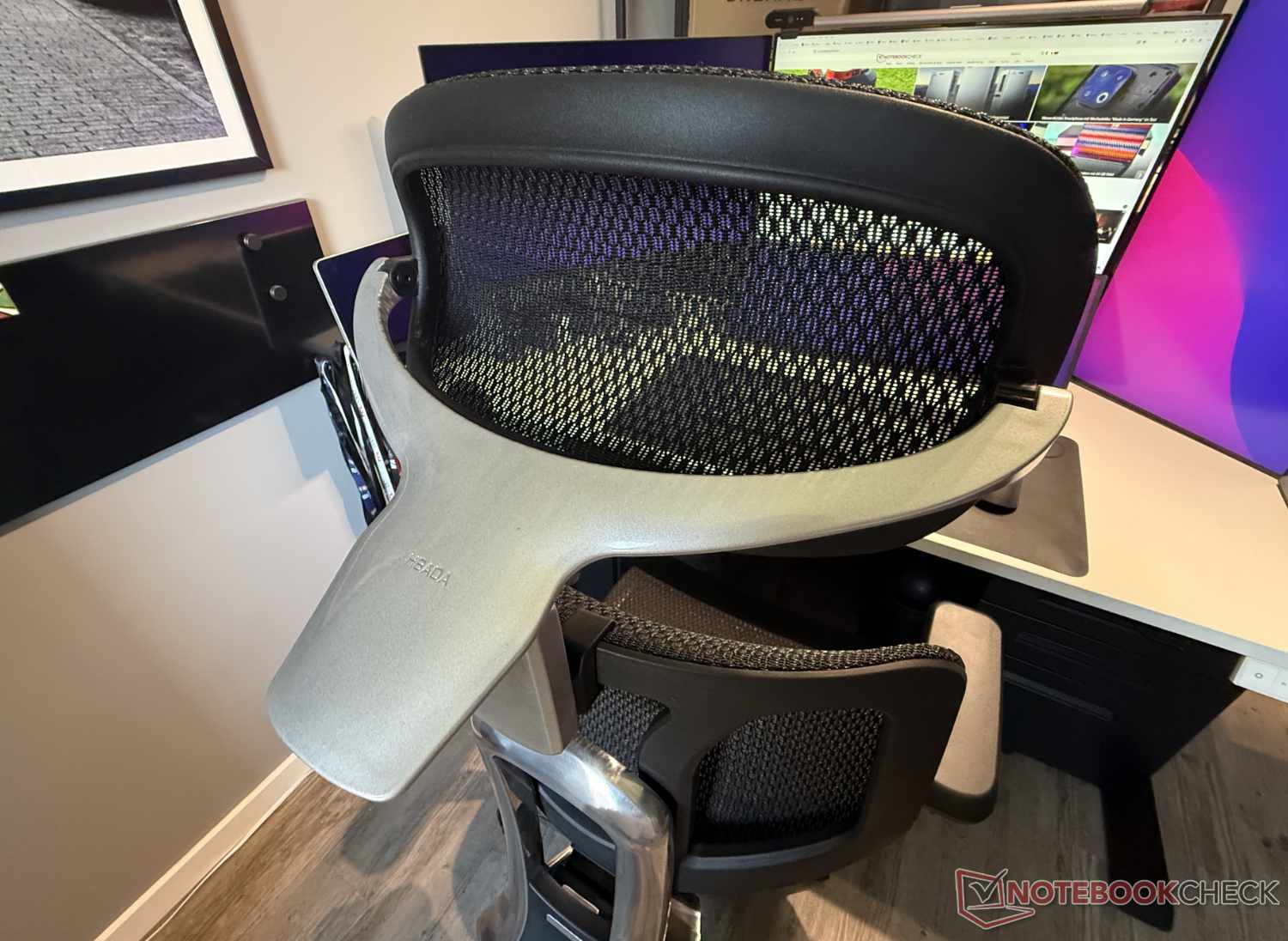
Let’s move on to assembly. One negative aspect that stands out right from the start is that, despite the chair’s price, the swivel base isn’t a single cast piece, as it is on the Welax S9 Pro. Instead, it must first be assembled by screwing the arms to the central hub. This isn’t unusual, but for an office chair with a suggested retail price of around $1,500, a more premium solution could certainly have been used—especially since the manufacturer uses a solid metal component for the backrest support.
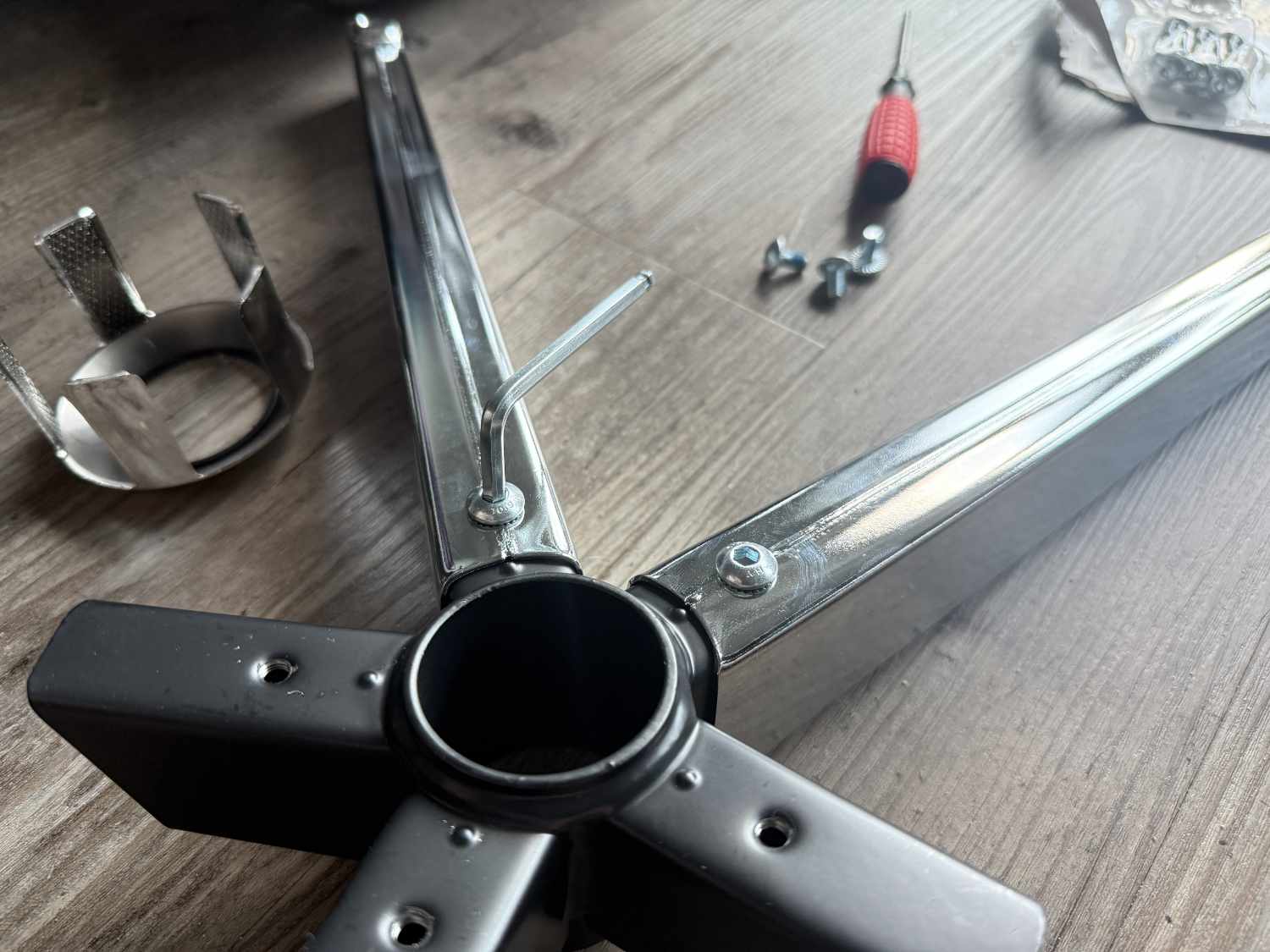
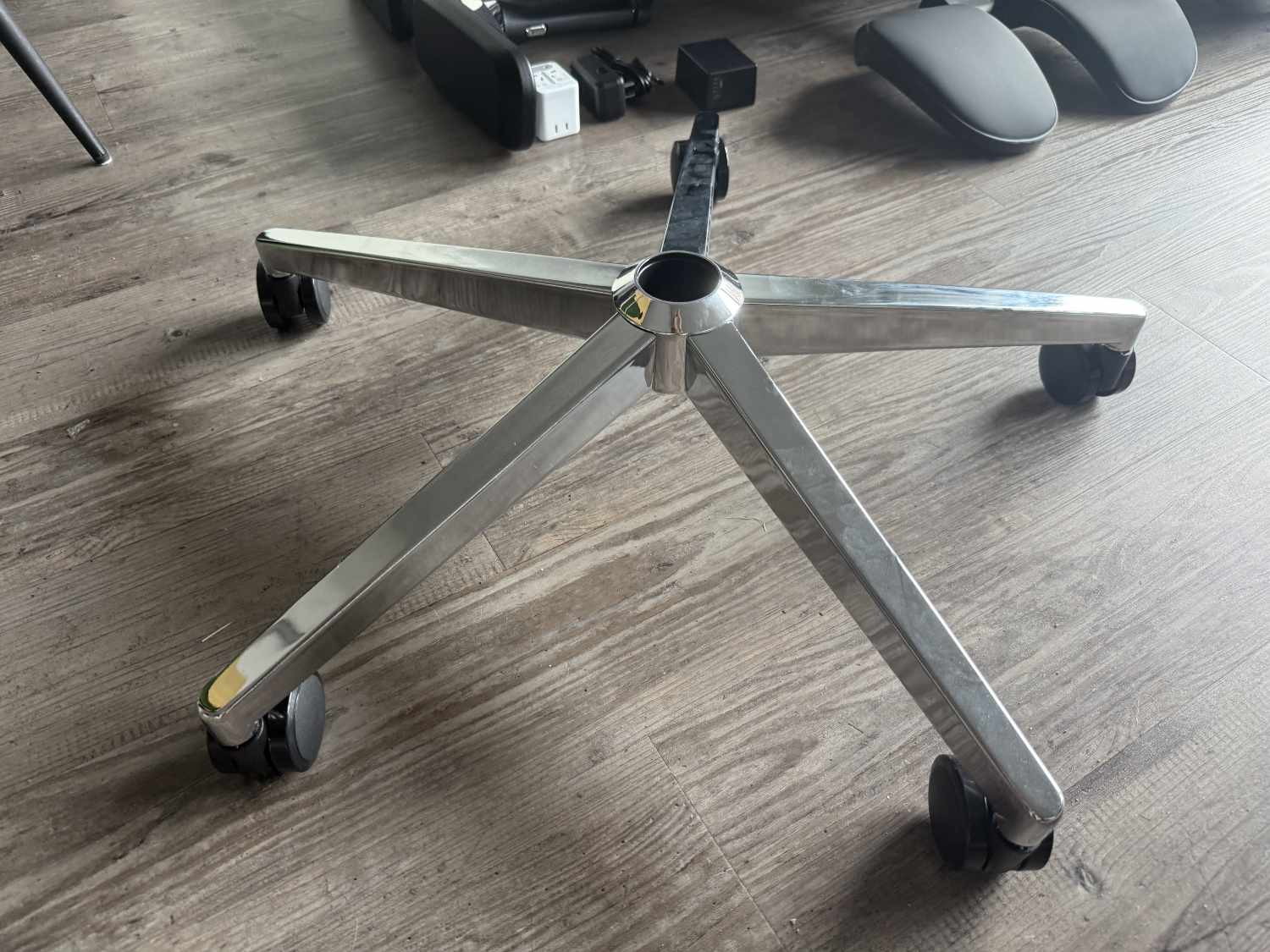
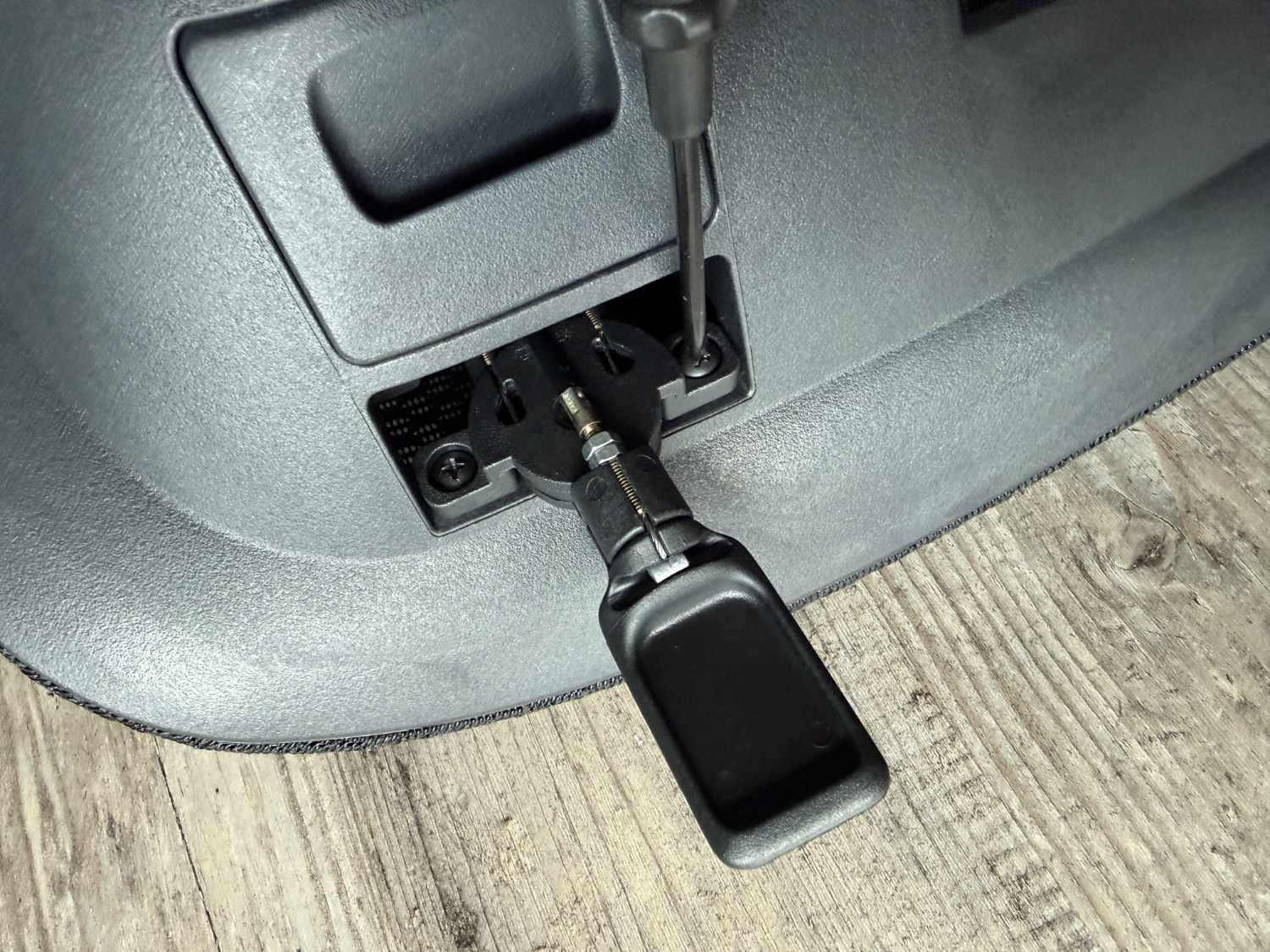
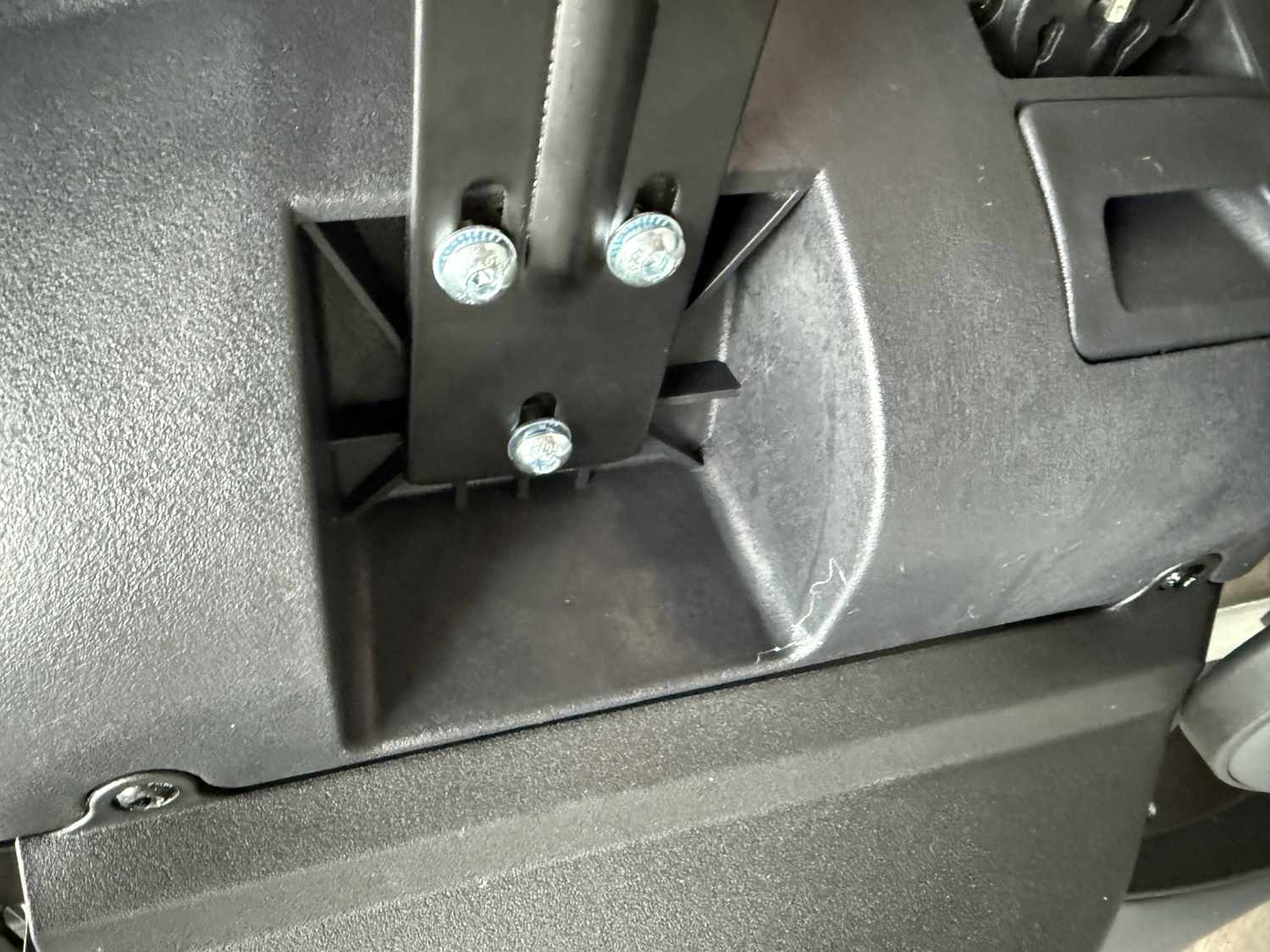
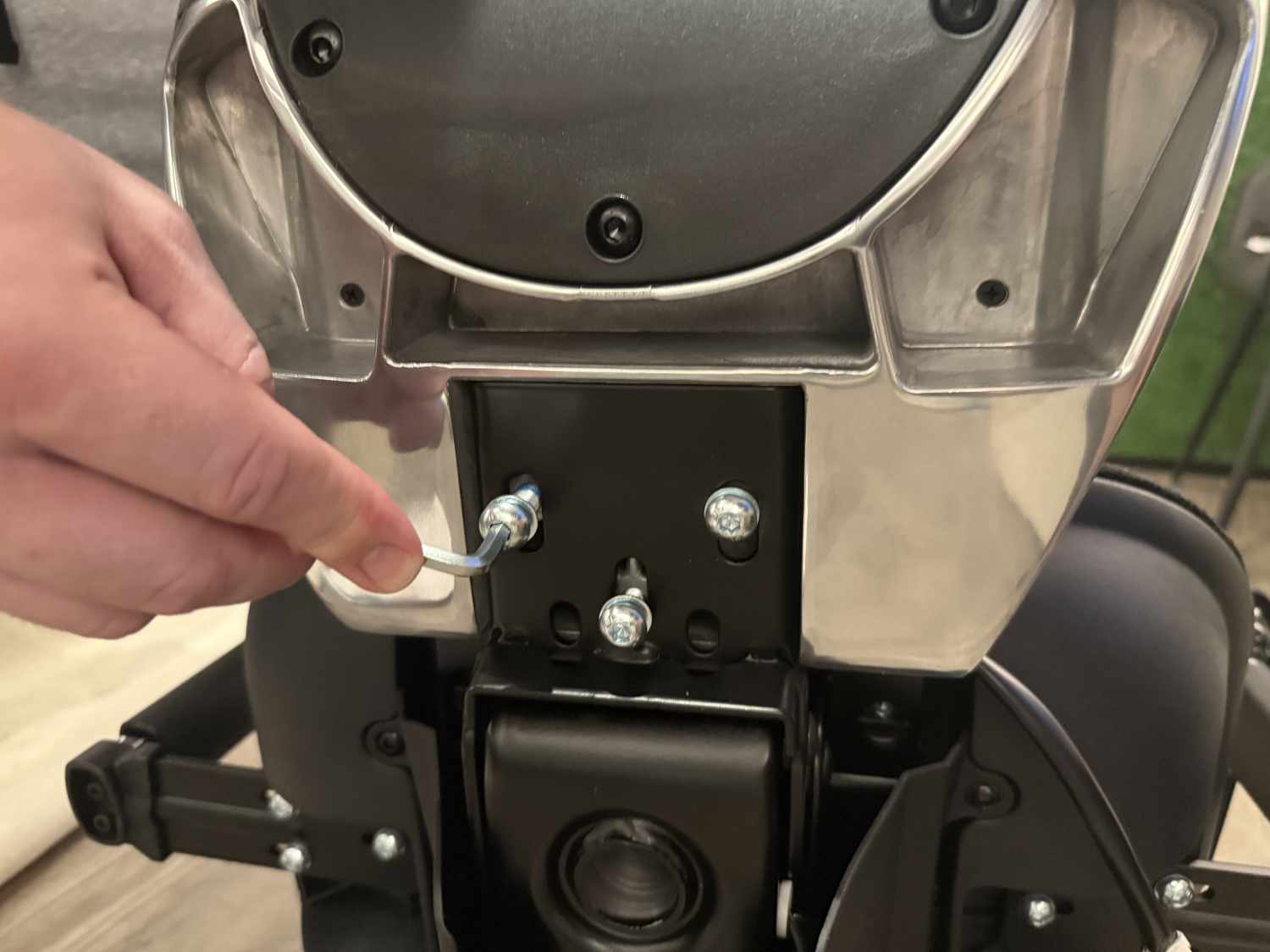
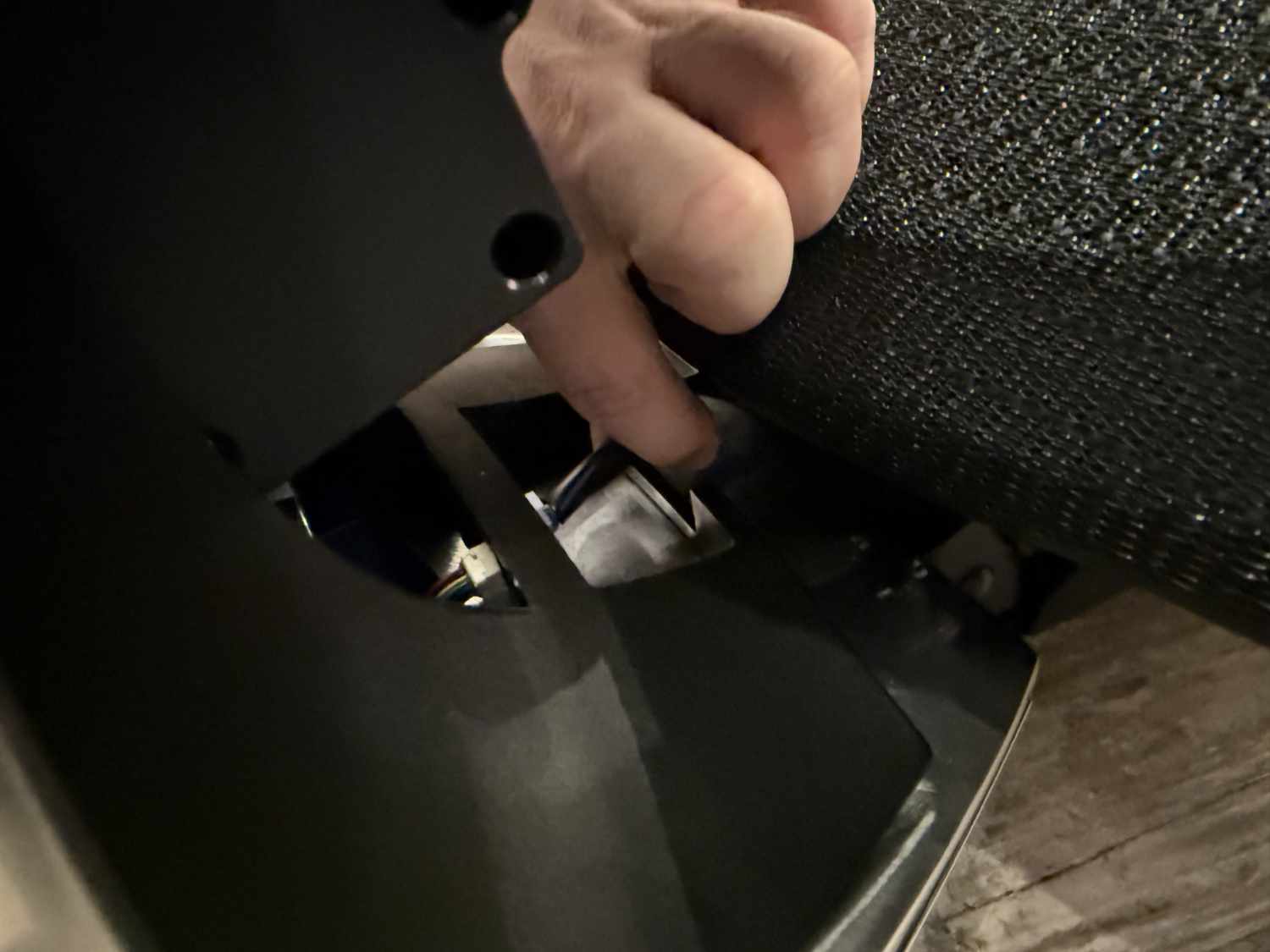
Once the casters and gas spring are in place, move on to the seat. First, the control unit must be screwed into place. Next, install the armrests marked “R” and “L” using three screws each, before attaching the backrest to the base with the same number of screws. A connector must also be connected at this stage and will later be hidden under a plastic cover. The final steps involve placing the seat and backrest onto the swivel base and mounting the headrest.
In total, a good ten steps are required, illustrated with small images in the instructions. There is also a German description, though the translation is not flawless. Assembly itself is quite simple and can be managed without much technical skill. Nevertheless, it is not especially easy because the chair is a real heavyweight at over 30 kg. We therefore recommend assembling it with two people.
Features & quality: Packed with functions
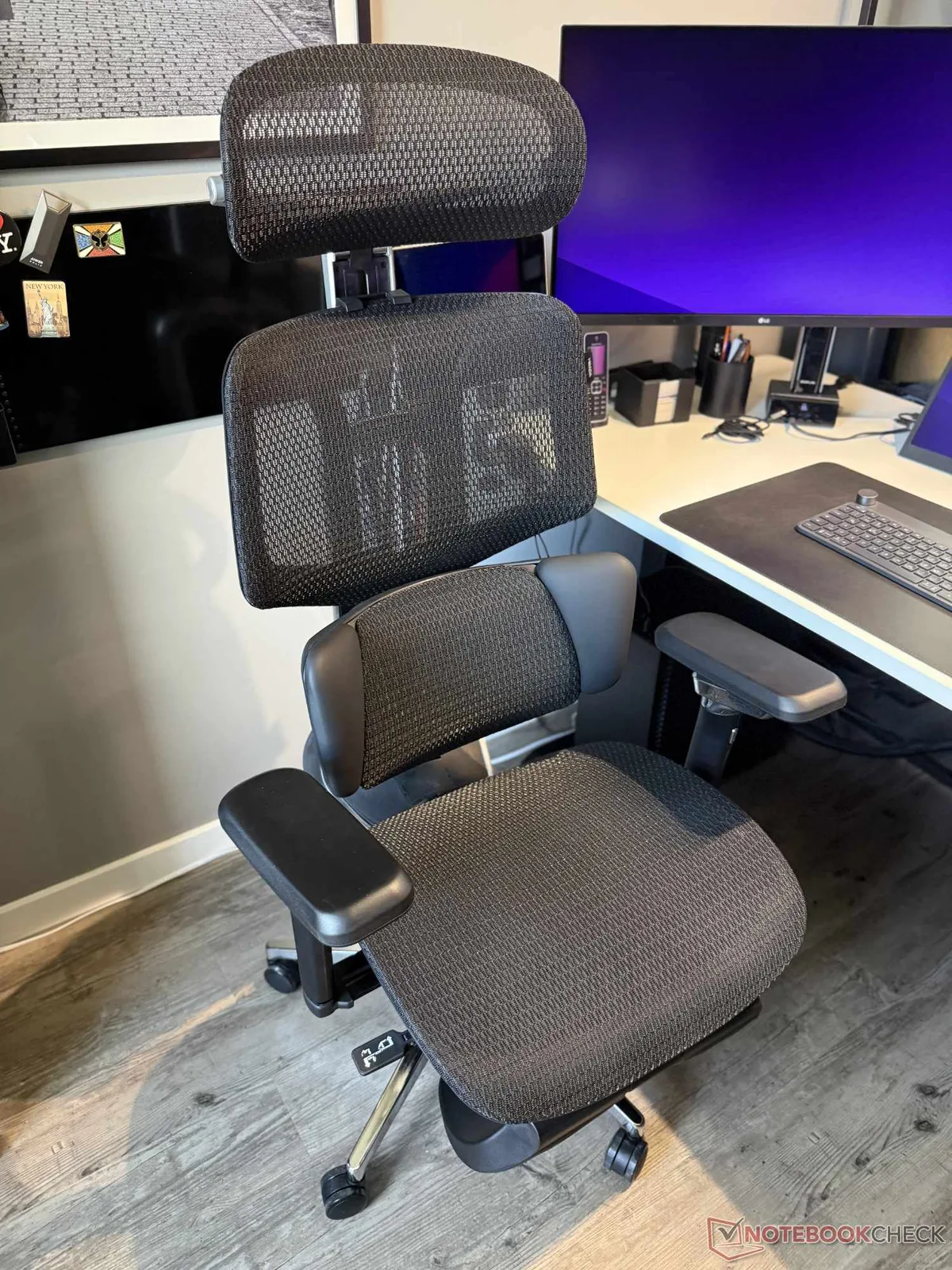
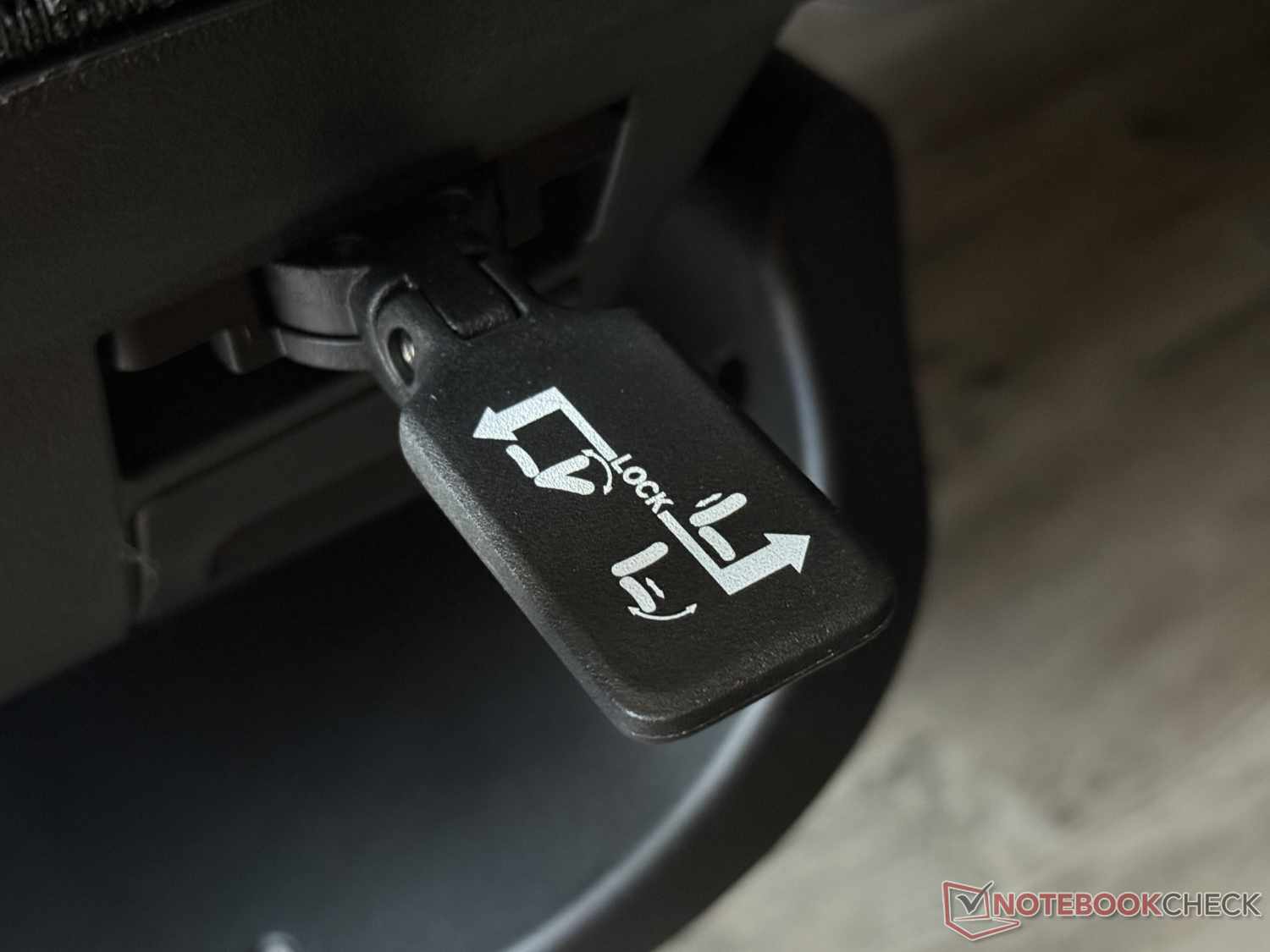
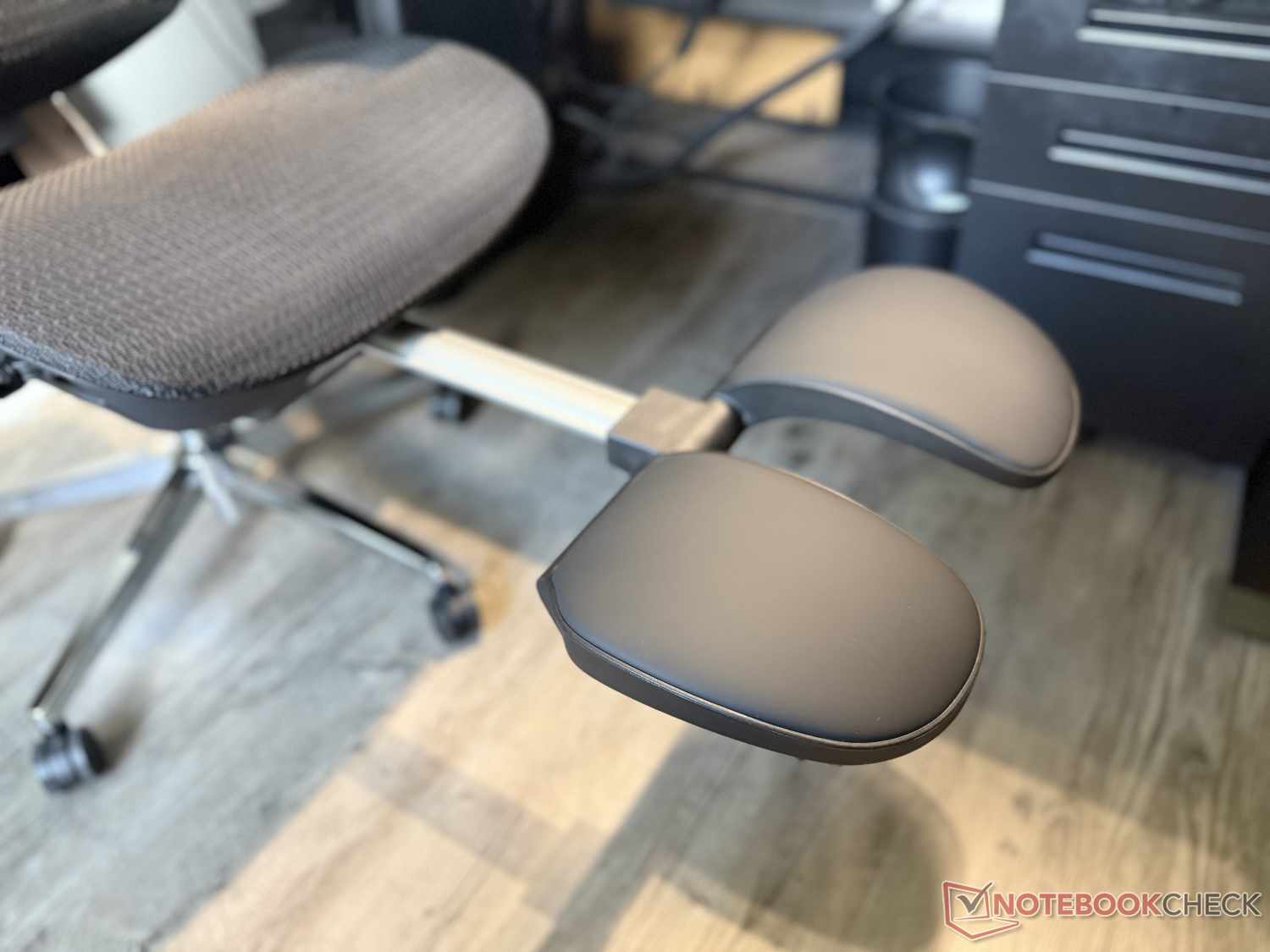
Let’s move on to the features of the Hbada X7—and thus to its highlights. At first glance, it looks like a classic office chair. It offers many standard adjustment options for the seat, backrest, headrest, and armrests. These are adjusted, among other things, via a lever on the right side of the seat. An extendable leg rest is also included, as it is on some other ergonomic office chairs such as the Sihoo Doro C300. It, too, feels sturdy.
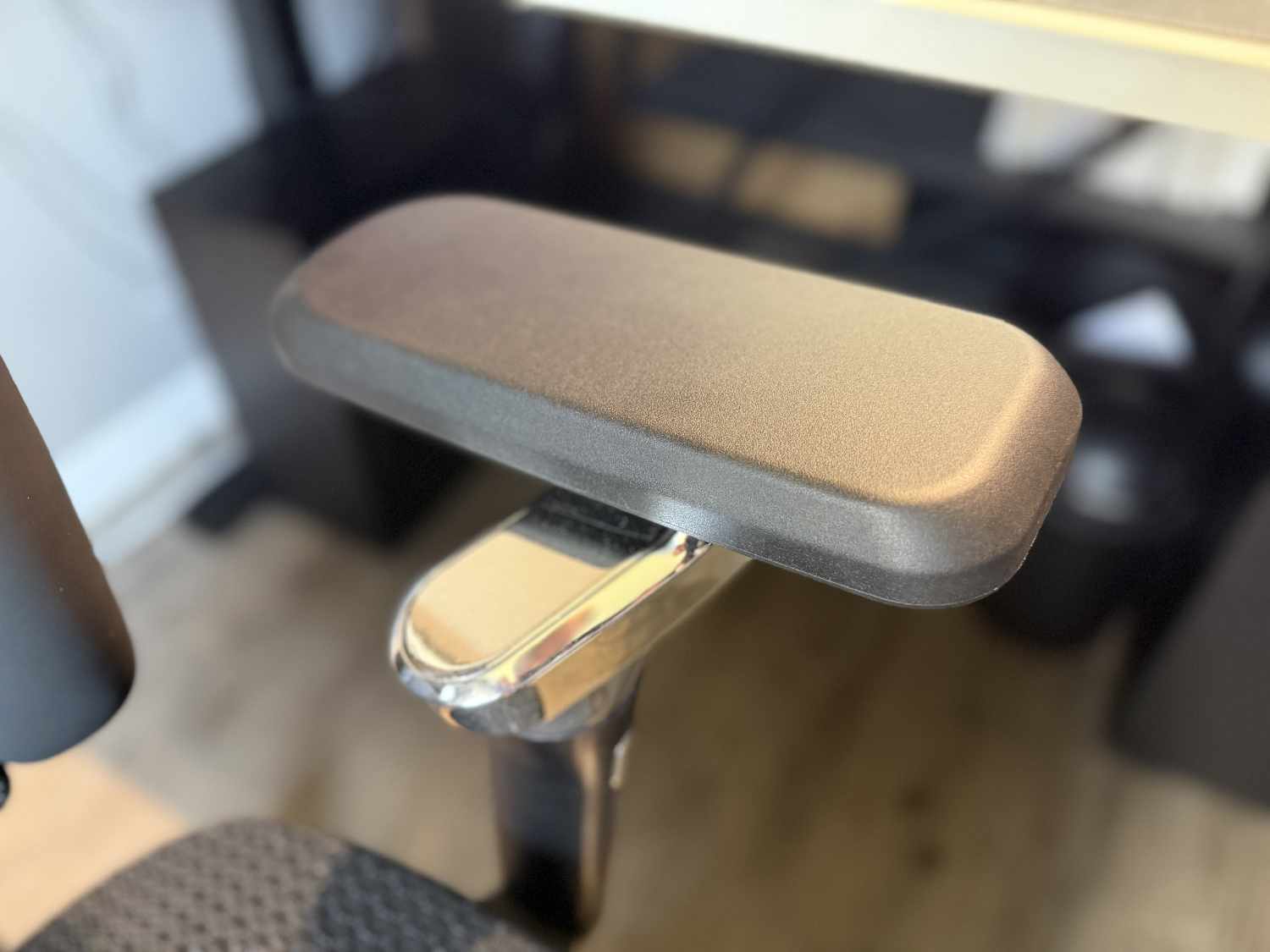
The armrests offer a wide range of adjustment options, including 720-degree rotation and tilt, and aren’t as easy to move as those on many other office chairs we’ve tested. In other words, they don’t constantly shift position accidentally when you move. However, even with the screws tightened, they have some play, so they wobble slightly. On the positive side, the chair can support up to 150 kg. In terms of quality, the Hbada X7 impresses in many areas—but not across the board. Given its high price, there’s still room for improvement in a few areas.
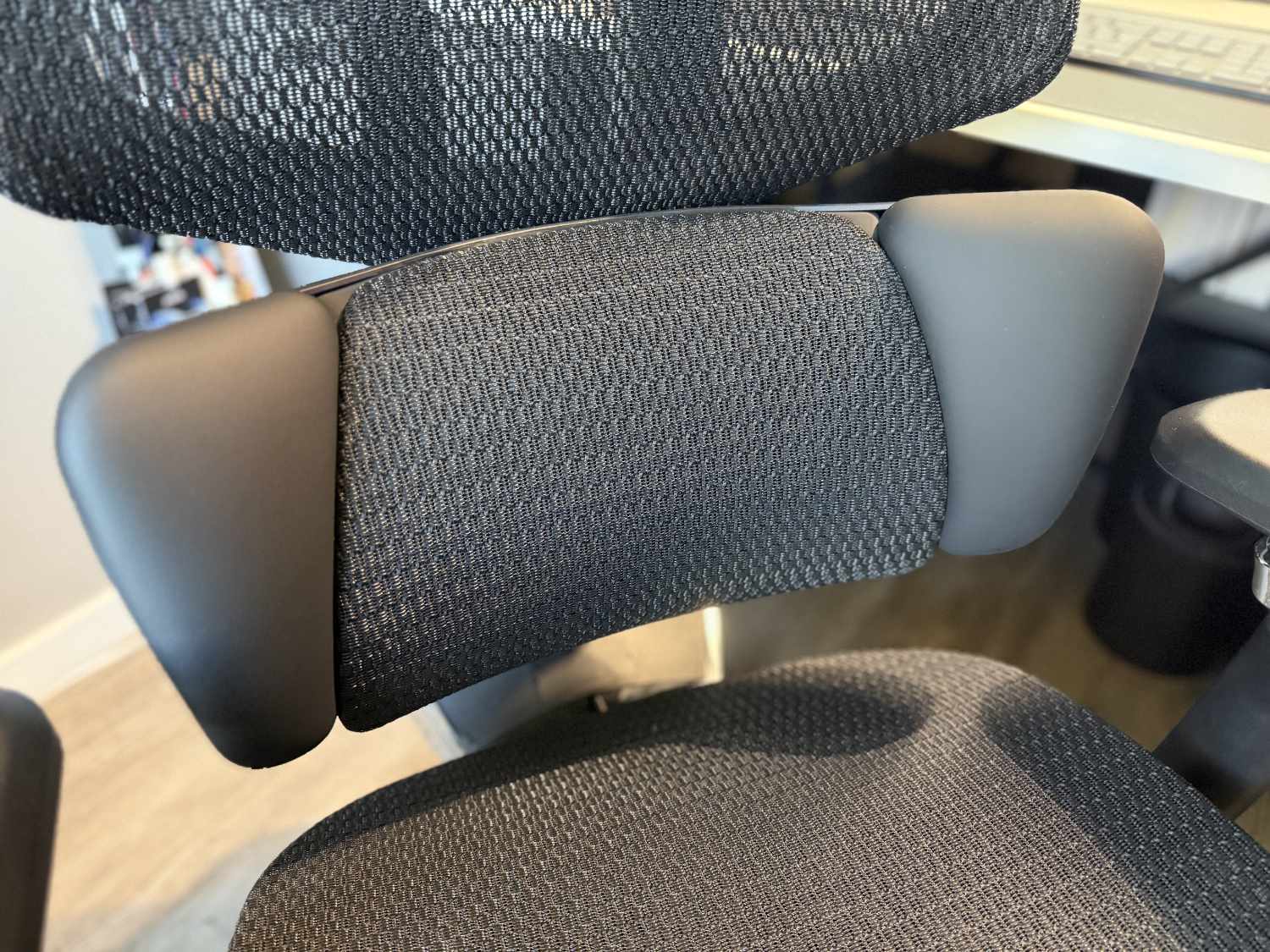
The battery and charger already show that the X7 can do more than simply offer a variety of manual adjustments. The standout feature is the AI lumbar support (“AI Smart Lumbar Tracking”). When activated, the lumbar support automatically adjusts its position to the user’s sitting position, with AI assistance according to the manufacturer. When you move in the chair—for example, to lean forward or backward—you immediately hear a soft whirring sound as the lumbar support moves to adjust to your new sitting position.
In addition, there are various other features that are rarely found in ergonomic office chairs. One of these is the 8D dual-core massage function. You can have your lower back massaged at one of three intensity levels. Two massage heads then extend for 10 minutes at a time and knead the back with four rotating protrusions.
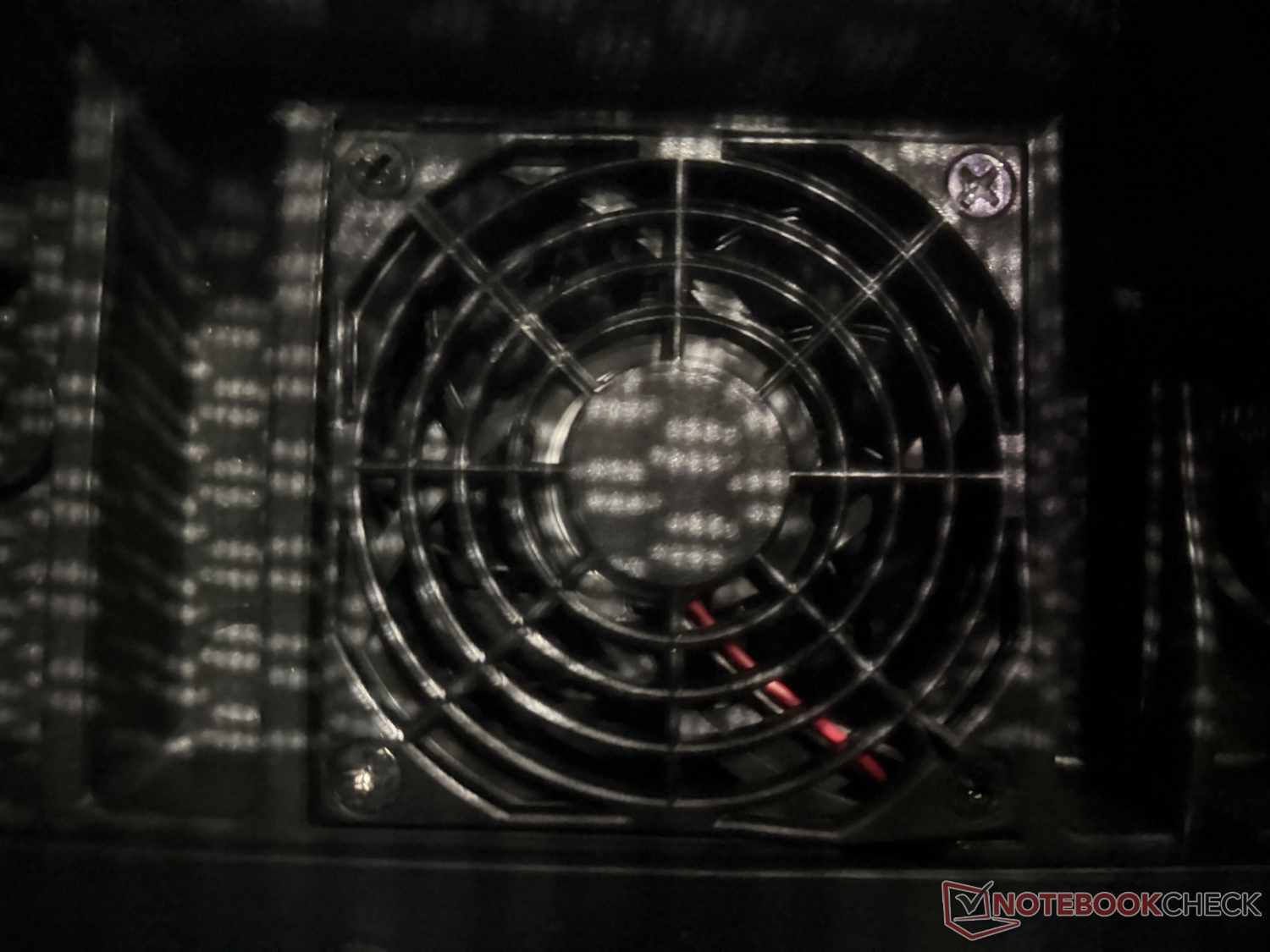
It also features cooling and heating functions. Two fans in the seat generate airflow at three speeds, reducing sweating on the contact surface on hot days. Comfort in this respect is already quite high thanks to the breathable mesh. On cold days, however, the adjustable heating feature may come in handy—we’ll discuss this in more detail shortly.
These functions are controlled via a remote control. It is stored in the left side of the seat and can be removed. However, its range of motion is limited because it’s attached to a cable. A wireless connection to the chair would be more up to date. This design does, however, ensure that the remote control always remains in place and won’t get lost.
Seating comfort & real-world use: Comfortable but noisy
The Hbada X7’s AI lumbar support is ultimately both a blessing and a curse. On the one hand, it’s quite pleasant that the chair adjusts to your sitting position. I personally found it quite comfortable, as the lower back is always supported and you don’t run the risk of sitting hunched over in the office chair. But other ergonomic office chairs can do that, too.
On the other hand, this motorized feature produces a distinctly audible whirring sound. This can be annoying, especially in a quiet work environment. The sensitivity can be adjusted across ten levels. At the lowest setting, the AI adjustment is extremely sensitive and constantly active. Everyone will have to find the setting that works best for them, with the highest setting operating significantly less "nervously". Ultimately, based on our experience, it is a feature that benefits sitting comfort, though the noise means it is not without drawbacks. Of course, the AI function can also be deactivated, allowing you to manually move the lumbar support to the desired position using two arrow buttons.
The massage function is certainly a matter of personal preference as well. Naturally, it can’t replace a real massage. Personally, I found it quite pleasant at times—especially on the lowest of the three settings—but while seated, I would have preferred it to massage a little higher up my back. And, of course, this feature also produces noise that might disturb some people while they’re working. It is therefore better suited to work breaks.
The heating function, which can be adjusted to three levels, is a genuinely pleasant feature in my view and operates silently. The two side bolsters on the backrest heat up; they also provide good lateral support but aren’t adjustable. The warmth is a real comfort boost on cold days or when you have back pain. The ventilated seat might also appeal to some people on hot days. I wasn’t particularly fond of it, partly because of the clearly audible rushing noise it generates.
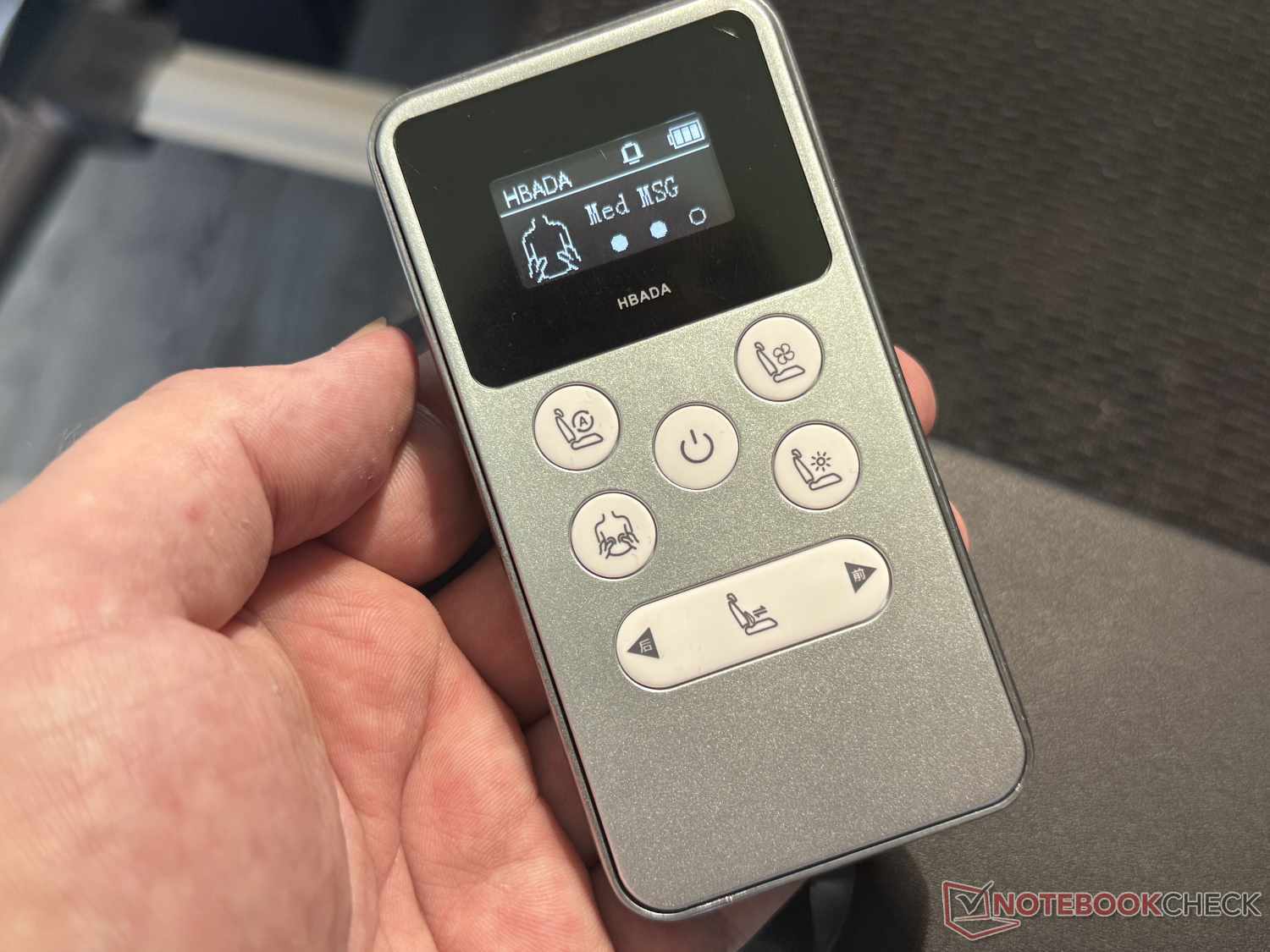
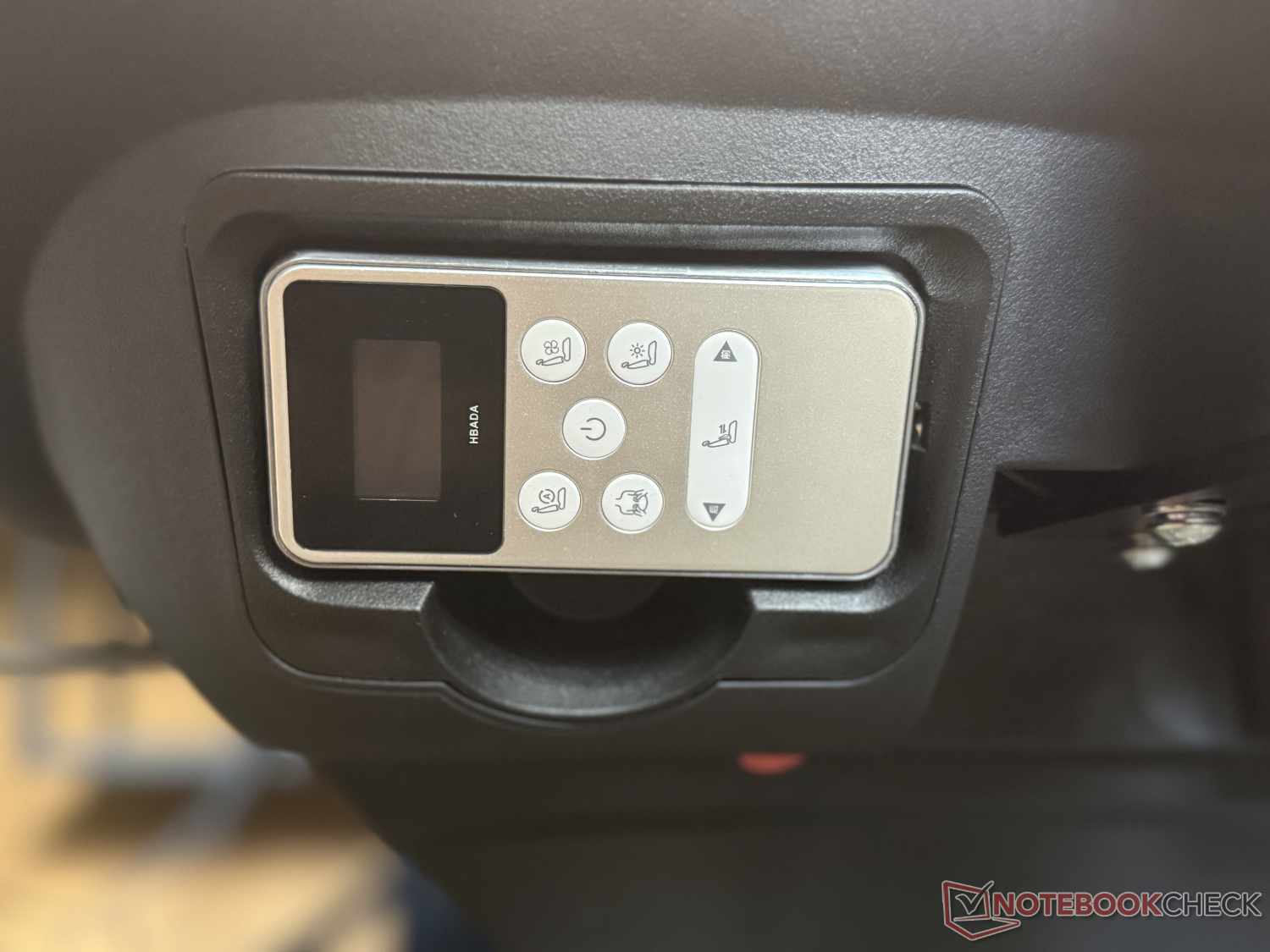
Another thing that annoyed me a bit in my daily use of the Hbada X7 was that I always had to press the power button on the remote before I could activate or deactivate any of the electrical functions. This is supposed to conserve battery life, but it could just as easily have been implemented by having any other button wake the system. In addition, the remote control has to be constantly reinserted into its slot on the side of the seat, where it attaches magnetically, because it’s connected by a cable. Quickly extending the limited massage or heating time thus requires an unnecessary number of steps.
The manufacturer specifies a battery life of approximately three days. This naturally depends on how intensively the various functions are used, but it roughly matches our hands-on experience. The battery is removable, as is the case with the LiberNovo Omni, for example, and can be charged directly via USB-C. To do this, however, the battery must be removed not only from the chair but also from its “drawer”—which is unnecessarily complicated. We were unable to find an option to order a spare battery from the Hbada online store. There is also a USB-C port on the chair itself, but on our test chair, it could be used neither to charge the chair nor to charge external devices.
A full charge takes about five hours and, in our opinion, should generally be performed overnight. This is because the magnetic connector at the end of the charger’s approximately 2.5-meter cable doesn’t attach very firmly to the chair and can therefore easily come loose during use; it also gets in the way when moving the chair around. Moving the chair already requires more effort than with many other office chairs because of its considerable weight.
Transparency
The selection of devices to be reviewed is made by our editorial team. The test sample was provided to the author as a loan by the manufacturer or retailer for the purpose of this review. The lender had no influence on this review, nor did the manufacturer receive a copy of this review before publication. There was no obligation to publish this review. As an independent media company, Notebookcheck is not subjected to the authority of manufacturers, retailers or publishers.
 Add as a preferred source on Google


