




Ugreen Neodrive Go 40s: SSD with touchscreen offers password protection
 Computex
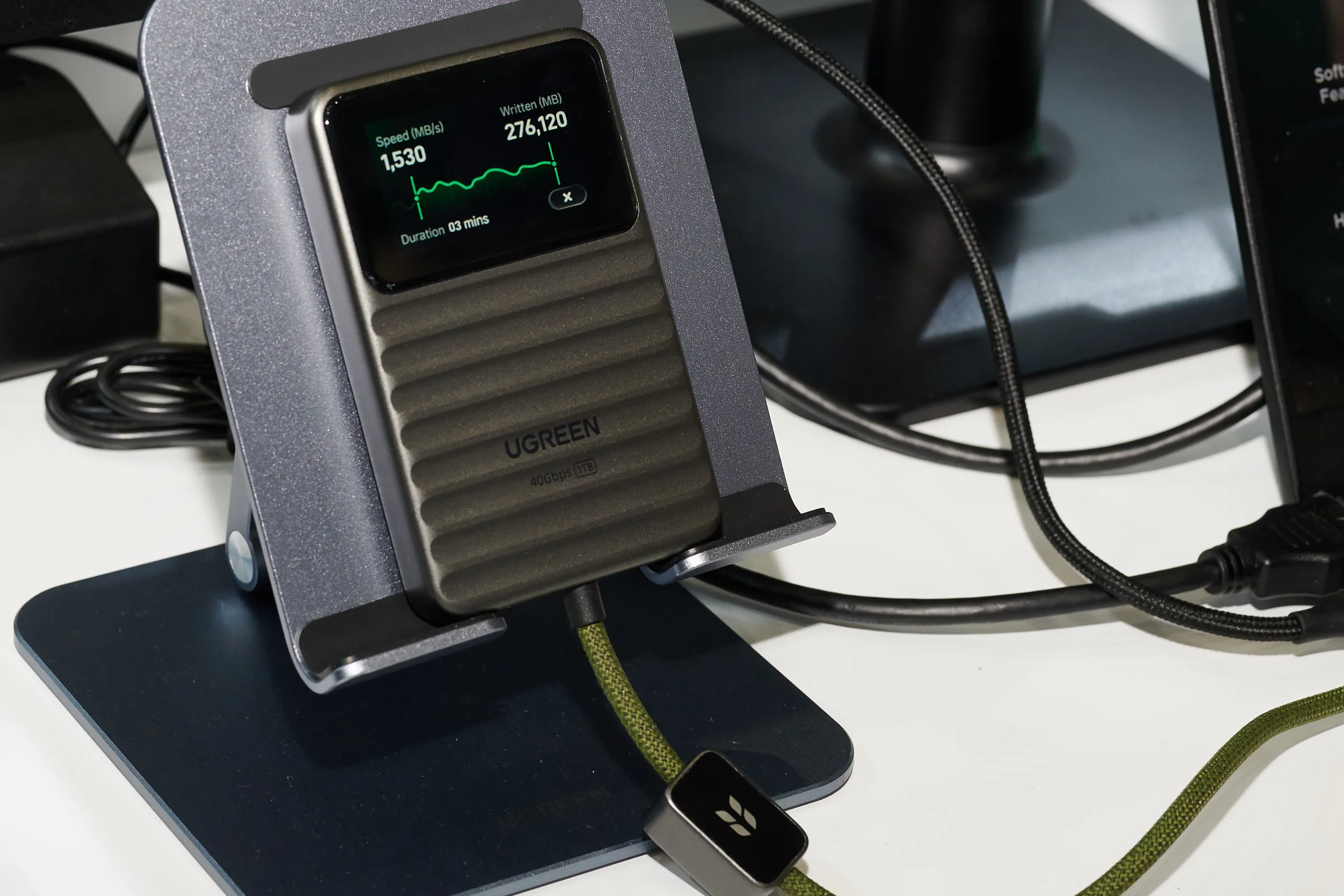
At Computex Taipei, Ugreen has showed off a new external SSD equipped with a status display that can also accept finger input. According to Ugreen, the Neodrive Go 40s is intended to offer several interesting features. However, it should be noted that this is currently only a demo. Ugreen is only showing what the final product is supposed to look like. The SSD does not have a built-in battery. To operate it, it therefore has to be connected to a host device such as a laptop via USB.
Once connected, it can provide various status information. According to the current plans, users will be able to monitor the temperature and also view the current speed when copying or moving data. Another planned data point is a feature for displaying TBW, meaning the condition of the flash cells. One of the demo screens also showed the speed negotiated via USB.
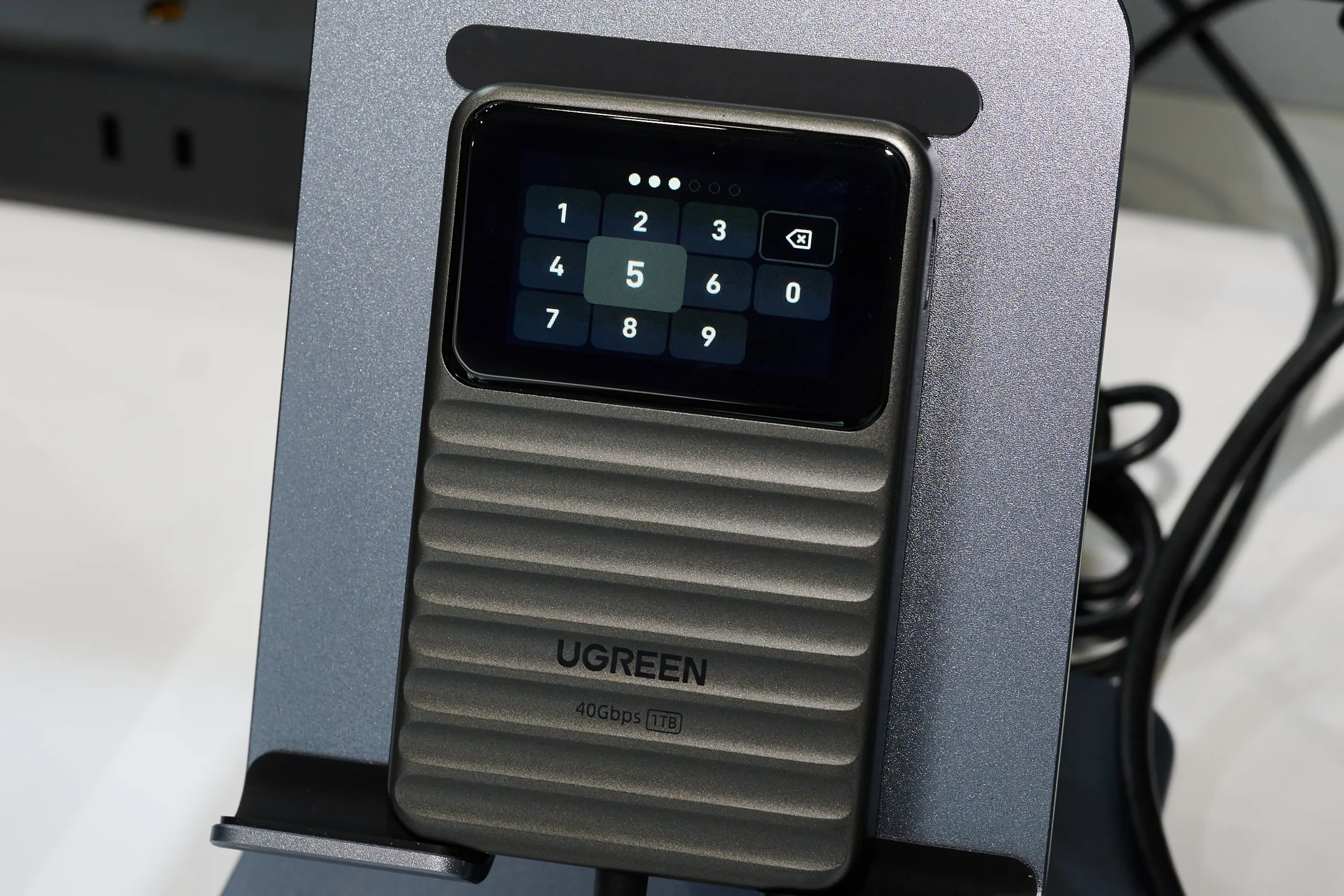
Overall, these features are very practical, since this information is often hidden deep in the system and is accessed differently on each operating system, or not at all in the case of some tablets and smartphones. Ugreen’s Neodrive Go 40s is also intended to offer a security feature. A password can be entered via the touchscreen to unlock the SSD. A number pad was shown as well, but there wouldn't be enough space for more complex passwords.
Ugreen could not yet say at Computex when the SSD will come to market. The same applies to pricing. The model shown was also only a demo unit for now. At least the capacities have already been confirmed. Ugreen plans to launch the SSD with 1, 2, or 4TB of storage.
Source(s)
Ugreen / Computex
 Add as a preferred source on Google


