




Verdict on the Huawei WiFi Mesh X3 Pro
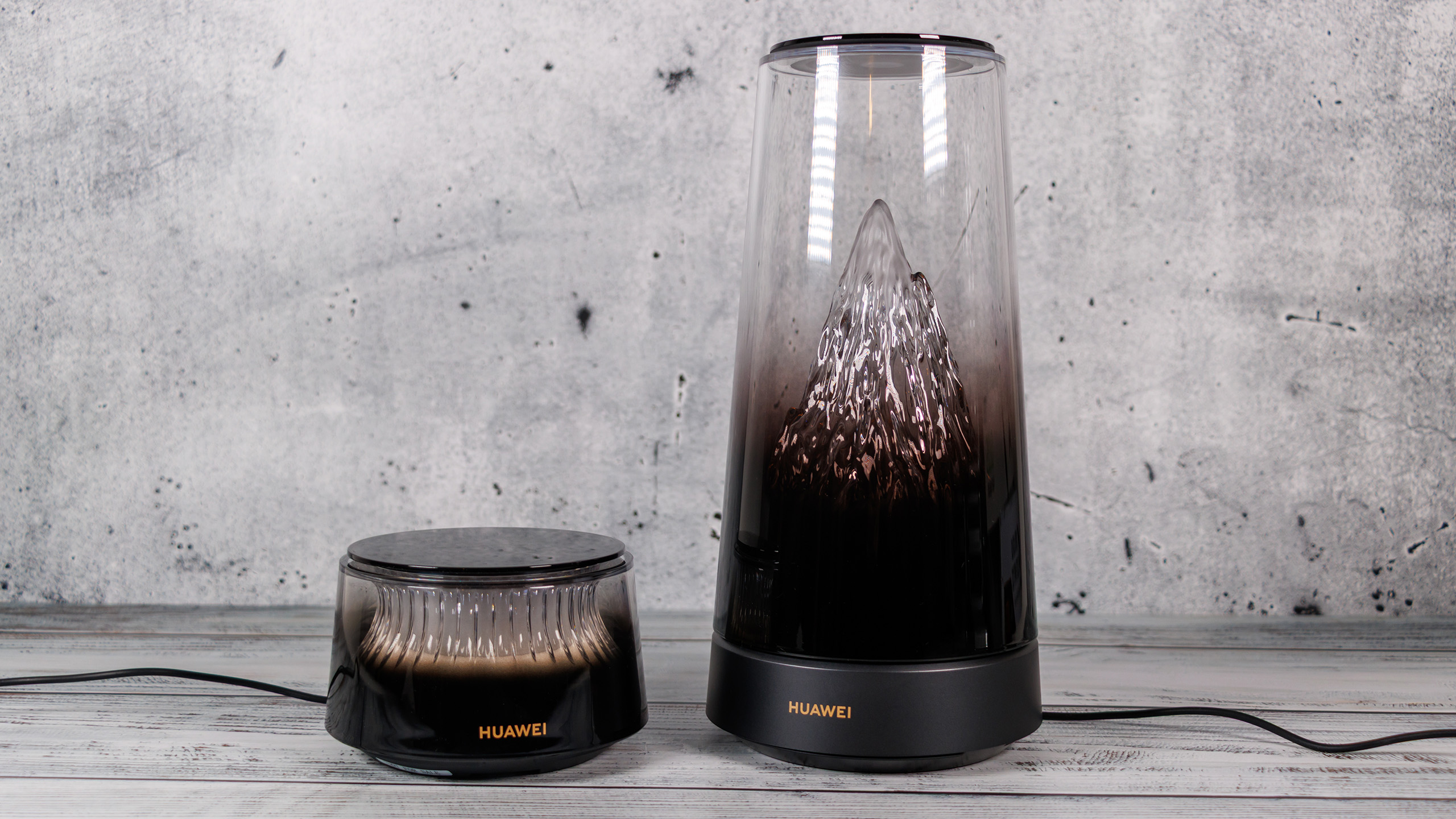
With the WiFi Mesh X3 Pro Suite, Huawei has created an unusual Wi-Fi router that deliberately aims to stand out from the competition. The illuminated mountain range is a real eye-catcher, and its automatic light control even adds practical value as decorative lighting.
But the system also impresses on the technical front. In our real-world test, the main router achieves around 2 Gbit/s at short range. Add to that the two 2.5-Gbit/s Ethernet ports, easy mesh setup, and pleasantly low power consumption. The surface temperature stays below 30 °C, while the active cooling system is practically inaudible during normal operation.
The biggest weaknesses lie in the feature set. Despite Wi-Fi 7, Huawei does without the 6-GHz band. The small number of Ethernet ports, lack of a USB interface, and limited advanced networking features also restrict its versatility.
Those looking for a powerful router with as many networking features as possible will find more flexible alternatives from the competition. Those who value an attractive design, straightforward operation, and high Wi-Fi speeds in everyday use, however, get an interesting overall package with the Huawei WiFi Mesh X3 Pro Suite.
Pros
Cons
With the WiFi Mesh X3 Pro Suite, Huawei is taking an unusual approach: Instead of making the Wi-Fi router as unobtrusive as possible, it aims to turn it into an eye-catching feature in the living room. To achieve this, the manufacturer combines an illuminated mountain range with modern Wi-Fi 7 technology and an additional mesh satellite. We took a closer look at the system, examining not only Wi-Fi speeds but also temperature, noise levels, and power consumption.
Specifications
| Features | Specifications |
| Wi-Fi | Wi-Fi 7 (802.11be), backward compatible |
| Frequency bands | 2.4 and 5 GHz |
| Wi-Fi class | BE3600, dual-band |
| Maximum data rate | 3,570 Mbps combined |
| 2.4 GHz | Up to 688 Mbps |
| 5 GHz | Up to 2,882 Mbps |
| MIMO | 2 x 2 MU-MIMO |
| Wi-Fi 7 features | MLO, 4K-QAM |
| Antennas | 6 per unit |
| Processor | Huawei Gigahome SoC |
| RAM | 512 MB per unit |
| Flash memory | 128 MB per unit |
| Router ports | 2x 2.5 Gbps WAN/LAN |
| Satellite ports | 1x Gigabit Ethernet |
| Mesh | Huawei WiFi Mesh+ |
| Security | WPA2/WPA3, firewall, HomeSec |
| Cooling | Active Shark-Fin cooling system |
| Configuration | Huawei AI Life, web interface |
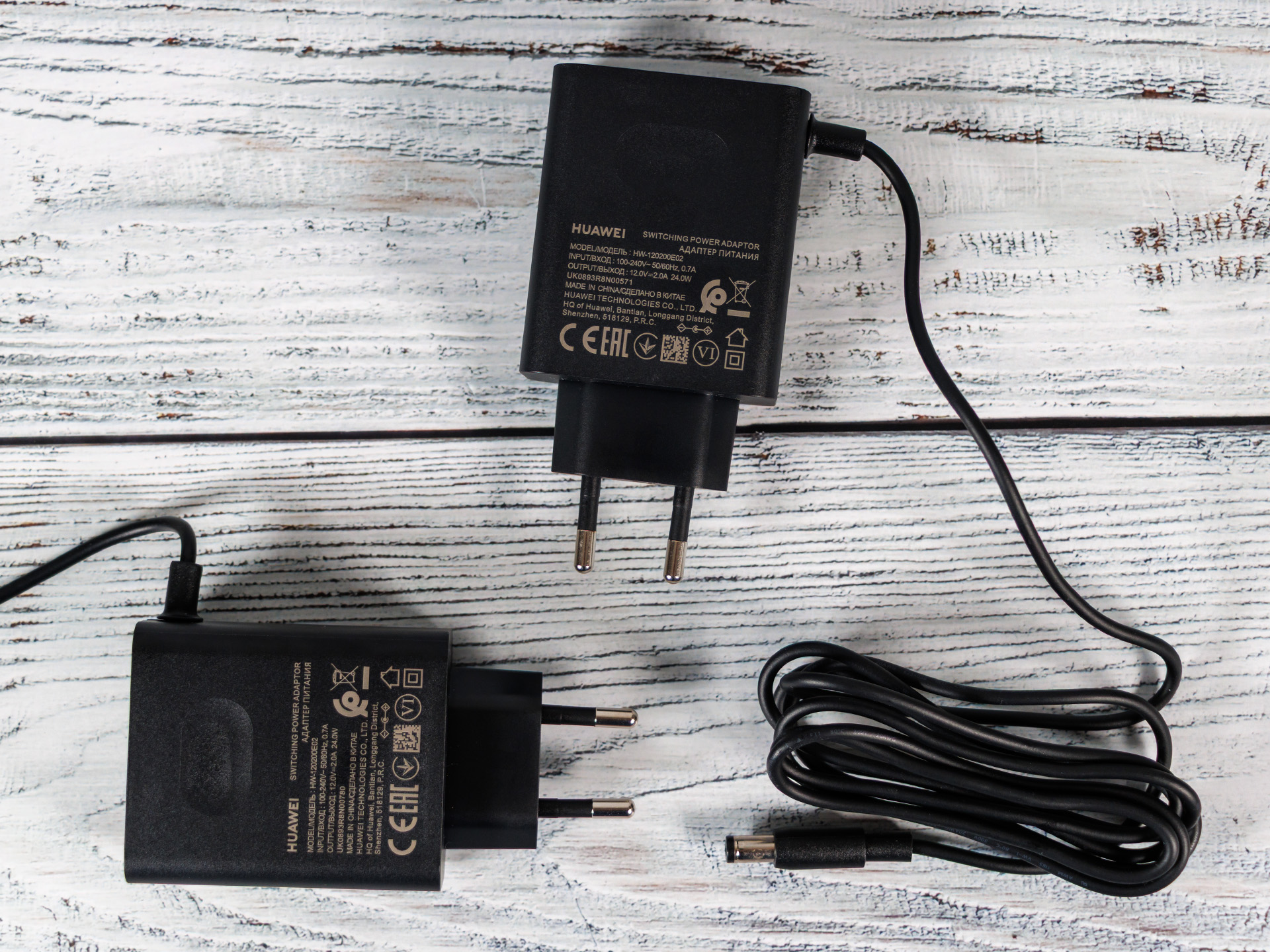
| Power supply | 12 V / 2 A |
| Maximum power consumption | 24 W per unit |
| Coverage | Over 120 m² (manufacturer's claim) |
| Set price (RRP) | 249 euros |
Body and features - A router as a design object
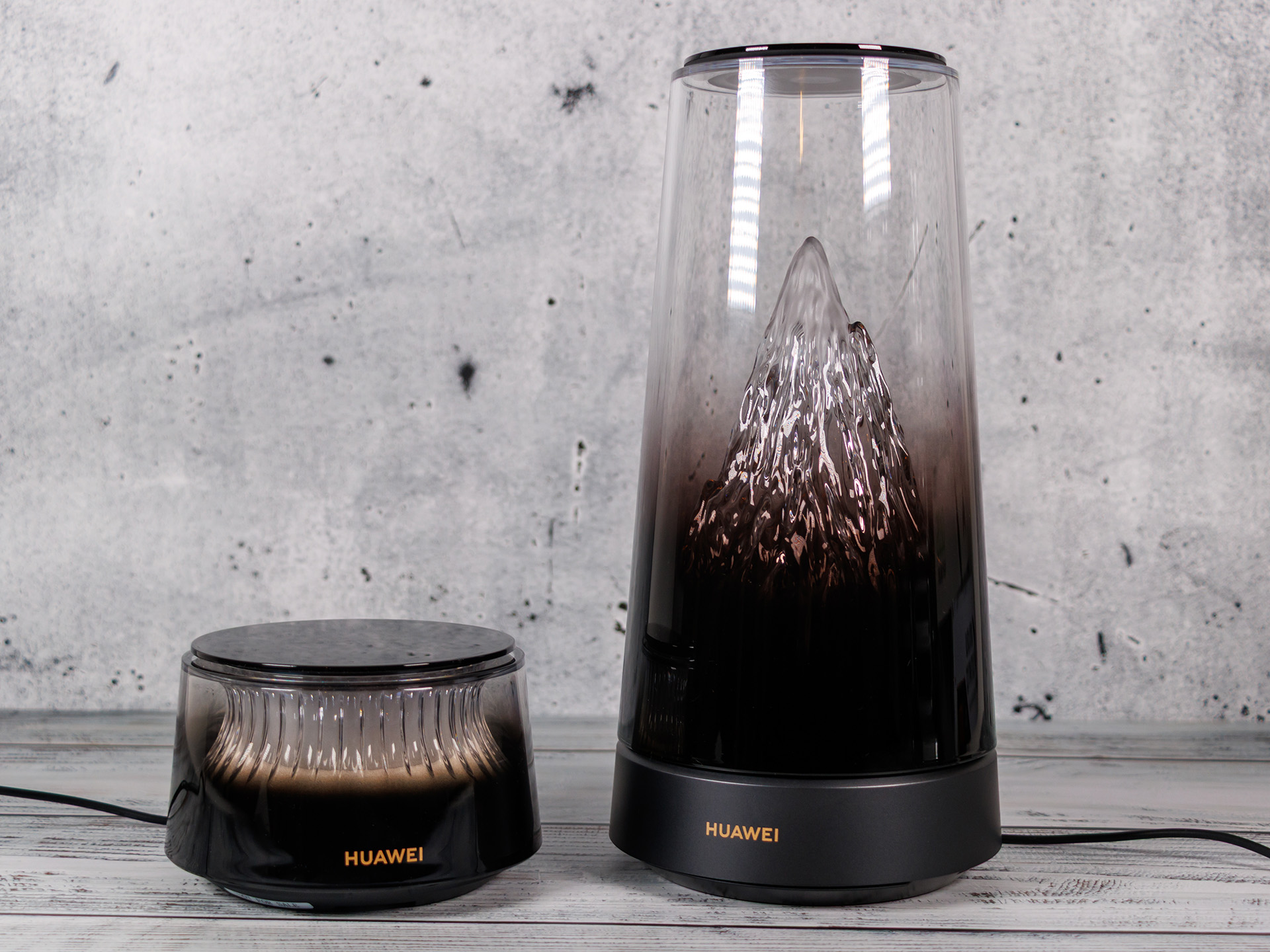
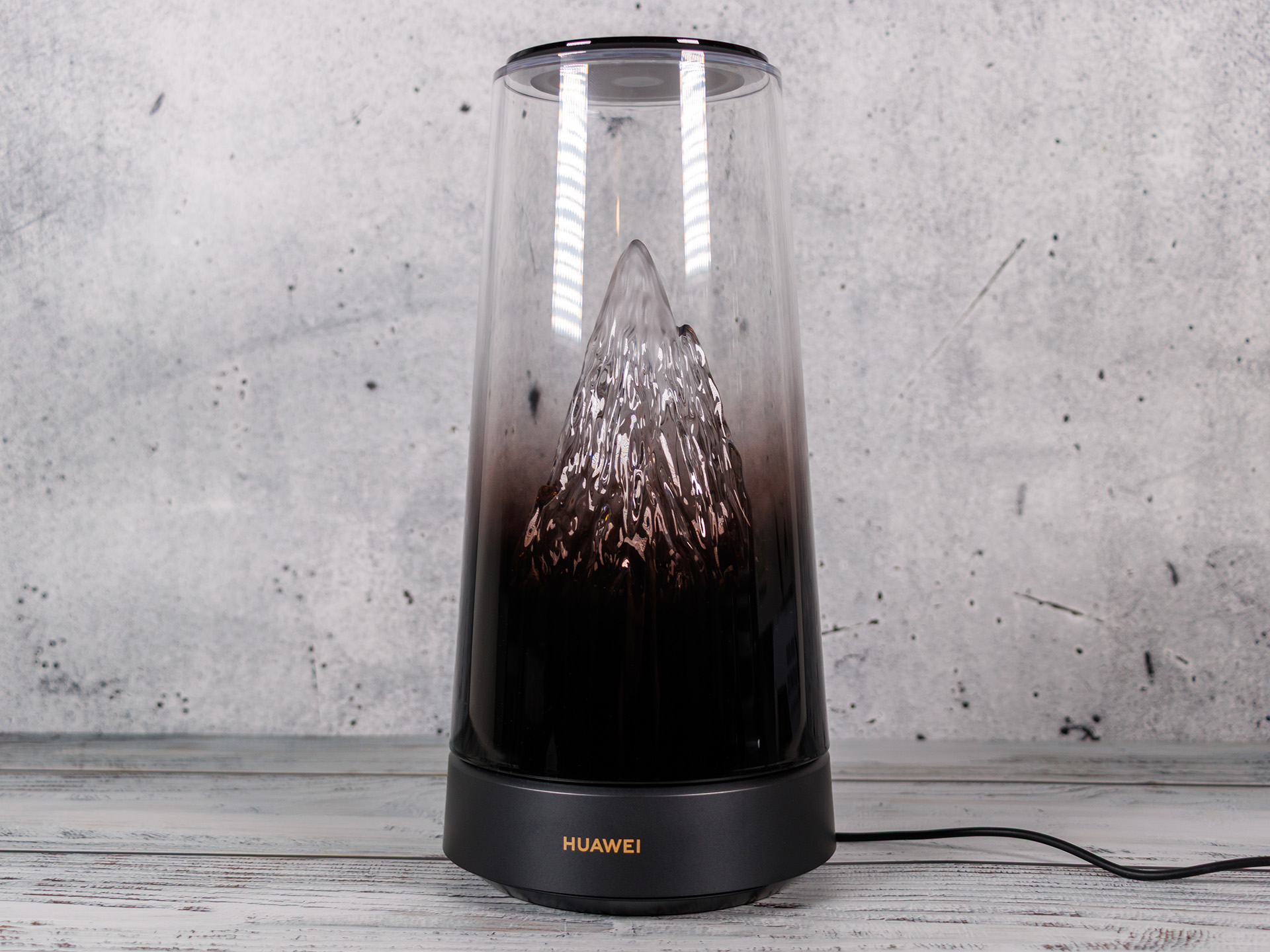
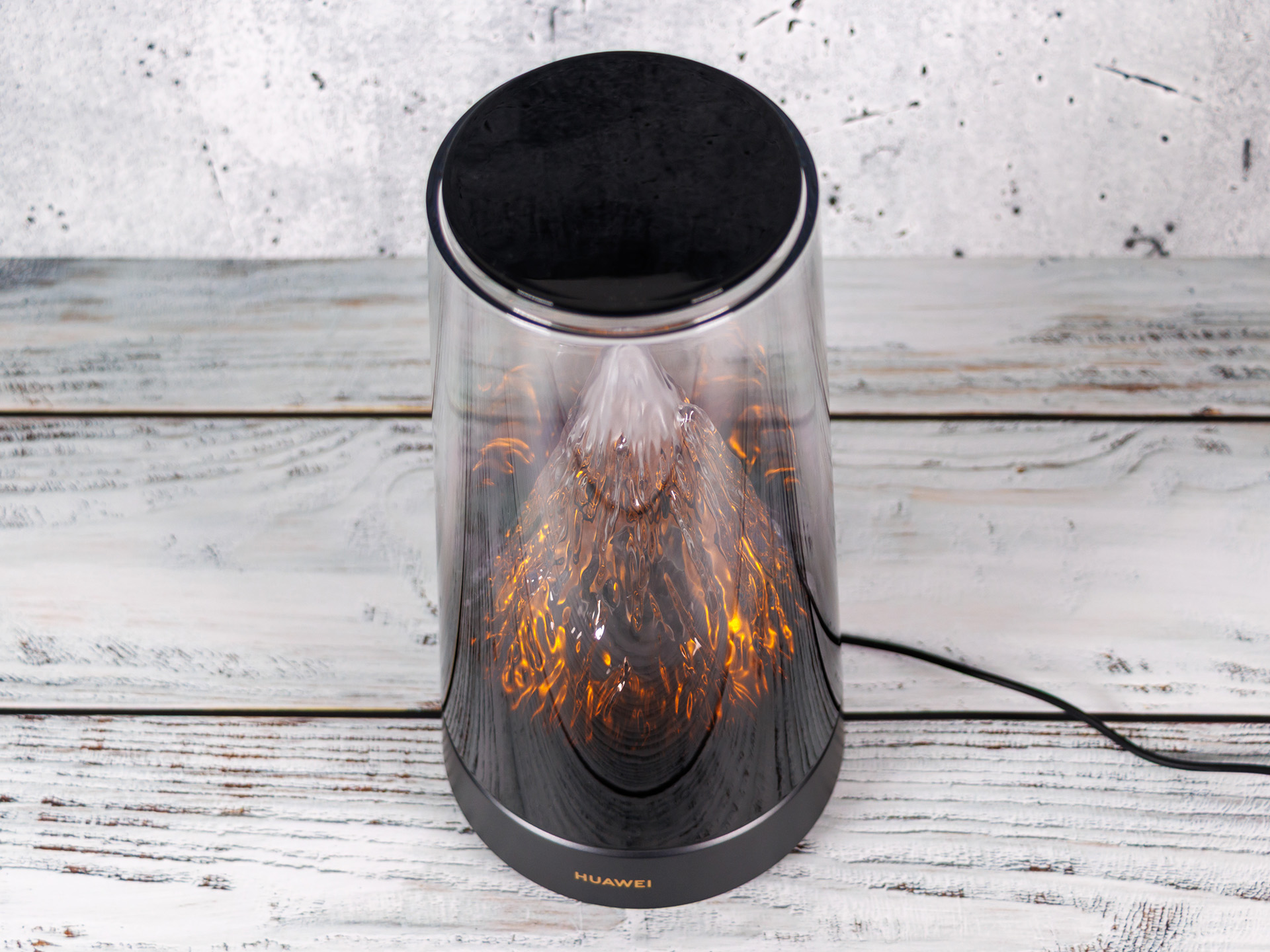
The most striking feature of the X3 Pro is undoubtedly its casing. Huawei employs a transparent design standing approximately 25 centimeters tall, featuring a three-dimensional mountain massif inside. Integrated lighting bathes the mountain peak in various hues, simulating effects such as the warm glow of a sunrise.
The "Golden Mountain Glow" system can automatically adjust its color temperature and brightness based on local sunrise and sunset times as well as weather conditions. Alternatively, the lighting and color temperature can be configured manually, and a scheduled shut-off function is also available.
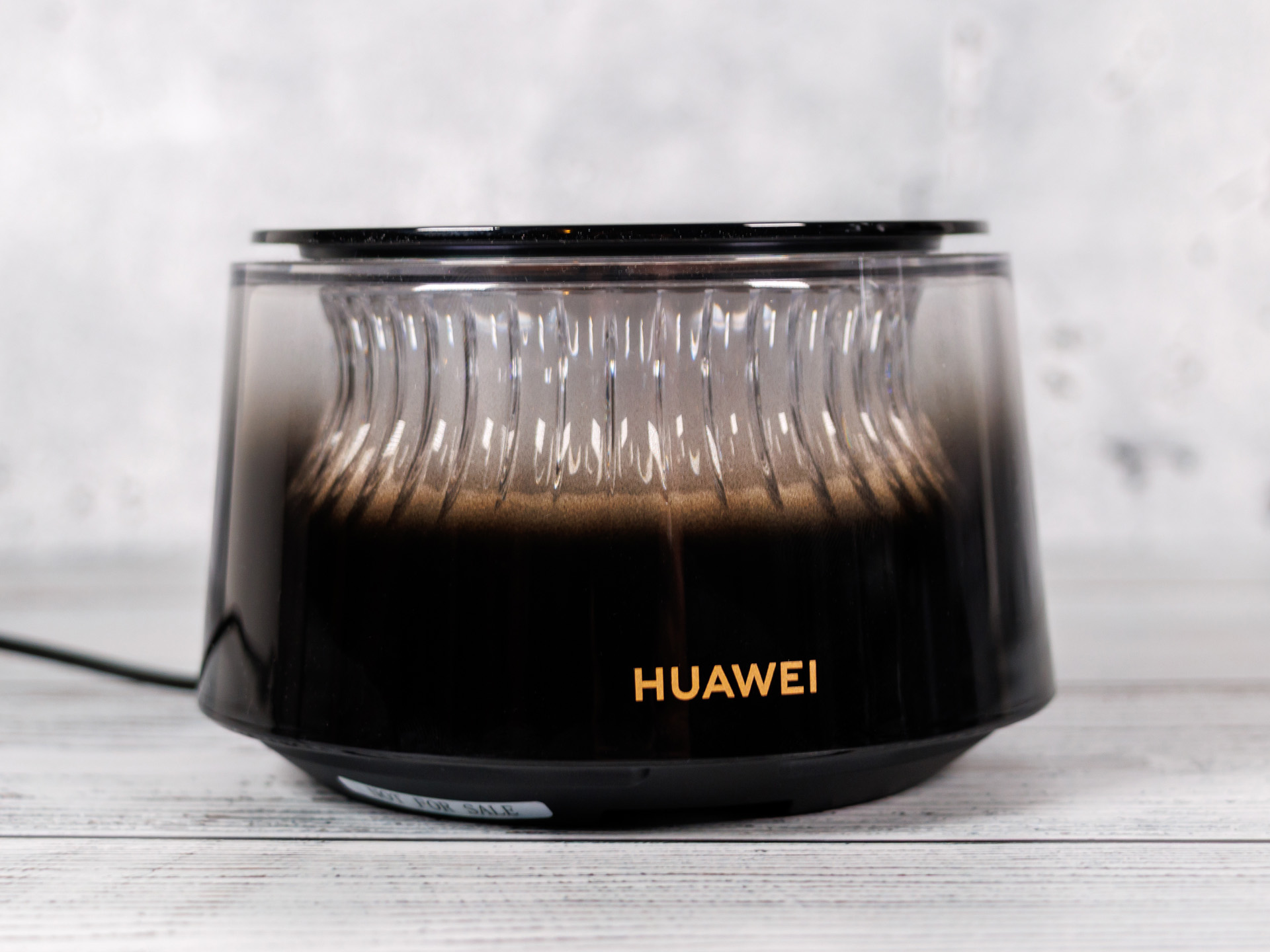
A unique feature is the control interface located on the top of the router; tapping the surface allows users to cycle through different lighting modes or turn the light off. The smaller mesh satellite echoes this design concept with a ring-shaped light element.
However, Huawei has focused on more than just aesthetics. Inside the main router, there are six antennas: two for the 2.4 GHz band and four for the 5 GHz band. One of the 5 GHz antennas is designed as a transparent metal mesh and is integrated directly into the mountain motif. The satellite also houses six antennas but does not feature the transparent design.
Standing 250.9 millimeters tall with a diameter of 123.2 millimeters, the main router requires a fair amount of shelf space and weighs approximately 790 grams. The satellite is significantly more compact, measuring 73.5 millimeters in height and weighing around 420 grams.
Ports - Fast, but not particularly plentiful
Huawei is rather sparing with wired interfaces. The main router offers two Ethernet ports, each supporting speeds of up to 2.5 Gbit/s. Both ports can automatically be used as WAN or LAN ports. This is welcome in principle, as it also allows internet connections above the gigabit threshold to be used. However, once one of the two ports is needed to connect to the modem or an existing network, only one port remains available for wired devices.
The mesh satellite has only a single Gigabit Ethernet port. Neither device has a USB port. Features such as directly sharing USB storage devices or printers are also absent. Anyone wanting to connect numerous devices by cable will therefore need to plan for an additional network switch.
Setup and software - Huawei AI Life makes many things easy
Setup is carried out via the Huawei AI Life App, which is available for Android, iOS and HarmonyOS. Alternatively, a browser-based configuration interface is available. The mesh system included in the Suite package is already configured to work together. Once the main router has been set up, the satellite can be automatically added to the network. According to Huawei, expansion units purchased separately require additional setup via QR code.
In addition to basic Wi-Fi settings, the app also offers parental controls that can limit usage times and block certain content. It also includes graphical Wi-Fi diagnostics, a view of network coverage and tips for improving the connection.
Huawei thus covers the essential requirements of a typical home network. However, demanding users will have to do without some advanced features. For example, DynDNS and integrated VPN server functionality for OpenVPN or WireGuard are missing. Some competing products also offer more options for fine-tuning Wi-Fi.


Connectivity - Wi-Fi 7 without 6 GHz
The Huawei WiFi Mesh X3 Pro supports the current Wi-Fi 7 wireless standard, but only on the 2.4 and 5 GHz frequency bands. On 2.4 GHz, speeds of up to 688 Mbit/s are theoretically possible, while the 5 GHz band reaches up to 2,882 Mbit/s. Combined, this yields the advertised data rate of 3,570 Mbit/s. However, this figure refers to the theoretical combined gross data rate of the wireless bands, not the actual achievable speed of a single data transfer. In our test, the Huawei system reaches around 2 Gbit/s in close proximity to the router.
Supported Wi-Fi 7 technologies include Multi-Link Operation (MLO) and 4096-QAM. With MLO, compatible devices can use multiple frequency bands simultaneously to optimize transmission. The higher-order 4096-QAM modulation enables more efficient data transmission under favorable reception conditions.
However, Huawei omits the 6 GHz band and the 320 MHz channels it enables. This limits the potential speed compared with more expensive tri-band routers.
Mesh function - More range with an additional satellite
The Huawei WiFi Mesh+ system is designed to extend Wi-Fi coverage to larger apartments and houses. Devices can automatically switch between the main router and the satellite as the user moves around the apartment. Huawei advertises roaming delays of less than 50 milliseconds. In practice, however, a smooth handover also depends on the device being used and the signal quality.
For the Suite system, the manufacturer specifies coverage of over 120 m². In the setup guide, Huawei recommends placing the satellite no more than ten meters from the main router if possible. Since the system only has two wireless bands, the wireless connection between the router and the satellite must share the available wireless capacity with connected devices. There is no dedicated backhaul band. Alternatively, the units can be connected to each other via Ethernet, which is particularly useful over longer distances.
Emissions - Cool and quiet operation
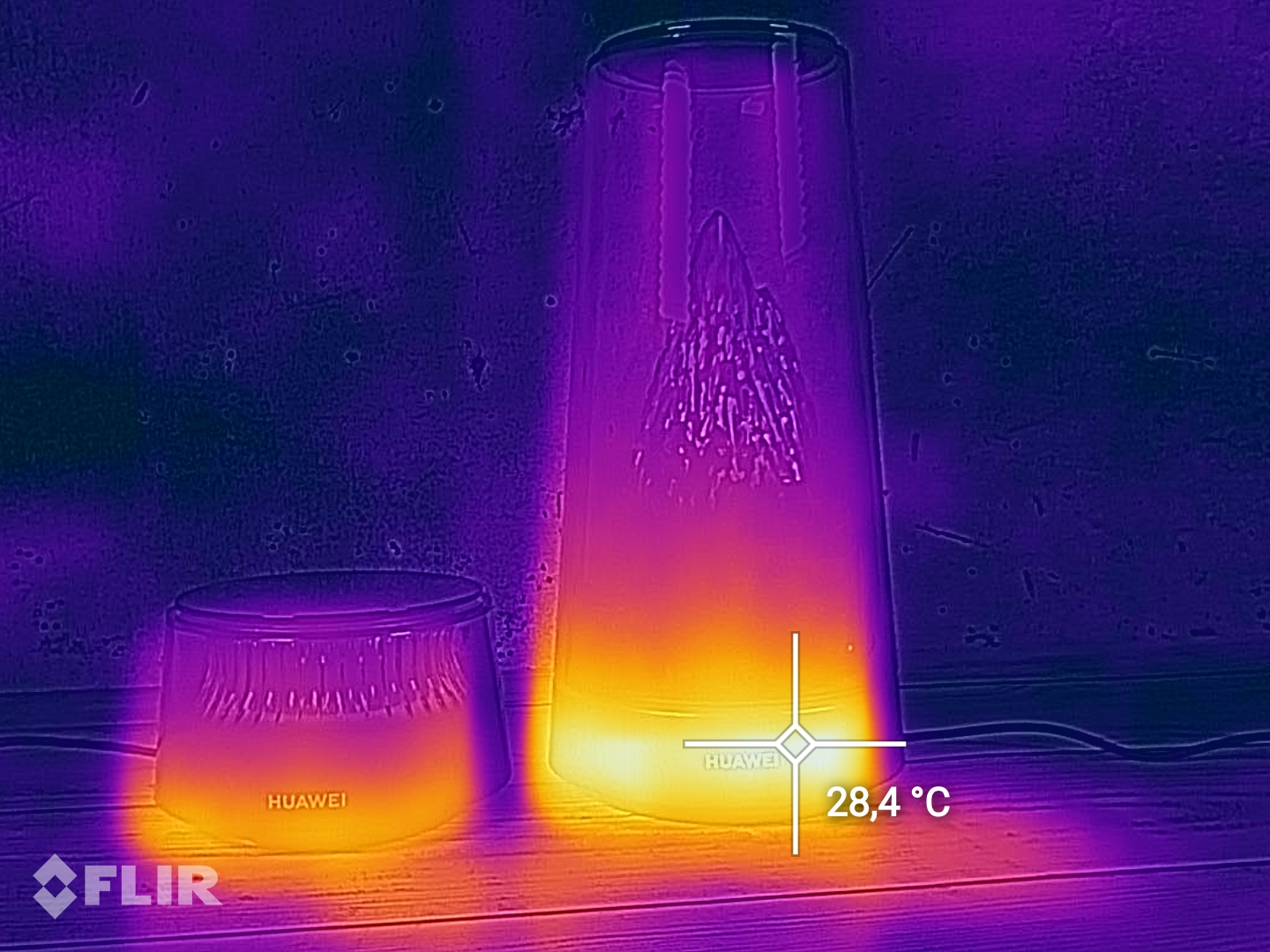
Huawei integrates an active cooling system marketed under the name “Shark Fin”. A fan and a special airflow design are intended to carry waste heat out of the housing and maintain stable performance even under prolonged load. In our test, the router becomes noticeably warm during operation, but the measured surface temperature remains below 30 °C. Heat buildup therefore remains within a safe range.
The noise levels are even more pleasing. During normal operation, the fan is inaudible to us. Even when we hold our ear directly against the housing, no fan noise can be heard. While this does not yet allow us to draw conclusions about the fan's behavior under sustained full load, the active cooling is not intrusive in everyday use.
The Huawei router also proves impressively economical in terms of power consumption. At idle with the lighting enabled, we measure between 3.40 and 6.46 watts.
Transparency
The selection of devices to be reviewed is made by our editorial team. The test sample was provided to the author as a loan by the manufacturer or retailer for the purpose of this review. The lender had no influence on this review, nor did the manufacturer receive a copy of this review before publication. There was no obligation to publish this review. As an independent media company, Notebookcheck is not subjected to the authority of manufacturers, retailers or publishers.
This is how Notebookcheck is testing
Every year, Notebookcheck independently reviews hundreds of laptops and smartphones using standardized procedures to ensure that all results are comparable. We have continuously developed our test methods for around 20 years and set industry standards in the process. In our test labs, high-quality measuring equipment is utilized by experienced technicians and editors. These tests involve a multi-stage validation process. Our complex rating system is based on hundreds of well-founded measurements and benchmarks, which maintains objectivity. Further information on our test methods can be found here.
 Add as a preferred source on Google


No comments for this article
