




Skimping on cooling? Why Gigabyte's Gaming A18 Pro doesn't perform better
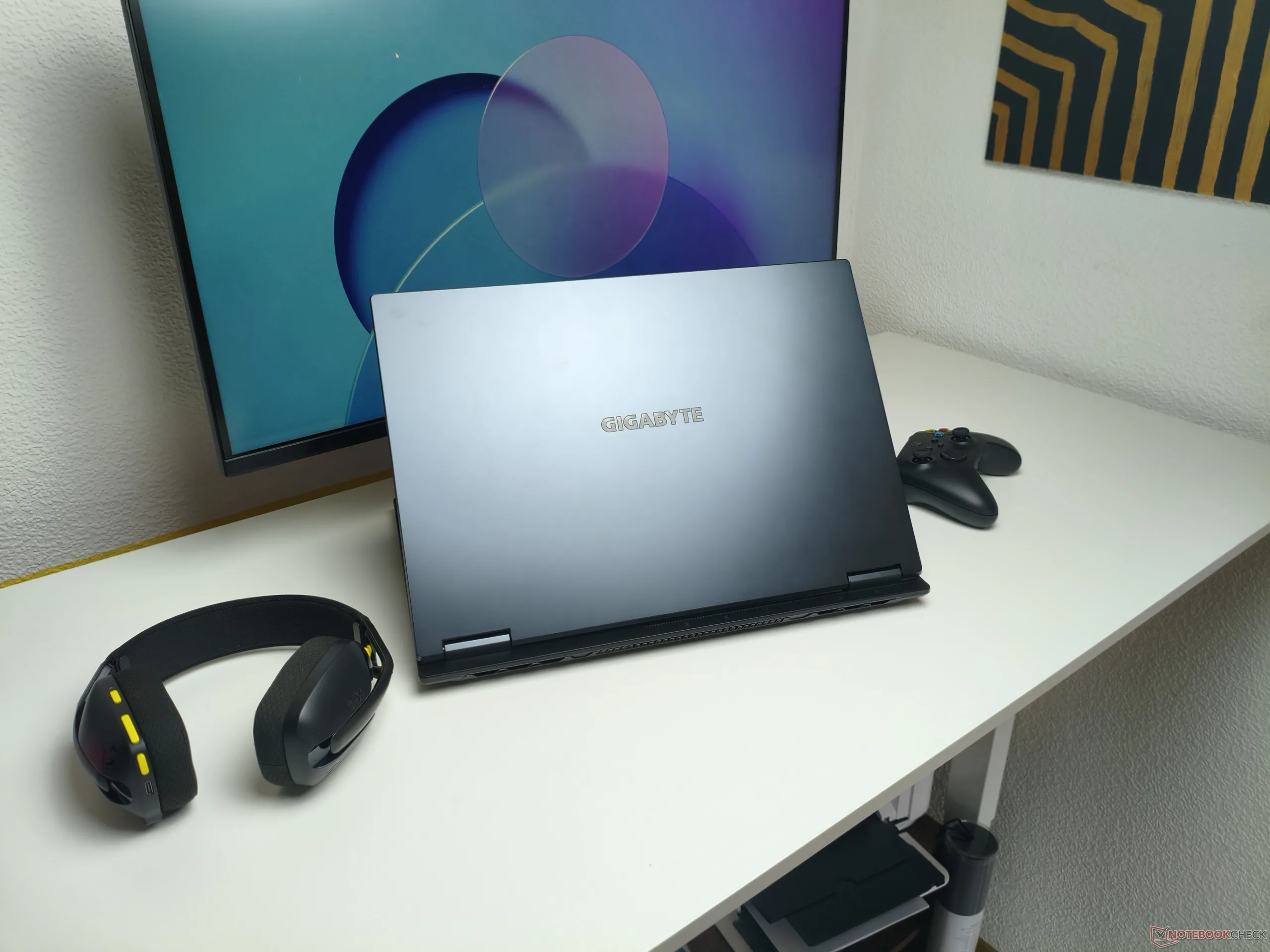
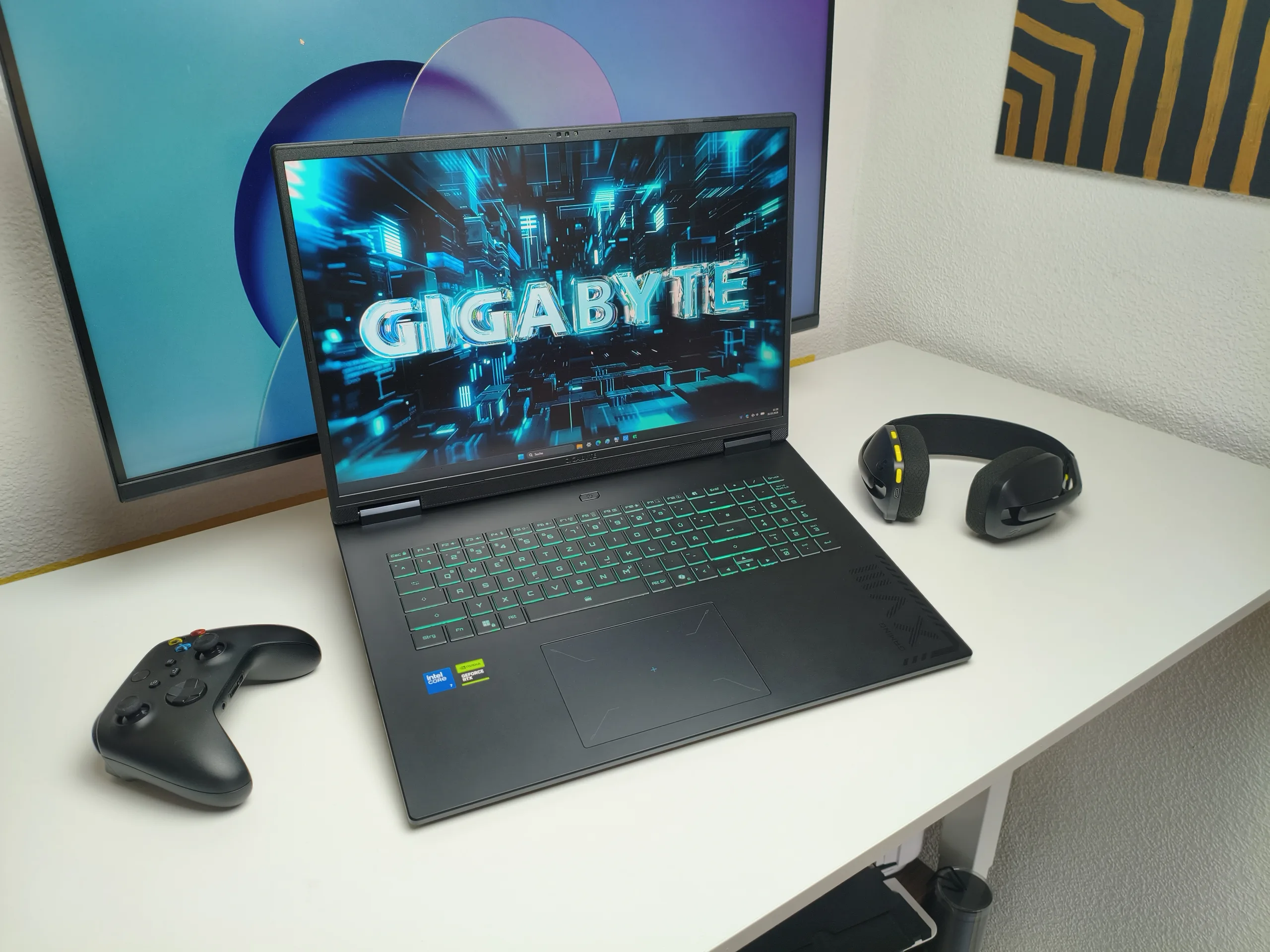
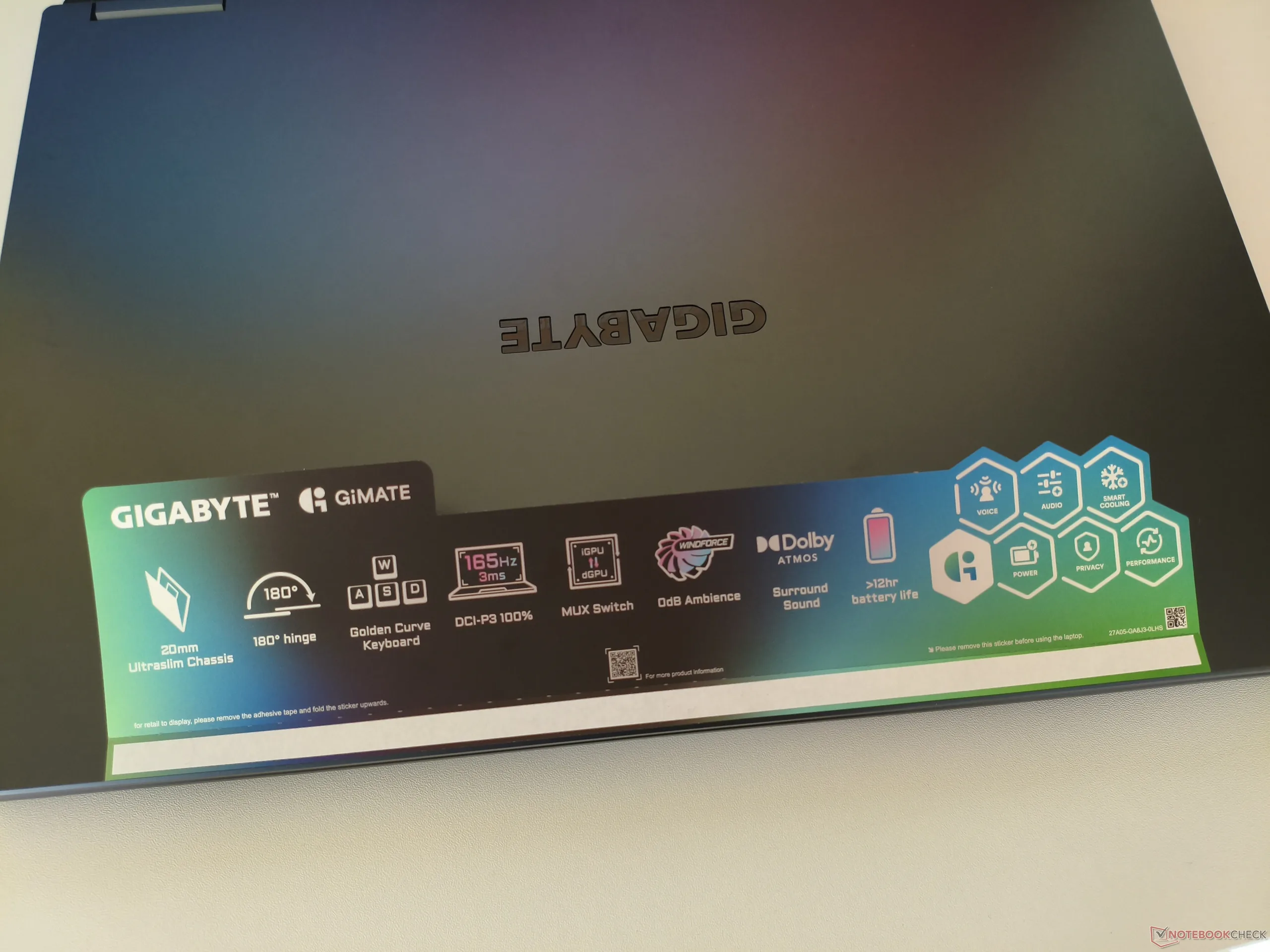
With the Gaming A18 Pro, Gigabyte is trying to make a splash in the market for powerful 18-inch laptops. As our recent review showed, the system does have its strengths. The input devices, the IPS display's color gamut with full DCI-P3 coverage, and the open M.2 slot are all positives. Thanks to the relatively efficient Core 7 240H, power consumption is also fairly moderate.
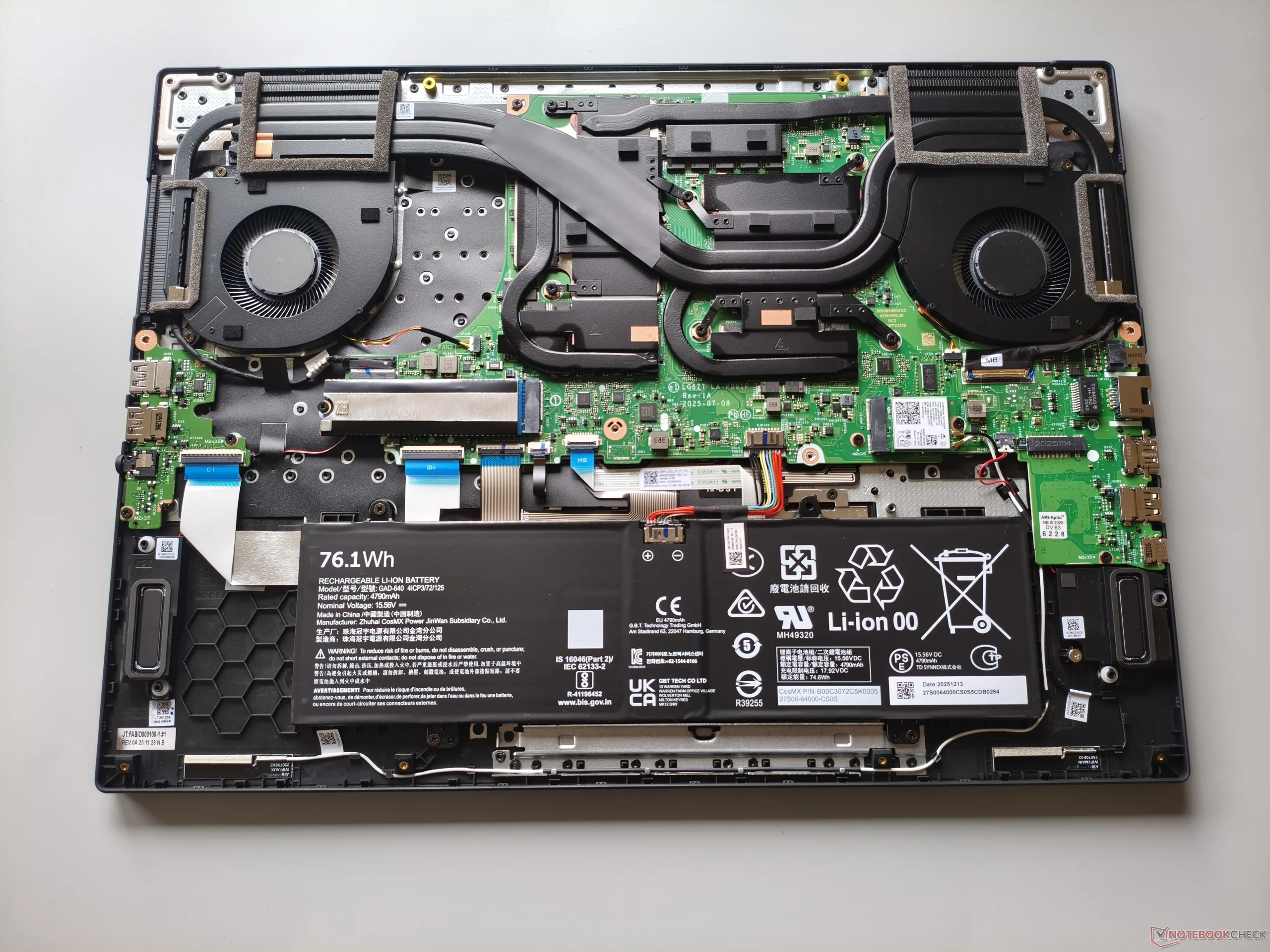
However, there is still room for improvement when it comes to the balance between noise levels and performance. If the Balanced mode is used, the cooling system does stay below 50 dB(A), but the GeForce RTX 5070 Ti in our review unit then falls well short of its full potential.
Game mode is not ideal either. Although 3D performance increases noticeably, some competitors such as the MSI Vector A18 are faster while also producing less noise, as the tables show. In Cyberpunk 2077, for example, the MSI system reaches about 50 dB(A), while the Gigabyte system hits an annoyingly loud 57 dB(A), which is hard to tolerate without a headset. The very thin chassis is likely the main reason, measuring just 1.0 instead of 1.3 inches thick compared to the Vector 18.
| 3DMark Performance rating - Percent | |
| MSI Vector A18 HX A9W | |
| Average NVIDIA GeForce RTX 5070 Ti Laptop | |
| Average of class Gaming | |
| Gigabyte Gaming A18 Pro | |
| 3DMark 11 - 1280x720 Performance GPU | |
| Average NVIDIA GeForce RTX 5070 Ti Laptop (49092 - 61651, n=16) | |
| MSI Vector A18 HX A9W | |
| Gigabyte Gaming A18 Pro | |
| Average of class Gaming (21841 - 80022, n=102, last 2 years) | |
| Gigabyte Gaming A18 Pro Core 7 240H, GeForce RTX 5070 Ti Laptop | MSI Vector A18 HX A9W R9 9955HX, GeForce RTX 5070 Ti Laptop | |
|---|---|---|
| Noise | ||
| off / environment * (dB) | 26 | 22.5 |
| Idle Minimum * (dB) | 28 | 26 |
| Idle Average * (dB) | 31 | 26 |
| Idle Maximum * (dB) | 34 | 32 |
| Load Average * (dB) | 49 | 44.4 |
| Cyberpunk 2077 ultra * (dB) | 57 | 49.8 |
| Load Maximum * (dB) | 58 | 61.6 |
* ... smaller is better
 Add as a preferred source on Google


