




Samsung gives the Galaxy S26 Ultra a creator-focused video codec
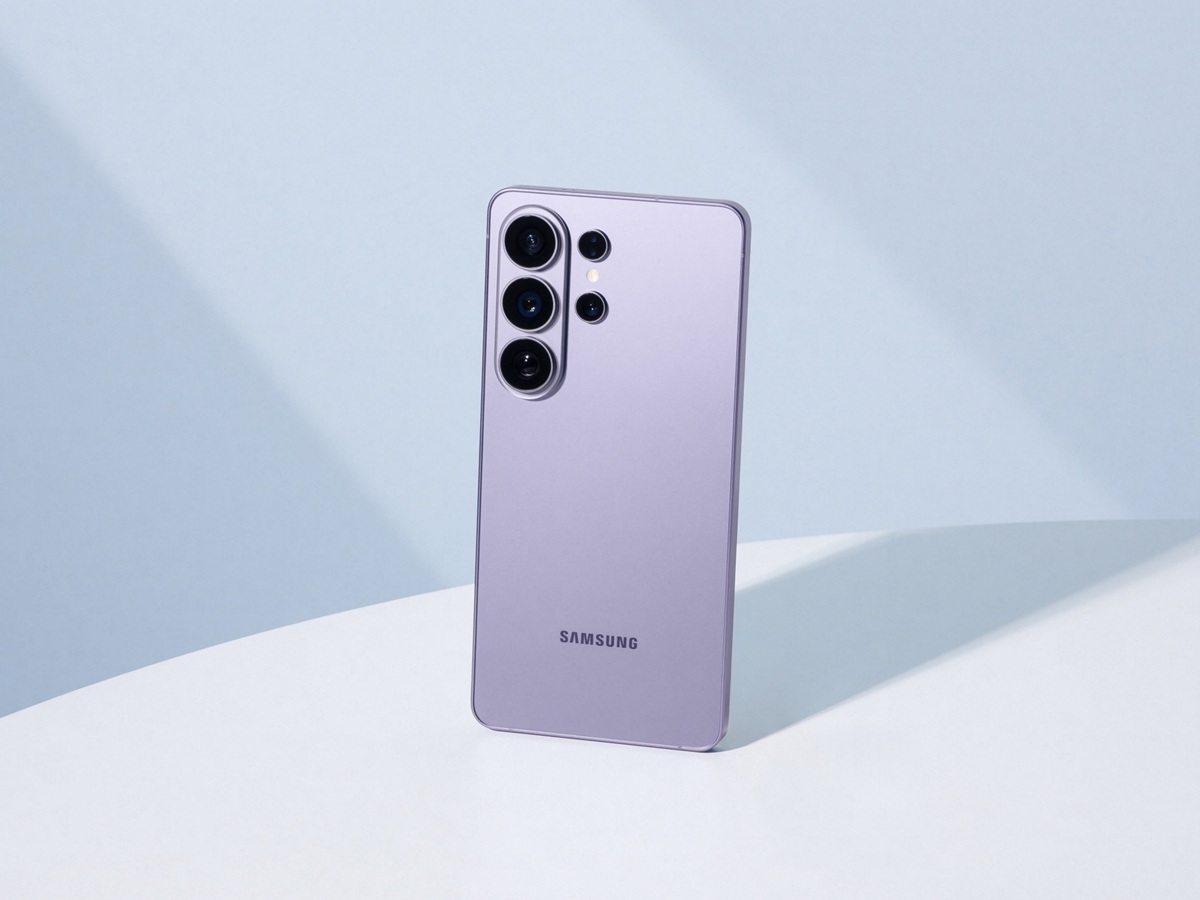
Samsung has published a new official explainer for the Galaxy S26 Ultra’s Advanced Professional Video (APV) codec, putting fresh attention on one of the phone’s more niche creator features. In the March 23 post, Samsung says the Galaxy S26 Ultra is the first Galaxy device to support APV, a "professional-grade" video codec developed with Qualcomm for higher-quality mobile production workflows.
Samsung says APV is designed to preserve more visual information during capture and editing than more common smartphone codecs. In its explainer, the company contrasts APV with HEVC, saying heavier compression can blur fine details such as textures, water droplets, and motion after repeated encoding, while APV is meant to hold up better through post-production.
Samsung says APV can record up to 8K at 30 fps
The company says APV on the Galaxy S26 Ultra supports recording at up to 8K resolution at 30 frames per second. Samsung also says the codec uses about 10% less storage than comparable formats while maintaining the same objective visual quality.
Samsung’s developer documentation adds more detail on the implementation. According to that page, the Galaxy S26 Ultra supports APV 422 HQ and APV 422 LQ profiles, with APV recording available across resolutions from HD up to 8K, depending on frame rate. Samsung also says APV recording can be used with both internal and external storage, provided internal storage has at least 10% free space for continued recording.
HDR, Log, and direct external recording are part of the setup
Samsung says users can enable APV through Camera > Settings > Video Format > APV and then choose between APV HDR and APV Log. The company also offers a choice between APV 422 HQ for higher-quality capture and APV 422 LQ for lighter files. Samsung says footage can be recorded directly to external USB storage, which is likely to matter more for longer-form shoots and heavier editing workflows.
Samsung first introduced APV as part of the Galaxy S26 series launch in February, where it described the codec as a new production-focused option for advanced creators. The new March 23 post does not change the phone’s hardware, but it does give Samsung a clearer way to market the Galaxy S26 Ultra to users who care more about video workflows than headline AI features.
In a separate March 23 announcement, Samsung also said it is bringing AirDrop support to Quick Share on the Galaxy S26, Galaxy S26+, and Galaxy S26 Ultra, adding another software-focused feature to the new flagship lineup.
It is worth noting that Apple introduced ProRes, its proprietary 4:2:2 video codec, to its phones years ago. The Samsung Developer article linked below makes no attempt to compare APV to ProRes.
 Add as a preferred source on Google


