




Powerful fast charging hub with DC port: Ugreen Nexode Pro 300W Desktop Charger review
A powerhouse with limits.
The Ugreen Nexode Pro 300W Desktop Charger has what it takes to replace all the charging bricks or adapters from the desk, including the laptop charger. While there's room for improvement, it's quite efficient, and the built-in display is pretty versatile.Abid Ahsan Shanto Published 🇳🇱 🇫🇷 ...
Verdict – Plenty of power and smart features, but not quite the perfect one-charger solution
With six USB-C ports, one USB-A, and one 240W DC port, the Ugreen Nexode Pro 300W Desktop Charger stands as a powerful charging hub that can power all devices kept on a desk. The built-in display has smart features, and the app support with WiFi controls is a nice bonus.
It's pretty efficient as well, and doesn't get too hot during prolonged high-power output sessions. The display also shows accurate power readings, and the overall design is quite sleek.
However, Ugreen doesn't include a DC cable with the desktop charger, and the package lacks laptop charging adapters. The limited port availability of the DC Turbo Charging mode, especially in the 20V setting, is another aspect that potential buyers should consider.
Pros
Cons
Price and availability
The Ugreen Nexode Pro 300W Desktop Charger launched with a regular retail price tag of $199.99. It's available on the official store and on Amazon.

Table of Contents
- Verdict – Plenty of power and smart features, but not quite the perfect one-charger solution
- Specifications
- The package content is minimal, and that's a problem
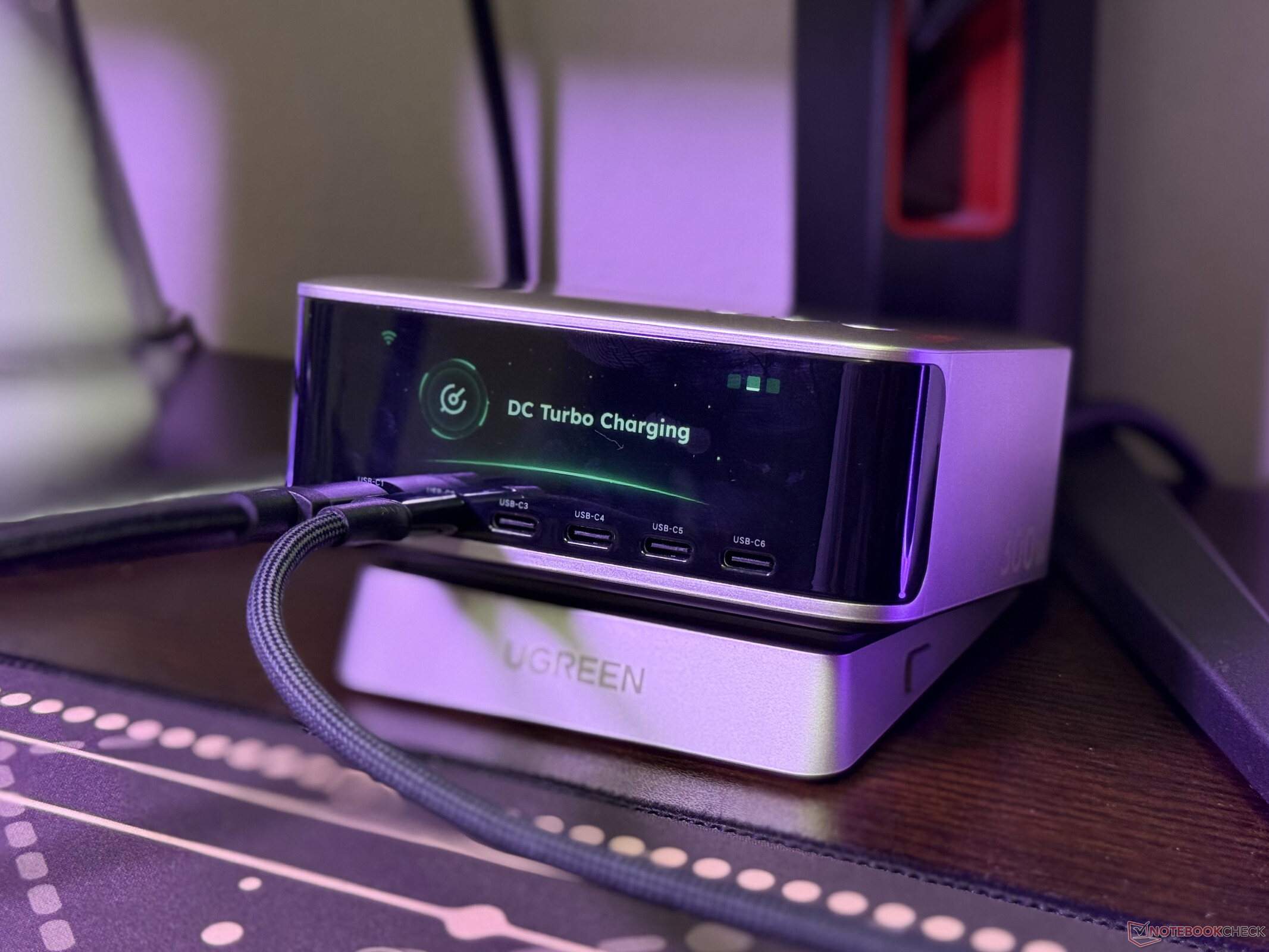
- Ugreen Nexode Pro 300W Desktop Charger looks sleek, and it has a multifunction screen
- This desktop charger has eight ports and can power seven devices simultaneously
- The charger is quite efficient, and it shows accurate power output readings
- Ugreen Nexode Pro 300W Desktop Charger has advanced app support with over-the-WiFi controls
Ugreen released the Nexode Pro 300W Desktop Charger as a direct competitor to the Cuktech 30 Ultra Charging Station that we recently reviewed. Like Cuktech's model, there's a DC port, which allows it to stand as a replacement for the laptop charger, but there are some aspects where Ugreen's charging solution lags behind, and there's a potential deal-breaking aspect for some of the targeted customers.
Specifications
| Number of ports | 6x USB-C, 1x USB-A, and 1x DC |
| Total output power | 300W |
| Input voltage | 240V |
| Package contents | 1x AC cable, 1x base, 1x user manual, and 1x desktop charger |
The package content is minimal, and that's a problem
Ugreen doesn't include much in the package of the Nexode Pro 300W Desktop Charger. In the box, there's the charger itself, a stand, a user manual, and a power cable. While this set of included items is fine for the average user, the lack of a cable for the DC port and laptop charging adapters is a problem.
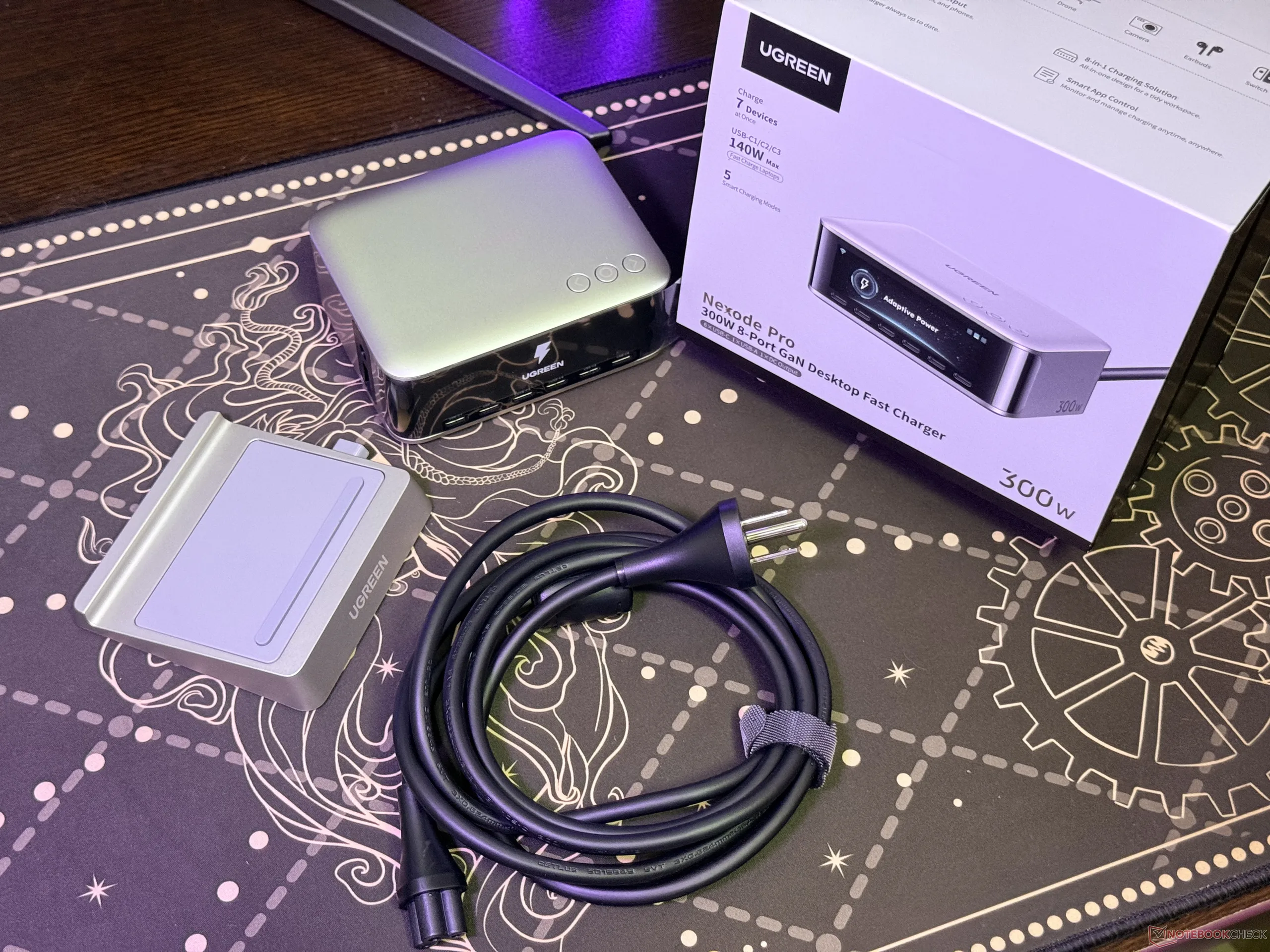
For instance, the competing Cuktech 30 Ultra comes with a high-quality DC male-to-male cable, and as we noted in our review, the package also includes adapters for laptops from Lenovo, HP, Dell, Acer, Asus ROG, Razer, and MSI.
In the case of the desktop charger from Ugreen, two separate purchases are required to charge laptops through the DC port. One of them is a male-to-male 5525 cable, and the second one is the right charging adapter for the laptop. Among the two, the latter can be a bit challenging to acquire in some regions.
Ugreen Nexode Pro 300W Desktop Charger looks sleek, and it has a multifunction screen
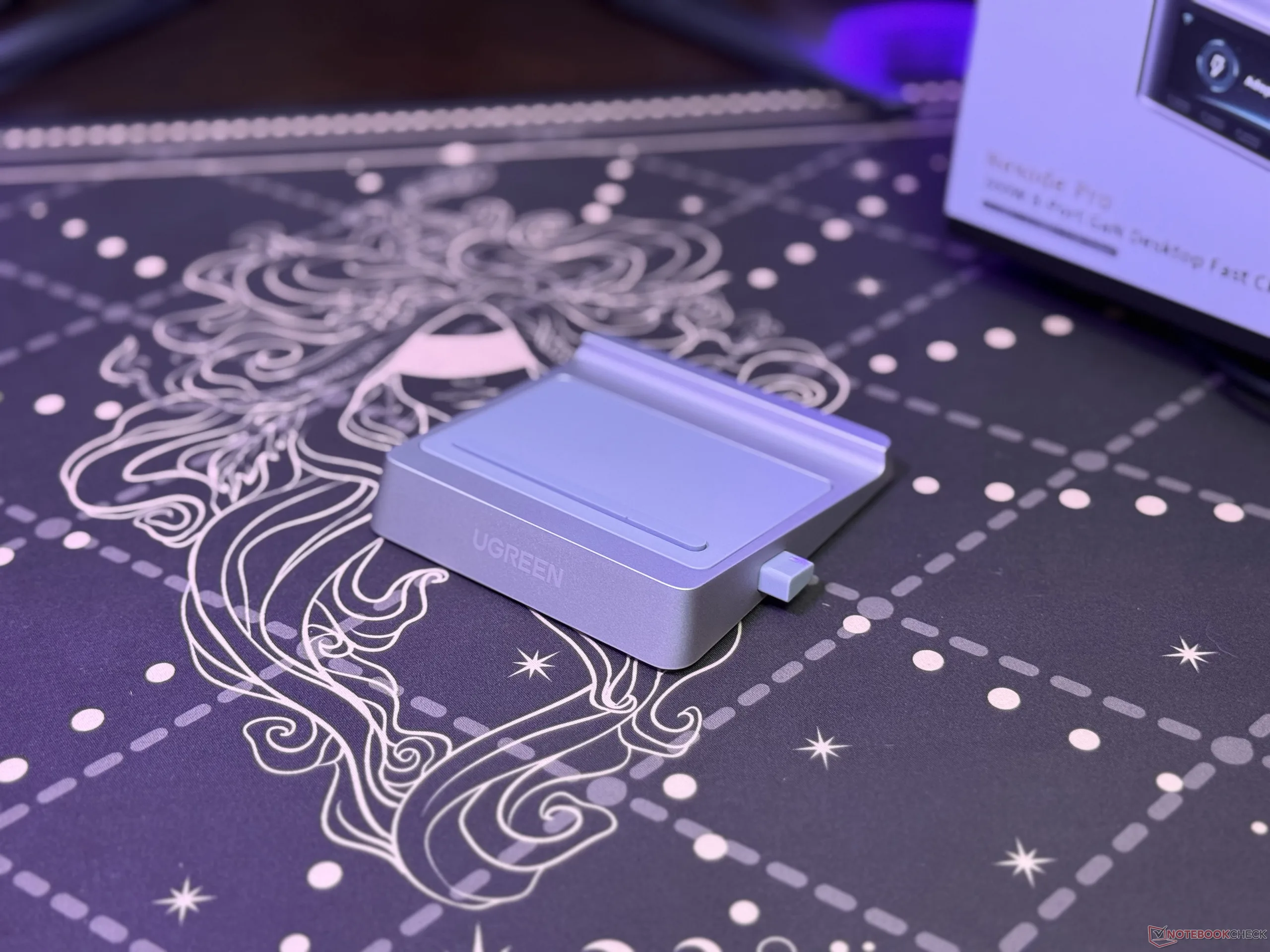
Moving beyond the packaging, the desktop charger itself has a sleek overall outlook, and it should blend perfectly on top of desks. The included stand is adjustable, offering a one-step height adjustment, and the buttons on the top allow easy management of the charging modes and other settings.
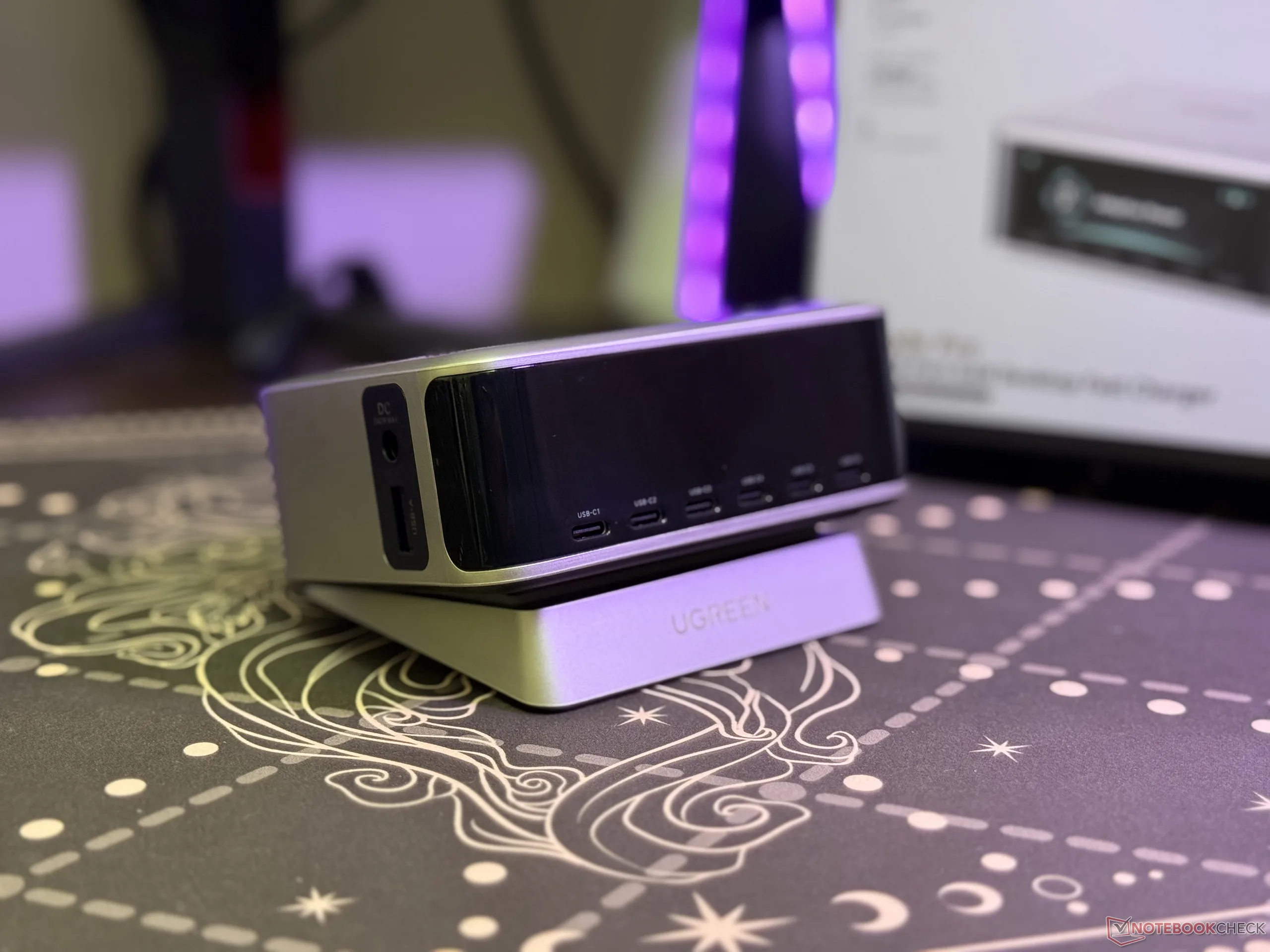
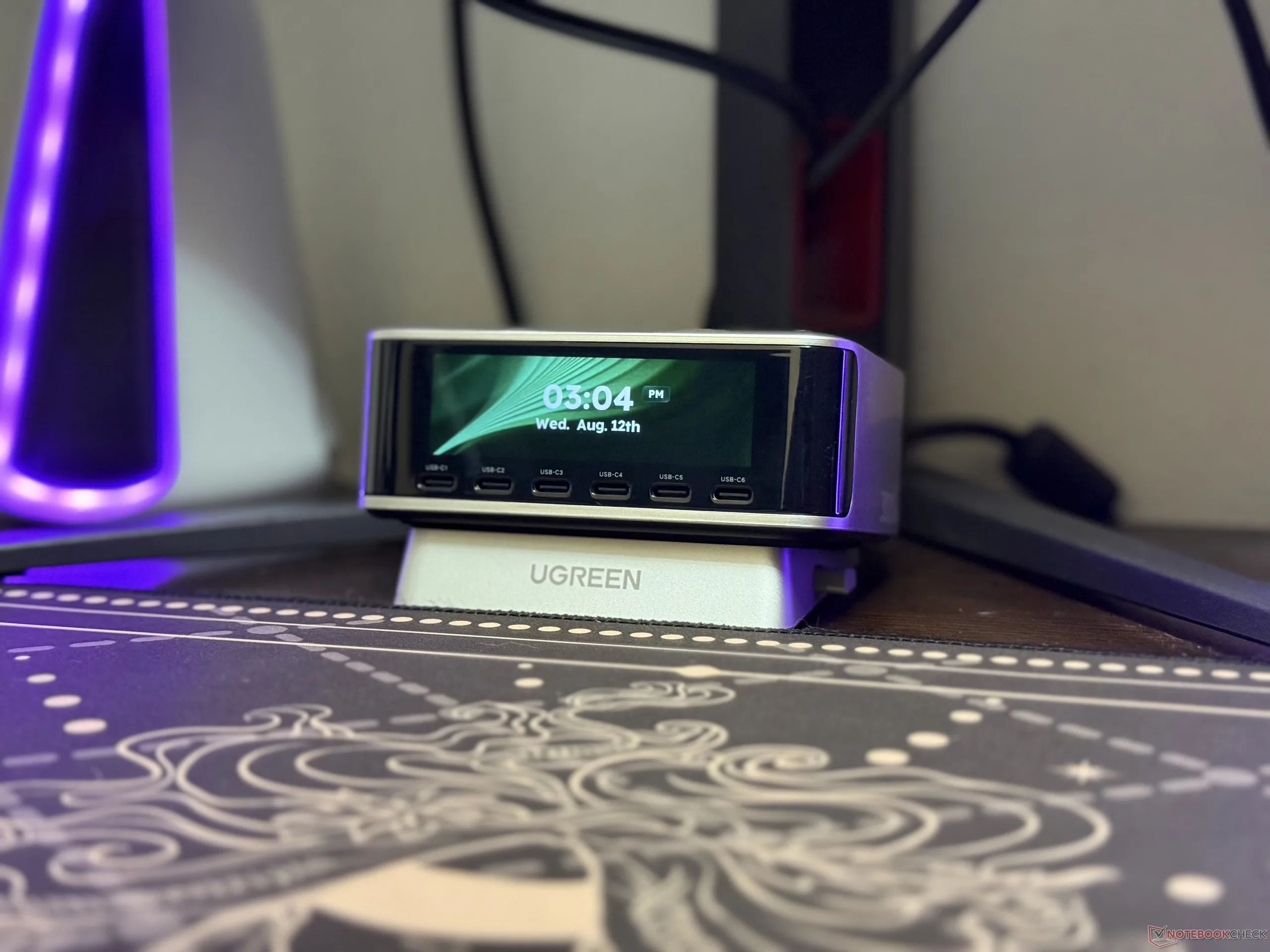
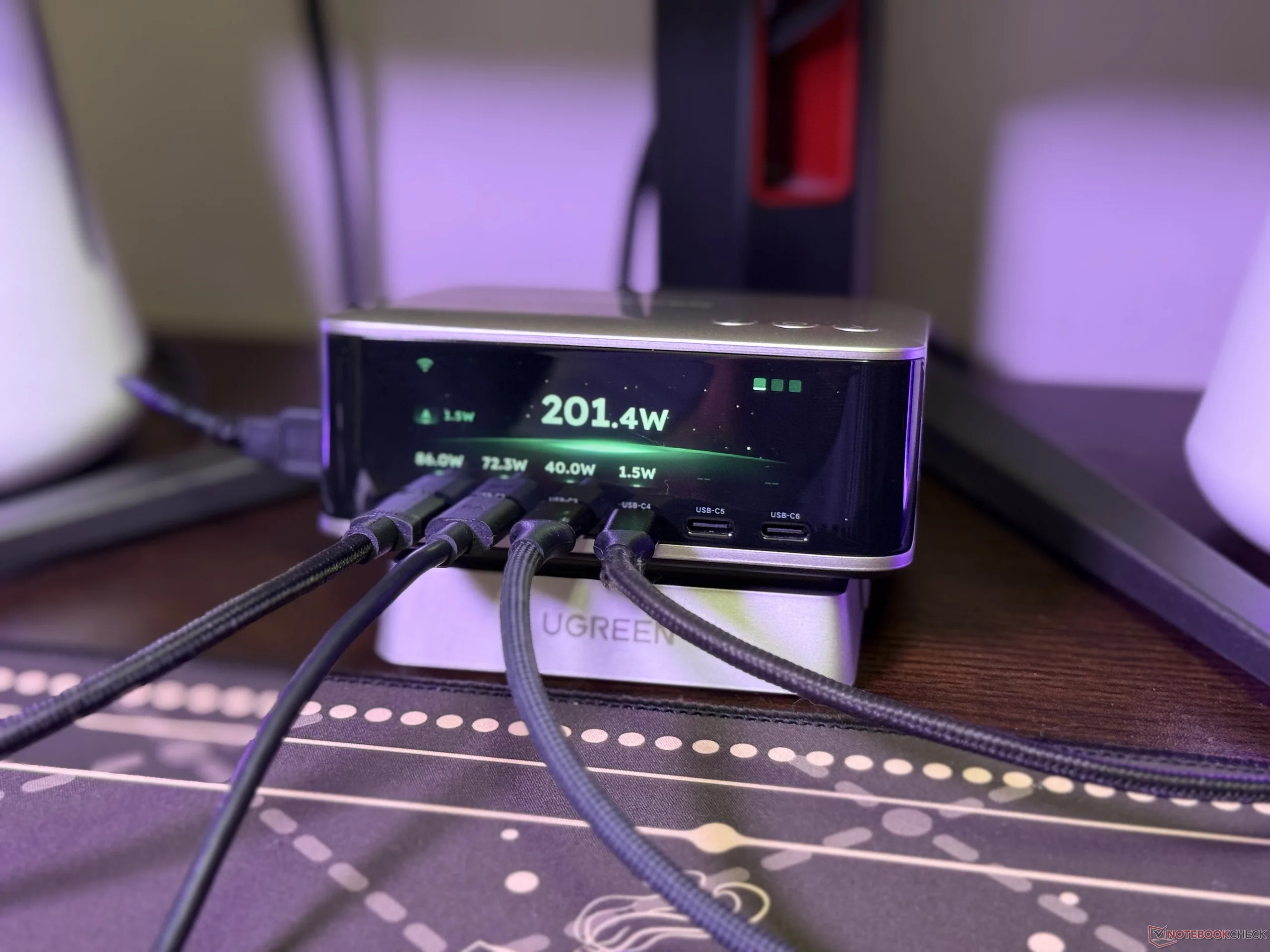
There's a smart display on the front that shows all the important charging information at a glance, including the power output of each port. Ugreen has also integrated a nifty standby mode that shows the clock, day, and date, and it also allows users to upload custom wallpapers.
This desktop charger has eight ports and can power seven devices simultaneously
There are a total of eight ports, and among them, six are USB Type-C ports. As Ugreen highlights, the first three USB-C ports can deliver up to 140W, and the test results from the Fnirsi FNB58 USB tester confirm this. These three support PD3.1, making them ideal for powering laptops with USB-C charging support.
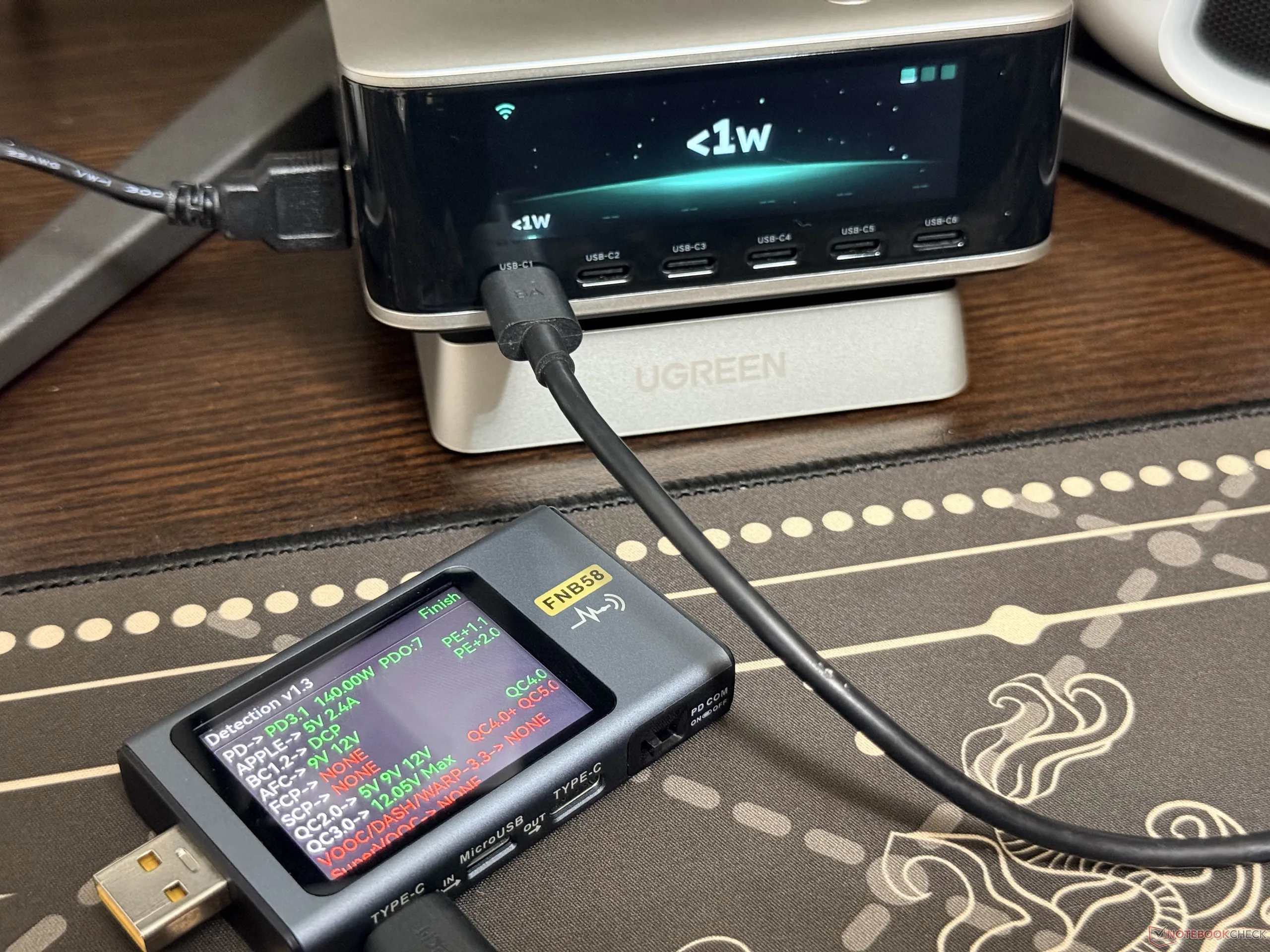
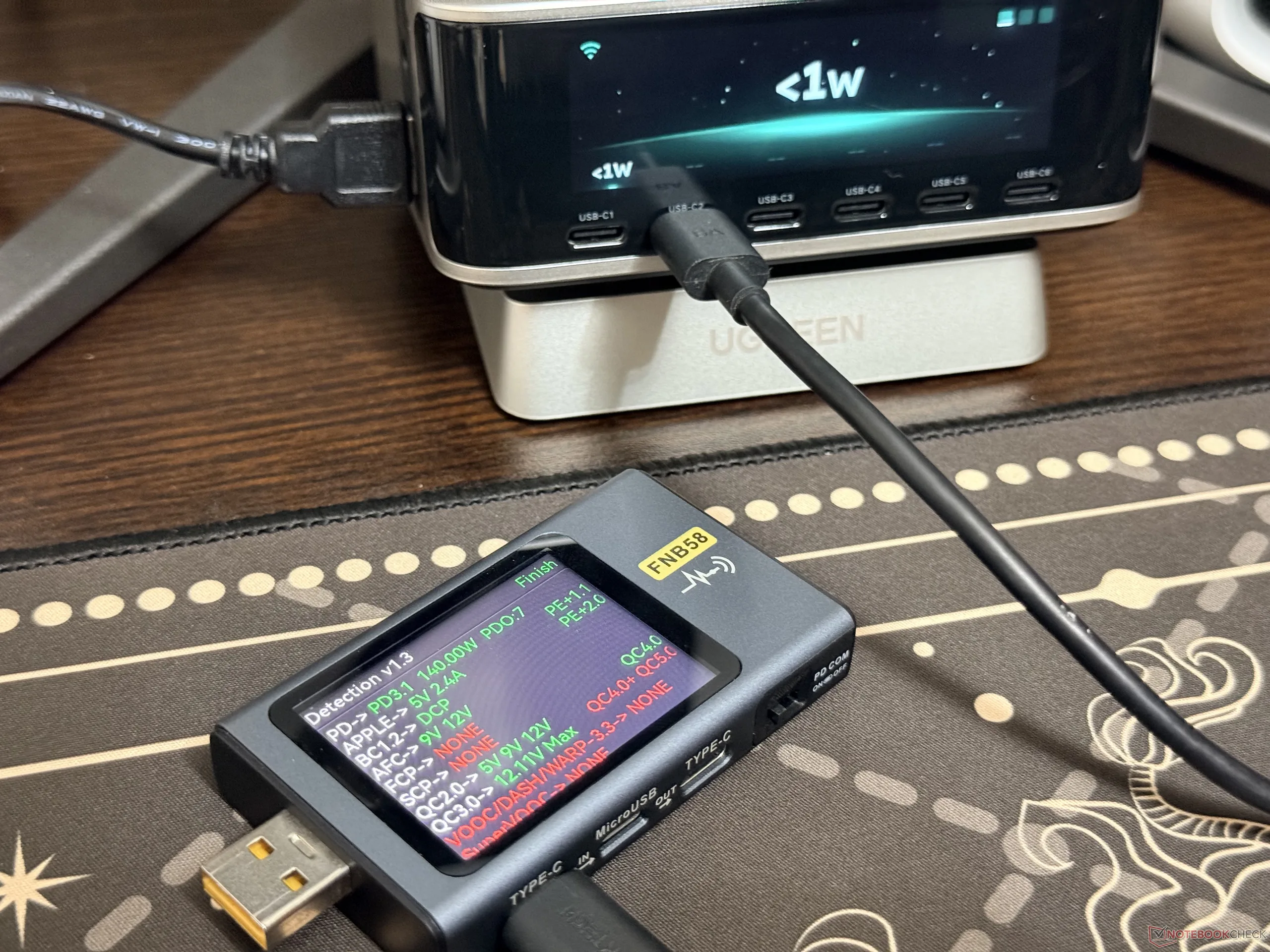
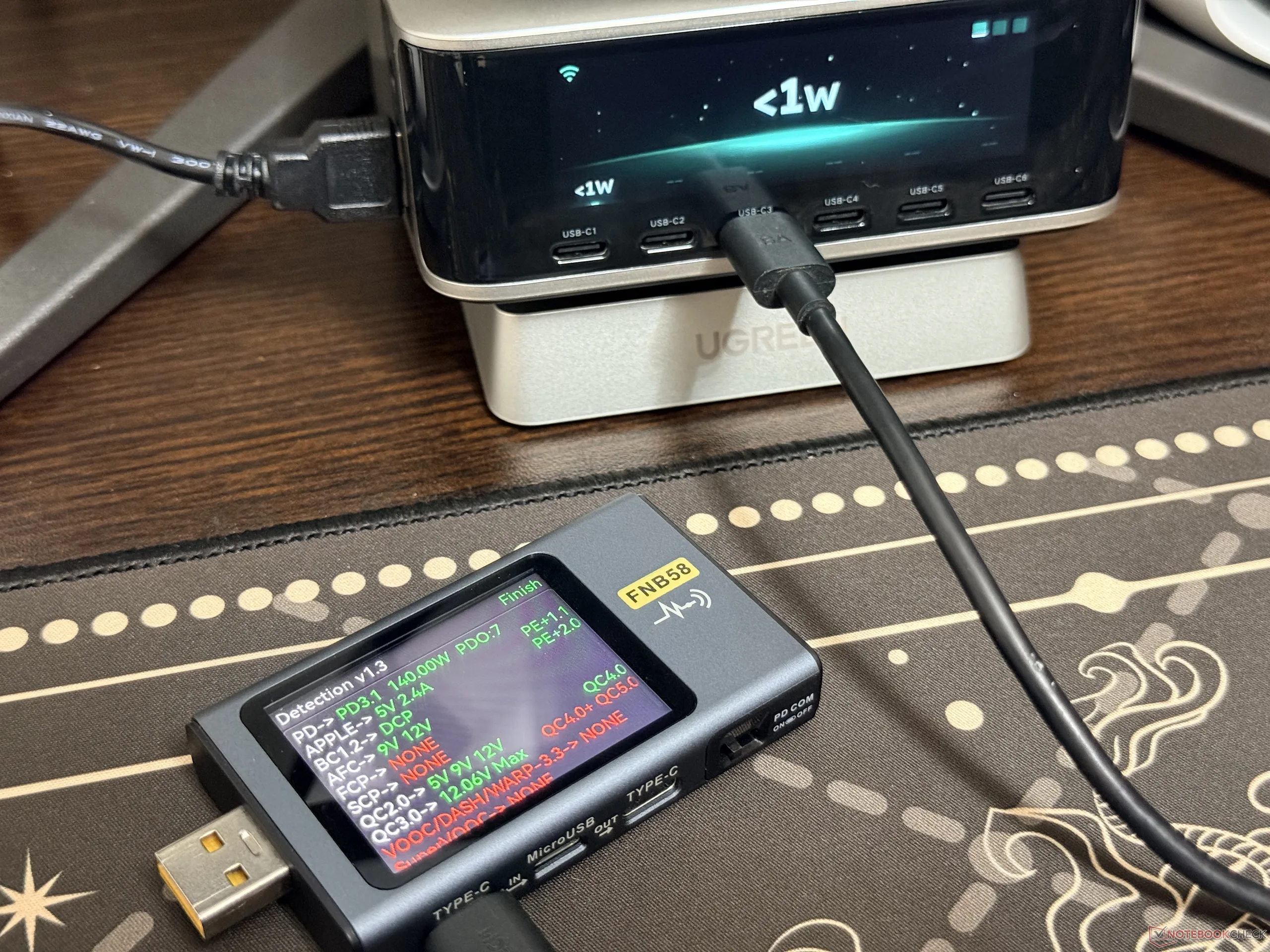
As for the other Type-C ports, the USB-C4 and USB-C5 have support for 100W fast charging, and they bring PD3.0 compatibility. These are good recharging for tablets, power banks, and gaming handhelds. The last USB-C port, the USB-C6, maxes out at 30W, but it also supports PD3.0. It's worth noting that all the USB-C ports have support for other protocols other than PD, including AFC and QC4.0.
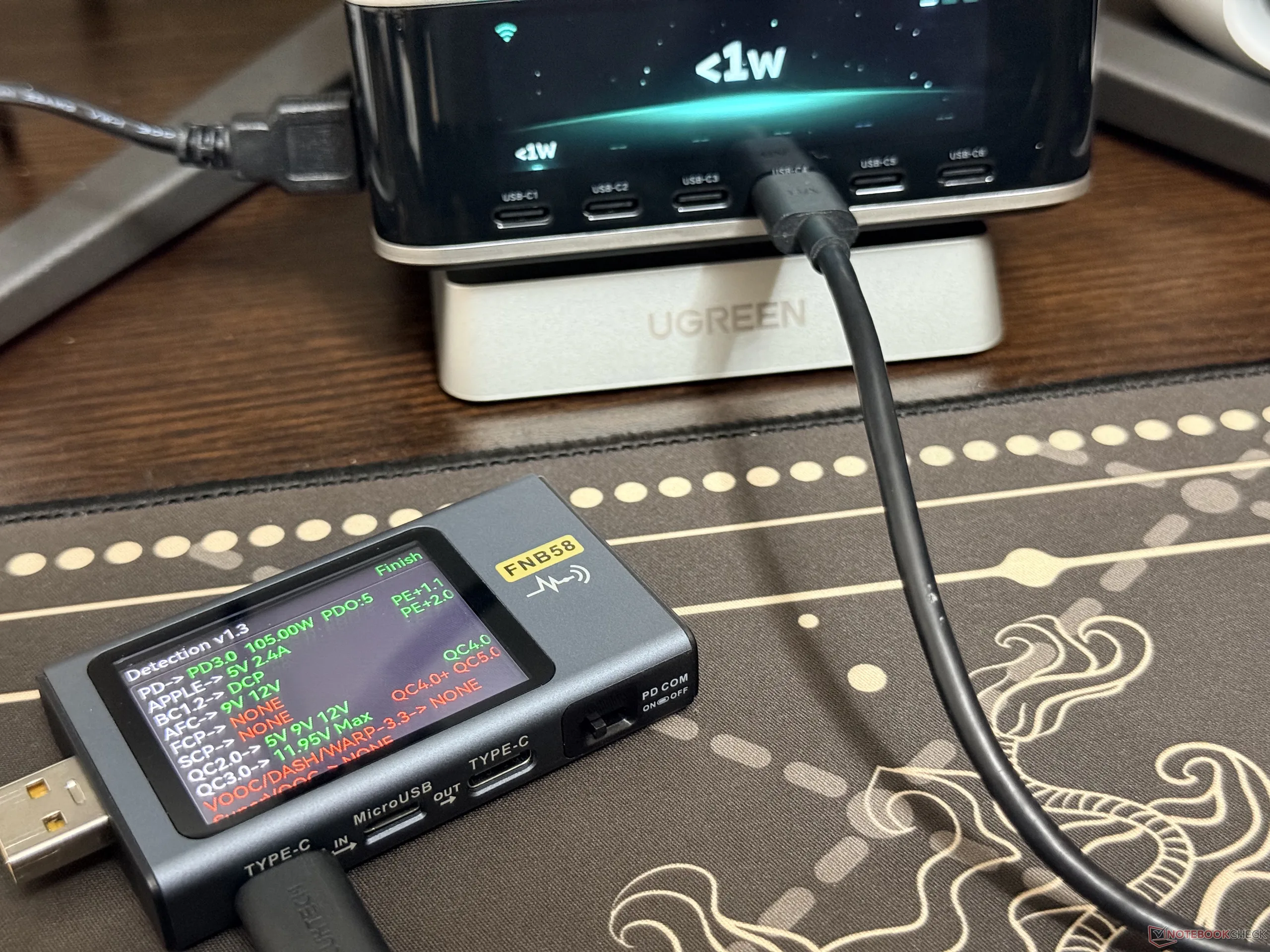
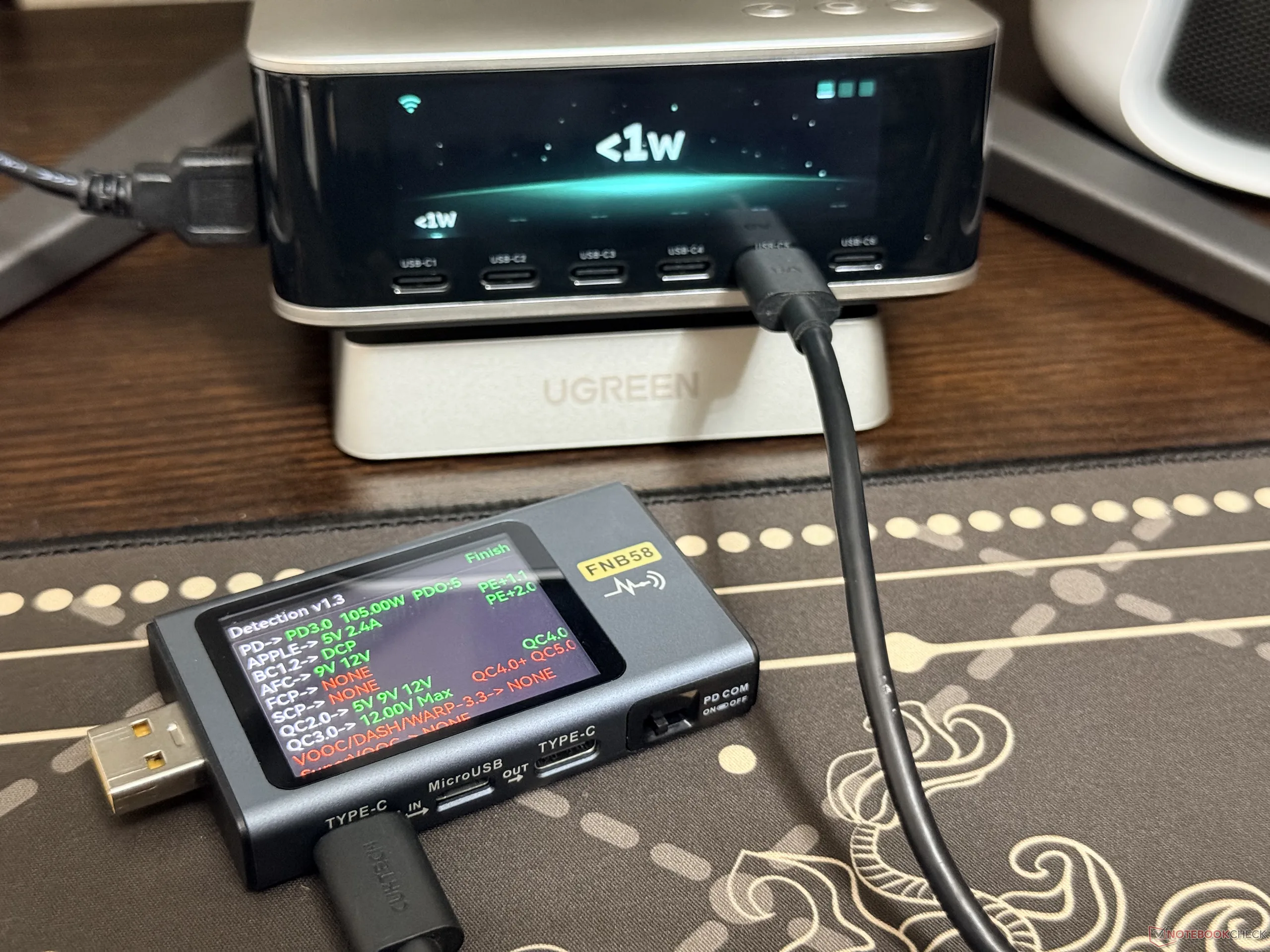
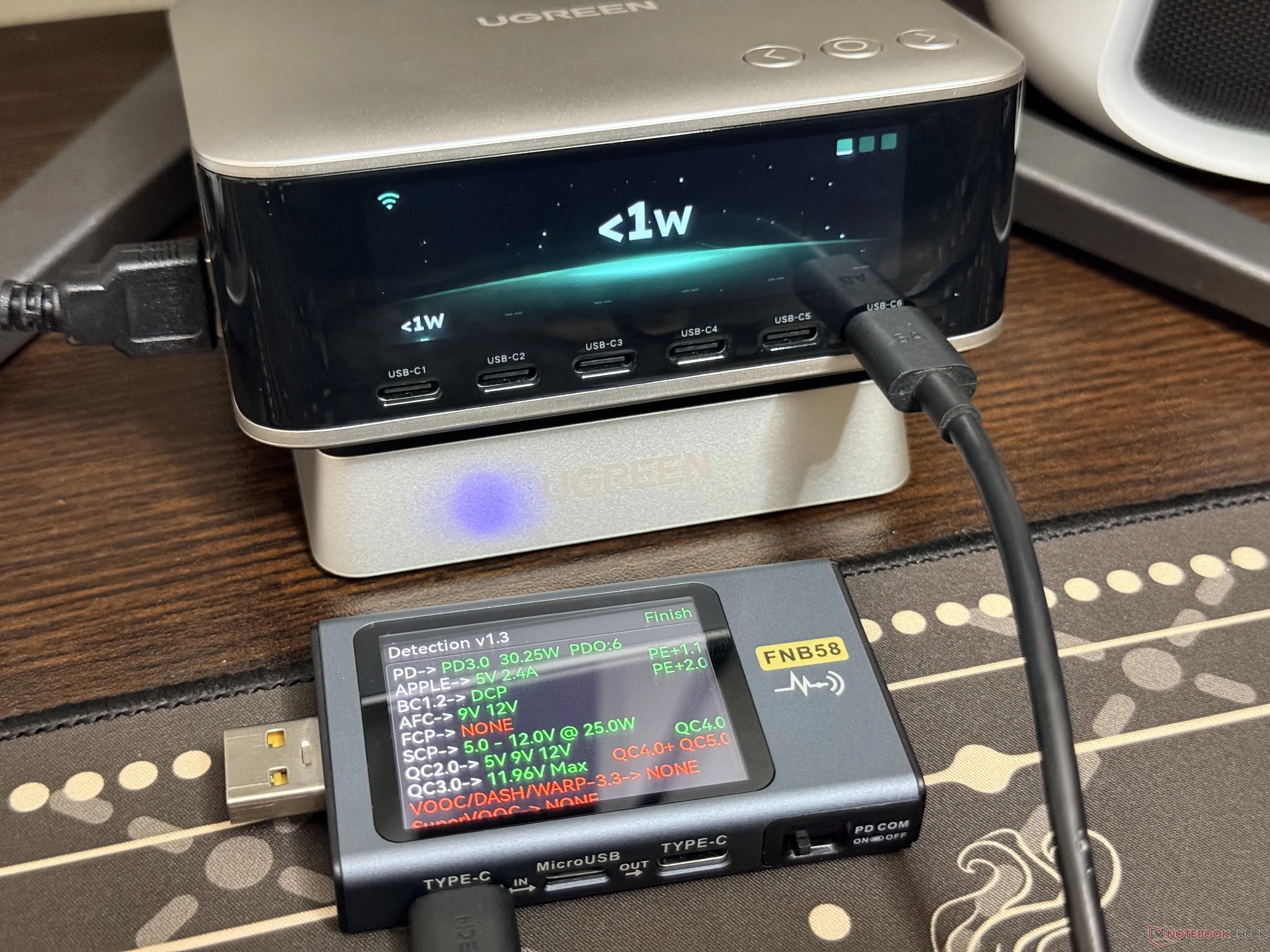
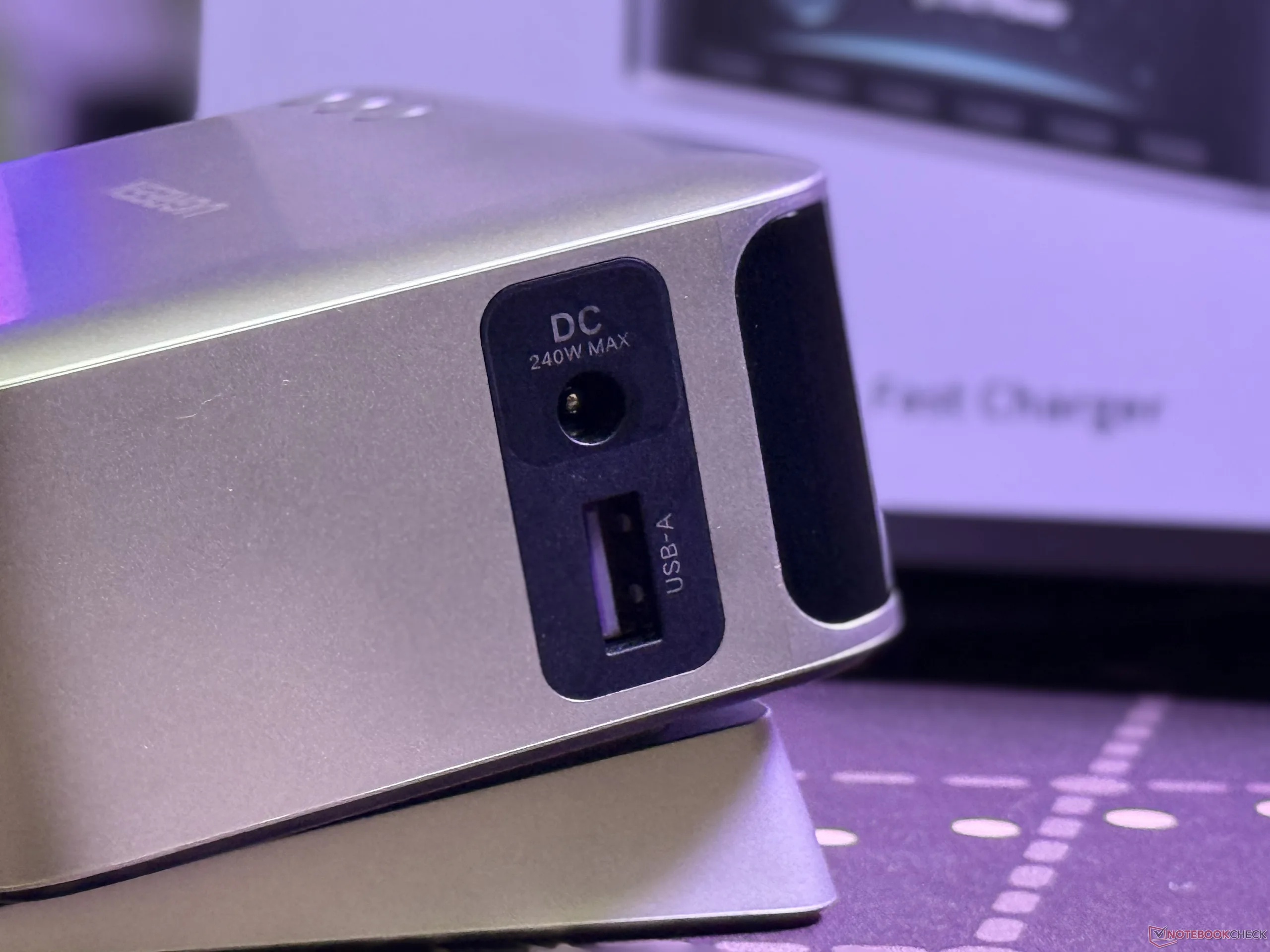
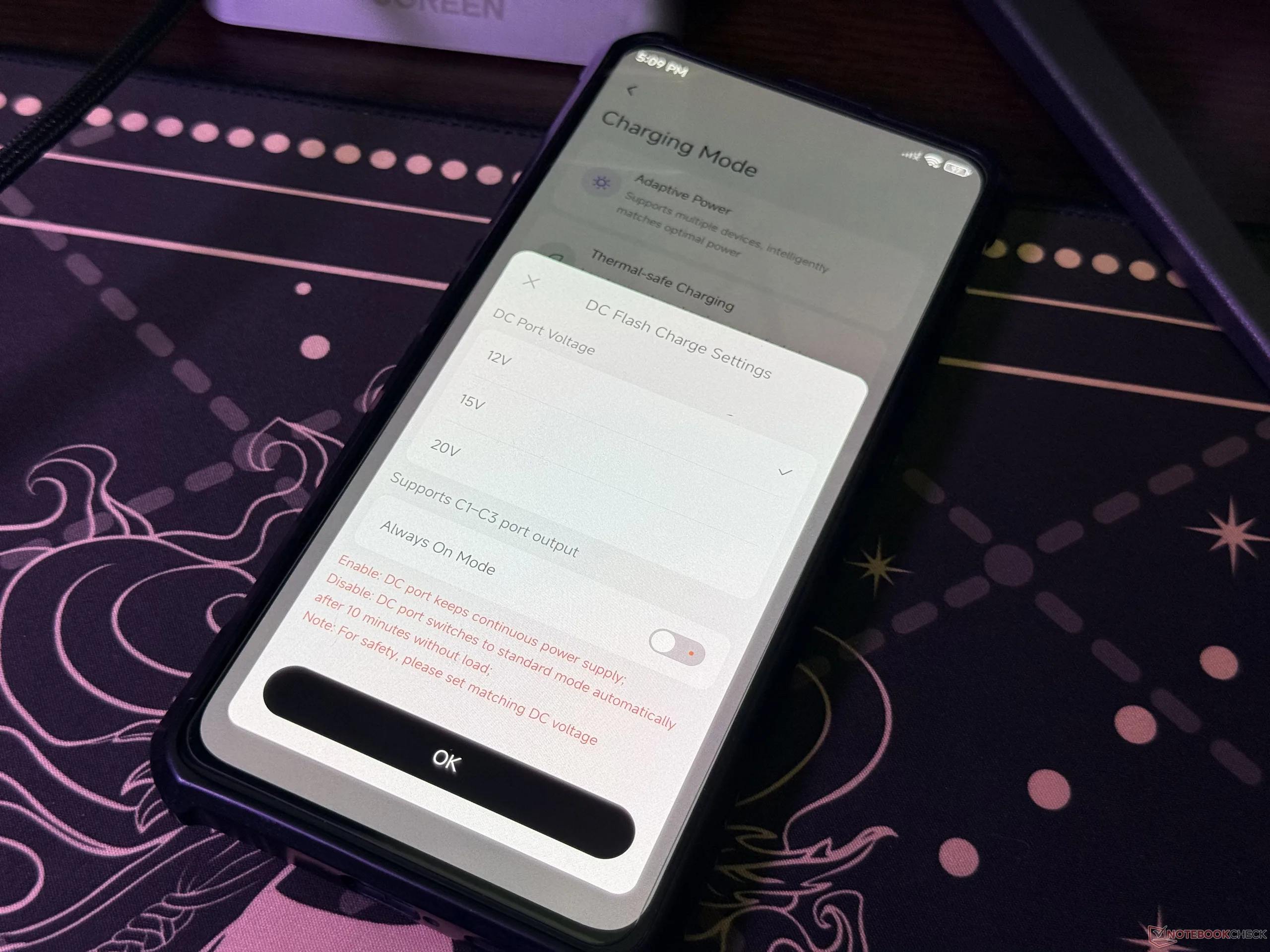
There's a USB-A port on the side, which can deliver up to 22.5W, and with this, the desktop charger gains the ability to power seven devices at the same time. Regarding the DC port, when it's turned on, only the USB-C1, C2, and C3 work at the 12V and 15V modes. When the 20V mode is selected, all the other ports stop working, and it's worth noting that the DC port maxes out at 240W.
The charger is quite efficient, and it shows accurate power output readings
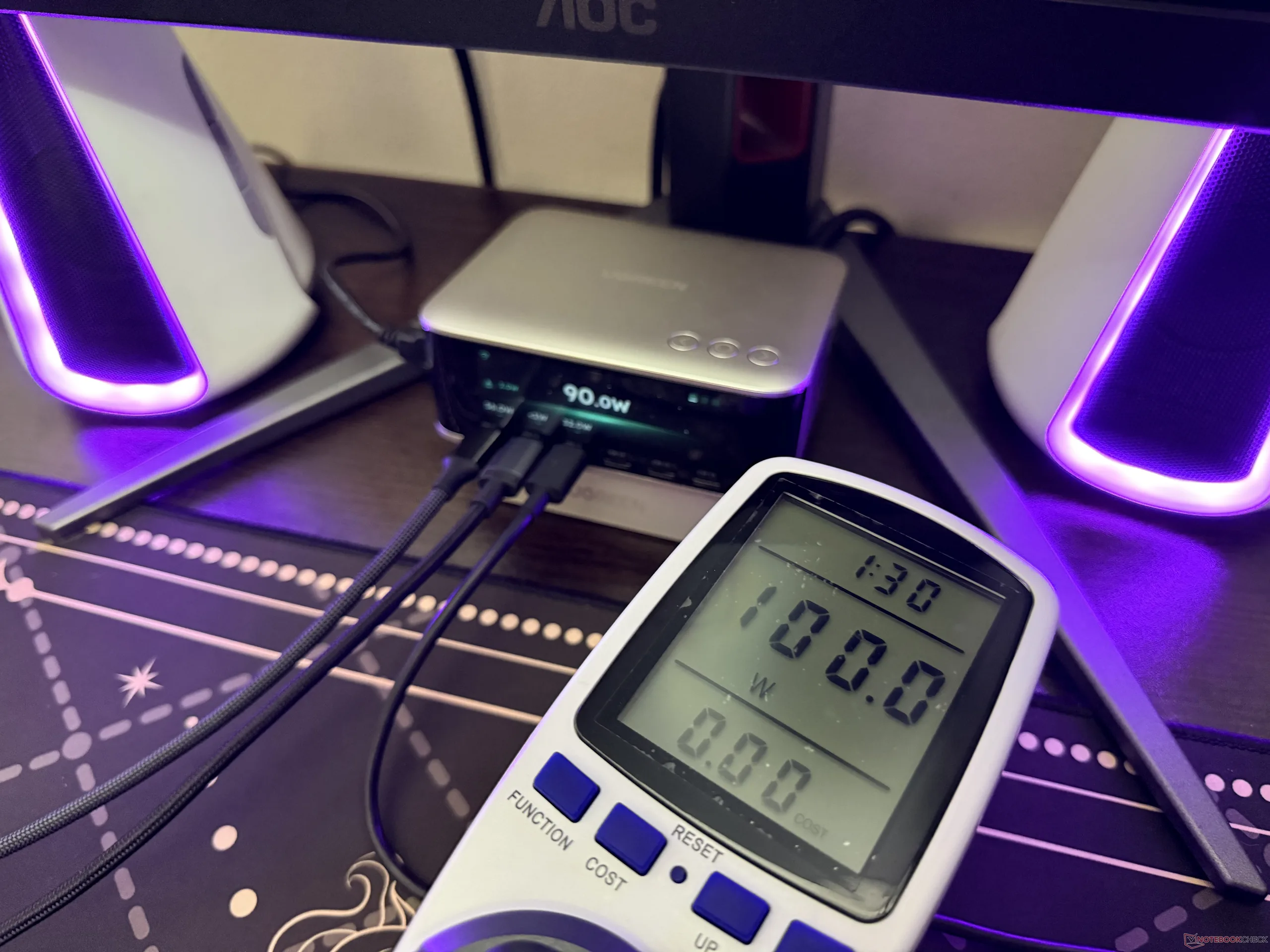
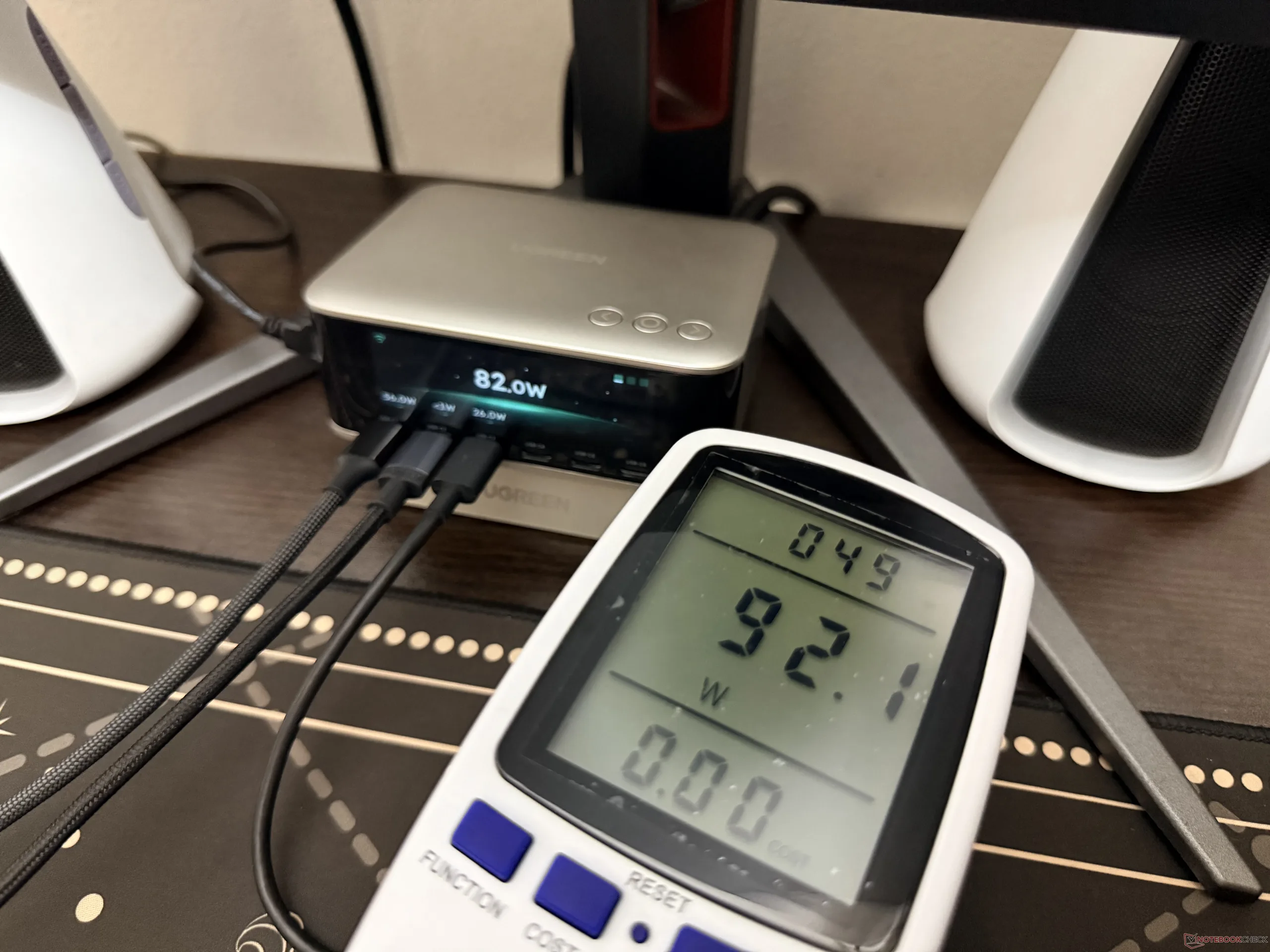
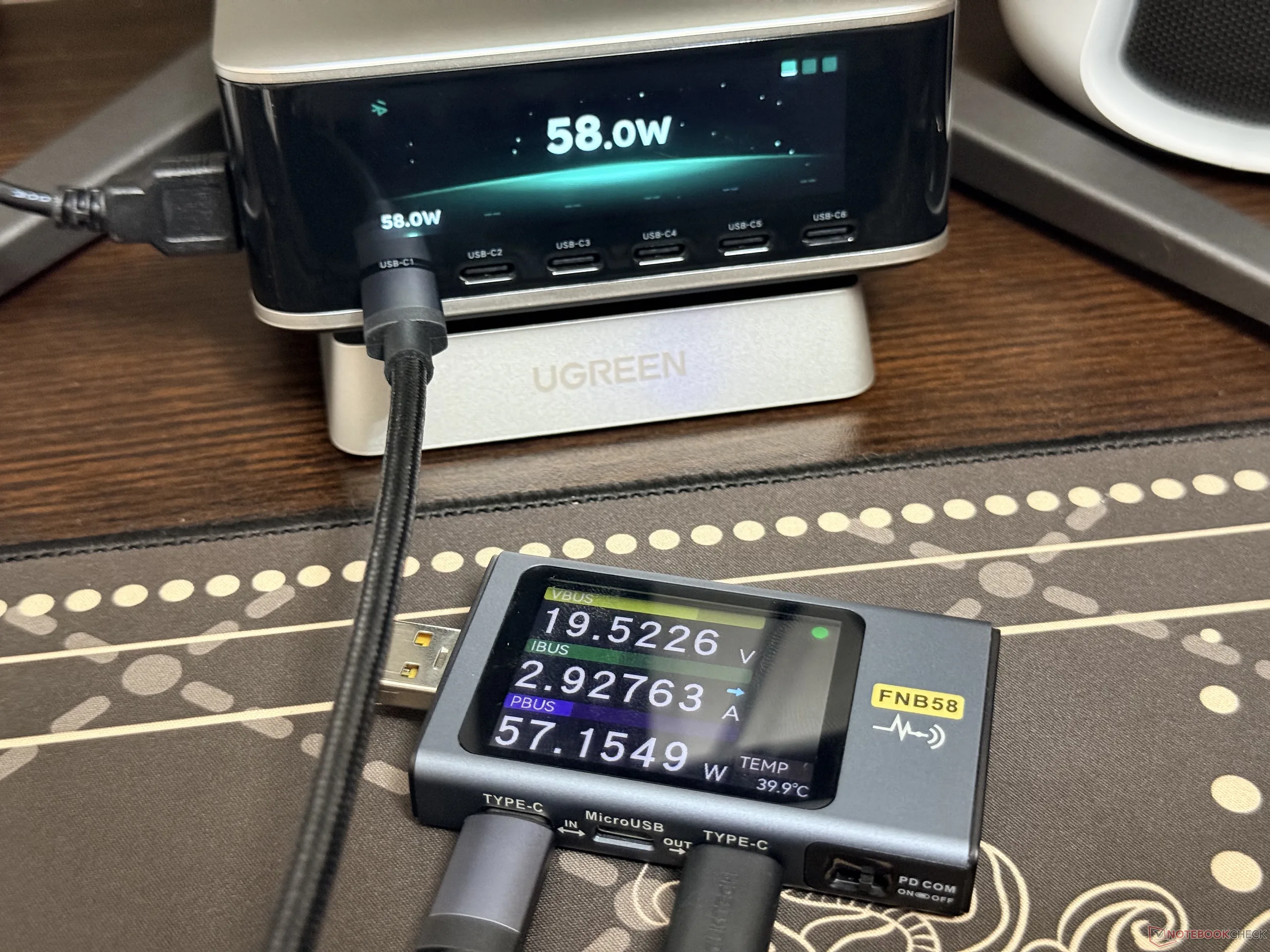
To put the efficiency of the desktop charger to the test, we compared the power intake from the wall with the power output. As shown in the pictures attached below, there's around a 10W difference, which remains the same in multiple instances. It's worth noting that this comparison was made with the built-in display turned on, but its brightness was set to 20%.
The power output readings from the built-in display are pretty accurate as well. We tested it with the Fnirsi FNB58 USB tester, and as shown in the pictures below, the charger can show values in real time, and they can be about 1W off.
Ugreen Nexode Pro 300W Desktop Charger has advanced app support with over-the-WiFi controls
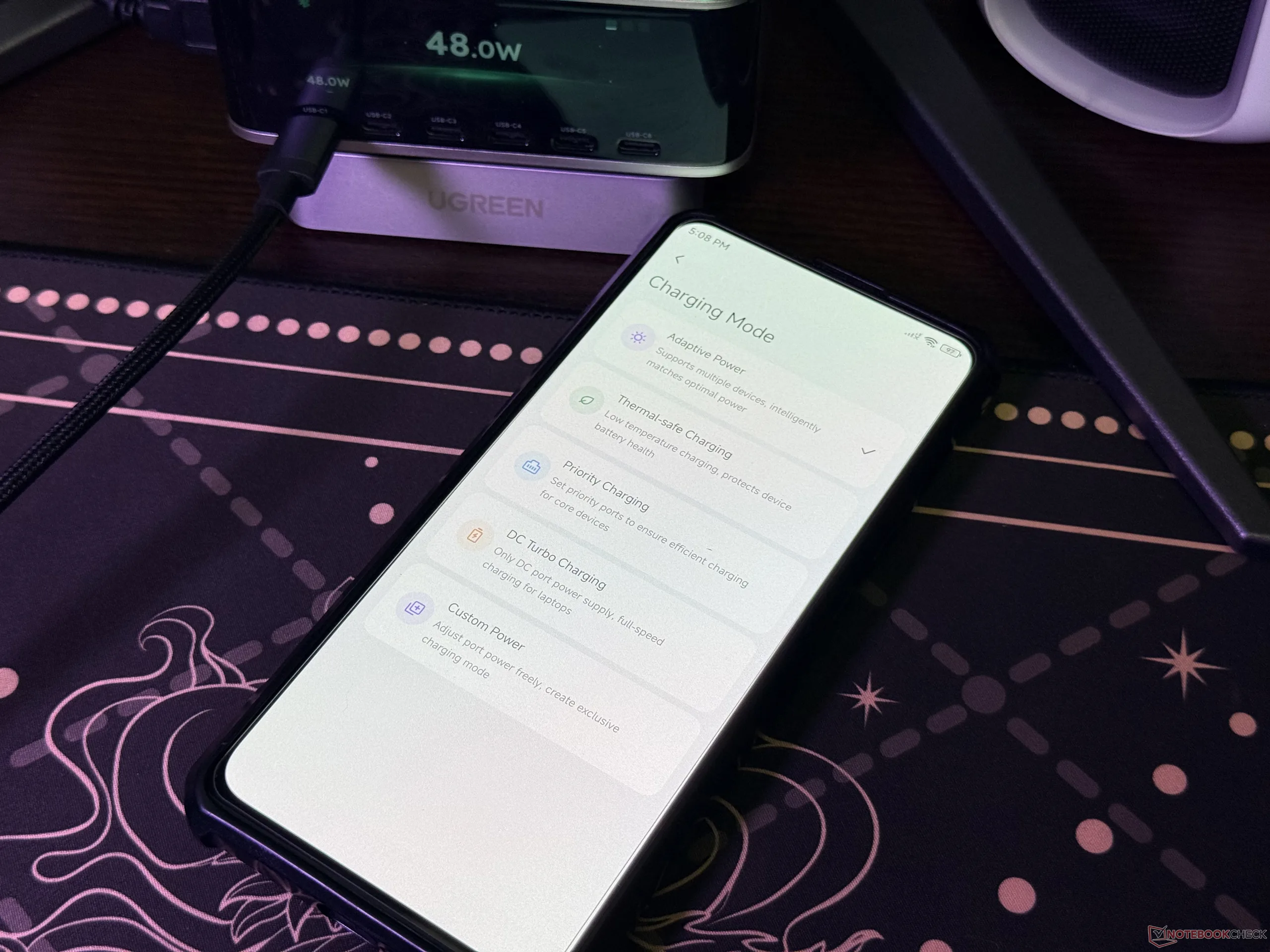
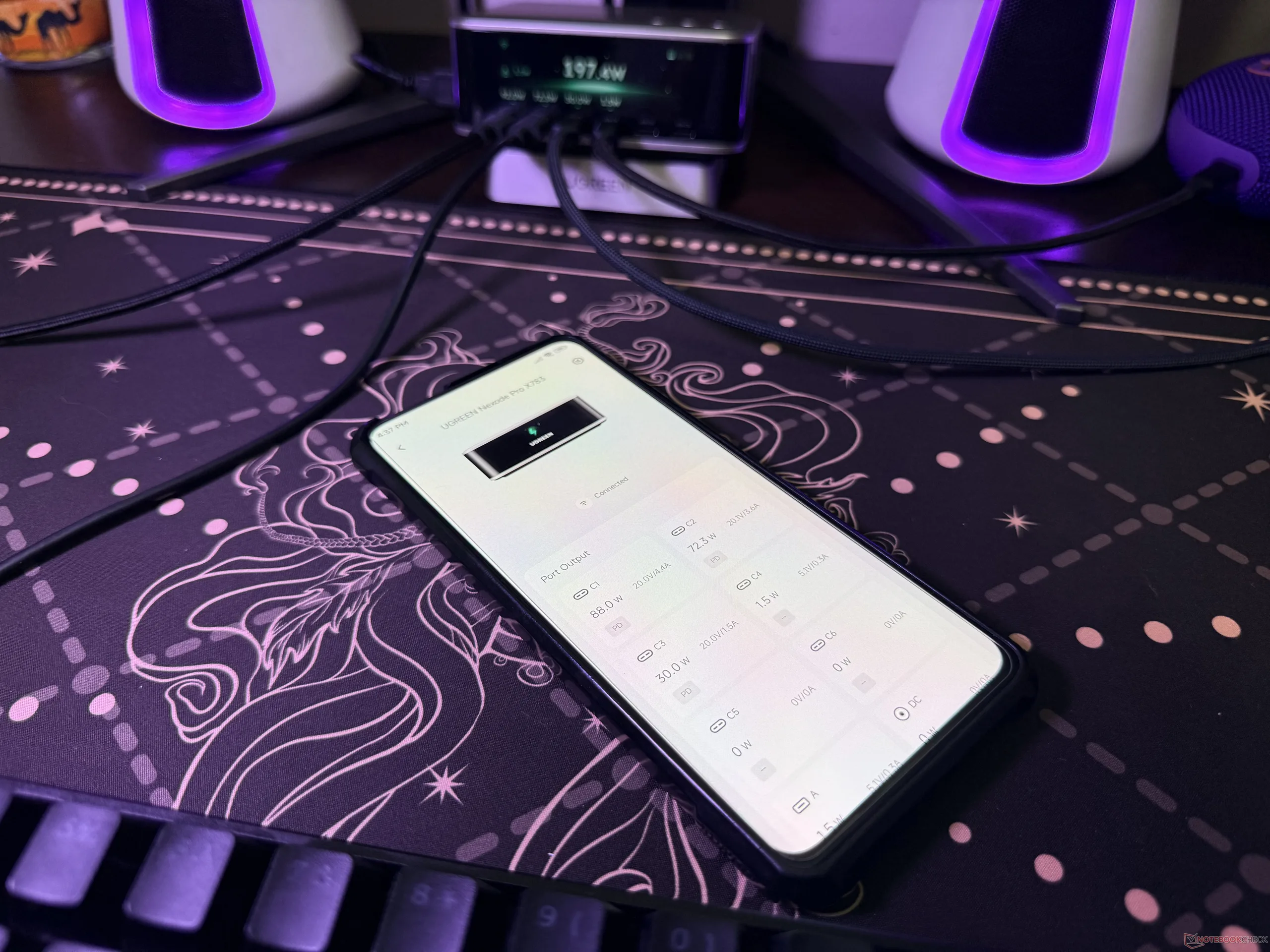
One nifty feature of the desktop charger is that it has advanced app support. It's possible to get it paired in WiFi and Bluetooth modes. The former allows users to monitor the charging status remotely, without being near the device. With the WiFi connection, the custom charging mode unlocks, and this can be quite handy for specific scenarios.
Through the app, users can set custom power values to each of the ports, and it's even possible to turn the ports off by setting the value to 0. That means users can remotely turn devices on and off.
Transparency
The selection of devices to be reviewed is made by our editorial team. The test sample was given to the author by the manufacturer free of charge for the purposes of review. There was no third-party influence on this review, nor did the manufacturer receive a copy of this review before publication. There was no obligation to publish this review. As an independent media company, Notebookcheck is not subjected to the authority of manufacturers, retailers or publishers.
 Add as a preferred source on Google


