




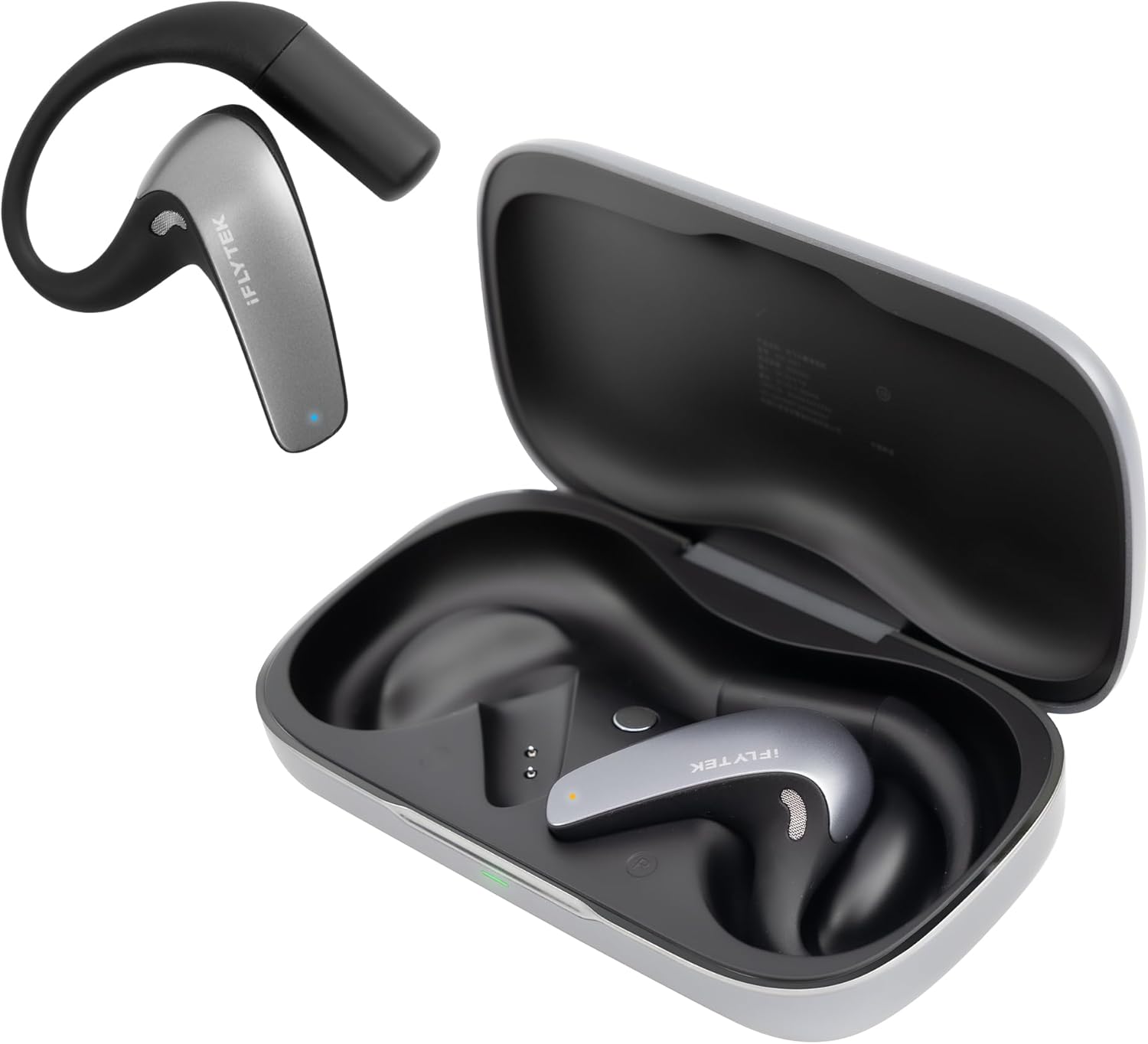
IFLYTEK AI Translation Earbuds: Real-time translation headphones
Translator by your ear.
The iFLYTEK AI Translation Earbuds are designed for real-time translation. They’re ideal for frequent travelers, business users, and anyone who wants to overcome language barriers. Our hands-on test examines how well the AI earbuds translate and how they compare to the built-in translation features of today’s smartphones.Marc Zander (translated by Marc Zander) Published 🇩🇪 🇳🇱 ...
Who are the iFLYTEK AI Translation Earbuds designed for?
As for the quality of the translation, I’ve found only a few errors in the languages I’ve used. Furthermore, the errors that did occur were all due to a misunderstanding of the source speaker’s pronunciation. Therefore, the many accents included—including English with a German accent—are appropriate. While this helps, it often doesn’t eliminate the need to ask the other person to repeat themselves due to a misunderstood sentence. This is particularly disruptive in meetings with multiple people. It’s easier to manage when specifically translating the speech of one or two people. In some cases, you can also piece together the true meaning from the context. Conclusion: The iFLYTEK AI Translation Earbuds focus on translating many languages via text and speech, and they do a good job.
Sure, there’s room for improvement: If the device already has AI built in, why didn’t they include a feature that lets you edit the recorded transcripts on the fly to suit your needs? You can share either the audio file or the transcript—in the original, in the translation, or both—as a file via AirDrop or other apps, which requires additional steps and the use of other apps.
Many will wonder whether AI-powered translation headphones are even necessary anymore, given that AirPods and similar devices also offer translation features. Here, you have to decide whether the limited language support and the need to use multiple apps are a hindrance for you. In principle, a wider selection of apps can replicate all the functions of the iFLYTEK headphones. With AI headphones, you get everything in one device, focused on just one function: translation. However, this means paying extra and carrying yet another gadget in your pocket.
Pros
Cons
Where can I buy the iFLYTEK AI Translation Buds, and how much do they cost?
iFLYTEK's translation headphones are available in the manufacturer's online store at ; there are no shipping costs, but the store page currently returns a 404 error. On AliExpress , the AI Earbuds are available for $394,50 with free shipping. On Amazon, the iFLYTEK AI Translation Earbuds are available for $349.
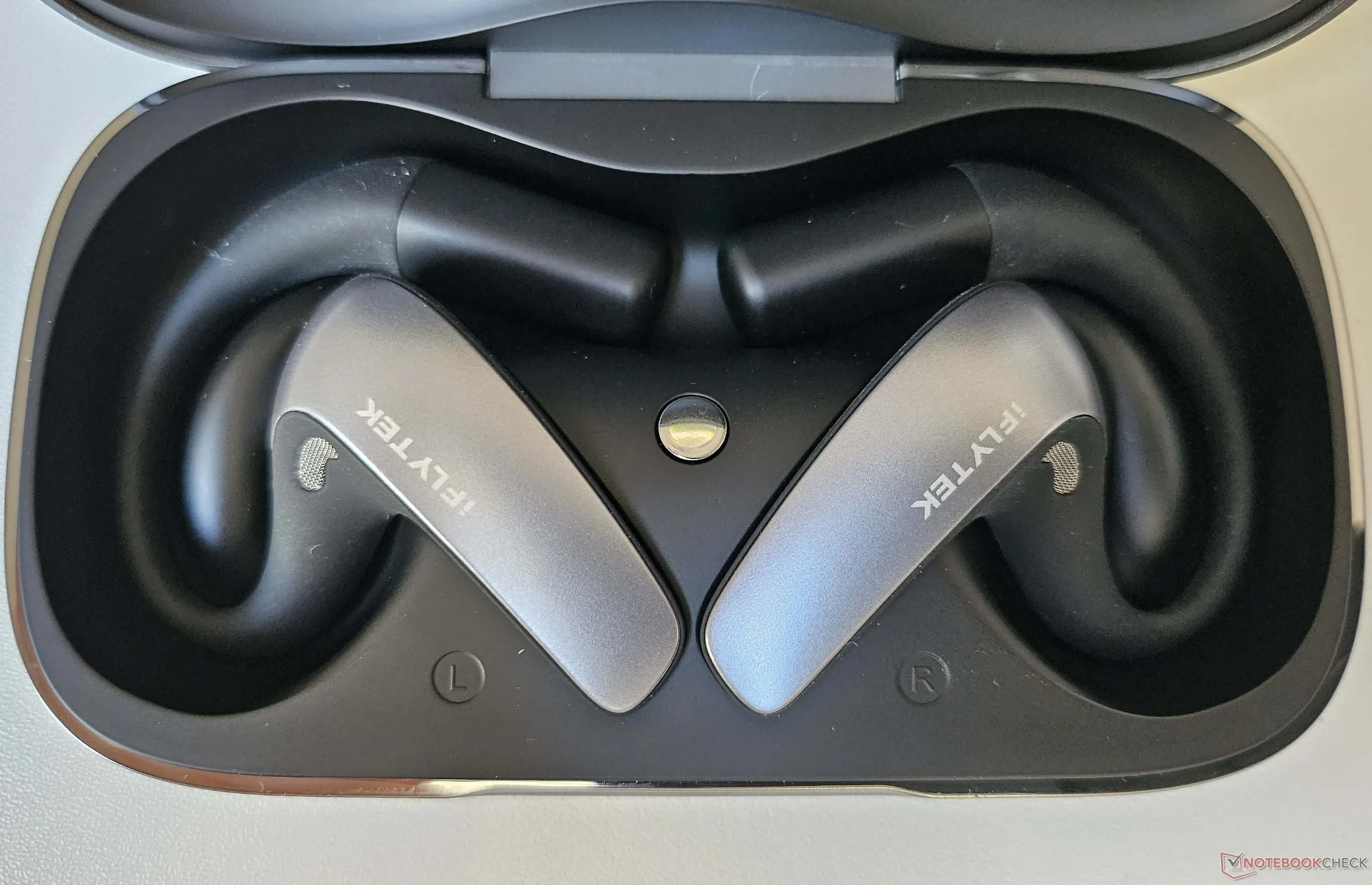
Table of Contents
- Who are the iFLYTEK AI Translation Earbuds designed for?
- Who are the iFLYTEK AI Translation Earbuds designed for?
- Technical Specifications of iFLYTEK's AI Headphones
- Unboxing and Setting Up the iFLYTEK AI Translation Earbuds
- The Features of the iFLYTEK AI Translator Earbuds
- iFLYTEK AI Translation Earbuds vs. Built-in Smartphone Translation Features
Who are the iFLYTEK AI Translation Earbuds designed for?
For those who want to use a dedicated translation device that supports a wide range of languages and accents and is easy to use. English or Spanish is recommended for using the app. Backpackers traveling through Asia will likely appreciate the device’s many features, including its offline translation capabilities. Those who frequently travel to other countries on business can ask their meeting partners to use the left earbud, allowing both participants to receive translations in their language without having to constantly look at their smartphone screens. The ability to add subtitles to live videos shouldn’t be a reason to buy this device, nor should the text translation feature. Video meetings can now be translated using built-in tools (such as in Teams), so this feature is also unlikely to be used regularly.
Technical Specifications of iFLYTEK's AI Headphones
| Audio: | LHDC audio encoding and decoding |
| Sound output: | Bone conduction and air sound transmission |
| Connectivity: | Bluetooth 5.0 and higher |
| Controls: | via app, voice commands, and touch controls on the earbuds |
| Additional features: | Active ANC noise cancellation, dust- and splash-resistant per IP55 |
| Material: | Ear hook with titanium wire, |
| battery: | Battery per earbud: 100 mAh, Case: 800 mAh, up to 6 hours of translation / 12 hours of music playback |
| Dimensions & Weight: | 52.35 × 0.82 × 1.9 mm, 11.5 grams (per earbud) |
Unboxing and Setting Up the iFLYTEK AI Translation Earbuds
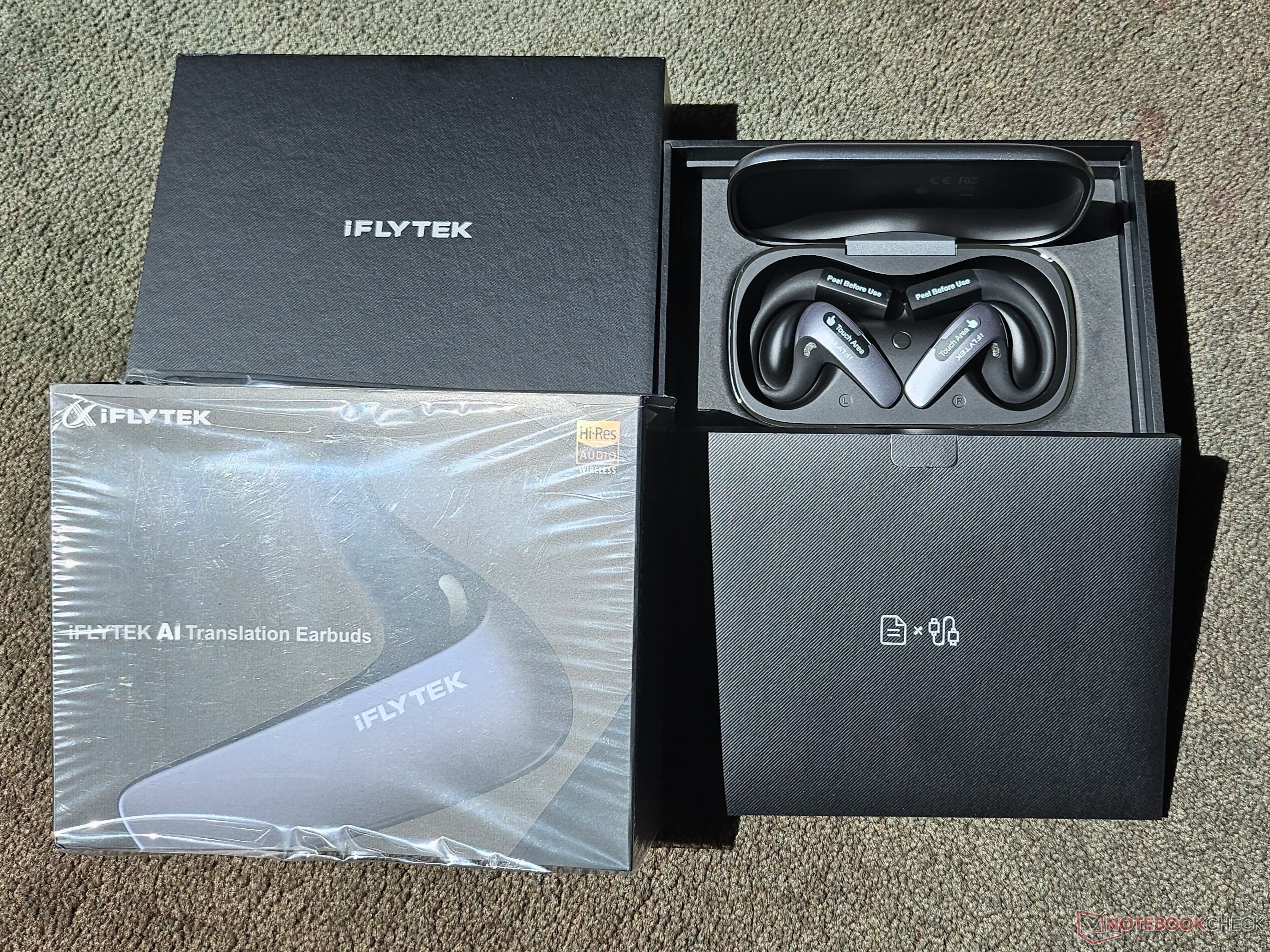
The packaging is in line with that of modern tech gadgets and is kept to the essentials: The earbuds come in a carrying case that is also used as a charging cradle, along with a brief user guide in five languages (English, Spanish, Chinese, Japanese, Korean) and a very short charging cable (approx. 13 cm long). The Bavvo app is required to use the earbuds. Pairing the earbuds via Bluetooth is quick and easy. The available settings are limited to just a few functions, though these are sufficient. The earbuds are okay for listening to music, but their sound quality doesn’t come close to that of other earbuds. They’re better suited for audiobooks and listening to music in the background rather than for truly enjoying music.
If you want to use the device offline (for example, in remote areas or where reception is poor), you can access several downloadable language packs (each about 540 MB in size). Most of these translate Chinese into another language. Additionally, English can be translated offline into French, Japanese, Korean, Russian, or Spanish.
Since each earbud has a battery capacity of 100 mAh and the case provides 800 mAh, each earbud can be recharged up to four times using the case before the case’s battery needs to be plugged back into the charger. With about six hours of battery life for translations, they’ll easily last one or two days in total. The Bavvo app always shows the current charge level of both the earbuds and the charging case.

The Features of the iFLYTEK AI Translator Earbuds
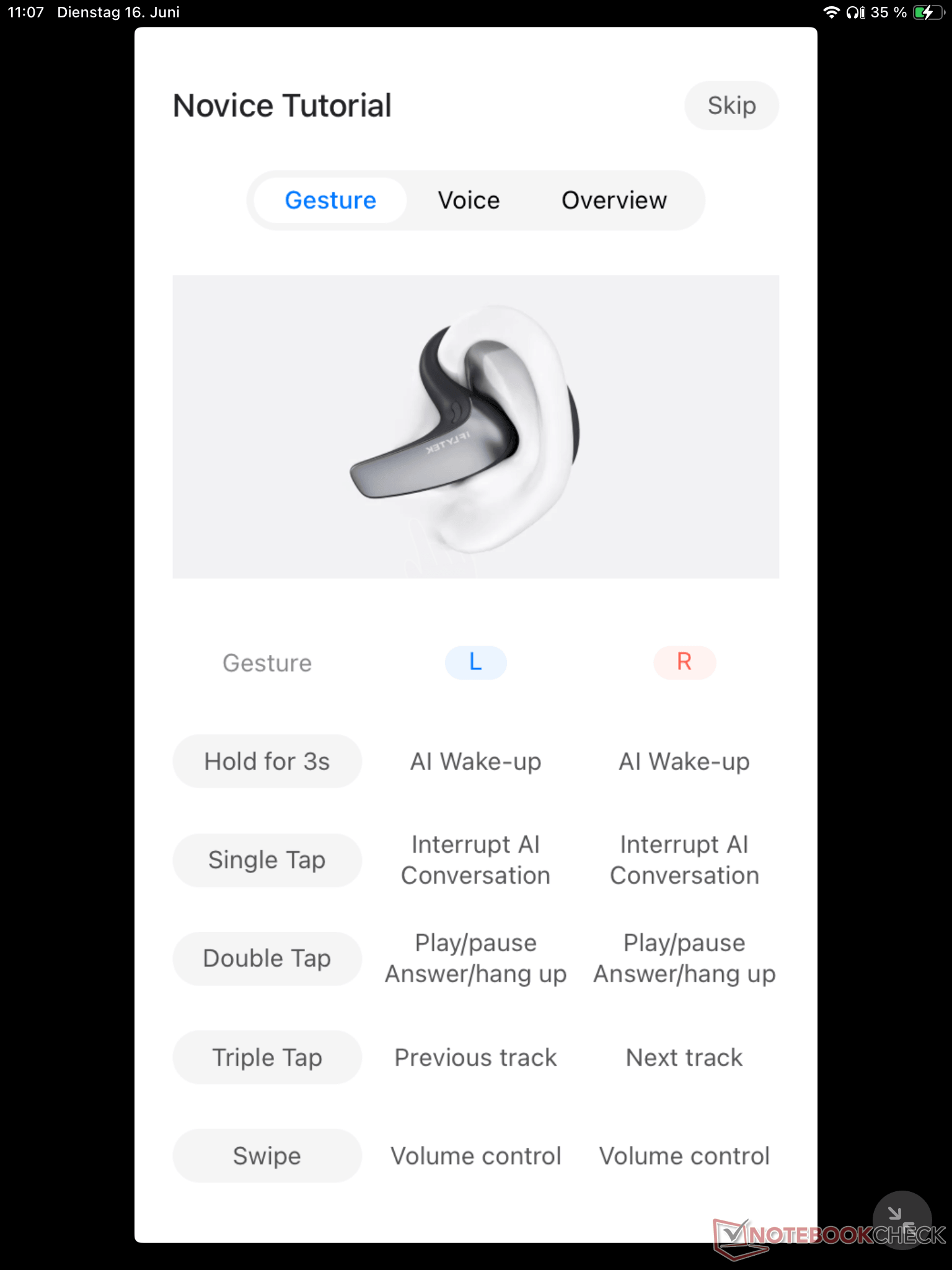
First, I tried the “face-to-face translation”: Of course, there’s a delay after finishing a sentence until the AI has transcribed, translated, and outputted it as text and speech, but overall, the test was very successful. If both sides know what to expect, pauses between sentences aren’t awkward – in fact, they actually help you focus better. The complete transcript can be saved once the conversation is over. And since each person gets one of the earbuds, you don’t need any additional hardware or software. From a hygiene perspective, it’s a practical solution that the earbuds are placed on the outside of the ear. There were very few errors: On one occasion, a question was output as an answer (the phrase “Would you like some ice cream?” became “I’d like some ice cream!”, which unfortunately distorted the meaning), but thanks to the direct dialogue, this was quickly corrected. A clever feature is using the smartphone in landscape mode: This makes the transcript easier to read for both participants.
The “Simultaneous Translation” feature is actually intended for live meetings. Since I didn’t have a live meeting, I played a video of our Notebookcheck reviews in English and compared the german translation to the original. Aside from the fact that the translation didn’t start until about 30 seconds in and then skipped the first few sentences, it was very usable. There were few comprehension issues for the headphones; the majority of the content matched what was said and was translated correctly. The saved transcript can be summarized by the AI in Chinese or English. Unfortunately, there’s no way to enter your own prompt for further editing.
The “call translation feature” can be enabled for incoming calls and voice calls from other apps. I tried it with Google Meet and it worked very well. Again, there were very few incorrect translations, most of which were due to pronunciation. A nice touch: You can use a button to choose whether you want to hear the original voice and the translation, or just the translation.


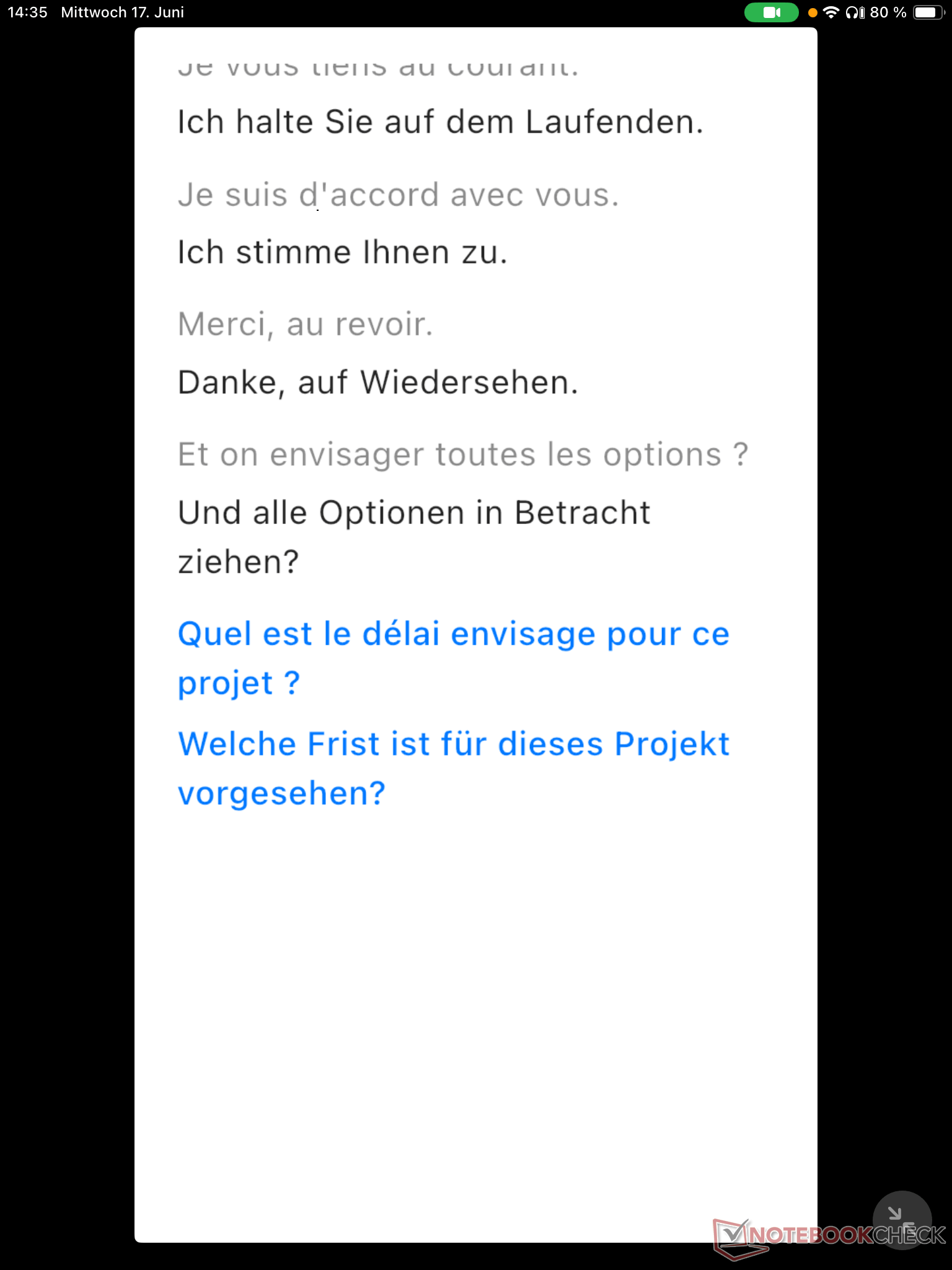
"Immersive Translation" can add real-time subtitles to video podcasts, live streams, and other videos (provided the video platform allows it). I had an interview in French translated here, and the sentences made sense and have been correctly translated. However, the small window that appeared above the YouTube video – displaying the recognized text alongside its German translation – was very small, making it difficult to read along while watching the video. Still, the feature did what it was supposed to, and the ability to move the window with the translated text allows you to tailor it to the needs of the specific video. However, this feature doesn’t let you hear the translation through headphones, you have to read along.
“Online Interpretation” is a similar feature, designed specifically for video meetings. I tested it with Discord and Google Meet, and both worked fine. The audio delay was within acceptable limits, but it took a little longer for the transcript to be completed. Once again, there were a few misunderstandings, which were likely due to the other person’s pronunciation. For example, the earbuds recognized the word “veux” instead of “vous,” which caused the sentence to be translated incorrectly. As long as you have some knowledge of the language and notice this yourself, it’s tolerable. During a meeting with several people, however, you won’t be able to constantly ask for clarification whenever a translation seems off. When using this feature, you can choose whether to have the Bavvo app in the foreground with a small overlay of the meeting video, or to have a Bavvo app window overlay the open meeting app.
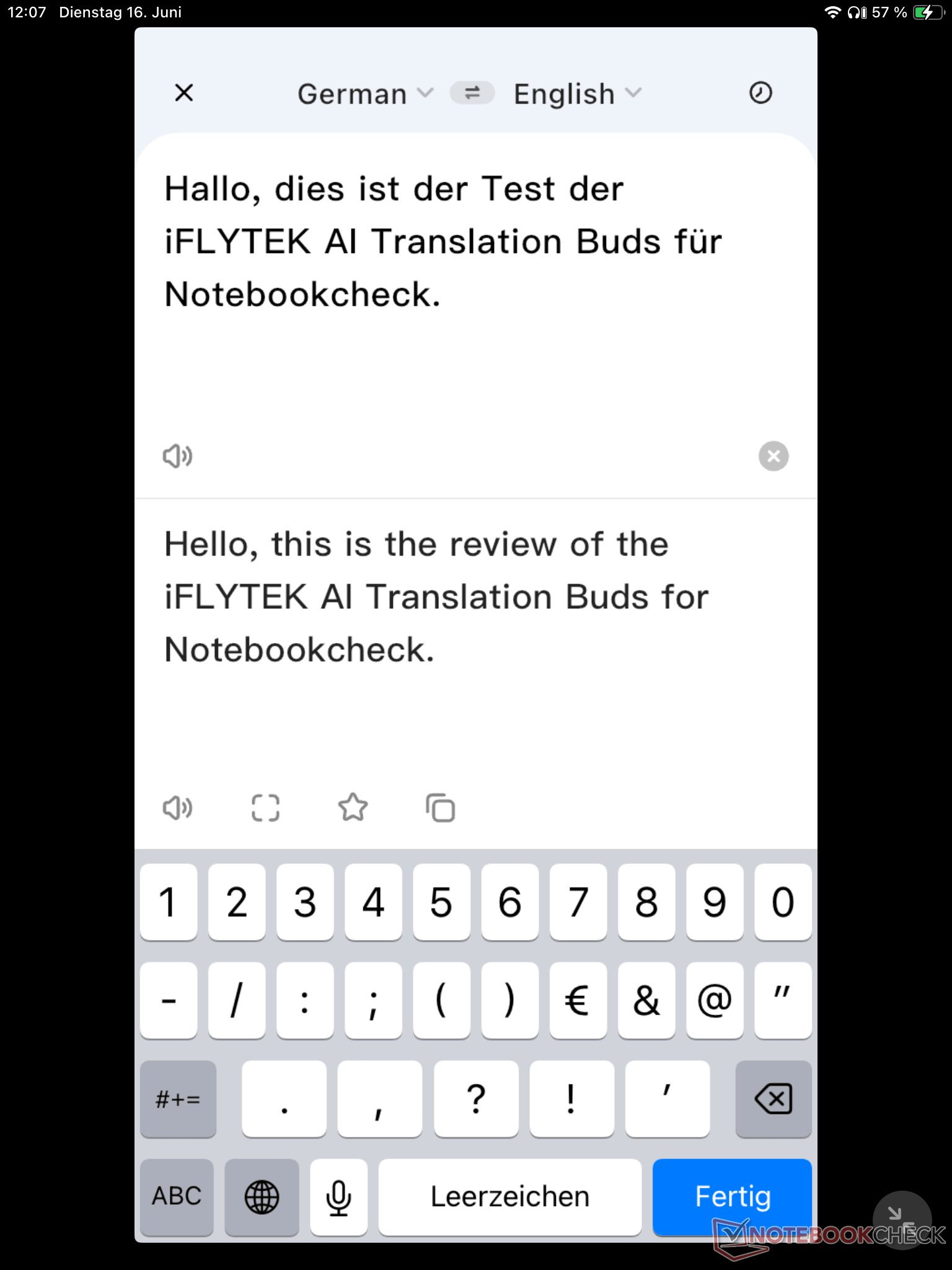
As a bonus, the app includes a “text translation feature” comparable to those offered by Deepl and others, as well as an AI assistant named Fayla, which works similarly to Siri or Gemini and provides relatively comprehensive answers to questions. Both work flawlessly and do what they’re supposed to, but they’re more of a bonus feature that probably wouldn’t be a reason to buy the app.

iFLYTEK AI Translation Earbuds vs. Built-in Smartphone Translation Features
Whether it’s Samsung Bixby, Apple Siri or Google Gemini: All AI assistants have now learned to offer live translation features directly on smartphones. However, this is usually limited to a transcript of the sentences followed by an output in the desired target language. Compared to iFLYTEK’s AI Buds, this feels outdated. With these earbuds, you really feel like you’ve stepped into the future.
Features similar to those of the Apple AirPods – where the other person speaks into the iPhone and the earbuds play back the translation – come much closer to the Translation Earbuds, but don’t yet offer as many available languages. Advantage: If you already own an iPhone 15 or newer along with AirPods, you already have access to some features of the iFLYTEK AI Translation Earbuds. Video conferencing apps now also offer subtitles and are relatively easy to use (for example, in Teams).
The advantage of iFLYTEK’s AI earbuds is their focus on one thing: live translation in multiple formats, all within a single app. Instead of using multiple apps for various functions—each of which usually requires a separate user account—this solution offers everything in one place. However, this comes with the added cost of the device and an extra case to carry around.
Transparency
The selection of devices to be reviewed is made by our editorial team. The test sample was given to the author by the manufacturer free of charge for the purposes of review. There was no third-party influence on this review, nor did the manufacturer receive a copy of this review before publication. There was no obligation to publish this review. As an independent media company, Notebookcheck is not subjected to the authority of manufacturers, retailers or publishers.
 Add as a preferred source on Google


