


I test RefVid: How well can I create advertising videos with a fixed product and consistent characters?
Around this time last year, I tested Vidu.com, a reference-to-video AI tool that also promised consistent characters, objects, and locations across multiple shots based on reference images. However, my verdict back then was rather disappointing, as the tool failed to deliver on that promise. Later, I tried the locally running ComfyUI tool with the MiniMax-H3 model, which produced significantly better results.
Louis Chi also read my Vidu.com article. He offers a very similar web-based tool called RefVid and promptly invited me to give his platform a try. I'm happy to do so. After all, you'd expect to see a huge leap forward after a year, and I enjoy experimenting with the possibilities of AI video generators.
What is RefVid?
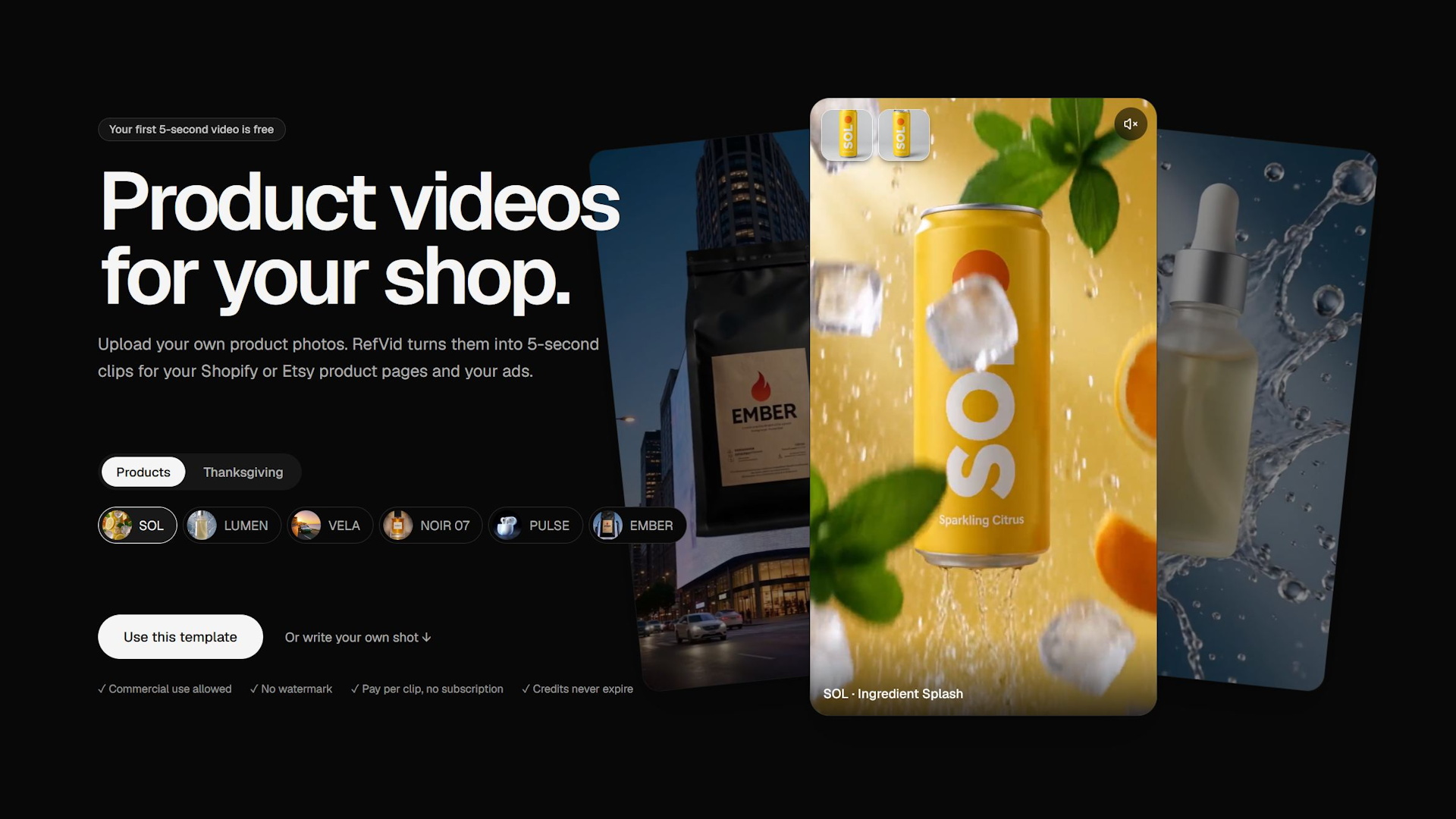
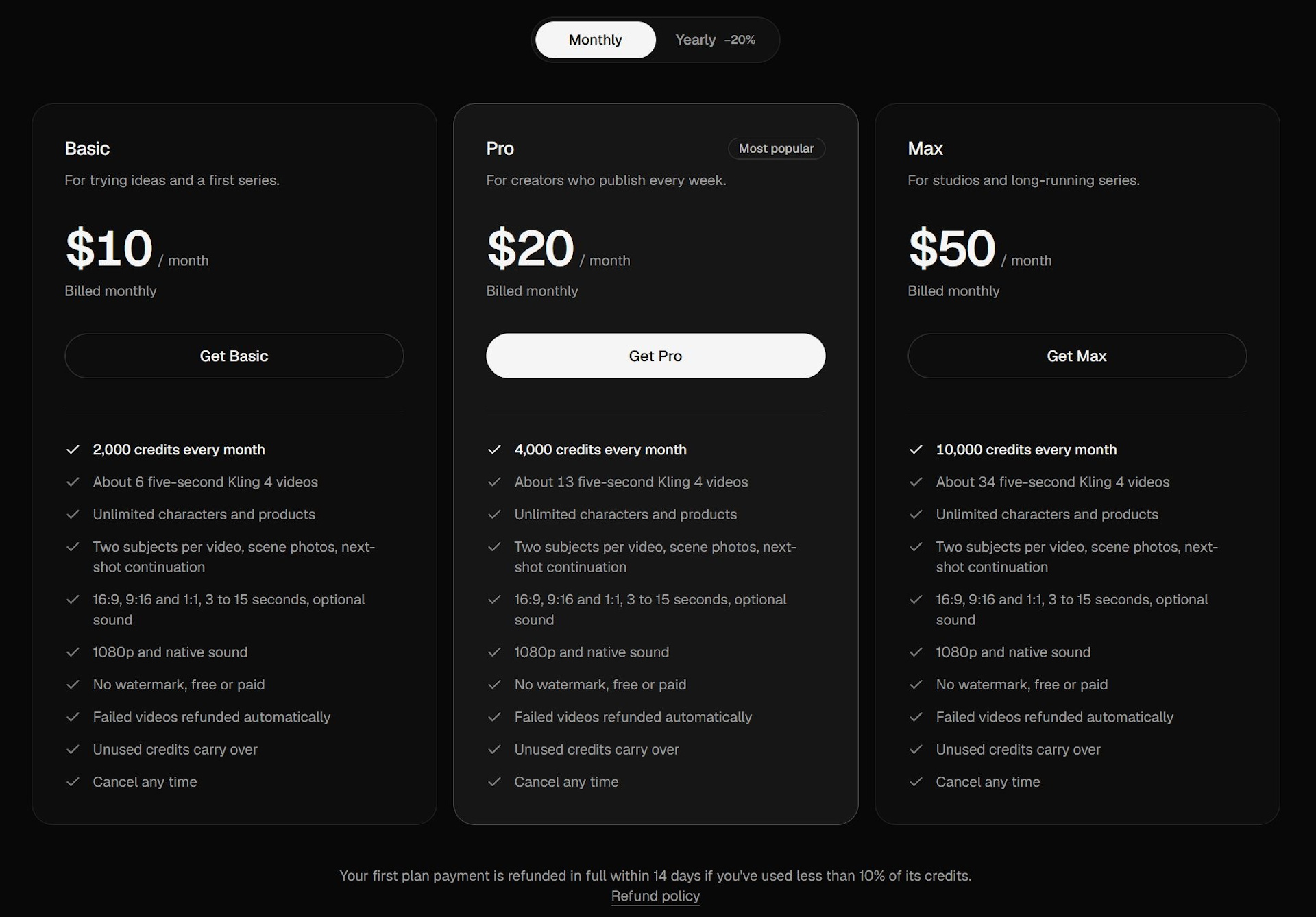
RefVid appears to be heavily focused on product marketing. It primarily targets the advertising industry and promises to generate promotional clips featuring consistent characters and product visuals. My video script from last time, which revolved around a fictional laptop reviewer, isn't quite the right fit here. So I'll come up with a product instead—fittingly, a laptop, naturally from Notebookcheck! The developer provides us with credits for six 5-second clips. Thanks to an additional credit allowance for new users, we eventually manage to create eight clips. Let's get started!
My idea consists of six scenes
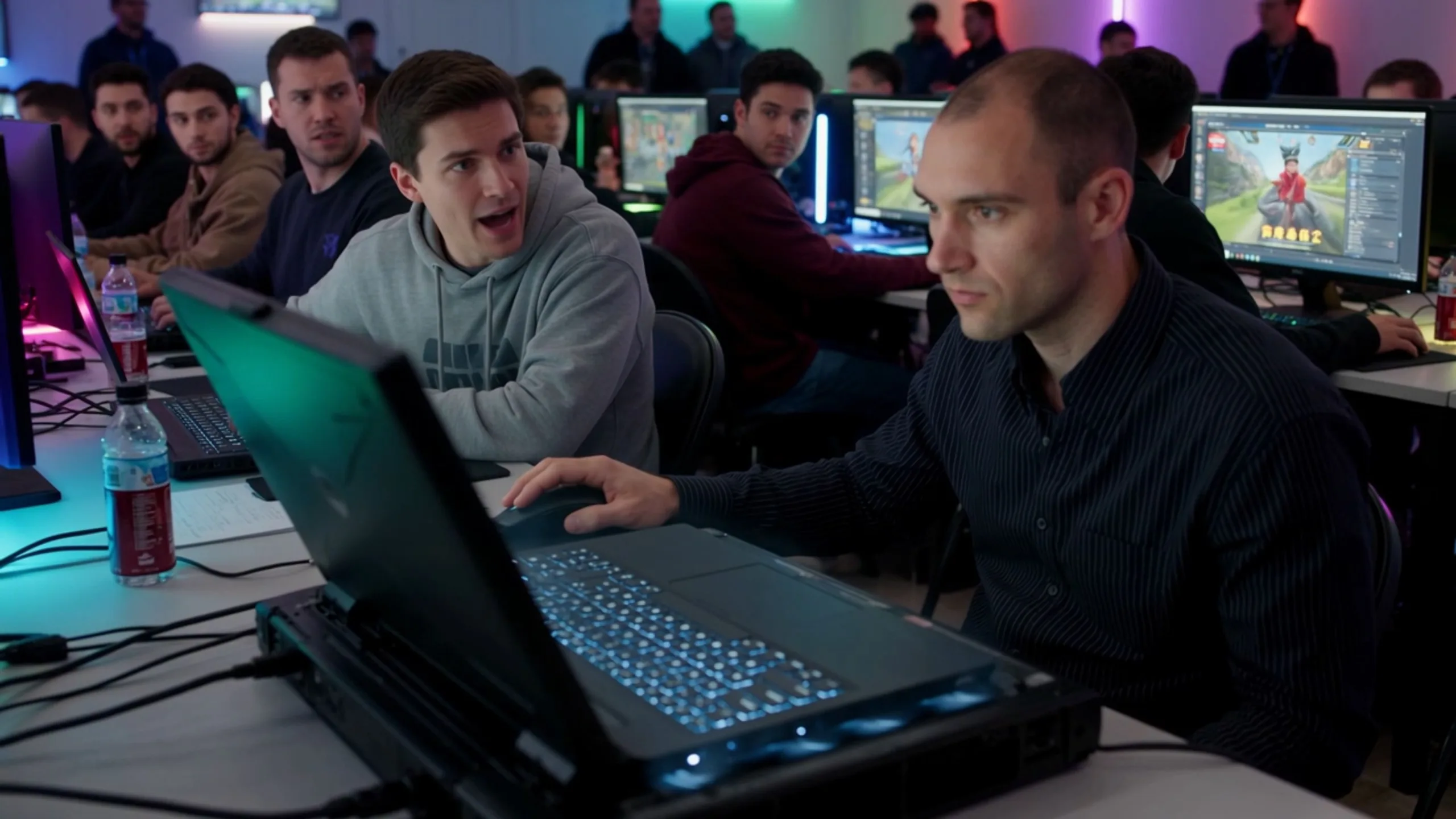
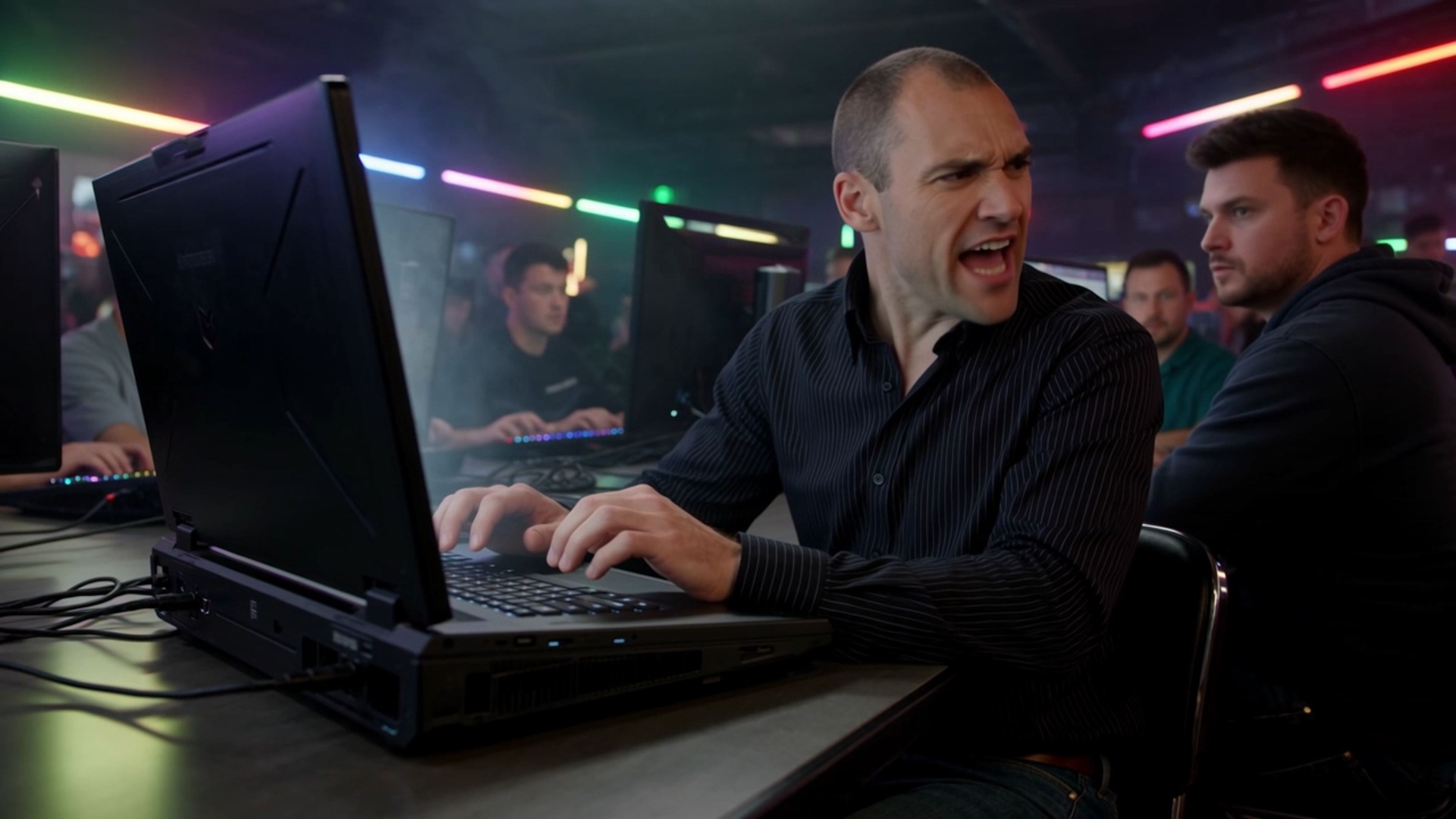
- The problem: LAN party. Chris is gaming with intense concentration on a huge, heavy gaming laptop. Its fans are howling like a vacuum cleaner. Chris has to shout to communicate with the person sitting next to him. His neighbor looks annoyed and covers his ears. Chris yells over the fan noise.
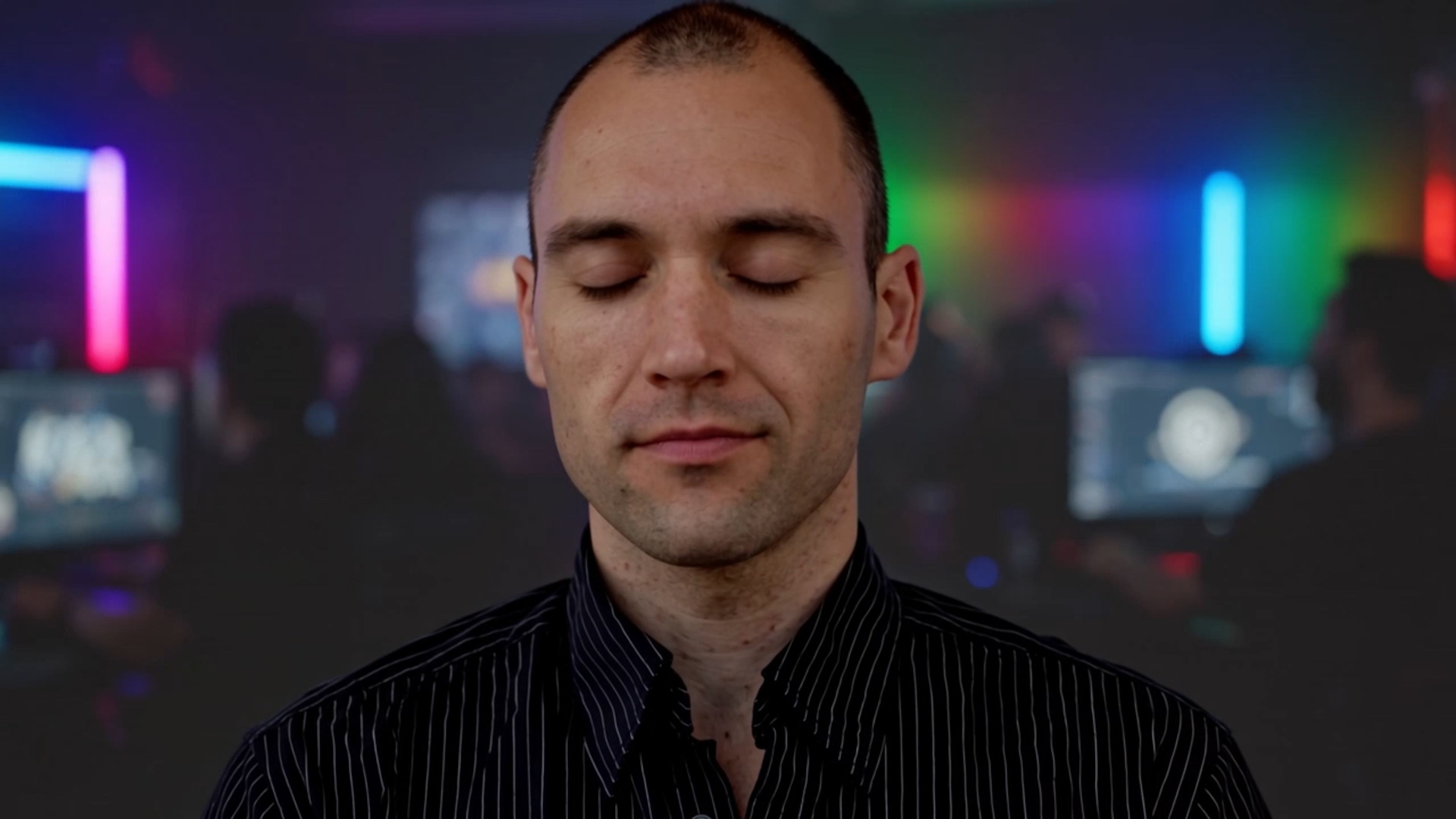
- The dream: Chris looks exhausted as he stares at his monstrous machine. The noise suddenly stops. Everything around him becomes quiet. In his mind's eye, a beautiful, ultra-thin laptop appears. Chris looks incredulous, then breaks into a small, satisfied smile.
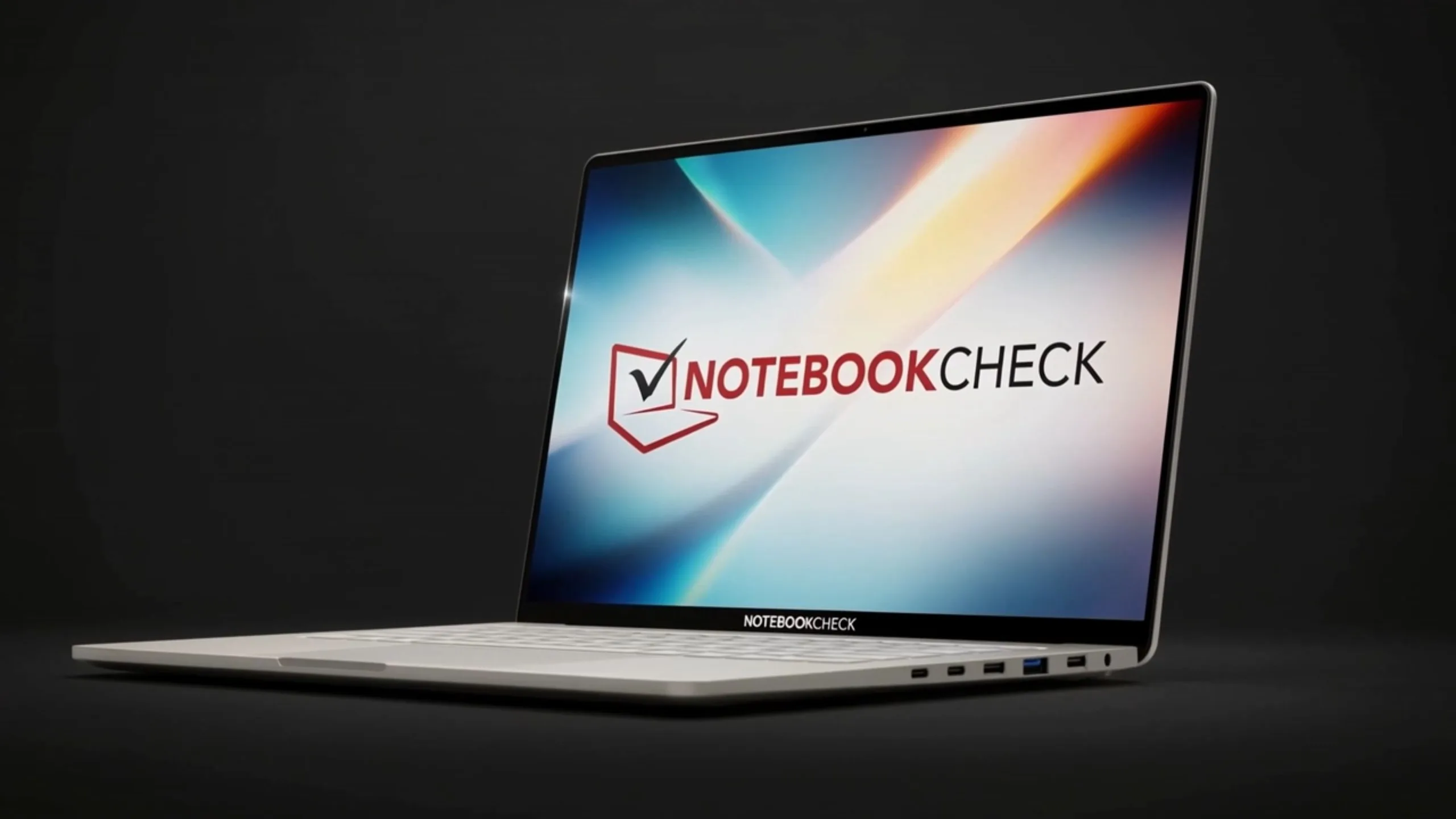
- The product: A luxurious showroom. Chris is presented with the NBPC One.
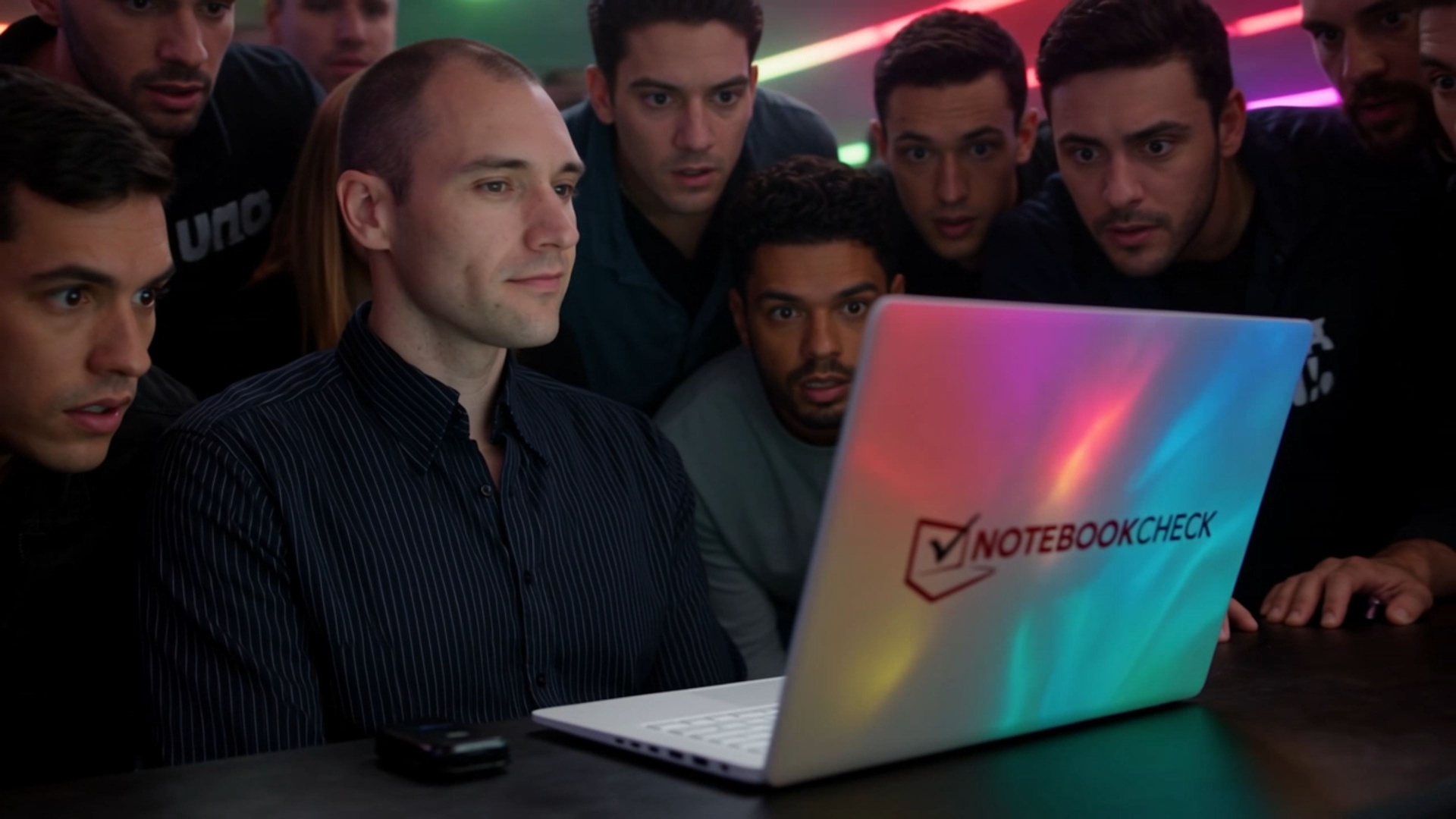
- The power: Back at the LAN party. Chris is playing a graphically stunning AAA game on his elegant white laptop. The fans are virtually inaudible. A small crowd gathers behind him. Everyone is staring at the screen.
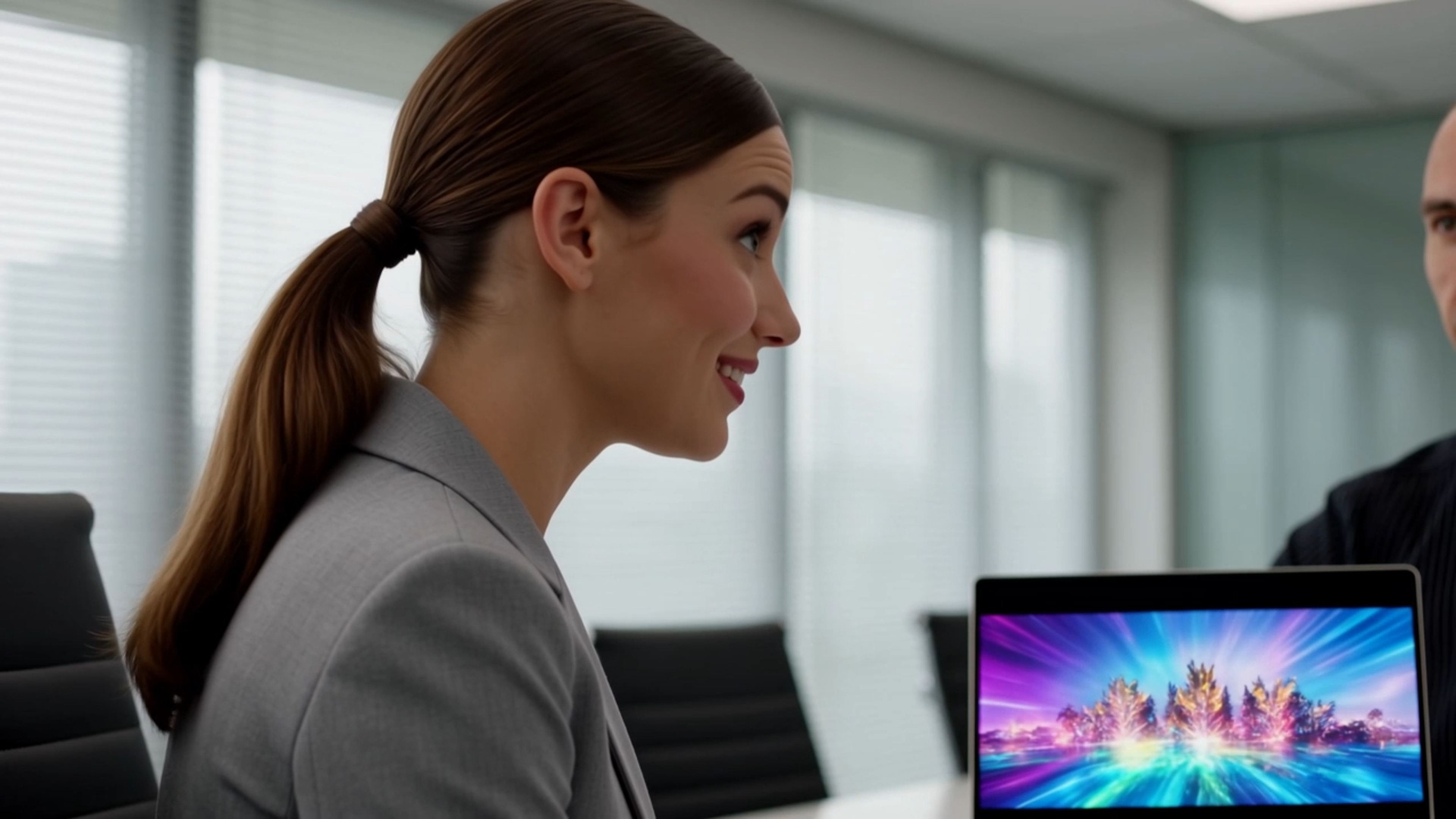
- No compromises: Chris is sitting in a business meeting. The NBPC One sits elegantly on the table. He is working on a local AI video generation task in complete silence. An impressive video preview is playing on the display. His colleagues look over with interest.
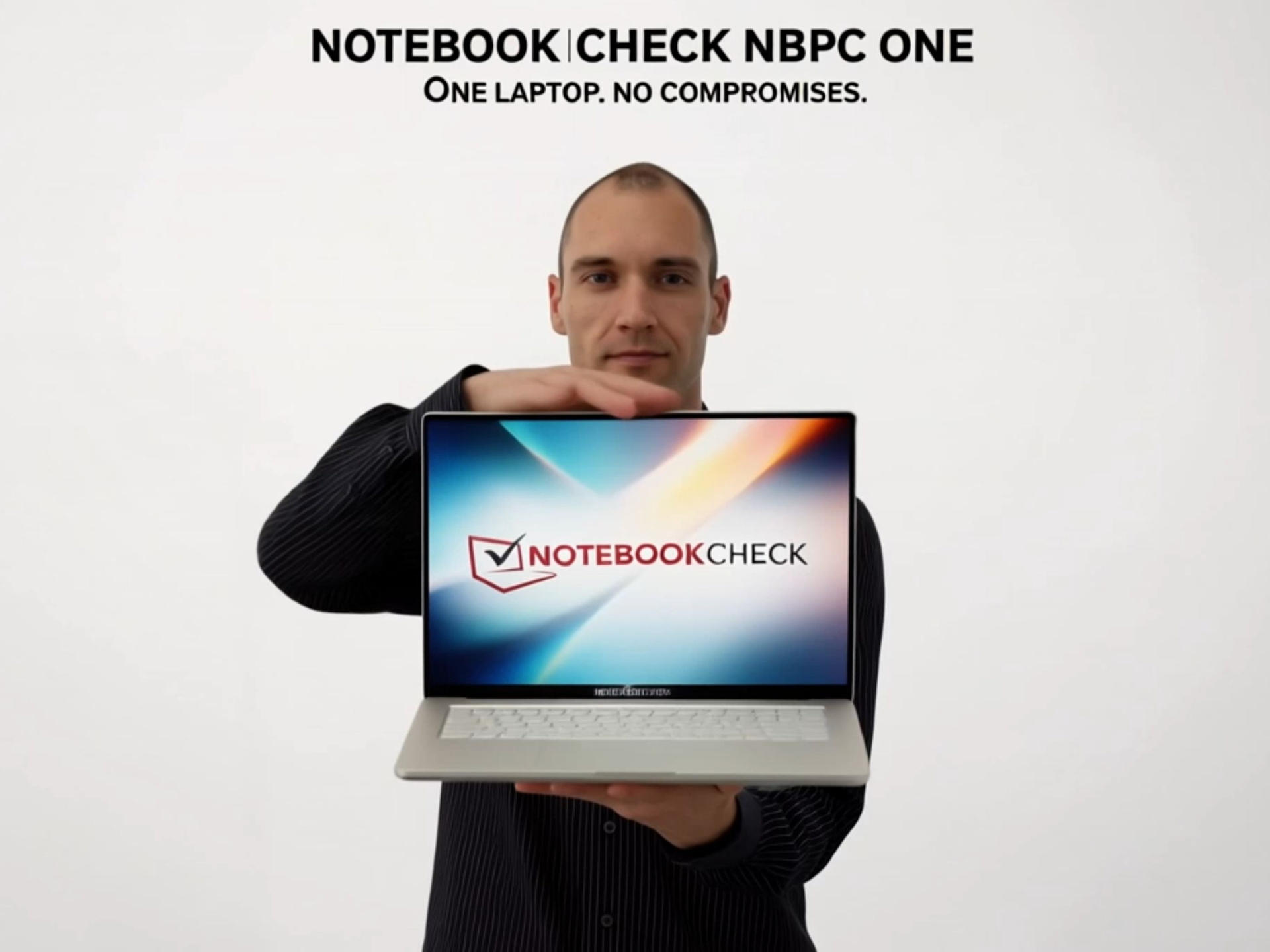
- Optional final shot: Chris gently closes the laptop partway. Text overlay: NOTEBOOKCHECK NBPC ONE - One Laptop. No Compromises.
Generating images and prompts with the help of other AI
ChatGPT helps me create the prompts, while I use Gemini, Adobe Firefly, and other tools to generate images of the fictional Notebookcheck laptop. I log in, navigate to Reference to Video, drag my laptop and character images into the prompt window, and add the prompt for the first scene. I then switch the aspect ratio to 16:9 and select the Kling 4.0 model. Unfortunately, the interface doesn't show how many credits I'm about to use (although this information is available under the Studio tab). That's a shame. Another limitation is that video lengths are only available in 5-second increments, so an 8-second video, for example, isn't possible. I click Generate.
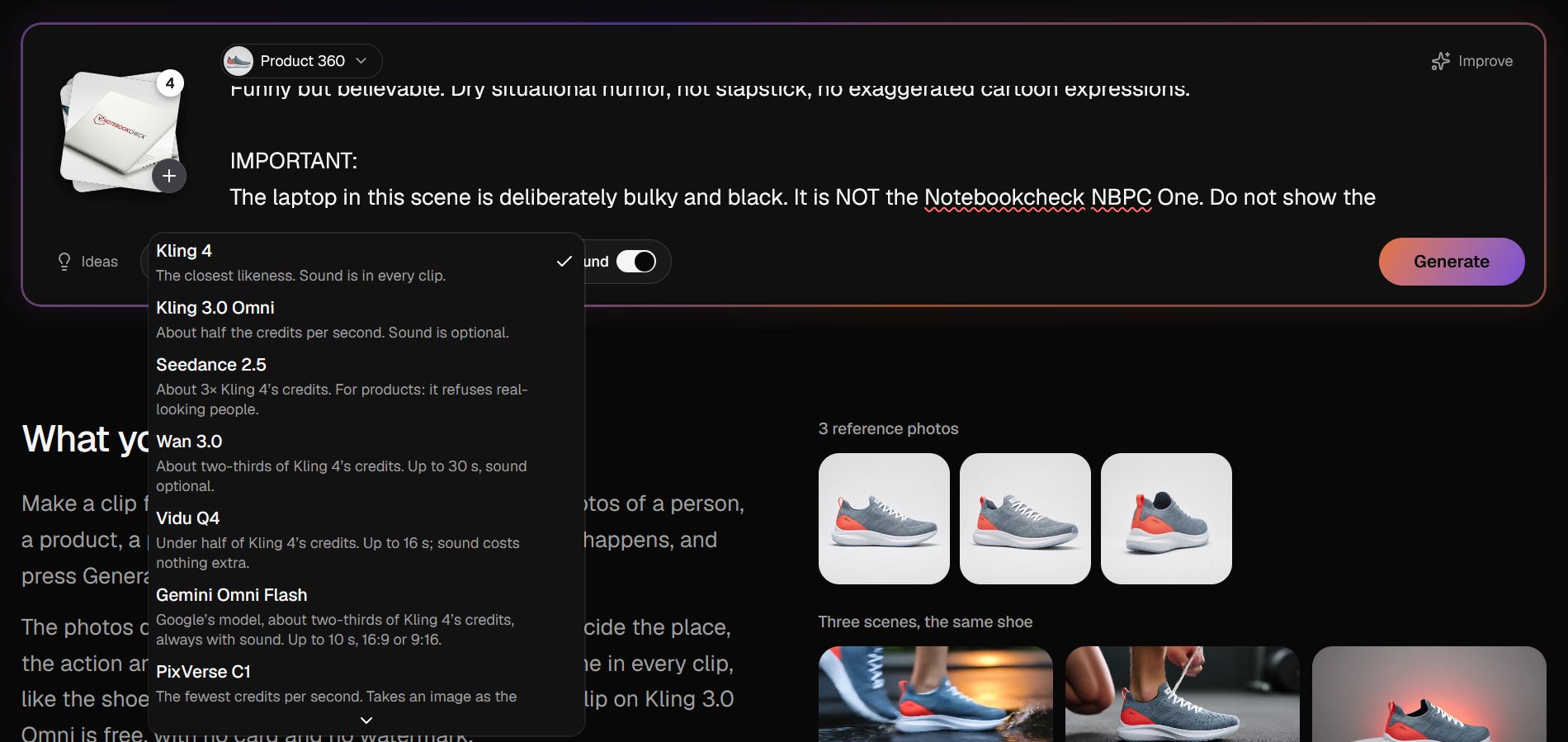
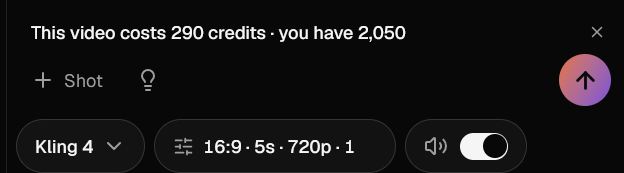
The results: Getting to an advertising video despite AI glitches
The prompt accepts between 1 and 10 reference images, which can be categorized as characters, products, or elements. Generating a 5-second clip takes between 2 and 10 minutes. My first scene is ready after just 2.5 minutes.
However, I'm not satisfied with the result. From the prompt "Chris turns toward the gamer sitting right next to him and tries to communicate by shouting over the fan noise," the AI generates a scene in which Chris angrily yells at his fellow gamer. In another clip, the character's body is stuck halfway inside the table—a classic AI glitch. There's also no loud vacuum cleaner noise. Despite Kling 4's audio capabilities, I'd recommend adding the voice-over and sound effects yourself later.
Prompts aren't always followed correctly, either. The instruction "Chris working on the NBPC One during the meeting" turns into a scene where Chris simply opens the laptop instead of actually working on it.
So we're already using our sixth backup clip. The second attempt produces a somewhat better result (see the finished video below).
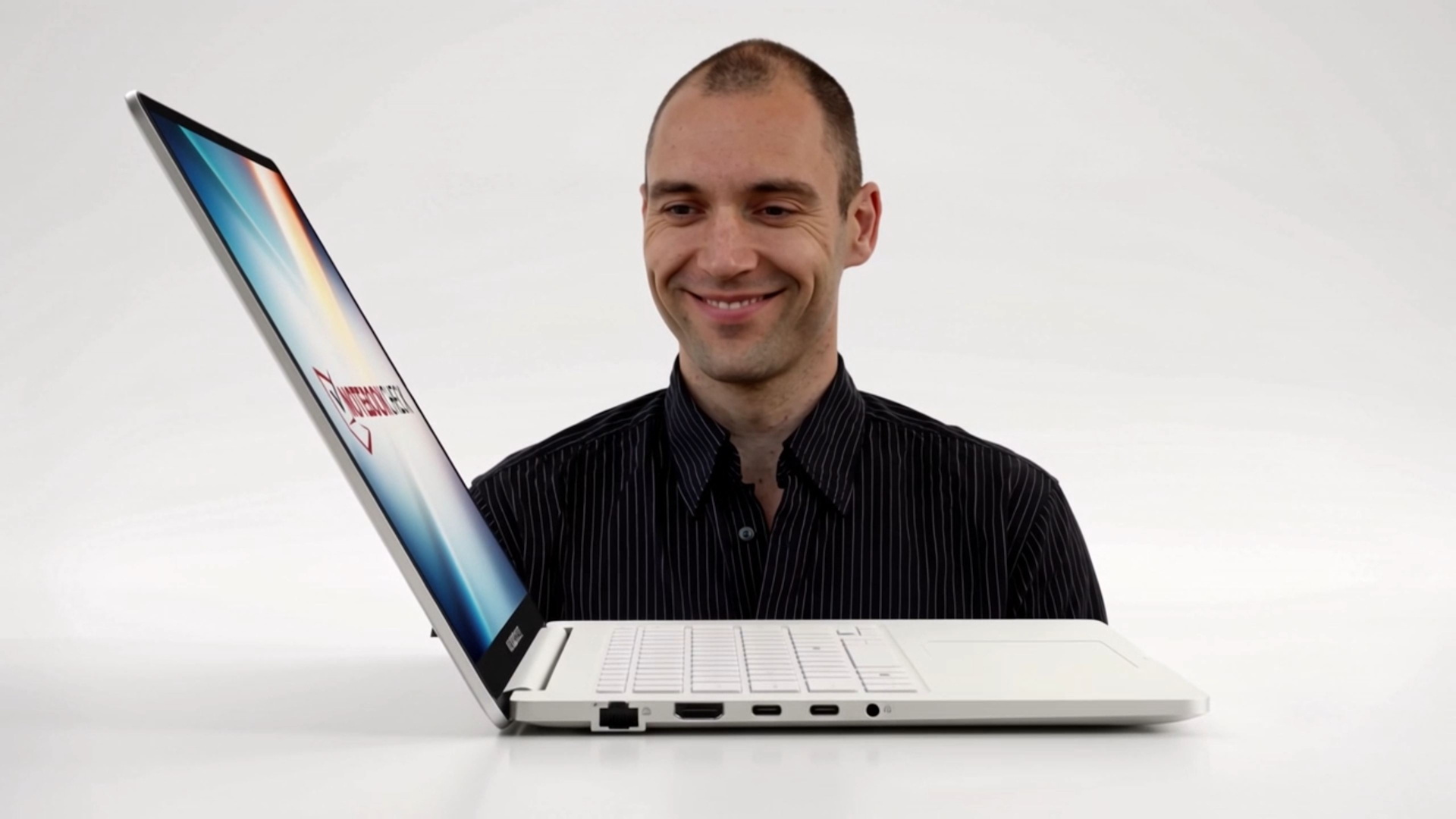
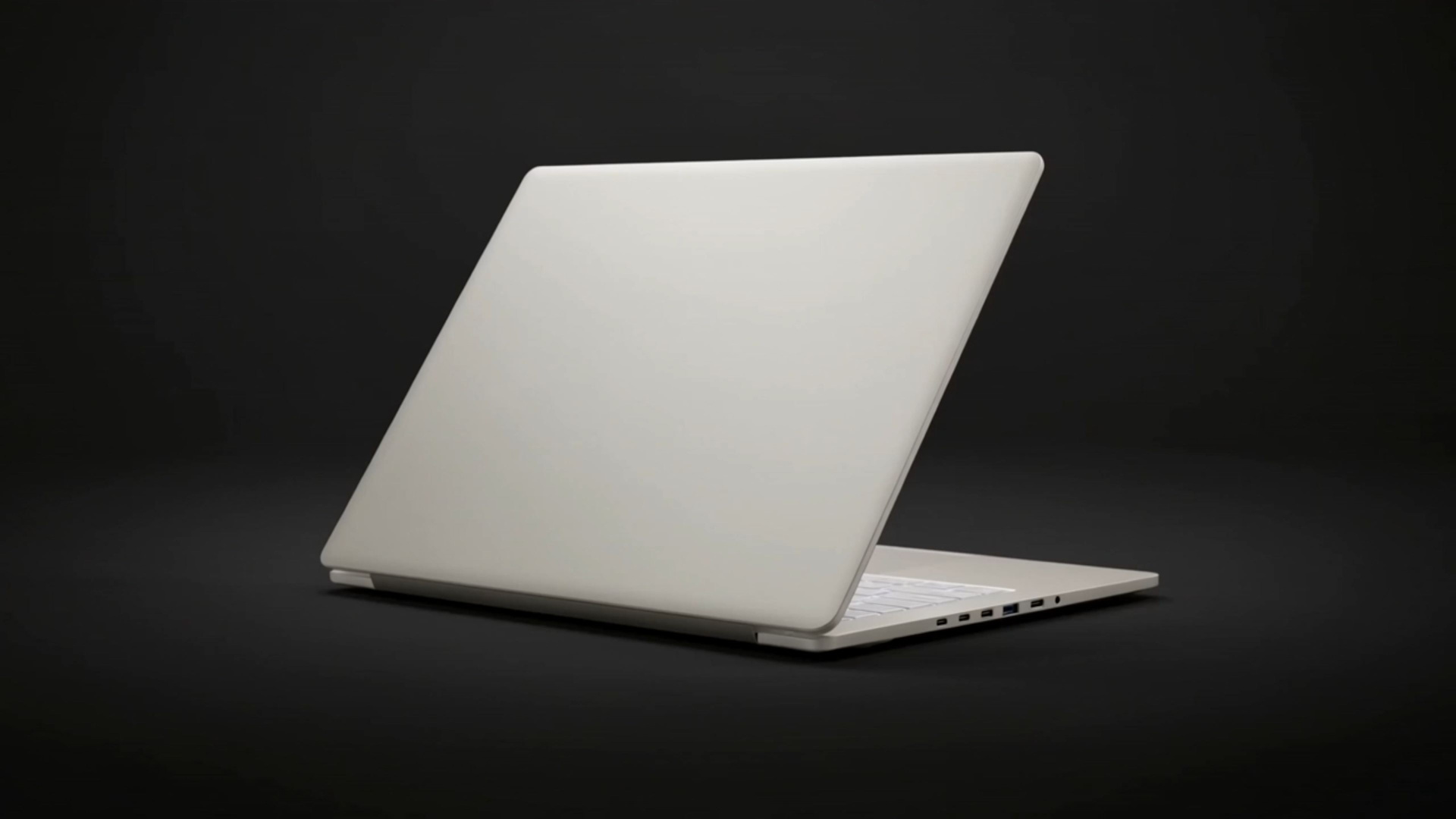
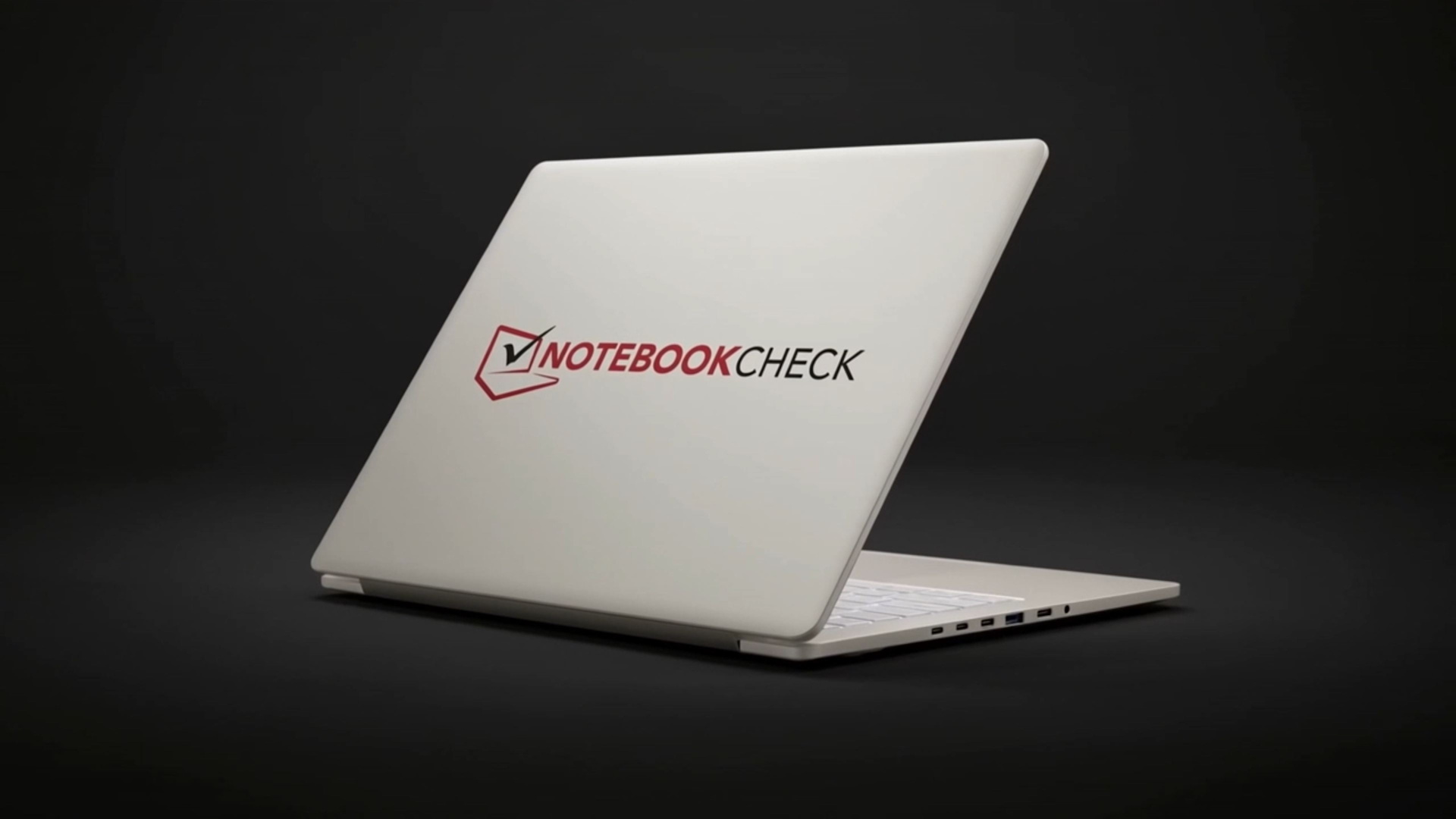
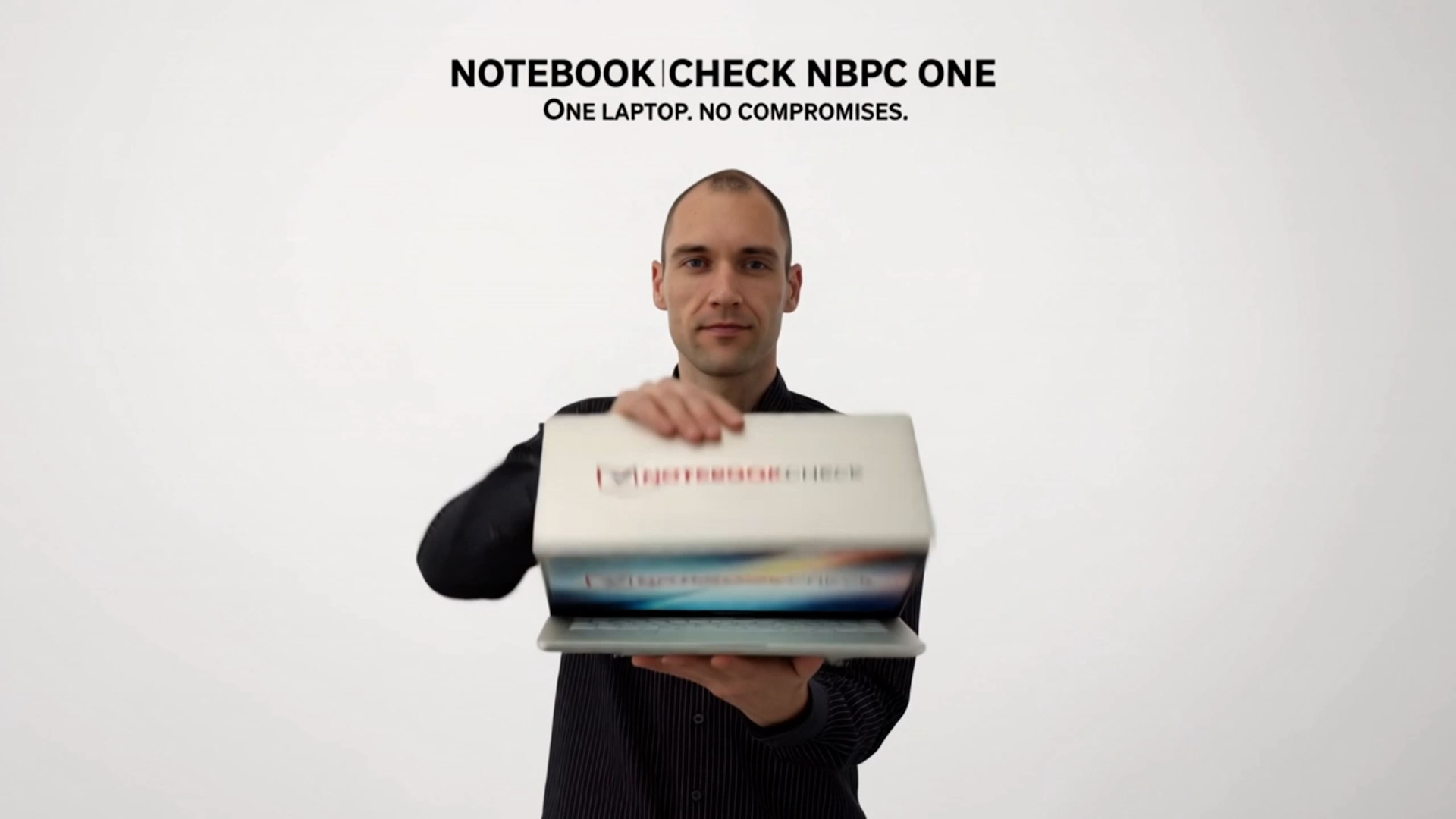
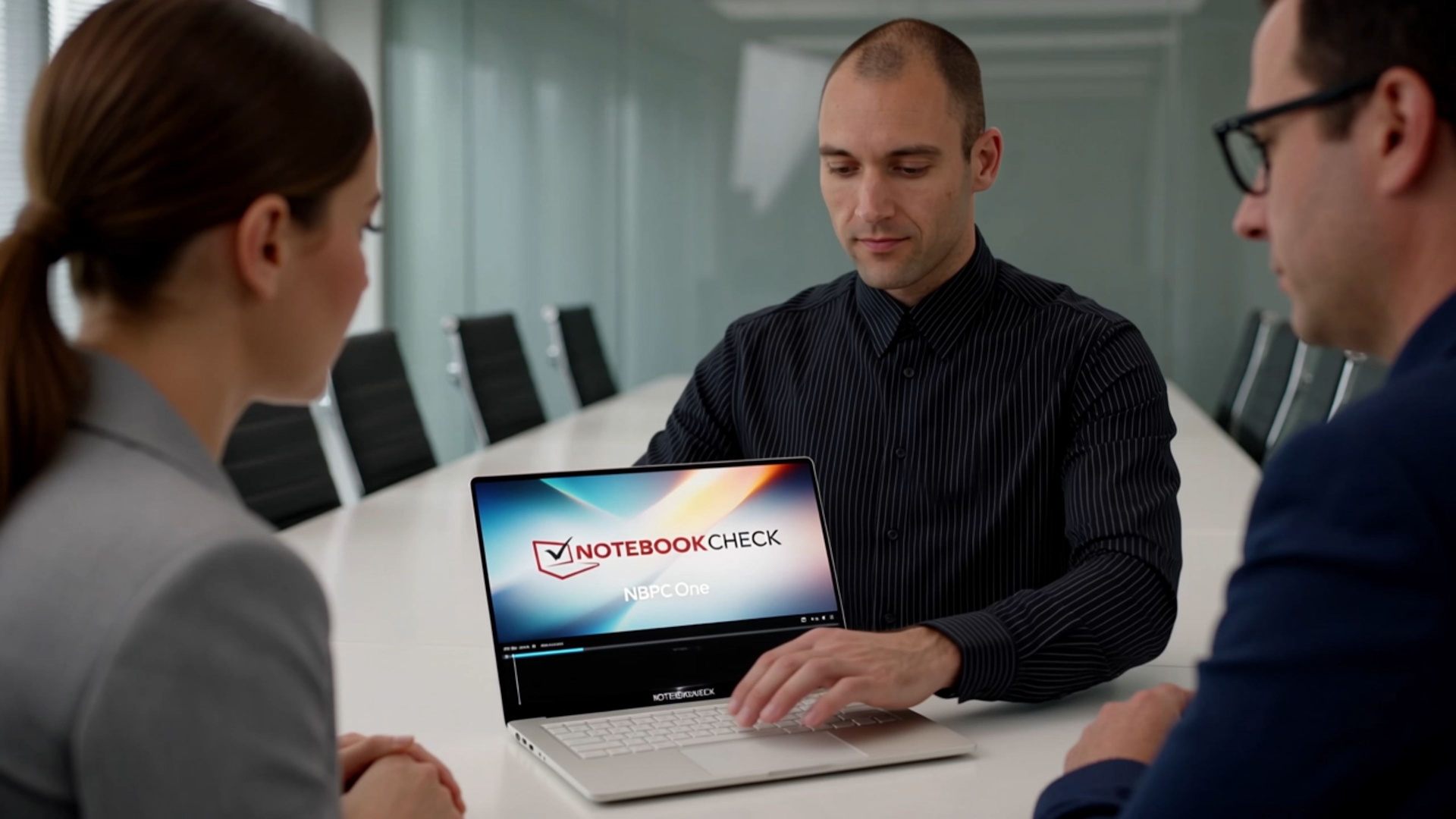
Ultimately, I manage to create all six scenes, although some require multiple rounds of corrections. My prompts probably aren't ideal, either. Still, the final result is only marginally presentable. There's no way the marketing department would approve this video as it stands.
Apart from the vacuum cleaner sound at the beginning, I didn't bother adding any audio. The problem is that Kling combines spoken dialogue and music into a single audio track. If you want to add your own music, you'd also have to re-record all the dialogue yourself (e.g., "Your laptop is really loud," see video). Having multiple separate audio output files would be much more useful, as it would offer greater flexibility during post-production.
Conclusion: Expertise, experience, and good prompts still matter
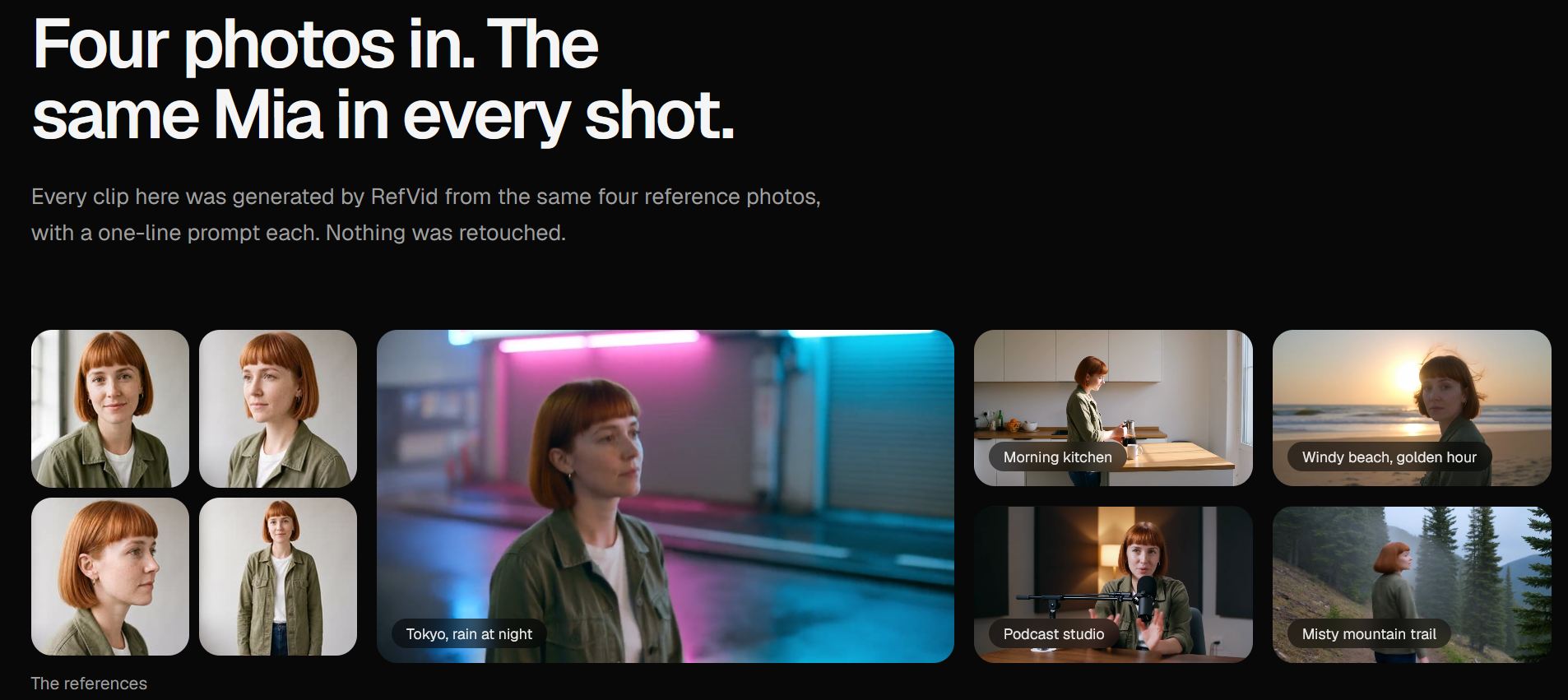
I only spent a relatively short time testing RefVid and managed to generate eight clips. The good news: The character actually looked remarkably consistent across the different clips, even though I submitted just a single reference photo. Depending on the prompt, our laptop was also reasonably consistent. In that respect, RefVid delivers on its promise of maintaining consistent characters and products across multiple clips.
However, the underlying AI (Kling 4.0 in this case) continues to produce the typical AI glitches, even after more than a year: bodies getting stuck inside objects, strange slow-motion movements (see LAN scene 2), incorrectly interpreted prompts, and so on. You still need to invest a considerable amount of experience, expertise, high-quality reference images, time, and credits to get the clips you actually have in mind.
It's also essential to describe every scene with absolute precision. Ideally, you should include negative prompts to prevent known issues. If you leave even a little room for the AI's creativity or overlook a seemingly minor detail, strange things often happen. I'm already looking forward to the day when these problems finally become a thing of the past. Most recently, I reported on research into a general-purpose AI physics model that could help address these issues.
 Add as a preferred source on Google


