


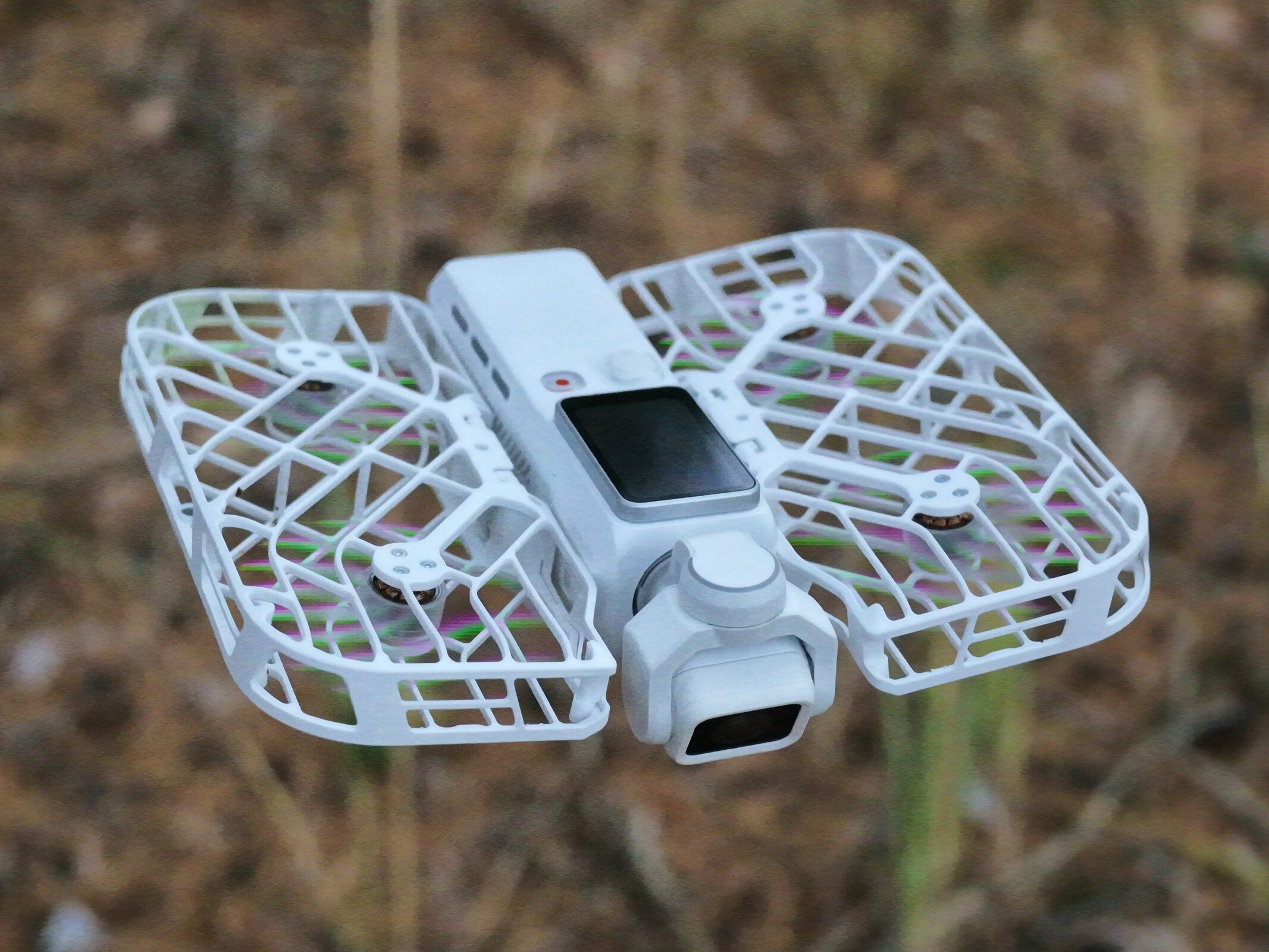
HoverAir Versa review: A gimbal camera and drone in a compact travel kit
With a license to fly.
The HoverAir Versa is a drone that doubles as a handheld gimbal camera—and vice versa. Our review reveals clear advantages to this two-in-one concept, though the Versa ultimately remains a compromise.Silvio Werner (translated by Silvio Werner) Published 🇩🇪
The HoverAir Versa delivers, but it is a compromise
The HoverAir Versa is neither a top-tier gimbal camera nor a top-tier drone. Even so, the manufacturer largely delivers on its promises. Whether used as a handheld gimbal camera or as a drone, the Versa offers solid—if not outstanding—image quality, plenty of creative options, and a few genuinely innovative features. However, the lack of obstacle avoidance is a clear drawback and represents a significant limitation, and the device would also have benefited from a few additional physical buttons and a larger screen.
Like the HoverAir Aqua, the Versa is a specialized drone—though aimed at a sizable niche like travelers and vloggers—that hits its mark and currently faces no direct competition on the market. Anyone who owns neither a gimbal camera nor a drone and wants an all-in-one setup for travel, for instance, should definitely take a closer look. With a total weight of 230 grams, it offers noticeable savings in both weight and packed size compared to carrying both a DJI Osmo Pocket 3 and a DJI Neo 2, which weigh 330 grams combined.
Pros
Cons
Price and availability
The HoverAir Versa is available in several bundles, both directly from the manufacturer and through third-party retailers such as Amazon. The Smart Fly Combo retails for £519, while the standalone handheld unit is priced at £429. The Travel Bundle, which includes extra batteries, the MiCo controller, and additional accessories, costs £749.
With the HoverAir Versa, HoverAir is entering the gimbal camera market while remaining true to its core expertise in drones, offering a hybrid device that functions as both.
Specifications
| Product name | HoverAir Versa |
| Product category | Gimbal camera with drone option |
| Dimensions | 38 x 38 x 147 mm (handheld), 176 x 44 x 176 mm (as a drone) |
| Weight | 163 grams (handheld), 230 grams (as a drone, both in white) |
| Display | 1.64-inch OLED, 280 x 456 pixels |
| Storage | 64 GB internal, microSD card (up to 1 TB) |
| Gimbal stabilization | 3 axes |
| Camera | 1/1.3-inch sensor, minimum focal length 15 mm, f/2.0 aperture |
| Photo resolution | 12 megapixels |
| Video resolution, maximum | 4K at 60 FPS, 4K at 30 FPS (HDR) |
| Video resolution, slow motion | 1080p at 120 FPS |
| Battery | Replaceable, 14.74 Wh |
| Connectivity | Wi-Fi (2.4/5.8 GHz), Bluetooth, USB Type-C |
| Flight speed | 3 m/s ascending, 2 m/s descending, 10 m/s horizontal |
Secure connection, clever details
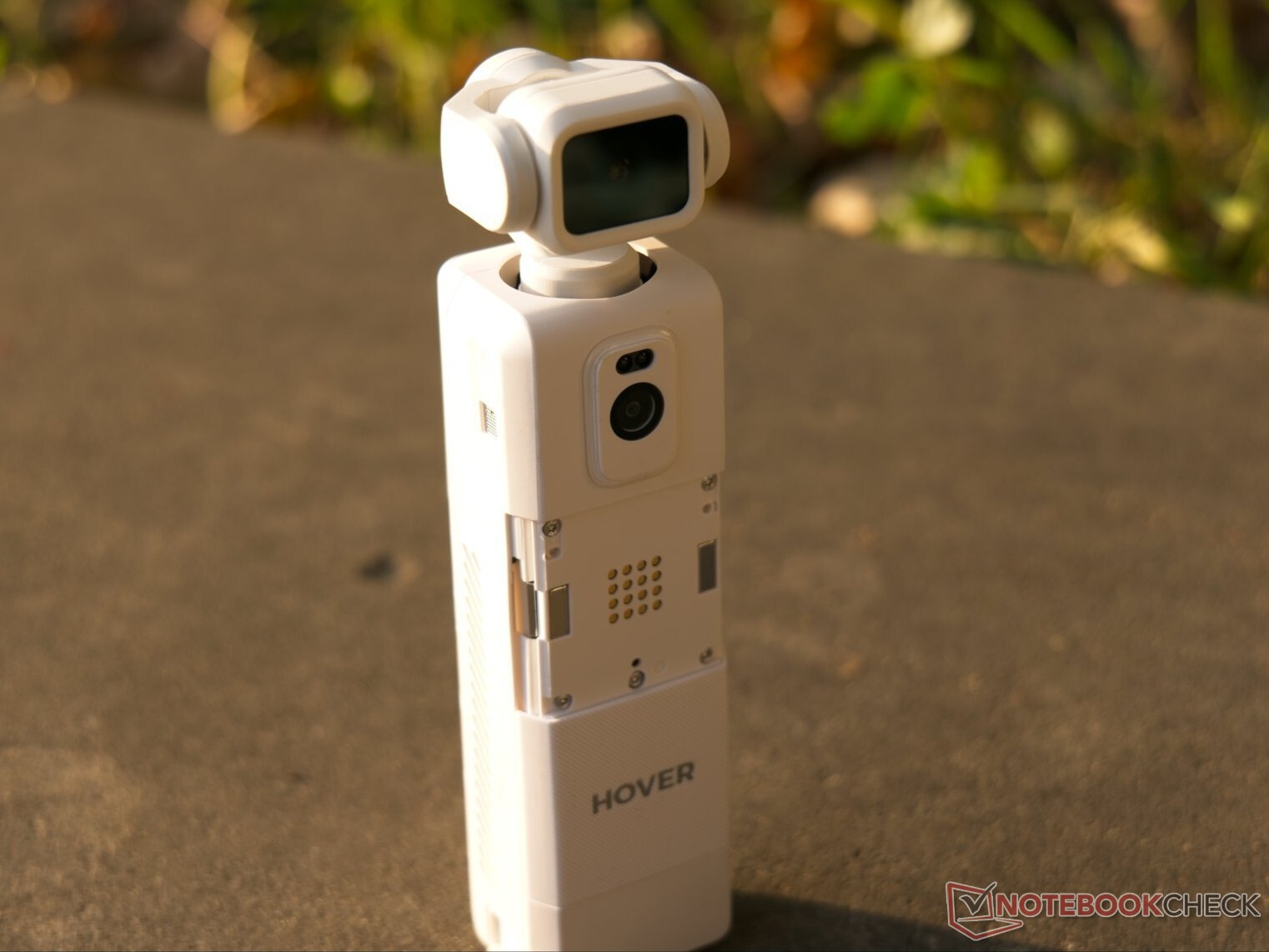
The HoverAir Versa is a 163-gram gimbal camera that transforms into a drone with the addition of a 67-gram Flight Kit. It features a 1/1.3-inch image sensor and a native 15 mm focal length. While drone mode utilizes the full 15 mm field of view, handheld mode defaults to a 19 mm focal length, though switching to ultrawide mode restores the 15 mm perspective. There is no secondary lens, though the device offers a 2x zoom that the manufacturer claims is lossless.
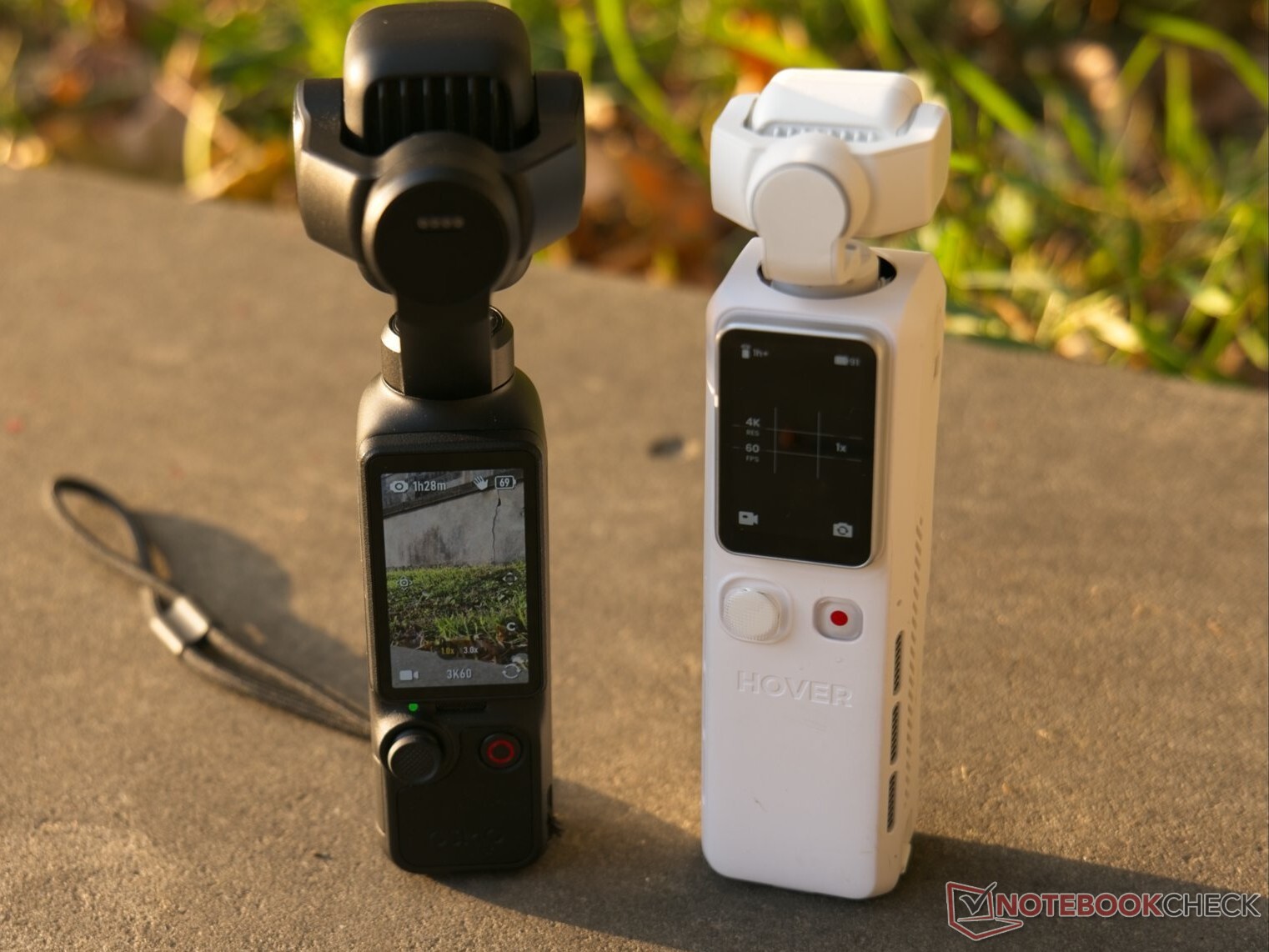
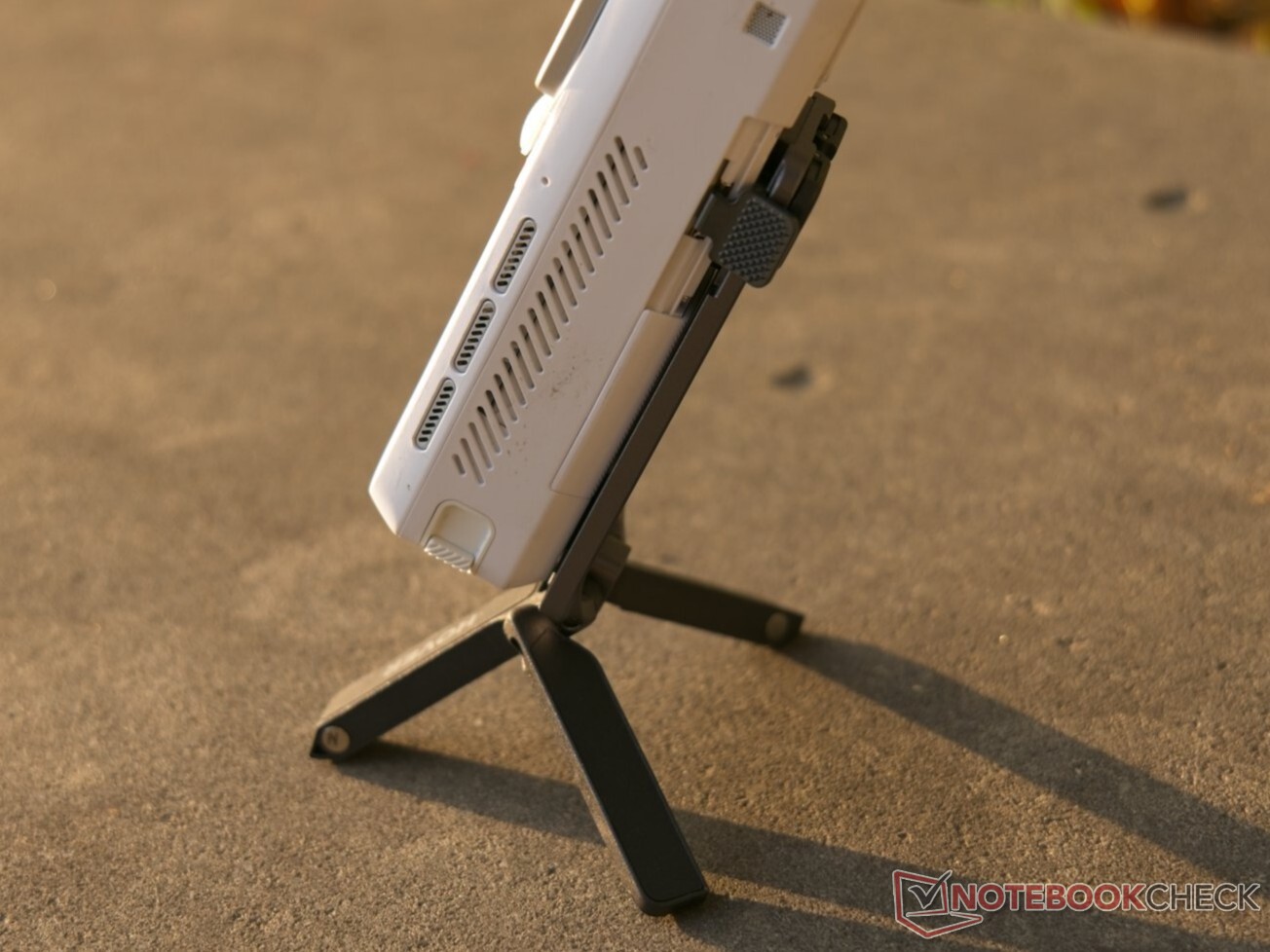
The Versa lacks the extra customizable controls found on rivals like the Osmo Pocket 4P or the Insta360 Luna Ultra, relying instead on a single clickable joystick. Compared to the Osmo Pocket 4P, its 1.64-inch display is noticeably smaller than the DJI's 2-inch screen, and the Versa feels significantly bulkier overall. On the plus side, it features a replaceable battery and stands reasonably securely on its own without a tripod. The rear housing accommodates additional sensors for flight, a specialized locking mechanism, and a prominent multicolored LED that serves as a tally light during recording.
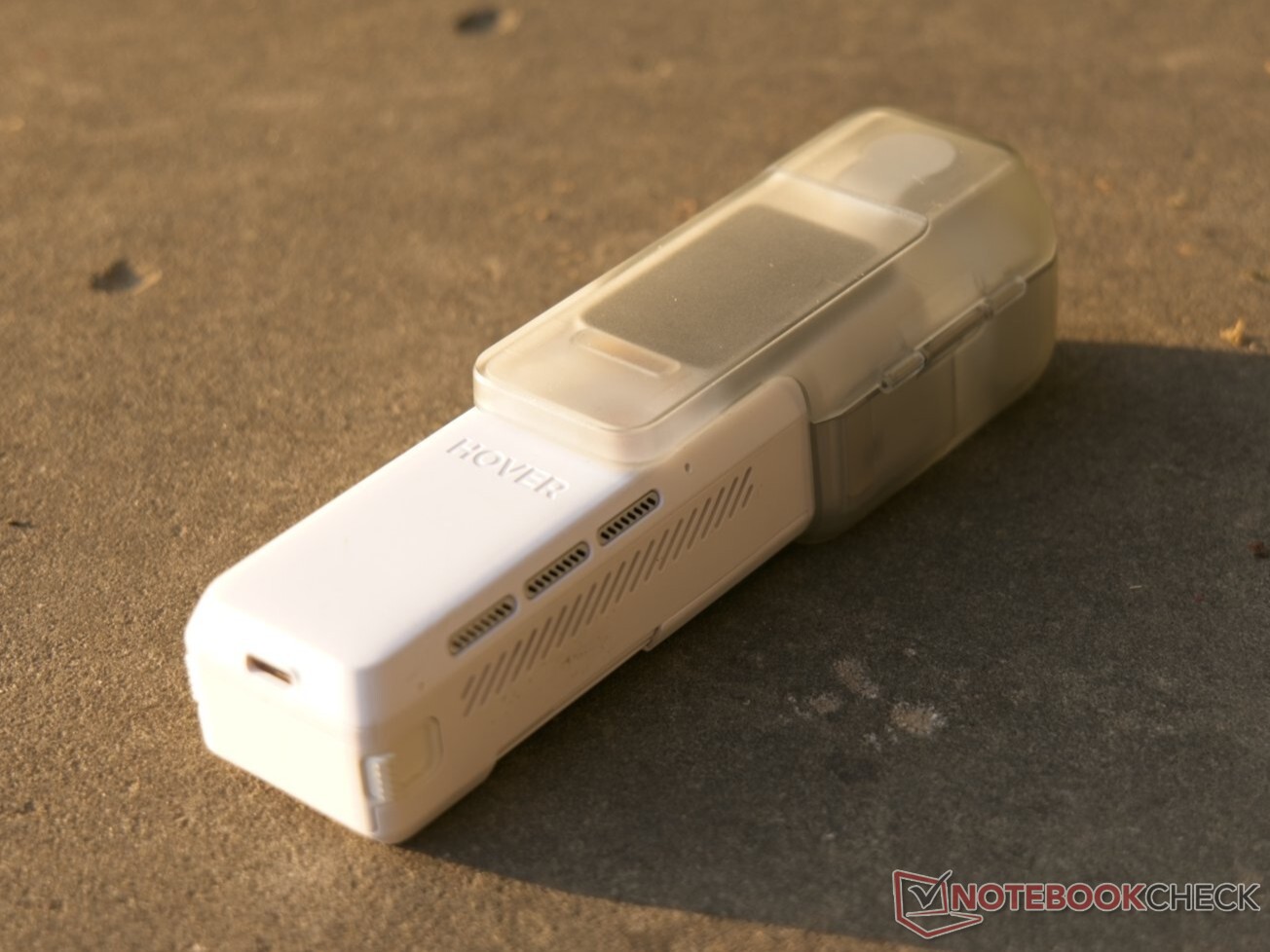
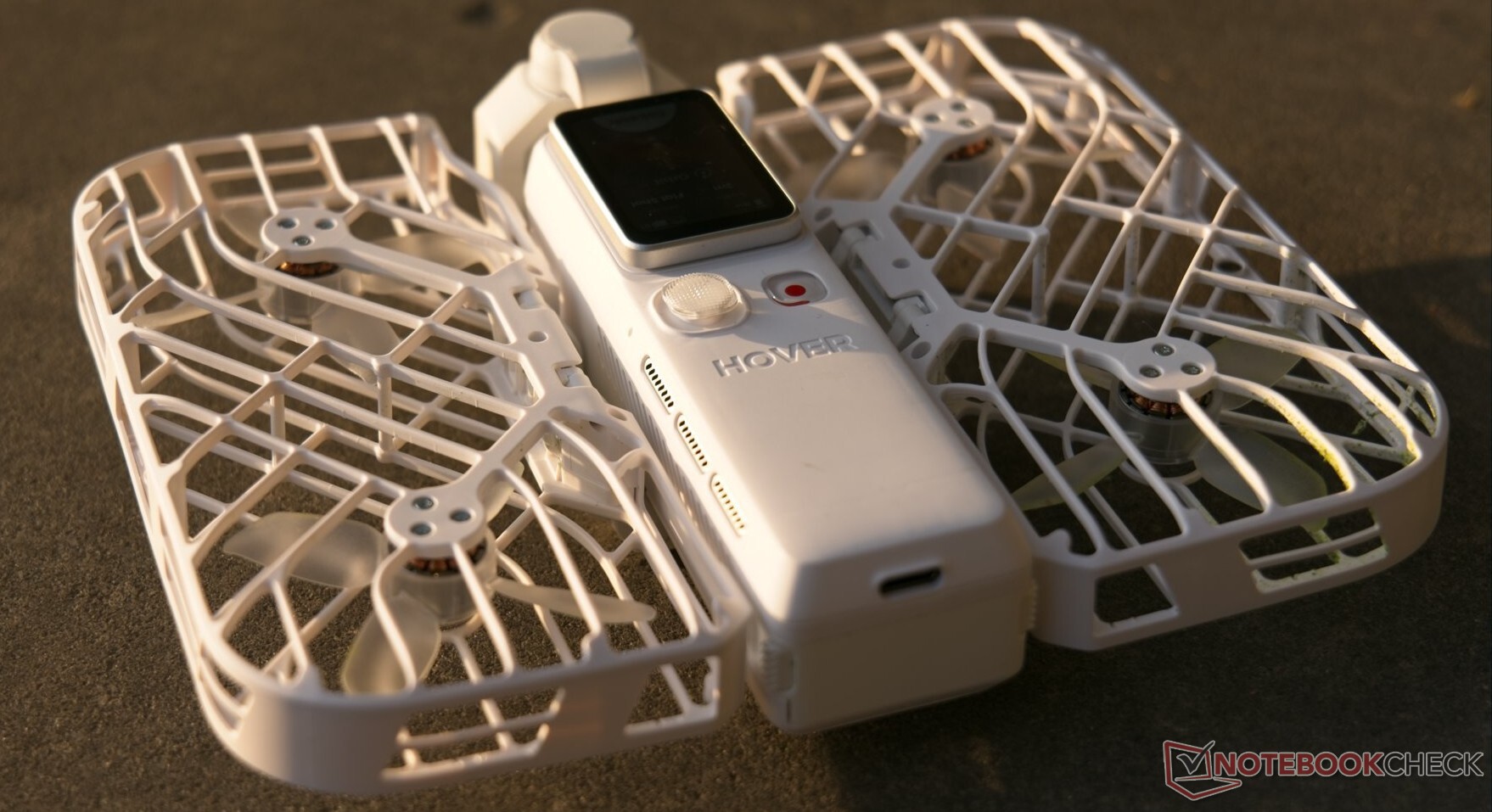
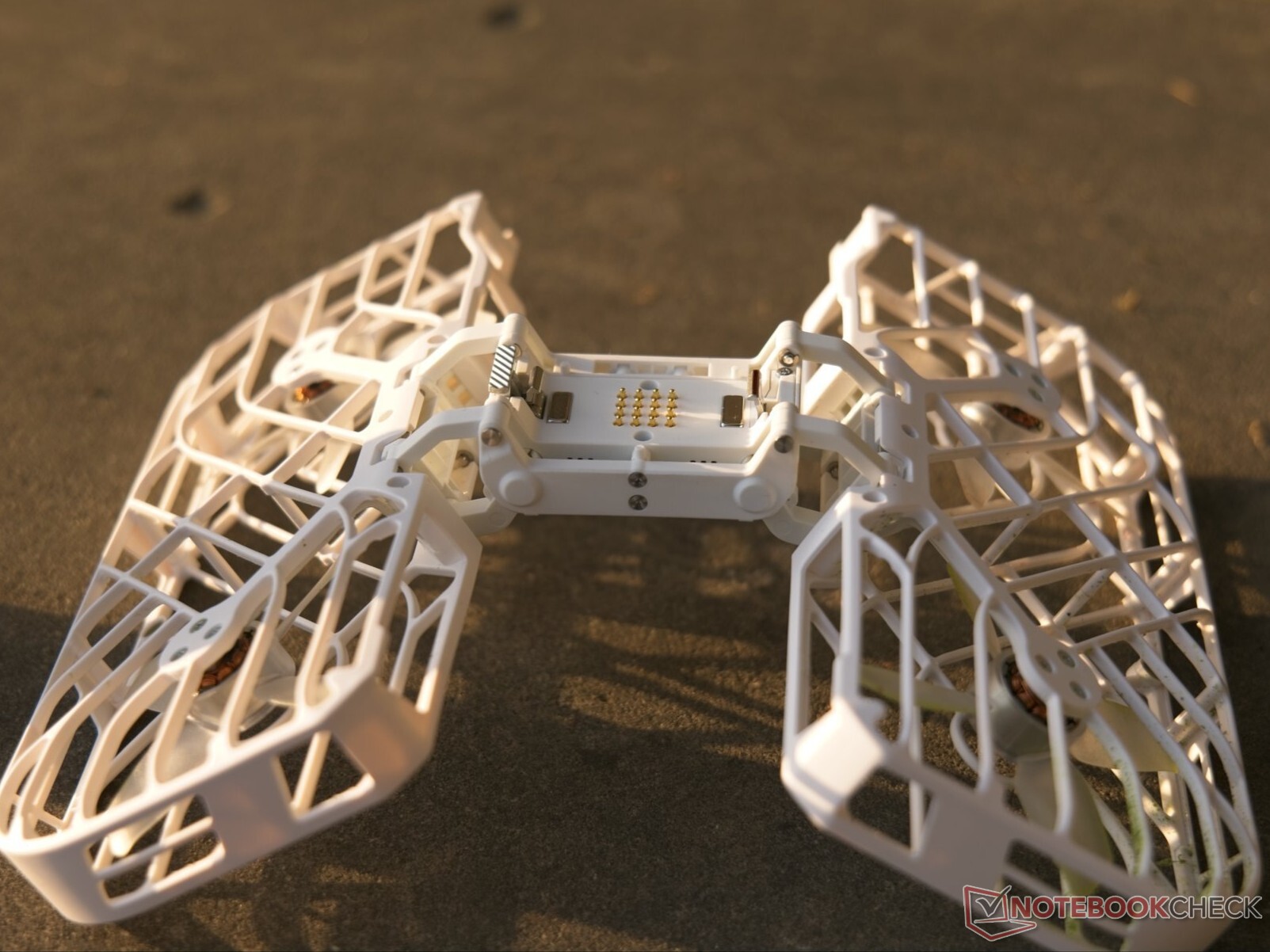
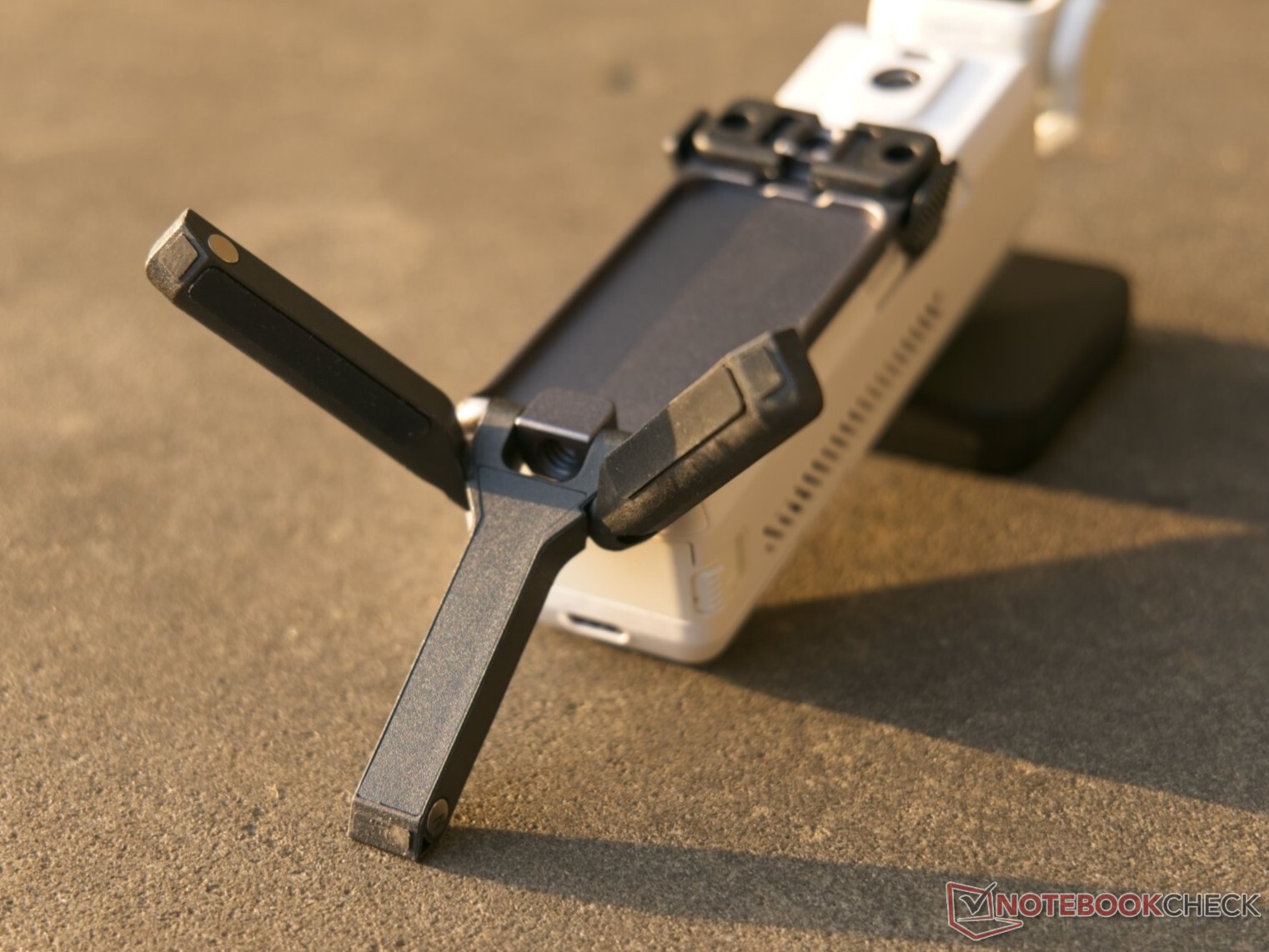
The locking mechanism is primarily used to attach the Fly Kit. While metal claws provide the actual mechanical lock, strong magnets pull the Versa handheld into position first, making alignment effortless. Visible red indicators warn that the drone is not securely locked, though this never happened once during our testing. Aside from the locking mechanism, the Fly Kit is fairly unremarkable on a hardware level, consisting of four shrouded propellers and magnets that hold the frame together when folded. The tripod attaches via the same clamps and sits very securely. As a clever bonus, it also includes a standard tripod thread alongside fold-out mounting tabs for standard action camera accessories.
The HoverAir Versa Smart Mini Controller MiCo is broadly comparable to the Beacon familiar from the HoverAir ecosystem, though it does without a display. Resembling a compact makeup mirror, the small remote skips joysticks in favor of analog-style switches on the left and right edges, and it can operate the Versa in both drone and handheld modes. The drone, handheld unit, dual-battery charger, tripod, and even several ND filters all pack neatly into a carrying case measuring just 18 x 15 x 11 centimeters.
Straightforward operation, good image quality
The HoverAir Versa's biggest advantage is how compact the complete system is when you want—or need—to carry both a drone and a gimbal camera. Switching between the two operating modes is quick and straightforward, even on the go. In drone mode, the Versa offers a wide range of standard flight modes: subject tracking works reliably, supporting both conventional follow shots and spiral flight paths, while an AI framing feature automatically finds a suitable angle. Because the gimbal camera can also rotate while mounted to the drone, it can even pull off an eye-catching Inception-style roll effect. Palm takeoffs work smoothly, and the drone can be controlled and recalled using hand gestures.
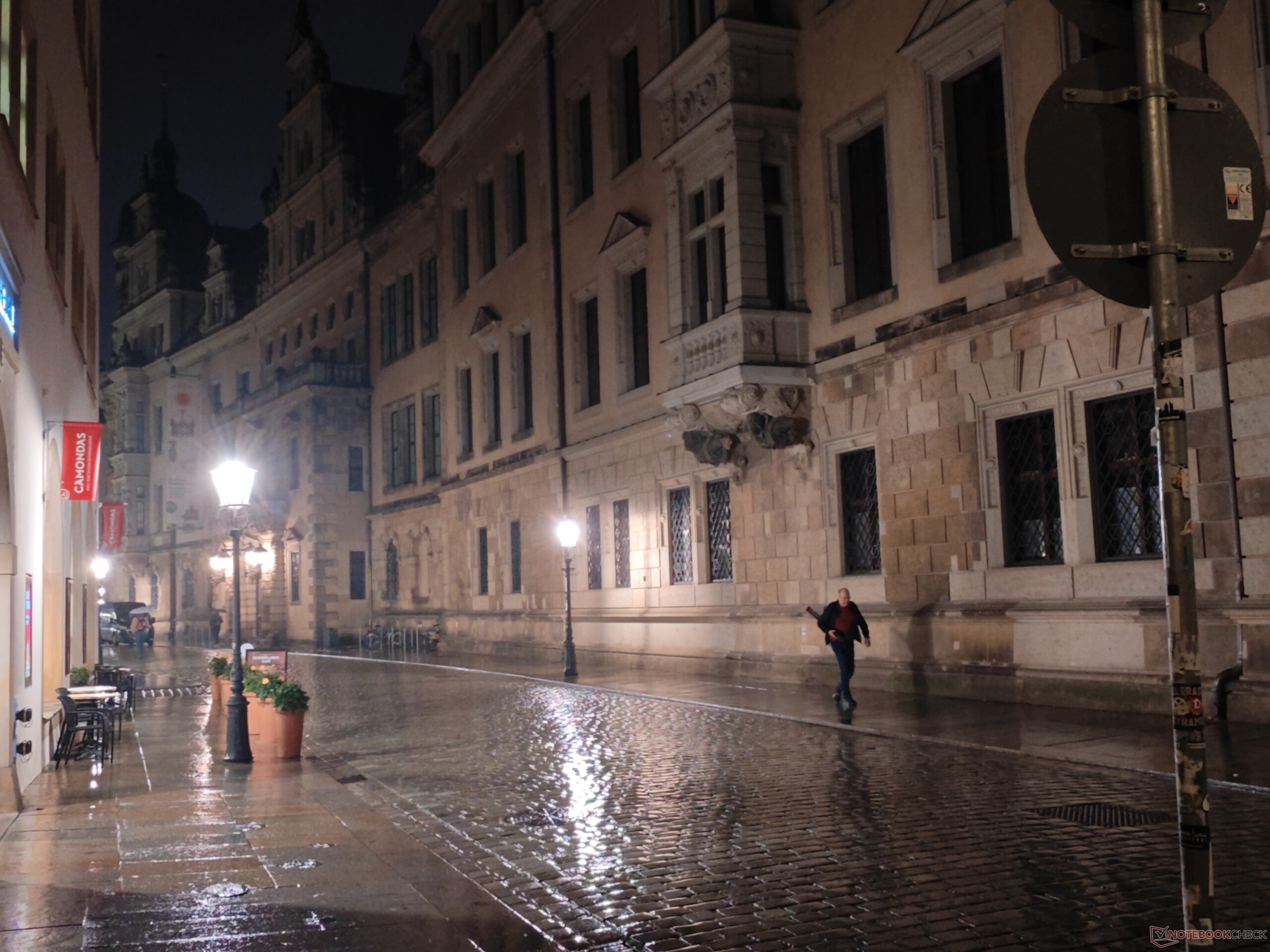
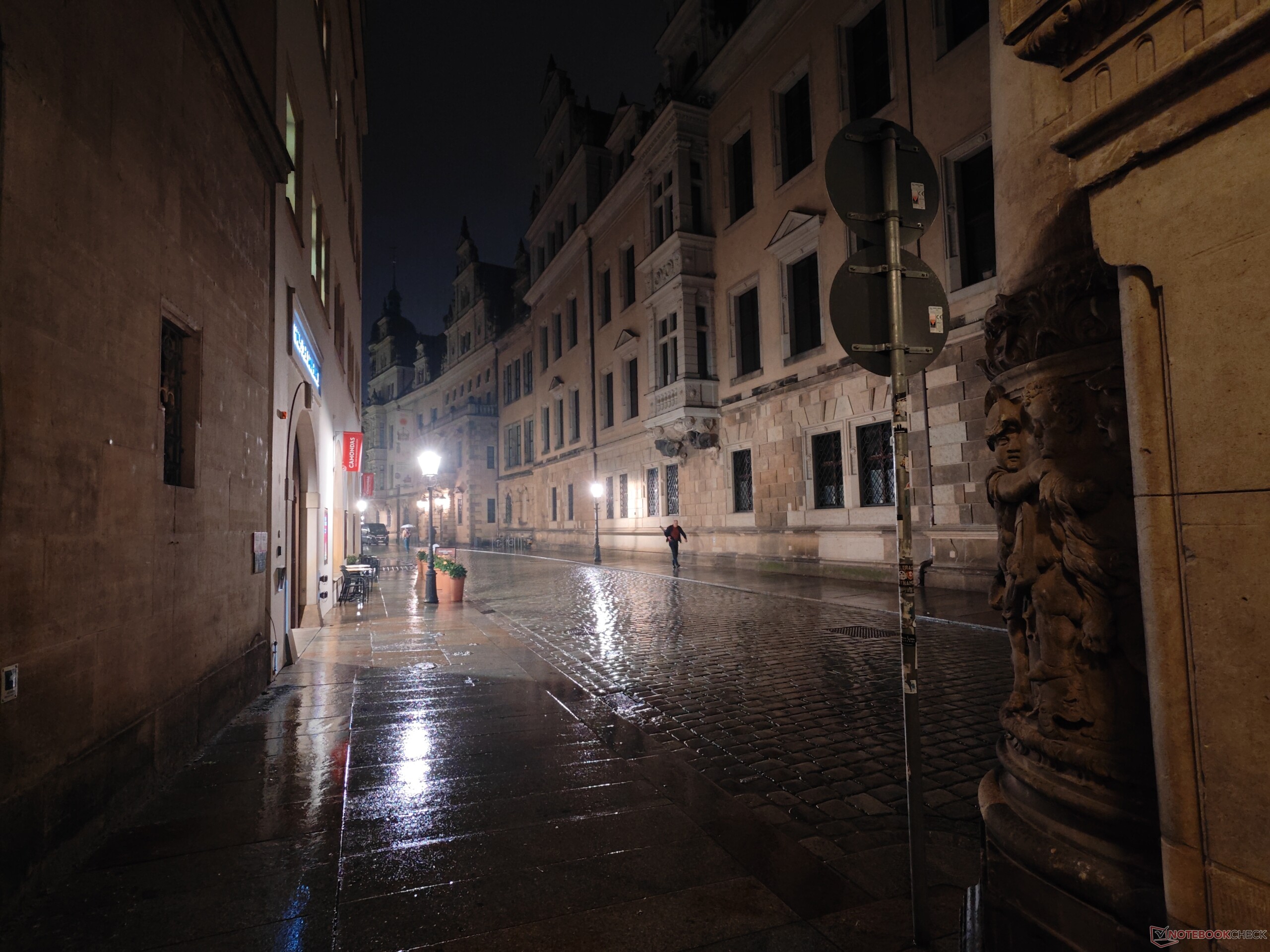
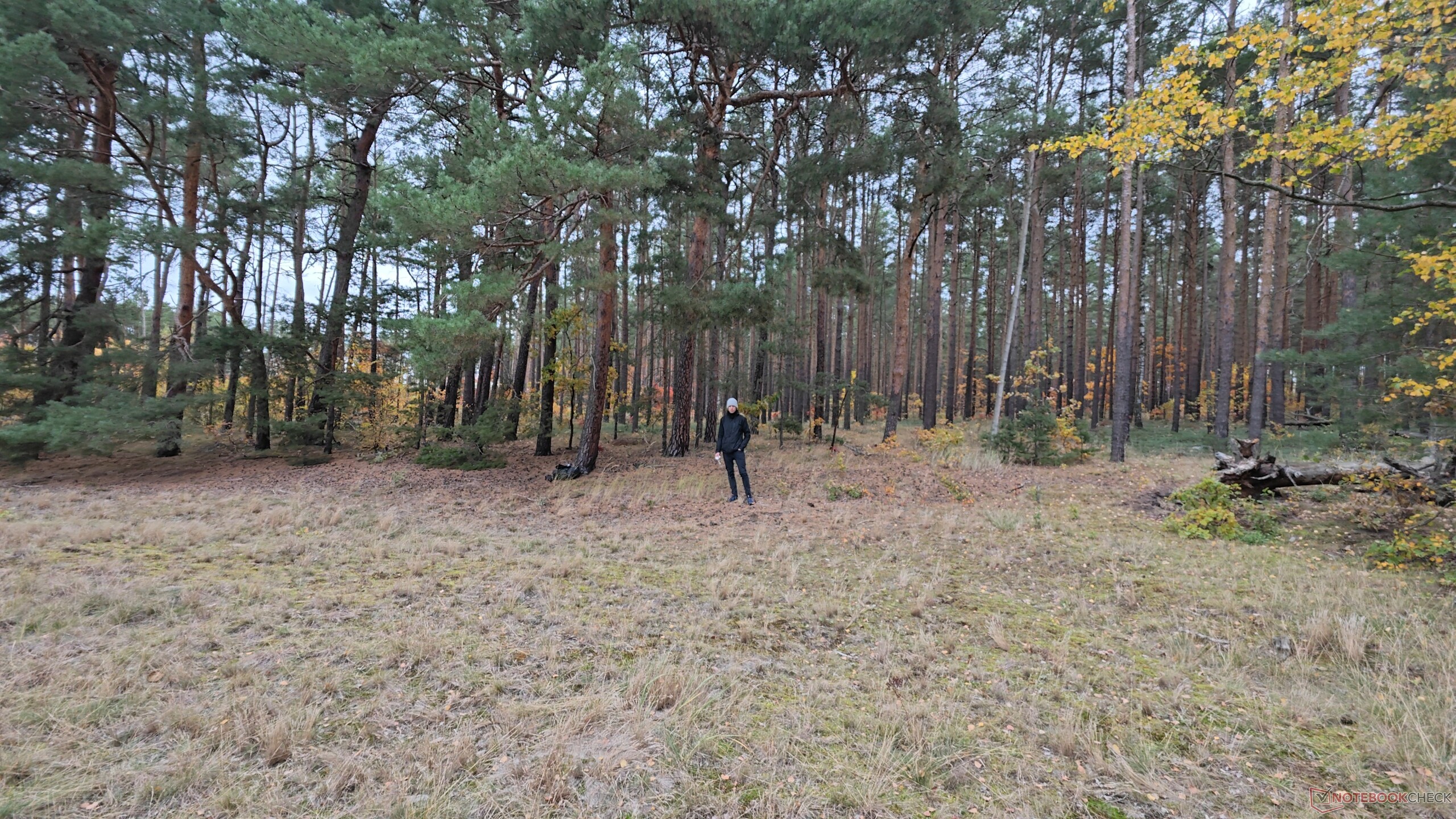
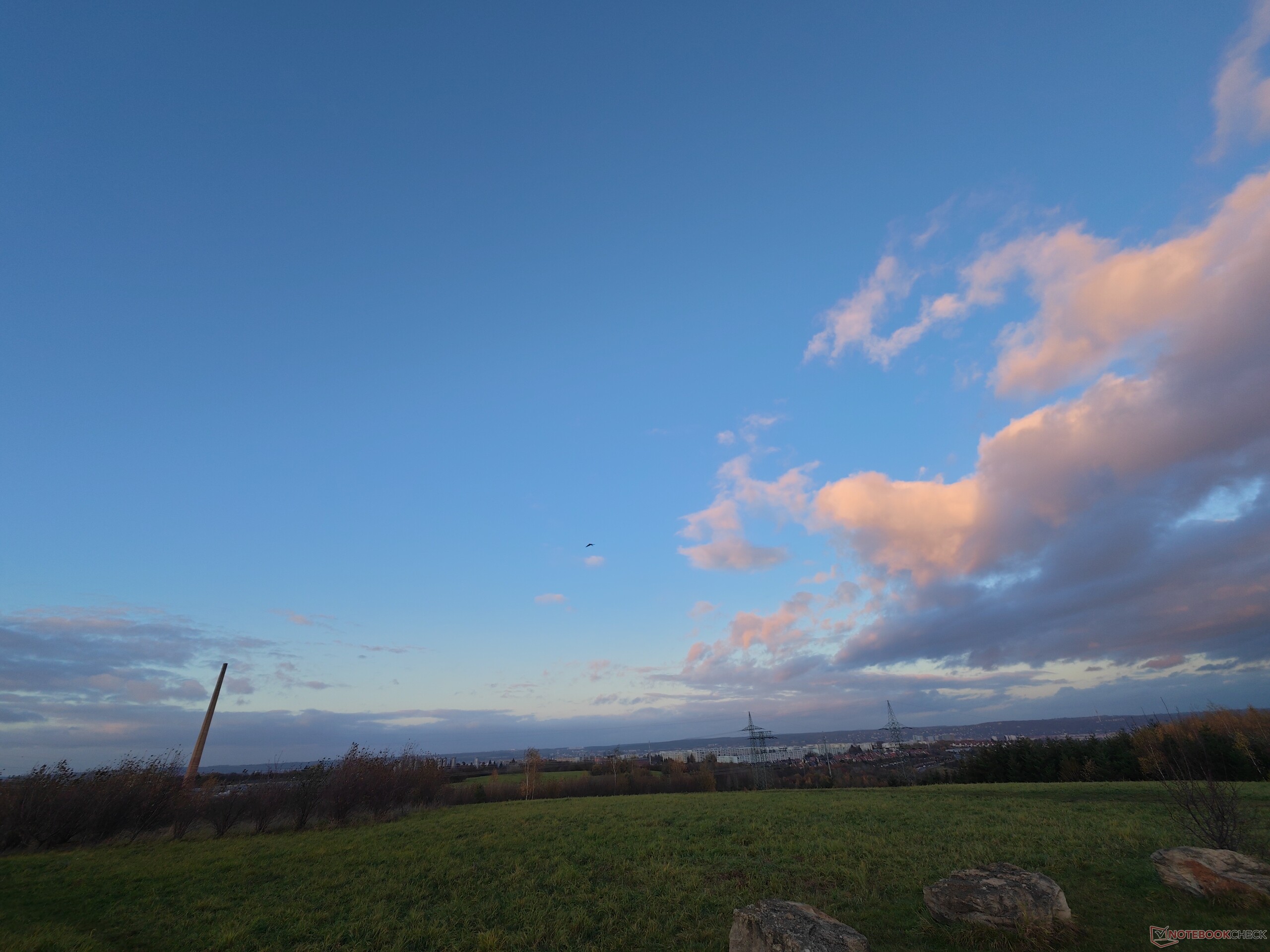
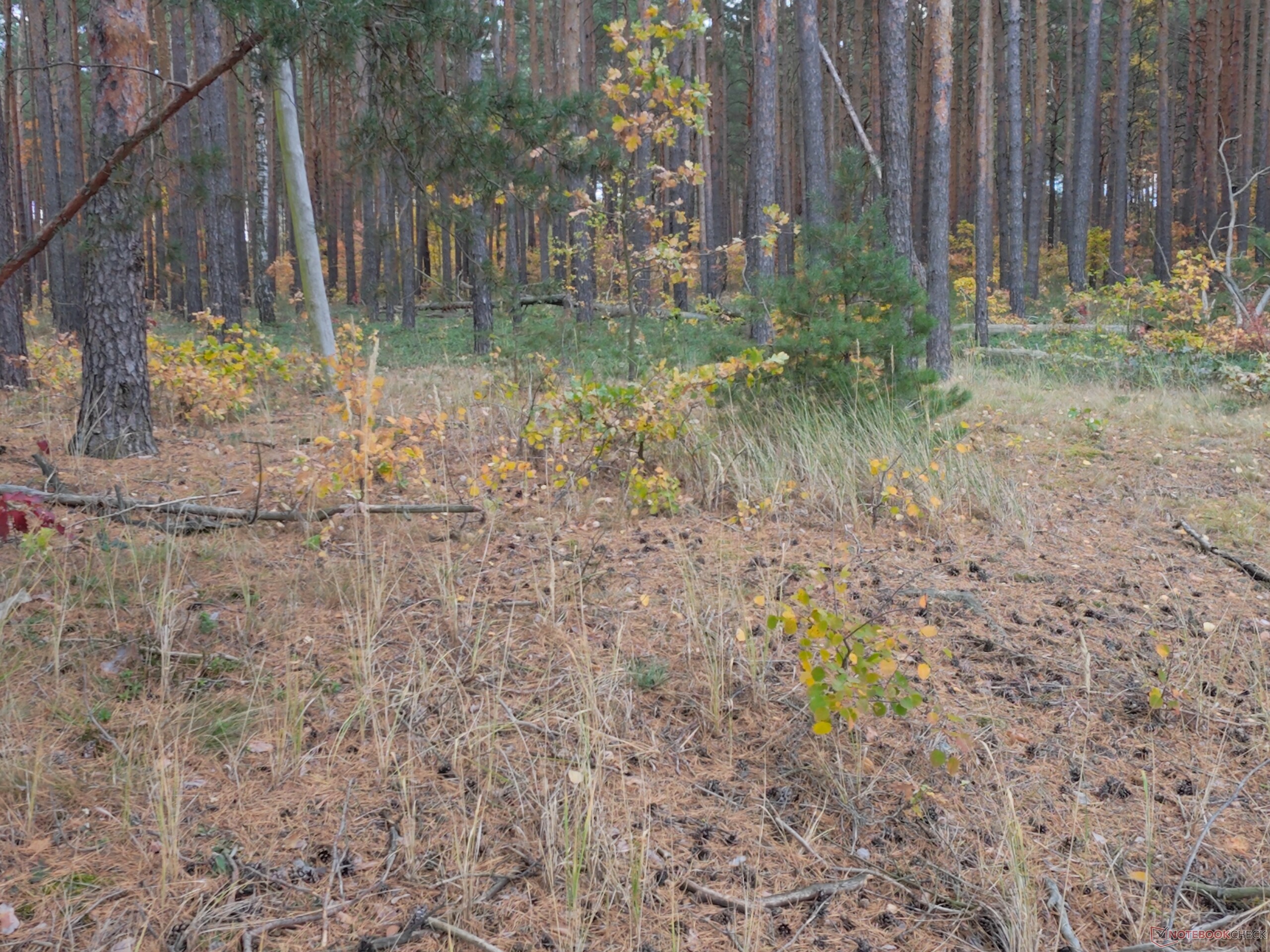
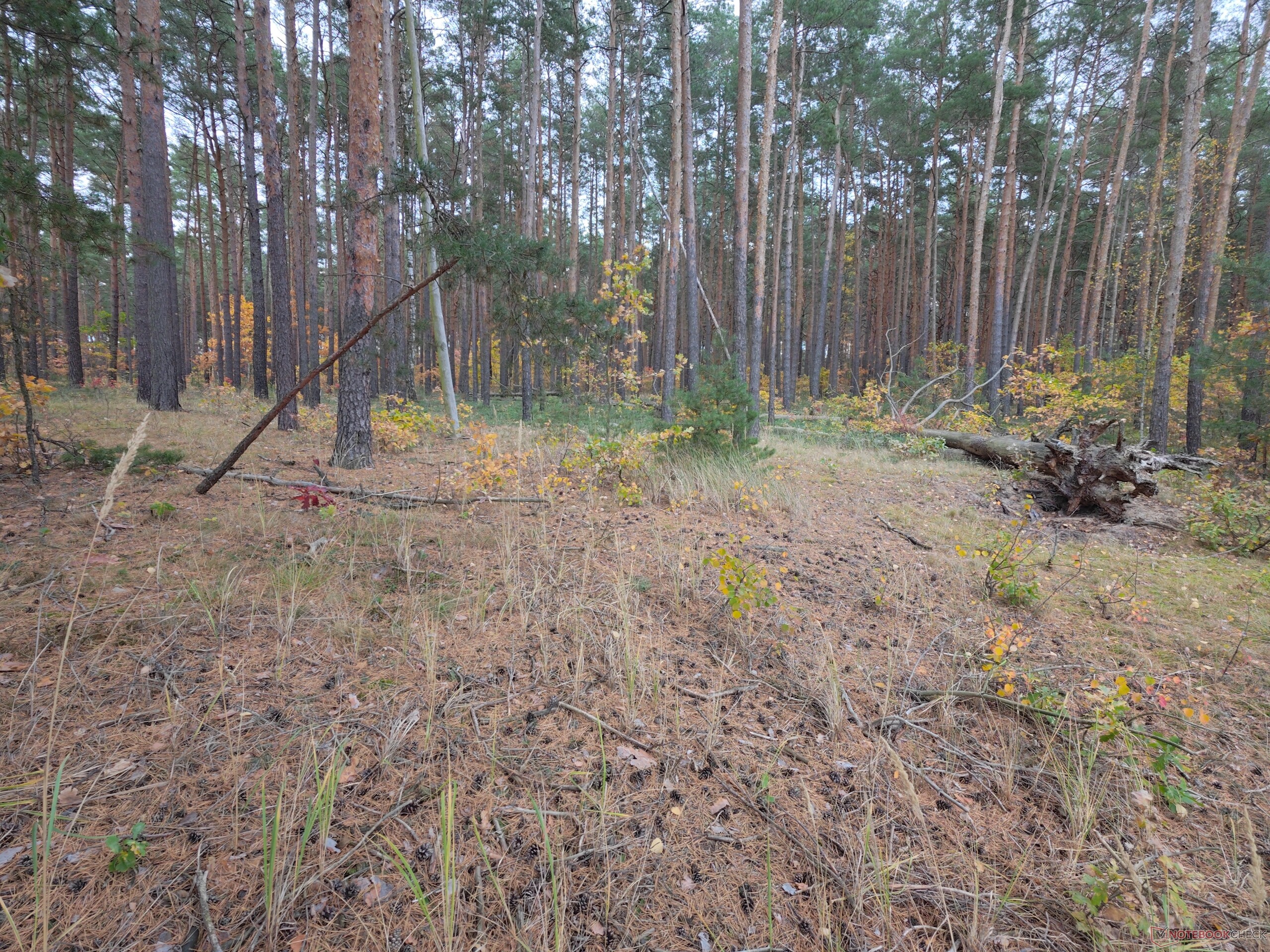
Image quality is solid overall in both handheld and drone modes, and even the 2x zoom—which the manufacturer claims is lossless—delivers clean results. However, footage lacks that final touch of crispness, and bright skies tend to blow out. Still photos max out at 12 megapixels, which in practice limits cropping flexibility rather than producing noticeably soft images. On the video side, the Versa covers modern essentials: it records in 4K at 60 fps even in low-light conditions, supports native vertical 4K shooting, and captures slow-motion video at 120 fps in Full HD. The video below compares the HoverAir Versa directly against the DJI Osmo Pocket 4P.
While the Versa's overall image quality falls short of dedicated flagship gimbal cameras and drones, that gap deserves some context: for travelers and vloggers, finding compelling scenes and telling a good story will usually matter far more than minor differences in image fidelity, as baseline quality across this category is already high. The hybrid design also brings a subtle workflow perk: because both modes rely on the exact same sensor and color profile, color grading across handheld and aerial clips matches seamlessly.
Controls, ecosystem, and limitations
The remote control adds genuine value, even without the Beacon's display or physical joysticks. Adjusting the camera angle and distance while tracking a subject works smoothly, as does full manual flight—surprisingly well, in fact, given what you might expect at first glance. Range with the MiCo controller is capped at 50 meters, whereas pairing a smartphone unlocks the full legally permitted visual line-of-sight distance. Without a screen, flying with the MiCo alone naturally means flying blind. As a result, the compact remote is best suited for tweaking angles, altitude, and distance during vlogs rather than framing cinematic aerial shots. It also includes a built-in microphone, which proves both practical and essential for capturing clean speech free of rotor noise. Opting for the compatible Beacon changes the equation entirely, turning the HoverAir Versa into a much more serious tool for aerial videography. Still, prospective buyers should keep one caveat in mind: HoverAir's accessory ecosystem remains in its early stages, with directly pairable external microphones notably absent for now.
Users should be fully aware of one major drawback: the HoverAir Versa effectively lacks obstacle detection. We already criticized the weak obstacle avoidance on the HoverAir X1 Promax, though countless collisions during that review left the drone completely unscathed. We chose not to put the Versa through the same torture test. Since HoverAir does not explicitly market the Versa as particularly rugged, we held off on further crash-prone tests after two minor impacts—both of which the system survived without damage aside from a bit of dirt. While the lack of effective collision avoidance isn't a deal-breaker, it can pose a significant limitation in tight or cluttered environments.
The display is another constraint. Its relatively compact size is likely a compromise dictated by the unit's dual role in drone mode, though it makes menu navigation a bit fiddly. When flying, the OLED screen does offer a welcome advantage over the HoverAir X1 ProMax's display if you want to fine-tune flight mode parameters directly on the device. In day-to-day use, however, that added utility remains fairly modest.
Wind stability and creative features
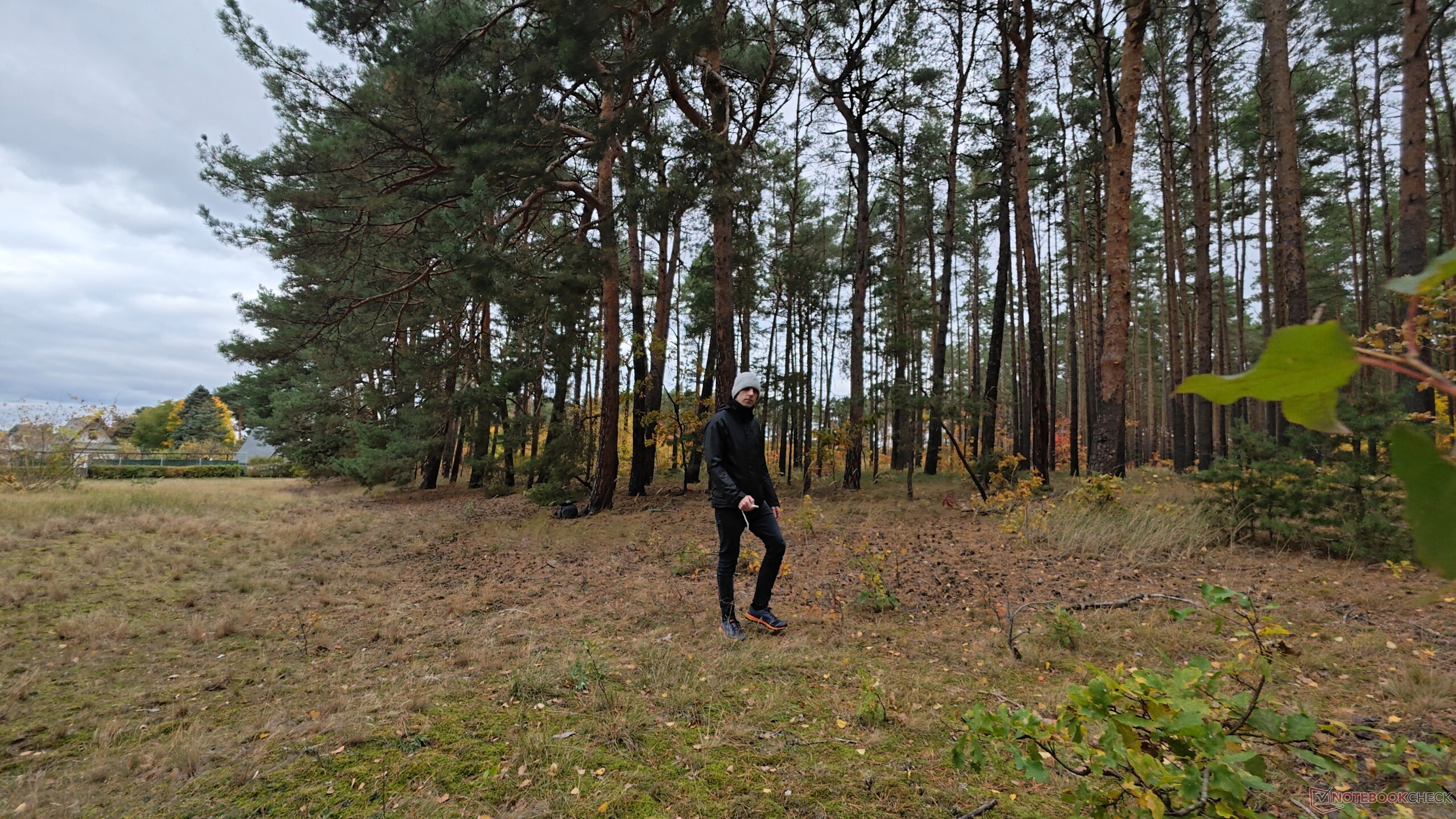
One particularly positive surprise is how well the HoverAir Versa handles stronger winds. We tested it on a fairly stormy autumn day with reported wind speeds of 28 km/h and gusts reaching up to 52 km/h. Although the Versa visibly fought against the wind, it held its course without being blown off track, and footage quality remained unaffected.
The fact that the Versa is fundamentally a gimbal camera brings practical advantages to flight mode as well. Specifically, the camera can physically rotate while airborne to capture lossless vertical video—a major plus when framing full-body shots for social media. A dedicated Inception mode uses this in-flight rotation to produce dynamic, rolling perspectives.
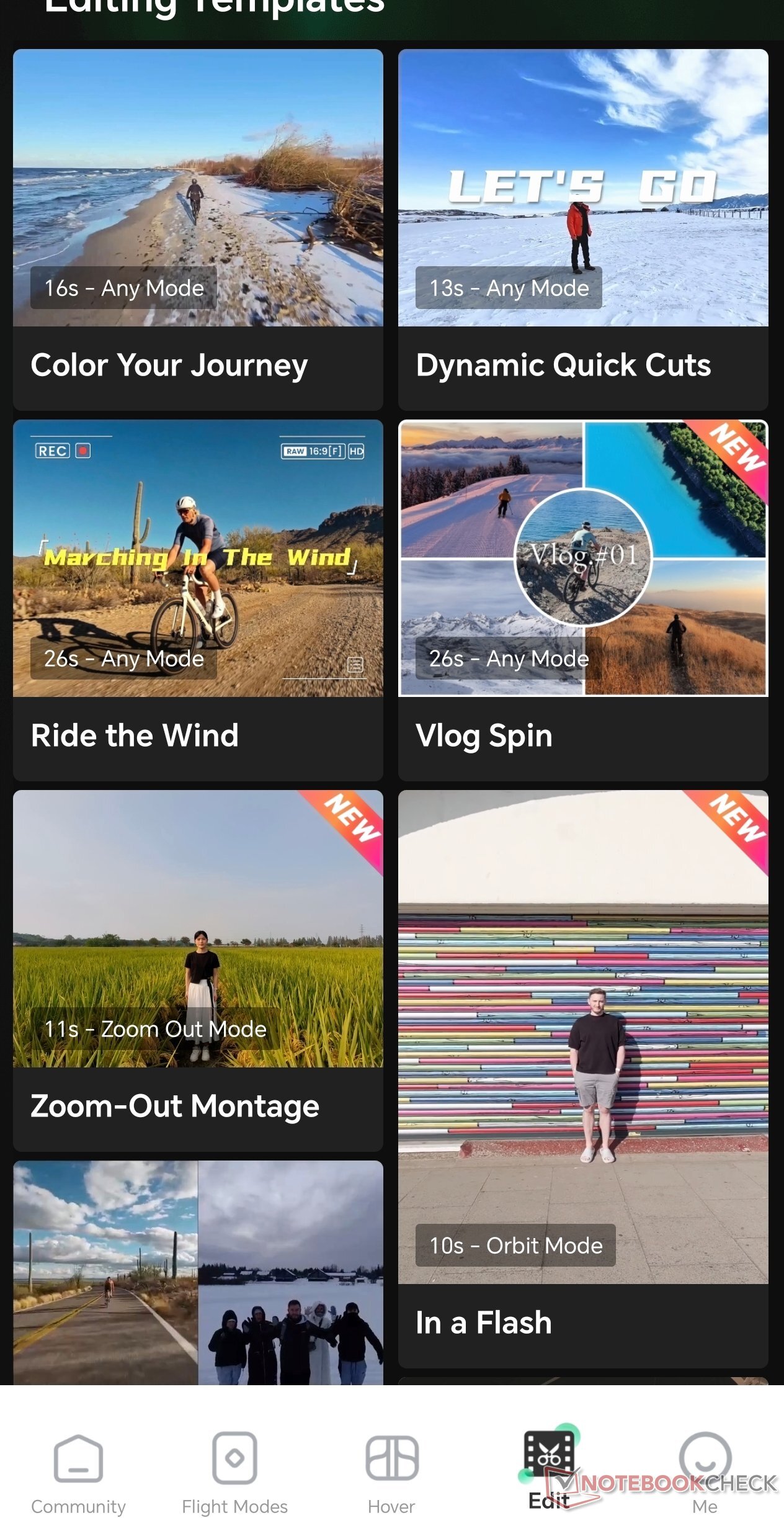
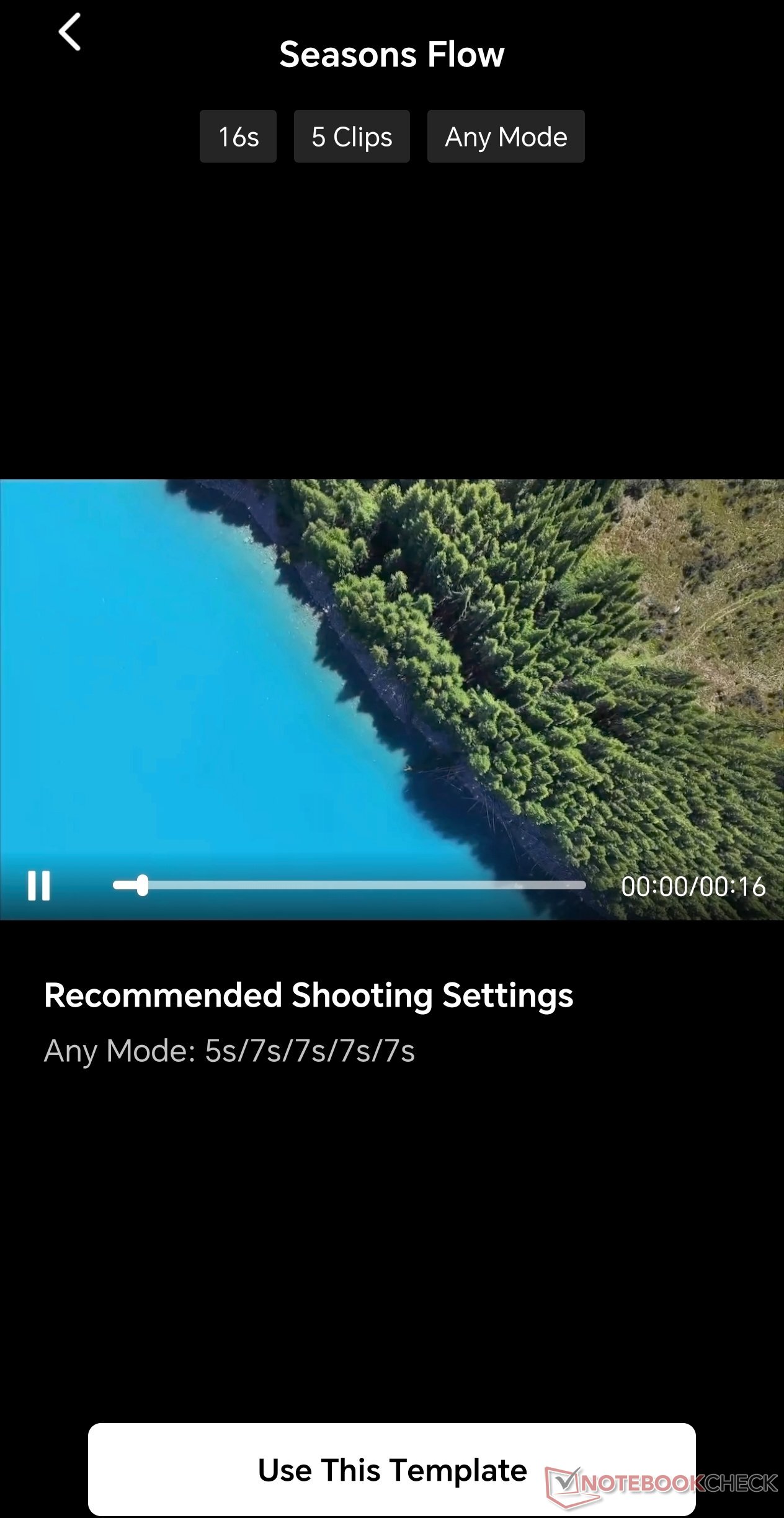
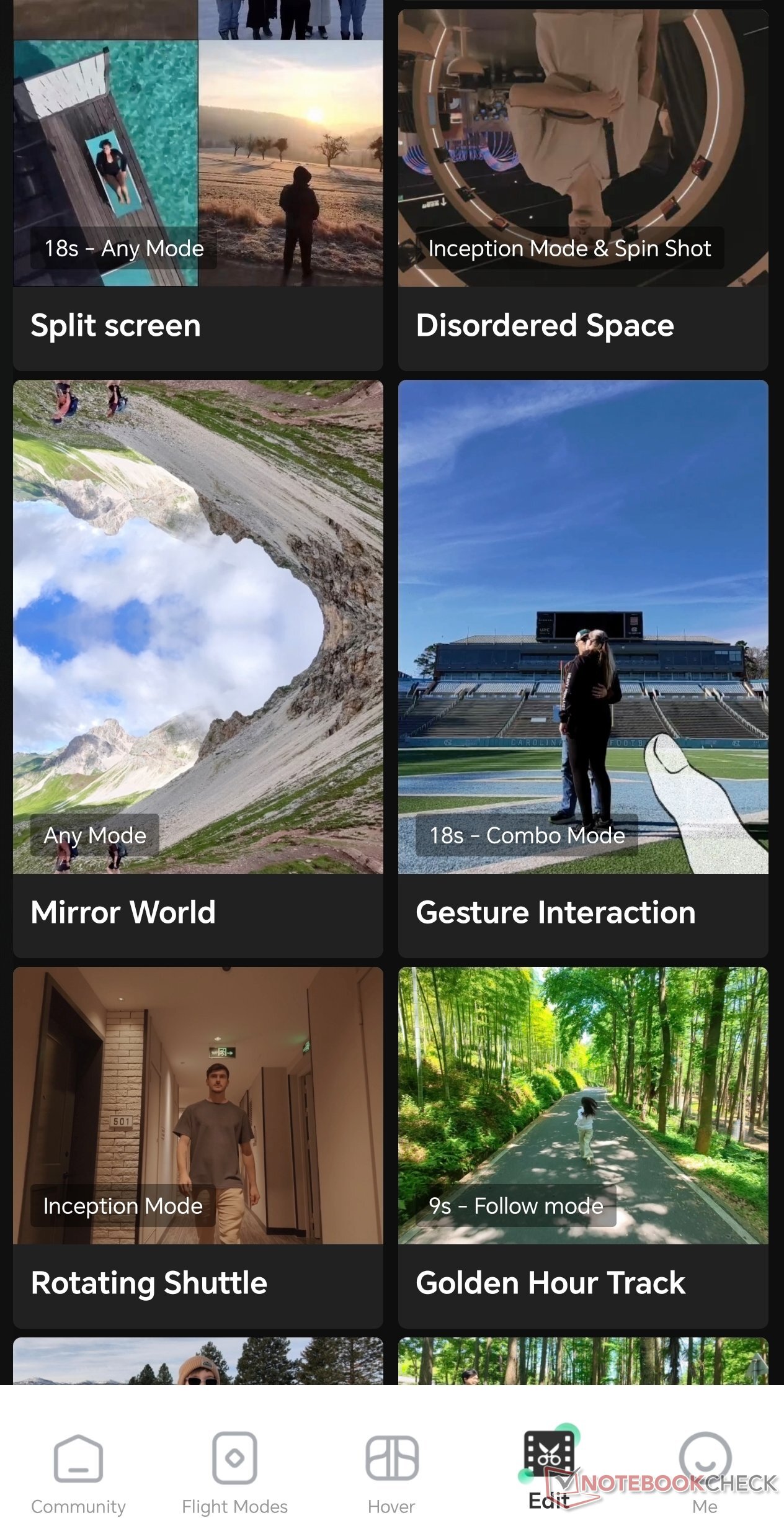
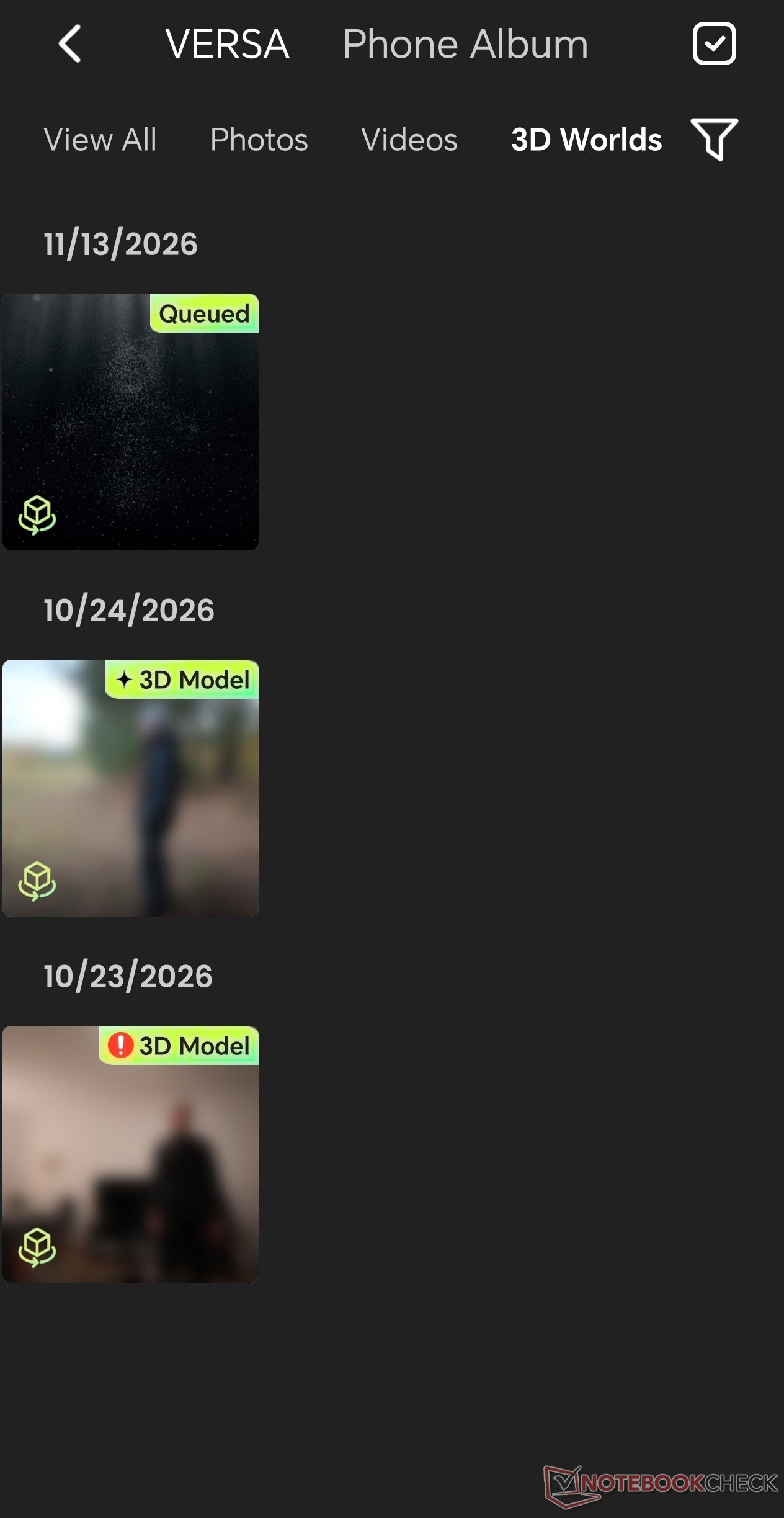
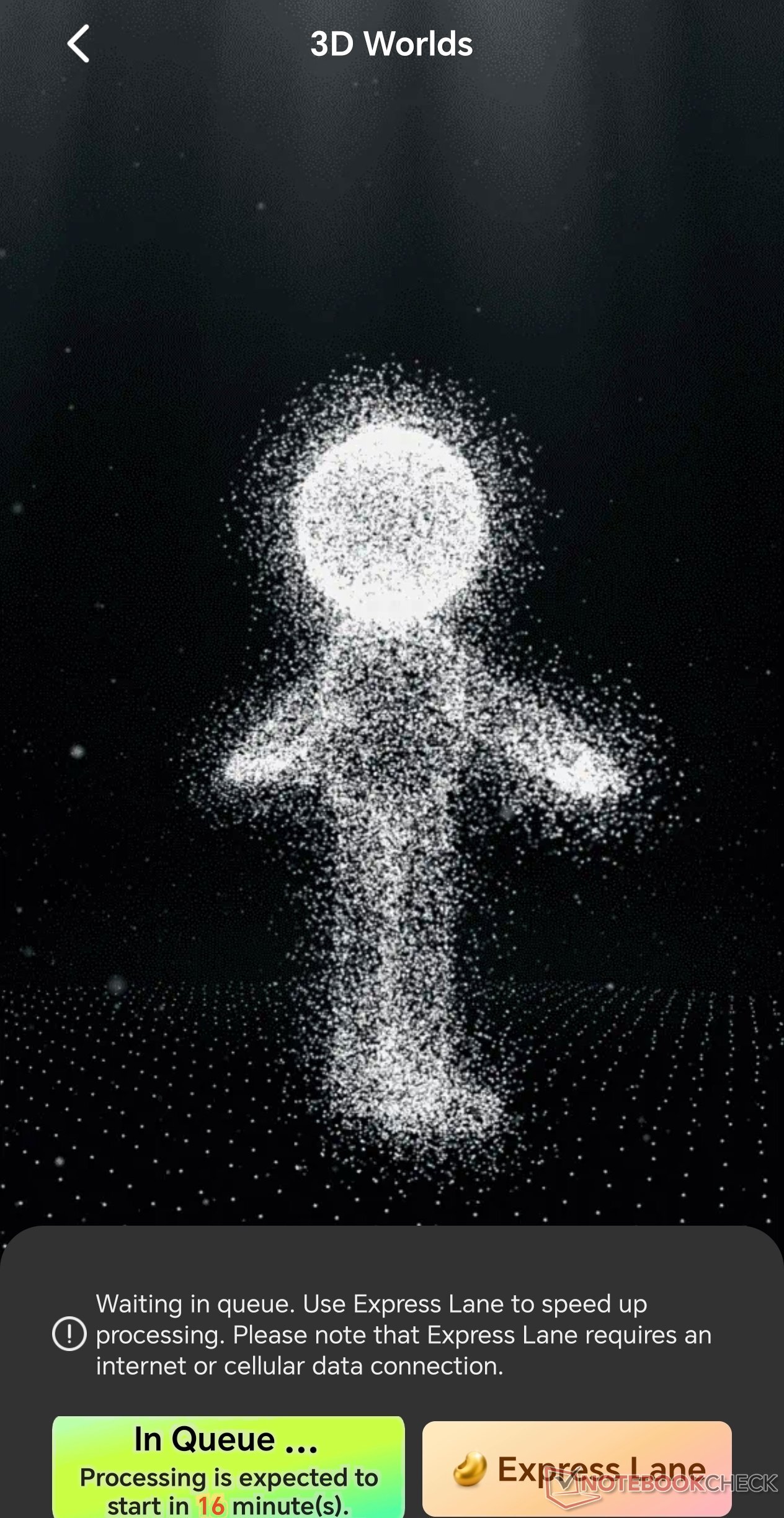
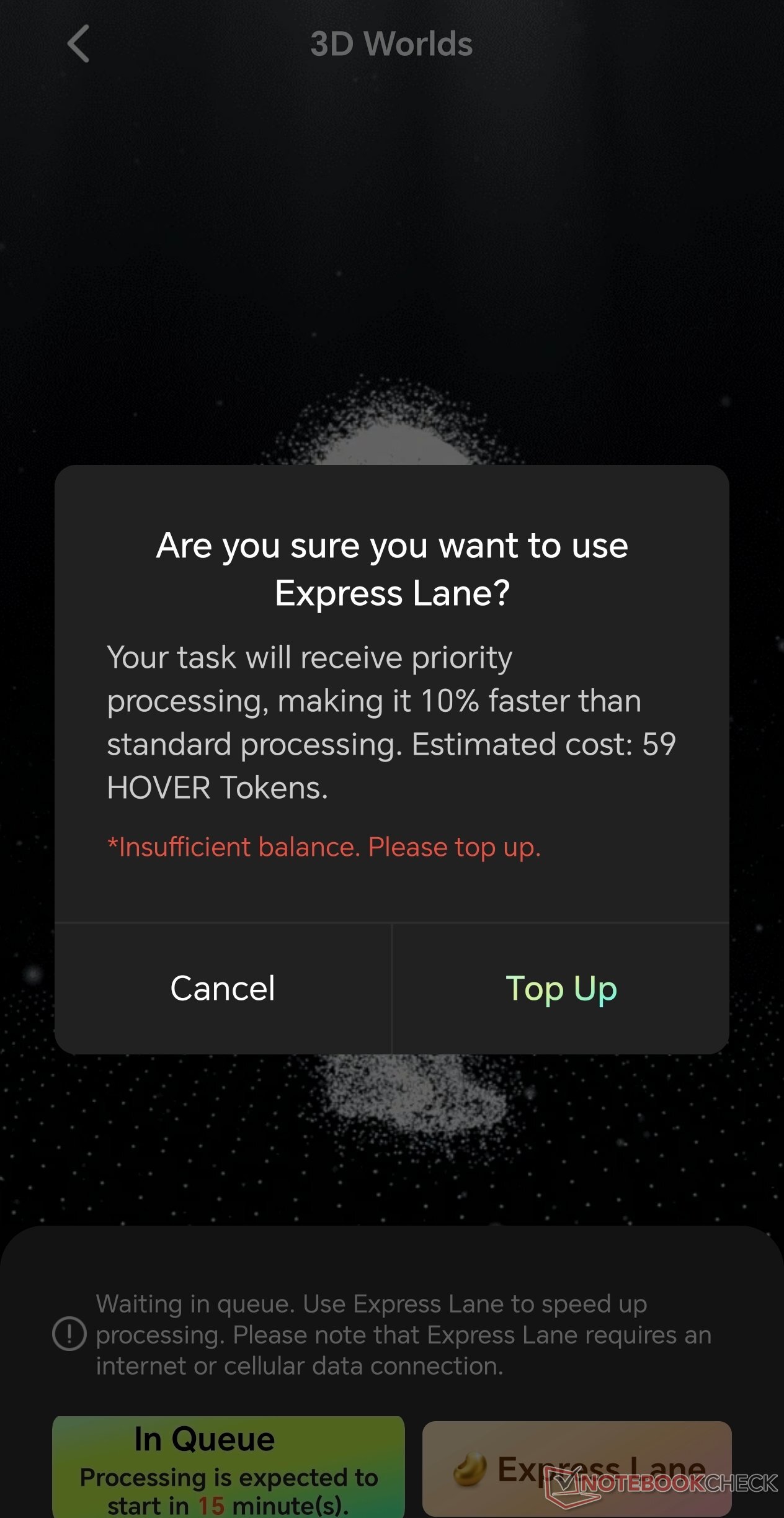
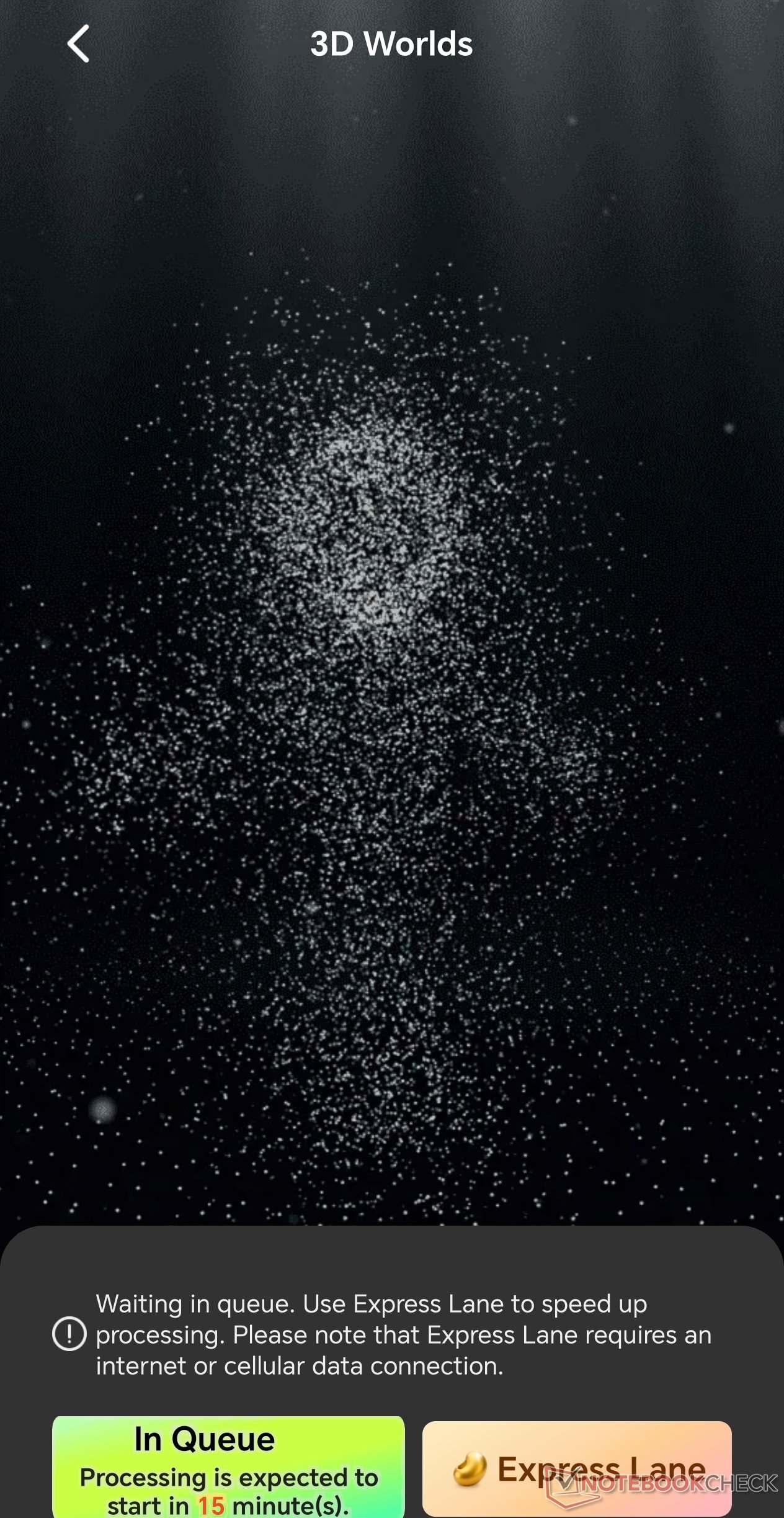
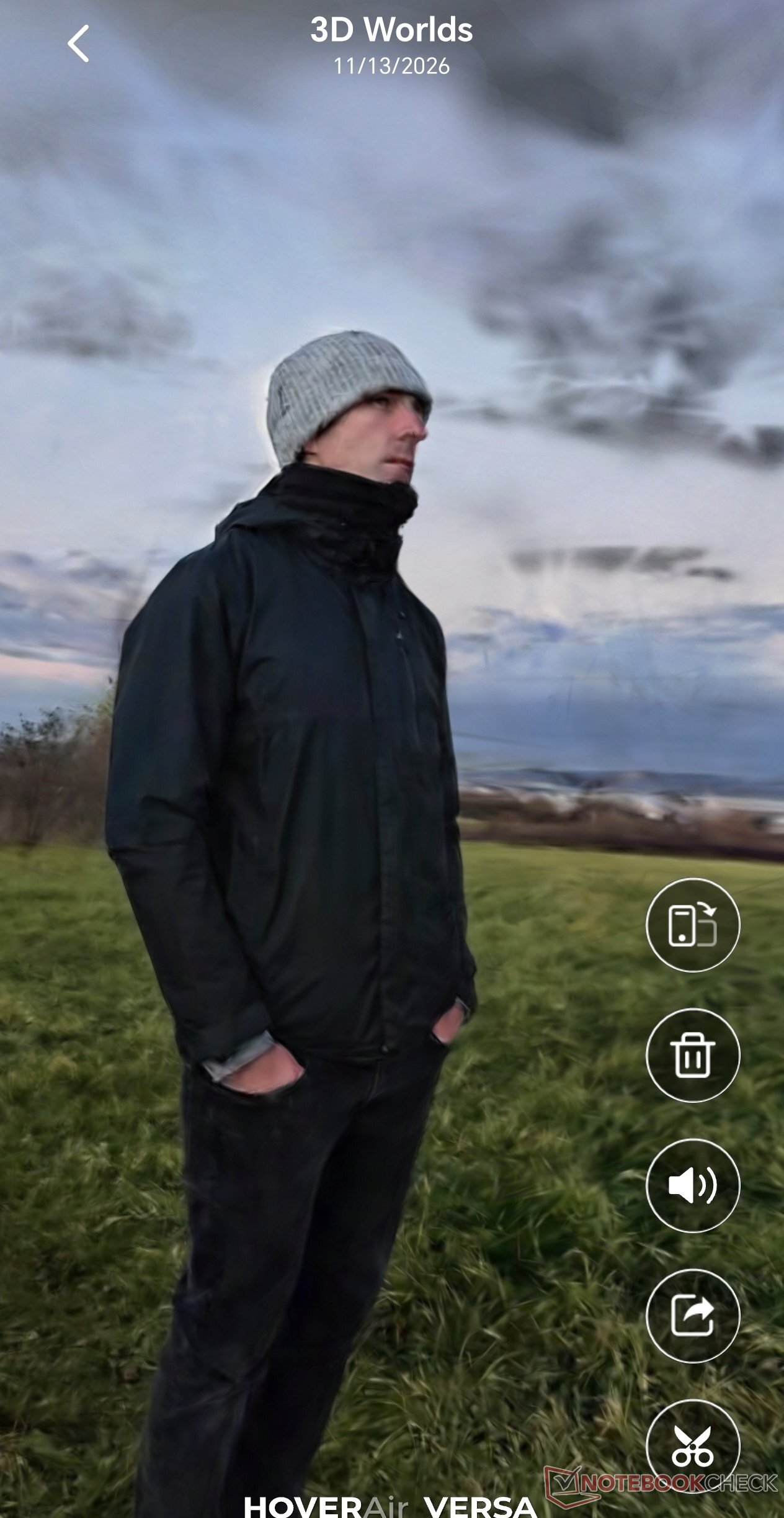
We also tested the 3D World feature, where the drone orbits you to generate a three-dimensional scene. Processing takes quite a while, as you are placed in a digital queue unless you pay a fee to skip the line. The resulting 3D render is neat, though hardly groundbreaking, and works noticeably better indoors than in open outdoor spaces. Given the Versa's lack of effective obstacle avoidance, however, this mode is only practical inside spacious rooms. It is by no means a deal-maker, though it serves as a fun extra alongside other HoverAir app tools like the ability to stitch multiple photos and videos into collages.
The replaceable battery is an advantage over other gimbal cameras
In real-world use, you can expect around 10 minutes of practical flight time—meaning the window you can spend flying comfortably with a reasonable safety reserve, without constantly watching the clock or battery percentage. Depending on the bundle, batteries can be recharged in a dual-battery charging case, which works relatively quickly and tops up two cells in roughly an hour. In handheld mode, the manufacturer claims up to three hours of battery life, and we can confirm from testing that the camera easily lasts several hours in everyday use.
Transparency
The selection of devices to be reviewed is made by our editorial team. The test sample was provided to the author as a loan by the manufacturer or retailer for the purpose of this review. The lender had no influence on this review, nor did the manufacturer receive a copy of this review before publication. There was no obligation to publish this review. As an independent media company, Notebookcheck is not subjected to the authority of manufacturers, retailers or publishers.
 Add as a preferred source on Google


