




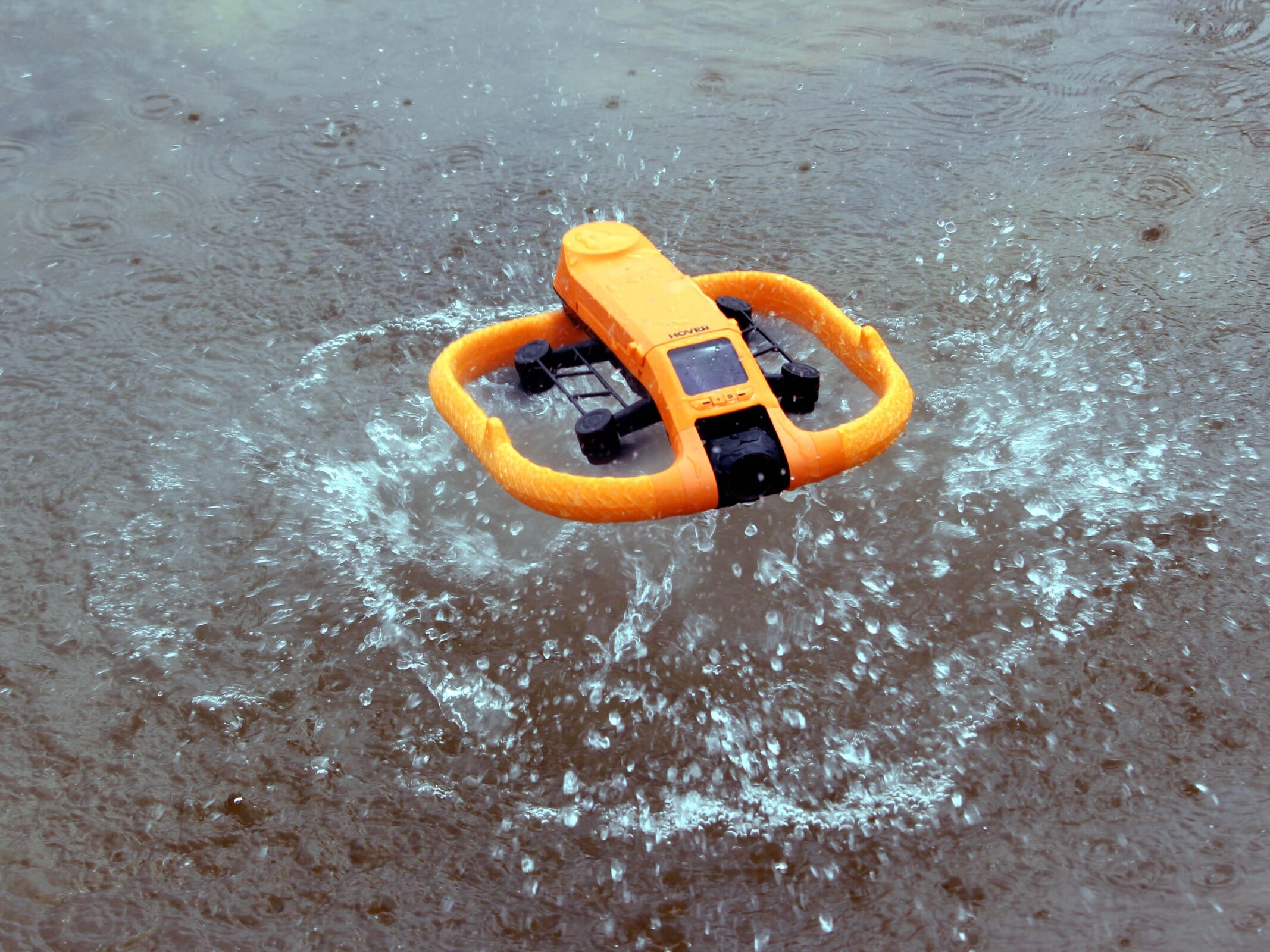
HoverAir Aqua review: the drone that puts DJI in the splash zone
Waterproof.
The HoverAir Aqua is a waterproof sub-250-gram drone that can take off directly from the water and reliably track athletes. Our test shows how it handles wind and performs on the water, and why the lack of obstacle detection can become a serious drawback.Silvio Werner (translated by Silvio Werner) Published 🇩🇪 🇳🇱 ...
Conclusion: A drone made for water
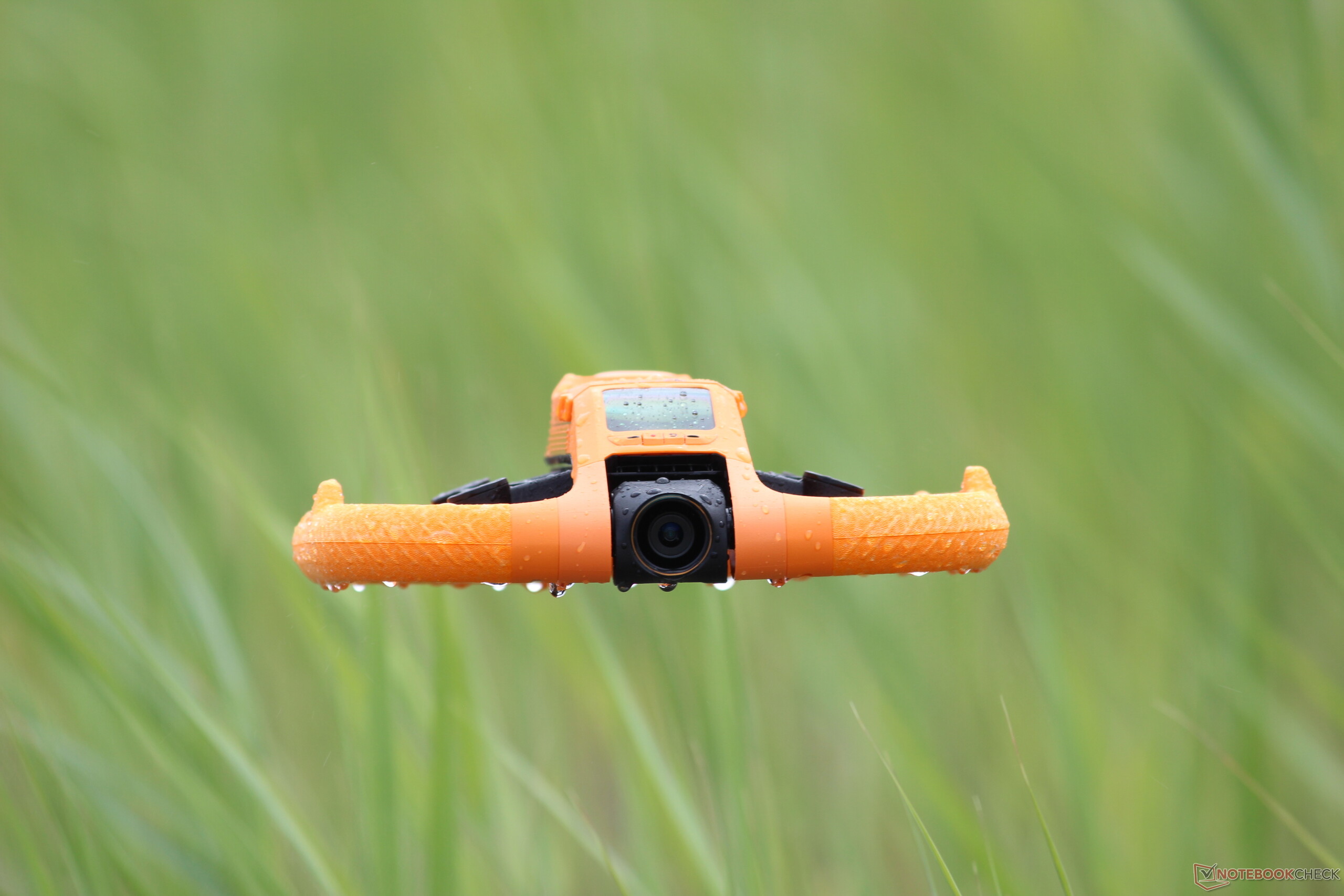
With the Aqua, HoverAir has created something genuinely unique. For users looking for a waterproof drone, this is effectively the only consumer option. Tracking via Lighthouse works reliably, and control is straightforward even on land thanks to the few buttons, which makes solo footage on the water easy to capture. Well-considered details such as the ability to rotate the drone in the water before takeoff add to its practicality. The lens not only guides light to the sensor but also helps water drain away so that droplets do not end up in the footage.
Potential buyers should, however, be very clear about what the HoverAir Aqua is — and what it is not. This is a drone designed specifically for use on water, not a waterproof all-rounder. It cannot follow predefined GPS routes, and the lack of obstacle detection limits its use on land. Image quality is very good, at least for action shots. At 1,299 euros, the Aqua is not cheap, but the waterproof design is a strong USP.
Pros
Cons
Price and Availability
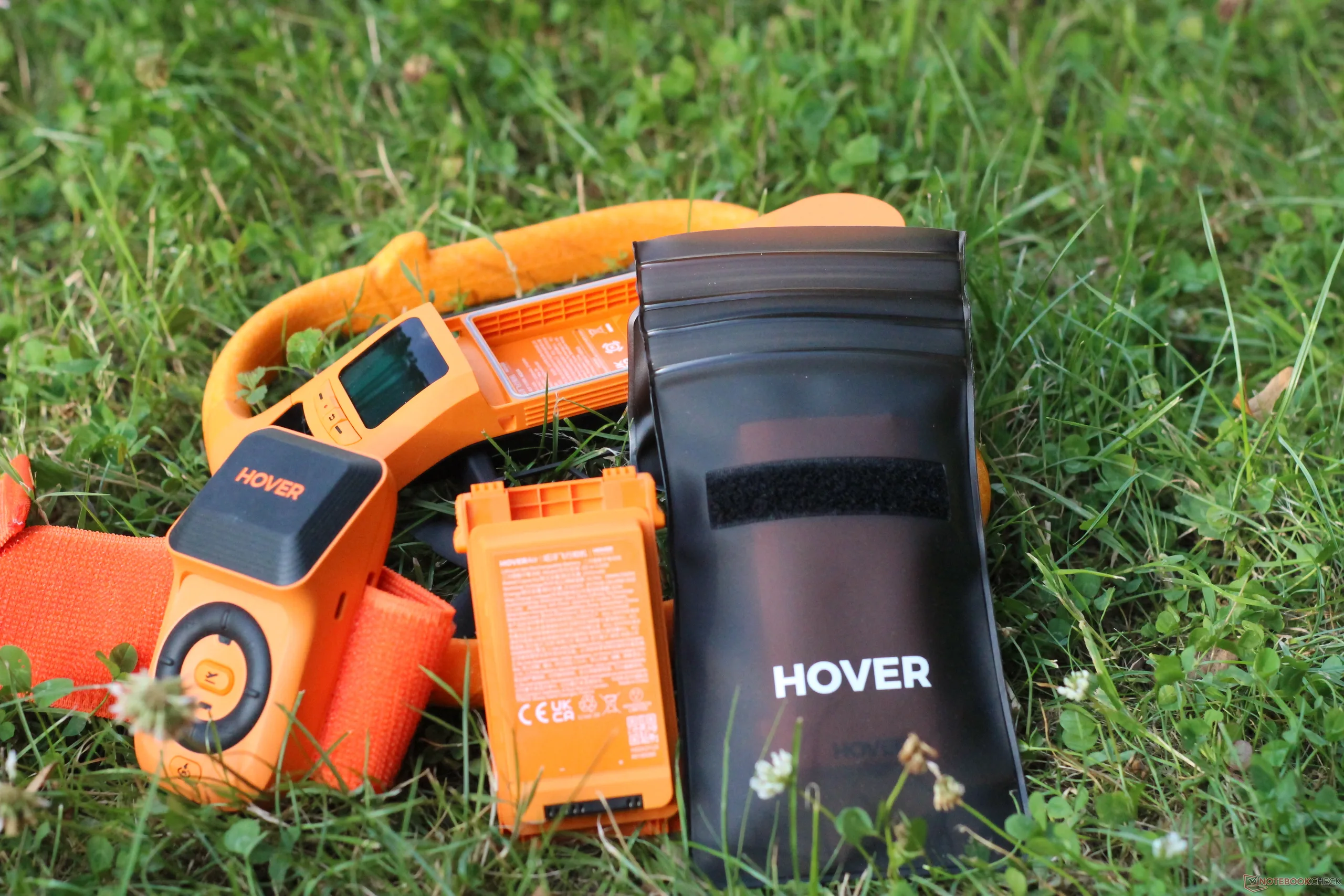
The HoverAir Aqua starts at 1,299 euros directly from the manufacturer. The base package includes the drone, a USB Type-C cable, a waterproof battery case, the Lighthouse, and one battery. The Fly More bundle costs 1,499 euros and adds a total of three batteries, a charging station, and a repair kit. The full package is priced at 1,699 euros and also includes a controller, among other accessories.
The HoverAir Aqua is a waterproof sub-250-gram drone that can take off from water and can controlled via a special Lighthouse tracking system.
Specifications (Manufacturer's Specifications)
| HoverAir Aqua | Drone |
| Device Class | C0 (EU) |
| Weight | 249 grams |
| Dimensions | 202 x 206 x 62 millimeters |
| Maximum Takeoff Altitude | 5,500 meters |
| Maximum flight altitude | 120 meters |
| Maximum horizontal speed | 55 km/h |
| Maximum climb and descent rate | 10.8 km/h |
| Wind resistance | Wind force 7, 61 km/h |
| Image sensor | 1/1.28-inch CMOS sensor |
| Lens, aperture | FOV 85°, 24 mm equivalent focal length, f/2.55 |
| Photo resolution | 12 megapixels |
| Video resolution | 3,840 x 2,160 pixels at up to 100 FPS, vertical at up to 30 FPS, 2.7K at 60 FPS |
| Maximum video bitrate | 160 Mbps |
| Video encoding | H.264, H.265 |
| Gimbal | 1-axis gimbal, -90° to 30°C |
| Maximum flight time | 23 minutes |
| Charging time in the camera | 55 minutes |
| Charging time in the charging station | 52 minutes (1 battery), 85 minutes (2 batteries) |
| Tracking | Visual Inertial Navigation (VIO), Lighthouse Tracking (RTK), GNSS |
| Special features | Waterproof, can take off from water |
What's included
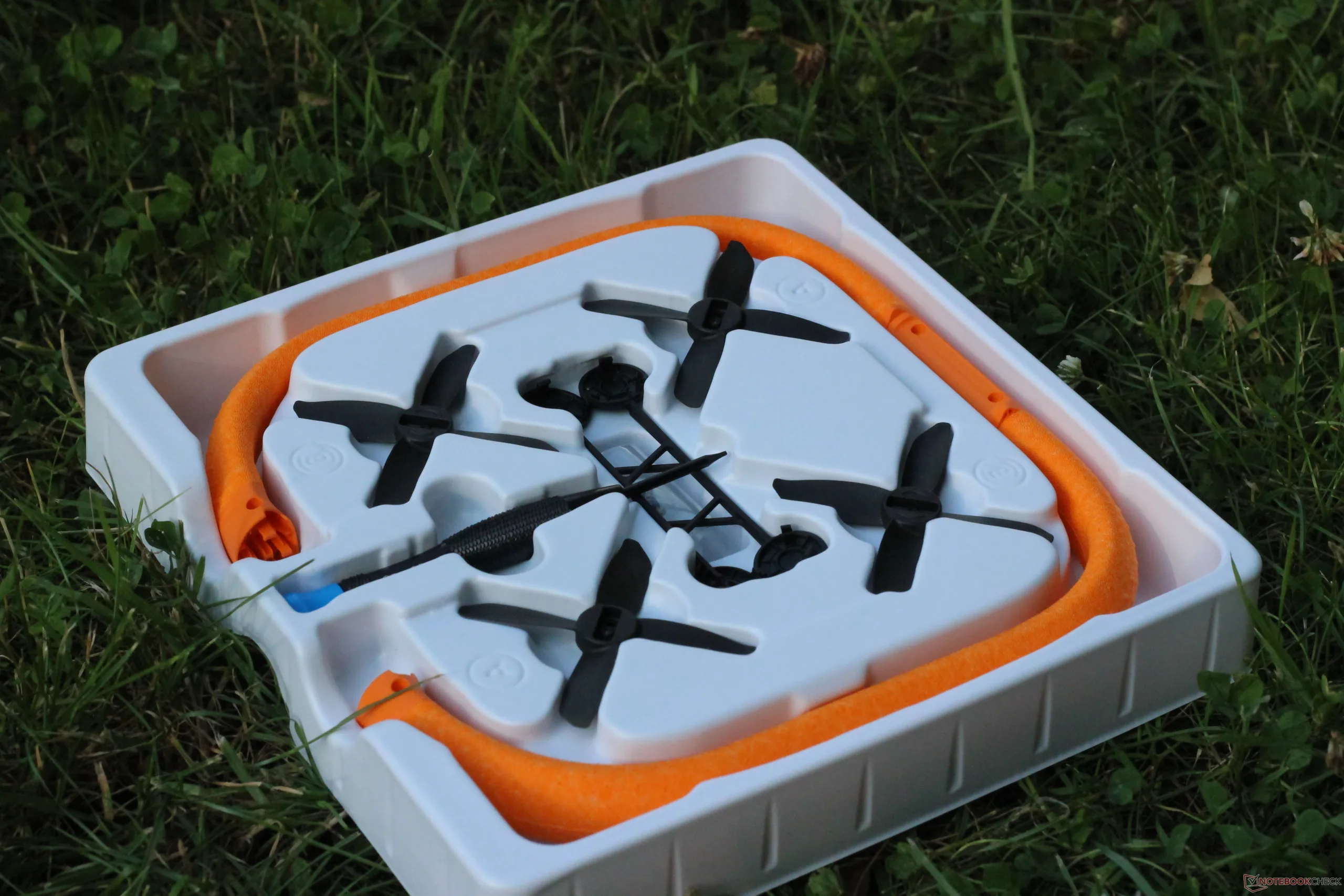
The Fly More Combo includes the drone, three batteries, and a charging station. The Lighthouse Tracker is included with every package, regardless of which version you choose. The Repair Kit contains, among other items, four replacement rotors, screws, a matching screwdriver, and replacement parts for the float and protective ring.
The HoverAir Aqua is different
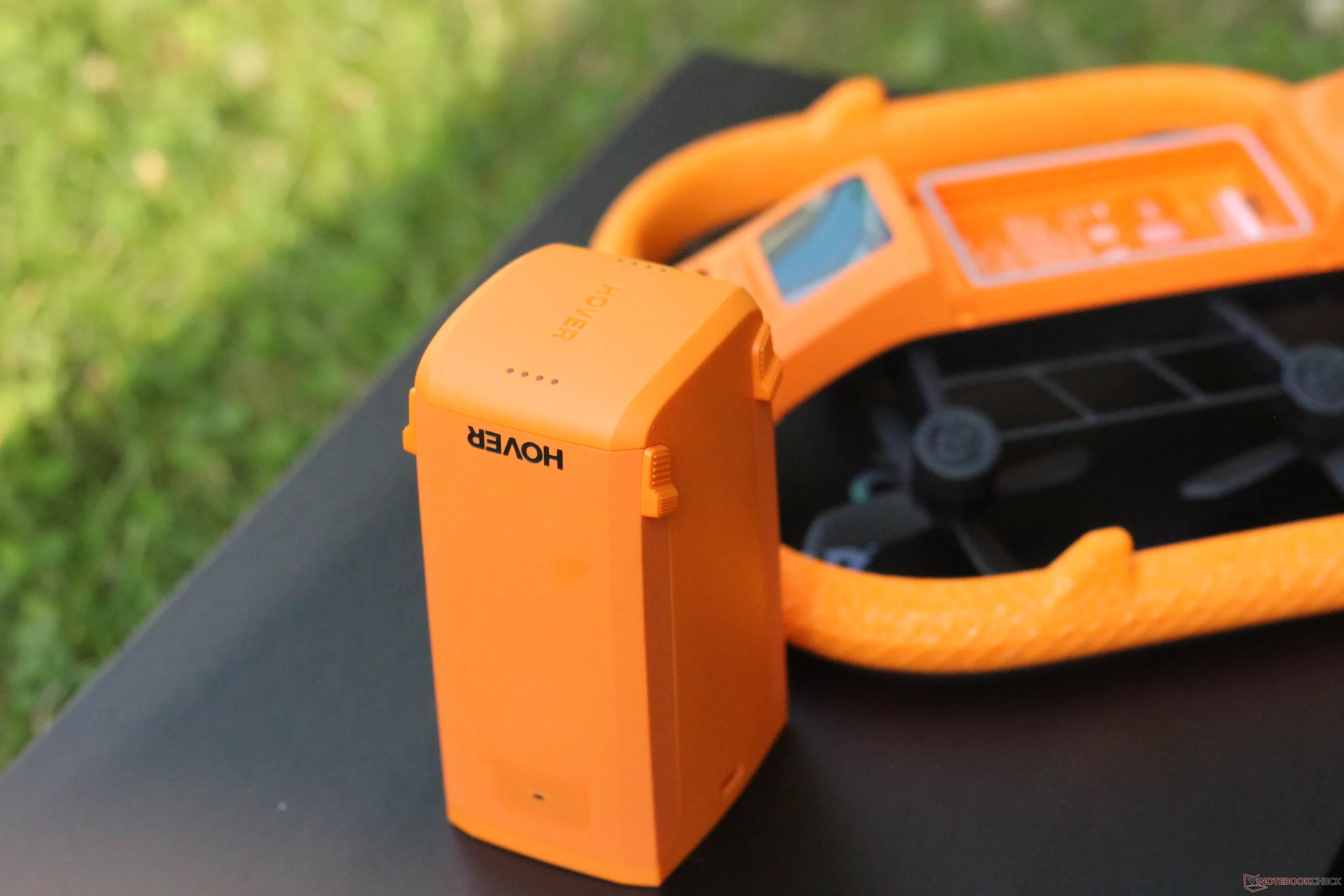
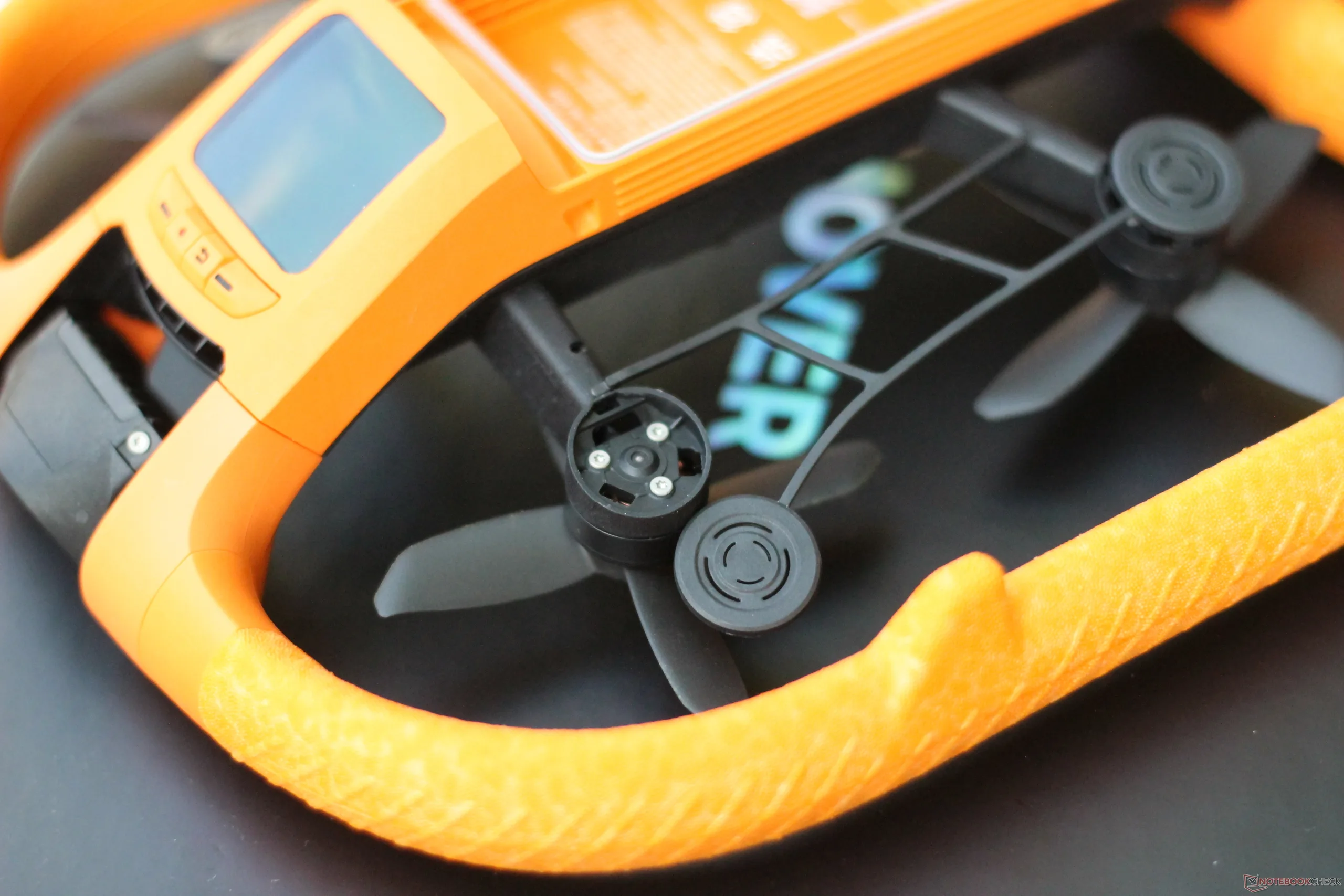
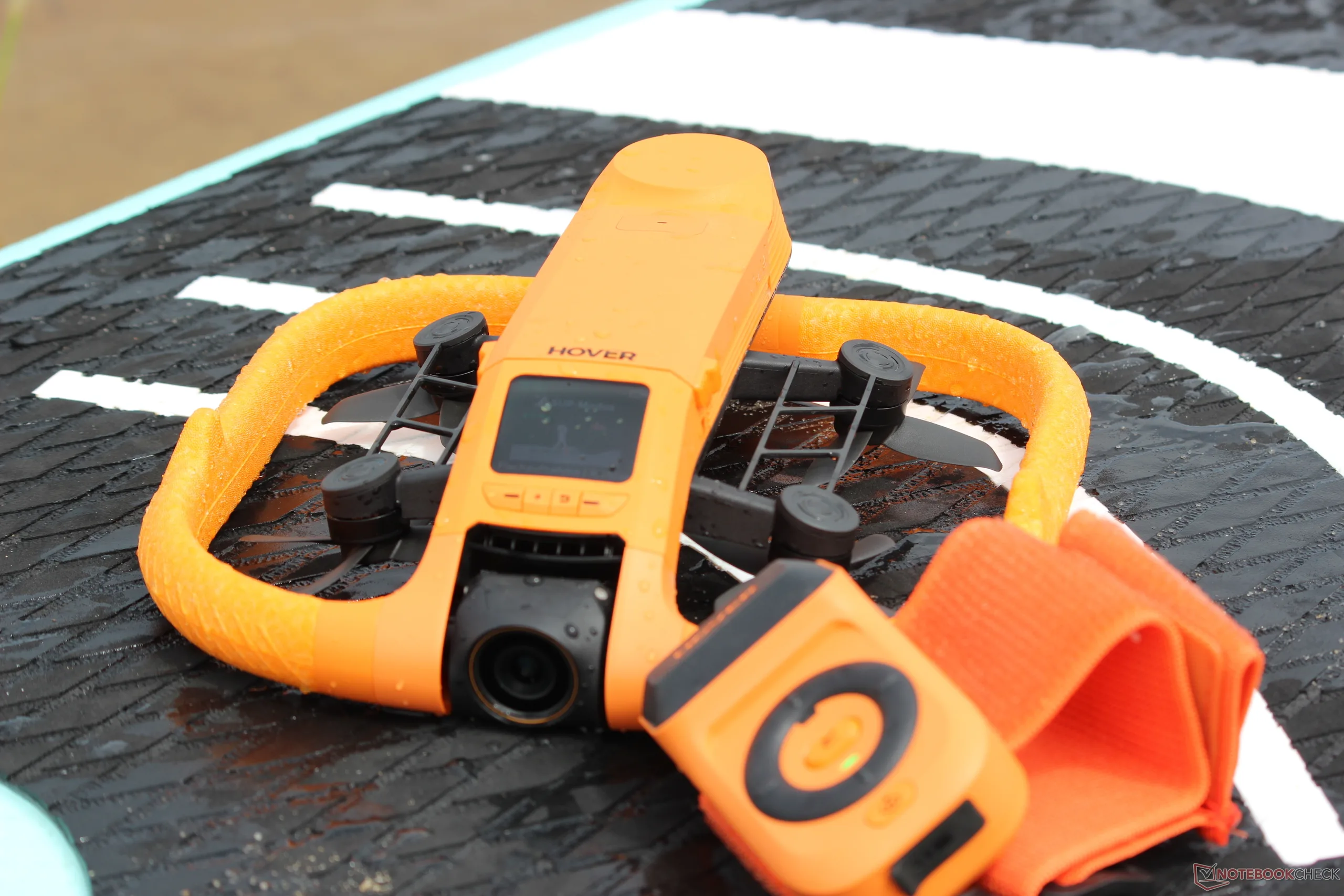
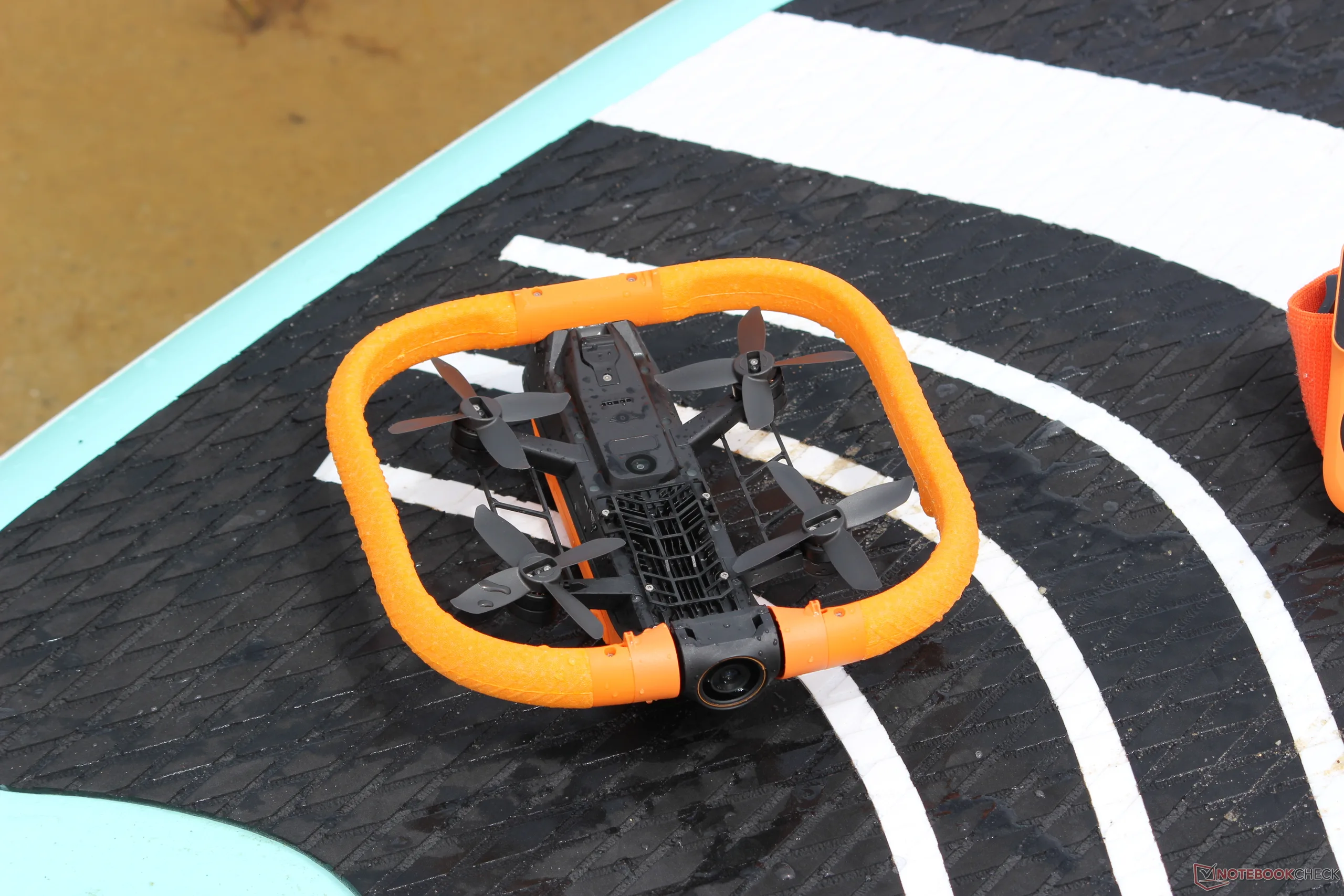
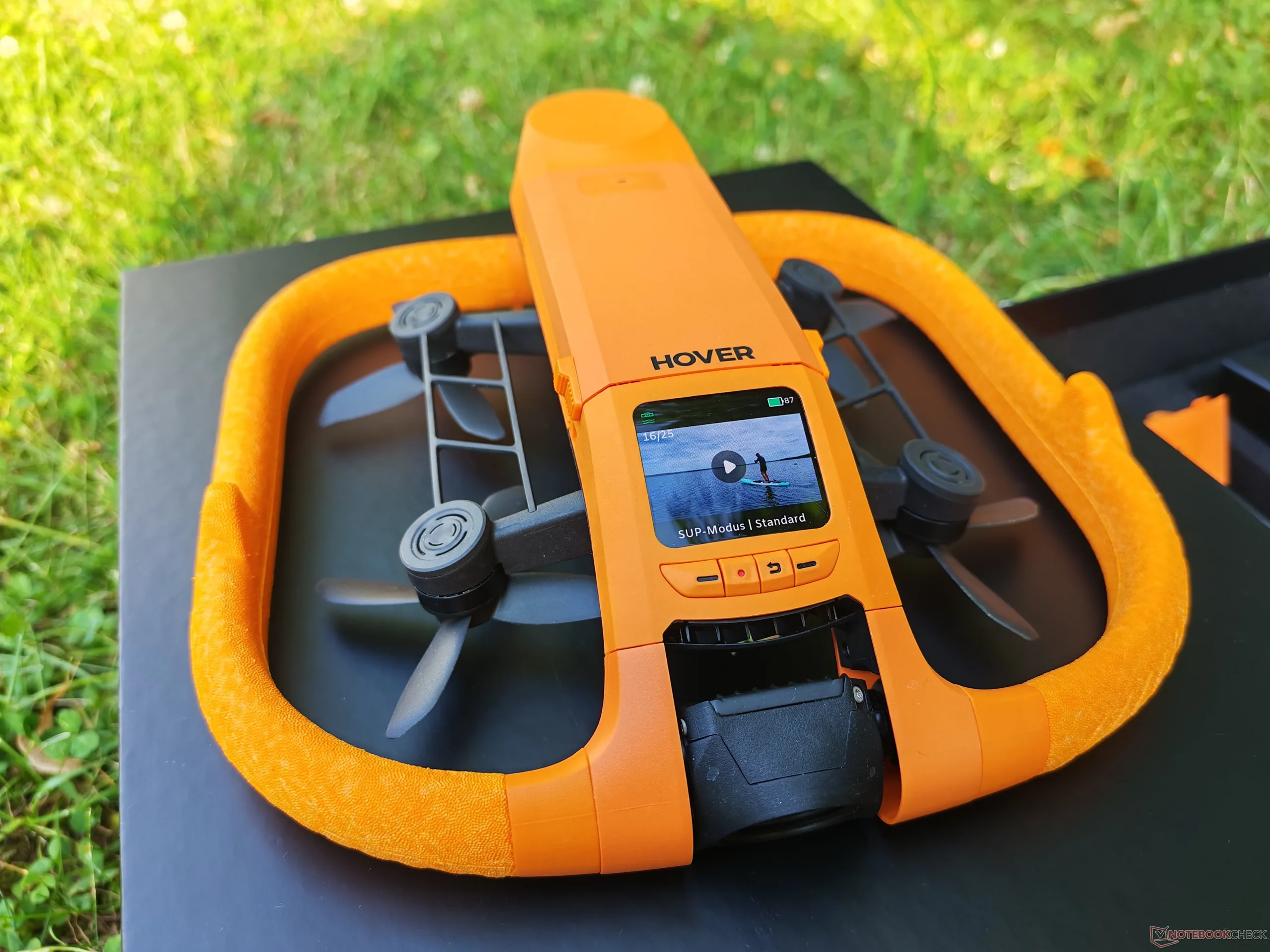
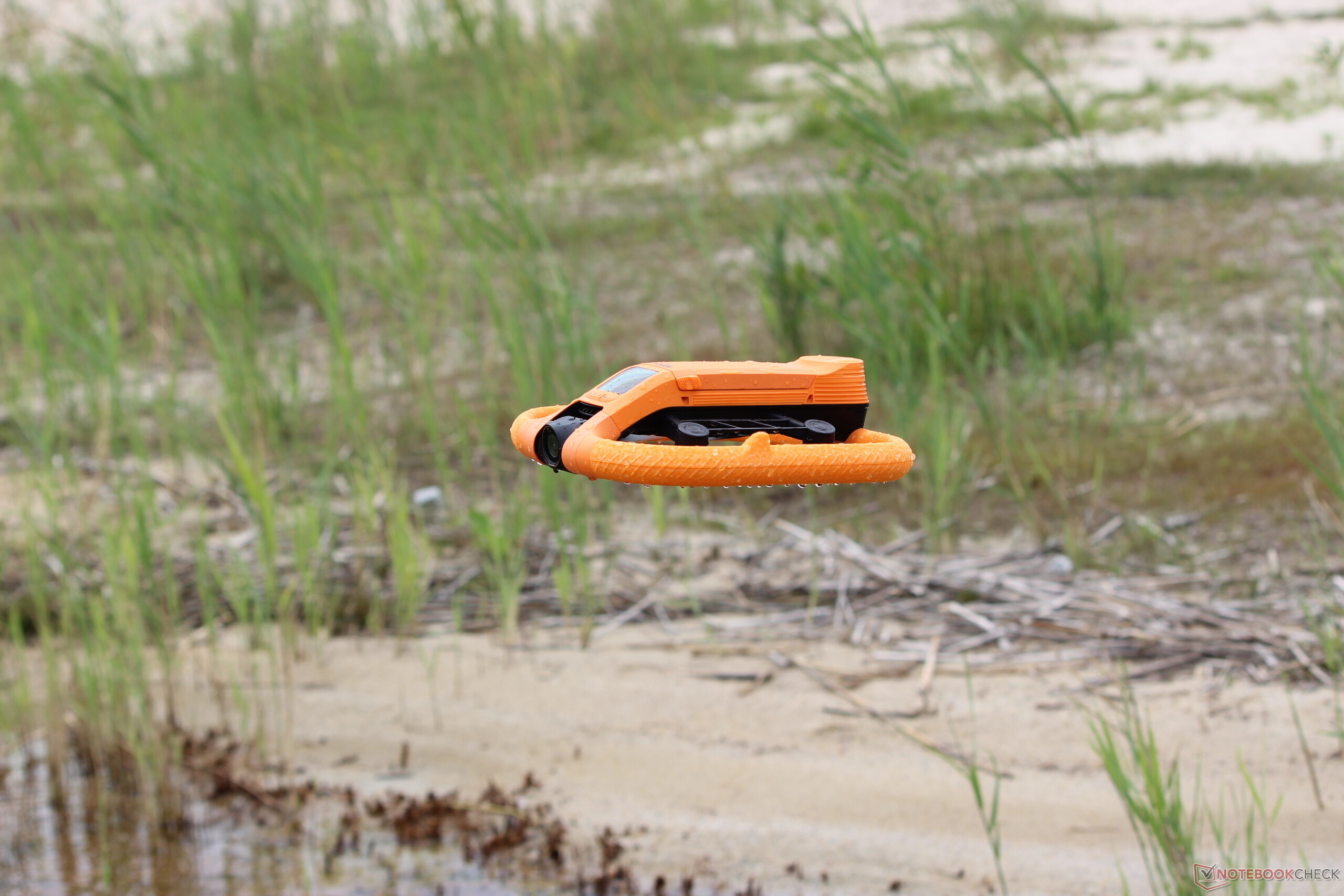
It’s obvious at first glance that the HoverAir Aqua is a little different from typical drones. It comes in a bright orange color, making it highly visible even on the water and in rough conditions. A removable foam frame surrounds the drone itself, offering decent protection for the rotors, though not quite as much as the full propeller guards seen on models like the DJI Neo. The drone is powered on using a button on the battery; a short press also shows the charge level.
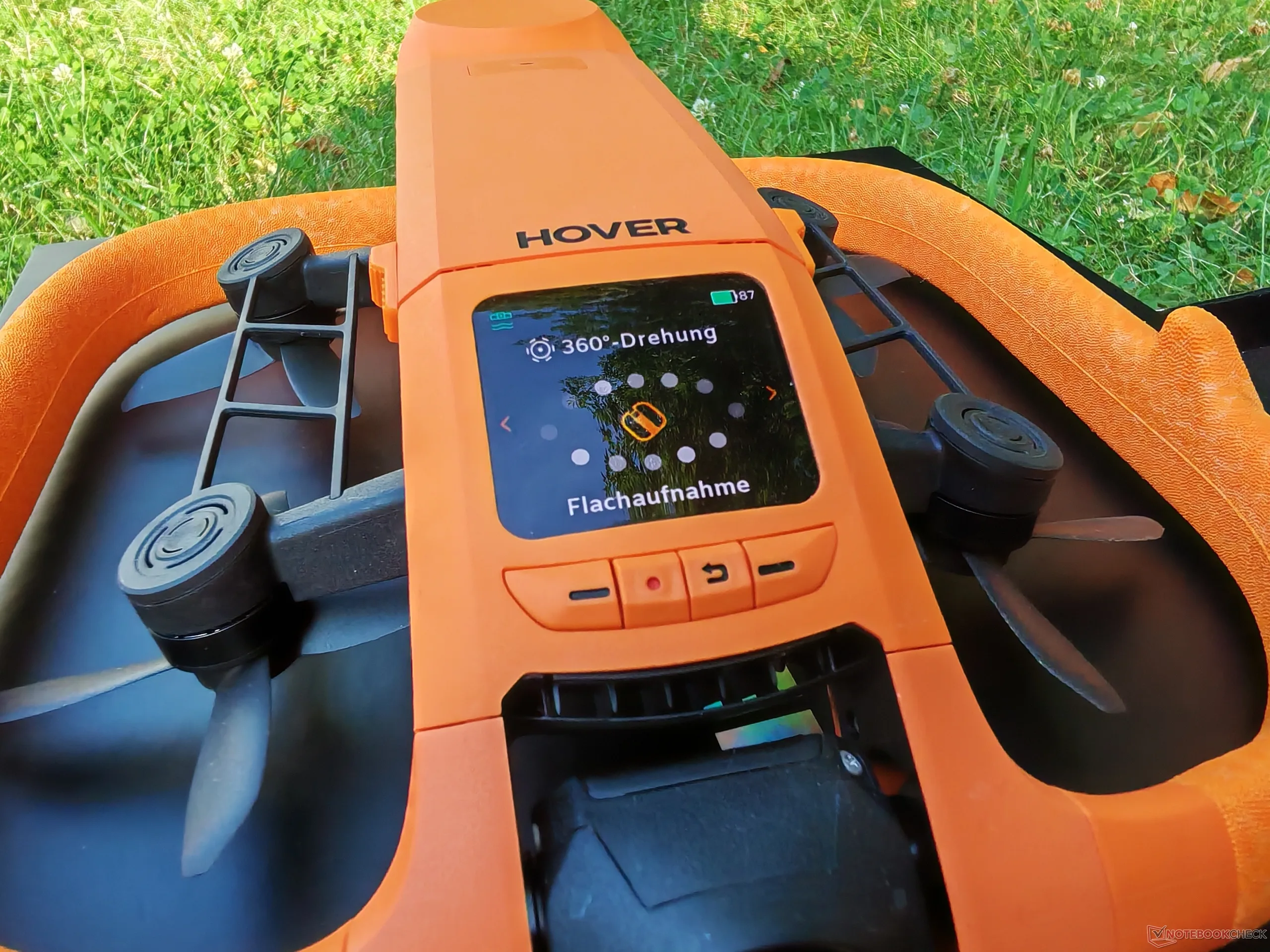
On the front, a display lets you select the recording mode using four buttons in total. The camera can be tilted, but not panned. The Aqua also features millimeter-wave radar, which is designed to measure wave height and surface conditions.
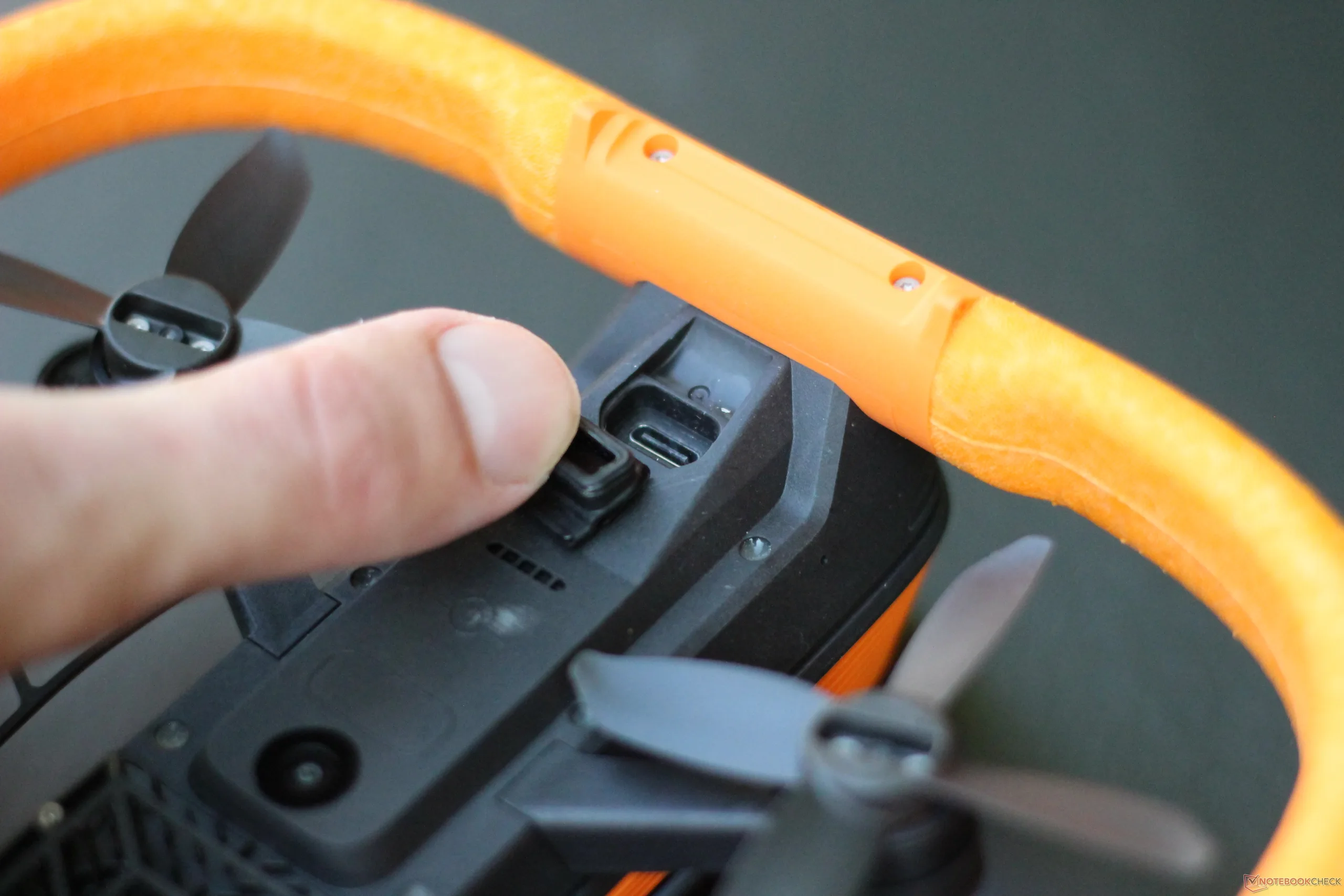
On the underside, there is a USB Type-C port for data transfer. Although it also includes a memory card slot, the 128 GB of internal storage should be more than enough. A key part of the system is the Aqua Lighthouse. This control and tracking unit attaches to the upper arm and comes with several buttons. Like the drone itself, it is waterproof, easy to find, and equipped with a speaker.
Water Activities in windy conditions
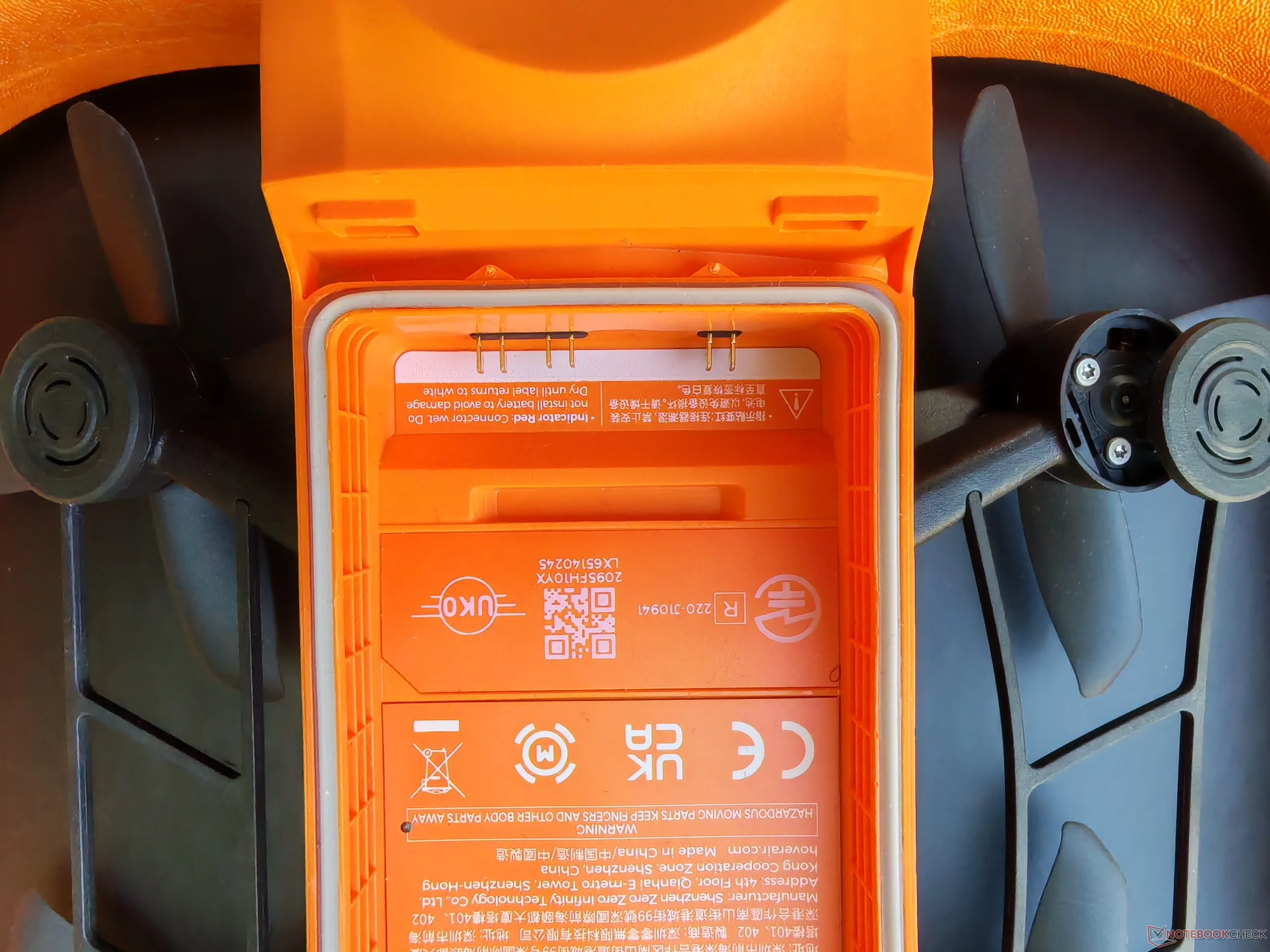
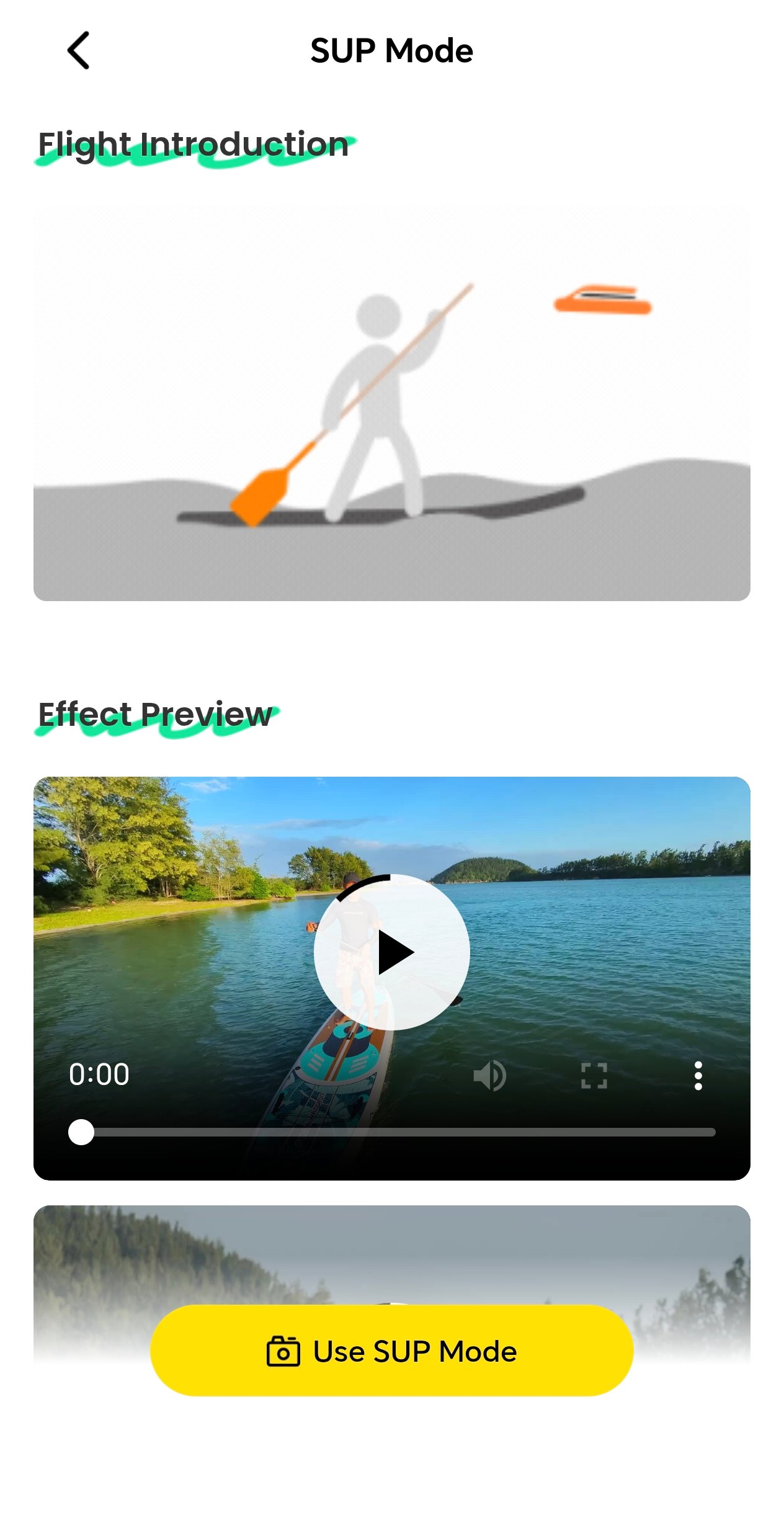
The HoverAir Aqua was first tested at a beach, mainly in SUP mode. Stand-up paddling is, of course, not particularly fast, but the HoverAir Aqua still had to work hard: wind speeds reached up to 45 km/h on the test day. That was clearly visible from the outside, yet the videos remained well stabilized. Battery life likely suffered under these conditions, as the drone ran out of power after just 17 minutes. The battery can be swapped on the water, and waterproof bags are included. A moisture indicator inside the drone adds another layer of protection: if it changes color, the drone must be dried before being used again. That did not happen during our test, however.
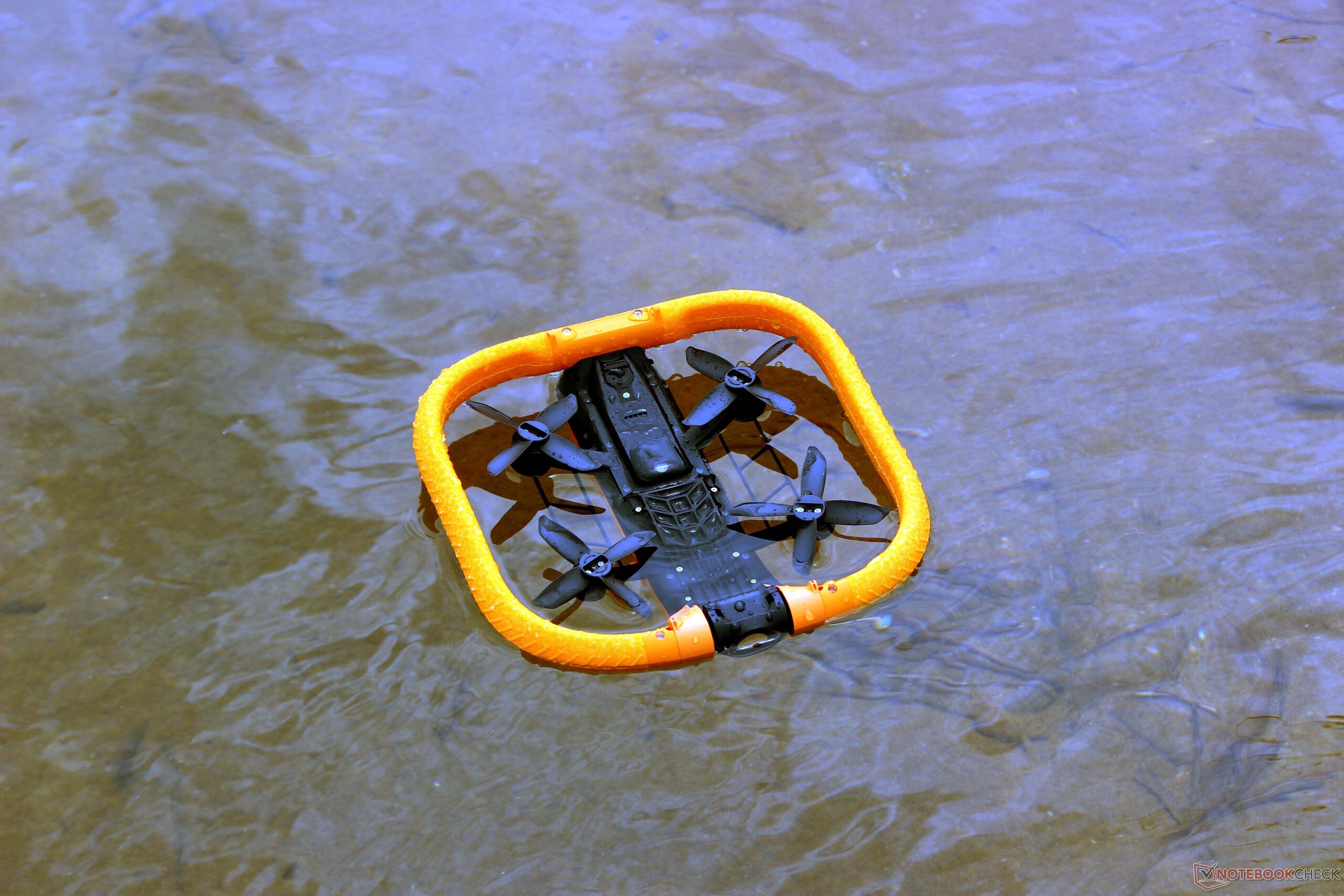
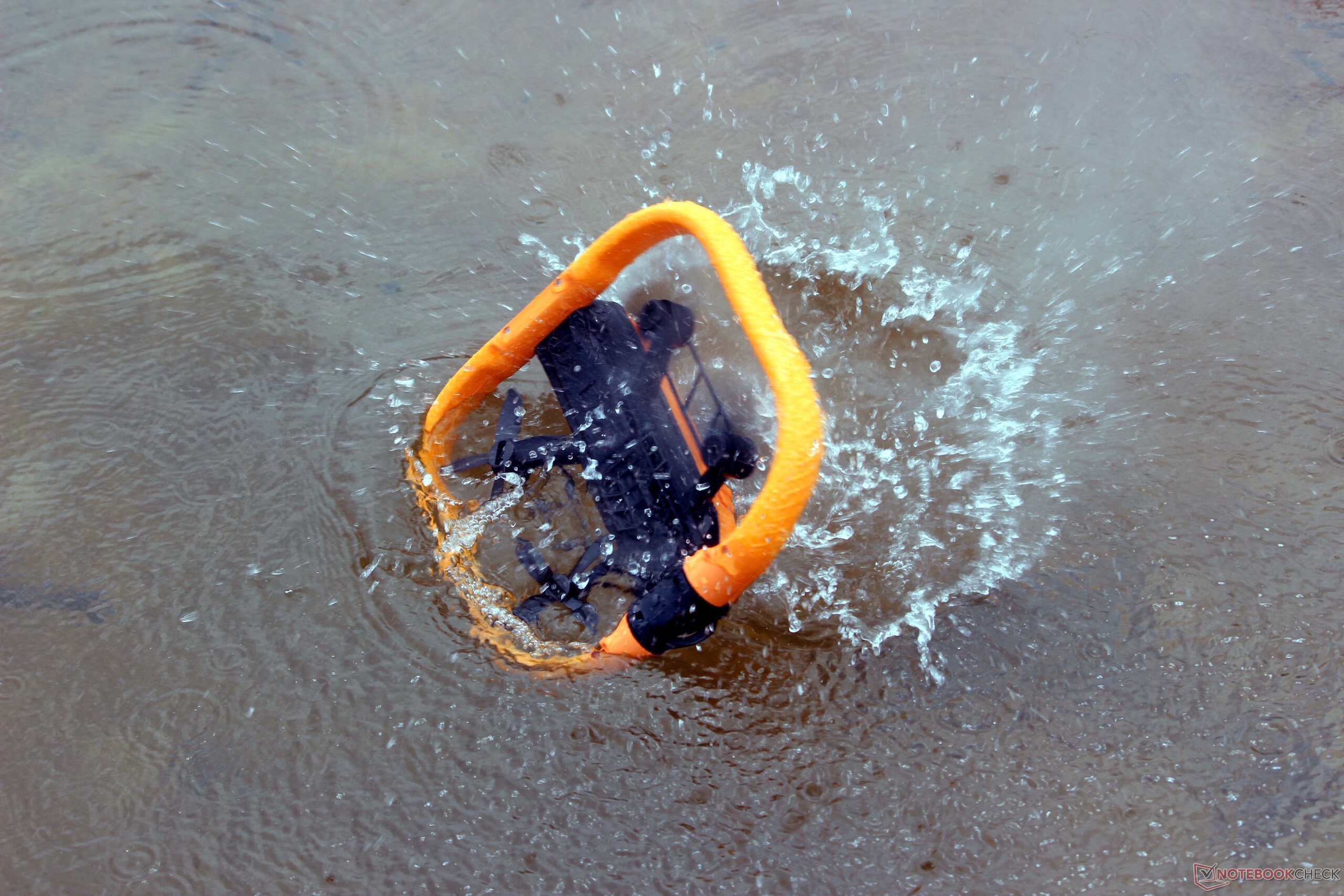
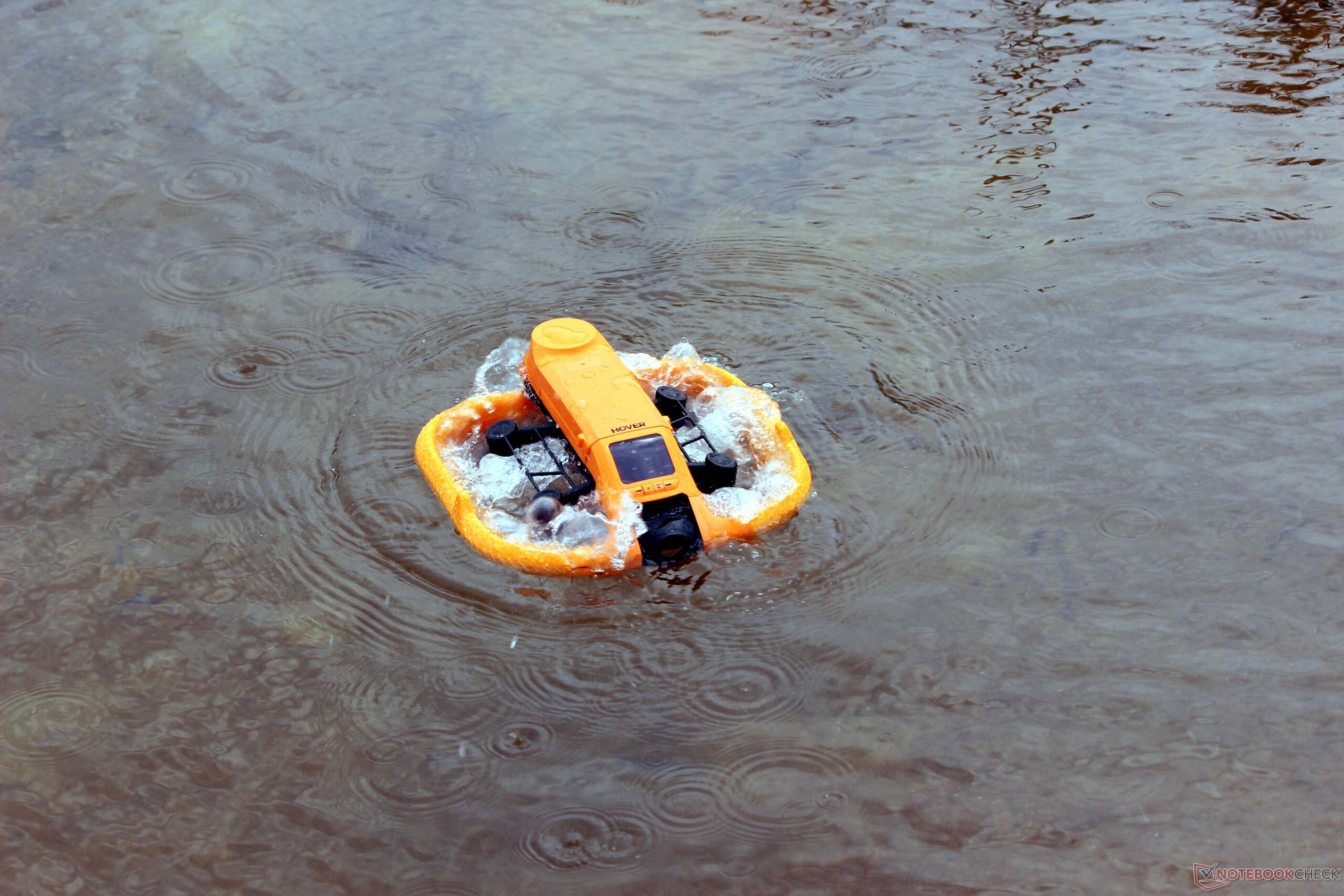
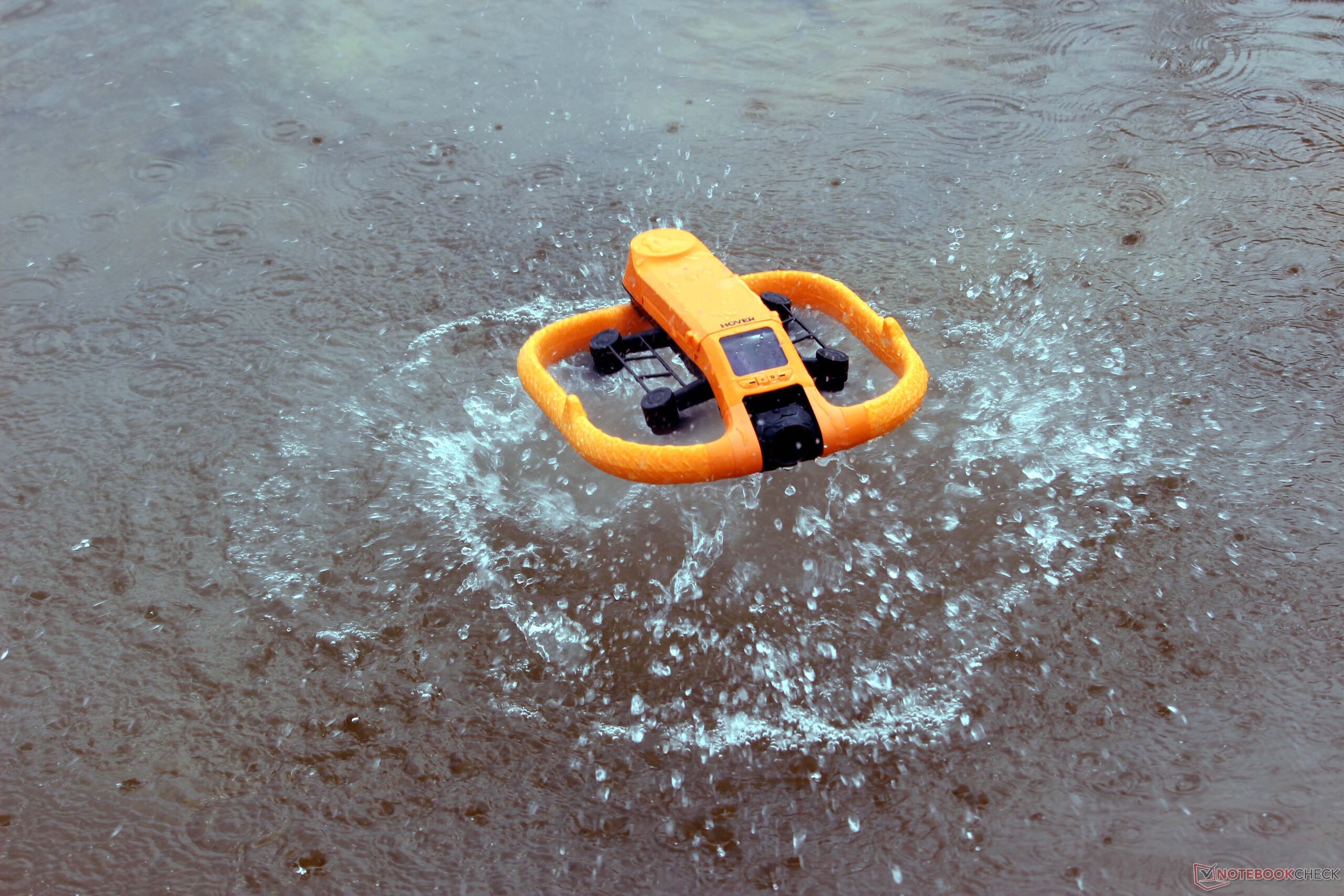
Using the HoverAir Aqua is intuitive. The desired mode is selected on the drone or in the app, after which the Lighthouse is activated. The Aqua Lighthouse is attached to the upper arm. Once the drone and Lighthouse are powered on and paired, the drone can simply be thrown into the water; it takes off at the push of a button on the Lighthouse and then tracks reliably. If it lands upside down in the water, it spins around once and takes off again without any problems. One drawback became apparent quickly, however: there is no omnidirectional obstacle detection. That is less of an issue out on the water, but it can become a problem near the shore. We did have some light contact with reeds.
Good tracking even at higher speeds
We also had the opportunity to experience the HoverAir Aqua at higher speeds during a water sports event hosted by the manufacturer. HoverAir invited guests to Munich and demonstrated the Aqua during wakeboarding at around 30 km/h. Tracking remained reliable in this scenario as well; in one case, the drone even managed to catch up to a rider roughly 100 meters away before tracking him smoothly.
Failure to detect obstacles can become a problem
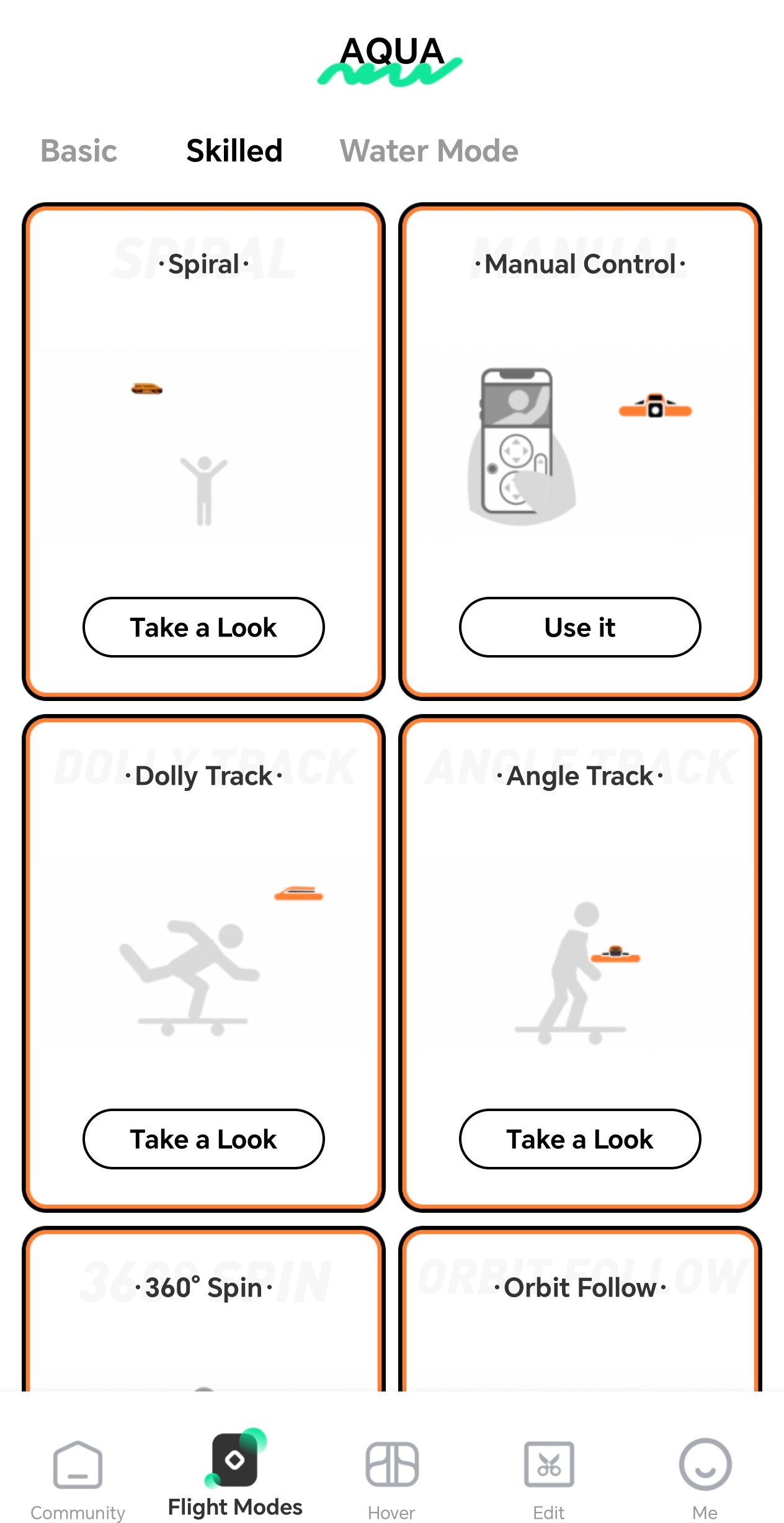
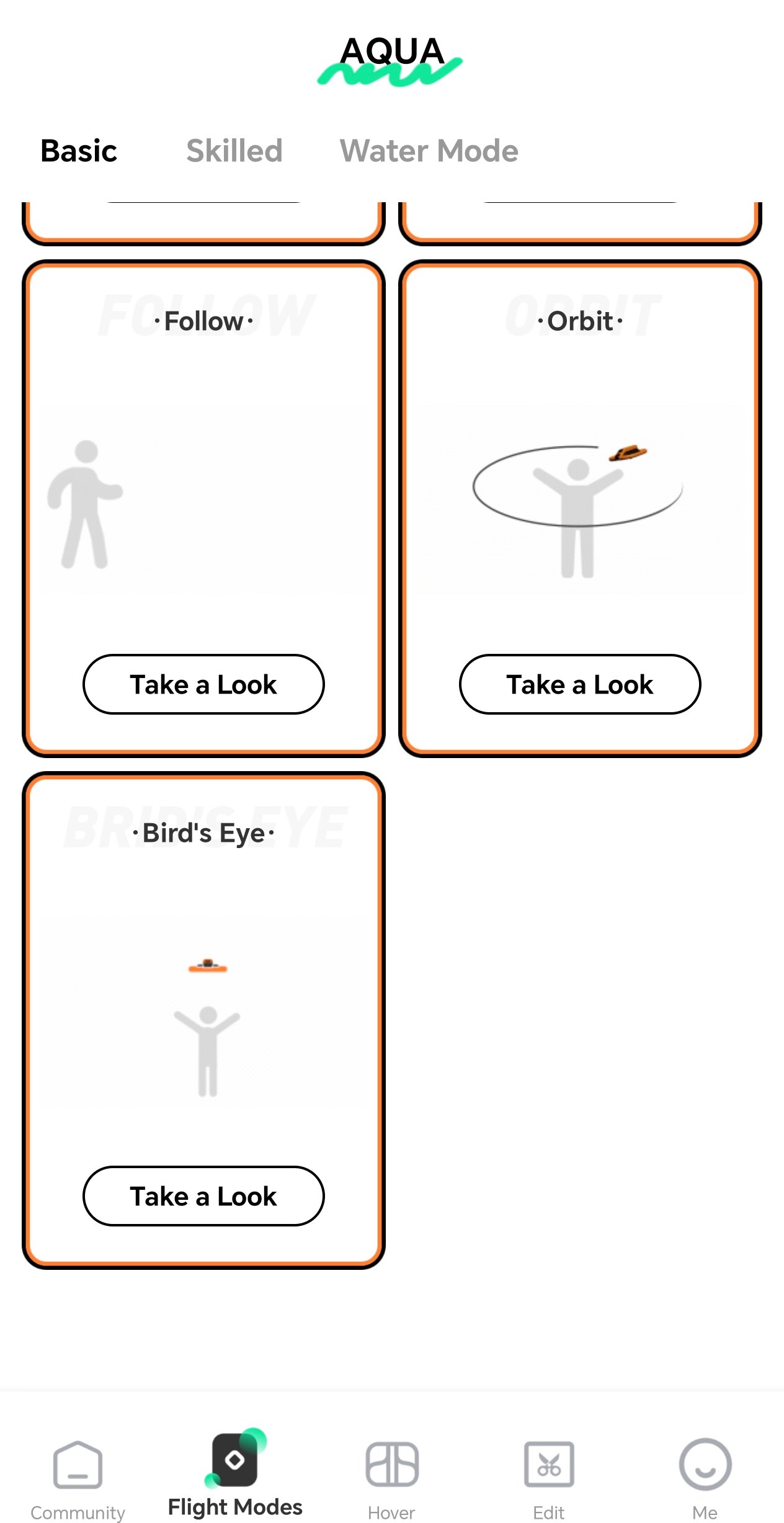
The drone can also be used effectively on land, as long as its lack of obstacle detection is kept in mind. Lighthouse tracking is not always available on land, but a suitable optical tracking system is also supported. Manual control is another option. Several modes are available for land use as well, including a mode that sends the HoverAir Aqua away from the user and upward, as well as a circling mode.
Image quality
Perhaps the most important point is that the HoverAir Aqua’s lens does its job very well and reliably sheds water. As a result, there are no visible image-quality limitations in this respect that would count as a clear drawback. The embedded video provides an impression of the image quality. The drone can record sharp 4K footage, although there is a slight lack of fine detail; the plants in the video appear somewhat blurred. This is also noticeable in photos, suggesting that the 1/1.28-inch CMOS sensor is simply reaching its limits here. Overall, the HoverAir Aqua is not quite capable of true feature-film quality, but the image quality is still impressive. Stabilization is very good, as the test footage was recorded on a windy day.
Smartphone app
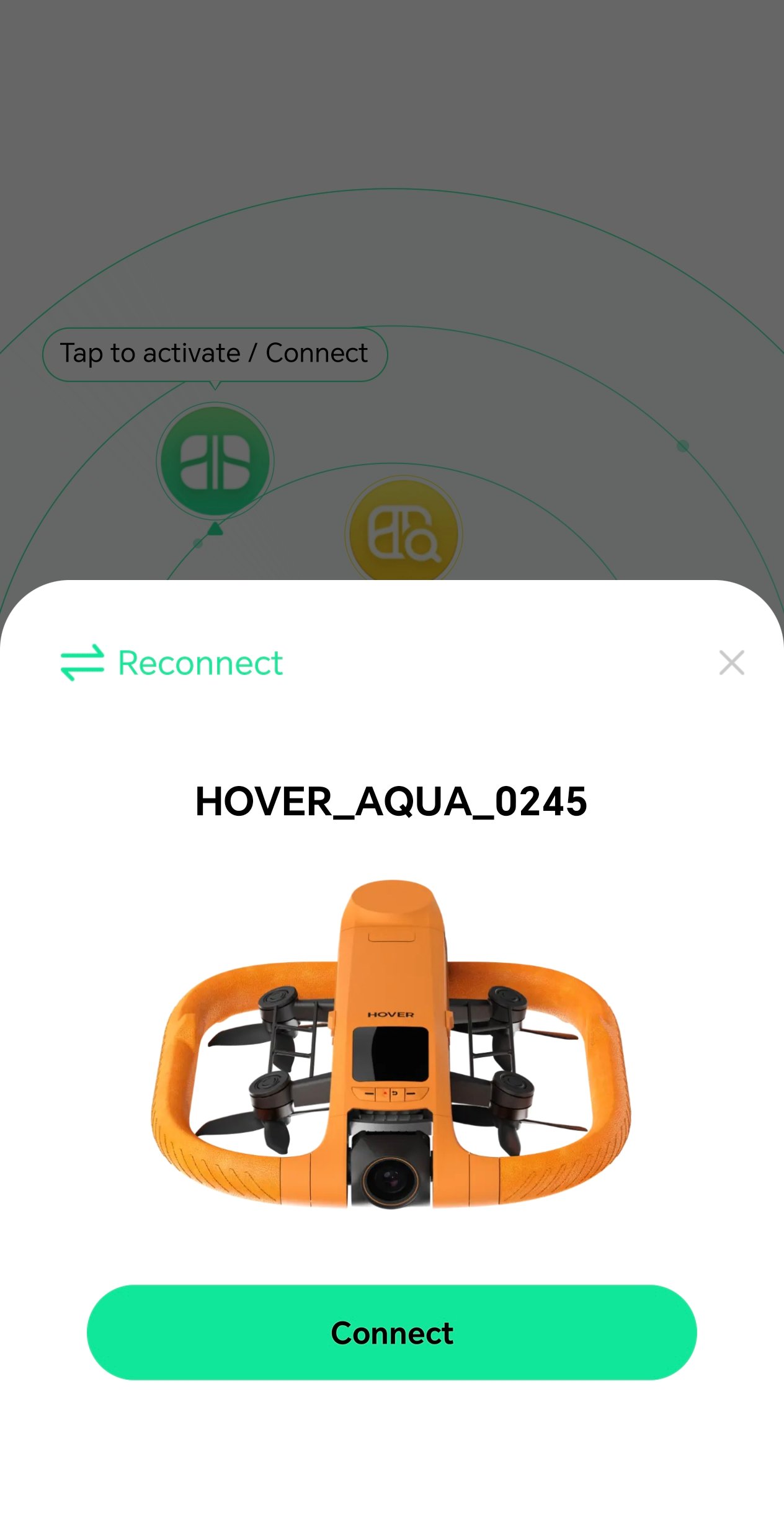
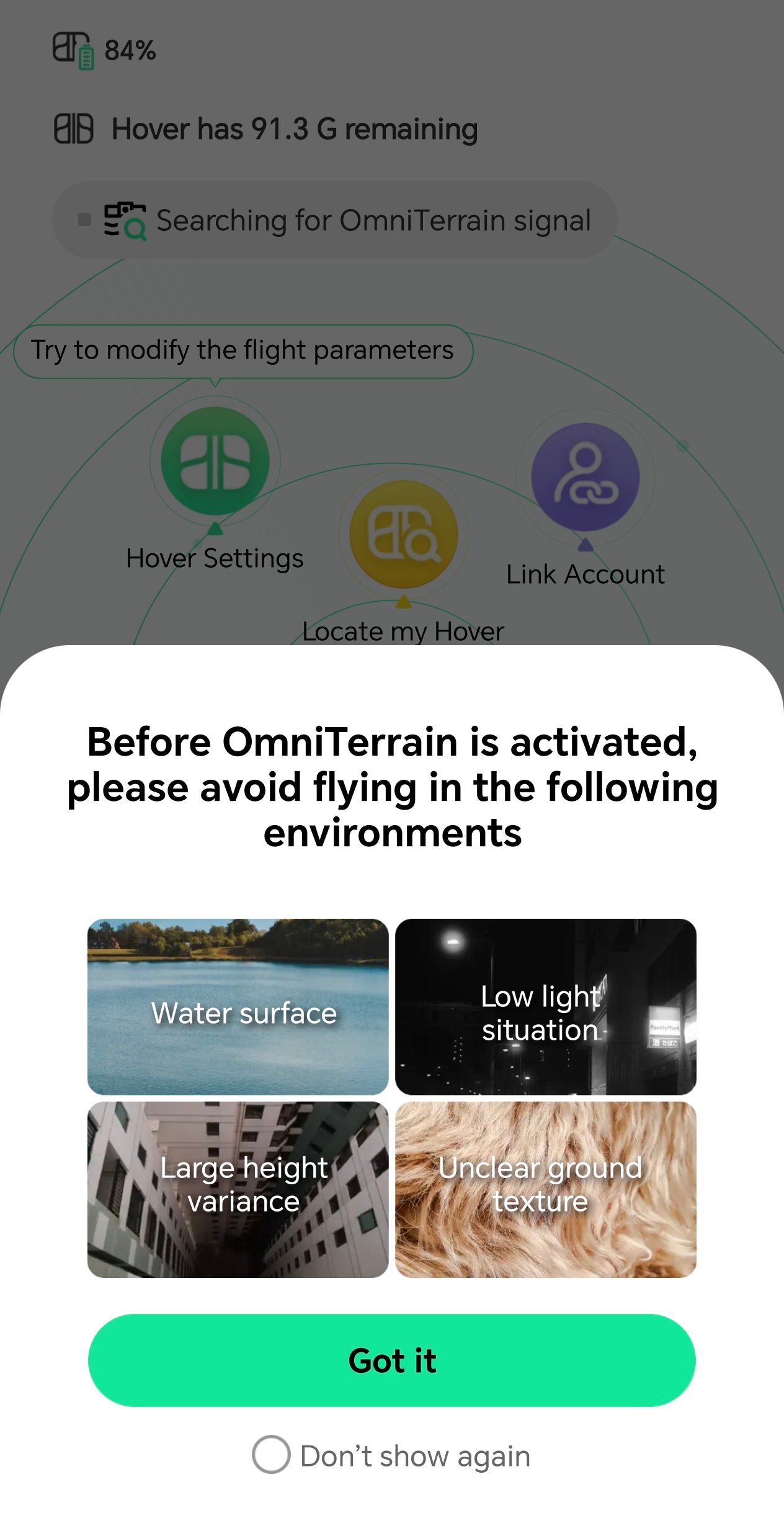
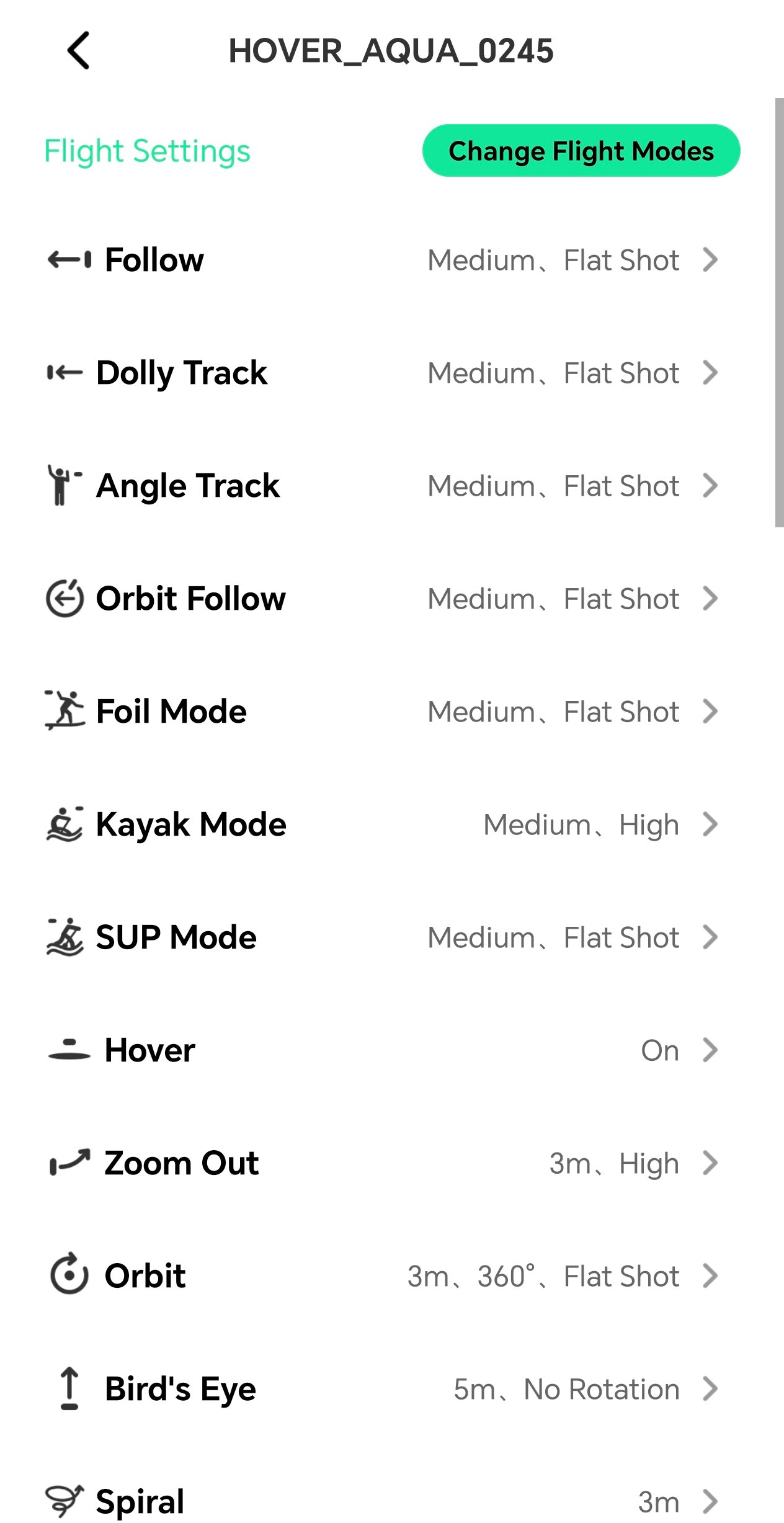
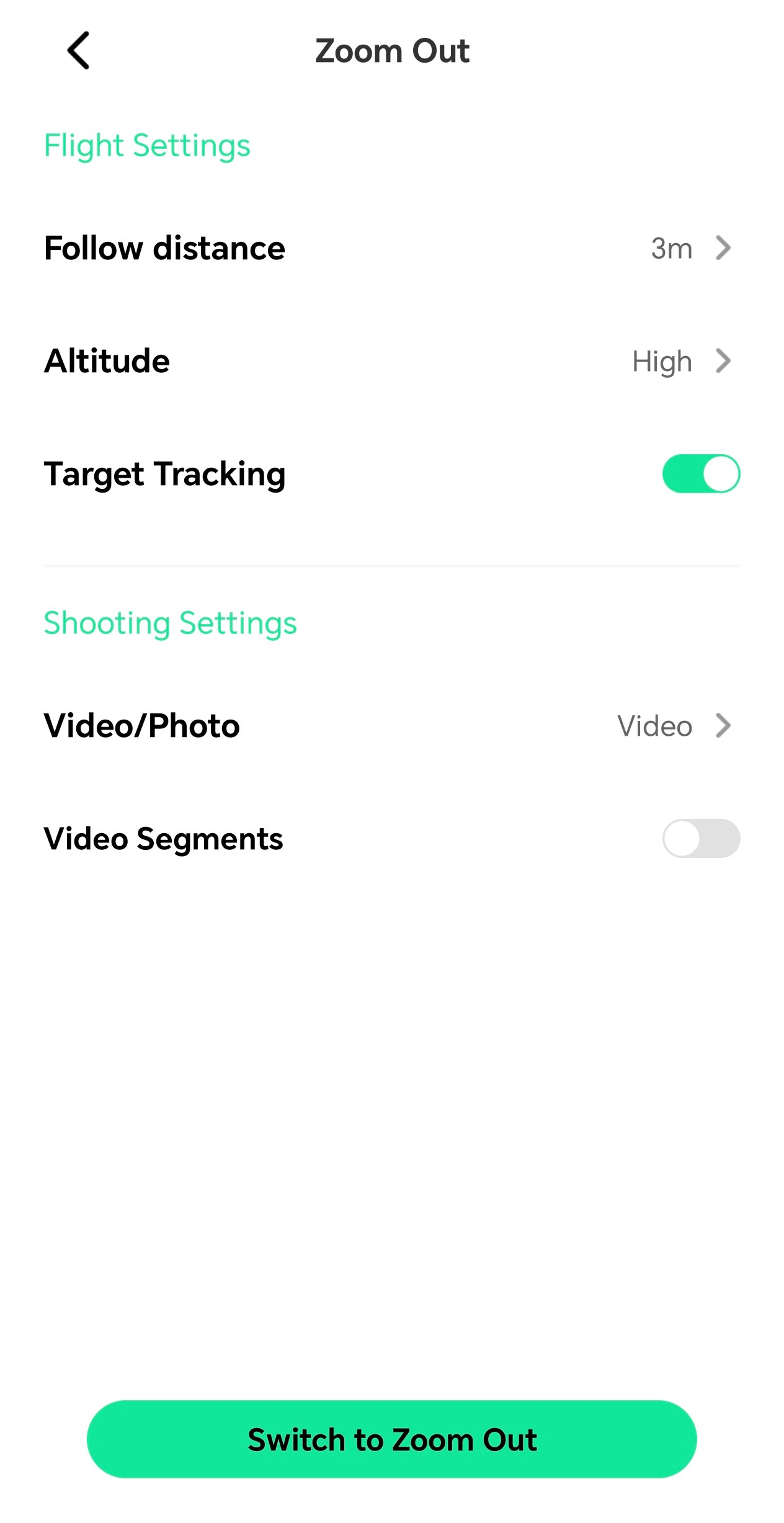
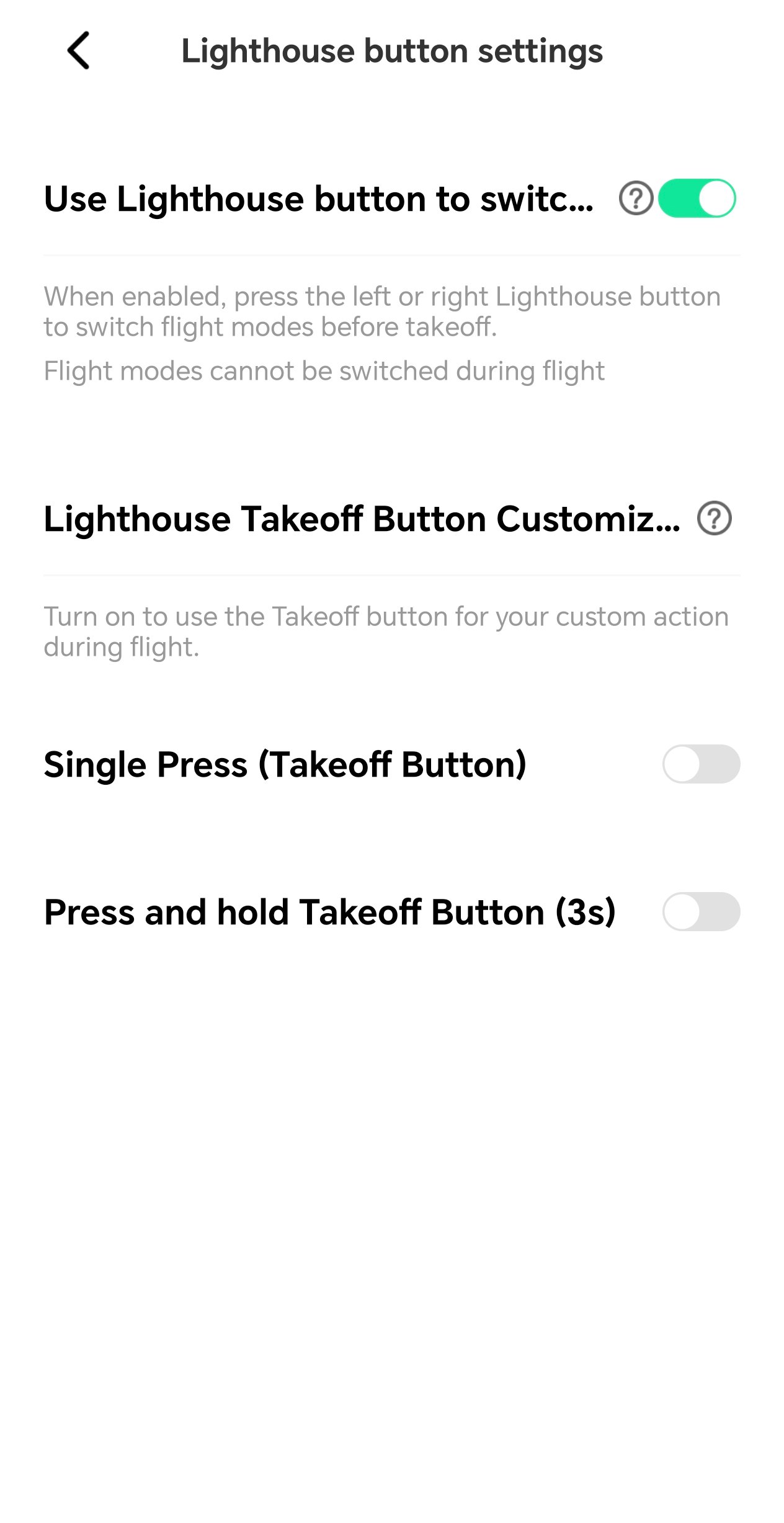
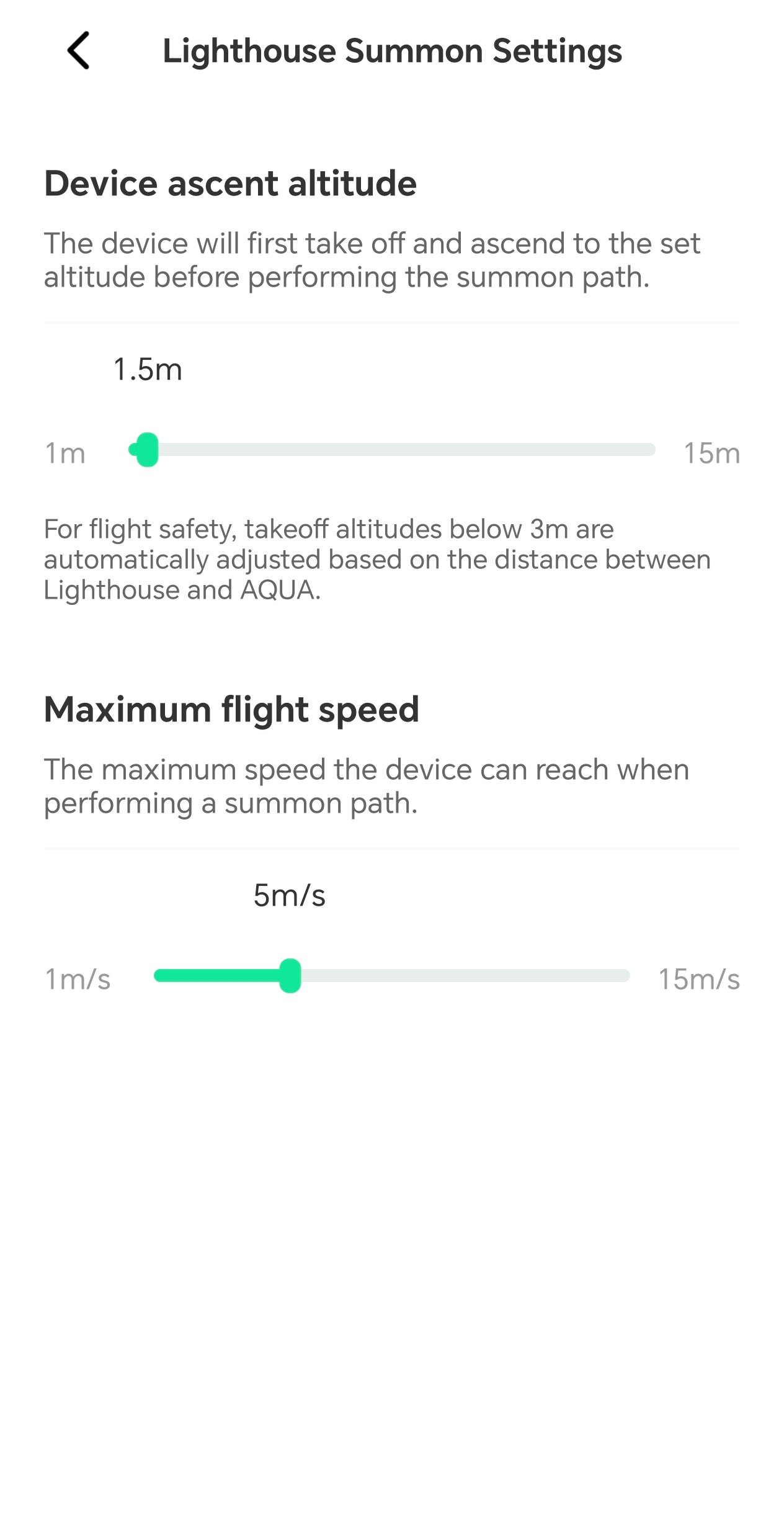
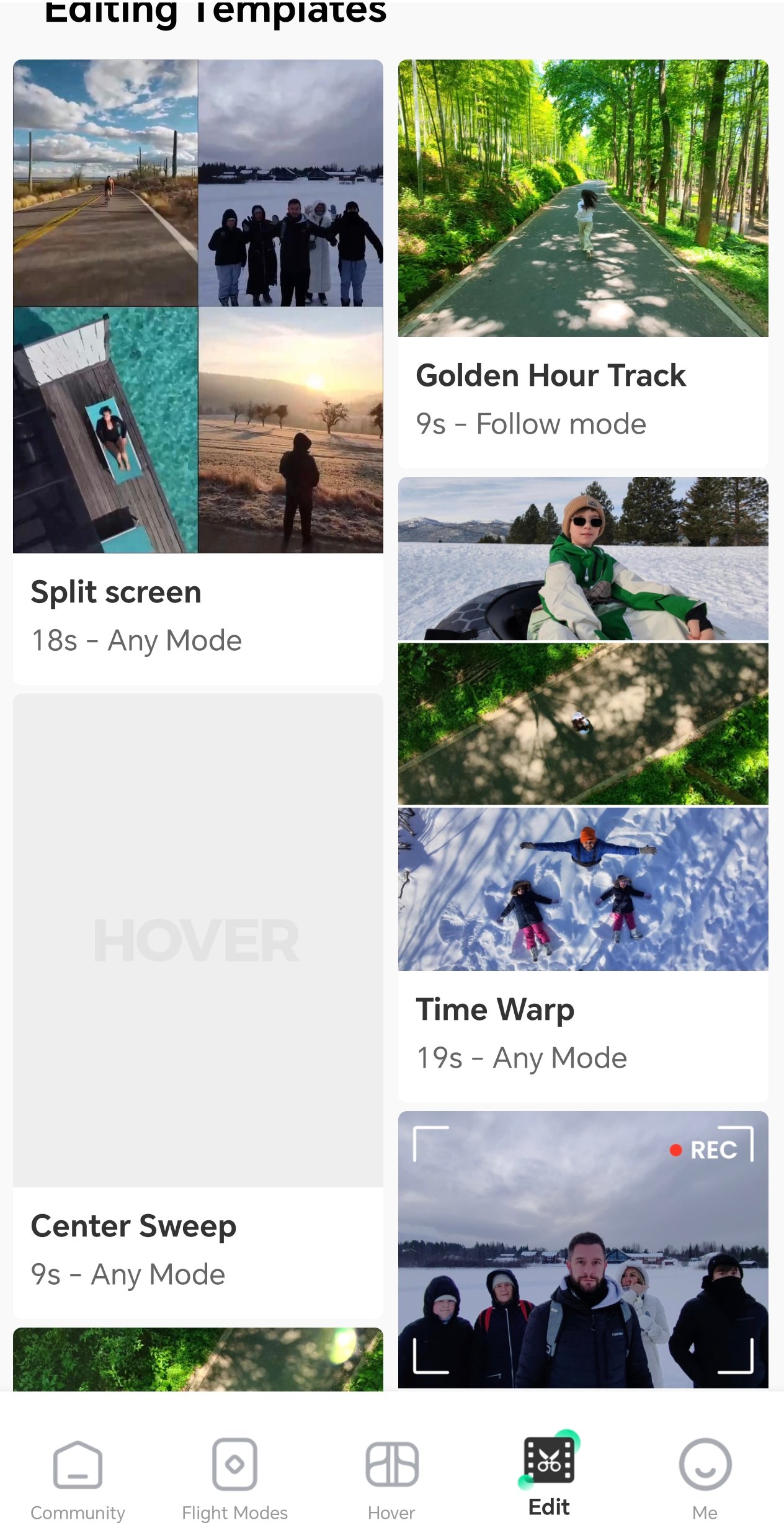
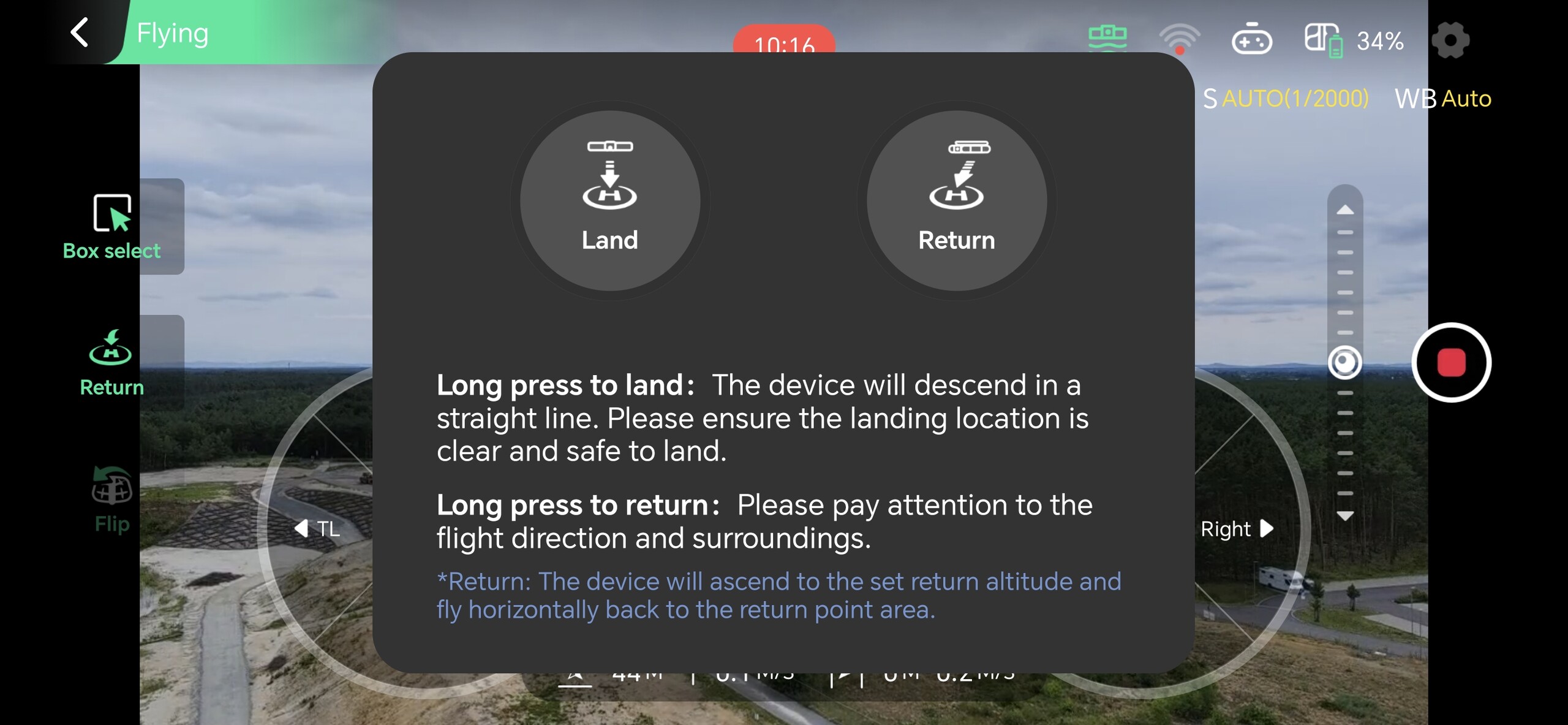
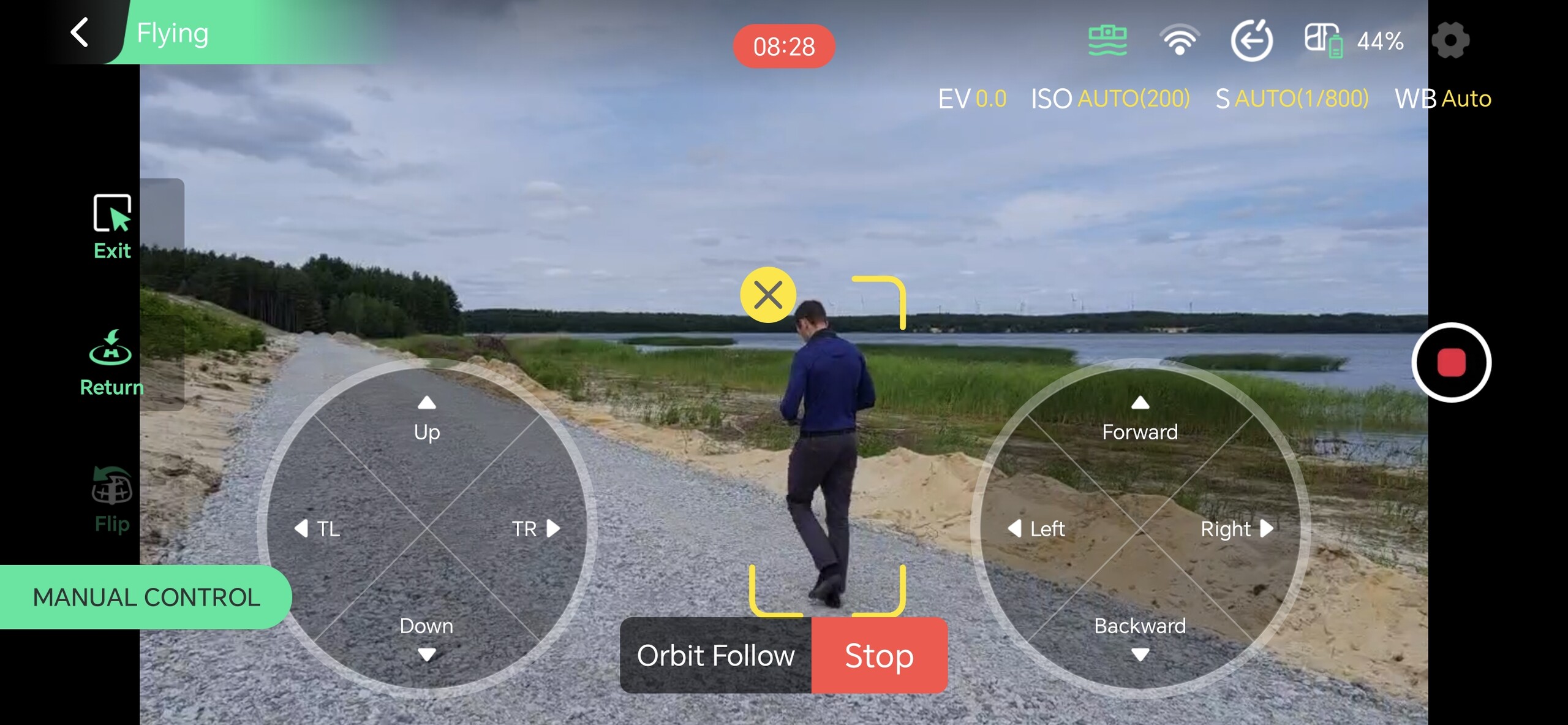
The smartphone app ran smoothly in testing and offers all the essential functions. In practice, it is likely the more convenient option, especially for fine-tuning settings. While the various flight modes can also be selected directly on the drone, doing so in the app is likely faster. Data can be transferred to the smartphone via Wi-Fi. The app also lets you create short clips using preset templates, which can then be shared with other users.
Transparency
The selection of devices to be reviewed is made by our editorial team. The test sample was given to the author by the manufacturer free of charge for the purposes of review. There was no third-party influence on this review, nor did the manufacturer receive a copy of this review before publication. There was no obligation to publish this review. As an independent media company, Notebookcheck is not subjected to the authority of manufacturers, retailers or publishers.
 Add as a preferred source on Google


