





Everblog Smart Calendar Review: An organizers dream with a secret
Refined software in a unique form factor.
The Everblog E1 and E2 are digital family calendars that offer solid productivity software, on top of somewhat outdated hardware. However, these tablets have more to offer than what initially meets the eye.Stephen Pereyra Published 🇳🇱 🇫🇷 ...
Verdict: A smart calendar with exceptional software
The Everblog E1 and E2 take on the mental load of modern family life by digitizing the traditional paper kitchen calendar. While their solid software makes organization easier, the experience is constantly tethered to hardware that feels outdated. For the average household, the no-subscription model is a great value proposition. Still, for the experienced smartphone and tablet user, the E1 is a hidden gem that reveals its true potential once you break out of its walled garden.
Pros
Cons
Price and availability
The Everblog E1 and E2 are available on the Everblog site. The E1 is also available on Amazon. Currently, they are both on sale but do not include any accessories.

The Everblog E1 and E2 are smart calendar devices that aim to reduce the headaches that come with home logistics. While featuring different hardware, both run the highly optimized Everblog app that carries a number of interesting features to tackle chores and grocery lists alike.
Specifications
| Feature | Everblog E1 | Everblog E2 | |
| Display | 21.5-inch 1080p FHD Touch | 13.4-inch 1920x1200 Touch | |
| Dimensions | 20.1 x 12.3 x 0.8 in | 12.8 x 8.4 x 0.5 in | |
| Mounting | Wall Strap / VESA / Stand | Magnetic / Wall Mount | |
| Storage | 64GB Internal | 64GB Internal | |
| Power | AC Power (Always On) | 8400mAh Battery / USB-C | |
| MSRP | $349.00 | $239.00 |
Design and Ergonomics
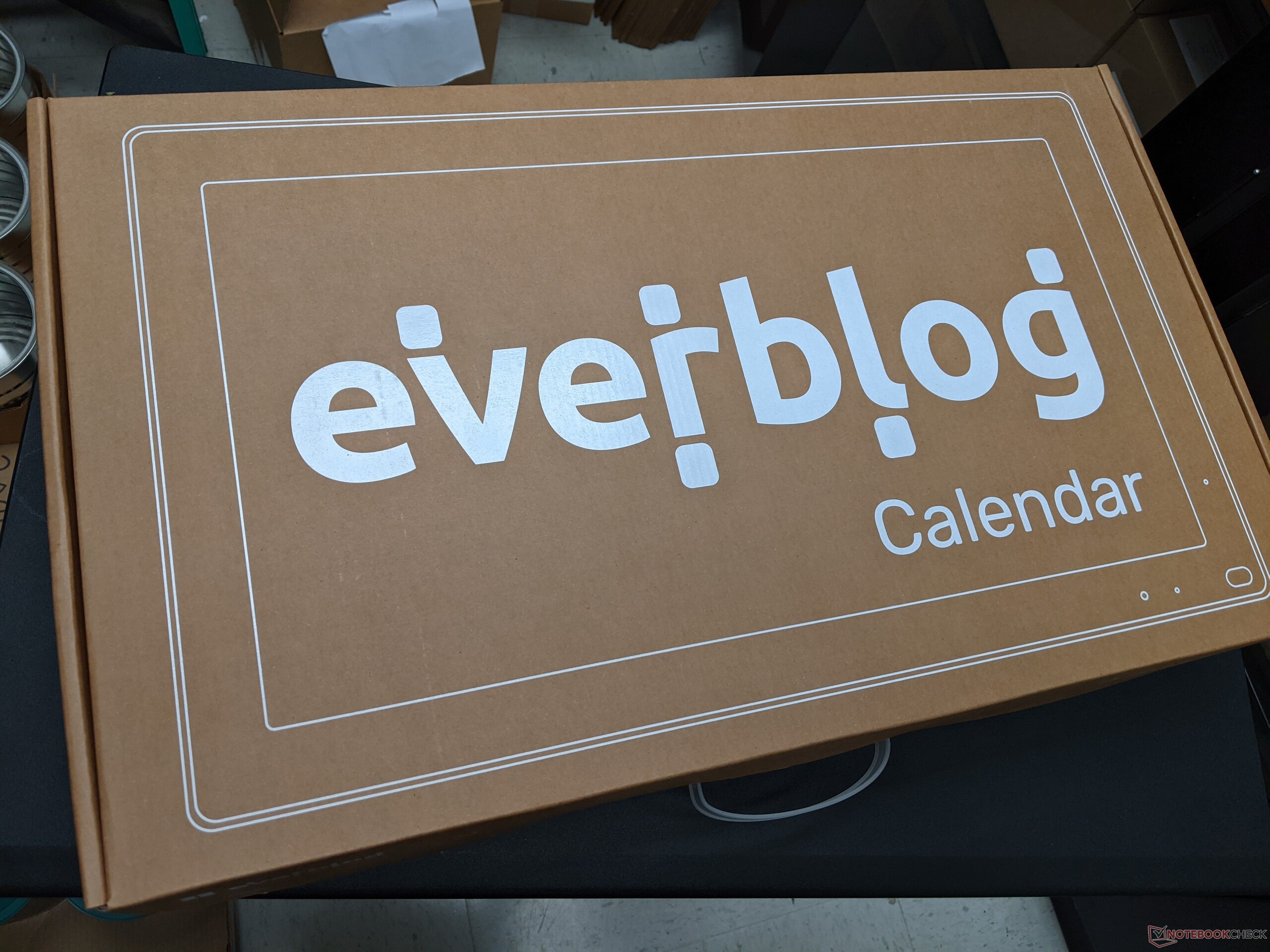
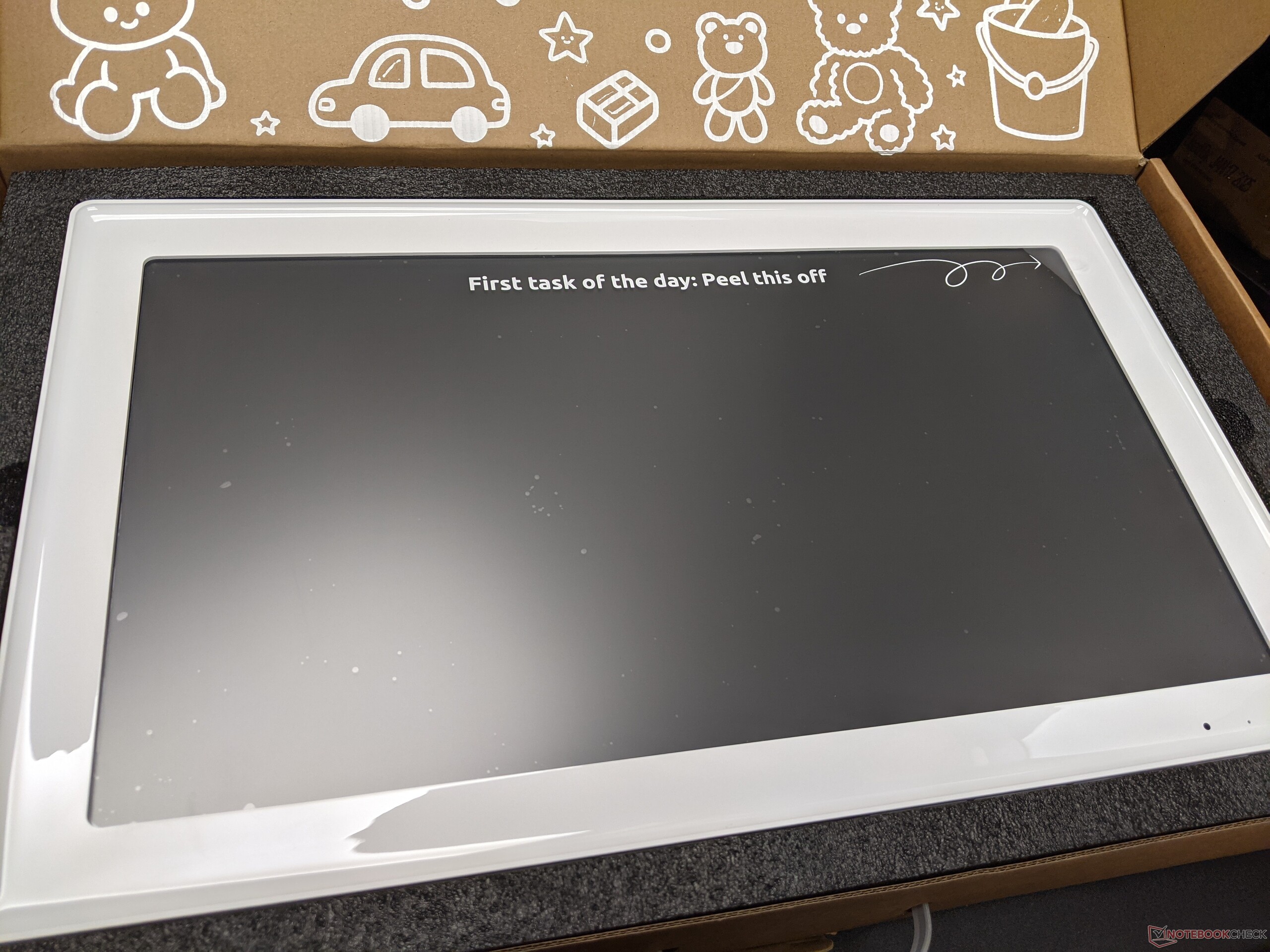
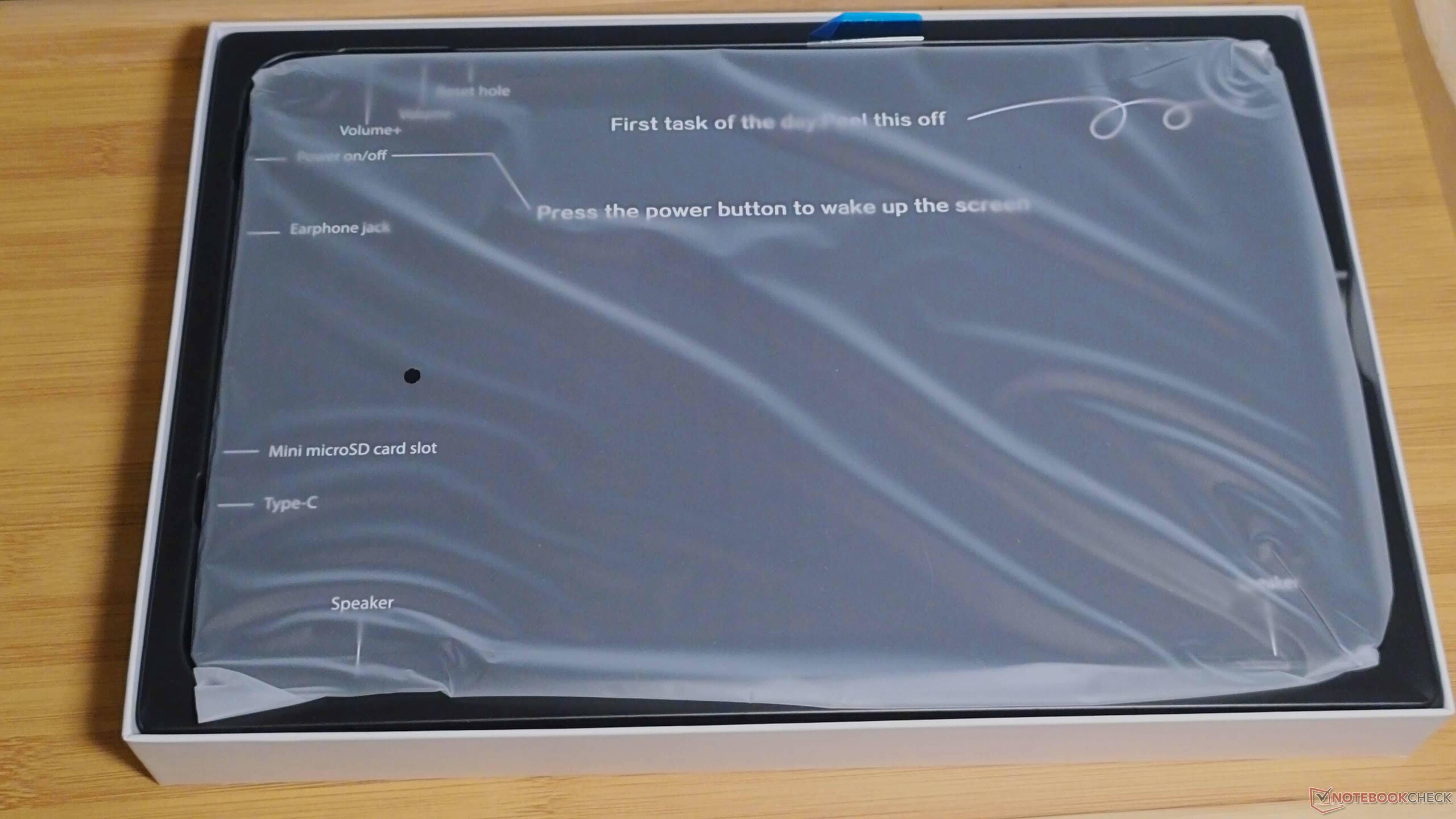
The physical construction of these two units is, unfortunately, a dichotomy. The Everblog E2 (13.4") exhibits a noticeable amount of body flex that makes the hardware feel like a secondary concern that borders on an afterthought. While it performed well enough in our testing, the plastic housing lacks the adequately solid build found in even mid-spec Android tablets.
The E1 (21.5"), however, feels much more robust and ready for a home or commercial setting. Its scale is impressive, and it finds its true potential in a dedicated office environment, where it serves as a catch-all organization center. However, the included AC adapter makes it difficult to achieve a "clean" wall mount without an outlet directly behind the unit. A battery-powered base for this larger model would have significantly increased its utility.





Software
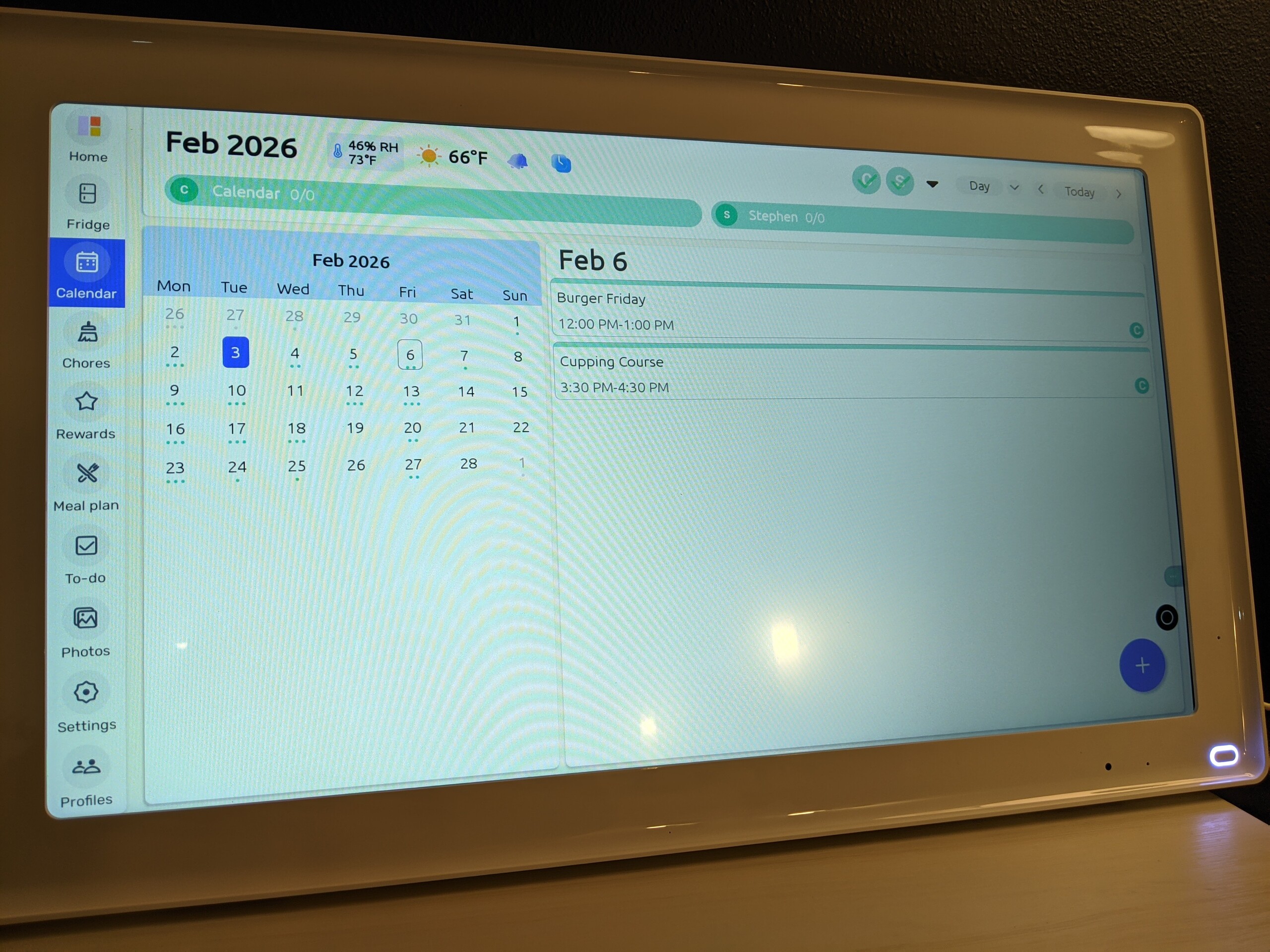
Everblog has clearly prioritized app functionality over hardware power. Running a specialized version of Android 14, the interface is minimal and clean for its intended purpose. The Food Inventory feature was a particular highlight as it was easy and a bit fun to add items, providing much-needed reminders of what to eat before it expired. However, the lack of notification settings is noticeable, as the default frequency borders on incessant, and a future update that allows users to throttle these alerts will undoubtedly be welcomed by most users.
The chore gamification and rewards system also speaks to the software's refinement. It's an interactive way to build accountability, though it often feels like kids may be more drawn to the tablet-like screen than parents are to the actual organization.
For calendars, the accompanying Everblog app makes it easy to sync accounts with both devices. In testing multiple Google accounts, as well as an ics format calendar were added to the device without issue. However, when using .html or similar published formats, the app failed to recognize these links and could not import calendar events.


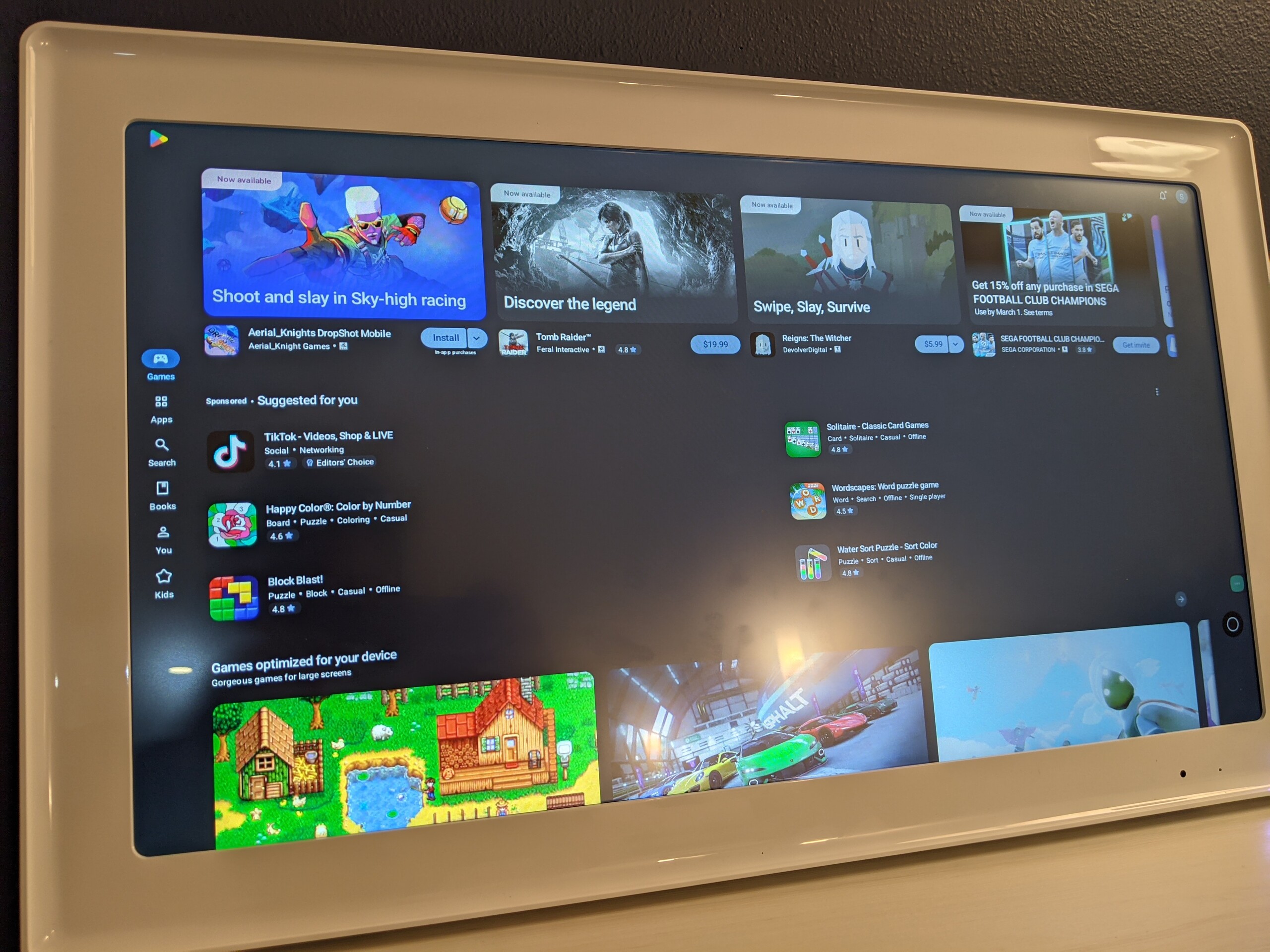
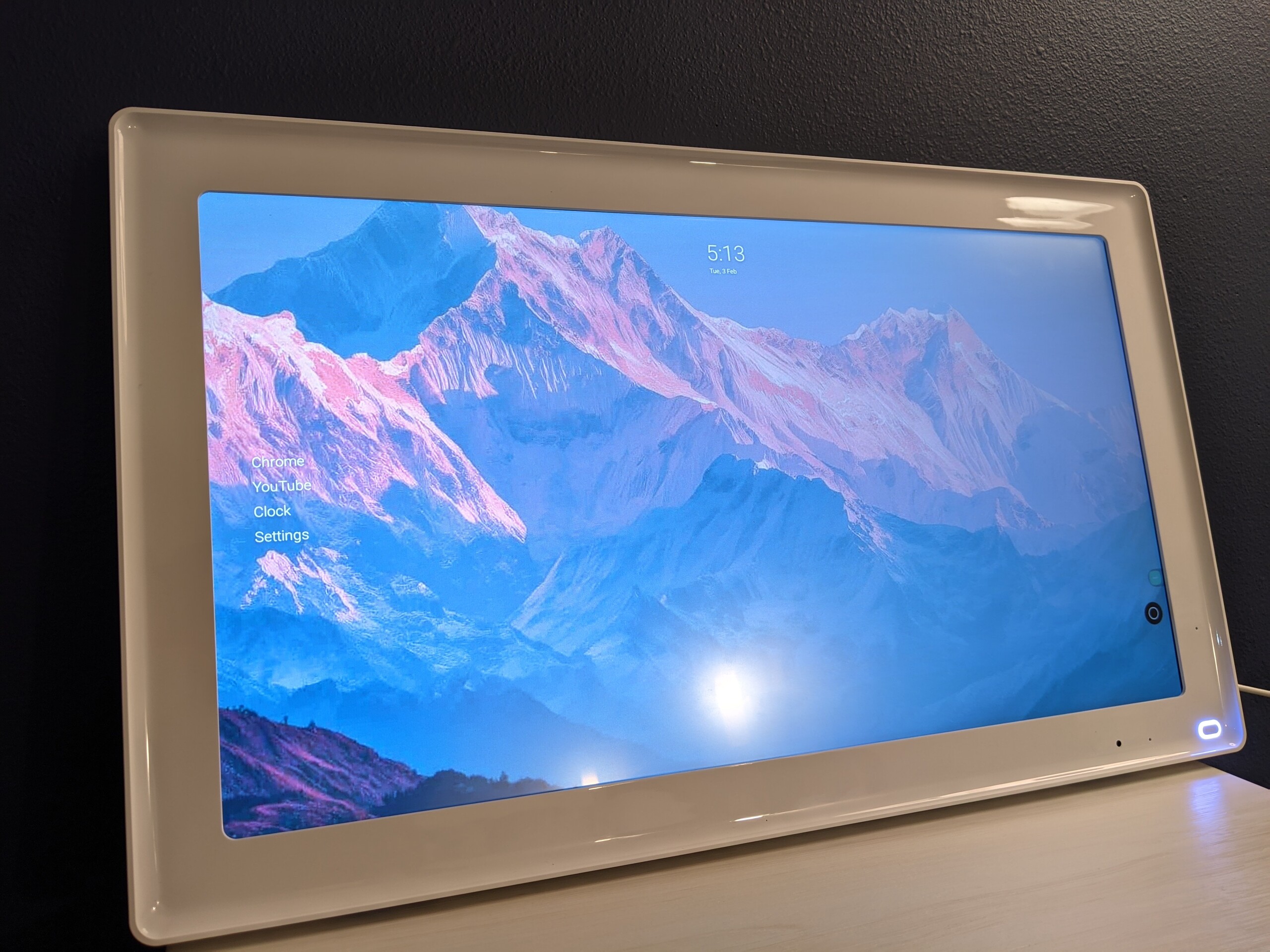
Perhaps the most interesting discovery during testing was the "backdoor" to the Android ecosystem. By navigating through YouTube description links, users can trigger a full instance of Google Chrome and access the already installed Play Store to install a third-party launcher.
This trick essentially transforms the E1 from a limited kitchen tool into a legitimate rival to devices like the LG StanbyMe. With a custom launcher, users gain a 21.5-inch Android 14 station that can handle all basic tablet tasks. Everblog likely restricts this for support and perhaps security reasons. For the enthusiast, this discovery makes the $349 price tag a much better bang-for-your-buck proposition.
Conclusion
Everblog is close to shipping not just a niche home gadget but one that can find a home in a variety of different use cases. With a full Android experience and better hardware, homes and businesses alike could benefit from Everblogs refined software experience and then some. For now, those interested in a digital calendar that "just works" will be hard-pressed to beat the Everblog series in any size that suits them best.
Transparency
The selection of devices to be reviewed is made by our editorial team. The test sample was given to the author by the manufacturer free of charge for the purposes of review. There was no third-party influence on this review, nor did the manufacturer receive a copy of this review before publication. There was no obligation to publish this review. As an independent media company, Notebookcheck is not subjected to the authority of manufacturers, retailers or publishers.
 Add as a preferred source on Google


