




Asus Chromebook Plus CX14 CX1405CTA
Specifications
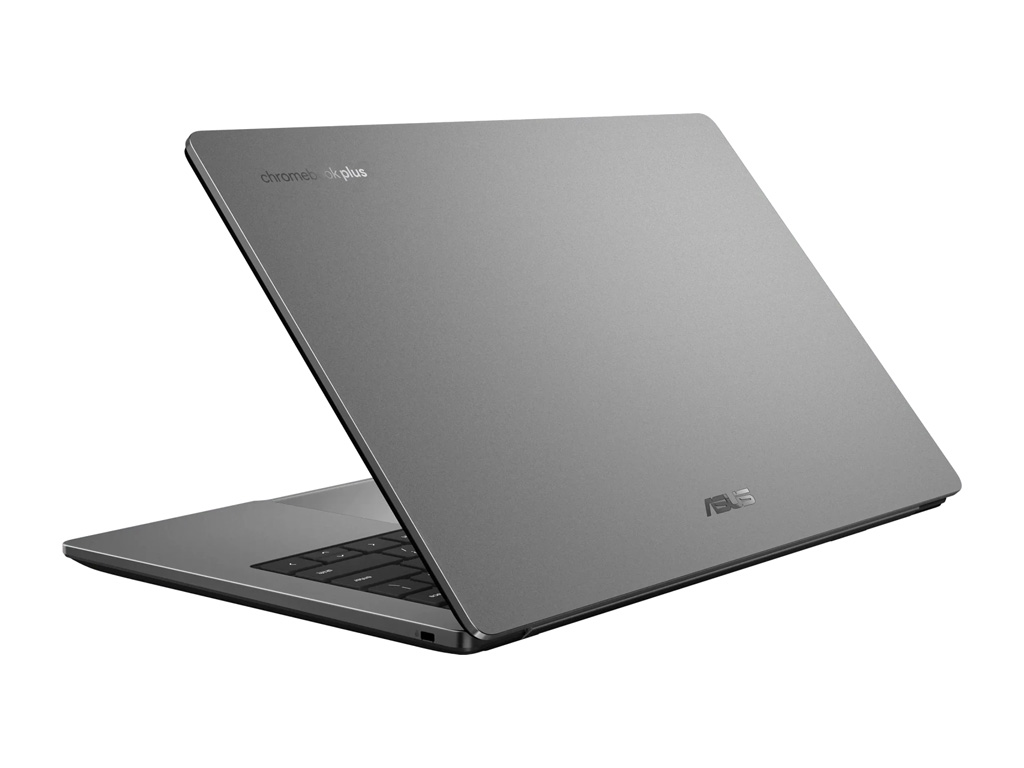
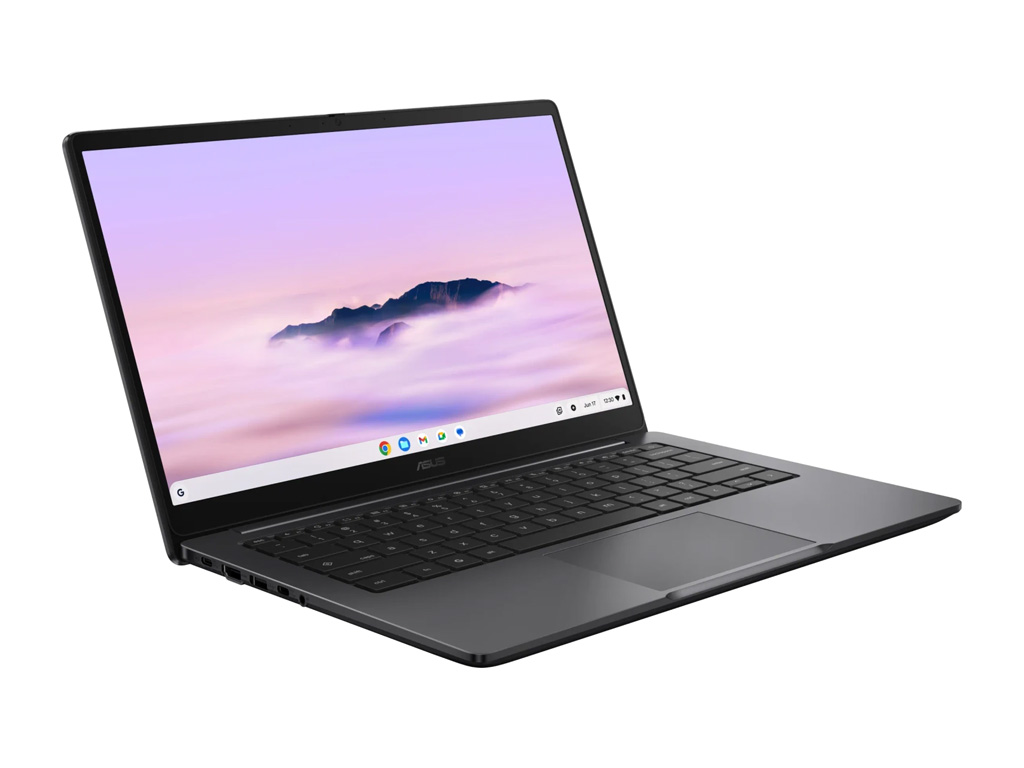
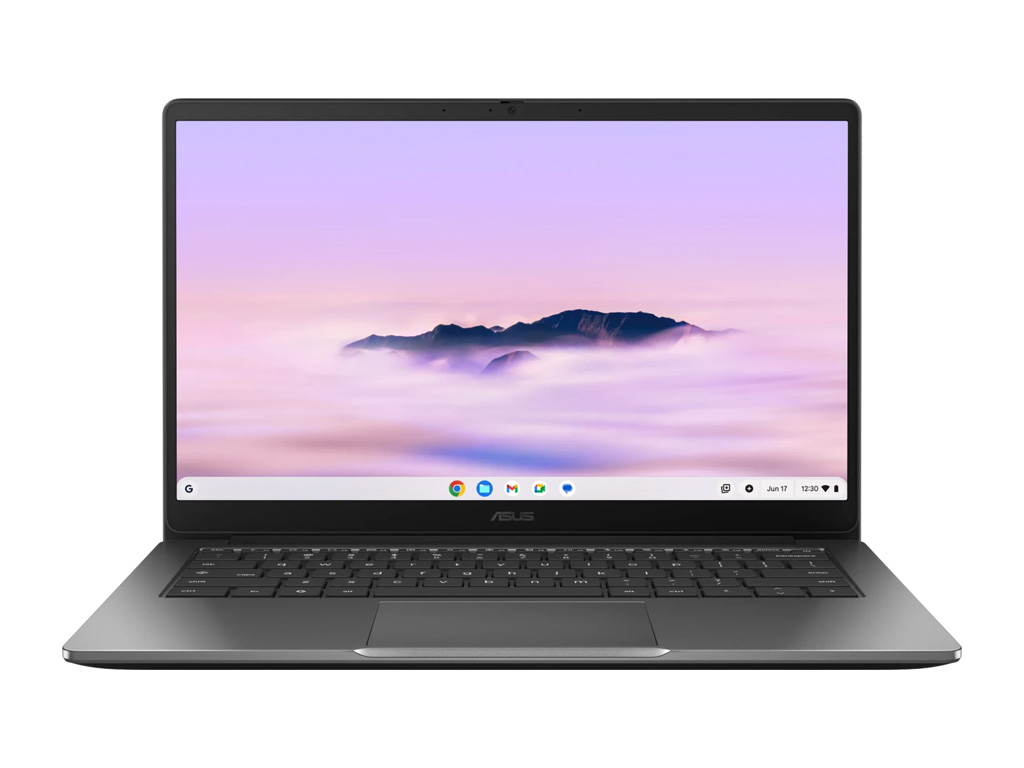
Asus Chromebook Plus CX14 CX1405CTA (Chromebook CX14 Series)
Processor
Intel Core 3 N355 8c/8t, 8 x 3.9 GHz Intel Gracemont E-Core, Twin Lake
Graphics adapter
Memory
8 GB
, DDR5
Display
14.00 inch 16:9, 1920 x 1080 pixel 157 PPI, Capacitive, glossy: no, 60 Hz
Storage
M.2 PCIe
Connections
3 USB 3.0 / 3.1 Gen1, USB-C Power Delivery (PD), 1 HDMI, Audio Connections: 3.5mm
Networking
802.11 a/b/g/n/ac/ax (a/b/g/n = Wi-Fi 4/ac = Wi-Fi 5/ax = Wi-Fi 6/), Bluetooth 5.4
Size
height x width x depth (in mm): 19.9 x 324.5 x 214.4 ( = 0.78 x 12.78 x 8.44 in)
Battery
42 Wh Lithium-Polymer, 3-cell
Operating System
Google Chrome OS
Camera
Primary Camera: 2 MPix
Additional features
Speakers: Stereo, Keyboard: Chiclet, Keyboard Light: no
Weight
1.44 kg ( = 50.79 oz / 3.17 pounds)
Price comparison
Average Score:
Average of 3 scores (from 3 reviews)
Average of 3 scores (from 3 reviews)
Reviews for the Asus Chromebook Plus CX14 CX1405CTA
Asus Chromebook Plus CX14 review: A bargain laptop that’s actually fast
Source: PC World
From my perspective as a tester, the Asus Chromebook Plus CX14 shows just how far Chromebooks have come. In daily use, I was particularly impressed by the responsive ChromeOS, decent battery life, and clear performance advantage over classic Celeron models. The Core 3 processor ensures that the system feels fast and stable at all times. Even with multiple tabs open and Android apps running in parallel, the Asus Chromebook Plus CX14 remained pleasantly smooth in my testing. The weaknesses are manageable: the webcam is only average, the plastic casing is functional, and the display is solid but not outstanding. Compared to more powerful Chromebook Plus models with Core i or better ARM chips, the CX14 lags slightly behind in terms of performance, but offers a very coherent overall package. For price-conscious users, I believe it is a reliable everyday companion with a clear performance leap over simple Chromebooks.
Single Review, online available, Medium, Date: 01/26/2026
Rating: Total score: 80%
Source: PC World
From my perspective as a tester, the Asus Chromebook Plus CX14 shows just how far Chromebooks have come. In daily use, I was particularly impressed by the responsive ChromeOS, decent battery life, and clear performance advantage over classic Celeron models. The Core 3 processor ensures that the system feels fast and stable at all times. Even with multiple tabs open and Android apps running in parallel, the Asus Chromebook Plus CX14 remained pleasantly smooth in my testing. The weaknesses are manageable: the webcam is only average, the plastic casing is functional, and the display is solid but not outstanding. Compared to more powerful Chromebook Plus models with Core i or better ARM chips, the CX14 lags slightly behind in terms of performance, but offers a very coherent overall package. For price-conscious users, I believe it is a reliable everyday companion with a clear performance leap over simple Chromebooks.
Single Review, online available, Medium, Date: 01/26/2026
Rating: Total score: 80%
Asus Chromebook Plus CX14 Review: ChromeOS Charm on a Shoestring
Source: PC Mag
The Chromebook Plus CX14 is a decent performer and can handle the tasks people usually throw at ChromeOS, except perhaps the most demanding of Android games. It has enough RAM to keep many tabs open simultaneously, and its local storage uses faster SSD technology, as opposed to the UFS or eMMC that anchors some other low-end Chromebooks. Possibly most important, the price is attractive, even more so if you can get it on sale. It’s not the best-built laptop, with an all-plastic construction that isn’t very rigid. The display won’t please media streamers or creators, and the keyboard and touchpad aren't great shakes, either. But it's worth your consideration if you have limited funds and want an easy platform to use and maintain. If you can stretch your budget a little further, the Asus Chromebook Plus CX34 addresses most, if not all, of these concerns, which earned it our Editors' Choice award in the category.
Single Review, online available, Long, Date: 10/12/2025
Rating: Total score: 70%
Source: PC Mag
The Chromebook Plus CX14 is a decent performer and can handle the tasks people usually throw at ChromeOS, except perhaps the most demanding of Android games. It has enough RAM to keep many tabs open simultaneously, and its local storage uses faster SSD technology, as opposed to the UFS or eMMC that anchors some other low-end Chromebooks. Possibly most important, the price is attractive, even more so if you can get it on sale. It’s not the best-built laptop, with an all-plastic construction that isn’t very rigid. The display won’t please media streamers or creators, and the keyboard and touchpad aren't great shakes, either. But it's worth your consideration if you have limited funds and want an easy platform to use and maintain. If you can stretch your budget a little further, the Asus Chromebook Plus CX34 addresses most, if not all, of these concerns, which earned it our Editors' Choice award in the category.
Single Review, online available, Long, Date: 10/12/2025
Rating: Total score: 70%
Foreign Reviews
Asus Chromebook Plus CX1405CTA im Test: Wie gut ist der Amazon-Bestseller?
Source: PC Welt DE→EN
DE→EN
Single Review, online available, Medium, Date: 01/14/2026
Rating: Total score: 80%
Source: PC Welt
DE→ENSingle Review, online available, Medium, Date: 01/14/2026
Rating: Total score: 80%
Comment
Intel UHD Graphics 32EUs: Integrated graphics card (in Alder-Lake SoCs) of the Gen. 12 architecture with 32 EUs.
Modern games should be playable with these graphics cards at low settings and resolutions. Casual gamers may be happy with these cards.
» Further information can be found in our Comparison of Mobile Graphics Cards and the corresponding Benchmark List.
Core 3 N355: Entry-level mobile processor (SoC) of the Twin Lake family which is mostly identical to Alder Lake-N. Offers 8 Efficient (Gracemont) cores and a very basic iGPU. The maximum clock speed of the CPU cores is 3.9 GHz.» Further information can be found in our Comparison of Mobile Processsors.
Devices with the same GPU
Devices with Same Screen Size and/or Weight
 Add as a preferred source on Google


